Introduction
If you’re managing a small marketing team in 2026 and still manually briefing designers for every social post, ad variant, or brand asset—you’re not alone. The moment your team grows from one to five people, image creation becomes a bottleneck. What used to be a quick solo task now involves scattered Slack threads, inconsistent brand guidelines, and endless revision cycles.
This is the hidden cost of growth: more people doesn’t always mean more output. Without systemized visual workflows, your team churns out inconsistent designs, wastes hours on approvals, and burns creative energy on repetitive requests. MidJourney V7 changes this dynamic by transforming image generation from a chaotic creative process into a repeatable, team-wide system.
Unlike personal productivity tools, MidJourney V7 is built for collaboration. It allows small teams to document visual styles, automate asset creation, and maintain brand consistency—without hiring a full design department. For founders managing 1–10 person teams struggling with visual content production, this is the AI tool that brings structure to creative chaos. Let’s explore how the best AI for image generation helps small businesses systemize operations and scale visual output in 2026.
What is Solo DX?
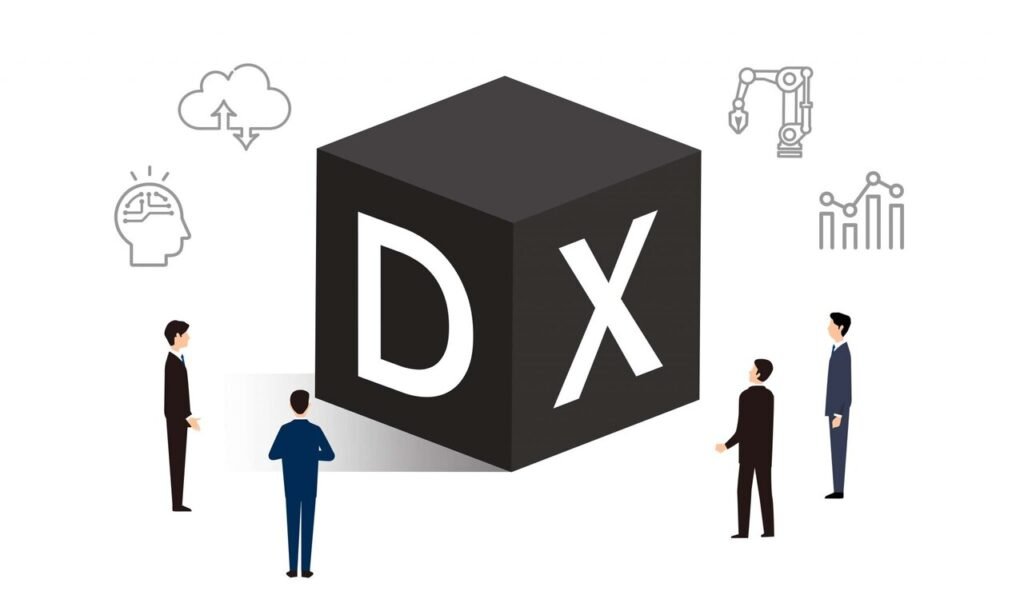
Solo DX stands for “Solo Digital Transformation”—the process of building operational systems in small businesses without a dedicated operations manager or IT team. It’s the stage between working alone and running a formalized company. Your team has grown beyond just you, but you don’t yet have the infrastructure, processes, or documentation that larger companies take for granted.
This transformation is different from AI Efficiency (personal productivity tools like AI writing assistants or time-savers) and AI Revenue Boost (tools focused on sales growth, lead generation, or conversion optimization). Solo DX specifically addresses the operational chaos that emerges when a founder starts delegating work but hasn’t yet built the systems to support it.
Consider a real-world example: A 3-person design studio lands its first enterprise client and suddenly needs to produce 50 branded social media assets per month. The founder used to handle all design work solo, but now has two junior designers. Without documented brand guidelines, asset templates, or approval workflows, each designer interprets the brand differently. The founder spends 15 hours weekly fixing inconsistencies instead of growing the business.
Solo DX is about using AI to create the operational backbone your growing team desperately needs. It’s building knowledge bases, standardizing workflows, and documenting processes—so your business can scale without breaking. For visual-heavy businesses, this means systemizing image generation, creating reusable style guides, and ensuring every team member can produce on-brand assets. MidJourney V7 serves as the foundation for this visual systemization, allowing small teams to operate like established creative agencies.
The goal isn’t perfection—it’s consistency. Solo DX recognizes that small teams need lightweight systems that work immediately, not enterprise software that requires months of implementation. When applied to visual content, this means building AI-powered image workflows that your team can actually use from day one.
Why AI is Key for Mini-Team Systemization

Small teams collapse under the weight of undocumented processes. When you work solo, everything lives in your head—design preferences, brand guidelines, client expectations. But the moment you hire your second team member, that mental knowledge becomes a liability. Your team can’t read your mind, and you become the bottleneck for every creative decision.
This problem manifests in three critical areas that AI image generation for business directly addresses:
1. Visual Knowledge Lives Only in the Founder’s Head
Your brand aesthetic exists as an unspoken intuition. You know what “on-brand” looks like, but you’ve never documented it. New team members create designs based on guesswork, leading to endless revision cycles. A marketing coordinator spends three days creating social graphics, only to hear “that’s not quite right” without clear direction on what needs fixing. This isn’t their fault—they’re working without a systemized visual playbook.
AI solves this by transforming your intuition into documented, reusable prompts. With MidJourney for marketing teams, you can encode your brand preferences into saved style references, consistent parameter settings, and template prompts. Instead of saying “make it more premium,” you create a prompt template that automatically generates premium-looking assets. Your visual standards become reproducible by anyone on the team.
2. New Hires Slow Down Visual Operations
Onboarding a designer or marketing coordinator should accelerate output, but often does the opposite. They need to learn your visual style, understand client preferences, and navigate scattered design files. The first month becomes a training period where they produce little while absorbing tribal knowledge through osmosis. Meanwhile, you’re pulled away from strategic work to provide constant creative direction.
AI design automation tools compress this learning curve dramatically. When your team uses MidJourney V7 with documented style parameters and organized prompt libraries, new hires immediately produce on-brand work. They’re not guessing at visual direction—they’re working from systemized templates that embed your standards. A new marketing hire can generate social assets on their first day because the AI workflow contains your creative knowledge.
3. Quality Varies Wildly Across Team Members
Without standardized processes, every team member develops their own approach to image creation. One person uses Canva, another uses Photoshop, a third outsources to Fiverr. The result is visual inconsistency that confuses customers and dilutes brand identity. Your Instagram feed looks like it’s managed by three different companies.
Visual content workflow automation creates guardrails that ensure consistency. When your team generates images through MidJourney V7 using shared style references and approved prompt templates, every asset automatically maintains brand coherence. The AI becomes your creative quality control system—not replacing human creativity, but ensuring it operates within established brand parameters.
The common thread: small teams fail when processes remain invisible. AI for team operations doesn’t replace documentation—it makes documentation executable. Your style guide becomes the prompts your team uses. Your brand standards become the parameters that generate images. What was once tacit knowledge becomes systemized workflow, allowing your team to produce consistent visual content at scale.
How MidJourney V7 Enables Solo DX
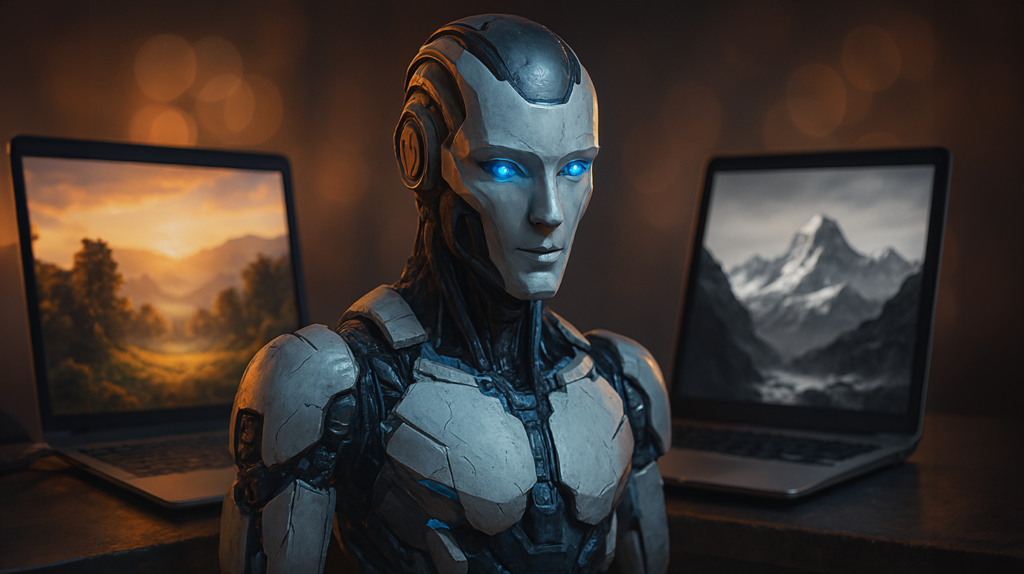
MidJourney V7 transforms image generation from an individual creative task into a systemized team operation. Here’s how specific features enable small businesses to build repeatable visual workflows:
AI-Generated Brand Style Libraries
MidJourney V7’s style reference system allows you to upload 3-5 representative brand images and automatically apply that aesthetic to all future generations. This works by analyzing color palettes, composition patterns, lighting preferences, and visual tone—then encoding them as reusable parameters.
For a small team, this means your brand guidelines become executable, not just descriptive. Instead of explaining “we use warm tones and minimal compositions” to every designer, you create a style reference labeled “Brand Core” that automatically applies these preferences. A marketing coordinator can generate on-brand social graphics without understanding design theory.
Business benefit: New team members produce brand-consistent assets on day one. A 5-person marketing agency reduced designer onboarding from three weeks to two days by documenting their visual standards as MidJourney style references. Every asset generated automatically matches client brand guidelines.
Example: A fitness supplement company needed Instagram ads in their distinctive “gritty motivation” style. Previously, they briefed freelance designers with mood boards and still received inconsistent results. With MidJourney V7, they uploaded five existing ads as style references, creating a “Grit Collection” template. Now their social media manager generates 20+ on-brand ad variants weekly without creative direction from the founder.
Workspace Prompt Libraries for Repeatable Outputs
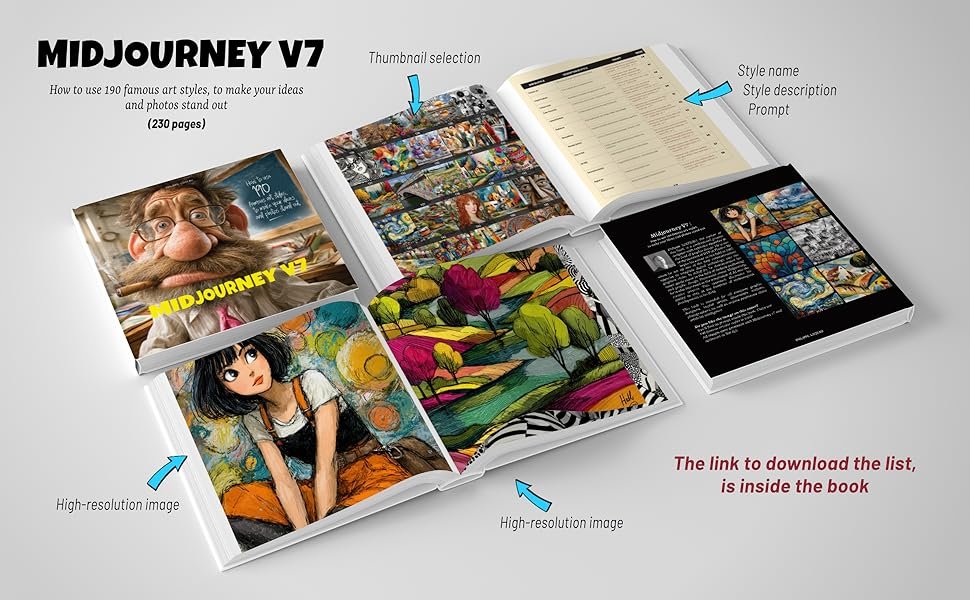
V7 introduces shared prompt templates that teams can organize into libraries. You’re no longer starting from scratch for every image request—instead, you build a repository of tested prompts that reliably generate specific asset types.
This feature turns image generation into a documented process. Your team creates prompt templates for common needs: “Product Photo – Lifestyle,” “Social Media – Quote Card,” “Blog Header – Tech Theme.” Each template includes pre-tested parameters, aspect ratios, and style references. Generating new assets becomes filling in variables, not writing prompts from scratch.
Business benefit: Reduces image creation time by 60-70% and eliminates inconsistency. A SaaS company’s content team previously spent 45 minutes per blog header image. After building a prompt library with five header templates, creation time dropped to 8 minutes with higher visual consistency.
Example quote from a content operations lead:
“We built 23 prompt templates covering every marketing asset type we produce. Our writers now generate their own blog images instead of waiting three days for the design queue. MidJourney became our visual operations system.”
Collaborative Review & Iteration Workflows
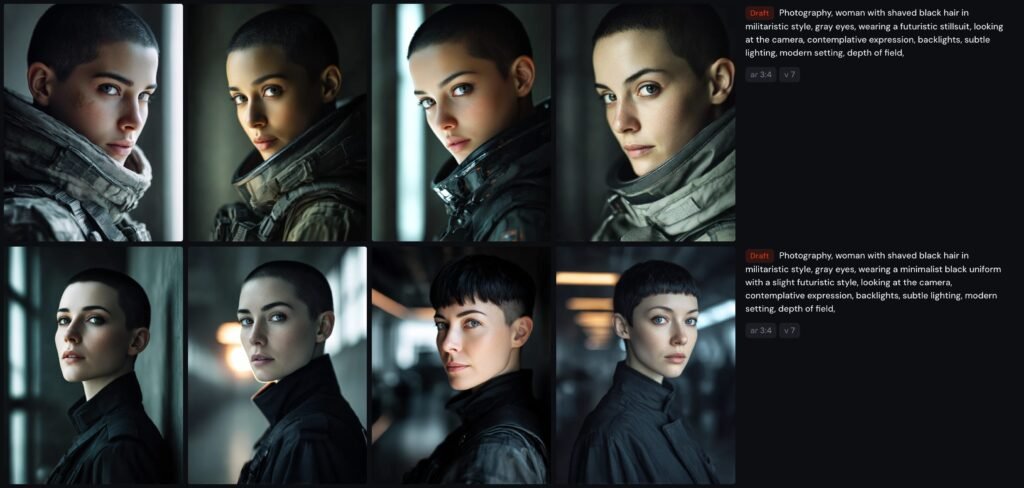
V7’s shared workspaces allow multiple team members to view generations, comment on variations, and upscale preferred outputs—all within the same interface. This replaces scattered Slack threads and email attachments with a centralized review process.
For small teams juggling client approvals, this creates a visual paper trail. Clients see image variations in one organized space, select preferences with simple reactions, and the designer knows exactly which direction to pursue. No more “I liked the third one you sent last Tuesday” confusion.
Business benefit: Client approval cycles that previously took 5-7 days now complete in 24-48 hours. A brand consultancy reduced average project timeline by 30% simply by moving image reviews into MidJourney’s collaborative workspace.
Example: A marketing agency managing four client accounts struggled with disorganized feedback. They created separate MidJourney workspaces per client, generating all visual concepts there. Clients now comment directly on variations, and the team has a searchable history of what each client approved. Revision requests dropped 40% because everyone references the same visual conversation.
Template Automation for Recurring Visual Needs
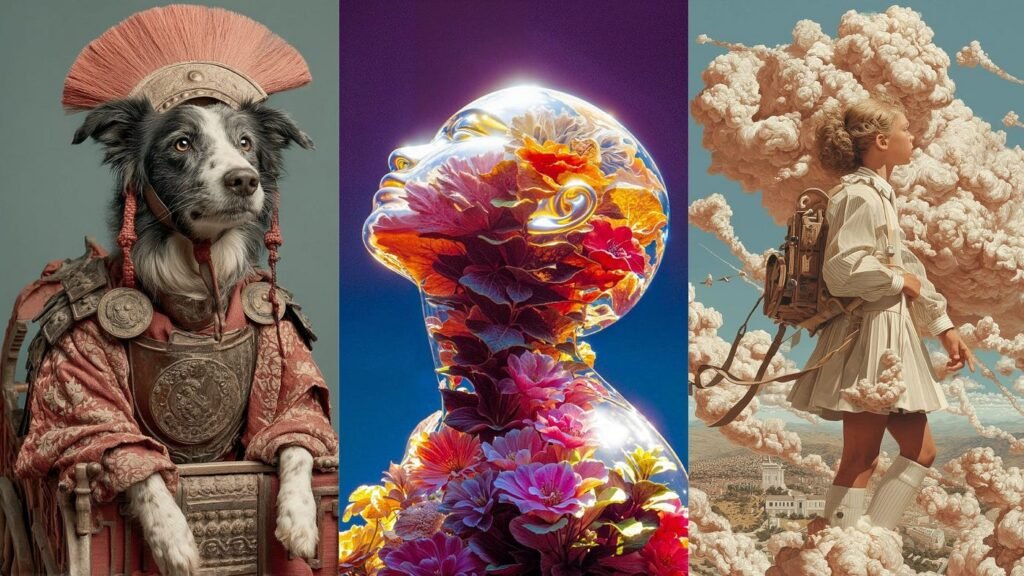
For assets your team creates repeatedly—social posts, email headers, presentation slides—V7 allows you to save complete generation settings as one-click templates. This includes prompt structure, parameters, style references, and aspect ratios.
This feature transforms routine visual tasks from creative work to operational execution. Your social media coordinator doesn’t need to think about composition or style for daily posts—they select the “Daily Tip Card” template, input text variables, and generate. The creative decisions are pre-made and systemized.
Business benefit: Teams produce 3-5x more visual content with the same headcount. A personal finance influencer’s team went from creating 15 social graphics weekly to 60+ by systemizing their five most-used post types as MidJourney templates.
Example: An e-commerce brand needed product lifestyle photos for 200+ SKUs but couldn’t afford a photo studio. They created a “Product – Kitchen Lifestyle” template in MidJourney that places products in realistic home settings. Their operations team now generates consistent product imagery at a rate of 30+ images per day—work that previously required hiring freelance photographers for $5,000+ monthly.
Ready to systemize your visual operations? Try MidJourney V7 ? https://www.midjourney.com/
These features work together to create what small teams desperately need: visual consistency without micromanagement. The AI doesn’t replace your creative standards—it systematizes them so your team can execute independently. When a 4-person marketing team produces visual content that rivals 15-person agencies, it’s not because they’re working harder. It’s because they’ve built AI-powered systems that encode their founder’s creative knowledge into executable workflows.
Use Cases by Team Role
Founder Juggling Three Departments
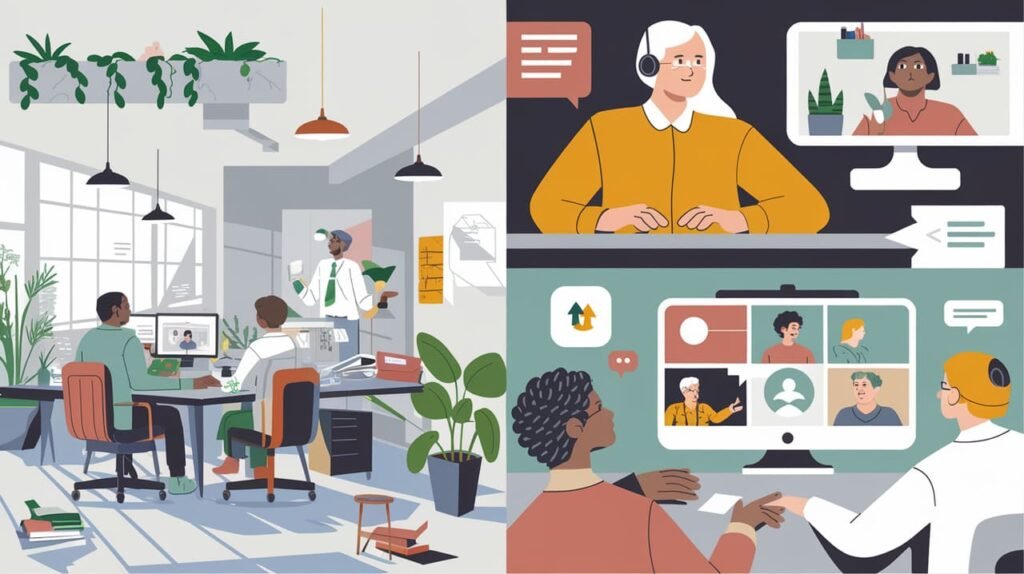
Old workflow: Sarah runs a 7-person sustainable skincare brand and oversees product development, marketing, and operations. She’s the only one who “gets” the brand aesthetic—earthy, minimal, wellness-focused. Every product launch requires her to brief the designer on packaging concepts, review social media graphics, and approve email header images. She spends 12+ hours weekly in creative reviews, creating a bottleneck that delays campaigns.
AI-powered version: Sarah spends one afternoon uploading her 10 favorite brand images to MidJourney V7 and creating three style references: “Product Photography,” “Lifestyle Imagery,” and “Educational Content.” She builds five prompt templates for recurring needs: product mockups, ingredient close-ups, lifestyle scenes, quote cards, and email headers.
Now her marketing coordinator generates all visual assets using these templates. When launching a new serum, the coordinator selects “Product Photography” style + “Glass Bottle Mockup” template, inputs the product name, and generates 15 variations in 20 minutes. Sarah reviews a curated selection once per campaign instead of micromanaging every asset.
Impact: Sarah reduced creative oversight from 12 hours to 2 hours weekly. The team publishes campaigns 40% faster because they’re no longer waiting on her visual approval. More importantly, she can focus on product strategy while trusting her team to produce on-brand visuals.
Simulated quote:
“I thought I’d always be the creative bottleneck. MidJourney let me document my visual standards in a way my team can actually execute. We’re producing better content, faster, without me hovering over every design decision.”
Executive Assistant Building Operational Systems
Old workflow: Marcus supports a business coach who runs workshops, masterminds, and online courses. His role includes creating presentation slides, workbook graphics, social announcements, and promotional materials. Previously, he used Canva templates that never quite matched the brand, hired Fiverr designers for custom work (inconsistent results), and frequently interrupted his boss for creative direction. Each workshop required 15-20 different visual assets, consuming 8-10 hours of scattered design work.
AI-powered version: Marcus creates a MidJourney workspace specifically for workshop materials. He builds prompt templates for each asset type needed:
- “Workshop Slide Background” (minimal, professional, space for text)
- “Workbook Section Divider” (branded, includes logo lockup)
- “Social Announcement Graphic” (eye-catching, includes workshop title)
- “Promotional Instagram Story” (vertical format, urgency-driven)
Each template includes the brand style reference and tested parameters. When a new workshop is scheduled, Marcus duplicates a “Workshop Assets” folder, updates text variables in each prompt, and generates the complete visual package in 90 minutes.
Impact: Workshop prep time decreased from 8-10 hours to under 2 hours. Asset quality improved because he’s working from proven templates instead of reinventing each design. His boss no longer receives panicked “does this look right?” messages because the system ensures brand consistency.
Simulated quote:
“I went from design anxiety to design confidence. The templates do the heavy lifting—I just fill in the details. Our workshop materials look more professional than when we hired designers, and I created them in a fraction of the time.”
Trainer Documenting Internal Knowledge
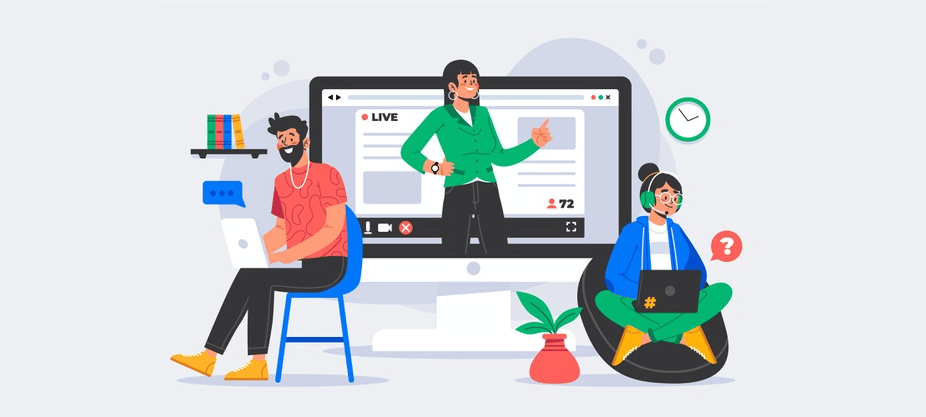
Old workflow: DeAndre runs training programs for a 12-person real estate team. He creates educational materials: process diagrams, step-by-step guides, visual SOPs, and onboarding presentations. Previously, he used a mix of PowerPoint, stock photos, and hand-drawn diagrams. Creating training materials for each process took hours, and the visual quality was inconsistent—some diagrams looked polished while others looked rushed.
AI-powered version: DeAndre builds MidJourney templates for each training visual type:
- “Process Flow Diagram” (clean, numbered steps)
- “Concept Illustration” (metaphorical imagery for abstract ideas)
- “Best Practice Showcase” (professional scenario visualization)
- “Common Mistake Warning” (attention-grabbing, problem-focused)
When documenting a new process—like “How to Run a Client Consultation”—he generates supporting visuals using these templates. The AI creates professional diagrams and illustrations that make internal documentation look like published course materials.
Impact: Training material creation dropped from 6+ hours per process to under 2 hours. New hires report that visual guides are clearer and more engaging than text-only SOPs. The real estate team now has a visual knowledge base that rivals what you’d find in corporate training programs.
Want smoother operations with less stress? Start using MidJourney V7 ? https://www.midjourney.com/
Across these roles, the pattern is consistent: MidJourney V7 transforms visual content from a creative bottleneck into a systemized operation. The tool doesn’t replace human judgment—it makes that judgment scalable across the team. When your visual standards are encoded as AI templates, your 5-person team produces output that previously required 15 people.
Common Pitfalls & How to Avoid Them
Pitfall 1: Using Too Many Disconnected Tools
Many teams adopt MidJourney alongside Canva, Adobe Express, and stock photo subscriptions—creating a fragmented visual workflow. Team members don’t know which tool to use for which task, assets are scattered across platforms, and there’s no single source of truth for brand standards.
Solution: Consolidate visual creation around one primary platform. If MidJourney becomes your core image generation tool, document which asset types it handles and which require alternatives. Create a simple decision tree: “Product mockups ? MidJourney. Social media text overlays ? Canva using MidJourney backgrounds.” Centralize your brand style references and prompt libraries in one shared workspace so the team accesses consistent creative standards.
Pitfall 2: Delegating Without Documentation
Founders hand off image creation to team members without documenting visual preferences or building prompt templates. The team uses MidJourney but generates inconsistent results because they’re guessing at style parameters. The founder still ends up reviewing and revising everything, defeating the purpose of delegation.
Solution: Build before you delegate. Spend 3-4 hours upfront creating your core style references and 5-8 essential prompt templates. Document these in a shared guide that explains when to use each template and how to modify variables. Your team should be executing a system, not interpreting vague creative direction. The goal is standardized outputs, not creative freedom.
Pitfall 3: Failing to Review AI Output
Teams treat AI-generated images as final deliverables without human review, leading to subtle brand misalignments, inappropriate imagery for sensitive topics, or off-target visual metaphors. While MidJourney V7 is sophisticated, it doesn’t understand business context or cultural nuance.
Solution: Build a lightweight review step into your workflow. Not a lengthy approval process, but a quick quality check. For client-facing materials, have one team member review generations before publication. Create a simple checklist: “On-brand? Appropriate for context? Clear message?” This takes 2-3 minutes per asset but prevents embarrassing mistakes. For sensitive industries (healthcare, finance, education), always have a human verify that AI-generated imagery aligns with professional standards.
FAQs

What is Solo DX?
Solo DX (Solo Digital Transformation) is the process of building operational systems in small businesses without dedicated operations staff. It’s the stage between solo entrepreneurship and formalized company infrastructure. For visual operations, Solo DX means using AI to create repeatable image generation workflows, document brand standards, and enable team members to produce consistent assets without constant founder oversight. It’s about systematizing creative output so your growing team operates predictably.
How can AI write my visual brand guidelines?
AI doesn’t write your brand guidelines from scratch—it makes them executable. You start with your existing visual preferences (even if they’re just in your head), create 5-10 representative images that capture your brand aesthetic, and upload them to MidJourney as style references. The AI analyzes patterns in color, composition, and tone, then applies these preferences to future generations. Your visual standards become parameters and prompts your team can use, transforming subjective preferences into reproducible templates.
Is MidJourney V7 hard to set up for team use?
Initial setup takes 3-5 hours: creating your workspace, uploading brand style references, and building 5-10 core prompt templates. This is a one-time investment that pays back immediately. After setup, onboarding new team members takes 30 minutes—show them the template library, explain when to use each template, and they’re producing brand-consistent assets the same day. The learning curve is minimal compared to mastering traditional design software, and the systemization benefits compound as your team grows.
Conclusion
Solo DX isn’t about replacing human creativity with AI—it’s about building systems that allow small teams to execute creative work consistently and efficiently. When you’re managing a growing team without formal operations infrastructure, visual content becomes a bottleneck that slows campaigns, frustrates team members, and pulls founders into creative micromanagement.
MidJourney V7 solves this by transforming your visual standards into executable workflows. Your brand preferences become style references. Your design knowledge becomes prompt templates. Your quality standards become review processes the entire team can follow. The result is a small team that produces visual content with the consistency and speed of much larger organizations.
This is the promise of best AI for image generation in 2026—not automated creativity, but systemized operations. You’re not outsourcing design decisions to AI; you’re documenting your decisions in a format your team can reliably execute. Start with 3-5 core visual templates that address your most common needs, build your brand style library, and gradually expand as you identify repetitive visual tasks.
Solo DX isn’t just about saving time—it’s about creating a business that works without burning you out. When your visual operations are systemized through AI, you stop being the creative bottleneck and start being the strategic leader your growing team needs.
Next Steps

Ready to explore more AI solutions for growing teams?
Compare AI – Find the right AI tools for your specific business needs and team size
AI Efficiency – Discover AI tools that accelerate individual productivity and personal workflows
AI Revenue Boost – Explore AI solutions focused on growth, sales, and revenue generation
AI Workflows – Learn how to build connected AI systems across your business operations
Meta Title: Best AI for Image Generation | MidJourney V7 2026
Meta Description: Discover how MidJourney V7 brings systemization to small teams through best AI for image generation and visual workflow consistency for marketing operations.
Leave a Reply