
Small business owners using manual photo editing are losing 10+ hours a week — ai product photo editing for small business changes that math permanently.
In 2026, American freelancers and solo entrepreneurs face a paradox. The tools to sell online have never been more accessible — Shopify, Etsy, TikTok Shop, Instagram — yet the daily operational grind is suffocating growth. Inbox at 200 unread. Calendar packed. To-do list endless. And somewhere buried in that chaos is a task that costs you more time than almost any other: creating professional product images.
For most small business owners running ecommerce stores or social media shops, product photography isn’t a creative outlet — it’s a bottleneck. You need consistent white backgrounds. You need lifestyle mock-ups. You need resized assets for every platform. You need it done fast, every single day, for dozens or hundreds of SKUs. Hiring a photographer or graphic designer for every update isn’t realistic when you’re operating solo or with a tiny team.
That’s exactly the gap Pixelcut was built to close.
Pixelcut isn’t just another background remover or photo filter. It functions as a visual production partner — handling the repetitive, time-consuming image tasks that eat your schedule so you can stay focused on what actually moves revenue: sourcing, marketing, and serving customers.
For US freelancers and solo entrepreneurs billing $50–150 per hour, every hour spent dragging selection tools in Photoshop or waiting on a contractor is $50–150 not earned. That cost compounds daily. A seller spending just 2 hours per day on product image prep is losing $36,500–$109,500 in billable time equivalents every year.
This guide delivers 4 specific workflows you can implement this week using Pixelcut’s AI capabilities, each designed to save between 2 and 5 hours. These aren’t theoretical suggestions — they’re practical, tested systems built for solo operators managing ecommerce stores, social media shops, and freelance visual businesses in the US market.
By the end of this guide, you’ll understand exactly how AI product photo editing for small business works in practice, why Pixelcut is positioned as the leading tool in this category in 2026, and how to start reclaiming your week starting today.
Key Concepts of AI Efficiency
AI efficiency for small businesses means strategically offloading repetitive cognitive tasks to AI so entrepreneurs can focus on high-value decision-making.
Before diving into Pixelcut’s specific features, it helps to understand why AI efficiency matters at a structural level — and why product image automation is one of the highest-leverage places to apply it.
Concept 1: Cognitive Offloading
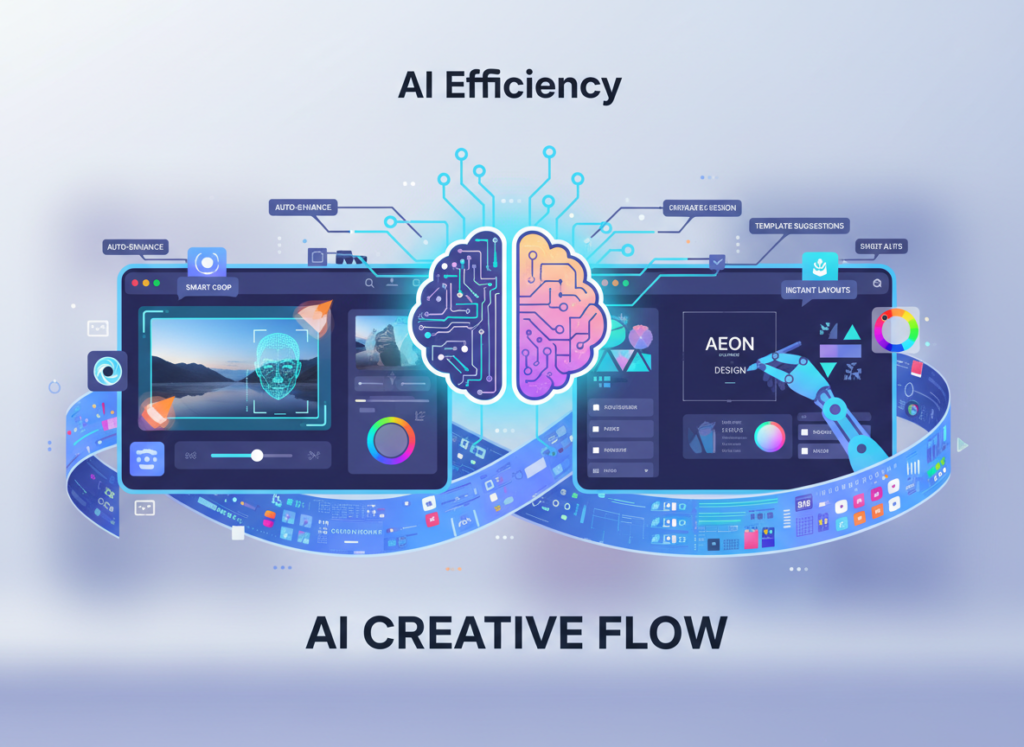
Cognitive offloading is the practice of delegating mental work — decisions, processing, judgment calls — to external systems so your working memory stays free for higher-order thinking.
For a freelance product photographer or ecommerce seller, every image editing session requires a chain of micro-decisions: Which background color works for this SKU? Should I adjust the shadows? Is this crop ratio right for Instagram? Does this look consistent with last week’s upload?
These decisions seem small individually. Collectively, they’re exhausting. Research in cognitive psychology consistently shows that decision fatigue degrades judgment quality over the course of a day — meaning your tenth product photo of the afternoon is likely edited worse than your first, even if you don’t notice it.
Scenario — Sarah, Freelance Product Designer, 8 Clients: Sarah was spending 3.5 hours daily editing product images across multiple client accounts. Every image required manual background removal, resizing for each platform, and consistency checks. After implementing AI-powered batch processing through Pixelcut, she reduced that to under an hour. Estimated daily savings: 2.5 hours. At her $75/hour rate, that’s $187.50 recovered every working day.
For advanced strategies on reducing cognitive load in visual workflows, explore Pixelcut in detail.
Concept 2: Workflow Orchestration
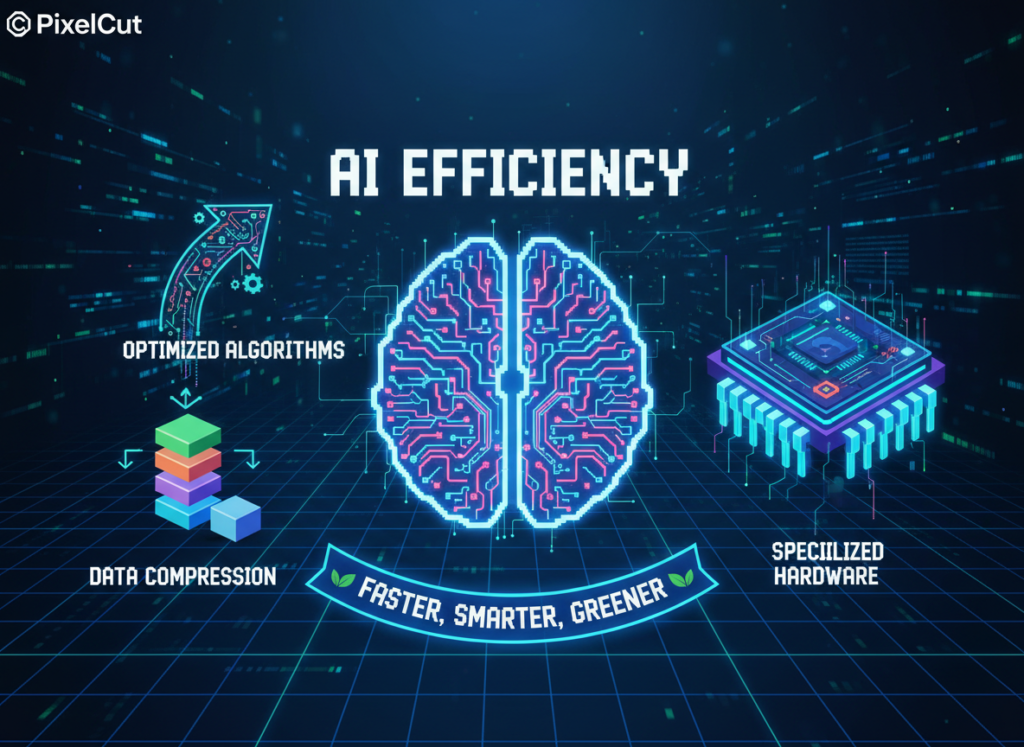
AI efficiency isn’t just about individual tasks — it’s about sequencing those tasks intelligently so the whole pipeline runs faster. Think of AI as a conductor, not just a performer. The goal isn’t to automate one step in isolation but to chain steps together so your entire image production workflow flows from raw photo to published listing with minimal friction.
As noted in this breakdown of Pixelcut’s core capabilities, the platform is specifically designed to support multi-step image workflows — background removal feeding into mock-up placement, feeding into platform-specific resizing — in a single session rather than across three separate tools.
Scenario — Elena, Multi-SKU Ecommerce Owner in Phoenix: Elena runs a home goods store with 340 active products. Monthly image updates — seasonal backgrounds, sale banners, platform reformats — were consuming 4 hours per month across a patchwork of tools. Consolidating into Pixelcut’s workflow cut that to under an hour. 3 hours saved monthly, plus the mental overhead of managing multiple logins and subscriptions eliminated entirely.
How Pixelcut Helps Efficiency
Pixelcut helps small businesses achieve efficiency through AI-powered background removal, batch processing, smart mock-up generation, and automated resizing — all in one platform built for ecommerce.
Feature 1: AI Background Remover for Ecommerce
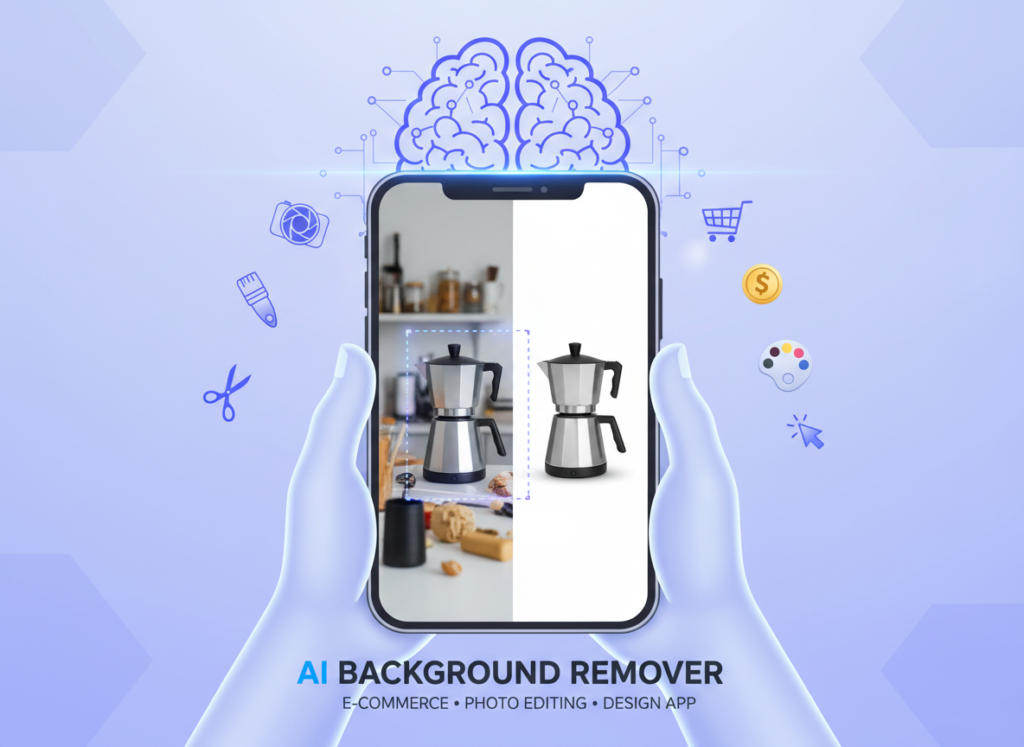
Pixelcut’s background removal is purpose-built for product photography, not portraits. It recognizes the difference between a product subject and a cluttered shooting environment, delivering clean cuts even on reflective surfaces, transparent packaging, or complex edges like jewelry.
Manual background removal in Photoshop averages 8–12 minutes per image for a reasonably skilled user. Pixelcut reduces that to under 30 seconds per image with near-equivalent accuracy for standard ecommerce use.
Annual time saved (100 images/week): ~43 hours Annual ROI at $50–$100/hour: $2,150–$4,300
Feature 2: Platform-Specific Resizing and Formatting
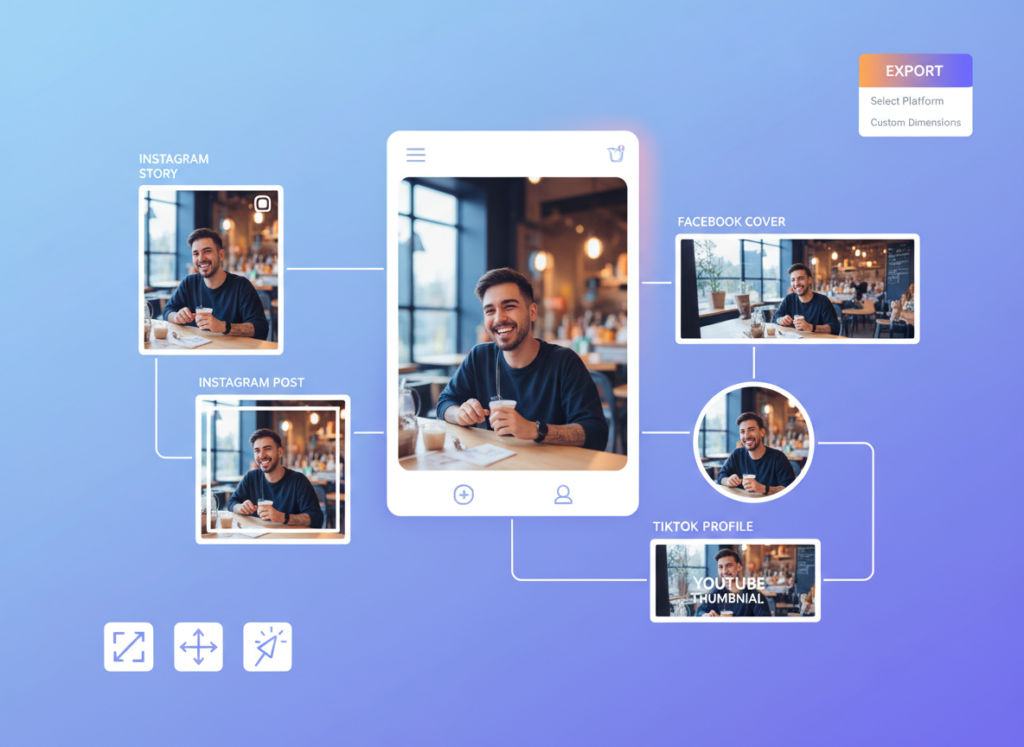
Every selling platform has different image requirements. Amazon wants 2000×2000 on white. Etsy prefers 2000×2000 on any background. Instagram requires square or 4:5. Pinterest wants 2:3 vertical. Managing these manually is a hidden time sink that compounds across every product update.
Pixelcut’s export presets handle platform-specific sizing automatically, letting you produce all variants in a single export pass.
Annual time saved: ~25 hours Annual ROI at $50–$100/hour: $1,250–$2,500
To see these features demonstrated with actual ecommerce workflow examples, see our full Pixelcut review.
Combined ROI Summary
| Feature | Annual Hours Saved | Annual Value ($50–100/hr) |
|---|---|---|
| Background Removal | 43 hrs | $2,150–$4,300 |
| Batch Processing | 35 hrs | $1,750–$3,500 |
| Mock-Up Generation | 50 hrs | $2,500–$5,000 |
| Platform Resizing | 25 hrs | $1,250–$2,500 |
| Total | 153 hrs | $7,650–$15,300 |
For a solo seller or freelancer paying $8–$16/month for Pixelcut Pro, that’s a potential 40x to 80x return on annual subscription cost.
Ready to cut product image time in half? Try Pixelcut free and experience AI efficiency firsthand. Start Free | No credit card required
Use Cases: Small Business & Freelancer Efficiency
From creative freelancers to solo Shopify founders, AI efficiency transforms daily image workflows by automating repetitive visual tasks and eliminating platform-format decision overhead.
Persona 1: Jessica, Freelance Brand Designer in Portland

Business: Freelance visual identity and product photography for 6–8 small business clients simultaneously.
Old Workflow: Jessica was handling all image editing manually across Photoshop, Canva, and a separate background removal tool. Client deliverables included product images on transparent backgrounds, white background variants, and mock-ups for social media. Average overhead: 10 hours per week across all client accounts. At her $85/hour rate, that’s $850/week in time cost.
AI-Enhanced Workflow with Pixelcut: Jessica now batches all background removal and mock-up creation in weekly sessions. Raw product photos come in from clients; Pixelcut processes backgrounds, generates scene variants, and exports platform-formatted files in one workflow. She also uses Pixelcut’s batch tools to create consistent branded templates she can apply across client accounts.
New Overhead: 4.5 hours per week.
Quantified Results: 5.5 hours saved weekly. At $85/hour: $24,310 in additional annual capacity — time she reinvests into taking on one additional client.
“I used to dread image prep days. Now I batch everything on Monday morning and it’s done before lunch. The background removal alone cut my turnaround time for client deliverables in half.” — Jessica P., Portland
Persona 2: David, Shopify Store Owner in Austin

Business: Solo Shopify store selling custom kitchen accessories, 180 active SKUs, regular seasonal updates.
Old Workflow: David was photographing products at home against a white foam board backdrop, then spending 2.5–3 hours daily editing images in Photoshop — masking, color correcting, resizing for Amazon and Shopify separately. Estimated: 17 hours per week in image production.
AI-Enhanced Workflow with Pixelcut: Product photos are now shot quickly on any neutral background. Pixelcut handles background removal and white background replacement automatically. Seasonal lifestyle mock-ups are generated with Pixelcut’s scene AI rather than reshooting. Platform exports are batched.
New Image Production Time: 5.5 hours per week.
Quantified Results: 11.5 hours saved per week. 572 hours reclaimed annually. David reinvested that time into expanding to two new sales channels and developing a private-label line.
“My product photos look more professional now than when I was spending 3 hours a day on them manually. The AI background removal handles reflective surfaces way better than I expected.” — David K., Austin
As explored in this comparison of Pixelcut with other ecommerce AI tools, Pixelcut’s strength for high-SKU stores lies in its batch processing pipeline rather than any single feature — which is exactly what solo store owners like David need.
Streamline your visual workflow with smart automation. Join 100,000+ small business owners using Pixelcut to cut image production time. Start Free Today
Best Practices for Implementing AI Efficiency
Successfully implementing AI efficiency for product image workflows requires starting small, maintaining quality oversight, avoiding tool sprawl, and tracking concrete time savings from day one.
1. Start Small: Pick One Workflow First

The biggest mistake solo entrepreneurs make when adopting AI tools is trying to automate everything simultaneously. The result is setup overwhelm, inconsistent outputs, and abandonment within two weeks.
Instead, identify your single biggest image bottleneck — background removal, mock-up creation, or platform resizing — and implement Pixelcut for that task only. Run it for two weeks. Learn the output quality. Adjust templates. Once that workflow runs reliably, add the next.
Most Pixelcut users report seeing meaningful time savings within their first 3–5 sessions once they establish consistent shooting conditions and template settings.
2. Avoid Tool Bloat
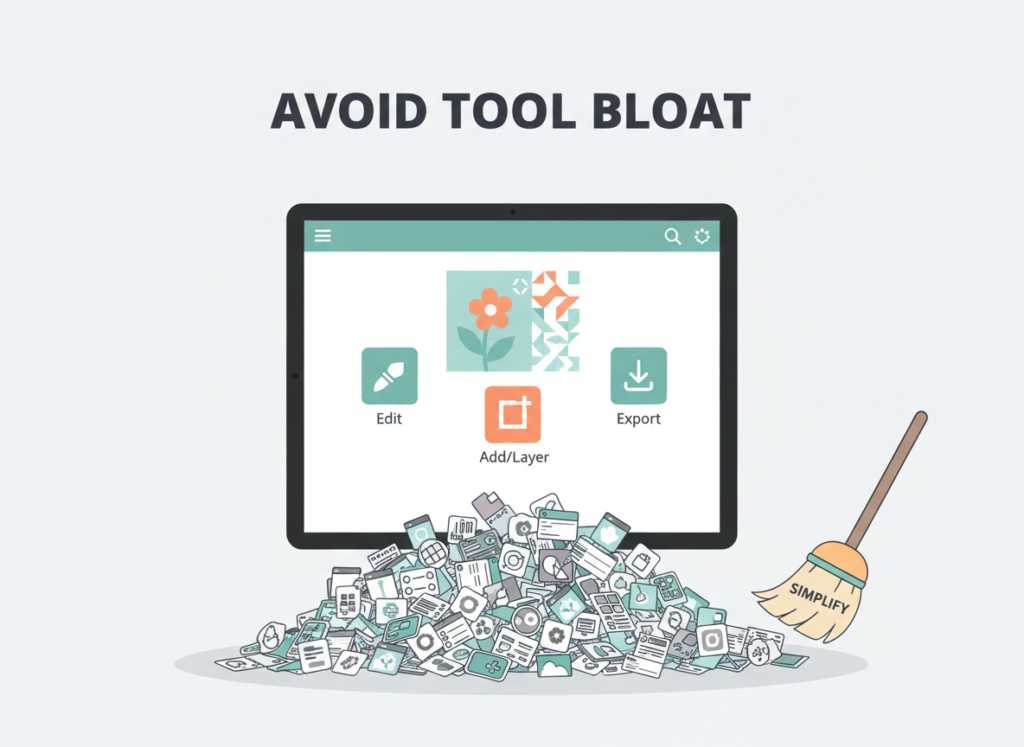
A common pattern for small business owners is accumulating a stack of single-purpose tools: one background remover, one mock-up generator, one resize tool, one watermarking app. That stack can easily cost $100–$150/month across subscriptions, plus the cognitive overhead of managing multiple platforms and logins.
Pixelcut consolidates background removal, mock-up generation, batch processing, and platform-specific export into a single subscription. For most solo sellers, this replaces 3–4 separate tools.
Tool bloat: $120–$160/month across 4 tools Consolidated with Pixelcut: $8–$16/month
That’s $1,000–$1,700 saved annually before counting a single hour of time.
Limitations and Considerations
AI efficiency works best for repetitive, high-volume visual tasks — but fails at nuanced creative decisions, brand voice consistency, and complex edge cases that require human judgment.
Where Pixelcut Is NOT Ideal

High-Stakes Brand Creative Direction: Pixelcut automates execution, not vision. If you’re developing a new visual identity, launching a flagship product, or creating campaign imagery that defines your brand, you still need a human designer making intentional creative choices. AI mock-ups are production tools, not art direction replacements.
Complex Reflective or Transparent Products: Highly complex subjects — crystal glassware, multi-layer transparent packaging, chrome hardware — can challenge Pixelcut’s background removal accuracy. Results are usually usable, but expect more manual touch-up time than with standard opaque products.
Unique or Abstract Compositional Needs: If your brand image requires specific environmental context, unusual angles, or editorial-quality composition, Pixelcut’s scene generation presets will feel limiting. The tool is optimized for conversion-focused ecommerce imagery, not editorial photography.
Key Risks to Manage
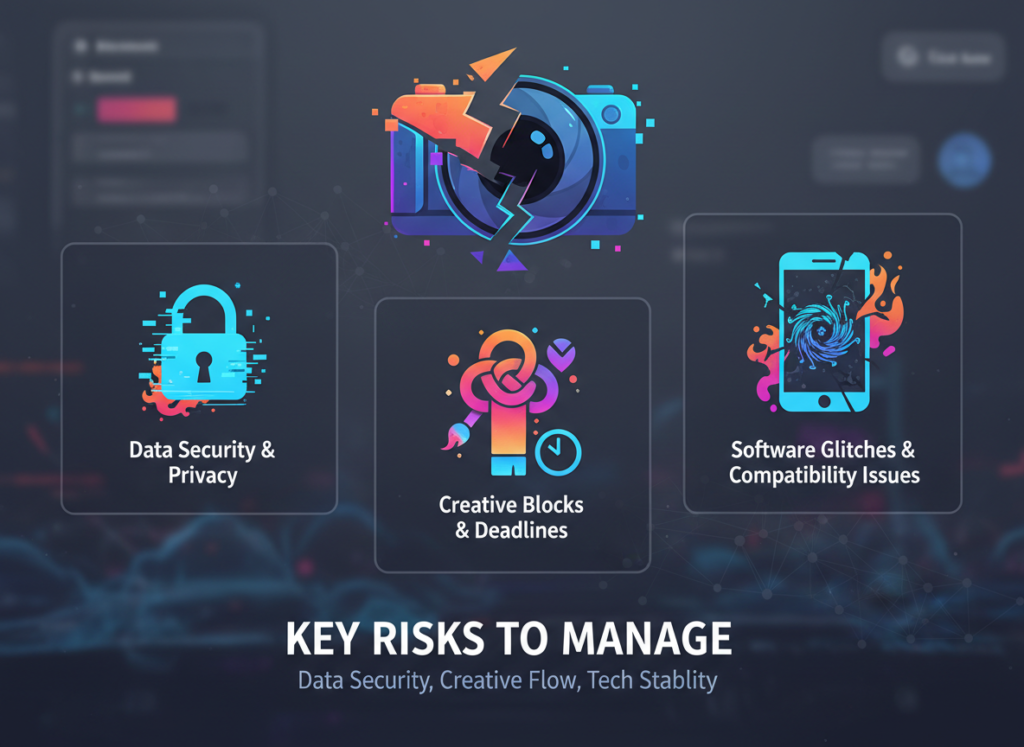
Output Consistency: AI outputs can drift slightly across batch sessions if shooting conditions vary. Consistent lighting and background color when shooting will dramatically improve batch results. A few minutes of setup discipline upfront saves correction time downstream.
Over-Reliance and Skill Atrophy: Solo entrepreneurs who offload all image editing to AI occasionally find their manual editing skills rusty when they need them — for client work requiring custom treatment, for instance. Maintain at least occasional hands-on editing practice.
Privacy for Unreleased Products: Any image uploaded to a cloud-based platform should be considered potentially accessible to third-party services under their data terms. Review Pixelcut’s current data and privacy policy before uploading images of unreleased products or confidential product designs.
As noted in this analysis of AI photo editor workflows, the sellers who get the most value from tools like Pixelcut are those who treat AI outputs as a production baseline to review and occasionally refine, rather than expecting 100% publication-ready results from every automated pass.
Frequently Asked Questions

What is AI efficiency for small business? AI efficiency for small business means using artificial intelligence tools to handle repetitive, time-consuming tasks — like product image editing, background removal, and asset formatting — so business owners can spend their time on higher-value work. For ecommerce sellers, this often translates directly into more listings, faster product launches, and lower production costs without hiring additional help.
What’s the best AI tool for reducing product image workload? For solo ecommerce sellers and small business owners in 2026, Pixelcut is one of the strongest all-in-one options because it combines background removal, mock-up generation, batch processing, and platform-specific exports in a single platform. The value is in the consolidation — replacing a fragmented stack of separate tools with one unified workflow.
Do I need technical or design skills to use Pixelcut? No. Pixelcut is designed for non-designers and business owners without a technical background. The interface is drag-and-drop, templates are pre-configured for major ecommerce platforms, and most core tasks — background removal, mock-up creation, resizing — require no design knowledge. Most users reach a productive workflow within their first session.
Conclusion
In 2026, AI product photo editing for small business isn’t a luxury or an edge — it’s the operational baseline for staying competitive as a solo ecommerce seller or freelancer.
The data is clear: sellers and freelancers who implement AI-powered image workflows with tools like Pixelcut are reclaiming 150+ hours annually. At US freelance rates of $50–$100/hour, that’s $7,500–$15,000 in time value recovered from a tool that costs under $200/year. The ROI isn’t 10x or 20x — it’s 40x to 80x.
Pixelcut isn’t a replacement for human creativity or brand vision. It’s an amplifier — handling the production work so your judgment and attention can go where they actually matter: product selection, customer relationships, and growth strategy.
AI efficiency works best as a phased adoption. Start this week with one workflow — just background removal on your current product backlog. Run it for two weeks. Measure the time difference. Then expand. You don’t need to automate everything on day one to see meaningful results.
The question for US small business owners in 2026 isn’t “Should I use AI for product image efficiency?” — It’s “Can I afford NOT to?”
Every week you spend manually editing images is a week you’re choosing not to reinvest that time in your business.
Start with Pixelcut free today. Try Pixelcut Free — No Credit Card Required
Leave a Reply