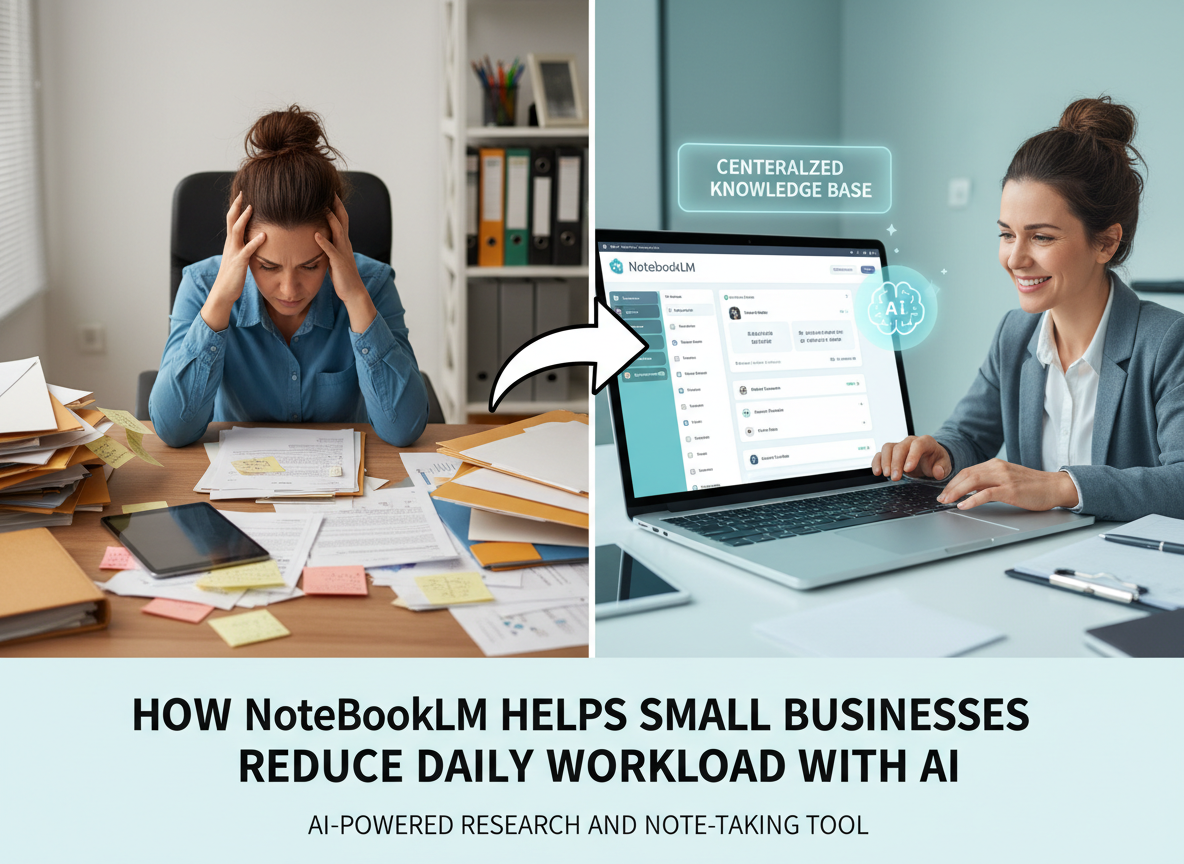
Most freelancers aren’t losing to competition — they’re losing to their own inbox, and ai efficiency tools for small business are the clearest path out.
In 2026, American freelancers and solo entrepreneurs face a paradox that no hustle culture post adequately addresses: you built your own business for freedom, and yet the business now owns most of your waking hours.
Inbox at 200 unread. Calendar packed. To-do list endless. Three client proposals half-drafted. A research tab graveyard across two browser windows. Sound familiar?
The problem isn’t your work ethic — it’s the architecture of your day. Every hour spent hunting through PDFs, rewriting meeting notes, or manually synthesizing research is an hour not spent on the billable work that actually moves your business forward. For US freelancers billing $50–$150 per hour, every hour lost to admin represents $50–$150 that simply wasn’t earned. At even 5 hours of unnecessary cognitive overhead per week, that’s $13,000–$39,000 in annual lost earning potential.
This is where NotebookLM enters the picture — not as another productivity app to manage, but as a genuine thinking partner that holds the context you can’t hold in your head anymore. Developed by Google, NotebookLM is an AI-powered research and knowledge management tool built specifically for synthesizing documents, surfacing insights from uploaded sources, and responding to complex questions with grounded, source-based answers.
This isn’t a tool review. This is a practical efficiency guide built around 4 specific workflows you can implement this week, each saving 2–5 hours of cognitive overhead with measurable results. Whether you’re a freelance designer drowning in client briefs, a consultant managing a mountain of research, or a solo e-commerce operator trying to stay on top of supplier docs and analytics reports — AI efficiency tools for small business aren’t optional anymore. They’re the operating edge.
The businesses keeping pace in 2026 aren’t working harder. They’ve just made smarter decisions about what deserves human attention — and what doesn’t.
Try NotebookLM free and experience AI efficiency firsthand. Start Free at NotebookLM
Key Concepts of AI Efficiency
AI efficiency for small businesses means strategically offloading repetitive cognitive tasks to AI so entrepreneurs can focus on high-value decision-making.
Before diving into specific workflows, it’s worth building a clear mental model of what “AI efficiency” actually means in practice. Three core concepts explain most of the time savings that solo operators experience when they adopt tools like NotebookLM seriously.
Concept 1: Cognitive Offloading

Cognitive offloading is the practice of transferring mental work — holding context, remembering details, synthesizing information — to an external system so your brain can focus on what actually requires human judgment.
For solo entrepreneurs, this is transformative. Every document you need to remember, every research thread you’re holding mentally, every client detail you’re trying to retain across 8 simultaneous relationships represents active cognitive load. That load doesn’t disappear when you’re doing other work — it quietly degrades the quality of every decision you make.
Consider Sarah, a freelance brand designer in Portland managing 8 active clients. Before integrating AI into her workflow, she spent roughly 2.5 hours each day reviewing previous communications, re-reading creative briefs, and mentally reconstructing the context of each client relationship before starting any real work. By uploading client briefs, feedback threads, and brand documents into NotebookLM and querying it conversationally — “What has this client said they want to avoid aesthetically?” — she eliminated that reconstruction time almost entirely. Result: 2.5 hours saved daily, roughly 12.5 hours per week redirected toward billable design work.
Cognitive offloading doesn’t make you less capable. It makes you more capable, because it removes the invisible tax of context management.
Concept 2: Context Switching Cost
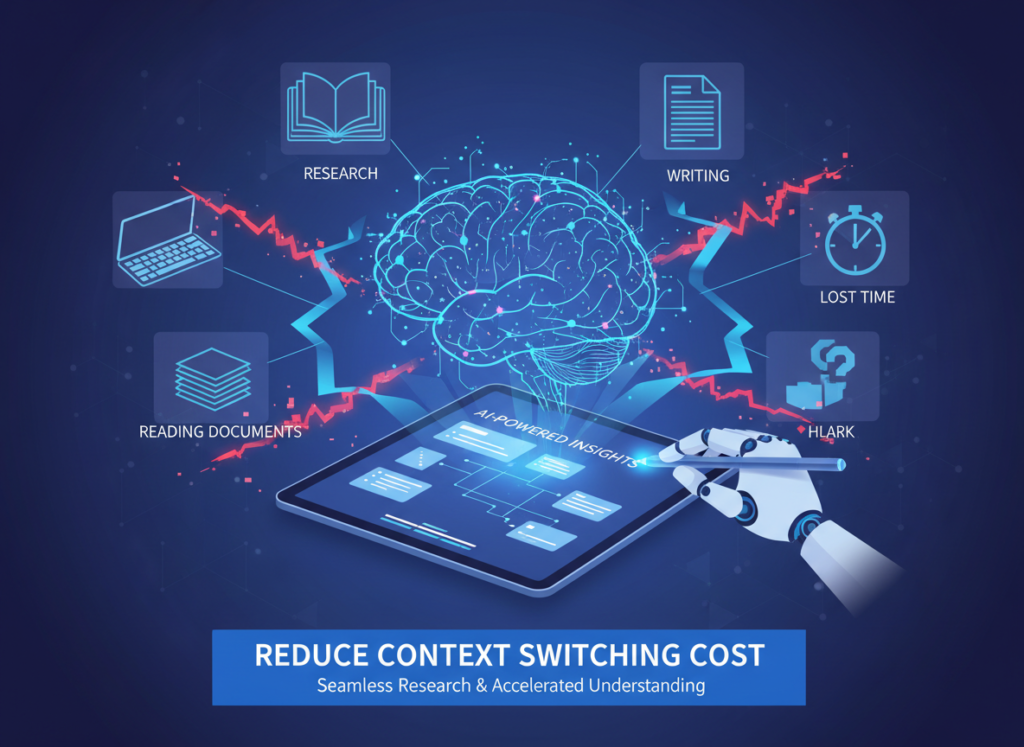
Research consistently shows that the average professional takes approximately 23 minutes to fully regain deep focus after an interruption. For solo entrepreneurs who wear every hat — sales, operations, delivery, finance — context switching isn’t occasional. It’s the entire job.
Marcus, a solo management consultant based in Chicago, tracked his workday for two weeks before adopting AI efficiency tools. He found that moving between client deliverables, business development tasks, and administrative work cost him roughly 5 hours per week in transition time alone — not the tasks themselves, but the mental overhead of switching between them.
By consolidating research, client notes, and project documentation into structured notebooks within NotebookLM, Marcus could return to any project context instantly. Instead of spending 20 minutes reconstructing where he left off on a client engagement, he queried his notebook: “Summarize the current state of this project and what the next decision point is.” Refocus time dropped from 20+ minutes to under 3 minutes. Across a week, that’s 5 hours reclaimed. As noted in this analysis of NotebookLM for small business use cases, the ability to maintain deep, persistent context is one of the tool’s most underappreciated advantages for solo operators.
Concept 3: Workflow Orchestration
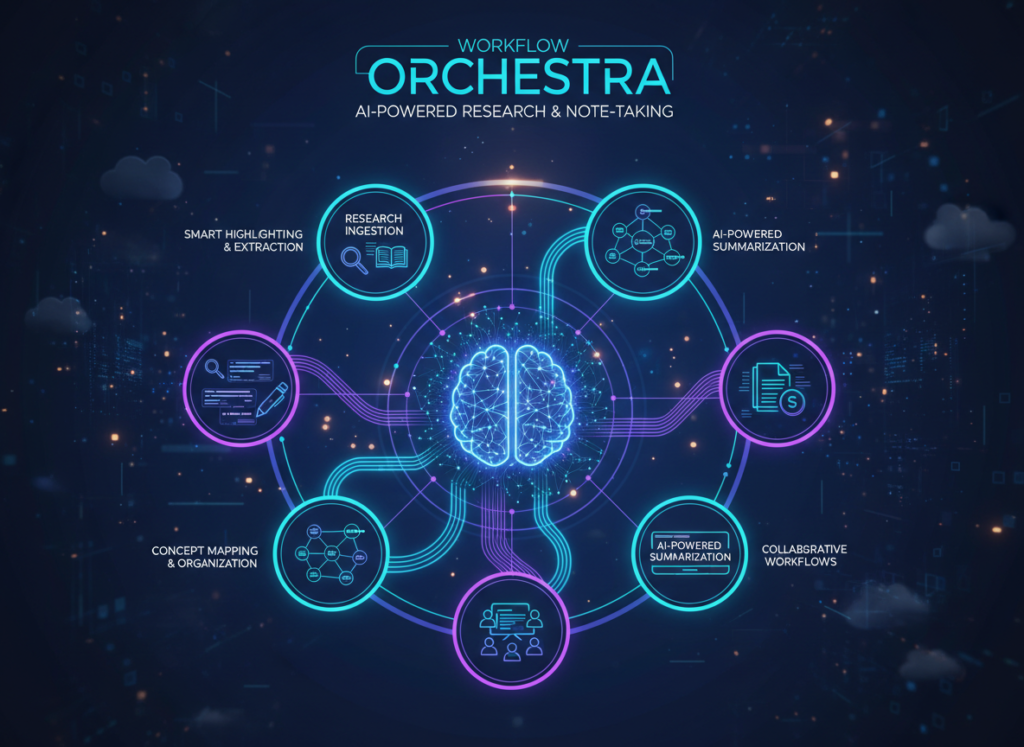
The third concept shifts AI from tool to conductor. Rather than using AI to complete individual tasks in isolation, workflow orchestration means designing your work processes so that AI handles the sequencing, synthesis, and hand-off between phases — while you step in only for decisions that genuinely require your expertise.
Elena, a solo e-commerce owner based in Denver, built a monthly supplier review workflow using NotebookLM. She uploads all supplier emails, product update PDFs, and pricing sheets for the month, then asks for a synthesized summary highlighting price changes, new SKUs, and terms updates. What used to take a half-day of document review now takes 20 minutes of conversational querying — saving her 4 hours per month with better coverage than manual review.
For advanced cognitive offloading strategies and workflow templates specific to your business type, explore NotebookLM in detail.
The common thread across all three concepts: AI efficiency isn’t about doing things faster. It’s about doing fewer things badly while doing more things well.
More concept? Try NotebookLM free and experience AI efficiency firsthand. Start Free at NotebookLM
How NotebookLM Helps Efficiency
NotebookLM helps small businesses achieve efficiency through source-grounded AI, persistent notebook memory, natural language querying, and intelligent document synthesis.
NotebookLM’s design philosophy is meaningfully different from general-purpose AI assistants. Rather than generating answers from a broad training dataset, it works exclusively within the sources you provide — PDFs, Google Docs, web URLs, audio files, and more. This makes its outputs grounded, reliable, and specific to your actual work. Here’s how that translates into measurable time savings for solo operators.
Feature 1: Source-Grounded AI Responses
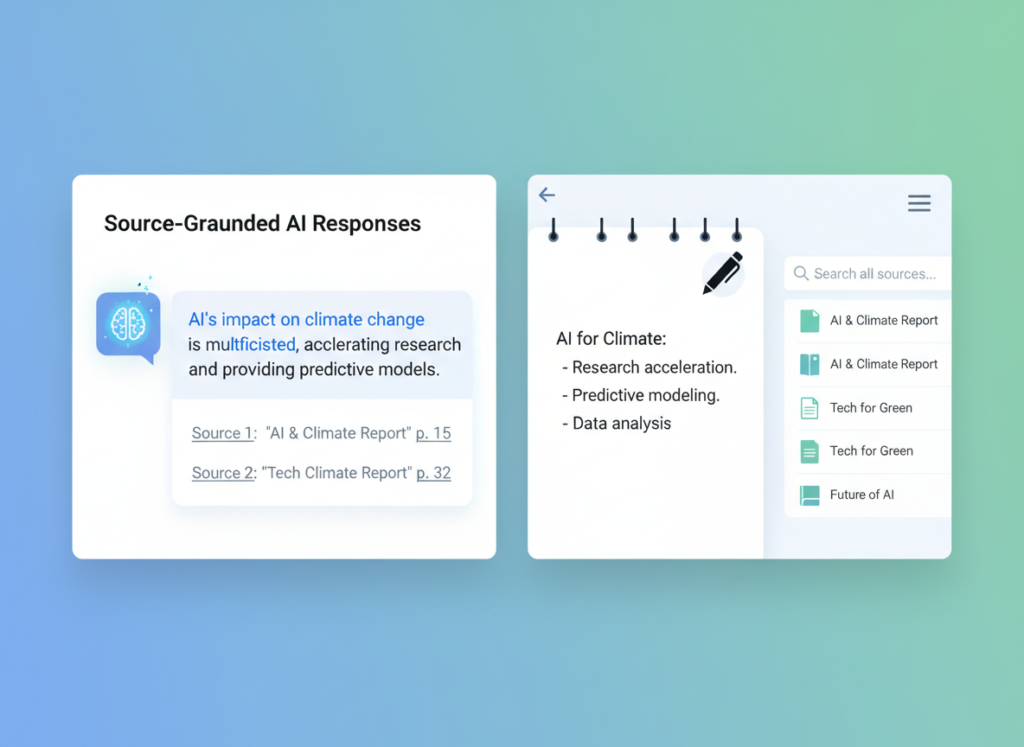
When you upload your client contracts, research reports, or business documents into a NotebookLM notebook, every answer it gives you is cited directly from those sources. You can see exactly where the information came from, click to verify, and trust the output without manual fact-checking.
For consultants and freelancers who work with large volumes of reference material, this eliminates the most time-consuming part of knowledge work: hunting for the right piece of information in the right document. Estimated annual time saved for a typical solo operator: 43 hours = $2,150–$6,450 at US freelance rates.
Feature 2: Persistent, Organized Notebooks
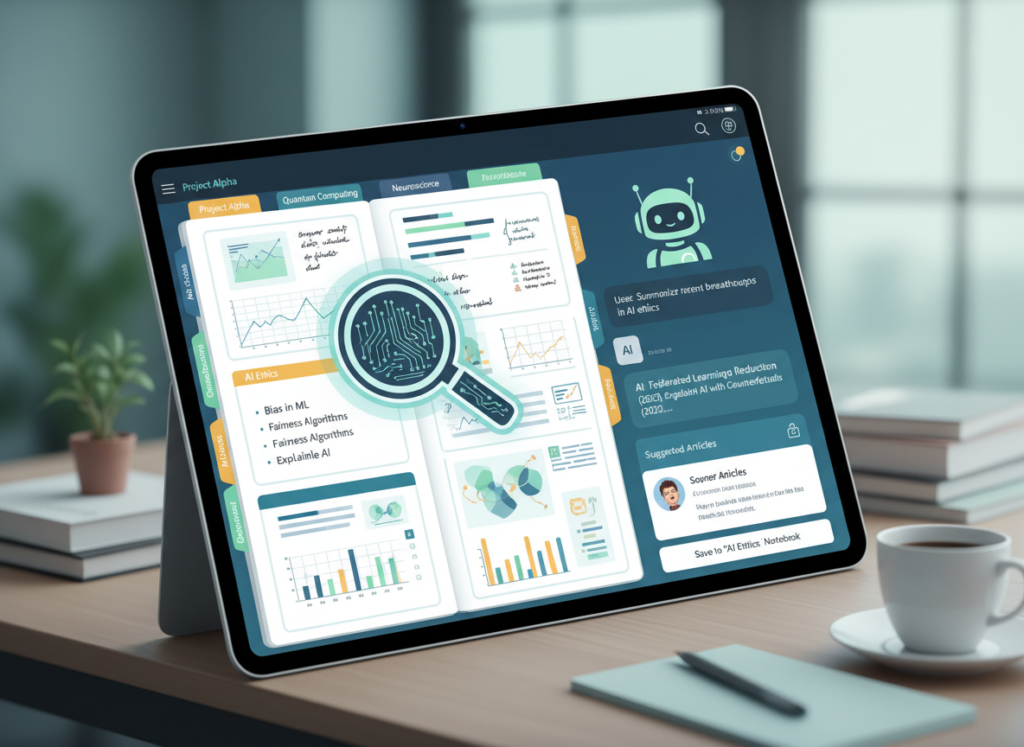
NotebookLM allows you to create separate notebooks for different clients, projects, or business functions. Each notebook holds all the relevant sources, your conversation history, and auto-generated notes. When you return to a project after days away, everything you need to reconstruct context is already there.
This directly addresses the context switching cost described earlier. For a solo consultant managing 4–6 active client engagements, the time saved in re-orientation alone is substantial. Estimated annual time saved: 35 hours = $1,750–$5,250.
Feature 3: Audio Overviews and Briefing Generation
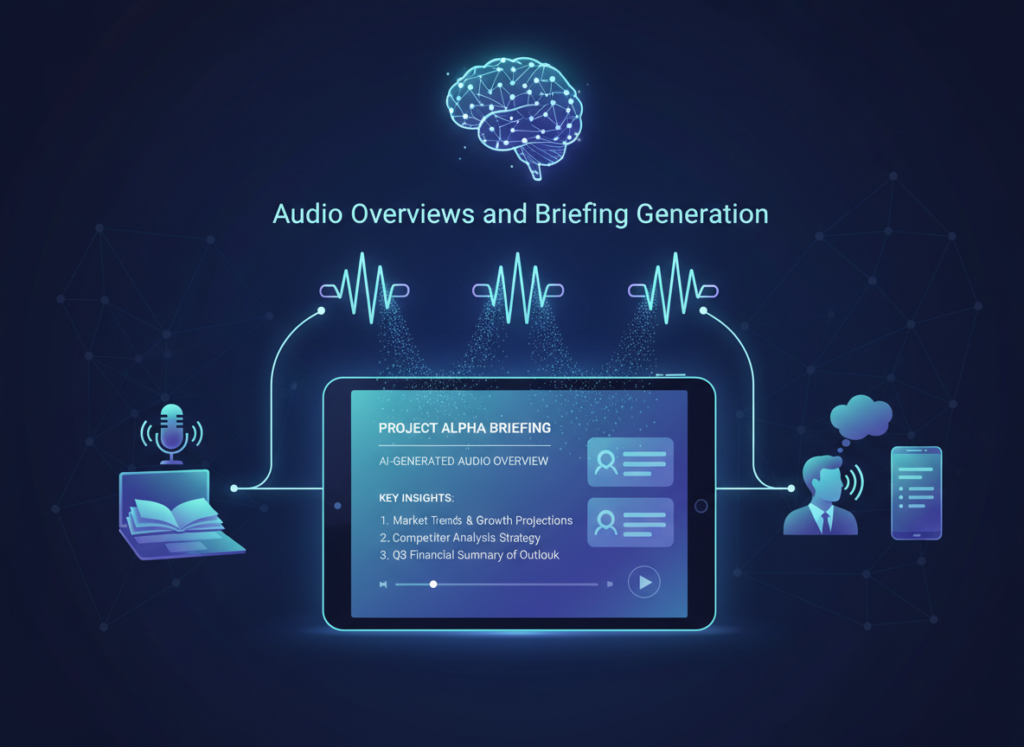
One of NotebookLM’s most distinctive features is its ability to generate audio-style briefings from your notebooks — spoken summaries you can listen to while commuting or between meetings. It can also generate structured FAQs, study guides, and briefing documents from your uploaded sources automatically.
For busy solo entrepreneurs who need to absorb information quickly without another reading task, this format is genuinely novel. Estimated annual time saved: 75 hours = $3,750–$11,250.
Combined ROI: At $0 for the free tier (or minimal cost for the Plus plan), the efficiency gains alone represent a return that’s difficult to match through any other operational investment. Even at the conservative end of the estimate, the annual value of recovered time exceeds $13,000 for a $50/hour freelancer.
To see these features in action with detailed workflow examples, see our full NotebookLM review.
Ready to cut admin time in half? Try NotebookLM free and experience AI efficiency firsthand. Start Free at NotebookLM | No credit card required
Use Cases: Small Business & Freelancer Efficiency
From creative freelancers to technical founders, AI efficiency transforms daily workflows by automating repetitive cognitive tasks and reducing decision overhead.
Theory is useful; specifics are actionable. Here are four detailed personas representing the most common solo entrepreneur archetypes — each with a concrete before-and-after workflow and quantified results.
Persona 1: Jessica, Freelance Brand Designer
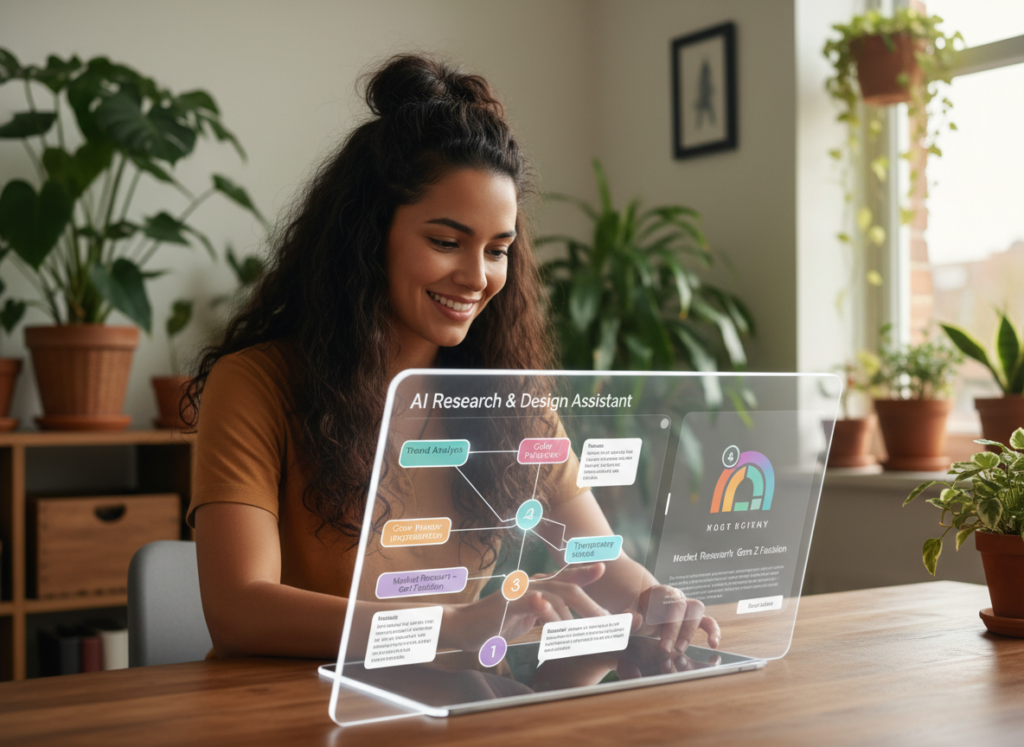
Old workflow: Jessica managed 6 active clients, each with their own brand guidelines, feedback histories, and creative direction. Before each working session, she spent roughly 90 minutes reviewing emails, rereading briefs, and checking her notes to reconstruct where each project stood. Total overhead: 10 hours per week.
AI-enhanced workflow: Jessica created a separate NotebookLM notebook for each client, uploading brand guidelines, creative briefs, all email threads (exported as text), and feedback notes. Before each work session, she spends 5 minutes querying the notebook: “What are this client’s three non-negotiables stylistically?” and “What was the last round of feedback and what’s unresolved?” The notebook surfaces precisely what she needs in under 2 minutes.
Results: Weekly overhead dropped from 10 hours to 5 hours. At her rate of $75/hour, that’s $375/week — or roughly $19,500 in additional revenue potential annually by redirecting that time toward billable work.
“I used to dread Mondays because I knew I’d spend half the morning just getting back up to speed on every client. Now I open a notebook, ask two questions, and I’m designing within five minutes.” — Jessica (composite scenario)
Persona 2: David, Independent Management Consultant

Old workflow: David’s engagements typically involved synthesizing large volumes of industry research, client-provided data, and competitive analysis. He spent an estimated 22 hours per month on document review, note organization, and building the synthesis documents that formed the backbone of his deliverables.
AI-enhanced workflow: David now uploads all engagement research into NotebookLM at the start of each project. When developing a deliverable, he queries: “What are the three strongest arguments from the research for this recommendation?” and “Are there any contradictions between the client data and the industry benchmarks?” The synthesis work that previously took days now takes hours.
He also uses the FAQ generation feature to build internal briefing documents before client calls — a 3-minute task that used to require 30 minutes of preparation. As this comprehensive breakdown of NotebookLM’s enterprise use cases highlights, the tool’s source-citation model makes it particularly well-suited to knowledge-intensive professional services.
Results: Monthly research and synthesis time dropped from 22 hours to 11 hours. At $200/hour, David recovered $26,400 in annual capacity — enough time for one additional mid-tier client engagement per year.
“The difference isn’t just speed. I actually feel more confident in my recommendations now because I can ask the research to challenge my assumptions before I present anything.” — David (composite scenario)
Persona 3: Alex, Solo Developer Building SaaS

Old workflow: Alex was building a B2B SaaS product solo. His non-coding overhead included staying current on competitor products, managing user research feedback, synthesizing support tickets into feature priorities, and preparing investor update content. Total: approximately 9 hours per week.
AI-enhanced workflow: Alex created notebooks for competitive intelligence (uploading competitor changelog updates and review site exports), user research (uploading interview transcripts and survey exports), and product communication (uploading previous updates to generate consistent new ones). His weekly product review went from a 3-hour manual synthesis to a 45-minute AI-assisted session.
For persona-specific workflow templates and implementation guides, learn more about NotebookLM and how it maps to technical founder use cases.
Results: Weekly overhead dropped from 9 hours to 2.5 hours. Alex recovered 338 hours per year — redirected entirely into product development cycles that had previously been crowded out by information management tasks.
“Every hour I spend reading competitor updates is an hour I’m not shipping. NotebookLM basically gave me back a full workday every week.” — Alex (composite scenario)
Streamline your workflow with smart automation Join freelancers and entrepreneurs using NotebookLM to reclaim their week. Start Free Today
Best Practices for Implementing AI Efficiency
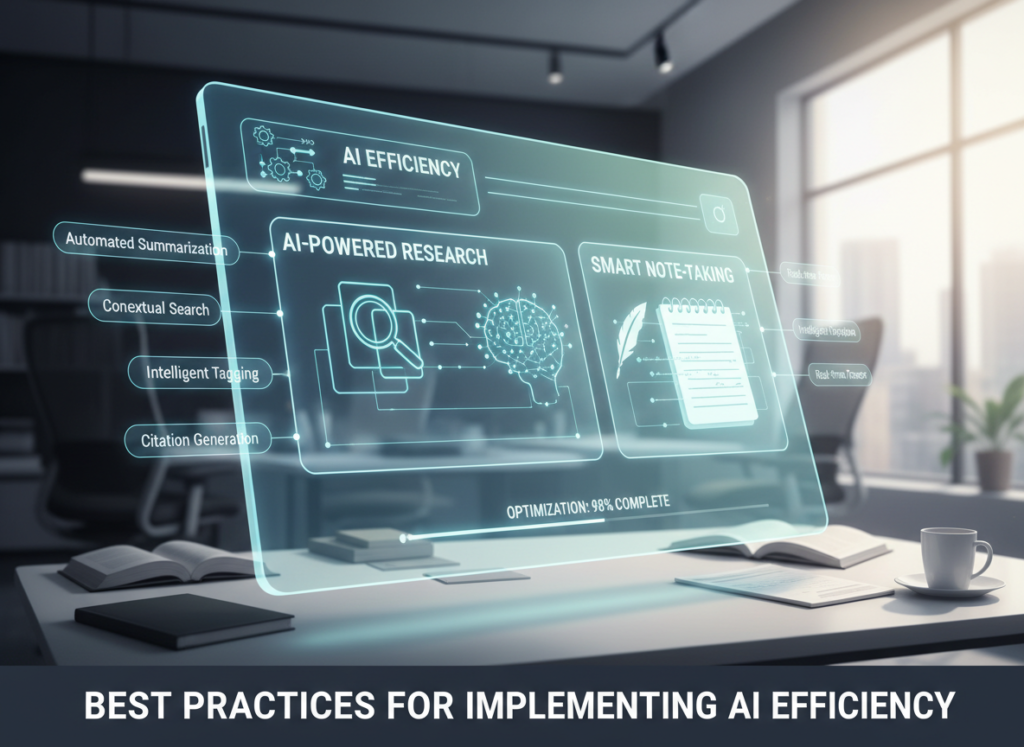
Successfully implementing AI efficiency requires starting small, maintaining human oversight, avoiding tool overload, and tracking concrete time savings.
Knowing which tools exist and knowing how to integrate them successfully are two different skills. Here are the four practices that separate solo entrepreneurs who actually save time from those who add yet another app to manage.
Start with 1–2 Tasks, Not a Full Overhaul. The most common failure mode for AI adoption isn’t choosing the wrong tool — it’s trying to change everything at once. Pick the single most painful information management task in your current week and build one notebook around it. Spend two weeks making that work well before expanding. For most freelancers, the highest-value starting point is client context management: one notebook per active client, queried before every working session.
Avoid Tool Bloat. The average freelancer managing their own tech stack spends $129/month on overlapping productivity tools — many of which duplicate each other. The goal of AI efficiency isn’t to add more tools. Before adopting any new AI product, audit what you’re currently paying for and whether it can be replaced. Many solo operators who implement NotebookLM find they can eliminate separate note-taking apps, research tools, and summarization subscriptions. Consolidated stack: closer to $20/month with more capability.
Track What AI Is Replacing — Specifically. Vague impressions of “saving time” don’t compound. Track specifically: Which task took how long before? How long does it take now? What’s the weekly delta? Even a simple spreadsheet tracking 5 tasks over 4 weeks gives you enough data to calculate genuine ROI and identify where to expand next. This tracking practice also prevents the gradual scope creep where AI tools get used for tasks where they don’t actually save time.
Limitations and Considerations
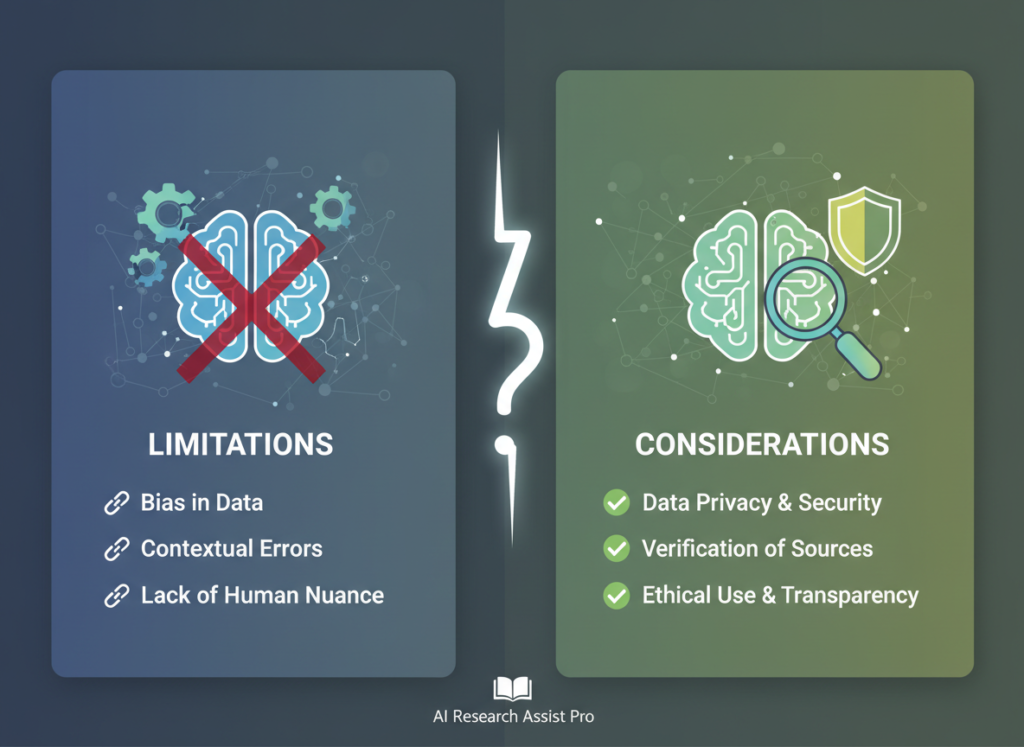
AI efficiency works best for repetitive cognitive tasks, but fails at nuanced creativity, legal precision, and sensitive human interactions.
A practical efficiency guide that doesn’t address where AI fails is just marketing. Here’s where NotebookLM and AI efficiency tools generally should not be trusted with primary responsibility.
Creative Tone for High-Stakes Branding. NotebookLM can synthesize your existing brand documentation and provide consistency checks, but it cannot replace the nuanced judgment of an experienced creative professional when defining a brand voice from scratch. AI-generated brand copy tends toward competent genericism. Use it to speed up the draft process; don’t use it to define the creative direction.
Sensitive Human Interactions. Client relationship management, difficult conversations about project scope or payment, and any communication involving emotionally sensitive topics require human judgment. AI can help you prepare and organize your thoughts, but the interaction itself should be yours.
Key Risks to Manage. Three operational risks deserve explicit attention. First, hallucination: even source-grounded AI tools can occasionally mischaracterize or over-interpret source material. Verify anything consequential against the original document. Second, privacy: be thoughtful about what you upload, particularly contracts that contain client confidential information or personally identifiable data. Review NotebookLM’s data handling policies before uploading sensitive materials. Third, over-reliance: if you outsource too much synthesis to AI, you risk losing the intimate knowledge of your own business that informs good decisions. Use AI to handle the mechanical parts of knowledge work; stay engaged with the substance.
Frequently Asked Questions
What is AI efficiency for small business? AI efficiency for small business means using AI tools to handle repetitive, time-consuming cognitive tasks — like document synthesis, research organization, and context management — so business owners can focus their attention on high-value work that requires human judgment. For solo entrepreneurs, the primary gains come from reducing the time spent on information management rather than automating revenue-generating activities.
Can AI replace admin work entirely? Not entirely — and it shouldn’t. AI tools like NotebookLM can dramatically reduce the time spent on information-heavy admin tasks like document review, research synthesis, and context reconstruction. But administrative work that involves relationship management, financial decisions, or legal compliance still requires human oversight. The goal is to eliminate the mechanical portions of admin work, not to remove human engagement from it.
How do freelancers use AI to save time? The highest-impact applications for freelancers involve client context management (uploading briefs and feedback into organized notebooks), research synthesis (querying large document sets rather than reading manually), and preparation for client interactions (generating briefings from conversation histories). Most freelancers who adopt these workflows systematically report saving 5–10 hours per week within the first month.
Do I need technical skills to use AI for efficiency? No. NotebookLM is designed for non-technical users. You upload documents through a browser interface, ask questions in plain English, and receive answers with source citations. No coding, no API setup, no prompt engineering required. The learning curve for basic document querying is typically under an hour. More sophisticated workflow automation — like integrating AI into existing apps and knowledge management with ai practices — may involve some setup time, but the core efficiency gains are accessible to anyone comfortable with Google Docs.
Conclusion
The case for ai efficiency tools for small business isn’t theoretical in 2026 — it’s arithmetic. Every solo entrepreneur working 40-hour weeks is making implicit choices about which tasks deserve human attention. Most are defaulting to doing everything manually, not because it’s the best use of their time, but because they haven’t built a deliberate alternative.
NotebookLM offers a meaningful alternative: a thinking partner that holds context you can’t hold, synthesizes documents you don’t have time to read, and reduces the cognitive overhead of knowledge work without requiring you to hand over judgment. It’s AI as augmentation — not replacement.
The path to adoption doesn’t require a dramatic overhaul. Start with one workflow this week: pick your most document-heavy, context-heavy recurring task and build one notebook around it. Spend two weeks making that work well. Then expand.
For US freelancers and entrepreneurs, the ROI calculation is straightforward. At $50/hour, recovering 5 hours per week through AI efficiency generates $13,000 in annual earning potential. At $150/hour, the same 5 hours is worth $39,000. The question isn’t “Should I use AI for efficiency?” — it’s “Can I afford NOT to?”
The overhead that’s currently consuming your week isn’t a fixed cost. It’s a variable you can actually change.
If you’re serious about reducing daily workload, NotebookLM is worth trying.
Start using NotebookLM for free and experience how AI can simplify your documents, research, and workflows.
Leave a Reply