Freelancers who master AI LinkedIn automation aren’t just saving time — they’re converting that time directly into billable hours and inbound leads.
In 2026, American freelancers and solo entrepreneurs face a paradox that’s only getting sharper: LinkedIn is now one of the highest-ROI platforms for landing clients, but building a real presence on it takes time that most solopreneurs simply don’t have.
Inbox at 200 unread. Calendar packed. To-do list endless. And somewhere in that chaos, you’re supposed to post insightful LinkedIn content three to five times a week, engage with your network, research prospects, and still do the actual work clients are paying you for.
Here’s what the numbers say: US-based freelancers billing at $75 to $150 per hour spend an average of 8 to 12 hours each week on non-billable marketing tasks. LinkedIn content creation alone — drafting posts, scheduling, responding to comments, sourcing ideas — accounts for three to five of those hours. That’s $225 to $750 of lost earning potential every single week, just from LinkedIn.
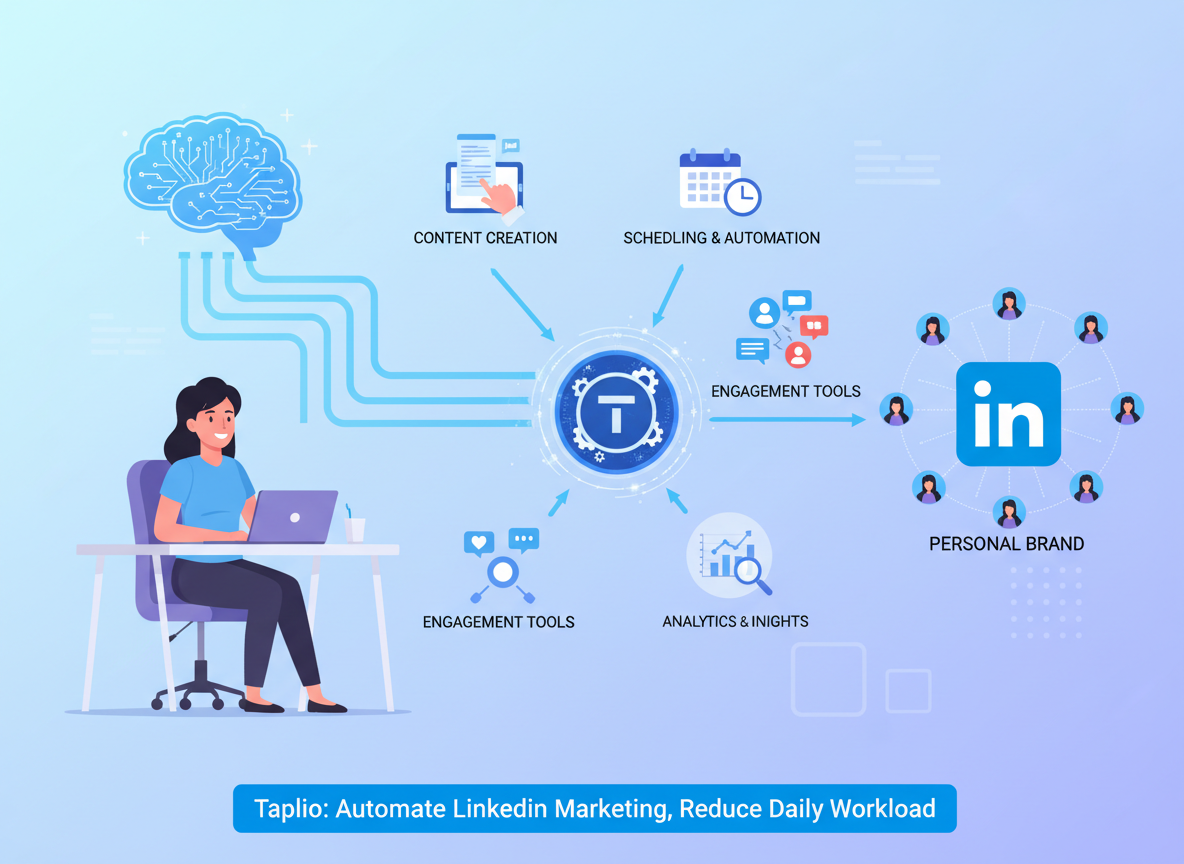
Taplio was built specifically to change that equation. It’s not a general-purpose AI assistant or a generic social media scheduler. It’s a LinkedIn-native platform that uses AI to help freelancers generate content ideas, write and schedule posts, track engagement analytics, and nurture leads — all from one dashboard. Think of it less as a tool and more as a thinking partner that handles the repetitive cognitive work of LinkedIn marketing so you can focus on client delivery and growth strategy.
This article walks through four specific workflows you can implement this week using Taplio, each designed to save two to five hours of LinkedIn-related work. We’ll also be upfront about what Taplio can’t do, because knowing the limits of AI LinkedIn automation for freelancers is just as important as knowing its strengths. By the end, you’ll have a clear picture of whether Taplio fits your workflow — and exactly how to start.
Explore Taplio in detail on AI Plaza
Key Concepts of AI Efficiency for LinkedIn
AI efficiency for freelancers on LinkedIn means strategically offloading repetitive content and engagement tasks to AI so you can maintain a consistent, high-quality presence without losing hours each week to manual work.
Before diving into Taplio’s specific features, it helps to understand three foundational concepts that explain why AI LinkedIn automation for freelancers works — and why most solo entrepreneurs struggle without it.
Concept 1: Cognitive Offloading

Every day, you make hundreds of small decisions about your LinkedIn content. What topic is relevant right now? Should this post be a list or a story? Is this hook strong enough? What hashtags should I use? These micro-decisions don’t feel expensive individually, but they compound into serious cognitive drain over time.
Cognitive offloading is the practice of delegating these low-stakes decisions to an external system — in this case, AI — so your mental bandwidth stays available for high-value judgment calls: pricing a project, navigating a difficult client conversation, crafting a custom proposal.
Consider Sarah, a freelance brand designer in Portland managing eight active clients. Before using AI-assisted content workflows, she spent 45 minutes each morning staring at a blank LinkedIn draft, trying to decide what to write. After integrating AI content generation into her process, she reduced that to under 10 minutes of reviewing and refining AI-generated drafts. That’s 2.5 hours saved weekly — time she redirected into client projects.
For advanced cognitive offloading strategies tailored to LinkedIn content workflows, explore Taplio in detail on AI Plaza.
Concept 2: Context Switching Cost

Research from the University of California, Irvine has consistently shown that it takes an average of 23 minutes to fully regain focus after an interruption. For freelancers, LinkedIn-related interruptions — checking notifications, responding to comments, scrambling to post something because you missed your morning window — are among the most disruptive.
Marcus, a solo management consultant in Chicago, tracked his week and discovered he was losing nearly five hours not to LinkedIn tasks themselves but to the mental ramp-up time after those tasks pulled him away from deep work. By batching his LinkedIn content creation into a single 90-minute session on Monday mornings using AI to generate a full week’s worth of drafts, he eliminated those mid-week interruptions entirely.
The key insight: it’s not just the time a task takes that matters. It’s the recovery time around it. AI LinkedIn automation for freelancers compresses multiple scattered interruptions into a single focused workflow.
Concept 3: Workflow Orchestration
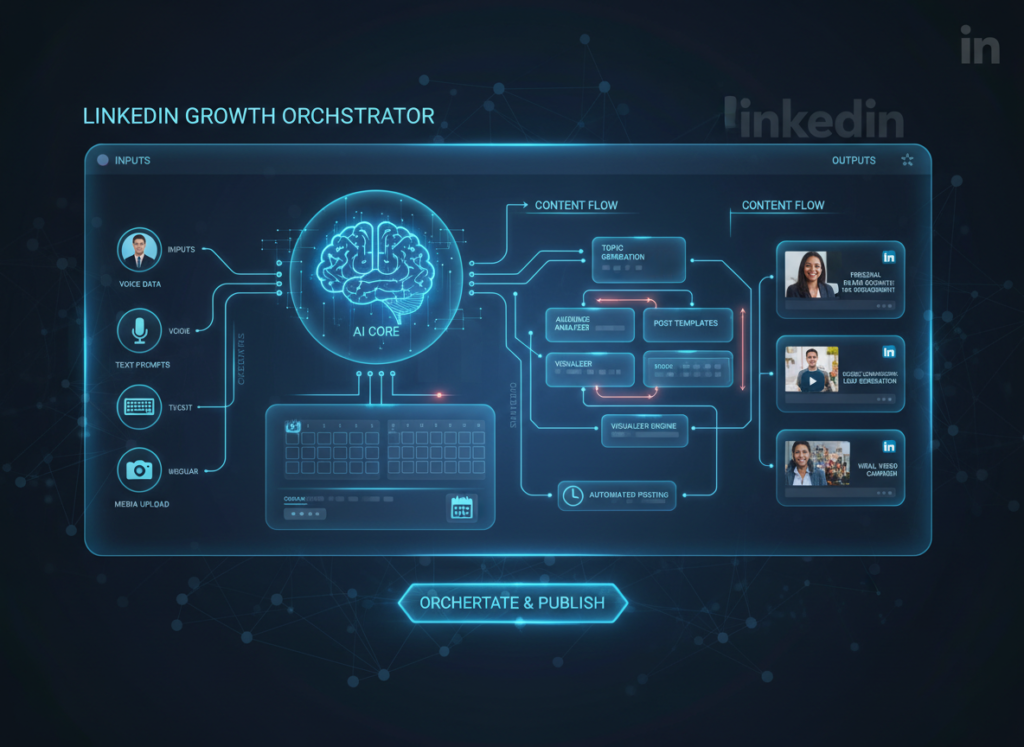
The most effective use of AI isn’t as a one-off tool — it’s as a conductor that ties multiple tasks into a seamless pipeline. For LinkedIn specifically, this means moving from disconnected activities (write a post here, schedule it there, check analytics somewhere else, engage with leads elsewhere) to an integrated workflow where each step flows naturally into the next.
Elena, a Shopify store owner in Austin who sells her own products and uses LinkedIn to attract wholesale buyers, found that workflow orchestration saved her four hours monthly just in platform-switching time. Instead of logging into three different tools to manage her LinkedIn presence, she consolidated into one AI-powered platform that handled content, scheduling, and engagement tracking.
As noted in this breakdown of Taplio’s content automation capabilities, the platform’s ability to integrate multiple LinkedIn functions into a single dashboard is one of its most underrated efficiency advantages.
How Taplio Helps Freelancers Automate LinkedIn
Taplio helps freelancers achieve LinkedIn efficiency through AI-powered content creation, viral post inspiration, smart scheduling, and relationship-building tools — all built specifically for the LinkedIn platform.
Where generic AI tools require you to engineer detailed prompts and then manually port content to LinkedIn, Taplio is designed end-to-end for the platform. Here’s how its core features translate into real time savings.
Feature 1: AI-Powered Content Creation

Taplio’s content creation engine lets you generate LinkedIn post drafts based on your chosen topic, tone, and content format. You can specify whether you want a personal story, a list post, a hot take, or an educational breakdown — and the AI produces a structured draft calibrated for LinkedIn’s algorithm and audience.
For a freelancer billing at $100 per hour, spending three hours weekly on LinkedIn content drafts costs $300 in opportunity cost. If AI drafting reduces that to 45 minutes of review and editing, the weekly recovery is $225 — or roughly $11,700 per year in reclaimed billable time.
Annual time saved: approximately 115 hours. ROI at $75 to $150 per hour: $8,625 to $17,250.
Feature 2: Post Scheduling and Queue Management
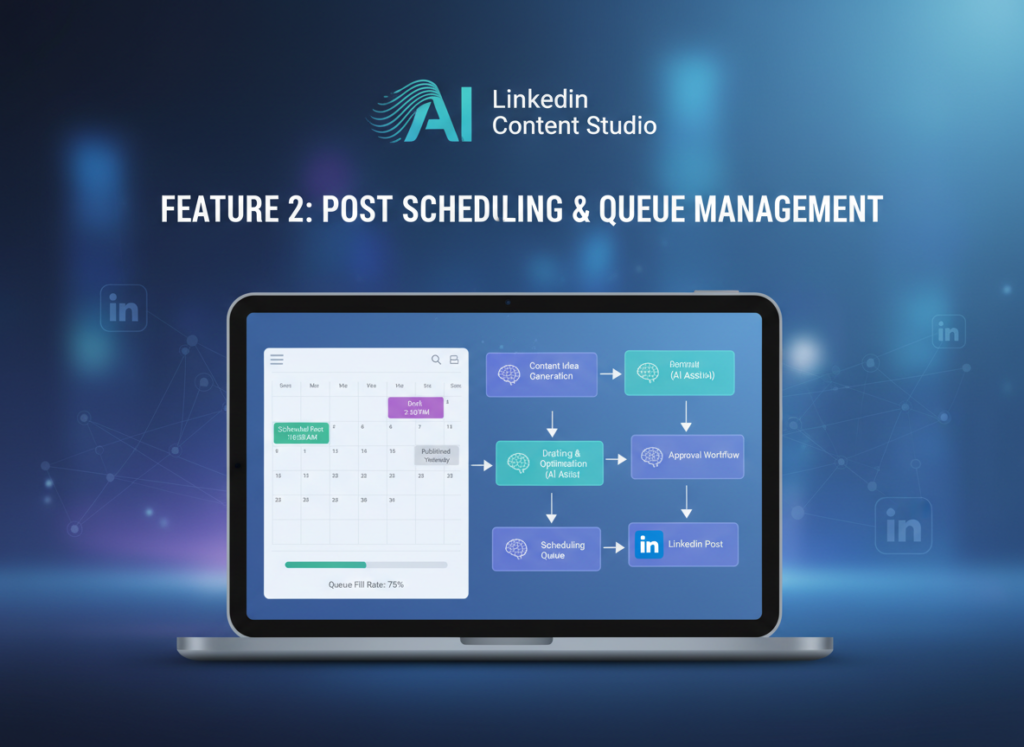
Taplio’s scheduler lets you build out a full week or month of LinkedIn posts in advance and publish them automatically at optimal times. For freelancers, this means LinkedIn marketing no longer competes with client work for real-time attention.
The productivity gain here is behavioral, not just mechanical. When you know your LinkedIn content is queued and publishing on schedule, you stop the compulsive daily checking — “Did I post today? What should I post?” — that fragments your focus throughout the week.
Annual time saved: approximately 35 hours. ROI: $2,625 to $5,250.
Feature 3: Engagement and Relationship Tracking

Taplio includes a CRM-lite layer that tracks your interactions with specific LinkedIn connections, flags people who’ve engaged with your content multiple times, and reminds you to follow up with warm prospects. For freelancers who rely on LinkedIn for lead generation, this is where the platform moves from content tool to business development tool.
To see these features in context with specific workflow examples for freelancers, see our full Taplio review on AI Plaza.
Annual time saved: approximately 30 hours. ROI: $2,250 to $4,500.
Combined annual ROI at $75–$150/hour billing rate: $16,500 to $33,000 in reclaimed earning potential — on a tool that costs a fraction of that.
Ready to cut your LinkedIn workload in half? Try Taplio free and see how AI LinkedIn automation transforms your weekly workflow. Start Free at Taplio | No credit card required
Use Cases: Freelancer Efficiency in Action
From creative freelancers to technical consultants, AI LinkedIn automation transforms daily workflows by replacing manual content tasks with AI-assisted pipelines that run in the background.
Persona 1: Jessica, Freelance Brand Designer

Old workflow: Jessica posted on LinkedIn sporadically — maybe twice a week when she had time. Each post took 45 to 60 minutes from idea to publish. She had no system for engagement and often missed commenting back on her own posts for days. Total LinkedIn overhead: 10 hours per week across content, engagement, and lead tracking.
AI-enhanced workflow with Taplio: Every Monday, Jessica spends 90 minutes using Taplio to draft five posts for the week, scheduled at 8 AM Tuesday through Saturday. She uses Taplio’s viral post library to spark ideas, then customizes each draft in her own voice. Taplio’s engagement reminders prompt her to reply to comments during two 15-minute blocks each day.
Results: Total LinkedIn time reduced to five hours per week. At her rate of $125 per hour, that’s $3,750 per month in reclaimed capacity — or $19,500 per year in additional revenue potential from client work she can now take on.
“I used to feel guilty every time I skipped posting. Now LinkedIn just runs. I check in twice a day for 15 minutes and the rest takes care of itself.”
Persona 2: David, Independent Management Consultant

Old workflow: David knew LinkedIn was his best source of referrals and inbound leads, but creating content felt like a second job. He spent 22 hours per month on LinkedIn-related tasks: brainstorming, drafting, editing, scheduling, and manually tracking which prospects had engaged with his posts.
AI-enhanced workflow with Taplio: David now uses Taplio’s AI to generate first drafts based on his consulting niche (organizational change management). He spends 30 minutes editing each draft rather than writing from scratch. Taplio’s relationship tracker surfaces warm leads — people who’ve liked or commented multiple times — so David reaches out with personalized messages at the right moment rather than cold outreach.
Results: Total LinkedIn time reduced to 11 hours per month. At his rate of $200 per hour, that’s 11 additional billable hours per month — $26,400 per year in added capacity. His inbound inquiry rate increased by 40% within 90 days of consistent posting.
“I was skeptical that AI could capture my voice. After two weeks of editing the drafts, Taplio learned enough from my adjustments that I’m barely changing things anymore.”
According to this independent Taplio review, the platform’s AI adapts to individual writing styles over time, which is a meaningful differentiator from generic content tools.
Persona 3: Alex, Solo Developer Building SaaS

Old workflow: Alex understood the value of thought leadership on LinkedIn for attracting early adopters and investors but struggled to translate technical knowledge into engaging posts. He’d draft something, hate it, rewrite it, and often abandon it. Nine hours per week went to LinkedIn-related content stress.
AI-enhanced workflow with Taplio: Alex feeds Taplio his technical concepts in plain language and uses the AI to translate them into accessible LinkedIn posts with hooks and storytelling frameworks. He keeps technical accuracy while letting the AI handle narrative structure and formatting.
Results: Weekly LinkedIn time down to 2.5 hours. That’s 338 hours per year redirected back into product development — roughly eight weeks of full-time development time.
For persona-specific workflow templates and implementation guides for freelancers and solopreneurs, learn more about Taplio on AI Plaza.
Streamline your LinkedIn marketing with smart automation. Join thousands of freelancers and entrepreneurs using Taplio to grow on LinkedIn without the grind. Start Free Today
Best Practices for Implementing AI LinkedIn Automation
Successfully implementing AI LinkedIn automation requires starting small, maintaining your authentic voice, avoiding tool sprawl, and tracking concrete time savings so you can optimize as you go.
1. Start with One Content Type

Don’t try to automate everything at once. Pick a single content format — say, weekly industry insights as a short text post — and use Taplio to handle drafting and scheduling that one format for 30 days. Get comfortable with reviewing and editing AI drafts before you expand to carousels, long-form posts, or video scripts.
Freelancers who try to automate their entire LinkedIn presence overnight typically end up with content that sounds robotic or off-brand. The goal is AI-assisted content, not AI-generated content that you publish without reading.
2. Keep a Human-in-the-Loop Editing Step

Every post Taplio generates should go through a 10 to 15 minute editing pass where you’re asking: Does this sound like me? Is this technically accurate? Am I comfortable putting my name on this? LinkedIn is a personal brand platform. Your audience follows you, not your AI tool. The AI does the heavy lifting of structure and drafting; your job is to inject authentic voice and specific examples.
A practical system: Use Taplio to generate three drafts, pick the strongest one, edit for voice and specifics, and schedule. Total time: 20 minutes per post versus 60 minutes from scratch.
3. Avoid Tool Bloat
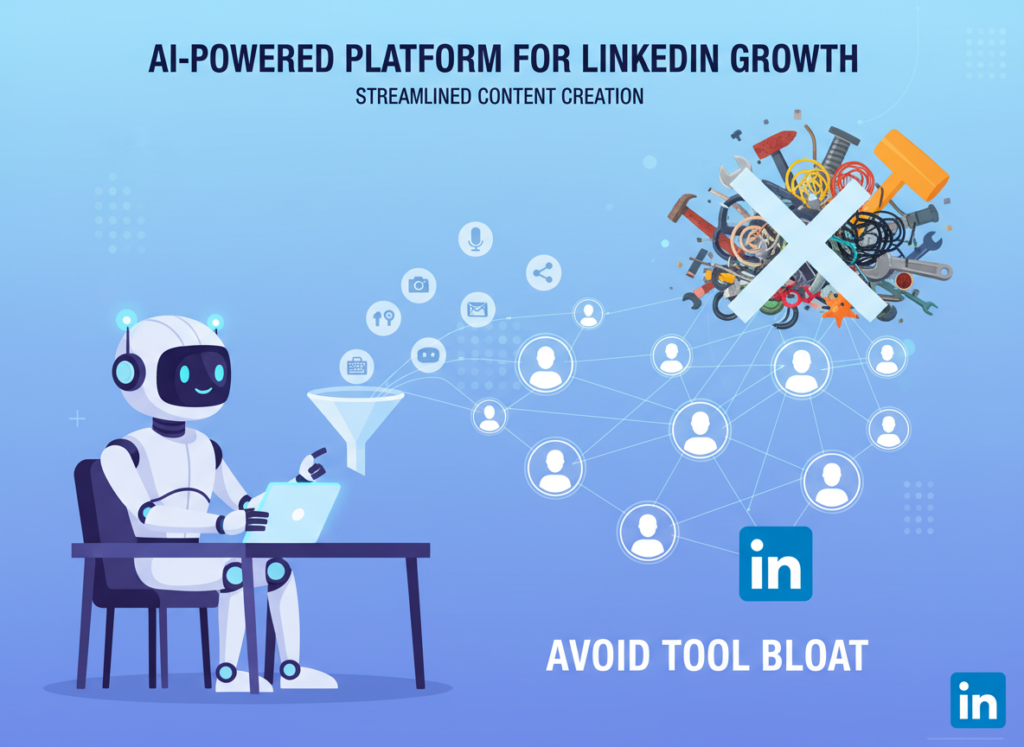
One of the most common mistakes solopreneurs make is stacking AI tools without consolidation. A typical fragmented LinkedIn stack might include a separate AI writer ($29/month), a scheduler ($19/month), an analytics tool ($39/month), and a CRM ($49/month) — totaling $136 per month for overlapping functionality.
Taplio consolidates content creation, scheduling, analytics, and relationship tracking into a single platform. For most freelancers, this represents significant savings over a multi-tool stack, plus the efficiency gain of not switching between platforms throughout your workflow.
Join thousands of freelancers and entrepreneurs using Taplio to grow on LinkedIn without the grind. Start Free Today
Limitations and Considerations
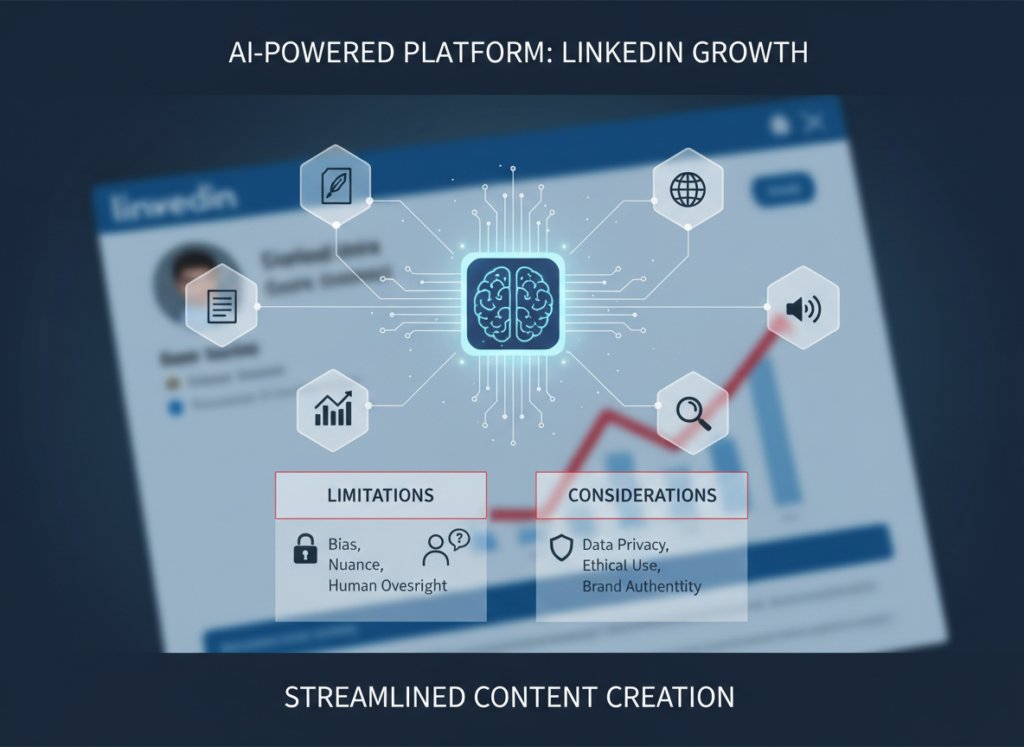
AI LinkedIn automation works best for repetitive content tasks, but falls short for nuanced personal storytelling, legal precision, and any situation where authentic human judgment is the point.
Taplio is a powerful tool. It’s also not magic. Here’s where AI LinkedIn automation for freelancers has real limits.
High-Stakes Brand Voice Moments: If you’re writing a post about a deeply personal professional experience — a failure, a pivot, a hard-won lesson — AI drafts will feel hollow. These are your most engaging posts precisely because they’re irreducibly human. Use Taplio to format and polish them, but write the substance yourself.
Thought Leadership on Technical Niches: If your value proposition is specialized expertise in a narrow domain — securities law, biotech regulatory affairs, embedded systems engineering — AI content tools may generate plausible-sounding but technically inaccurate content. Always have domain-specific drafts reviewed by you before publishing.
Sensitive Professional Situations: Don’t use AI to draft responses to negative comments, handle a public professional disagreement, or address sensitive industry controversies. These moments require genuine human empathy and judgment, and AI-generated responses in these contexts can escalate rather than resolve.
Key Risks to Acknowledge:
AI tools including Taplio can occasionally generate confident-sounding content that is factually incorrect (hallucination). For any post making specific claims — statistics, case study results, regulatory updates — verify the facts independently before publishing.
LinkedIn data processed through third-party tools raises privacy considerations. Review Taplio’s data handling policies to ensure they align with your client confidentiality obligations, especially if you work in regulated industries.
As noted in this analysis of Taplio’s strengths and weaknesses, over-reliance on AI-generated content can gradually erode the specific, personal storytelling that makes LinkedIn profiles compelling. Use AI as a production accelerator, not a replacement for your authentic professional narrative.
Frequently Asked Questions

What is AI LinkedIn automation for freelancers? AI LinkedIn automation for freelancers refers to using artificial intelligence tools to streamline content creation, scheduling, engagement tracking, and lead nurturing on LinkedIn. Instead of manually writing every post, scheduling content individually, and manually tracking prospect interactions, freelancers use tools like Taplio to handle these repetitive tasks automatically — freeing time for billable client work.
Can AI replace my LinkedIn content entirely? No, and you shouldn’t want it to. AI LinkedIn automation tools are most effective when they handle structure, formatting, scheduling, and idea generation — while you provide authentic voice, specific examples, and personal judgment. Posts that perform best on LinkedIn are specific and human. AI handles the production layer; you own the substance.
How do freelancers use AI to save time on LinkedIn marketing? The most effective approach is content batching: use Taplio once or twice per week to generate drafts for multiple upcoming posts, edit them in a single focused session, then schedule them all at once. This turns a daily 45-minute distraction into a focused 90-minute weekly workflow — saving three to four hours per week for most freelancers.
What’s the best AI tool for reducing LinkedIn workload? For freelancers and solopreneurs focused specifically on LinkedIn, Taplio stands out because it’s purpose-built for the platform — combining AI content generation, viral post inspiration, scheduling, analytics, and relationship tracking in a single tool. Generic AI writing tools require you to engineer prompts and manage platform publishing separately, which adds friction.
Do I need technical skills to use Taplio for LinkedIn automation? No. Taplio is designed for non-technical users. If you can write a LinkedIn post manually, you can use Taplio — the interface is intuitive, and the AI requires plain-language inputs, not prompt engineering. Most freelancers are up and running within a single session.
Join thousands of freelancers and entrepreneurs using Taplio to grow on LinkedIn without the grind. Start Free Today
Conclusion
AI LinkedIn automation for freelancers isn’t a future trend — it’s a present-day competitive advantage. In 2026, the freelancers winning on LinkedIn aren’t necessarily the most talented or the most experienced. They’re the ones showing up consistently, with relevant content, at scale — without burning out.
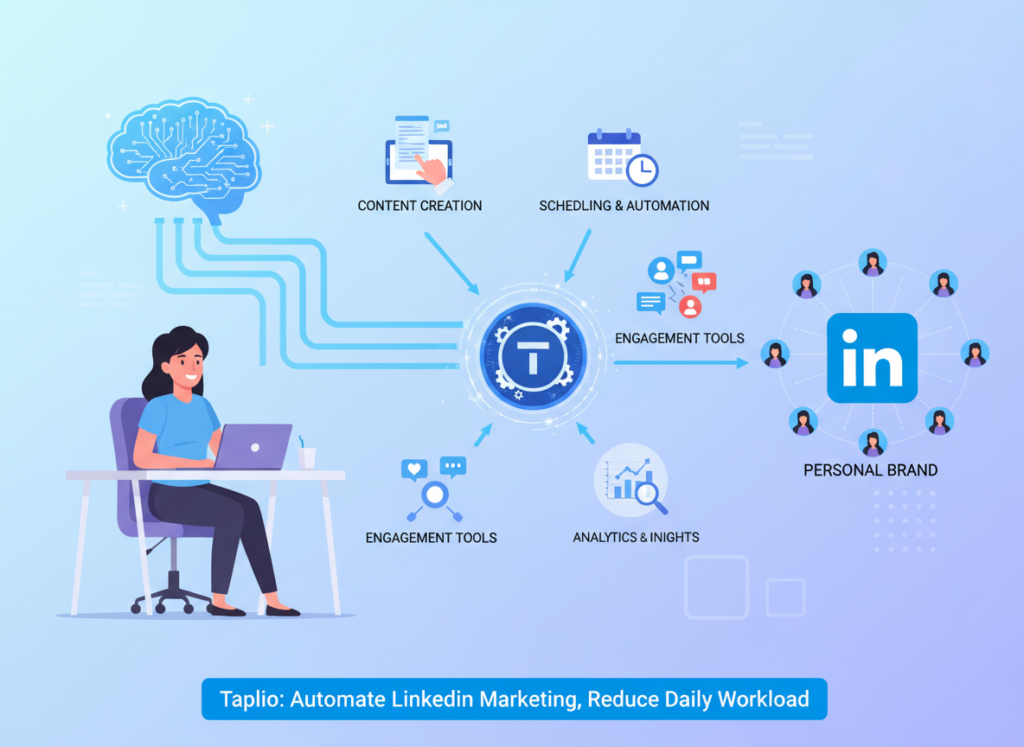
Taplio makes that possible by handling the production layer of LinkedIn marketing: drafting, scheduling, tracking engagement, and surfacing warm leads. It doesn’t replace your expertise, your voice, or your relationships. It removes the busywork that was crowding all three out.
For US-based freelancers billing at $75 to $150 per hour, the ROI math is clear. If Taplio saves you just five hours per week — a conservative estimate based on the workflows in this article — that’s $19,500 to $39,000 in reclaimed earning potential annually. On an investment of a few hundred dollars per year, the ROI is 50x to 100x, often more.
The right approach is phased: start with one workflow this week. Use Taplio to draft and schedule three posts. See how it feels to have your LinkedIn content handled for the next several days without daily effort. Then expand.
The question isn’t “Should I use AI for LinkedIn efficiency?” It’s “Can I afford to keep doing this manually?”
Join thousands of freelancers and entrepreneurs using Taplio to grow on LinkedIn without the grind. Start Free Today
Leave a Reply