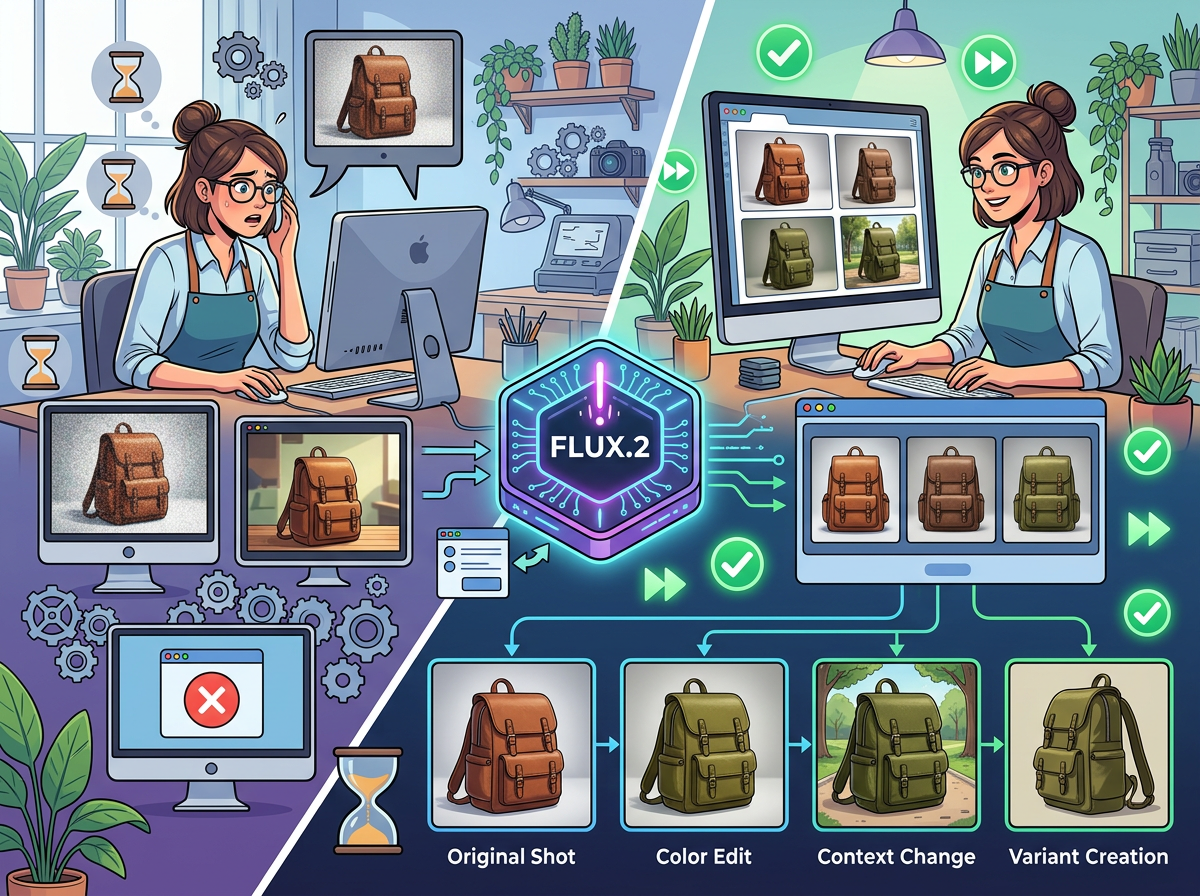
The best ai image generator for marketing doesn’t just make pretty pictures — it cuts your visual production time by 80% while keeping your brand razor-sharp.
In 2026, American freelancers and solo entrepreneurs face a visual content paradox.
Every platform demands images. Instagram needs scroll-stopping posts. Your Shopify store needs lifestyle shots. Your email campaigns need custom banners. Your pitch decks need polished graphics. Meanwhile, your design budget is zero, your Canva skills top out at basic templates, and hiring a freelance designer runs $75–$150 per hour — every time you need a new asset.
The result? Most small business owners either spend hours wrestling with design tools they barely understand, or they ship mediocre visuals and hope the copy carries the load. Neither option is sustainable when you’re competing against brands with full creative teams.
This is the gap that FLUX.2 — the flagship AI image model from Black Forest Labs — is built to close. Unlike general-purpose AI tools, FLUX.2 is purpose-engineered for photorealistic, commercially usable image generation at a quality level that was genuinely out of reach for solo operators just two years ago.
For US freelancers billing $50–$150 per hour, the math is stark: if you’re spending five hours a week sourcing, editing, or commissioning marketing visuals, that’s $250–$750 in either direct cost or opportunity cost every single week. That’s $13,000–$39,000 per year in productivity bleed.
FLUX.2 addresses that bleed head-on. This article isn’t a feature walkthrough — it’s a practical efficiency guide for four specific business types that are actively wasting money on visual production. You’ll leave with a clear picture of where FLUX.2 delivers real time savings, where it falls short, and exactly which workflows to implement this week.
Join thousands of freelancers and small business owners using FLUX.2. Start Free at Black Forest Labs
Key Concepts of AI Image Generation Efficiency
Concept 1: The Visual Production Bottleneck
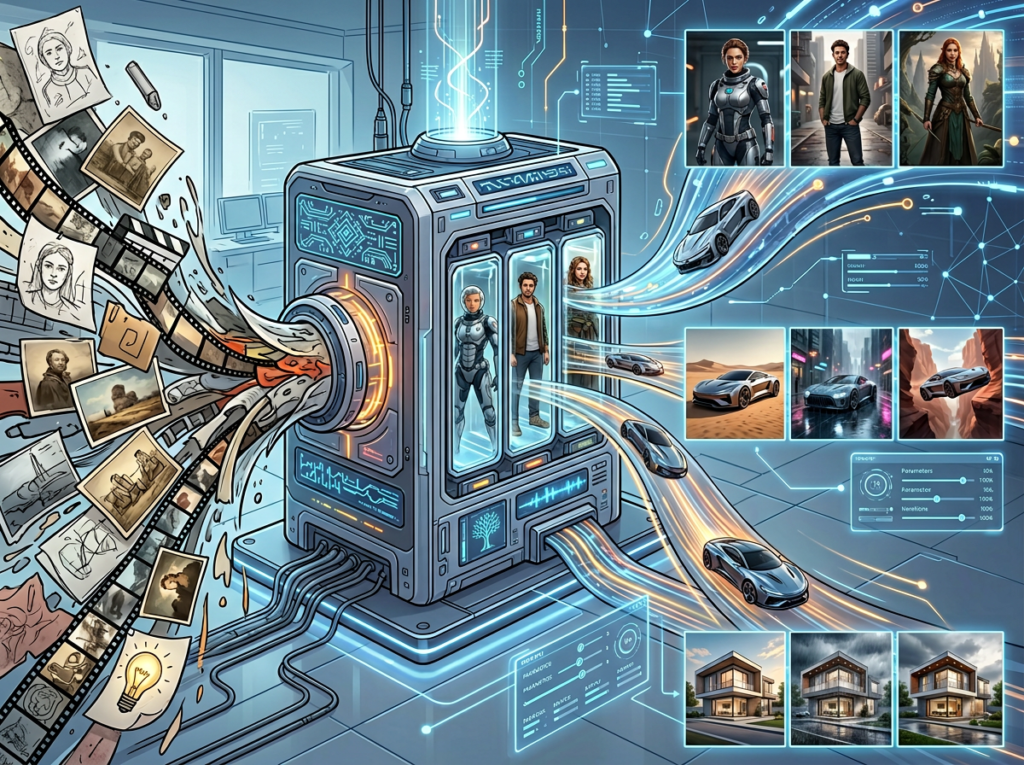
Most small business owners dramatically undercount how much time visual content actually costs them. It’s not just the design time — it’s the briefing, the back-and-forth revision cycles, the search through stock libraries for that specific image that doesn’t quite exist, and the last-minute scramble when a campaign needs a new banner by tomorrow morning.
Consider Sarah, a freelance brand designer in Portland with eight active clients. Her biggest hidden time sink isn’t client work — it’s producing her own marketing visuals to stay visible on LinkedIn and Instagram. Under her old workflow, generating a week’s worth of social content took roughly eight hours: sourcing references, prompting Canva, adjusting colors, exporting at multiple aspect ratios. With a text-to-image AI tool, she compressed that entire workflow to under two hours — reclaiming six hours weekly that she reinvested directly into billable client work.
The bottleneck isn’t creativity. It’s the mechanical overhead between having an idea and having a publishable image.
Concept 2: Prompt Specificity as a Business Skill
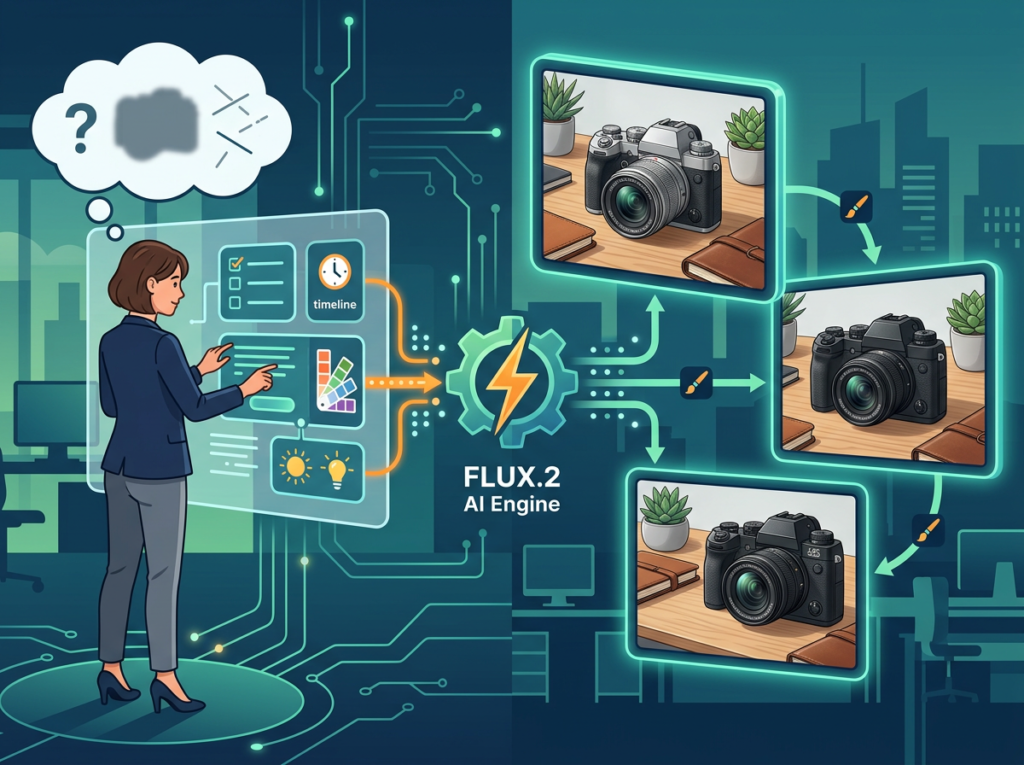
The second concept that separates efficient AI image users from frustrated ones is understanding that prompting a flux ai image generator is a learnable, repeatable skill — not a guessing game.
Early AI image tools required technical knowledge: seed numbers, sampler settings, CFG scales. FLUX.2 dramatically lowers that barrier. Its natural language understanding is strong enough that a well-constructed descriptive prompt — specifying subject, lighting style, color palette, and intended use — reliably produces commercially viable output on the first or second attempt. As noted in this analysis of FLUX.2 prompting patterns, structured prompts that include scene context, aspect ratio intent, and mood descriptors consistently outperform short, vague prompts by a significant margin.
As covered in this step-by-step tutorial on using FLUX.2 effectively, structured prompting with clear scene descriptors is the single highest-leverage skill new users can develop. Marcus, a solo management consultant in Chicago, built a simple prompt library of 12 templates covering his most common visual needs: thought leadership graphics, case study pull quotes, and webinar promotional images. With those templates, he generates polished marketing assets in under ten minutes per piece — down from two hours when he was briefing and revising with a contracted designer.
Concept 3: Brand Consistency at Scale

The third concept is brand consistency — arguably the most undervalued efficiency gain for small business owners who use AI design tools for creators.
Traditional design workflows accumulate brand inconsistency over time. A designer you used six months ago had your fonts. A Canva template from last year has slightly different blue. Your newest virtual assistant doesn’t know your brand guide exists. The result is a visual identity that slowly drifts, diluting the trust signal you’ve been building with your audience.
FLUX.2’s consistency features — including its style reference and character consistency capabilities — allow you to lock in visual parameters that persist across an entire image set. Elena, an e-commerce owner in Austin, creates all product lifestyle imagery and campaign banners through a single FLUX.2 workflow anchored to a master prompt that encodes her brand’s color story, lighting style, and model aesthetic. She estimates this saves four hours monthly in revisions alone, compared to briefing multiple contractors who each interpret her brand slightly differently.
For persona-specific workflow examples and implementation guides, explore FLUX.2 in detail.
How FLUX.2 Helps Efficiency
Feature 1: Photorealistic Output Quality
The defining feature that separates FLUX.2 from earlier AI image generators is output quality that routinely clears the “could this be a real photo?” bar for marketing use cases.
This matters practically because lower-quality AI images create additional work: you spot artifacts, you run them through upscalers, you second-guess whether they’ll undermine your brand credibility. FLUX.2’s outputs — particularly from its Pro and Ultra tiers — typically need zero post-processing for standard marketing applications like social posts, email headers, and landing page hero images.
For US freelancers, eliminating that post-processing step saves roughly 20 minutes per image. Across a typical content calendar of 15 images per month, that’s five hours saved — at $75/hour, that’s $375 in recovered time every single month, or $4,500 annually.
Feature 2: Consistent Image Sets
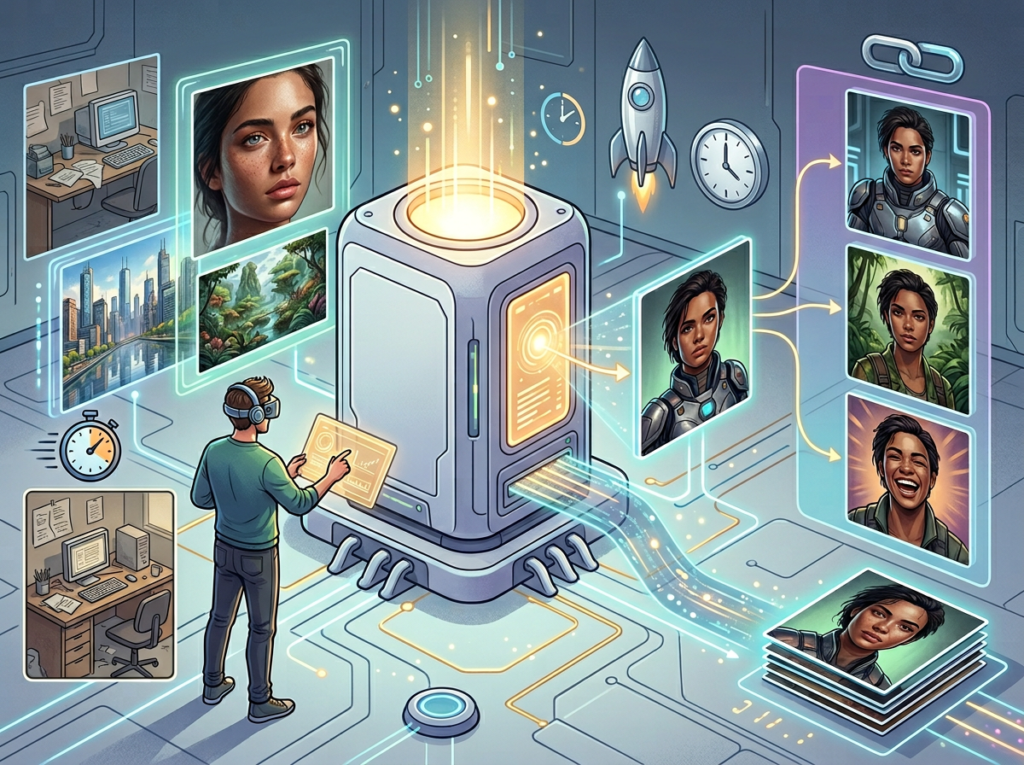
FLUX.2’s ability to produce visually consistent image series — same lighting, same color treatment, same compositional style — through prompt engineering and its image-to-image capabilities dramatically reduces the overhead of producing cohesive content calendars.
Rather than treating each image as a standalone generation task, efficient users build a master prompt template that defines their visual style, then vary only the subject matter. This batch approach — generating an entire month’s social content in a single two-hour session — transforms visual production from a recurring weekly task into a monthly efficiency block. This FLUX.2 prompting guide demonstrates how combining reference inputs with structured scene prompts is particularly effective for maintaining visual cohesion across a content series.
Annual time savings from batch generation versus per-image traditional production: approximately 45 hours. At standard US freelance rates, that’s $2,250–$6,750 recovered.
Feature 3: Commercial Licensing Clarity
FLUX.2’s Pro and Ultra tiers include explicit commercial use licensing — a point that matters more than most solo operators realize until they’re in a client relationship and need to verify image rights.
The alternative — sourcing stock photography — carries per-image fees of $10–$50 for premium assets, or monthly subscription costs of $30–$150. For a small business generating 20 original marketing images per month, that’s $200–$1,000 in stock costs that FLUX.2 eliminates entirely while also giving you images that don’t appear on a competitor’s website.
Annual savings on stock photography replacement alone: $2,400–$12,000.
Combined efficiency ROI: A conservative estimate of 100 hours saved annually at $75/hour yields $7,500 in recovered time. Add $3,000–$8,000 in stock photography cost elimination, and FLUX.2’s Pro subscription ($30–$50/month, or $360–$600/year) returns somewhere between 20x and 50x its cost.
See our full FLUX.2 review to compare tier pricing and output samples across use cases.
Ready to cut visual production time in half? Try FLUX.2 and generate your first marketing image in under two minutes. Get Started at Black Forest Labs | No design skills required
Use Cases: Small Business & Freelancer Efficiency
Persona 1: Jessica, Freelance Brand Designer — Portland, OR
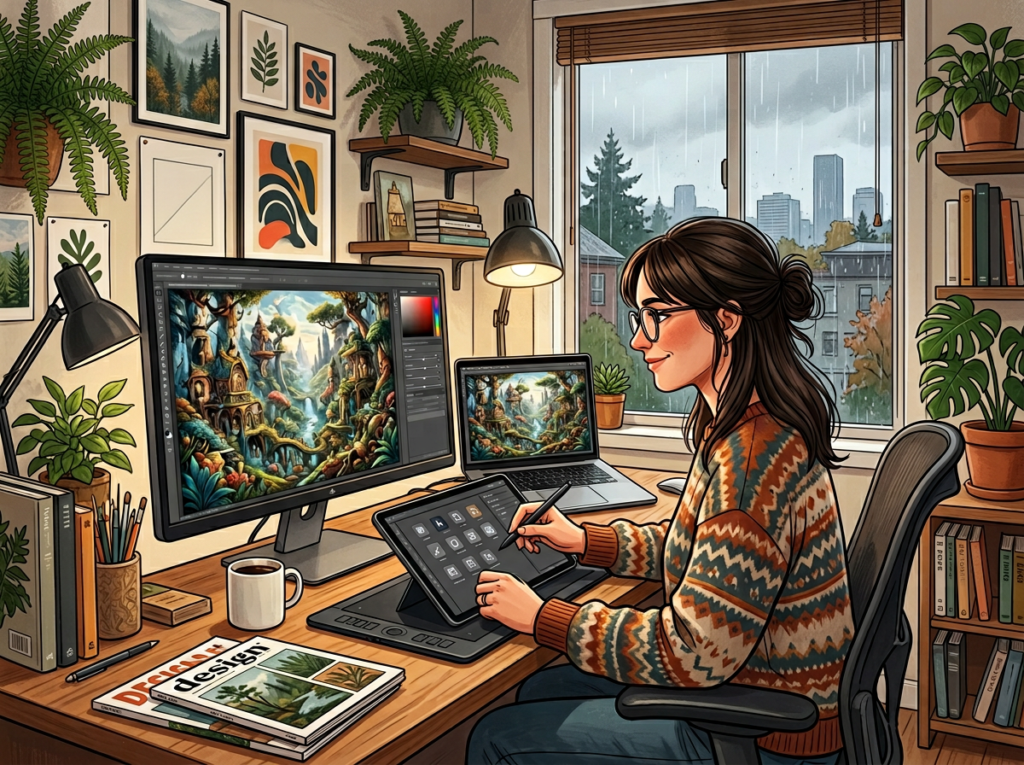
The Problem: Jessica runs a solo brand design studio with nine active retainer clients. Her business depends on a strong personal brand — but producing her own social content kept falling to the bottom of the list. Her old workflow: spend Sunday afternoons on Canva, pulling stock images, creating templates, and manually sizing exports for LinkedIn, Instagram, and her newsletter. Time cost: 10 hours per week across her own content and client social deliverables.
The FLUX.2 Workflow: Jessica built a prompt library organized by content type: thought leadership graphics, client case study visuals, brand concept mockups, and promotional banners. She now generates first-draft assets for all nine clients in a single Tuesday morning session, using FLUX.2 for the photorealistic and illustrative elements, then finishing in Figma for typography overlays. For her own content, she generates an entire two-week calendar in 90 minutes.
Results: Weekly overhead dropped from 10 hours to 3.5 hours. That’s 6.5 hours recovered per week, 338 hours per year. At her $85/hour effective rate, that’s $28,730 in additional revenue capacity annually — either from new client work or reclaiming her weekends.
“I used to treat client social visuals as a necessary evil I’d rush through. Now I actually enjoy the generation process, and clients comment on how much more consistent the work looks.”
Persona 2: David, Independent Management Consultant — Chicago, IL

The Problem: David’s deliverables are dense: strategy decks, workshop materials, and executive summary reports. His presentations needed custom graphics — process diagrams, industry comparison visuals, and concept illustrations — that he was either building manually in PowerPoint or commissioning from a freelance designer at $125/hour, $600–$1,200 per project.
The FLUX.2 Workflow: David now generates concept illustrations and visual metaphors for his slide decks directly in FLUX.2 using a descriptive prompt style he refined over about two weeks. His prompts specify industry context, visual metaphor, color palette, and composition style. He generates three to four options per concept, selects the best, and imports directly into PowerPoint. Per-project design cost: effectively zero.
Results: Monthly design overhead dropped from 22 hours (including contractor coordination and revision cycles) to 8 hours. That’s 14 hours recovered monthly, 168 hours per year. At his $200/hour billing rate, that’s $33,600 in annual capacity recovered — and he eliminated $6,000–$9,000 in annual contractor costs. This user guide to FLUX.2’s advanced capabilities covers the model’s compositional instruction handling in depth, which makes it particularly well-suited for business visualization use cases.
“I was skeptical that AI could produce the kind of clean, professional visuals I needed for C-suite audiences. Within two weeks, I’d replaced my designer for 80% of my illustration needs.”
Persona 3: Alex, Solo SaaS Developer — San Francisco, CA
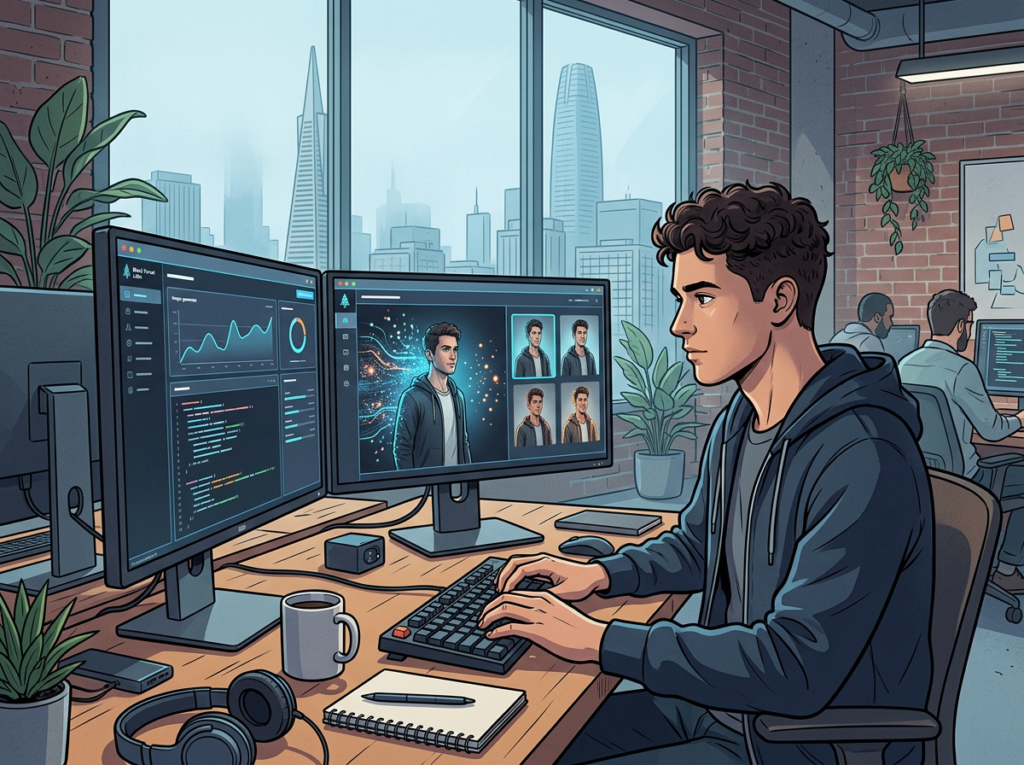
The Problem: Alex is building a B2B project management SaaS as a solo founder. His marketing ran entirely on text — blog posts, LinkedIn updates, cold outreach. He had no marketing visuals because he had no design skills and no budget for a designer. Every time he needed a hero image, a product mockup, or a social graphic, he either skipped it or used a generic stock photo that looked identical to every other B2B SaaS website.
The FLUX.2 Workflow: Alex uses FLUX.2 for three specific needs: landing page hero images that visualize his product’s core value proposition, LinkedIn carousel graphics for his thought leadership content, and UI mockup illustrations that suggest his product’s interface without requiring actual design work. He spends approximately 2.5 hours per week on visual production — a task that previously consumed 9 hours (including the time he spent paralyzed by tool options and producing substandard results).
Results: 6.5 hours recovered per week, 338 hours per year redirected into product development. His landing page conversion rate increased from 2.1% to 4.7% after replacing stock photography with custom-generated hero images. At his target $10K MRR, that conversion improvement has compounding revenue implications significantly larger than any efficiency calculation.
“I went from being the founder with no visuals to running what looks like a funded startup’s website. Nobody asks if we have a design team anymore.”
Discover how FLUX.2 works across all four of these use case types, with sample outputs and prompt frameworks.
Stop shipping mediocre visuals. Start generating professional marketing images in seconds. Join thousands of freelancers and small business owners using FLUX.2. Start Free at Black Forest Labs
Best Practices for Implementing AI Image Generation
1. Start with Your Single Highest-Frequency Visual Need
The fastest path to ROI with any ai marketing image generator is not trying to replace your entire visual workflow on day one. Identify the one type of image you produce most often — social post graphics, email headers, blog featured images, product lifestyle shots — and build your FLUX.2 workflow around that single use case first.
Trying to overhaul your entire content operation simultaneously leads to tool fatigue and half-built workflows that get abandoned. One optimized workflow delivers more value than five half-finished ones.
2. Build a Prompt Template Library Before You Need It
The efficiency multiplier for FLUX.2 is not individual prompt quality — it’s having reusable prompt templates that encode your brand’s visual language so you’re not rebuilding from scratch every session.
Create a simple document with five to ten prompt templates covering your core visual needs. Each template should specify: subject, environment/setting, lighting style, color palette references, mood, and aspect ratio intent. With a solid template library, most generation sessions collapse from 30-minute creative exercises into five-minute execution tasks.
3. Stay Disciplined About Tool Overlap

The average small business owner’s visual content stack — Canva Pro ($150/year), Adobe Express ($100/year), a stock photo subscription ($360/year), and one AI image tool ($480/year) — totals over $1,000 annually, with significant feature overlap. Adding FLUX.2 without auditing your existing stack often means paying for the same capability three times.
Before subscribing, audit which of your current tools you can consolidate. Many users find that FLUX.2 Pro replaces their stock photo subscription entirely, and reduces Canva usage to purely typographic finishes that take five minutes per asset.
Limitations and Considerations
Where FLUX.2 Is Not a Replacement

High-stakes brand identity work. FLUX.2 can generate polished marketing imagery, but founding brand identity — logos, primary visual system, brand guidelines — still requires human strategic and creative judgment. The cost of a weak visual identity compounds over years of brand building. A $500–$2,000 investment in a professional brand identity phase is not a place to optimize with AI generation tools.
Photography requiring real subjects. If your business model depends on authentic, licensed photography of real people, specific locations, or proprietary products — particularly for regulated industries like healthcare, legal, or financial services — generated imagery creates compliance exposure. Consult your legal context before using AI-generated visuals in regulated communications.
Complex multi-element illustrations. FLUX.2 excels at cohesive scene generation, but complex infographics, data visualizations, or multi-panel instructional illustrations still require a design hand. Attempting to generate these through prompt engineering typically produces high iteration counts and unpredictable results that cost more time than they save.
Key Risks to Manage
Consistency drift over time. Without a well-maintained prompt library and style guide, your FLUX.2 outputs will gradually drift in visual style as you experiment with new prompts. Revisit and update your template library quarterly to maintain brand coherence.
Over-reliance at the expense of creative range. The efficiency gains from reusable prompt templates can narrow your visual range if you never experiment outside them. Schedule intentional exploration sessions separate from your production workflow.
Output verification for sensitive content. FLUX.2’s safety filters are robust, but any AI-generated image intended for public commercial use should be reviewed by a human before publishing — both for quality artifacts and to ensure the image represents your brand appropriately across all potential audience contexts.
Join thousands of freelancers and small business owners using FLUX.2. Start Free at Black Forest Labs
Frequently Asked Questions

What is an AI image generator for marketing?
An AI image generator for marketing is a tool that creates original, publication-ready visual assets from text descriptions, eliminating the need to source stock photography, brief designers, or produce manual graphic designs for standard marketing applications like social posts, email campaigns, and landing pages.
Can FLUX.2 fully replace a professional graphic designer?
No. FLUX.2 significantly reduces the volume of design work that requires a professional designer — handling routine marketing imagery, social content, and campaign visuals autonomously — but it does not replace strategic creative direction, brand identity development, or complex multi-element design work. Think of it as handling the 80% of visual production that is execution rather than strategy.
How do freelancers use AI image generators to save time?
The most effective approach for freelancers is building a prompt template library tied to their most frequent visual production needs, then using batch generation sessions to produce an entire week’s or month’s content in a single focused block. This converts visual content from a recurring daily interruption into a predictable, bounded efficiency session.
What’s the best AI image generator for small businesses in 2026?
FLUX.2 is among the strongest options for small businesses that prioritize photorealistic output quality and commercial licensing clarity. Midjourney remains competitive for artistic and stylized work, while DALL-E 3 offers strong integration with the OpenAI ecosystem. The best choice depends on your primary use case: for marketing imagery that needs to look photographic and professionally polished, FLUX.2 performs at or above the current class benchmark.
Join thousands of freelancers and small business owners using FLUX.2. Start Free at Black Forest Labs
Conclusion
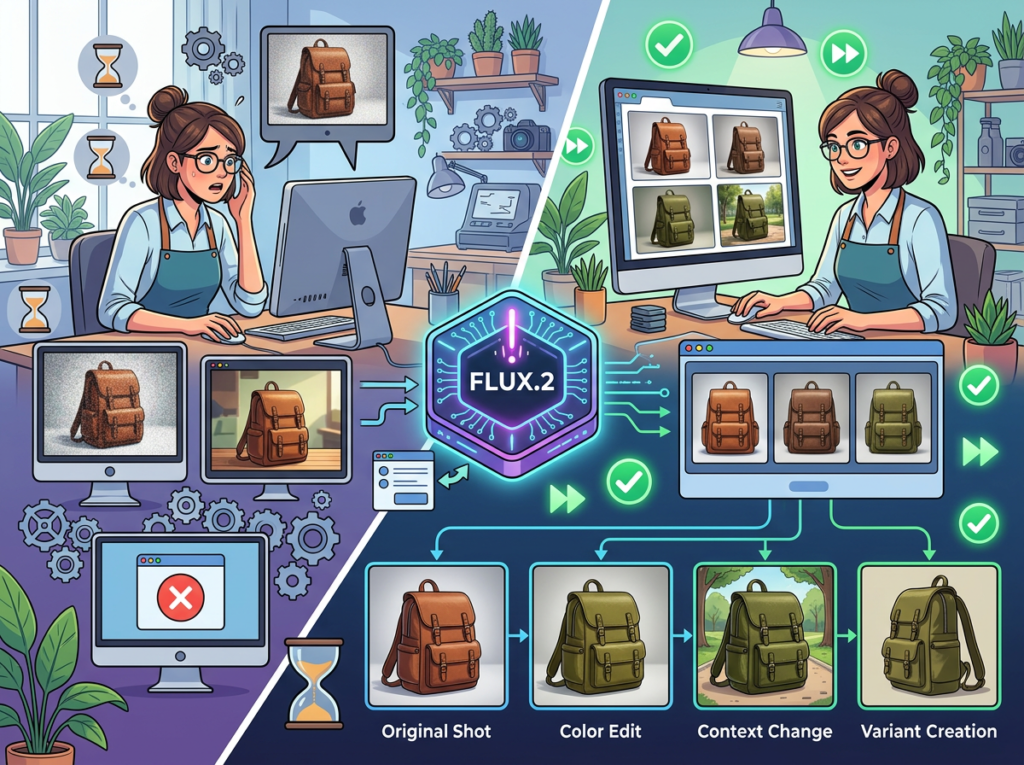
For US freelancers and small business owners spending real hours every week on visual content production, FLUX.2 represents a genuine efficiency lever — not a theoretical one.
The workflows described in this article are not projections. Freelancers billing at $75–$150/hour are recovering 100–300 hours annually by replacing stock photography sourcing, designer briefing cycles, and manual Canva production with prompt-driven generation. At the conservative end, that’s $7,500 in recovered time on a $400–$600/year tool investment — a return-on-time ratio that very few productivity tools can match.
The honest framing is this: FLUX.2 is not a creative replacement. It will not develop your brand strategy, write your copy, or make the judgment calls that define your visual identity. What it will do is eliminate the mechanical overhead between having a visual idea and having a publish-ready asset — and for solo operators running lean, that overhead is often the difference between shipping consistently and shipping sporadically.
The adoption sequence that works: pick your highest-frequency visual need, build three prompt templates, generate 30 days of content, and measure the time log. The ROI question answers itself.
The question isn’t whether AI image generation fits into your workflow. It’s whether you can afford to let your competitors figure that out first.
Join thousands of freelancers and small business owners using FLUX.2. Start Free at Black Forest Labs
Leave a Reply