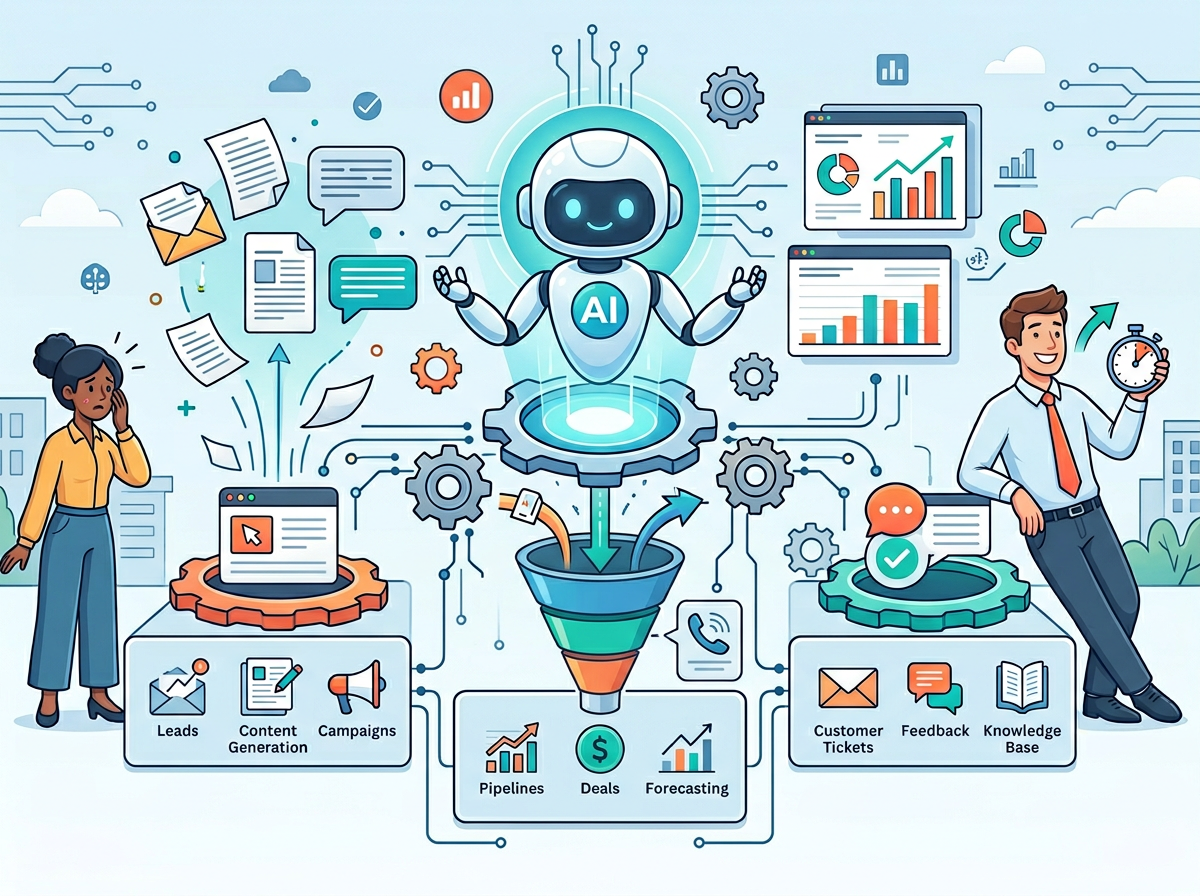
The right AI CRM for small business doesn’t just store contacts — it eliminates the 10+ weekly hours of manual follow-up quietly killing your revenue.
In 2026, American freelancers and solo entrepreneurs face a paradox that would have seemed impossible a decade ago: you have more potential customers than ever, more communication channels than ever — and somehow less time than ever to actually sell.
Inbox at 200 unread. Calendar packed with check-in calls. To-do list cascading off the screen. Sound familiar?
Here’s the brutal reality: if you’re a US-based founder or freelancer billing between $50 and $150 per hour, every hour you spend manually logging call notes, copying contact data, or drafting the same follow-up email for the twelfth time this month is somewhere between $50 and $150 you didn’t earn. If that happens just two hours a day, you’re leaving $26,000 to $78,000 on the table annually — not from lack of effort, but from the wrong allocation of it.
This is precisely the problem HubSpot CRM AI was built to solve. It’s not a task manager that nags you. It’s not a dashboard that generates reports nobody reads. Think of it as a sales thinking partner — one that remembers every interaction, anticipates the next best action, and handles the cognitive overhead so you can stay focused on actually closing deals.
In this review, we’ll go beyond the feature list that every other breakdown covers. We’ll give you four specific, implementable workflows you can put into practice this week, each one designed to save a solo operator between two and five hours. We’ll also be honest about where HubSpot CRM AI falls short — because no tool is a silver bullet, and you deserve a clear-eyed assessment before committing.
For US small businesses and freelancers who want to compete without hiring a full sales team, the question in 2026 isn’t whether AI CRM automation is worth it. It’s whether you can afford to keep doing it manually.
Join 100,000+ freelancers and entrepreneurs using HubSpot CRM AI. Start Free Today
Key Concepts of AI Efficiency for CRM
Concept 1: Cognitive Offloading
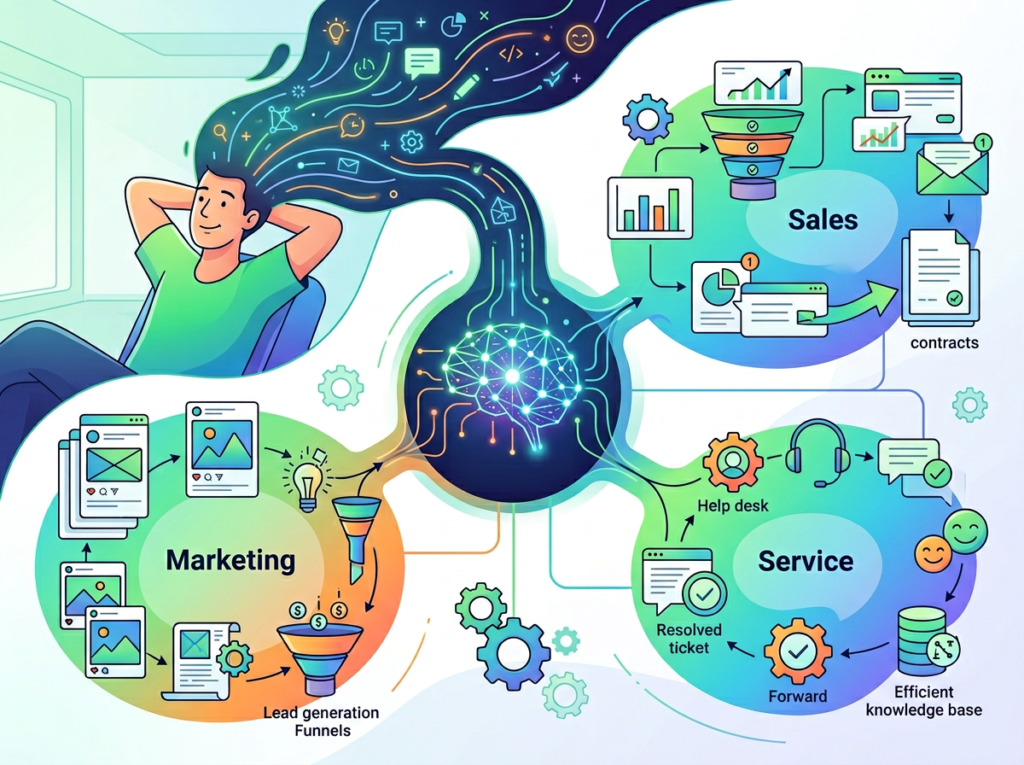
Every time you manually update a contact record, re-read a past email to remember where a deal stands, or think through which leads to prioritize this morning, you’re burning cognitive fuel. Cognitive offloading is the practice of transferring this mental overhead to a system — freeing your brain for higher-value thinking.
Traditional CRM tools store information but don’t reduce the cognitive load of managing it. AI CRM changes this fundamentally. The system doesn’t just hold the data; it interprets it, surfaces what’s relevant, and suggests what to do next.
Consider Sarah, a freelance brand designer in Portland managing eight active client accounts. Before using AI-assisted CRM workflows, she spent roughly 2.5 hours each day reviewing project status, crafting personalized client updates, and manually triaging her inbox for anything urgent. After implementing AI-driven contact summaries and automated follow-up sequences, that same work takes under 45 minutes — without a single important detail slipping through.
For advanced cognitive offloading strategies applied specifically to CRM workflows, explore HubSpot CRM AI in detail.
Concept 2: Context Switching Cost
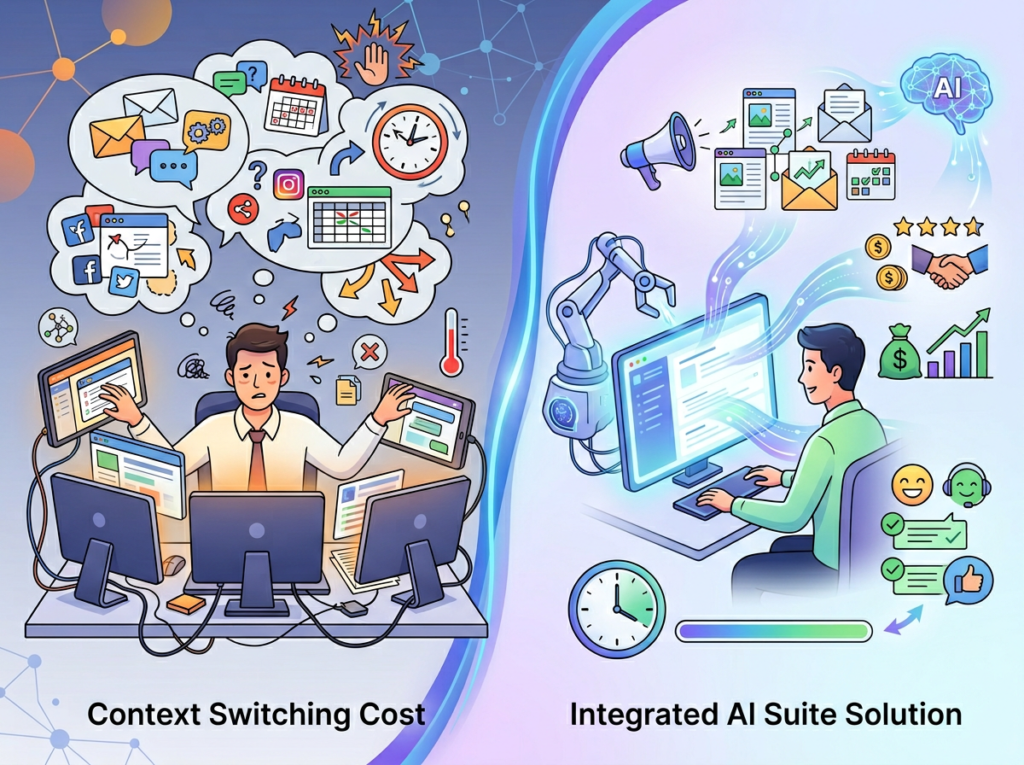
University of California research has consistently shown that it takes an average of 23 minutes to fully regain focus after an interruption. In a sales environment, context switching is endemic: you’re mid-proposal when a lead replies, you jump to respond, then return to the proposal with half your mental model evaporated.
AI CRM reduces context switching by consolidating fragmented information. Instead of toggling between your email, a spreadsheet, last week’s call notes, and your CRM dashboard, the AI surfaces a single unified view: here’s who this person is, here’s what they care about, here’s where this deal stands, and here’s what you should do next.
Marcus, a solo management consultant based in Chicago, tracked his context-switching losses for a month before adopting HubSpot CRM AI. His estimate: five hours per week lost to re-orienting himself across multiple systems. Within three weeks of using AI-generated deal summaries and smart notifications, that number dropped to under one hour.
Concept 3: Workflow Orchestration
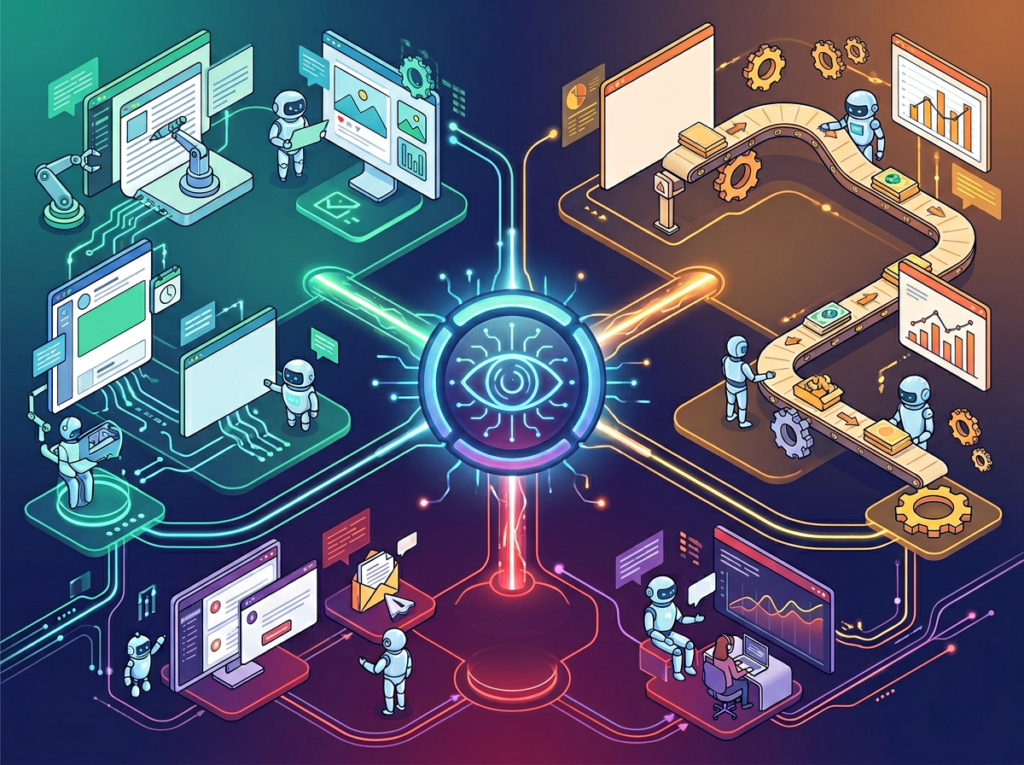
The most transformative use of AI in CRM isn’t any single feature — it’s the ability to chain tasks together into orchestrated workflows that run without your direct involvement. This is the shift from AI as a tool you use to AI as a system that works alongside you.
Think of workflow orchestration as the difference between a sous chef who does whatever you ask and a kitchen that preps, portions, and plates while you focus on the dishes that require your unique skill. The AI handles lead scoring, follow-up sequencing, and data enrichment in the background. You show up for the conversations that actually move deals forward.
Elena, a Shopify store owner in Austin who also handles her own wholesale outreach, found that setting up three automated workflows in HubSpot — lead intake, post-demo follow-up, and win/loss logging — saved her four hours every single month that she’d previously spent on manual CRM hygiene. As detailed in this practical analysis of HubSpot AI usage patterns, the real gains often come not from the flashiest features but from the mundane automations most users set up first.
Join 100,000+ freelancers and entrepreneurs using HubSpot CRM AI. Start Free Today
How HubSpot CRM AI Helps Efficiency
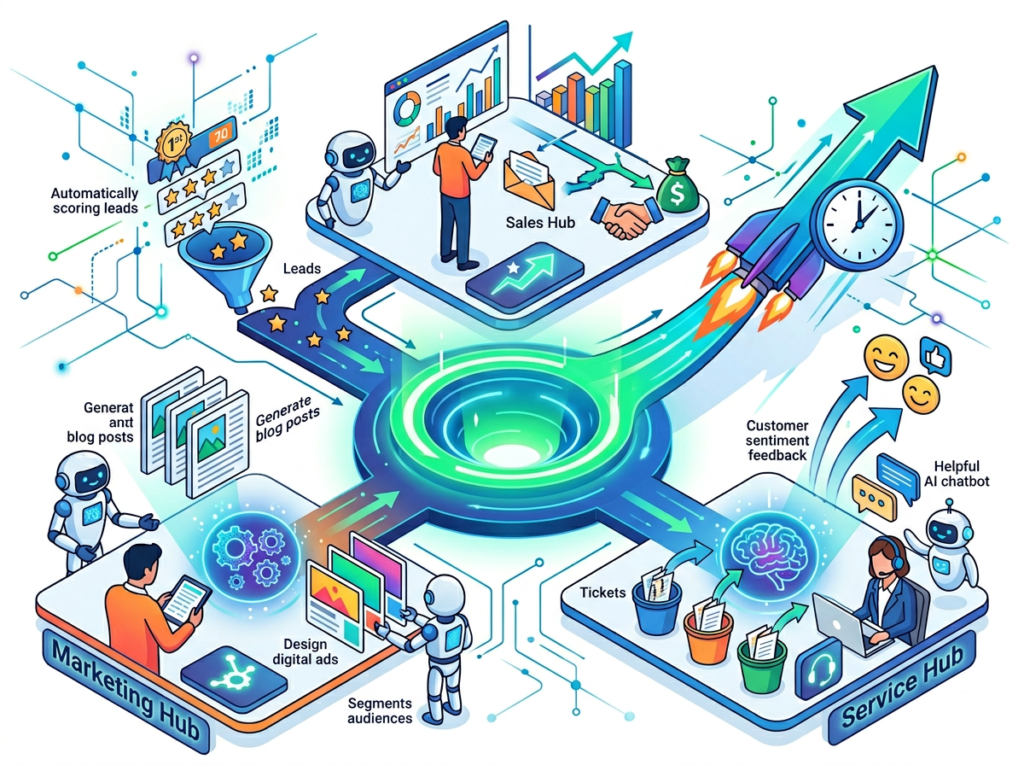
Feature 1: Breeze AI Prospecting Agent
The Prospecting Agent automatically researches leads, pulls in company data, and drafts personalized outreach emails — tasks that would otherwise require you to tab through LinkedIn, a company website, and your notes before writing a single line.
For a solo consultant or freelancer who prospects actively, this replaces approximately 45 minutes per new lead of manual research and drafting. If you work 10 new leads per month, that’s 7.5 hours recovered. At $75/hour average, that’s $562 in billable time per month — or $6,750 annually — from one workflow change.
Feature 2: Breeze Copilot (AI Assistant Embedded in CRM)
Breeze Copilot lives inside your HubSpot interface and answers natural-language questions about your pipeline: “What deals haven’t been touched in two weeks?” “Summarize my last conversation with this contact.” “Draft a follow-up email for this deal stage.”
The efficiency gain here is speed of context recovery. Instead of scrolling through three months of contact history before a call, you ask a question and get a summary in 10 seconds. For most users, this saves 20–30 minutes per day simply from faster information retrieval.
Annual time saved: approximately 120 hours = $6,000–$18,000 at US freelance rates.
Feature 3: AI-Powered Email Sequences and Follow-Up Automation
This is the most immediate efficiency win for most small business users. HubSpot allows you to build multi-step email sequences that trigger automatically based on deal stage, contact behavior, or time elapsed since last touch. The AI layer suggests subject lines, personalizes body copy using CRM data, and A/B tests performance automatically.
For freelancers and small sales teams, this eliminates the cognitive burden of remembering to follow up — which, for most solopreneurs, means never forgetting again.
Annual time saved: approximately 80 hours = $4,000–$12,000 at US freelance rates.
Combined Annual ROI for a US Freelancer:
- Time reclaimed: 330+ hours/year
- Dollar value: $16,500–$49,500 at $50–$150/hour
- HubSpot Starter CRM: Free | Sales Hub Professional: ~$100/month ($1,200/year)
- ROI range: 13x to 41x on the investment
Ready to cut your sales admin time in half? Try HubSpot CRM AI free and experience AI CRM automation firsthand. Start Free | No credit card required
Use Cases: Small Business & Freelancer Efficiency
Persona 1: Jessica, Freelance Brand Designer in Portland

Business context: Jessica manages 12 active clients across branding, packaging, and identity projects. She handles all her own business development.
Old workflow: Jessica spent roughly 10 hours per week on business admin — following up with prospects, sending project updates, responding to intake inquiries, and manually tracking where every conversation stood in her CRM. Every Monday morning started with 90 minutes of CRM triage just to figure out what needed attention.
AI-enhanced workflow: Jessica now uses HubSpot’s automated sequence builder to handle all post-inquiry follow-ups for the first two weeks of a new lead relationship. Breeze Copilot drafts her project update emails using information pulled directly from her deal records. Her Monday triage now takes 20 minutes — because the AI has already flagged the three contacts that need her personal attention.
Quantified results: 10 hours/week ? 5 hours/week. 260 hours annually reclaimed. At $75/hour, that’s $19,500 in additional revenue potential from capacity freed for billable work.
In Jessica’s words: “I was spending more time managing client relationships than actually doing creative work. HubSpot’s follow-up automation was the first thing that actually felt like it gave me my business back.”
Persona 2: Satoshi, Independent Management Consultant in Tokyo

Business context: David works with mid-size companies on operations projects, averaging three active engagements at any time. He manages his own pipeline, which includes 30–40 active prospects at various stages.
Old workflow: David tracked everything in a combination of HubSpot and a separate spreadsheet — a common setup that creates exactly the kind of fragmented context his work was supposed to eliminate. He spent 22 hours per month on CRM maintenance: logging calls, updating deal stages, researching prospects before outreach, and manually prioritizing follow-ups.
AI-enhanced workflow: After consolidating into HubSpot’s AI-assisted pipeline and activating the Prospecting Agent for new leads, David’s CRM maintenance dropped to 9 hours per month. Breeze Copilot now gives him a pre-call brief for every meeting — two minutes of reading instead of 20 minutes of research. According to this breakdown of time-saving applications across HubSpot’s AI features, the pre-call research automation alone is one of the highest-ROI features for consultants working with complex, multi-stakeholder deals.
Quantified results: 22 hours/month ? 9 hours/month. 156 hours annually recovered. At $175/hour, David’s reclaimed capacity represents $26,400 in additional consulting capacity annually.
In David’s words: “The pre-call brief feature alone was worth the subscription. I went into every call more prepared and got out in less time. That’s not automation — that’s a leverage multiplier.”
Persona 3: Alex, Solo Developer Building a SaaS Product in Colorado

Business context: Alex is bootstrapping a B2B SaaS tool and managing all sales conversations himself while simultaneously building the product. His sales pipeline is small but strategically critical: 20–30 high-value prospects at any time.
Old workflow: Alex spent 9 hours per week on sales admin — prospect research, follow-up scheduling, demo preparation, and CRM logging. In a week already stretched between product development and customer support, those nine hours were existentially expensive.
AI-enhanced workflow: Alex activated HubSpot’s deal intelligence features and Breeze Copilot. Now, the AI automatically logs call summaries, suggests next actions after every touchpoint, and drafts his demo follow-up emails using notes captured during the call. He also set up a lightweight lead scoring model that identifies which of his free trial users are engaging most actively — his highest-signal pipeline indicator.
Quantified results: 9 hours/week ? 2.5 hours/week. 338 hours per year returned to product development — the work that directly drives Alex’s company value.
In Alex’s words: “Every hour I don’t spend on CRM admin is an hour I can spend on the product. HubSpot CRM AI made sales feel like a 20% job instead of a second full-time role.”
For persona-specific workflow templates and implementation guides, learn more about HubSpot CRM AI on AI Plaza.
Streamline your sales workflow with smart CRM automation. Join 100,000+ freelancers and entrepreneurs using HubSpot CRM AI. Start Free Today
Best Practices for Implementing AI Efficiency

Start Small — One or Two Workflows First
The single biggest implementation mistake is turning on every automation simultaneously. When you can’t tell what’s working, you can’t improve anything. Start with the workflow that costs you the most time right now. For most small business users, that’s follow-up email sequences or post-call logging. Master one workflow for 30 days, measure the time saved, then layer in the next.
Keep Humans in the Loop for High-Stakes Communication
AI-drafted emails are powerful starting points — not finished products for relationship-critical moments. Your AI sequences are excellent for early-stage nurturing, routine check-ins, and stage-based follow-ups. For conversations involving pricing negotiations, client concerns, or complex deal dynamics, treat AI drafts as a first pass you review and personalize. The efficiency gain still applies; the relationship quality doesn’t suffer.
Track What AI Is Replacing
As discussed in this analysis of HubSpot AI tools in practice, one of the most common adoption pitfalls is activating automations without establishing a baseline — which makes it impossible to measure actual impact. If you don’t measure the before state, you can’t validate the after. Before activating any new AI workflow, log how many minutes per day or hours per week the manual version currently takes. Revisit after 30 days. Not only does this confirm ROI — it also reveals where automation is working as expected versus where it needs refinement.
Limitations and Considerations
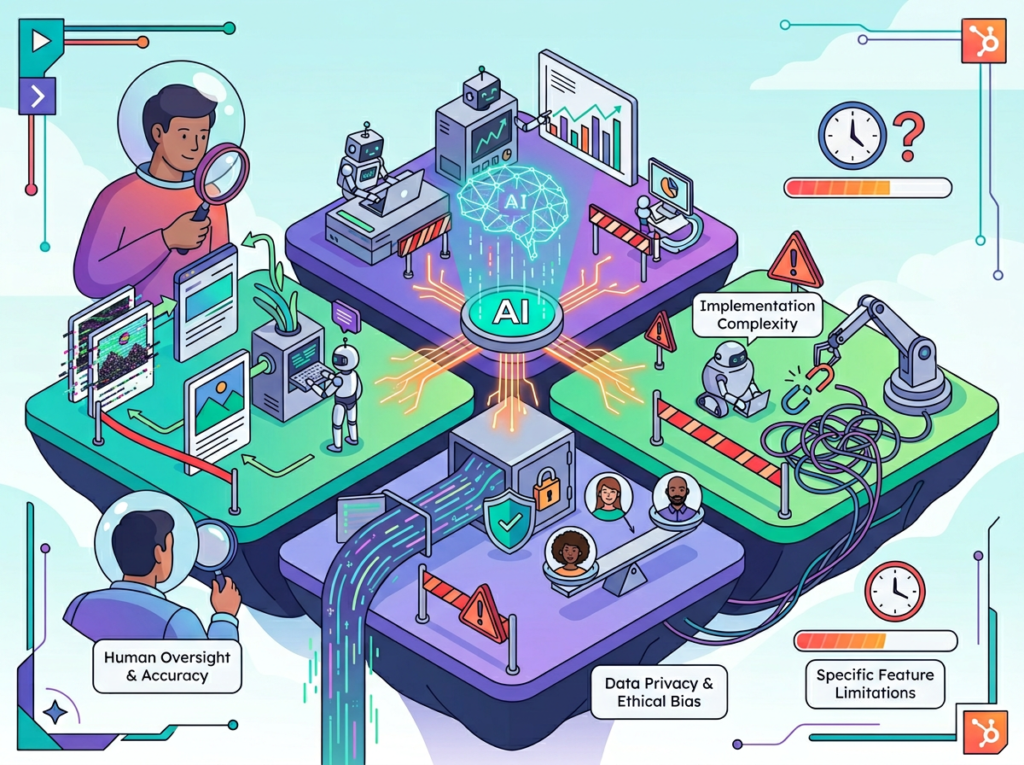
AI CRM automation works best for repetitive, process-driven sales tasks — but fails at nuanced relationship management, legal precision, and the kind of contextual human judgment that closes complex deals.
HubSpot CRM AI is genuinely impressive across a wide range of sales automation workflows. But no tool deserves unconditional praise, and there are categories where the AI layer adds friction rather than removing it.
Where AI Is Not Ideal:
Complex Relationship Nuance: AI-generated follow-up emails are effective for early-stage or process-driven touchpoints. They’re poorly suited for moments that require genuine empathy, strategic sensitivity, or deep relationship context — a client who just lost a major account, a partner negotiation with long history, or any communication where the subtext matters as much as the text. Use AI as a starting point; never as the final voice in high-stakes moments.
Legal, Contractual, or Compliance Language: HubSpot’s AI can draft contract follow-ups and proposal language, but any output touching legal obligations, compliance requirements, or contractual terms requires review by a qualified professional. AI hallucination in these contexts carries real business and legal risk.
Data Quality Dependency: HubSpot CRM AI is only as good as the data inside it. If your CRM has duplicate contacts, incomplete records, or outdated information, the AI will generate personalized outreach based on bad data — which can be worse than generic outreach. Invest time in data hygiene before activating AI personalization features.
Key risks to manage actively: AI hallucination in factual claims, privacy considerations when syncing third-party data with CRM, and over-reliance that erodes your direct knowledge of your own pipeline. The most effective users treat HubSpot CRM AI as a system they actively manage — not a set-and-forget solution.
Frequently Asked Questions
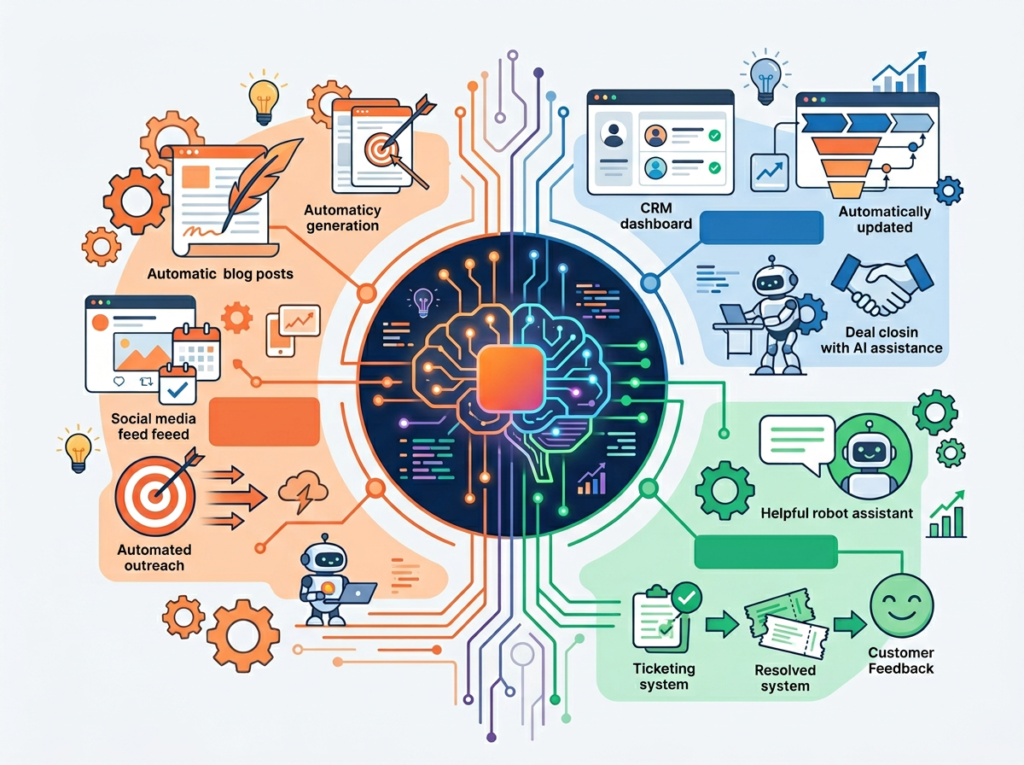
What is AI CRM for small business? An AI CRM for small business is a customer relationship management platform that uses artificial intelligence to automate lead management, personalize outreach, prioritize follow-ups, and surface deal insights — capabilities that previously required either a full-time sales team or many hours of manual work per week. For solo operators, an AI CRM functions as a virtual sales assistant that handles process-driven tasks so the business owner can focus on high-value conversations.
Can AI replace admin work in sales entirely? Not entirely, and it shouldn’t try to. AI CRM automation excels at structured, repetitive tasks: logging interactions, drafting routine follow-ups, scoring leads based on behavior, and generating pre-call research summaries. It is not well-suited for nuanced negotiation, complex client relationship management, or any communication where contextual human judgment is essential. The realistic goal is reducing admin work by 50–70%, not eliminating it.
Do I need technical skills to use HubSpot CRM AI? No. HubSpot is specifically designed for non-technical users, and the AI features follow the same design philosophy. Setting up a basic automated sequence takes under 15 minutes for a first-time user. Breeze Copilot works through natural language — you type a question or request in plain English, and the AI responds within the CRM interface. For more advanced use cases like custom lead scoring models or API integrations, basic technical familiarity helps, but the core efficiency features are accessible without it.
Join 100,000+ freelancers and entrepreneurs using HubSpot CRM AI. Start Free Today
Conclusion
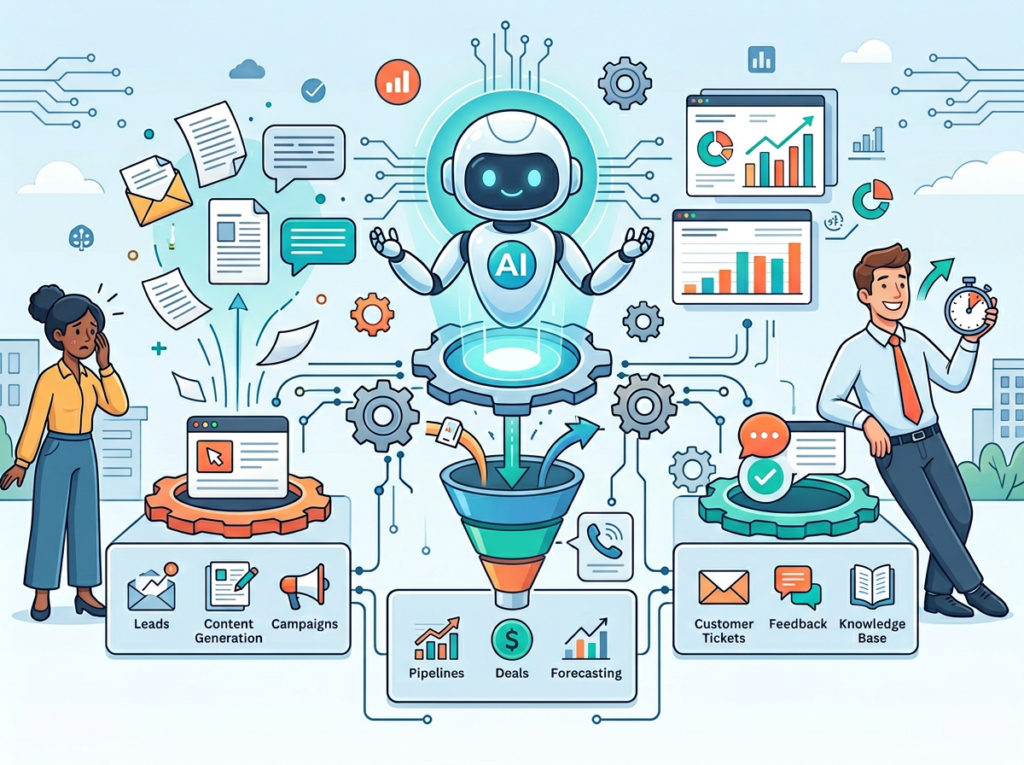
In 2026, the competitive divide among US small business owners isn’t capital, connections, or industry experience — it’s leverage. The founders and freelancers who are winning aren’t working more hours; they’re working on higher-value tasks because they’ve offloaded the rest to systems that don’t get tired, don’t forget, and don’t procrastinate.
HubSpot CRM AI represents one of the most accessible and immediately impactful entry points into that leverage for small sales operations. It reduces the cognitive overhead of managing a pipeline, automates the follow-up work that most solopreneurs silently dread, and surfaces the right information at the right moment — without requiring you to become a CRM administrator in the process.
As we’ve reviewed across four real-world personas, the efficiency gains are quantifiable: 300+ hours per year for an active freelancer or founder is not a marketing claim. It’s the math of eliminating two to four hours of daily admin that compounds across a full working year.
The right approach is phased adoption. This week: activate one workflow — follow-up sequences for new inquiries or Breeze Copilot for pre-call prep. Track the time you save over 30 days. Let the evidence guide the next step.
For US freelancers billing at $50–$150/hour, the ROI on a well-implemented AI CRM runs 13x to 40x annually. That’s not a productivity trend. That’s infrastructure.
The question isn’t “Should I use AI CRM for my small business?” — it’s “Can I afford NOT to?”
Join 100,000+ freelancers and entrepreneurs using HubSpot CRM AI. Start Free Today
Leave a Reply