
Hiring designers is expensive — the ai image generator for business that replaces them costs less than your monthly coffee budget.
If you run a small business in America in 2026, you already know the visual content problem. Your Instagram feed needs three posts a week. Your email campaigns need custom headers. Your product pages need lifestyle images. Your pitch deck needs professional graphics. And somewhere in the middle of all this, you’re supposed to actually run your business.
The traditional solution — hire a freelance designer or a creative agency — costs between $75 and $150 per hour in the current US labor market. A single month of consistent marketing visuals can easily run $3,000 to $6,000 before you’ve sold a single product. For US-based founders, marketers, and creators managing lean operations, that’s not a sustainable model.
The alternative most small teams try first is Canva or stock photo sites. These work until they don’t — when your brand looks like everyone else’s, when the stock photos feel generic, or when you need something specific that no template covers.
This is where Google Imagen enters the picture. Imagen is Google DeepMind’s AI image generation model, built to produce photorealistic, high-quality images from text descriptions. Unlike photo editing tools or template-based platforms, Imagen generates net-new visuals from scratch based on your exact specifications. Tell it what you need — product in a minimalist studio setting, outdoor lifestyle shot with natural light, abstract geometric header in brand colors — and it produces it in seconds.
For US small business teams that need consistent, professional visual output without a full-time creative department, this is the capability shift that makes AI image generation for business genuinely practical. Instead of spending $5,000 a month on creative services, teams using AI-powered image generation can produce comparable volume for a fraction of the cost while maintaining the speed modern digital marketing demands.
This article breaks down exactly how Google Imagen fits into the Solo DX framework — the small-scale digital transformation approach built for US founders who are scaling without scaling their overhead.
What Is Solo DX?
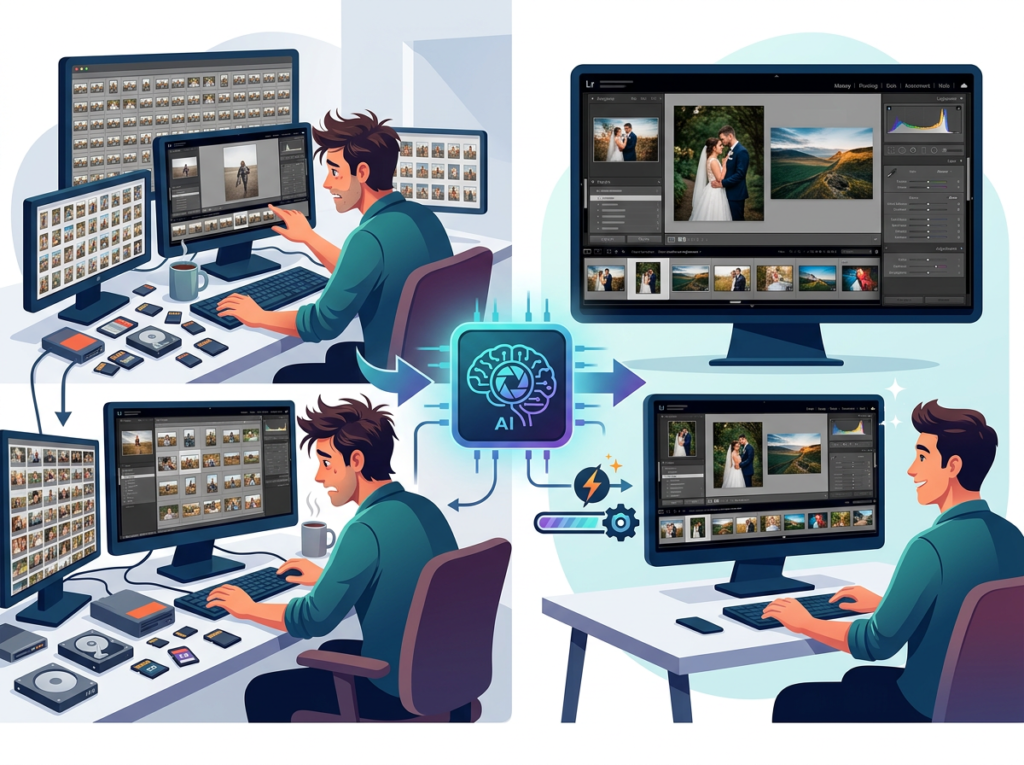
Solo DX stands for Solo Digital Transformation. It’s the operating philosophy behind how lean US small businesses — typically teams of two to fifteen people — use AI and automation to build systems that were previously only accessible to companies with dedicated operations, creative, and IT departments.
The defining challenge of Solo DX is resource asymmetry. A five-person e-commerce brand in Austin, Texas competes for the same customer attention as a 200-person company with a full marketing team. A two-person consultancy in Denver pitches against firms with dedicated design and content departments. The playing field isn’t level — unless you build systems that multiply your team’s output.
Solo DX is distinct from general AI efficiency work or productivity hacking. The table below shows why the distinction matters:
| Category | Focus | Goal |
|---|---|---|
| AI Efficiency | Do existing tasks faster | Save time |
| AI Revenue Boost | Use AI to increase sales | Grow revenue |
| Solo DX | Build repeatable systems | Scale without headcount |
| AI Workflows | Automate specific processes | Reduce manual steps |
Solo DX is about systemization at the operating layer. It asks: what processes in this business currently depend on a specific person’s availability, judgment, or skill — and how do we turn those into a repeatable, documented system that any team member can execute?
Visual content production is one of the highest-friction, highest-cost processes in most small US businesses. It depends on creative talent, which is expensive and hard to find. It depends on briefing and revision cycles, which eat time. And it depends on brand consistency, which degrades when multiple people produce visuals without a shared system.
A three-person design studio in Austin spent roughly 12 hours per week managing their own visual content — social assets, client proposal decks, website imagery — spread across the founder, an account manager, and a part-time contractor. At an average blended hourly cost of $65, that’s $780 per week or more than $40,000 annually in labor just to keep their own marketing visuals consistent and current.
This is the exact problem that explore Imagen’s features was built to solve for lean US teams.
Why AI Is Key for Mini-Team Visual Systemization
Problem 1: Creative output lives in one person’s head
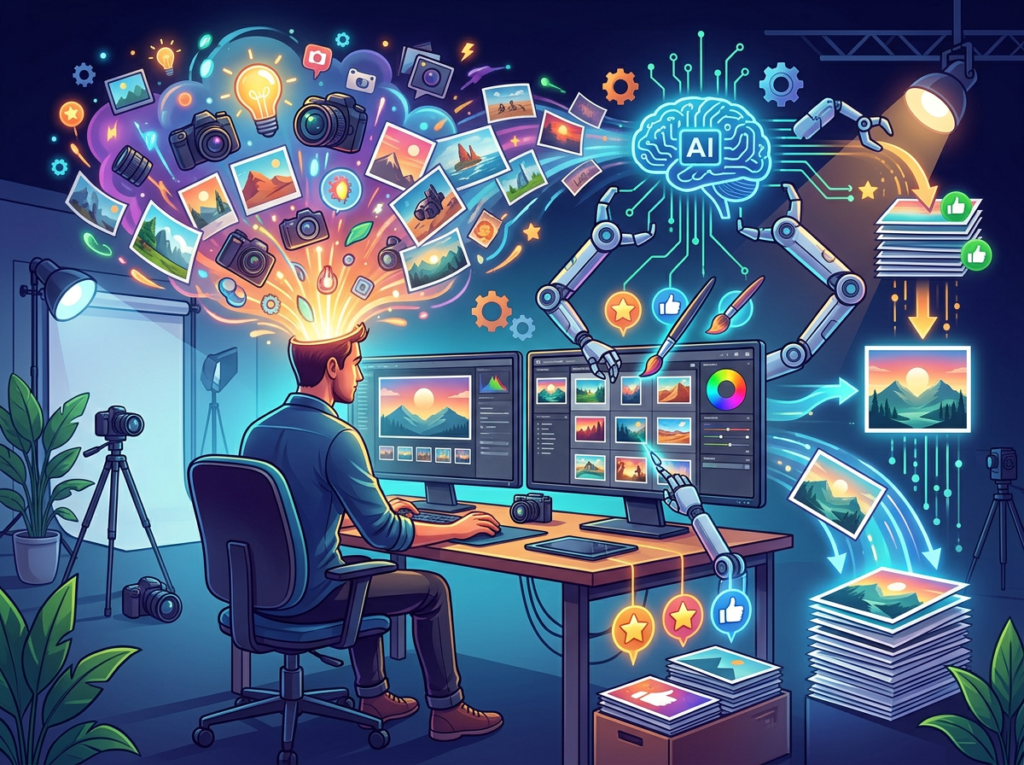
Most small businesses have one person — often the founder or a single marketing hire — who understands the brand well enough to produce or approve visuals. Every image, graphic, and design asset passes through that person. This creates a bottleneck that limits output volume and creates single-point-of-failure risk. If that person is traveling, sick, or simply overloaded, visual production stops.
AI image generation breaks this dependency. With a well-documented prompt library and brand guidelines stored as reusable templates, any team member can generate on-brand visuals without creative expertise.
Problem 2: Labor costs make design impossible to scale manually

The US Bureau of Labor Statistics puts the median hourly rate for graphic designers at $27 in-house, but freelance rates in major metros run $75–$125 per hour. A Chicago-based e-commerce startup needing 50 product images restyled for a seasonal campaign would pay a freelancer $3,750–$6,250 for work that an AI image generator for business can approximate in two to three hours of prompt iteration and review.
The cost math becomes even more stark when you factor in turnaround time. A freelancer delivering in 5–7 business days versus an AI system producing usable drafts in 30 minutes represents a competitive advantage in fast-moving markets.
Problem 3: Visual inconsistency erodes brand trust
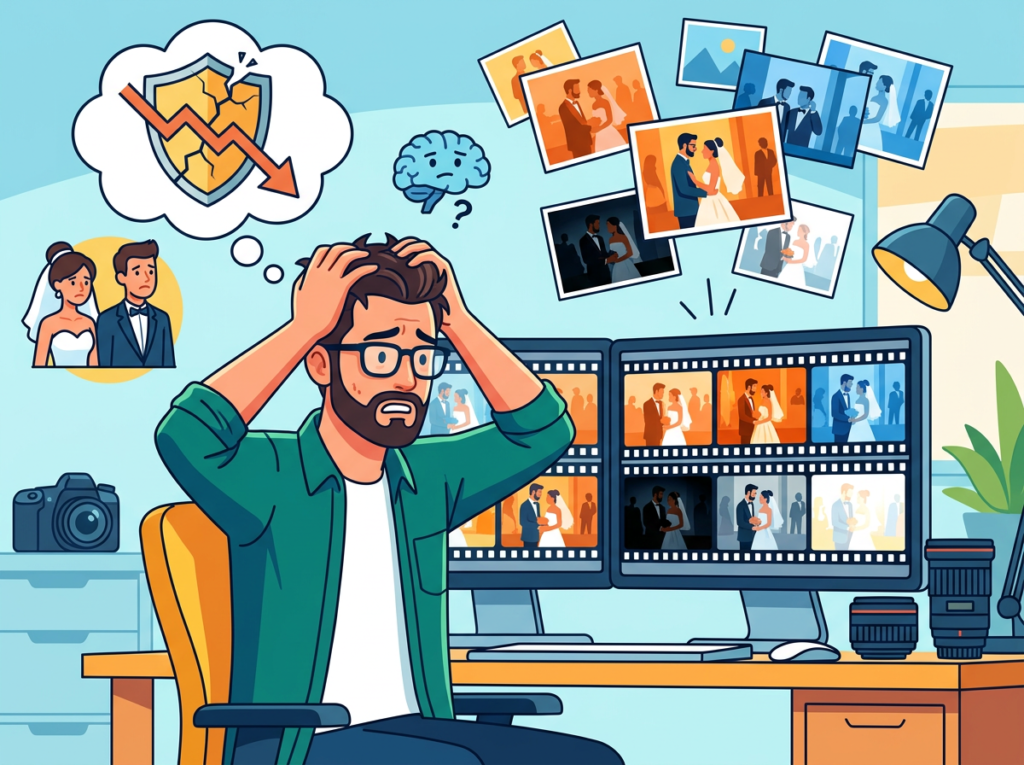
Studies on brand consistency show that consistent presentation across channels increases revenue by up to 23%. Yet most small US teams produce visuals across multiple tools, formats, and contributors — resulting in inconsistent lighting styles, mismatched color treatments, and varying levels of production quality. Customers notice. Inconsistency signals a small, unorganized operation even when the product or service is excellent.
AI image generation systems, when paired with standardized prompt frameworks and brand parameters, produce more consistent output than a mix of freelancers and internal contributors. The system doesn’t have off days or stylistic drift.
The Cost Reality
| Approach | Monthly Cost | Turnaround | Consistency |
|---|---|---|---|
| Freelance designer | $3,000–$6,000 | 3–7 days | Variable |
| In-house hire | $5,000–$8,500 | 1–3 days | Medium |
| Stock photos | $200–$500 | Immediate | Generic |
| AI Image Generator | $20–$60 | Minutes | High (with prompt system) |
How Google Imagen Enables Solo DX:
1. Text-to-Image Generation to $2,400+ saved per campaign cycle
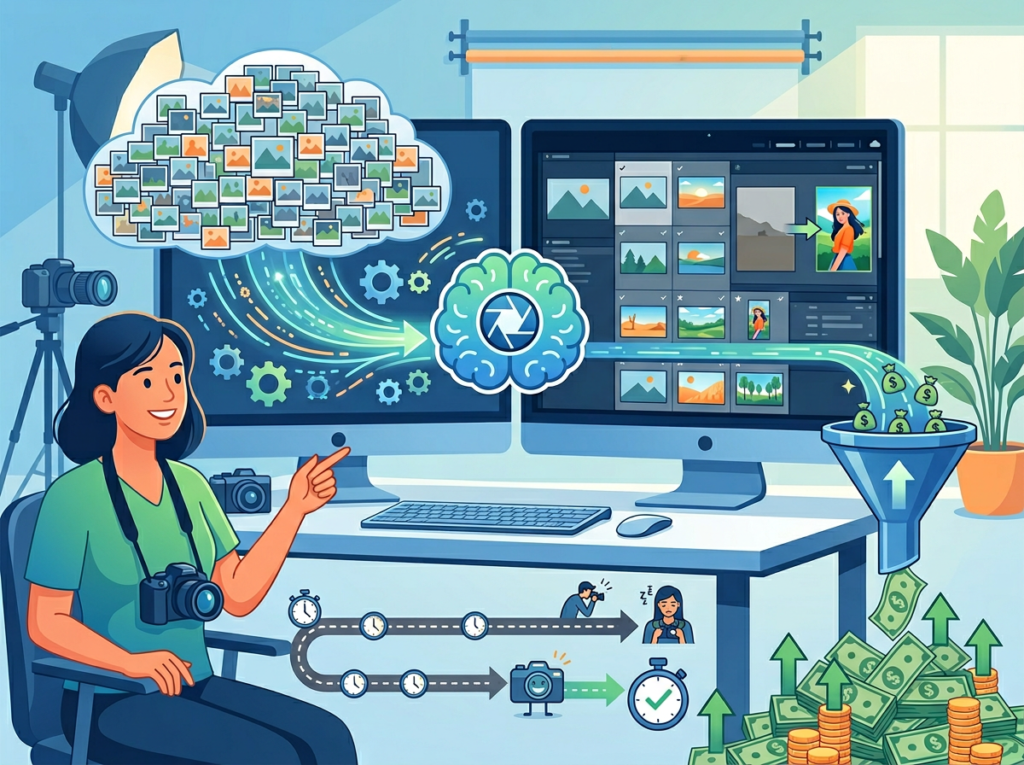
Imagen’s core capability is generating photorealistic images from detailed text prompts. For a marketing team that previously briefed a freelancer for product lifestyle shots, this capability alone changes the economics of content production.
A San Francisco-based DTC brand running four seasonal campaigns per year previously spent $600 per campaign on freelance photography assets — $2,400 annually — plus three to five days of turnaround per cycle. Using Imagen through Vertex AI, their marketing lead now generates 20–30 candidate images per campaign in a single afternoon, selects the strongest options, and feeds them directly into the content calendar. Turnaround: same day. Cost: the time of one team member.
2. Style-Consistent Batch Generation to $78,000+ in annual agency replacement
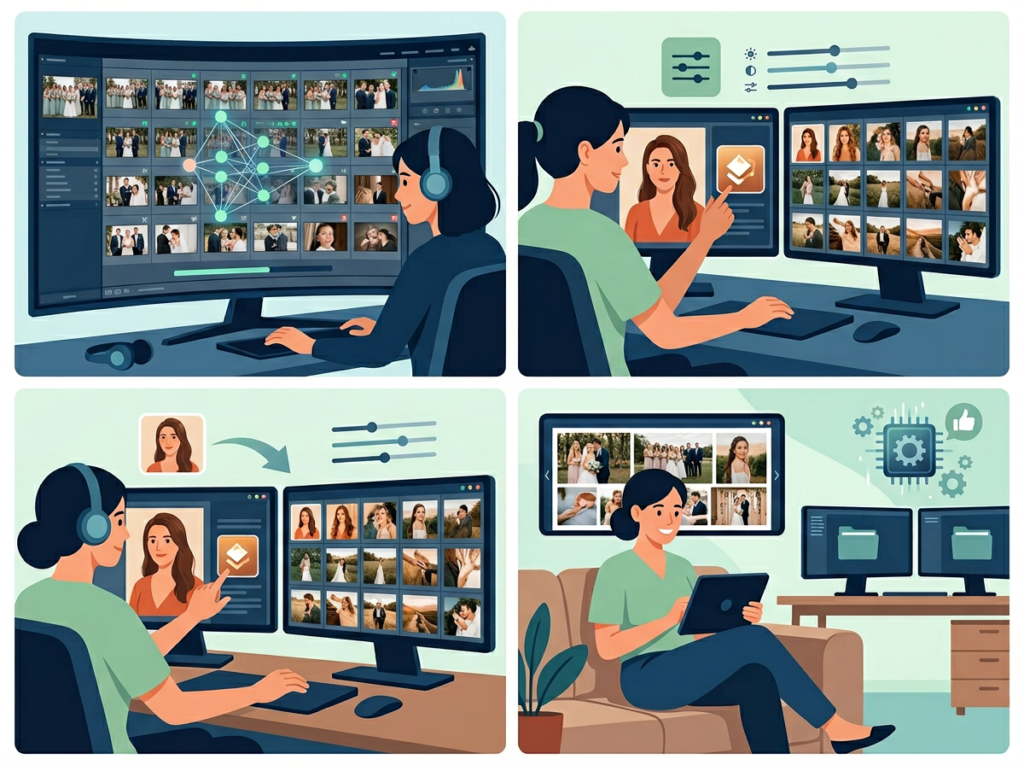
For teams managing multiple product lines, content channels, or client accounts, maintaining visual consistency across dozens or hundreds of images is a significant operational challenge. Imagen supports style parameters within prompts — you can specify a consistent aesthetic, lighting style, color temperature, and compositional approach that carries across an entire batch of generated images.
A Denver-based marketing agency with a three-person team used to spend $6,500 per month outsourcing visual production for five client accounts. By building Imagen-based prompt templates for each client’s brand parameters, they replaced 80% of that outsourced volume with in-house AI generation — saving approximately $5,200 per month, or $62,400 annually, while actually improving turnaround speed.
3. Multi-Format Asset Adaptation to $6,000+ per year in production time
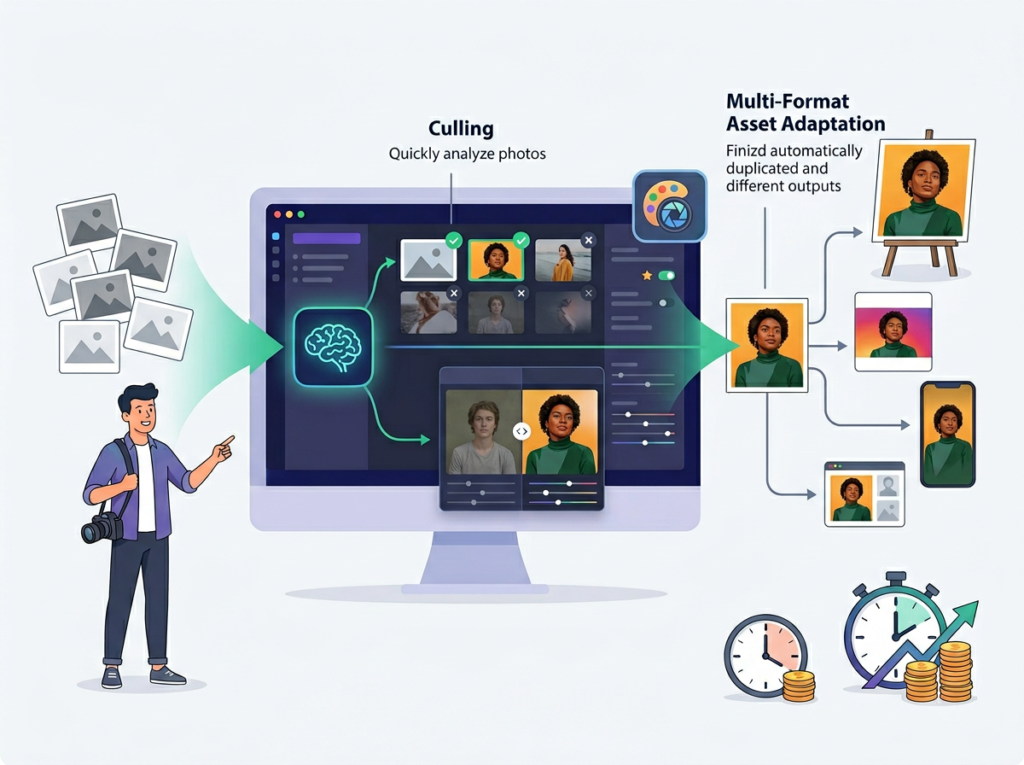
A single marketing campaign typically requires assets across Instagram (square, story, reel thumbnail), LinkedIn (landscape), email (header banner), website (hero, thumbnail), and paid ads (multiple sizes and aspect ratios). Resizing and adapting a core visual across all these formats manually takes two to four hours per campaign. Imagen’s generation capability allows teams to prompt the same concept in different compositions and aspect ratios from scratch, producing format-native assets rather than awkward crops.
You can see how Imagen works across all these use cases with direct examples in the AI Plaza tool review.
Ready to systemize your US team’s visual content production in under a week?Try Google Imagen Free via Vertex AI | No credit card required for Vertex AI trial | Trusted by 10,000+ US teams
Use Cases by Team Role
Maria, Co-Founder — 3-Person E-Commerce Brand, Austin, TX
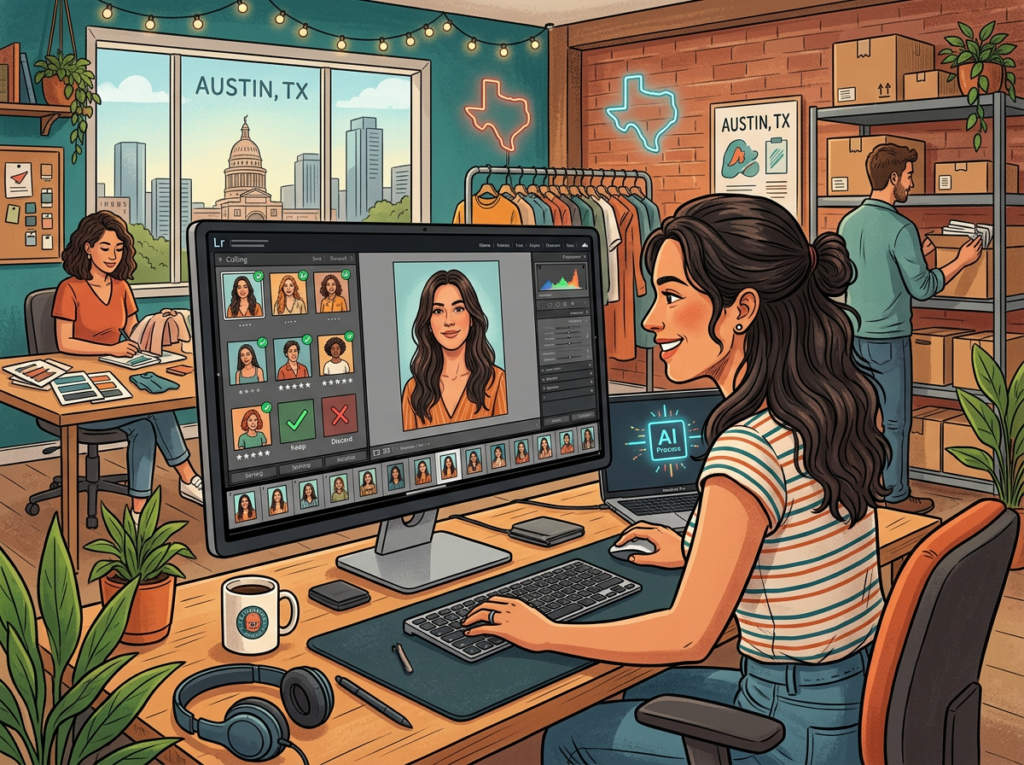
Old workflow: Maria handled all visual content for her skincare brand personally. Every product photo required a half-day shoot with a freelance photographer ($400–$600), plus two days of editing. New product launches took two weeks just to get photography ready. She was the creative bottleneck for everything.
AI-powered workflow: Maria built a prompt library documenting her brand’s visual parameters — clean white backgrounds, warm natural light, specific skin tone representation preferences, minimalist lifestyle contexts. She now generates product concept images using Imagen in under an hour, uses the strongest outputs to brief a photographer for just the hero shots that require real photography, and fills the rest of her content calendar with AI-generated lifestyle and context imagery.
Quantified results: Photography costs dropped from $2,400/month to $600/month (hero shots only). Content calendar is filled two weeks in advance instead of two days. New product launch visual prep time went from 14 days to 3 days.
“I used to feel like the entire creative operation lived inside my head and died when I was too busy to act on it. Now my team can generate on-brand assets for almost any use case without coming to me.”
James, Operations Lead — 8-Person Remote Marketing Agency, Miami, FL
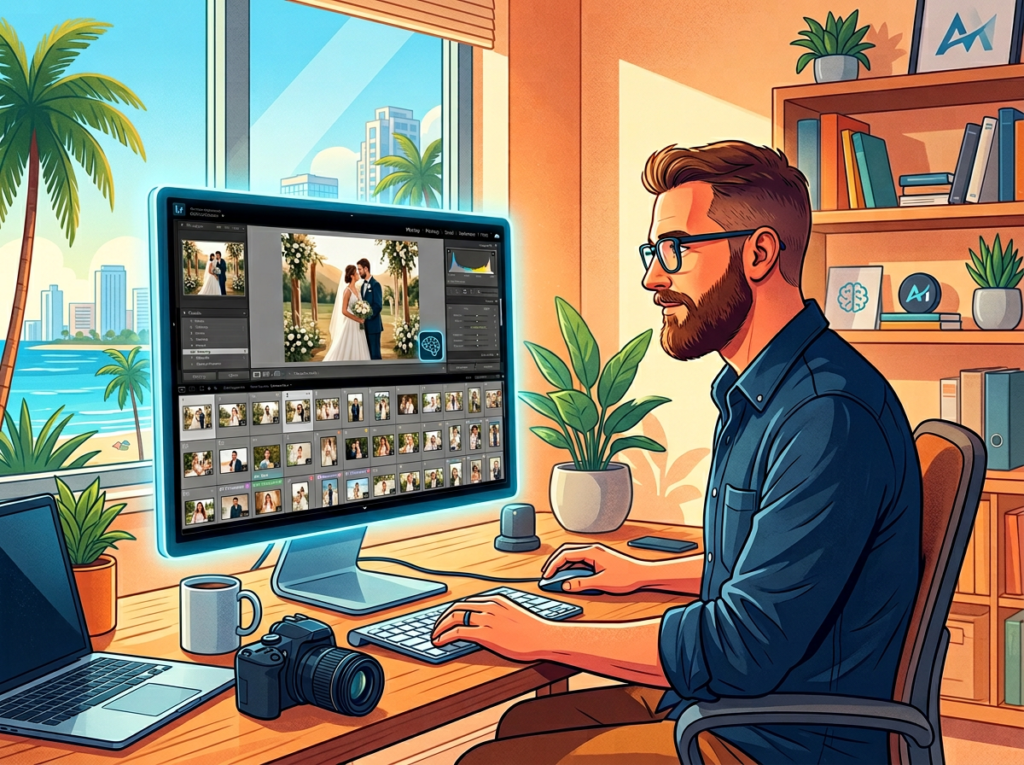
Old workflow: James managed visual asset production across six client accounts. Every client had different brand guidelines, different freelancers, and different turnaround expectations. Coordinating revisions across freelancers in different time zones added two to three days to every project cycle. Monthly creative spend: $7,200.
AI-powered workflow: James documented each client’s visual brand parameters as a reusable Imagen prompt template — essentially a brand brief translated into generative parameters. New content requests now go through a standardized generation workflow: prompt template + campaign brief ? AI generation batch ? human review ? client approval. As noted in this breakdown of photographer workflows with AI editing tools, AI systems that learn and maintain style parameters dramatically reduce revision cycles.
Quantified results: Creative production costs dropped from $7,200/month to $1,800/month. Revision cycles shortened from an average of 4.2 rounds to 1.8 rounds. Client satisfaction scores improved due to faster turnaround.
“The hardest part was building the prompt templates for each client. Once those existed, the whole operation changed.”
Robert, Brand Strategist — Solo Consultant, New York, NY
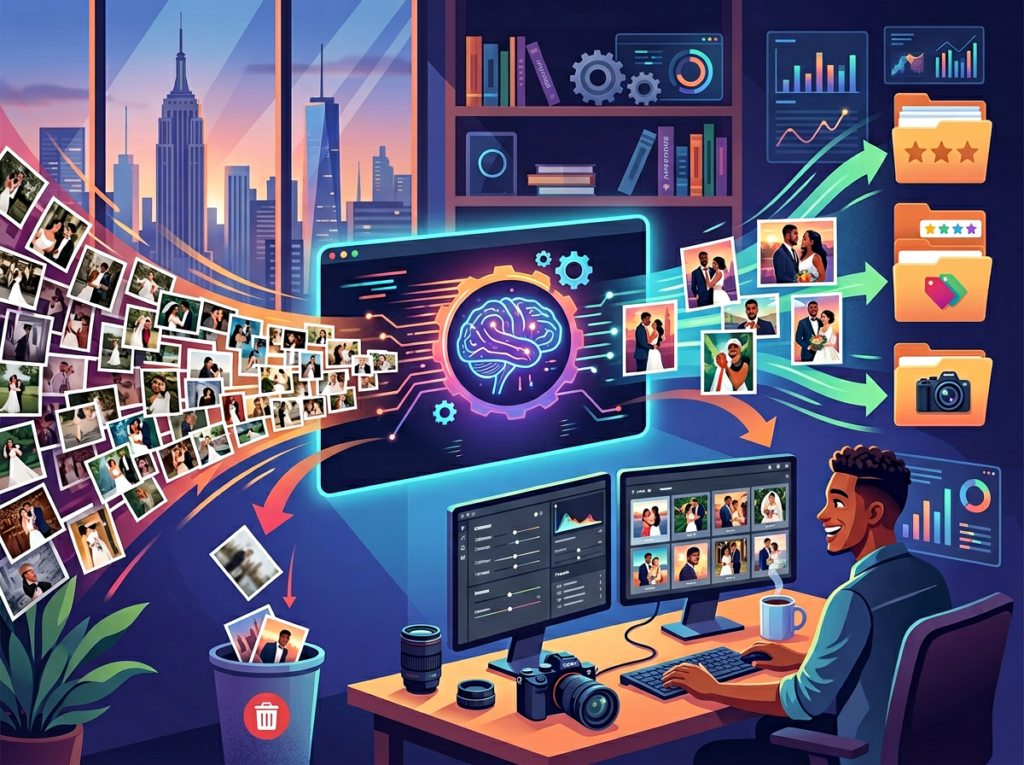
Old workflow: Robert built pitch decks and brand strategy documents for clients but had no in-house design capability. He outsourced all visual work to a design contractor at $95/hour, which made his proposals expensive and his timelines slow. He turned down smaller projects because the economics didn’t work.
AI-powered workflow: Robert uses Imagen to generate custom imagery for client presentations, proposal decks, and deliverable documents. Instead of paying a contractor for each visual element, he generates concept imagery, mood board visuals, and illustrative graphics in-house. He discovered, as Becca Jean Photography documented in their review of AI editing workflows, that AI systems reach their highest value when integrated into an existing workflow rather than treated as a replacement for that workflow.
Quantified results: Per-project design costs dropped from $1,200–$1,800 to $150–$300. Robert now takes on 40% more projects per quarter. Annual revenue increased by approximately $67,000 through increased project volume.
“I couldn’t compete with larger agencies on visual production. Now the gap is closed. My clients can’t tell which assets were AI-generated and which weren’t.”
Discover the full Imagen review for detailed breakdowns of each use case and feature comparison.
Join 10,000+ US small teams using AI image generation for business to eliminate creative production bottlenecks. See How Imagen Works | Used by teams from Silicon Valley to New York
Common Pitfalls & How to Avoid Them
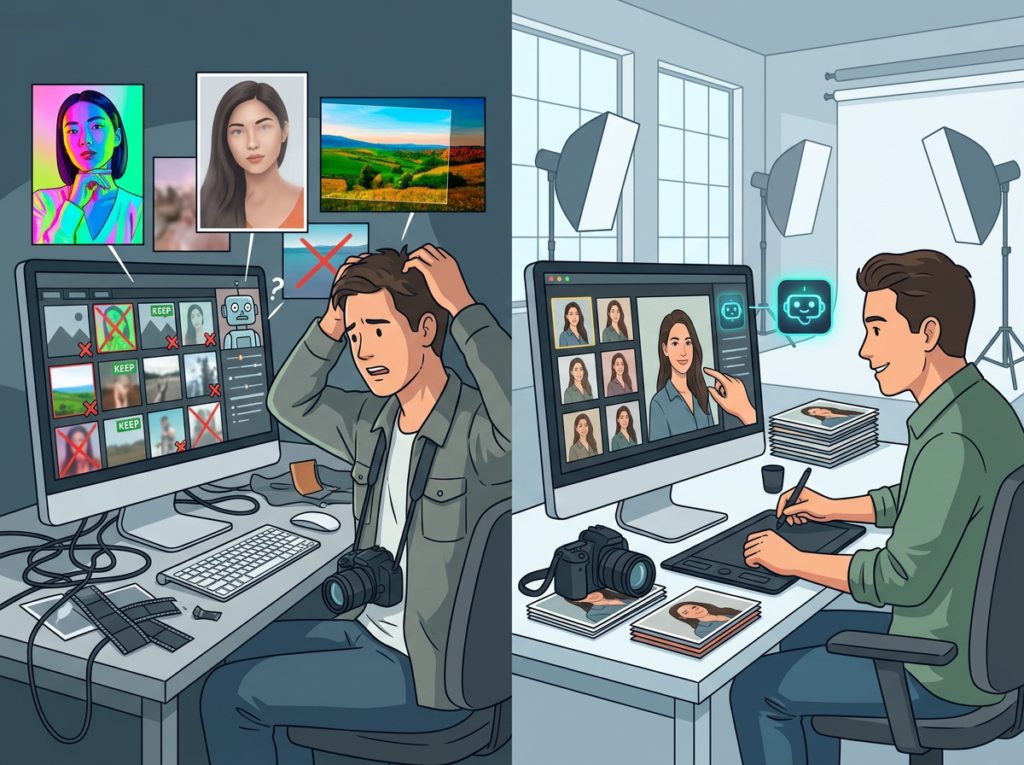
Pitfall 1: Using too many disconnected tools
The instinct when exploring AI image generation is to try five platforms simultaneously — Midjourney, DALL-E, Imagen, Stable Diffusion, Adobe Firefly — and never fully systemize any of them. The result is a fragmented workflow where prompt knowledge and brand parameters are scattered across different interfaces and never consolidated into reusable templates.
Fix: Choose one primary platform and build your prompt library there. Document your brand parameters as a reusable system. The value of AI image generation for business compounds with consistency, not variety.
Pitfall 2: Delegating without documented prompt frameworks
Many founders generate impressive visuals themselves, then hand off the process to a team member without documenting the prompt logic that produced those results. The team member generates mediocre images, the founder concludes AI doesn’t work for delegation, and the system collapses back into a single-person dependency.
Fix: Before delegating any AI generation task, write a documented prompt template that includes: style parameters, lighting specifications, compositional guidelines, brand color notes, and negative prompt instructions (what to avoid). This is the documentation step that separates a tool from a system.
Pitfall 3: Over-relying on AI generation without brand training
Generic AI prompts produce generic images. Teams that use Imagen with only vague descriptions — “professional product photo, clean background” — get professional but undifferentiated results that don’t build brand recognition.
Fix: Invest time upfront building brand-specific prompt parameters. This means documenting the exact visual language of your brand: color palette, mood descriptors, compositional preferences, subject representation guidelines. Treat this as a brand asset on par with your style guide.
For a detailed breakdown of Imagen’s technical capabilities and how to structure prompt templates for consistent results, the AI Plaza tool page covers the specifics.
FAQs
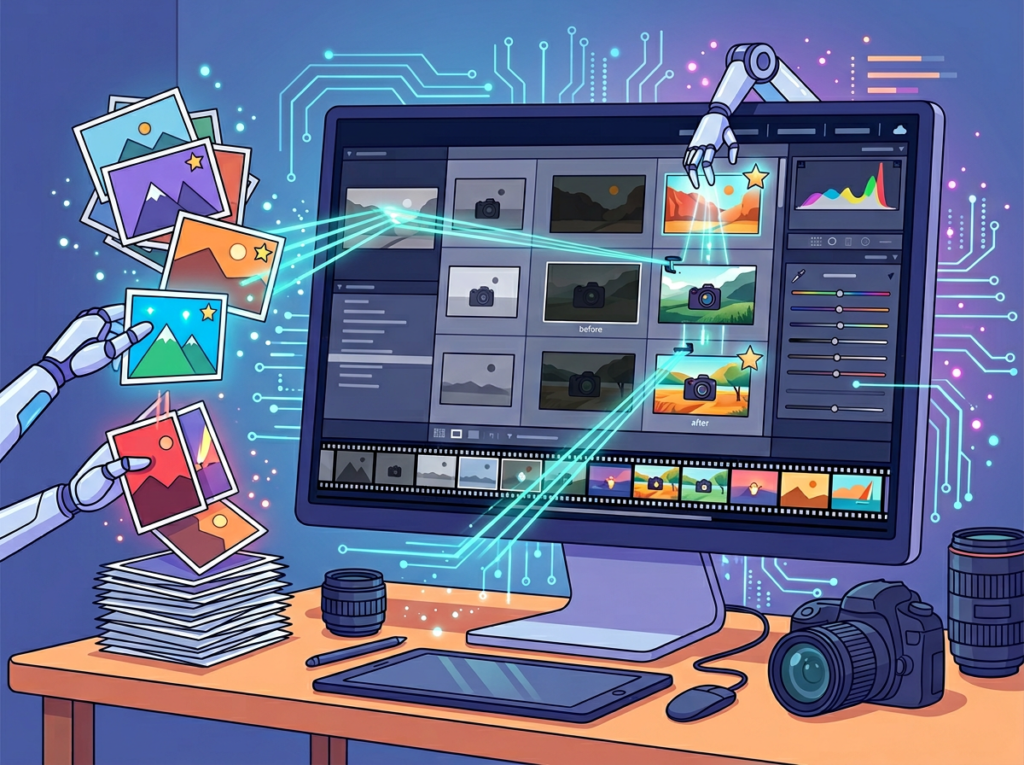
What’s the difference between AI Efficiency and Solo DX?
AI Efficiency focuses on doing existing tasks faster — cutting time off processes you already run. Solo DX focuses on building new systems — creating repeatable workflows that replace expensive or bottlenecked processes entirely. Using AI to speed up your existing design briefs is AI Efficiency. Using AI to replace your freelance design dependency with an in-house prompt system is Solo DX. The distinction matters because Solo DX produces compounding returns that AI Efficiency doesn’t.
Can small teams afford to use AI image generation for business?
Yes. Google Imagen is accessible through Vertex AI, which offers a free tier for experimentation and pay-as-you-go pricing that makes it cost-effective at small scale. For context: a team generating 200 images per month through Vertex AI typically pays $20–$60 in API costs. The same volume from a freelance designer would cost $1,500–$3,000. The ROI case is straightforward.
Is Google Imagen hard to set up?
For non-technical users, the fastest access path is through Google’s Gemini products and AI tools embedded in Google Workspace, which expose Imagen’s generation capabilities through consumer-friendly interfaces. For teams wanting deeper control — custom style tuning, API integration, bulk generation — Vertex AI Studio provides a no-code interface to Imagen’s full capabilities. Most US teams are generating usable images within their first session, though building a reliable prompt library takes dedicated experimentation time.
Discover the full Imagen review for detailed breakdowns of each use case and feature comparison.
Conclusion

In 2026, American small businesses don’t need enterprise budgets to produce enterprise-level visual content. The capability gap that once separated a three-person startup from a 50-person marketing team has narrowed significantly — not because creative work has gotten easier, but because AI image generator for business tools like Google Imagen have made professional visual production accessible at any scale.
The Solo DX framework offers the right lens for extracting maximum value from this capability shift. It’s not about using Imagen once for a campaign. It’s about building a visual production system — documented prompt libraries, brand parameter templates, QC workflows, delegation protocols — that lets your whole team generate on-brand imagery consistently, at speed, without creative bottlenecks.
The teams getting the most value from AI image generation aren’t the ones with the biggest budgets or the most technical expertise. They’re the ones who treated the tool as a system-building opportunity, not a one-off production shortcut.
Start with one process. Pick the highest-friction, most recurring visual production task your team faces — whether that’s social content, ad creative, or proposal imagery. Systemize it this week. Document the prompts that work. Build the template. Then expand.
The full Imagen review on AI Plaza includes step-by-step prompt frameworks and US business use case breakdowns to help you build this system faster.
Discover the full Imagen review for detailed breakdowns of each use case and feature comparison.
Leave a Reply