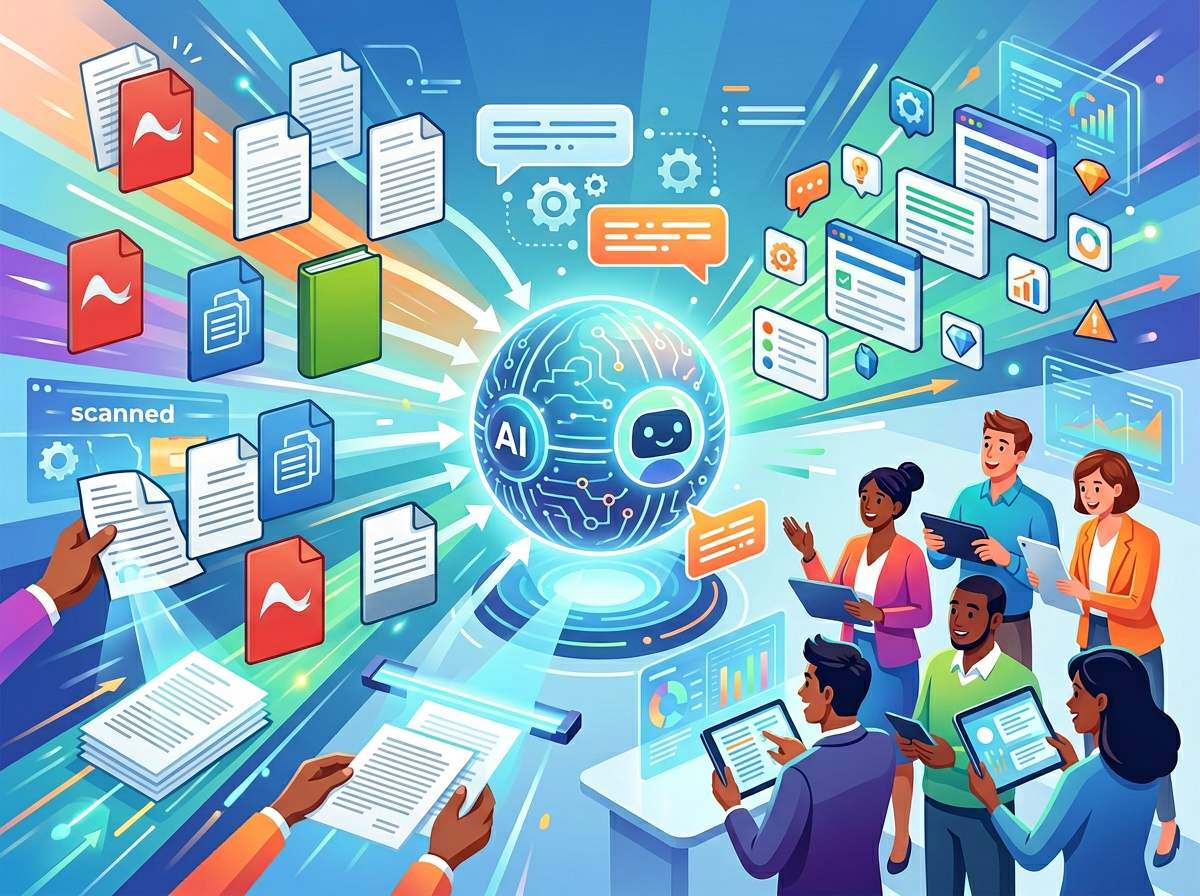
Buried in PDFs you can’t act on fast enough? The best ai pdf analysis tool for small teams in 2026 doesn’t just read documents — it turns them into operational leverage.
There’s a specific kind of chaos that hits American small businesses right around the moment they stop being a one-person show. The founder who used to know every client detail, every contract clause, and every vendor term from memory suddenly has three employees asking three different versions of the same question — and the answer is locked inside a 47-page PDF nobody has time to read.
This is the PDF problem. And it’s bigger than most founders realize.
In 2026, the average US knowledge worker spends nearly 30% of their workweek searching for information — much of it buried in reports, contracts, research papers, vendor proposals, and compliance documents. For small teams operating without a dedicated operations manager, that translates to lost hours, inconsistent decisions, and client work that suffers because the right information wasn’t extracted fast enough.
The traditional fix — hire someone to read and summarize documents, build knowledge bases manually, train staff on each new file — costs between $5,000 and $15,000 per documentation cycle in US labor alone, assuming a $75/hour blended rate across skilled knowledge workers. That’s a budget most five-person teams simply don’t have.
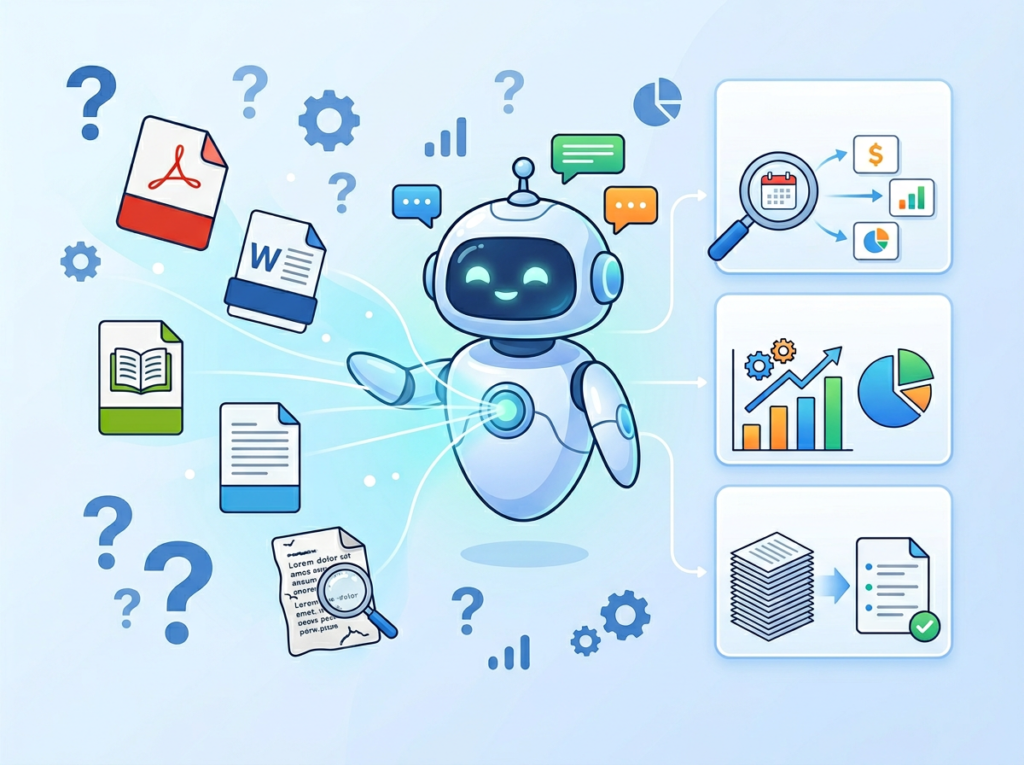
ChatDOC is an AI-powered document analysis platform that lets small teams upload PDFs, research reports, contracts, and multi-file collections, then interact with that content through natural language Q&A. Instead of reading a 200-page vendor proposal cover to cover, your team asks it a direct question and gets a cited, page-referenced answer in seconds.
Unlike lightweight tools that surface keyword matches, ChatDOC functions as a genuine ai research assistant — understanding context, comparing content across multiple files, and generating summaries that your team can act on immediately. For US founders scaling from solo operator to small team, it’s the difference between a document library that slows you down and a knowledge base that accelerates every decision.
This guide breaks down exactly how ChatDOC enables what AI Plaza calls Solo DX: small-scale digital transformation that American founders can implement this week, without an enterprise IT budget.
Join 10,000+ US small teams using ChatDOC to eliminate operational document chaos. See How It Works
What is Solo DX?
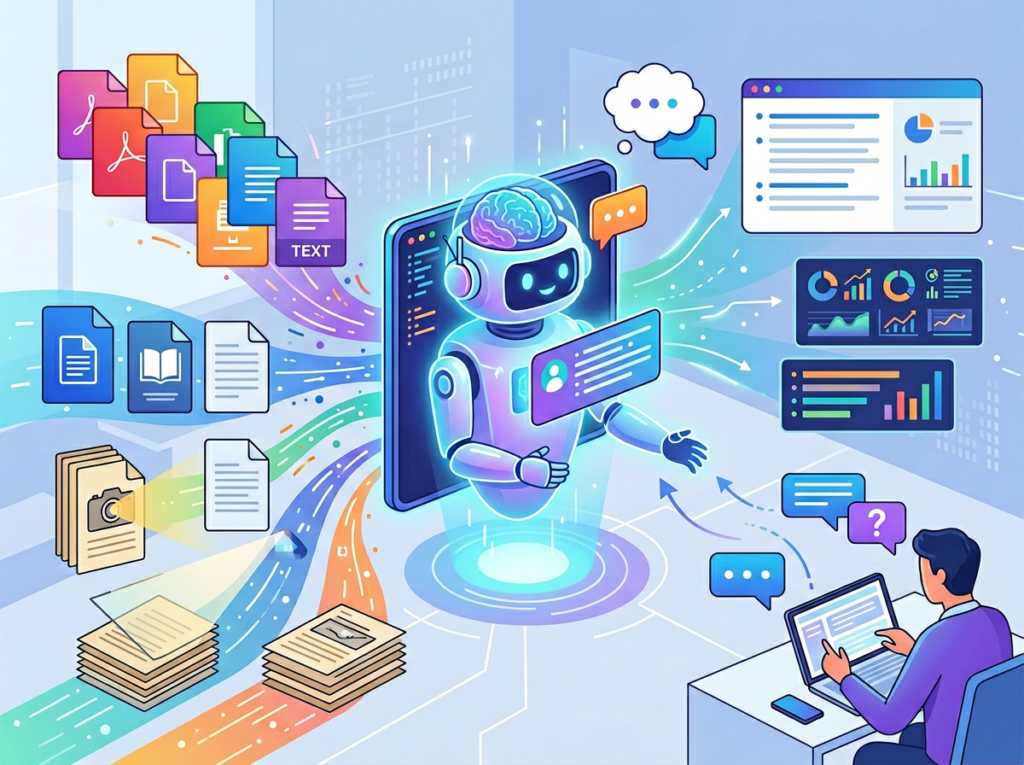
Solo DX stands for Small-Scale Digital Transformation — the systematic effort by US founders and small team leads to replace founder-dependent, memory-based operations with documented, repeatable, AI-supported workflows. It’s not about deploying enterprise software. It’s about using accessible AI tools to build the kind of institutional knowledge that usually requires an operations department.
The distinction matters because most digital transformation advice is written for mid-market companies with IT departments, change management budgets, and dedicated project managers. Solo DX is different: it’s led by a founder juggling three jobs, or a team lead who inherited a chaotic Slack workspace with no documentation in sight.
Here’s how Solo DX differs from adjacent categories:
| Category | Who It’s For | Primary Goal |
|---|---|---|
| Solo DX | Founders scaling 1–10 person teams | Build systems and repeatable workflows |
| AI Efficiency | Individual contributors | Save personal time on tasks |
| AI Revenue Boost | Sales and marketing leads | Drive more pipeline and conversions |
| AI Workflows | Ops-minded teams | Automate connected multi-step processes |
Corporate SOP methodologies fail for US small businesses for a predictable reason: they assume dedicated resources. The ISO-style documentation frameworks used by Fortune 500 companies require weeks of cross-functional workshops, dedicated technical writers, and implementation teams. A three-person design studio in Austin doesn’t have any of those things — but they still need a way to capture what only the founder knows before the next hire comes on board.
That’s where an ai document analysis tool like ChatDOC fits directly into the Solo DX model. Consider a three-person brand consultancy in Austin. The founder has accumulated hundreds of PDFs: client briefs, brand guidelines, competitive research reports, proposal templates, and vendor contracts. When a new project coordinator joined, the onboarding process consisted of the founder forwarding files and hoping the new hire could extract what mattered. Two weeks of onboarding time. Three weeks before the coordinator was producing independently. That’s roughly $8,400 in unproductive US labor at a $70/hour blended rate.
With ChatDOC, that same onboarding collapses to a matter of days. The coordinator uploads the relevant document library, asks targeted questions, and gets page-cited answers without the founder’s involvement. The institutional knowledge locked in those PDFs becomes searchable, queryable, and immediately actionable.
For a deeper look at the platform’s capabilities, explore ChatDOC’s features and see how it maps to your team’s current document bottlenecks.
Solo DX isn’t about replacing your team with AI. It’s about ensuring your team can operate without the founder being the single point of failure for every knowledge-dependent decision.
Join 10,000+ US small teams using ChatDOC to eliminate operational document chaos. See How It Works
Why AI is Key for Mini-Team Systemization
Problem 1: Critical knowledge lives only in the founder’s head
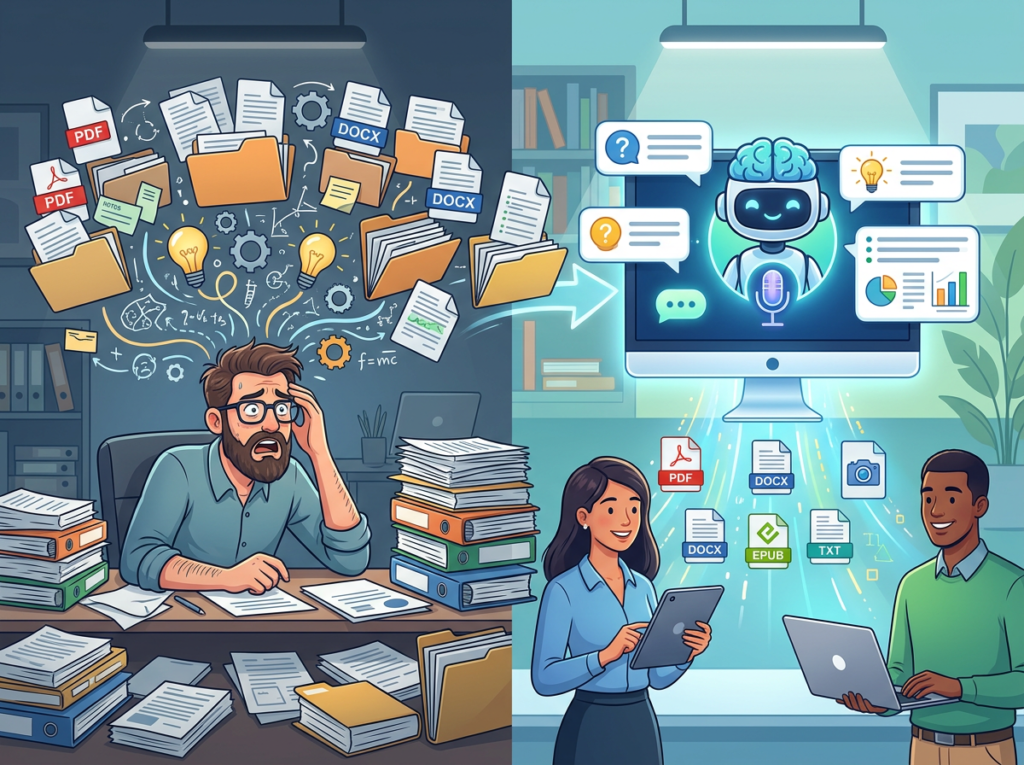
The average US founder accumulates years of domain expertise: vendor comparisons they’ve read, compliance documents they’ve navigated, client research they’ve synthesized. That expertise is valuable. The problem is that it’s not transferable. When a team member needs to know something, the founder becomes a human search engine — interrupted, queried, and required to reconstruct context from memory or re-read documents they processed months ago.
The AI solution: a chat with pdf ai tool that transforms static document libraries into interactive knowledge bases. Instead of re-reading a 60-page market research report, a team member queries it directly and gets a structured answer in under 30 seconds.
Problem 2: New hires slow operations to a crawl
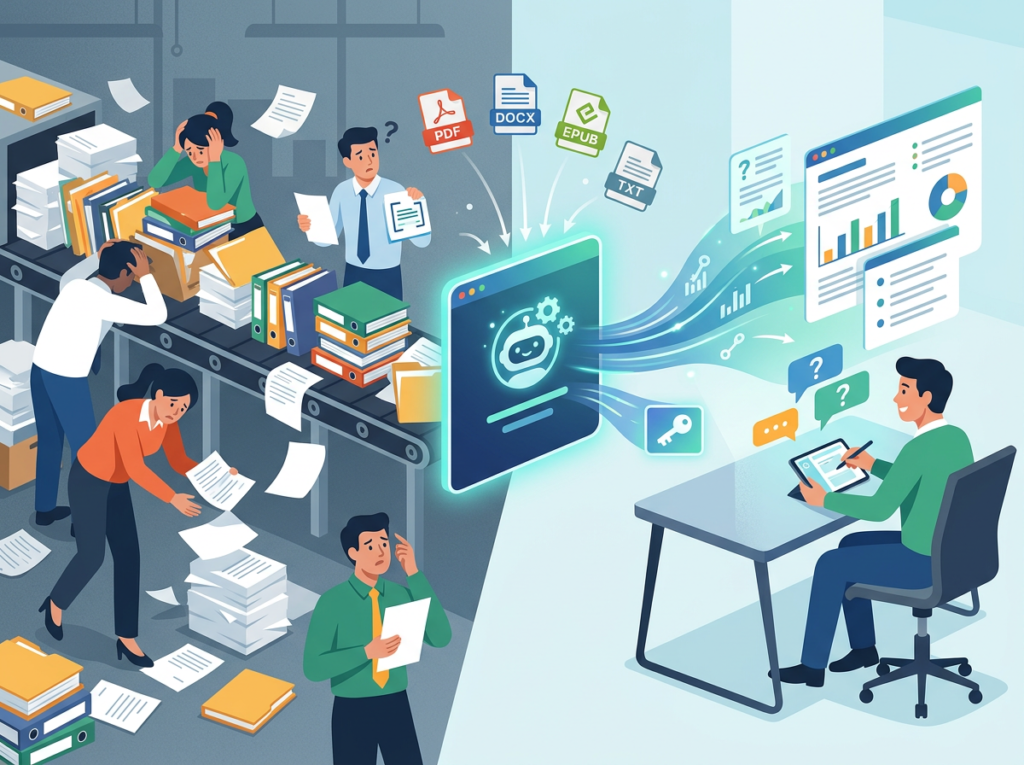
US labor turnover sits at approximately 47% annually across knowledge-work industries. Every new hire represents an onboarding cycle — and for small teams, that cycle is almost entirely unstructured. New employees spend their first weeks asking questions, re-reading files, and producing work that requires heavy revision because they lack context.
At a fully-loaded US labor cost of $75/hour, a two-week onboarding lag for a single knowledge worker costs approximately $6,000 in unproductive time. Multiply that across two or three hires per year and you’re looking at $12,000–$18,000 annually in avoidable onboarding friction — friction that ai pdf tools can significantly compress.
Problem 3: Quality varies dramatically across team members
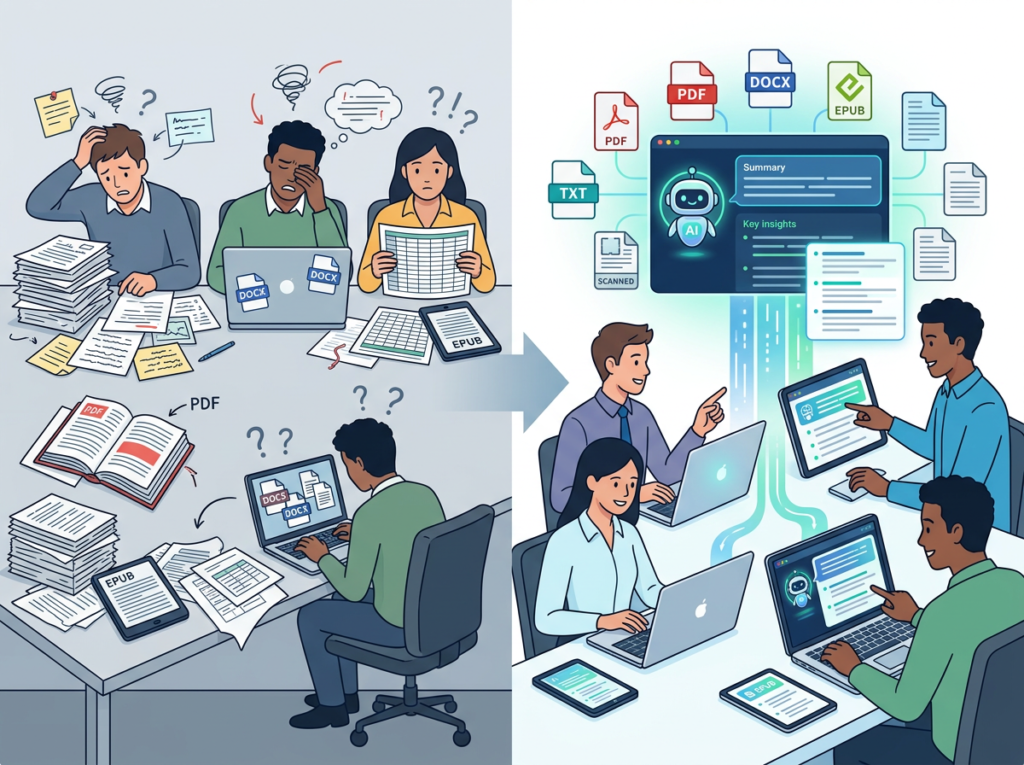
When knowledge is distributed unevenly — when one person has read the full contract and another hasn’t — output quality becomes unpredictable. Client deliverables reflect whoever happened to have access to the right information, not your team’s actual capability.
AI document analysis creates a level playing field. Every team member can query the same document library with the same depth of access. The junior analyst gets the same cited, accurate answer as the senior partner. Quality variance drops because information access becomes consistent.
Join 10,000+ US small teams using ChatDOC to eliminate operational document chaos. See How It Works
How ChatDOC Enables Solo DX
Feature 1: AI-Powered Document Q&A with Page-Level Citations
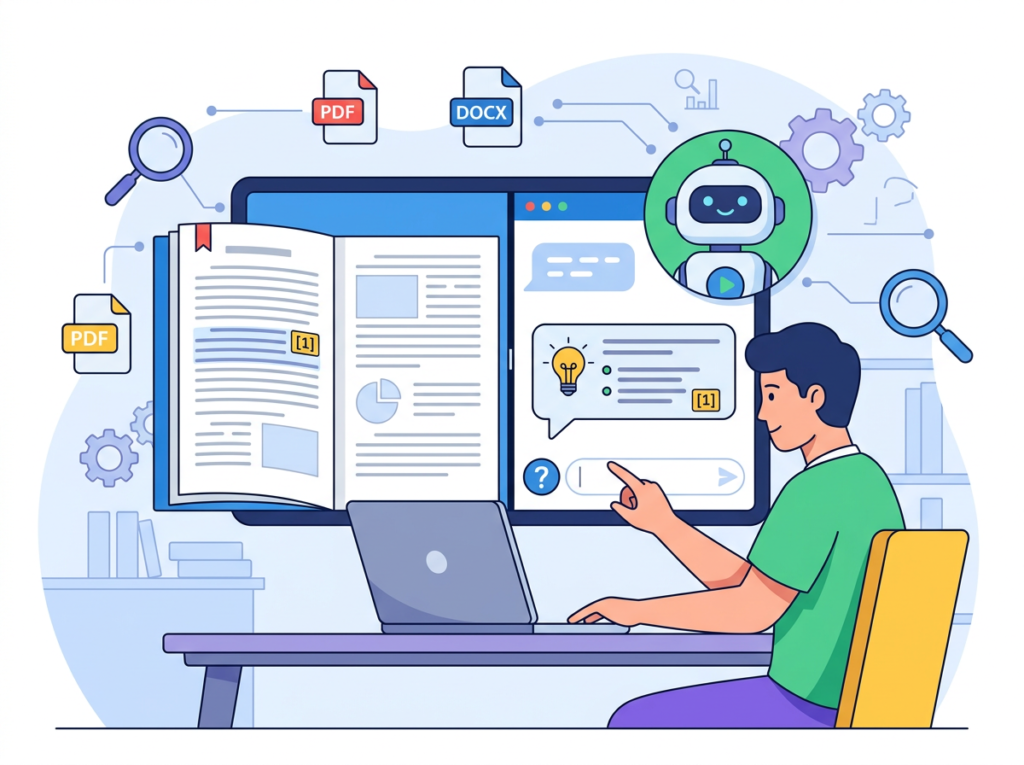
Upload a PDF — contract, research report, compliance document, vendor proposal — and ask ChatDOC any question about its contents. The platform returns a direct answer with citations pointing to the exact page and paragraph where the information originates. Team members can verify every answer without reading the full document.
ROI calculation: A typical knowledge worker spends 2.5 hours per week searching for and extracting information from documents. At $75/hour, that’s $187.50/week per employee. For a five-person team, that’s $937.50/week — $48,750 annually. Even a 40% reduction in document search time saves approximately $19,500/year across a small US team.
Feature 2: Multi-File Collection Analysis
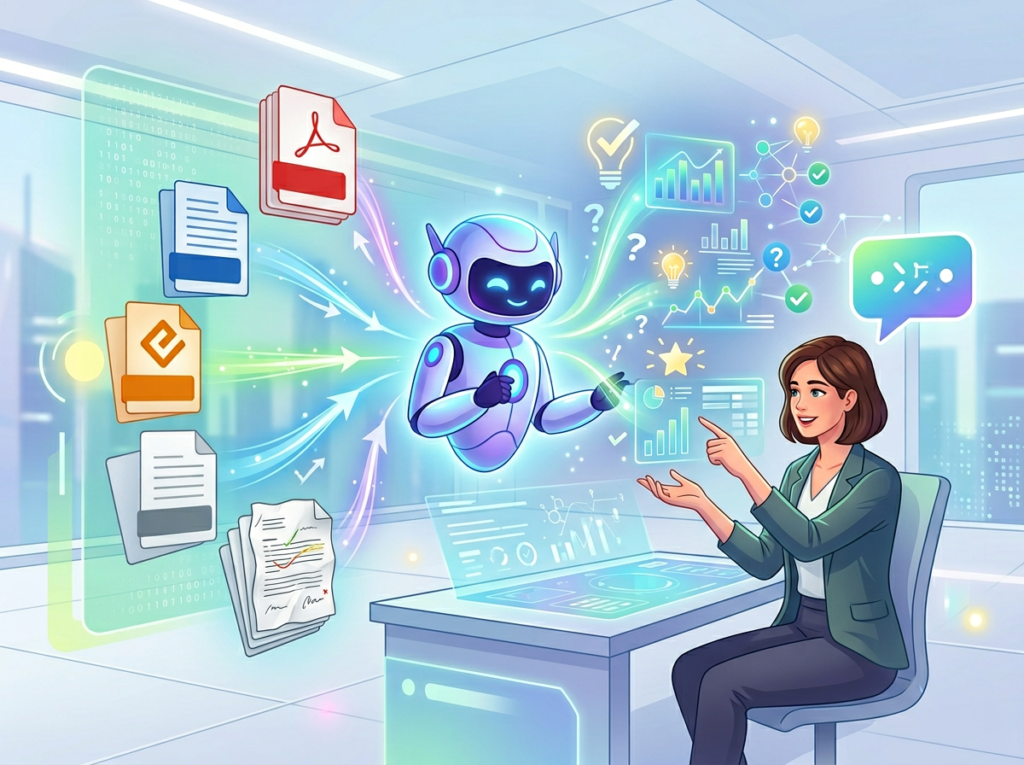
ChatDOC allows users to upload multiple files into collections and query across all of them simultaneously. A marketing team can upload twelve months of competitor research reports and ask “What pricing shifts have competitors made in the past year?” and get a synthesized answer drawn from across the full collection — with source citations.
As noted in this breakdown of ChatDOC’s multi-file capabilities, users can select specific files within a collection to focus their queries, enabling both broad synthesis and targeted deep-dives.
ROI calculation: Comparative document analysis that previously required 6–8 hours of manual cross-referencing collapses to 20–30 minutes. For an analyst billing at $100/hour, that’s a $550–$750 savings per analysis cycle. Teams conducting weekly competitive or client research save $28,000–$39,000 annually.
Feature 3: Export and Workflow Integration

ChatDOC allows users to export chat history — Q&A sessions with documents — as Markdown, HTML, or PNG. For small US teams, this creates a lightweight documentation workflow: query a document, export the relevant answers, and paste them directly into your SOP template, client report, or onboarding guide.
According to this analysis of ChatDOC’s productivity features, this export capability is particularly valuable for teams that need to share document insights across stakeholders without requiring everyone to access the platform directly.
ROI calculation: Building a knowledge base entry manually from a 30-page document takes 2–3 hours. Using ChatDOC’s Q&A and export workflow, the same entry takes 20–30 minutes. At $75/hour US labor rate, that’s a $112–$168 savings per document. Teams processing 50 documents per year save $5,600–$8,400 annually.
Total Annual Savings (5-Person US Team)
| Capability | Annual Savings |
|---|---|
| Document Q&A (time reduction) | $19,500 |
| Multi-file analysis | $28,000–$39,000 |
| Scanned document processing | $2,500–$3,750 |
| Export-based KB building | $5,600–$8,400 |
| Total | $55,600–$70,650 |
Ready to systemize your US team’s document operations in under a week? Try ChatDOC Free | No credit card required | Trusted by 10,000+ US teams
Use Cases by Team Role
Persona 1: Maria — US Startup Founder Juggling Three Departments (San Francisco, CA)

Maria runs a seven-person health tech startup in San Francisco. Her team is producing and receiving documents at a pace that’s becoming unmanageable: investor reports, FDA guidance documents, vendor contracts, and client research briefs are piling up in a shared Drive folder with no real organization. Every time a team member needs information, they ask Maria — because she’s read most of it and they haven’t.
Old workflow: Maria spends 90 minutes per day fielding document-related questions, re-reading files she’s already processed, and forwarding the “right” PDF to whoever needs it. That’s 7.5 hours per week — approximately $1,125/week in founder opportunity cost at a conservative $150/hour valuation.
AI-powered workflow: Maria uploads the document library to ChatDOC, organizes files into collections by category (regulatory, vendor, financial), and shares access with her team leads. Team members now query documents directly. Maria fields one or two clarifying questions per day instead of fifteen.
Results: 80% reduction in document-related interruptions. Founder time reclaimed: approximately 6 hours/week. Annualized value: $46,800/year at Maria’s opportunity cost rate.
Maria’s take: “I used to be the search engine for every document we’d ever touched. Now the team gets answers in thirty seconds without pinging me.”
Persona 2: James — Executive Assistant Onboarding Remote Staff (Miami, FL)

James is the EA and operations lead for a ten-person consulting firm in Miami. Every new hire onboarding cycle requires James to manually walk new staff through the firm’s methodology documents, engagement templates, and compliance SOPs — a process that takes 12–15 hours of his time per hire, plus another 10–12 hours of the new hire’s time in passive reading.
Old workflow: James emails a 15-document onboarding pack, schedules three 90-minute orientation sessions, and spends two additional weeks answering questions as new hires slowly parse the materials. Total labor cost per onboarding: approximately $3,600 (James at $80/hour × 15 hours + new hire at $60/hour × 12 hours).
AI-powered workflow: James uploads all onboarding documents into a ChatDOC collection labeled “New Hire Resources.” New hires query the collection with their questions — “What’s our conflict-of-interest policy?” “What format do client status reports use?” — and get instant, cited answers. James holds one 45-minute orientation session instead of three.
Results: Onboarding labor cost drops from $3,600 to approximately $1,200 per hire. For a firm that onboards four people per year, that’s $9,600/year saved. New hire time-to-productivity reduced from four weeks to two and a half weeks.
James’s take: “The onboarding collection answers 80% of new hire questions before they ever make it to my calendar.”
Persona 3: Robert — Operations Lead Documenting Internal Knowledge (Denver, CO)

Robert is the operations lead at a Denver-based professional services firm with nine employees. His challenge is institutional knowledge capture: the firm has 11 years of engagement history, methodology documents, and lessons-learned reports — most of them as PDFs — that contain invaluable process knowledge. But no one has time to read 11 years of documents.
As noted in this overview of ChatDOC’s document management approach, the platform’s collection-based querying is particularly powerful for teams managing large legacy document libraries.
Old workflow: Robert schedules quarterly “knowledge transfer” sessions where senior team members verbally share insights from past engagements. These sessions take 4 hours each, are difficult to capture reliably, and result in notes that are rarely referenced again. Total annual knowledge transfer investment: approximately $6,000 in combined team labor.
AI-powered workflow: Robert uploads the firm’s entire PDF archive — 340 documents across 11 years — into categorized ChatDOC collections. Team members now query the archive before starting new engagements: “What approaches did we use for manufacturing sector clients?” “Have we worked with clients facing this compliance challenge?” The institutional knowledge becomes immediately searchable.
Results: Quarterly knowledge transfer sessions reduced from 4 hours to 45 minutes (verification and discussion only). New engagement preparation time drops by approximately 3 hours per project. For a firm running 20 engagements per year: $22,500 saved annually at $75/hour blended rate.
Robert’s take: “Eleven years of lessons learned, accessible in thirty seconds. That’s what we actually needed.”
Join 10,000+ US small teams using ChatDOC to eliminate operational document chaos. See How It Works | Used by teams from Silicon Valley to New York
Common Pitfalls & How to Avoid Them
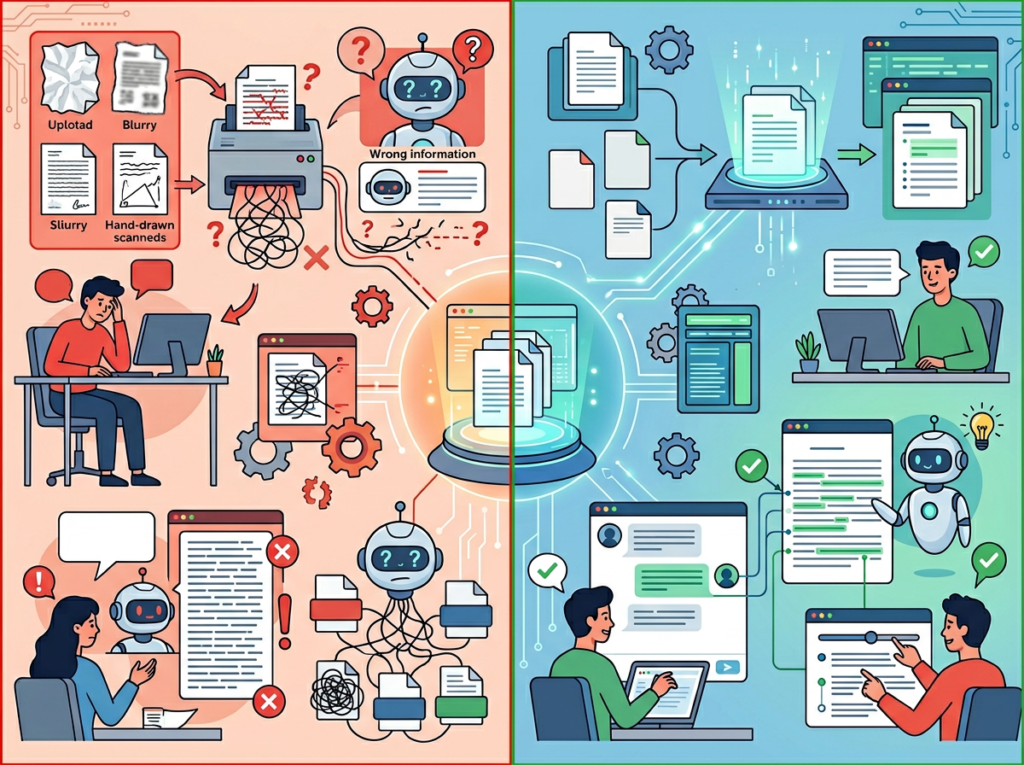
Mistake 1: Uploading documents with no organizational structure
The most common error is treating ChatDOC like a dump folder — uploading dozens of files without creating collections or naming conventions. When documents aren’t organized, queries return answers that are harder to verify and trust.
Fix: Spend 30 minutes before your first upload creating a collection taxonomy. Group by function: Client Contracts, Compliance Documents, Vendor Agreements, Internal SOPs, Research Reports. Label files descriptively. The upfront investment pays back within the first week.
Mistake 2: Accepting AI answers without citation verification
ChatDOC provides page-level citations with every answer. Small teams that skip the verification step — treating AI output as authoritative without checking the source — introduce the same reliability risks as any un-audited process.
Fix: Build citation review into your team’s workflow. For high-stakes decisions (contract terms, compliance requirements, financial figures), every ChatDOC answer should be traced back to the source paragraph before it’s acted on. This takes 60–90 additional seconds per query and eliminates most accuracy risk.
Mistake 3: Neglecting legacy documents
Many US small business document libraries include scanned files, password-protected PDFs, and legacy formats that teams assume AI tools can’t process. ChatDOC’s OCR capability handles most of these — but teams often don’t try, leaving significant institutional knowledge inaccessible.
Fix: Audit your document library for scanned and legacy files before assuming they’re unusable. Start with your ten most valuable legacy documents and test them in ChatDOC. The detailed breakdown of ChatDOC covers which file types and formats are supported.
FAQs
What is Solo DX?
Solo DX (Small-Scale Digital Transformation) is the practice of implementing AI-powered systems and workflows within a small US team — typically 1–10 people — without requiring enterprise budgets, IT departments, or external consultants. The goal is to move from founder-dependent, memory-based operations to documented, repeatable processes that any team member can execute independently.
Can small teams afford to use AI document tools?
ChatDOC offers plans starting at $0 for individual use, with team plans available at rates well under $20/user/month. Compared to the US labor cost of manually processing documents — $75–$100/hour for a skilled knowledge worker — the ROI on AI document analysis is substantial even at five or ten hours of saved work per month. The best ai pdf tools 2026 pay for themselves within the first week of team use.
Is ChatDOC hard to set up?
No. Most small US teams are operational within 30–60 minutes of their first login. The setup workflow is straightforward: create an account, upload documents, organize into collections, and begin querying. There’s no technical configuration, no API integration required, and no IT involvement needed. The steeper part of the learning curve is organizational — deciding which documents to prioritize and how to structure collections — not technical.
Conclusion
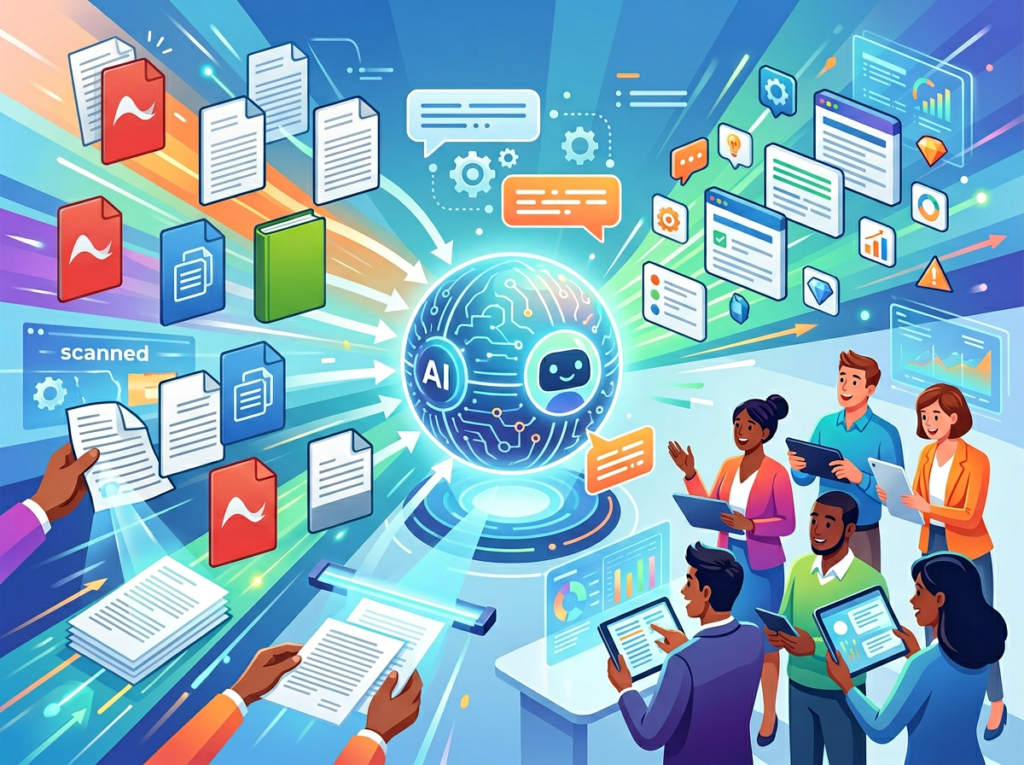
In 2026, American small businesses don’t need enterprise budgets to build enterprise-level document intelligence. The operational advantage that used to require a dedicated research team — the ability to extract precise information from large document libraries on demand — is now accessible to a five-person team in Austin or a seven-person firm in Denver for under $20/month.
ChatDOC is one of the most practical ai pdf analysis tool implementations for US small teams precisely because it doesn’t require a workflow overhaul to deliver value. You upload what you already have. You ask what you already need to know. The cited answers arrive in seconds.
The Solo DX opportunity here is straightforward: stop treating your document library as a read-once archive and start treating it as a queryable operational asset. The contracts, research reports, compliance documents, and vendor proposals your team has accumulated represent institutional knowledge worth far more than the hours spent re-reading them.
Start with one collection this week. Upload your ten most-referenced documents. Run five queries with your team. The time savings will be obvious within the first session.
For teams ready to take the full step, learn more about ChatDOC and see how it fits into your current document operations.
The businesses that operationalize their knowledge fastest will outpace competitors who are still searching through folders.
Join 10,000+ US small teams using ChatDOC to eliminate operational document chaos. See How It Works
Leave a Reply