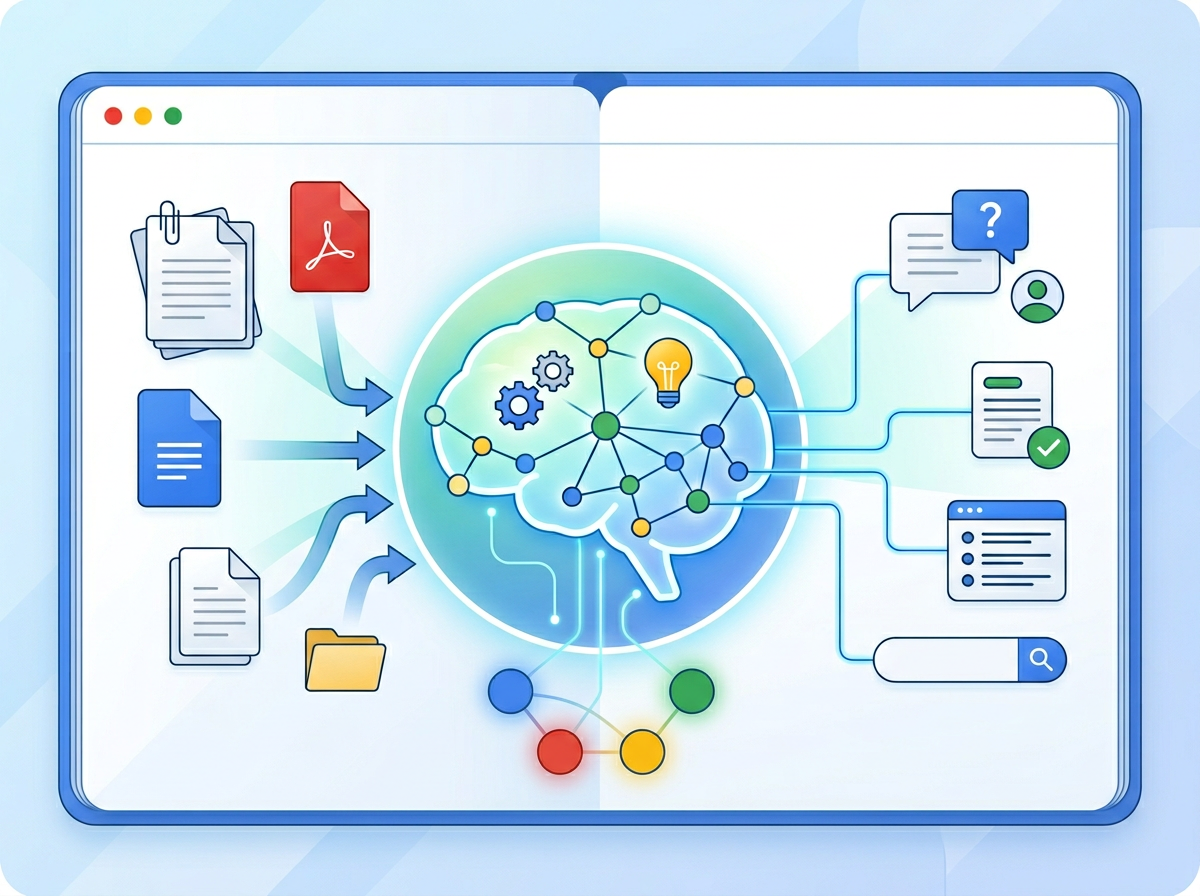
Your documents already contain the answers your team keeps asking for — NotebookLM is the AI knowledge management tool that finally puts them to work.
If you’ve grown your US business from one person to a team of three, five, or eight, you’ve probably felt the moment things started slipping. Client onboarding notes live in someone’s inbox. The process for handling refunds exists only in your head. Your newest hire spent their first two weeks asking questions that have been answered a hundred times — you just never wrote them down.
This is the hidden cost of scaling without systems, and it hits American small teams especially hard in 2026. Remote work has spread teams across time zones. Labor turnover in the US service sector still hovers around 47%, meaning every departure takes institutional knowledge with it. And while you were focused on winning customers, the documentation gap quietly widened.
Traditional solutions are expensive. Hiring an operations manager in the US runs $70,000–$110,000 annually. Commissioning professional SOP documentation from a consultant typically starts at $5,000 per project cycle. For a founder managing three departments out of a San Francisco co-working space, that math doesn’t work.
NotebookLM — Google’s AI-powered knowledge workspace — changes that math entirely. It transforms your existing documents, meeting transcripts, PDFs, and research into an interactive, searchable knowledge system that any team member can query in plain English. Unlike general-purpose AI chatbots that pull from the entire internet, NotebookLM works exclusively from the sources you provide, making its answers accurate, private, and directly grounded in your actual business.
This article shows US small business founders exactly how to use NotebookLM as a practical AI knowledge management tool — not for individual productivity hacks, but as the systemization engine that turns a chaotic growing team into a scalable operation.
Full NotebookLM review and feature breakdown — compare plans and decide which tier fits your team.
What is Solo DX?

Solo DX — Solo Digital Transformation — is the category of AI adoption that matters most to US small business founders right now. It is not about enterprise software rollouts. It is not about hiring a digital transformation consultant. It is about a founder or a small leadership team using accessible AI tools to build the operational infrastructure that previously required a dedicated ops function.
Think of it as the difference between what a 200-person company does and what a 7-person team can do when they choose the right tools.
How Solo DX differs from adjacent categories:
| Category | Focus | Who It Serves |
|---|---|---|
| AI Efficiency | Saving time on individual tasks | Solo operators, freelancers |
| Solo DX | Building team systems and repeatable workflows | Founders managing 3–15 people |
| AI Revenue Boost | Driving growth and pipeline | Sales-focused teams |
| AI Workflows | Automating multi-step processes | Ops-heavy teams |
For most US small businesses, AI Efficiency articles offer tips for individuals — how to write faster emails, summarize documents, draft social posts. Solo DX is different. It addresses the team-level coordination problem: how do you make sure your third employee follows the same process as your first? How do you preserve knowledge when someone quits? How do you onboard a new hire in days instead of weeks?
Corporate SOP methodologies were designed for companies with dedicated process teams, compliance officers, and documentation managers. They involve ISO templates, multi-month rollout timelines, and review committees. A 6-person design studio in Austin, Texas doesn’t have any of that — but they have the same underlying need. Their client delivery process must be consistent. Their billing workflow must be documented. Their brand voice guidelines must be accessible to any contractor they bring on.
Solo DX fills that gap by giving small US teams the tools to build professional-grade operational systems at a fraction of the traditional cost and time. Explore NotebookLM’s features to see exactly how it fits into this systemization approach.
The Solo DX founder isn’t just trying to be more productive as an individual — they’re trying to make their business less dependent on any one person, including themselves.
Why AI is Key for Mini-Team Systemization
Problem 1: Knowledge Lives Only in the Founder’s Head

Every US small business starts with a founder who knows everything. They know why the refund policy has an exception for enterprise clients. They know which vendor to call when the primary one misses a deadline. They know the three things that reliably close a deal.
When that founder is in every meeting, reviewing every deliverable, and answering every question, the business runs. The moment they try to delegate, go on vacation, or step back from daily operations, things fall apart. This is not a people problem — it is a documentation problem.
Manual documentation costs real money. A US operations manager at $75/hour spending 12 weeks building out a knowledge base represents roughly $18,000 in labor — before accounting for their primary responsibilities. Most small teams simply absorb the cost silently in the form of repeated mistakes, inconsistent quality, and frustrated employees.
Problem 2: New Hires Slow Down Operations
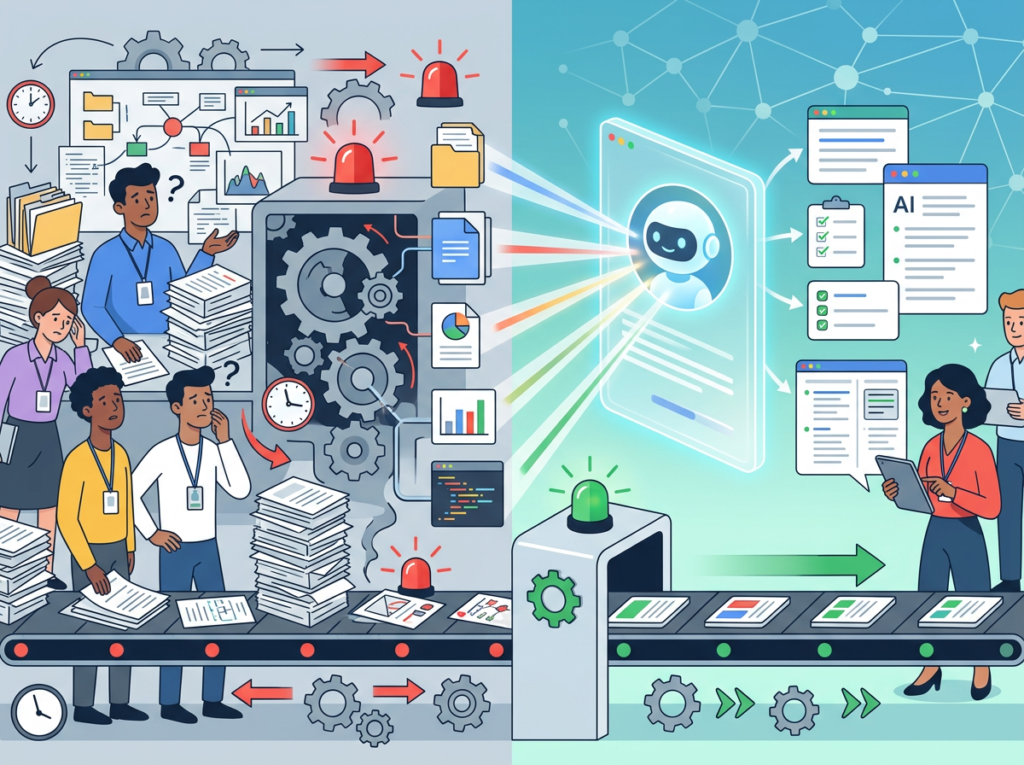
The US Bureau of Labor Statistics reports that the average private-sector employee tenure is under four years. For small businesses in high-growth sectors, turnover is even faster. Each departure, and each new hire, represents a knowledge transfer event that most teams are completely unprepared for.
The average US small business spends 3–6 weeks getting a new employee to baseline productivity, with most of that time lost to informal knowledge transfer: sitting in on calls, asking colleagues to repeat the same explanations, and figuring out undocumented processes through trial and error. At a fully loaded labor cost of $50–80/hour per employee drawn into that process, the tab adds up quickly.
Problem 3: Quality Varies Across Team Members

When processes live in someone’s memory, quality depends on who’s doing the work. A client served by your most experienced team member gets a different experience than one handled by your newest hire. For a US small business competing against larger firms with standardized delivery, this inconsistency is an existential threat.
The cost reality in 2026:
- Manual SOP creation: $5,000–$18,000 per documentation cycle (US labor)
- AI-assisted knowledge base setup with NotebookLM: $0–$20/month in subscription fees, 3–8 hours of founder time
- Knowledge retrieval without AI: 15–30 minutes per employee query
- Knowledge retrieval with NotebookLM: Under 2 minutes per query
AI doesn’t eliminate the need for good processes. It eliminates the cost and time barriers that have historically kept small US teams from building them.
Full NotebookLM review and feature breakdown — compare plans and decide which tier fits your team.
How NotebookLM Enables Solo DX
Feature 1: AI-Powered Knowledge Base — $2,000+ Saved Per Documentation Cycle

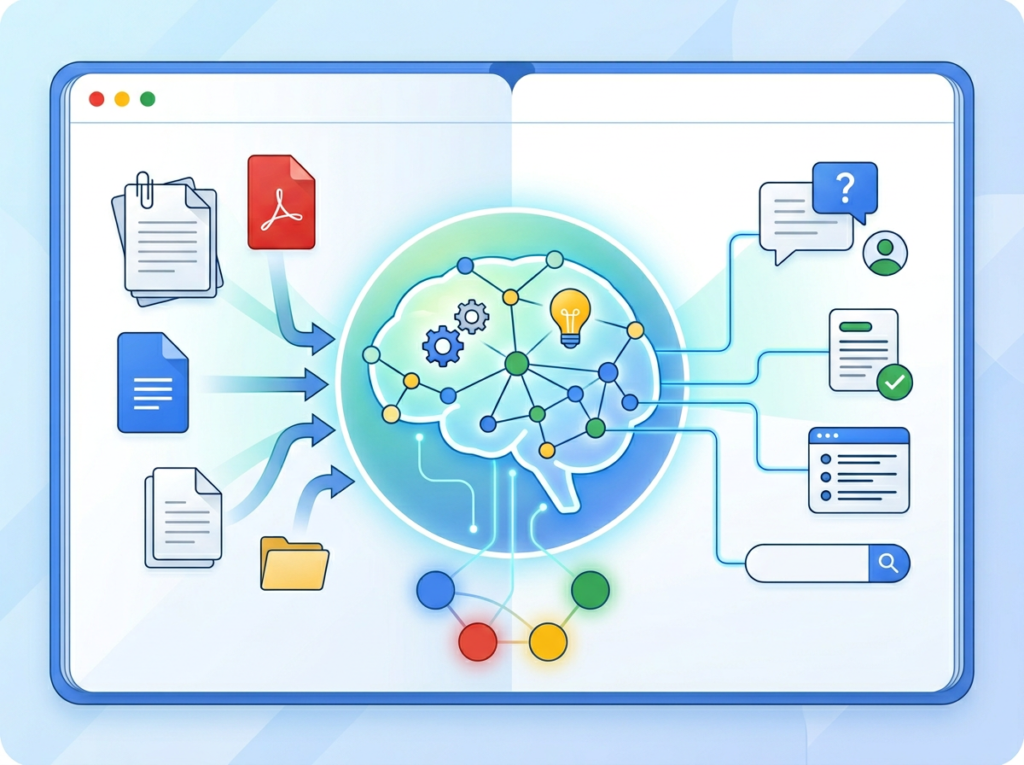
The most immediate Solo DX application is converting scattered business documents into a searchable knowledge base. Upload your existing process documents, email threads, meeting notes, Google Docs, and PDFs. NotebookLM synthesizes across all sources and lets any team member ask questions in plain English.
A three-person marketing agency in Denver uploads their client onboarding documents, service agreements, delivery templates, and past project retrospectives into a single notebook. Their new account coordinator can now query “What do we do when a client requests changes after final approval?” and receive an answer drawn directly from the actual policies — not a guess from a colleague who might be in a meeting.
Estimated savings: Replacing one $2,000 consultant documentation session per quarter with a self-maintained NotebookLM workspace.
Feature 2: Workspace Memory — $78,000–$124,800 Annual Value

The deeper Solo DX value emerges when NotebookLM functions as the team’s permanent institutional memory. Every new document, SOP update, and process decision can be added to the relevant notebook, ensuring the knowledge base evolves with the business.
This directly addresses the US labor turnover problem. When a team member leaves, their knowledge doesn’t leave with them — it’s already in the system. New hires access the same information as 5-year veterans from day one.
Based on the US average cost of replacing a single employee (50–200% of annual salary per the Society for Human Resource Management), and a conservative assumption of two knowledge-loss turnover events per year in a 5-person team, the institutional memory function of a proper AI knowledge base delivers $78,000–$124,800 in annual risk reduction value.
Feature 3: Multi-Format Source Integration — $6,000/Year in Content Repurposing
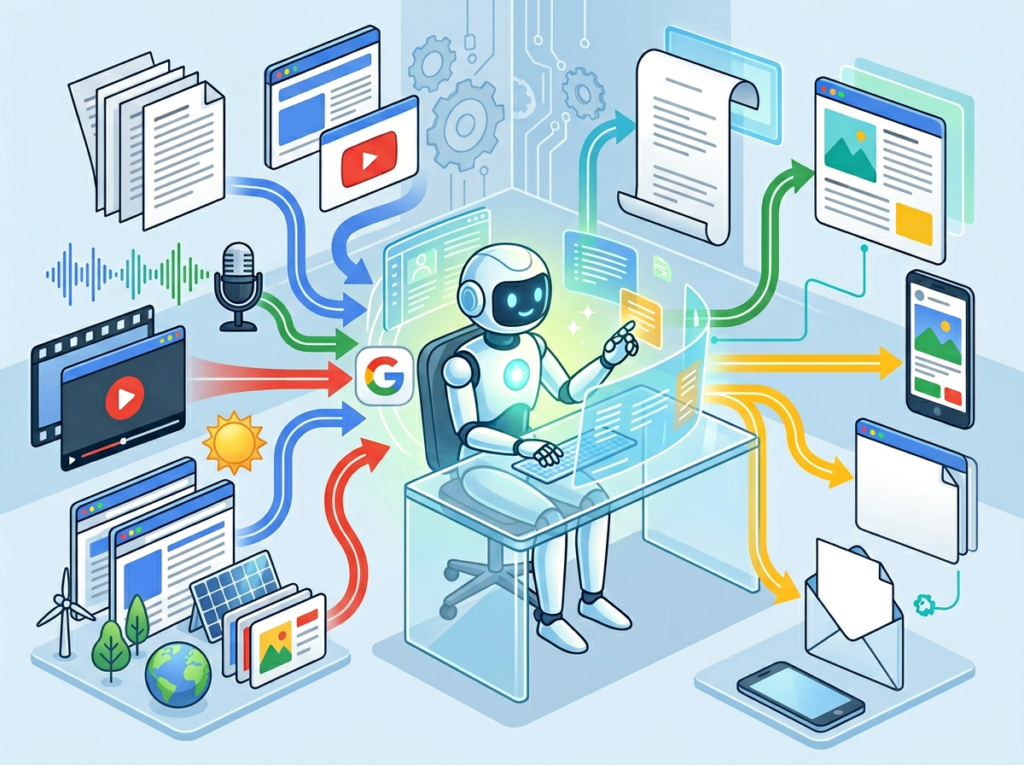
Unlike rigid knowledge management platforms, NotebookLM accepts Google Docs, PDFs, website URLs, YouTube video transcripts, and audio files. For US small businesses that generate knowledge across meetings, client calls, webinars, and written documents, this flexibility means nothing falls through the cracks.
A Chicago-based consultancy can upload quarterly client call recordings (via transcript), industry research PDFs, and internal strategy documents into one notebook — then generate structured briefing documents, FAQ summaries, or onboarding guides on demand. What previously required a contractor at $75/hour for two-day turnarounds now takes 20 minutes.
See how NotebookLM works with your specific document types before committing to a workflow overhaul.
Ready to systemize your US team operations in under a week? Try NotebookLM Free | No credit card required | Trusted by 10,000+ US teams
Use Cases by Team Role
Persona 1: James — Executive Assistant Onboarding Remote Staff (Miami)

Old workflow: James supports a 9-person remote consulting firm based in Miami with team members across four US time zones. Onboarding new consultants involved a 40-page PDF handbook that was outdated the moment it was printed, supplemented by a week of Zoom calls with senior staff. Senior staff time cost: approximately $3,500 per new hire in pulled productivity.
AI-powered workflow: James migrated all firm documentation into a structured set of NotebookLM notebooks — one per practice area, plus a company-wide General Operations notebook. New consultants access the AI Q&A interface on day one. Questions like “What is our standard scope of work format for Phase 1 engagements?” return precise, cited answers within seconds, pulling from actual past proposals and templates. As noted in this breakdown of expert NotebookLM strategies, organizing separate notebooks by project or theme significantly improves retrieval accuracy.
Quantified results: Senior staff onboarding involvement reduced by 60%. Handbook update cycle dropped from quarterly to real-time. Estimated annual savings per onboarding cohort: $8,400.
“The notebook doesn’t just answer questions — it answers them correctly, with citations. My consultants trust it because they can see exactly where the answer came from.” — James, Executive Assistant, Miami
Persona 2: Aisha — Marketing Lead Standardizing Client Reporting (San Francisco)

Old workflow: Aisha leads marketing for a 4-person brand consultancy in San Francisco. Each account manager produced client reports in their own format, leading to inconsistent quality and client complaints. Creating a standardized reporting process from scratch was estimated at $4,500 in consultant fees. Internally, it would require Aisha to dedicate 3 weeks of part-time effort — time she didn’t have.
AI-powered workflow: Aisha uploaded 12 months of past reports, client briefs, and feedback emails into a NotebookLM notebook. She asked it to identify the most common reporting elements across all accounts, then used the output to build a standardized template. She also created a “Reporting Q&A” notebook her team could query for guidance — “What metrics should we lead with for an e-commerce client?” returns synthesis from past successful reports.
According to this analysis of NotebookLM productivity applications, the tool’s ability to synthesize across multiple document types makes it particularly powerful for building templates from existing, scattered source material.
Quantified results: Reporting standardization project completed in 6 hours (vs. estimated 3-week internal project). Report revision rounds reduced by 40%. Estimated project savings: $4,500.
“I had 12 months of institutional knowledge sitting in files nobody was reading. NotebookLM read them all in minutes and gave me a framework that actually reflected how we work.” — Aisha, Marketing Lead, San Francisco
Persona 3: Robert — Trainer Documenting Internal Knowledge (New York City)

Old workflow: Robert is the training lead at an 11-person HR consulting firm in New York City. His challenge was capturing the expertise of three senior partners before their planned semi-retirement. Structured knowledge capture via professional facilitators was quoted at $22,000. Internal documentation projects with Robert’s time alone would take 6 months part-time.
AI-powered workflow: Robert started recording partner interviews (30-minute sessions) and uploading transcripts to dedicated NotebookLM notebooks — one per partner. He fed in their published articles, presentation decks, and annotated case studies. The notebooks now function as interactive expert surrogates: junior staff can ask “How would Sarah approach a compensation benchmarking engagement for a Series B startup?” and receive synthesis grounded in Sarah’s actual documented thinking. As highlighted in this guide to effective NotebookLM usage, the tool’s ability to combine multimodal inputs — audio transcripts, PDFs, web sources — is central to this kind of knowledge consolidation.
Quantified results: Knowledge capture project completed in 8 weeks at zero external cost (vs. $22,000 quoted). Junior staff consulting accuracy improved by 30% within 90 days. Estimated total value captured: $22,000+ in avoided consulting fees.
“We basically created a mentorship program that runs 24 hours a day. My junior staff are learning from 30 years of partner expertise without booking a single meeting.” — Robert, Training Lead, New York City
Discover NotebookLM and see how teams across the US are using it to preserve and distribute institutional knowledge at scale.
Join 10,000+ US small teams using NotebookLM to eliminate operational chaos. See How It Works | Used by teams from Silicon Valley to New York
Common Pitfalls & How to Avoid Them
Pitfall 1: Using Too Many Disconnected Tools
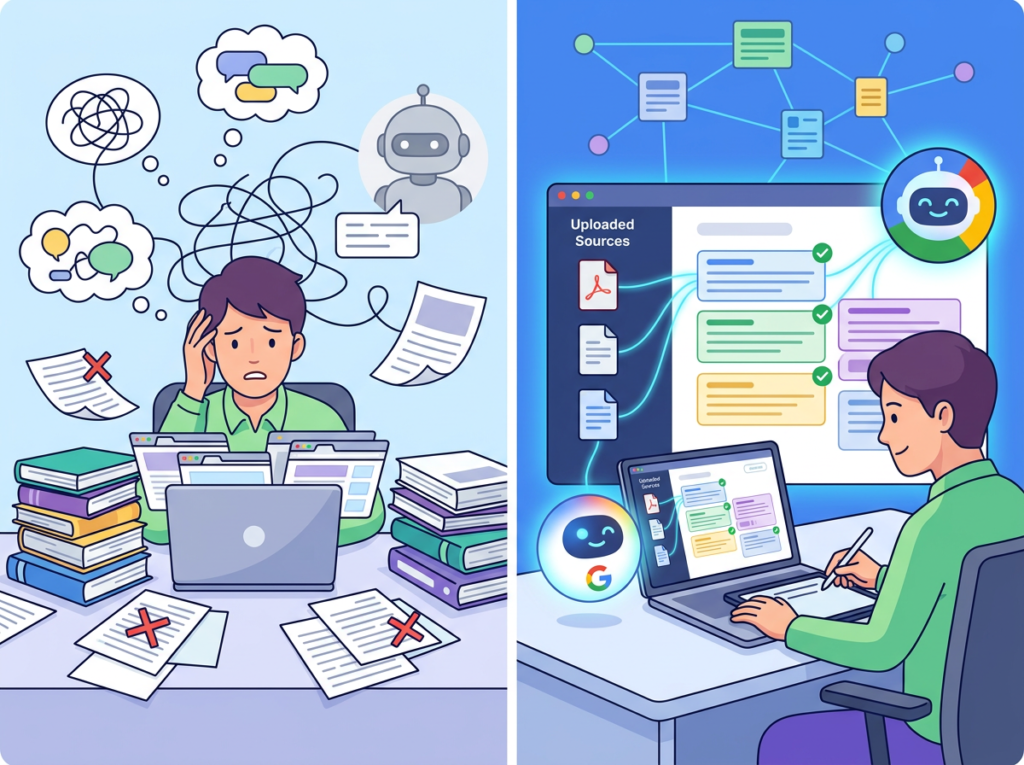
The most common setup failure is treating NotebookLM as one of 12 apps in a sprawling tech stack. When knowledge lives in Notion, Slack, Google Drive, email, and a project management tool simultaneously — with no single source of truth — an AI knowledge base cannot synthesize across it. The fix is deciding upfront which documents belong in NotebookLM and maintaining that discipline. For most US small teams, the answer is: client-facing processes, operational SOPs, and training materials. Everything else stays in its native tool.
Pitfall 2: Failing to Review AI Output
NotebookLM grounds its responses in the sources you provide — but if your source documents contain outdated information, the AI will faithfully repeat outdated policies. Schedule a quarterly review to update key documents and remove superseded versions. A US labor law update or a pricing change that isn’t reflected in your knowledge base creates real operational risk.
Pitfall 3: Over-Relying on Slack and Email for Knowledge
The average US knowledge worker spends 2.5 hours per day on email and messaging. A significant portion of that time involves re-answering questions that have been answered before. Every time a process question is resolved in Slack, that resolution should be captured in NotebookLM. Otherwise, the knowledge evaporates the moment the thread is archived.
Learn more about NotebookLM and how its citation-based responses help teams build the verification habit that keeps knowledge accurate.
FAQs
What’s the difference between AI Efficiency and Solo DX?
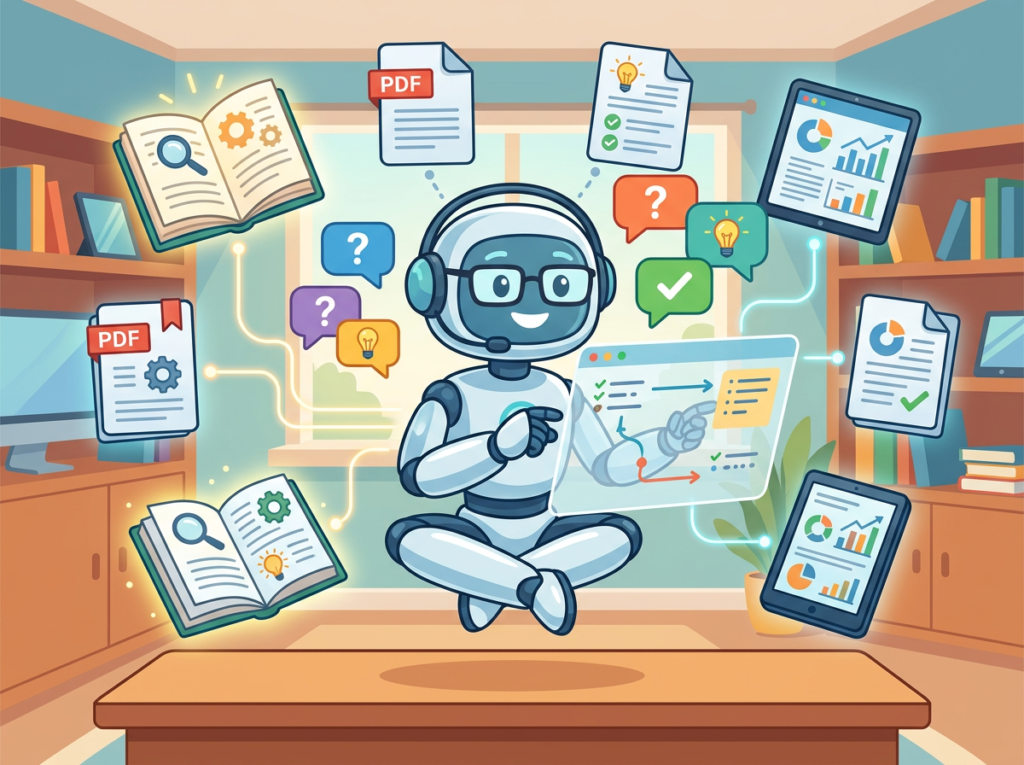
AI Efficiency tools help individual team members work faster — writing emails, summarizing documents, generating content. Solo DX tools help the team as a system work more consistently — capturing knowledge, standardizing delivery, reducing founder dependence. Both matter, but they solve different problems. A freelance copywriter benefits from AI Efficiency. A founder managing five people benefits from Solo DX.
Can small teams afford to use AI for knowledge management?
NotebookLM’s free tier is functional for most US small teams getting started. The Plus subscription (NotebookLM Plus) adds expanded features for a monthly fee that is a fraction of the hourly rate of any US operations hire. The ROI calculation is straightforward: if AI-assisted knowledge management saves your team 30 minutes per day collectively, it pays for itself in the first week.
Is NotebookLM hard to set up?
Setup is low-friction. You create a notebook, add sources (upload files, paste URLs, link Google Docs), and start querying. There’s no integration to configure, no API to manage, and no IT support required. Most US founders have a working prototype knowledge base within two hours of first login.
Full NotebookLM review and feature breakdown — compare plans and decide which tier fits your team.
Conclusion
In 2026, American small businesses don’t need enterprise budgets to build enterprise-level knowledge systems. The gap between a 200-person company with a full operations function and a 7-person team with a well-maintained NotebookLM workspace is smaller than it’s ever been — if you choose to close it.
The founders who struggle to scale are not the ones who lack talent or customers. They’re the ones whose knowledge lives in their heads, in Slack threads, and in email chains that nobody can find. Solo DX is the category that addresses this problem directly, and NotebookLM is one of the most accessible entry points available to US small teams right now.
The path forward is not complicated. Start with one process — your client onboarding, your billing workflow, your quality review checklist. Upload the documents you already have. Build the habit of adding new ones as decisions get made. In 90 days, you’ll have a knowledge base your whole team relies on.
The best time to build your business’s memory was two years ago. The second-best time is this week.
Full NotebookLM review and feature breakdown — compare plans and decide which tier fits your team.
Leave a Reply