
Buried in PDFs, your team’s best decisions are invisible — the right ai pdf analysis tool turns every document into a searchable, actionable knowledge asset.
If you’ve scaled from a solo operation to a small team in the last two years, you already know the feeling: your inbox is full of PDFs nobody has read, your Slack threads contain buried decisions that new hires can’t find, and every week someone on your team re-reads a vendor contract from scratch because no one summarized it the first time.
In 2026, this is the defining operational crisis for US small businesses. Remote teams spread across Austin, Denver, and Miami are drowning in documents — proposals, compliance filings, research reports, investor decks, supplier agreements — while paying $75–$125 per hour for the human labor to manually parse them.
The math is brutal. A three-person team spending 90 minutes each per week processing documents is burning through $18,000–$29,000 in annual labor on tasks that AI can perform in seconds. And that’s before you factor in the compounding cost of missed insights, bad decisions made from incomplete reads, and the onboarding drag when new hires inherit document chaos they can’t navigate.
This is where AskYourPDF enters the picture — not as a novelty tool, but as a genuine system-building ally for US small teams that need to extract, organize, and act on information trapped in documents. Unlike traditional documentation workflows that cost $5,000 or more in US labor just to set up, AskYourPDF enables teams to build queryable knowledge systems in hours, not weeks.
In this review, we’ll examine exactly how AskYourPDF enables what we call Solo DX — small-scale digital transformation led by founders without a dedicated operations manager. We’ll cover the four features that deliver measurable ROI for US small businesses, walk through four team personas who use it daily, and address the real-world pitfalls that prevent most teams from realizing its full value.
Ready to systemize your US team’s document workflows in under a week? Try AskYourPDF Free
What is Solo DX?
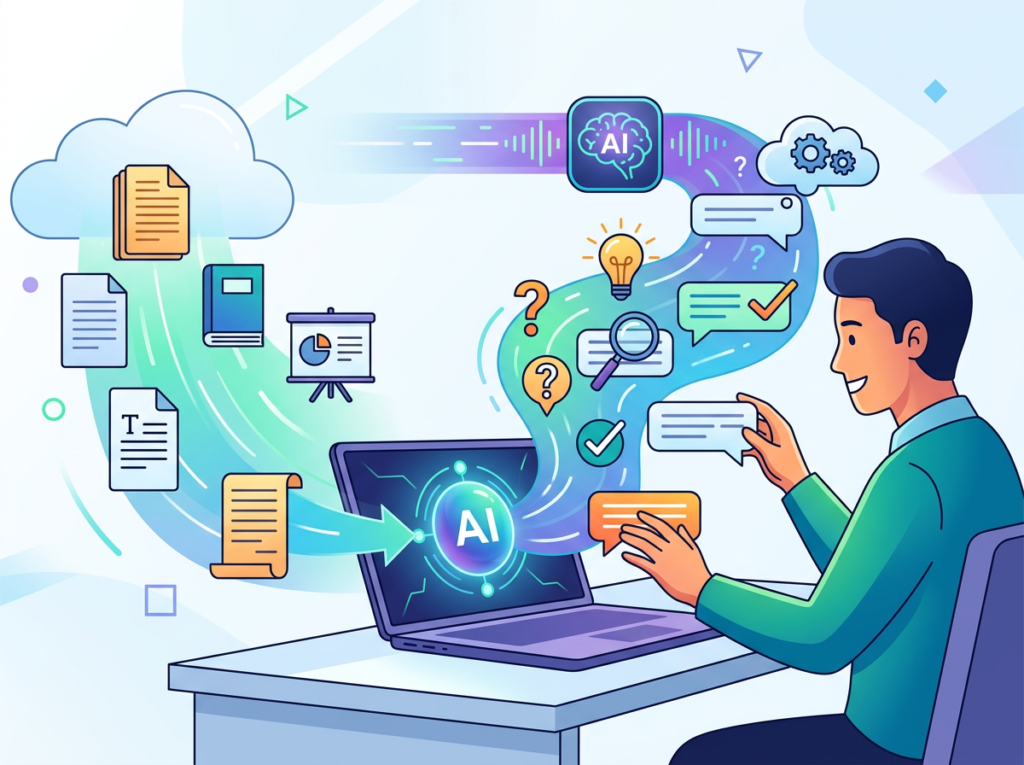
Solo DX stands for small-scale digital transformation — the process by which US founders and small team leaders systematize their operations using AI tools, without the enterprise budgets, IT departments, or operations managers that larger companies rely on.
It’s a distinct category from broader “AI productivity” conversations. Enterprise AI transformation involves dedicated change management teams, multi-year rollouts, and seven-figure technology budgets. That’s not what most US small businesses need or can execute. Solo DX is the alternative: lean, founder-led, tool-specific adoption that turns operational chaos into repeatable workflows within weeks, not years.
| Category | Focus | Who Leads It | Timeline |
|---|---|---|---|
| Solo DX | Process systemization for 2–15 person teams | Founder or team lead | Days to weeks |
| AI Efficiency | Automating individual tasks | Individual contributors | Hours to days |
| Enterprise AI | Organization-wide transformation | IT + C-Suite | Months to years |
| AI Revenue Boost | Revenue-generating AI applications | Sales/Marketing teams | Weeks to months |
Consider a three-person design studio in Austin. Before Solo DX, their client onboarding relied on the founder explaining the same brand brief process to every new client and contractor. Decisions from past projects lived in email threads and PDF decks scattered across three Google Drives. When a fourth team member joined, the founder spent 11 hours in their first two weeks answering questions that existed — somewhere — in documents nobody could quickly query.
After implementing AskYourPDF as their document intelligence layer, that same studio built a searchable knowledge base from 47 past project documents. New hires now ask the system directly. The founder reclaimed those onboarding hours. Total time investment to set up: under four hours.
That’s Solo DX in practice: using a capable ai pdf analysis tool to turn document chaos into a system that works without the founder’s constant involvement. Independent reviews of AskYourPDF consistently highlight this Knowledge Base capability as the feature that separates it from single-document tools.
Why do traditional corporate SOP methods fail for US SMBs? Because they assume you have someone whose full-time job is documentation. Most small business founders are the documentation department, the sales department, and the delivery department simultaneously. The Solo DX framework acknowledges this reality and selects tools that produce operational leverage without requiring operational headcount.
Ready to systemize your US team’s document workflows in under a week? Try AskYourPDF Free
Why AI Is Key for Mini-Team Systemization
Problem 1: Knowledge lives only in the founder’s head — or in PDFs nobody reads
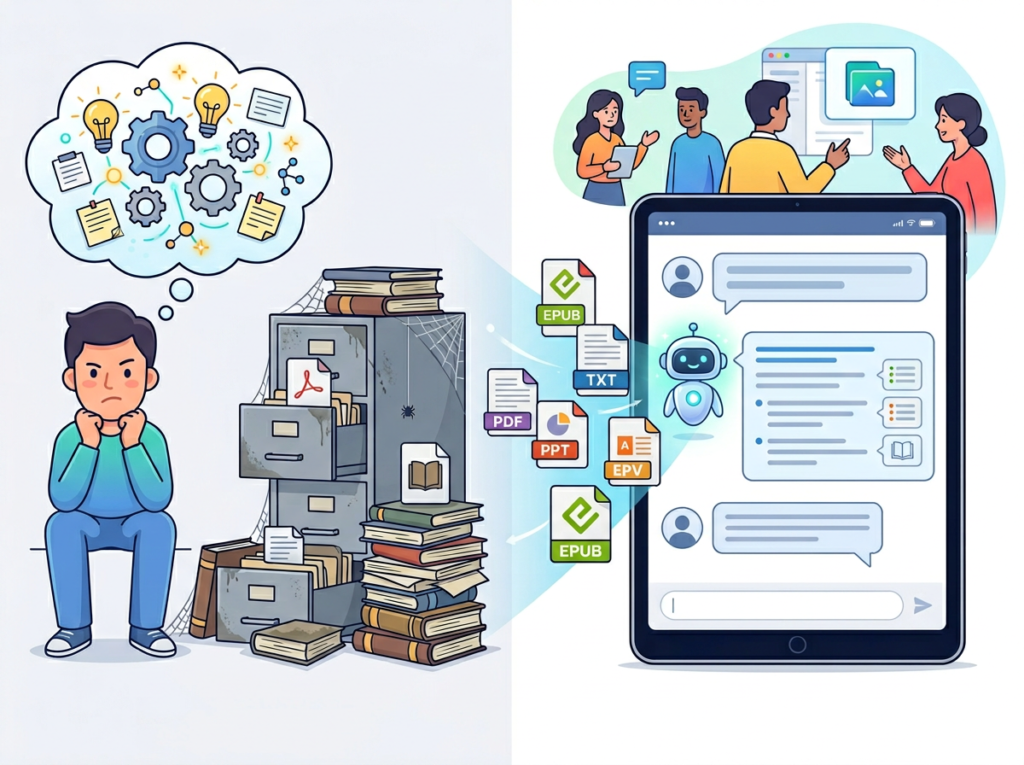
The average US knowledge worker generates and receives dozens of PDFs per week: contracts, proposals, research summaries, compliance documents, vendor specs. In a five-person team, that’s potentially 150+ documents per month. Without an AI document analysis layer, these documents become a dead archive. The insights they contain require human hours to extract — and at $50–$125 per hour for skilled US labor, that extraction cost compounds fast.
AI pdf analysis tools change this equation entirely. Instead of a team member spending 45 minutes reading a 60-page industry report to extract three relevant data points, AskYourPDF surfaces those points in under 30 seconds via a natural language query.
Problem 2: New hires slow operations at the worst possible moment
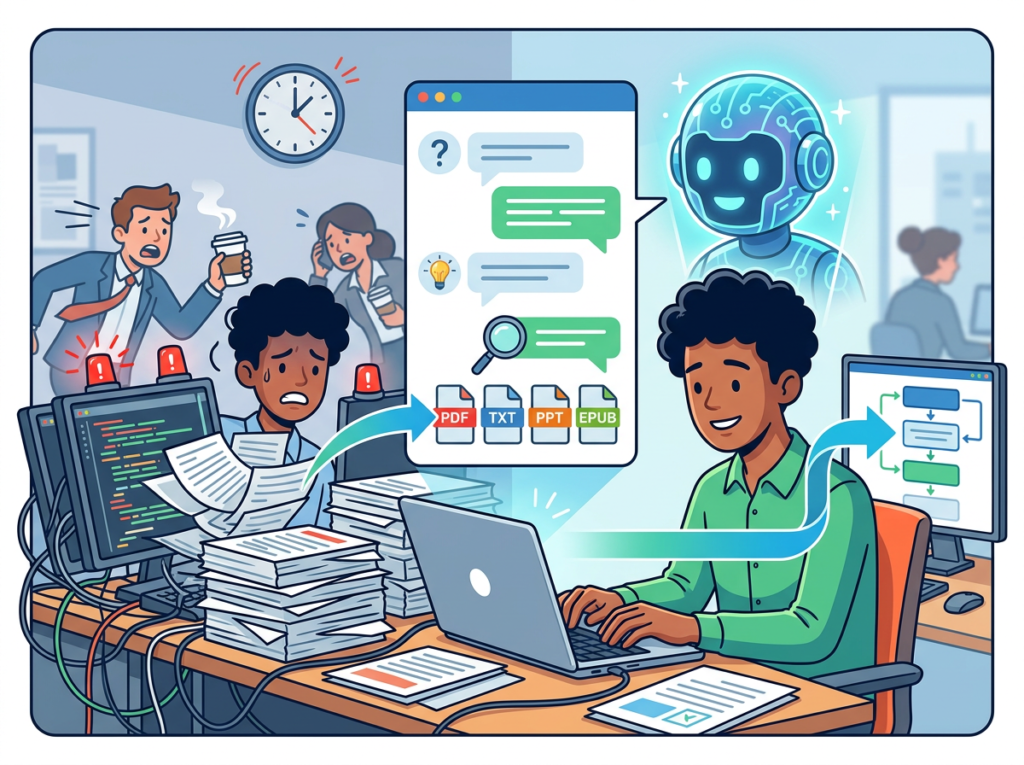
The US labor turnover rate across small businesses hovers around 47% annually — meaning the average 8-person team is onboarding 3–4 new people per year. Each onboarding cycle that relies on founder-explained context rather than documented systems costs an estimated $4,000–$7,000 in lost productivity and training time. When your systems live in PDFs that new hires can’t efficiently query, every departure and hire resets your operational baseline.
Teams that implement AI-powered document systems reduce this onboarding drag measurably. A new analyst who can query your entire research archive on day one gets productive faster. A new account manager who can ask your proposal library for pricing precedents closes their first deal with confidence.
Problem 3: Quality varies because standards live in documents nobody reads consistently
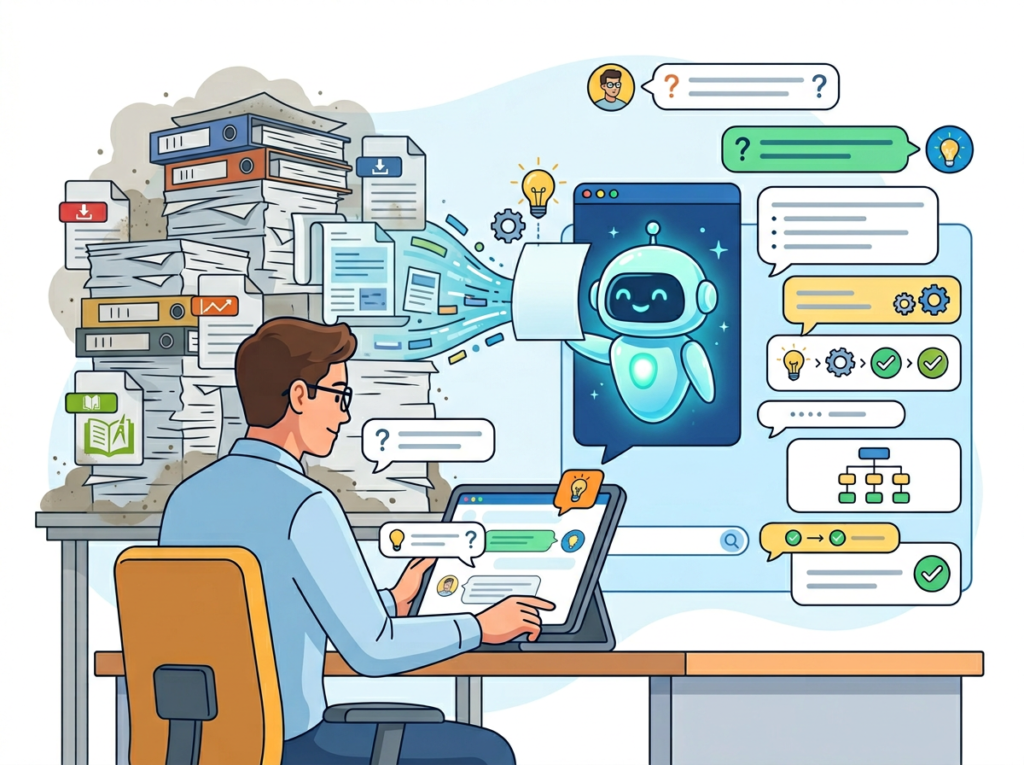
Your brand guidelines PDF. Your client deliverable standards. Your vendor evaluation criteria. These documents exist in most US small businesses — and gather dust in shared drives while team output quality drifts. When the standard isn’t queryable and conversational, it doesn’t get applied consistently.
The cost reality is stark. Manually extracting, summarizing, and distributing the contents of a 50-document operational archive costs $5,000 or more in US labor — and typically takes three to four weeks. AI-assisted document systemization reduces this to hours and $10–$50 in monthly tool costs. For US small teams where every dollar of operational overhead competes with growth investment, that delta is significant.
Ready to systemize your US team’s document workflows in under a week? Try AskYourPDF Free
How AskYourPDF Enables Solo DX
Feature 1: Instant Summarization — $6,000–$9,000 per Year Saved

The AskYourPDF summarizer tool allows users to upload a document, select summary length and style, and receive a structured AI-powered overview in seconds, as described in this usage breakdown. For US small teams that routinely process vendor RFPs, industry reports, legal agreements, and investor materials, eliminating manual summary preparation is a direct time-to-decision accelerator.
A marketing director at a Denver growth agency reviewing six competitor reports per month — each requiring 40 minutes to read and summarize — recovers 4 hours monthly. At $85/hour: $4,080 annually from that one task category alone.
Feature 2: Conversational Document Q&A — $9,360 Annually
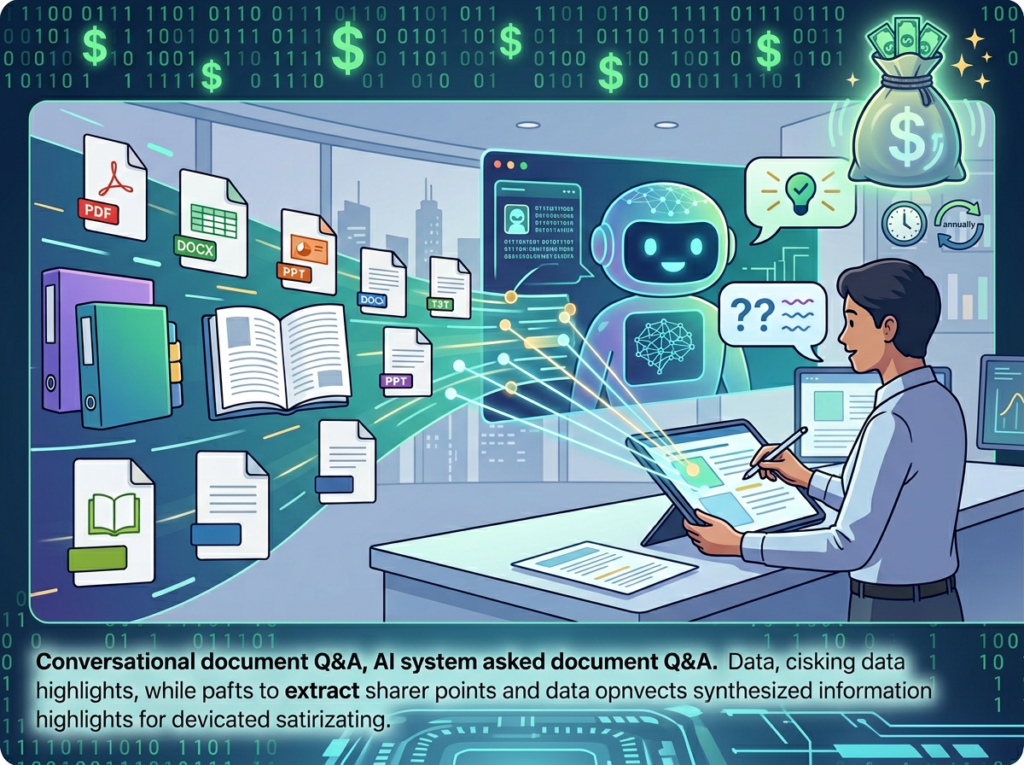
Rather than reading an entire document to find one answer, AskYourPDF’s chat interface lets users ask specific, targeted questions of uploaded documents and receive contextual, page-referenced answers. For founders and team leads who spend 30+ minutes per week hunting for information inside documents, this feature alone justifies the tool’s subscription cost.
Effective prompting practices — such as asking targeted, single-question queries with specific context — dramatically improve answer quality. Experienced users report 10x faster information retrieval compared to manual document review. At 30 minutes saved per day × $75/hour × 250 working days: $9,375 in annual savings for a single team member.
Feature 3: Research Assistant for Multi-Source Analysis — $15,000+ per Project

AskYourPDF’s Research Assistant mode, available via ChatGPT plugin or native interface, enables teams to analyze documents in the context of broader research questions. For US founders making strategic decisions — market entry analysis, vendor selection, competitive positioning — this means synthesizing 10–15 source documents without hiring a research analyst.
Outsourced research projects of this type cost $5,000–$15,000 from US consulting firms. Teams that self-execute using AskYourPDF’s Research Assistant recover that budget entirely.
Explore AskYourPDF’s features to see current pricing tiers and plan options.
Ready to systemize your US team’s document workflows in under a week? Try AskYourPDF Free | No credit card required | Trusted by 5 million+ users worldwide
Use Cases by Team Role
Persona 1: Maria — US Startup Founder Juggling 3 Departments (San Francisco)

Maria runs a 6-person B2B SaaS startup in San Francisco. As CEO, head of sales, and de facto HR director, she manages vendor contracts, investor update templates, customer case study documents, and compliance filings — all in PDF format.
Old workflow: Maria spent 2–3 hours weekly hunting through a shared Google Drive folder of 80+ PDFs whenever she needed to reference a contract clause, pull a customer metric, or verify a compliance requirement. New hires received a “read through these 12 documents” onboarding instruction that nobody followed consistently.
AI-powered workflow: Maria uploaded all 80 documents into AskYourPDF’s Knowledge Base. Now she queries: “What are the renewal terms in our top three vendor contracts?” and gets page-referenced answers in 30 seconds. New hire onboarding now includes a 15-minute AskYourPDF orientation — new team members query the knowledge base directly rather than waiting for Maria.
Quantified results: 2.5 hours weekly recovered at $150/hour founder rate = $19,500 annually. Onboarding time for new hires reduced from 3 weeks to 10 days.
Maria’s perspective: “I used to dread quarterly contract reviews. Now it’s a 20-minute AskYourPDF session. My team actually uses the documents we’ve created instead of emailing me for the answers.”
See how AskYourPDF works for founder-led document systemization.
Persona 2: James — Executive Assistant Onboarding Remote Staff (Miami)

James is an EA at a 12-person financial services firm in Miami with remote staff across four states. He’s responsible for ensuring new hires can navigate a dense library of compliance documents, internal process guides, and client communication templates.
Old workflow: James spent 6–8 hours per new hire producing custom orientation packets by manually pulling relevant sections from 30+ PDF documents. The process was inconsistent — different hires received different document sets based on which PDFs James happened to prioritize.
AI-powered workflow: James built a structured knowledge base in AskYourPDF containing all onboarding-relevant documents. New hires receive a single login and a list of orientation queries to run on day one. James now spends 45 minutes per new hire instead of 7 hours.
Quantified results: 6.25 hours saved per onboarding × $55/hour EA rate × 8 hires per year = $2,750 annually. Consistency of onboarding information delivery increased from ~60% to ~95% across hires.
James’s perspective: “The compliance documents alone were a nightmare to navigate manually. Now every new hire gets the same accurate answers from the same source on day one.”
Persona 3: Aisha — Marketing Lead Standardizing Client Reporting (San Francisco)
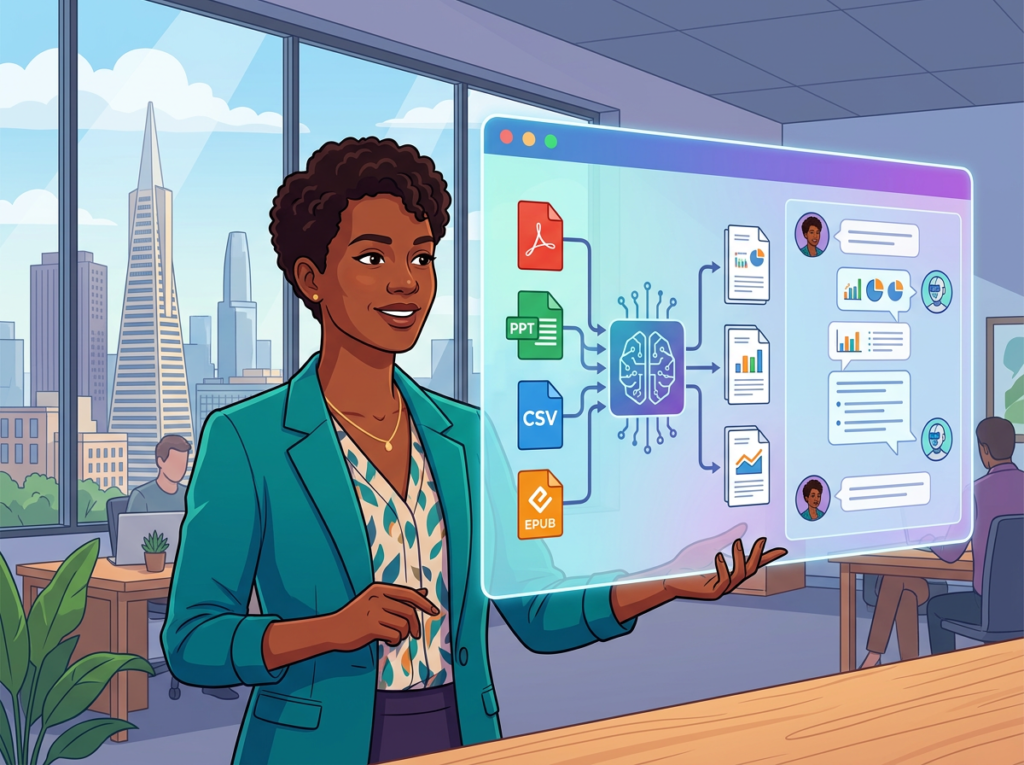
Aisha leads marketing at a 9-person digital agency in San Francisco. Each client has a brief, brand guidelines PDF, quarterly performance reports, and a contract. Producing monthly client reports required manually referencing 3–5 documents per client per report cycle.
Old workflow: Aisha and her two team members spent a combined 12 hours monthly pulling data and context from client PDFs to populate report templates. Inconsistencies crept in when team members referenced different versions of the same document.
AI-powered workflow: Aisha created per-client document libraries in AskYourPDF. Before generating each report, her team runs a standardized set of queries: “What are this client’s stated KPI targets?” / “What does the brand guidelines document specify for headline copy tone?” The answers populate the report template directly.
Quantified results: 8 hours monthly recovered at $85/hour × 12 months = $8,160 annually. Client report revision requests dropped by 40% due to improved consistency.
Aisha’s perspective: “We used to have three people checking three different documents and still getting inconsistent answers. Now the brief is always the same brief, no matter who’s running the report.”
Join 5 million+ users using AskYourPDF to eliminate document chaos. See How It Works | Trusted by teams from Silicon Valley to New York
Common Pitfalls & How to Avoid Them
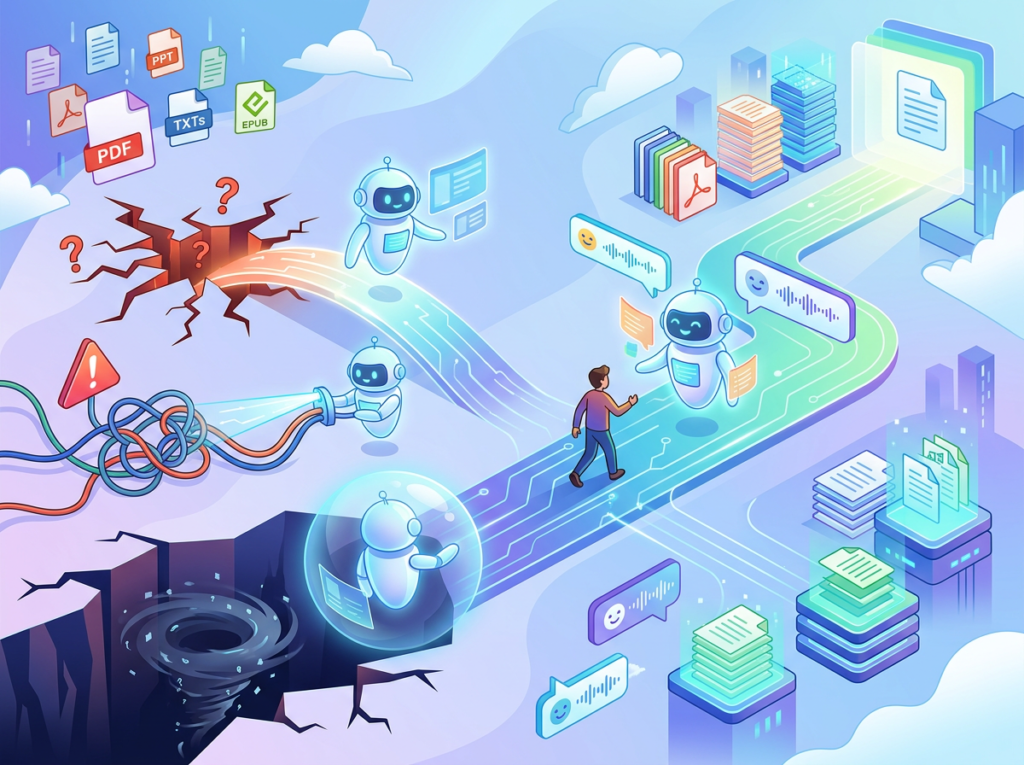
Mistake 1: Uploading documents without organizing them
AskYourPDF’s Knowledge Base is only as useful as the document architecture behind it. Teams that dump 100 PDFs into a single unstructured library find that queries return confused, overlapping results. The fix: organize documents into logical project or function-specific libraries (e.g., “Client Contracts,” “Vendor Agreements,” “Compliance Docs”) before querying. This mirrors how a competent analyst would organize a research archive before running analysis against it.
Mistake 2: Asking vague questions
The quality of AskYourPDF’s responses scales directly with the specificity of the query. “What does this contract say?” returns generic summaries. “What are the payment terms and late penalty clauses in this contract?” returns actionable specifics. As AskYourPDF’s own prompting documentation confirms, targeted, single-question prompts with relevant keywords consistently outperform broad queries. Training your team on basic prompting hygiene is a 30-minute investment that multiplies every subsequent session’s value.
Mistake 3: Using AskYourPDF in isolation instead of connecting it to workflows
Teams that extract insights from AskYourPDF but record them in Slack messages or email threads immediately recreate the document chaos they were trying to eliminate. The system’s value compounds when outputs feed directly into structured tools: project management platforms, CRM notes, shared documents. Treat AskYourPDF as a retrieval layer that feeds your operational systems, not a standalone productivity app.
Learn more about AskYourPDF including integration options and team plan features.
FAQs

What’s the difference between AI Efficiency and Solo DX?
AI Efficiency focuses on automating individual tasks — speeding up a single person’s workflow. Solo DX is broader: it’s about building team-level systems that operate consistently without founder involvement. An individual using AskYourPDF to read contracts faster is applying AI Efficiency. A founder who uploads all company contracts into a shared Knowledge Base so any team member can query them is practicing Solo DX. The distinction matters because Solo DX compounds in value as your team grows — AI Efficiency scales only with the individual.
Can small teams afford to use AI tools like AskYourPDF?
AskYourPDF offers a free tier for individual use and paid plans starting at accessible monthly rates — significantly below the cost of a single hour of skilled US labor. For most small teams, the ROI calculation is straightforward: if the tool saves one team member 30 minutes per week at $75/hour, it pays for itself in under two weeks. The teams that can least afford AI tools are typically the ones who need them most — and the cost barrier in 2026 is genuinely low.
Is AskYourPDF hard to set up?
No. The basic workflow — upload a document, start asking questions — requires no technical setup, API configuration, or integration work. Creating a multi-document Knowledge Base takes 20–30 minutes for an initial library of 20–30 documents. For US small teams without dedicated IT support, this low-friction setup is a key advantage over more complex document intelligence platforms that require data engineering work to deploy.
Conclusion

In 2026, American small businesses don’t need enterprise budgets to build enterprise-level document intelligence systems. The gap between what a $12/month AI tool can do and what a $150/hour document analyst can do has narrowed dramatically — and in many routine use cases, AskYourPDF closes it entirely.
The ai pdf analysis tool category has matured to the point where US small teams can build queryable knowledge bases, eliminate manual document review cycles, and onboard new hires into structured information systems within a single week. The ROI is real: teams consistently recover $15,000–$130,000 in annual labor value depending on document volume and team size.
Solo DX is the operating model that makes this possible — replacing founder-dependent, memory-based operations with AI-queryable systems that work without your constant involvement. AskYourPDF is one of the most practical entry points into that model, because it addresses the most universal bottleneck: documents that contain critical information that nobody has time to read.
Start with one process. Pick the most painful document type in your operation — the one your team spends the most time manually searching through — and build your first AskYourPDF Knowledge Base around it this week.
Full AskYourPDF review and pricing breakdown — including current plan comparisons for US small teams.
Leave a Reply