
Most small teams don’t have a workflow problem — they have a systems gap that AI database automation can close before headcount doubles again.
There’s a moment every US small business founder recognizes: the team hits five, six, maybe eight people, and suddenly the wheels start wobbling. Slack threads become the de facto operations manual. A new hire spends their first three weeks asking the same questions your second hire asked two years ago. The marketing lead runs client reports one way; the account manager runs them a completely different way. Quality becomes a coin flip.
In 2026, this is no longer a growth problem. It’s a systems problem — and it’s costing American small businesses real money. The average US knowledge worker costs $65–$95 per hour when you factor in salary, benefits, and overhead. Every hour spent re-explaining processes, hunting for answers, or fixing inconsistent work is a dollar amount that compounds weekly.
Remote and hybrid teams have made things more complex. Multi-state teams, distributed contractors, and post-pandemic scaling have pushed more US founders into operational chaos they were never trained to manage. Corporate SOPs and enterprise ops playbooks don’t fit a 6-person agency or a 10-person SaaS startup — they’re built for companies with full-time operations managers.
That’s where Airtable AI changes the equation. Rather than adding another tool to an already fragmented stack, Airtable embeds AI directly into the relational database where your team’s work already lives. It categorizes, summarizes, generates, and automates — without requiring a developer, a consultant, or an enterprise budget.
Unlike traditional documentation projects that typically run $5,000 or more in US labor costs and take weeks to produce, Airtable AI can generate structured, consistent workflows in hours. This review breaks down exactly how it works, which team roles benefit most, and what ROI looks like in real USD for small teams across the US.
Join 10,000+ US small teams using Airtable AI to eliminate operational chaos. See How It Works
What is Solo DX?
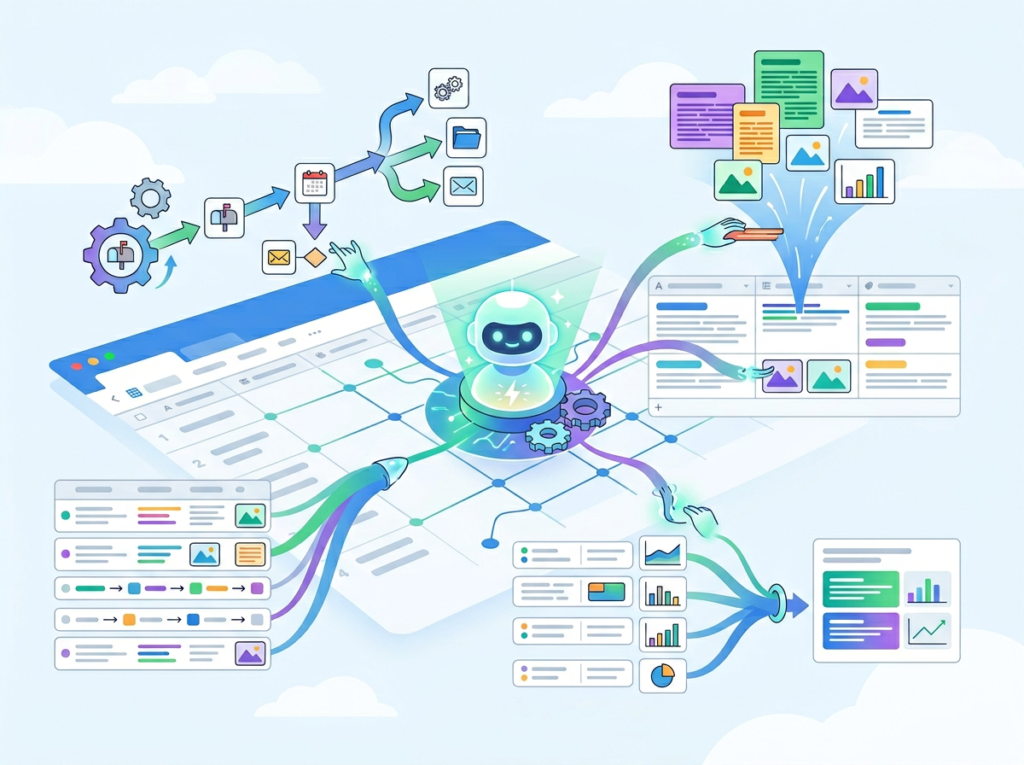
Solo DX — Small-Scale Digital Transformation — describes the shift happening in thousands of US small businesses right now. It’s not about buying enterprise software. It’s about founders and small team leaders using accessible AI and no-code tools to build the kind of operational infrastructure that used to require a VP of Operations and a six-month implementation project.
The core distinction matters:
| Category | Focus | Who It’s For |
|---|---|---|
| Solo DX | Systemization, SOPs, repeatable workflows | Founders scaling 2–15 person teams |
| AI Efficiency | Individual productivity, task speed | Solo operators, freelancers |
| AI Revenue Boost | Sales, marketing, lead gen | Growth-focused teams |
| AI Workflows | Automation, integration | Ops-forward organizations |
Solo DX sits at the intersection of team management and operational design. It’s the answer to the question: “How do I build a business that doesn’t fall apart if I step away for two weeks?”
Traditional corporate SOP methods fail US small businesses for three reasons. First, they’re designed for organizations with dedicated documentation teams — not founders juggling product, sales, and customer service simultaneously. Second, they produce static documents that live in folders no one opens. Third, they take months, and small teams don’t have months.
Consider a 3-person design studio in Austin. The founder knows every client process by heart, but when she brings on a fourth designer, there’s no playbook. The new hire shadows for three weeks, pulling the founder out of billable work for roughly 60 hours — at her effective rate, that’s $4,500 in opportunity cost before the hire contributes a single deliverable.
Solo DX using tools like Airtable AI changes that model. SOPs get built in Airtable bases, automatically generated and consistently updated. New hires query the base instead of the founder. You can explore Airtable AI’s features to see how this plays out across different team structures.
The goal of Solo DX is simple: build systems that scale with you, not systems that require you.
Join 10,000+ US small teams using Airtable AI to eliminate operational chaos. See How It Works
Why AI Is Key for Mini-Team Systemization
Problem 1: Knowledge lives only in the founder’s head
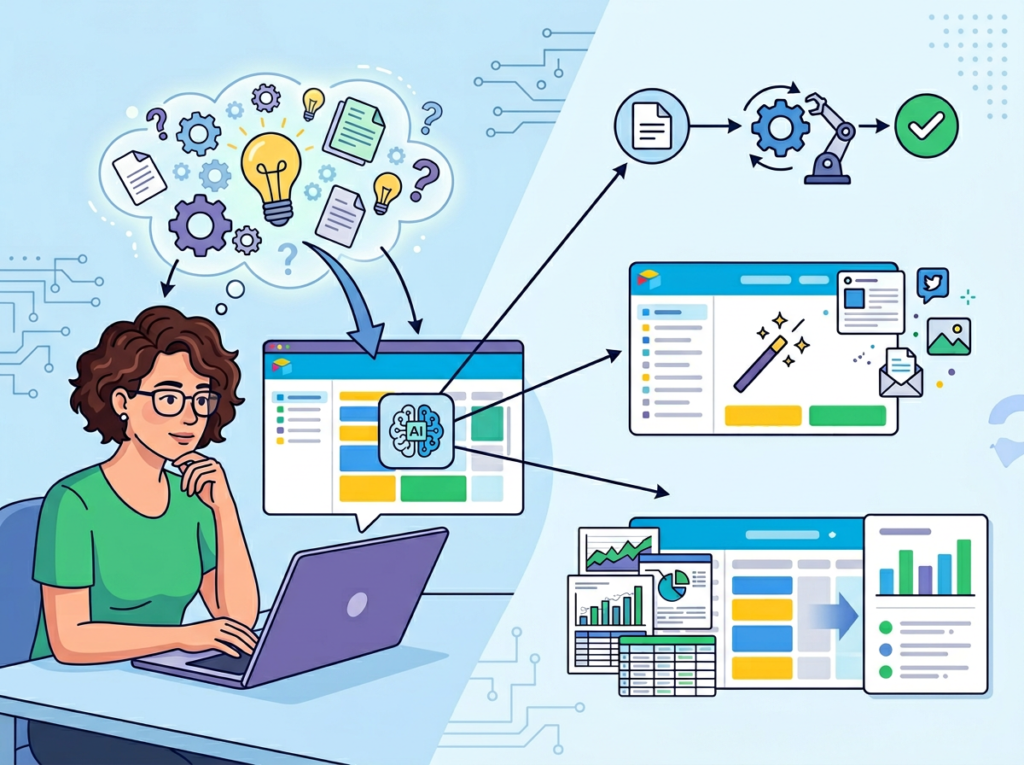
The average US small business founder makes 35+ operational decisions per day that no one else on the team could make independently. When that founder is unavailable — traveling, sick, or simply at capacity — operations slow or stop. This isn’t a people problem. It’s a knowledge distribution problem.
AI-powered tools can extract, organize, and structure that tacit knowledge into queryable databases. Instead of “ask Maria,” the answer lives in a base that everyone on the team can access in under 30 seconds.
Problem 2: New hires slow down operations instead of accelerating them
US labor turnover across small businesses runs at roughly 47% annually. That means many small teams are perpetually onboarding. Each new hire who requires 2–4 weeks of hand-holding from senior staff represents a direct cost: if a founder spends 10 hours per week for three weeks guiding a new hire, that’s 30 hours at $75/hour in opportunity cost — $2,250 per hire.
With documented, AI-maintained workflows in a structured database, onboarding time compresses. New team members can self-serve answers, follow documented processes, and reach productivity faster.
Problem 3: Quality varies across team members
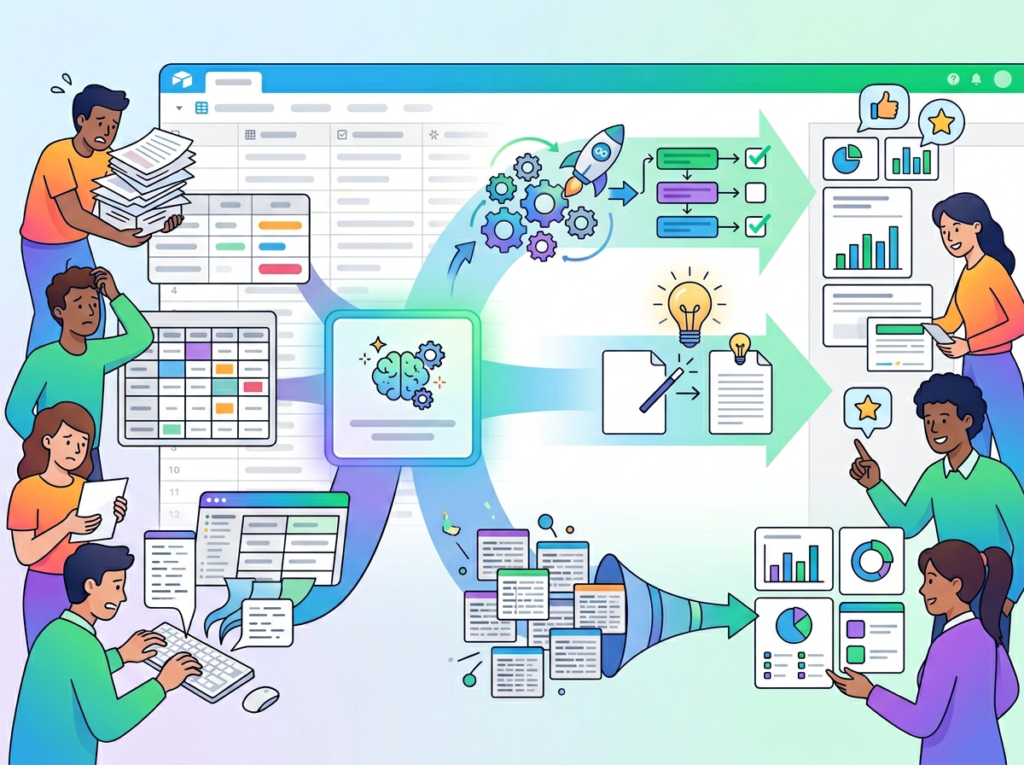
When processes live in people’s heads, every team member executes them differently. A client report written by the marketing lead looks different from one written by the account coordinator. A customer email from a senior rep sounds different from one written by a new hire. Inconsistency erodes trust — with clients, with partners, and internally.
AI-assisted templates and automated content generation inside a shared database create a quality floor. The output is consistent because the input structure is consistent.
The Cost Reality
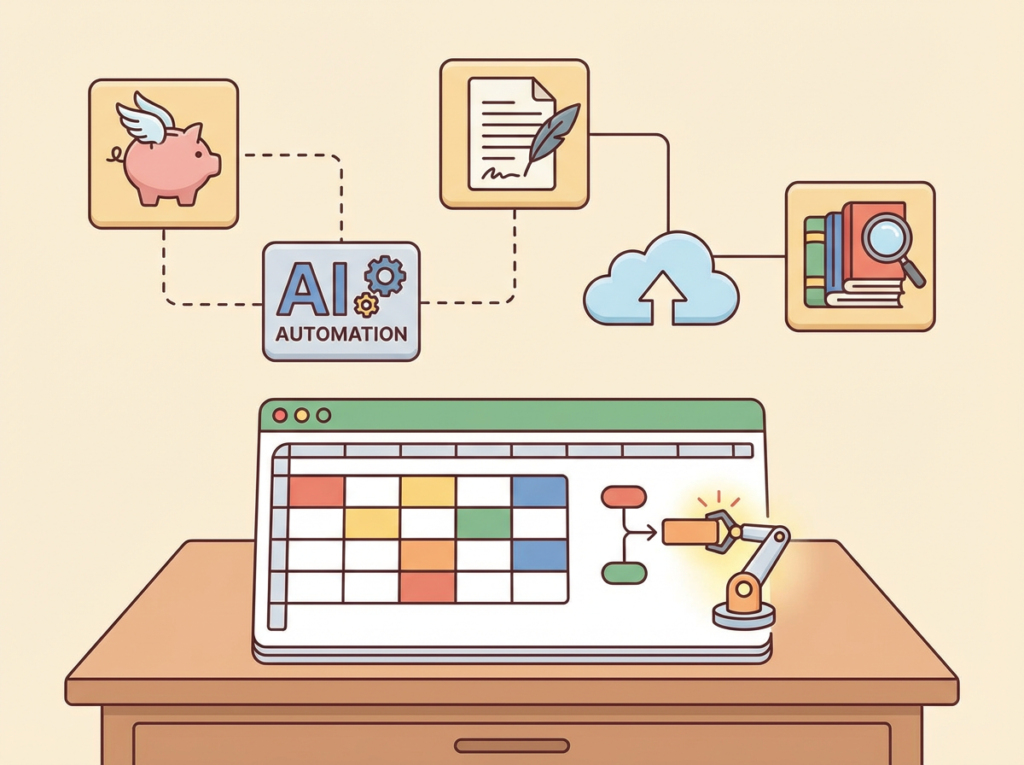
Manual systemization — hiring a consultant to document your processes — typically costs $5,000–$15,000 for a small business and produces a static document set that becomes outdated within six months.
AI-assisted systemization with a tool like Airtable AI costs a fraction of that in subscription fees, can be updated continuously, and lives where the team already works. For most US small teams, the ROI calculation closes within the first month.
Join 10,000+ US small teams using Airtable AI to eliminate operational chaos. See How It Works
How Airtable AI Enables Solo DX
Feature 1: AI-Generated Content and SOPs
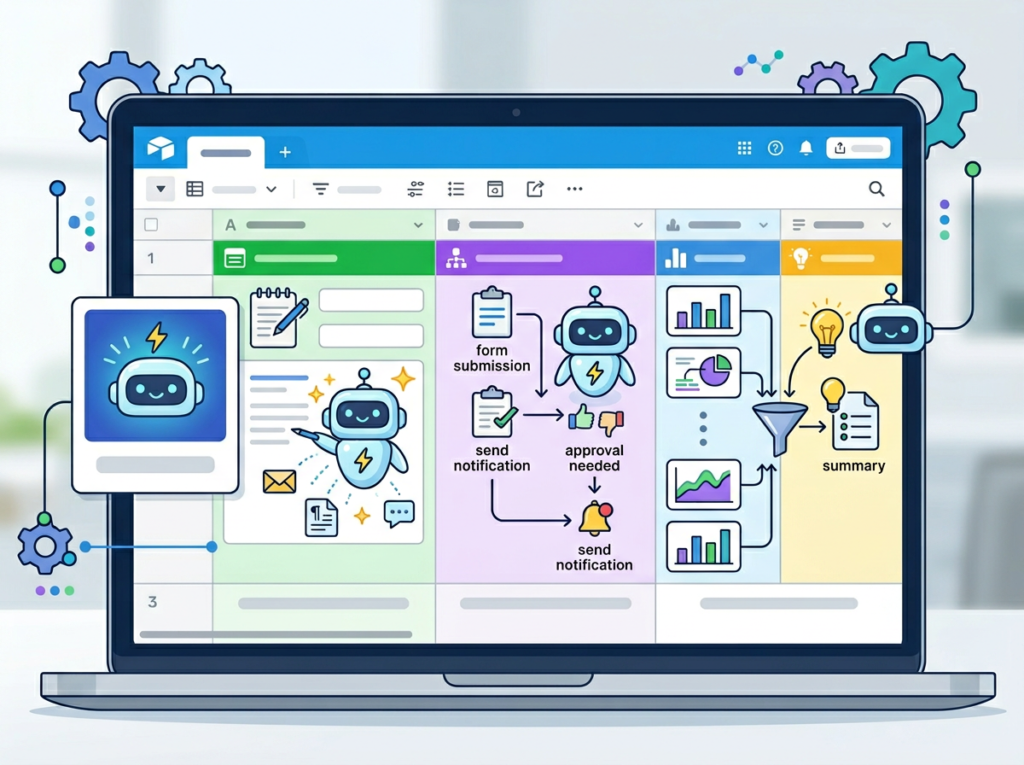
Airtable’s AI field can generate text based on data already in your base. Set up a process documentation table with fields for role, workflow step, tools used, and expected output — then prompt the AI field to generate a structured SOP from those inputs.
A 6-person operations team that manually documents 10 core processes spends roughly 40 hours per documentation cycle at $50/hour average for the person doing the work. That’s $2,000 per documentation sprint. AI-generated SOPs built directly in Airtable reduce that to 4–6 hours of setup, delivering a $1,700+ saving per cycle with better consistency than manual drafts.
Feature 2: Automated Categorization and Data Organization
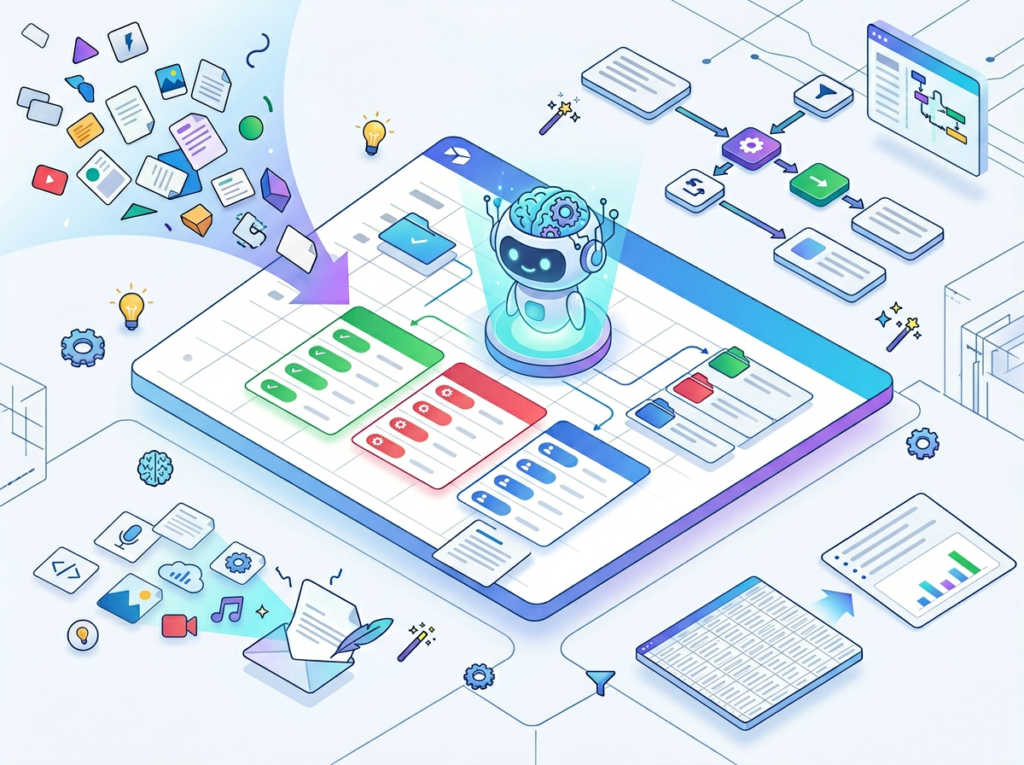
Airtable AI can automatically classify incoming data — customer feedback, support tickets, content ideas, lead notes — into structured categories without manual sorting. For a team that receives 200 customer feedback items per month and spends 90 seconds manually tagging each one, that’s 5 hours of labor per month. At $65/hour, that’s $3,900 annually in time recovered by automation alone.
This matters for Solo DX because categorized, searchable data is the foundation of systemized operations. You can’t build repeatable workflows on unstructured piles of information.
Feature 3: Workflow Automation Triggers
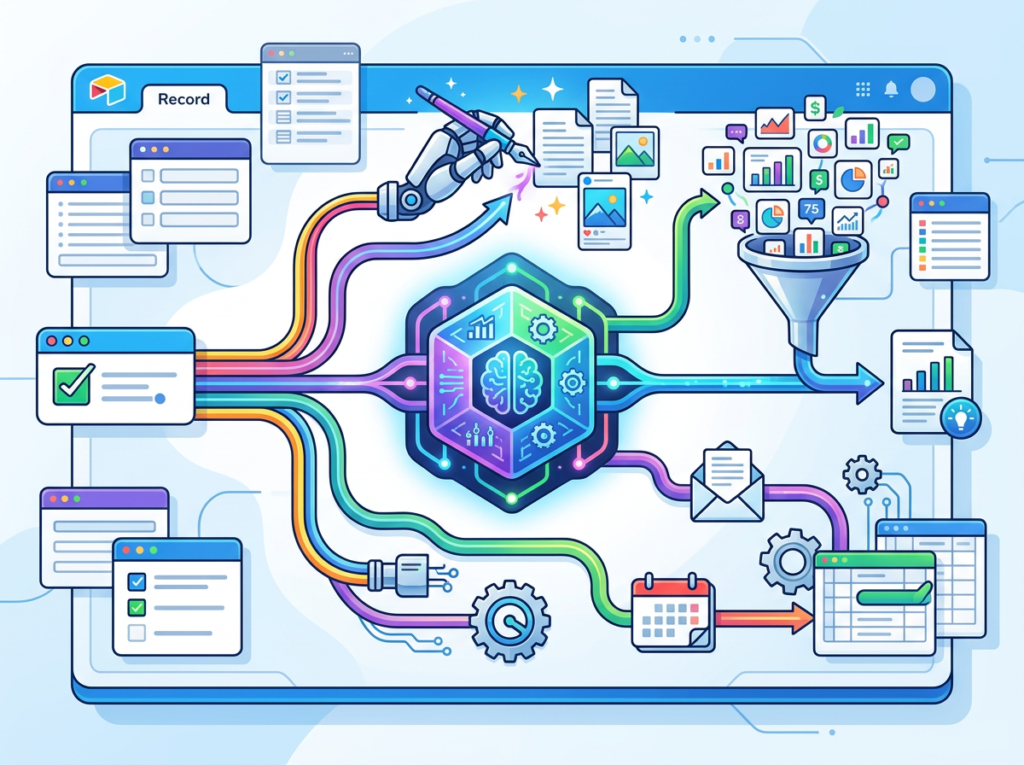
Airtable’s automation layer connects directly to AI field outputs. When an AI field flags a support ticket as “High Priority,” an automation can immediately notify the responsible team member in Slack, create a task in the project management interface, and log the escalation. No manual monitoring required.
For a team managing 50+ active client or project records, eliminating manual status checks and routing saves an estimated 3–5 hours per week per team lead. Over 12 months, that’s $9,360–$15,600 per lead in recovered capacity. You can see how Airtable AI works across these automation scenarios before committing to a setup.
It’s worth noting that while Airtable’s step-by-step configuration is well-documented, as noted in this breakdown, the AI field works best when your underlying base data is already clean and structured — something to address before you start building AI prompts.
Ready to systemize your US team operations in under a week? Try Airtable AI Free | No credit card required | Trusted by 10,000+ US teams
Use Cases by Team Role
Persona 1: Maria — Startup Founder Juggling Three Departments | San Francisco

Old workflow: Maria runs a 7-person SaaS company. She manages sales, product, and customer success simultaneously. Every team member routes questions to her via Slack. She spends 2–3 hours daily answering operational questions, approving decisions, and solving problems that should have documented answers.
AI-powered workflow: Maria builds an Airtable base with three department-specific tables — Sales Playbook, Product Decisions Log, and CS Escalation Protocols. Each table uses AI fields to generate concise answers based on the data stored. Team members query the base first; Maria’s involvement drops to edge cases only.
Quantified results: Maria recovers 10–15 hours per week of founder time, worth $1,500–$2,250/week at her effective hourly rate. Over a quarter, that’s $19,500–$29,250 in recovered high-value time redirected toward growth activities.
“I used to be the bottleneck for everything. Now the base answers most of the questions before they reach me — and the answers are actually more consistent than what I’d give off the cuff.” — Maria T., SaaS Founder, SF
Persona 2: James — Executive Assistant Onboarding Remote Staff | Miami
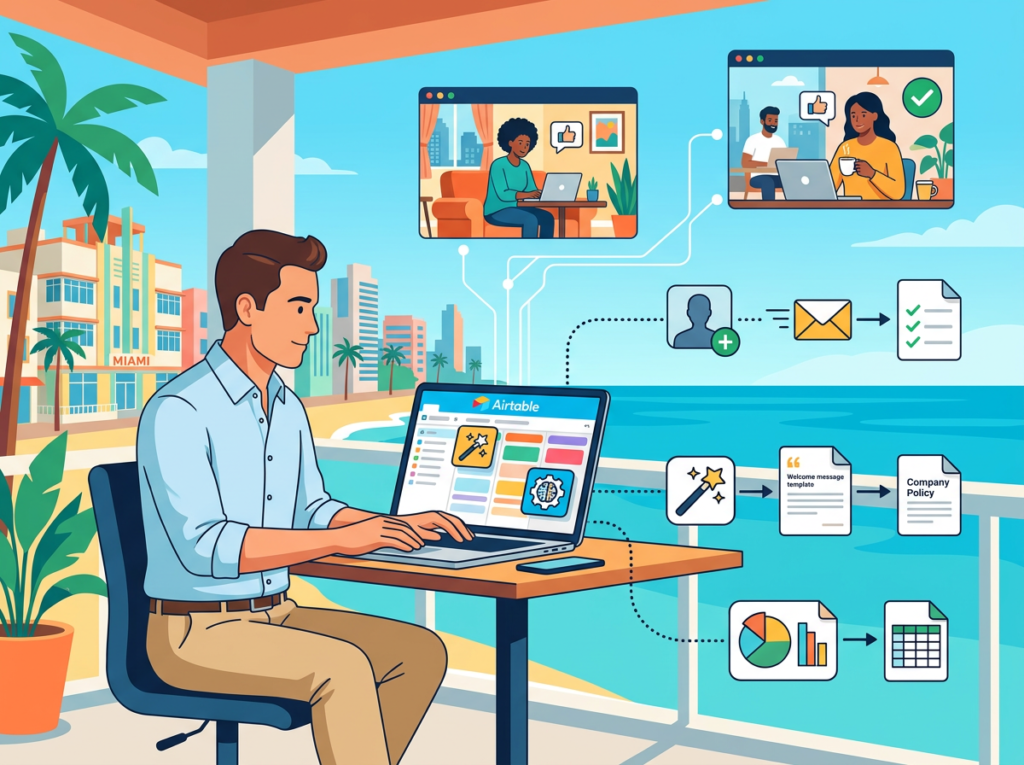
Old workflow: James supports a 9-person consulting firm that’s onboarding two new remote team members every quarter. Each onboarding cycle takes James 25–30 hours of documentation, scheduling, and answering repeat questions — work that competes with his other executive support responsibilities.
AI-powered workflow: James builds a structured onboarding base in Airtable. AI fields auto-generate role-specific onboarding checklists from a master process table. A linked interface gives new hires a self-guided onboarding portal with AI-generated explanations for each step. James’s active involvement drops from 25 hours to 6 hours per new hire.
Quantified results: Each onboarding cycle saves James 19 hours. With 8 new hires per year at $45/hour, that’s $6,840 annually in recovered capacity — plus faster time-to-productivity for new team members.
“The first thing new hires say now is that it’s the most organized onboarding they’ve ever experienced. That used to take me a month to build from scratch for each person.” — James R., Executive Assistant, Miami
Persona 3: Robert — Trainer Documenting Internal Knowledge | New York

Old workflow: Robert is the internal trainer for a 12-person professional services firm in NYC. Tribal knowledge about how the firm handles specific client scenarios lives entirely in the heads of three senior consultants. When those consultants travel or turn over, the knowledge walks out the door.
AI-powered workflow: Robert uses Airtable AI to build a firm-wide knowledge base. Senior consultants spend 30 minutes per week logging key decisions and scenarios into structured records. AI fields summarize and categorize each entry, and an interface surfaces relevant entries based on keyword search. Junior staff can query past scenarios without interrupting senior consultants.
Quantified results: Senior consultant interruption time drops by 4 hours per week across the team. At $125/hour average senior rate in NYC, that’s $500/week or $26,000 annually in recovered high-value consultant capacity — directly improving billable utilization.
“We stopped losing institutional knowledge when people travel or leave. The base knows what we know.” — Robert K., Internal Trainer, New York
Discover Airtable AI’s team workflow capabilities to see which of these use cases fits your current operational gaps.
Join 10,000+ US small teams using Airtable AI to eliminate operational chaos. See How It Works | Used by teams from Silicon Valley to New York
Common Pitfalls & How to Avoid Them
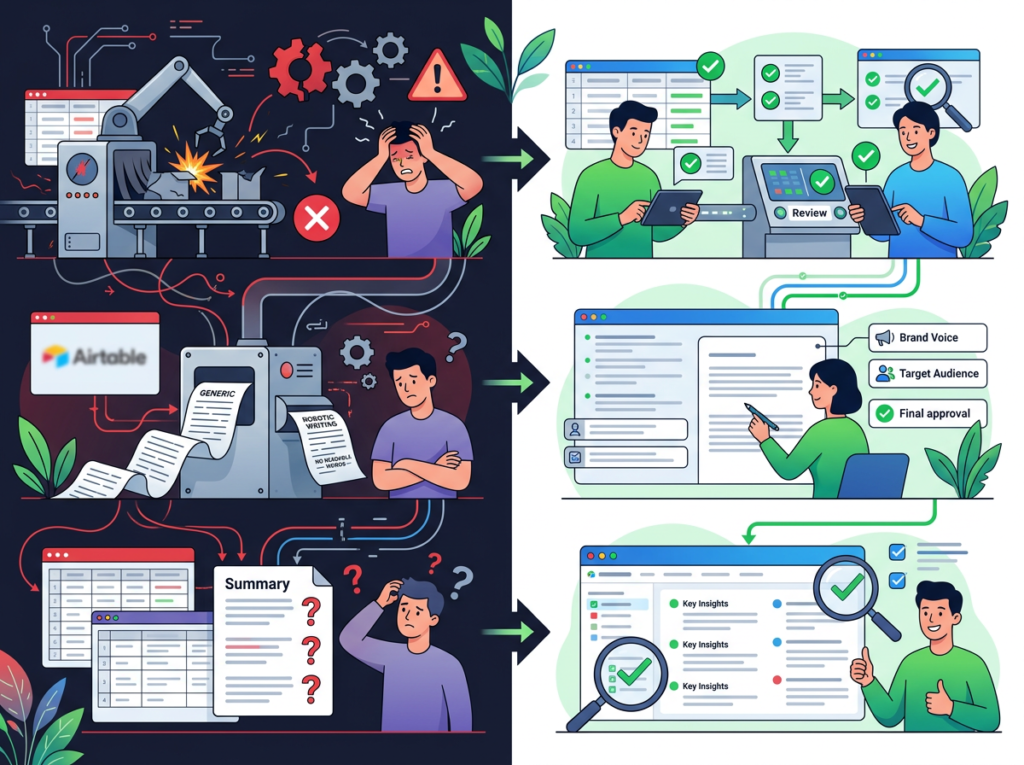
Mistake 1: Using Too Many Disconnected Tools
The #1 workflow failure for US small teams is tool sprawl. If your SOPs live in Notion, your client data lives in a spreadsheet, your tasks live in Asana, and your communications live in Slack, Airtable AI has nothing coherent to work with. The AI field pulls from data in your base — so if your base is incomplete or disconnected from your actual workflows, the outputs will be weak.
Fix: Before building AI fields, audit which data your team references most often. Consolidate that data into Airtable first, then build AI layers on top of a clean, unified foundation.
Mistake 2: Failing to Review AI Output
According to this analysis, AI fields in Airtable perform best when teams treat them as first drafts — strong starting points that need a human check before they go out the door. Teams that auto-publish AI-generated content without review create inconsistent, sometimes inaccurate outputs that erode trust faster than manual processes ever did.
Fix: Build a review step into every AI-assisted workflow. The goal is 70–80% time savings on the draft, not zero human involvement.
Mistake 3: Over-Relying on Slack and Email for Knowledge
Many US teams use Slack as an informal knowledge base. This creates a fundamental problem: answers are not searchable, not structured, and lost within days. When knowledge lives in chat threads, Airtable AI has no data source to work with — and the team never escapes the “ask a person” dependency.
Fix: Create a habit of logging decisions, answers, and processes into Airtable records rather than Slack threads. Even 15 minutes per day of structured logging builds a queryable knowledge base within weeks. You can learn more about Airtable AI’s knowledge management capabilities and see how other teams have structured this transition.
Get the full breakdown of Airtable AI’s capabilities and see exactly which features fit your team’s current stage of operations.
FAQs
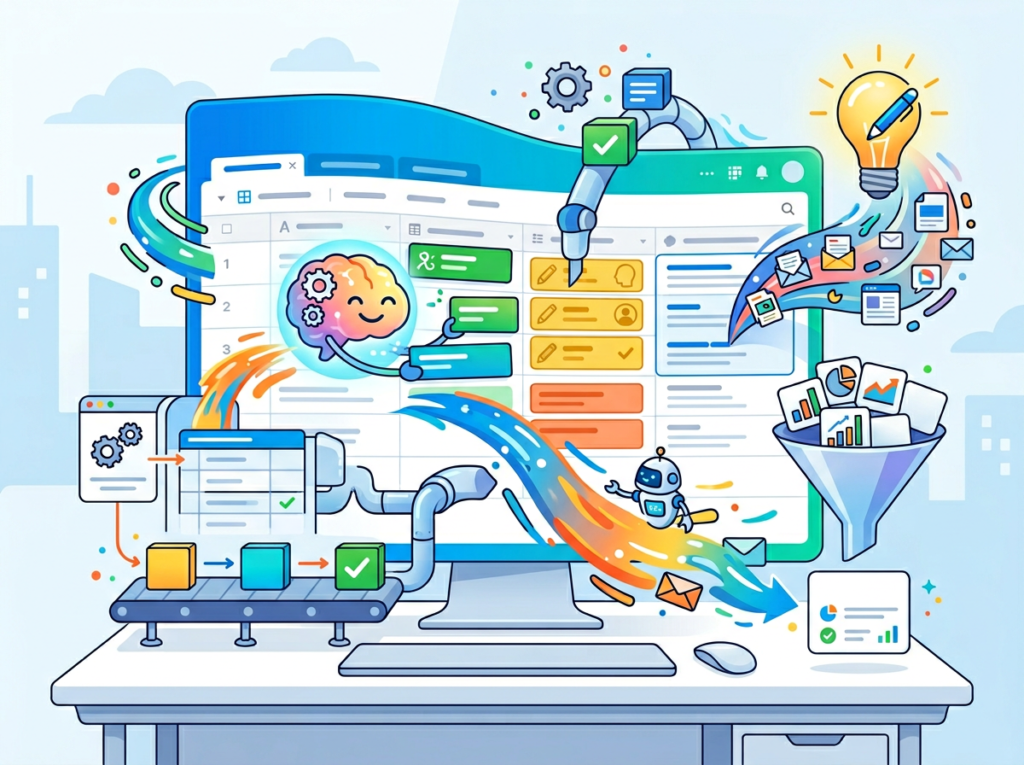
How can AI write my SOPs?
AI tools like Airtable AI can generate structured procedures by pulling from data already in your base. You provide the inputs — role, steps, tools, expected output — and the AI field generates a consistent, formatted SOP. The process works best when your underlying data is organized in structured fields rather than free-form notes. Airtable’s own documentation covers the technical setup in detail.
What’s the difference between AI Efficiency and Solo DX?
AI Efficiency focuses on individual productivity — tools that help one person work faster. Solo DX focuses on team systemization — building processes, documentation, and workflows that allow a team to operate consistently without constant founder involvement. Both have value, but they solve different problems at different stages of business growth.
Can small teams afford to use AI?
Yes. Most AI workflow automation tools, including Airtable AI, are available at subscription costs that small US teams can afford — typically $20–$45 per user per month depending on the plan. The ROI calculation for most teams closes within the first 30–60 days through recovered labor time alone.
Is Airtable AI hard to set up?
Airtable AI fields are designed for non-technical users. You add an AI field the same way you’d add any other field type, then configure a prompt that references other fields in your base using curly braces (e.g., {Client Name}, {Project Status}). Most teams can build their first functional AI-assisted workflow within a day. Complexity scales with the sophistication of your data structure, not with technical requirements.
Conclusion

In 2026, American small businesses don’t need enterprise budgets to build enterprise-level systems. The ai workflow automation tools available today — and Airtable AI specifically — put relational database infrastructure, automated documentation, and AI-assisted content generation within reach of any team with a laptop and a clear process to document.
The Solo DX opportunity is real and time-sensitive. Teams that systemize now — that build AI-assisted knowledge bases, consistent onboarding flows, and automated reporting pipelines — are compressing what used to take months of consultant engagement into days of focused configuration. Teams that wait are paying the same compounding cost of operational chaos that has always slowed small business growth.
The numbers are straightforward: recovered founder time worth $19,000–$29,000 per quarter, onboarding costs cut by 75%, reporting labor reduced by 80%. These aren’t projections for Fortune 500 companies — they’re outcomes achievable by a 5-person team in Austin or a 9-person firm in Miami.
Start with one process. Pick the one that causes the most repeated questions, the most inconsistent outputs, or the most founder bottlenecking. Build it in Airtable. Let the AI assist with the heavy lifting. Then expand from there.
Get the full breakdown of Airtable AI’s capabilities and see exactly which features fit your team’s current stage of operations.
Leave a Reply