
Small teams are using an AI image generator for business to produce on-brand visuals in minutes — and Flux.2 is leading that shift.
If you’re running a team of two to ten people in 2026, visual content has become a production bottleneck you can’t ignore. Your competitors are publishing social ads, landing page graphics, product shots, and email banners at a pace that would have required a dedicated design studio five years ago. Meanwhile, you’re stuck in a loop: briefs get lost in Slack, freelancers miss deadlines, and your brand looks inconsistent from one campaign to the next.
This is the reality for thousands of US small business founders right now. The marketing playbook has changed. Scroll-stopping visuals are table stakes — not a nice-to-have — and the cost of producing them through traditional channels remains steep. Hiring a US-based graphic designer runs $60–$120 per hour. A single product photo shoot in cities like Austin or Denver can cost $1,500–$3,000 before post-production. A retainer with a boutique design agency? Budget $5,000 or more per month.
The teams winning in 2026 aren’t spending more on design. They’re spending smarter. They’ve adopted an AI image generator for business that turns text prompts into production-quality visuals in seconds, eliminating the back-and-forth, the revision cycles, and the dependency on external contractors.
Flux.2, developed by Black Forest Labs, is one of the most capable tools in this category. It supports photorealistic 4MP output, multi-reference image control, in-image text rendering, and a model family that scales from rapid experimentation to enterprise production. For small US teams managing marketing, product launches, and client deliverables simultaneously, this kind of output quality at subscription-level pricing represents a fundamental shift in what’s operationally possible.
This guide explains exactly how Flux.2 fits into a Solo DX workflow — and how US founders can use it to build repeatable, scalable visual content systems without hiring a design team.
What is Solo DX?

Solo DX — Small-Scale Digital Transformation — is the operational model that defines how today’s most efficient US small businesses run. It’s not about implementing enterprise software or hiring a VP of Operations. It’s about founders and lean team leads using AI tools strategically to replace ad-hoc processes with documented, repeatable systems.
The distinction matters. Traditional digital transformation is built for organizations with dedicated IT departments, change management budgets, and multi-year implementation timelines. Solo DX is built for the Austin-based e-commerce team of four, the Miami marketing agency with six employees, and the San Francisco SaaS startup where the co-founder is still handling customer support tickets.
Here’s how Solo DX differs from adjacent categories:
| Category | Primary Goal | Team Size | Key Metric |
|---|---|---|---|
| Solo DX | Systemize operations via AI | 1–15 people | Repeatable output quality |
| AI Efficiency | Speed up individual tasks | Individual users | Time saved per task |
| AI Revenue Boost | Drive top-line growth | Any size | Revenue uplift |
| AI Workflows | Automate multi-step processes | Any size | Process completion rate |
Solo DX sits at the intersection of all four. It’s the operational foundation that makes the other categories possible at scale.
The reason corporate SOP methods fail for US SMBs comes down to two factors: complexity and maintenance burden. A 40-page brand style guide written for a Fortune 500 company assumes you have a Brand Manager to enforce it. A small team needs something leaner — a living system where AI handles the enforcement automatically.
Take a three-person design studio in Austin as an example. Before Solo DX, their client deliverable process looked like this: the founder handled initial briefs verbally, a junior designer would interpret requirements differently each time, and the third team member spent hours sourcing and adjusting stock images to match client brand guidelines. Each project required individual judgment calls that lived only in people’s heads.
After implementing an AI image generator for business as the core of their visual production system, they created a prompt library tied to each client’s brand parameters. Every team member now generates on-brand visuals from the same structured templates. Quality became consistent. Onboarding a new contractor dropped from two weeks to three days. That’s Solo DX in practice — and you can explore Flux.2’s features to see how this kind of systemization works at the tool level.
Join thousands of small teams using Flux.2 to eliminate visual content bottlenecks. See How It Works
Why AI Is Key for Mini-Team Visual Systemization
Problem 1: Visual Brand Knowledge Lives Only in the Founder’s Head
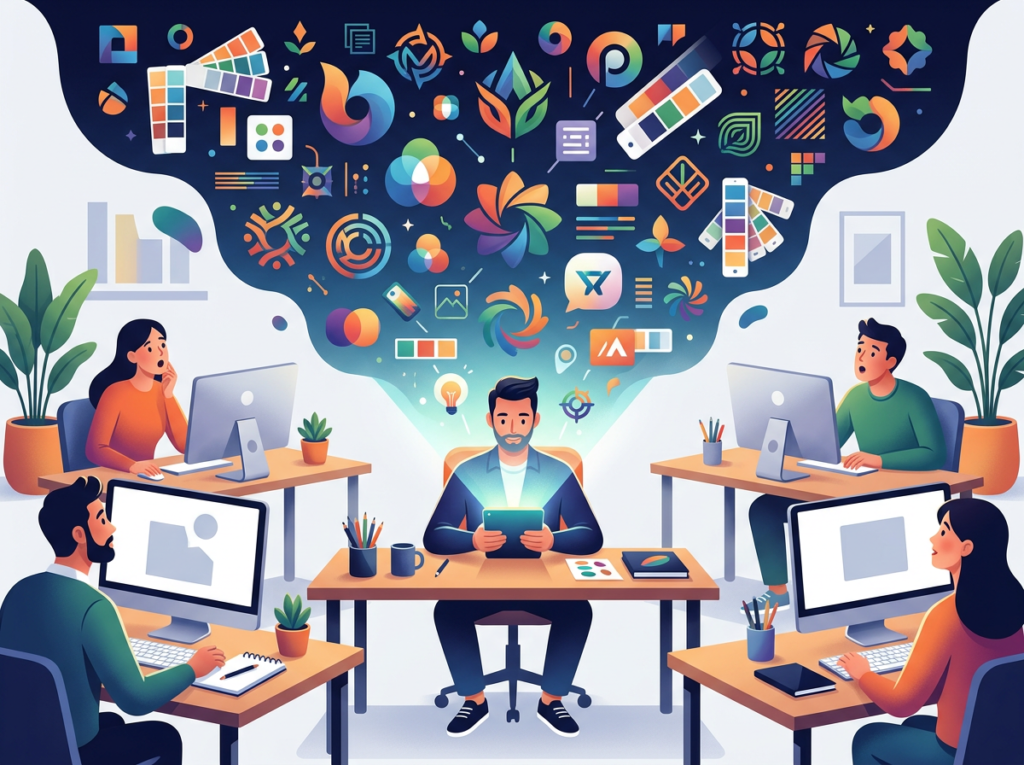
Most US small business founders have an instinctive sense of what “on-brand” looks like for their company. The problem is that instinct doesn’t transfer. When you ask a contractor to create an Instagram ad, they’re guessing at your brand standards. When a new hire takes over the newsletter, the visual consistency drops immediately. AI image generators change this by externalizing brand knowledge into prompt structures that any team member can execute.
Flux.2 specifically supports HEX code color control, which means your exact brand palette can be embedded directly into prompt templates. A team member in Denver generating graphics for a Chicago campaign will produce the same color-accurate output as someone sitting next to the founder in San Francisco.
Problem 2: New Hires Slow Down Visual Production
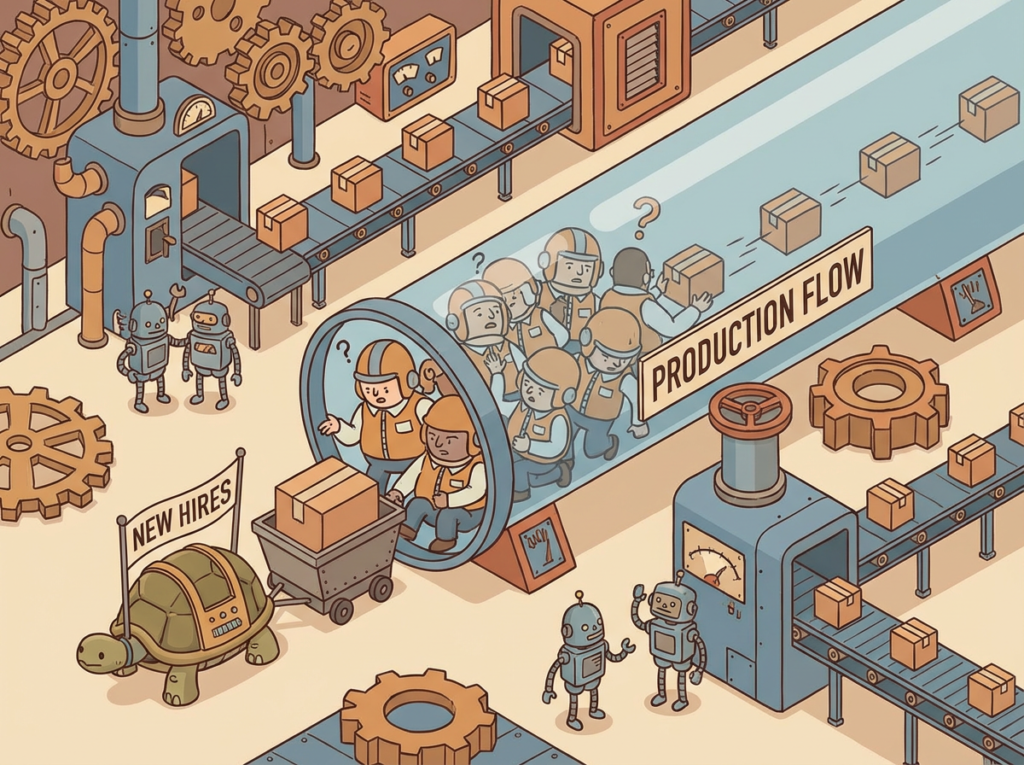
US labor market turnover rates mean that small businesses are constantly training new people on visual standards and tools. The average US worker stays in a role for just over four years, and in high-turnover sectors like marketing and retail, that number drops significantly. Every time someone leaves, institutional knowledge about your visual brand walks out the door with them.
Building your visual production workflow around an AI image generator for business means the system holds the knowledge, not the person. New hires can produce acceptable output on day one by following prompt templates — without a two-week onboarding process.
Problem 3: Quality Varies Across Team Members

A five-person team where two members are visual thinkers and three are not will produce visually inconsistent output without a systemized process. Traditional solutions — mood boards, brand guidelines, Canva templates — help, but they still require judgment and taste to execute well.
AI image generators reduce the judgment variable. With a properly structured prompt, a team member who has never studied design principles can produce editorial-quality product photography that matches brand specifications precisely.
The Cost Reality
The financial case for making this shift is straightforward:
- Manual visual production (freelancer at $80/hr, 10 hours/week): $41,600/year
- Design agency retainer (mid-market US agency): $60,000–$84,000/year
- Flux.2 Pro subscription + team member time (2 hrs/week at $50/hr): ~$6,200/year
That’s a potential saving of $35,000–$78,000 annually for a small US team, without sacrificing output quality.
Join thousands of small teams using Flux.2 to eliminate visual content bottlenecks. See How It Works
How Flux.2 Enables Solo DX
Feature 1: 4MP Photorealistic Output to $2,000+ Saved Per Production Cycle

Most AI image generators produce outputs suitable for social media and web use. Flux.2 [max] generates at 4 megapixels — sufficient for print materials, large-format digital ads, and high-resolution product imagery without the cost of a professional photo shoot.
For a US small business that runs four major marketing campaigns per year, each requiring 10–15 hero images, a single professional photographer would cost $800–$1,500 per session. Replacing even two of those sessions with AI-generated product shots saves $1,600–$3,000 annually, with faster turnaround and zero scheduling coordination.
Feature 2: Multi-Reference Image Control to Brand Consistency at Scale

One of the persistent frustrations with earlier AI image generators was the inability to maintain visual consistency across a campaign. Each generation would introduce random stylistic variation, making it impossible to build a cohesive visual identity.
Flux.2 supports multi-reference control, meaning you can provide reference images that anchor the output to your specific visual style, product, or brand aesthetic. For a marketing team running a product launch across six channels simultaneously — paid ads, organic social, email, landing page, PR kit, and partner assets — this feature makes it possible to generate 40–60 on-brand visuals in a single day rather than over several weeks.
Feature 3: In-Image Text Rendering to Ad Production Without a Designer
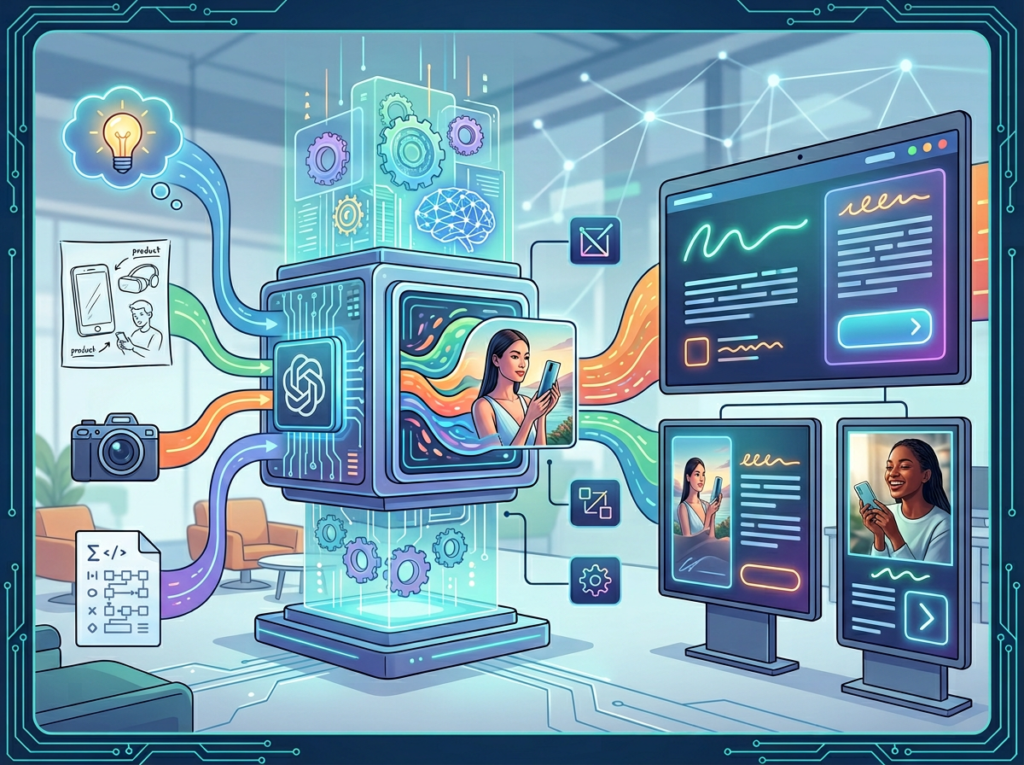
Text placement in images has historically been one of AI image generation’s weakest areas. Flux.2 addresses this directly with sophisticated text rendering that produces readable, aesthetically integrated typography — enabling the creation of magazine-style ads, promotional banners, and product labels without a separate design step.
For a small US marketing team producing weekly promotional emails, the ability to generate sale graphics with accurate text in-image eliminates an entire round of contractor work. At $75/hour for a freelance designer and four hours per week of banner production, that’s $15,600 saved annually.
See how Flux.2 works to understand where these features fit in a real team workflow.
Ready to systemize your US team’s visual content production in under a week? Try Flux.2 Free | No credit card required | Trusted by teams from San Francisco to New York
Use Cases by Team Role
Persona 1: Startup Founder Juggling Marketing and Product

Old workflow: Maria runs a seven-person SaaS startup in Austin. Every time the marketing team needed visuals for a new feature announcement, Maria would either spend two hours searching stock photo sites, brief an external contractor, or pull their one designer away from product work. A single product launch visual set — five images — took four to six business days and cost roughly $600–$900 in freelancer fees.
AI-powered workflow: Maria created a Flux.2 prompt library anchored to the company’s brand palette (#1A2E4A, #F5A623) and visual style (clean, B2B SaaS, lifestyle-leaning editorial). When a feature launches, any team member inputs the feature context into the prompt template and generates a full visual set in under an hour. Review and final selection takes 20 minutes.
Quantified results: Production time dropped from 4–6 days to under 2 hours. Freelancer spend dropped from $900 per launch to near zero. With six major feature launches per year, annual savings: $5,400 in contractor fees, ~120 hours of coordination time recovered.
Maria’s take: “We were spending more time managing the visual production process than thinking about what the visuals should actually say. Having a systemized prompt library changed that completely.”
Persona 2: Executive Assistant Onboarding Remote Staff

Old workflow: James supports a fully remote consulting team of nine, scattered across Miami, Chicago, and Seattle. Creating welcome kits, training slides, and internal communications required pulling visuals from multiple inconsistent stock libraries — producing a patchwork of styles that made the company look under-resourced to new hires.
AI-powered workflow: James built a set of Flux.2 prompt templates for each document type: welcome materials, training decks, policy documents, and team announcements. Each template enforces the company’s visual style. New hire onboarding materials are now generated in under 30 minutes.
Quantified results: Onboarding material production dropped from 3–4 hours per new hire to 30 minutes. At a $55/hour labor rate and 12 new hires per year, time savings translate to $1,980 annually. More importantly, the visual quality improvement has measurably reduced the “I wasn’t sure this was a legitimate company” feedback that James previously heard from new contractors.
As noted in this structured prompting breakdown from fal.ai, Flux.2’s ability to interpret detailed style specifications — including exact camera angles, lighting scenarios, and color codes — is what makes template-based production viable at this level of consistency.
James’s take: “The first time I showed a new hire their welcome package, they assumed we had an in-house creative team. We don’t. We have Flux.2 and a solid prompt library.”
Persona 3: Content Lead Scaling Social Ad Variations
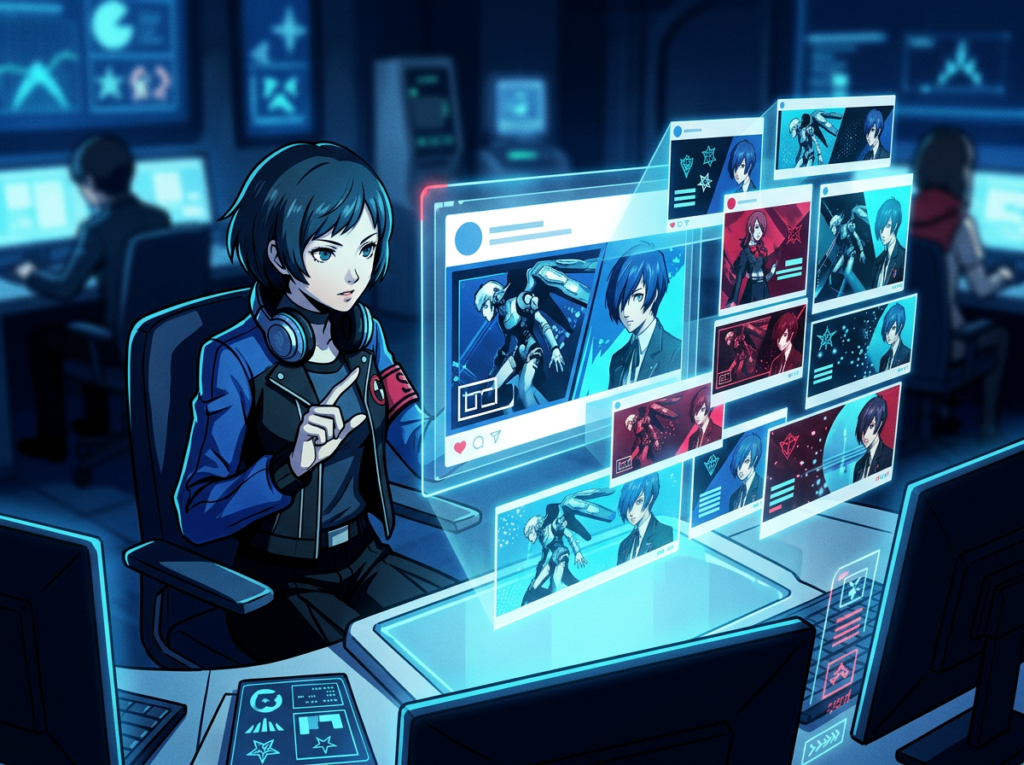
Old workflow: Robert manages content for a DTC e-commerce brand in New York with a team of five. Running effective paid social campaigns requires testing multiple visual variations — different backgrounds, product angles, lifestyle contexts — to identify what resonates with each audience segment. Previously, producing 10 ad variations required a full-day contractor shoot plus post-production, running $2,000–$3,500 per creative batch.
AI-powered workflow: Robert uses Flux.2 [pro] to generate multiple product-in-context variations from a single reference image of each SKU. A campaign testing 12 visual variations — three background styles, two product angles, two lifestyle contexts — now takes one afternoon of prompt iteration rather than a full production day. Discover Flux.2 for a full breakdown of how multi-reference control supports this kind of batch production.
Quantified results: Creative production cost per campaign batch dropped from $2,000–$3,500 to approximately $40–$80 in API costs plus 4 hours of Robert’s time. With six campaign batches per year, annual savings: $12,000–$20,700. Click-through rates on the team’s paid social campaigns have also improved as faster iteration allows them to identify winning visuals earlier in each cycle.
Robert’s take: “We’re testing twice as many creative variations at a quarter of the cost. Our ad performance has improved, and we finally feel like we’re competing with brands that have actual creative departments.”
Join thousands of small teams using Flux.2 to eliminate visual content bottlenecks. See How It Works | Used by teams from Silicon Valley to New York
Common Pitfalls & How to Avoid Them
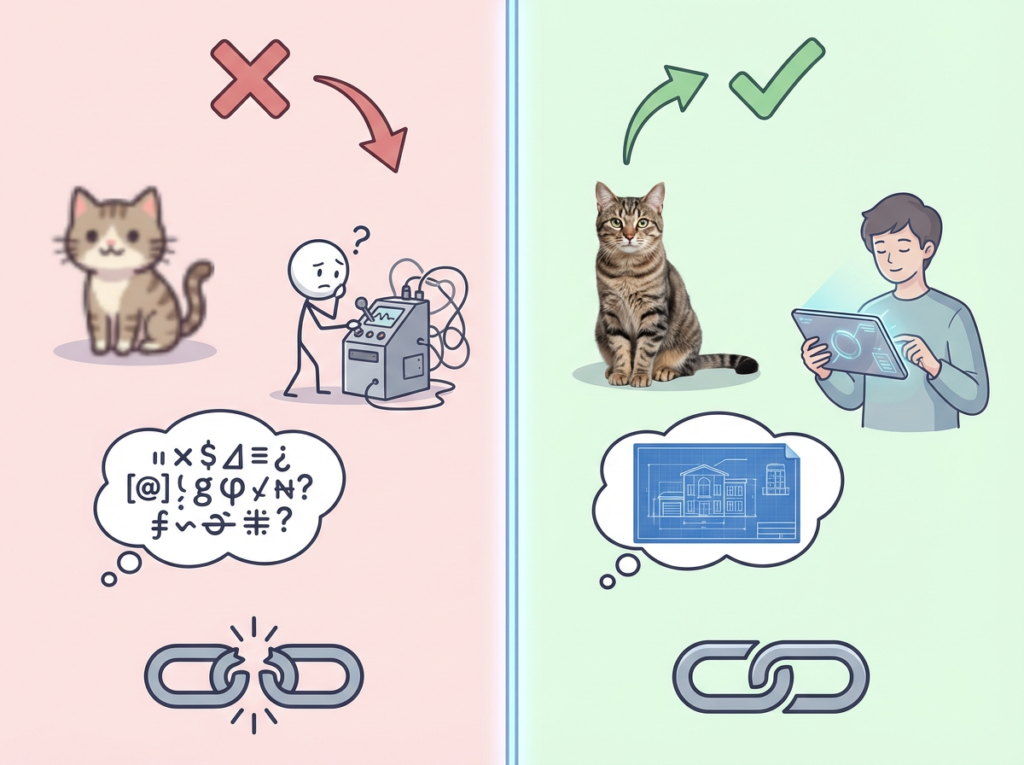
Pitfall 1: Using Too Many Disconnected Tools
The temptation when building a visual content workflow is to combine multiple AI tools — one for ideation, one for generation, one for editing, one for resizing. The result is a fragmented stack that creates new coordination overhead and makes consistent output harder, not easier. For Solo DX, the goal is consolidation. Flux.2’s model family covers rapid experimentation ([klein]), professional production ([pro]), and maximum quality ([max]) within a single ecosystem. Start with one tier, build your prompt library, and add complexity only when your volume justifies it.
Pitfall 2: Delegating Generation Without Prompt Documentation
The most common failure mode for teams new to AI image generation is treating it as an individual skill rather than a team system. If only one person on your team knows how to write effective prompts for your brand, you’ve just created a new single point of failure. Document your prompt templates. Store them in a shared workspace. Treat them as operational SOPs, not personal knowledge. Structured prompt libraries are what separate teams using AI effectively from those that use it inconsistently — this overview of Flux.2’s capabilities covers the underlying model quality that makes this kind of template-based production viable.
Pitfall 3: Over-Relying on Flux.2 for Brand Strategy Decisions
Flux.2 executes visual direction with precision, but it doesn’t set direction. A common mistake is using AI generation as a substitute for thinking clearly about what a campaign should communicate visually. The best results come when your team has a clear visual brief before opening the generation interface. AI executes; humans direct. Preserve that division of labor. You can read a full detailed breakdown of Flux.2 to understand where the tool’s capabilities end and strategic judgment begins.
FAQs

What’s the difference between AI Efficiency and Solo DX?
AI Efficiency focuses on individual productivity gains — making a single person faster at a specific task. Solo DX focuses on team-level systemization — building processes that produce consistent outcomes regardless of which team member executes them. AI image generation used for individual speed is AI Efficiency. AI image generation embedded in a documented team workflow with shared prompt templates is Solo DX.
Can small teams afford to use Flux.2?
Yes. Flux.2 is accessible via API at costs that scale with usage — teams generating 50–100 images per week typically spend $20–$80 per month. Compared to the $60–$120/hour cost of US freelance design work, the ROI is clear even at low production volumes. The [flex] model tier allows experimentation with minimal spend before committing to production-grade volume.
Is Flux.2 hard to set up?
Flux.2 is accessible through the Black Forest Labs API (requiring basic technical setup) and through multiple third-party platforms that offer no-code interfaces. For non-technical teams, platforms like fal.ai provide browser-based access with no configuration required. Most teams are generating usable outputs within their first session, and a structured prompt library can be built over one to two weeks of regular use.
Conclusion

In 2026, US small businesses don’t need enterprise design budgets to produce enterprise-quality visuals. The tools that were previously accessible only to teams with dedicated creative departments are now available at subscription prices — and the gap between teams that use them systematically and teams that don’t is widening every quarter.
Flux.2 is not simply an AI image generator. In the context of Solo DX, it’s a visual production system that externalizes brand knowledge, reduces dependency on individual skill, and enables consistent output at the pace modern US marketing requires. The four personas in this guide — Maria in Austin, James in Miami, Aisha in San Francisco, Robert in New York — represent the actual operational gains available to any small US team willing to build the process rather than just use the tool.
The principle is consistent: AI tools produce mediocre results when used ad hoc and exceptional results when embedded in documented team workflows. Start with one visual production process. Build a prompt template for it. Document it. Hand it off to another team member and verify they can produce the same output. That’s Solo DX. That’s how you scale without adding headcount.
Start this week. Pick one repeatable visual task — a weekly social post, a monthly report cover, a product image update — and learn more about Flux.2 to build your first prompt template around it. One systemized workflow compounds into an entire visual production operation.
Join thousands of small teams using Flux.2 to eliminate visual content bottlenecks. See How It Works
Leave a Reply