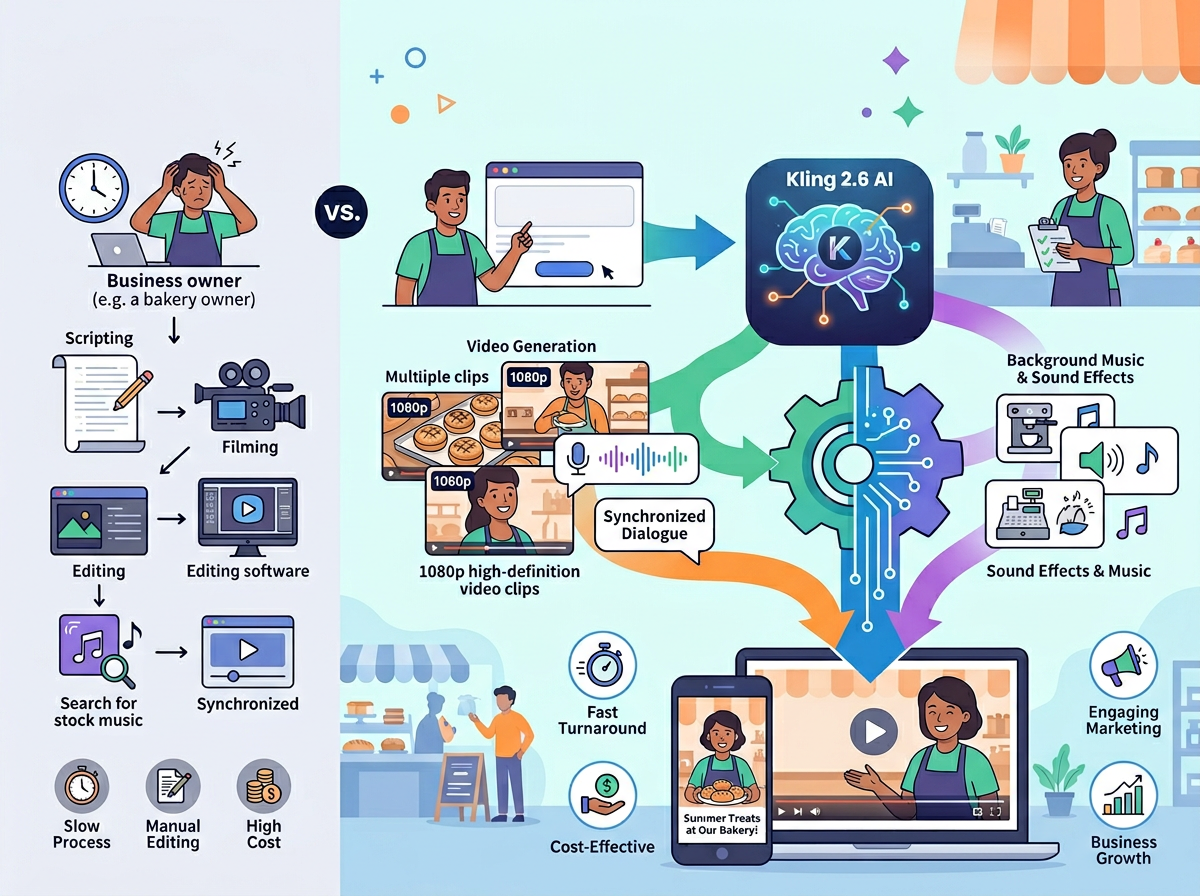
Small US businesses that crack the ai video generator for marketing equation in 2026 cut content production costs by 60%—without hiring a creative agency.
Walk into any US small business owner’s week in 2026, and you’ll find the same collision: an endless demand for video content and a team too small to produce it consistently. Your Instagram Reels need refreshing. Your product demos are six months old. Your competitor just dropped a polished brand video, and you’re still screen-recording your laptop with a MacBook mic.
The marketing content bottleneck isn’t a creative problem. It’s a systems problem.
American small teams—the 1-to-10-person operations running e-commerce shops in Denver, consultancies in Chicago, and service businesses in Austin—are sitting on the same trap that plagued documentation two years ago: everything lives in someone’s head, nothing is repeatable, and the moment a team member leaves or a campaign deadline hits, the whole operation seizes up.
AI video tools for small business have entered a phase where the technology is no longer experimental. Kling 2.6, developed by Kuaishou Technology, is now capable of generating 1080p cinematic video from a text prompt or a single product image—in minutes, not days. But most guides covering Kling focus on prompt engineering and camera control parameters, written for developers and filmmakers. They skip the part that matters most to US founders: how do you build a repeatable, team-ready marketing content workflow using this tool?
That’s what this guide covers. Unlike traditional video production ($5,000–$15,000 per US agency project), AI content creation automation with Kling 2.6 costs a fraction of that. More importantly, it turns your founder’s video intuition into a documented, delegatable system your team can run without you.
Learn more about Kling 2.6 and see how it fits into your existing marketing stack.
What is Solo DX?

Solo DX — Small-Scale Digital Transformation — is the framework AI Plaza uses to describe what happens when US founders move from doing everything themselves to building systems that let their small teams operate consistently and independently.
It’s not enterprise software implementation. It’s not hiring a VP of Operations. Solo DX is what a 4-person marketing agency in Austin does when the founder stops being the only person who knows how to run a client campaign. It’s the 7-person e-commerce team in Denver that builds a video content SOP so the social media coordinator can produce brand-consistent content without a three-hour briefing every week.
| Category | What It Covers | Team Size |
|---|---|---|
| Solo DX | Process systemization, repeatable workflows, team knowledge transfer | 1–15 people |
| AI Efficiency | Task automation, time savings, productivity tools | Any size |
| AI Revenue Boost | Sales tools, lead gen, conversion optimization | Any size |
Corporate SOP methodologies fail US small businesses for a simple reason: they were designed for organizations with dedicated operations managers, compliance teams, and six-week rollout timelines. A 6-person team in Miami doesn’t have that infrastructure. They need a framework they can implement in a week, built around the tools already in their daily workflow.
Kling 2.6 fits neatly inside the Solo DX model because it addresses the most persistent gap in small team content operations: the inability to produce video content systematically without the founder’s hands on the keyboard every time.
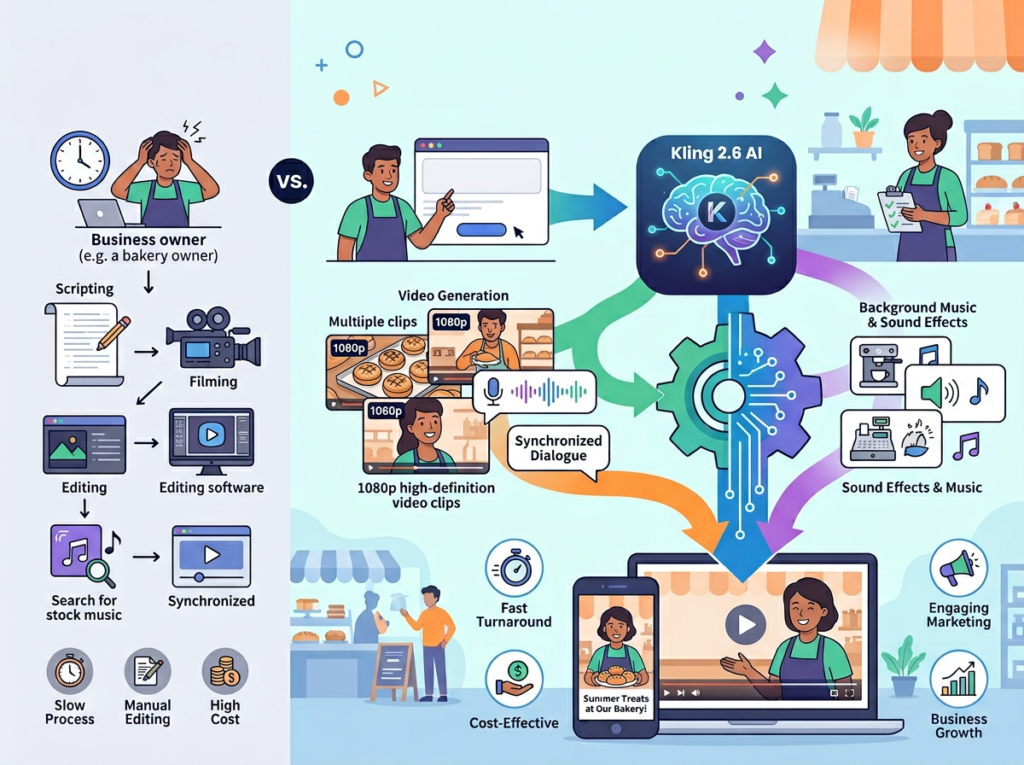
Consider a 3-person design studio in Austin. Before AI video tools for small business became viable, the creative director spent 6–8 hours on every video asset: scripting, recording, editing, exporting. When that person took time off, content production stopped. With Kling 2.6, the studio built a repeatable prompt library, a brand style guide embedded into image references, and a generation workflow any team member could execute. Output went from two videos per month to twelve. Creative director involvement dropped from 8 hours to 45 minutes per asset.
That’s Solo DX in practice: not magic, but documented, repeatable leverage.
For a detailed breakdown of Kling 2.6 including its full feature set and pricing tiers, visit the AI Plaza tool page.
Why AI is Key for Mini-Team Content Production
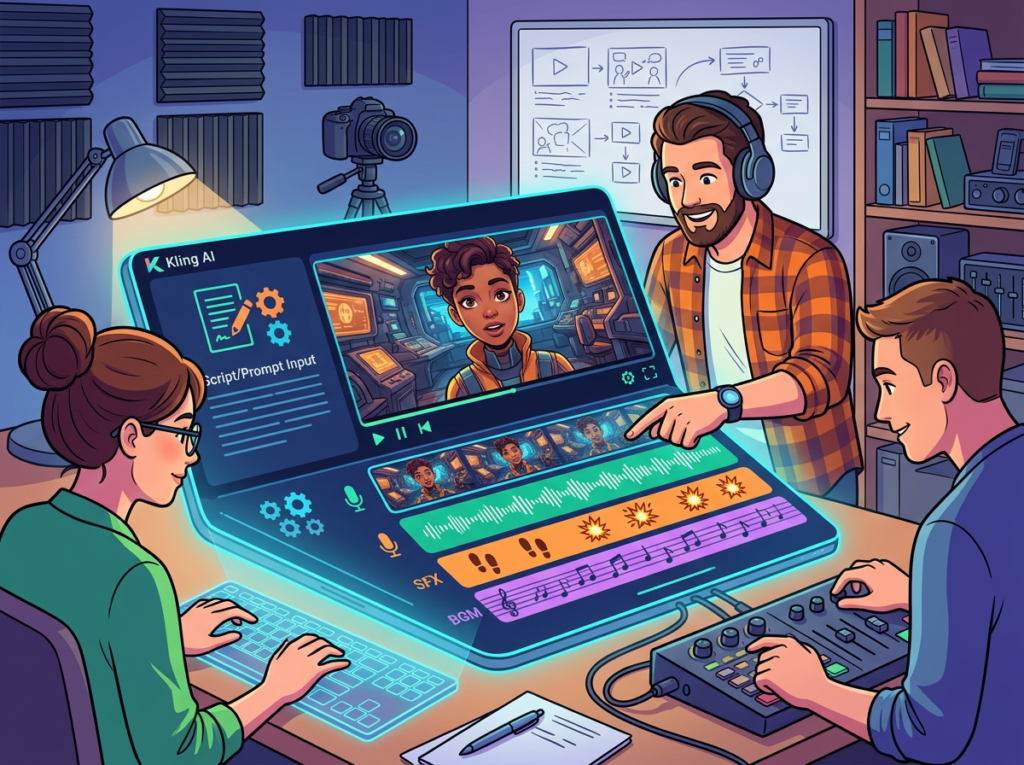
Problem 1: The Founder Bottleneck
In most US small businesses, marketing video exists only when the founder or a single “creative person” has bandwidth. That means content production is reactive, inconsistent, and invisible to the rest of the team. When US labor costs run $75–$120 per hour for experienced creative staff, unstructured video production is expensive whether you’re doing it in-house or outsourcing.
AI content creation automation changes this equation. Kling 2.6 handles the generation layer — you provide the inputs, the system produces broadcast-quality output. The founder’s job shifts from executing to reviewing. That’s a fundamentally different labor model.
Problem 2: Onboarding Breaks Content Continuity
US labor turnover runs at approximately 47% across industries, according to Bureau of Labor Statistics data. Every time a marketing coordinator or social media manager exits a small team, their video production knowledge walks out with them — the angles they used, the prompts that worked, the brand style they’d internalized. Training a replacement from scratch costs US small businesses an average of $4,000–$6,000 in lost productivity.
AI-driven workflows solve this because the system knowledge lives in the process, not the person. When your text-to-video AI prompt library is documented and your brand reference images are stored, a new hire can match your existing content quality within their first week.
Problem 3: Quality Variance Across Team Members
Ask three people on a small US marketing team to produce a 15-second product video, and you’ll get three different results — different visual styles, different production quality, different brand alignment. Clients notice. Algorithms notice. Inconsistency is a silent conversion killer.
The cost reality looks like this:
| Method | Cost | Timeline |
|---|---|---|
| US video agency | $5,000–$15,000/project | 3–6 weeks |
| In-house with freelancer support | $1,500–$4,000/month | 1–2 weeks |
| AI video generation (Kling 2.6) | $36–$96/month subscription | Hours |
The gap isn’t marginal. For a US small business producing 8–12 video assets per month, switching to an AI video generator for marketing workflow saves $40,000–$100,000 annually compared to traditional production costs — while increasing output volume.
Learn more about Kling 2.6 and see how it fits into your existing marketing stack.
How Kling 2.6 Enables Solo DX
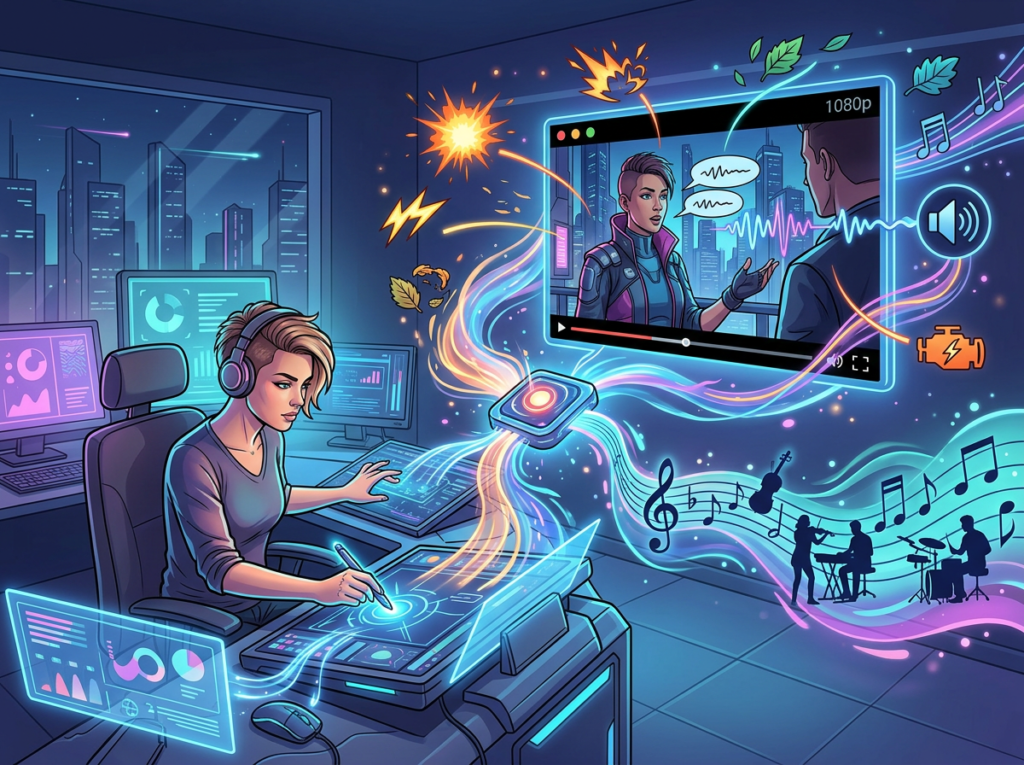
Feature 1: Text-to-Video Generation at 1080p
Kling 2.6 generates video from detailed text prompts, producing clips up to 10 seconds at 1080p resolution with cinematic motion, controlled lighting, and temporal stability. For small business marketing, this means a team member with zero video production background can produce a product showcase, a social ad, or a brand vignette from a written creative brief.
ROI estimate: A US freelance video editor bills $75–$100/hour. A single 15-second social ad typically requires 3–5 hours of production. At scale, generating that same asset via Kling 2.6 saves $225–$500 per video. For a team producing 10 videos per month, that’s $2,250–$5,000 saved monthly — approximately $27,000–$60,000 annually.
Feature 2: Image-to-Video for Product Marketing
Upload a product photo, describe the motion you want, and Kling 2.6 animates it — the product rotating, a liquid pouring, packaging opening. This is the highest-value feature for US e-commerce teams, because it means your existing product photography library becomes a video content library with no reshooting required.
ROI estimate: Product video shoots in the US run $800–$2,500 per session. Teams running monthly promotions typically need 4–6 new product videos per month. AI video generation replaces most of those sessions, saving $3,200–$15,000/month depending on production frequency.
As noted in this technical prompt guide, structuring prompts with scene setting, motion directives, and stylistic guidance produces significantly more reliable results — a framework your team can document and reuse.
Feature 3: Camera Control for Brand-Consistent Visuals
Kling 2.6 includes camera movement controls — pan, tilt, zoom, and tracking shots — that allow teams to establish a consistent visual style across all generated content. Once you define your brand’s camera language (e.g., “slow zoom in, warm lighting, soft focus background”), that specification becomes a repeatable prompt component.
ROI estimate: Art direction and brand consistency work in a traditional agency relationship costs $4,000–$8,000 per brand video package. Building a prompt-based brand style guide for Kling 2.6 is a one-time investment of 2–3 hours, producing $6,000+ in annual savings for teams producing regular video content.
Ready to systemize your US team’s video content production in under a week?
See how Kling 2.6 works | No video production background required | Used by growing US marketing teams
Common Pitfalls & How to Avoid Them
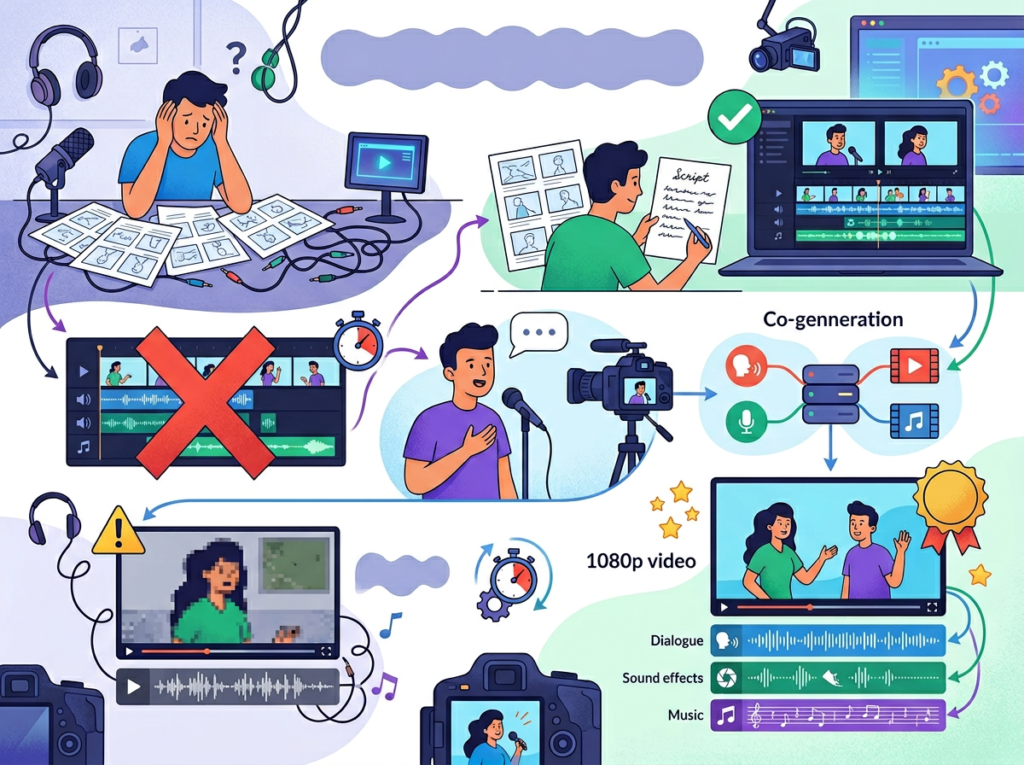
Mistake 1: Treating Kling 2.6 as a One-Off Tool Instead of a System
The biggest mistake small US teams make is using Kling 2.6 for a single campaign and then reverting to old production methods. The ROI compounds when the tool is embedded in a repeatable workflow: documented prompt templates, a brand reference image library, a generation SOP your team can follow without you.
Fix: Before generating your first video, spend 90 minutes building your prompt template library. Define your brand’s visual style in writing, create 3–5 reference images representing your brand aesthetic, and document the generation steps in a shared team doc.
Mistake 2: Generating Without a Brand Style Guide
AI content creation automation produces content at scale — which means brand inconsistency also scales if you don’t control inputs. Teams that skip building brand reference images end up with videos that look like they came from five different companies.
Fix: Create a “brand anchor” document: 3–5 approved reference images representing your visual identity, a written description of your preferred camera style, lighting, and color palette. Feed these consistently into every generation job.
Mistake 3: Skipping Documentation of What Works
Most small US teams figure out a prompt combination that produces great results, use it once, and then can’t reproduce it when they need it again. This is the documentation problem at the heart of Solo DX: institutional knowledge trapped in one person’s browser history.
Fix: Maintain a living “prompt log” in a shared team doc or project management tool. Every time a generation produces a strong result, log the exact prompt, reference image used, settings, and the output link. This becomes your team’s most valuable marketing asset within 90 days.
For more on how Kling 2.6 fits into your team’s content stack, review the full feature breakdown and pricing tiers on the AI Plaza tool detail page.
Learn more about Kling 2.6 and see how it fits into your existing marketing stack.
FAQs
What’s the difference between AI Efficiency and Solo DX?
AI Efficiency is about saving time on individual tasks — using AI to write faster, schedule smarter, or analyze data quicker. Solo DX is about building systems that eliminate the need for founder involvement in routine operations. The difference: AI Efficiency makes you faster; Solo DX makes your team independent. For video ai marketing automation tools, the Solo DX goal is a workflow that runs without you.
Can small teams actually afford AI video generation tools?
Kling 2.6 subscription plans start at accessible price points relative to traditional video production costs. For context: a single US video agency project costs $5,000–$15,000. A year of Kling 2.6 at the professional tier costs a fraction of one agency project — while enabling your team to produce 10–20× the volume. For US SMBs spending any money on external video production, the ROI case is straightforward.
Is Kling 2.6 difficult to set up for a non-technical team?
The core interface is web-based and requires no technical background. The primary learning curve is prompt engineering — writing clear, structured descriptions that reliably produce your desired output. Most team members reach working proficiency within a week. The bigger implementation investment is building your brand reference library and prompt templates, which typically takes 2–4 hours of initial setup.
Conclusion
In 2026, American small businesses don’t need enterprise budgets to produce enterprise-quality marketing video content. The production gap that once separated a 5-person team in Denver from a funded startup in San Francisco has effectively closed.
But the technology alone isn’t the answer. US small teams that get sustained ROI from video generation ai tools are the ones who treat Kling 2.6 as infrastructure, not a feature — building prompt libraries, brand reference systems, and generation SOPs that let the whole team participate in content production, not just the founder or a single creative hire.
The Solo DX principle applies here exactly as it does to every other operational system: the goal isn’t to use AI more. The goal is to build a documented workflow that runs consistently, scales without bottlenecks, and doesn’t break when one person is out of office.
Start with one content type this week. A product showcase. A social ad. A brand intro. Build the prompt template, create the brand reference image, document the generation steps. Run it three times until the output is reliably on-brand. Then hand it to your team.
That’s how a small US business turns an AI video generator for marketing into a competitive advantage that compounds over time.
Learn more about Kling 2.6 and see how it fits into your existing marketing stack.
Leave a Reply