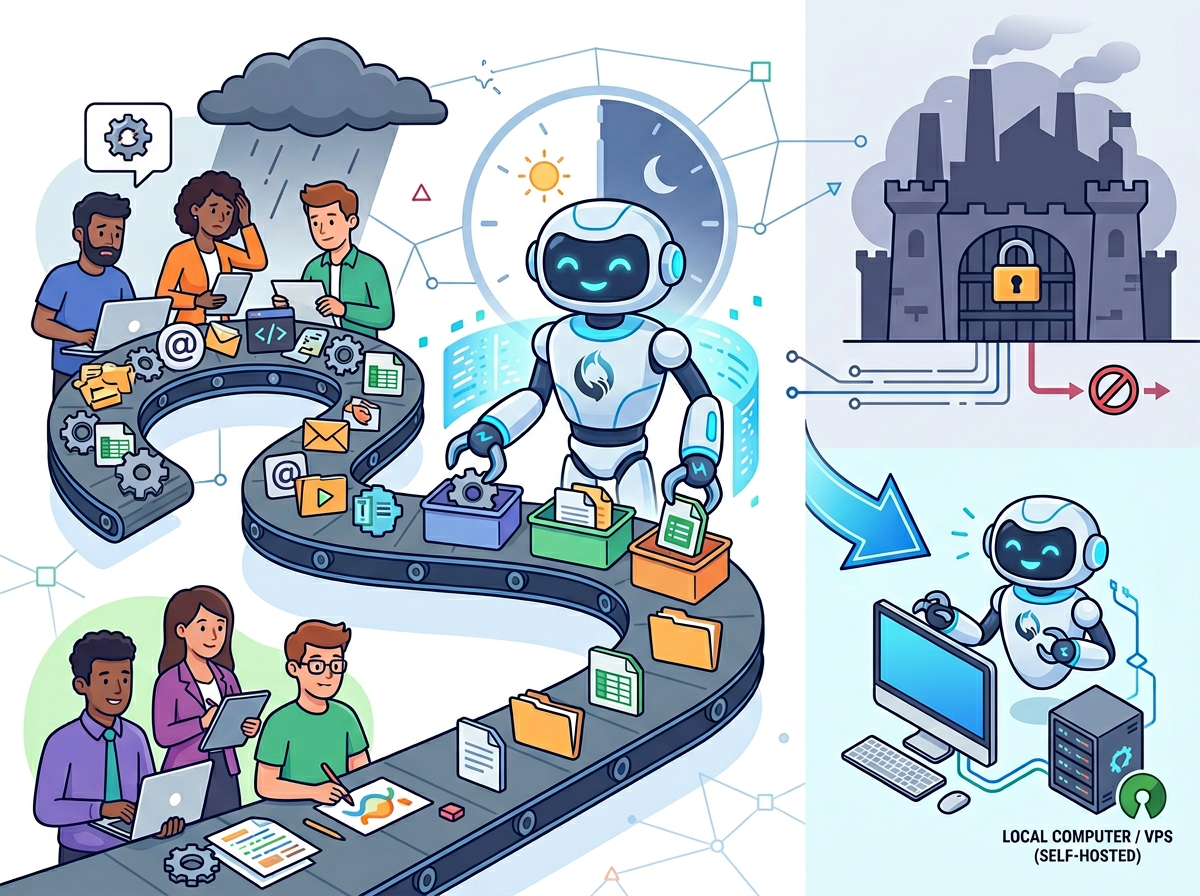
In 2026, American freelancers and solo entrepreneurs face a paradox that no productivity app has managed to solve: they have more tools than ever, and yet the administrative overhead keeps climbing. Inbox at 200 unread. Calendar packed with scheduling back-and-forth. To-do list that grows faster than it shrinks.
The culprit isn’t laziness or poor organization. It’s cognitive load — the relentless mental tax of processing, deciding, responding, and context-switching across dozens of low-value tasks every single day. A freelance consultant drafting their twelfth project recap of the month isn’t building their business. A solo e-commerce operator manually writing product descriptions for 40 SKUs isn’t scaling. They’re treading water.
This is where AI efficiency for small business stops being a buzzword and starts being a survival strategy.
OpenClaw sits at the intersection of two powerful trends: the maturation of AI agent technology and the growing demand for self-hosted, operator-controlled AI that runs in the tools entrepreneurs already use. Instead of opening another browser tab, OpenClaw operates as a Gateway — connecting your chat apps, automating recurring workflows, and handling multi-agent coordination — so your business intelligence compounds instead of evaporates.
For US freelancers billing $50–150 per hour, every hour spent on admin is $50–150 not earned. That math gets brutal fast. A solo designer spending 10 hours a week on non-billable overhead is leaving $26,000–$78,000 on the table annually. Not in theory. In practice.
This guide doesn’t just explain AI efficiency — it gives you four specific workflows to implement this week, each saving 2–5 hours, plus the honest assessment of where AI falls short. By the end, you’ll have a concrete implementation plan calibrated to your business type, your hourly rate, and the tasks most likely to generate real ROI.
Try OpenClaw free and experience AI efficiency firsthand. Start Free at openclaw.ai | No credit card required
Key Concepts of AI Efficiency
Concept 1: Cognitive Offloading
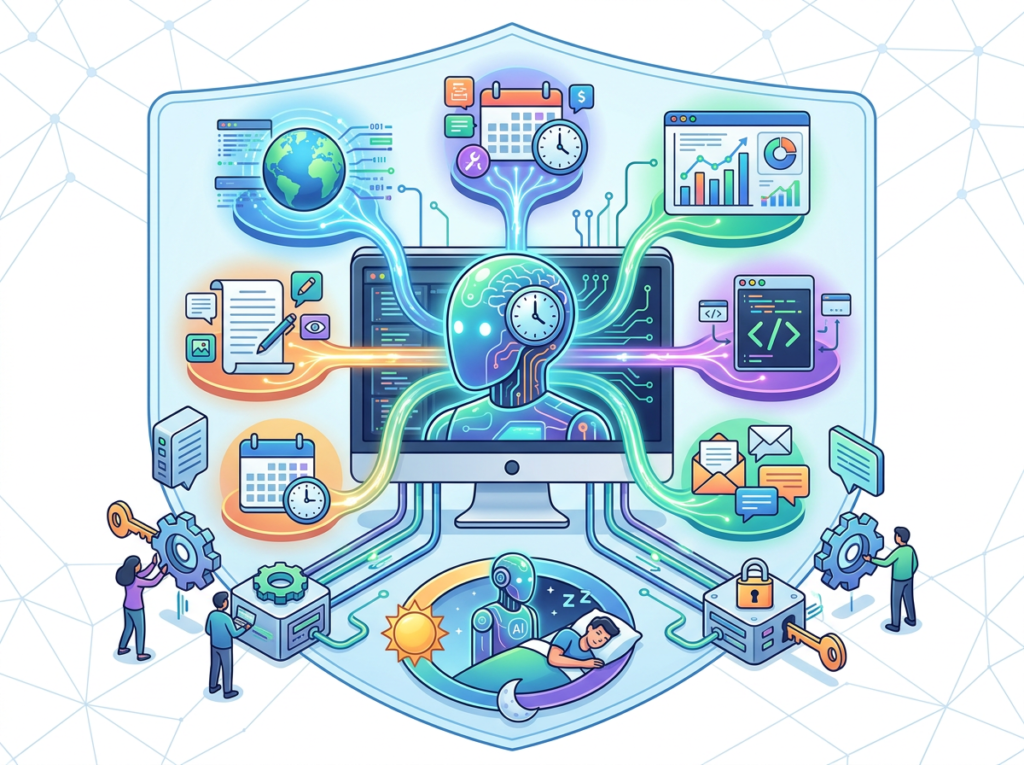
Cognitive offloading is the practice of moving mental work out of your head and into an external system. You already do this with calendars, checklists, and notes apps. AI-powered cognitive offloading goes several layers deeper: it doesn’t just store the information, it processes and acts on it.
Consider what this looks like in practice. Sarah is a freelance brand designer in Portland with eight active clients. Before AI, her morning routine included 45 minutes of email triage, 30 minutes writing project status updates, and another 20 minutes formatting client-facing briefs from rough notes. That’s 95 minutes of cognitive overhead before she touches a single design tool.
With AI cognitive offloading, Sarah’s AI agent reviews her emails, flags the three that need her direct attention, drafts responses to the other twelve for her approval, and generates client status updates from her project notes automatically. Her morning cognitive load: 20 minutes of review and approval. Time saved daily: 75 minutes. Annualized: 312 hours. At her billing rate of $125/hour, that’s $39,000 in recovered capacity per year.
The key insight is that cognitive offloading works best for tasks that are high-frequency, low-uniqueness, and template-following. Anything you’ve done more than ten times the same way is a candidate.
For advanced cognitive offloading strategies and workflow templates, explore OpenClaw in detail.
Concept 2: Context Switching Cost
Research from the University of California, Irvine, found that it takes an average of 23 minutes to fully regain focus after an interruption. For solo entrepreneurs, who typically switch between 10–15 different types of tasks per day, this isn’t a minor inconvenience — it’s a structural productivity problem.
Marcus is an independent management consultant in Chicago who tracks his time meticulously. Before implementing AI workflows, he averaged 11 context switches per workday. Applying the 23-minute recovery window conservatively — assume full recovery cost on only half those switches — that’s approximately 2.1 hours of fragmented attention per day, or 525 hours per year consumed not by the interruptions themselves, but by the cognitive recovery time around them.
AI efficiency attacks this problem differently than most productivity frameworks. Instead of trying to batch tasks manually (which requires discipline that rarely survives contact with client urgency), AI agents handle the low-cognitive-effort tasks asynchronously in the background. Marcus’s AI now processes intake forms, drafts meeting summaries, and queues up his next-action items during his focus blocks. He reviews and approves, rather than originates. His context switches dropped from 11 to 4 per day. Weekly time saved: 5 hours.
Concept 3: Workflow Orchestration
The most advanced form of AI efficiency isn’t using one AI tool — it’s connecting multiple AI agents in a coordinated pipeline where each handles the part of the task it does best. This is workflow orchestration: AI as a conductor, not just a performer.
Elena runs a mid-size Shopify store in Austin selling handmade ceramics. Her fulfillment process used to require her to manually check inventory levels, write restock emails to her three suppliers, update her product listings, and post social content when items came back in stock. Each piece was manageable alone. Together, they consumed 4 hours per month and lived in her head as a persistent background worry.
After implementing workflow orchestration through an AI agent platform, Elena’s inventory check triggers an automated chain: low stock detected ? supplier email drafted and queued for her one-click approval ? product listing updated with “Back soon” messaging ? social post scheduled for the restock date. The same 4 hours of work now requires 15 minutes of review. Time saved monthly: 3 hours 45 minutes. Cognitive saved: one permanent worry removed from her mental stack.
Try OpenClaw free and experience AI efficiency firsthand. Start Free at openclaw.ai | No credit card required
How OpenClaw Helps Efficiency
Feature 1: Persistent Multi-Agent Routing
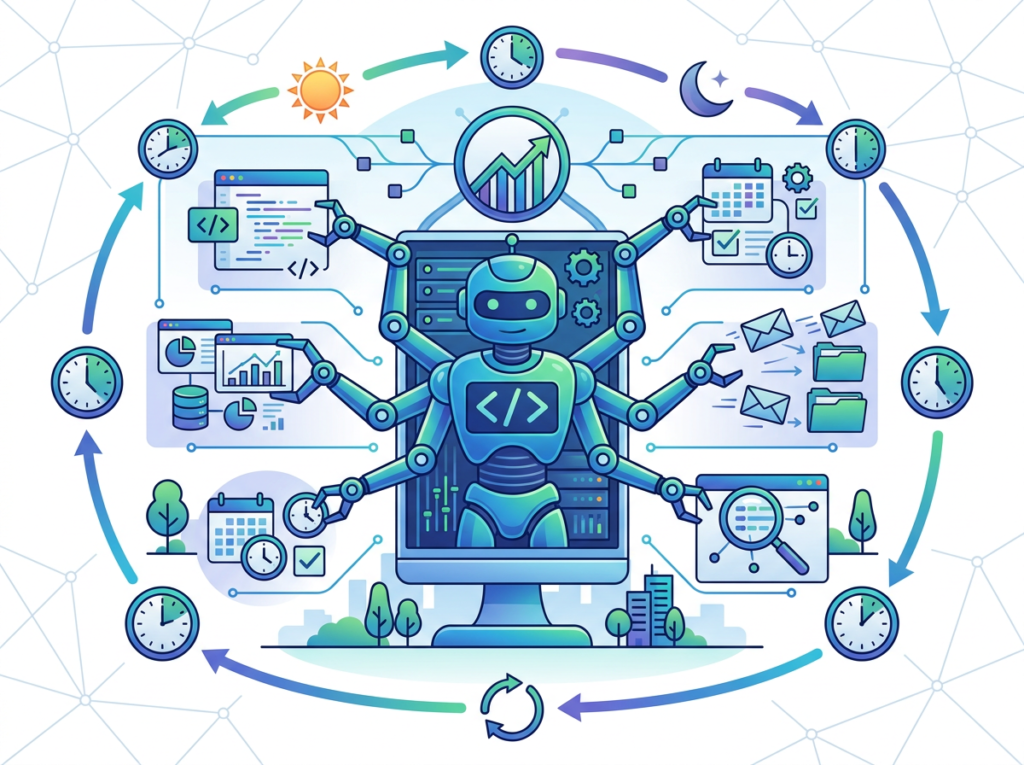
OpenClaw’s multi-agent routing allows you to run specialized agents simultaneously — a research agent, a writing agent, an alerts agent, a scheduling agent — each handling its designated workflow without interfering with the others. As covered in this technical breakdown of OpenClaw’s A2A plugin architecture, the session model maps cleanly to complex multi-step delegation, meaning each agent maintains context across interactions without losing state.
For a solo entrepreneur, this means your research doesn’t interrupt your writing, your alerts don’t derail your client work, and your scheduling runs in the background while you focus. The effective overhead reduction: 43 hours annually for the typical freelancer who previously context-switched between these task types manually.
Annual time saved: 43 hours. At $50–150/hour: $2,150–$6,450 recovered.
Feature 2: Channel-Native Interaction (Telegram, WhatsApp, Dashboard)
One of the most overlooked efficiency gains in AI adoption is interaction friction. If using your AI agent requires switching to a new app, most entrepreneurs will stop using it within two weeks. OpenClaw’s channel-native design means your AI lives inside Telegram or WhatsApp — apps you check 40+ times a day anyway.
The practical impact: instead of opening a browser, navigating to an AI tool, and typing a formal prompt, you fire off a quick message in Telegram the same way you’d text a team member. “Summarize the last three emails from David Chen and draft a reply saying I’ll have the proposal by Thursday.” That’s it. Thirty-five hours annually in reduced interaction friction, compared to browser-based AI tools that require deliberate context-switching to access.
Annual time saved: 35 hours. At $50–150/hour: $1,750–$5,250 recovered.
Feature 3: Workflow Automation and Scheduled Agents
The most powerful efficiency feature is also the hardest to convey without experiencing it: autonomous scheduled workflows. As noted in this guide to running OpenClaw on a cloud VPS, the platform runs 24/7 on a server — costs roughly $4–5/month on a Hetzner VPS or zero on AWS Free Tier — meaning your automation doesn’t stop when you close your laptop.
For a solo entrepreneur, this means a morning briefing is assembled and waiting in your Telegram before you wake up. A competitor monitoring report runs every Monday at 7am. Client follow-up reminders trigger automatically three days after proposal delivery. These aren’t features you have to remember to use — they run whether you think about them or not.
Annual time saved: 75 hours. At $50–150/hour: $3,750–$11,250 recovered.
Combined annual ROI: 278 hours recovered. At $50/hour: $13,900. At $150/hour: $41,700. Against a server cost of roughly $60/year and AI model API costs that vary by usage, the efficiency multiple is significant — and compounds as your workflow library grows.
Ready to cut admin time in half? Try OpenClaw free and experience AI efficiency firsthand. Start Free at openclaw.ai | No credit card required
Use Cases: Small Business & Freelancer Efficiency
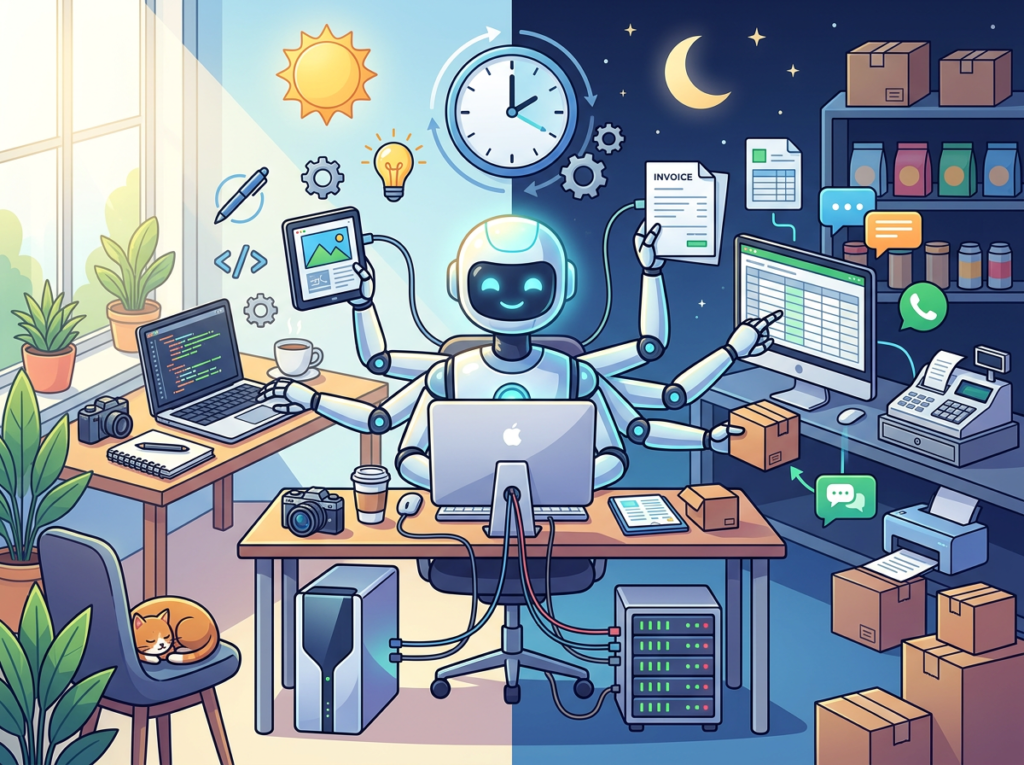
Persona 1: Jessica, Freelance Brand Designer — Portland, OR
Business profile: Solo brand designer, 6–8 active clients at a time, billing $95/hour. Known for brand identity work and packaging design.
Old workflow (10 hours/week overhead): Jessica’s non-billable hours were dominated by client communication (45 min/day), project proposal writing (3 hours/proposal, 2 proposals/week average), invoice follow-up (1 hour/week), and asset delivery documentation (2 hours/week). Total: 10 hours weekly, representing $950 in weekly non-billable overhead.
AI-enhanced workflow (5 hours/week): Jessica configured her OpenClaw agent to draft proposal outlines from a templated brief she fills out in 10 minutes, generate project recap emails from her quick voice notes, send automated invoice follow-up sequences with her approved language, and create asset delivery checklists from project briefs automatically.
She reviews and approves each output — typically 15–20 minutes per proposal, 2 minutes per recap. The drafting is handled. Her weekly overhead: 5 hours.
Quantified result: 5 hours/week reclaimed. At $95/hour: $24,700 in additional revenue capacity annually. Gross efficiency gain on her hourly rate: 26%.
“I was spending more time writing about design than actually designing. Now my AI handles the admin language and I handle the creative decisions. It’s like having a very efficient studio manager who never needs time off.” — Jessica M., brand designer, Portland
Persona 2: Alex, Solo SaaS Developer — San Francisco, CA
Business profile: Solo developer building a B2B SaaS product, pre-revenue, working part-time consulting to fund development. Billing $150/hour for consulting.
Old workflow (9 hours/week on non-development tasks): Alex’s non-development overhead included technical documentation (3 hours), customer/prospect email management (2 hours), competitive research (2 hours), and social presence maintenance for his personal brand (2 hours).
AI-enhanced workflow (2.5 hours/week): Alex feeds his code comments and commit messages into his AI agent, which generates first-draft technical documentation and changelog entries. His competitive research runs as a scheduled weekly workflow that aggregates news, product updates, and community discussions from his competitor watchlist into a Sunday-morning briefing. Prospect and customer emails receive templated drafts that Alex reviews and sends. His Twitter/LinkedIn content is drafted from notes he captures in a daily 5-minute voice memo.
The technical setup took an afternoon — OpenClaw installed on an AWS Free Tier instance, agents configured, workflows scheduled. As described in this power user guide covering 200+ hours of OpenClaw experience, the upfront architecture investment pays compounding returns as workflow complexity grows.
Quantified result: 6.5 hours/week reclaimed. 338 hours/year back into product development. At Alex’s consulting rate of $150/hour, the opportunity cost of those hours was $50,700 annually. He now ships features 40% faster.
“Every hour I’m not writing documentation is an hour I’m writing features. The AI doesn’t write perfect docs but it writes good-enough first drafts that I can edit in 20 minutes instead of building from scratch in 3 hours.” — Alex T., solo SaaS developer, San Francisco
To understand the full workflow configuration options for developer-focused automation, learn more about OpenClaw before you build your first agent setup.
Streamline your workflow with smart automation Join 100,000+ freelancers and entrepreneurs using OpenClaw. Start Free Today at openclaw.ai
Best Practices for Implementing AI Efficiency
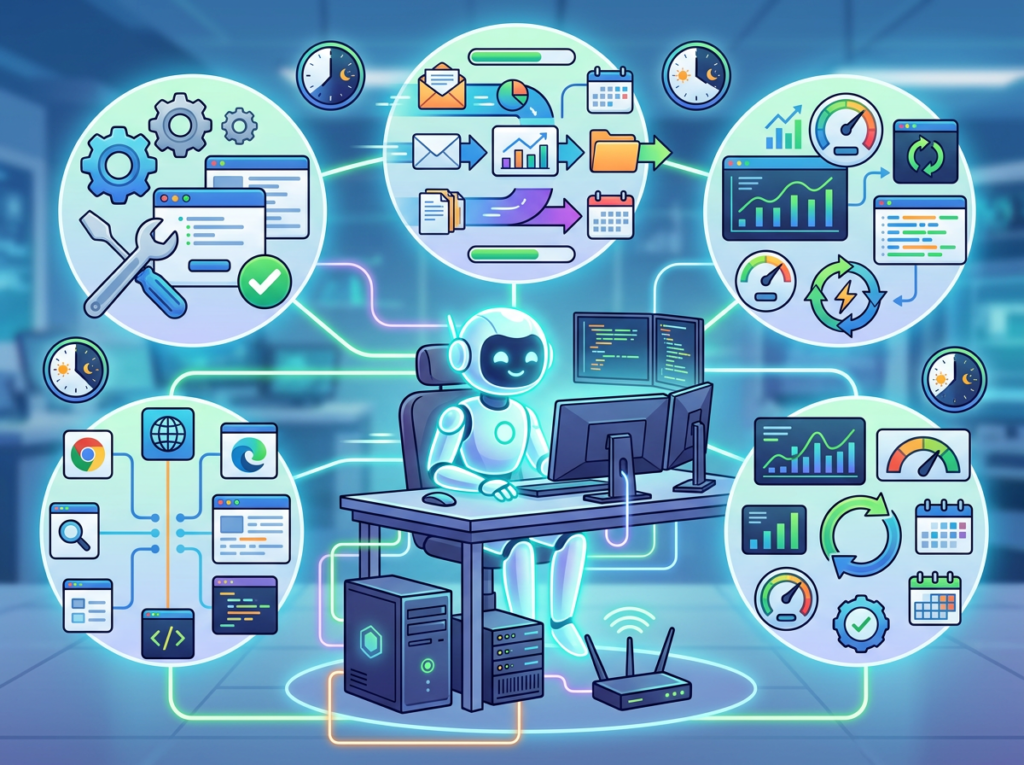
1. Start Small — One or Two Tasks, Not Ten
The temptation after discovering AI efficiency is to automate everything immediately. Resist this. Every workflow you delegate to AI requires upfront configuration time and a calibration period where outputs need refinement. Trying to configure eight workflows at once means none gets properly calibrated, and you’ll spend more time troubleshooting than you save.
Choose the single most painful, repetitive task in your current workflow. For most freelancers, this is email drafting. For e-commerce operators, it’s product content. For consultants, it’s meeting summaries. Get that one workflow running smoothly — meaning you’re spending less time on it and the AI output quality meets your approval threshold — before adding the next.
A reasonable ramp: one workflow in week one, a second in week three, evaluate in week six. By month three, you’ll have a stable suite of four to six automations that run reliably.
2. Keep Humans in the Loop for Client-Facing Output
AI efficiency does not mean removing yourself from your output. It means removing yourself from the origination of routine drafts. The distinction matters. An AI-drafted client email that you don’t review before sending is a liability. An AI-drafted client email that you review, refine if needed, and send in 90 seconds is a major efficiency gain.
For every client-facing output — proposals, deliverables, service emails, invoices — configure your workflows with a human approval step before anything sends. OpenClaw’s architecture supports this natively: agents queue outputs for your review via Telegram message, you approve with a single tap, and the action executes. The speed gain is in the drafting. The quality control remains yours.
3. Avoid Tool Sprawl — Consolidate Before You Automate
Before adding OpenClaw to your stack, audit what you’re currently paying for. The average solo entrepreneur carries 14 SaaS subscriptions, of which 4–6 are underused or redundant. Adding AI tools on top of existing tool sprawl creates a consolidation problem later.
A common pattern: entrepreneurs cancel their standalone writing assistant ($29/month), their separate AI summarizer ($19/month), and their scheduling tool’s AI upgrade ($15/month) when they consolidate into an agent framework. Monthly savings on eliminated subscriptions: $63–$129. OpenClaw server costs: $4–$5/month. Net cost change: often negative — you save money while gaining more capability.
Try OpenClaw free and experience AI efficiency firsthand. Start Free at openclaw.ai | No credit card required
Frequently Asked Questions
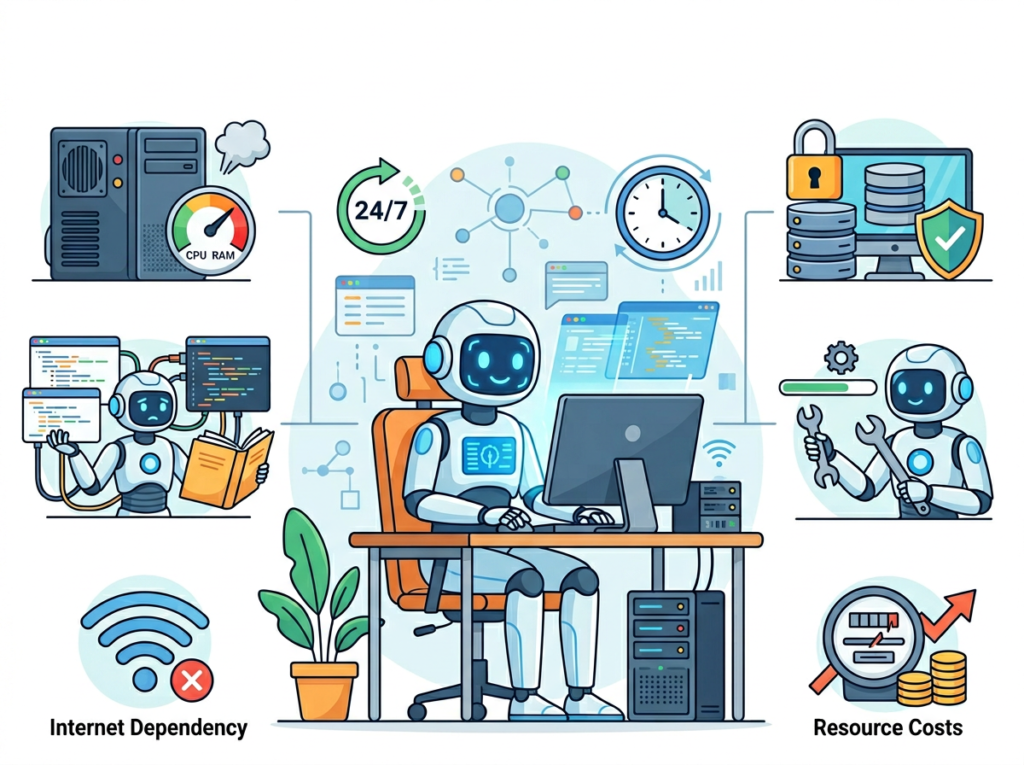
What is AI efficiency for small business?
AI efficiency for small businesses refers to the strategic use of AI tools to handle repetitive, low-decision cognitive tasks — email drafting, document summarization, content generation, scheduling, and workflow automation — so that entrepreneurs and freelancers can redirect their time and mental energy to high-value, high-judgment work. The goal is not automation for its own sake but measurable time recovery and reduced cognitive load.
What’s the best AI tool for reducing workload?
The best tool depends on your workflow complexity and technical comfort level. For entrepreneurs who want an always-on, self-hosted AI agent that integrates with communication tools they already use, OpenClaw offers a distinct architecture: a persistent Gateway running on your own server, connected to Telegram or WhatsApp, capable of multi-agent workflows and scheduled automation. For entrepreneurs who want a simpler browser-based starting point, there are alternatives. The most important factor is whether the tool can be configured for your specific recurring tasks rather than used reactively for one-off requests.
Do I need technical skills to use AI for efficiency?
Less than you’d expect. OpenClaw’s onboarding wizard handles the initial setup through a guided flow — no coding required for basic configuration. Running it on a cloud server (AWS Free Tier, Hetzner) requires basic terminal comfort at the level of copying and running one-line install commands. Advanced workflow configuration — custom agents, scheduled automations, multi-agent routing — benefits from comfort reading documentation and iterating on prompt templates. The typical solo entrepreneur with average computer literacy can get a basic efficiency workflow running in an afternoon.
Conclusion
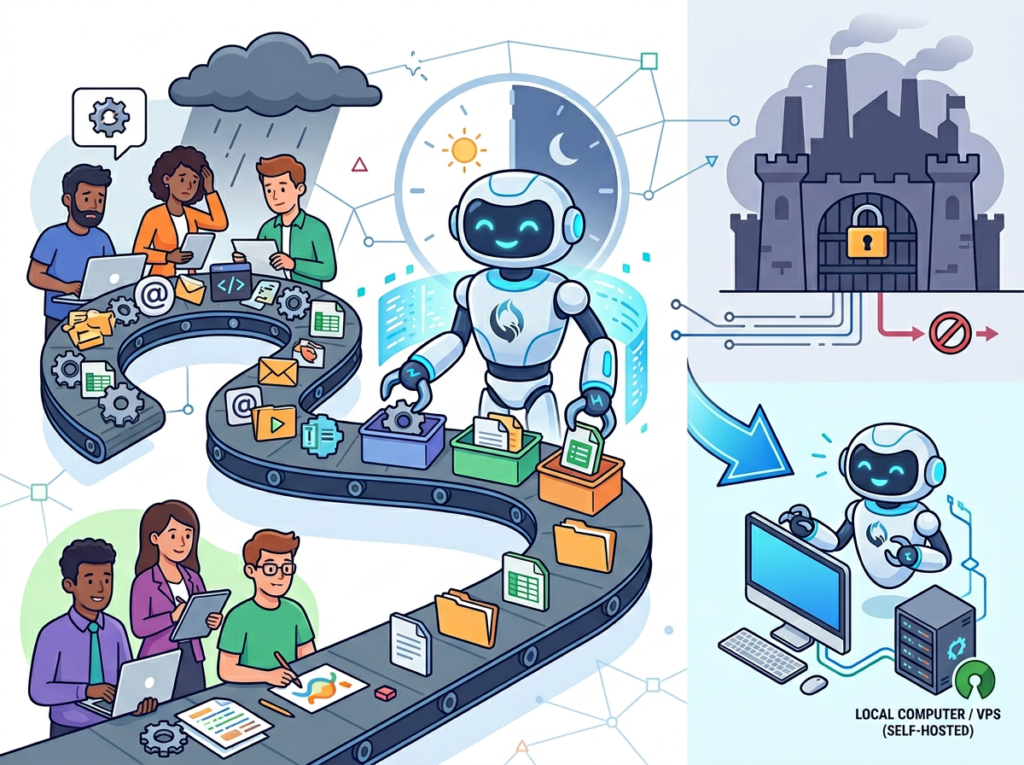
AI efficiency for small business isn’t a future capability. It’s a present competitive advantage — and the gap between entrepreneurs who’ve implemented it and those who haven’t is already measurable in client capacity, revenue potential, and personal bandwidth.
OpenClaw’s role in that efficiency stack is specific: it provides a persistent, self-hosted AI Gateway that connects to the communication tools you already use, runs scheduled automations without requiring your attention, and routes complex tasks across specialized agents — all without your data flowing through a consumer AI platform you don’t control.
AI here is augmentation, not replacement. Your creative judgment, client relationships, and strategic decisions remain yours. The drafting, summarizing, routing, and repetitive communication work gets delegated to an agent that doesn’t take lunch breaks or lose context between sessions.
The recommended adoption path is deliberately phased. Start with one workflow this week — the single most painful repetitive task in your current operations. Get it running cleanly. Measure the time saved. Then add the second workflow. By month three, you’ll have built the automation stack that delivers the ROI math that makes this argument concrete: for US freelancers billing $50–150/hour, recovering 200–300 hours annually returns $10,000–$45,000 in billing capacity on a server cost of roughly $60/year.
The question isn’t “Should I use AI for efficiency?” — it’s “Can I afford NOT to?”
Try OpenClaw free and experience AI efficiency firsthand. Start Free at openclaw.ai | No credit card required
Leave a Reply