
AI 3D content creation tools have finally closed the gap between big-budget studios and solo entrepreneurs — and Luma AI is leading that charge.
In 2026, American freelancers and solo entrepreneurs face a paradox unique to the visual content era. The demand for high-quality video and 3D product visuals has never been higher — Instagram Reels, product pages, pitch decks, and client proposals all increasingly require cinematic-grade assets. Yet for most small business owners operating without a production team or a $15,000 video budget, that standard has felt completely out of reach.
Picture this: you run a small e-commerce store selling handcrafted goods out of Denver. You know a 3D rotating product visualization would triple your conversion rate. But the quote from the local production studio came back at $4,500 — just for one product showcase. So you shelve the idea, again.
That’s the gap that AI video generation tools and AI 3D content creation tools are now closing in real time.
Luma AI — home of the Dream Machine video generator and NeRF-based 3D capture — has emerged as one of the most capable platforms for solo creators and small businesses who want to produce professional visual content without the overhead. With text-to-video generation, image-to-video animation, and smartphone-based 3D model capture, Luma AI puts capabilities once reserved for post-production studios into a browser tab.
For US freelancers and small business owners billing at $50–$150 per hour, every hour spent coordinating with external production vendors or waiting on revision cycles is time and revenue lost. This guide breaks down four specific visual content workflows you can implement this week using Luma AI — each designed to reclaim 2–8 hours per month and cut production costs by up to 80%.
For advanced workflow templates and capability details specific to AI visual content tools, explore Luma AI in detail on AI Plaza.
Key Concepts of AI 3D Content Creation
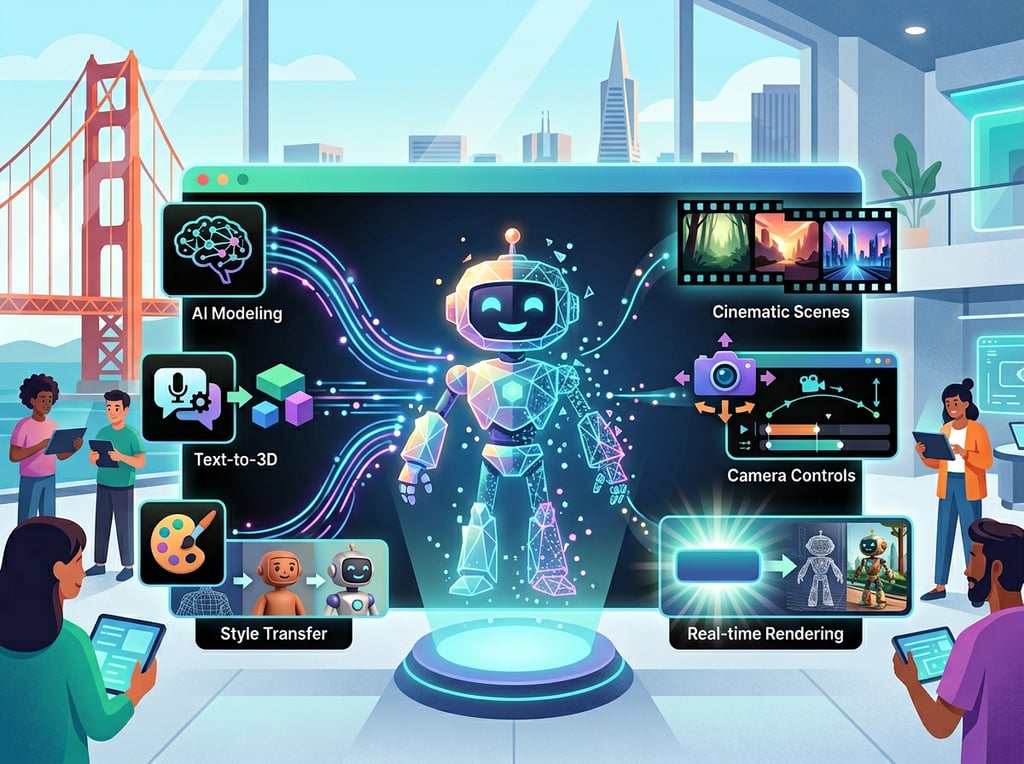
Concept 1: Democratized Visual Production
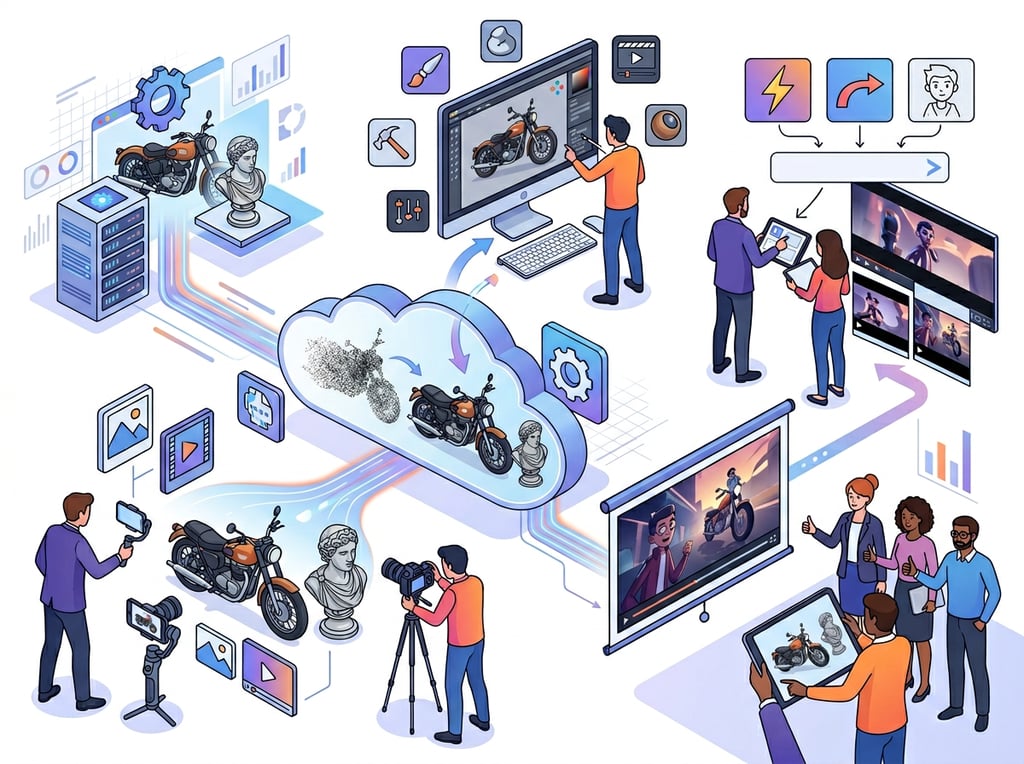
Until recently, producing a product visualization that matched the quality of large retail brands required either a serious in-house team or an expensive agency engagement. NeRF (Neural Radiance Fields) technology — which Luma AI helped pioneer — changed that equation. By recording a short video of a physical object with a smartphone, Luma AI’s 3D Capture app reconstructs it into an interactive, photorealistic 3D model that can be embedded on websites, exported to Blender or Unreal Engine, or animated into a video.
Consider Sarah, a freelance product photographer in Seattle who serves boutique skincare brands. Before Luma AI, delivering a 3D product visualization required her to subcontract to a 3D artist at $800–$1,200 per project. Now she captures the object herself in under 10 minutes, runs it through Luma’s 3D Capture, and delivers a client-ready asset in the same afternoon. She’s added a new $600 service tier — and her 3D capture turnaround is faster than her old photography-only workflow.
Concept 2: Text-to-Video for Concept Prototyping
One of the most significant hidden costs in small business marketing is the iteration cycle. Before a brand commits to a video production budget, they want to see concept mockups. Traditionally, that meant either rough storyboards (hard to evaluate) or expensive pre-production work. AI video generation tools collapse this process entirely.
With Luma AI’s Dream Machine, a marketing consultant or solo brand owner can type a detailed scene description and receive a cinematic 5-to-10-second video clip within minutes. According to research on knowledge worker interruptions, professionals lose an average of 23 minutes every time they break focus to coordinate with an external vendor. By keeping concept visualization in-house with AI, small teams eliminate dozens of those coordination touchpoints per project.
Marcus, an independent brand strategy consultant in Austin, estimates that he’s reclaimed roughly 6 hours per month just by doing his own concept video mockups with Dream Machine rather than briefing external freelancers. At his $125/hour rate, that’s $750 in recaptured billable time — every month.
Concept 3: Workflow Compression for Visual Asset Production
The broader principle at work here is workflow compression: using AI to collapse multi-step, multi-vendor processes into single-operator workflows. Where a product launch once required a photographer, a video editor, a 3D artist, and a motion graphics designer — each with their own brief, timeline, and invoice — AI 3D content creation tools allow a single operator to move through all four phases.
This doesn’t mean replacing specialists for high-stakes work. It means small businesses can now handle the 80% of visual content that previously required specialist outsourcing. As covered in this breakdown of how Luma AI’s generative architecture works, efficiency gains in the underlying model technology — particularly Luma’s Inductive Moment Matching approach — directly translate to faster generation times and higher-quality outputs for end users.
For advanced workflow templates and capability details specific to AI visual content tools, explore Luma AI in detail on AI Plaza.
How Luma AI Helps Visual Content Efficiency
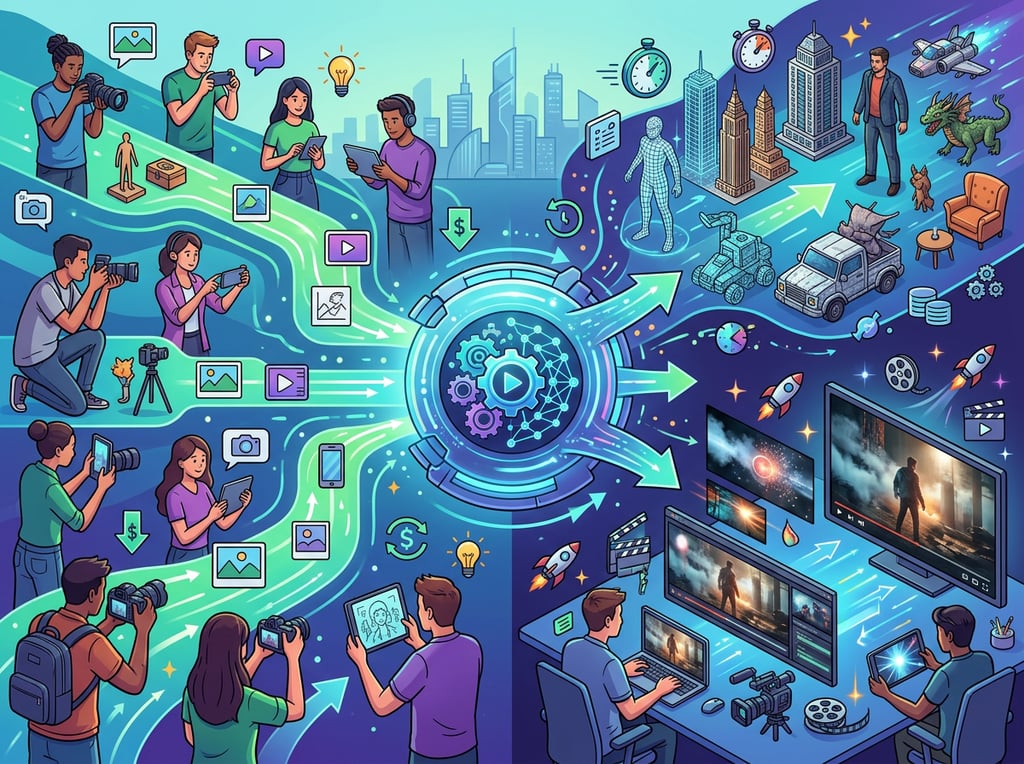
Feature 1: Dream Machine — Text-to-Video Generation
Dream Machine is Luma AI’s flagship video generator, powered by the Ray3 model architecture. Users input a text prompt describing a scene — lighting, movement, mood, subject — and Dream Machine renders a cinematic video clip, currently at resolutions up to 1080p with HDR support in the Ray3 model.
For small business owners, the practical use cases are immediate: product showcase clips, social media hooks, concept previsualization, and background video for presentations or landing pages. What used to require a half-day shoot can now be generated in minutes, iterated in seconds, and delivered to a client the same day it’s requested.
ROI Estimate: A small business owner who previously outsourced 4 concept videos per month at $300–$500 each saves $1,200–$2,000 per month, or $14,400–$24,000 annually, by replacing that workflow with Dream Machine generations at $9.99–$49.99/month. Even accounting for the time investment in prompt refinement (typically 30–90 minutes per project), the per-unit cost reduction is transformational.
Feature 2: 3D Capture — Smartphone to Interactive Model
Luma AI’s 3D Capture app (available on iOS and Android) uses NeRF technology to reconstruct physical objects from a short smartphone video into fully interactive 3D models. These models can be exported in formats compatible with Blender, Unity, Unreal Engine, and standard web embedding (glTF, USDZ, OBJ).
For product-based businesses — e-commerce, furniture, jewelry, fashion accessories, industrial equipment — this capability opens an entire category of marketing asset that was previously cost-prohibitive. An interactive 3D product viewer on a Shopify store, once a $2,000+ custom development project, can now be created for the cost of a Luma AI subscription plus an afternoon of capture time.
ROI Estimate: A small e-commerce operator who replaces two 3D product visualization projects per month (previously $800–$1,500 each with an agency) saves $1,600–$3,000 monthly. Annual potential savings: $19,200–$36,000.
Feature 3: Ray3 Model — Physics-Accurate Rendering
Luma AI’s Ray3 model introduces visual reasoning into video generation: the system doesn’t just predict pixels, it reasons about the scene’s geometry, lighting, and physics before rendering. This results in outputs where water moves naturally, objects cast accurate shadows, and camera movements feel like they were planned by a cinematographer — not generated by an algorithm.
For small businesses pitching clients or presenting to investors, this quality floor matters enormously. A concept video that looks visually incoherent undermines credibility; one that looks deliberately cinematic reinforces it. As noted in this overview of Luma AI’s cinematic video capabilities, the platform’s foundation in 3D rendering technology gives it a physical accuracy advantage that pure 2D video generators struggle to match.
ROI Estimate: A consultant or agency owner who replaces 2 video production vendor engagements per quarter (previously $1,500–$3,000 per engagement) saves $3,000–$6,000 annually on production alone, before accounting for turnaround time and revision efficiency.
To see these capabilities with workflow examples and pricing context, see our full Luma AI review on AI Plaza.
Ready to cut visual production costs by up to 80%? Try Luma AI free and experience professional-grade AI 3D content creation firsthand. Start Free at Luma AI | No credit card required for basic access
Best Practices for Implementing Luma AI
1. Start with One Use Case, Not All of Them
Luma AI offers 3D capture, text-to-video, image animation, and API integration — each with its own learning curve. Pick the single highest-pain point in your current visual production process. If vendor coordination is costing you the most time, start with Dream Machine for concept clips. If 3D product visualization is your bottleneck, start with the 3D Capture app. Run 2–3 real projects through that one workflow before expanding. This approach builds prompt intuition and output quality faster than scattered experimentation.
2. Treat Prompt Engineering as a Learnable Skill
Output quality scales directly with prompt specificity. “Show my product on a white background” produces generic results. “Slow dolly push-in on a matte black ceramic mug, natural light from left, shallow depth of field, coffee shop ambiance, cinematic color grade” produces something a client would pay for. Invest 2–3 focused sessions in learning prompt structure: subject, environment, lighting, camera movement, mood, and style. Keep a running library of prompt formulas that work for your specific use cases.
3. Use AI for Volume, Specialists for Stakes
AI 3D content creation tools excel at iterative and exploratory work. They are not a replacement for a professional videographer when the stakes involve a major campaign or a hero asset that will live on a homepage for two years. A practical framework: use Luma AI for anything that needs to be produced quickly, iterated on frequently, or scaled across many SKUs. Bring in specialists for assets requiring technical precision and creative direction beyond current AI capability. Also audit your existing subscriptions — Luma AI can replace stock video libraries and basic motion graphics tools, potentially eliminating $100–$200/month in overlapping costs.
4. Build a Quality Control Step into Every Project
AI video generation is non-deterministic — the same prompt can produce excellent results one run and mediocre results the next. Always generate 3–5 variations per concept, select the strongest 1–2, and review outputs at full resolution before client delivery. For 3D captures, lighting consistency and complete angular coverage during the smartphone capture session are the primary quality variables — treat the capture with the same care you’d bring to a product photography shoot.
Limitations and Considerations

Where Luma AI Falls Short
Extended narrative video: Dream Machine currently generates clips in the 5–15 second range. For longer-form video content — explainer videos, brand films, documentary-style content — Luma AI is a concept tool and a component, not a complete production solution. Extending clips beyond 10–15 seconds typically degrades visual consistency.
Character consistency across shots: While the 2026 Ray3 update introduced “Character Seeds” for maintaining identity across clips, reliable character consistency in multi-shot sequences remains challenging. For content requiring the same person or character to appear naturally across an extended video, human-directed production is still the more reliable path.
Precision brand asset work: AI-generated video and 3D assets carry inherent variability. When exact brand colors, trademarked product representations, or legally precise depictions are required, AI generation introduces risk that a controlled production environment does not.
Legal and licensing considerations: Luma AI’s free tier allows the platform to use your generated content for service improvement and marketing. Paid and enterprise plans offer more restrictive data handling. For any proprietary product visualization or confidential concept work, always use a paid plan and review the current terms of service before generating.
Key Risks to Manage
Output quality variance: AI generation is non-deterministic. Build iteration time into every project estimate — assume you will need multiple runs to find a usable output.
Over-reliance on AI aesthetics: Heavy AI video use can create a homogeneous visual style that sophisticated audiences will recognize as AI-generated. Balance AI production with authentic brand photography and human-directed creative to maintain distinctiveness.
Credit burn rate: Luma AI’s credit system means high-volume users can exhaust monthly allocations quickly. At the Standard tier ($9.99/month, approximately 40 videos), heavy users will need to upgrade or ration credits carefully. Model your actual usage requirements before committing to a plan tier.
Frequently Asked Questions

How do freelancers use AI video generation tools to save time?
The most impactful time savings come from eliminating vendor coordination — the briefing, feedback, revision, and approval cycles that add days or weeks to external production projects. Freelancers using Luma AI typically reclaim 4–8 hours per month by handling concept video production in-house, eliminating stock footage subscriptions, and delivering same-day visual mockups to clients instead of waiting on external turnaround.
What’s the best AI tool for visual content creation for small businesses in 2026?
Luma AI is among the strongest options for businesses that need a combination of 3D visualization and video generation in a single platform. It’s particularly well-suited for product-based businesses (e-commerce, retail, manufacturing), creative agencies, and marketing consultants. Runway is a stronger choice for businesses focused on long-form video quality; Pika suits stylized or experimental content. Luma AI’s combination of 3D capture, text-to-video, and image animation in one subscription makes it the most versatile option for lean teams.
Do I need technical skills to use Luma AI for my business?
No. Luma AI’s Dream Machine and 3D Capture app are designed for non-technical users. The primary skill required is prompt writing — the ability to describe a scene specifically and visually. Most users reach a productive proficiency level within 3–5 hours of practice. The 3D Capture workflow requires only a smartphone and basic photography awareness (lighting, coverage angles). No 3D software experience, video editing knowledge, or coding is required for the core tools.
Conclusion

In 2026, the barrier between “we can’t afford that” and “we can produce that ourselves” in visual content has permanently shifted for US small businesses. AI 3D content creation tools — and Luma AI specifically — aren’t a temporary workaround for underfunded businesses. They represent a genuine restructuring of who gets to produce professional-quality visual content.
The ROI case is clear: a small business spending $2,000–$5,000 per quarter on external video and 3D production can realistically reduce that to under $600 annually with a Luma AI subscription, recapturing budget for growth while compressing production timelines from weeks to days.
Luma AI’s strength lies in how it combines capabilities that previously required separate specialists: 3D object capture, text-to-video generation, image animation, and a developer API. For a solo marketer, a freelance designer, an e-commerce operator, or a business consultant, that convergence makes it more than a novelty — it makes it infrastructure.
The honest caveat remains: AI augments creative production, it doesn’t eliminate creative judgment. The best outcomes come from operators who treat Luma AI as a high-speed creative collaborator — using it for volume, speed, and iteration, while retaining human direction for stakes and strategy.
Start this week. Pick one visual content workflow that currently costs you time or money. Run three real projects through Luma AI. Measure what changed. The question for US small businesses in 2026 isn’t “Should I explore AI tools for visual content creation?” — it’s “How much production capacity am I leaving on the table by not doing it yet?”
For advanced workflow templates and capability details specific to AI visual content tools, explore Luma AI in detail on AI Plaza.
Leave a Reply