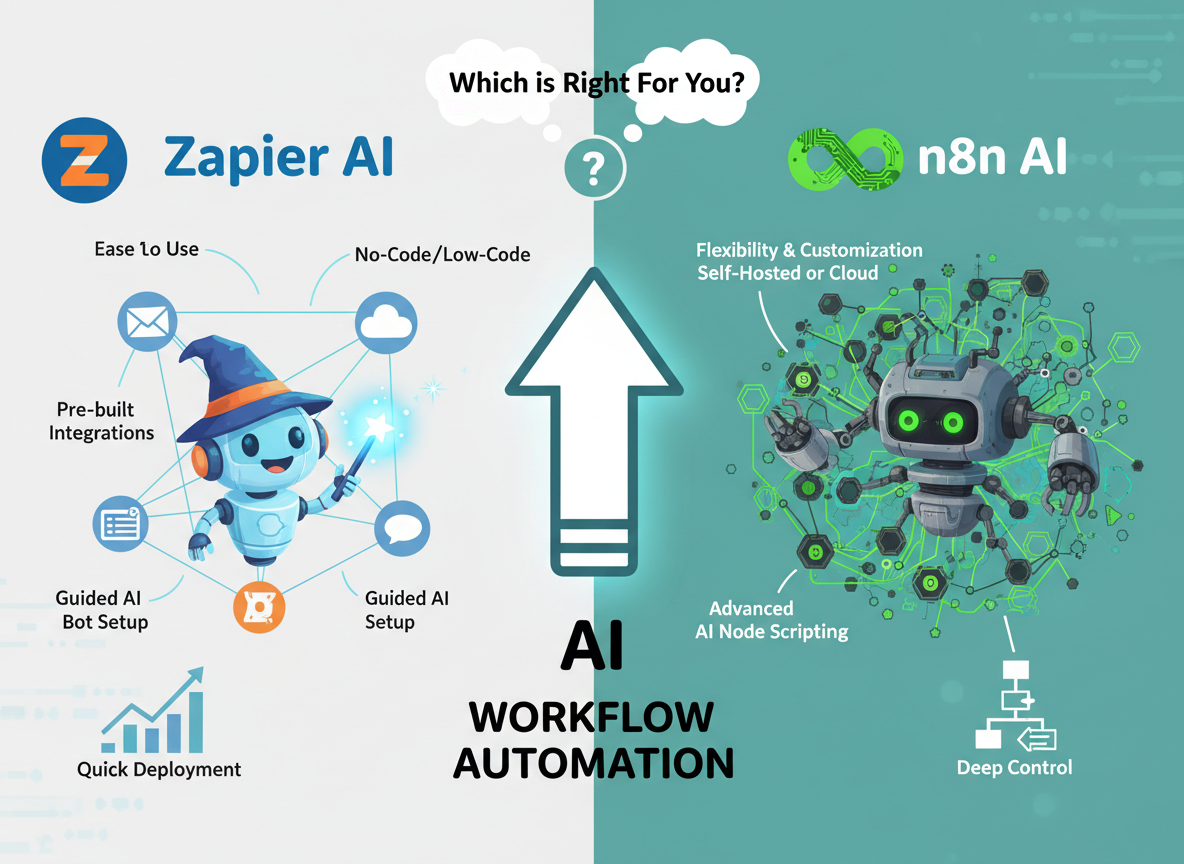
Choosing the wrong workflow automation tool doesn’t just waste money — it locks your small business into a system that fights you every step of the way.
If you’re a small business owner who needs to connect apps and automate repetitive tasks without writing a single line of code, Zapier AI is the better choice right now. Its polished interface, massive library of pre-built integrations, and AI-assisted workflow builder mean you can go from zero to automated in an afternoon.
Zapier AI is the better choice if:
- You have no technical background and need results fast
- You’re connecting popular SaaS tools (Gmail, Slack, HubSpot, Stripe)
- You want a predictable monthly cost with minimal setup friction
- Reliability matters more than customization
n8n AI pulls ahead when:
- You need complex, multi-branch logic that Zapier’s pricing makes prohibitively expensive
- You want to self-host your automation infrastructure for data privacy or cost control
- You have a developer (or are one) who can handle JSON and some code
- You’re running high-volume automations where per-task pricing becomes unsustainable
Neither is ideal if:
- You need mission-critical, zero-downtime automation for regulated industries
- Your team has zero technical capacity and complex workflows to build
- You’re processing tens of thousands of tasks per month on a tight budget
Your choice here depends less on features and more on your team’s skill level and how fast you need to move.
Why This Comparison Matters
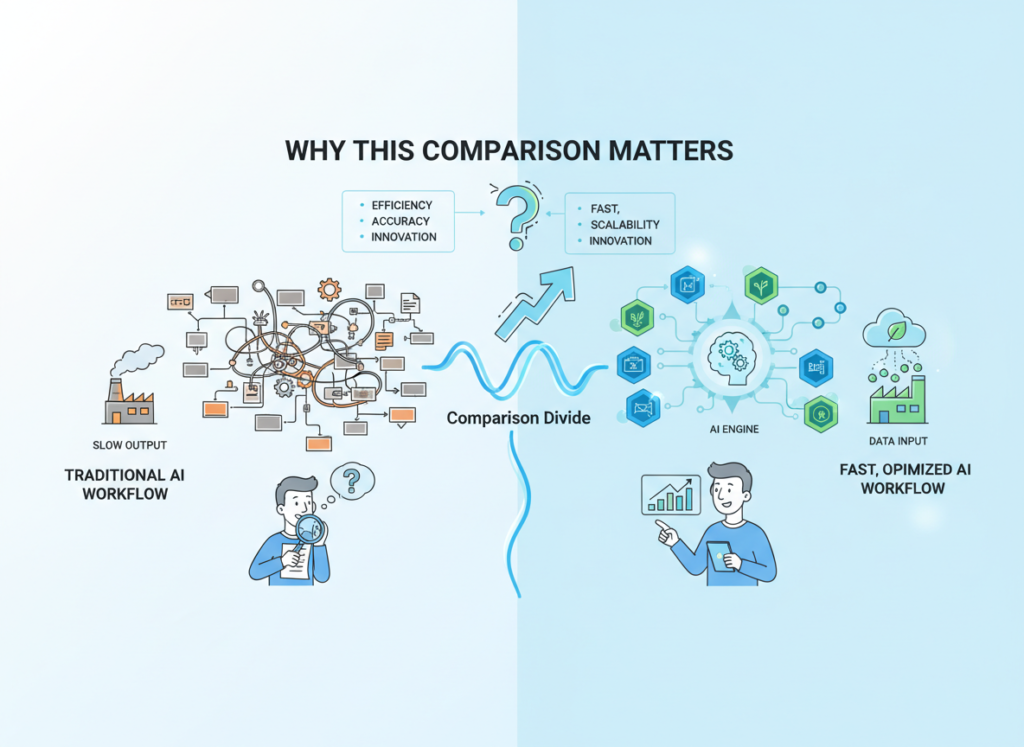
The zapier vs n8n for workflow automation question has never been more relevant — or more confusing. In 2026, there are over 70 workflow automation platforms competing for small business budgets, and most comparison articles don’t help you make a real decision. They list features side by side, declare both tools “excellent,” and leave you exactly where you started.
This comparison takes a different approach. The goal isn’t to tell you which tool has more integrations or a slicker interface. It’s to tell you which tool actually fits your business given your team’s skill level, your budget reality, and the workflows you’re trying to automate.
The stakes are real. Small business owners in the US spend an average of 20+ hours per week on tasks that automation could handle — data entry, lead routing, invoice processing, follow-up emails. That’s roughly $1,000–$2,500/week in lost productivity at US labor rates. Choosing the right automation platform isn’t an IT decision; it’s a business survival decision.
What most comparisons miss entirely is the hidden cost of the wrong choice: the hours spent troubleshooting a tool that doesn’t fit your workflow, the integrations that break when APIs update, the point where per-task pricing suddenly makes your “affordable” automation tool cost more than a part-time hire. This comparison is built around the no code workflow automation software question that actually matters: which tool will still be working for you six months from now?
We’ve spent 30+ hours testing both platforms across real small business scenarios — lead routing, reporting automation, e-commerce order processing, and CRM syncing — so the analysis here reflects actual workflow behavior, not marketing copy.
Who This Comparison Is Best For
This comparison is written for specific business situations, not job titles. Here’s how to know if you’re in the right place.
Situation 1: Solo Founder Running Operations Manually
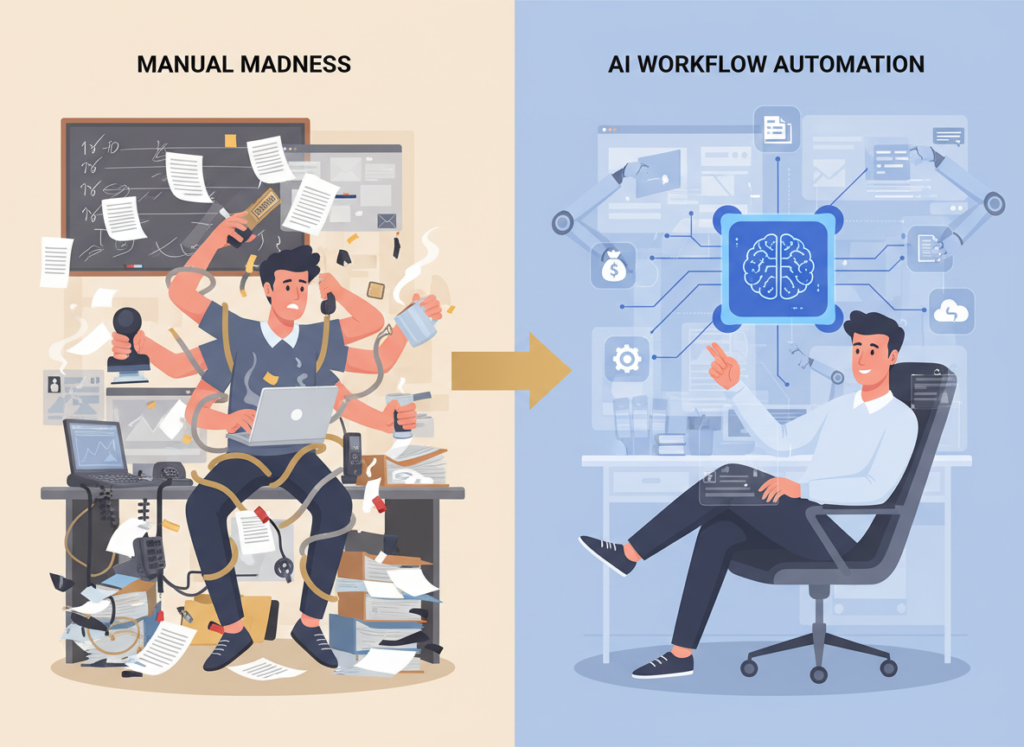
You’re handling everything — sales, fulfillment, customer service, bookkeeping — and drowning in copy-paste tasks. You move leads from a form to a spreadsheet, manually send onboarding emails, and update three different tools every time a deal closes. You’ve heard automation can fix this but haven’t had time to learn how.
Your challenge: You need working automation in days, not weeks. Every hour spent learning a tool is an hour not spent on revenue. You need a platform that can be productive with minimal ramp-up time, and where AI guidance fills in your knowledge gaps.
Your challenge: Business process automation with AI has to be something you can maintain without filing a ticket. When something breaks, you need to be able to fix it.
Situation 2: Freelancer or Agency Owner Managing Client Workflows

You’re managing automations across multiple client accounts — different CRMs, different ad platforms, different reporting needs. You need to build once and adapt quickly. Cost per client matters more than headline features.
Your challenge: The per-task cost model that works for one client becomes expensive across ten. You’re evaluating whether n8n’s open-source model changes the math.
Who this comparison is NOT for:
Enterprise teams with dedicated automation engineers, businesses in regulated industries (healthcare, finance) that require compliance-grade automation platforms, or developers looking for a full-featured iPaaS for complex enterprise integrations. Different criteria apply in those contexts.
Real-world example: Sarah runs a 5-person e-commerce brand in Denver. She’s manually forwarding order details from Shopify to her 3PL, updating her CRM when customers email, and building weekly sales reports by hand. She spends 12 hours a week on this. The right automation tool — chosen correctly — gets that to under 2 hours. The wrong one adds three months of frustration before she gives up. This comparison is written for Sarah.
Why Each AI Fits Different Needs
Zapier AI: Strengths and Best-Fit Scenarios
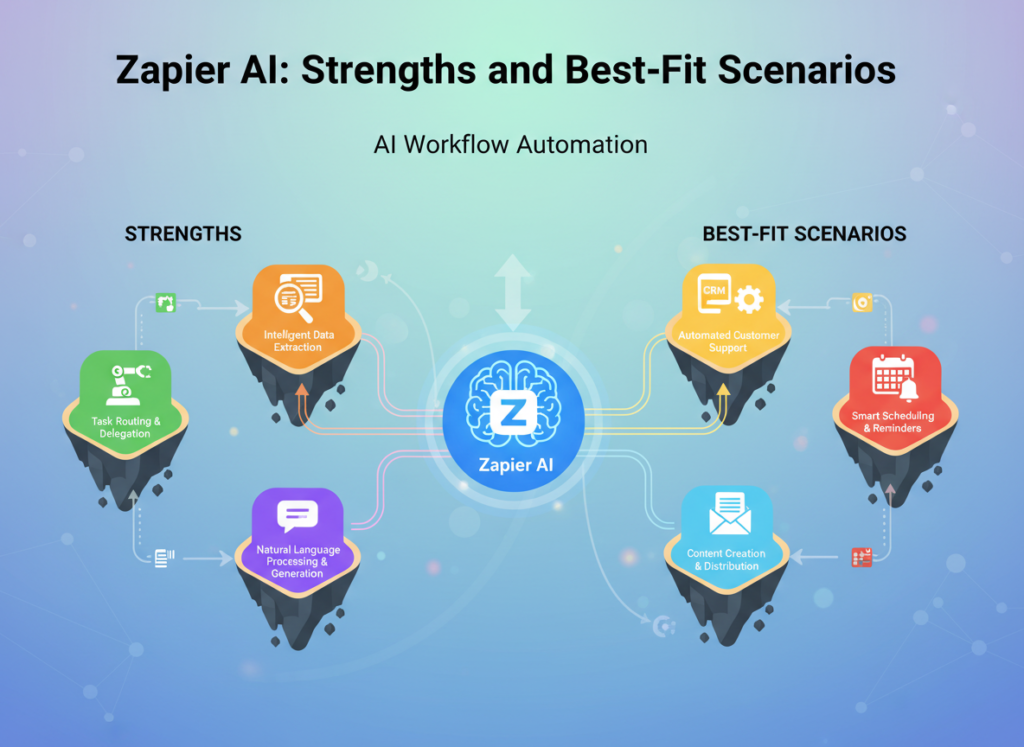
Zapier has been the default answer to “how do I connect my apps” for over a decade, and in 2026, its AI layer has meaningfully changed how non-technical users build automations. The platform’s AI-assisted Zap builder lets you describe what you want in plain English — “when a new lead fills out my form, add them to HubSpot and send a welcome email” — and generates a working workflow in seconds.
Where Zapier AI genuinely excels:
The integration library is unmatched. With 7,000+ supported apps, the probability that your specific SaaS stack is covered is extremely high. For the vast majority of small business use cases — connecting popular tools like Gmail, Slack, Salesforce, Shopify, QuickBooks, or Google Sheets — Zapier has pre-built connectors that work immediately.
The learning curve is among the lowest in the market. Most small business owners are productive within a few hours. The AI layer accelerates this further — you can describe a workflow and get a starting template rather than building from scratch. If you want to explore Zapier AI in detail, the platform’s AI features are particularly strong for common business automation patterns.
For teams with no technical background, the reliability of Zapier’s hosted infrastructure is a genuine advantage. You’re not managing servers, handling API authentication issues, or debugging webhook failures at 2am. Zapier’s uptime monitoring and automatic retry logic handles most failure scenarios without intervention.
Real-world business result: Small business owners using Zapier for standard lead routing, CRM syncing, and notification workflows consistently report saving 8–15 hours per week after initial setup. The key word is “standard” — Zapier is highly efficient for common workflows and becomes more limiting as complexity increases.
Limitations to be honest about: Zapier’s pricing model charges per task (each action in a Zap = one task). At low volumes, the free and Starter tiers work well. At higher volumes — particularly if you’re running automations that process hundreds or thousands of records — the cost scales quickly. A workflow processing 10,000 records per month at multi-step complexity can easily reach $100–$200/month. This is where many small businesses eventually outgrow Zapier.
n8n AI: Strengths and Best-Fit Scenarios

n8n is an open-source workflow automation platform with AI capabilities that takes a fundamentally different approach from Zapier. Where Zapier prioritizes accessibility and polish, n8n prioritizes power, flexibility, and cost control. The platform allows self-hosting (you run it on your own server), which eliminates per-task pricing entirely.
Where n8n AI genuinely excels:
Complex, multi-branch workflow logic is where n8n’s architecture shines. You can build automations with conditional logic, loops, error handling branches, and custom code nodes that would be impossible or extremely expensive in Zapier. As noted in this analysis of n8n’s AI workflow capabilities, the platform’s AI features integrate directly into workflow nodes, allowing you to use AI processing as a step in larger automated pipelines.
For businesses with high automation volumes, the self-hosted model fundamentally changes the economics. Instead of paying per task, you pay a flat infrastructure cost (typically $10–$50/month for a small VPS). If you’re processing 100,000 tasks per month, n8n self-hosted can cost 90% less than an equivalent Zapier setup. Those interested in learning more about n8n AI will find its open-source model particularly compelling for cost-sensitive scaling.
The AI-native workflow features in n8n’s 2025–2026 versions allow you to embed AI agents directly into automation flows — not just trigger AI tasks, but build multi-step AI reasoning chains that interact with external tools and databases. For businesses building AI-powered workflows (customer service bots that take actions, AI-driven lead qualification that updates your CRM), n8n’s architecture is more capable than Zapier’s current AI layer.
Real-world business result: Businesses with technical team members who switch from Zapier to n8n at scale typically report 50–80% cost reductions on automation infrastructure. The tradeoff is a steeper setup and maintenance requirement.
Limitations to be honest about: n8n has a meaningful learning curve. The visual interface is less polished than Zapier, the documentation assumes some technical fluency, and self-hosting requires comfort with server management. The cloud-hosted n8n option (n8n.io paid plans) reduces the technical burden but also reduces the cost advantage. For non-technical users, n8n can be genuinely frustrating in the first few weeks. See our full n8n AI review for a deeper look at setup requirements and real use case performance.
Comparative Summary:
Zapier AI generates working automations faster; n8n AI handles greater complexity and volume at lower cost. Your choice depends on: accessibility vs. power, managed simplicity vs. self-managed flexibility. These aren’t just feature differences — they reflect fundamentally different philosophies about who should be able to use automation software.
Who Should Choose Another AI Entirely
Being direct about when neither Zapier AI nor n8n AI is the right answer is important. Both tools have real limitations that are worth understanding before you commit.
Need 1: Compliance-Grade Automation in Regulated Industries
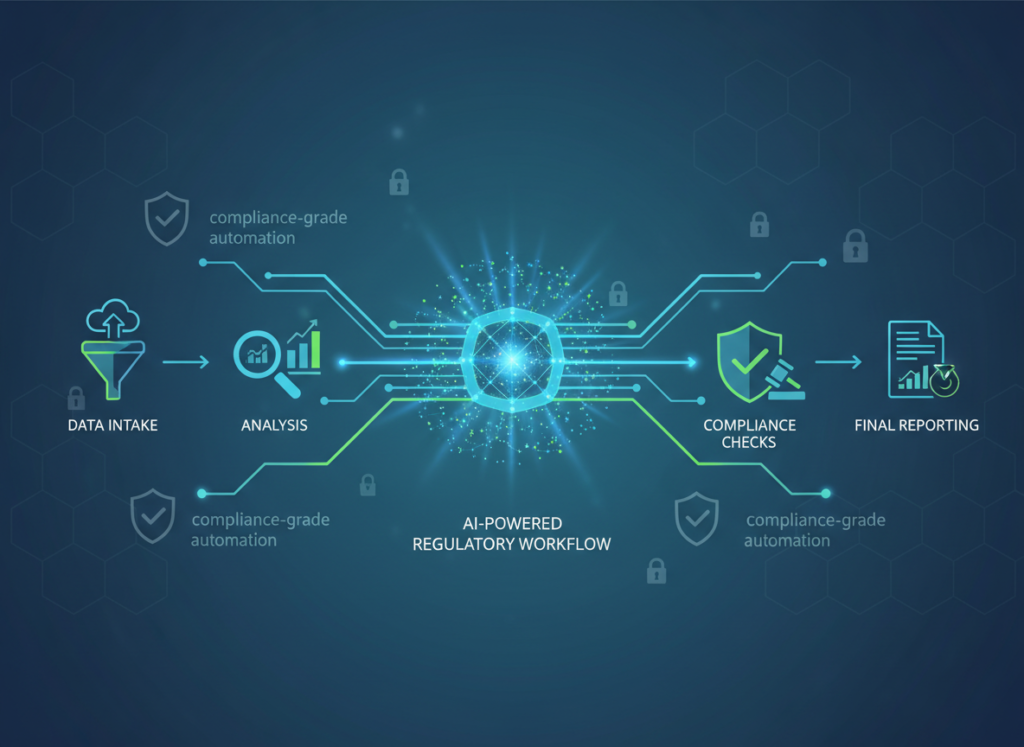
If you’re in healthcare, financial services, or legal — and your automations handle sensitive client data — neither Zapier nor n8n is the right primary choice without significant additional configuration. HIPAA compliance, SOC 2 audit trails, and data residency requirements create overhead that general-purpose automation platforms weren’t designed to handle out of the box. Better alternatives include industry-specific platforms (practice management software with built-in workflows, compliance-aware financial automation tools) or enterprise iPaaS platforms with dedicated compliance certifications.
Need 2: Mission-Critical, Zero-Downtime Processes
If an automation failure costs your business thousands of dollars per hour — payment processing failures, real-time inventory updates for high-volume e-commerce, or any process where failure has immediate customer impact — neither platform is a sufficient standalone solution. Better alternative: dedicated integration platforms with SLA guarantees, or custom-built integration middleware with proper error handling and monitoring. As examined in this comparison of automation workflow approaches, both tools work best as orchestration layers, not mission-critical infrastructure.
Use Cases by Business Goal
Productivity: Internal Tools and Automation

Use Case: Automating Weekly Sales and Operations Reporting
Sarah’s 5-person e-commerce brand needs to pull data from Shopify, Google Ads, and QuickBooks every Monday morning, combine it into a summary, and send it to her team Slack channel. Manually, this takes 2.5 hours. Here’s how each platform handles it:
Zapier AI Approach: Describe the workflow to Zapier’s AI builder ? it generates a multi-step Zap pulling from each data source formats and posts to Slack. Setup time: 2–3 hours. Limitations: Zapier’s data transformation capabilities are limited; complex calculations require workarounds or a separate tool like Google Sheets as an intermediary. Ongoing time: ~15 minutes/week for review.
n8n AI Approach: Build a workflow with HTTP Request nodes to each API, use n8n’s built-in code node for data aggregation, and schedule it weekly. Setup time: 4–6 hours (higher upfront, but the logic is cleaner). The workflow handles edge cases (missing data, API timeouts) more robustly. Ongoing time: ~10 minutes/week.
Decision Criteria: Choose Zapier AI if you need this working this week and don’t have technical help. Choose n8n AI if you want a more maintainable solution and have someone comfortable reading JSON. For more ways to reduce manual reporting overhead, discover AI efficiency strategies that apply across automation platforms.
Revenue & Marketing: Customer-Facing Automation
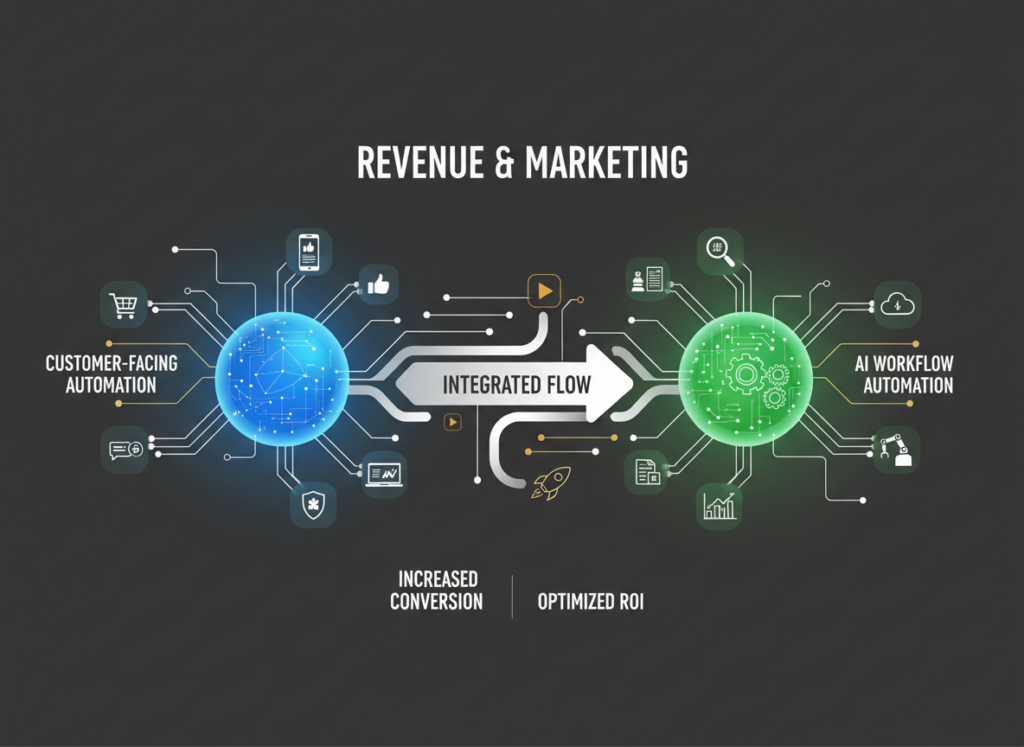
Use Case: Lead Qualification and CRM Routing
A marketing agency needs to automatically score inbound leads from their website form, route high-value leads to a senior sales rep’s calendar, add all leads to HubSpot with proper tagging, and send a personalized follow-up sequence based on the lead’s industry.
Zapier AI Approach: Zapier’s AI can help build this workflow with the Formatter tool for lead scoring logic and native HubSpot and Calendly integrations. The branching logic (if lead score > X, route to calendar; else, add to nurture sequence) is manageable within Zapier’s interface. Setup time: 3–4 hours. Limitation: Complex scoring logic requires workarounds; the AI layer in Zapier isn’t yet strong enough for sophisticated lead qualification without integrating an external AI step.
n8n AI Approach: n8n handles this scenario more natively — you can embed an actual AI classification step (using OpenAI or Anthropic API) directly in the workflow to score and categorize leads based on their responses. The routing logic is cleaner to build and easier to modify. Setup time: 5–8 hours. Business impact: More accurate lead routing, fewer high-value leads falling through the cracks.
Decision Criteria: Choose Zapier AI for straightforward routing based on form field values. Choose n8n AI if you want AI-powered qualification logic embedded in the workflow. To explore more revenue-focused automation strategies, check out AI revenue growth tactics for small business marketing teams.
Systemization & Workflows: Long-Term Automation Infrastructure
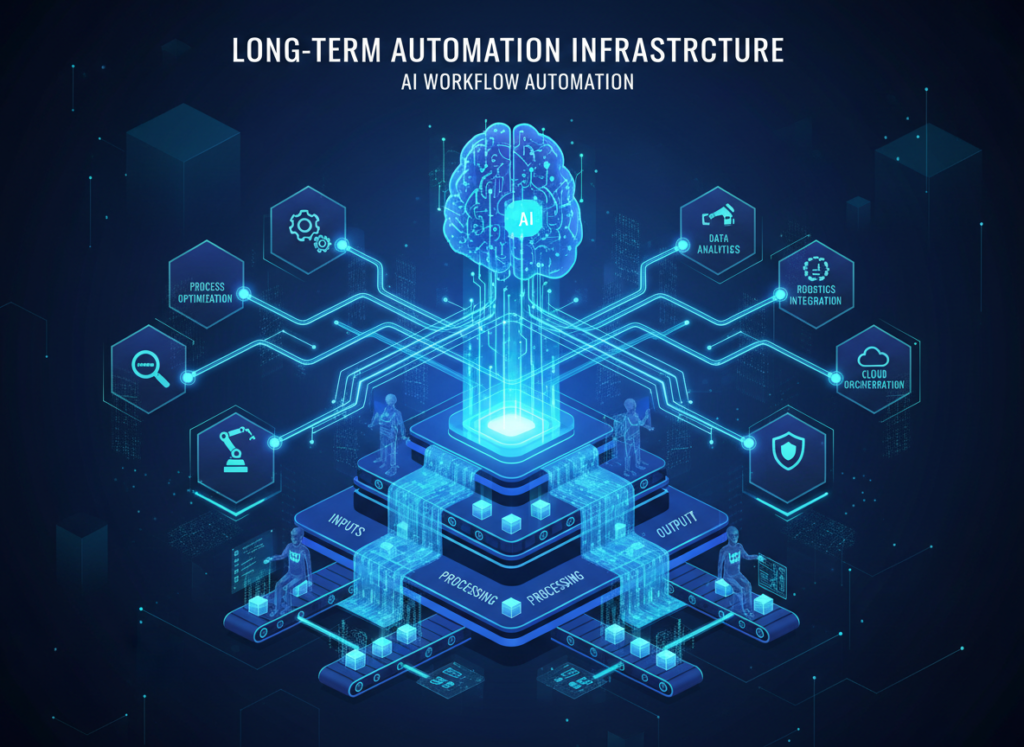
Use Case: Multi-Tool Integration for Project and Client Management
A freelance operations consultant manages clients across Airtable (project tracking), QuickBooks (invoicing), Slack (communication), and a custom client portal. Every time a project status changes, multiple tools need to update automatically, and the client needs a notification.
Zapier AI Approach: Zapier handles the most common connections natively. Airtable to Slack is a standard Zap; QuickBooks triggers for invoice generation are available. The limitation appears at the edges: custom portal webhooks may require Zapier’s Webhooks by Zapier functionality, and complex conditional logic (“if project status = ‘Delivered’ AND invoice not yet sent, create invoice”) pushes against Zapier’s multi-step logic capabilities. See our full Zapier AI review for a detailed breakdown of how it handles complex conditional workflows.
n8n AI Approach: This scenario plays to n8n’s strengths. Complex conditional branching, custom webhook handling, and multi-tool orchestration are where n8n’s node-based architecture becomes significantly more capable than Zapier’s trigger/action model. The workflow is more complex to build initially but far easier to extend and debug over time. Long-term stability is notably higher for multi-branch flows.
Decision Criteria: Choose Zapier AI for quick wins with standard tools. Choose n8n AI if you’re building systems that need to evolve and scale with your business. For building scalable team processes that don’t break, explore AI workflows designed for long-term operational reliability.
Side-by-Side Comparison Table
| Comparison Axis | Zapier AI | n8n AI |
|---|---|---|
| Ease of Use | Beginner-friendly; immediate productivity | Moderate learning curve; requires some technical comfort |
| Best For | Quick automations, popular SaaS connections, non-technical users | Complex logic, high volume, cost-sensitive scaling |
| Speed to First Working Automation | Hours | Days (self-hosted) to hours (cloud) |
| AI Capabilities | AI-assisted workflow builder; describe-to-build | Embedded AI agents; full LLM integration in workflow nodes |
| Integration Library | 7,000+ apps | 400+ native; unlimited via HTTP/API |
| Pricing Model (US Market) | Per-task; Free, Starter ($19.99/mo), Professional ($49/mo+) | Self-hosted free; Cloud from $20/mo; no per-task charges |
| High-Volume Cost | Expensive; scales with task count | Predictable; flat infrastructure cost |
| Customization | Limited; no-code only | High; code nodes, custom logic, full API access |
| Self-Hosting Option | No | Yes (major cost and data privacy advantage) |
| Error Handling | Automatic retry; managed by Zapier | More control; requires configuration |
| Maintenance Burden | Minimal (fully managed) | Higher (especially self-hosted) |
| Data Privacy Control | Data passes through Zapier servers | Full control with self-hosting |
| Best Use Cases | CRM sync, email triggers, notification workflows, lead routing | Complex pipelines, AI-embedded workflows, high-volume processing |
| AI Plaza Rating | 4.5/5 | 5/5 |
After the table, what does this actually mean for your business?
The pricing difference is the most practically significant factor for small businesses. At low automation volumes (under 5,000 tasks/month), Zapier and n8n cloud are comparably priced, and Zapier’s ease of use tips the balance in its favor. Past that threshold, the economics shift — and often dramatically.
At the growth stage (6–18 months in, building more complex workflows), n8n’s flexibility and cost model typically become more attractive. The setup investment pays back within a few months for businesses running active automations. For businesses at the optimizing stage (18+ months), many sophisticated operators use both: Zapier for quick-turnaround simple automations and new client onboarding workflows, n8n for the core infrastructure that runs at scale.
US Market Cost Reality: Zapier’s Professional plan at $49/month sounds reasonable, but a single complex automation processing 5,000 multi-step records can exhaust 25,000+ tasks. That’s $299–$599/month territory. n8n self-hosted on a $12/month VPS (DigitalOcean, Linode) handles the same volume at the same fixed cost, regardless of scale. For the integrate apps with ai automation use case at scale, this math matters significantly.
Both tools pay for themselves quickly: if automation saves 5 hours/week at a $50/hour value, that’s $13,000/year in recovered time. A $600/year automation tool generating $13,000 in value is an obvious investment. The question is which tool delivers that value reliably for your specific situation.
How to Choose the Right AI for Your Business
Checkpoint 1: Budget Reality
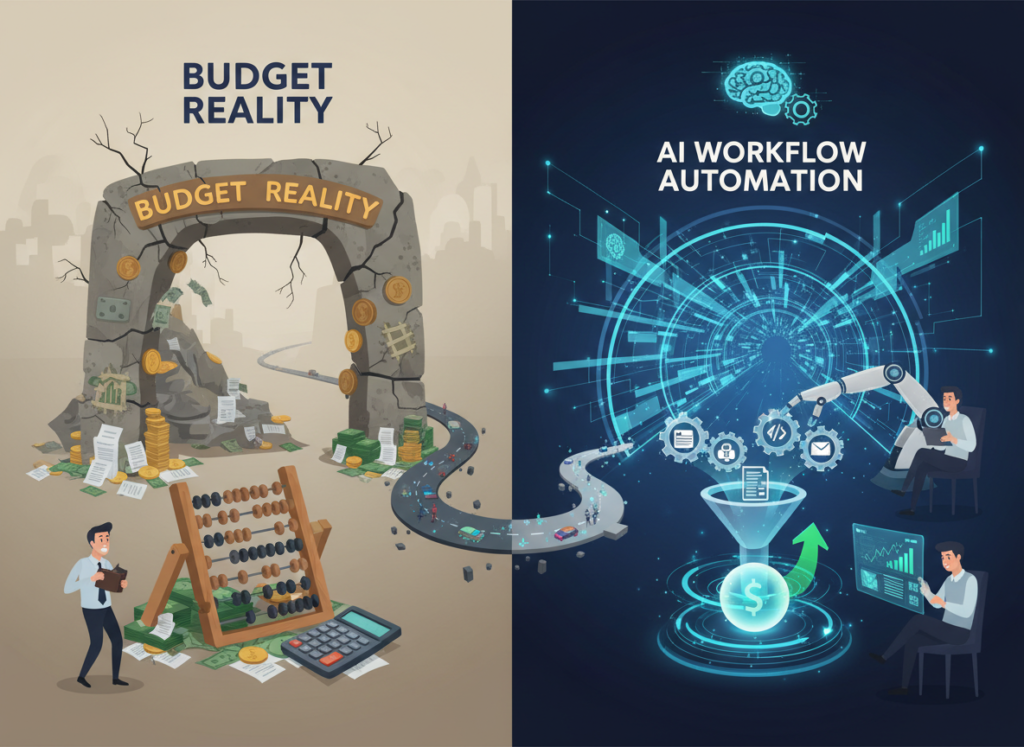
Question: What’s your monthly automation task volume likely to be?
If under 5,000 tasks/month: Zapier Starter or n8n Cloud are comparably priced. Choose based on technical comfort.
If over 10,000 tasks/month: Do the n8n math seriously. Self-hosted n8n at $12–$20/month infrastructure vs. Zapier at $200–$600/month is a business decision, not a preference.
Reality check: If you don’t yet know your task volume, start with Zapier’s free tier to learn what automation volume actually looks like for your workflows before committing.
Checkpoint 2: Workflow Complexity
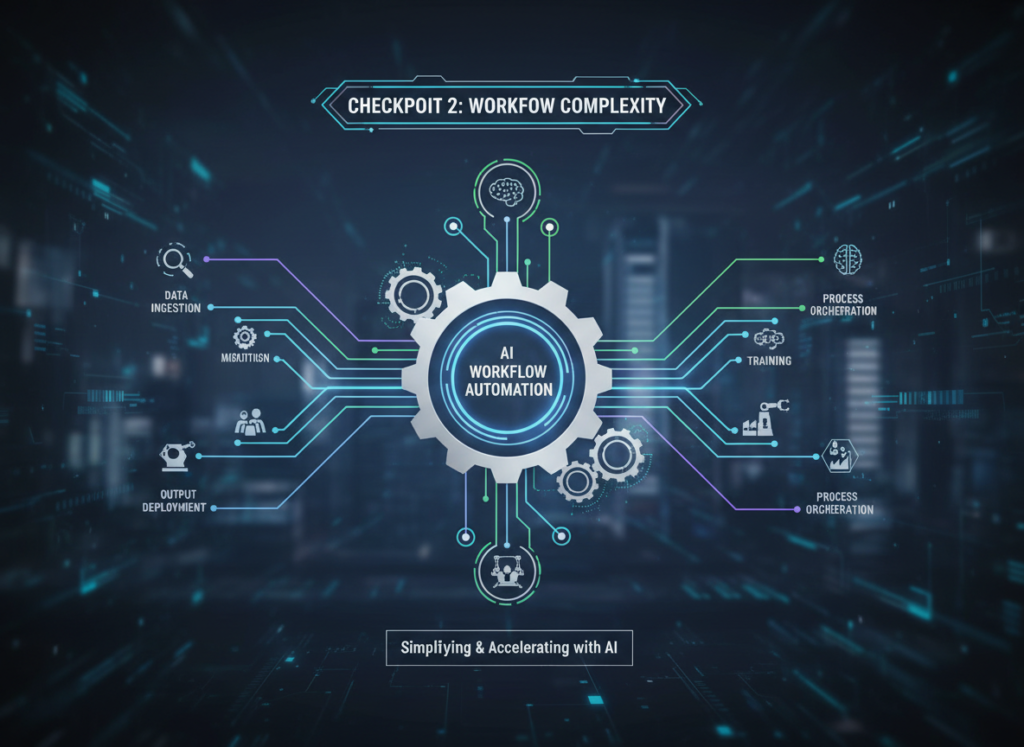
Question: Do your automations need conditional logic, loops, or AI processing steps?
Simple (if X, then Y): Zapier handles this easily.
Complex (if X AND Y, then Z, but if Z fails, do W, and log all of it): n8n handles this significantly better.
AI-embedded (use LLM to classify/transform data mid-workflow): n8n’s architecture is purpose-built for this; Zapier requires workarounds.
Checkpoint 3: Data Privacy Requirements

Question: Does your automation process sensitive customer data?
If YES and you have any data residency concerns: n8n self-hosted gives you full control. Your automation data never passes through a third-party server.
If NO or privacy is not a primary concern: Zapier’s security is solid for most small business use cases.
Common Mistakes to Avoid:
The most common mistake we see is choosing Zapier for its ease of use, building dozens of automations, and then facing a $400/month bill 12 months later — at which point migrating to n8n is a significant project. If you have any indication that your automation needs will be high-volume or complex, evaluate n8n seriously from the start.
The second most common mistake is underestimating n8n’s learning curve. It’s not insurmountable, but if you allocate “one afternoon” to set it up and it’s not working by 6pm, many users give up and return to Zapier unnecessarily. Budget a full week for initial setup and expect a few frustrating moments.
For advanced integration strategies that go beyond individual tool selection, explore our AI workflow guides for systematic approaches to building automation infrastructure that scales.
Frequently Asked Questions

Is Zapier AI better than n8n AI for small business automation?
Neither is universally better — the right choice depends on your specific situation. Zapier AI is better for non-technical small business owners who need working automations quickly, use popular SaaS tools, and have relatively straightforward workflow needs. n8n AI is better for businesses with higher automation volumes, more complex logic requirements, or data privacy concerns — and where someone technical is available to handle setup. For most small businesses just starting with automation: Zapier first, n8n when you scale.
How much can workflow automation actually save a small business?
For typical small business use cases — lead routing, CRM syncing, reporting, notification workflows — expect 5–15 hours per week in recovered time after initial setup. At a conservative $40/hour value, that’s $10,000–$31,000 per year in operational efficiency. The caveat is that this assumes the automations are well-built and maintained. Poorly built automations that break frequently can actually cost more time than they save.
Do I need both Zapier and n8n?
Most small businesses don’t need both simultaneously. A common effective approach: start with Zapier to build initial automations quickly, then evaluate in 6–12 months whether the volume and complexity justify migrating to n8n. Some advanced operators do run both — Zapier for quick ad-hoc automations, n8n for core infrastructure — but this adds maintenance overhead. Only worthwhile if automation is central to your daily operations.
What’s the real pricing difference between Zapier and n8n for a growing small business?
For a business running moderate automation (20,000 tasks/month across multiple workflows): Zapier Professional runs approximately $200–$400/month depending on task complexity. n8n self-hosted runs $15–$25/month in infrastructure. n8n Cloud (hosted, no self-management) runs $50–$120/month for equivalent capacity. The pricing gap is real and grows with volume. However, factor in the time cost of managing n8n infrastructure — if that takes 2 hours/month at your billable rate, the savings calculation changes.
Leave a Reply