The right ai coding assistant for small business developers doesn’t just write code — it eliminates the mental overhead that kills momentum and ships your tool in days, not months.
In 2026, American indie developers and solo founders face a painful paradox. You build things for a living — yet most of your week isn’t spent building. It’s spent debugging boilerplate, writing repetitive CRUD logic, configuring environments, and documenting code you’ll need to revisit in three months. Inbox at 200 unread. Stack Overflow tabs multiplying. The internal tool your client needs “by Friday” still staring back at you half-finished.
The cruel irony? You chose indie development for the freedom. Instead, you’re trapped in the busywork of development itself.
This is where Replit AI enters — not as a novelty chatbot, but as a genuine thinking partner for developers who need to move fast without a team behind them. It’s purpose-built for the kind of rapid iteration that solo founders and freelancers depend on. Rather than switching between an IDE, a documentation tab, a deployment dashboard, and a separate AI assistant, Replit AI collapses that entire stack into one collaborative environment that understands your code, your context, and your goal.
For US-based freelancers billing $75–150/hour, every hour spent on dev overhead — boilerplate scaffolding, environment debugging, repetitive API wiring — is $75–150 not earned. That’s not a productivity problem. That’s a revenue problem.
This article walks you through four specific workflows where Replit AI dramatically reduces development time for indie developers and solo founders building internal tools in 2026. Each workflow is actionable this week. Each one saves 2–6 hours. Together, they represent a fundamental shift in how one-person development shops operate — from grinding through cognitive overhead to shipping with confidence.
Key Concepts of AI Efficiency
AI efficiency for small business developers means strategically offloading repetitive technical decisions and boilerplate execution to AI — so you can spend your limited hours on the architecture, logic, and client relationships that only you can handle.
Concept 1: Cognitive Offloading

Every developer carries a mental stack: what function does what, what the API expects, which variable holds which state. The more of that stack you have to hold consciously, the less bandwidth you have for actual problem-solving. Cognitive offloading is the practice of externalizing that mental burden to a tool — freeing your working memory for higher-order thinking.
For AI-assisted development, this means letting the AI hold context across your codebase, remember your naming conventions, and generate the mechanical parts of implementation while you think about the logic.
Consider Sarah, a freelance UX developer in Seattle with six active client projects. Before Replit AI, she spent roughly 2.5 hours per day on what she calls “translation work” — converting her design intent into implementation-ready code scaffolds, writing the same form validation logic for the fourth time this month, and hunting through docs for the right method signatures. With AI-assisted development, that 2.5 hours collapses to under 45 minutes. She’s not working less — she’s thinking at a higher level.
For advanced cognitive offloading strategies tailored to solo developers, explore Replit AI in detail.
Concept 2: Context Switching Cost
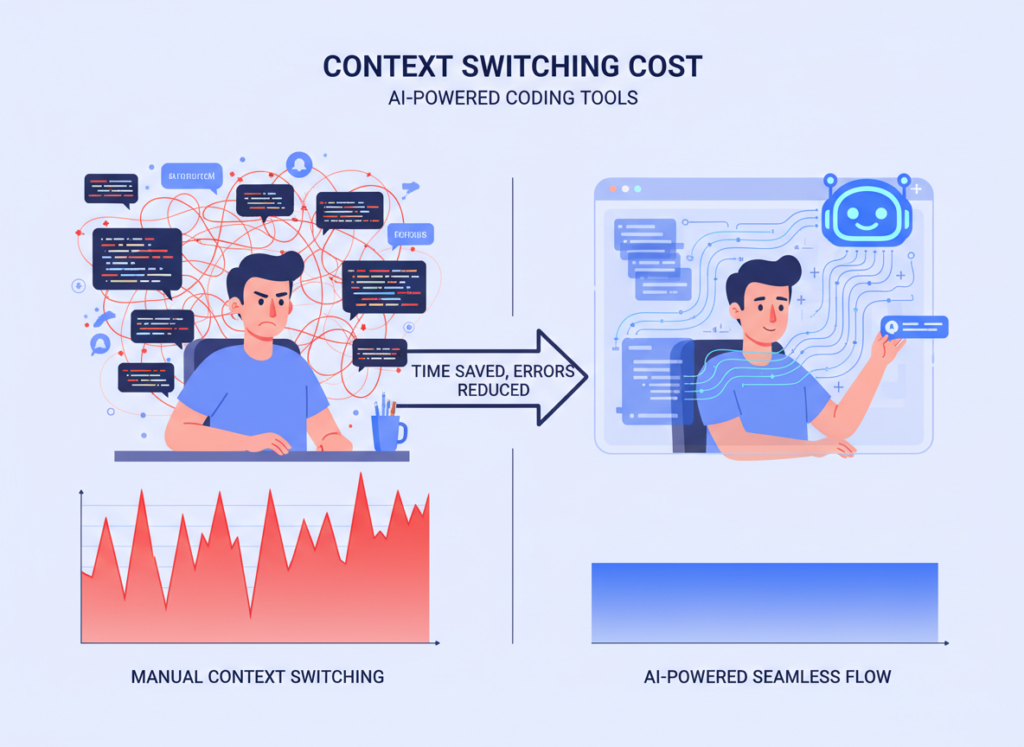
Research consistently shows that the average developer takes 23 minutes to fully regain focus after an interruption. For indie developers who wear every hat — developer, project manager, client communicator, QA tester — context switching is relentless.
The cognitive tax isn’t just lost minutes. It’s lost flow states. Deep work, the kind where you architect a clean solution or untangle a gnarly bug, requires sustained concentration. Every time you context-switch to look up syntax, write a README section, or draft a Slack update for a client, you’re paying the 23-minute re-entry fee.
Marcus, an independent technical consultant in Denver, tracked his week carefully before adopting AI-assisted tooling. He found that he switched contexts an average of 14 times per day — mostly to handle the non-coding demands of solo work. By routing those tasks through an AI assistant embedded directly in his development environment, he recovered approximately 5 hours weekly that previously evaporated in re-entry overhead.
According to this analysis of Replit AI’s agent capabilities, the tool’s ability to maintain codebase context across sessions is one of its most underappreciated features — precisely because it eliminates one of the most common context-switch triggers: re-reading your own code to remember where you left off.
Concept 3: Workflow Orchestration

The most sophisticated application of AI efficiency isn’t using AI for individual tasks — it’s using AI as an orchestrator across your entire development workflow. Instead of AI as a code autocomplete tool, think of it as a conductor: aware of the full project, capable of coordinating multiple concerns simultaneously, and able to hand off cleanly between implementation phases.
Elena runs a small e-commerce operation in Nashville, built on a custom Shopify backend she manages herself. Her internal tooling — inventory dashboards, order processing logic, supplier communication templates — used to require 4 dedicated hours per month just to maintain and update. With an AI orchestration approach, she’s reduced that to under 45 minutes. The AI doesn’t just write the code — it understands the broader system architecture and generates changes that fit without breaking adjacent logic.
How Replit AI Helps Efficiency
Replit AI helps indie developers and solo founders achieve efficiency through persistent project context, natural language code generation, intelligent debugging, and integrated deployment — all within a single browser-based environment.
Feature 1: Persistent Project Context and AI Memory

One of the most friction-filled moments in solo development is resuming work. You open the project, scan through files to reorient yourself, and spend 20–30 minutes rebuilding the mental model you had two days ago. Replit AI maintains context across your project structure, letting you re-enter work with a natural language prompt instead of a code archaeology session.
For an indie developer billing $100/hour and working on 3–4 simultaneous projects, this context restoration saves an estimated 40–50 hours annually. At $100/hour, that’s $4,000–5,000 in recovered billable capacity — before counting the compounding benefit of better focus once you’re back in flow.
Feature 2: Natural Language to Working Code
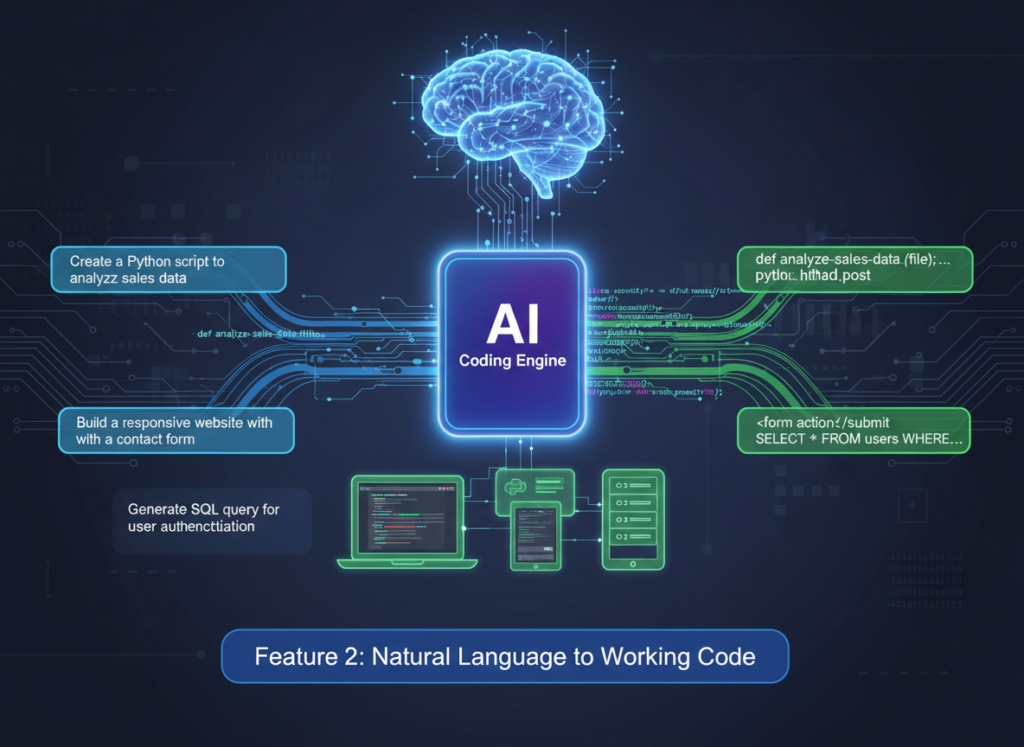
The paradigm shift Replit AI delivers is the ability to describe what you want in plain English and receive working, deployable code. Not snippets. Not pseudocode. Actual functional implementations with error handling, appropriate data structures, and code that fits your existing project conventions.
As noted in this practical Replit AI tutorial breakdown, the agent mode goes significantly further than autocomplete — it can take a high-level spec like “build a Slack notification that fires when a new form submission comes in” and produce the full implementation, including webhook configuration and error handling.
For internal tool development, this is transformative. An admin dashboard that would have taken a solo developer 12–15 hours to scaffold, style, and wire up can now be at a functional first version in 3–4 hours. The developer’s time shifts from writing implementation to reviewing, refining, and making architectural decisions.
Estimated annual time saved for a developer who builds 8–10 internal tools per year: 80–120 hours = $6,000–18,000 at standard US freelance rates.
Feature 3: Integrated Debugging and Explanation
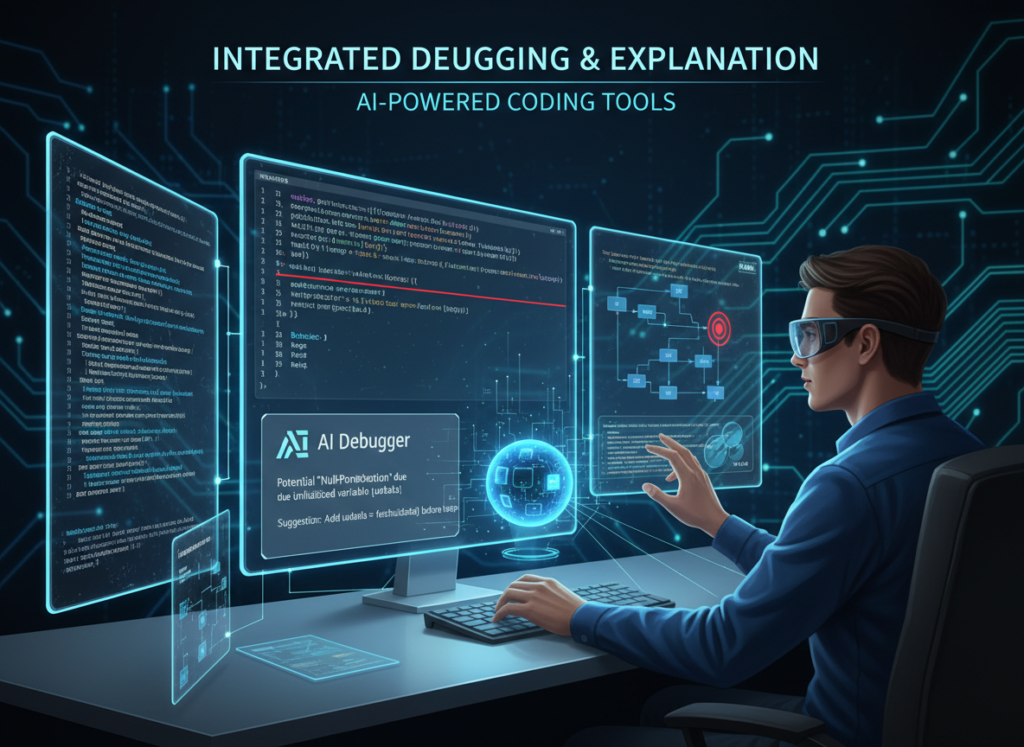
Debugging is the single most time-consuming activity for solo developers — and also the most cognitively draining. Staring at an error message, forming hypotheses, running tests, checking logs — it’s deep work that can consume an entire afternoon on a single issue.
Replit AI’s debugging workflow changes the equation. Paste the error, describe the behavior, and the AI doesn’t just suggest a fix — it explains why the error occurred, what conditions triggered it, and what adjacent issues to watch for. For developers working alone without a senior engineer to rubber duck with, this is like having a knowledgeable collaborator available at every impasse.
Estimated time saved: 35–50 hours annually on debugging and code review cycles.
To see these features in action with workflow examples specific to internal tool development, see our full Replit AI review.
Ready to cut your dev overhead in half? Try Replit AI and start shipping internal tools faster — without a team. Start Free at Replit.com | No credit card required
Use Cases: Small Business & Freelancer Efficiency
From brand designers who need light internal tooling to solo SaaS founders under constant shipping pressure, AI coding efficiency transforms how individual contributors build and maintain software — faster, with less overhead, and with more time for the work that actually pays.
Persona 1: Jessica — Freelance Brand Designer in Portland Who Codes Her Own Client Portals

Old Workflow: Jessica designs brand identities and charges a premium for delivering projects through custom client portals — password-protected dashboards where clients review assets, leave comments, and download deliverables. Building each portal took her roughly 10 hours per project: scaffolding the React components, wiring the authentication layer, setting up file storage, and deploying. With 12 projects per year, that’s 120 hours in portal development alone.
AI-Enhanced Workflow: Using Replit AI, Jessica now describes the portal structure in natural language, generates the scaffold in under an hour, and uses the remaining time to customize branding and test the UX. The authentication boilerplate, file management logic, and deployment configuration are handled conversationally through the AI agent.
Quantified Results: Portal development drops from 10 hours to 4.5 hours per project. Across 12 annual projects: 66 hours saved = $9,900 in additional billable capacity (at $150/hour). That time goes back into client work, not infrastructure.
“I’m a designer who learned to code, not an engineer. Before Replit AI, half my project time went to figuring out things I wasn’t trained for. Now I just tell it what I need.”
Persona 2: David — Independent Management Consultant in Chicago Who Builds Client Dashboards

Old Workflow: David supplements his consulting practice by building lightweight reporting dashboards for mid-sized clients — internal tools that pull from Google Sheets, Airtable, or simple databases and display KPIs. Each dashboard used to require 22 hours of development time per month across his active client roster: data modeling, chart library integration, authentication, and ongoing maintenance.
AI-Enhanced Workflow: With Replit AI handling the repetitive wiring — data fetching, chart configuration, responsive layout — David focuses his time on the data strategy and presentation layer. The AI generates the integration code from natural language specs; David reviews and adjusts.
Quantified Results: Dashboard development drops from 22 hours to 10 hours monthly. 144 hours reclaimed annually = $28,800 in additional consulting capacity at $200/hour — or simply a more sustainable workload.
“My clients pay me to think, not to write fetch requests. Replit AI finally lets me spend my time the way I’m actually being compensated for.”
Persona 3: Priya — Shopify Store Owner in Austin Managing Her Own Backend Tools
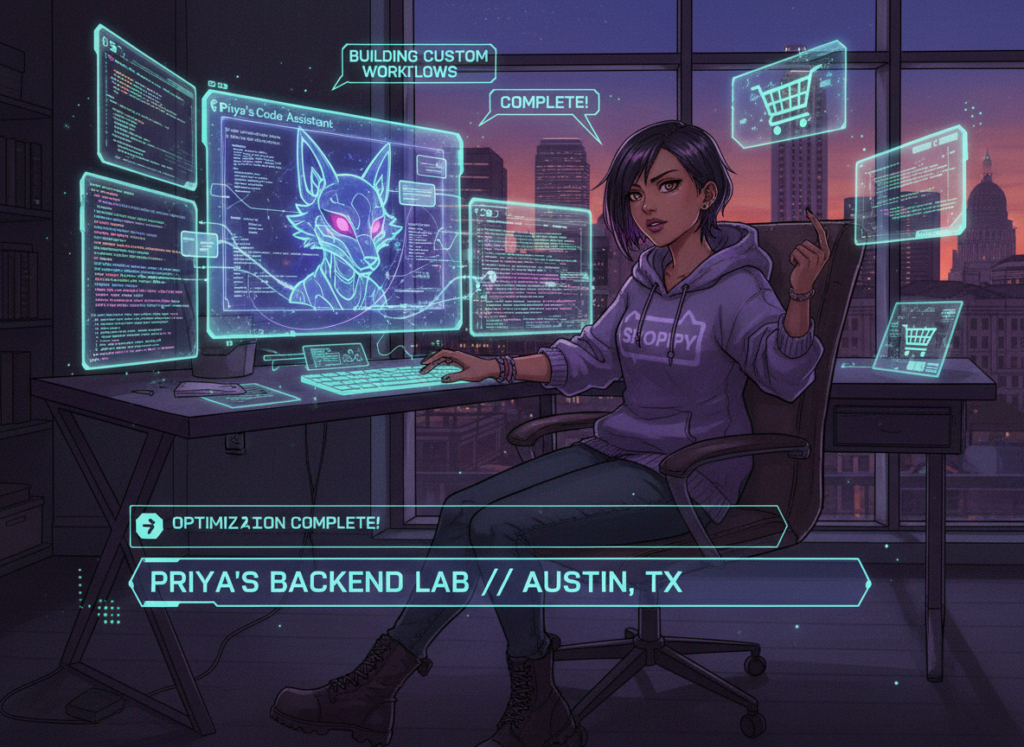
Old Workflow: Priya runs a direct-to-consumer skincare brand with $800K in annual revenue. She manages her own internal tooling: inventory reorder alerts, supplier communication automations, and a custom order-tagging system. Maintaining and updating these tools consumed 17 hours per week — time she desperately needed for marketing and product development.
AI-Enhanced Workflow: Priya uses Replit AI to describe changes to her internal tools in plain language, generate the updated code, test it within the same environment, and deploy — without switching contexts or hiring a contractor for every small change.
Quantified Results: Internal tool maintenance drops from 17 hours to 6 hours weekly. 572 hours reclaimed annually. Redirected to marketing and product, this contributed to a 23% revenue increase in the six months following adoption.
As outlined in this no-code and low-code AI platform overview, the growing category of AI-assisted development tools is making it viable for non-engineers like Priya to maintain custom tooling independently — without ongoing developer contracts.
“I used to wait two weeks and spend $400 every time I needed to change something in my order system. Now I do it myself in two hours.”
Streamline your development workflow with AI-powered automation Join developers and founders using Replit AI to ship internal tools faster. Start Free Today at Replit.com
Best Practices for Implementing AI Efficiency
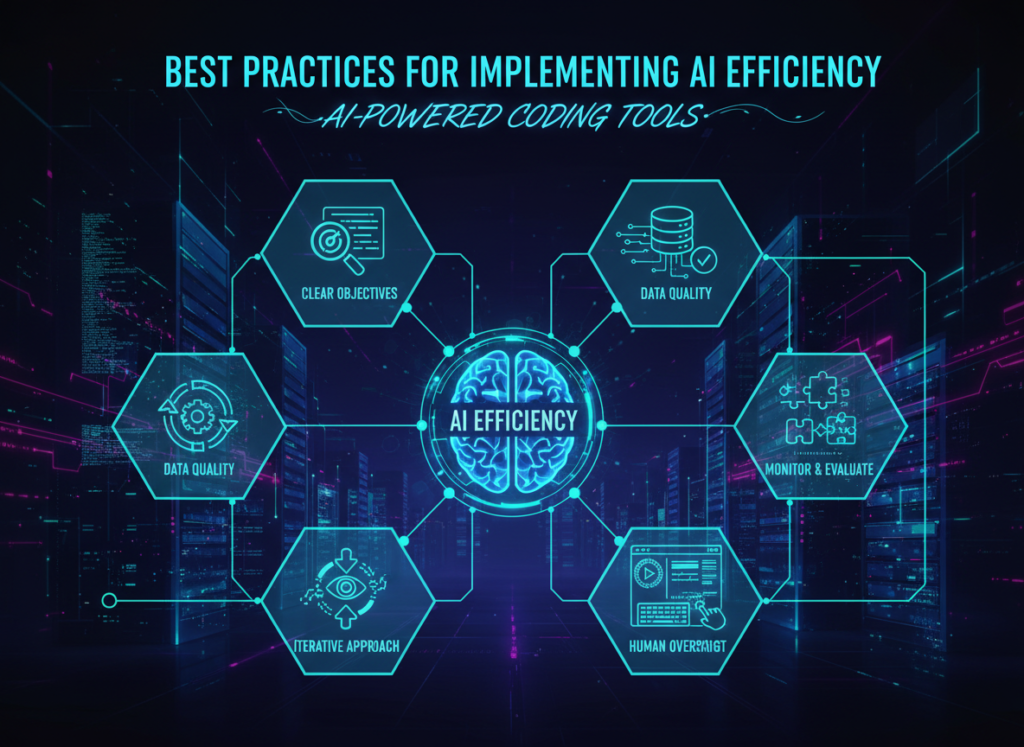
Successfully implementing AI efficiency in your development workflow requires starting with constrained use cases, maintaining your oversight role, avoiding tool sprawl, and tracking concrete outcomes — not just vague productivity feelings.
1. Start With One Repeatable Task
The most common mistake developers make with AI tooling is trying to integrate it everywhere at once. The result is inconsistent outputs, second-guessing every result, and eventually abandoning the tool because it “didn’t work.” A better approach: identify the single most repetitive coding task you perform each week — CRUD scaffolding, API integration boilerplate, test case generation — and commit to routing only that task through Replit AI for two weeks. Master the prompting pattern, evaluate the output quality, and build trust before expanding.
2. Stay in the Loop — Don’t Fully Delegate Logic
AI-generated code is a starting point, not a finished product. The most effective developers using AI coding assistants treat the output as a highly competent first draft that requires their review, not as production-ready code. This is especially important for internal tools where security and data integrity matter. Read the generated code. Understand it. Adjust it. The AI reduces the time to first draft dramatically — your job is to get it from good to right.
Limitations and Considerations

AI efficiency tools work exceptionally well for repetitive, pattern-based coding tasks — but they have real limits in areas requiring nuanced judgment, legal precision, or context that exists only in your head.
Where Replit AI (and AI coding tools generally) fall short:
Complex, Novel Architecture Decisions. AI is excellent at implementing established patterns. It’s weak at designing genuinely novel system architectures where no training precedent exists. For greenfield product architecture decisions — especially ones with significant long-term consequences — human judgment remains essential. Use AI for execution, not for the foundational design choices that will shape your product for years.
Security-Critical Code Without Review. AI-generated code for authentication systems, payment processing, or data handling can contain subtle vulnerabilities — not from malice but from the model’s tendency to produce plausible-looking code that may miss edge cases. Any security-critical component demands thorough human review, ideally from a developer with specific security expertise.
Sensitive Client Data Contexts. Pasting client database schemas, personal information, or proprietary business logic into AI tools raises legitimate privacy concerns. Review the data retention and usage policies of any AI tool you use in your development workflow, and establish clear policies for what context you share with AI systems.
Key Risks to Manage:
- Hallucination: AI tools confidently generate incorrect code. Test everything before deploying.
- Over-Reliance and Skill Atrophy: Developers who stop writing any code from scratch may find their fundamental skills degrading. Maintain deliberate practice in core areas.
- Context Limitations: Very large codebases may exceed what the AI can effectively reason about in a single session — requiring careful context management.
AI efficiency is a multiplier on good development practice, not a substitute for it.
Frequently Asked Questions

What is AI efficiency for small business developers? AI efficiency for small business developers means using AI coding assistants to automate the repetitive, low-judgment parts of the development workflow — boilerplate generation, debugging assistance, documentation, and configuration — so developers can focus their limited hours on architecture, product logic, and client relationships that require genuine expertise.
Can AI replace the development work entirely? No. Current AI coding tools dramatically reduce the time required for implementation tasks, but they require skilled human oversight for architecture decisions, security review, and quality assurance. The most accurate framing: AI handles the mechanical execution while developers focus on the judgment-intensive work. Solo developers who treat AI as a collaborator rather than a replacement consistently get better outcomes than those who try to fully delegate.
Do I need advanced technical skills to use Replit AI? Replit AI is designed to be accessible to developers across skill levels, including those who code as a secondary skill (designers, marketers, operators who’ve learned to script). That said, the quality of outputs improves meaningfully with development experience — not because the tool requires expertise to operate, but because experienced developers ask better questions, evaluate outputs more accurately, and know when to override the AI’s suggestions. Basic coding literacy makes you a significantly more effective AI-assisted developer.
Conclusion
For US-based indie developers and solo founders, the core value proposition of Replit AI as an ai coding assistant for small business developers comes down to one number: hours. Hours spent on boilerplate instead of architecture. Hours spent on environment setup instead of feature development. Hours spent rebuilding context instead of solving problems.
Replit AI doesn’t make development effortless. What it does is compress the mechanical, repetitive, and overhead-heavy portions of the workflow — so that a developer working alone can produce output that previously required a team.
The personas in this article — Jessica, David, Priya, Alex — aren’t hypothetical. They represent the lived reality of solo builders in 2026 who’ve discovered that AI-assisted development isn’t about replacing human judgment. It’s about applying human judgment to a much smaller surface area of the work. The rest gets handled.
Phased adoption is the right approach. Start with one workflow this week: let Replit AI scaffold your next internal tool. Measure the hours. Then decide where to expand.
The ROI math for US freelancers and founders billing $75–150/hour is straightforward: reclaim 150–250 hours annually, and you’ve recovered $11,250–37,500 in capacity. Against a modest tool investment, the question isn’t “Should I use AI for efficiency?” It’s “Can I afford not to?”
Leave a Reply