FaceSwapper and Picsart solve very different problems — and picking the wrong one for ai face swap and photo editing work costs you time, money, and results.
If you’re a content creator, marketer, or small business owner who needs fast, convincing face swaps with minimal setup, FaceSwapper is likely your best choice right now. It does one thing extremely well, and it does it quickly.
If you’re a social media manager, designer, or entrepreneur who needs a full creative toolkit — photo editing, background removal, collages, AI image generation, text effects, and yes, occasional face swapping — Picsart pulls ahead. The breadth of its feature set makes it the more versatile platform for ongoing creative work.
Neither is ideal if:
- You need batch processing at enterprise scale
- You require legally certified identity verification or deepfake detection tools
- You’re managing brand compliance across a regulated industry
A few honest caveats worth stating up front: neither tool guarantees perfect results on every photo. Lighting, resolution, and face angle all affect output quality. Both require human judgment before any image goes live. And for anyone building a professional brand: always disclose AI-generated or manipulated imagery where platform rules or laws require it.
Your choice here depends more on your workflow breadth than on raw face-swap quality.
Why This Comparison Matters in 2026
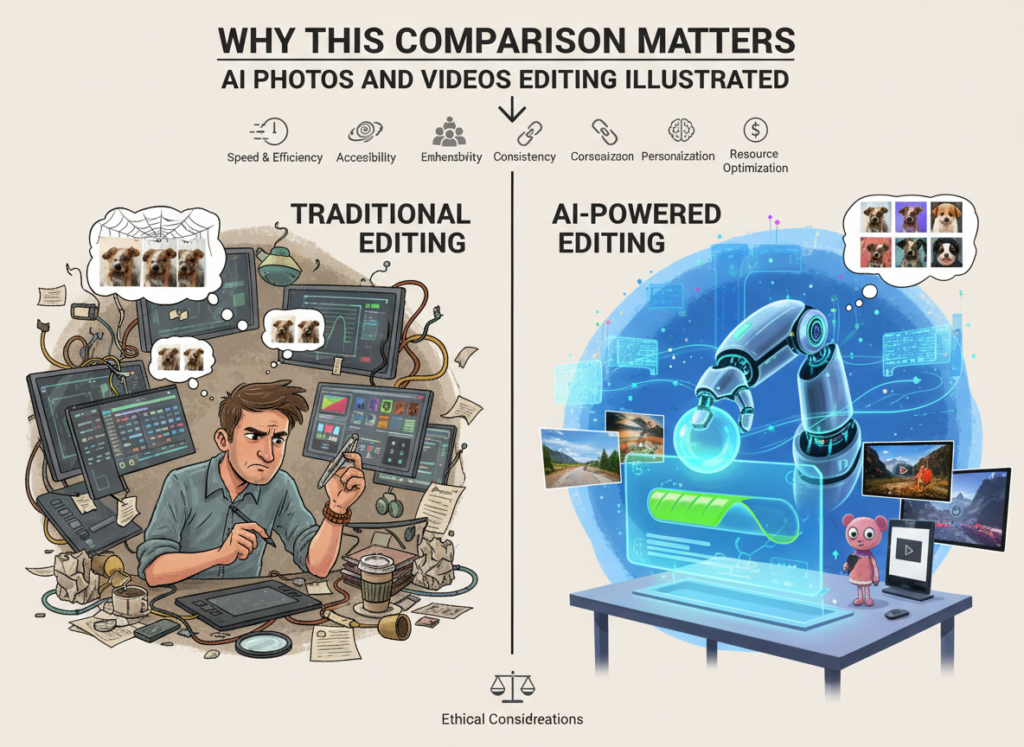
In 2026, there are dozens of AI photo editing and face-swap tools competing for your attention — and most comparisons you’ll find online focus on feature checklists rather than actual business outcomes. That’s a problem when you’re trying to make a real decision about where to invest your time and money.
The faceswapper vs picsart for ai photo editing question isn’t really about which app has more filters. It’s about which tool fits inside your actual workflow, matches your team’s skill level, and delivers results without creating more problems than it solves.
This matters especially in 2026 because AI-generated imagery is increasingly scrutinized. Platforms like Instagram, TikTok, and LinkedIn have updated their content policies around synthetic media. US consumers are growing more skeptical of visuals that look “off.” The stakes for choosing the right tool are higher than they were even two years ago.
Most tool comparisons miss three critical questions: How long does it take to get your first usable output? What happens when the tool fails — and how hard is it to recover? And what does the tool cost relative to the time it actually saves?
This comparison answers all three. The goal isn’t to declare a universal winner in the best ai photo editor 2026 race — it’s to help you identify which tool fits your specific situation based on what you’re actually trying to accomplish.
Whether you’re producing content for clients, building marketing assets for your own brand, or experimenting with AI image editing software for the first time, the tool that saves someone else 10 hours a week might cost you 10 hours of frustration. Context is everything.
Who This Comparison Is Best For
This comparison is written for people who create visual content as part of running or growing a business — not professional photographers debating which RAW editor to invest in, and not enterprise teams with dedicated creative departments. The scenarios below reflect the most common situations where FaceSwapper vs Picsart becomes a real decision.
Situation 1: Solo Content Creator or Influencer
You produce content regularly — YouTube thumbnails, Instagram posts, TikTok videos, blog graphics — and you’re doing it mostly alone. You don’t have time to learn complex editing software, but you need output that looks polished enough to represent your brand.
Your pain point is speed. You need to go from idea to publishable image in under 15 minutes. You probably use an online face swap app to drop your likeness into creative scenarios, promotional templates, or seasonal content. The challenge is that results vary widely by tool, and a bad face swap can actually hurt your credibility.
Common mistake in this situation: choosing a tool based on a viral demo video, only to discover the tool struggles with your specific use case (non-frontal angles, glasses, unusual lighting).
Situation 2: E-Commerce Business Owner
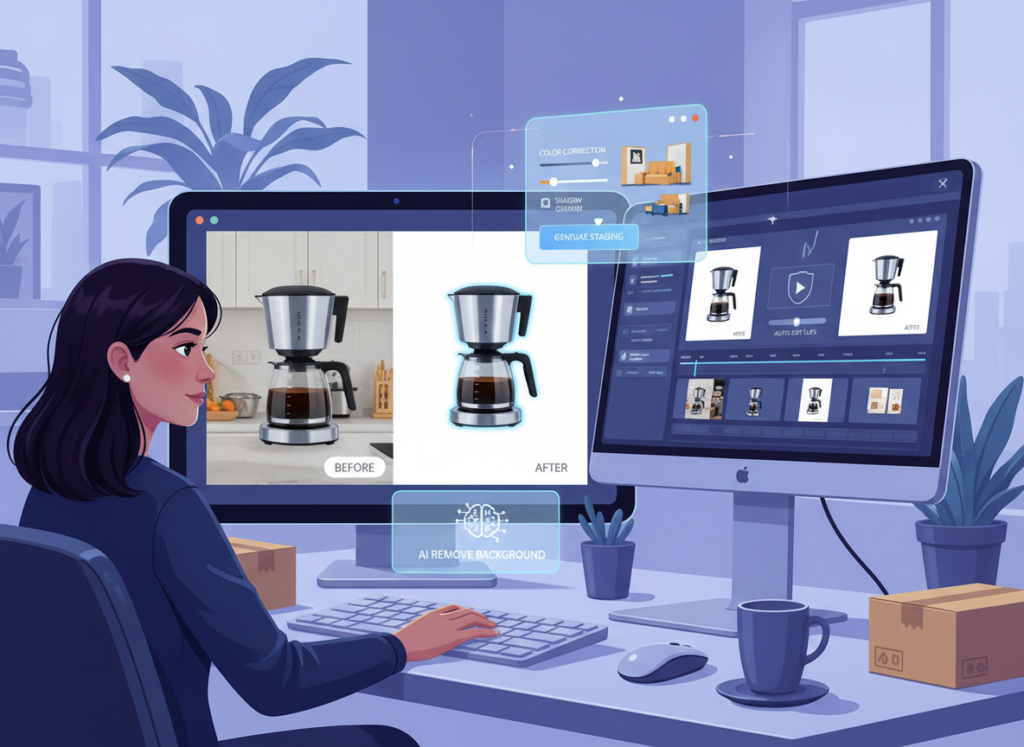
You sell physical products and need lifestyle imagery without the cost of a professional photo shoot. AI face and figure swapping lets you place models in your product shots, personalize campaign visuals, or localize creative for different demographics.
Your pain point is cost. A single professional photo shoot can run $2,000–$8,000 in the US market. AI photo editing for creators offers a significant cost reduction — but only if the output looks credible enough to run in ads.
Common mistake: expecting AI-generated lifestyle imagery to pass unnoticed in paid ad campaigns without any human review or post-processing.
Situation 3: Social Media Manager at a Small Brand
You post daily across multiple platforms and constantly need fresh, on-brand visuals. You’re not a designer, but you’re expected to produce designer-quality output. You need tools that are fast, reliable, and don’t require a steep learning curve.
Common mistake: treating ai photo editing for creators as a set-and-forget solution, then getting surprised when outputs require heavy manual correction.
Who this comparison is NOT for:
This article won’t help enterprise creative teams with professional designers and dedicated tooling budgets, professional photographers evaluating Lightroom alternatives, or businesses in regulated industries (healthcare, legal, finance) where image manipulation creates liability.
A practical example: Marcus runs a 4-person e-commerce brand in Denver selling outdoor gear. He needs lifestyle photos showing people using his products but can’t afford recurring model shoots. He spends roughly 6 hours a week sourcing, editing, and formatting product images. An AI photo editing solution could cut that to 90 minutes — but only if he picks a tool that handles clothing, outdoor settings, and varied skin tones consistently.
Why Each AI Fits Different Needs
FaceSwapper: Strengths and Best-Fit Scenarios
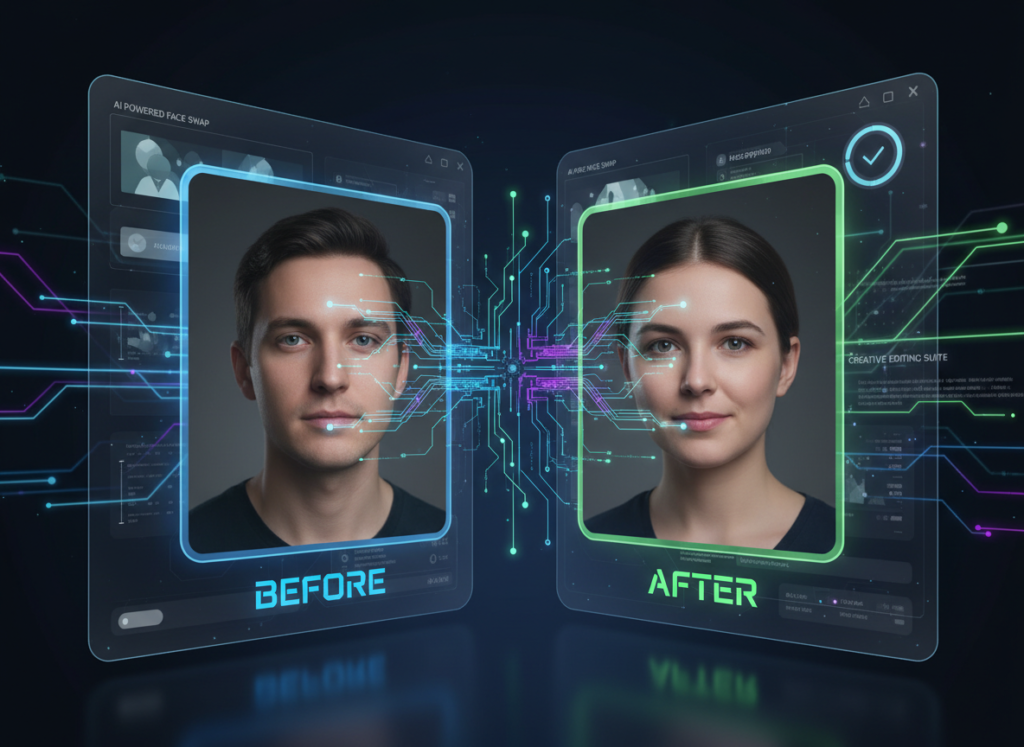
FaceSwapper is purpose-built for one task: swapping faces in photos and videos with speed and a relatively low barrier to entry. That specialization is both its greatest strength and its most significant limitation.
Focused Output Quality
When it comes to ai face swap tool performance specifically, FaceSwapper delivers consistent results for standard use cases — frontal or near-frontal faces, good lighting, reasonably high-resolution source images. The tool doesn’t try to do ten things at once, which means the face-swap engine has been optimized more deeply than what you’d find in an all-in-one editor. If your primary need is convincing face swaps and nothing else, explore FaceSwapper in detail to see how it benchmarks against your specific use case.
Speed to First Output
Most users report getting a usable face-swap result within 60–90 seconds of uploading their images. There’s minimal configuration required — upload source face, upload target image, generate. For creators who work at high volume, this speed compounds quickly across a week’s worth of content.
Integration and Workflow
FaceSwapper works primarily as a standalone web tool. You bring in images, export outputs, and take them into whatever editing environment you prefer for finishing. The workflow is essentially: generate swap ? download ? finish in another tool. For creators who already have a photo editing workflow, this fits in cleanly without disrupting it. See our full FaceSwapper review for a closer look at how it handles edge cases and more challenging input images.
Picsart: Strengths and Best-Fit Scenarios
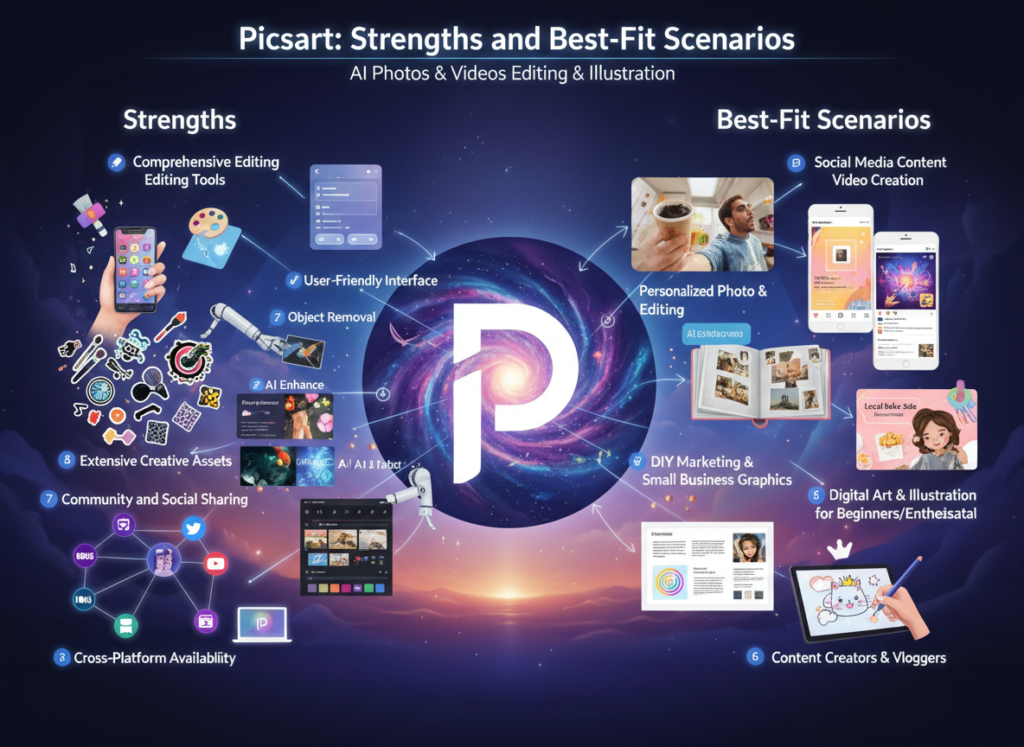
Picsart has evolved from a mobile photo editing app into a comprehensive AI-powered creative platform. It includes face swapping as one feature among dozens — and that broader context changes how you should think about it. Explore Picsart in detail to see the full scope of its current feature set.
Breadth of Creative Capability
Picsart combines AI background removal, generative AI image creation, face tools, photo editing, video editing, collage making, text effects, and template libraries in a single environment. For a small marketing team or freelancer who needs all of these capabilities, the consolidation alone creates significant workflow efficiency. As noted in this comparison of alternatives, Picsart consistently ranks high for overall creative versatility among non-professional designers.
Face Swap as Part of a Larger Workflow
Where FaceSwapper isolates the swap, Picsart lets you swap a face and immediately apply color grading, add text, resize for platform specs, and export — all without leaving the app. For social media managers and content creators who need end-to-end asset production, this matters. See our full Picsart review for a breakdown of how the AI tools within the platform interact.
Limitations Worth Knowing
Picsart’s face-swap feature, while solid, is not as specialized as FaceSwapper’s. For edge cases — tricky angles, complex hair, specific lighting conditions — Picsart’s face swap results can be less reliable. According to this independent review, dedicated face-swap tools tend to outperform all-in-one platforms specifically on swap fidelity. Additionally, Picsart’s pricing scales up quickly if you need team access or premium AI features.
Comparative Summary
FaceSwapper wins on face-swap quality and simplicity for creators whose primary need is high-volume, fast swaps. Picsart wins on total workflow value for creators who need a complete creative environment and don’t want to manage multiple tool subscriptions. Your choice depends on whether you need depth in one task or breadth across many.
Who Should Choose Another AI Entirely
Both FaceSwapper and Picsart are strong tools in their respective lanes. But there are situations where neither is the right answer — and it’s worth being direct about that.
Need 1: High-Volume Batch Processing
If you need to process hundreds or thousands of images at scale — say, personalizing product photos across an entire catalog — both tools will slow you down. FaceSwapper handles images one or a few at a time; Picsart is better but still not built for enterprise-level batch pipelines. Better alternatives here include dedicated automation platforms with API access to specialized AI models, or enterprise image editing workflows built on tools like Adobe’s Firefly API or similar.
Need 2: Video Face Swapping at Scale
FaceSwapper has some video capability, and Picsart handles short video edits, but neither is designed for sustained video face-swap work — particularly for content longer than a few seconds or requiring frame-by-frame consistency. If video is your primary medium, purpose-built video AI tools will deliver significantly better results.
Need 3: Identity Verification or Compliance-Sensitive Workflows
If your business involves identity documentation, legal filings, or any regulated communication where image authenticity matters, neither of these tools is appropriate. AI-modified imagery carries legal and compliance risk in these contexts regardless of how convincing the output looks. Use certified, audited identity verification platforms instead.
Honest bottom line: FaceSwapper and Picsart are genuinely excellent for content creators, small businesses, and marketing teams producing digital-first visual content at moderate volume. They’re not the right fit for enterprise scale, video-first workflows, compliance-sensitive environments, or professional photography standards. Knowing where the edges are is part of making a smart tool decision.
Use Cases by Business Goal
Productivity: Streamlining Content Creation Workflows
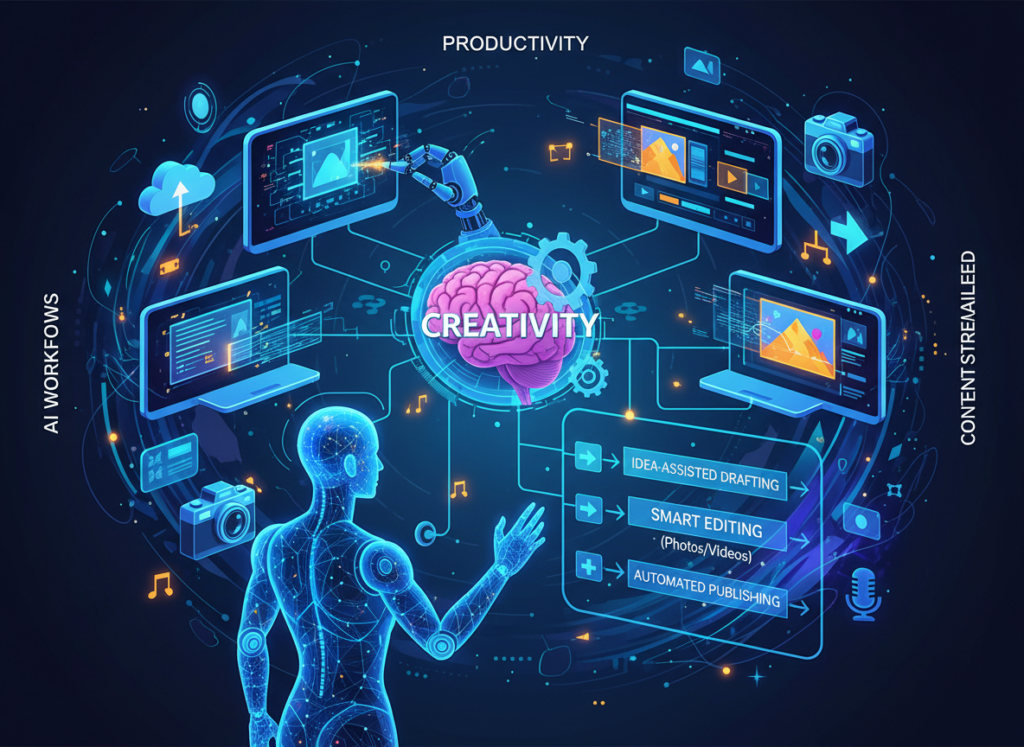
Use Case: Content creator needs to produce personalized promotional images weekly
A solo creator produces 15–20 pieces of visual content per week — branded posts, thumbnails, promotional graphics. Manually compositing personalized imagery takes 4–5 hours weekly. The goal: cut that to under 90 minutes.
FaceSwapper Approach: Upload source face images, batch through a set of template backgrounds or product shots, download outputs, and bring into a finishing tool for text and branding. Speed is the main advantage here. Initial setup takes about an hour; ongoing weekly production runs around 60–75 minutes once you have a template library established.
Limitation: Every output needs to go through at least one other tool for final finishing. The workflow has a seam in it.
Picsart Approach: Use Picsart’s AI tools to handle the face swap, then immediately apply branding, text, and platform-specific resizing inside the same environment. The end-to-end workflow is seamless, though the individual face-swap step may require more manual adjustment for tricky inputs.
Limitation: Picsart’s learning curve means the first week of adoption is slower than FaceSwapper.
Decision Criteria: Choose FaceSwapper if you already have a finishing workflow and want the fastest possible face-swap step. Choose Picsart if you want to consolidate your entire content production process into one tool.
For more ways to eliminate repetitive creative tasks and reclaim time, discover AI efficiency strategies.
Revenue & Marketing: Building Campaign Assets Without a Photo Shoot
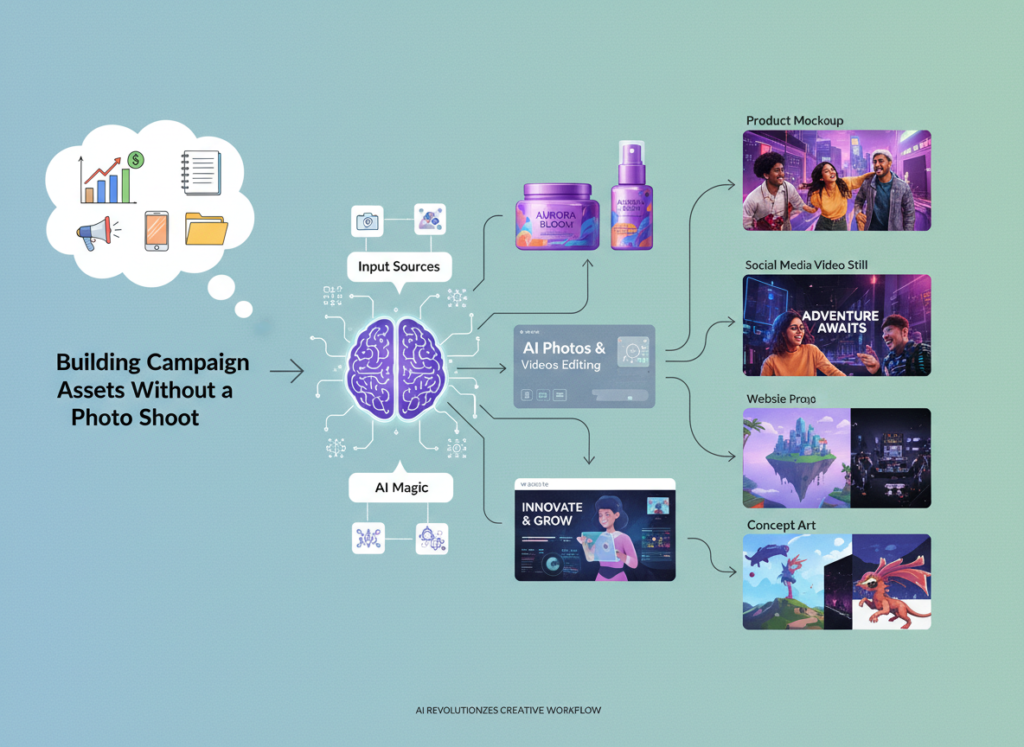
Use Case: E-commerce brand needs lifestyle imagery for paid ad campaigns
An online retailer sells 40 SKUs and needs fresh lifestyle imagery for seasonal campaigns. Professional shoots are cost-prohibitive at this volume. AI photo editing for creators offers a path to campaign-quality visuals at a fraction of the cost — if the output is convincing enough to perform in ads.
FaceSwapper Approach: Generate personalized model imagery by swapping faces onto stock lifestyle photos or AI-generated backgrounds. For simple product-in-use scenarios, this works well. The limitation is that FaceSwapper handles faces, not full-body compositing or clothing rendering — you’ll need additional tools for complete lifestyle scenes.
Business Impact: Estimated savings of $1,500–$4,000 per campaign vs. professional photography, assuming 80% of outputs are usable after review.
Picsart Approach: Use Picsart’s AI background generation, object removal, and face tools together to build more complete lifestyle imagery. The integrated workflow allows for more creative control over the final look and feel. As noted in this overview of Picsart alternatives, Picsart’s AI generation tools have matured significantly, making it more competitive for full-scene creation.
Business Impact: Higher creative flexibility, slightly lower per-image speed, but significantly reduced post-processing time due to the all-in-one workflow.
Decision Criteria: Choose FaceSwapper if your campaigns need high-volume personalized headshots or face-specific assets. Choose Picsart if you need end-to-end creative production — from scene generation to final export — without switching platforms.
To explore how AI-powered creative tools can directly support revenue growth, check out AI revenue growth tactics for actionable strategies.
Systemization & Workflows: Building a Scalable Visual Content Operation
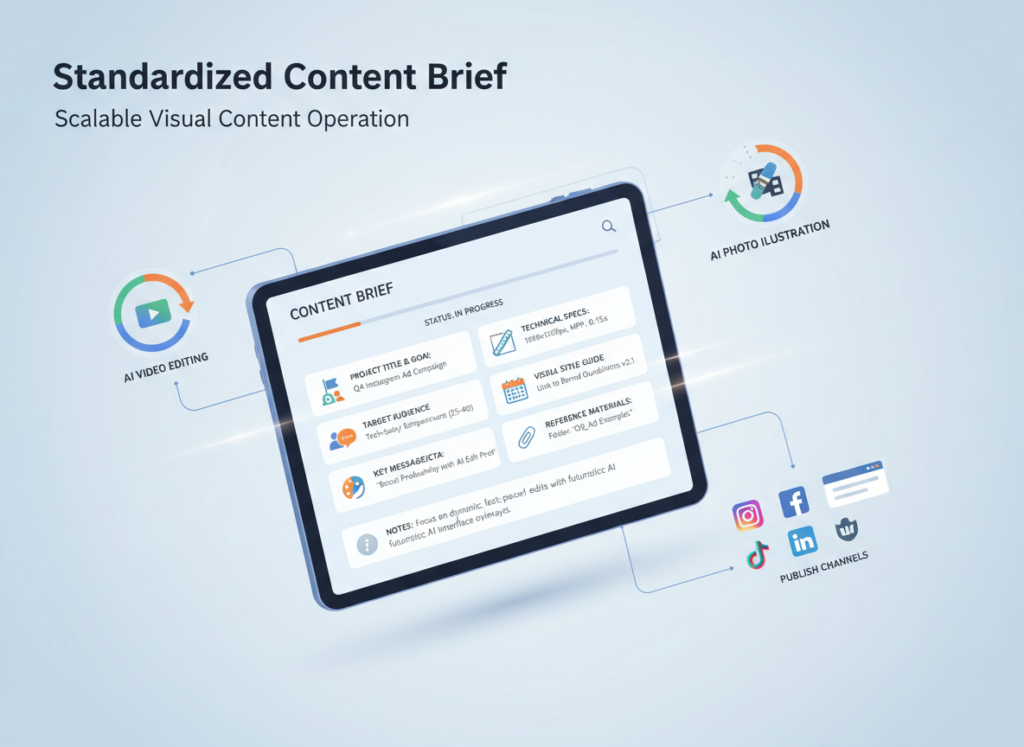
Use Case: Small agency needs a repeatable visual content workflow for 5+ clients
A 3-person marketing agency manages content creation for multiple clients with different brand guidelines, content calendars, and visual requirements. They need a workflow that’s repeatable, trainable for a new team member, and consistent in output quality.
FaceSwapper Approach: Works well as a dedicated step in a larger workflow — a specialized tool that does one thing reliably. Agencies can build standard operating procedures (SOPs) around FaceSwapper for specific use cases (event promotions, personalized client content, seasonal campaigns). Learn more about FaceSwapper and whether it supports the API access or bulk features your workflow needs.
Long-Term Consideration: Easier to train new team members on a single-purpose tool. Lower cognitive load per task.
Picsart Approach: Better suited as a central creative hub for a small team. Picsart’s team and business plans allow shared brand kits, template libraries, and consistent style guidelines across team members. Learn more about Picsart to understand how its collaboration features compare to your current workflow stack.
Long-Term Consideration: More to learn upfront, but a unified platform reduces tool sprawl and the associated subscription costs over time.
Decision Criteria: Choose FaceSwapper if you need a reliable, fast specialist tool slotted into an existing workflow. Choose Picsart if you’re building or rebuilding your agency’s entire visual content stack and want a single platform investment.
For comprehensive workflow systemization strategies that help small teams scale, explore Solo DX workflows for proven frameworks.
Side-by-Side Comparison Table
| Comparison Axis | FaceSwapper | Picsart |
|---|---|---|
| Primary Function | Dedicated AI face swapping | Full-suite AI photo and video editor |
| Ease of Use | Very simple; minimal interface | Moderate; richer but more complex UI |
| Best For | High-volume face swaps, standalone use | End-to-end creative content production |
| Speed to First Output | 60–90 seconds | 2–5 minutes (more setup, more output) |
| Face Swap Quality | High for frontal faces; drops with angle/occlusion | Good; less specialized, more variable |
| Editing Environment | None built-in | Full editing suite included |
| Mobile App | Limited / web-focused | Strong dedicated mobile app |
| Video Support | Basic | Moderate short-form video editing |
| Template Library | Minimal | Extensive |
| AI Generation Features | Face-focused | Broad: backgrounds, objects, text, more |
| Team Collaboration | Not designed for it | Available on business plans |
| Pricing (US Market) | Subscription tiers; free trial available | Free tier; paid plans from ~$5–14/month |
| Best Use Cases | Content creators, personalization at volume | Agencies, social media managers, all-in-one creators |
| Main Limitation | No built-in editing; video struggles | Face swap less specialized than dedicated tools |
After-Table Explanation
The right choice between these two tools shifts significantly depending on where you are in your business.
Early-Stage / Just Starting Out (0–6 months using AI tools): Prioritize simplicity and speed. FaceSwapper’s lower learning curve means you’ll get value in your first session rather than spending days configuring a platform. For face-swap-specific needs, that speed-to-value advantage is real.
Growth Stage / Building a Content Engine (6–18 months): At this stage, workflow consolidation starts to pay dividends. If you’re producing content across multiple formats and clients, Picsart’s all-in-one environment reduces the friction of multi-tool juggling. The higher upfront investment in learning the platform pays back over time.
Established / Optimizing at Scale (18+ months): Many experienced creators use both strategically — FaceSwapper for fast, high-volume face-swap tasks; Picsart as the primary creative environment for everything else. This hybrid approach costs more per month but eliminates the main weakness of each tool individually.
Cost Reality Check (US Market): Both tools offer meaningful free tiers, and paid plans are in the $5–20/month range. At $50/hour for a freelance designer’s time, either tool pays for itself if it saves you more than 30 minutes per month — which it will, consistently.
How to Choose the Right AI for Your Business
Checkpoint 1: What percentage of your editing work is face swapping specifically?
If face swapping represents 70%+ of your editing needs, FaceSwapper’s specialization delivers better output quality and faster results. If face swapping is one of many editing tasks you perform, Picsart’s breadth makes more sense economically.
Checkpoint 2: Do you need a mobile workflow?

If you create content primarily on your phone or tablet, Picsart’s mobile app is a significant advantage. FaceSwapper is built around a desktop web experience.
Checkpoint 3: How many tools are currently in your creative stack?
If you’re already paying for 3+ separate editing, background removal, and design tools, Picsart could consolidate your costs. If you have a lean, functional stack and just need to add face-swap capability, FaceSwapper fits more cleanly.
Common Mistakes to Avoid:
Mistake 1: Choosing based on demo quality, not your specific inputs. Every AI tool looks impressive on ideal demo images. Test both tools with your actual photos — your typical angles, lighting, resolution, and subjects — before committing.
Mistake 2: Underestimating the cost of tool-switching friction. Every export-import between tools takes time. If your workflow requires three tool changes per image, the per-image time cost adds up faster than the subscription price.
Mistake 3: Treating either tool as production-ready without human review. AI photo editing tools produce outputs that require human judgment before going live. Build review time into your workflow calculations, not just generation time.
For advanced automation strategies that connect AI creative tools into seamless, scalable workflows, explore our AI workflow guides.
Frequently Asked Questions
Is FaceSwapper better than Picsart for face swapping specifically?
For face swapping as a standalone task, FaceSwapper generally delivers more consistent results — particularly for high-volume work or challenging inputs like partial occlusion and non-standard lighting. Picsart’s face swap is capable but less specialized. If face swapping is your primary use case and quality consistency matters, FaceSwapper has the edge. If face swapping is one of many editing tasks, Picsart’s integrated environment often produces better overall outcomes despite slightly less face-swap fidelity.
Can I use either tool for commercial or advertising content?
Both tools can be used to produce commercial imagery, but you are responsible for ensuring compliance with platform advertising policies, model release requirements, and any applicable disclosure rules. In the US, FTC guidelines increasingly apply to AI-generated imagery used in marketing. Always review the terms of service for each tool and consult a legal professional if your use case involves sensitive or regulated applications.
How much time can AI photo editing realistically save per week?
For creators producing 10–30 pieces of visual content per week, realistic time savings with AI photo editing tools range from 2–6 hours per week depending on content complexity. Tasks like background removal, resizing, and face swapping that previously required manual editing compress significantly. However, time savings scale with volume — creators producing only 2–3 pieces per week may see modest gains that don’t justify the learning investment for a new tool. Calculate your actual content volume before setting expectations.
Leave a Reply