
The best ai copywriting tools for small business don’t just write faster — they give solo entrepreneurs hours back every single week.
In 2026, American freelancers and solo entrepreneurs face a paradox: they’re busier than ever, yet their most valuable asset — focused, creative thinking — is constantly interrupted by low-value busywork.
Inbox at 200 unread. Calendar packed. To-do list endless.
You started your business to do meaningful work. Instead, you spend your best hours writing the same promotional emails, drafting product descriptions from scratch, and staring at a blank social media calendar every Monday morning. The content never stops demanding more of you.
This is the hidden tax on solo entrepreneurship. And for US freelancers billing between $50 and $150 per hour, the math is brutal: every hour you spend on routine marketing copy is $50 to $150 you didn’t earn. Spend just five hours a week on repetitive writing tasks and you’re leaving $13,000 to $39,000 on the table every single year.
Copy.ai is built specifically to solve this problem. Not as a tool that replaces your voice or your strategy, but as a thinking partner that handles the mechanical side of marketing content — the first drafts, the variations, the reformatting, the ideation when your brain is empty at 4 PM.
This isn’t a feature list. This is a practical efficiency guide with four specific workflows you can implement this week, each designed to save two to five hours of writing time. By the time you finish reading, you’ll know exactly which parts of your marketing content process to hand off to AI — and how to do it in a way that still sounds like you.
Key Concepts of AI Efficiency
AI efficiency for small businesses means strategically offloading repetitive cognitive tasks to AI so entrepreneurs can focus on high-value decision-making.
Before diving into Copy.ai’s specific capabilities, it’s worth understanding the three underlying mechanisms that make AI tools genuinely effective for solo business owners. Without this foundation, you risk using AI as a novelty rather than a workflow multiplier.
Concept 1: Cognitive Offloading

Cognitive offloading is the practice of externalizing mental work — transferring tasks that require active thinking from your brain to a system, tool, or environment. When you write a grocery list instead of memorizing it, you’re cognitively offloading. When you use Copy.ai to generate five email subject line variations instead of mentally generating them yourself, you’re doing the same thing at a business scale.
The reason this matters for freelancers isn’t just about speed. It’s about mental energy. Cognitive tasks deplete the same finite resource, whether they’re “important” tasks or routine ones. Writing your tenth product description of the day costs you just as much mental bandwidth as the first — but produces far less creative output.
Consider Sarah, a freelance brand designer in Portland, managing eight active clients. Before integrating AI copywriting into her workflow, she spent roughly 2.5 hours daily handling client communication drafts, proposal outlines, and social content for her own studio’s accounts. By offloading those drafts to Copy.ai and editing rather than writing from scratch, she reclaimed that time entirely. Same quality output. Half the mental effort.
For advanced cognitive offloading strategies and workflow templates, explore Copy.ai in detail.
Concept 2: Context Switching Cost
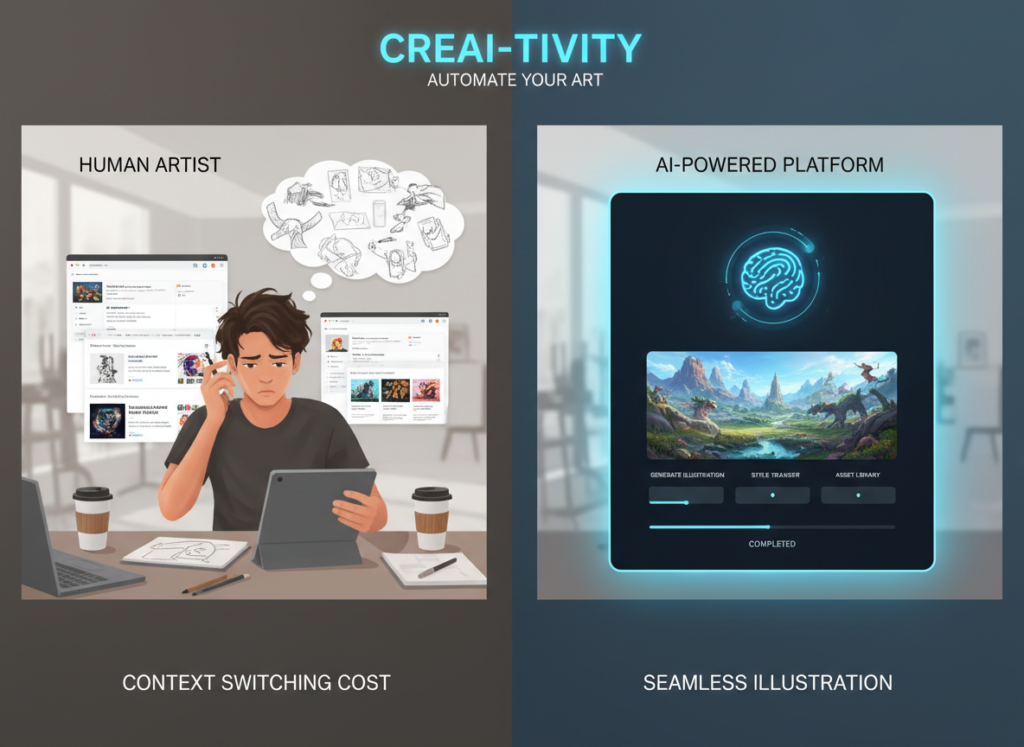
Research consistently shows that it takes an average of 23 minutes to fully regain focus after an interruption. For a solo entrepreneur handling client work, operations, and marketing simultaneously, context switching is the invisible productivity killer.
Every time you pause billable work to draft an email campaign, you don’t just lose the time spent writing — you lose the recovery time afterward. Five context switches in a day can cost you nearly two hours of productive capacity without you even realizing it.
Marcus, an independent management consultant in Chicago, found that batching his AI-assisted content creation into one 90-minute block every Monday eliminated the scattered writing interruptions he used to spread across the week. The result: five hours reclaimed weekly, simply by changing when and how he created content — with Copy.ai handling the first-draft heavy lifting so his Monday block stayed focused and efficient.
As this breakdown of AI marketing workflows illustrates, structured content batching combined with AI generation is one of the highest-ROI workflow changes small business owners can make.
Concept 3: Workflow Orchestration

The third concept shifts AI from individual task assistant to workflow conductor. This is where efficiency compounds.
Workflow orchestration means designing a content system where AI handles the connective tissue — the transitions between tasks, the reformatting of content for different channels, the generation of variations so you’re choosing rather than creating. Instead of writing a LinkedIn post, then rewriting it for email, then adapting it for your website, you create once and orchestrate the rest.
Elena, an e-commerce owner running a Shopify store in Denver, implemented a simple orchestration pattern: draft one piece of foundational product content with Copy.ai, then use the tool to spin off email copy, ad copy, and social captions from that single source. She saves four hours monthly just on content repurposing — time that now goes directly into product sourcing and customer service.
How Copy.ai Helps Efficiency
Copy.ai helps small businesses achieve efficiency through purpose-built marketing templates, workflow automation, multi-channel content generation, and an AI system trained specifically on high-converting copy.
Where general-purpose AI tools require you to prompt carefully to get marketing-ready output, Copy.ai is designed from the ground up for marketing content. That specialization matters when you’re running lean and don’t have time to engineer prompts from scratch every morning.
Feature 1: 90+ Marketing-Specific Workflows

Copy.ai’s Workflows feature is its most powerful efficiency driver. Instead of starting from a blank chat window, you select a pre-built workflow — “Email Sequence Generator,” “Product Description Creator,” “Ad Copy Variations” — and the system guides you through structured inputs to produce publish-ready content.
For US freelancers billing $75/hour, eliminating even one hour of weekly content setup time is worth $3,900 annually. Across a full year of consistent workflow use, most solopreneurs report saving between 40 and 60 hours on setup and ideation alone.
Annual time saved: ~45 hours = $3,375–$6,750 at US freelance rates
Feature 2: Multi-Channel Content Generation

One of the most time-consuming aspects of solo marketing is adapting the same core message for different platforms. Copy.ai’s multi-channel generation lets you input a core message or offer and receive variations formatted for email, LinkedIn, Instagram, Facebook Ads, and Google Ads simultaneously.
This eliminates the reformatting loop that consumes three to five hours weekly for many solo content creators.
Annual time saved: ~130 hours = $9,750–$19,500
Feature 3: Sales Copy and Email Automation
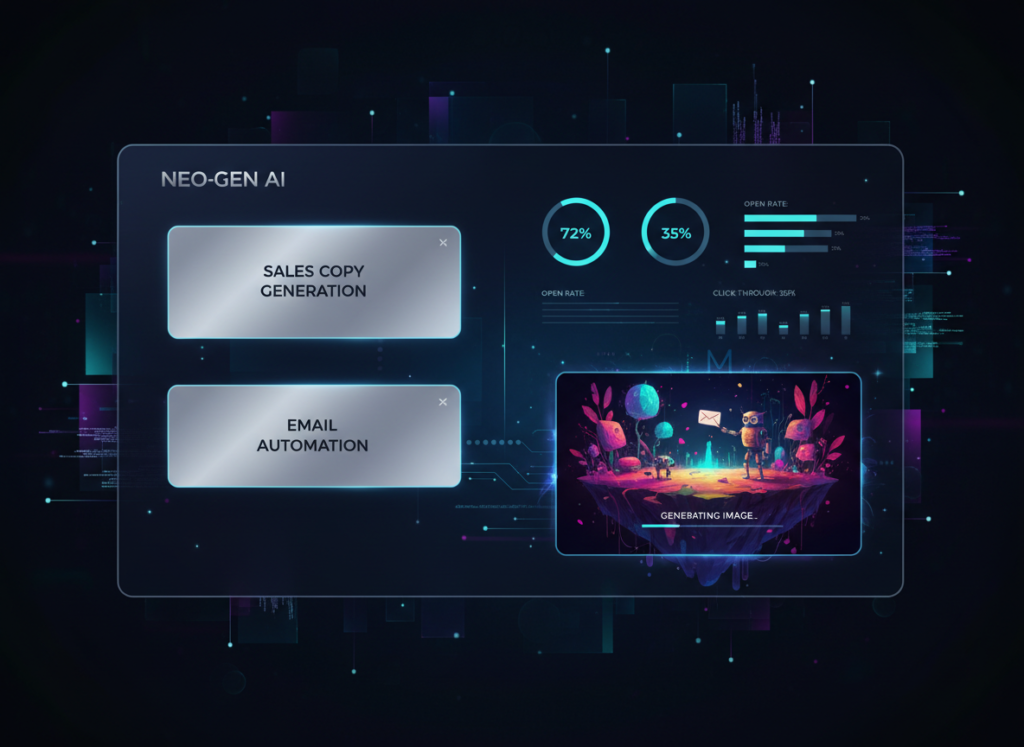
Copy.ai’s email and sales copy templates are built around proven conversion frameworks — AIDA, PAS, BAB — so you’re not just getting words, you’re getting structurally sound marketing copy. For freelancers and solopreneurs who lack formal copywriting training, this is the equivalent of having a conversion copywriter on staff without the retainer cost.
Annual time saved: ~60 hours = $4,500–$9,000
Combined ROI estimate: $23,625–$47,250 in recovered billable capacity on a ~$490/year Copy.ai subscription — roughly 48x to 96x return.
To see these features in action with detailed workflow examples, see our full Copy.ai review.
Ready to cut your content creation time in half? Try Copy.ai free and experience AI efficiency firsthand. Start Free | No credit card required
Use Cases: Small Business & Freelancer Efficiency
From creative freelancers to technical founders, AI efficiency transforms daily workflows by automating repetitive cognitive tasks and reducing decision overhead.
The following personas are composites based on common small business owner profiles in the US market. The time and revenue figures are estimates based on reported workflow improvements from AI marketing tool users.
Persona 1: Jessica, Freelance Brand Designer

The situation: Jessica runs a solo brand design studio serving eight to ten clients at any given time. Her work is visual and strategic, but she spends a significant chunk of every week on written deliverables: client proposals, project briefs, revision summaries, and her own studio’s marketing content.
Old workflow: 10 hours per week on written overhead — proposal drafting, client email threads, social content for her studio’s Instagram and LinkedIn, and project documentation. Writing wasn’t her core skill, so every piece took longer than it should have.
AI-enhanced workflow: Jessica uses Copy.ai to generate first drafts of all proposals using a custom template she built in the Workflows section. Client emails get drafted in Copy.ai and refined in 90 seconds. Her studio’s social content runs on a Monday batch session where she inputs her upcoming project themes and receives a week of captions in one sitting.
Results: 5 hours per week overhead ? $19,500 additional revenue potential at her $75/hour rate, reinvested into billable project time.
“I used to dread Monday mornings because of the content backlog. Now I knock it out before 10 AM and spend the rest of the day actually designing.”
Persona 2: David, Independent Management Consultant

The situation: David runs a boutique consulting practice focused on operational efficiency for mid-market companies. His clients pay for his thinking, but he was losing significant time every month to content marketing — thought leadership articles, LinkedIn posts, email newsletters, and proposal documents.
Old workflow: 22 hours per month on marketing content. Articles took three to four hours each. Newsletter drafts consumed an entire Sunday. LinkedIn was posted sporadically because finding the time felt impossible.
AI-enhanced workflow: David now inputs his core consulting frameworks and client insights into Copy.ai and receives structured article drafts he refines with his expertise. His newsletter runs on a two-hour monthly session instead of a full weekend. LinkedIn posts are generated in batches and scheduled two weeks in advance.
As this guide on getting started with AI content tools notes, consultants and knowledge workers see some of the highest per-hour ROI from AI content tools because their billing rate amplifies every hour reclaimed.
Results: 22 hours/month ? 11 hours/month ? $26,400 in additional consulting capacity annually at his $200/hour rate.
“My content actually got better when I started using AI. Not because the AI is smarter than me — because it gave me a cleaner first draft to react to instead of a blank page.”
Persona 3: Alex, Solo SaaS Developer

The situation: Alex is building a B2B SaaS product solo. He’s an engineer by training, and content marketing — blog posts, onboarding emails, landing page copy, LinkedIn outreach — is not his native language. But he knows he can’t afford to ignore it.
Old workflow: 9 hours per week on marketing content. Every piece took twice as long as it should because he was essentially learning copywriting on the fly. Landing page copy went through seven revisions. Email sequences sat in draft folders for weeks.
AI-enhanced workflow: Alex uses Copy.ai’s SaaS-specific templates for landing pages, email onboarding sequences, and feature announcement posts. He inputs his product specs and target user pain points, and Copy.ai structures the copy around proven conversion frameworks. He edits for technical accuracy rather than writing from scratch.
For persona-specific workflow templates and implementation guides, learn more about Copy.ai.
Results: 9 hours/week ? 2.5 hours/week ? 338 hours per year back into product development and user research.
“I shipped three features in the time I used to spend writing one blog post. That’s not an exaggeration.”
Streamline your workflow with smart automation Join 100,000+ freelancers and entrepreneurs using Copy.ai. Start Free Today
Best Practices for Implementing AI Efficiency
Successfully implementing AI efficiency requires starting small, maintaining human oversight, avoiding tool overload, and tracking concrete time savings.
1. Start Small: Pick One or Two Tasks

The biggest mistake solopreneurs make when adopting AI tools is trying to automate everything at once. The result is a chaotic setup phase that costs more time than it saves and leads to abandonment within two weeks.
Start with the single most time-consuming, lowest-creativity task in your marketing workflow. For most small business owners, that’s either email drafting or social media captions. Master that workflow before adding the next. You’ll build confidence in the tool’s output quality, develop editing instincts, and see concrete time savings quickly — which is the motivation to keep going.
2. Maintain a Human-in-the-Loop Approach

AI-generated copy should be a draft, not a final product. The efficiency gain comes from eliminating the blank-page problem and the structural thinking required to get words on paper — not from removing human judgment entirely.
Build a quick editing pass into every workflow. For most marketing content, this means a 5–10 minute review focused on accuracy, brand voice, and any factual claims. This human checkpoint protects your reputation and ensures the content actually sounds like you.
Limitations and Considerations
AI efficiency works best for repetitive cognitive tasks, but falls short in nuanced creativity, legal precision, and sensitive human interactions.
Honest adoption requires knowing where not to use AI just as clearly as where to use it.
Where AI Is NOT Ideal

High-stakes brand voice and creative positioning. If you’re writing a brand manifesto, a keynote speech, or a campaign that defines a market positioning shift, AI-generated drafts may constrain rather than expand your thinking. These tasks benefit from the kind of unstructured, generative human creativity that AI mimics but doesn’t replicate.
Legal, contractual, or compliance documents. Never rely on AI-generated content for contracts, terms of service, privacy policies, or any document with legal consequences. AI tools including Copy.ai can produce plausible-sounding but legally inaccurate language. Always use a qualified attorney.
Sensitive human communications. Client conflict resolution, difficult feedback conversations, crisis communications, and emotionally charged interactions require human judgment, empathy, and situational awareness that AI cannot reliably provide.
Key Risks to Manage

Hallucination. AI tools can generate confident-sounding false information. Always verify any factual claims, statistics, or product specifications in AI-generated copy before publishing.
Privacy. Avoid inputting sensitive client data, proprietary business information, or personal customer details into AI tools without reviewing the platform’s data handling policies.
Over-reliance and skill atrophy. If you stop writing entirely and rely solely on AI output, your own copywriting instincts will dull over time. Maintain direct writing practice for your most important communications. AI should augment your skills, not replace the development of them.
Streamline your workflow with smart automation Join 100,000+ freelancers and entrepreneurs using Copy.ai. Start Free Today
FAQs

What is AI efficiency for small business? AI efficiency for small business refers to the strategic use of AI tools to automate repetitive cognitive tasks — writing, formatting, ideating, repurposing — so that business owners can redirect their time and mental energy toward higher-value activities like client relationships, strategic decisions, and revenue-generating work.
Can AI replace admin work entirely? Not entirely, and you shouldn’t want it to. AI excels at handling the mechanical, repetitive aspects of admin and content work — first drafts, formatting, template-based generation — but human judgment is still required for reviewing, approving, and customizing output. The most effective approach treats AI as a drafting partner, not an autonomous publisher.
How do freelancers use AI to save time? Freelancers primarily use AI copywriting tools for small business tasks like client proposal drafting, email sequence writing, social media content batching, and marketing copy variations. The biggest time savings come from shifting from writing from scratch to editing AI-generated drafts, which typically cuts task time by 50–70%.
What’s the best AI tool for reducing workload? The best tool depends on your specific workflow, but for marketing content automation, Copy.ai is purpose-built for the use cases most relevant to freelancers and solopreneurs: email copy, ad copy, social content, product descriptions, and sales pages. Its template library and Workflows feature make it particularly efficient compared to general-purpose AI assistants.
Do I need technical skills to use AI for efficiency? No. Copy.ai and most AI marketing content tools are designed for non-technical users. If you can describe what you sell and who your customer is, you have everything you need to start generating useful marketing copy. The learning curve for basic workflows is typically under 30 minutes.
Conclusion

The evidence is clear: for US-based freelancers and solo entrepreneurs, ai copywriting tools for small business are no longer a nice-to-have. They’re the difference between a business that scales on your terms and one that scales only by stealing more hours from your day.
Copy.ai occupies a specific and valuable role in that shift. It’s not trying to run your marketing strategy or replace your expertise. It handles the mechanical, time-consuming work of getting words on a page — first drafts, variations, reformatting, ideation — so you can do the thinking that actually moves your business forward.
The adoption approach matters as much as the tool itself. Start with one workflow this week. Pick the marketing task that costs you the most time and the least creative energy. Run it through Copy.ai. Edit the output. Notice how much faster you got to “done.” Then build from there.
For US freelancers at $75–150/hour, the ROI math is straightforward. Reclaim even 10 hours per month through AI-assisted content creation and you’re looking at a 100x to 300x return on your annual subscription investment.
The question isn’t “Should I use AI for efficiency?” The question is: Can you afford not to?
Streamline your workflow with smart automation Join 100,000+ freelancers and entrepreneurs using Copy.ai. Start Free Today
Leave a Reply