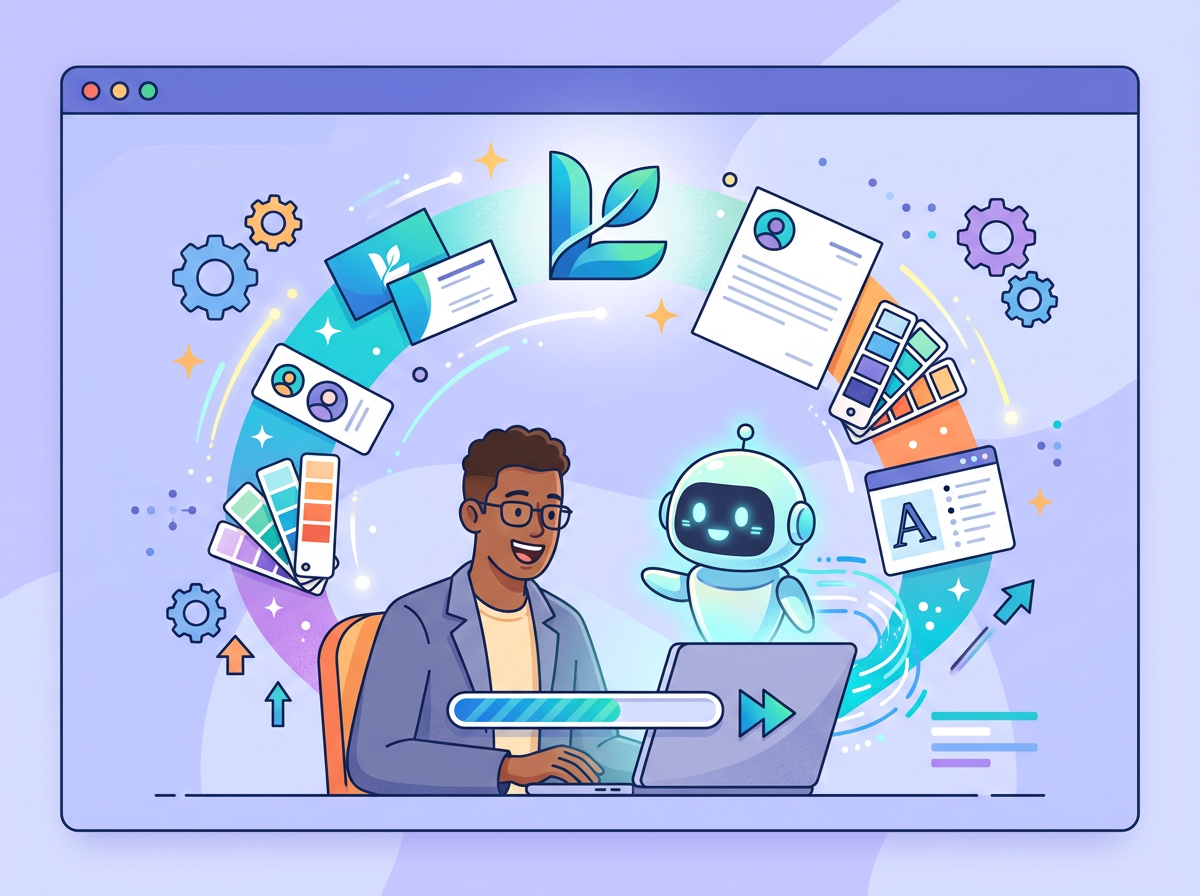
The best AI logo generator doesn’t just make a pretty mark — it hands you a complete brand identity in under 10 minutes, saving founders hundreds in design fees.
In 2026, American freelancers and solo entrepreneurs face a familiar paradox: inbox at 200 unread, calendar packed, and somewhere buried in the to-do list is the task that should have been done on day one — building a brand identity that looks professional.
The traditional path was brutal. Hire a designer on Upwork for $500–$1,500, wait two weeks for concepts, revise three rounds, then discover the final files don’t include a color palette, typography guide, or social media kit. For US-based founders billing $50–$150/hour, that process doesn’t just cost money — it costs focus and momentum you can’t recover.
Looka, the AI-powered logo and brand kit generator, reframes the equation. Instead of outsourcing your visual identity or spending hours in Canva, Looka compresses the branding workflow into a single guided session most users complete in under 30 minutes — logo, color palette, typography, brand guidelines, and a library of social assets included.
It’s built for the solo founder in Denver launching a consulting practice next month, the freelance photographer in Nashville whose brand doesn’t match the quality of her work, and the Shopify store owner in Miami still running on a free logo from 2022.
For US small business owners, the math is simple: a professional brand identity that used to cost $800 and three weeks now takes an afternoon and under $100. This guide breaks down four specific workflows to implement this week, each saving 2–8 hours of creative overhead.
Join 100,000+ founders and entrepreneurs who’ve built professional brands with Looka. Start Free Today
Key Concepts of AI Efficiency in Branding
AI efficiency for small businesses means strategically offloading repetitive cognitive tasks to AI so entrepreneurs can focus on high-value decision-making — and nowhere is this more overlooked than in the branding process.
Most small business owners don’t lack taste. They lack the vocabulary, the software skills, and the time to translate their instincts into a coherent visual identity. AI branding tools like Looka solve this by acting as a structured creative interface — asking the right questions, generating options based on your answers, and applying design principles automatically so you don’t have to know what kerning is to end up with a logo that uses it correctly.
Concept 1: Cognitive Offloading
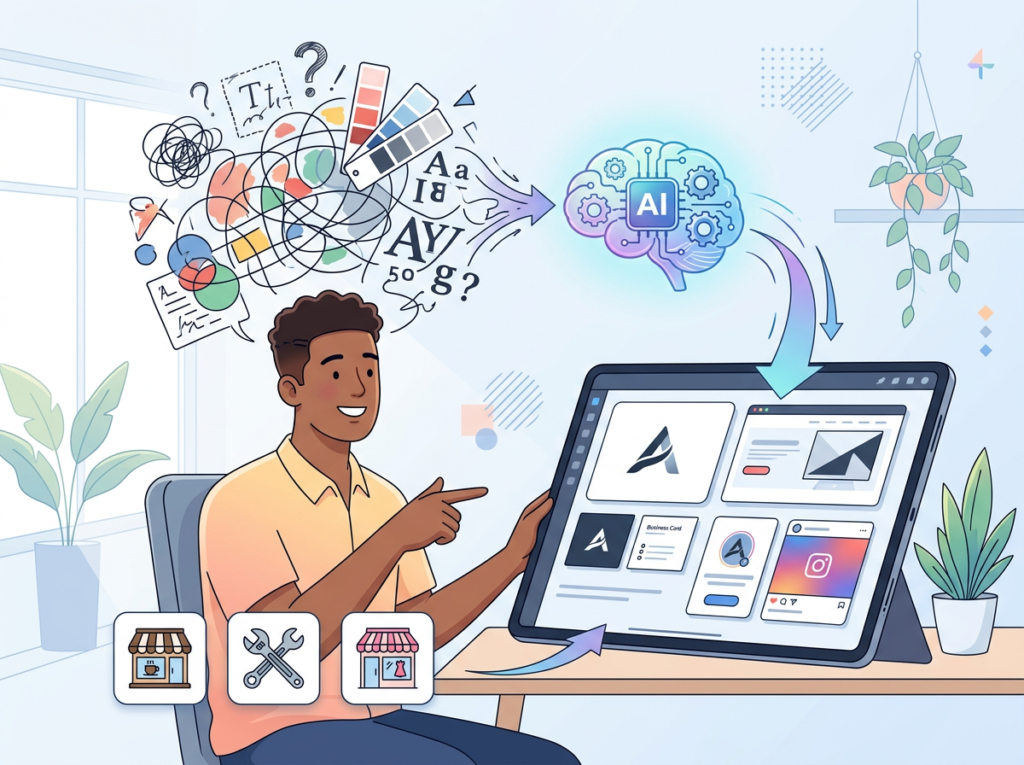
Cognitive offloading is the practice of delegating mental tasks — decisions, comparisons, formatting choices — to an external system so your brain stays available for judgment rather than execution. In branding, this is enormously valuable.
When Sarah, a freelance brand designer in Portland managing eight active clients, first tried to build her own brand, she spent 2.5 hours looking at competitor logos, color psychology articles, and typography pairing guides before she opened a single design tool. That’s cognitive overhead — research and decision fatigue before a single creative action.
With an AI logo generator, Sarah answers five structured questions: industry, style preferences, color direction, symbol preferences, and company name. The AI handles the cross-referencing and produces 40+ options. Sarah’s cognitive load drops to a single judgment task: which of these feels right? That shift alone saves her 2–3 hours every time she sets up branding for a new project or client — time she can redirect to billable work at $85/hour.
Concept 2: Context Switching Cost
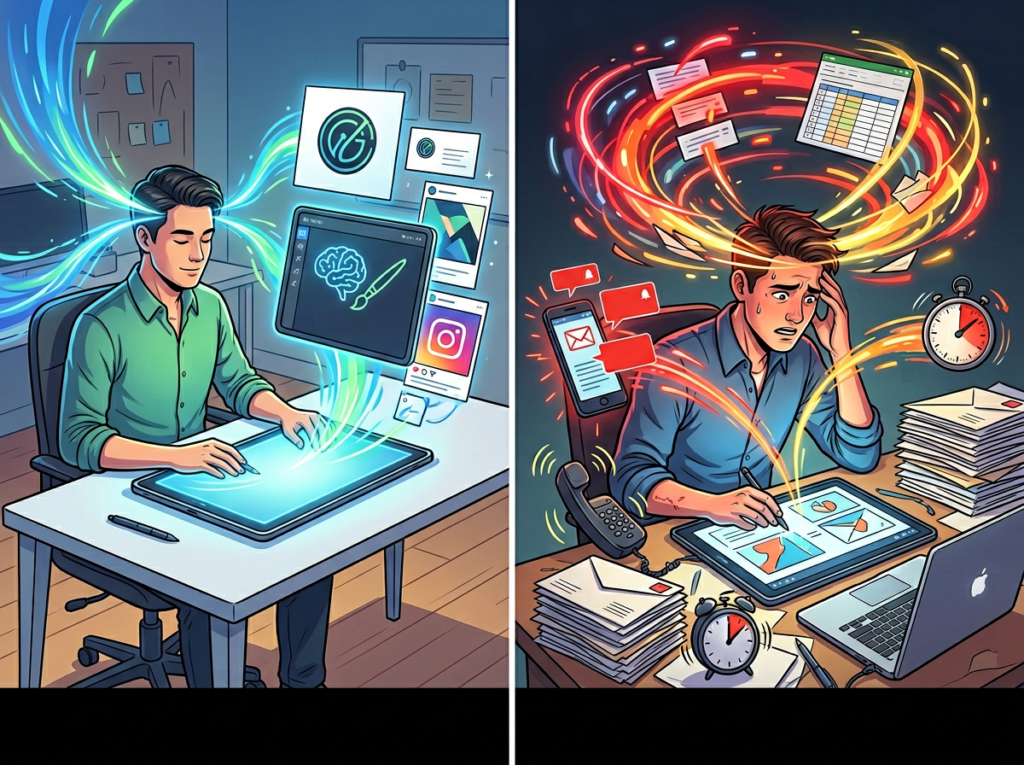
Research consistently finds that the average professional takes approximately 23 minutes to fully refocus after an interruption. For solo operators, branding tasks are a major source of context-switching because they require a completely different mental mode than client work or product development.
Marcus, a solo management consultant in Chicago, approached branding as a weekend project — which meant fragmenting his Saturdays across Google Fonts, Coolors, and Adobe Express without a clear workflow. Five hours of weekend time spent, a logo he wasn’t confident in, and a Monday morning lost rethinking brand decisions instead of preparing client deliverables.
AI branding tools front-load all decisions into a single guided session. Marcus now completes his branding workflow in one 45-minute sitting, preserving his weekends and his Monday momentum. That’s 4–5 hours saved per branding cycle — for a consultant billing $200/hour, that’s $800–$1,000 of protected capacity.
Concept 3: Workflow Orchestration
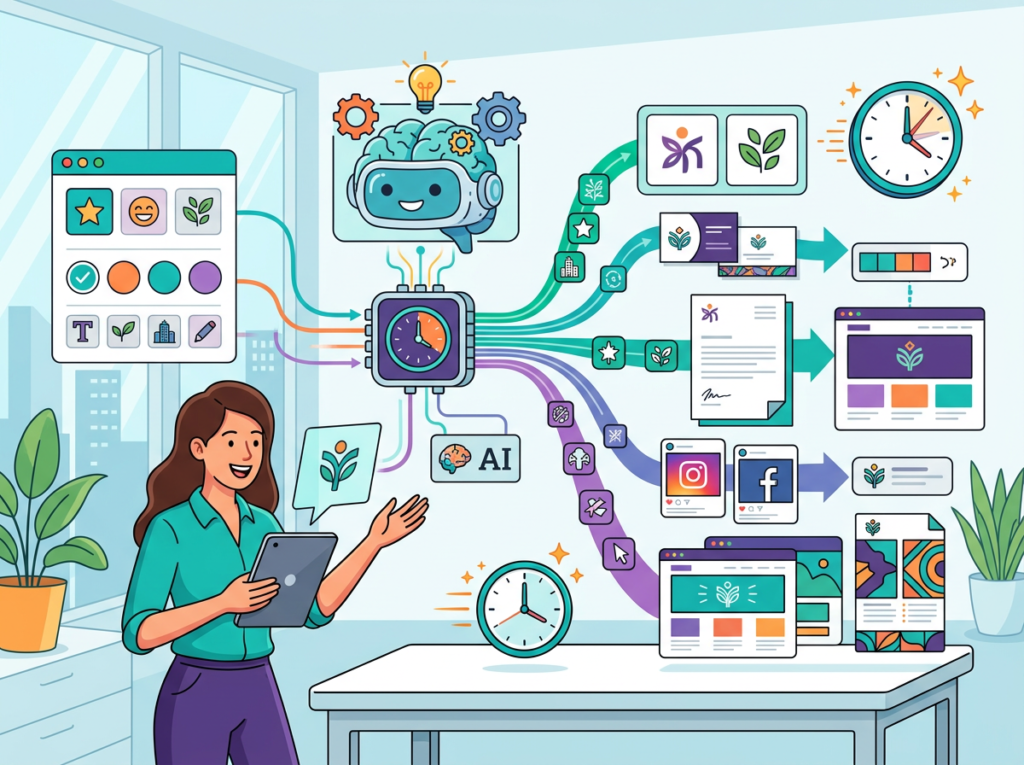
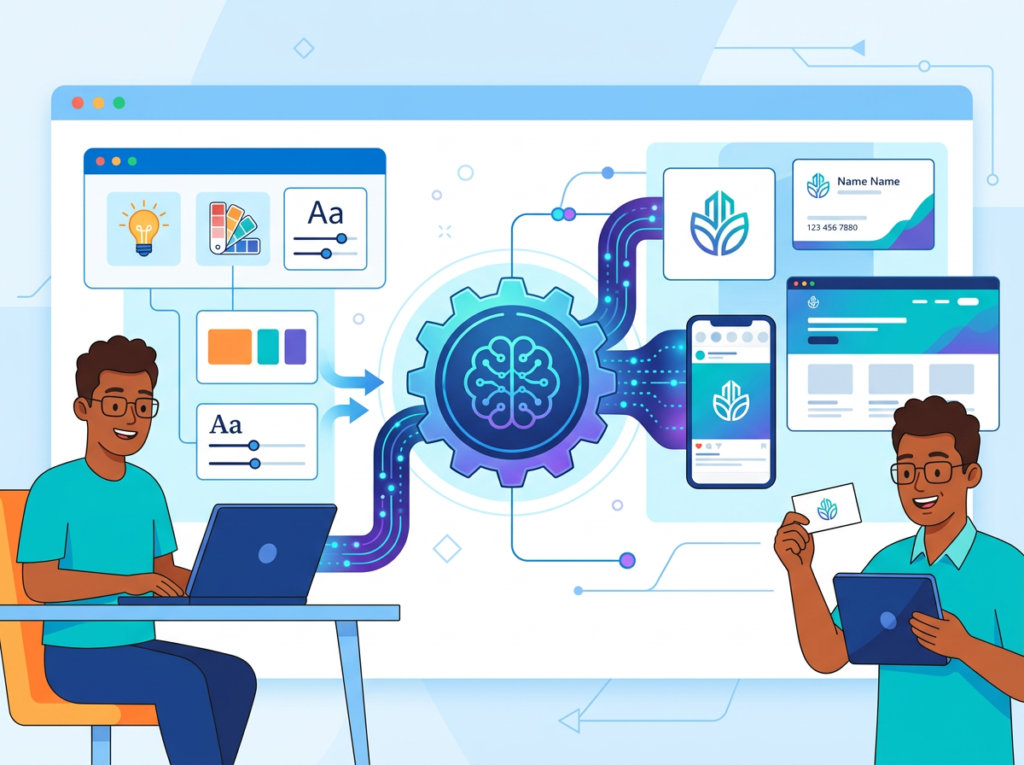
The highest-leverage insight in AI efficiency isn’t speed — it’s task chaining. Traditional logo-to-brand-kit workflows required five separate tools: a logo tool, a color palette generator, a typography selector, a style guide creator, and a social media template builder. Five tools, five logins, five learning curves.
Elena, an e-commerce owner in Austin, estimated she spent 4 hours per product launch producing brand-consistent marketing assets across platforms. As this step-by-step walkthrough of the Looka interface shows, the process from company name to first logo draft takes only minutes — and the time savings compound once the brand kit flows into asset creation. Looka orchestrates the entire chain: logo generation feeds into brand kit creation, which populates social templates, email signatures, business cards, and brand guidelines — all in one session. Elena’s monthly overhead dropped from 4 hours to under 45 minutes.
Looka orchestrates this entire chain. The logo generation feeds directly into brand kit creation, which populates social media templates, email signatures, business card designs, and brand guidelines — all in the same session, all stylistically consistent. Elena’s 4-hour monthly overhead dropped to under 45 minutes.
For advanced cognitive offloading strategies and additional workflow templates for branding and business identity, explore Looka in detail.
How Looka Helps Efficiency
Feature 1: AI Logo Generator with Style Intelligence
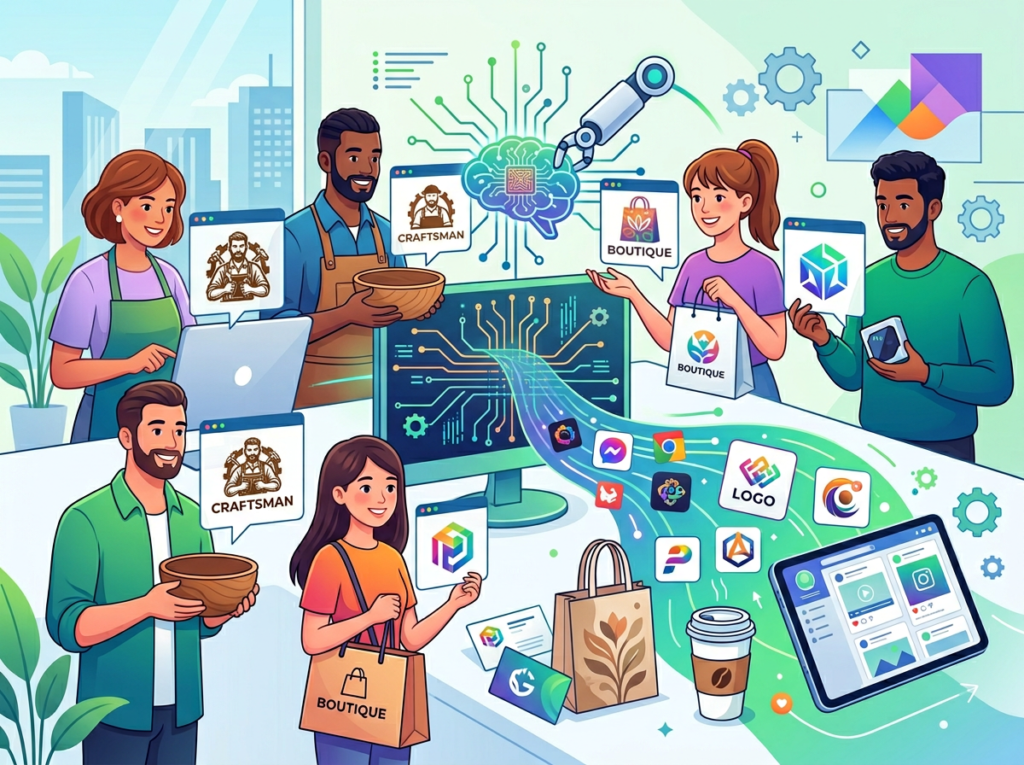
Looka’s core engine asks users to select logo styles they find appealing from a curated reference grid, choose color preferences, and input industry and symbol preferences. The AI uses these inputs to generate a large library of logo concepts — typically 40–100+ options — instantly.
What makes this efficient isn’t the speed of generation. It’s the quality floor. Because Looka’s design engine applies typographic and compositional principles automatically, even the weakest logos in the results set are professionally structured. Users aren’t sifting through garbage — they’re choosing among genuinely usable options.
For a US small business owner who would otherwise spend $600–$1,200 on a freelance designer for an initial logo concept round, this collapses a 2–3 week process into 15 minutes. Annualized across the branding refreshes, sub-brand creation, and project-specific logos that active small business owners produce, the time savings approach 35–50 hours per year — equivalent to $1,750–$7,500 at standard US freelance rates.
Feature 2: Brand Kit Generation
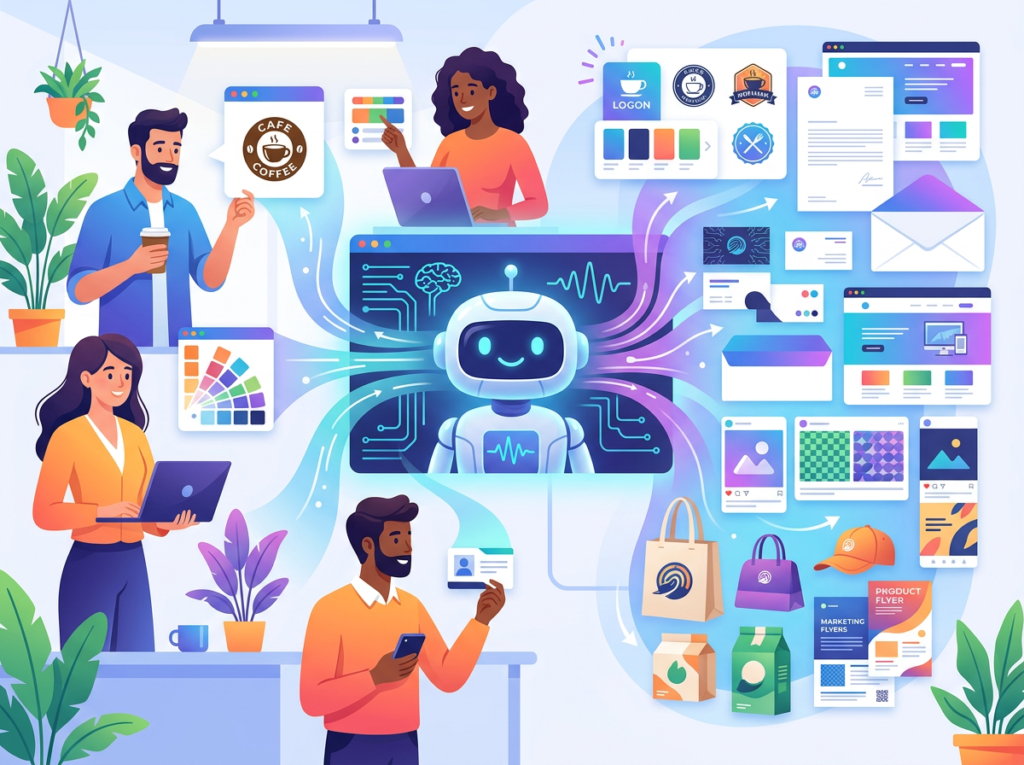
Once a logo is selected and customized, Looka automatically generates a complete brand kit: primary and secondary color palettes with hex codes, typography pairings, logo variations (horizontal, stacked, icon-only, reversed), usage guidelines, and a downloadable brand style guide PDF.
This is the feature most competitors and tutorials underemphasize — as noted in this breakdown of Looka’s interface and output options. The brand kit is where the real efficiency gain lives, because it eliminates the follow-on work that typically consumes more time than the logo itself. Without a brand kit, every new design asset requires re-making color and font decisions from scratch.
With a Looka brand kit, a small business owner can hand their brand guidelines to a contractor, apply them in Canva or Squarespace consistently, and maintain visual coherence across channels without a creative director. Annual time savings for active small businesses: 40–60 hours.
Feature 3: One-Time Purchase vs. Subscription Flexibility
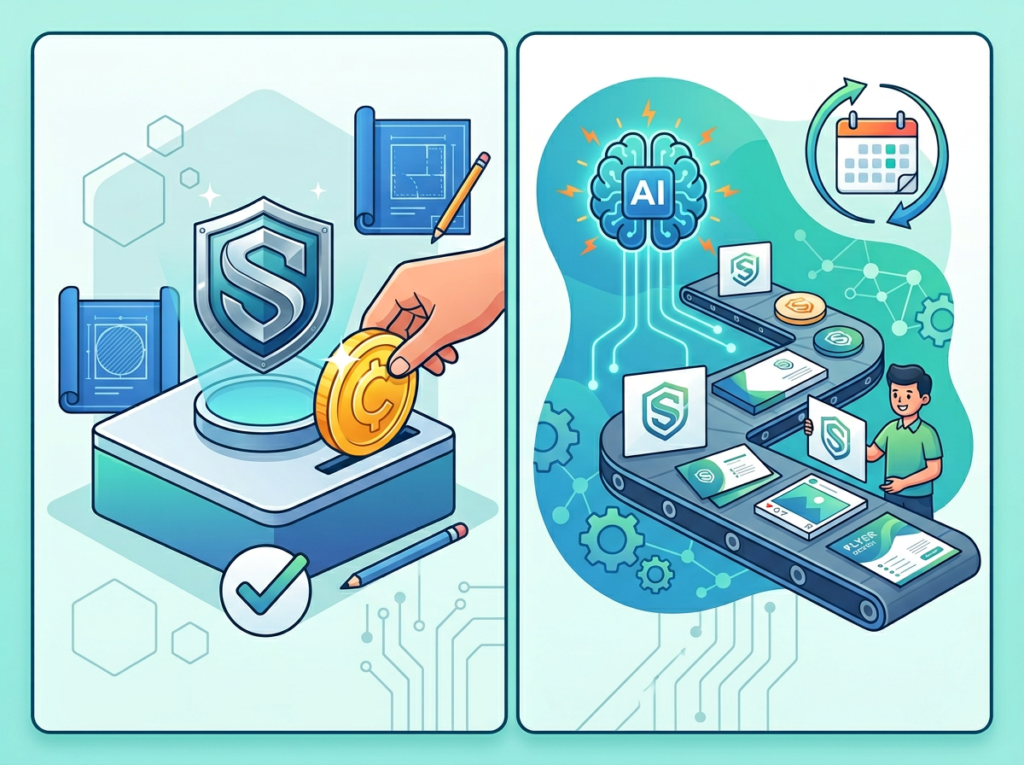
Unlike most SaaS tools targeting small businesses, Looka offers a one-time purchase option for logo files starting at around $20, alongside annual Brand Kit subscriptions for ongoing asset access. This pricing flexibility matters for bootstrapped founders who need professional assets without ongoing subscription overhead.
For the growing number of US freelancers managing subscription fatigue — the average small business owner now pays for 8–12 SaaS tools — Looka’s à la carte model reduces cognitive and financial overhead simultaneously.
Combined ROI across all four features: a small business owner investing $65–$96/year in Looka replaces $600–$2,000 in design costs and 80–120 hours of DIY branding effort annually, yielding an effective ROI of 10x to 30x on cash outlay alone.
To see these features applied to real small business branding workflows with step-by-step implementation guidance, see our full Looka review.
Ready to build a professional brand in under an hour? Try Looka free and generate your AI logo today — no design skills required. Start Free at Looka.com | No credit card required to explore
Use Cases: Small Business & Freelancer Efficiency
Persona 1: Jessica — Freelance Brand Designer in Portland, OR

The problem: Jessica is a freelance brand designer with a full client roster — and a personal brand that she’d been meaning to update for three years. The cobbler’s children problem: her own logo was a rushed Illustrator file from 2019, her website used inconsistent fonts, and her email signature was plain text.
Old workflow: Every time Jessica tried to tackle her own rebrand, she’d spend 10 hours across three weekends in full creative mode — sketching concepts, building Illustrator files, second-guessing color decisions, asking peers for feedback, and ultimately shelving the project because client work took priority.
AI-enhanced workflow: Using Looka, Jessica spent 25 minutes generating logo options, selected and customized a mark that aligned with her design aesthetic, downloaded her brand kit, and had her website and email signature updated the same afternoon. Total active time: under 2 hours.
Quantified outcome: Jessica freed up 8 hours of creative overhead she’d been carrying as mental debt. More importantly, she now uses Looka for initial brand exploration on client projects — generating 3–4 concept directions in 30 minutes before moving into custom design work, saving 4–5 hours per client engagement.
“I use it to get clients unstuck on direction. Instead of 3 rounds of ‘I’m not sure what I want,’ I show them four Looka concepts in the first meeting and they know exactly what they don’t want — which is half the battle.” — Jessica T., Brand Designer, Portland
Persona 2: David — Independent Management Consultant in Chicago, IL

The problem: David’s consulting practice had been running 18 months on a Canva logo from launch day. It wasn’t embarrassing, but it wasn’t distinctive — and prospects were comparing him to boutique firms with polished brand identities.
Old workflow: 22 hours across multiple sessions — competitor research, a Fiverr designer (two revision rounds, three weeks), final files that didn’t include editable brand guidelines.
AI-enhanced workflow: Looka generated a clean, authoritative mark in navy and sans-serif — appropriate for management consulting. David downloaded the brand kit, updated his LinkedIn header, proposal templates, and business cards in a single afternoon.
Quantified outcome: 11 hours saved on the rebrand. More significantly, he now controls his brand guidelines directly — color updates that used to require a designer trip now take 10 minutes.
“Having my hex codes and font files in one place sounds like a small thing until you realize you’ve been eyeballing your brand colors for 18 months.” — David R., Management Consultant, Chicago
Persona 3: Alex — Solo Developer Building SaaS in San Francisco, CA
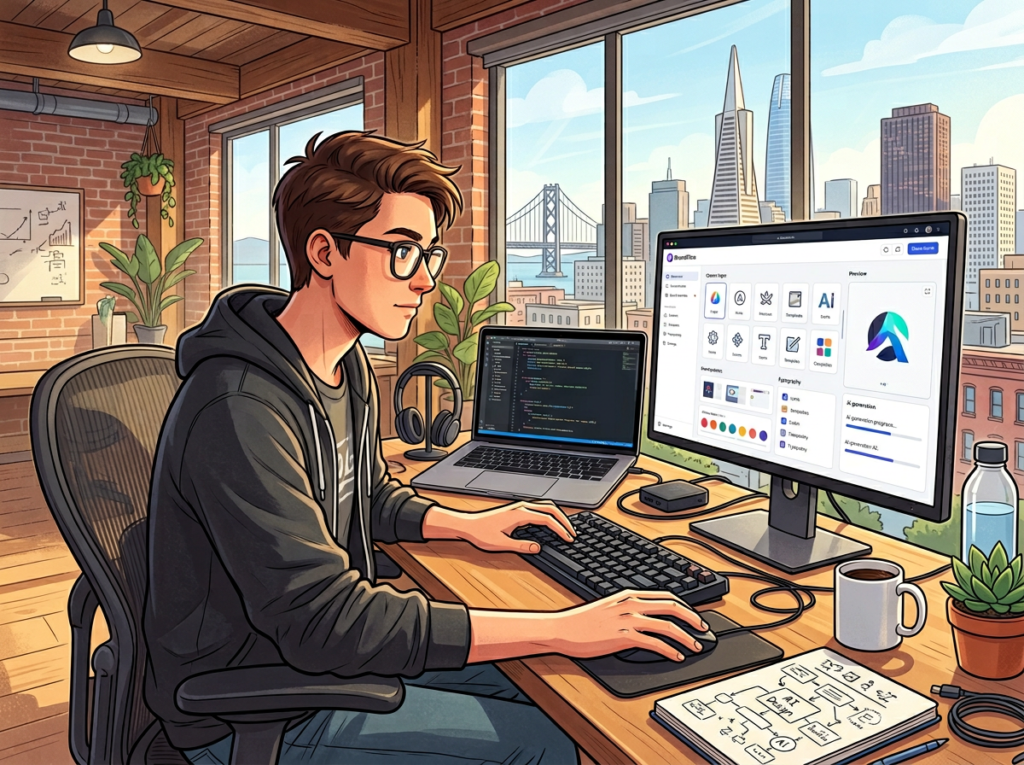
The problem: Alex was six months into building a project management SaaS for architects and had a product he was proud of — and a brand identity he was embarrassed by. His logo was a placeholder. His landing page used a generic template with stock colors. He knew it was costing him signups.
Old workflow: Alex spent 9 hours per week on non-product work including brand and marketing overhead — most of it inefficient because he was making design decisions he wasn’t qualified to make, then second-guessing them. His landing page had been revised four times without meaningfully improving.
AI-enhanced workflow: Alex used Looka to generate a logo that communicated precision and structure — appropriate for his architecture-industry audience. He used the brand kit colors and typography to rebuild his landing page in a single focused session, eliminating the decision fatigue that had been paralyzing his redesign attempts.
Quantified outcome: Non-product weekly overhead dropped from 9 hours to 2.5 hours. Alex reclaimed 338 hours over the following year and redirected them into product development, shipping his mobile app 11 weeks ahead of his original estimate.
“I kept telling myself I’d hire a designer once I had revenue, but the brand was preventing the revenue. Looka broke the chicken-and-egg problem.” — Alex K., SaaS Founder, San Francisco
For persona-specific workflow templates and implementation guidance across these four business types, learn more about Looka.
Streamline your brand identity with AI-powered design Join 100,000+ founders and entrepreneurs who’ve built professional brands with Looka. Start Free Today
Best Practices for Implementing AI Branding Efficiency
1. Start with One Clear Deliverable
Looka works best when you arrive with clear inputs: company name, industry, and a rough sense of the emotional register you want (modern vs. traditional, playful vs. authoritative). Trying to discover your brand direction inside the tool produces less distinctive results. Commit to one output first — logo only, or logo plus social kit — rather than attempting your entire brand identity in a single session.
2. Keep Human Judgment in the Loop
AI generates options; you make decisions. The most effective Looka users treat the tool as a rapid elimination engine — generate 40 logos, cut the 38 that don’t feel right, customize the 2 that do. This human-in-the-loop approach produces better brand outcomes than pure AI generation or pure manual design. Apply the same discipline to brand kit customization: Looka’s default palettes are professional, but your brand may have a specific color association worth preserving even if the AI suggests otherwise.
3. Consolidate, Don’t Layer
Before adding Looka to your stack, audit existing subscriptions. Many small business owners pay $12–$15/month for Canva Pro, $10–$15/month for Adobe Express, and another $15–$20/month for social media template tools — $37–$50/month total, compared to Looka’s Brand Kit subscription at roughly $8/month annualized. If Looka covers 80% of your asset creation needs, consolidating saves both money and cognitive overhead.
Join 100,000+ founders and entrepreneurs who’ve built professional brands with Looka. Start Free Today
Limitations and Considerations
Where Looka Is Not the Right Tool
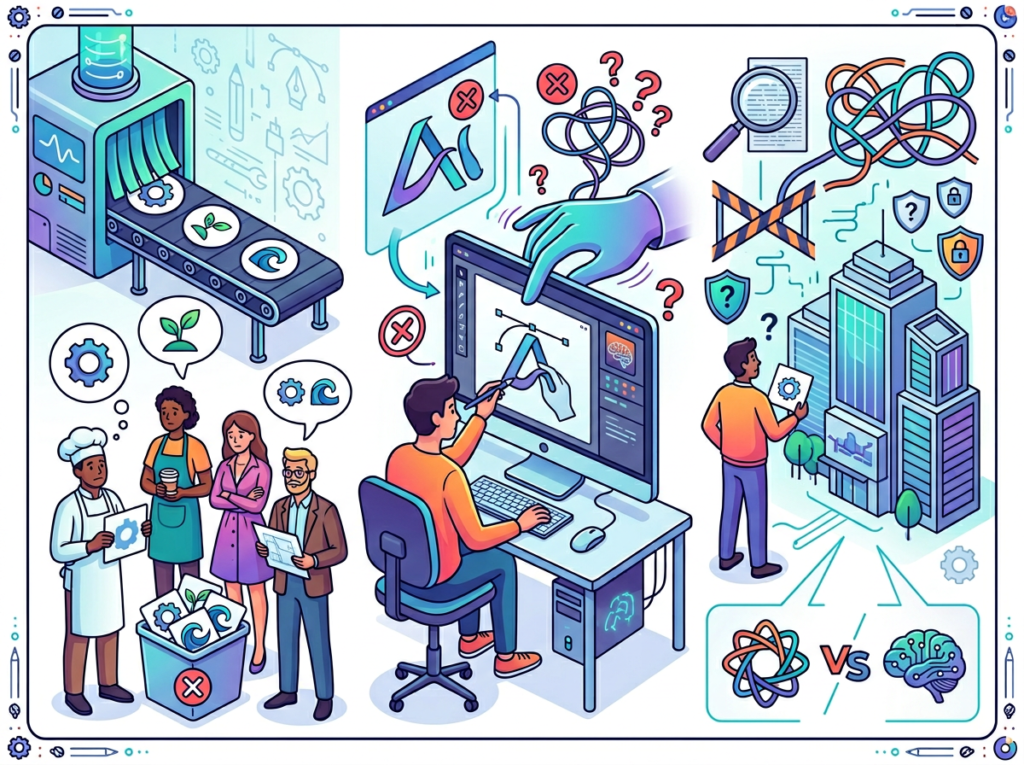
High-stakes brand differentiation. Looka’s engine draws from a finite library of symbols, typography styles, and compositions. For businesses in saturated markets where brand distinctiveness is a primary competitive asset — artisan food, luxury goods, premium professional services — the risk of a logo that resembles a competitor’s is real. A human designer working with custom illustration can create assets Looka cannot guarantee.
This limitation appears in independent reviews. As this detailed feature assessment notes, Looka is best positioned for businesses that need professional quality and speed, not the highest tier of custom creative work.
Trademark research. Looka does not perform trademark clearance. Budget $300–$500 for a trademark attorney review before registering any logo, regardless of how it was created.
Complex brand narratives. If your logo needs to carry nuanced symbolic meaning — cultural references, audience-specific encoding — AI generation will produce results that are visually competent but narratively shallow.
Key Risks to Manage
Over-reliance on defaults. Looka’s generated palettes are good, not great. Small customizations — adjusting a font weight, shifting a color warmer — can significantly elevate the result.
File format awareness. Download vector files (SVG or EPS) in addition to PNG exports. PNG files are unusable for large-format print. Many first-time users skip this and discover the problem at the worst moment.
Brand evolution. Looka-generated brands are clean and contemporary but can feel generic over time. Build in a 12–18 month review cycle and be willing to commission custom work as your business matures.
Frequently Asked Questions
What is an AI logo generator for small business?
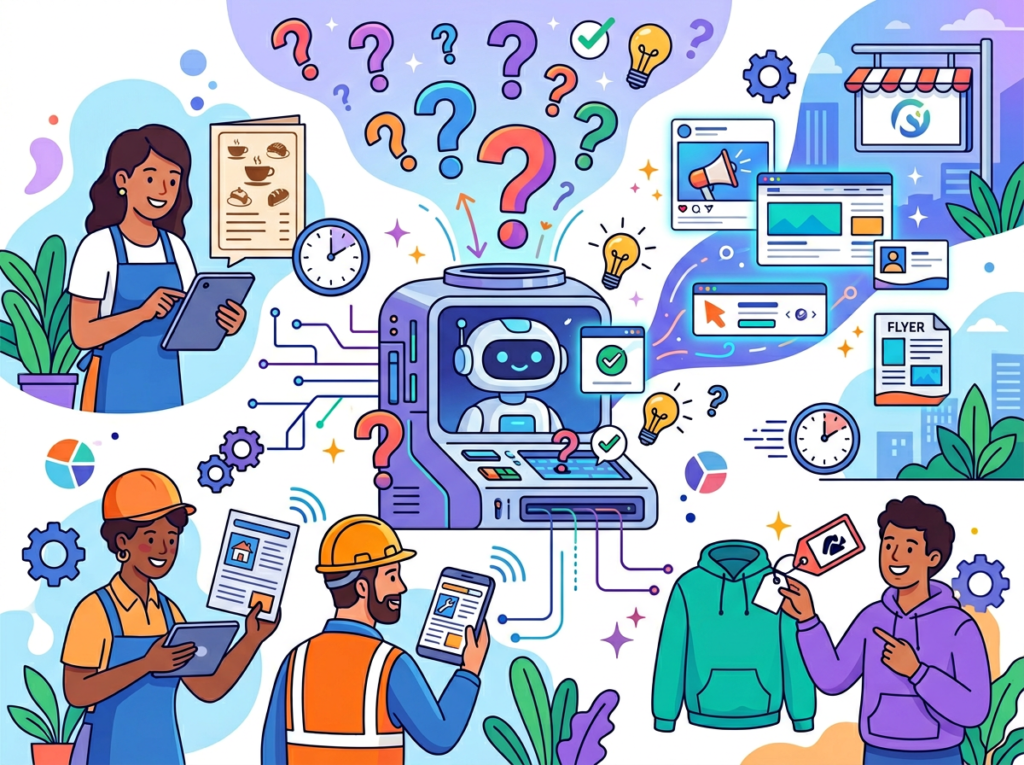
An AI logo generator is a tool that uses machine learning and design automation to produce logo concepts based on user inputs — industry, style preferences, color direction, and symbol choices. Tools like Looka generate dozens of options in seconds and pair them with brand kits, typography, and asset libraries, delivering a complete brand identity at a fraction of traditional design costs.
Can an AI logo generator replace a professional designer entirely?
For most early-stage small businesses, yes — with caveats. AI generators produce results sufficient for professional presentations, client-facing materials, and digital marketing. Where they fall short is in high-differentiation scenarios: luxury positioning, artisan markets, or brands where visual uniqueness is a primary competitive asset. The practical approach: start with AI, upgrade to custom design when your brand has proven traction and visual differentiation is worth the investment.
Do I need design skills to use Looka?
No. Looka’s guided questionnaire handles color theory, typography, and composition automatically. The customization layer allows text changes, color swaps, and symbol substitutions using simple point-and-click controls. The only skill required is the ability to recognize what looks right for your business — which every business owner already has.
Join 100,000+ founders and entrepreneurs who’ve built professional brands with Looka. Start Free Today
Conclusion
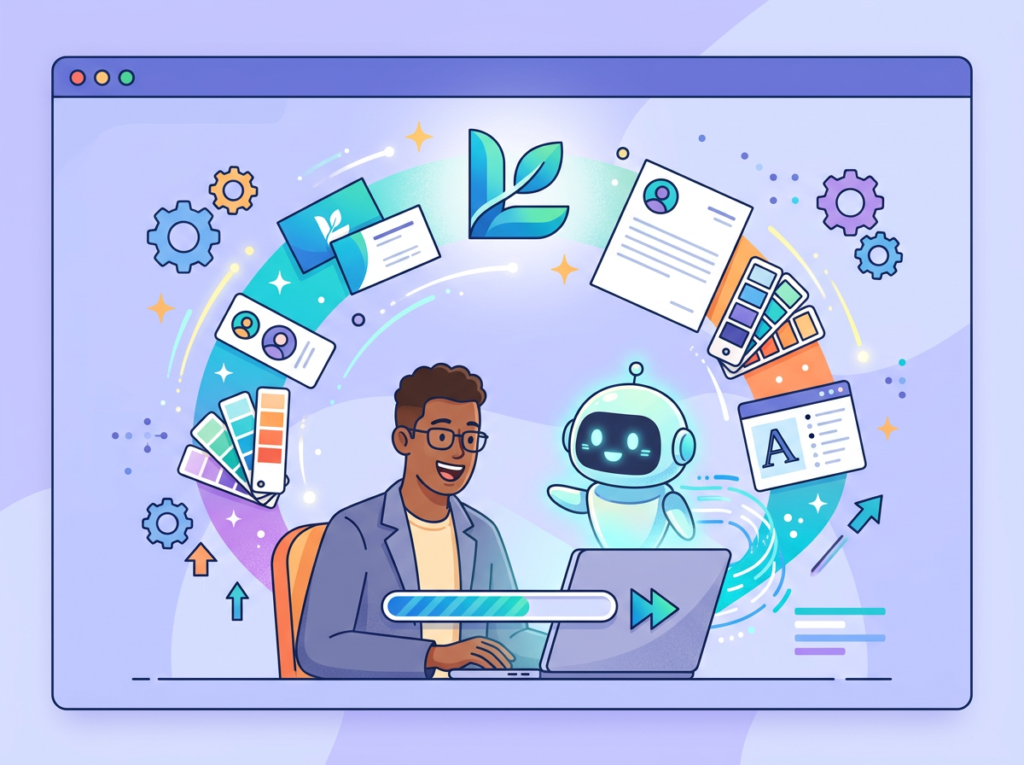
The AI logo generator category has matured rapidly, and Looka sits at the quality end of a crowded market. For US-based founders, freelancers, and small business owners, it solves a real and persistent problem: the gap between needing a professional brand and having the time, budget, or skill to build one.
The efficiency math is compelling. A branding process that previously required $600–$1,500 and 2–3 weeks of calendar time now fits into a single focused afternoon at under $100. For entrepreneurs billing $50–$150/hour, that’s not just cost savings — it’s the difference between a brand that launches with your business and a brand placeholder that you’re still using three years later.
AI branding tools like Looka work best when they’re used as structured starting points, not final answers. The entrepreneurs who get the most value are those who arrive with clear inputs, use the AI to rapidly narrow their options, and then apply their own judgment to customize the output into something that genuinely represents their business. That’s AI as augmentation — removing the friction between your instincts and your brand identity, rather than replacing the judgment that makes a brand meaningful.
The phased approach works: start with a logo and brand kit this week. Apply it consistently for 30 days across all customer touchpoints. Then evaluate whether the brand identity system you’ve built is doing the job your business needs it to do. Most small business owners who take this approach find themselves operating with a level of visual coherence that used to require an agency retainer.
The ROI on time alone is 10x to 30x annually. The question isn’t “Should I use an AI logo generator?” — it’s “Can I afford to keep putting this off?”
Join 100,000+ founders and entrepreneurs who’ve built professional brands with Looka. Start Free Today
Leave a Reply