
The fastest-growing small businesses in 2026 don’t have more people — they have smarter document systems, and Nanonets is how they built them.
Walk into any US small business that’s crossed the five-person mark and you’ll find the same invisible crisis: invoices buried in inboxes, vendor data scattered across spreadsheets, new hires manually keying numbers from PDFs, and a founder who spends hours each week doing work that a system should handle. This is the bottleneck that kills growth.
In 2026, the challenge isn’t finding customers or building products. For most American small business founders, the blocker is back-office chaos — specifically, the mountain of documents that power every transaction: invoices, purchase orders, receipts, contracts, onboarding forms, and expense reports. These documents hold the financial pulse of your business, and when processing them relies on human hands, errors compound, hours disappear, and scaling becomes painful.
US labor costs have climbed to an average of $65–$90 per hour for skilled back-office work. A five-person team spending 15 hours a week on manual data entry is burning $50,000–$70,000 a year doing something that AI can handle in minutes. That’s not an operations problem — it’s a systems problem.
Nanonets is an AI document automation tool built precisely for this scenario. It extracts data from any document type, routes it through customizable approval workflows, integrates with accounting and ERP systems, and eliminates the manual effort that drains small teams. Unlike traditional OCR software or templated form-capture tools, Nanonets trains itself on your specific documents and improves over time.
In this guide, you’ll see exactly how Nanonets enables what we call Solo DX — small-scale digital transformation — for US teams that are done tolerating manual document chaos and ready to build a back office that runs itself.
Join thousands of small teams using Nanonets to eliminate back-office document chaos. See How It Works
What is Solo DX?

Solo DX stands for Small-Scale Digital Transformation. It’s the process by which US small business founders — typically managing teams of 2 to 15 people — systematically replace manual, person-dependent workflows with AI-powered systems that produce consistent, scalable outcomes.
This is not the same as “AI Efficiency,” which typically refers to individual productivity gains: using AI to write faster, summarize meetings, or draft emails. Solo DX operates at the operational layer of a business. It asks: what are the repeatable processes that our team runs every day, and how do we systemize them so they no longer depend on any single person?
| Category | Focus | Who It’s For | Outcome |
|---|---|---|---|
| AI Efficiency | Individual output speed | Solopreneurs | Faster personal tasks |
| Solo DX | Team system-building | 2–15 person teams | Scalable operations |
| Enterprise AI | Company-wide transformation | 100+ orgs | Structural change |
Corporate SOP methodology — the approach most operations books recommend — fails US small businesses because it assumes dedicated operations managers, IT infrastructure, and months of implementation time. A seven-person logistics company in Austin doesn’t have any of those. Solo DX is the practical alternative: start with one broken process, use AI to systemize it, and build from there.
Consider a three-person construction firm in Denver that receives 40 to 60 invoices per month from subcontractors. Each invoice needs to be reviewed, matched to a job code, approved, and entered into QuickBooks. The founder was spending 6 hours a week on this cycle — 312 hours a year of work that demanded accuracy but generated zero revenue.
That’s the Solo DX entry point: a high-volume, repetitive document process where errors have financial consequences and time is the scarcest resource. Explore Nanonets’ features to see how it specifically targets this layer of small business operations — not the individual level, but the systems level where growth actually gets constrained.
The companies that scale cleanly aren’t the ones with the best people. They’re the ones with the best systems. Solo DX is how you build those systems without an operations team or a seven-figure technology budget.
Join thousands of small teams using Nanonets to eliminate back-office document chaos. See How It Works
Why AI is Key for Mini-Team Systemization
Problem 1: Critical business data is trapped in documents no one can search.
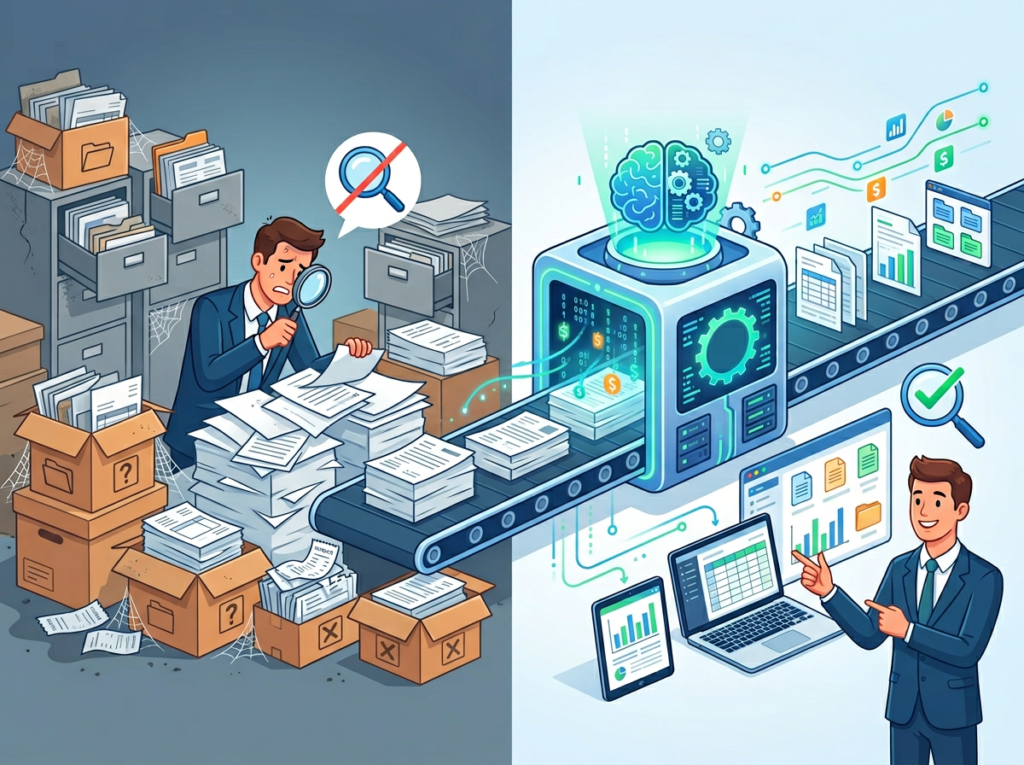
A medical billing company in Chicago receives insurance remittance forms daily. Each form contains payment data, adjustment codes, and denial reasons. When these documents are processed manually, the data lives in PDFs — unsearchable, unanalyzable, and invisible to any business intelligence tool. Decisions get made on gut feel instead of data. AI document automation changes this by extracting structured data from every incoming document and pushing it directly into the systems where decisions happen.
Problem 2: New hires require expensive ramp-up because processes live in people’s heads.

The US labor market sees voluntary turnover exceeding 47% annually in many service sectors. Every time an employee who handled invoicing or data entry leaves, the next hire spends 3 to 6 weeks learning a process that was never documented. At $70/hour fully loaded labor cost, a 4-week ramp-up costs $11,200 per hire — and that’s before accounting for the errors made during the learning curve. When document workflows are automated, the process itself becomes the system, and new hires plug into it rather than replace a person.
Problem 3: Quality and accuracy vary based on who’s working that day.

A retail buyer in Miami manually entering purchase order data into an ERP system will perform differently on Monday morning versus Friday afternoon. Human fatigue and distraction create error rates of 1–4% in manual data entry, according to industry benchmarks. On a business processing 500 invoices per month with an average of $2,400 each, a 2% error rate represents $28,800 in potential discrepancies monthly. AI-powered OCR automation maintains consistent extraction accuracy regardless of volume or time of day.
The cost math is stark:

Manual document processing at 15 hours/week × $70/hour = $54,600/year in direct labor cost, before accounting for errors, re-work, and the opportunity cost of skilled employees doing low-value tasks. An AI document automation tool like Nanonets operates at a fraction of that cost and eliminates the error rate entirely.
According to this analysis of deep learning applied to document processing, AI models for document extraction can be trained effectively even with limited data — a critical point for small teams that don’t have thousands of labeled examples to start with.
The US small business that wins in 2026 isn’t the one with the most diligent data entry team — it’s the one that automated data entry two years ago and redeployed those labor hours toward customer acquisition, service delivery, and growth.
Join thousands of small teams using Nanonets to eliminate back-office document chaos. See How It Works
How Nanonets Enables Solo DX
1. Intelligent Data Extraction — Replacing Manual Entry Entirely

Nanonets uses AI-powered OCR that goes well beyond character recognition. It identifies document type, locates relevant fields, extracts values with positional context, and structures the output — all without predefined templates. This matters because real-world business documents don’t arrive in clean, consistent formats. Vendor invoices come from dozens of suppliers, each with their own layout. Receipt formats change. Purchase orders vary by client.
Traditional OCR tools require you to set up templates for every document format you receive. When a new vendor sends an invoice in a different layout, the extraction breaks. Nanonets trains on your actual documents and handles variations automatically.
ROI calculation: A three-person operations team in Atlanta spending 20 hours/week on data entry at $60/hour generates $62,400/year in labor cost dedicated to manual extraction. Nanonets handles the same volume in automated processing. The net savings over 12 months: $58,000+, with higher accuracy.
2. Automated Approval Workflows — Eliminating the Chase

After data extraction, most businesses have a routing problem: who needs to approve this invoice? Does it need a second review above $5,000? Should it go to the department head or directly to accounting? Without a system, this chase happens via email, Slack, or verbal follow-up — all of which create delays, lose visibility, and produce no audit trail.
Nanonets builds automated approval workflows triggered by extracted data fields. An invoice above $10,000 automatically routes to the CFO. A purchase order from a new vendor flags for compliance review. An expense receipt coded to the wrong department triggers a correction request back to the submitter. All of this happens without anyone manually triaging documents.
ROI calculation: Approval workflow delays in US companies cost an average of 3.5 days per invoice cycle. For a company paying net-30 terms, delayed approvals trigger late payment penalties averaging $180 per invoice. At 50 invoices/month, that’s $9,000/year in unnecessary penalties eliminated.
3. AI Agent Workflows — Handling Multi-Step Document Processes End-to-End
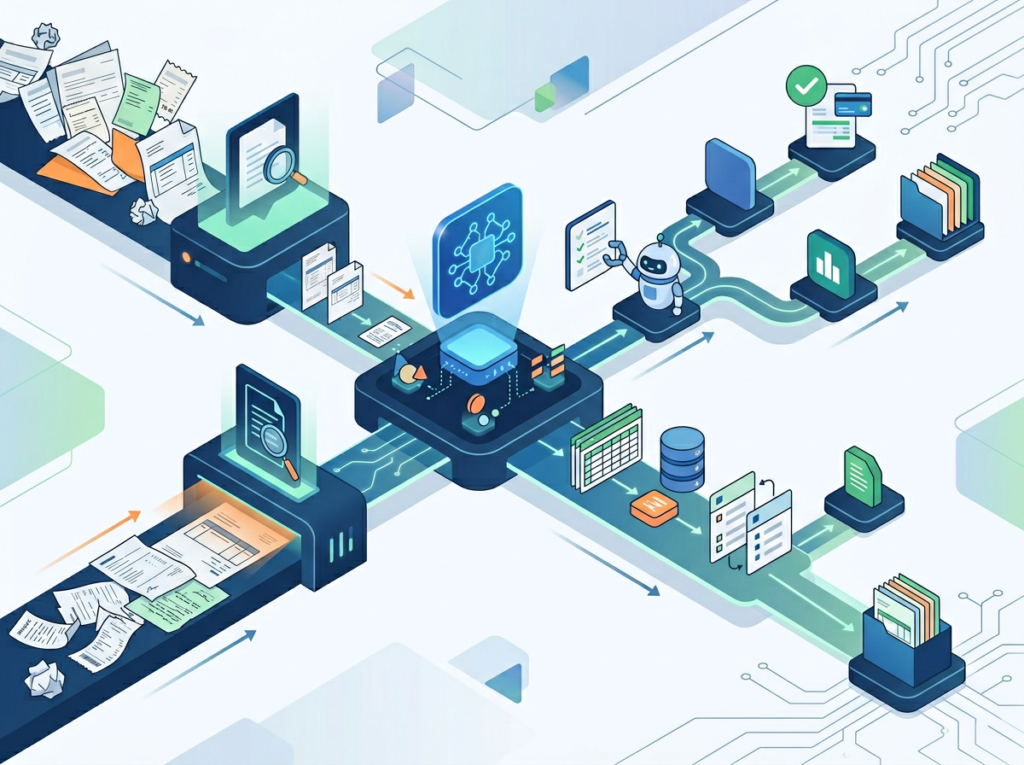
Nanonets’ newer AI Agent platform goes beyond single-document extraction to handle multi-step document workflows autonomously. A three-way match process — matching a purchase order, goods receipt, and vendor invoice — can be configured as a fully automated workflow. The agent handles extraction, comparison, exception flagging, and approval routing without human involvement unless a discrepancy is found.
This is the Solo DX endgame: not just automating individual tasks, but building complete back-office workflows that run without a dedicated operations person overseeing them.
ROI calculation: A three-way match process handled manually takes 12–20 minutes per transaction. At 100 transactions/month and $65/hour labor cost, that’s $13,000–$21,700/year on matching alone. Automation reduces this to minutes of exception review.
See how Nanonets works for teams at this stage — the platform is built specifically for businesses that need real workflow automation, not just a smarter spreadsheet.
Ready to eliminate manual document processing from your US team’s workflow this month? Try Nanonets Free | No credit card required | Trusted by thousands of US teams across finance, logistics, healthcare, and operations
Use Cases by Team Role
Persona 1: Ashely — Startup Founder Managing Finance, Ops, and Vendor Relationships (San Francisco, CA)

The situation: Maria runs a 6-person DTC health supplements brand in San Francisco. She handles vendor payments, manages 3 to 5 purchase orders weekly, and personally reviews every invoice before it goes to her bookkeeper. The process takes 8 hours per week — time she should be spending on product development and partnerships.
Old workflow: Invoices arrive via email. Maria downloads each one, reviews it manually, checks it against her order records in a separate spreadsheet, adds a note in Slack to her bookkeeper, and follows up if anything is missing. Errors get caught weeks later during reconciliation.
AI-powered workflow with Nanonets: Invoices land in a connected inbox. Nanonets extracts vendor name, invoice number, line items, and total. It cross-references against open purchase orders in her system, flags mismatches, and routes approved invoices directly to QuickBooks. Maria reviews only exceptions.
Results: 8 hours/week reduced to 45 minutes. Estimated annual labor savings: $28,000. Error-related reconciliation adjustments dropped from 6–8/month to 0–1.
“I used to dread Monday mornings because of the invoice pile. Now I check a dashboard, approve two things, and get back to work.” — Maria V., Founder
Persona 2: Jordan — Operations Manager Onboarding Remote Staff Across Three States (Miami, FL)

The situation: James manages operations for a 9-person staffing agency in Miami with contractors placed in Florida, Texas, and Georgia. Each placement generates a packet of documents: W-9s, I-9 verification forms, signed offer letters, and direct deposit authorization forms. Processing these manually for 15–20 new placements per month was consuming 12 hours of James’s week.
Old workflow: Documents arrived as email attachments in varying formats. James manually verified each form, entered key data into their HR system, and filed PDFs in Google Drive folders. Missing fields required chasing contractors via email — a process that regularly delayed start dates by 3 to 5 days.
AI-powered workflow with Nanonets: Contractors submit documents through a Nanonets-connected portal. The system extracts all required fields, checks for completeness, flags missing signatures, and routes complete packets to the HR system automatically. Incomplete submissions trigger an automated follow-up request.
Results: 12 hours/week reduced to 2. Contractor start date delays eliminated. Annual time savings valued at $31,200 based on James’s fully loaded cost.
“New hires used to slip through the cracks. Now the system catches everything before I even see it.” — James T., Operations Manager
Persona 3: Jelard — IT Manager Automating Vendor Contracts and Compliance Documents (Austin, TX)

The situation: Robert oversees IT procurement for an 8-person managed services firm in Austin. Every vendor renewal, software license agreement, and service contract arrived as a PDF requiring manual review, key term extraction, and entry into their contract tracking spreadsheet. Missing renewal dates cost the firm $8,000 in auto-renewed contracts they no longer needed.
Old workflow: PDFs saved to shared drives. Robert or an admin manually extracted contract terms — start date, renewal date, contract value, vendor contact — and entered them into a spreadsheet. Reminders were set manually in Google Calendar. Renewals were missed when the calendar owner left the company.
AI-powered workflow with Nanonets: Incoming contracts route through Nanonets’ document classification and extraction engine. Key terms are identified, extracted, and pushed to their contract management system with automated renewal alerts. Robert reviews a clean dashboard rather than individual PDFs.
Results: Contract review time cut from 4 hours/week to 30 minutes. Missed renewal cost reduced to zero. Annual estimated savings: $14,000 in labor plus $8,000 in prevented auto-renewals.
“I don’t miss contracts anymore. The system surfaces them 60 days out. It’s one less thing that can go wrong.” — Robert K., IT Manager
Discover Nanonets and see which of these workflows fits your team’s current bottleneck. The platform’s document catalog covers invoices, purchase orders, receipts, contracts, ID documents, and more — most US small business document types are supported out of the box.
Join thousands of small teams using Nanonets to eliminate back-office document chaos. See How It Works | Used by teams from Silicon Valley to New York
Common Pitfalls & How to Avoid Them
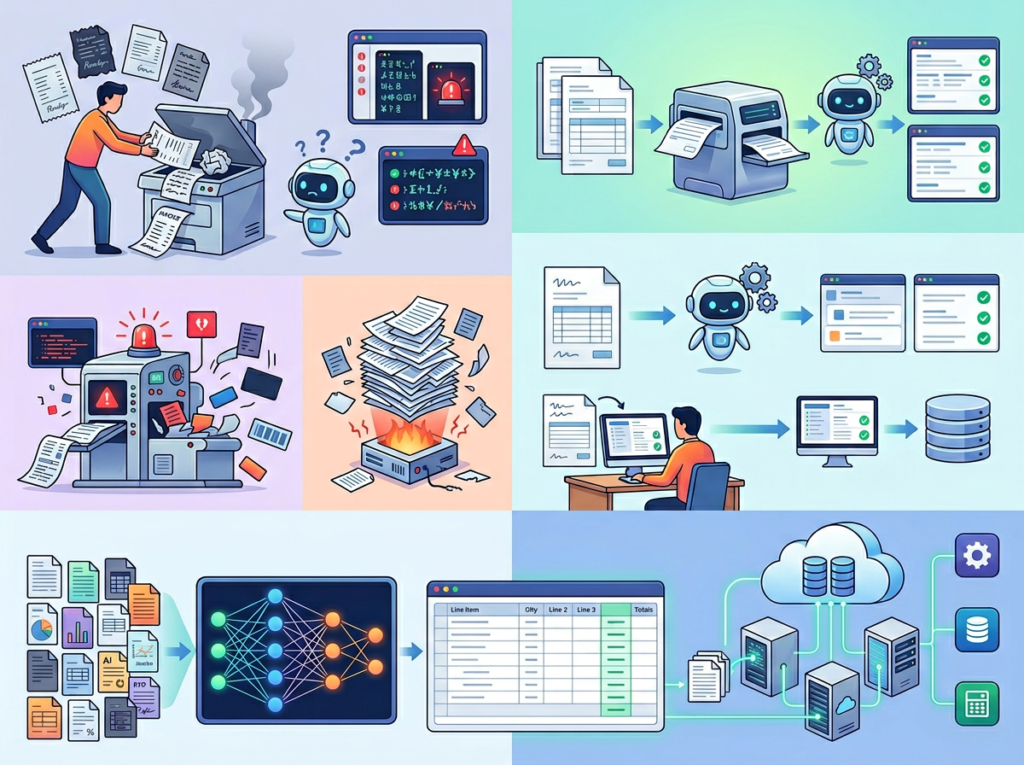
Pitfall 1: Trying to automate everything at once.
The urge to solve every document problem simultaneously is understandable but counterproductive. Teams that attempt to automate invoices, contracts, HR documents, and receipts in parallel rarely complete any workflow cleanly. The better approach: identify your highest-volume, highest-cost document type and start there. Get one workflow running cleanly before expanding.
For most US small businesses, that starting point is accounts payable — specifically invoice capture and approval routing. It’s high volume, directly tied to cash flow, and produces immediate, measurable results.
Pitfall 2: Not cleaning up your document sources before onboarding.
Nanonets and every ai workflow automation platform performs better when document inputs are consistent. If your invoices arrive via six different channels — email attachments, portal downloads, scanned faxes, and physical mail — consolidating to 2 or 3 channels before go-live dramatically improves extraction accuracy. This guide to modern document processing models outlines why training data quality matters even more than training data volume — the same principle applies to your live document intake. Spend one week standardizing your document intake before configuring automation.
Pitfall 3: Skipping the human review loop for exceptions.
AI extraction is highly accurate but not infallible. The best document automation software 2026 includes a human-in-the-loop review layer for low-confidence extractions and flagged exceptions. Teams that disable exception review to “save time” end up with downstream errors that take longer to fix than the review would have taken. Build a 15-minute daily exception review into your workflow from day one — the model improves from human corrections over time, making the review loop an investment, not overhead.
Learn more about Nanonets and how its model training and feedback loops are designed for exactly this kind of continuous improvement in small team environments.
FAQs
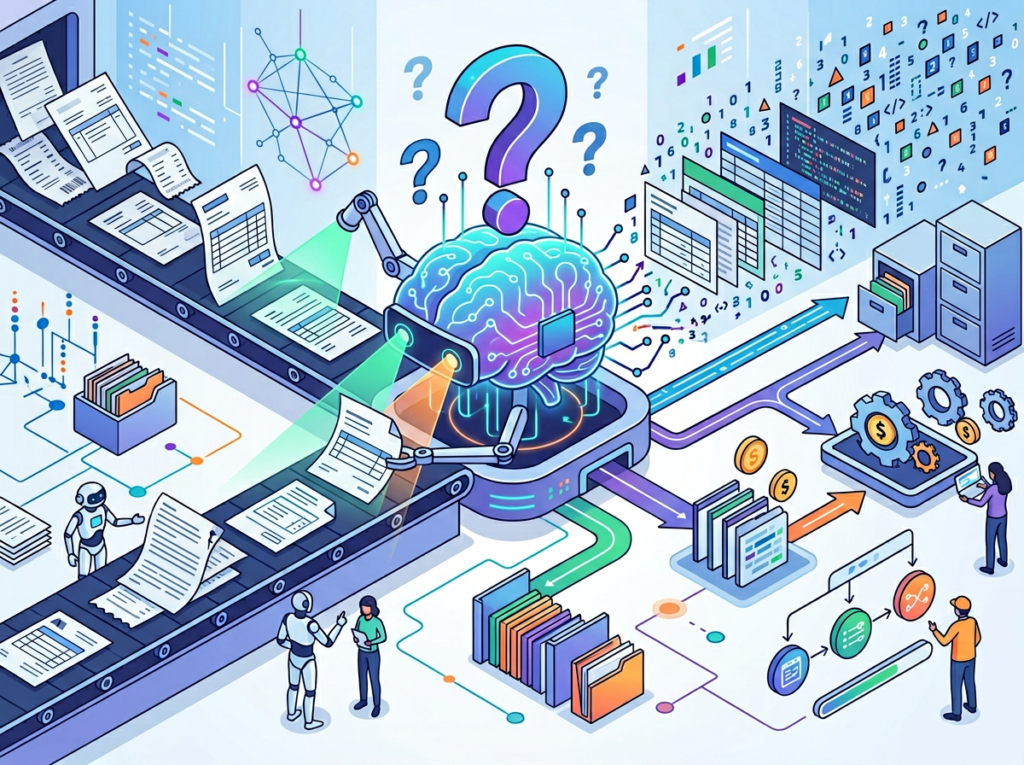
What’s the difference between AI Efficiency and Solo DX?
AI Efficiency tools focus on individual productivity: helping a single person write faster, summarize information, or manage their calendar more effectively. Solo DX targets operational systems — the repeatable workflows that a team runs together. A Solo DX implementation changes how work moves through an organization, not just how fast one person completes a task.
Can small teams realistically afford data entry automation tools?
Yes, and the ROI typically makes the decision straightforward. Nanonets and similar ai invoice processing platforms start at accessible price points for small teams, and the labor cost savings from eliminating even 5 to 10 hours/week of manual data entry almost always outpace subscription costs within the first 60 to 90 days. The better question for most US small business owners is: can you afford not to automate?
Is Nanonets hard to set up for a non-technical team?
Nanonets is designed for business users, not engineers. The document model setup is guided, the workflow builder is visual and drag-and-drop, and integrations with QuickBooks, Xero, and other common US small business tools are pre-built. Most teams are processing live documents within their first week. Nanonets also provides onboarding support for teams that want hands-on configuration help.
Conclusion

In 2026, American small businesses don’t need enterprise budgets to build enterprise-level document systems. The gap between a 5-person company drowning in manual invoice processing and a 5-person company with a fully automated AP workflow is not money — it’s a decision.
The ai document automation tool category has matured to the point where setup is measured in days, not months. The accuracy of AI-powered OCR automation has crossed the threshold where it outperforms manual entry on both speed and error rate. And the integration layer — connecting document workflows to QuickBooks, Xero, ERPs, and HR platforms — means that automated extraction doesn’t just save time, it powers better decisions with cleaner data.
Nanonets is built for this moment. Its combination of intelligent extraction, flexible workflow automation, and system integration makes it one of the most complete ai document automation tools available to US small businesses in 2026. Whether your team’s bottleneck is invoice processing, contract management, vendor onboarding, or expense reporting, the platform handles the full lifecycle: capture, extract, validate, approve, and integrate.
Start with one process. Pick your highest-volume document type. Build the workflow this week. Measure the time saved in 30 days.
Full Nanonets review — including a detailed breakdown of pricing, integrations, and which US small business use cases the platform handles best.
Leave a Reply