Transform your WordPress site with AI-powered content and design.
What is WPCursor?
WPCursor is an AI-powered tool for creating and customizing WordPress websites. It functions as a specialized website builder that uses artificial intelligence to generate and modify web page elements. Its core capabilities include producing website layouts, writing and editing content, and generating functional code snippets directly within the WordPress environment. The tool is designed to transform user instructions into tangible website components.
Users typically interact with WPCursor through a dashboard integrated into their WordPress admin panel. They provide text-based prompts describing the desired element or change, such as a section of text, a call-to-action button, or a specific design adjustment. The AI then processes this input to generate the corresponding HTML, CSS, or content output, which can be inserted and previewed on the live site. According to the team behind the official website, this process aims to streamline direct website editing and content creation.
Key Findings
Cursor Integration: Seamlessly embeds AI assistance directly into your existing code editor for instant access.
Contextual Awareness: Understands your entire project structure to provide accurate and relevant code suggestions automatically.
Inline Assistance: Offers real-time code completions, explanations, and fixes without needing to switch application windows.
Natural Language: Allows you to describe desired features or fixes in plain English to generate code.
Code Explanation: Instantly breaks down complex code blocks into simple, understandable summaries for faster learning.
Bug Detection: Proactively identifies potential errors, vulnerabilities, and performance issues within your current code file.
Refactoring Help: Suggests cleaner, more efficient, and modernized alternatives for your existing code structures.
Multi-Language Support: Works across a wide range of programming languages and popular frameworks without extra configuration.
Custom Commands: Lets you create and use personalized shortcuts for frequent coding tasks and patterns.
Team Consistency: Helps enforce coding standards and style guides across all developers in your organization.
AI-powered identity verification that’s fast, accurate, and fraud-proof.
What is deepidv?
DeepIDV is an AI-powered identity verification and fraud prevention platform. It is designed to help businesses authenticate user identities and assess risk during digital onboarding and transactions. The system can process various government-issued identity documents, such as passports and driver’s licenses, and perform biometric checks including facial recognition and liveness detection to confirm that the person presenting the document is its legitimate holder.
Users typically interact with the system by uploading images of their ID documents and a selfie or short video through a web or mobile interface. The AI then analyzes the documents for authenticity, extracts the relevant data, and compares the biometrics from the selfie to the photo on the ID. The platform, developed by the team behind the official website, outputs a verification result and a risk assessment to support compliance with know-your-customer and anti-money laundering regulations.
Key Findings
Facial Recognition: Accurately identifies individuals from images and video feeds in real-time scenarios.
Identity Verification: Securely confirms user identities across digital platforms to prevent unauthorized access attempts.
Access Control: Manages entry permissions for facilities and systems based on verified identity credentials.
Fraud Prevention: Detects and alerts on suspicious identity patterns to protect against financial and security threats.
Live Detection: Distinguishes between real human faces and photographs or masks during verification checks.
Age Estimation: Analyzes facial features to approximate age ranges for compliance and service filtering.
Emotion Analysis: Interprets basic emotional states from facial expressions to gauge customer engagement and reactions.
Search Functionality: Finds specific individuals by matching facial data against large enrolled databases quickly.
Privacy Protection: Implements data anonymization and encryption to safeguard personal biometric information diligently.
Integration Simplicity: Connects seamlessly with existing security and business applications via straightforward API tools.
Pushary: AI that turns your data into actionable insights instantly.
What is Pushary?
Pushary is a marketing automation platform that uses artificial intelligence to create and manage digital advertising campaigns. It is designed to assist users in producing and optimizing ad creatives and copy across multiple social media platforms. The system can generate advertising text and visual assets, aiming to streamline the process of building and launching paid promotional content.
Users typically interact with Pushary by providing input such as a product description, website link, or basic campaign goals. The AI then processes this information to produce a variety of output options, including ad headlines, primary text, and suggested images or videos. According to the team behind the official website, the tool analyzes performance data to offer optimization suggestions for ongoing campaigns.
Key Findings
Push Notification: Delivers targeted alerts and updates directly to user devices instantly and reliably.
Content Scheduling: Plans and publishes posts across multiple social media platforms automatically and efficiently.
Audience Segmentation: Groups customers based on behavior for highly personalized and effective marketing campaign targeting.
Engagement Analytics: Tracks opens, clicks, and conversions to measure campaign performance and user interaction.
Multi Channel Delivery: Sends consistent messages across email, SMS, and in-app notifications from one dashboard.
Behavioral Triggers: Automates messages based on specific user actions to enhance relevance and timing.
A/B Testing: Compares different message versions to optimize for the highest engagement and conversion rates.
Real Time Reports: Provides live data on campaign metrics for immediate insight and strategic adjustment.
Compliance Management: Ensures all messaging adheres to regional data protection and privacy regulations automatically.
API Integration: Connects seamlessly with existing business software and CRM systems for unified data flow.
Aligno AI: Your AI co-pilot for strategic planning and flawless execution.
What is Aligno AI?
Aligno AI is a Customer Segmentation AI tool designed to analyze customer data to identify distinct groups within a business’s audience. Its core function is to process customer information and automatically generate detailed customer segments. The tool can produce actionable groupings based on shared characteristics, enabling more targeted business strategies.
According to the team behind the official website, users typically interact with the system by providing their customer data. The AI then analyzes this input to discover patterns and common traits. The system outputs defined customer segments, which are presented as clear profiles that describe the key attributes of each identified group.
Key Findings
AI Alignment: Ensures AI decisions consistently match your core business values and ethical guidelines.
Data Synchronization: Connects seamlessly with existing platforms to unify and streamline all enterprise information flows.
Bias Detection: Proactively identifies and mitigates potential algorithmic prejudices within your operational models automatically.
Compliance Adherence: Continuously monitors and adjusts processes to maintain strict regulatory and industry standard compliance.
Performance Optimization: Dynamically fine-tunes AI models to improve accuracy and efficiency for specific tasks.
Risk Assessment: Evaluates potential operational and reputational risks associated with AI deployments before implementation.
Transparent Reporting: Provides clear, actionable insights into AI decision-making processes and underlying data sources.
Stakeholder Trust: Builds confidence with clear audits and verifiable explanations for every automated outcome.
Workflow Integration: Embeds directly into your current systems to enhance processes without disruptive overhauls.
Continuous Learning: Adapts and evolves from new data to maintain relevance and effectiveness over time.
Enterprise AI that knows your business and speaks your language.
What is AskNeo?
AskNeo is an AI personal assistant designed to process user queries and generate text-based responses. It functions as a conversational agent that can answer questions, provide explanations, and assist with a variety of language-based tasks. The tool is built to interpret natural language input and produce coherent, informative output across numerous topics.
Users interact with AskNeo primarily by entering text prompts into a chat interface. The system analyzes these prompts and generates corresponding written answers or content. According to the team behind the official website, the assistant leverages a large language model to perform these functions. Its core operation involves taking a user’s text input and producing a relevant, detailed text response.
Key Findings
Instant Insights: Delivers real-time data analysis and actionable business intelligence in seconds flat.
Predictive Analytics: Forecasts market trends and customer behavior with advanced machine learning models accurately.
Natural Conversations: Understands complex queries and responds in a human-like, context-aware dialogue every time.
Seamless Integration: Connects effortlessly with your existing CRM, ERP, and productivity software tools securely.
Customizable Intelligence: Adapts its models and responses to your specific industry terminology and processes uniquely.
Proactive Alerts: Monitors key metrics and sends timely notifications about risks and opportunities automatically.
Enterprise Security: Guards all data with bank-grade encryption and strict access control protocols reliably.
Scalable Performance: Handles from single user queries to organization-wide analytical workloads without lag consistently.
Continuous Learning: Improves its accuracy and recommendations based on new data and interactions autonomously.
Unified Dashboard: Provides a single pane of glass for all insights, reports, and actions clearly.
Reworkd AI is gone — but the replacement tools for ai web scraping for small business are better, cheaper, and built to last.
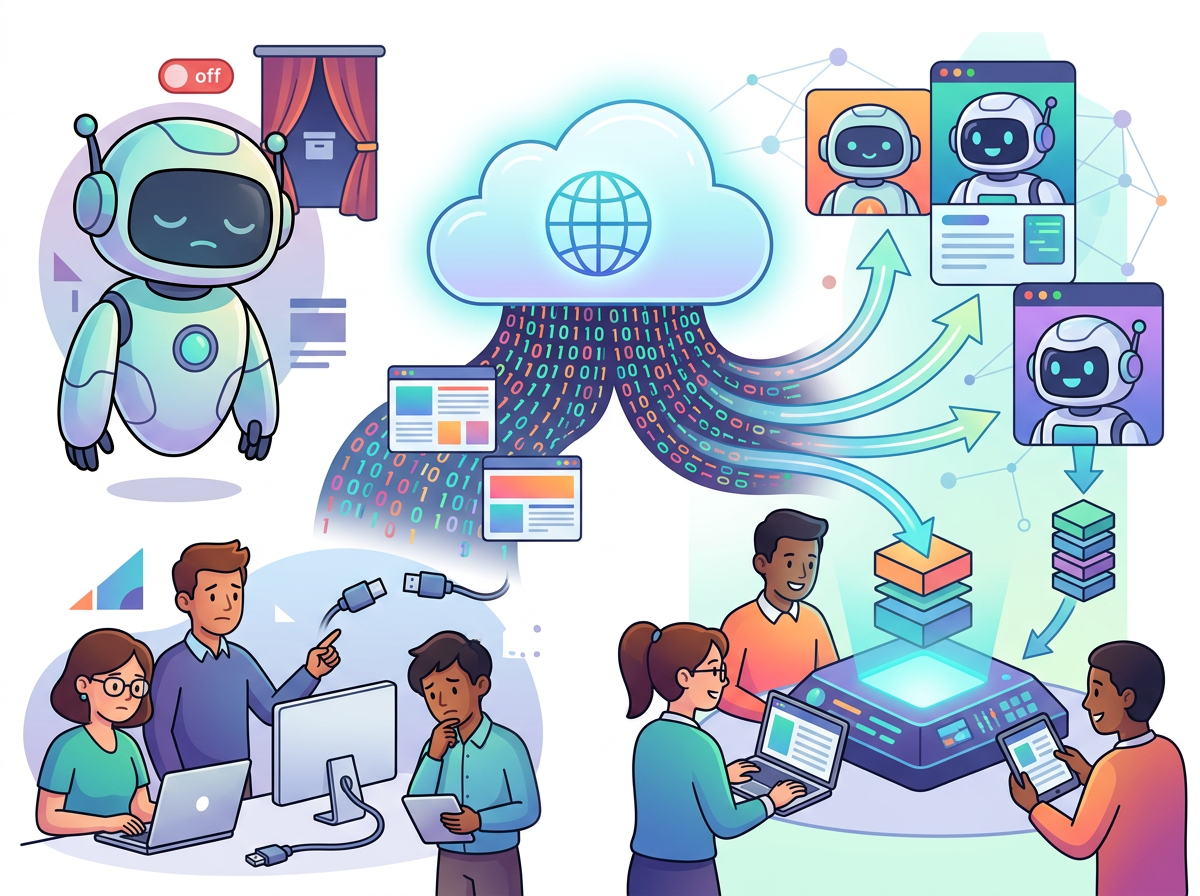
In early 2025, thousands of US small businesses received a message that stopped their data operations cold. Reworkd AI — a Y Combinator-backed platform that had become a go-to solution for no-code web scraping and AI-driven data extraction — announced it was shutting down its product on February 6, 2025.
For lean teams already stretched thin, this was the kind of disruption that costs real money. If you had been using Reworkd to monitor competitor pricing, pull lead lists, scrape regulatory filings, or feed a business intelligence dashboard, you suddenly needed a replacement — fast.
This isn’t just a story about one tool going dark. It’s a window into how fragile data operations become when small teams rely on a single platform without a systemization strategy behind it. In 2026, American small businesses managing between 3 and 15 people face an uncomfortable truth: knowledge and workflows that live only in one tool are a liability, not an asset.
The good news is that the shutdown of Reworkd actually coincided with a maturation of the AI web scraping market. The tools that have emerged or expanded since 2025 are more capable, more stable, and — critically — better designed for small teams that need reliable data pipelines without a dedicated engineering hire.
This guide is for founders, operations leads, and small team managers who want to understand what Reworkd was, why it shut down, and most importantly, which alternatives have the operational depth to replace it in 2026. Unlike typical “tool list” articles that skip the hard part, we’ll walk through each option with the Solo DX lens: which tool helps you build a repeatable, systemized data workflow — not just a one-off scrape.
Traditional approaches to data collection — hiring a freelance developer to build custom scrapers, paying a data services firm, or assigning an employee to manual research — routinely cost US small businesses $5,000 to $15,000 per project in labor alone, at $75–$150/hour for skilled work. The AI alternatives covered here run at $0–$99/month with minimal setup time. That delta matters enormously for teams operating without an operations budget.
To understand why the shutdown matters and which alternatives truly fill the gap, it helps to understand what Reworkd actually did — and what made it different from older scraping tools.
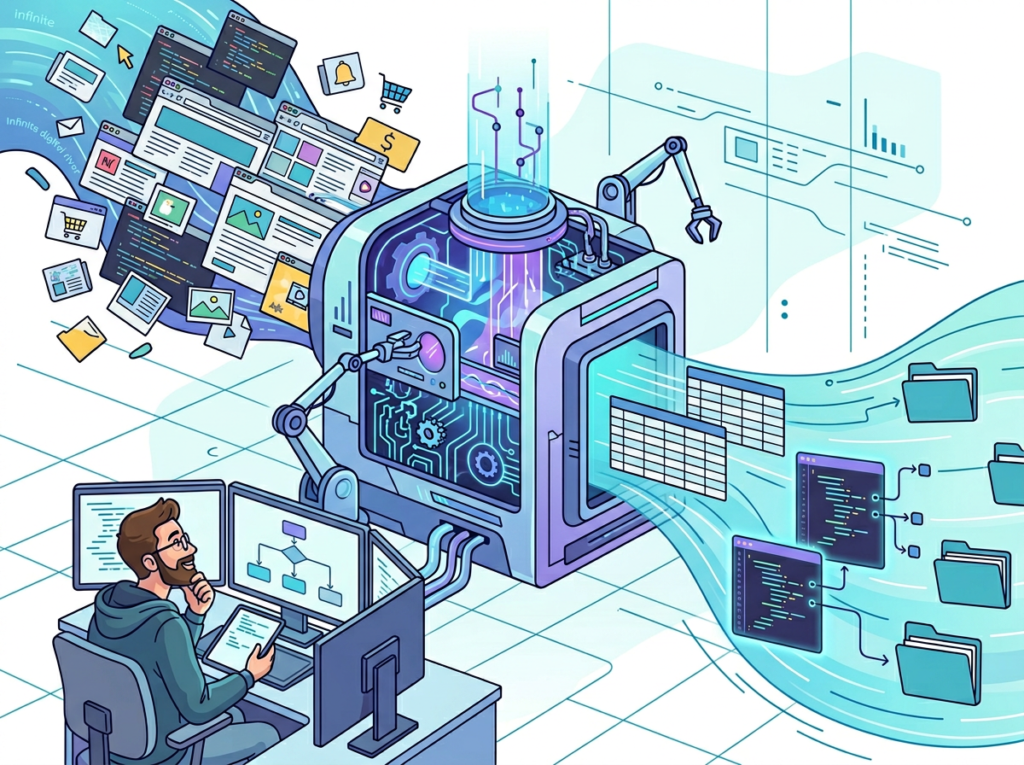
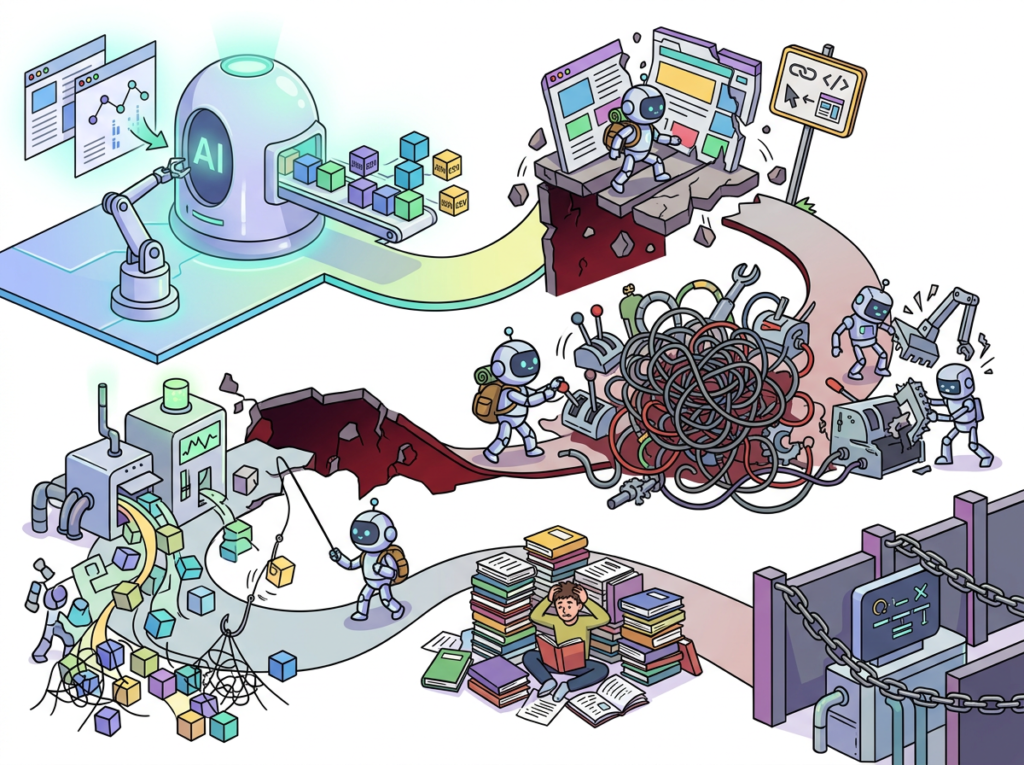
Reworkd was an end-to-end AI web data extraction platform. You gave it a URL and a plain-English objective (“extract all job titles and contact info from this page”), and its AI agent handled the rest: analyzing the page structure, generating extraction code, running the scraper, and delivering clean, structured output in JSON or CSV. The key innovation was its “self-healing” capability — when a website’s layout changed, the agent could detect the shift and adapt, rather than simply breaking as traditional scrapers do.
For a full breakdown of what Reworkd AI offered before its shutdown, including its original pricing tiers and feature set, the AI Plaza detail page preserves the historical record and links to verified successor tools.
What made Reworkd compelling for Solo DX purposes — small-scale digital transformation led by US founders without an operations manager — was precisely this intelligence layer. Traditional scraping tools like older versions of Octoparse or import.io required technical configuration that put them out of reach for non-developers. Reworkd lowered that barrier dramatically.
The platform had drawn investment and endorsement from Paul Graham, Nat Friedman, and Daniel Gross — credibility that helped attract small business users who needed a trustworthy solution. Its case studies documented real results: one fashion startup reduced engineering time spent on scraper maintenance from 40 hours per month to near zero.
So why did it shut down? The company has not published a detailed post-mortem, but the pattern is familiar in early-stage SaaS: a product that gained traction as a consumer-facing agent tool (AgentGPT, Reworkd’s precursor) pivoted to enterprise web scraping, and the economics of that market — high infrastructure costs, aggressive competition from Apify and Browse AI, and the challenge of converting SMB users to paid plans — proved difficult to sustain.
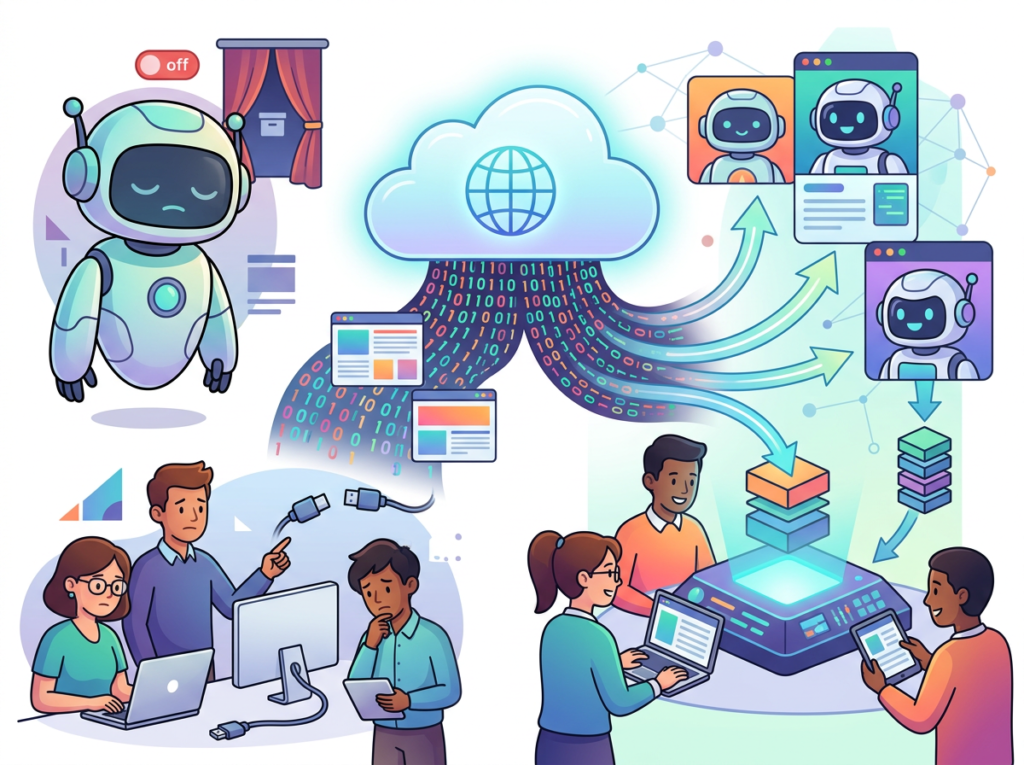
The Solo DX lesson here is this: no data workflow is systemized if it depends on a single vendor’s survival. The teams that transitioned smoothly were those who had documented their scraping objectives, maintained exports of their data, and treated their data pipeline as a process — not a product feature.
That documentation habit is the difference between a one-week disruption and a three-month operational crisis.
Why AI-Driven Data Collection Is Non-Negotiable
Problem 1: Research and competitive monitoring is eating founder time.
The average US small business founder spends 6–10 hours per week on information-gathering tasks — tracking competitors, monitoring pricing, pulling contact data, reviewing industry news. At a conservative $75/hour opportunity cost, that’s $22,500 to $37,500 per year in founder attention that could go toward sales, product, or operations.
Problem 2: Manual data collection doesn’t scale.
When you hire your third or fifth employee, you cannot hand them a sticky note that says “check these 12 competitor websites every week.” You need a documented, automated process. Teams that skip this step experience what operations consultants call “re-onboarding from scratch” every time a key person leaves — and with US employee turnover running above 40% in many sectors, that’s a frequent cost.
Problem 3: Data quality is inconsistent without AI oversight.
Human-collected data contains errors, gaps, and format inconsistencies that compound over time. AI-driven extraction with structured output schemas eliminates most of this variation, making your downstream analysis and reporting far more reliable.
The cost comparison is straightforward. Manual data collection or custom-built scrapers: $5,000–$15,000 per project in US labor. AI web scraping tools: $0–$99/month, setup in hours. For a team of five managing even basic competitive intelligence, the ROI of switching to an AI-driven workflow pays for itself within the first month. To see how today’s top tools stack up, compare AI web scraping options on AI Plaza.
As noted in this breakdown of AI-powered web data approaches, the shift toward agentic AI for data work is accelerating — with the AI agent market projected to exceed $42 billion by 2030. Small teams that build these workflows now will have a compounding advantage over those that wait.
How the Best Reworkd Alternatives Enable Solo DX for Teams
Bardeen — Best for Full Workflow Automation Beyond Scraping
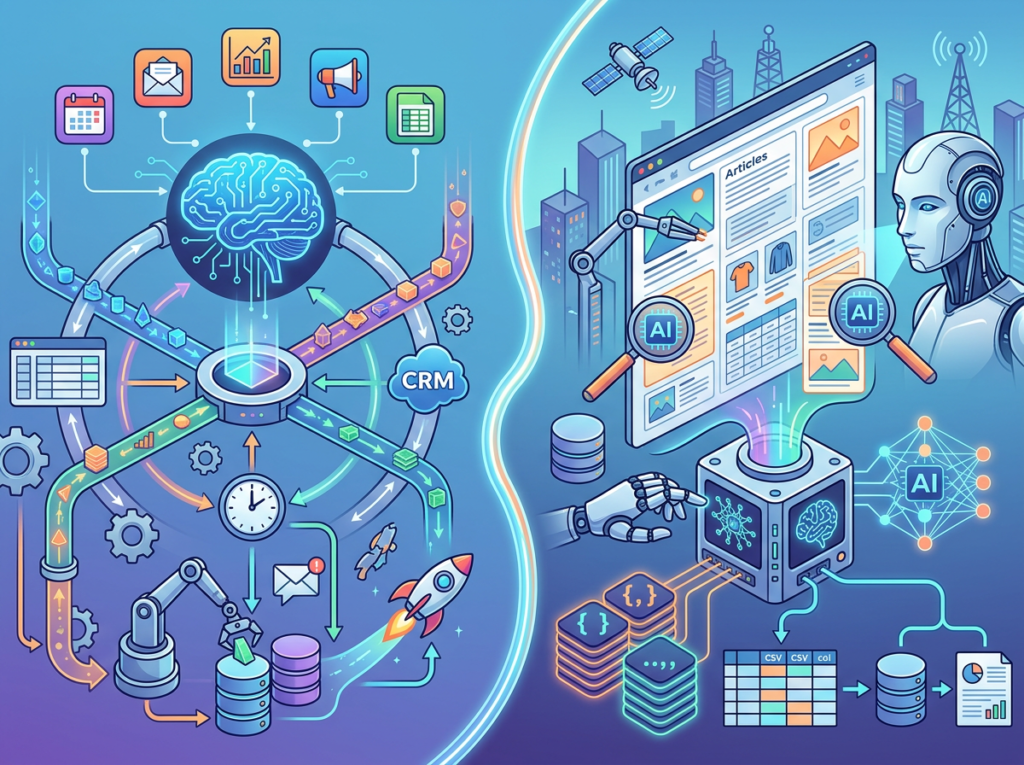
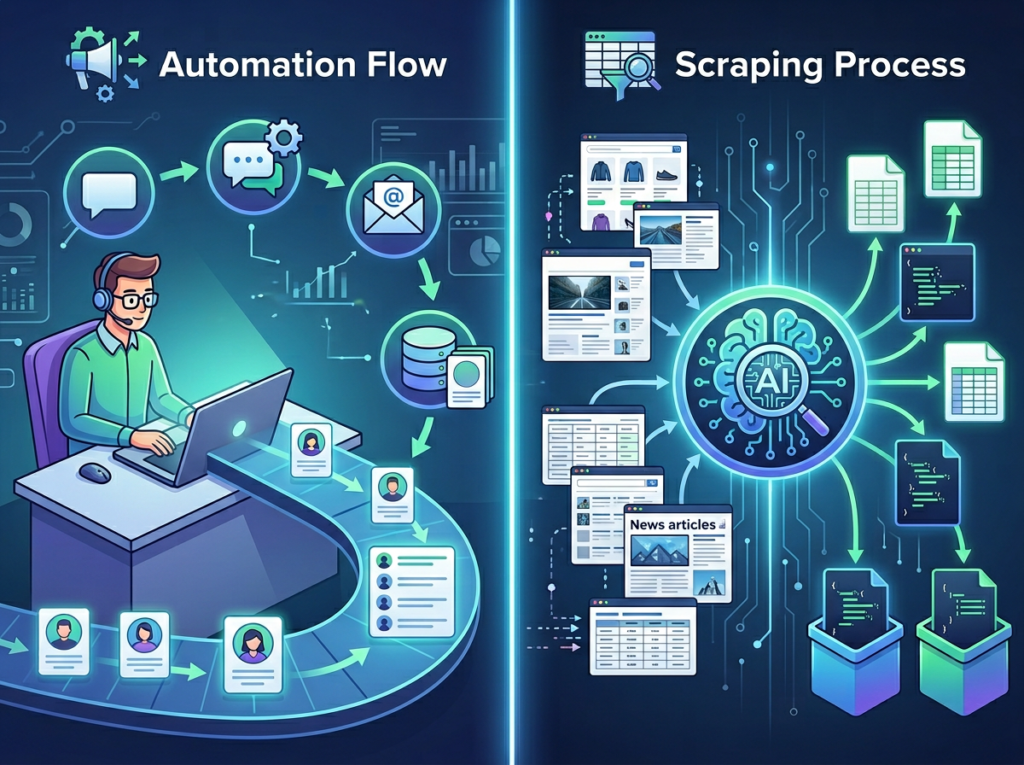
Where Browse AI and Thunderbit focus on data extraction, Bardeen positions itself as a full workflow automation platform that happens to include web scraping. Think of it as a no-code tool that connects scraping, data processing, and downstream actions in a single automated sequence.
Key capabilities for Solo DX:
“Playbooks” (pre-built automations) for lead generation, CRM enrichment, research workflows
Native integrations with Salesforce, HubSpot, Notion, Slack, Gmail, Google Sheets
AI Magic Actions: describe what you want to happen in plain English, and Bardeen generates the automation
Runs automations in the background on a schedule — no active browser session required
ROI for a Miami SaaS startup: A 6-person sales team was manually enriching CRM leads from LinkedIn and company websites, averaging 12 minutes per lead. Bardeen’s automated enrichment playbook brought that to under 1 minute per lead — saving approximately $18,000/year at $60/hour across 500 annual leads.
Pricing: Free plan for basic use; paid plans from $10/month (individual) to $20/month (team features). One of the most affordable options for teams that need automation beyond pure scraping.
Bardeen’s strength is workflow depth. If your use case involves not just collecting data but acting on it — updating a CRM, sending a Slack alert, creating a Notion entry — Bardeen handles the full chain without duct-taping multiple tools together.
PhantomBuster — Best for Lead Generation and Sales Workflows
PhantomBuster is purpose-built for lead generation automation, particularly from LinkedIn, Twitter/X, and other social platforms. If Reworkd’s primary use case for your team was building prospecting lists or enriching contact data, PhantomBuster is the most direct successor.
Key capabilities for Solo DX:
LinkedIn automation: connect requests, profile scraping, company data extraction, Sales Navigator integration
“Phantoms” (pre-built agents) for 50+ platforms including Instagram, Twitter, Google Maps, Product Hunt
Lead enrichment: automatically append email addresses, company data, and job titles to scraped lists
Export directly to HubSpot, Salesforce, Pipedrive, or CSV
ROI for a Chicago consulting firm: A 4-person business development team was manually building prospect lists from LinkedIn, averaging 3 hours per list of 100 contacts. PhantomBuster’s LinkedIn scraper built the same list in 8 minutes — saving approximately $9,360/year on prospecting labor alone.
Pricing: Free trial; paid plans from $56/month (2 hours of execution time/day) to $128/month (unlimited execution). Higher cost than Browse AI but justified for teams with high-volume lead generation needs.
The important caveat: PhantomBuster operates in a gray area with LinkedIn’s terms of service, as does any scraping of that platform. US teams should review current platform policies and consider the risk profile for their specific use case.
Common Pitfalls When Migrating from Reworkd
Mistake 1: Rebuilding the same undocumented workflow in a new tool.
If your Reworkd setup was not documented — meaning nobody on your team could rebuild it from written instructions — you have an opportunity to fix that in the migration. Every new scraping workflow should have a one-page SOP: what data is collected, from which sources, on what schedule, who reviews it, and what happens with the output. Explore the AI Plaza tool directory for workflow templates and migration guides.
Mistake 2: Choosing the most technically impressive tool instead of the most operationally suitable one.
Reworkd’s AI agent architecture was genuinely impressive — but many small teams were using it for tasks that Browse AI’s simpler monitoring robots handle just as reliably at lower cost. Match tool complexity to actual need.
Mistake 3: Treating data collection as a one-person task.
The most resilient small team data workflows involve at least two people who understand how to operate the tooling. Single points of knowledge failure are the operational equivalent of storing your only backup on one hard drive.
As this overview of agentic AI platforms illustrates, the underlying agent technology powering these tools continues to mature rapidly — which means the workflows you document today should be reviewed and updated at least quarterly as platform capabilities evolve. For historical context on how AI-powered D2D and data workflows were positioned before the shutdown, this archived post from Reworkd’s own blog shows the direction the product was heading.
FAQs for Businesses Evaluating Reworkd Alternatives
What exactly happened to Reworkd AI? Reworkd announced the discontinuation of its product effective February 6, 2025. The company has not published a detailed explanation, but the shutdown followed a pivot from the earlier AgentGPT product toward enterprise web scraping. Users should treat the reworkd.ai domain as inactive for all practical purposes.
Can I still access my data from Reworkd? Data exports should have been completed before the shutdown deadline. If you have historical exports, they remain usable. For migrating existing scraping configurations to a new platform, you will need to recreate your extractors from scratch — the configurations are not portable across tools.
What’s the difference between AI Efficiency tools and Solo DX tools? AI Efficiency tools help individual contributors do their current tasks faster — a better writing assistant, a faster image tool. Solo DX tools help small teams build systems — documented, repeatable workflows that survive personnel changes and scale as the team grows. The tools in this article are evaluated as Solo DX solutions, not just individual productivity boosters.
Is AI web scraping legal for small businesses in the US? Generally yes, for publicly accessible data. The legal landscape involves several considerations: the Computer Fraud and Abuse Act covers unauthorized access, the hiQ v. LinkedIn case established important precedents around public data, and individual platform terms of service may prohibit automated access. Consult legal counsel for specific use cases, particularly those involving personal data subject to state privacy laws (CCPA, etc.).
Which tool is easiest to set up for a non-technical founder? Browse AI and Thunderbit are the most accessible for non-technical users. Browse AI’s training interface requires no code; Thunderbit’s AI-generated field suggestions require essentially no configuration at all. Both can have a working data collection workflow running within 2 hours of signup.
Conclusion
Reworkd AI’s shutdown is a reminder that Solo DX — small-scale digital transformation for US teams — requires something more durable than a dependency on any single platform. The teams that navigated the transition most smoothly weren’t necessarily the most technical. They were the most organized: their workflows were documented, their data was exported, and their processes were designed to survive vendor changes.
In 2026, American small businesses managing 3 to 15 people don’t need enterprise-level scraping infrastructure to run competitive intelligence, lead generation, and operational monitoring workflows. Browse AI, Thunderbit, Bardeen, and PhantomBuster collectively cover the full range of use cases that Reworkd served — often at lower cost and with better integration support for non-technical teams.
The window to act is now. Every week your team spends on manual data collection is a week of compounding operational debt. Start with one workflow — your most time-consuming recurring research task — document it, automate it with one of the tools above, and measure the time recovered. That single systemized process is the foundation of a scalable, resilient data operation.
Small photography businesses lose thousands in billable hours every year to editing backlogs — ai photo editing for small business is the workflow fix most are still sleeping on.
In 2026, American freelance photographers and small studio owners face a productivity paradox that no amount of talent solves on its own.
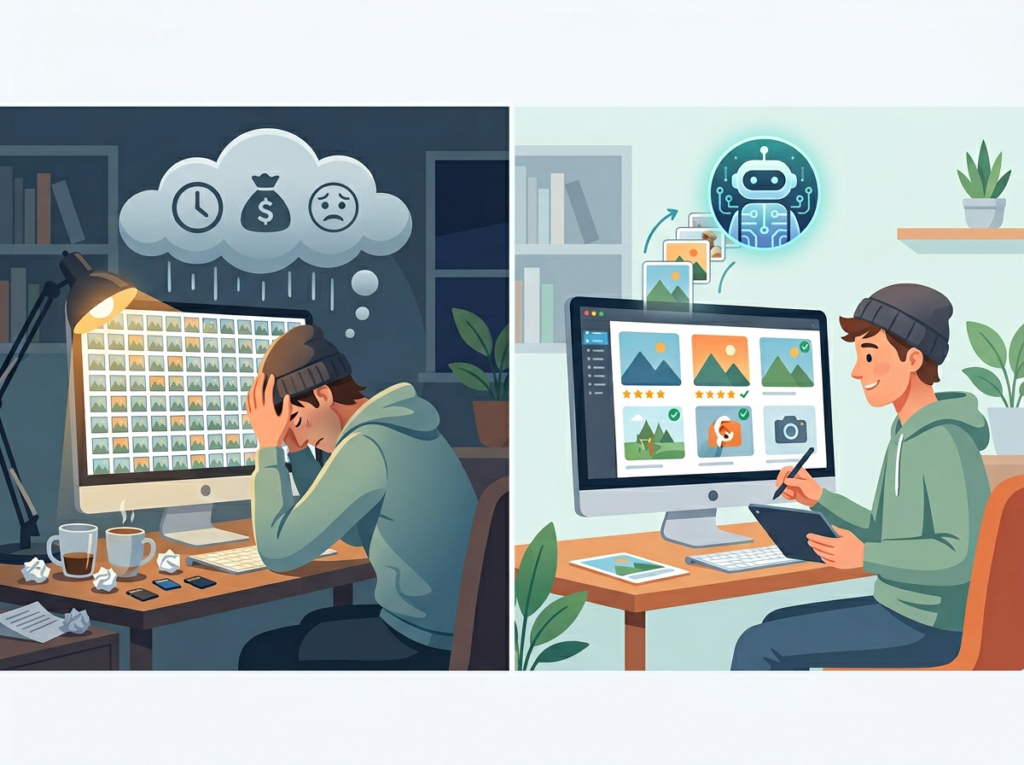
You booked the clients. You shot the sessions. The images are beautiful. But now you’re at your desk at 11 PM, three galleries deep in a Lightroom backlog, manually adjusting white balance on photo 847 of 2,300 from last Saturday’s wedding. Your inbox has four new inquiries you haven’t had time to answer. Your delivery deadline for the Johnson family portraits was yesterday.
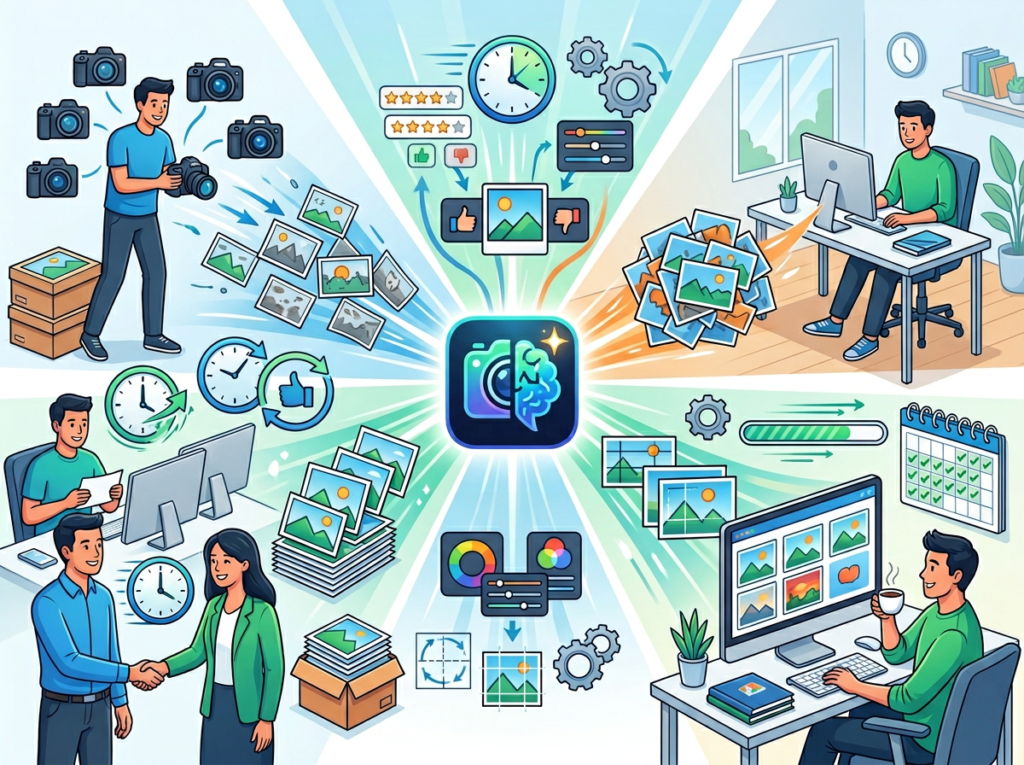
This is the reality for most solo photographers and small photography studios across the United States. The creative work — the shooting, the client relationships, the artistic vision — gets swallowed by the operational weight of post-production. Editing isn’t just a time sink. It’s a cognitive drain that compounds across every session, every season.
For US photographers billing $75–$200 per hour for their time, every hour spent on repetitive editing adjustments is $75–$200 not earned on new shoots, marketing, or business development. A photographer editing 15 hours per week on tasks AI could handle is leaving $5,625–$15,000 on the table every month.
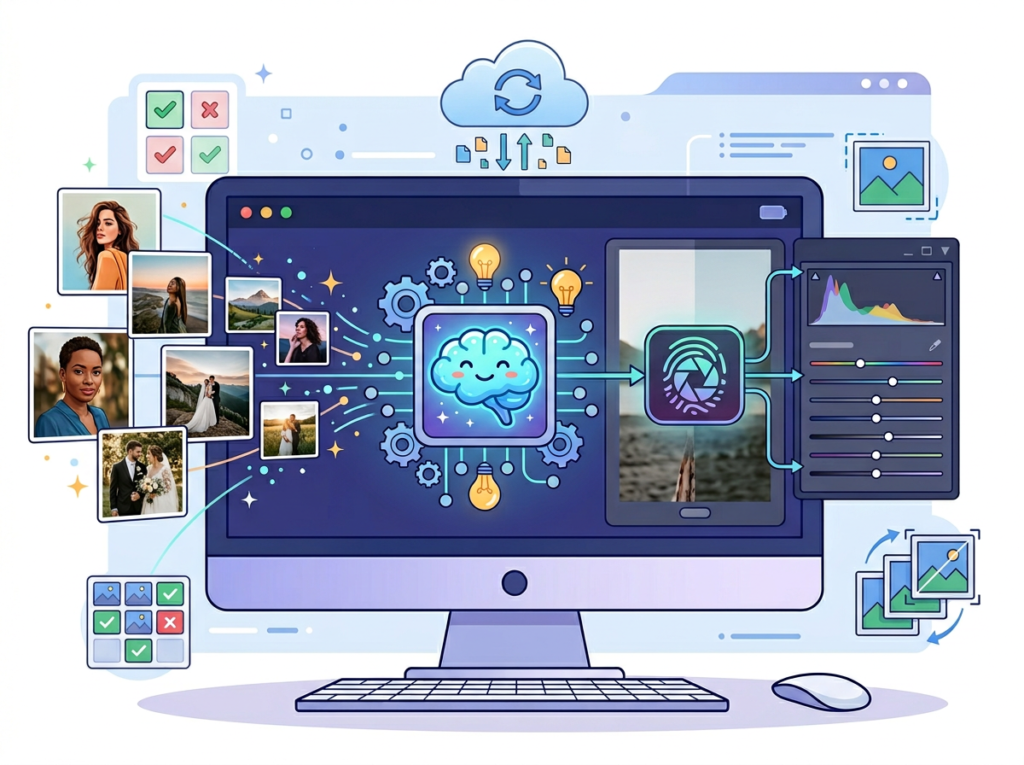
That’s where AI photo editing for small business changes everything. Imagen AI is an intelligent photo editing platform that learns your personal editing style and applies it automatically across your entire catalog — cutting editing time by 50% or more without compromising the aesthetic you’ve spent years building.
This article gives you four concrete workflows to implement this week, each saving 2–6 hours — plus an honest look at what Imagen AI can and cannot do.
Join thousands of photographers using Imagen AI to deliver faster and shoot more. Start Free Today
Key Concepts of AI Photo Editing Efficiency
Concept 1: Personalized Style Learning — Not Generic Presets
Most photographers have tried Lightroom presets. Most photographers have been disappointed by Lightroom presets. The problem is that presets apply a fixed look regardless of shooting conditions, lighting environments, or subject matter. A golden-hour outdoor preset applied to an indoor newborn session produces inconsistent, unusable results that require more corrective editing than starting from scratch.
AI-powered style learning works differently. Instead of imposing a fixed look, tools like Imagen AI analyze your existing edits — hundreds or thousands of images you’ve already processed — and reverse-engineer your personal editing logic. It learns how you handle underexposed indoor shots versus bright backlit portraits. It learns your preferred skin tone warmth, your contrast philosophy, your shadow recovery tendencies.
The result isn’t a generic filter. It’s a dynamic, evolving model of how you edit. Consider a photographer like Sarah — a freelance family and newborn photographer based in Denver with eight active clients. Before AI editing, Sarah spent 3.5 hours processing a single family session. After building a personalized AI profile, her sessions come back in under 90 minutes, requiring only light review and final tweaks. That’s a 2-hour daily savings across her average workweek — time she now puts toward a senior portraits expansion she’d been planning for two years.
For photographers serious about implementing this kind of efficiency, explore Imagen AI in detail to see exactly how the profile-building process works and what session volume is needed to get accurate results.
Concept 2: Culling Overhead — The Hidden Editing Tax
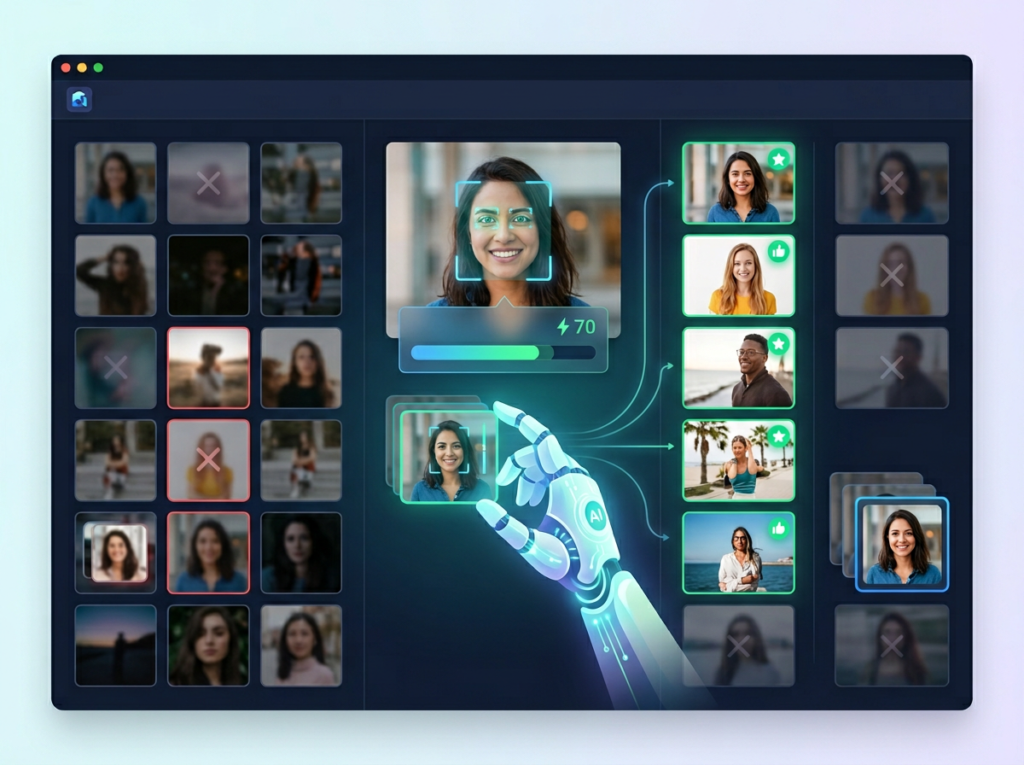
Research consistently shows that photographers underestimate how much time culling consumes relative to actual editing. For a typical wedding shoot generating 2,500–3,500 raw images, manual culling alone — flagging, star-rating, eliminating duplicates and blinks — takes 2–4 hours before a single editing adjustment is made.
This is what productivity researchers call a “hidden overhead tax”: time that doesn’t produce a deliverable but is required before deliverable production can begin. It’s also one of the highest-fatigue tasks in the photography workflow. Decision fatigue sets in fast when you’re making judgment calls on thousands of near-duplicate images in sequence.
Marcus, a solo wedding photographer in Nashville, tracked his editing time for a full quarter. His culling overhead was averaging 11 hours per wedding — roughly the same as his total editing time. Once he introduced AI-assisted culling, that figure dropped to 4.5 hours. Over a 20-wedding season, that’s 130 hours recovered — the equivalent of 16 full workdays.
Concept 3: Workflow Orchestration — AI as Your Editing First-Pass
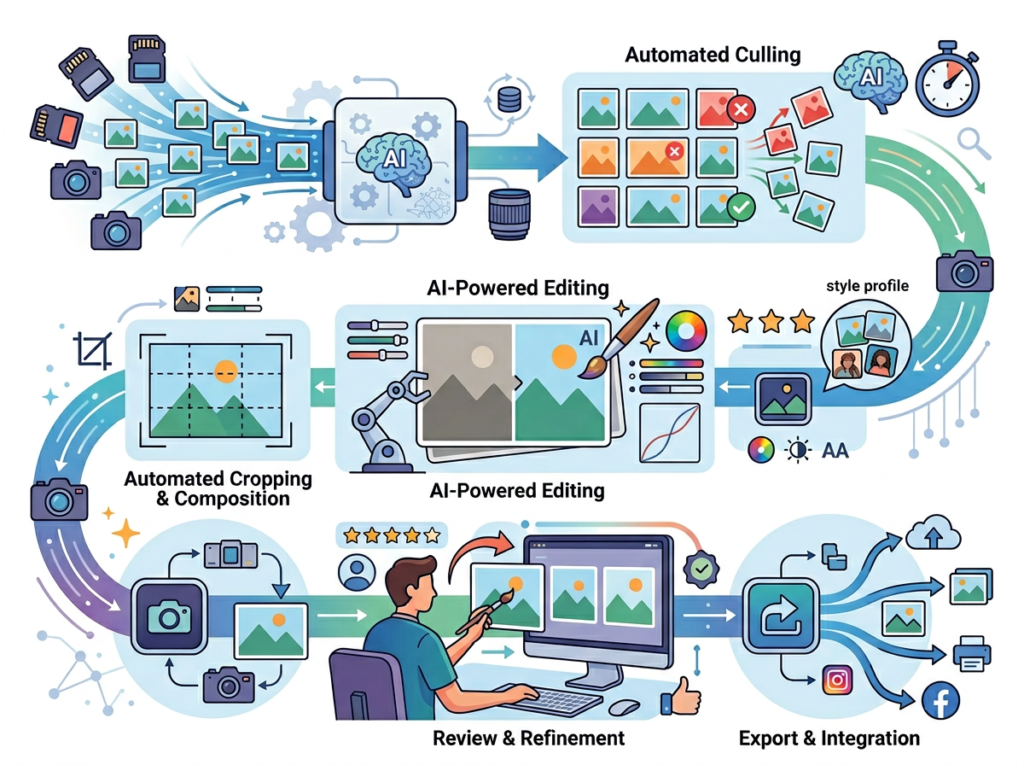
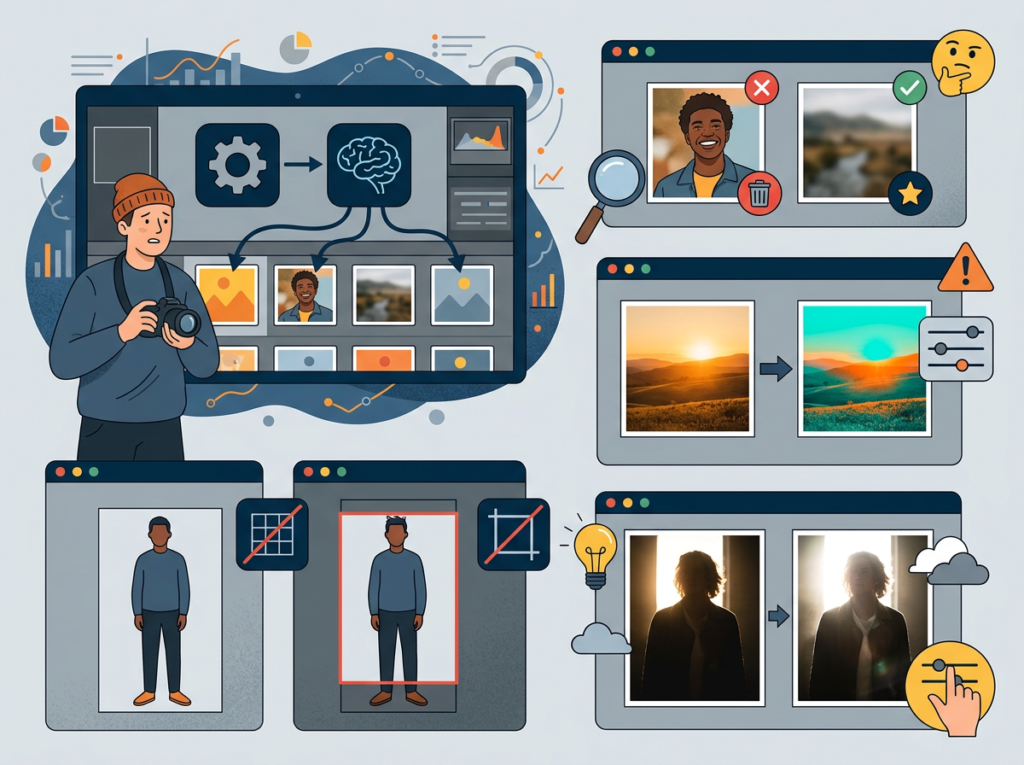
The most powerful framing for AI photo editing isn’t “automation” — it’s orchestration. Think of AI as your editing first-pass assistant who handles all the technically sound but creatively straightforward adjustments: exposure normalization, white balance consistency, basic tonal correction, duplicate grouping, blink detection.
You, as the photographer, then step in for the 5–10% of images that require genuine creative judgment: the hero shots, the emotionally charged moments, the technically challenging frames that demand a human eye.
Elena, a boutique portrait studio owner in Atlanta, restructured her entire post-production workflow around this orchestration model. Her previous process: import, manually cull, manually edit batch by batch, export, deliver. Her new process: import, run AI first-pass (culling + profile edit), review AI output for 45 minutes, creative overrides on 8–10 hero images, export. Her monthly editing overhead dropped from 38 hours to 14 hours — 24 hours recovered every month to reinvest in studio marketing and client experience.
Join thousands of photographers using Imagen AI to deliver faster and shoot more. Start Free Today
How Imagen AI Helps Efficiency
Feature 1: Personal AI Profile Training
Imagen AI’s foundation is its profile training engine. You submit a sample of your previously edited images — typically 3,000–5,000 edited RAWs — and Imagen’s machine learning system analyzes the relationship between your raw files and your finished edits across thousands of adjustment parameters.
The resulting profile isn’t a static preset. It’s a dynamic model that interprets each new image individually based on its specific characteristics: scene brightness, color temperature, subject distance, outdoor versus indoor context. Two images from the same session can receive different exposure adjustments if the lighting conditions shifted between frames.
Efficiency ROI: Photographers report editing time reductions of 50–80% on sessions processed through a well-trained personal profile. At a conservative 50% reduction and 15 editing hours per week, that’s 7.5 hours recovered. At $100/hour photographer market rate: $39,000 in annual recovered time value.
Feature 2: Culling Studio — AI-Assisted Image Selection
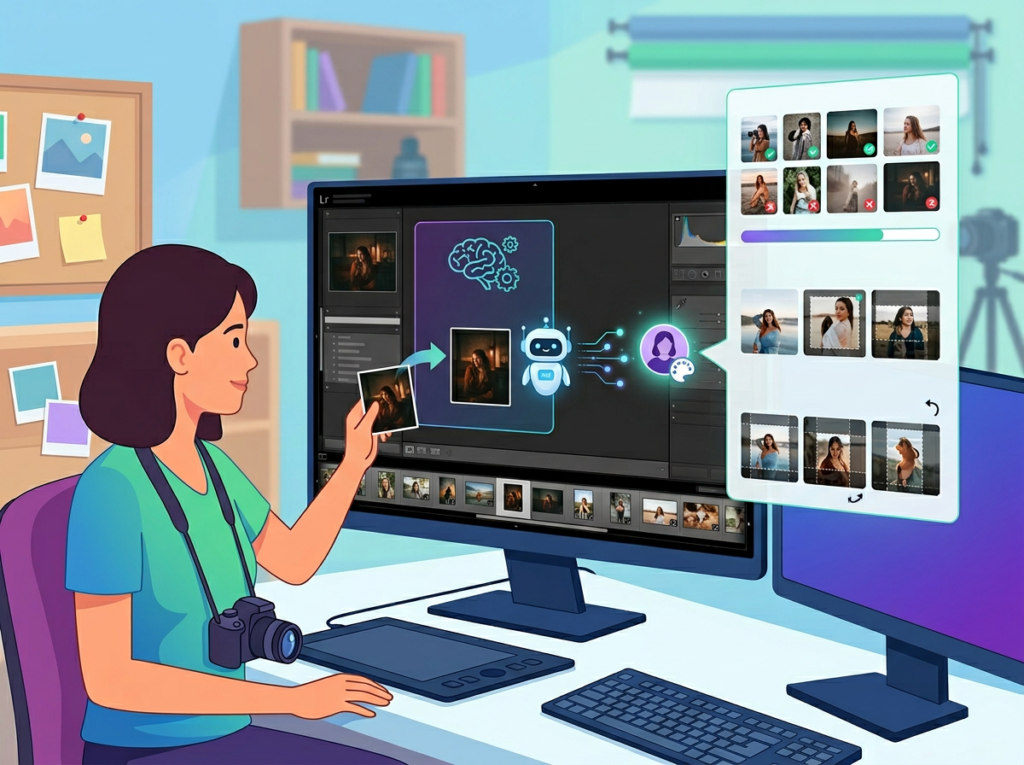
As noted in this detailed workflow breakdown on Fstoppers, Imagen’s Culling Studio addresses one of the most draining parts of the post-production pipeline. The system analyzes sharpness, groups near-duplicate sequences, detects closed eyes and expression changes, and applies customizable strictness settings so you control how aggressive the AI selection is.
The standout feature is Edited Previews — during the culling process, you see images with your personal editing profile already applied, not flat raw files. This eliminates the common problem of rejecting keepers that look dull in raw but would look stunning edited. You’re making selection decisions based on how images will actually look in the final delivery.
Efficiency ROI: Culling time reductions of 60–70% are typical. For a wedding photographer averaging 3,000 images per event: culling time drops from 3–4 hours to 60–90 minutes. Over a 20-event season: 50–60 hours recovered annually.
Feature 3: Multi-Profile Support and Style Evolution
As your photography business evolves — adding new genres, shifting your aesthetic, taking on commercial work alongside personal photography — your AI editing profile needs to evolve with it. Imagen supports multiple distinct profiles: one for your warm, lifestyle family sessions; a separate moodier profile for fall outdoor portraits; a clean, neutral profile for commercial product or headshot work.
You can train new profiles as your portfolio expands and update existing profiles with fresh edits as your style shifts. The AI doesn’t lock you into a single aesthetic defined at the moment of onboarding.
Efficiency ROI: Multi-profile support eliminates manual style-switching between different session types — estimated at 20–30 minutes per session for photographers shooting across multiple genres. Over 100 sessions annually: 33–50 hours recovered.
To see these features in action with workflow examples specific to your photography niche, see our full Imagen AI review.
Ready to cut editing time in half? Try Imagen AI and experience AI photo editing efficiency firsthand. Start Free | No credit card required
Use Cases: Small Photography Business & Freelancer Efficiency
Persona 1: Jessica — Freelance Wedding Photographer in Portland, OR
Business profile: Solo wedding photographer, 22 weddings per year, delivering 600–800 edited images per event. Billing rate: $3,500–$5,500 per wedding.
Old workflow: Jessica shot on Saturdays and spent Sunday through Wednesday editing each wedding. Average editing time per wedding: 18 hours. Culling (4 hours) ? first-pass editing (9 hours) ? color correction review (3 hours) ? export and delivery prep (2 hours). Total annual editing overhead: 396 hours. She was turning down one in four inquiries because she couldn’t fit more bookings into her calendar.
AI-enhanced workflow: After building a personal Imagen profile on 4,500 of her existing edits, Jessica’s per-wedding editing time dropped to 8 hours. Culling via Culling Studio (1.5 hours) ? AI first-pass edit review and overrides (4.5 hours) ? export and delivery prep (2 hours). Annual editing overhead: 176 hours.
Quantified results: 220 hours recovered annually. With that capacity back, Jessica added four weddings to her calendar — $14,000–$22,000 in additional annual revenue.
“I was literally turning away clients because I was buried. Now I have my weekends back and my waitlist is actually a real thing, not just a polite way of saying no.” — Composite based on reported user outcomes.
Persona 2: David — Small Wedding & Portrait Studio Owner in Chicago, IL
Business profile: Owner-operator with one part-time second shooter. Shoots 30 weddings and 60 portrait sessions annually. Managing editing for both his own work and his second shooter’s RAWs.
Old workflow: David was spending 22–25 hours per week on post-production across all session types. The backlog was perpetual — he was often delivering galleries 3–4 weeks after the session, which generated negative reviews and strained client relationships.
AI-enhanced workflow: David implemented Imagen for all session types, building separate profiles for weddings and portraits. His weekly post-production dropped to 11 hours. Delivery timelines shortened from 3–4 weeks to 7–10 days across the board.
Quantified results: 572 hours recovered annually. Faster delivery improved his review scores on The Knot and Google from an average 4.2 to 4.8 stars — directly driving a 15% increase in inquiry volume the following booking season.
As noted in this photography workflow analysis from Christine Dammann, one of the less obvious benefits of AI editing is the mental energy it returns — not just the hours. When David stopped ending every weeknight exhausted from editing, he had the creative bandwidth to redesign his client experience from inquiry to delivery.
“The ROI isn’t just hours. It’s showing up to shoots less burned out and actually enjoying the work again.” — Composite based on reported user outcomes.
Persona 3: Alex — Solo Commercial and Headshot Photographer in San Francisco, CA
Business profile: Primarily shoots corporate headshots, team photos, and commercial product work. High volume, tight turnaround expectations — corporate clients want same-week delivery. 200+ sessions annually.
Old workflow: Sessions were individually short (30–60 images each) but relentless in volume. At 90 minutes average editing time per session: 300+ hours of editing per year. Corporate turnaround pressure meant frequent late nights and weekend work.
AI-enhanced workflow: Alex built a clean, neutral commercial profile. Per-session editing time: 35 minutes. Annual editing overhead: approximately 117 hours.
Quantified results: 183+ hours recovered annually. Alex expanded into video headshot packages — a service he’d been unable to offer due to post-production bandwidth. Video packages now represent 22% of his annual revenue.
For persona-specific workflow templates and implementation guidance tailored to your photography niche, discover how Imagen AI works.
Streamline your photography workflow with smart AI editing Join thousands of photographers using Imagen AI to deliver faster and shoot more. Start Free Today
Best Practices for Implementing AI Photo Editing
Start with your best edits for profile training. The quality of your AI profile is a direct function of the quality of the edits you submit for training. Don’t submit your entire catalog indiscriminately. Curate 3,000–5,000 of your most consistent, representative edits — sessions where your style is fully expressed and your technical execution is solid. Avoid submitting experimental edits, rushed jobs, or sessions where your style was in flux. Garbage in, garbage out applies here just as in any machine learning context.
Treat AI output as a first-pass, not a final product. The single biggest mistake new AI editing adopters make is treating the AI’s output as delivery-ready without review. Set a consistent review step in your workflow: after AI processing, spend 30–45 minutes reviewing the full gallery at thumbnail scale, flagging any images where the AI made clearly incorrect calls. Then zoom in on the hero shots and key emotional moments for precision review. The AI handles technical consistency; you handle creative judgment.
Avoid tool proliferation. The photography software market is full of point solutions each promising to solve one specific bottleneck. It’s easy to accumulate $150–$200/month in subscriptions across culling tools, editing tools, gallery delivery platforms, CRM systems, and album design software before you’ve noticed how much tool-switching overhead costs you. This overview of AI photo editor considerations illustrates exactly how quickly feature overlap between tools can justify consolidation. Evaluate whether Imagen covers multiple needs (culling AND editing) before adding additional AI tools to your stack. Consolidated workflows outperform fragmented ones.
Track actual time savings for 30 days. Before implementing AI editing, log your editing time per session for two weeks. After implementation, log again for four weeks. Calculate the per-hour savings and annualize it. This isn’t just a motivational exercise — it quantifies the ROI for a tool that has an ongoing subscription cost, and it surfaces whether your profile needs refinement if savings are lower than expected.
Limitations and Considerations
It cannot replace creative judgment on hero images. The images that define a gallery — the first look, the emotional ceremony moment, the portrait where everything aligned perfectly — require human artistic attention. AI tools apply statistical patterns, not emotional intelligence. Budget time for deliberate, hands-on editing of your key images regardless of how well your AI profile performs on the rest of the gallery.
Profile accuracy degrades across significant style shifts. If you’ve recently undergone a major aesthetic change — switching from light and airy to dark and moody, for example — your existing training data will actively work against your new direction. Retrain with a fresh dataset of your new-style edits before relying on AI processing. Using an outdated profile on a stylistically divergent session will produce results requiring more corrective time than starting manually.
Privacy and data considerations require attention. Submitting client images to a cloud-based AI editing service raises legitimate questions about data handling, storage, and client consent. Review Imagen AI’s data privacy policy carefully and consider whether your client contracts address third-party service processing. Some commercial clients — particularly corporate or legal sector clients — may have explicit data handling requirements that affect which cloud services you can use.
Hallucination risk is low but present in culling. AI culling makes probabilistic decisions about image sharpness, expression quality, and composition. Occasionally it will flag a keeper as a reject or pass a technically marginal image. Always do a final review pass of the AI’s rejected images before permanently deleting anything — especially on emotionally significant events like weddings where missed moments cannot be re-shot.
Over-reliance carries a skill atrophy risk. Photographers who hand off all editing to AI tools for extended periods sometimes report losing fluency with manual editing adjustments. Periodically editing sessions entirely by hand — or maintaining hands-on editing for personal projects — keeps your technical instincts sharp.
Join thousands of photographers using Imagen AI to deliver faster and shoot more. Start Free Today
Frequently Asked Question
What is AI photo editing for small business?
AI photo editing for small business refers to using machine learning software to automate the technically repetitive parts of photo post-production — tasks like exposure adjustment, white balance correction, culling, and tonal consistency — so that photographers and small studios can process more images in less time without sacrificing their personal editing style. Unlike generic presets, modern AI editing tools learn your specific editing approach and apply it dynamically across new sessions.
Can AI photo editing replace my editing workflow entirely?
No — and it shouldn’t. AI photo editing is best understood as a first-pass tool that handles the technically consistent adjustments across your bulk images, freeing your time for deliberate creative work on hero shots and key moments. Most photographers using AI editing tools retain full manual control over their most important images and use AI to eliminate the repetitive technical overhead across the rest of their gallery.
How do freelance photographers use AI to save editing time?
Freelance photographers primarily use AI editing tools in two ways: automated culling (having AI sort, group, and flag images before editing begins) and profile-based batch editing (applying a personalized AI model to an entire session simultaneously). The combination can reduce per-session editing time by 50–75%, translating directly into more available booking slots, faster client delivery times, and reduced weekend and evening work.
Conclusion
For small photography businesses in today’s US market, ai photo editing for small business isn’t a luxury add-on — it’s a structural competitive advantage that directly affects capacity, revenue, and quality of life.
The photographers who are thriving in 2026 aren’t the ones editing fastest by hand. They’re the ones who’ve made intelligent decisions about which parts of their workflow genuinely require their creative attention and which parts can be handled by a well-trained AI that knows their style.
Imagen AI represents a mature, practical solution to the editing bottleneck that limits nearly every solo photographer’s growth ceiling. The ROI math is straightforward: at 50 hours of editing time recovered annually and a $100/hour photographer market rate, the annual value of that recovered time is $5,000 — against a tool subscription cost that runs a fraction of that. Realistic returns are often significantly higher.
The adoption path is low-friction: submit your best 3,000–5,000 edits to train a profile. Run one full session through the AI. Review the results honestly. Adjust your training set if needed. Within two to three sessions, most photographers have a working estimate of time saved and whether the output quality meets their standards.
AI is not replacing photographers. It’s eliminating the parts of the job that were never the point. The question isn’t “Should I use AI for editing efficiency?” — it’s “How much longer can I afford not to?”
Join thousands of photographers using Imagen AI to deliver faster and shoot more. Start Free Today
The AI that writes, edits, and debugs code directly inside your editor.
What is Cursor?
Cursor is an AI-powered coding assistant that integrates directly into a developer’s code editor. It is designed to help users write, edit, and understand code more efficiently. The tool can generate new code from natural language instructions, explain existing code blocks, and refactor or debug code based on user requests. Its primary output is source code across numerous programming languages, alongside explanations and documentation.
Users interact with Cursor primarily through a chat interface and editor commands within their integrated development environment. They provide input in the form of plain English questions, code snippets, or specific instructions for code modification. The AI then analyzes the provided context, including the open project files, to produce relevant code suggestions and answers. The tool is developed by the team behind its official website.
Key Findings
Code Intelligence: Understands your entire codebase to provide smart autocomplete and relevant suggestions instantly.
Contextual Editing: Analyzes open files and project structure to make accurate code edits and refactors with precision.
AI Pair Programmer: Works alongside you in the editor, offering real-time code solutions and debugging assistance continuously.
Seamless Integration: Connects directly with your existing development tools and workflows without requiring complex setup or configuration.
Natural Commands: Translates plain English instructions into precise code changes, function creations, and bug fixes immediately.
Project Awareness: Maintains deep understanding of your project’s architecture, dependencies, and patterns for context-aware operations.
Quick Refactoring: Safely restructures and improves existing code across multiple files while preserving all original functionality.
Bug Detection: Proactively identifies potential errors, vulnerabilities, and performance issues in your code as you write.
Effortless Navigation: Instantly finds and jumps to any function, definition, or reference across the entire code repository.
Team Collaboration: Shares AI-generated insights and code patterns with your team to maintain consistency and boost productivity.
Build and deploy powerful AI models, faster and at enterprise scale.
What is Google AI Studio?
Google AI Studio 2.0 is a web-based development environment designed for building applications with generative AI. It provides a centralized interface for accessing, testing, and integrating Google’s latest AI models. The tool enables developers to write text, produce code, and generate structured data outputs from AI prompts. It serves as a prototyping and integration hub for creating AI-powered features within software projects.
Users primarily interact with the system by providing text instructions, known as prompts, to configured AI models. The platform, developed by Google, processes these inputs and returns the AI-generated text or code as output. This allows for iterative refinement of prompts and seamless transition from experimentation to implementation via integrated APIs, as detailed on the official website.
Key Findings
Streamlined Development: Accelerates AI model creation with intuitive tools and pre-built templates for developers.
Powerful Analytics: Delivers deep insights into model performance and user interactions through comprehensive dashboards.
Seamless Integration: Connects effortlessly with existing Google Cloud services and popular third-party applications.
Collaborative Workspaces: Enables teams to share projects, edit models, and provide feedback in real-time.
Responsive Scaling: Automatically adjusts computational resources to handle varying project demands efficiently and cost-effectively.
Enterprise Security: Protects sensitive data with robust encryption, access controls, and compliance certifications.
Customizable Models: Allows fine-tuning of foundation models using proprietary data for specific business needs.
Rapid Prototyping: Facilitates quick iteration and testing of AI concepts with streamlined deployment pipelines.
Unified Dashboard: Provides a single pane view for managing all projects, resources, and team activity.
Predictive Optimization: Suggests model improvements and resource adjustments based on historical usage patterns and trends.
Automate your Git workflow with AI agents that code, review, and deploy.
What is GitAgent?
GitAgent by Lyzr is an AI-powered coding assistant designed to automate software development tasks directly within a user’s code repository. It functions as an autonomous agent that can analyze a codebase, understand project requirements, and then execute complex coding operations. Its primary capabilities include writing new code, refactoring existing code, fixing bugs, and implementing features based on high-level user instructions.
The system operates by connecting to a user’s Git repository, such as on GitHub. Users interact with it by providing natural language prompts that describe a development goal or a specific task to be accomplished. GitAgent then autonomously plans and executes the necessary steps—like creating, modifying, and testing code—to fulfill the request, ultimately producing commits and pull requests. According to the team behind the official website, it is built to function as a collaborative AI engineer that handles the entire workflow from instruction to integrated code change.
Key Findings
Code Collaboration: Enhances team synergy by streamlining shared development and review processes seamlessly.
Bug Detection: Identifies potential code errors early with intelligent analysis and proactive alert systems.
Workflow Optimization: Automates routine development tasks to accelerate project timelines and boost productivity.
Security Scanning: Continuously monitors code for vulnerabilities ensuring robust protection against potential threats.
Documentation Generation: Creates comprehensive technical documents automatically from code comments and commit histories.
Merge Conflict Resolution: Smartly analyzes and suggests solutions for code integration issues during merges.
Code Review: Provides automated, consistent feedback on pull requests to maintain quality standards.
Performance Insights: Highlights optimization opportunities and bottlenecks within the application for faster execution.
Deployment Automation: Orchestrates seamless code deployment pipelines from repository to production environments.
Compliance Checks: Validates code against regulatory standards and internal policies to ensure adherence.