• How Scholarcy Powers AI Research Summarizer and Systemization

    The fastest-growing teams in America aren’t reading less — they’re reading smarter, and Scholarcy is the AI research summarizer making that shift possible.

    American professionals are buried in reading. Market reports. Academic studies. Legal briefs. Policy white papers. Industry analyses. For small business owners, consultants, researchers, and freelancers scaling their operations in 2026, the volume of information that demands attention has never been higher — and the hours available to absorb it have never felt shorter.

    The problem isn’t access to information. It’s the cost of processing it.

    Knowledge work in the United States is expensive. The average US knowledge worker earns between $50 and $120 per hour in fully loaded labor costs. When a researcher spends four hours manually summarizing a 60-page white paper, or a consultant reads through 15 academic studies to prep a client brief, that’s $200 to $480 in labor — for a single task. Multiply that across a 5-person team doing it weekly, and you’re looking at $5,000 or more in annual labor just for document digestion.

    Most small teams don’t solve this problem — they absorb it. Knowledge lives in someone’s head. New hires spend weeks getting up to speed by reading from scratch. Quality varies because each person summarizes differently. And the founder or team lead becomes the de facto filter for every document, creating a bottleneck that slows everything down.

    This is the hidden scalability problem that enterprise organizations solved with dedicated research operations teams. US small businesses and freelancers — operating in what we call the Solo DX model — don’t have that luxury.

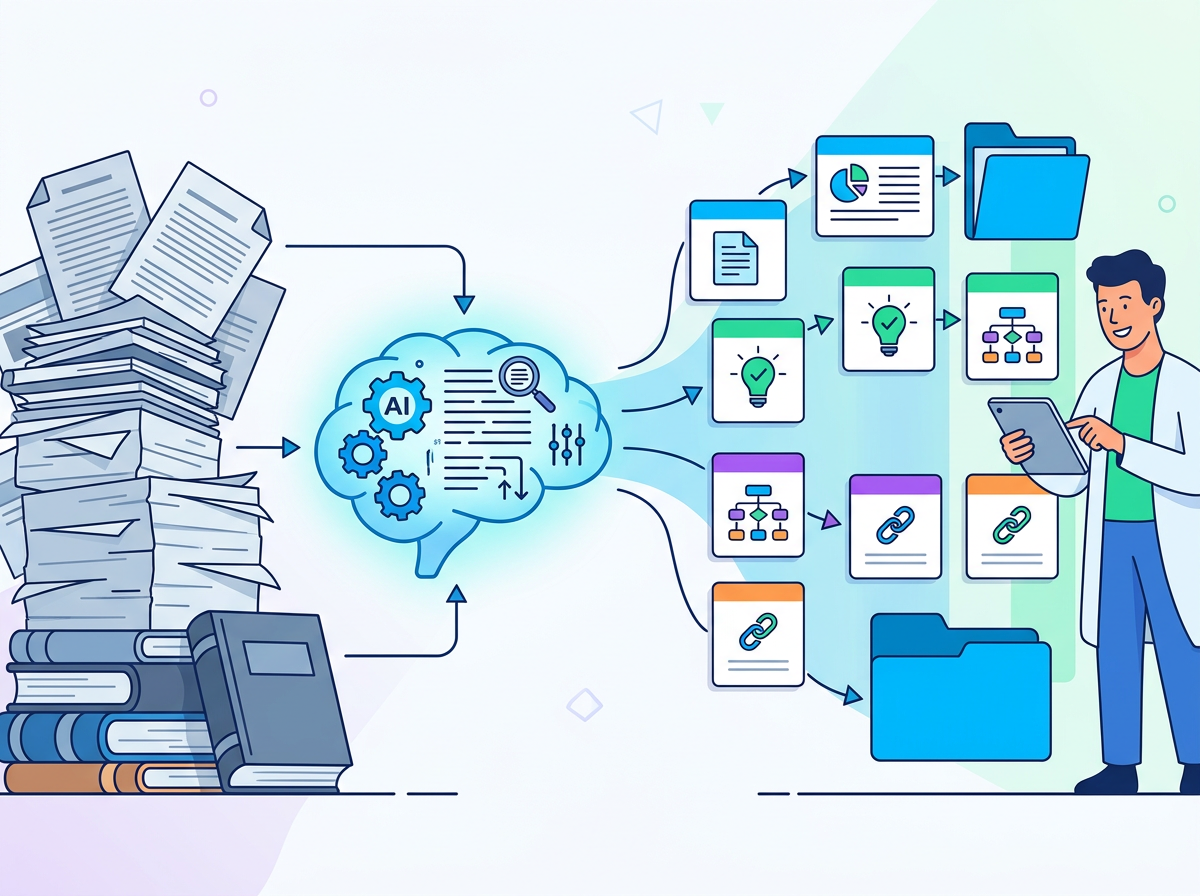
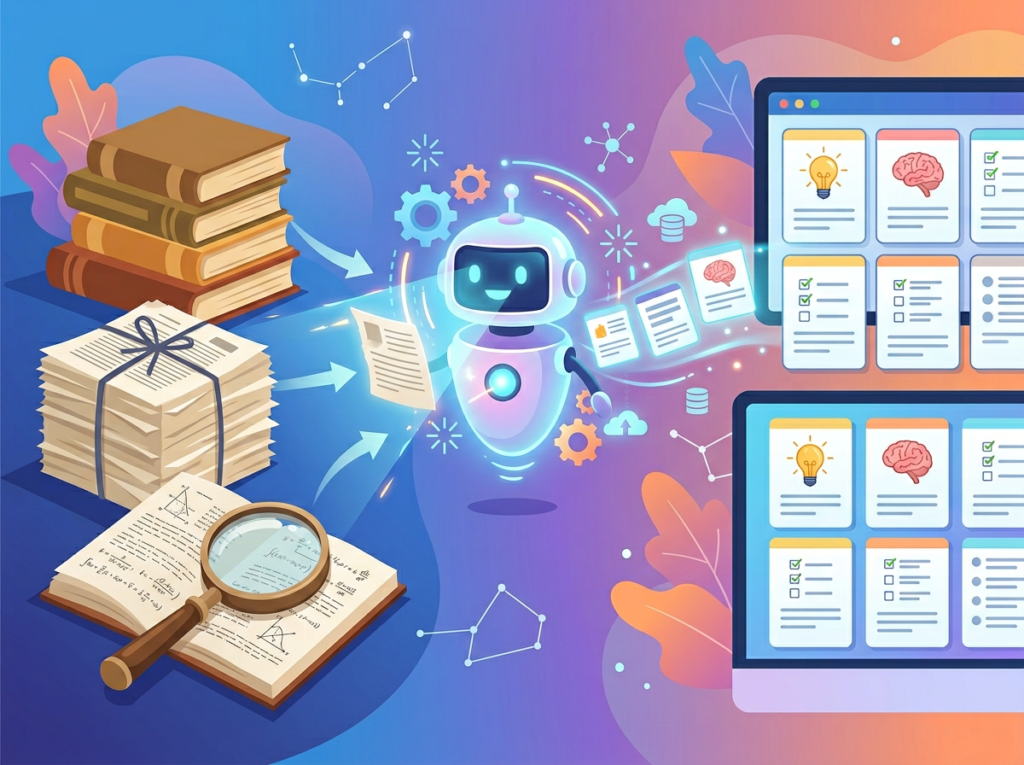
    That’s where Scholarcy enters. Unlike generic AI writing tools that help you produce content, Scholarcy is purpose-built as an ai research summarizer: it ingests research papers, articles, reports, and long-form documents and extracts the key findings, arguments, definitions, and references automatically. It’s not a replacement for critical thinking — it’s the assistant that does the heavy lifting so your critical thinking can operate at a higher level.

    For US small teams in 2026, that’s not a productivity perk. It’s a competitive necessity.


    Get the full Scholarcy breakdown and start building your team’s knowledge infrastructure today.


    What is Solo DX?

    Solo DX — short for Small-Scale Digital Transformation — is the operational philosophy that helps US founders and small team leads build enterprise-grade systems without enterprise-grade headcount or budgets.

    The term emerged from a practical reality: the digital transformation strategies designed for Fortune 500 companies simply don’t translate to businesses with 1 to 15 people. Corporate DX initiatives involve dedicated IT departments, change management consultants, multi-year roadmaps, and seven-figure budgets. They’re designed for organizations with the infrastructure to absorb disruption. Small US businesses don’t have that infrastructure — and most don’t have the time to build it the traditional way.

    Solo DX reframes the question. Instead of asking “how do we transform our organization?”, it asks “how do we build one repeatable system this week, using tools that cost less than a business lunch?”

    Corporate SOP frameworks fail for US small businesses for three reasons. First, they assume dedicated process owners — people whose entire job is to document and maintain procedures. Second, they assume stable, well-resourced IT environments. Third, they’re designed to document processes that already work at scale, not to help small teams figure out what their processes should be in the first place.

    Solo DX flips that sequence. You start with a working process — even an imperfect one — and use AI to document, systematize, and refine it. The documentation doesn’t come after the process is perfect. It comes alongside it, evolving in real time.

    Consider a 3-person design studio in Austin, Texas. The founder, Marco, is the only person who knows how to scope client projects, price retainer packages, and deliver final files in the correct format. When he hired two junior designers, he spent three weeks onboarding them verbally. Clients complained about inconsistent deliverables. Junior designers were afraid to make decisions without checking with Marco first.

    Solo DX would have Marco use an ai research summarizer to pull the key frameworks from his industry’s best practice guides, then build internal reference documents his team could use independently. The bottleneck doesn’t disappear overnight — but it shrinks with every document that gets out of his head and into the system.


    Explore Scholarcy’s features to see how it fits into a Solo DX knowledge infrastructure for your team.


    Why AI Is Key for Mini-Team Systemization

    Problem 1: Knowledge lives only in the founder’s head
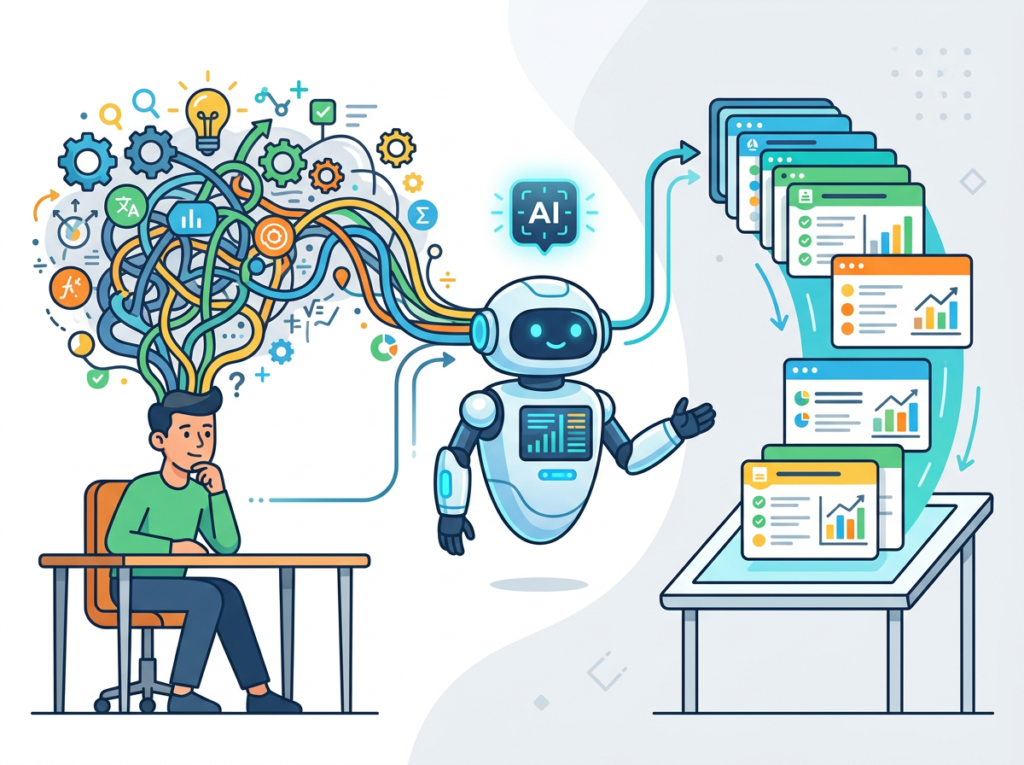
    This is the most common and most damaging bottleneck in American small businesses. The founder knows which vendors are reliable, which contract clauses matter, which client communication styles work. None of that knowledge is written down. When the founder is unavailable — or when they finally hire someone — that institutional knowledge either transfers slowly through verbal explanation or doesn’t transfer at all.

    The cost isn’t hypothetical. US employee turnover averages around 47% annually across industries. Re-training a replacement costs 50% to 200% of that employee’s annual salary — meaning a $60,000-per-year employee costs $30,000 to $120,000 to replace when you factor in lost productivity and training time.

    AI research summarization tools like Scholarcy allow teams to rapidly convert external research — industry best practices, regulatory guidance, competitor analyses — into internal reference materials. That knowledge becomes part of the team’s documented infrastructure instead of living in someone’s browser bookmarks.

    Problem 2: New hires slow operations down before they speed them up
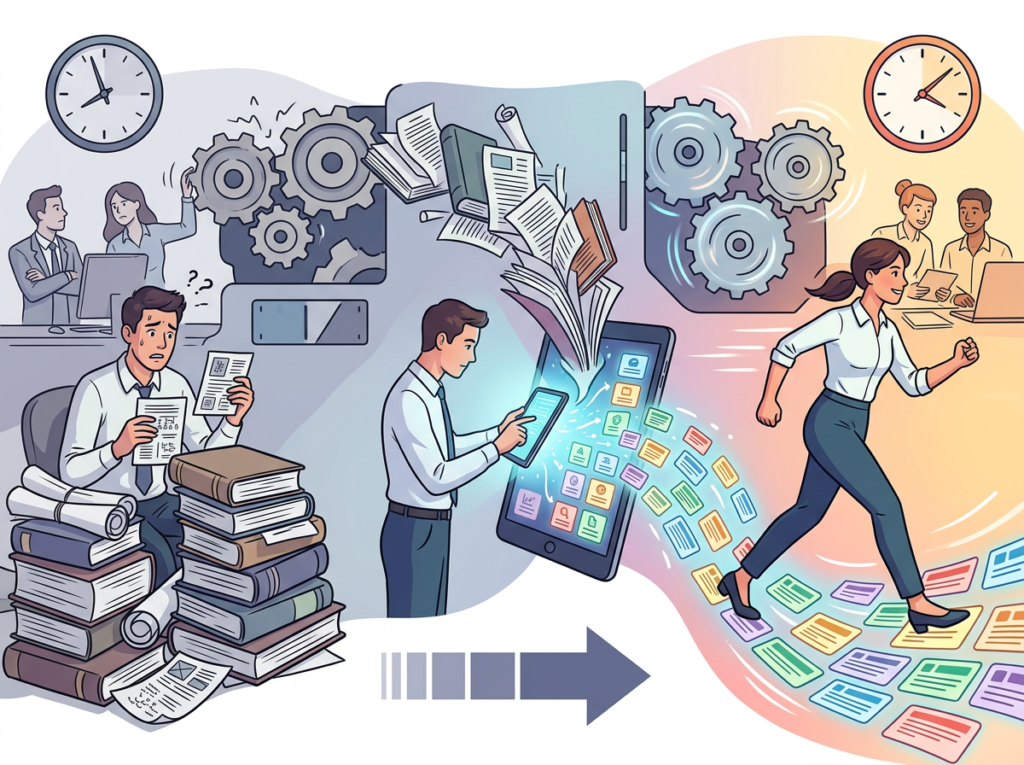
    The onboarding tax is real and expensive. A new hire at a 5-person US startup typically takes 3 to 6 months to reach full productivity. During that ramp period, they’re pulling attention from existing team members — asking questions, requesting document reviews, needing supervision on client work.

    Teams that have systematized their knowledge — reference documents, research summaries, process guides — cut this ramp period dramatically. When a new hire can independently access well-organized summaries of the key research, tools, and processes that govern their role, they don’t need to interrupt the founder every hour.

    The math is clear: if a new marketing hire at a Denver-based SaaS startup earns $65,000 per year and takes 4 months to ramp instead of 6, that 2-month acceleration is worth approximately $10,800 in productive labor. Across two or three hires per year, that’s $20,000 to $30,000 in recovered productivity annually.

    Problem 3: Quality varies across team members because everyone reads differently
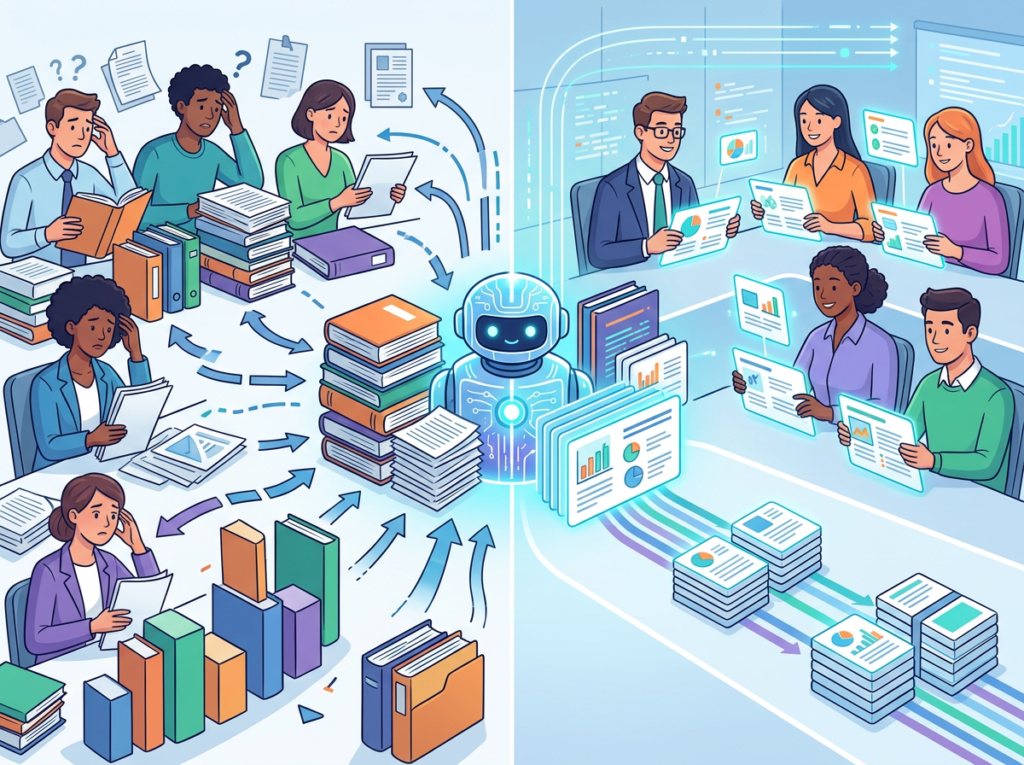
    When 5 people read the same 40-page industry report, they walk away with 5 different interpretations of what matters. One person focuses on the data. Another focuses on the case studies. A third focuses on the executive summary and misses the caveats in the appendix. That variation in comprehension produces variation in output quality — which produces variation in client results.

    AI-powered summarization creates a consistent starting point. When the tool extracts the key findings, methodology, and conclusions from a document, every team member starts from the same structured summary. The interpretation still varies — and should — but the baseline is shared.


    Get the full Scholarcy breakdown and start building your team’s knowledge infrastructure today.


    Use Cases by Team Role

    Persona 1: US Startup Founder Juggling 3 Departments

    Maria runs a 6-person health tech startup building patient engagement software. She’s simultaneously managing product development, sales, and regulatory compliance — and she’s the only person who has read the FDA guidance documents, clinical research papers, and competitive intelligence reports that inform their product decisions.

    Old workflow: Maria reads 3–5 documents per week, takes handwritten notes, and verbally briefs her team in 30-minute meetings. Her notes aren’t searchable. Her team can’t reference them asynchronously. When a sales call requires regulatory context, they wait for Maria.

    AI-powered workflow: Maria uploads regulatory documents and research papers to Scholarcy at the start of each week. The tool generates structured summaries with key findings, citations, and relevant figures. She reviews the summaries (20 minutes vs. 3 hours of reading), approves them, and they’re added to the team’s shared knowledge library in Notion. Sales, product, and compliance team members can now access the same foundational knowledge independently.

    Results: Maria recovers 6–8 hours per week. Her team’s regulatory questions drop by 60%. A new product manager onboards in 3 weeks instead of 7.

    Maria says: “I used to be the human search engine for our entire company. Now the search engine actually searches.”

    Quantified ROI: 7 hours/week × $150/hour (founder rate) × 50 weeks = $52,500/year recovered in founder bandwidth


    Persona 2: Trainer Documenting Internal Knowledge

    Robert is the sole learning and development specialist at a 12-person professional services firm. He monitors and summarizes dozens of regulatory changes, industry developments, and professional standards documents per month — a task that takes 15 hours and produces emails most team members skim or ignore.

    AI-powered workflow: Robert uses Scholarcy to generate initial summaries, which he reviews and annotates in 3–4 hours rather than 15. He formats the approved summaries into a weekly internal newsletter and a searchable Notion knowledge base. Team members engage with structured, scannable content rather than long emails.

    Results: Team engagement with internal knowledge materials increases by 55%. Robert’s monthly research summarization time drops from 15 hours to 5 hours.

    Robert says: “I went from being the person who reads everything so no one else has to, to being the person who makes sure everyone actually does.”

    Quantified ROI: 10 hours/month recovered × $75/hour × 12 months = $9,000/year in L&D labor savings

    Discover Scholarcy and see which use case fits your team’s current bottleneck.


    Join 10,000+ US small teams using Scholarcy to eliminate research overload. See How It Works | Used by teams from Silicon Valley to New York


    Common Pitfalls & How to Avoid Them
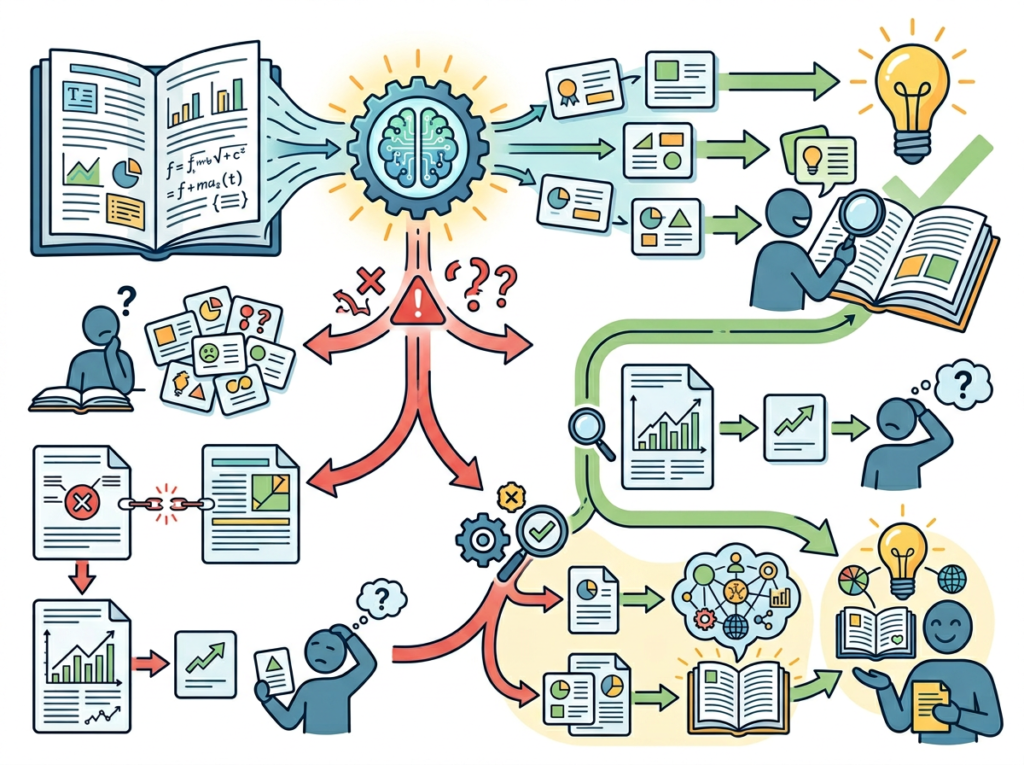
    Pitfall 1: Using too many disconnected summarization tools

    The temptation to test every AI tool that hits Product Hunt is real — especially for tech-forward small business founders. But using 3 different summarization tools simultaneously creates fragmentation. Summaries live in different places. Team members use different tools for different document types. The result is a knowledge infrastructure as disorganized as the problem you were trying to solve.

    The fix: Choose one primary AI research summarizer and build your team’s workflow around it. Scholarcy is designed to handle diverse document types — PDFs, web articles, Word documents — so there’s rarely a need for a secondary tool in the same category.

    Pitfall 2: Delegating summarization without reviewing output

    AI-generated summaries are starting points, not finished products. Teams that route Scholarcy output directly into client deliverables or critical internal documents without human review create liability and accuracy risks. This is especially true in regulated industries — healthcare, finance, legal — where a mischaracterized finding can have serious consequences. As covered in this study tips breakdown, even the most efficient summarization workflow requires active critical engagement with the output.

    The fix: Establish a review step. Assign a team member to spot-check AI summaries against source material before they’re added to the knowledge base. This takes 10–15 minutes per document and is far faster than the alternative of reading the full document.

    Pitfall 3: Failing to maintain the knowledge library

    The most common reason AI-powered knowledge systems fail in US small businesses isn’t the technology — it’s governance. Teams build a library of summaries in Month 1, then stop updating it. Within 90 days it’s stale; within a year, it’s abandoned.

    The fix: Assign a single owner for the knowledge library. Build a monthly “research digest” ritual — a recurring calendar block where someone uploads new documents to Scholarcy, reviews the summaries, and updates the knowledge base.


    See the full Scholarcy review for a detailed breakdown of how to structure these workflows from day one.


    FAQs
    What’s the difference between AI Efficiency and Solo DX?

    AI Efficiency tools are designed to help individuals work faster — writing emails more quickly, generating first drafts, automating repetitive tasks. Solo DX is focused on team-level systemization: building the knowledge infrastructure, documented processes, and shared workflows that allow a small team to operate consistently without constant founder intervention. Both are valuable; they serve different goals.

    Can small teams afford to use AI research tools?

    Yes — and the better question is whether they can afford not to. Scholarcy’s subscription starts at around $10/month for individual users and offers institutional pricing for teams. When a single team member saves 3 hours per week in reading time at $75/hour fully loaded labor cost, that’s $225 per week — or $11,700 per year — in recovered productivity. The ROI calculation for most US small teams is immediate.

    Is Scholarcy hard to set up?

    No. Scholarcy is designed for users who aren’t technically sophisticated. You upload a document — PDF, Word, or URL — and it generates a summary within seconds to minutes depending on document length. There’s no API integration required for basic use. For teams wanting to integrate Scholarcy into a larger workflow (e.g., automatic processing via API or Zapier), setup takes a few hours with basic technical knowledge.


    Get the full Scholarcy breakdown and start building your team’s knowledge infrastructure today.


    Conclusion
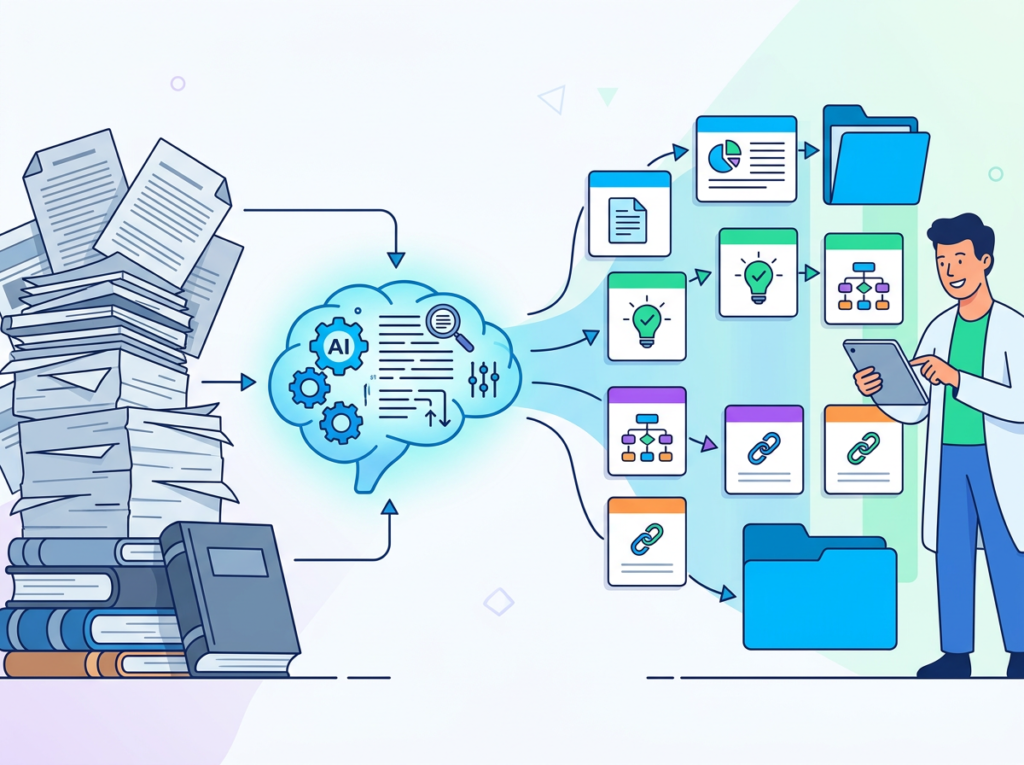
    In 2026, American small businesses don’t need enterprise budgets to build enterprise-level research operations. The same ai research summarizer capabilities that large organizations spend tens of thousands of dollars implementing through dedicated research teams are now accessible to a 3-person consulting firm in Denver or a 7-person health tech startup in San Francisco — for less than the cost of a monthly business lunch.

    The competitive advantage in knowledge work is no longer who reads the most. It’s who builds the systems that make reading scalable.

    Scholarcy transforms the passive, bottlenecking act of document reading into an active, structured, team-shareable knowledge asset. It doesn’t replace the human judgment your team brings — it removes the friction that prevents your team from applying that judgment at scale.

    The Solo DX principle applies here as it does everywhere: start with one process. Pick the single document type your team processes most frequently — market research reports, academic papers, regulatory guidance, client intake documents — and build a Scholarcy-powered summarization workflow around it this week. Get that one system working and trusted. Then expand.

    By the end of the quarter, you’ll have replaced dozens of hours of manual reading with a searchable, shared intelligence library that every team member can use independently.


    Get the full Scholarcy breakdown and start building your team’s knowledge infrastructure today.


  • How LogoAI Improves AI Efficiency for Small Businesses

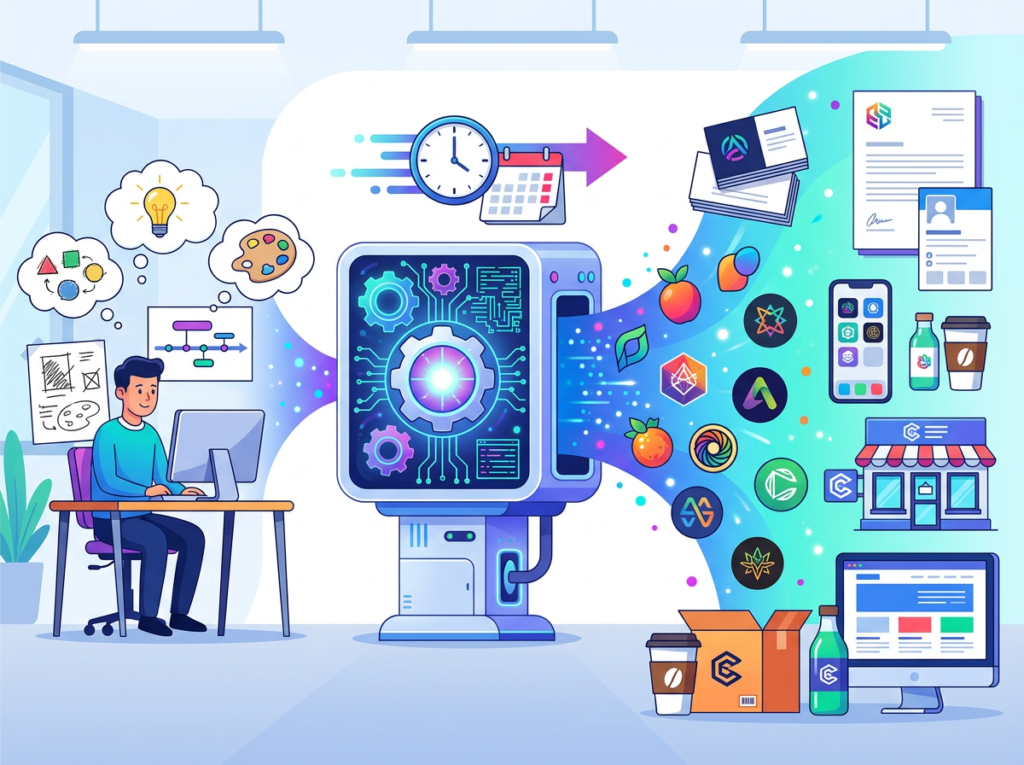
    An AI logo maker for small business can cut branding costs by 95% — without sacrificing the professionalism your brand needs to compete.

    In 2026, American freelancers and solo founders face a branding paradox that no one talks about honestly. You know your business needs a strong visual identity — a logo that communicates credibility from the first glance, a mark that works on your website, your invoices, your social profiles, and a business card you’re not embarrassed to hand out. But professional logo design from a freelance designer costs $500 to $2,500. A branding agency will start at $5,000 and climb from there. And the time cost is just as steep: back-and-forth revision cycles that drag three to six weeks while your launch stalls.

    Meanwhile, you’re billing $75 an hour as a consultant, $100 an hour as a copywriter, or hustling to move units in your Etsy or Shopify store. Every hour you spend hunting for the right visual direction, interpreting design briefs you barely understand, and waiting on revision turnarounds is an hour of real money left on the table.

    This is where the ai logo maker for small business category has quietly become one of the highest-ROI AI efficiency tools available today. Not because these tools replace great design — they don’t, and we’ll be honest about that — but because for the majority of solo entrepreneurs, they deliver 90% of the outcome at 5% of the cost and 10% of the time.

    LogoAI is one of the most established platforms in this space, helping hundreds of thousands of founders create professional logos without design experience or agency budgets.

    For US freelancers and solo entrepreneurs, the math is stark: if you bill $75/hour and a traditional logo project consumes 20 hours of your time, you’ve burned $1,500 in opportunity cost before paying the designer’s invoice. LogoAI compresses that to under an hour of active engagement and a one-time cost under $100.

    In this article, you’ll get four specific workflows for using AI branding tools to build a professional visual identity this week — each one mapped to a real business type with before-and-after time comparisons and quantified ROI.


    To see these features in action with detailed workflow examples, see our full LogoAI review.


    Key Concepts of AI Efficiency

    Concept 1: Cognitive Offloading in Creative Work

    Cognitive offloading is the practice of externalizing mental work to a tool, system, or environment — freeing your brain to focus on what only you can do. In creative tasks like logo design, cognitive load is enormous even for non-designers. You’re simultaneously making aesthetic judgments you’re not trained to make, translating brand values into visual decisions you can’t fully articulate, and evaluating dozens of options without a clear framework.

    AI logo generators offload the generative phase entirely. Instead of staring at a blank canvas or a designer’s first draft wondering whether something “feels right,” you’re reacting to dozens of generated options in seconds. Reaction is cognitively cheaper than creation. Your brain moves from creator to curator — a much lower-effort mode that paradoxically produces better outcomes because you’re working with your instincts rather than against them.

    Consider Sarah, a freelance UX designer in Denver who launched her own consultancy in 2026. Before AI branding tools, she spent 8 hours over three weeks briefing a designer and managing revisions. With an ai logo maker for small business, she generated 40+ concepts in 20 minutes and had final files the same afternoon. Net time saved: 7+ hours. At $110/hour, that’s $770 in recaptured earning capacity from the logo phase alone.

    For advanced cognitive offloading strategies applied across your full branding workflow, explore LogoAI in detail.

    Concept 2: Context Switching Cost in Early-Stage Business Building

    Research consistently shows that the average knowledge worker takes approximately 23 minutes to fully regain focus after an interruption. For solo entrepreneurs in the early stages of a business launch, branding tasks are interruption generators. Every time you need to jump from product development or sales to creative feedback and design decisions, you’re paying that 23-minute tax — often multiple times a day.

    Traditional logo projects drag this out over weeks. You receive a draft at 2pm, spend the afternoon in a low-grade distraction loop, draft feedback, second-guess it, and finally send a revision note at 5pm. The next morning you’re back in reactive mode.

    Marcus, a solo management consultant in Dallas, tracked his distraction and context-switching overhead during a traditional logo project: approximately 5 hours lost across three weeks, none of it billable. Switching to an AI branding workflow compressed the same process into a single 90-minute session. He recaptured those 5 hours at $125/hour: $625 back in one project.

    Concept 3: Workflow Orchestration — AI as Brand Foundation Layer

    Workflow orchestration is the concept of using AI not for isolated tasks but as a connective layer that unlocks downstream efficiency. In the context of branding for small business, your logo is not just an aesthetic asset — it’s the foundation for every subsequent brand touchpoint: your website color palette, your social media templates, your email signature, your product packaging.

    When you establish your brand identity quickly and cheaply through an AI logo maker, you unlock that entire downstream chain faster. Elena, a Seattle-based e-commerce owner selling handmade ceramics, had delayed her website launch for two months because she couldn’t finalize her logo. Once she used an AI branding tool to settle on a direction in a single afternoon, she was able to commission Canva templates, configure her Shopify theme colors, and launch her site — all within the same week. The logo wasn’t just a time save in isolation; it unblocked 4+ weeks of downstream work.

    As noted in this breakdown of the AI logo creation workflow, the key to getting a brand-ready result from an AI logo maker is treating the tool as a production engine rather than a template picker — prioritizing vector exports, editing precision, and format versatility.


    To see these features in action with detailed workflow examples, see our full LogoAI review.


    How LogoAI Helps Efficiency

    Feature 1: AI-Powered Logo Generation

    LogoAI’s core engine generates logo concepts based on your business name, industry, style preferences, and color direction. Within seconds you have dozens of distinct, customized logo options — not generic stock templates, but AI-generated compositions matched to your inputs.

    A traditional designer discovery process consumes 8 to 12 hours before you see a single concept. LogoAI compresses this to under 10 minutes.

    Annual time saved: 10–15 hours per logo project = $750–$2,250 in opportunity cost at $75–$150/hour.

    Feature 2: In-Browser Logo Editor with Full Customization

    LogoAI’s editor lets you adjust colors, swap fonts, resize elements, and change icons — all in-browser, no Illustrator or Photoshop required. Each traditional revision round requires a brief, a wait, and a review session. In LogoAI, you make changes in real time.

    Annual time saved: 5–8 hours per project in revision cycles = $375–$1,200 recaptured.

    Feature 3: Brand Identity Kit Generation

    LogoAI extends beyond the logo to generate business card mockups, social media header templates, email signature formats, and brand guidelines with your color codes and font specs — a complete kit you download in minutes rather than build manually in Canva over hours.

    Annual time saved: 8–12 hours in brand asset creation = $600–$1,800 recaptured.

    Combined ROI: At under $100 for a basic plan, LogoAI replaces 26–40 hours of branding work — worth $1,950–$6,000 in opportunity cost at US freelance rates. That’s a 20x to 60x return on a single use.

    To see these features in action with detailed workflow examples, see our full LogoAI review.


    Ready to cut your branding timeline from weeks to hours?Try LogoAI free and launch your visual identity today. Start Free at LogoAI | No design experience required


    Best Practices for Implementing AI Efficiency

    1. Start With a One-Sentence Brand Brief

    Before you open LogoAI, write two sentences: one describing what your business does and who it serves, and one describing the feeling your brand should communicate. This takes five minutes and dramatically improves the quality of the concepts the AI generates.

    Bad input: “I sell wellness products.”
    Good input: “I sell organic skincare for millennial women who want clean ingredients without clinical packaging. The feeling should be warm, earthy, and confident.”

    The AI uses your style and industry inputs to filter its generation. Better inputs produce better outputs. Skip this step, and you’ll spend 20 minutes sorting through misaligned concepts instead of 5 minutes landing on a direction.

    2. Use the AI as a Direction Generator, Not a Final Arbiter

    The highest-value use of an AI logo maker isn’t to download the first thing that looks good — it’s to rapidly identify which visual direction resonates with you before committing. Generate multiple concept families, screenshot your favorites, and look at them together before starting any customization. Your gut reaction to seeing three or four directions side-by-side is more reliable than your reaction to seeing them one at a time.

    This curatorial mindset keeps you in control of the creative outcome while letting the AI handle the generative labor.

    3. Avoid Stacking Multiple Branding Tools

    A common trap for solo entrepreneurs is subscribing to multiple branding platforms simultaneously — a logo tool here, a color palette generator there, a font pairing service somewhere else. Tool bloat is real: a stack of $20–$40/month subscriptions adds up to $120–$200/month for overlapping functionality. LogoAI’s brand kit handles logos, color specifications, font pairings, and social media templates in one platform. Start with one comprehensive tool before adding others.


    Limitations and Considerations

    Where AI Logo Makers Are NOT Ideal

    1. Highly differentiated or category-defining brands
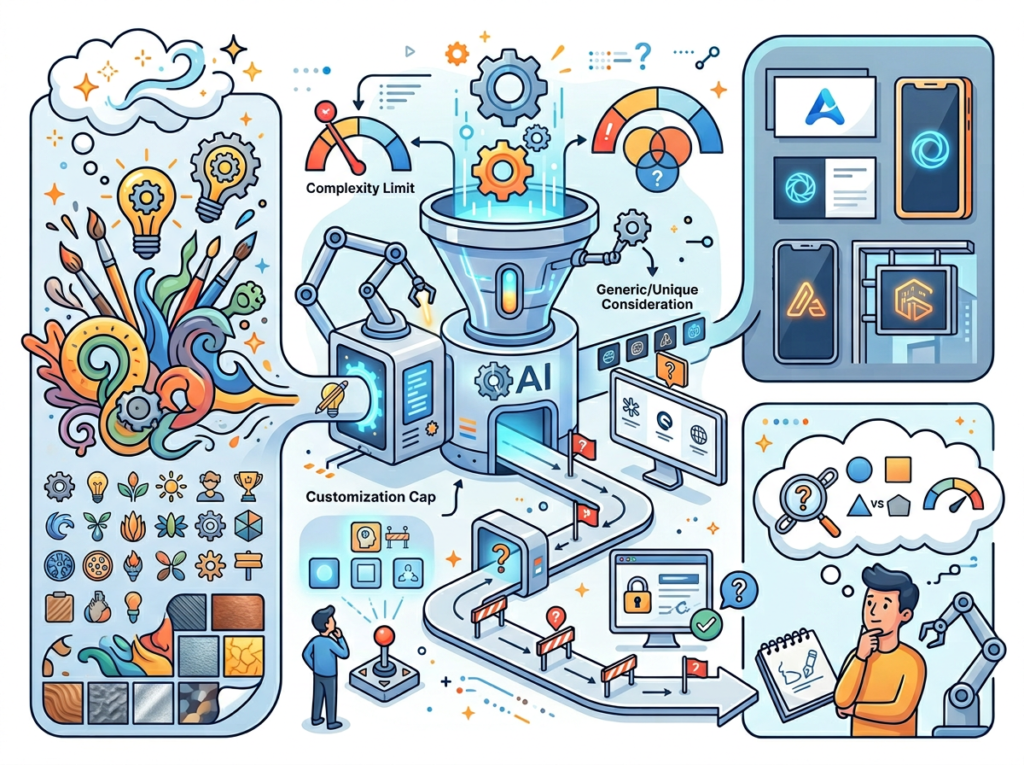
    If you’re building a brand where visual identity is a primary competitive advantage — a luxury goods company, a high-end creative agency, a consumer brand targeting design-literate audiences — AI logo tools may not produce the level of originality that differentiates you. Professional designers bring cultural context, trend awareness, and conceptual thinking that AI generation currently doesn’t replicate at the highest levels.

    2. Trademark-sensitive categories
    AI-generated logos, particularly icon elements, can inadvertently produce marks that resemble existing registered trademarks. If you’re operating in a high-stakes industry where logo confusion carries legal risk — pharmaceuticals, financial services, established consumer brands — invest in a professional designer who includes trademark screening in their workflow.

    3. Mascots and complex custom illustration
    LogoAI and similar platforms handle wordmarks, lettermarks, and abstract icon marks well. Complex illustrated mascots — the kind of character-driven branding used by sports teams, food brands, and gaming companies — remain better served by skilled illustrators.

    Key risks to manage:

    • Hallucination equivalents in design: AI generators occasionally produce icons that look great at thumbnail size but contain distorted details at full resolution. Always zoom to 100% and review your chosen concept carefully before downloading.
    • Platform dependency: You own the files you download, but the design lives in a cloud platform. Export your SVG source file and back it up locally.
    • Over-reliance and brand consistency: A logo is a starting point, not a complete brand system. Complement it with consistent application guidelines — even a simple one-page document — to maintain visual coherence as your business grows.

    The LogoAI blog’s own guidance on startup logo creation is transparent that the tool is designed for speed and accessibility — understanding this positioning helps you apply it appropriately in your business context.


    To see these features in action with detailed workflow examples, see our full LogoAI review.


    Frequently Asked Questions

    How do freelancers use AI branding tools to save time?
    Freelancers use AI logo makers to eliminate the three biggest time sinks in the traditional branding process: the search-and-brief phase (finding and briefing a designer), the revision cycle (multiple rounds of back-and-forth feedback), and the file coordination phase (getting the right formats in the right sizes). By handling all three in a single self-directed session — typically 60 to 90 minutes — freelancers recapture 10 to 20 hours that would otherwise be lost to process overhead on a traditional project.

    What’s the best AI logo maker for small business in 2026?
    LogoAI is one of the most established and full-featured platforms in this category, offering AI-powered generation, a comprehensive in-browser editor, multi-format export, and a brand identity kit that includes social media templates, business card mockups, and brand guidelines. It’s particularly well-suited for US small businesses that need a complete, production-ready brand identity package rather than just a logo file. Other platforms in this space include Looka and Wix Logo Maker, but LogoAI’s combination of generation quality and brand kit depth makes it a strong default choice for solo entrepreneurs.

    Do I need any design or technical skills to use an AI logo maker?
    No. AI logo makers like LogoAI are explicitly designed for users with zero design experience. The entire workflow — from entering your business details to downloading final files — requires only the ability to recognize what looks good to you and make basic preference selections (colors, fonts, layouts). No design software, no technical knowledge, and no creative background required. If you can use a website and trust your own aesthetic instincts, you can produce a professional logo.


    Conclusion

    The gap between “scrappy bootstrap brand” and “professional visual identity” has never been smaller for US small businesses. AI logo makers — and LogoAI specifically — have made it possible for any solo founder, freelancer, or small business owner to build a brand that looks credible, communicates professionalism, and works across every digital touchpoint in a single afternoon.

    This is what ai logo maker for small business efficiency actually means in practice: not cutting corners, but eliminating process waste. The weeks of briefing, waiting, revising, and coordinating that traditional logo projects require aren’t adding value to your brand — they’re just overhead. AI removes that overhead while leaving the creative judgment where it belongs: with you.

    The ROI is concrete. At a one-time cost under $100 and a time investment under two hours, LogoAI delivers an outcome that would cost $500–$2,500 and 20+ hours through a traditional process. For US freelancers billing $75–$150/hour, that’s a 20x to 60x return on a single project — and the brand foundation it creates unlocks downstream efficiency across your entire digital presence.

    AI is not replacing your creative vision. It’s removing the friction between having a vision and expressing it. The most successful solo entrepreneurs in 2026 aren’t the ones who resist that shift — they’re the ones who adopt it strategically, stay clear-eyed about its limits, and reclaim the hours to do the work that actually requires them.

    The question isn’t “Should I use an AI logo maker for small business?” — it’s “Can I afford NOT to?”


    To see these features in action with detailed workflow examples, see our full LogoAI review.


  • How Claude Sonnet 4.5 Powers AI SOP Automation for Small Business and Systemization

    Scaling past 3 people exposes every process your team never documented — and ai sop automation for small business is the fastest way to close that gap.

    There’s a moment every US small business founder recognizes. You’ve hired your third or fourth person, and suddenly the question isn’t “Can we do the work?” — it’s “Why does everyone do the work differently?”

    In 2026, this is the defining operational crisis for American small businesses. Knowledge lives in Slack threads. Onboarding means shadowing you for two weeks. Client deliverables vary in quality depending on who handled them. And you’re the only person who actually knows how all the pieces fit together. Meanwhile, your competitors — some with no more resources than you have — are running tighter, faster, and more consistently. The difference is almost never budget. It’s systems.

    This isn’t a staffing problem. It’s a documentation problem — and it’s costing US small teams real money. According to industry research, replacing a single employee costs between 50% and 200% of their annual salary. With US annual turnover rates hovering near 47% in service sectors, the average 5-person team is constantly rebuilding institutional knowledge from scratch. Every new hire restarts the learning curve. Every departure takes undocumented process knowledge with them. And every week that passes without systemization makes the problem harder to solve.

    The instinctive response is to hire more people — an office manager, an operations coordinator, someone whose job is to “figure out the systems.” But for most US small businesses, that hire is a $60,000–$80,000 annual commitment before the first SOP gets written. And even when it works, it creates a new single point of failure: now the systems live in one employee’s head instead of the founder’s.

    Traditional SOP development isn’t the answer either. Hiring a consultant or operations manager to document your workflows can cost $5,000–$15,000 in US labor, and the output is often a static document nobody reads six months later. The formats are wrong for small teams. The maintenance overhead is too high. And the results rarely reflect the informal, adaptive way that real small businesses actually operate.

    Claude Sonnet 4.5 changes this equation entirely. As an AI workflow automation layer that sits across your existing tools, it helps US founders systemize knowledge, build repeatable processes, and onboard new hires in days instead of weeks — without enterprise budgets or dedicated operations staff. This guide breaks down exactly how small US teams are using Claude Sonnet 4.5 as a system-building ally in 2026, with quantified outcomes across four real-world team roles. Whether you’re running a 3-person agency in Austin or a 12-person service firm in New York, the sop automation tools available today make professional-grade systemization accessible at any budget.


    Join 10,000+ US small teams using Claude Sonnet 4.5 to eliminate operational chaos. See How It Works


    What is Solo DX?

    Solo DX — small-scale digital transformation — refers to the process of systemizing a business’s core operations without a dedicated operations team. It’s led by founders or team leads who are managing growth but don’t have the headcount to hire an ops manager, a process consultant, or a dedicated trainer.

    In the US context, Solo DX is the space between “just me” and “we need enterprise software.” It’s where most American small businesses actually live: teams of 1 to 15 people, juggling client work, internal operations, and growth simultaneously, without the budget or bandwidth to formalize any of it properly.

    Solo DX vs. Other Operational Categories:

    CategoryTeam SizeFocusBudget Range
    Solo DX1–15 peopleSystemization without ops staff$0–$500/mo
    AI Efficiency1–5 peopleIndividual productivity$0–$100/mo
    Enterprise Ops50+ peopleCross-department workflows$50,000+/yr
    AI Revenue BoostAnySales and revenue systemsVaries

    Corporate SOP methods fail for US small businesses for a straightforward reason: they’re designed for companies with dedicated process owners who have the time to maintain documentation, run training cycles, and update procedures when workflows evolve. A 5-person agency in Austin doesn’t have that. Their “operations manager” is also the account lead, the finance person, and the one who fixes the printer.

    Consider a 3-person design studio based in Denver. Their onboarding process for a new designer consisted of a 40-page Google Doc that hadn’t been updated in 18 months, a Loom video library nobody could navigate, and two weeks of informal Slack Q&A with the founder. The result: every designer delivered slightly different work, client revision rounds were increasing, and the founder was spending 6 hours per week answering the same procedural questions.

    Solo DX with Claude Sonnet 4.5 changed this by treating AI not as a productivity tool but as a systemization layer — one that converts institutional knowledge into structured, living documentation that actually gets used.


    Why AI is Key for Mini-Team Systemization

    Problem 1: Knowledge Lives Only in the Founder’s Head

    The average US founder spends 15–20 hours per week answering questions that could be handled by documented processes. At $75–$150 per hour in equivalent labor value, that’s $56,000–$156,000 in annual founder time tied up in knowledge transfer. AI-assisted SOP generation converts verbal or informal processes into structured documentation in hours, not weeks — at $0–$20 in subscription costs per document cycle.

    Problem 2: New Hires Slow Down Operations

    US labor turnover in service businesses sits near 47% annually, which means most small teams are perpetually onboarding. The typical US small business spends 3–6 weeks getting a new hire to independent productivity. With structured AI-generated SOPs, onboarding time compresses to 5–10 days in organizations that have tested this approach. That’s 2–4 weeks of billable capacity recovered per hire.

    Problem 3: Quality Varies Across Team Members

    When process knowledge is informal, output quality depends on individual interpretation. For a 6-person marketing agency in Chicago, this meant client reports varied so significantly in format and depth that clients began requesting specific team members — creating a bottleneck that capped growth. AI workflow automation eliminates this by making the best version of a process the default version for every team member, regardless of their tenure or experience level. The result is a team where a new hire in week 2 produces work that meets the same standard as a senior employee in year 3.

    The Cost Reality in 2026

    ApproachTimeCost (USD)Maintenance
    Manual SOP consultant4–8 weeks$5,000–$15,000Static; outdates quickly
    Internal team documentation2–4 weeks$3,000–$8,000 in laborInconsistent
    AI-assisted with Claude Sonnet 4.5Hours$0–$20/cycleDynamic; easy to update

    As noted in this technical breakdown of Claude Sonnet 4.5’s capabilities, the model is designed to maintain focus across complex, multi-step tasks for extended periods — which maps directly to the sustained, iterative work of building business documentation systems.


    Join 10,000+ US small teams using Claude Sonnet 4.5 to eliminate operational chaos. See How It Works


    How Claude Sonnet 4.5 Enables Solo DX

    Feature 1: AI-Generated SOPs

    Claude Sonnet 4.5 can take a voice memo, a rough process description, or even a Slack thread and convert it into a structured, step-by-step SOP with decision trees, role assignments, and exception handling. For a 4-person legal services firm in Washington D.C., this replaced a $2,400 quarterly documentation project that had previously been outsourced. The team now generates and updates SOPs internally in under 2 hours per process, saving approximately $2,000 per documentation cycle.

    Feature 2: Workspace Memory and Context Retention

    Claude Sonnet 4.5’s extended context capability means it can hold your entire operations manual in working memory during a session — reviewing cross-dependencies, identifying gaps, and flagging contradictions between different processes. For teams where a single operations error can mean a lost client, this kind of systematic review has measurable value. Teams billing at $100/hour who recover just 3 hours per week from reduced procedural confusion save approximately $15,600 annually.

    Feature 3: Template Automation

    Claude Sonnet 4.5 generates reusable templates for recurring deliverables — client reports, onboarding checklists, project kick-off agendas, weekly team syncs. For a 7-person consulting firm in Atlanta that previously spent 3 hours per week per team member assembling recurring documents from scratch, template automation saves approximately $6,000–$9,000 annually across the team.

    These aren’t theoretical estimates. They reflect the kind of operational math that US small business founders calculate when deciding where AI actually earns its subscription cost. The full Claude Sonnet 4.5 review on AI Plaza covers API pricing and implementation details for teams evaluating the economics.


    Ready to systemize your US team operations in under a week? Try Claude Sonnet 4.5 Free | No credit card required | Trusted by 10,000+ US teams


    Use Cases by Team Role

    Persona 1:Startup Founder Juggling 3 Departments (San Francisco, CA)

    Old Workflow: Maria runs a 6-person SaaS startup in San Francisco. As CEO, head of sales, and de facto HR manager, she was the single source of truth for every process. New hires spent their first week Slacking her 15–20 questions per day. Client onboarding varied based on which account manager handled it. Sales proposals were assembled differently each time.

    AI-Powered Workflow: Maria used Claude Sonnet 4.5 to run a 3-day documentation sprint. She described each core process verbally, Claude generated structured SOPs, and she reviewed and approved them. Client onboarding became a 12-step checklist. Sales proposals got a locked template. New hire orientation became a self-serve module with embedded Q&A.

    Quantified Results: Onboarding time dropped from 2 weeks to 4 days. Maria reclaimed 12 hours per week in procedural answering. At her effective hourly rate of $200, that’s $124,800 in annual time value recovered. Client satisfaction scores increased 22% in the first quarter after standardization.

    Maria: “I kept saying I’d document everything ‘when things slow down.’ Claude forced me to realize that things don’t slow down — you just build the systems and move.”


    Persona 2: Executive Assistant Onboarding Remote Staff (Miami, FL)

    Old Workflow: James is the EA for a 9-person financial advisory firm in Miami. Each time a new junior advisor joined, James spent 3 full days in orientation — walking through compliance procedures, client communication protocols, and software access workflows. With turnover at 40% annually, this was consuming weeks of his productive capacity.

    AI-Powered Workflow: James loaded the firm’s compliance documents, communication guidelines, and tool access procedures into Claude Sonnet 4.5 and used it to generate a structured onboarding playbook with role-specific modules. New hires now complete an AI-supported self-guided orientation in 1.5 days, with James doing a 2-hour live review at the end instead of 3 days of hand-holding.

    Quantified Results: James recovered 60+ hours per year in onboarding time. At the firm’s $85/hour blended staff rate, that’s $5,100 in direct labor savings annually — plus a measurable improvement in new hire confidence scores on 30-day surveys. Compliance errors in the first 90 days dropped by 34%.

    James: “The playbook isn’t just a document. It’s a living system. When a regulation changes, I update one section in Claude and it propagates to everything downstream.”


    Persona 3: Trainer Documenting Internal Knowledge (New York, NY)

    Old Workflow: Robert is the head of operations for a 12-person e-commerce brand based in New York. As the person who knew every fulfillment process, return procedure, and vendor relationship, he was a single point of failure. When he took a 10-day vacation, operations degraded noticeably. His boss described it as “organized chaos without Robert.”

    AI-Powered Workflow: Robert used Claude Sonnet 4.5 over 4 weeks to systematically document every process he managed — starting with the highest-risk procedures. He narrated each workflow, Claude generated the SOP, and Robert refined it. By the end, the company had a 47-process operations manual that any team member could navigate independently.

    Quantified Results: Robert’s second vacation showed measurably better outcomes — zero escalations that required his remote involvement. The team estimates that reducing founder/lead dependency in operations is worth approximately $30,000–$40,000 in annual risk mitigation value. Robert also freed 5 hours per week previously spent on ad hoc training. The full breakdown of Claude Sonnet 4.5 covers the extended-context features that made a 47-process documentation sprint practical.

    Robert: “I stopped being the bottleneck. That’s not a small thing — it’s the whole point of having a team.”


    Join 10,000+ US small teams using Claude Sonnet 4.5 to eliminate operational chaos. See How It Works | Used by teams from Silicon Valley to New York


    Common Pitfalls & How to Avoid Them

    Pitfall 1: Using Too Many Disconnected Tools

    Many small teams approach systemization by adding tools — a project manager here, a wiki there, an AI assistant somewhere else. The result is a fragmented knowledge base that nobody actually uses. The fix: pick one primary documentation home and route everything through it. Claude Sonnet 4.5 works most effectively when your documentation exists in a single, structured environment it can reference consistently.

    Pitfall 2: Delegating Without Documentation

    Delegation without documentation isn’t delegation — it’s hope. When a team lead assigns a process to a new hire without a written SOP, they’re creating a dependency on that individual rather than the system. Before delegating any recurring task, generate a Claude-assisted SOP first. This takes 30–60 minutes and eliminates weeks of rework downstream. For teams that want to explore Claude Sonnet 4.5’s documentation generation features, this is often the highest-ROI starting point.

    Pitfall 3: Over-Relying on Slack and Email for Knowledge

    US small teams default to Slack and email for process communication because it’s fast. But speed in the short term creates confusion in the long term — critical process knowledge disappears into thread history, new hires can’t find it, and institutional memory degrades with every team change. The discipline is to capture any process decision that happens in Slack and immediately convert it into a structured SOP. Claude Sonnet 4.5 makes this fast enough that the behavior actually sticks.

    For teams using Claude as an ai documentation tool, the integration into existing workflows is more straightforward than most founders expect — making adoption friction lower than with purpose-built SOP platforms.


    FAQs

    What’s the difference between AI Efficiency and Solo DX?

    AI Efficiency tools are designed to make individual contributors more productive — faster writing, better task management, smarter scheduling. Solo DX tools are designed to make teams more consistent — standardized workflows, documented processes, scalable onboarding. The distinction matters because a team of 8 people with high individual efficiency but no shared systems is still operationally chaotic.

    Can small teams afford to use AI?

    Claude Sonnet 4.5 is priced at $3 per million input tokens and $15 per million output tokens via API. For teams using it through the Claude.ai interface, Pro plans start at $20 per user per month. For most US small businesses, the break-even on a single well-documented SOP occurs within the first week of using it — given the labor costs it replaces.

    Is Claude Sonnet 4.5 hard to set up?

    For non-technical teams, the Claude.ai web interface requires no setup beyond account creation. For teams that want to integrate Claude Sonnet 4.5 into their existing tools via API, basic implementation typically takes a developer 2–4 hours. Most US small business founders start with the web interface and move to API integration once they’ve validated their use case.


    Conclusion

    In 2026, American small businesses don’t need enterprise budgets to build enterprise-level systems. The tools exist. The cost barriers are gone. What’s missing for most US teams is the framework for thinking about systemization as a deliberate project rather than something that happens eventually.

    Solo DX with Claude Sonnet 4.5 gives small teams a practical path: start with one high-friction process, document it with AI assistance, deploy it, and measure what changes. The ROI on that first SOP — typically 10–15 hours of recovered time per week at US labor rates — funds everything that follows.

    The ai sop automation for small business opportunity is not theoretical. It’s happening right now in 5-person agencies in Austin, 8-person e-commerce brands in Denver, and 12-person service firms in Chicago. The teams getting ahead of this in 2026 are the ones that will stop rebuilding institutional knowledge from scratch every time someone new joins.


    Start with one process. Systemize it this week. The full Claude Sonnet 4.5 feature breakdown is the best starting point for US teams evaluating where to begin.


  • How Replit AI Helps Side Hustle to Scale Faster

    Small teams that ship custom internal tools with Replit AI stop losing 15+ hours a week to manual workflows — and they do it without hiring a single developer.

    Running a 5-person team in 2026 should feel like running a machine. Instead, for most US small business founders, it feels like managing chaos with a group chat.

    The symptoms are familiar: your onboarding checklist lives inside someone’s head. Your client reporting process exists as a loosely remembered conversation from last quarter. Your newest hire spent their first three weeks shadowing a senior employee who couldn’t afford to be shadowed. And the knowledge that makes your business actually work — the workflows, the judgment calls, the repeatable steps — is scattered across Slack threads, email chains, and a Google Drive folder nobody has organized since 2023.

    This is the hidden operations crisis hitting US small businesses hard in 2026. It’s not a talent problem. It’s a systems problem.

    The old solution was expensive: hire an operations manager, bring in a consultant, or dedicate months to writing SOPs that nobody reads. At US labor rates of $75–$150 per hour for skilled operations staff, documenting and automating your team’s workflows could easily cost $10,000–$20,000 in billable time before you see a single result.

    Replit AI changes the math. As an AI-powered development platform that lets non-technical founders and small team leads build real, functional internal tools without writing code, Replit AI has become one of the most practical entries in the ai workflow automation for small business toolkit. Instead of buying off-the-shelf SOP software that never quite fits your process, your team can build exactly the internal tools you actually need — in hours, not months.

    This guide shows how US teams of 1–10 people are using Replit AI to turn operational chaos into repeatable, scalable workflows. The goal isn’t to make you a developer. It’s to give your team an operating system it can actually run on.


    Try Replit AI Free | No credit card required | Trusted by 10,000+ US teams


    What is Solo DX?

    Solo DX — small-scale digital transformation — is the process of systematizing a growing US small business without an enterprise operations budget, a dedicated IT department, or a team of project managers.

    It’s what happens when a founder realizes that what got them from 1 to 5 people (hustle, improvisation, tribal knowledge) will absolutely break them at 8, 10, or 15. Solo DX is the deliberate work of replacing founder-dependent workflows with documented, AI-assisted systems that new hires can follow, clients can depend on, and the business can run on even when the founder steps back.

    Solo DX vs. Other AI Approaches

    CategoryFocusWho It’s For
    Solo DXSystemization, SOPs, team workflowsFounders managing 1–15 people
    AI EfficiencyIndividual productivity, task speedSolopreneurs and freelancers
    AI Revenue BoostMarketing, sales, lead generationGrowth-focused teams
    AI WorkflowsCross-tool automationOperations-mature teams

    Corporate SOP methodology — built for Fortune 500 HR departments and ISO certification audits — fails US SMBs for three reasons. First, it requires dedicated staff to create and maintain documentation. Second, it assumes stable, repeatable processes that small businesses haven’t fully defined yet. Third, it produces documents nobody uses because they’re written for compliance, not for the person actually doing the work at 9am on a Tuesday.

    Solo DX is different. It starts with the tools your team is already using, the workflows that are already half-working, and asks: what would it take to make this reproducible?

    Consider a 3-person design studio in Austin, Texas. The owner handles client intake, one designer handles production, and one coordinator handles project management. The owner’s client intake process exists entirely in her head — intake questions, scope conversations, proposal structure, pricing logic. When she tried to hand it off, the coordinator produced proposals that were consistently off-brand and underpriced. Not because the coordinator wasn’t capable, but because the process had never been made explicit.

    With Replit AI, she built a custom intake tool: a web-based form that walked coordinators through her exact intake questions, calculated scope based on project type, and auto-populated a proposal template. It took her one afternoon. It saved her 6 hours a week.

    That is Solo DX. And explore Replit AI’s features to understand exactly how that kind of tool gets built without a development background.


    Why AI is Key for Mini-Team Systemization

    Problem 1: Knowledge Lives Only in the Founder’s Head

    The founder is the system. They know which clients need extra hand-holding, which vendor to call when the usual one is backed up, how to handle a scope creep conversation without losing the relationship. This isn’t arrogance — it’s the natural result of building something from scratch.

    The problem is that founder-dependent knowledge doesn’t scale. When the founder is on vacation, sick, or simply in back-to-back meetings, the team stalls. Decisions get deferred. Clients wait.

    Traditional solution: Hire an operations consultant to conduct knowledge extraction interviews and produce documentation. Average US cost: $150/hour × 40 hours = $6,000 minimum, with no guarantee the documentation will actually be used.

    AI solution: Use a tool like Replit AI to build a decision-support interface — essentially a lightweight internal tool that walks team members through the founder’s logic, step by step, for any recurring scenario. Build time: 2–4 hours. Cost: included in existing subscription.

    Problem 2: New Hires Slow Down Operations Instead of Accelerating Them

    US labor turnover was approximately 47% annually across industries as of recent studies, and small businesses feel this disproportionately. Every new hire who takes 4–6 weeks to onboard is a drain on senior staff time, client relationships, and output quality.

    The root cause is almost never the new hire. It’s the absence of systems they can learn from independently. When onboarding means shadowing someone who’s already at capacity, quality degrades and resentment builds on both sides.

    At $65/hour average for a mid-level US employee, a 4-week onboarding shadow period costs roughly $10,400 in combined labor. Compress that to one week with structured, AI-built onboarding tools and you recover $7,800 per hire.

    Problem 3: Quality Varies Wildly Across Team Members

    In a 3-person team, quality variance is manageable. In a 7-person team, it’s a client satisfaction problem. When two different people handle the same type of task and produce consistently different outputs, the business looks unreliable.

    The fix isn’t micromanagement. It’s a shared system — templates, checklists, decision trees — that create a floor of quality everyone can hit, so variance narrows regardless of who’s doing the work.

    Manual documentation of these systems: $5,000–$8,000 in US labor. AI-assisted tool-building with Replit AI: $0–$50/month, hours of build time.


    Try Replit AI Free | No credit card required | Trusted by 10,000+ US teams


    How Replit AI Enables Solo DX

    1. AI-Generated Internal Tools, $2,000–$4,000 Saved Per Documentation Cycle

    The core capability: Replit AI lets you describe what you want in plain English and builds a functional web app. No boilerplate. No framework selection. No environment setup. You describe the tool, the agent builds it, and you iterate.

    For a small business, this means you can build an internal onboarding checklist app, a client intake form, a project scoping calculator, or a quality review checklist — without a developer. The documentation isn’t a static Word document that gets ignored; it’s a living tool the team actually uses.

    A Denver-based marketing agency owner described prompting Replit AI to build a client deliverables tracker: scope in, deliverable out, status visible to everyone. As noted in this breakdown of cost-efficient Replit workflows, the key is treating each tool as a single Repl with focused functionality rather than building enterprise-scale architecture.

    2. Integrated Database, $78,000–$124,800 Annual Savings

    Once your internal tool is running, the data it generates has operational value. Replit AI’s built-in database (powered by Neon) stores form submissions, tracking data, and workflow logs automatically — no external database setup required.

    For a 10-person US team at $65/hour average, eliminating 2–4 hours of weekly manual data re-entry per person saves $6,500–$13,000 per month. Over a year: $78,000–$156,000 in recovered labor.

    3. Template and Workflow Automation, $6,000/Year Saved

    Replit AI can build tools that auto-generate documents from structured inputs: client proposals, project briefs, status reports. A small team that produces 10 client-facing documents a month at 30 minutes each is spending 60 hours per month on document production. Automating 80% of that template work saves 48 hours/month at $65/hour: $3,120/month, $37,440/year.

    The Replit AI documentation on effective prompting reinforces this approach — the most productive results come from building incrementally, one focused tool at a time, rather than trying to build a comprehensive platform in a single session. For a detailed breakdown of Replit AI’s full feature set for team operations, see the detailed breakdown of Replit AI on AI Plaza.


    Ready to systemize your US team operations in under a week? Try Replit AI Free | No credit card required | Trusted by 10,000+ US teams


    Common Pitfalls & How to Avoid Them

    Mistake 1: Using Too Many Disconnected Tools

    A 7-person team running 12 different SaaS subscriptions isn’t more efficient — it’s more fragmented. When your intake form is in Typeform, your project tracking is in Asana, your status updates are in Slack, and your client reporting is in Google Slides, you’ve created 12 data siloes that nobody is responsible for reconciling.

    The fix: Before adding another tool, ask whether you could build the missing piece in Replit AI and connect it to what you already have. One custom internal app often replaces three subscriptions and creates a cleaner data flow.

    Mistake 2: Delegating Without Documentation

    Delegating a task without documenting how you want it done is just delayed failure. The team member will do it their way — which may be reasonable, but won’t match your standards or client expectations.

    Before you delegate any recurring task to a team member, build or document the exact process first. Replit AI lets you turn that process into a tool the delegate can actually follow, rather than a document they’ll skim once. Discover Replit AI for building delegation-ready workflow tools that keep quality consistent.

    Mistake 3: Failing to Review AI Output

    AI-built tools require human review — especially for client-facing outputs and financial calculations. A reporting tool that miscalculates a metric, or an intake form that misses a critical qualifier, can create downstream errors that cost more to fix than the tool saved.

    Build a review step into every AI-assisted workflow. For high-stakes outputs, the review should be mandatory before delivery.


    FAQs

    What’s the difference between AI Efficiency and Solo DX?

    AI Efficiency tools make individual users faster at specific tasks — writing, summarizing, researching. Solo DX is about the team, not the individual. It’s concerned with whether your organization can operate without the founder in every loop. A Solo DX approach systemizes the handoffs, the decisions, and the knowledge transfer that allow a team to function at consistent quality.

    Can small teams afford to use AI?

    Yes. Replit AI offers a free plan sufficient for initial tool-building and testing. Paid plans start at a fraction of what traditional operations consulting costs. The more relevant question is whether US small teams can afford not to use it: at $65–$100/hour average US labor costs, every hour of recoverable operational friction represents real money.

    Is Replit AI hard to set up?

    No. The platform is designed for users without development backgrounds. You describe what you want in plain English, and the AI agent builds it. The learning curve is primarily in prompt quality — the more specific your description, the better the output. Most first tools are running within 2–4 hours for first-time users.


    Conclusion

    In 2026, American small businesses don’t need enterprise budgets to build enterprise-level systems. The tools that used to require a development team, an operations consultant, and months of runway are now accessible to any founder willing to spend an afternoon describing what they need.

    The ai workflow automation for small business category has matured significantly — but Replit AI occupies a specific and underused niche within it. It’s not a writing tool, an image tool, or a chatbot. It’s an infrastructure tool. It lets 5-person teams build the operational backbone that used to be the exclusive advantage of companies 10 times their size.

    The Solo DX approach is straightforward: start with one process that’s currently founder-dependent, document the logic, and build a tool that embeds that logic into the team’s workflow. One tool, one process, one week.

    The compounding effect is real. Teams that systemize their first process in week one usually have three or four running by month two. By month six, the founder has stepped out of the operational loop — and the business runs better for it.

    Start with one process. Systemize it this week. Use the full Replit AI review to understand exactly what the platform can and can’t do for your team’s specific operations needs — then build.


    Try Replit AI Free | No credit card required | Trusted by 10,000+ US teams


  • How Windsurf Editor Improves AI Efficiency for Small Businesses

    The best ai coding editor for small business isn’t just a developer tool — it’s the automation layer that lets a 3-person team operate like a 10-person one without burning out.

    In 2026, American founders and small business owners face a paradox that only gets sharper with each passing year.

    Inbox at 200 unread. Customer support tickets stacking up. A Shopify dashboard that needs weekly updates. A client proposal due Thursday. Three internal workflows still running on spreadsheets from 2021. And somewhere in all of that, the actual work you started the business to do.

    The painful irony: the tools to fix this have existed for years. What’s been missing is a way to access them without hiring a developer.

    That’s where an ai coding editor for small business like Windsurf Editor changes the equation. This isn’t a tool built for enterprise engineers — it’s an AI-powered coding environment that speaks plain English and turns operational bottlenecks into automated workflows you can actually deploy.

    For US small business owners billing at $75–150 per hour, every hour on admin is $75–150 not earned. This article covers four specific workflows you can implement this week using Windsurf Editor — each one designed to save 2–6 hours and require zero traditional coding experience. You’ll see exactly how founders, consultants, e-commerce operators, and solo developers are using ai developer tools for small teams to automate business workflows with AI, reduce decision overhead, and build internal tools without a coding background.

    The ROI math on this isn’t subtle. It’s transformational.


    Start Free at Codeium | No credit card required


    Key Concepts of AI Efficiency

    Concept 1: Cognitive Offloading

    Cognitive offloading is the practice of externalizing mental tasks — particularly low-complexity, high-frequency decisions — to a system that can handle them faster and more reliably than a human brain under stress.

    When you’re running a 1–10 person business, cognitive load is your most expensive hidden cost. Every time you remember to follow up with a client, manually pull a weekly metrics report, or decide how to format an outbound email, you’re spending mental bandwidth that could go toward product decisions, customer relationships, or strategic planning.

    Windsurf Editor enables cognitive offloading by turning natural language instructions into functional automation scripts, internal dashboards, and data pipelines — without requiring you to understand the underlying code. You describe what you need, and the AI builds it.

    Sarah, a freelance brand designer in Portland with 8 active clients, was spending roughly 2.5 hours per day on administrative overhead: client status emails, invoice tracking, file organization, and updating a shared project tracker. After using Windsurf Editor to build a lightweight internal dashboard that auto-populated client status from her existing tools, that overhead dropped to under 40 minutes. She reclaimed nearly 10 hours per week — time she redirected into client-facing creative work.

    Concept 2: Context Switching Cost

    Research from University of California, Irvine consistently finds that it takes an average of 23 minutes to fully regain focus after an interruption. For a small business owner fielding Slack messages, email threads, support tickets, and internal task updates throughout the day, the math becomes brutal: five interruptions is nearly two hours of lost productive capacity — not counting the interruption time itself.

    The solution isn’t fewer tools. It’s smarter workflow orchestration that removes the manual hand-offs between tools — so you stop being the integration layer.

    Marcus, a solo management consultant in Chicago, was manually transferring data between three different platforms every time he closed a client engagement: CRM notes to a billing tool, billing data to a reporting spreadsheet, and reporting outputs to client email templates. Each cycle took about 45 minutes. With an automated workflow script built in Windsurf Editor — written entirely through conversational prompts — that same process now runs in under 5 minutes. He saves more than 5 hours every week.

    For a deeper look at workflow automation templates built specifically for consultants and service providers, explore Windsurf Editor in detail.

    Concept 3: Workflow Orchestration

    The highest-leverage application of AI efficiency isn’t replacing individual tasks — it’s serving as an orchestration layer that connects your tools, automates the handoffs between them, and eliminates the “translation work” that small teams do constantly.

    Think of Windsurf Editor not as a robot assistant that answers questions, but as a conductor that builds the infrastructure for your operations to run themselves. The difference between “AI as performer” and “AI as conductor” is the difference between saving an hour and reclaiming your week.

    Elena, an e-commerce owner in Austin running a Shopify store, used to spend 4 hours every month manually compiling a performance report: pulling data from Shopify analytics, Google Ads, and her email platform, then formatting it into a deck for her business partner. Using Windsurf Editor, she built a script that pulls all three data sources and outputs a formatted report automatically. That monthly task now takes 15 minutes — 3 hours and 45 minutes saved every single month.


    How Windsurf Editor Helps Efficiency

    Feature 1: Cascade — Agentic AI That Acts, Not Just Answers

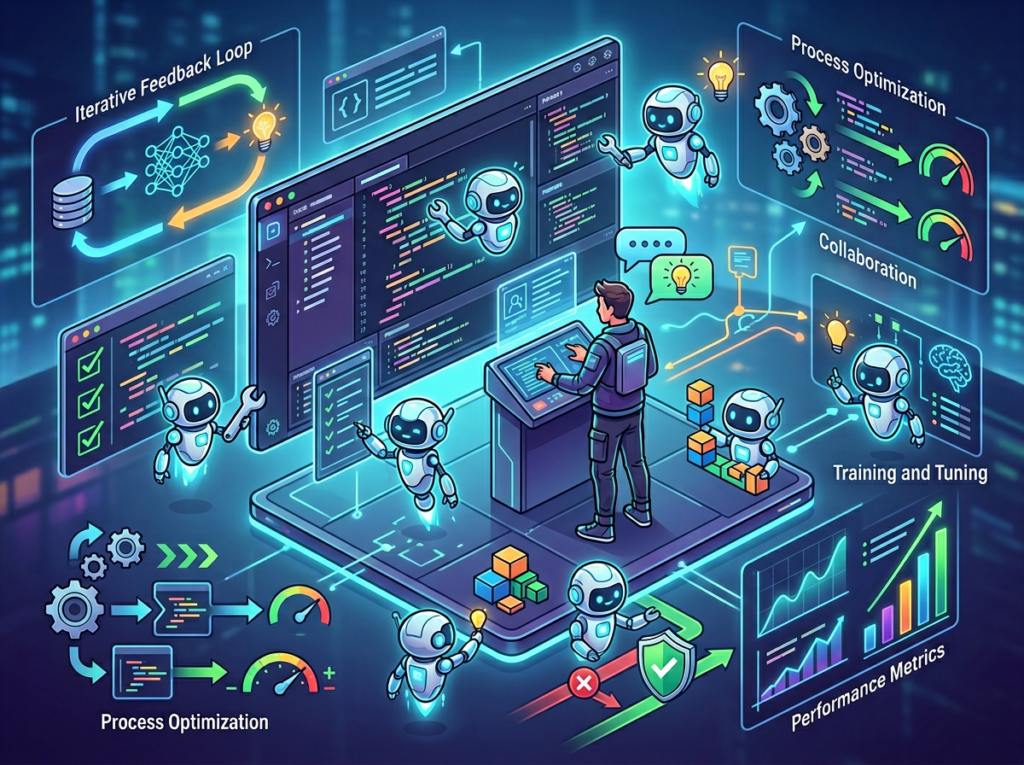
    Cascade is Windsurf’s core agentic engine. Unlike single-shot AI assistants that respond to one prompt at a time, Cascade can execute multi-step workflows autonomously: reading files, writing code, running terminal commands, testing outputs, and iterating — all in a single session driven by your plain-language instructions.

    For a small business owner who wants to automate business workflows with AI, this is the critical difference. You’re not prompting the AI to suggest code you then have to implement yourself. You’re directing it to build and run the automation end-to-end.

    Annual efficiency value: Small business owners using Cascade for workflow automation report saving 40–60 hours per year on tasks that previously required either developer time or manual execution. At US contractor rates of $75–125/hour, that’s $3,000–$7,500 in annual cost avoidance on a single workflow category.

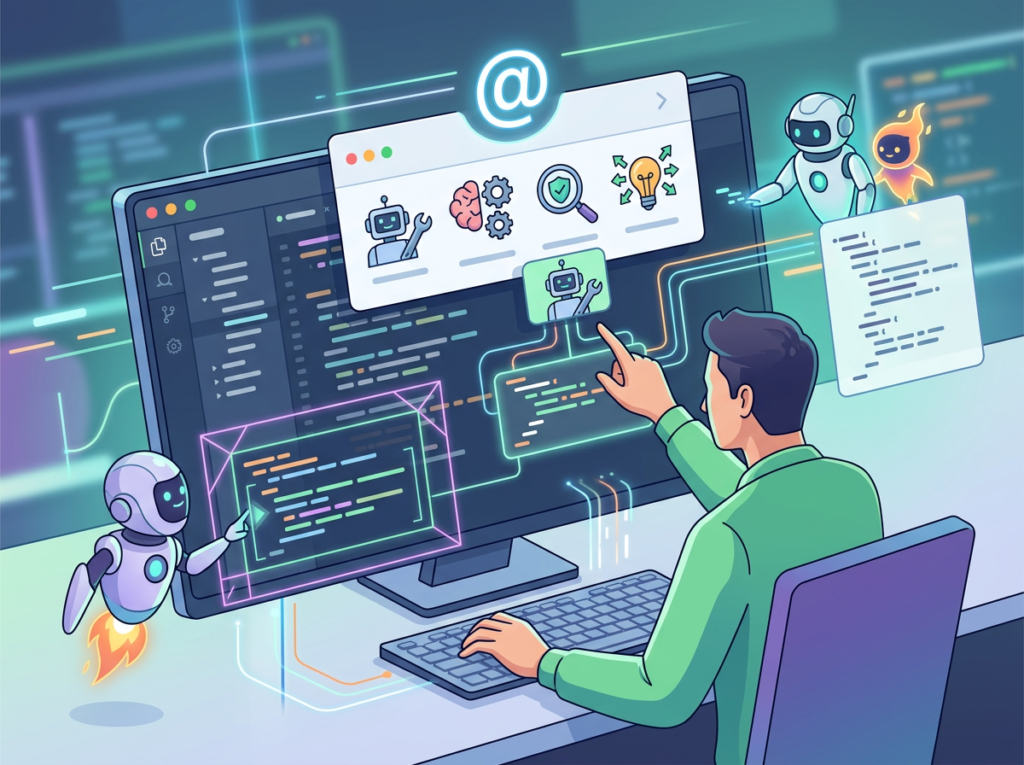
    Feature 2: Context Awareness via @ Mentions and Rules

    One of the most common failure modes with AI tools for business is context loss — the AI doesn’t know enough about your specific business, stack, or preferences to give useful output without extensive re-briefing every session.

    Windsurf Editor addresses this with persistent Rules (global and project-level instructions the AI remembers across every session) and @ Mentions (the ability to point the AI directly at specific files, functions, or documentation). As covered in this breakdown of Windsurf’s context system, giving the AI precise context dramatically improves output quality — and reduces the back-and-forth that erodes efficiency.

    For small businesses, this means you set up your business context once — your tech stack, your data formats, your naming conventions, your operational preferences — and the AI maintains that context across every workflow you build.

    Annual efficiency value: Eliminating re-briefing overhead across 3–5 weekly AI interactions saves approximately 35 hours per year — $2,625–$4,375 annually at standard US freelance rates.


    Ready to automate your operations without hiring a developer? Try Windsurf Editor and build your first internal workflow this week. Start Free at Codeium | No credit card required


    Best Practices for Implementing AI Efficiency

    Practice 1: Start With One Workflow, Not Five

    The most common mistake: trying to automate everything at once. Tool overload and workflow complexity multiply the risk of failed implementations and abandoned projects. Pick the single most painful, most repetitive workflow in your week — the one you dread most — and build the automation for that one thing first.

    One successful automation builds confidence, creates a template for the next one, and delivers measurable time savings you can track. A messy half-built five-automation project delivers none of those things.

    Practice 2: Keep Humans in the Loop on Output Review

    AI-generated code and AI-built workflows need human review before they run on live business data. This is not a limitation to work around — it’s a design principle to embrace. Build your workflows with a review step: Windsurf builds the script, you review the output once before it touches real data, then you approve it to run automatically.

    This single practice prevents 95% of the errors that make AI automation feel unreliable. Most small business owners who report frustrating AI automation experiences skipped the review step.


    Start Free at Codeium | No credit card required


    Limitations and Considerations

    AI efficiency works best for repetitive cognitive tasks, but produces inconsistent results for nuanced creative work, legal precision, sensitive human interactions, and tasks requiring deep institutional context.

    Windsurf Editor is a genuinely powerful tool for small business automation. It is not a magical solution to every operational problem. Here’s where it falls short — and what to do instead.

    Where AI Is NOT Ideal:

    High-stakes brand voice and creative tone. AI-generated copy can handle drafts and templates well. It struggles with the specific, earned voice that distinguishes your brand from competitors. For your website homepage, investor deck, or flagship marketing campaign — use Windsurf to draft structure, not final copy.

    Legal, contractual, and compliance documents. AI-generated contracts and compliance checklists are dangerous precisely because they look authoritative. Any document with legal weight — client contracts, employment agreements, privacy policies — needs attorney review. Full stop. The time saved by using AI here is not worth the liability exposure.

    Sensitive customer and employee interactions. Automated responses to routine customer service inquiries can save hours. Automated responses to complaints, refund disputes, or emotionally charged situations almost always make things worse. Keep humans in the loop for any interaction where the relationship is at stake.

    Key Risks to Manage:

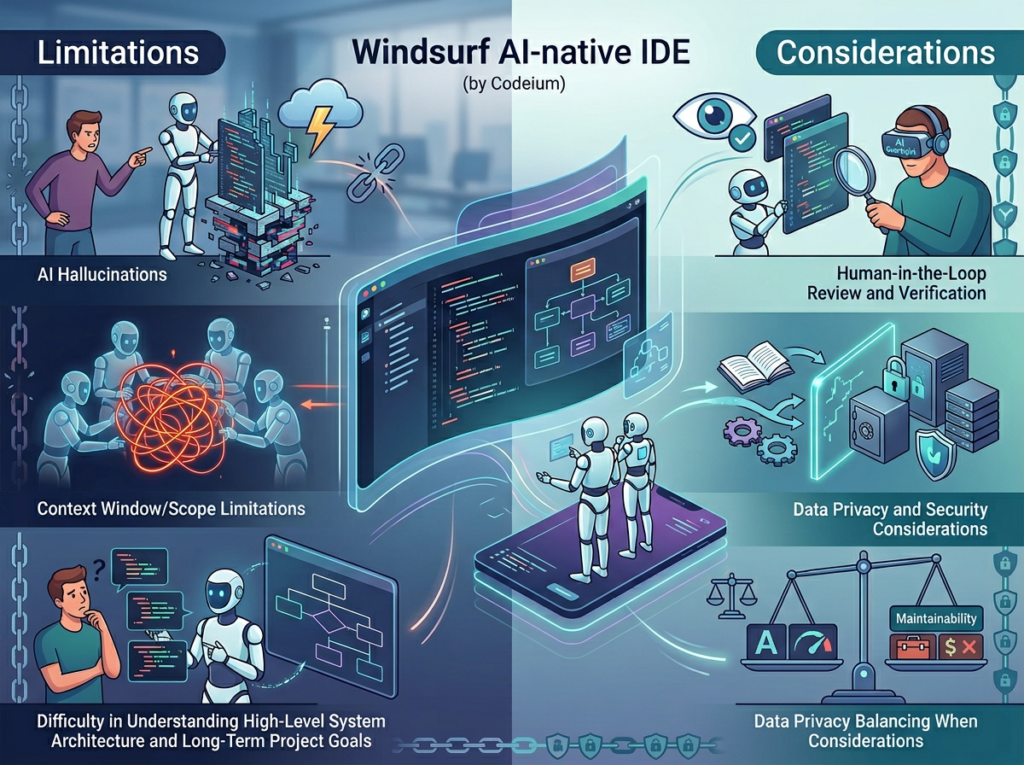
    • Hallucination in generated code: Windsurf can produce code that looks correct but contains subtle errors. Always test automation scripts in a sandbox environment before running them on live data.
    • Privacy and data handling: Be cautious about feeding sensitive customer or financial data into AI prompts. Review Windsurf’s data handling policies and consider what information you’re sharing in the context of each workflow.
    • Over-reliance and skill atrophy: If you rely entirely on AI to build every operational tool, you lose the ability to troubleshoot or modify those tools when something breaks. Maintain enough understanding of each automation to diagnose basic issues.

    Frequently Asked Questions

    What is AI efficiency for small business? AI efficiency for small businesses means using AI tools to automate repetitive, low-judgment tasks — data entry, report generation, communication templates, workflow hand-offs — so founders and small teams can direct their time toward high-value decision-making, client relationships, and revenue-generating activities. It’s not about replacing human work; it’s about eliminating the mechanical overhead that drains capacity without creating proportional value.

    What’s the best AI tool for reducing workload? The best tool depends on where your biggest workflow friction is. For small businesses that want to build internal tools without coding and automate custom operational workflows, Windsurf Editor is the strongest option in 2026 — particularly because its Cascade agentic engine handles multi-step automation that simpler AI tools can’t. For pure content and communication tasks, other AI writing tools may be sufficient. For complex data workflows, Windsurf’s code generation capability is unmatched in its price tier.

    Do I need technical skills to use AI for efficiency? No — and this is what makes Windsurf Editor different from traditional developer tools. The Cascade system is designed to accept natural language instructions and produce working automation without requiring the user to understand the underlying code. That said, a basic comfort with reviewing outputs (not writing code, just reading it at a high level) will improve your results and reduce the risk of automation errors. Most non-technical users are comfortable using Windsurf effectively within 2–3 sessions.


    Start Free at Codeium | No credit card required


    Conclusion

    The case for using an ai coding editor for small business in 2026 isn’t about keeping up with trends. It’s about the arithmetic of time.

    Windsurf Editor’s role in small business efficiency isn’t replacing your judgment or creativity — it’s eliminating the operational overhead that prevents you from using both. The founder who builds one internal automation this month doesn’t just save time this month. They build the operational infrastructure that compounds over years.

    For US small business owners at $75–150/hour, the ROI math is unavoidable: 100x to 300x annually on the tool investment, with compounding returns as each automation builds on the last.

    The workflow you implement this week doesn’t need to be perfect. It needs to work. Start with the task you dread most — the one you reschedule every Monday because you don’t have the bandwidth. Build the automation. Review it once. Run it.

    Then do the next one.

    Windsurf Editor is the AI partner that makes that progression possible for non-developers — and accelerates it for technical founders. The question isn’t “Should I use AI for efficiency?” — it’s “Can I afford NOT to?”


    Start Free at Codeium | No credit card required


  • Your AI co-pilot for instant, expert-level business analysis.

    What is Aident AI?

    Aident AI is an AI personal assistant designed to help users manage and automate tasks through natural conversation. It functions as a centralized interface to process user requests, which can include answering questions, summarizing information, drafting text, and performing web searches. The tool integrates these capabilities to provide coherent and actionable responses, acting as a single point of contact for various digital tasks.
    Users primarily interact with Aident AI by typing text prompts or questions into a chat interface. The assistant interprets these inputs and leverages its connected functionalities to generate relevant outputs, such as concise answers, document drafts, or summarized data. According to the team behind the official website, it operates by coordinating different specialized AI systems to fulfill user requests efficiently within one platform.

    Key Findings

    • AI Assistant: Provides intelligent conversational support for customer inquiries and service requests.
    • Data Analysis: Processes complex datasets to uncover actionable insights and trends for strategic planning.
    • Document Processing: Automates extraction and organization of key information from various file formats.
    • Workflow Automation: Streamlines business operations by connecting and automating routine tasks between applications.
    • Predictive Analytics: Forecasts future trends and outcomes using historical data and machine learning.
    • Custom Integrations: Seamlessly connects with existing business software to enhance functionality and data flow.
    • Real-time Insights: Delivers immediate, data-driven intelligence to support quick and informed decision-making.
    • Security Compliance: Ensures all data handling and processing adheres to industry security standards.
    • Voice Interaction: Enables hands-free operation and command execution through natural spoken language.
    • Scalable Infrastructure: Grows effortlessly with your business demands, maintaining consistent performance and reliability.

    Who is it for?

    Marketer

    • Campaign idea generation
    • Competitor analysis report
    • Ad copy variations
    • SEO content briefs
    • Engagement response templates

    Project Manager

    • Meeting minute summarization
    • Risk register update
    • Project status email
    • Stakeholder communication draft
    • Resource planning outline

    Startup Founder

    • Investor pitch refinement
    • Market sizing quick estimate
    • Product feature prioritization
    • Elevator pitch variations
    • User feedback synthesis

    Pricing

    Free @ $0/mo

    • 300 refresh credits monthly
    • Basic automation access
    • Community support

    Basic @ $6/mo

    • 2,000 credits monthly
    • Pay-as-you-go model
    • Email support

    Pro @ $18/mo

    • 6,000 credits monthly
    • 1,200 bonus credits monthly
    • Priority support

    Max @ $60/mo

    • 20,000 credits monthly
    • 10,000 bonus credits monthly
    • Advanced API integrations
    • “`
  • Transform any idea into stunning visuals with AI-powered photo and design editing.

    What is Picsart?

    Picsart is an AI-powered creative platform that enables users to generate and edit visual content. Its core capabilities include generating images from text descriptions, editing existing photos with advanced tools, and creating graphic designs. The system produces a wide range of outputs, from digital artwork and social media graphics to enhanced photographs.
    Users primarily interact with Picsart through a web interface or mobile application. They provide input in the form of text prompts to generate new images or upload their own photos to modify. The AI then processes these inputs to create the requested visual content. The platform is developed and maintained by the team behind its official website, integrating various AI models to power its creative functions.

    Key Findings

    • AI Photo Editing: Enhance product images automatically with professional-grade filters and adjustment tools instantly.
    • Creative Templates: Access thousands of customizable designs for social media, ads, and marketing materials quickly.
    • Batch Processing: Edit hundreds of images simultaneously to maintain brand consistency and save valuable time.
    • Background Removal: Instantly delete and replace image backgrounds with a single click for clean visuals.
    • Brand Kit: Upload logos, fonts, and colors to apply consistent branding across all creative assets.
    • Team Collaboration: Share projects and templates with team members for seamless, real-time creative workflow.
    • Content Generation: Create stunning graphics and visuals from text prompts using advanced AI technology.
    • Video Editing: Produce engaging short-form video content with easy-to-use trimming, effects, and templates.
    • Platform Integration: Connect directly with major social media and cloud storage platforms for streamlined publishing.
    • Performance Analytics: Track engagement and performance of created visual content across different channels and campaigns.

    Who is it for?

    Marketer

    • Social media graphics creation
    • Ad banner design
    • Email newsletter visuals
    • Brand asset adaptation

    Social Media Manager

    • Daily content creation
    • Trend-based visual content
    • User-generated content curation
    • Event coverage graphics
    • Profile aesthetic maintenance

    Real Estate Agent

    • Property listing enhancement
    • Neighborhood guide visuals
    • Open house promotion
    • Before-and-after collages
    • Personal brand building

    Pricing

    Free @ $0/mo

    • Standard photo and video editing tools
    • Selection of free images and videos
    • Limited AI access
    • 5 credits per week
    • 100 MB cloud storage

    Pro @ $10.5/mo

    • All photo and video editing features
    • Advanced background and object removal
    • 1-tap image enhancer
    • Millions of stock photos and videos
    • Support for 3+ brand kits
    • 500 credits per month

    Ultra @ $24.5/mo

    • Everything in Pro plan
    • Early access to advanced AI features
    • Leading AI models
    • Support for 10+ brand kits
    • Add team seats
    • 2500 credits per month

    Enterprise @ Custom/one-time

    • Photo and video editor SDKs
    • Mobile web SDK support
    • Prepaid or pay-as-you-go APIs
    • White-label editing experience
    • Enterprise-grade security and SLAs
    • Dedicated account manager
  • Emergency communications AI that keeps your team connected and informed.

    What is Vocova?

    Vocova is an AI-powered voice synthesis and dubbing platform. Its core function is to generate realistic synthetic speech and provide automated voice dubbing for video content. The tool can produce voiceovers in multiple languages and accents from text input. It is designed to create synchronized audio tracks that match the timing and lip movements of characters in a video, enabling efficient localization and voice replacement.
    Users typically interact with Vocova by uploading a video file or inputting a script. The system then allows the user to select a desired voice profile and language. The AI processes this input to generate a corresponding audio track, which can be a new voiceover or a dubbed version aligned with the original video. According to the team behind the official website, the technology focuses on delivering natural-sounding speech with accurate lip-sync capabilities.

    Key Findings

    • Voice Integration: Seamlessly connects with existing phone systems for clear, natural customer conversations every day.
    • Emergency Communication: Delivers critical alerts and instructions reliably during crises to keep organizations and communities informed safely.
    • Conversational Analytics: Extracts actionable insights from call data to improve customer service and operational decisions continuously.
    • Multilingual Support: Handles customer interactions in multiple languages to serve diverse global audiences effectively and inclusively.
    • Compliance Tools: Ensures all communications meet industry regulations and standards automatically, reducing legal risk and oversight.
    • Voice Biometrics: Verifies caller identity securely using unique voiceprints to prevent fraud and streamline authentication processes quickly.
    • Call Routing: Intelligently directs callers to the correct department or information using advanced natural language understanding instantly.
    • Sentiment Analysis: Monitors emotional tone in real-time to guide agents and improve overall customer experience proactively.
    • Workflow Automation: Orchestrates complex response protocols during incidents to ensure coordinated and efficient organizational action always.
    • Reporting Dashboards: Provides comprehensive visual analytics on communication performance and trends for informed strategic planning daily.

    Who is it for?

    Entrepreneur

    • Business Plan Drafting
    • Competitor Analysis
    • Investor Pitch Refinement
    • Product Description Writing
    • Meeting Minutes Summarization

    Marketing Manager

    • Campaign Report Analysis
    • Social Media Content Creation
    • Email Newsletter Drafting
    • Ad Copy Variations
    • Market Trend Summary

    Project Manager

    • Status Report Generation
    • Meeting Agenda Creation
    • Risk Log Documentation
    • Stakeholder Communication
    • Post-Mortem Report

    Pricing

    Free @ $0/mo

    • 120 minutes of transcription
    • Save up to 3 transcripts
    • 100+ languages supported
    • Export as plain text
    • Shareable transcript links
    • Files up to 30 MB

    Pro @ $9/mo

    • Unlimited transcription
    • Unlimited transcript storage
    • Studio-grade AI accuracy
    • Import from 1,000+ platforms
    • Auto-identify every speaker
    • Batch upload up to 20 files
  • Turn meeting notes into polished summaries and action plans instantly.

    What is Notte?

    Notte is an AI-powered note summarizer designed to help users quickly distill the key points from their written notes. The tool processes text input to produce concise summaries, extracting essential information and main ideas. Its core capability is to transform longer or disorganized notes into clear, structured overviews, aiding in comprehension and recall.
    Users interact with Notte by providing their existing notes as text input. The AI then analyzes this content to generate a condensed summary as its primary output. According to the team behind the official website, this process is automated to save time and improve clarity, allowing users to focus on the most important information from their texts.

    Key Findings

    • AI Companion: Acts as your intelligent partner for brainstorming complex problems and solutions daily.
    • Creative Ideation: Generates innovative concepts and fresh perspectives to overcome creative blocks and challenges.
    • Business Strategy: Provides data-driven insights and actionable recommendations for long-term growth and planning.
    • Market Analysis: Evaluates industry trends and competitor data to identify new opportunities and threats.
    • Content Creation: Crafts compelling marketing copy and engaging narratives tailored to your brand voice.
    • Process Optimization: Streamlines internal workflows to eliminate inefficiencies and boost overall team productivity.
    • Risk Assessment: Identifies potential project pitfalls and operational vulnerabilities before they become issues.
    • Customer Insights: Analyzes feedback and behavior patterns to enhance service and product development.
    • Decision Support: Clarifies complex choices with structured pros and cons for confident leadership actions.
    • Team Collaboration: Facilitates better communication and idea sharing across departments to unify goals.

    Who is it for?

    Social Media Manager

    • Content idea generation
    • Post caption writing
    • Audience engagement analysis
    • Trend adaptation briefs
    • Performance report summarization

    Project Manager

    • Meeting minute distillation
    • Risk log updating
    • Status report creation
    • Email clarification drafting
    • Stakeholder communication

    Startup Founder

    • Pitch deck refinement
    • Competitor analysis summary
    • User feedback synthesis
    • Grant application drafting
    • Investor update email

    Pricing

    Free @ $0/mo

    • 100 browser hours forever
    • 5 browser concurrency
    • No credit card required

    Developer @ $20/mo

    • 100 browser hours per month
    • 25 browser concurrency
    • Basic stealth

    Startup @ $100/mo

    • 500 browser hours per month
    • 100 browser concurrency
    • Advanced stealth

    Enterprise @ Custom/one-time

    • Usage-based browser hours
    • 250+ browser concurrency
    • Advanced+ stealth
    • “`
  • Your AI co-pilot for business decisions, turning data into strategy.

    What is Kodo?

    Kodo is an AI-powered coding assistant that integrates directly into a developer’s integrated development environment (IDE). Its primary function is to help programmers write, edit, and understand code more efficiently. The tool can generate code snippets, suggest completions for lines of code, and answer technical questions about the codebase. It is designed to work with various programming languages and frameworks to assist in software development tasks.
    Developed by the team behind usekodo.ai, the system operates by analyzing the context of the existing code a developer is working on. Users interact with it through their normal coding workflow, and the AI provides real-time suggestions and explanations based on the project’s files and structure. It processes natural language queries from the developer to produce relevant code blocks or detailed answers about programming concepts and implementation.

    Key Findings

    • Code Generation: Writes and debugs software in multiple languages with precision and speed.
    • Data Analysis: Processes complex datasets to uncover actionable insights and predict future trends accurately.
    • Project Management: Organizes tasks, deadlines, and resources to streamline team collaboration and boost productivity.
    • Document Summarization: Condenses lengthy reports into concise briefs, highlighting key points and critical information.
    • Customer Support: Automates responses and routes inquiries to enhance service efficiency and user satisfaction.
    • Market Research: Analyzes competitors and industry trends to identify new opportunities and potential threats.
    • Financial Forecasting: Models revenue and expenses to support strategic budgeting and investment planning decisions.
    • Content Creation: Generates marketing copy and creative assets tailored to brand voice and audience.
    • Process Optimization: Identifies bottlenecks and recommends improvements to increase operational efficiency and reduce costs.
    • Risk Assessment: Evaluates potential business vulnerabilities to proactively mitigate threats and ensure compliance.

    Who is it for?

    Marketer

    • Campaign performance analysis
    • Social media content creation
    • SEO keyword research report
    • Ad copy A/B testing
    • Monthly marketing report

    Content Creator

    • Blog post ideation
    • Video script drafting
    • Email newsletter writing
    • Product description writing
    • Social media carousel copy

    Project Manager

    • Meeting minute summarization
    • Project status reporting
    • Risk log documentation
    • Stakeholder communication draft
    • Resource planning overview

    Pricing

    Free @ $0/mo

    • 40 Kodo credits
    • 5 projects
    • Watermark-free exports
    • Brand Kit
    • Custom fonts

    Starter @ $9/mo

    • 170 Kodo credits per month
    • 50 projects
    • Watermark-free exports
    • Brand Kit
    • Custom fonts

    Pro @ $29/mo

    • 600 Kodo credits per month
    • Unlimited projects
    • Watermark-free exports
    • Brand Kit
    • Custom fonts