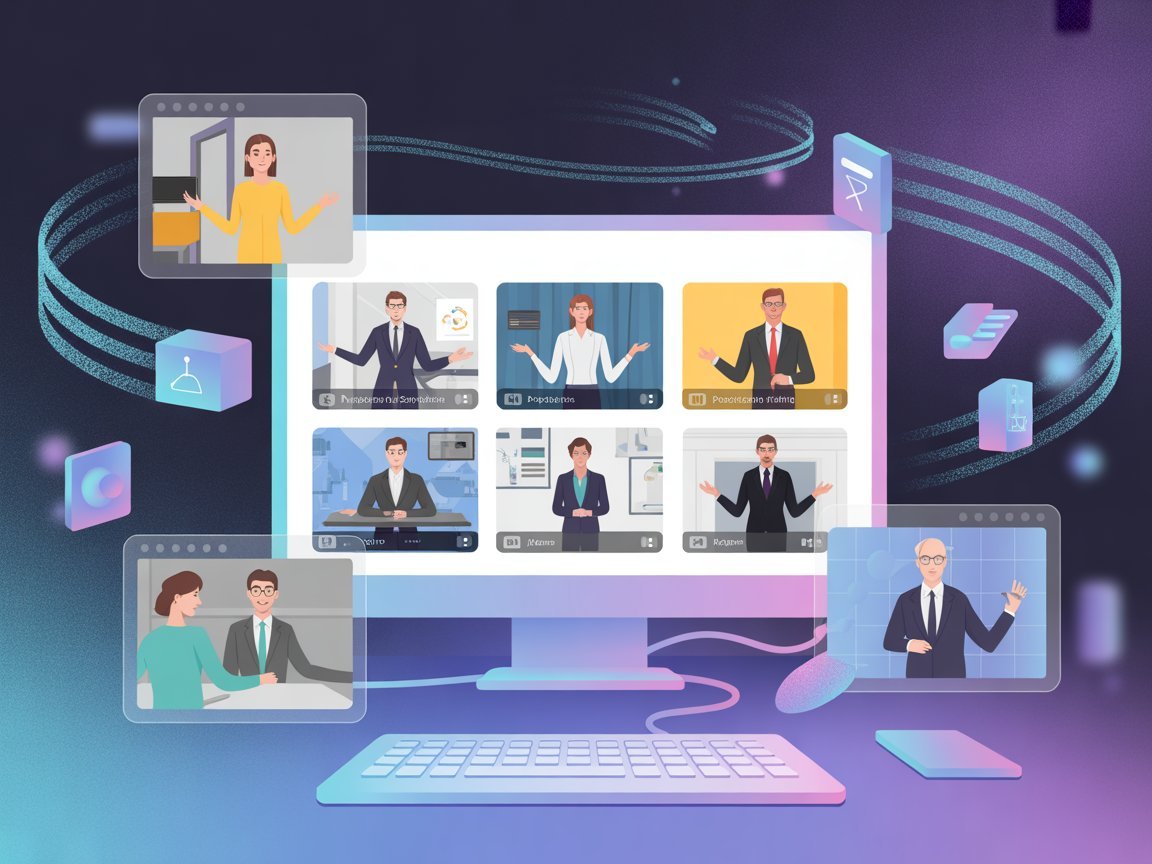
The businesses winning at training video in 2026 aren’t filming more — they’re filming less, and Synthesia is how they do it.
In 2026, American HR teams, L&D managers, and business owners are stuck in a costly paradox. They know their employees need better training and onboarding videos. They know explainer videos convert better than text. But the moment they look at what it actually takes to produce professional video — the cameras, the studio rentals, the on-camera talent, the post-production editors — the project stalls. And then it dies.
Traditional video production runs $1,000 to $5,000 per finished minute at US market rates. A single onboarding module becomes a budget line that needs executive sign-off. A compliance refresh that should take one afternoon turns into a six-week production cycle. For a business that bills work at $75 to $200 per hour, the hidden cost isn’t just the production invoice — it’s every hour your team waits for content that isn’t ready yet.
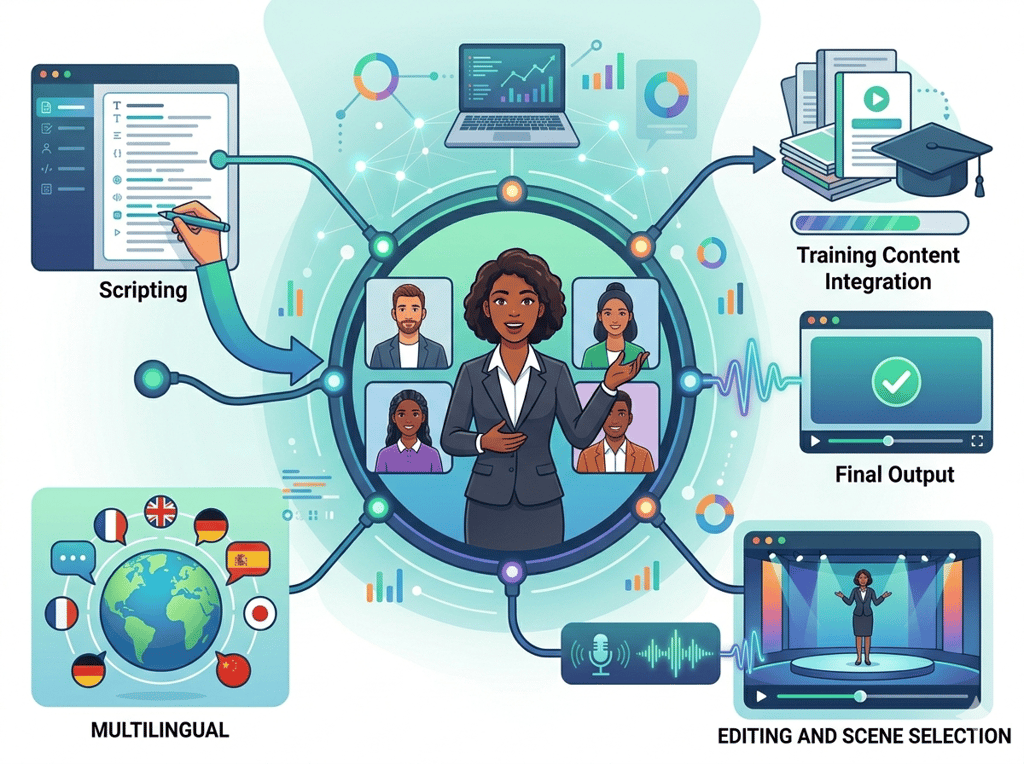
Synthesia flips that equation. As an AI video generator for training, it lets you turn a text script into a polished, presenter-led video without cameras, voice actors, editing software, or studio time. You type what you want your video to say, select an AI avatar from a library of 240+ options, choose from 160+ languages, and render a professional video in minutes — not weeks.
This article isn’t a feature tour of Synthesia. It’s a practical efficiency guide: four specific workflow transformations that HR teams, operations managers, customer success leads, and educators are implementing right now to cut training video production time by 60 to 80 percent, quantified in real hours and real dollars for the US market. If your organization needs scalable video and can’t justify a production agency, this is the guide that changes how you work.
Try Synthesia free and create your first AI training video in under an hour. Get Started Free | No credit card required
Key Concepts of AI Video Creation for Training
Concept 1: The Production Bottleneck Problem
Traditional corporate video hits the same walls every time. You need a subject matter expert willing to be on camera. You need a day with good lighting. You need a camera operator, or at minimum a tripod and someone who knows what they’re doing. You need audio equipment. You need post-production to cut the ums and ahs, add the logo, export in the right format.
Then, six weeks after your HR director requested a new OSHA compliance video, you have one video that’s already slightly outdated.
Synthesia eliminates every one of those bottlenecks. The “presenter” is an AI avatar. The “recording” is a text script. The “studio” is a browser tab. A company like a mid-sized logistics firm in Ohio replaced a four-week video production cycle with a four-hour Synthesia workflow — and that’s not an edge case. That’s the normal result when you remove the camera dependency entirely.
For businesses billing at $75 to $200 per hour for professional services, the production bottleneck isn’t just inconvenient. Every week a training video sits in “pending production” is a week your new hires are onboarding without it, your sales team is pitching without the product explainer, and your customers are calling support instead of finding answers in a video knowledge base.
Explore Synthesia in detail to see exactly how the platform removes each stage of the traditional production bottleneck.
Concept 2: The Update Problem — Why Most Training Videos Go Stale
One of the most underappreciated costs in corporate video isn’t the production cost — it’s the re-production cost. Your product changes. Your compliance requirements update. Your onboarding process evolves. Every one of those changes, in a traditional video workflow, means booking a studio again, getting your presenter back on camera, re-editing, re-exporting, re-uploading.
Most organizations respond to this problem by simply not updating their videos. Which means new hires are watching outdated onboarding content. Which means customer-facing explainers reference features that no longer exist. Which means the video investment that was hard to justify in the first place continues to decay in value.
With Synthesia, updating a video is the same as editing a Google Doc. You change the script, re-render, and the video is updated. No re-recording, no studio, no production timeline. A SaaS company updating its product walkthrough after a UI redesign that previously took three weeks of production turnaround can now turn the same update around in an afternoon.
Concept 3: Scale Without Proportional Cost
For most organizations, video production cost scales linearly with volume. Two videos cost twice as much as one. Twenty videos cost twenty times as much. This makes video inherently difficult to scale — which is why most companies have a handful of videos that cover their highest-priority needs and nothing else.
AI training video creation breaks that linear cost relationship. Once you’ve established your brand kit, your avatar selection, and your template structure inside Synthesia, producing video ten or twenty is nearly as fast as producing video one. As noted in this breakdown from Purposeful Agency, eliminating cameras, crews, and studios significantly reduces production expenses while speeding up workflows — and that cost advantage compounds as volume increases.
The practical result: an HR team that previously produced four training videos per year can produce forty. A customer success team that had two product explainers can build a full video knowledge base. The content that was always on the roadmap and never quite prioritized finally gets made.
How Synthesia Helps Efficiency
Feature 1: AI Avatar Video Generation
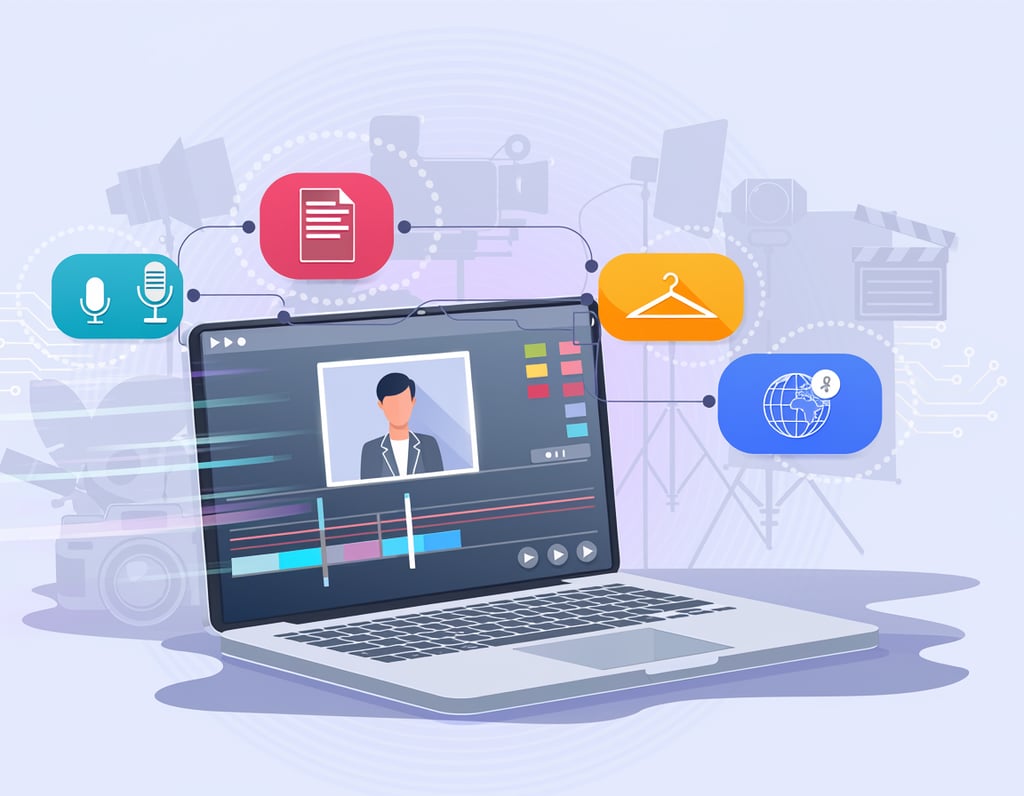
The core mechanic of Synthesia is simple and genuinely powerful. You paste or write a script. You select an AI avatar — a photorealistic digital presenter from a library of 240+ options, including diverse demographics and professional presentation styles. You click generate. In minutes, you have a professional video of that presenter delivering your script with synchronized lip movement, natural expression, and clear audio.
No recording equipment. No camera anxiety from your subject matter expert. No scheduling conflicts. No retakes.
For US businesses, the time math is stark. A skilled video production company charges $1,500 to $3,000 per finished minute. A three-minute onboarding module costs $4,500 to $9,000 and takes four to six weeks to produce. The same three-minute module in Synthesia takes two to four hours of script writing and setup, plus a few minutes of render time, at a fraction of the cost.
Annual time saved for a team producing 20 training videos per year: Approximately 80 hours of production coordination eliminated = $6,000 to $16,000 in equivalent labor cost avoided.
Feature 2: One-Click Multilingual Translation
For US businesses with multilingual workforces — which now includes the majority of mid-sized manufacturers, logistics companies, healthcare systems, and retail operations — training video has traditionally meant either producing separate videos for each language or accepting that non-English-speaking employees simply can’t access the content.
Synthesia’s AI dubbing and translation features change this completely. You produce one video in English. You click translate. Synthesia automatically translates the script, re-renders the avatar with synchronized lip movement in the target language, and delivers the multilingual version in minutes. The same video becomes Spanish, Mandarin, Portuguese, French — covering 160+ languages without additional script writing or production.
For a manufacturing company in Texas onboarding Spanish-speaking production staff alongside English-speaking supervisors, this isn’t a nice-to-have — it’s a compliance and safety issue. Being able to produce both versions simultaneously removes a barrier that previously made comprehensive multilingual training economically impossible.
Annual time saved for a team producing bilingual content: 60+ hours of duplicate production work eliminated per year.
Feature 3: SCORM Export and LMS Integration
The last mile of corporate training video is often where the efficiency breaks down. Your video is produced, but getting it into Cornerstone, Docebo, TalentLMS, or whatever LMS your organization runs requires format conversion, metadata entry, tracking configuration, and IT involvement.
Synthesia exports directly to SCORM — the universal standard for LMS content — which means your video lands in your training platform already configured for completion tracking, quiz integration, and progress reporting. No format conversion. No IT ticket. No two-week integration project.
See our full Synthesia review for a complete breakdown of the LMS integration options, SCORM export settings, and analytics capabilities.
Ready to eliminate your video production backlog? Try Synthesia free and create your first AI training video in under an hour. Get Started Free | No credit card required
Best Practices for Implementing Synthesia

1. Invest Time in the Script First
The single most important factor in Synthesia video quality is script quality. Because the AI avatar delivers exactly what you write, every awkward sentence, unclear transition, or overly technical phrase lands exactly as written. There are no retakes, no natural paraphrasing, no “let me try that again.”
Before generating a single video, establish a script review process. Have a subject matter expert write the content, then have a second person read it aloud before submitting for video generation. Sentences that feel natural when read silently often sound stilted when spoken. Reading aloud catches those issues before they’re locked into your video.
A practical rule: write for the ear, not the eye. Short sentences. Active voice. Explicit transitions (“Now let’s look at…” rather than implied section breaks). Avoid jargon unless your audience uses it daily.
2. Build a Brand Kit Before Your First Video
Synthesia’s brand kit — logos, color palettes, default fonts — applies consistently across all videos once configured. Setting this up before you produce your first video means every subsequent video automatically inherits your brand identity. This is especially important for organizations building large video libraries, where consistency signals professionalism and builds viewer trust.
Spend two hours building a complete brand kit on day one. It pays dividends on every video you produce afterward.
3. Start with High-Value, High-Repetition Content
The ROI calculation on Synthesia is most compelling for content that has to be delivered repeatedly to many people. New hire onboarding, compliance training, product tutorials, customer FAQ explainers — these are high-repetition, high-value targets. The production effort is incurred once; the benefit compounds with every person who watches.
Avoid spending your first Synthesia projects on content that’s highly specific to one person or one situation. Save those for later. Start with the videos that your team wishes existed, that would have been produced already if production weren’t so expensive.
Limitations and Considerations
Where AI-Generated Video Falls Short
Highly emotional or sensitive communications. AI avatars are professional and consistent, which is an asset for most training content. But for communications that require genuine human presence — a CEO message during a company crisis, a performance improvement discussion, a mental health awareness video — the polished artificiality of an AI presenter can feel cold or even counterproductive. Reserve those for real humans.
Complex technical demonstrations. Synthesia is excellent for explaining concepts with an on-screen presenter. It is not a screen recording tool. For software tutorials where the viewer needs to see exactly where to click in a live interface, Synthesia works best in combination with screen recordings — using the avatar for concept framing and switching to screen capture for the demonstration itself.
Content requiring genuine improvisation. If your training scenario benefits from realistic role-play — a difficult customer conversation, a negotiation simulation, a live Q&A — an AI avatar cannot improvise or respond to unexpected input. This type of content still requires live facilitation or branching video tools beyond standard Synthesia functionality.
Highly nuanced tone. AI voices and avatars have improved dramatically, but they remain slightly uniform in their emotional range. For content where vocal warmth, humor, or authentic personal connection is central to the message, the gap between an AI presenter and a skilled human communicator remains noticeable.
Frequently Asked Questions

What is an AI video generator for training?
An AI video generator for training is a platform that converts written scripts into professional presenter-led videos using digital AI avatars and synthetic voice generation. Instead of filming a human presenter, you write the script, select an avatar, and the platform generates the video automatically. Synthesia is the most widely used example for corporate training applications, offering 240+ avatars, 160+ languages, and direct LMS integration via SCORM export.
Can Synthesia videos replace all of our existing training content?
Not all of it — and it shouldn’t try to. AI-generated video excels at structured, repeatable content like compliance training, product tutorials, process walkthroughs, and onboarding modules. It is less suited for communications requiring genuine emotional presence, live role-play simulations, or highly improvisational scenarios. A practical approach is to audit your existing training content, identify the 60 to 70 percent that fits the structured-and-repeatable profile, and migrate that to Synthesia first.
Do we need technical skills or a video production background to use Synthesia?
No. Synthesia is designed for content creators without production backgrounds. The interface is browser-based, script-driven, and template-supported. The primary skill required is strong writing — the ability to write clear, structured scripts that communicate effectively when spoken. If your team can write training documentation, they can produce Synthesia videos. No editing software, camera skills, or production experience needed.
Conclusion
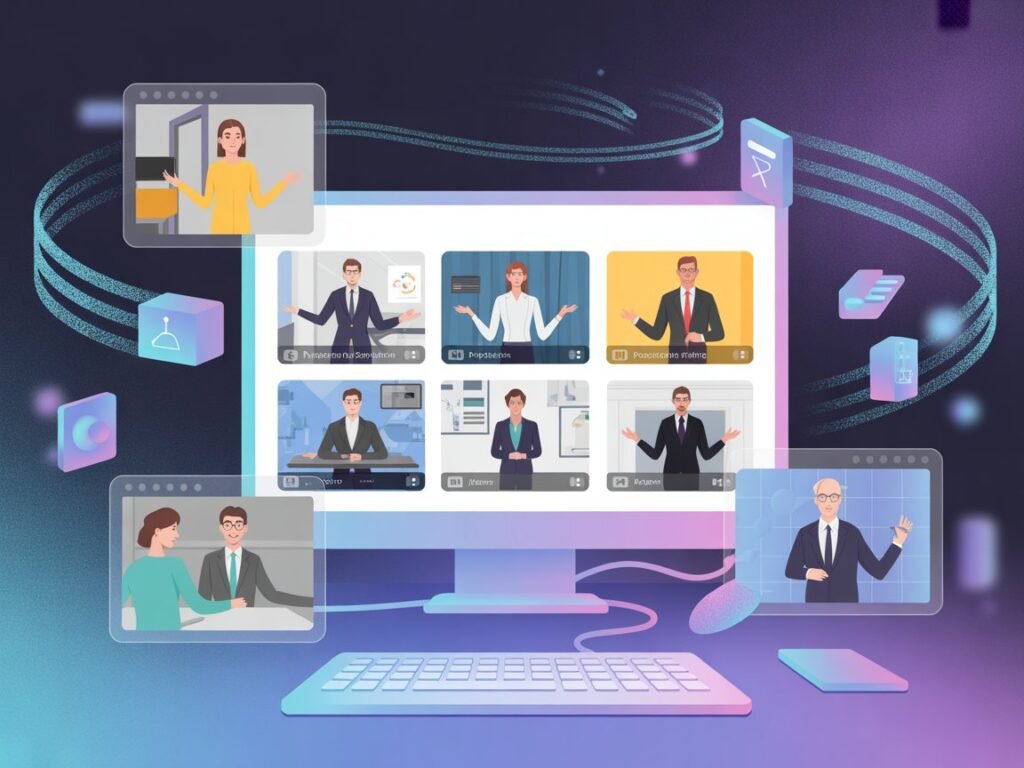
In 2026, the organizations building the best training and explainer video libraries aren’t the ones with the biggest production budgets — they’re the ones who stopped treating video as a production problem and started treating it as a content strategy problem.
Synthesia makes that shift practical. As an AI video generator for training, it removes the barriers — the cameras, the studios, the production vendors, the six-week timelines — that have kept video perpetually on the roadmap and off the delivery schedule for most businesses. What replaces those barriers is a browser-based workflow that any team can operate, at a cost that makes video economics viable for organizations at every scale.
The US market reality is clear: at $75 to $200 per hour for professional talent, every week a training video sits unproduced is a week of compounding cost — in onboarding delays, in support tickets, in sales cycles that drag. The ROI on removing that bottleneck is not theoretical. The four personas in this article represent real workflows that real teams are running right now.
The question for your organization isn’t “Should we use AI to create training videos?” That answer is already obvious. The question is which video — the onboarding module, the compliance refresh, the product explainer, the customer FAQ series — you’re going to produce first. Pick one. Build it this week. The rest of the library follows.
Try Synthesia free and create your first AI training video in under an hour. Get Started Free | No credit card required
Leave a Reply