Personalized video marketing tools have shifted from nice-to-have to the most efficient way US businesses convert cold outreach into revenue.
In 2026, American sales reps and small business owners face a paradox that no amount of hustle can solve: your prospects’ inboxes are more crowded than ever, yet the tools available to break through have never been more powerful.
Picture this: inbox at 200 unread. Your outreach sequence queued up — another batch of templated cold emails about to land alongside a hundred identical ones from your competitors. Calendar packed with follow-ups that should have been booked two weeks ago. And conversion rates? Flat, despite hours poured into crafting the “perfect” pitch.
The disconnect isn’t effort. It’s format. Text-based outreach is commoditized. Video isn’t.
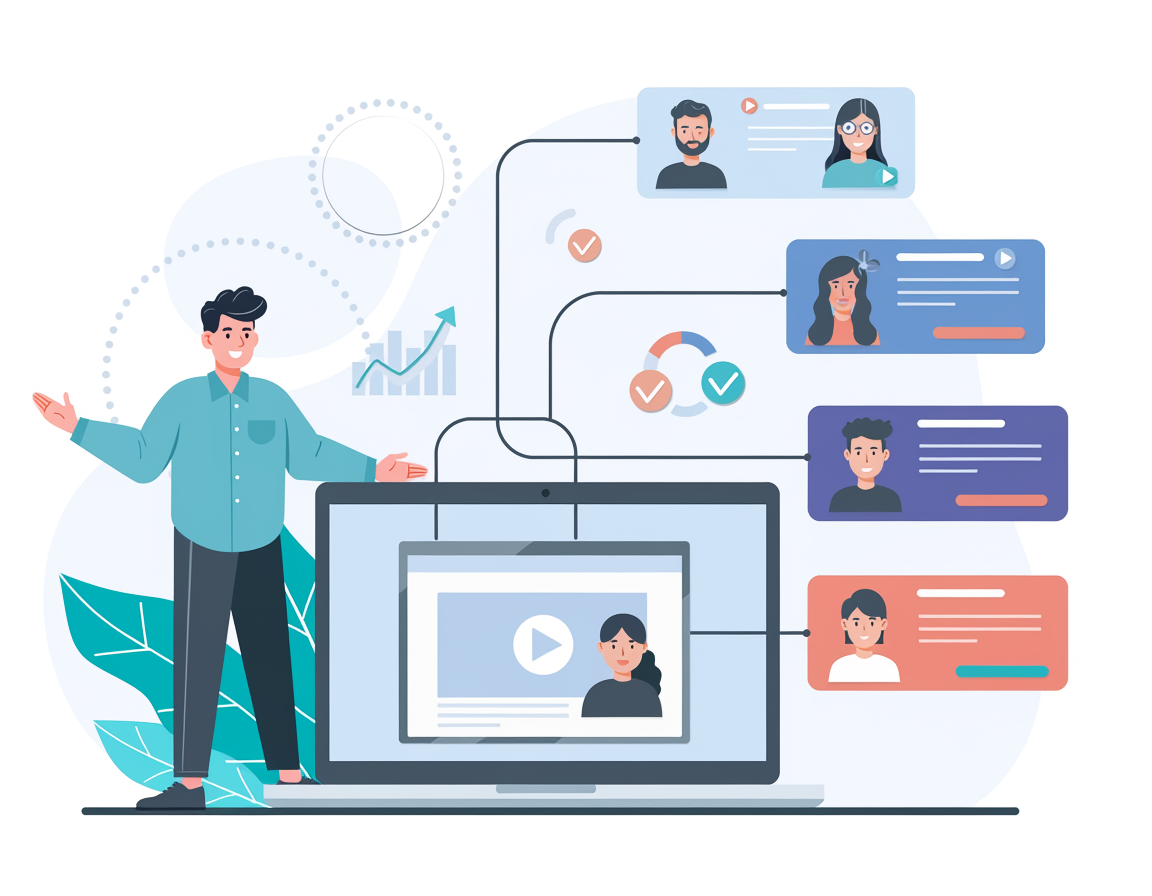
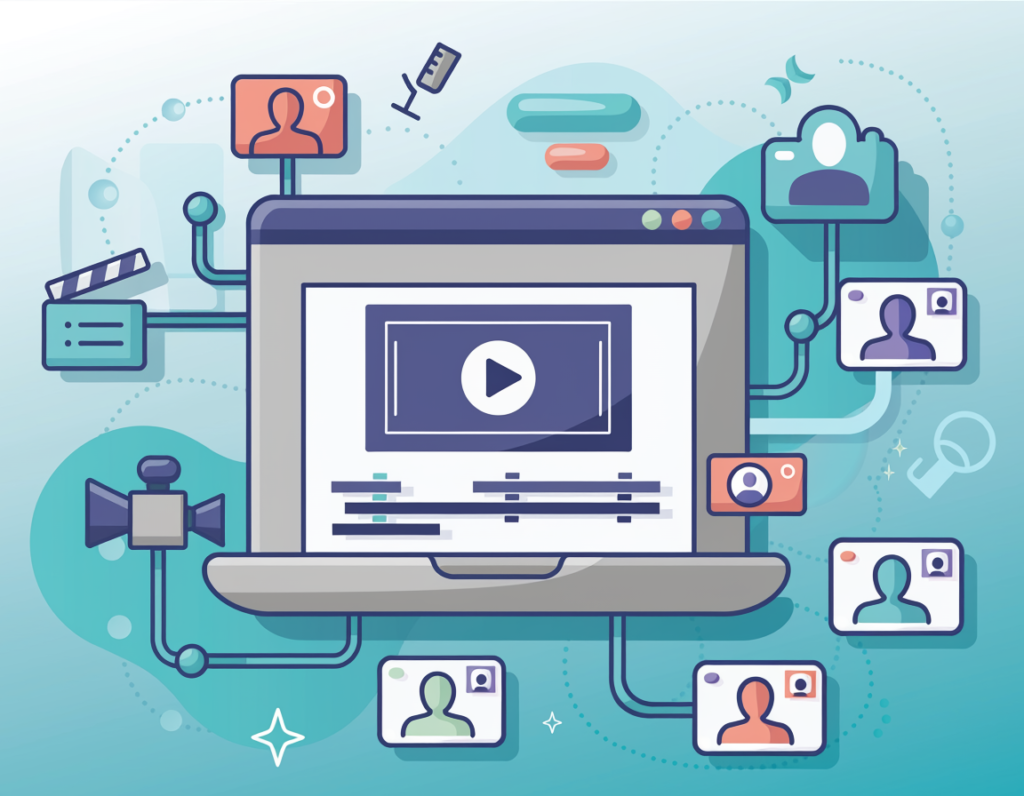
Sendspark is a personalized video marketing tool built precisely for this gap. It lets sales teams, marketers, and solo business owners record one video and then use AI to generate hundreds — or thousands — of individually personalized versions, each greeting the prospect by name with a cloned voice, overlaid on their own website or LinkedIn profile as the background. The result feels hand-crafted. The effort is minimal.
For US freelancers and small business owners billing $50–$150 per hour, time is the real currency. Every hour spent manually recording one-off video pitches or chasing cold leads who never reply is $50–$150 not earned. Sendspark short-circuits that math by automating the personalization layer — the part that actually drives replies.
This guide delivers four specific workflows to implement this week using Sendspark’s AI capabilities, each designed to shave 2–5 hours off your outreach workload. Whether you’re a solo consultant, a Shopify store owner, or a freelance designer trying to fill your pipeline, you’ll walk away with concrete before-and-after workflows and real ROI estimates grounded in US market rates.
The question isn’t whether AI video tools work for outreach. The numbers are already in. It’s whether your business can afford to keep ignoring them.
Try Sendspark free and experience AI-powered personalized video firsthand. Start Free | No credit card required
Key Concepts of AI Efficiency
Concept 1: Cognitive Offloading
Cognitive offloading is the practice of delegating mental labor to external systems so your brain can focus on what actually requires human judgment. In the context of outreach, this means letting AI handle the personalization layer — the “Hi [Name], I noticed you work at [Company]” moment — so you can spend your mental energy on strategy, relationships, and closing.
Consider Sarah, a freelance brand designer in Portland managing eight active clients. Before adopting AI video tools, her outreach workflow looked like this: research a prospect, write a custom intro, record a screen-share video, trim the footage, upload it, embed it in an email, and send. Each sequence took roughly 25 minutes per prospect. At 12 prospects per week, that’s 5 hours of cognitive-heavy creative work — gone.
With AI cognitive offloading via Sendspark’s Dynamic Video feature, Sarah now records one polished “master” video per campaign. The AI handles the personalized greeting, swaps in the prospect’s website as the background, and generates individual video pages for each contact. Her active outreach time dropped to under 90 minutes per week for the same 12 prospects — saving her approximately 2.5 hours daily on outreach-related tasks. That’s recovered creative capacity she reinvests into billable client work.
For deeper strategies on cognitive offloading through AI tools, explore Sendspark in detail.
Concept 2: Context Switching Cost
Research consistently shows that the average knowledge worker requires approximately 23 minutes to fully refocus after an interruption. In outreach workflows, context switching is endemic: you’re hopping between your CRM, a video recorder, an email tool, a prospect’s LinkedIn, and a scheduling platform — sometimes within a single prospecting session.
Marcus, a solo management consultant in Chicago, tracked his outreach workflow for two weeks and discovered he was switching between six different tools per prospect: LinkedIn for research, Loom for recording, Google Drive for storing, Gmail for sending, Calendly for booking, and HubSpot for logging. Every tool switch cost him a refocus period.
By consolidating to Sendspark — which integrates with HubSpot, Outreach, and Gmail natively — Marcus eliminated three tool switches per prospect cycle. Over his typical volume of 40 outreach contacts per week, that translated to roughly 5 hours of recovered focus time weekly. He now uses that time for paid advisory calls rather than administrative tool navigation.
Concept 3: Workflow Orchestration
The most sophisticated efficiency concept isn’t about saving individual minutes — it’s about orchestrating AI as the conductor of your entire outreach sequence rather than a one-off tool you plug in for a single step.
Workflow orchestration means your video creation, contact import, email send, and analytics review happen in a connected flow where AI handles the variable, personalized layer at each stage automatically. You set the parameters once; AI executes for every contact in your list.
Elena, an e-commerce owner in Austin running a Shopify store, used to spend 4 hours per month on partner outreach: researching potential brand collaborators, recording personalized intro videos for each, and manually following up. After implementing Sendspark’s bulk CSV import and AI video generation workflow — uploading a contact list with first names, company names, and website URLs — she now spends 45 minutes on the same monthly task. The AI orchestrates the personalization; Elena focuses on the conversations that convert.
As noted in this analysis of video outreach platform comparisons, Sendspark’s approach assumes users bring their own contact data and focuses on maximizing the personalization and media quality of each touchpoint — which aligns perfectly with a workflow orchestration mindset for small business owners who already have a list.
How Sendspark Helps Efficiency
Feature 1: AI Voice Cloning + Personalized Greeting
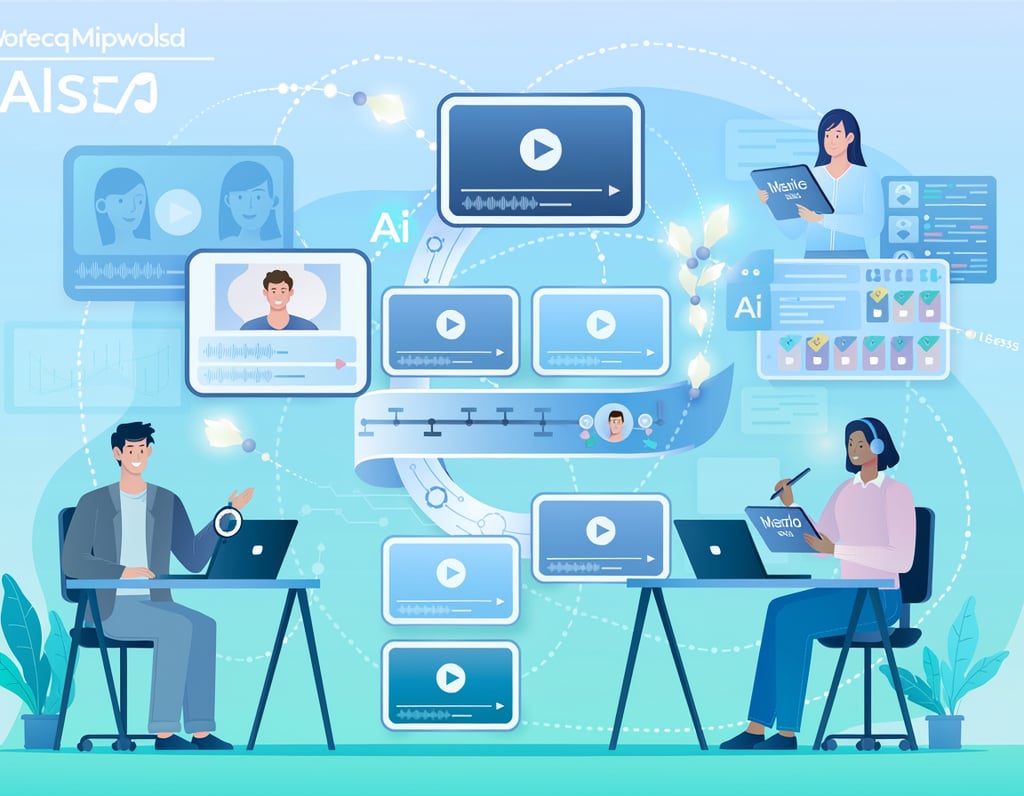
The core of Sendspark’s efficiency value proposition is its Dynamic Video technology. You record one video beginning with “Hi Watermelon” — a placeholder Sendspark’s AI replaces with each prospect’s actual first name using voice cloning. The efficiency math is stark: recording unique 60-second videos for 50 prospects takes 4–5 hours. Using AI voice cloning, you record once and generate 50 personalized versions in minutes.
For a US freelancer billing at $75/hour, that’s $300–$375 in recovered billable time per campaign.
Annual time saved: Assuming two campaigns per month at 50 contacts each: approximately 96–120 hours/year = $7,200–$18,000 in recovered billable capacity.
Feature 2: Dynamic Background Personalization
Beyond the greeting, Sendspark overlays your camera bubble onto each prospect’s own website or LinkedIn profile. You simply provide the background URL in your CSV — Sendspark handles the rendering. The result looks custom-recorded. The actual time investment is seconds per contact in your spreadsheet.
Annual time saved: For reps who previously screenshared individual prospect sites manually before recording: 35+ hours/year = $1,750–$5,250 at US freelance rates.
Feature 3: Bulk Contact Import and Campaign Management
Sendspark accepts CSV uploads with contact fields including first name, email, background URL, company name, and job title. Once uploaded, AI generates personalized video pages simultaneously. No manual file naming. No individual uploads. This eliminates the logistics of managing hundreds of individual video assets — replacing scattered Google Drive folders and manual uploads with an organized, automatically generated campaign.
Annual time saved: 40+ hours = $2,000–$6,000 at US SMB rates.
Ready to cut your outreach time in half? Try Sendspark free and experience AI-powered personalized video firsthand. Start Free | No credit card required
Best Practices for Implementing AI Efficiency
1. Start with One Campaign Type
The biggest mistake small business owners make with AI video tools is trying to automate everything simultaneously. Start with a single campaign type — cold outreach, partnership pitches, or follow-up sequences — and master that workflow before expanding.
Record your master video once. Upload a test list of 10 contacts. Preview each AI-generated video before sending. This small-batch approach catches quality issues early (voice cloning inconsistencies, background URL errors, incorrect merge fields) before they scale to hundreds of contacts.
One focused workflow implemented well outperforms three workflows implemented poorly. Most Sendspark users who stick with the platform long-term credit a single successful campaign early on — not a comprehensive rollout — as the momentum that built their confidence in AI video.
2. Keep Human Judgment at High-Stakes Touchpoints
AI efficiency doesn’t mean removing humans from the process. It means removing humans from the repetitive parts of the process. For high-value prospects — enterprise accounts, dream clients, major partnership targets — supplement the AI-personalized video with a hand-recorded addition or a personally written email.
Use Sendspark’s AI for the volume; use your own voice and judgment for the whales. The efficiency gain from automation on the 95% of contacts who need a scalable touch should fund the time investment in the 5% who warrant true personalization.
3. Avoid Tool Overload
A fragmented outreach stack — separate tools for data, video, email, CRM, analytics, and follow-up — creates hidden costs in tool-switching, integration maintenance, and monthly subscriptions. A solo entrepreneur running separate subscriptions for Apollo, Loom, Mailshake, and a CRM might be spending $120–$180/month for capabilities that overlap significantly.
Sendspark’s native integrations with HubSpot, Apollo, Outreach, and Gmail are specifically designed to consolidate the outreach stack. Before adding Sendspark to your toolkit, audit what you’re currently paying and where workflows overlap. Tool consolidation often pays for the new subscription before you count the time savings.
4. Track What AI Is Replacing
If you can’t measure the efficiency gain, you can’t defend the subscription cost — and you won’t know where to expand automation next. Spend the first two weeks logging your outreach time manually before switching workflows. Then track the same metric after. Even a rough log (Monday: 2.5 hours on outreach) gives you comparison data.
Sendspark’s analytics dashboard shows video view rates, watch time, and replay rates per contact — which doubles as an efficiency measurement layer. Instead of guessing whether your outreach is working, you see exactly which contacts engaged and for how long.
Limitations and Considerations
Where Sendspark’s AI Is NOT Ideal
High-Stakes Brand Tone for Strategic Partnerships When pursuing a major partnership — a distribution deal, an enterprise contract, a venture relationship — the AI-personalized greeting is a floor, not a ceiling. Decision-makers at this level can often identify templated approaches. Supplementing with genuine, research-heavy personalization beyond the name and website background is essential. Don’t let AI efficiency become an excuse for shallow prospecting with high-value targets.
Legal, Contractual, or Compliance Communications Any communication that carries legal weight — contract negotiations, compliance notices, formal business proposals — should never be automated or rely on AI-generated components without careful human review. The efficiency gains from AI video don’t apply here, and the risks of errors or unintended commitments are too high.
Sensitive Human Interactions If you’re following up on a declined proposal, addressing a customer complaint, or navigating a relationship in repair, an AI-personalized video is the wrong tool. These moments require authentic human presence — not a cloned voice greeting someone by their first name over a scrolling background of their website.
Key Risks to Manage
Voice Cloning Quality Variability: The quality of AI voice cloning depends heavily on your recording environment. Background noise, room echo, and microphone quality all affect output. A low-quality source recording produces an unconvincing AI greeting — which can damage credibility rather than build it.
Privacy and Data Handling: You’re uploading prospect contact information (names, emails, website URLs) to a third-party platform. Review Sendspark’s data handling policies if you operate in regulated industries or work with EU-based contacts under GDPR obligations.
Over-Reliance and Skill Atrophy: The risk with any automation tool is that the underlying skill — in this case, genuine human relationship-building — can atrophy if it’s never exercised. AI video is most effective as an opener that gets you into a genuine human conversation, not a replacement for the conversation itself.
Frequently Asked Questions
How do freelancers use Sendspark to save time on outreach?
The most common workflow among solo freelancers: record one master pitch video, build a CSV contact list with prospect names and website URLs, import into Sendspark, generate personalized videos in bulk, and send via Gmail integration. The entire setup for a 50-person campaign takes approximately 90 minutes — compared to 10+ hours for equivalent manual recording. Freelancers also use Sendspark’s view analytics to prioritize follow-up, contacting only those who watched a significant portion of the video.
What’s the best AI video personalization tool for small businesses with limited tech skills?
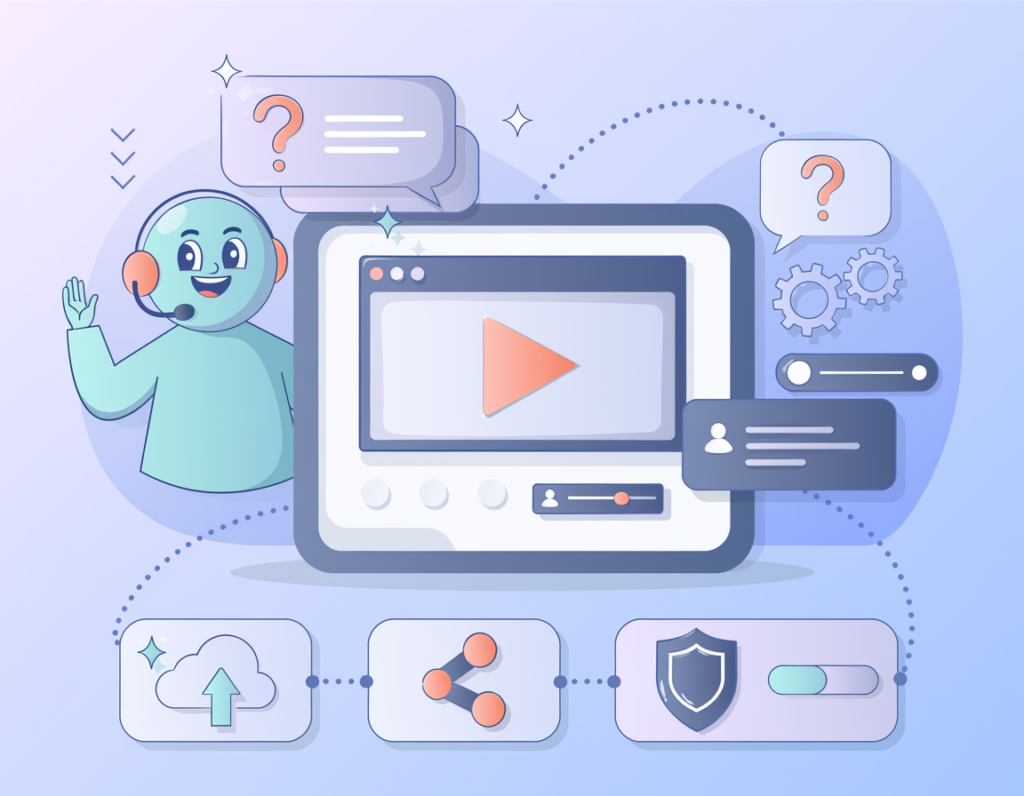
Sendspark is consistently cited as one of the most accessible options for non-technical users because its core workflow — record a video, import a CSV, generate and send — requires no coding or complex integration setup. The Chrome extension, desktop recorder, and built-in share pages reduce the technical barrier significantly. That said, maximizing results (CRM integrations, sequencer connections) does require some setup time.
Do I need a large list to see ROI from Sendspark?
No. Sendspark’s efficiency gains are meaningful even at small scale. Even a 20-person targeted campaign can recover 3–5 hours compared to manually recording individual videos, and the reply rate improvement from personalized video versus text email compounds the ROI. For high-ticket offers where a single new client is worth $5,000–$50,000, the math justifies the tool even for very focused outreach lists.
Conclusion
In 2026, the gap between businesses that struggle with cold outreach and those that convert consistently isn’t effort — it’s format and leverage. Personalized video marketing tools like Sendspark solve the core problem: how do you deliver a message that feels hand-crafted to every prospect when you’re a team of one?
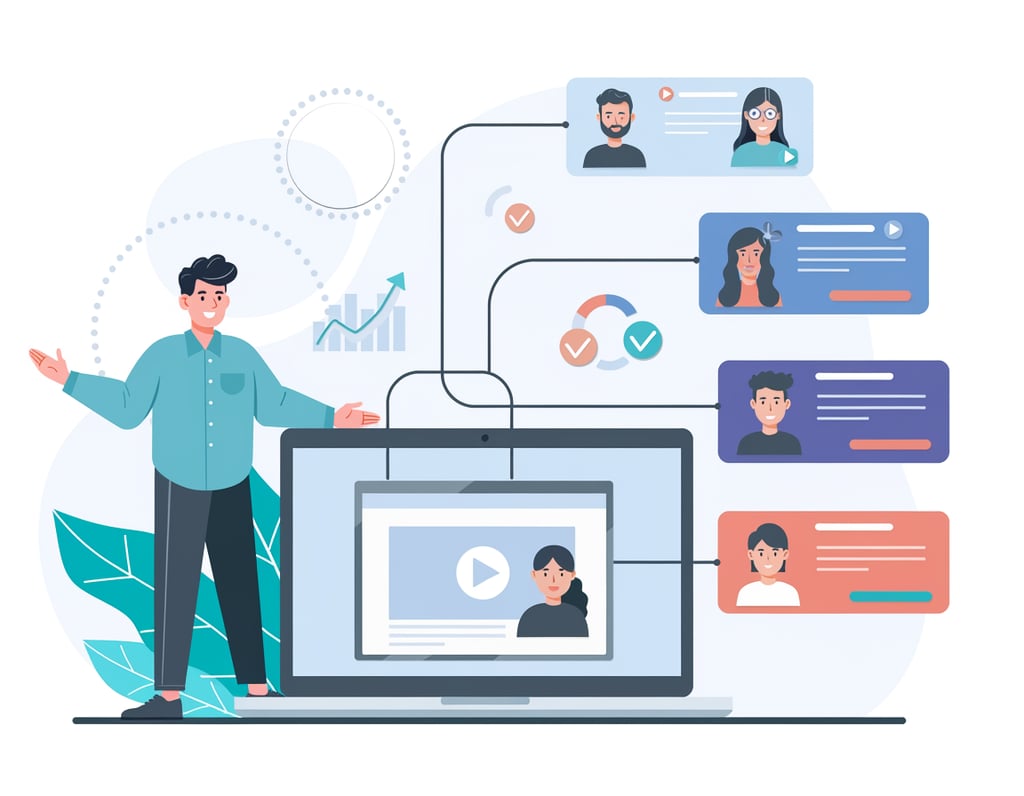
The answer Sendspark delivers is AI efficiency applied to the outreach layer — voice cloning for personalized greetings, dynamic backgrounds that prove research, bulk campaign processing that eliminates repetitive recording, and CRM integrations that close the gap between video creation and email delivery. Together, these features can recover 100–200+ hours per year for a solo business owner — an ROI of 40x to 100x on the subscription cost when measured against US freelance hourly rates.
But AI efficiency is augmentation, not replacement. Sendspark handles the volume; you handle the relationship. Start with one campaign type this week. Record your master video. Import a test list of 20 prospects. Measure your reply rate against your text-only baseline. The results will make the next decision obvious.
The question for US small businesses in 2026 isn’t “Should I use AI for outreach efficiency?” — it’s “Can I afford to let competitors who are already doing it keep the advantage?”
Try Sendspark free and experience AI-powered personalized video firsthand. Start Free | No credit card required
Leave a Reply