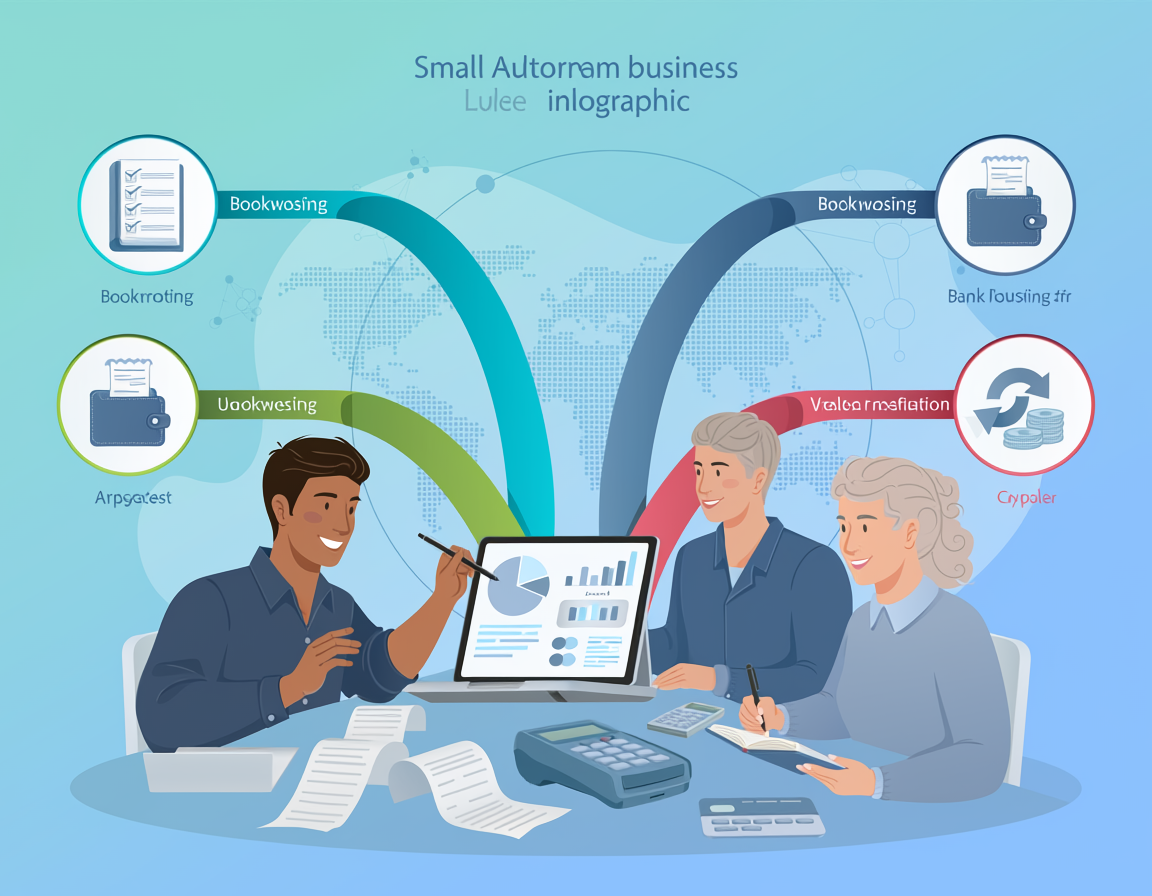
The best ai accounting software doesn’t just crunch numbers — it gives back the hours you were spending on work that was never your job.
In 2026, American freelancers and solo entrepreneurs face a financial management paradox that’s getting harder to ignore.
Your business is growing. Your client roster is expanding. But somewhere between chasing invoices, categorizing expenses, reconciling bank statements, and prepping for quarterly taxes, the actual work — the work clients pay you for — keeps getting squeezed out.
The inbox has 200 unread messages. The expense spreadsheet is three weeks behind. The invoice you sent last month still shows as outstanding.
Here’s the hard reality: for US freelancers billing $50 to $150 per hour, every sixty minutes spent on bookkeeping is $50 to $150 in lost billable capacity. If you’re logging 8 to 12 hours a month on manual accounting tasks — a conservative estimate for most solo operators — that’s $400 to $1,800 in opportunity cost disappearing every single month.
This is the problem modern ai accounting software is built to solve. Not by replacing your financial judgment, but by eliminating the repetitive cognitive labor that drains your energy and crowds out your most valuable work.
FISKL is an all-in-one AI-powered accounting and financial management platform designed for small businesses, freelancers, and entrepreneurs who need professional-grade financial tools without the overhead of a full accounting department. It automates bookkeeping with AI, handles multi-currency invoicing, syncs with thousands of banks in real time, and comes equipped with Fi — an AI business advisor that turns your financial data into actionable insights.
In this guide, you’ll get 4 specific workflows to implement this week, each designed to save 2 to 5 hours of manual financial work. The gap between overwhelmed and organized isn’t effort — it’s having the right financial automation tools in the right places.
Key Concepts of AI Efficiency in Accounting

Concept 1: Cognitive Offloading in Financial Management
Cognitive offloading is the practice of shifting mentally demanding tasks to an external system so your brain is freed up for higher-order thinking. In accounting, this applies directly to transaction categorization, expense matching, and invoice tracking — tasks that require consistent attention but minimal actual judgment.
Consider Sarah, a freelance UX designer in Seattle managing eight concurrent client projects. Before switching to AI accounting software, she spent roughly 2.5 hours every week manually categorizing transactions, matching receipts to expenses, and following up on overdue invoices — 130 hours per year on administrative tasks that generated zero revenue.
With AI-powered auto-categorization and automated invoice reminders, Sarah reclaims those hours and, more importantly, is no longer carrying the mental load of tracking which expenses belong to which client. The system holds that context so she doesn’t have to.
For a deeper look at how AI accounting tools handle cognitive offloading through smart categorization and workflow automation, explore FISKL in detail.
Concept 2: The Hidden Cost of Context Switching in Bookkeeping
Research shows the average knowledge worker takes approximately 23 minutes to fully regain focus after an interruption. In small business accounting, every time you stop client work to log an expense or reconcile a bank statement, you’re losing not just the task time but the recovery time on both sides.
Marcus, an independent management consultant in Chicago, tracked his interruptions for one month and discovered he was breaking his work flow for accounting tasks an average of 11 times per week. At 23 minutes of recovery time per interruption, that’s more than 4 hours of lost productive capacity weekly — almost invisible because each individual interruption seemed minor.
After automating bookkeeping with AI — connecting bank accounts for real-time sync and enabling automated reconciliation — Marcus eliminated 9 of those 11 weekly interruptions. That’s 5 hours of recovered capacity per week, translating to roughly $13,000 in additional annual billable potential at his standard consulting rate.
Concept 3: Workflow Orchestration — AI as the Financial Conductor
The most sophisticated application of AI efficiency in accounting isn’t automation of individual tasks — it’s the orchestration of interconnected financial workflows. AI functions as a conductor that coordinates the entire operation: syncing bank data, categorizing transactions, generating invoices, flagging anomalies, and producing reports — all without requiring manual handoffs between steps.
Elena, an e-commerce owner in Denver, used to spend the first four hours of every month manually exporting transaction data, categorizing expenses by product line, reconciling Stripe payments against her bank balance, and building a cash flow summary for her accountant. With AI-orchestrated financial workflows, that entire monthly process runs automatically. Elena now spends about 20 minutes reviewing the AI-generated summary instead of building it from scratch — 3.5 hours reclaimed every single month.
The distinction matters: AI efficiency in accounting isn’t about saving time on one task. It’s about redesigning the entire financial workflow so human attention is only required where human judgment genuinely adds value.
How FISKL Helps Efficiency

Feature 1: AI Auto-Categorization and Automated Bookkeeping
FISKL’s AI engine continuously learns your transaction patterns and automatically categorizes expenses by category, client, vendor, and tax type — in real time as transactions flow in from your connected bank accounts.
For a freelancer or small business owner manually categorizing 150 to 300 transactions per month, this feature typically eliminates 3 to 5 hours of monthly bookkeeping work. At US freelance rates of $50 to $150 per hour, that’s $1,800 to $9,000 recaptured annually. The system also improves over time — most users find accuracy exceeds 95% by month three without additional configuration.
Annual time saved: 48 hours | ROI value: $2,400–$7,200
Feature 2: Real-Time Bank Sync and Automated Reconciliation
FISKL connects with thousands of financial institutions — including major US banks like Chase, Bank of America, and Wells Fargo — to pull transaction data automatically, eliminating manual imports, CSV exports, and cross-referencing bank statements against accounting records.
The AI-based reconciliation engine compares incoming transactions against invoices, expenses, and existing records, automatically matching and flagging discrepancies. As noted in this overview of FISKL’s open banking integration, combining real-time data access with AI auto-categorization can cut reconciliation time dramatically for businesses managing multiple accounts.
For businesses with 2 to 4 connected accounts, automated reconciliation typically saves 2 to 4 hours per month previously spent on manual statement matching.
Annual time saved: 36 hours | ROI value: $1,800–$5,400
Feature 3: Intelligent Invoicing and Automated Follow-Ups
FISKL’s invoicing module tracks invoice status in real time, triggers automated payment reminders on configurable schedules, supports multi-currency billing for US freelancers with international clients, and integrates directly with Stripe and PayPal.
For freelancers managing 8 to 15 active clients, automated invoice follow-ups alone eliminate 1 to 2 hours of weekly administrative communication. Businesses using automated reminders typically see a 15 to 25% reduction in average days-to-payment — time saved translates directly to faster cash flow.
To see how FISKL’s invoicing and payment automation works within a complete financial management workflow, see our full FISKL review.
Annual time saved: 60 hours | ROI value: $3,000–$9,000
Feature 4: Fi — The AI Business Advisor
Fi is FISKL’s embedded AI assistant, and it’s what separates FISKL from conventional bookkeeping software. Rather than presenting raw financial data and expecting you to interpret it, Fi analyzes your patterns and proactively surfaces insights: cash flow forecasts, spending anomalies, budget trend alerts, and seasonal pattern recognition.
Instead of spending 2 to 3 hours per month building a financial summary manually, you can ask Fi natural language questions — “What’s my average monthly revenue for Q1 compared to last year?” or “Which client has the longest average payment cycle?” — and get immediate, data-backed answers.
As FISKL’s own guide to organizing business finances describes, Fi functions like having a dedicated financial consultant available on demand, without the hourly consulting fees. For small business owners who might otherwise pay $150 to $300 per hour for CPA consultations, this on-demand financial analysis has significant direct cost implications.
Annual time saved: 30 hours | ROI value: $1,500–$4,500
Combined Annual ROI Snapshot
| Feature | Hours Saved/Year | Value at $50/hr | Value at $150/hr |
|---|---|---|---|
| AI Auto-Categorization | 48 hours | $2,400 | $7,200 |
| Bank Sync & Reconciliation | 36 hours | $1,800 | $5,400 |
| Invoicing & Follow-Ups | 60 hours | $3,000 | $9,000 |
| Fi AI Advisor | 30 hours | $1,500 | $4,500 |
| Total | 174 hours | $8,700 | $26,100 |
Against FISKL’s typical subscription cost of $150 to $300 per year for small business tiers, the ROI range runs from 30x to 175x — before accounting for the revenue upside from faster client payments and recovered billable hours.
Ready to cut accounting time in half? Try FISKL free and experience AI accounting automation firsthand. Start Free | No credit card required
Best Practices for Implementing AI Efficiency

1. Start With One Financial Workflow, Not All of Them
The most common mistake when adopting financial automation tools is activating every feature simultaneously. When you change too many variables at once, you lose the ability to identify what’s working.
The recommended FISKL onboarding sequence: start with bank sync and auto-categorization. Connect your primary business checking account, let the AI categorize 30 days of transactions, then spend one session reviewing and correcting its output. Once categorization accuracy reaches 90%+, activate invoicing automation. Add tax reporting and Fi last.
Implementation timeline: Week 1 — bank sync. Weeks 2 to 4 — categorization review. Month 2 — invoicing automation. Month 3 — full feature activation.
2. Maintain Human-in-the-Loop for Exception Review
AI efficiency in accounting works best when you design the system to escalate exceptions to human attention rather than attempting to automate every edge case. In FISKL, this means setting confidence thresholds so low-confidence categorizations get flagged for manual review rather than auto-applied. Practically, this looks like a weekly 15-minute session reviewing flagged items — batch processing of exceptions, not elimination of human oversight entirely.
3. Consolidate Before You Automate
Tool sprawl is a silent budget killer. Before integrating FISKL, audit your existing financial tools. If you’re paying separately for invoicing, expense tracking, and spreadsheet budgeting, you’re likely spending $80 to $150 per month on tools that FISKL consolidates at a fraction of that cost. Consolidation often pays for the new platform before the efficiency gains even begin.
4. Track Replacement Metrics, Not Just Satisfaction
The only way to confirm AI accounting automation is delivering ROI is to measure what it’s replacing. Before switching, log actual hours spent on financial admin for two to four weeks. After implementation, measure the same categories. The difference is your efficiency gain — translating it to dollars at your hourly rate gives you a concrete figure to validate the investment. Most small business owners discover the gap is significantly larger than their intuition suggested.
Limitations and Considerations

Where AI Accounting Falls Short
Tax Strategy and Compliance Advice FISKL’s AI can calculate estimated quarterly taxes, categorize deductible expenses, and generate tax-ready reports. What it cannot do is provide tax strategy advice — determining optimal business structures, advising on depreciation schedules, or navigating complex multi-state obligations. For strategic tax planning, a qualified CPA remains essential. Use FISKL to prepare the data; use your CPA to interpret it.
As noted in FISKL’s own guide to AI accounting for practitioners, the most effective approach combines AI’s data-processing capabilities with human expertise for strategic interpretation — not replacing one with the other.
Contract and Payment Dispute Resolution Automated invoice reminders work well for standard late-payment scenarios. They are not equipped to handle disputed invoices or payment negotiations where direct human conversation is required. FISKL allows you to pause automated reminders for specific invoices — use this feature whenever a payment issue requires relationship-sensitive handling.
Highly Irregular Financial Structures Businesses with unusual revenue structures — complex equity arrangements, revenue-sharing agreements, barter transactions, or multi-entity consolidations — will find AI auto-categorization requires more manual oversight than standard business models.
Key Risks to Manage
Categorization Errors That Compound: An AI that miscategorizes a recurring expense type will apply that error consistently until corrected. Monthly review sessions exist to catch these before they affect tax reporting.
Privacy and Data Security: Connecting bank accounts to any third-party platform involves data sharing. FISKL uses enterprise-grade encryption and complies with relevant privacy standards, but users should review security documentation and confirm their banking institutions support the connection method.
Over-Reliance Leading to Financial Blind Spots: The goal of AI accounting automation is to reduce time spent on routine tasks — not to eliminate your engagement with your own financial position. The business owners who get the most value from FISKL use the time saved to engage more deeply with financial strategy.
Frequently Asked Questions

What is AI efficiency for small business accounting?
AI efficiency in accounting means using intelligent software to handle repetitive financial tasks — transaction categorization, bank reconciliation, invoice generation, payment reminders — automatically and continuously, without manual intervention. The practical result is significantly less time on bookkeeping and more time for client work, business development, or strategic planning.
Can AI accounting software replace manual bookkeeping entirely?
No — and the distinction matters. AI accounting tools like FISKL automate the mechanical parts of bookkeeping with high accuracy: categorizing transactions, reconciling accounts, generating invoices, and tracking expenses. However, tax strategy, financial planning, dispute resolution, and compliance decisions still require human expertise. Use AI to eliminate the routine work; reserve human attention for decisions that genuinely require judgment.
Do I need technical skills to automate bookkeeping with AI?
No. Setup involves connecting bank accounts (typically a 10-minute guided process), configuring basic categorization preferences, and creating an invoice template. The AI handles the technical work from that point. Most users are fully operational within their first day on the platform.
Conclusion

The argument for ai accounting software in 2026 isn’t theoretical — it’s arithmetic.
US freelancers and small business owners spending 8 to 15 hours per month on manual bookkeeping, expense tracking, and invoice management are trading high-value working time for low-value administrative labor. For a $75/hour professional, that’s $600 to $1,125 per month in absorbed opportunity cost — before accounting for the cognitive overhead of context switching.
FISKL addresses this directly: bank sync eliminates manual imports, auto-categorization eliminates manual coding, automated invoicing eliminates payment chasing, and Fi eliminates manual financial analysis. The system is designed to make financial administration nearly invisible for the business owners who depend on it.
The most important thing to understand about AI accounting efficiency is that it compounds. Time saved in month one converts to client work. Client work generates revenue. Revenue reduces financial stress. Reduced financial stress improves decision-making. That’s the real value proposition — not the hours recovered, but what those hours make possible.
AI’s role here is augmentation, not replacement. Your financial judgment, client relationships, and strategic priorities don’t get automated. What gets automated is everything that was preventing you from exercising that judgment effectively.
The practical path forward: connect your primary bank account this week, let FISKL categorize 30 days of transactions, and measure the hours you reclaim. The ROI on US-market implementations typically runs 50x to 175x annually once the full workflow is active.
The question isn’t whether ai accounting software is worth it. It’s how much longer you can afford to spend a full work day each month on something a system can do better, faster, and without interrupting your actual job.
Leave a Reply