The best ai video repurposing tools don’t help you record more — they help you publish more from what you’ve already recorded.
In 2026, American creators, marketers, and small business owners face a brutal content paradox. Platforms demand more short-form video than ever — TikTok, Instagram Reels, YouTube Shorts, LinkedIn — yet the raw material already exists. A 45-minute webinar. A 60-minute podcast. A two-hour live stream. Sitting on a hard drive, untouched, while the creator faces a blank content calendar and a full editing queue.
The problem isn’t content — it’s conversion. Turning long videos into short clips manually can easily consume 6 to 10 hours per piece of long-form content. For US creators billing $50 to $150 per hour, every hour spent on video editing is real money not earned.
This is where AI video repurposing tools have fundamentally changed the equation. Vizard automates the most brutal parts of the clip-creation workflow: transcription, moment detection, reformatting, and captioning. What once took a full editing day now takes under 30 minutes of human review time.
This is a practical efficiency guide for US-based creators and small business owners who want to understand exactly how AI video repurposing reduces cognitive load, reclaims hours, and turns existing content into a compounding social asset — without hiring an editing team. By the end, you’ll have four specific workflows to implement this week, each saving 3 to 8 hours per content cycle.
Try Vizard free and experience AI video repurposing firsthand. Start Free | No credit card required
Key Concepts of AI Video Repurposing
Concept 1: The Repurposing Multiplier
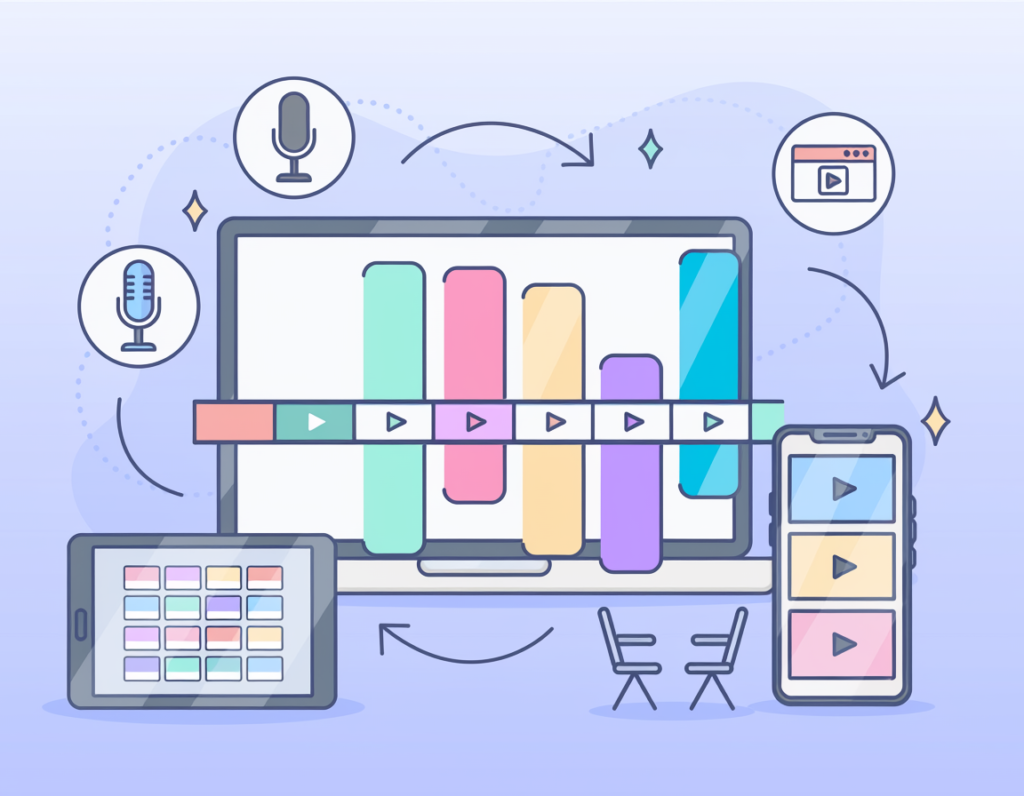
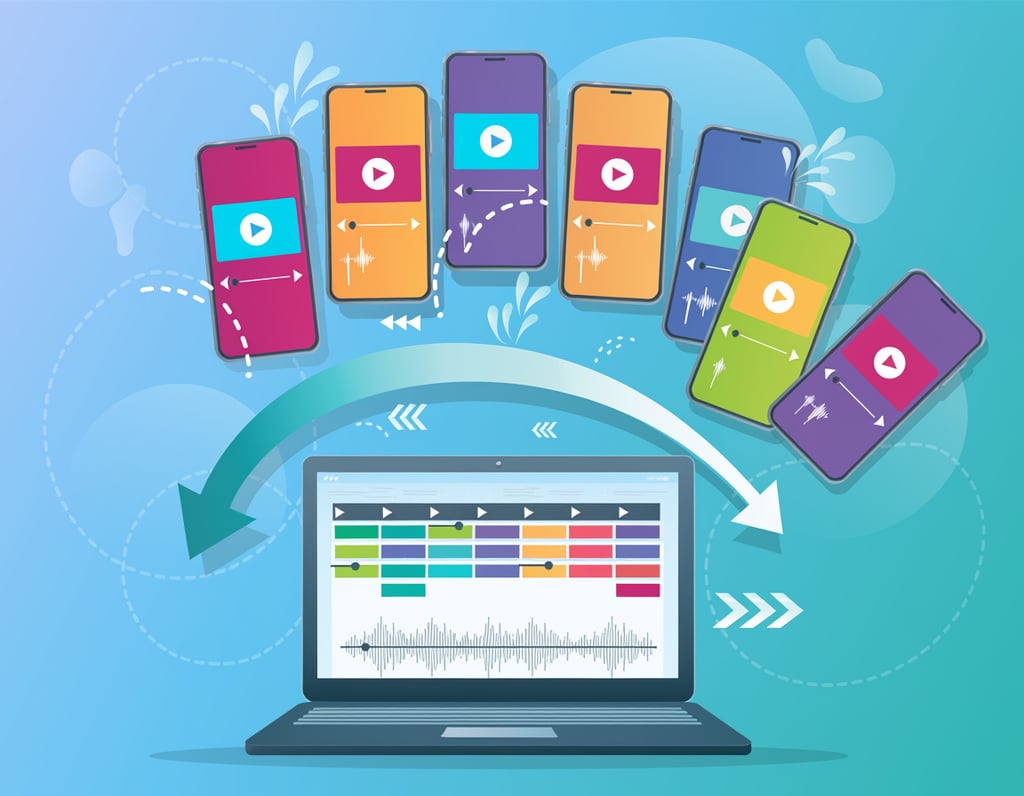
Traditional content production follows a one-to-one ratio: one recording becomes one published piece. AI video repurposing breaks that ratio entirely. A single 60-minute podcast episode can yield 10 to 20 short clips, each optimized for a different platform and audience intent — Reels, Shorts, TikTok clips, LinkedIn snippets — without recording a single new second of content.
Consider Rachel, a business coach in Nashville who records weekly 45-minute Q&A sessions. Her editor previously spent 8 hours per session creating social clips. After integrating Vizard, the same session yields 12 platform-optimized clips in 90 minutes of human review time — recovering 6.5 hours per week, or roughly 338 hours annually, that Rachel reinvests into client sessions billed at $200/hour.
The repurposing multiplier works because AI doesn’t get fatigued. It scans the entire recording with consistent attention and surfaces moments based on engagement signals: audio energy spikes, key phrase density, transcript momentum — factors that indicate what viewers are likely to watch to completion.
Concept 2: Cognitive Load Elimination
Video editing demands sustained, high-attention cognitive work. Scrubbing timelines, making cut decisions, formatting for different aspect ratios, writing caption text — each task burns mental energy that creators can’t spend on strategy, community, or new content ideas. Research consistently shows it takes an average of 23 minutes to fully regain focused attention after switching between cognitively demanding tasks.
Manual clip creation forces that context switch dozens of times per session. AI repurposing tools like Vizard eliminate most of those micro-decisions — the AI decides where to cut, what to caption, how to frame — leaving the human to make high-judgment editorial calls rather than mechanical ones.
For Marcus, an independent leadership consultant in Denver who creates monthly thought leadership content, eliminating editing’s cognitive overhead freed up his “deep work” hours for proposal writing and client strategy — the activities that directly generate revenue. His estimated monthly cognitive overhead from video editing: 14 hours. After AI repurposing: 3 hours of light review. Net recovery: 11 hours per month.
To see how AI Plaza categorizes tools designed for cognitive offloading and content efficiency, explore Vizard in detail on AI Plaza.
Concept 3: Platform Format Orchestration
Each social platform has distinct technical requirements. TikTok clips perform best at 15 to 60 seconds, vertically formatted (9:16), with on-screen captions because 85% of videos are watched without sound. YouTube Shorts demand tight hooks in the first 2 seconds. LinkedIn clips can run longer but need strong opening titles. Instagram Reels reward visual dynamism.
Manually producing platform-specific versions of each clip requires significant per-clip production time. AI orchestration tools handle format conversion automatically — resizing, reframing, adjusting caption positioning — making consistent multi-platform posting feasible without proportionally scaling production cost.
Elena, a Shopify store owner in Seattle who runs a DIY home décor brand, used to post only on Instagram because managing TikTok and YouTube Shorts simultaneously felt overwhelming. After implementing an AI repurposing workflow, she now publishes consistently across four platforms from a single weekly recording — without increasing her team size.
How Vizard Helps Efficiency
Feature 1: AI-Powered Clip Detection
Vizard’s core engine analyzes uploaded video and automatically identifies the most engaging segments. It uses transcript analysis, energy detection, and pacing signals to surface 10 or more candidate clips from a single long-form recording. Users can accept AI recommendations as-is, adjust clip boundaries, or reject clips that don’t fit their content strategy.
Efficiency impact: For a 60-minute recording, manual clip identification typically requires watching the full video at 1x or 1.5x speed plus scrubbing time — approximately 60 to 90 minutes of active work. Vizard reduces that to 10 to 15 minutes of reviewing AI-suggested clips. Time saved per recording: 50 to 75 minutes. Annualized (weekly recording cadence): 43 to 65 hours per year, worth $2,150 to $9,750 at standard US freelance rates.
Feature 2: Automatic Transcription and Caption Generation
Vizard transcribes uploaded video and generates on-screen captions automatically. Users can review and edit the transcript, choose caption style (word-by-word animated, full-sentence, etc.), and customize font and positioning. The accuracy rate for clear English audio is high enough that most US creators spend less than 5 minutes per clip on caption review.
Efficiency impact: Manual captioning — even with software assistance — typically runs 2 to 4 minutes per minute of video. For 10 clips averaging 60 seconds each, that’s 20 to 40 minutes per batch. Vizard reduces this to 5 to 10 minutes of review across the same batch. Time saved per recording cycle: 15 to 30 minutes. Annualized: 13 to 26 hours, worth $650 to $3,900 per year.
Feature 3: Multi-Platform Format Export
Once clips are approved, Vizard exports them in the correct aspect ratios for each target platform — 9:16 for TikTok/Reels/Shorts, 1:1 for LinkedIn and Twitter, 16:9 for YouTube. The AI auto-reframes the subject within the new aspect ratio, keeping the speaker or primary visual element centered without manual crop adjustments.
Efficiency impact: Manual reformatting in traditional video editors requires creating a new project or timeline for each format, re-importing the clip, repositioning the crop, and re-exporting. For 10 clips across three platforms, that’s 3 to 5 minutes per format per clip — approximately 90 to 150 minutes per batch. Vizard reduces this to a single export selection. Time saved: 80 to 140 minutes per recording cycle. Annualized: 69 to 121 hours, worth $3,450 to $18,150 per year.
Ready to stop losing hours to manual video editing? Try Vizard free and experience AI video repurposing firsthand. Start Free | No credit card required
Best Practices for Implementing AI Video Repurposing
Practice 1: Establish a Consistent Upload Cadence
The biggest efficiency gains from Vizard come when it’s woven into an existing production rhythm. Commit to uploading recordings within 24 hours of completion and set a weekly 45 to 90-minute calendar block for review and clip approval.
Practice 2: Define Your Clip Selection Criteria First
Without clear criteria, review sessions become drawn-out editorial debates. Before your first session, write a one-paragraph clip guide: ideal length, best-performing topics, what’s off-brand. US creators who do this report review time dropping 30 to 40%.
Practice 3: Use Platform-Specific Exporting Deliberately
Each platform punishes inconsistency differently. Vizard’s multi-platform batch export removes the technical friction from multi-channel publishing — use it to post to three or more platforms without additional production time.
Practice 4: Track AI Clip Performance vs. Manual Selections
Within 60 days, audit which clips performed well and how many were AI-suggested vs. manually identified. Most creators find AI selection accuracy improves average view duration. This data gives you confidence to rely more on AI suggestions over time — which further reduces review time.
Limitations and Considerations

Where Vizard Is NOT Ideal
Highly visual content without strong narration. Vizard’s clip detection relies heavily on audio transcript analysis. For content where the key “moments” are visual — a cooking technique, an art process, a physical demonstration — the AI may miss the most compelling clips because it’s not analyzing visual engagement, only audio energy. Creators whose content is primarily visual should plan for more manual clip selection. For a broader overview of where Vizard fits in the AI video tool landscape, this reference guide covers the tool’s positioning among alternatives.
Complex multi-speaker or crosstalk recordings. Panel discussions, group coaching calls, and roundtable-style recordings with multiple speakers and frequent crosstalk present real transcript accuracy challenges. Vizard handles two-speaker podcast formats well, but four or more simultaneous voices can degrade transcript quality enough to require significant manual caption correction.
High-stakes brand voice content. Vizard’s auto-generated caption formatting is functional and clean, but it’s not infinitely customizable. Brands with extremely specific typographic standards, animated caption styles, or complex visual overlays will find the built-in editor limiting. For this use case, Vizard is best used for draft clip creation, with final brand polish applied in external software.
Privacy and data considerations. Uploading proprietary business recordings — internal team meetings, confidential client calls, proprietary training content — to any cloud-based AI tool requires reviewing that platform’s data retention and privacy policies carefully. US creators in regulated industries (healthcare, legal, financial) should verify compliance before using Vizard for client-facing content.
AI hallucinations in captions. Like all AI transcription tools, Vizard can misheard technical terms, proper nouns, or heavily accented speech. Clips published without caption review can contain factual transcription errors. Always allocate review time for any clip with technical terminology, names, or statistics.
Frequently Asked Questions
How do freelancers and solo creators use Vizard to save time?
The most common workflow: record a long-form session (podcast, webinar, YouTube video), upload to Vizard, review AI-generated clip candidates, approve and export. For a 60-minute recording, this full workflow typically takes 45 to 75 minutes compared to 6 to 10 hours of manual editing. Creators use the recovered time for client work, community engagement, or new content planning.
What’s the best AI tool for video repurposing in 2026?
Vizard is among the leading dedicated AI video repurposing tools for creators, offering the combination of clip detection, built-in editing, automatic captions, and multi-platform export in a single platform. Other tools in this category include Opus Clip and Descript, each with different feature trade-offs. The best tool depends on your content format — dialogue-heavy content performs best in Vizard’s AI pipeline.
Do I need technical or video editing skills to use Vizard?
No. Vizard is specifically designed for creators without technical editing backgrounds. The workflow is browser-based, the AI handles structural decisions, and the built-in editor requires no software installation or timeline editing knowledge. Most new users produce their first batch of publishable clips within 60 minutes of signing up.
Conclusion
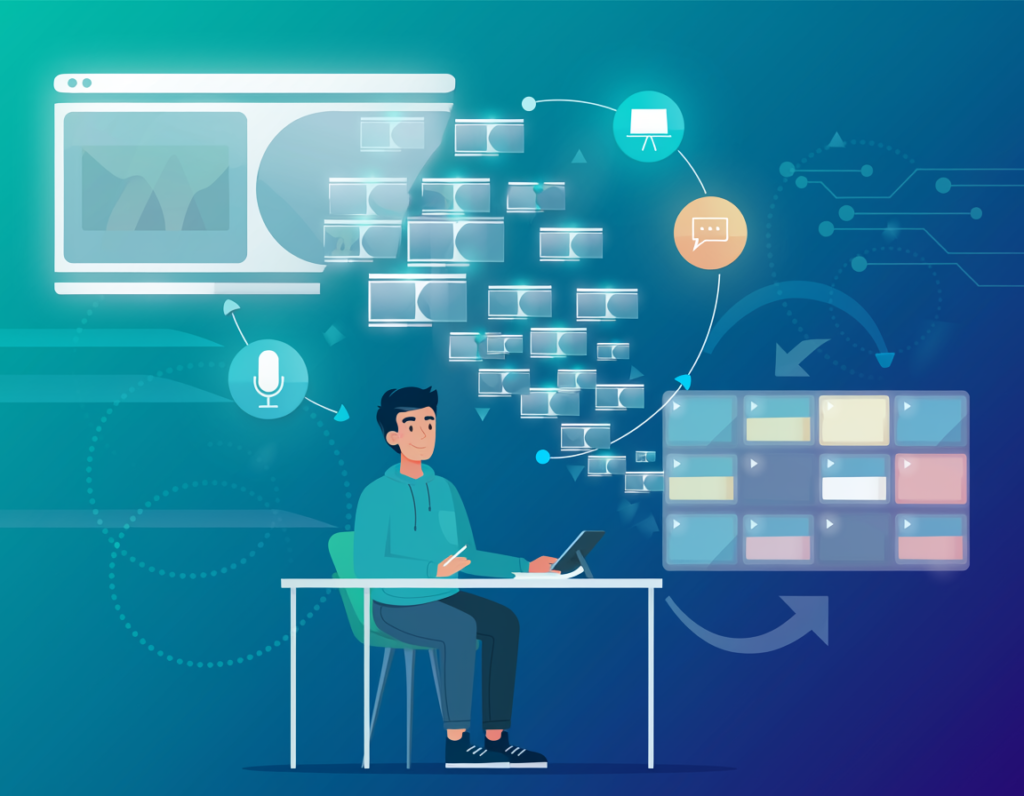
The constraint on social video growth for most US creators in 2026 isn’t raw content — it’s conversion capacity. The recordings exist. The insights are on tape. The problem is the hours-long gap between a completed recording and a published clip library, multiplied across platforms, multiplied across weeks.
Vizard directly addresses that gap. It’s not a magic button — the best ai video repurposing tools have never been that. It’s a production multiplier that handles the mechanical, cognitively draining parts of video editing automatically, leaving creators to make the high-value decisions that require human judgment.
For US creators billing $50 to $150 per hour, the math is unambiguous: recovering 3 to 8 hours of editing time per week represents $7,800 to $62,400 in annual earning capacity — from a tool that costs a fraction of that. The ROI isn’t theoretical. It’s arithmetic.
Pick one recording from this week, upload it to Vizard, and review what the AI surfaces. The first session is clarifying in a way no amount of reading can replicate.
The question isn’t “Should I use AI to repurpose my video content?” — it’s “How much am I leaving on the table every week that I don’t?”
Try Vizard free and experience AI video repurposing firsthand. Start Free | No credit card required
Leave a Reply