
Most small businesses lose 12+ hours weekly rebuilding processes from memory — AI workflow documentation tools like Guideless end that loop for good.
In 2026, American founders, freelancers, and small operators face a documentation paradox. They know exactly how to do their work — onboard a new client, train a contractor, walk through a software tool — but every time they need someone else to follow that process, they’re back to explaining it from scratch. The knowledge lives in their heads, not in a system. And that gap costs them hours every single week.
Here’s the US market reality: if you’re billing $75–$150/hour as a freelance consultant, every hour re-explaining the same six-step process to a new hire is at least $75 you’re not earning. Multiply that across 10 onboarding moments per year and you’ve quietly lost $3,000–$6,000 — not from bad decisions, but from undocumented workflows.
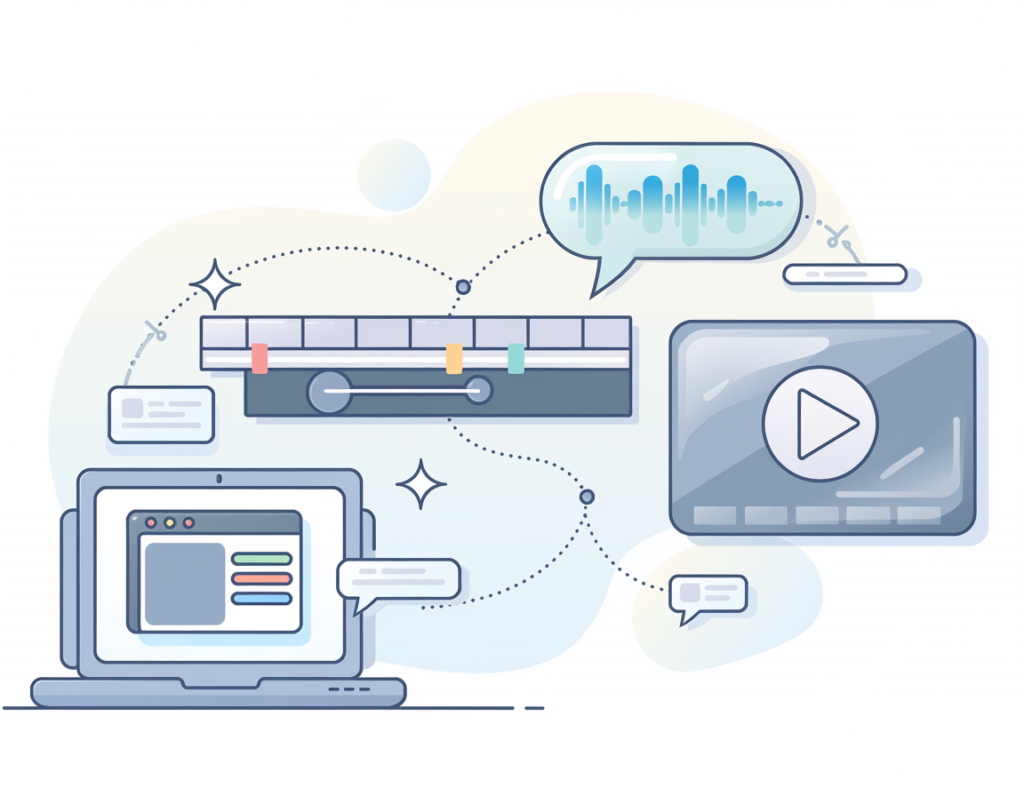
This is precisely the problem that AI workflow documentation tools are designed to solve. Guideless, a browser-based AI tool, automates the creation of step-by-step process guides directly from your real workflows. You click through a task once — Guideless captures each step, structures it visually, adds AI-generated narration, and produces a shareable guide in seconds. No writing. No screen recording software. No editing suite.
This article isn’t a feature tour. It’s a practical breakdown of four workflow documentation scenarios where Guideless eliminates the manual burden quietly draining US small business operators. By the end, you’ll have a clear picture of where this tool fits, what it saves, and whether it’s the right efficiency unlock for your business in 2026.
Try Guideless free and document your first workflow in under five minutes. Start Free | No credit card required
Key Concepts of AI Workflow Documentation
Concept 1: Tacit Knowledge Drain
Every business owner carries a massive inventory of undocumented knowledge. How to set up a client project in your PM tool. How to configure a new email sequence. How to troubleshoot the most common support issue your customers hit. This knowledge exists — but it only fires when you’re personally involved, which makes you a bottleneck in your own business.
Tacit knowledge drain is the slow, invisible cost of running operations that exist entirely in one person’s memory. When that person — you — is unavailable, sick, or simply too busy, the business stalls. When you hire a contractor or VA, you spend hours training them on processes that could have been documented once.
Consider Sarah, a freelance brand consultant in Denver with five ongoing client accounts. Every time she brings in a subcontractor to handle delivery, she spends 2–3 hours in orientation calls walking through her client handoff process. With AI workflow documentation tools, she records that process once and shares a link. That’s 2–3 hours recovered per hire — and with four new contractors per year, that’s potentially 12 hours back, or $1,200–$1,800 at her billing rate.
Explore Guideless in detail to see how it converts live browser workflows into shareable guides without any additional writing or editing.
Concept 2: Process Entropy
Processes that aren’t documented don’t stay consistent — they drift. This is process entropy. One month your onboarding takes 45 minutes, next month it takes 90 because you added three new steps and forgot to account for them. Your contractor handles client intake differently than you do. Your support responses vary based on whoever is answering.
Process entropy is especially punishing for growing businesses. The moment you move from solo operation to managing even one other person, inconsistency compounds. A client who gets a polished onboarding experience from you and a patchy one from your assistant will notice the difference — and they’ll associate that gap with your brand quality.
Marcus, an independent management consultant in Houston, found that his junior associates were generating deliverables that looked structurally different from his own templates — not because they were less skilled, but because the process for structuring a client report had never been written down. Documenting that workflow once, with step-by-step visual guides, cut his revision cycle by 40% and saved roughly 5 hours per engagement.
Concept 3: Documentation ROI Compounding
The standard objection to workflow documentation is that it takes time upfront. That’s true. But AI workflow documentation tools like Guideless have compressed that upfront cost dramatically. What used to require a full day of writing, formatting, and screen-recording now takes under five minutes per guide.
More importantly, documentation ROI compounds. A guide you create today for a client onboarding workflow will be used every time you onboard a new client — indefinitely. If you onboard 20 clients per year and each guide saves 45 minutes of manual orientation, you’re recovering 15 hours annually from a single five-minute investment. No individual task completion matches that kind of return.
According to analysis shared in this Guideless overview on employee training, teams using AI-narrated guides have seen 60% faster ramp-up time for new contributors — which translates directly to fewer hours spent on orientation and more hours spent on billable work.
How Guideless Helps Efficiency

Feature 1: Auto-Capture from Live Browser Workflows
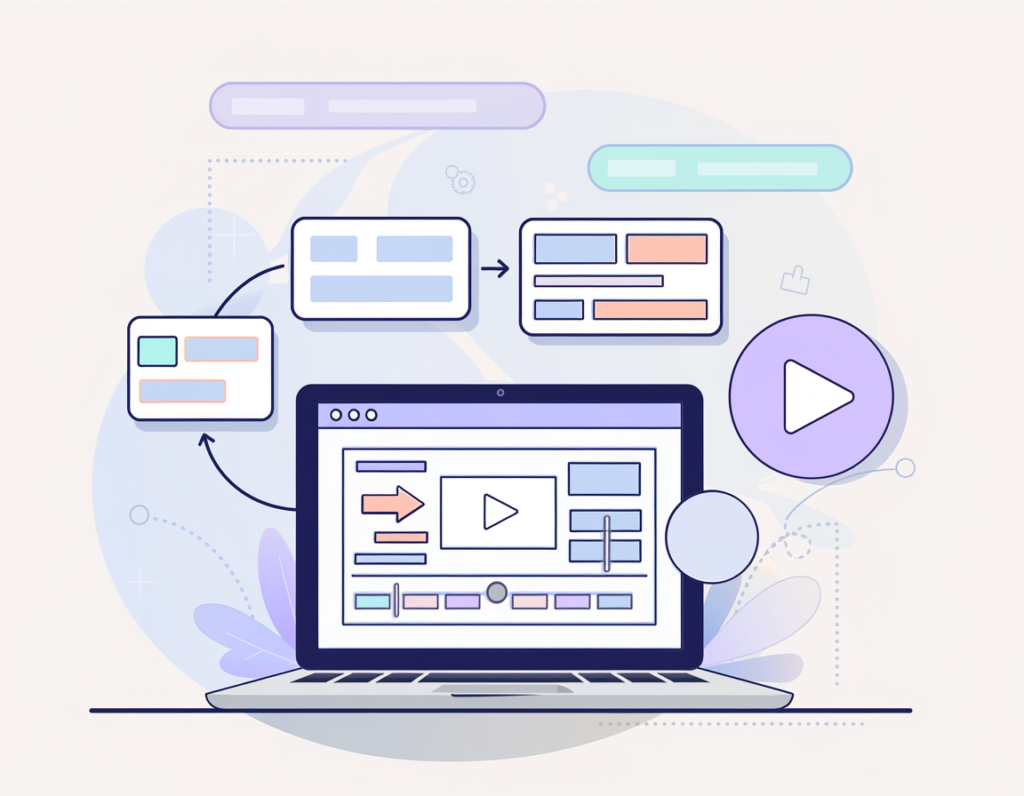
The core of Guideless is its browser-based workflow recorder. You navigate through any browser-based tool — your CRM, your project management system, your client portal — and Guideless captures each click, screen state, and action automatically. When you’re done, it assembles those captures into a structured, numbered guide.
This eliminates the single biggest documentation bottleneck: the transcription gap. Most people don’t document processes because the act of writing them down while doing them is cognitively exhausting. Guideless removes that friction entirely. You do the task, the documentation happens in parallel.
Annual time saved: For a small business documenting an average of 20 workflows per year, auto-capture alone saves approximately 30–40 hours of manual writing — $2,250–$6,000 in recovered capacity at US freelance rates.
Feature 2: AI-Generated Narration
Once a workflow is captured, Guideless generates natural-sounding narration for each step. This transforms what would otherwise be a series of unlabeled screenshots into a genuine step-by-step instructional guide with clear explanations. Users who receive the guide can read, watch, and listen — dramatically improving comprehension and follow-through rates.
This feature is particularly valuable for businesses creating guides for non-technical contractors, international team members, or clients who struggle with written instructions. As noted in this Guideless breakdown on customer support applications, businesses using AI-narrated visual guides have seen a 70% reduction in time spent writing explanations and re-answering the same questions — a direct efficiency multiplier for any small business fielding repetitive how-to questions.
Annual time saved: For a business answering 3–5 repetitive process questions per week, deflecting those with shareable guides saves 35–50 hours per year — $2,625–$7,500 recovered.
Feature 3: Instant Sharing and Embedding
Guides created in Guideless can be shared via direct link or embedded into any platform — Notion, Slack, Confluence, your website’s help center, or a client-facing knowledge base. There’s no export friction, no file format headaches, and no need to maintain a separate documentation platform.
For solo operators and small teams, this means a single tool handles both the creation and the distribution of process knowledge. You don’t need a dedicated knowledge base platform, a screen recording tool, and a video hosting service — Guideless consolidates the stack.
Annual cost savings: Replacing a screen recording tool ($96–$180/year) + a basic knowledge base platform ($120–$240/year) with Guideless’ all-in-one workflow is a meaningful stack consolidation, particularly for lean operations watching every SaaS dollar.
Feature 4: Analytics and Guide Performance Tracking
Guideless provides guide-level analytics: how many people viewed a guide, which steps they replayed, where they dropped off. For small businesses that create documentation for clients or contractors, this answers a question written SOPs can never address: Is anyone actually using this?
If a guide has a consistent drop-off at step 4, that’s a signal to add clarity at that moment. If a step is being replayed frequently, it probably needs a better explanation. This feedback loop lets you improve your documentation over time based on real usage behavior rather than guesswork.
See our full Guideless review for a complete breakdown of the analytics dashboard and how it compares to manual documentation methods.
Combined ROI summary: Across all four features, a small business owner using Guideless can realistically recover 60–90 hours per year — $4,500–$13,500 in annual capacity at US billing rates.
Ready to stop rebuilding the same processes from scratch? Try Guideless free and document your first workflow in under five minutes. Start Free | No credit card required
Best Practices for Implementing AI Workflow Documentation

Best Practice 1: Start with Your Highest-Frequency Processes
The fastest path to ROI is documenting the processes you or your team explain most often. Spend ten minutes listing the five questions you answer most frequently — from clients, contractors, or yourself when you’ve forgotten a step. Those are your first five Guideless guides. Don’t start with the complex or the exceptional; start with the repetitive.
A good rule of thumb: if you’ve explained a process more than three times, it deserves to be documented. If you’ve explained it more than ten times, the fact that it’s not documented is actively costing you money.
Best Practice 2: Capture Guides at the Moment of Doing
The most accurate process documentation is created while the process is being executed, not from memory afterward. Make it a habit: when you’re about to do a task you’ve done before and will do again, open Guideless and record it. This practice costs almost nothing in the moment — you’re doing the task anyway — and produces documentation that’s current, accurate, and complete.
Teams that try to document processes retroactively by writing from memory consistently produce guides with missing steps, outdated screenshots, and ambiguous instructions. The live-capture approach eliminates all three problems simultaneously.
Best Practice 3: Build a Guide Library, Not a Pile of Links
The efficiency gains from documentation compound only if the guides are findable. A Notion page, a Confluence space, or even a simple shared Google Doc listing your guide library by category turns a collection of individual links into a genuine knowledge base. Organize guides by function: client-facing, contractor onboarding, internal operations, support.
When a new contractor or client starts, your first action should be sharing the relevant section of your guide library — not starting from scratch. This is the operational shift that creates durable efficiency rather than one-time time savings.
Best Practice 4: Track What the Documentation Replaces
Use Guideless analytics alongside a simple tracking habit: note how many orientation questions, support tickets, or re-explanation conversations happen before and after you create guides for a workflow. This doesn’t have to be formal — a simple note in your task manager once a week is enough.
Teams that track the impact of their documentation consistently sustain the habit. Teams that don’t tend to drift back to ad hoc explanations because the efficiency gains stay invisible. As noted in this step-by-step guide creation overview from Guideless, manual screenshot-to-guide creation is one of the most time-consuming parts of the documentation process — measuring what you recover from automating it makes the value impossible to ignore.
Limitations and Considerations
Where Guideless Is NOT the Right Tool
Highly contextual judgment calls. Guideless excels at documenting “how to do X in software Y” processes. It is not a substitute for documenting strategic or judgment-based decisions. How to configure a Shopify return workflow — excellent use case. How to decide when to grant a customer a full refund versus a partial one — that requires written policy, not a step-by-step guide.
Sensitive client or legal communications. Any process involving legal review, contractual language, or compliance-sensitive decisions should not be documented as a purely procedural guide. Nuance matters in those contexts in ways that a step-by-step visual guide cannot fully capture.
Non-browser-based workflows. Guideless operates as a browser extension, which means it captures workflows that happen inside a browser. Desktop applications, command-line workflows, or physical processes fall outside its capture scope. Developers or operators who rely heavily on terminal-based tooling will find the tool’s coverage incomplete for those workflows.
Rapidly changing software interfaces. Guides built around software interfaces become outdated when those interfaces change. If a tool you’ve documented undergoes a UI overhaul, your Guideless guides will need to be re-recorded. For very fast-moving platforms, the maintenance burden of keeping guides current can partially offset the creation efficiency gains.
Key Risks to Manage
Over-reliance without human oversight. Documentation creates consistency — but consistency is only valuable if the underlying process is correct. Review your documented workflows periodically to confirm they still reflect your best current practice, not just your practice at the moment of capture.
Guide proliferation without governance. It’s easy to create dozens of guides and lose track of which are current, which are outdated, and which overlap. Establish a simple naming convention and periodic audit cadence before your library grows unwieldy.
Frequently Asked Questions

How do freelancers use AI to save time on process documentation?
The most effective approach for freelancers is to identify their top five recurring explanation scenarios — client onboarding, contractor briefing, tool setup — and document those first. With Guideless, each guide takes under five minutes to create. Once built, freelancers share guide links instead of scheduling orientation calls, recovering several hours per new relationship.
What’s the best AI tool for workflow standardization for small businesses?
For browser-based workflow documentation, Guideless is purpose-built for the use case. It combines auto-capture, AI narration, sharing, and analytics in a single lightweight tool with no technical setup required. Broader workflow management needs may require complementary tools — see our AI Workflows category for additional options.
Do I need technical skills to use AI workflow documentation tools?
No. Guideless is designed for non-technical users. If you can use a browser and click through a workflow, you can create a professional guide. There’s no coding, no video editing, and no documentation expertise required. The tool handles all of the capture, structuring, and narration automatically.
Conclusion

For US small business owners, founders, and freelancers in 2026, the operational cost of undocumented workflows is no longer theoretical — it’s calculable. Every process that lives exclusively in your head represents hours of repeated explanation, inconsistent execution, and missed revenue opportunity. AI workflow documentation tools change that equation in a way that was genuinely impossible just two years ago.
Guideless is positioned for the operator who needs to document processes fast, share them easily, and reduce their dependency on being the human manual for everything their business does. It’s not a complex platform requiring implementation sprints or IT support — it’s a browser extension that captures your work and turns it into shareable knowledge.
The ROI math is straightforward. A US freelancer billing $100/hour who recovers 60 hours of orientation and re-explanation time annually generates $6,000 in additional capacity from a tool that costs a fraction of that. Start with one workflow this week — your highest-frequency explanation, the process you’ve described out loud 20 times. Document it once. Share the link. Measure what changes.
The question for US small business operators in 2026 isn’t “Should I use AI workflow documentation tools?” — it’s “How many hours have I already lost by not starting sooner?”
Try Guideless free and document your first workflow in under five minutes. Start Free | No credit card required
Leave a Reply