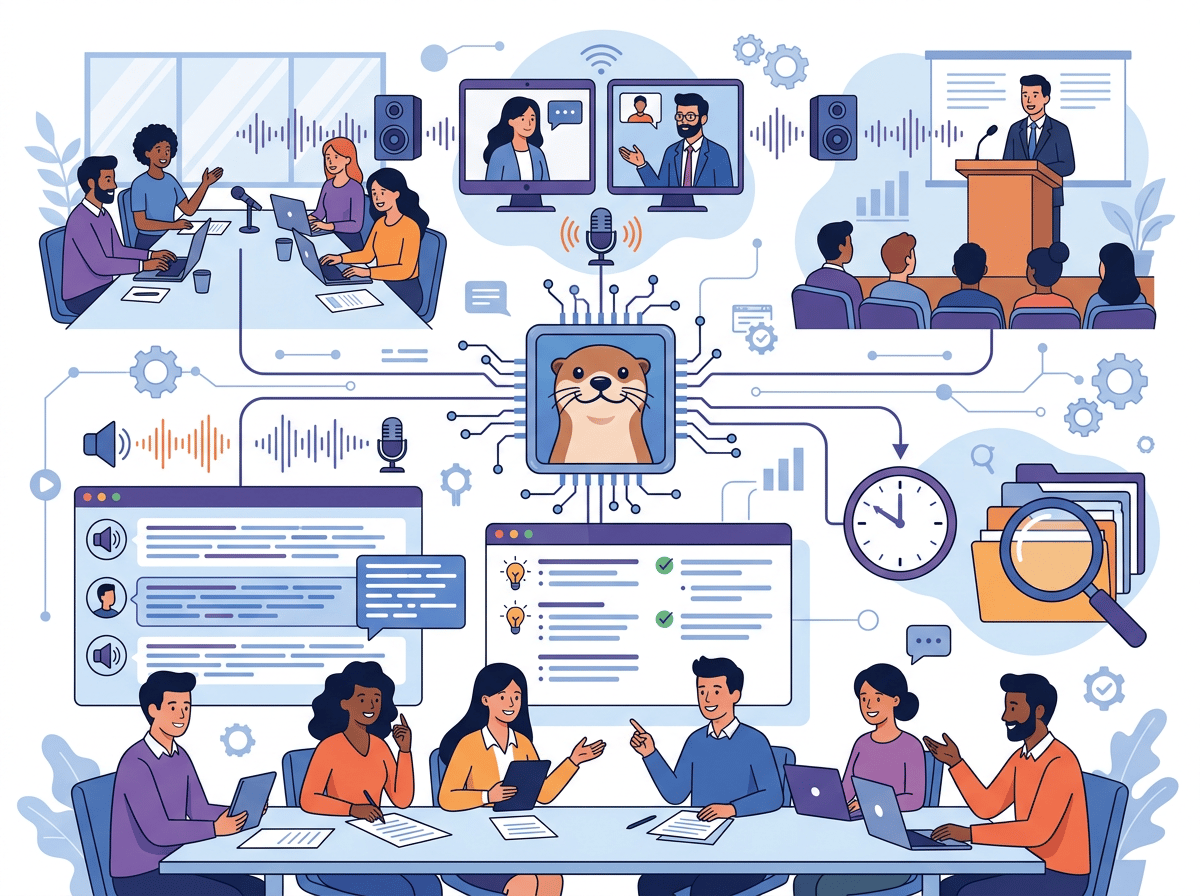
The best ai meeting transcription tool isn’t the one with the most features — it’s the one that actually gives you your hours back, week after week.
In 2026, American freelancers and remote professionals face a brutal paradox. Meetings have never been more frequent — and yet, the work that actually moves the needle keeps getting pushed to the margins of the day. Your inbox hits 200 unread by noon. Your calendar is back-to-back from 9 to 5. And your to-do list grows faster than you can cross things off.
The cruel irony? Most of those meetings generate almost no usable record. You scramble to jot notes while trying to stay present in the conversation. You miss action items. You forget who committed to what. You spend 20 minutes after every call reconstructing what just happened — only to do it all over again tomorrow.
For US-based professionals billing $50–150 per hour, this isn’t just frustrating — it’s expensive. Every hour spent on post-meeting reconstruction, manual note-taking, or chasing down recap emails is an hour not billed, not sold, not used to grow.
That’s the problem Otter AI was built to solve. Rather than asking you to take better notes or build more discipline, Otter AI simply listens, transcribes, and organizes your conversations in real time. It integrates with Zoom, Google Meet, and Microsoft Teams. It identifies speakers automatically. And it generates summaries and action item lists without you lifting a finger.
This article doesn’t hand you generic productivity tips. Instead, it walks you through four specific workflows — tested and quantified — that US freelancers and small business owners can implement this week, each designed to save two to five hours every seven days. You’ll also see honest limitations, real persona scenarios with dollar-value outcomes, and a clear-eyed look at where AI meeting transcription earns its place and where it doesn’t.
If you attend more than five meetings a week and you’re still relying on memory or handwritten notes, the math on that choice is not working in your favor.
To understand how AI tools like Otter AI approach cognitive offloading in practice, explore Otter AI in detail.
Key Concepts of AI Meeting Transcription
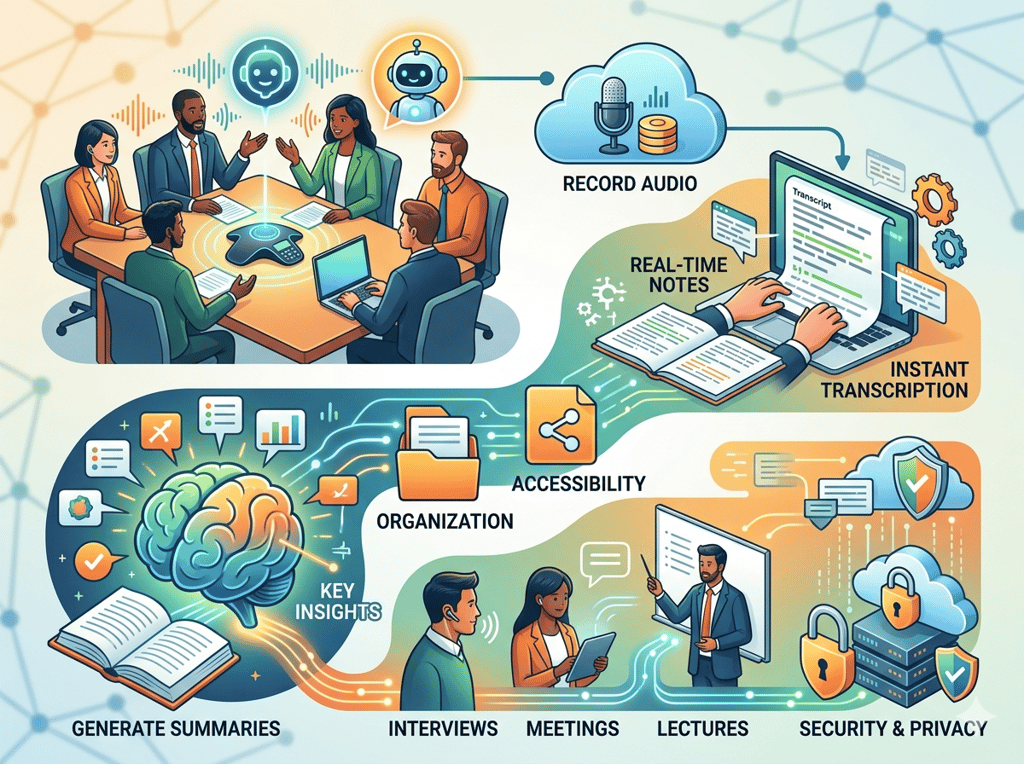
Concept 1: Cognitive Offloading
When you attend a meeting while simultaneously trying to take notes, you are splitting your working memory between two competing tasks. Cognitive science calls this dual-task interference — and it degrades performance on both activities. You miss nuance in the conversation because you’re writing. Your notes are incomplete because you’re listening.
Cognitive offloading is the practice of externalizing a cognitive task — in this case, note capture — to a reliable system so your brain can operate at full capacity on what matters: the conversation itself.
Sarah is a freelance UX designer in Seattle with eight active clients. Before using an AI meeting transcription tool, she spent roughly 2.5 hours per day across note-taking during calls and reconstructing those notes afterward into shareable summaries. After offloading transcription to Otter AI, she reclaimed those 2.5 hours daily for design work — the work she actually bills for.
For someone billing at $90 per hour, that’s $225 per day in recovered billable capacity. Per work year: over $56,000 in additional revenue potential, unlocked by removing one repetitive cognitive task.
To understand how AI tools like Otter AI approach cognitive offloading in practice, explore Otter AI in detail.
Concept 2: Context Switching Cost
Research from the University of California, Irvine has consistently found that it takes an average of 23 minutes to fully regain focus after an interruption. Post-meeting note reconstruction is exactly this kind of interruption — you leave a focused working session, mentally return to the meeting, parse your memory, and write up what happened. Then you try to get back to the work you were doing before.
For professionals with four to six meetings per day, this context switching overhead can consume five or more hours per week without ever appearing on a timesheet.
Marcus is an independent management consultant based in Chicago who runs client strategy sessions Monday through Thursday. Before AI transcription, he blocked 30–45 minutes after each meeting to compile recap emails and update his project notes. That added up to three hours per day he wasn’t doing the work clients actually paid for. With Otter AI auto-generating summaries and action item lists, his post-meeting routine dropped to a five-minute review and send. He reclaimed over five hours per week, which he reinvested into new business development.
Concept 3: Workflow Orchestration
The most sophisticated use of AI meeting transcription isn’t just capturing what was said — it’s feeding that capture into downstream workflows automatically. This is workflow orchestration: using AI as a conductor that routes information where it needs to go, rather than as a passive recorder you check after the fact.
Elena runs a ten-person e-commerce brand out of Austin. She attends vendor calls, team standups, and investor check-ins throughout the week. In her old workflow, meeting insights lived in scattered notes across apps, Slack messages, and email threads. No one had a single source of truth. With Otter AI integrated into her meeting stack, every conversation produces a timestamped, searchable transcript that feeds directly into her team’s project management workflow. She estimates this saves four hours per month in “where did we decide that?” back-and-forth — and has nearly eliminated the duplicate-decision problem that cost her team time and money.
How Otter AI Helps Efficiency
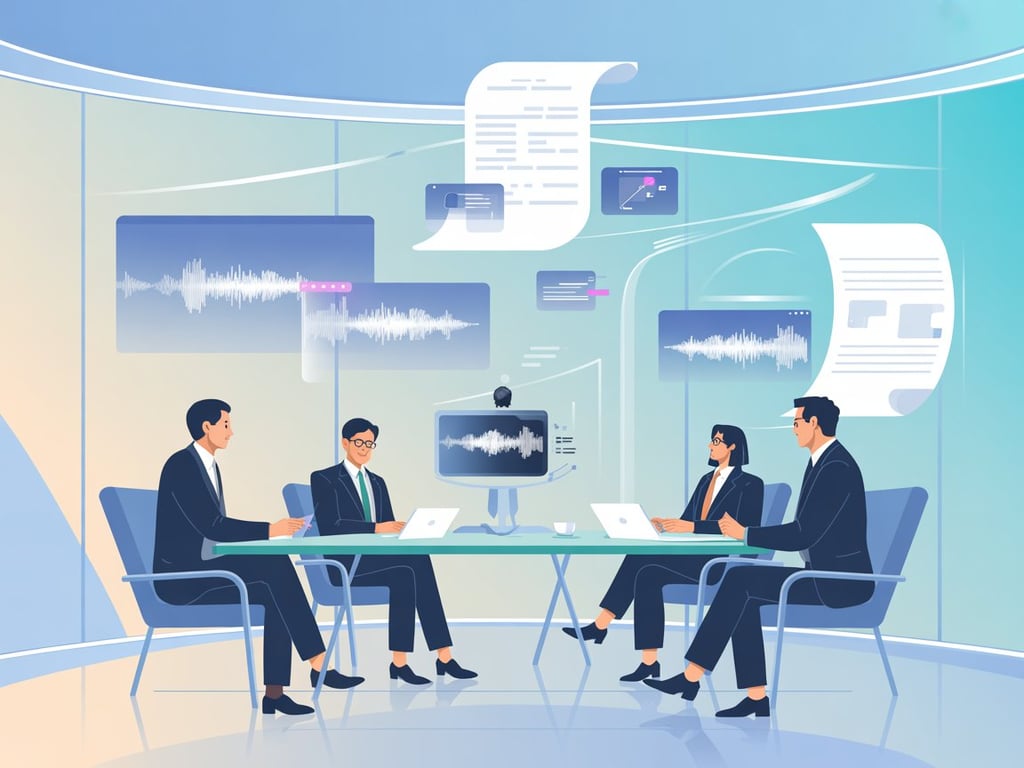
Feature 1: Real-Time Transcription with Speaker Identification
Otter AI transcribes spoken words into text as the conversation happens, and automatically distinguishes between speakers. This means your transcript arrives organized — not as a wall of undifferentiated text, but as a readable conversation log you can scan in minutes.
Annual time saved: Approximately 60 hours for a professional attending five meetings per week who previously took manual notes. Annual ROI: $3,000–$9,000 at standard US freelance rates.
Feature 2: AI-Generated Summaries and Action Items
After each meeting, Otter AI generates a structured summary that highlights key decisions, open questions, and action items. This feature alone eliminates the most common post-meeting time sink: the recap email.
As noted in this breakdown from ChalkTalk.AI, Otter AI is particularly valuable for professionals who attend multiple meetings daily and need clarity and accountability after each one — without relying on memory.
Annual time saved: Approximately 45 hours for someone who writes three to five recap emails per week. Annual ROI: $2,250–$6,750.
Feature 3: Searchable Conversation Archive
Every transcript Otter AI produces is indexed and searchable. Find any word, phrase, decision, or name spoken in any meeting — going back months. This transforms your meeting history from a black hole into an institutional memory you can actually query.
For client-facing professionals who reference past conversations regularly, this feature eliminates the “I know we discussed this but I can’t find where” problem entirely.
Annual time saved: Approximately 30 hours across search and retrieval tasks. Annual ROI: $1,500–$4,500.
Combined Annual ROI: At the Pro plan pricing (approximately $16.99/month for individuals, roughly $204/year), the combined time savings of 155 hours annually represents an ROI of 74x to 222x on your subscription investment.
Ready to reclaim your meeting time? Try Otter AI free and experience real-time AI meeting transcription firsthand. Start Free at Otter AI | No credit card required
Best Practices for Implementing AI Meeting Transcription
1. Start with Your Most Repetitive Meeting Type
Don’t try to automate every meeting simultaneously. Identify the one meeting format you run most frequently — weekly client check-ins, team standups, vendor calls — and deploy Otter AI there first. Repetitive meeting types maximize the ROI of automation because the time savings compound predictably. Once you’ve dialed in your workflow for that format, expand to others.
2. Review Before You Send
AI-generated summaries are remarkably accurate, but they are not perfect. Names get confused. Jargon gets misheard. Nuanced commitments get flattened into generic action items. As covered in this in-depth note-taking guide on Medium, getting the most out of Otter AI’s transcription means understanding the interface well enough to spot and correct errors quickly. Build a five-minute review step into your post-meeting routine — not to rewrite the summary from scratch, but to catch the two or three things the AI got wrong before they reach a client or colleague.
3. Avoid Platform Overload
Many professionals experimenting with AI tools end up with six subscriptions doing overlapping jobs. If you already use a project management tool with meeting notes features, Otter AI may replace it rather than add to it. Audit your current tool stack before adding Otter. The goal is consolidation, not accumulation. Tool bloat at $30–50 per month per tool adds up fast; Otter AI’s Pro plan at $16.99/month should replace at least one existing tool to justify the investment.
4. Track What You’re Reclaiming
From the first week, log how long your post-meeting documentation takes with Otter AI versus without. This creates a concrete record of ROI that you can use to justify the subscription to yourself — or to a client who questions the tool cost. Most professionals who track this honestly find the tool pays for itself within the first two weeks of use.
Limitations and Considerations
Where Otter AI Is NOT the Right Tool
Highly Confidential Executive Discussions Any conversation involving unreleased financials, legal strategy, or personal HR matters carries data sensitivity concerns when routed through third-party AI systems. Understand Otter AI’s data handling policies before recording sensitive conversations, and consider whether participants have been informed that the meeting is being transcribed.
Overlapping Speakers or Poor Audio Quality Otter AI’s accuracy degrades significantly when multiple people talk simultaneously, when calls have significant background noise, or when participants have strong accents the model hasn’t been trained on. In these cases, the transcript requires heavy editing — often more time than manual note-taking would have taken.
Nuanced Creative or Strategic Decisions AI summaries compress conversations. They are good at capturing what was decided, but they often lose the reasoning behind a decision — the back-and-forth, the rejected alternatives, the qualifying context. For meetings where the “why” behind a decision is as important as the decision itself, review the full transcript rather than relying solely on the summary.
Legal or Compliance Contexts Never use AI-generated transcripts as the sole record for legal proceedings, contract negotiations, or compliance documentation without independent verification. AI transcription tools are productivity aids, not certified stenographers.
Key Risks to Monitor
Participant Consent: In many US states, recording a conversation without all parties’ consent is illegal. Always disclose that Otter AI is active before recording begins.
Over-Reliance: Professionals who outsource all note-taking to AI sometimes find their active listening and synthesis skills atrophy over time. Continue engaging analytically in meetings; use Otter AI to capture, not to think for you.
Summary Hallucination: Rarely, but occasionally, AI summaries include action items or decisions that were not actually discussed. Always review before forwarding.
Frequently Asked Questions
What is an AI meeting transcription tool, and how does it work?
An AI meeting transcription tool uses automatic speech recognition (ASR) combined with natural language processing to convert spoken audio from meetings into structured, searchable text in real time or near real time. Tools like Otter AI also layer on AI summarization to extract key decisions and action items automatically, without any manual effort from participants.
Can AI replace all of my meeting documentation work?
Not entirely — and that’s the right expectation to have. AI meeting transcription tools handle the mechanical capture of what was said with high accuracy. But human judgment is still required to review AI output for errors, add strategic context the AI missed, and decide what actually gets communicated to stakeholders. Think of it as handling 80% of the work so your 20% of effort goes further.
How do freelancers use AI meeting notes generators to save time?
The most common workflow: connect Otter AI to your video conferencing platform, let it run automatically, and use the AI-generated summary as the draft for your post-meeting recap email. Instead of spending 30 minutes writing up a call, you spend five minutes editing a draft. Most freelancers report saving two to four hours per week on meeting documentation alone within the first month.
To understand how AI tools like Otter AI approach cognitive offloading in practice, explore Otter AI in detail.
Leave a Reply