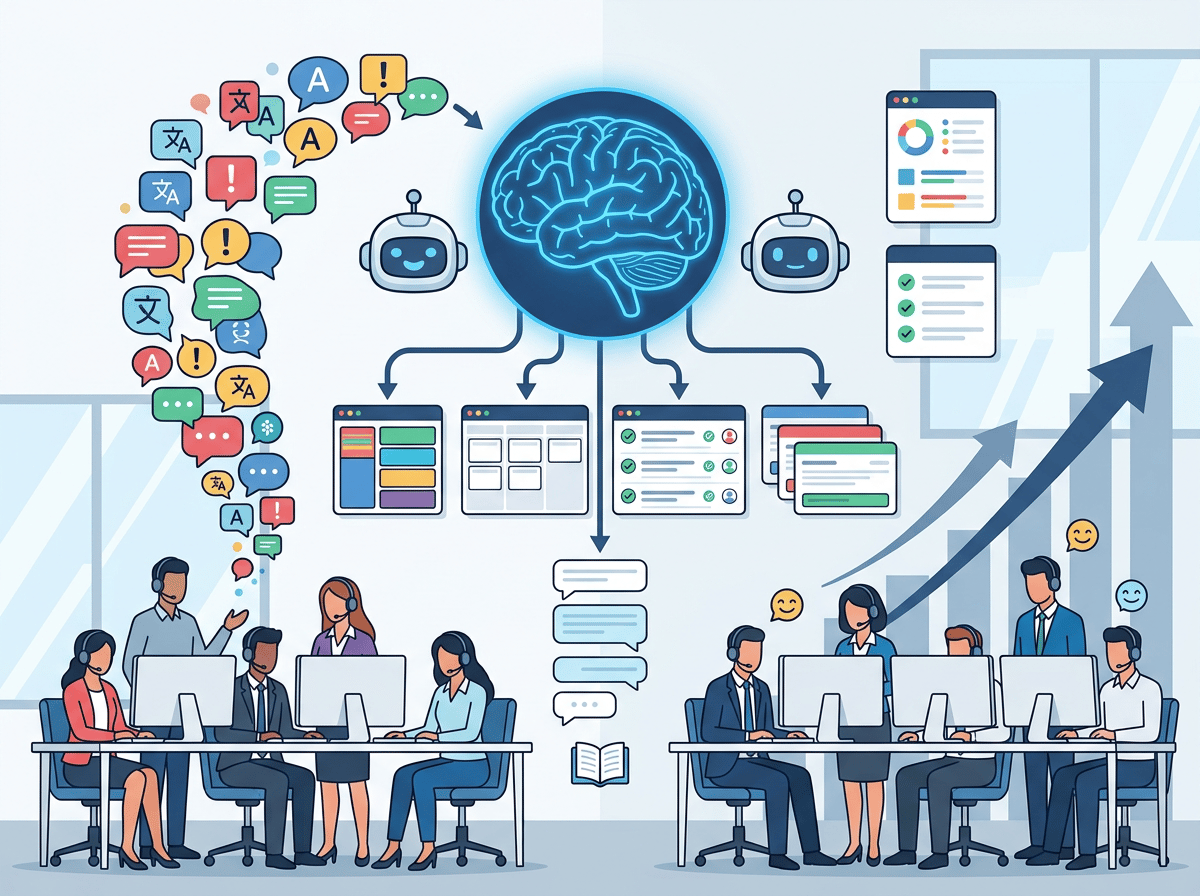
AI customer service automation with Zendesk is no longer optional — teams that implement it now pull permanently ahead on cost, speed, and customer retention.
In 2026, US-based startups and growing businesses face a pressure point that keeps intensifying: customer inquiry volume scales faster than headcount. Support queues stretch. Response times slip. CSAT scores drop. And hiring your way out of the problem costs $45,000-$75,000 per additional agent when you factor in salary, benefits, and onboarding time.
The inbox is never empty. Tickets arrive at 2 AM on Sunday. A product update triggers 300 “how do I…” emails in 48 hours. Meanwhile, your three-person support team is doing manual triage, copying and pasting the same answers, and escalating tickets that an automated workflow could resolve in seconds.
This is precisely the gap AI customer service automation is designed to close.
For US businesses billing customers at enterprise rates or operating in competitive markets where response time is a differentiator, every hour your support team spends on repetitive tickets is an hour not spent on retention, upsell conversations, or strategic account management. At fully loaded agent costs of $35-$55 per hour, a support team handling 200 resolvable tickets per day manually is leaving serious money on the table.
Zendesk AI approaches this problem as an intelligent layer across your entire support operation — not just a chatbot bolted onto a contact form. It automates ticket routing, drafts agent replies, surfaces knowledge base articles, detects customer sentiment, and resolves common requests without human intervention.
This article breaks down four specific workflows where Zendesk AI delivers measurable time savings, four real-world business scenarios with before-and-after comparisons, and an honest look at where the technology still needs human judgment. By the end, you will have a clear picture of where to start implementing this week.
See our full Zendesk AI review for a detailed breakdown of bot configuration options and which use cases are best suited for full automation versus assisted workflows.
Key Concepts of AI Customer Service Automation
Concept 1: Automated Resolution vs. Assisted Resolution
There are two distinct modes in which Zendesk AI operates, and conflating them is a common setup mistake.
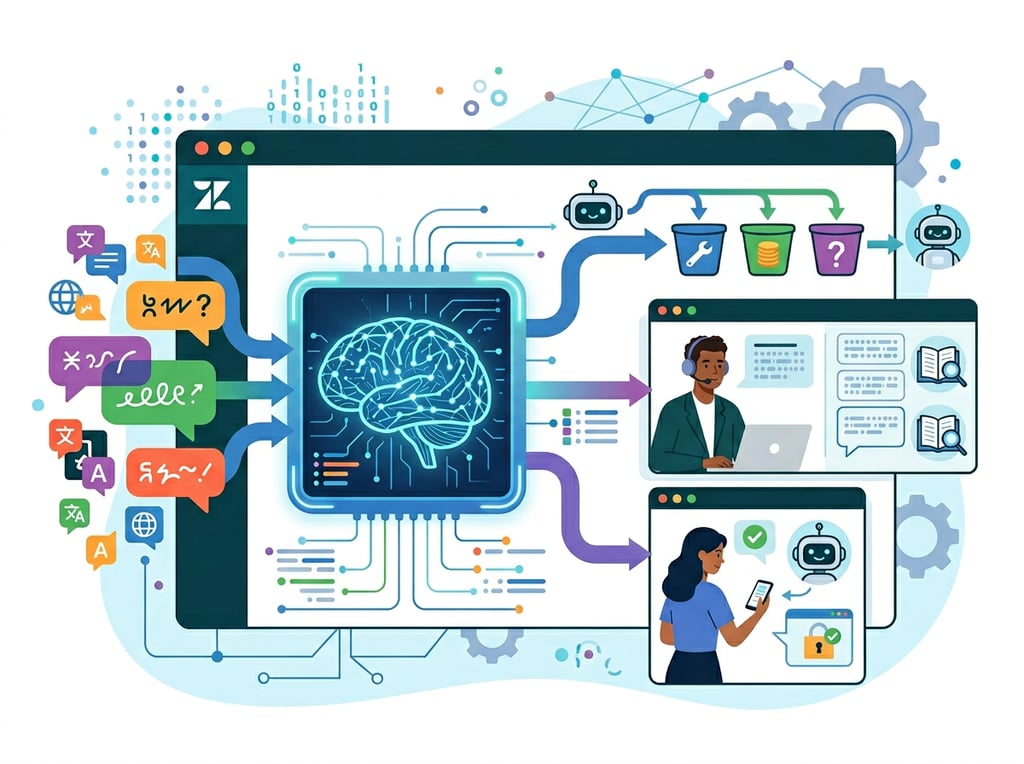
Automated resolution handles a ticket from start to finish without a human agent. The customer asks a question, the AI identifies the intent, retrieves the right answer from your knowledge base or executes a workflow (like issuing a refund or checking order status), and closes the ticket. This is the highest-leverage use case.
Assisted resolution keeps the human agent in the loop but dramatically reduces the time they spend per ticket. The AI pre-populates a suggested reply, summarizes a long conversation thread into three bullet points, or flags the customer’s sentiment as frustrated before the agent opens the ticket. The agent still responds, but they do it in 90 seconds instead of 6 minutes.
For a growing SaaS company with 500 tickets per week, the math becomes clear quickly: if 40% of tickets are resolvable through automation, and the remaining 60% are handled 3x faster through AI-assisted replies, the effective capacity of a three-person team doubles without a new hire.
For teams evaluating where to start, explore Zendesk AI in detail to understand which features map to each resolution mode.
Concept 2: Intelligent Triage and Context Switching Cost
Research on cognitive performance consistently shows that it takes an average of 23 minutes to fully regain focus after an interruption. In a support environment, every misrouted ticket is an interruption — for the receiving agent who has to reassign it, for the customer who waits while it bounces between queues, and for the specialist who picks it up cold without context.
Manual triage at scale is brutally expensive. A team processing 400 tickets per day, spending just 2 minutes per ticket on manual routing, burns 13+ hours weekly on work that delivers zero customer value.
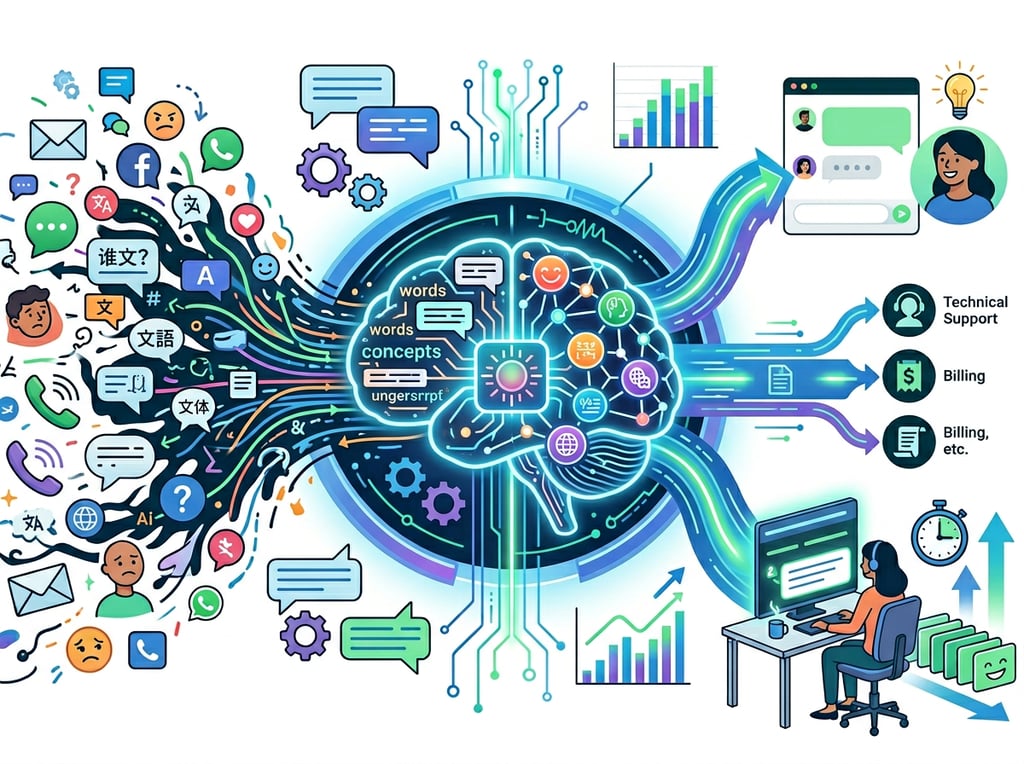
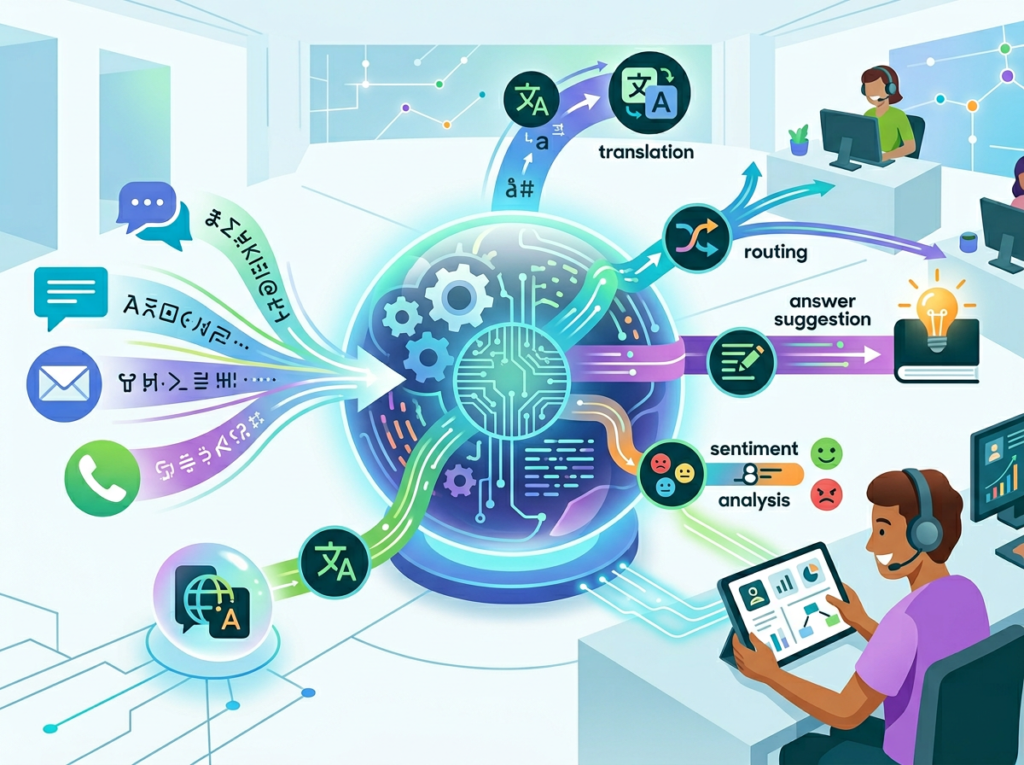
Zendesk AI’s intelligent triage reads incoming tickets the moment they arrive, detects intent (billing question, technical issue, feature request, complaint), identifies the customer’s language and sentiment, and routes to the correct team or agent group automatically. The routing happens in milliseconds. Context arrives with the ticket.
Consider Marcus, a support manager at a Chicago-based SaaS company with 12 support agents across three tiers. Before implementing intelligent triage, misrouted tickets represented 22% of his queue, each requiring a manual reassignment and averaging 40 minutes of delay per ticket. After enabling Zendesk AI triage rules, misrouted tickets dropped to under 4%, saving his team approximately 6 hours per day across the department.
Concept 3: Knowledge Orchestration at Scale
The third concept is less visible but arguably the highest-ROI capability in Zendesk AI’s toolkit: the ability to turn your existing knowledge base into a dynamic, self-maintaining asset.
Most growing businesses have knowledge base articles that are incomplete, outdated, or never surfaced at the right moment. Zendesk AI identifies gaps by analyzing which questions agents are answering manually that do not have a corresponding help center article. It suggests new macro templates based on the most common response patterns. It recommends which existing articles to update based on customer feedback signals.
The result is a knowledge base that compounds in value over time. As noted in this analysis of Zendesk AI use cases, teams that maintain an active feedback loop between their AI tools and their help center documentation consistently see higher automated resolution rates quarter over quarter.
For Elena, an e-commerce operations director in Seattle managing a 7-person support team for a $4M DTC brand, implementing Zendesk’s knowledge orchestration features reduced the time her team spent writing new help articles by 60%. The AI identified the 15 most common unresolved question types and auto-drafted article structures that her team reviewed and published — a process that previously required scheduling dedicated “knowledge base sprints” each quarter.
How Zendesk AI Helps Efficiency
Capability 1: Intelligent Triage and Automated Routing
Zendesk AI scans every incoming ticket for intent, sentiment, and language the moment it enters the queue. You configure routing rules that fire automatically: billing questions go to the billing specialist, technical issues above a certain complexity score escalate to Tier 2, tickets flagged as negative sentiment get priority assignment within your SLA windows.
For a US startup with a lean support team, this eliminates the Monday-morning ticket sort that used to consume 2-3 hours of a senior agent’s time. More importantly, it ensures your highest-value customers — those flagged as VIP or with high sentiment urgency — never wait in a general queue behind lower-priority requests.
Annual efficiency gain for a 5-agent team: approximately 520 hours of manual triage eliminated, equivalent to $18,200-$28,600 at fully loaded agent costs of $35-$55/hour.
Capability 2: Generative AI for Agent Reply Drafting
Zendesk’s Copilot feature allows agents to type brief notes about a resolution and have the AI expand them into a complete, professional reply aligned with your brand voice. The agent reviews, adjusts tone if needed, and sends. A reply that used to take 8 minutes to write from scratch takes 90 seconds to review and send.
For agents handling 60-80 tickets per day, this time savings compounds fast. A reduction of 5 minutes per ticket across 60 daily tickets saves 5 hours per agent per day — time that can be redirected to escalations, callbacks, and complex account issues that genuinely require human judgment.
For teams at the Suite Professional level or above, Zendesk’s generative AI tools are included in the Advanced AI add-on, priced at approximately $50 per agent per month. The ROI calculation for a 5-agent team saving 5 hours daily per agent is straightforward: at $45/hour agent cost, that is $225 saved daily, $4,950 saved monthly, against an add-on cost of $250/month.
Capability 3: Advanced Conversation Bots for End-to-End Automation
Zendesk AI’s advanced bots handle multi-step interactions that previously required agent intervention. A customer wanting to return an item can interact with a bot that collects the order number, verifies eligibility against your return policy, generates a shipping label, and closes the ticket — without a human touching it.
These bots are trained on your specific intents and connected to your back-end systems via API. They handle order status lookups, password resets, subscription changes, appointment bookings, and policy questions at scale. Resolution happens instantly, 24/7, including the 11 PM Friday ticket that previously sat untouched until Monday morning.
See our full Zendesk AI review for a detailed breakdown of bot configuration options and which use cases are best suited for full automation versus assisted workflows.
Best Practices for Implementing AI Customer Service Automation
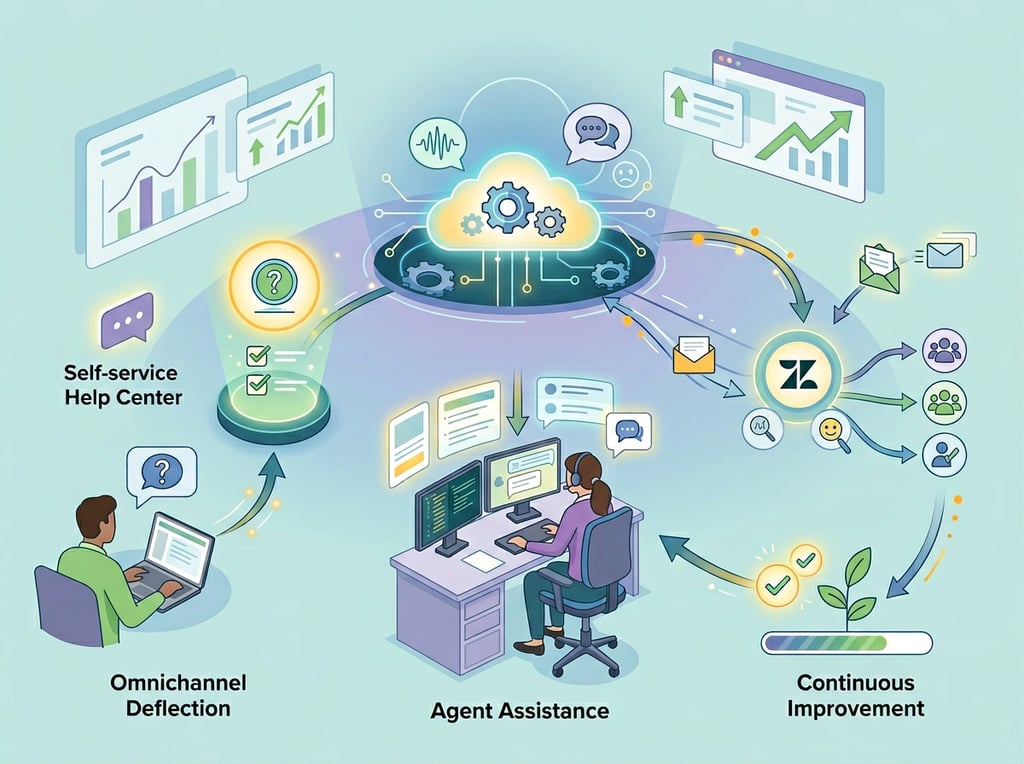
Successfully implementing AI customer service automation requires sequencing your rollout carefully, maintaining clear human oversight structures, avoiding the trap of over-automating too early, and tracking metrics that connect to business outcomes — not just technical performance.
Start with your top 5 intent categories, not your entire queue. Pull a ticket sample from the past 90 days and identify the 5 most frequent, most resolvable request types. These are your Phase 1 automation targets. Implementing Zendesk AI triage and bot flows for just these 5 categories typically captures 35-50% of total ticket volume. Perfect those flows before expanding.
Build escalation paths before you build automation. The most common failure mode in support automation is a bot that gets stuck and has no clean path to a human agent. Before configuring any automated resolution flow, define exactly when and how the handoff occurs, what context passes to the human agent, and how the customer is notified. Every bot flow needs an exit.
Treat your knowledge base as infrastructure. Zendesk AI is only as good as the information it can access. Schedule a monthly 2-hour knowledge base review as a standing calendar event. Use Zendesk’s gap detection reports to identify which questions the AI is failing to answer, and assign article creation directly from that report. Teams that skip this step see automation rates plateau and decline.
Track three numbers weekly: automated resolution rate (percentage of tickets closed without agent involvement), average handle time on assisted tickets (time agents spend on tickets the AI helped with), and first response time by channel. These three metrics tell you whether your implementation is working and where the next optimization opportunity sits. As discussed in this practical overview of Zendesk AI ticket workflows, connecting automation metrics to customer satisfaction scores gives you the full picture of whether speed gains are translating to loyalty.
Limitations and Considerations
Where Zendesk AI does not perform well:
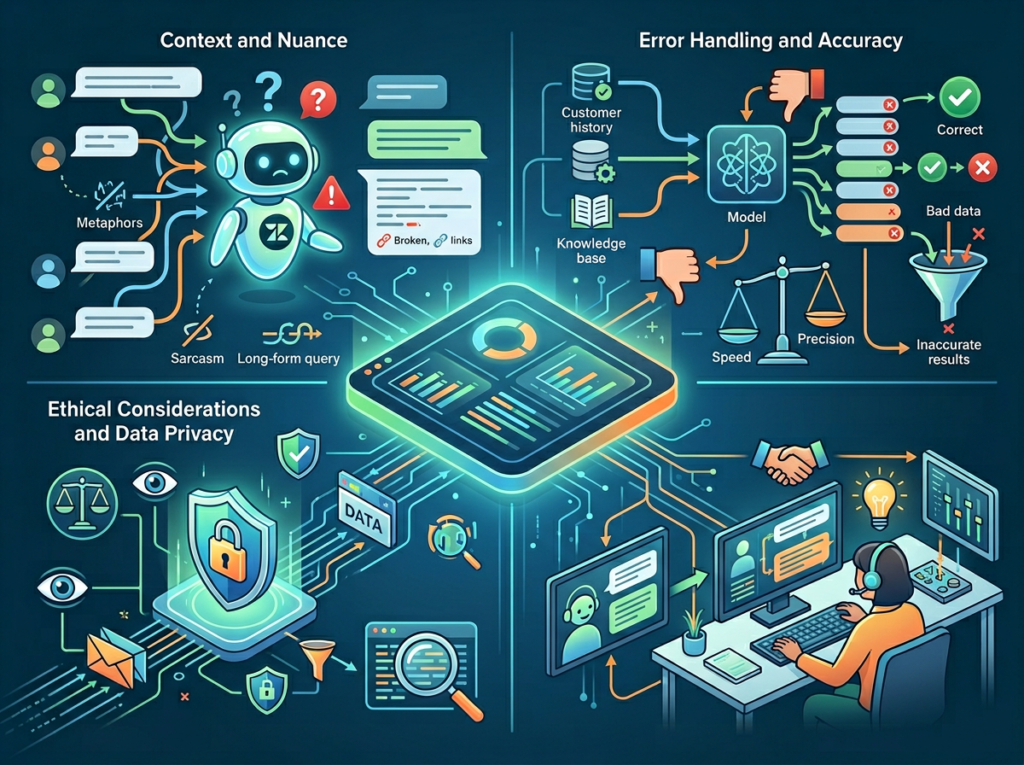
Complex, multi-party technical issues with ambiguous symptoms cannot be reliably automated. When a customer’s problem requires a series of diagnostic questions, cross-referencing system logs, and judgment calls about root cause, AI can assist but should not own the resolution. Forcing automation onto these tickets produces frustrated customers and low confidence scores that degrade your bot’s performance over time.
Sensitive customer situations require human empathy that current AI cannot replicate authentically. Account cancellations driven by financial hardship, support interactions involving a product failure with safety implications, or situations where a customer is clearly distressed — these are interactions where a well-trained human agent delivers far more value than any automated flow.
Legal, compliance, and regulated content should not be left to AI without a review layer. While Zendesk AI can route and document compliance tickets effectively, the actual substantive response for GDPR requests, dispute filings, or privacy inquiries should pass through a human reviewer. The cost of a compliance error far exceeds the time savings from automation.
Key risks to monitor:
Hallucination in AI-drafted replies is rare but not zero. If your generative AI drafts a reply that contains an incorrect policy detail and your agent sends it without reading, you have a customer service and potentially a legal problem. Establish a policy that agents must read AI-drafted replies fully before sending — not skim them.
Over-automation leads to customer frustration when bot loops replace genuine support. Monitor your escalation rate from bot to human: if it climbs above 25%, your bot flows are covering use cases they should not be covering.
Cost creep is real in Zendesk’s pricing model. The Advanced AI add-on at $50/agent/month is straightforward, but automated resolution costs scale with volume. Budget for usage growth when projecting 12-month ROI.
Frequently Asked Questions
How do support teams use Zendesk AI to reduce ticket handle time?
The primary mechanism is the Copilot feature, which drafts complete replies from brief agent notes. An agent types “customer asking about export formats for enterprise plan — confirm CSV, Excel, and API available, point to docs” and the AI produces a professional, brand-appropriate reply in seconds. Agents review and send rather than writing from scratch. Teams report average handle time reductions of 40-60% on AI-assisted tickets.
What is the realistic ROI on Zendesk AI for a 5-person support team?
A 5-agent team on Suite Professional plus the Advanced AI add-on ($50/agent/month) pays approximately $250/month for the AI capabilities. If the team achieves a 40% automated resolution rate on 300 daily tickets, that is 120 tickets per day resolved without agent time. At 6 minutes per ticket average and $45/hour agent cost, that represents $540 in daily labor savings, or approximately $16,200/month — against a $250 add-on cost. The ratio is roughly 65x on the incremental AI investment.
Do I need technical expertise to implement Zendesk AI automation workflows?
No coding is required for the core automation features. Intelligent triage, routing rules, macro suggestions, and bot flows are configured through Zendesk’s admin interface using no-code workflow builders. API integrations with external systems (Shopify, Stripe, Salesforce) require developer involvement for the initial connection, but subsequent bot flow modifications and knowledge base updates are handled by support managers without technical assistance.
Conclusion
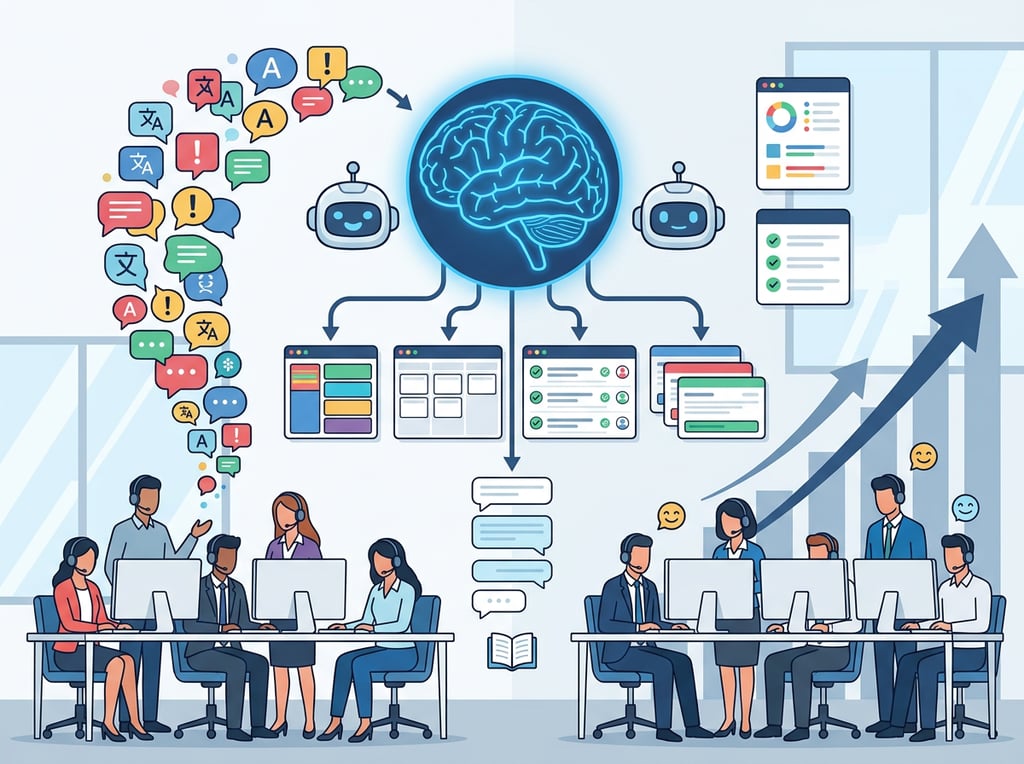
The support challenge for US startups and growing businesses in 2026 is not a people problem — it is a workflow problem. Ticket volume scales with your customer base. Manual processes do not.
Zendesk AI addresses this at the infrastructure level: intelligent routing that eliminates manual triage, generative AI that turns brief agent notes into polished replies in seconds, advanced bots that resolve 35-55% of tickets without human involvement, and analytics that show you exactly where your next efficiency gain is.
The businesses pulling ahead on customer support in 2026 are not the ones with the largest teams. They are the ones that implemented ai customer service automation early enough to make it a competitive advantage rather than a catch-up project. A lean support team running on Zendesk AI can deliver faster first response times, higher CSAT scores, and 24/7 availability than a manually-operated team twice its size.
The ROI case is clear: at 40% automated resolution and 50% reduction in handle time on assisted tickets, a 5-person team at $45/hour fully loaded cost sees annual savings of $190,000+ against an add-on investment under $3,000/year.
The question is not “Should we implement AI customer service automation?” It is “How much is manual triage costing us every week we wait?”
See our full Zendesk AI review for a detailed breakdown of bot configuration options and which use cases are best suited for full automation versus assisted workflows.
Leave a Reply