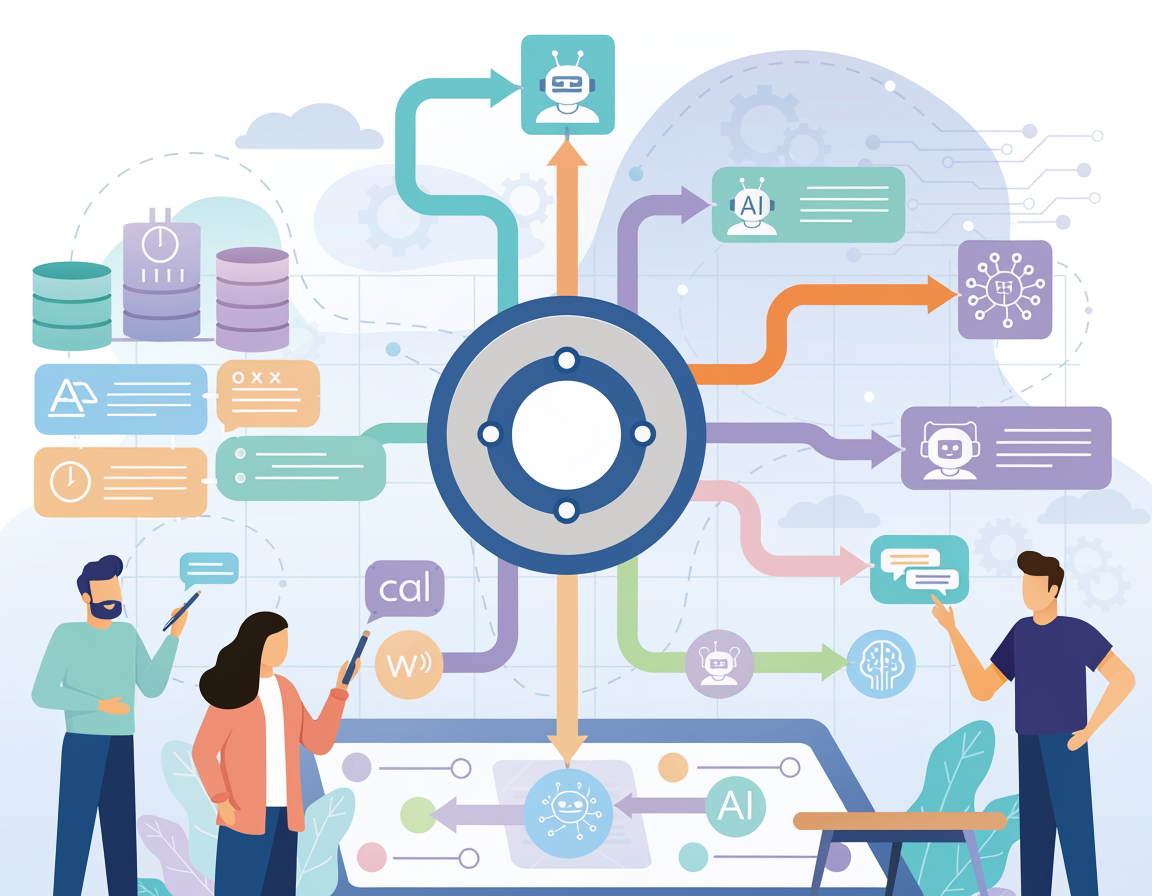
The teams winning on AI workflow automation tools aren’t buying more software — they’re building smarter systems that run while they sleep.
In 2026, American founders, operators, and technical teams face a paradox that didn’t exist five years ago. The tools to automate almost anything are available, affordable, and more powerful than ever — yet most teams are still stitching together workflows manually, copy-pasting data between apps, and spending engineering cycles on tasks a well-built automation could handle in seconds.
The inbox is overflowing. The Slack backlog won’t quit. And the automation tool you’re currently using? It tops out exactly at the moment your workflow gets interesting.
This is where n8n AI changes the equation. Unlike rigid no-code automation platforms that feel like building with Lego on a closed grid, n8n treats your workflow like source code — flexible, extensible, and yours to control. It combines a visual node-based builder with full JavaScript and Python support, 400+ native integrations, and a growing suite of AI-native capabilities that let you wire language models, AI agents, and memory systems directly into your business processes.
For US-based technical teams billing $75–200/hour for development work, every hour spent on repetitive orchestration tasks is an hour not spent building product, closing clients, or scaling operations. At $100/hour, reclaiming just 10 hours a month from manual process work is worth $1,000 in recovered capacity — monthly.
This article gives you four specific workflow architectures to implement this week, each designed to save 3–8 hours, with real before-and-after scenarios grounded in how US small teams actually operate. We’ll cover how n8n AI’s core features map to concrete efficiency gains, where it outperforms closed tools like Zapier and Make, and — critically — where it won’t serve you well.
If you’re ready to stop patching workflows with duct tape and start building systems that compound in value, n8n AI is worth a serious look.
Try n8n AI and experience the difference between automation that clips at the edges and automation you fully control. Start Free at n8n.io | Self-host or cloud — your choice.
Key Concepts of AI Workflow Automation

Concept 1: Node-Based Orchestration
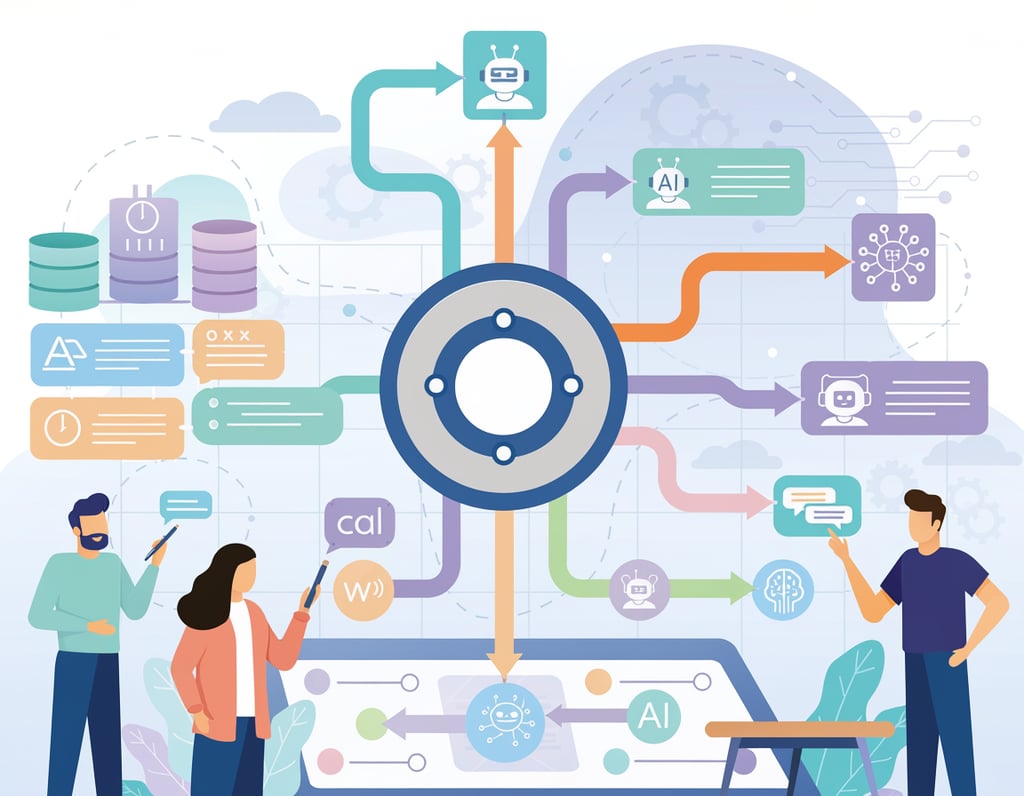
Traditional automation tools think in linear chains. n8n thinks in graphs. Every step in a workflow is a node — it receives input, performs an action, and passes structured output to the next node. This architecture matters because real business processes are rarely linear.
Consider what happens when a support ticket comes in. It might need to be classified by sentiment, routed to a different team based on urgency, logged in a CRM, and trigger a Slack notification — all with different conditional branches depending on the content. In Zapier, this requires multiple separate zaps, manual handoffs, and no shared context. In n8n, it’s a single workflow with branching logic, error handling, and full data transformation at each step.
For Ryan, a founder running a B2B SaaS company in Denver with a five-person team, rebuilding their support triage workflow in n8n reduced the time his team spent manually routing tickets from 11 hours per week to under 2. That’s $2,250/month in recovered engineering time at his team’s blended rate.
Explore n8n AI in detail to see how node-based orchestration maps to real business workflow architecture.
Concept 2: AI Agent Integration
The most significant capability jump in n8n’s 2025–2026 releases is native AI agent support. Rather than simply calling an OpenAI API and dumping the result into a field, n8n’s AI agent nodes allow you to build agents with memory, tool access, and multi-step reasoning built into the workflow itself.
This means an AI agent inside your n8n workflow can: read a new lead from your CRM, research the company via a web search tool, draft a personalized outreach email, check your calendar availability, and schedule a follow-up task — without a human touching any step. The agent doesn’t just respond; it acts across multiple systems with context carried between each step.
Research consistently shows that context-switching costs knowledge workers 20–40% of productive capacity. When your AI agent maintains context across a full workflow — rather than forcing a human to reassemble context at each handoff — that cost disappears. As noted in this breakdown of n8n AI agent workflows, the combination of tool-use and memory transforms n8n from an integration platform into an autonomous business operations layer.
Concept 3: Open-Source Control and Data Privacy
For US businesses in regulated industries or those handling sensitive client data, the open-source, self-hostable nature of n8n is not a feature — it’s a requirement. Your workflows, credentials, and data never touch a third-party server unless you explicitly route them there.
For Elena, an independent financial consultant in Atlanta managing 40+ client relationships, this distinction is non-negotiable. She runs n8n self-hosted on a DigitalOcean droplet, processes client onboarding documents through an AI extraction workflow, and knows with certainty that her clients’ data stays inside her own infrastructure. The alternative — a SaaS automation tool where data routing is opaque — wasn’t an option she was willing to accept. Her onboarding workflow went from 4.5 hours per new client to under 45 minutes.
How n8n AI Helps Efficiency
Feature 1: Native LLM Nodes (OpenAI, Anthropic, Ollama)
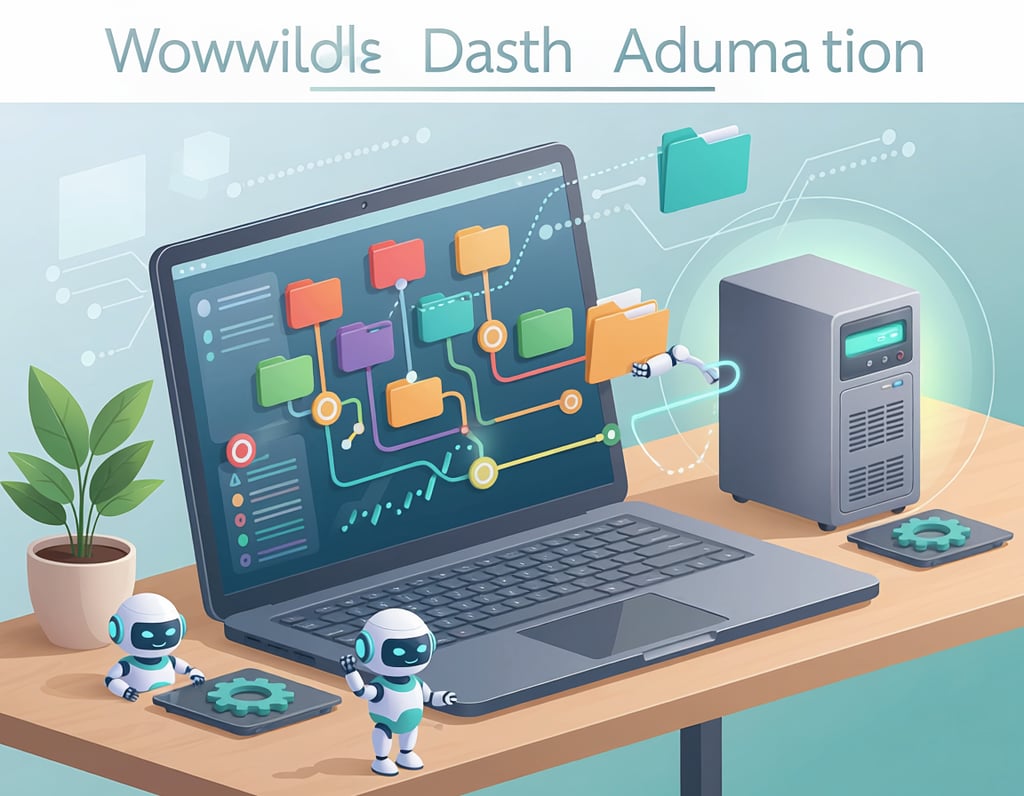
n8n ships with native nodes for OpenAI, Anthropic Claude, Google Gemini, and local Ollama models. This means you don’t need to write raw API calls or manage authentication logic — you drop in an LLM node, connect your credentials, and the model is part of your workflow like any other service.
What makes this powerful is chaining. You can pass structured data from a database query into an LLM node for summarization, take the output and run it through a second LLM node for formatting, then route the result to email, Slack, or a CRM update — all in a single workflow. Teams that have replaced their manual weekly reporting process with an n8n + LLM workflow report saving 6–10 hours per month on report generation alone.
Annual time saved: 96 hours = $7,200–$19,200 at US knowledge-worker rates of $75–200/hour.
Feature 2: AI Agent Nodes with Memory and Tool Use
n8n’s AI Agent node is the platform’s flagship AI capability. It wraps an LLM with a ReAct-style reasoning loop that allows the model to use tools — HTTP requests, database queries, calendar reads, CRM writes — in sequence, with full memory of prior steps in the workflow.
For a small e-commerce team, this means an agent that can process a customer complaint email, pull the order history from Shopify, check inventory status, draft a resolution response, and log the interaction in a helpdesk — autonomously, triggered by an email webhook. What previously required 15–20 minutes of manual work per ticket runs in under 90 seconds.
Annual time saved: 52 hours = $3,900–$10,400 for teams handling 50+ tickets/month.
Feature 3: Code Node for Custom Logic
Every real workflow eventually hits an edge case that drag-and-drop tools can’t handle. n8n’s Code node lets you drop into JavaScript or Python at any point in a workflow to transform data, run custom logic, or handle exceptions — then pass the result back to the visual workflow.
This is the feature that separates n8n from tools like Zapier at scale. As outlined in this technical guide to building low-code AI workflows, the ability to mix visual orchestration with real code execution is what makes n8n viable for production systems, not just demos. Teams that have migrated from Zapier report eliminating an average of 3–5 workaround zaps per core workflow.
Annual time saved: 40 hours in workflow maintenance = $3,000–$8,000.
Feature 4: Webhook and Trigger Architecture
n8n’s trigger system is comprehensive: scheduled runs, webhooks, polling triggers, form submissions, email triggers, and more. For AI-powered workflows, the webhook trigger is particularly valuable — it allows any external system to kick off a complex AI workflow in real time.
A technical founder can expose a webhook endpoint from n8n, wire it to their product’s internal event system, and have an AI workflow automatically process user actions — generating personalized onboarding content, flagging anomalies, or updating external systems — without writing a dedicated backend service for each use case.
Annual time saved: 35 hours in custom integration development = $2,625–$7,000.
Combined ROI: At a $20–50/month n8n cloud plan or minimal self-hosting costs, the efficiency return across these four feature areas runs 40x to 120x annually for active technical teams.
See our full n8n AI review for detailed workflow templates and feature comparisons.
Ready to build workflows that actually scale? Try n8n AI and experience the difference between automation that clips at the edges and automation you fully control. Start Free at n8n.io | Self-host or cloud — your choice.
Best Practices for Implementing AI Workflow Automation
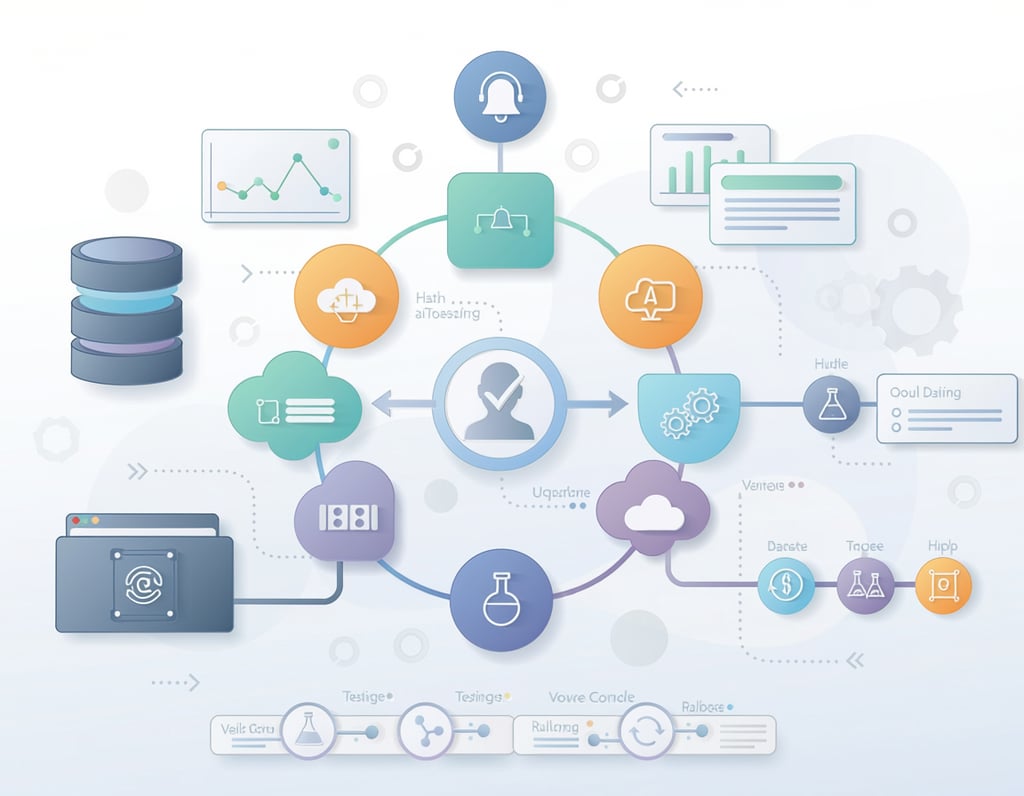
Successfully implementing AI workflow automation requires more than installing n8n and wiring up a few nodes. Teams that get lasting efficiency gains follow a disciplined adoption approach that compounds over time.
Start with your most painful, most repetitive process — not your most ambitious one. The temptation is to tackle the complex workflow first. Resist it. Your first n8n workflow should be something you do more than twice a week, takes more than 30 minutes, and follows a consistent pattern. Winning on a small workflow builds your team’s confidence in the platform and your intuition for how to design reliable automations. Weekly report generation, lead routing, and invoice follow-up are all strong starting points.
Build error handling into every workflow from day one. Production workflows fail. APIs go down, data formats change, rate limits get hit. n8n has robust error handling built in — use it. Add error trigger nodes to your critical workflows that notify you via Slack or email when something breaks. Teams that skip error handling spend 3–5x more time debugging production issues than teams that build it in from the start.
Separate data transformation from action steps. A common n8n mistake is building workflows where a single node both transforms data and performs an action. When it fails, you don’t know which step caused the problem. Use dedicated Set or Code nodes for data transformation before any node that makes an external API call. This makes debugging fast and makes your workflow logic readable to anyone on your team.
Track what you’re replacing and what it costs. Before you automate a process, time it. Write down how long it takes and how often it happens. After your workflow is live for 30 days, check your n8n execution logs and compare. Teams that track this data have a concrete ROI story for every workflow they build — and it informs which process to automate next. A simple spreadsheet tracking “process, time before, time after, frequency, monthly hours saved” is enough. At $100/hour, saving 5 hours/month per workflow means each workflow pays back $6,000/year in recovered capacity.
Limitations and Considerations

AI workflow automation with n8n works exceptionally well for structured, repetitive processes — but there are meaningful boundaries where it underperforms or introduces risk.
Learning curve is real, especially for non-technical users. n8n is developer-friendly by design, which means it assumes a baseline comfort with APIs, webhooks, JSON data structures, and basic programming logic. Founders with a technical background will get productive quickly. Operators without that background will find n8n significantly steeper than tools like Zapier or Make. If your team has no one who can read a JSON payload or troubleshoot an HTTP 401 error, budget time for training or start with n8n Cloud’s managed environment and templates.
Self-hosting requires infrastructure responsibility. The open-source, self-hosted version of n8n gives you maximum control and privacy — but you own the uptime, backups, and updates. For teams evaluating this tradeoff, this analysis of low-code AI workflow architectures covers the practical infrastructure considerations in depth. For teams that just want automation without DevOps overhead, n8n Cloud removes this burden at a reasonable price point.
AI nodes introduce non-determinism. When you wire an LLM into a production workflow, outputs can vary. An AI node that drafts a customer email might produce excellent output 95% of the time and something off-brand or inaccurate 5% of the time. For high-volume, fully automated workflows, this variance matters. Build human-review checkpoints into any AI workflow that produces customer-facing content, legal language, or financial data. “AI-assisted but human-approved” is the right mental model for anything high-stakes.
Hallucination risk in data extraction workflows. Using LLM nodes to extract structured data from unstructured documents (invoices, contracts, emails) is genuinely powerful — but LLMs can hallucinate field values, especially on ambiguous documents. Always validate AI-extracted data against source documents for critical fields like dollar amounts, dates, and names before writing them to a database or sending them downstream.
Not a replacement for product engineering. n8n excels at orchestrating existing systems and APIs. It is not a substitute for writing application code where that code needs to be maintained, versioned, and tested by an engineering team. Treat n8n as your business operations layer, not your product layer.
Frequently Asked Questions
What is AI workflow automation for small businesses?
AI workflow automation for small businesses means using platforms like n8n to connect your existing apps, data sources, and AI models into automated processes that run without manual intervention. Rather than moving data between tools by hand or writing one-off scripts, you build reusable workflows that trigger on events, process data with AI, and take actions across multiple systems simultaneously. For small teams, this converts hours of coordination work per week into minutes of oversight.
Can n8n replace tools like Zapier or Make?
For technical teams with moderate engineering ability, yes — n8n can replace both and typically delivers more flexibility at a lower cost. Zapier excels at simple linear automations with its 7,000+ app library and non-technical UX. Make (formerly Integromat) sits between Zapier and n8n in complexity. n8n is the right choice when you need custom logic, code execution, AI agent capabilities, or data privacy through self-hosting. Teams with no technical staff may find Zapier or Make more accessible for basic use cases.
How do US small teams use n8n to save time?
The highest-ROI use cases for US small teams in 2026 include: AI-powered lead enrichment and routing (saving 5–8 hours/week for sales-active businesses), automated reporting from multiple data sources (saving 4–6 hours/month), customer service triage with LLM classification (saving 8–15 hours/week for e-commerce operators), and document processing workflows that extract and route structured data from incoming emails and PDFs (saving 3–5 hours/week for service businesses).
Conclusion
In 2026, the competitive advantage for technical teams and small operators isn’t headcount — it’s workflow intelligence. The businesses pulling ahead are the ones that have turned their most repetitive operational processes into reliable, AI-enhanced systems that run without constant human oversight.
n8n AI sits at the center of this shift because it treats automation as programmable infrastructure rather than a product feature checklist. Its combination of visual orchestration, native LLM and AI agent integration, code execution capability, and open-source flexibility makes it uniquely suited to the kind of complex, real-world workflows that actually move the needle for small businesses.
The ROI math is hard to ignore. For a US-based technical team at $100/hour blended rate, recovering 10 hours per month across three or four n8n workflows is worth $12,000 per year in reclaimed capacity — at a platform cost of $20–50/month. That’s a 20x to 50x return, sustained and compounding as you build more workflows.
The right starting point isn’t debating whether to automate — it’s choosing which process to automate first. Pick the one that costs you the most time this week. Build a workflow for it in n8n this weekend. Then measure what changed.
The question for US small teams in 2026 isn’t “Should I invest in AI workflow automation?” — it’s “How much is it costing me to wait?”
Try n8n AI and experience the difference between automation that clips at the edges and automation you fully control. Start Free at n8n.io | Self-host or cloud — your choice.
Leave a Reply