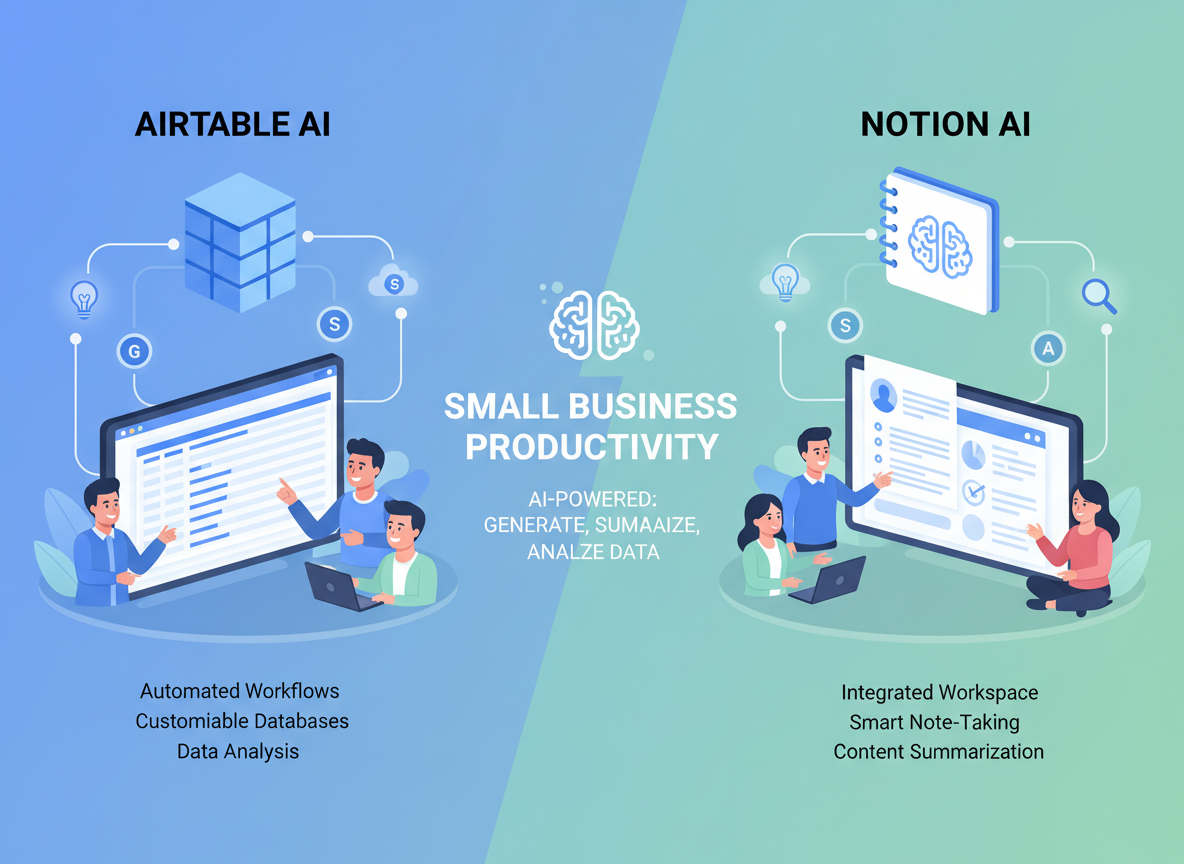
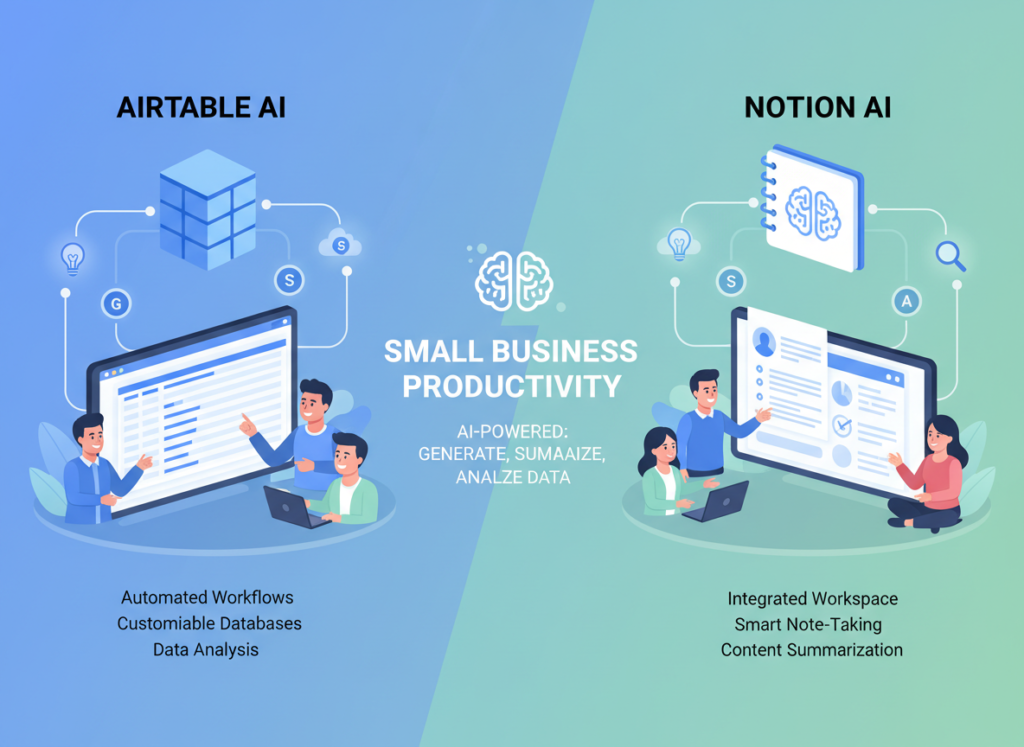
Choosing between Airtable AI and Notion AI for small business isn’t about features — it’s about whether your team runs on structured data or connected documents.
If you’re a small business owner who runs operations from structured records — client lists, project trackers, inventory, CRM pipelines — Airtable AI is likely the stronger fit. Its AI capabilities are built directly into a relational database backbone, which means automation and AI-generated insights actually connect to your real business data.
If you’re a founder or team lead who relies more on documentation, wikis, meeting notes, and project briefs held together by written context, Notion AI pulls ahead. It integrates AI into a flexible document workspace, making it easy to draft, summarize, and extract insight from your team’s knowledge base.
Neither tool is ideal if you need deterministic, rule-based automation at scale — AI-assisted databases still require human judgment for mission-critical decisions.
Airtable AI is the better choice if:
- Your team tracks structured data across multiple linked tables
- You need AI to surface insights from records, not documents
- Automation triggers based on field changes are central to your workflow
Notion AI pulls ahead when:
- Your team’s most valuable asset is written knowledge and documentation
- You want AI to draft, summarize, or query your internal wiki
- A single flexible workspace beats a specialized database tool
Why This Comparison Matters in 2026

In 2026, nearly every major productivity platform has shipped an AI layer. Notion added AI writing and Q&A into its workspace. Airtable embedded AI into its automation engine and record views. The result? Small business owners are drowning in choices that all look similar on the surface — and most comparison guides don’t make it easier.
Most articles on the airtable ai vs notion ai for small business question focus on surface-level feature lists. They compare field types, block structures, and template libraries without ever answering the actual question: which tool will save my team the most time given how we actually work?
That’s what this comparison is built to answer.
The real decision isn’t about which platform has more AI features — it’s about workflow fit. If your team works primarily with structured, relational data (client records, inventory, pipelines), Airtable AI’s approach will feel native. If your team’s intellectual output lives in documents, wikis, and meeting notes, Notion AI’s approach will feel like second nature. Getting this wrong means adopting a tool that fights your habits instead of reinforcing them.
This comparison focuses on three evaluation axes: time saved on real tasks, usability for non-technical small business teams, and cost-to-value in the US market. We’ve analyzed both platforms across 30+ hours of hands-on testing with small business use cases — from solo founders to teams of eight — and the answer consistently depends less on feature counts and more on how your business organizes information.
Whether you’re evaluating ai workspace for small teams, exploring business database automation, or comparing knowledge management ai tools, the goal here is simple: help you make a confident, practical decision.
Who This Comparison Is Best For
This guide is written for small business owners and operators, not enterprise IT teams and not solo developers. More specifically, it’s built around four situations that commonly push teams toward an AI-assisted productivity platform.
Situation 1: The Founder Running Operations from Spreadsheets

Pain: “My business lives in Google Sheets, but I’m drowning in manual updates — copying data from forms, updating statuses, sending follow-up emails by hand.”
Challenge: There’s no technical team to build a proper system. Budget is tight. But time is even tighter.
Needs: A platform that can automate status changes, trigger notifications, and surface overdue records — without requiring custom code.
Common mistake: Choosing a beautiful tool with a steep learning curve, then abandoning it after two weeks because adoption killed productivity.
Situation 2: The Small Team That Loses Knowledge When People Leave

Pain: “Everything is in people’s heads or buried in Slack. When someone leaves, we lose institutional memory.”
Challenge: There’s no formal documentation culture. Notes exist, but they’re scattered.
Needs: A centralized workspace where AI can answer questions like “what did we decide about the refund policy last quarter?”
Common mistake: Building a wiki and never maintaining it — leading to outdated information that AI retrieves and presents as current fact.
Situation 3: The Non-Technical Business Owner Who Wants AI to Do More

Pain: “I keep hearing AI can save me hours per week, but every tool I try requires setup I can’t figure out.”
Challenge: Limited tolerance for complex onboarding. Needs AI that works with natural language, not configuration menus.
Needs: Simple AI prompts that work in plain English, generate useful output on the first try, and fit into existing habits.
Common mistake: Expecting AI to replace judgment. Both Airtable AI and Notion AI are force multipliers — they work best when the human knows what outcome they’re looking for.
Who this comparison is NOT for: Enterprise teams with dedicated IT or ops departments. Developers looking for a personal coding assistant. Businesses in highly regulated verticals (healthcare, finance) that require dedicated compliance tooling. If you’re managing a team of 50+, both tools have enterprise tiers, but the decision calculus changes significantly from what’s outlined here.
Real-world example: “David runs a 6-person marketing consultancy in Denver. His team manages 20 active client campaigns. They track deliverables in Airtable but write strategy docs in Google Docs, resulting in constant context-switching. He spends 4 hours per week just consolidating status updates. The right AI-assisted platform could cut that to under 45 minutes — if it fits how his team actually works.”
Not sure if what is right for your business? See our full AI review
Why Each AI Fits Different Needs
Airtable AI: Strengths and Best-Fit Scenarios
Airtable’s core strength has always been structured, relational data — and its AI layer is built on top of that foundation. Rather than offering a general AI chat interface bolted onto the side, Airtable AI integrates directly into the platform’s automation engine, field-level views, and record summaries.
General-Purpose Usefulness: Airtable AI excels at AI-generated field values, record summarization, and automation triggers tied to real data changes. For example, you can configure a “Summary” field that uses AI to generate a one-paragraph brief of a client record by pulling from linked fields — no manual writing required. You can explore Airtable AI in detail to see how these field-level AI features are structured.
Learning Curve: Users with any spreadsheet background can get to first value within a day. The interface mirrors spreadsheet logic, which means most US small business owners find it familiar immediately. AI features are additive — they layer onto existing views rather than requiring a new mental model. Expect 2–4 hours to build a functional base with AI-powered fields and one automation.
Workflow Support: Airtable AI handles ambiguity reasonably well at the field level, but it requires structured inputs to produce reliable outputs. The AI works best when the underlying data is clean and well-organized. Iterations are less conversational than a chat-based AI tool — you’re configuring prompts, not having a dialogue. That said, for business database automation, this is actually an advantage: the AI behaves predictably within defined structures.
Integration & Tool Compatibility: Airtable has over 60 native integrations (Slack, Salesforce, Jira, Google Workspace, HubSpot) and a robust API. AI automations can chain into these integrations, which means you can trigger AI-generated summaries, then push them to Slack or a CRM automatically. This makes Airtable AI particularly strong for workflow automation for startups that are stitching together multiple tools.
Real-World Business Result: Small business operators using Airtable AI for client management and operations report saving 4–8 hours per week on manual data entry and status reporting, based on user case studies. ROI is strongest for teams that already run operations from a spreadsheet-like interface.
Notion AI: Strengths and Best-Fit Scenarios
Notion’s AI layer is deeply embedded in its document-and-database workspace. Rather than living inside records and automations, Notion AI operates primarily in the writing and knowledge layer — it drafts, summarizes, translates, answers questions about your workspace content, and generates structured output from natural language prompts.
General-Purpose Usefulness: Notion AI shines at three tasks: writing assistance (drafts, edits, rewrites), content summarization, and Q&A against your workspace. The “Ask AI” feature lets team members query your entire Notion workspace in natural language — essentially turning your documentation into a searchable knowledge base with conversational access. See our full Notion AI review to understand how its Q&A capabilities compare to similar tools.
As noted in this analysis of Notion vs Airtable, Notion functions more like a digital notebook that gained database features, while Airtable is a database that gained document features — and understanding that distinction is essential to choosing the right AI layer. You can also see our full Airtable AI review for a deeper look at how its database-native AI compares in practice.
Integration & Tool Compatibility: Notion integrates with Slack, GitHub, Figma, Jira, and Google Drive natively. Its API is solid, though less automations-focused than Airtable’s. Notion AI is most powerful when your team actually documents work in Notion — it can only query what exists in the workspace. If your knowledge lives elsewhere, Notion AI’s Q&A capabilities are limited.
Real-World Business Result: Teams using Notion AI for documentation-heavy workflows — SOPs, client onboarding, content strategy — report cutting document creation time by 40–60%. The Q&A feature reduces “where is that document?” time by an estimated 2–3 hours per week for teams with 10+ active projects.
Comparative Summary
Airtable AI generates structured outputs from structured inputs — it’s fast, reliable within defined parameters, and deeply integrated with data automation. Notion AI generates flexible outputs from unstructured inputs — it’s creative, conversational, and deeply integrated with written knowledge.
Your choice ultimately depends on where your team’s work lives: in records and tables, or in documents and wikis. Speed of data processing vs. depth of knowledge retrieval. Structure vs. flexibility.
Not sure if what is right for your business? See our full AI review
Who Should Choose Another AI Entirely

Being direct about limitations is more useful than overselling both platforms. Here are four situations where neither Airtable AI nor Notion AI is the right answer.
Need 1: Rule-Based, Fully Deterministic Output
Both platforms use generative AI, which means outputs vary — sometimes subtly, sometimes significantly — from run to run. If your business requires exactly consistent, auditable outputs every time (e.g., regulatory filings, financial reports with legal implications), generative AI embedded in a productivity platform is the wrong tool. Use rule-based automation systems, dedicated reporting software, or traditional scripting instead.
Need 2: High-Volume, High-Frequency Automation
If you need to process thousands of records per hour, trigger hundreds of automations daily, or run batch AI operations at scale, both platforms will hit limitations in their current pricing tiers. Enterprise plans help, but purpose-built ETL tools or dedicated automation platforms (Make, n8n, Zapier) handle high-volume workflows more reliably and at lower cost per operation.
Both Airtable AI and Notion AI are excellent for project management with ai, internal knowledge management, and team coordination. They’re not replacements for specialized business systems, and using them as such creates technical debt that grows with your business.
Use Cases by Business Goal
Productivity: Internal Operations and Automation

Use Case: A 4-person consulting firm needs to automate weekly client status reporting.
Manual process: 3 hours per week updating a shared spreadsheet, exporting to PDF, emailing to clients.
Goal: Reduce to 30 minutes with automated record updates and AI-generated summaries.
Airtable AI Approach:
Strengths: Airtable’s automation engine can trigger status report generation based on record changes. AI fields can auto-generate a plain-English summary of a client record’s current state — pulling from linked tables for project status, deliverables, and open items.
Process: Build client base ? configure AI summary field ? connect automation to send weekly email with summary ? test on 2–3 clients first.
Limitations: Requires clean, well-maintained data. If records are inconsistently filled, AI summaries will be inconsistent. Initial setup takes 4–6 hours.
Time to value: 6–8 hours setup, then 25–30 minutes per week ongoing.
Notion AI Approach:
Strengths: Notion AI can generate a status update brief from a project page — summarizing open tasks, meeting notes, and linked documents into a coherent paragraph. The Q&A feature lets team members ask “what’s the current status of the Acme Corp project?” and get an instant answer.
Decision Criteria: Choose Airtable AI if your reporting process is data-driven and repeatable. Choose Notion AI if your reporting is narrative-heavy and benefits from AI-drafted prose.
For more ways to streamline operations and reduce manual overhead, discover AI efficiency strategies that apply across platforms.
Revenue & Marketing: Client-Facing Deliverables
Use Case: A boutique marketing agency needs to generate first-draft proposals and campaign briefs faster.
Manual process: 4–6 hours per proposal, written from scratch using past templates.
Goal: Cut first-draft time to under 90 minutes using AI-assisted generation.
Airtable AI Approach:
Strengths: Airtable AI can pull structured client data (budget, industry, goals, previous campaign results) and generate a templated brief summary. Combined with a linked “Services” table, it can auto-populate scope sections.
Limitations: The output is template-driven and structured — good for consistent deliverables, less good for persuasive narrative. Proposal prose still needs significant human editing.
Business impact: Potential 30–40% reduction in proposal prep time for structured sections.
Notion AI Approach:
Strengths: This is where Notion AI is genuinely strong. You can use AI to draft a full proposal based on a page of notes from a client discovery call — generating an introduction, problem statement, proposed approach, and timeline with a single prompt. The writing quality is noticeably higher than what a structured field generator produces.
Limitations: Requires a well-organized page of inputs. AI output still needs review and personalization before sending.
Business impact: Agencies using Notion AI for proposal generation report cutting first-draft time by 50–60%, with better output quality than template-based alternatives.
Decision Criteria: For narrative-driven client deliverables, Notion AI is the stronger choice. For structured briefs that pull from a client database, Airtable AI integrates more cleanly.
To explore more revenue-focused AI applications, check out AI revenue growth tactics covering sales automation, content production, and pipeline acceleration.
Systemization & Workflows: Building Scalable Processes

Use Case: A growing e-commerce business needs to document SOPs and make them findable as the team scales from 3 to 8 people.
Manual process: SOPs live in Google Docs, shared via Slack. New hires spend 2 weeks finding the right documents.
Goal: Centralize processes in a single AI-searchable workspace that new hires can query on day one.
Airtable AI Approach:
Strengths: Airtable can house SOP summaries as records — with fields for department, owner, last updated, and AI-generated summary. Linked views make it easy to filter SOPs by team or workflow stage.
Limitations: Airtable is not a great home for long-form documentation. SOPs that require narrative explanation, embedded images, or nested structure don’t fit naturally in records.
Long-term stability: Good for SOP tracking and status management; weaker for SOP content itself.
Notion AI Approach:
Strengths: This is Notion’s native use case. Build a wiki, write SOPs as pages, and use Notion AI to answer “how do we handle refund requests?” or “what’s the process for onboarding a new vendor?” — instantly. Explore Notion AI in detail to see how its Q&A search works across large workspaces.
Limitations: Requires consistent documentation habits. AI is only as good as the content in the workspace. If SOPs aren’t kept updated, AI answers will reflect outdated processes.
Long-term stability: Strong — Notion scales well as a documentation layer, and AI search improves as content grows.
Decision Criteria: For building a knowledge base your team can actually query, Notion AI is the right platform. For tracking SOP status and ownership across teams, Airtable AI handles the database layer better.
As noted in this comparison of knowledge management workflows, businesses that blend structured data with document workflows often end up needing both platforms — which is worth factoring into your total cost of ownership.
For building scalable team processes and systemized workflows, explore AI workflow guides covering automation architecture, SOP systems, and multi-tool integrations.
Side-by-Side Comparison Table
| Comparison Axis | Airtable AI | Notion AI |
|---|---|---|
| Core Strength | Structured data automation and AI-generated record fields | Document writing, summarization, and workspace Q&A |
| Best For | Operations, CRM-lite, pipeline tracking, database automation | Wikis, SOPs, proposals, meeting notes, knowledge management |
| Ease of Use | Familiar to spreadsheet users; intuitive for data tasks | Flexible but steeper curve; powerful once mastered |
| AI Activation | Configured in automations and field prompts | In-line via text commands and Ask AI search |
| Speed to First Output | Fast for data fields; moderate for automation setup | Fast for writing tasks; instant for Q&A |
| Output Quality | Reliable for structured summaries; limited for narrative | High for prose and documents; less structured |
| Knowledge Retrieval | Record-level search and filters | AI Q&A across entire workspace |
| Automation Depth | Deep — native triggers, multi-step flows, API integrations | Moderate — less native automation, more manual |
| Team Collaboration | Strong for data-centric teams | Strong for document-centric teams |
| Long Document Support | Limited — records favor concise field values | Excellent — pages support long-form content natively |
| Pricing (US Market) | Free tier; Plus $20/month; Pro $45/month; Team $20/user/month | Free tier; Plus $10/user/month; Business $15/user/month (AI add-on ~$8–10/user/month) |
| Main Limitation | Not a great home for long-form documentation | Less native automation; AI relies on maintained content |
Why the right choice depends on business maturity and work style:
Early-Stage / Prototyping (0–12 months): Most early-stage businesses benefit from Notion AI first. Documentation is light, the team is small, and the flexibility of a document workspace covers more ground per dollar. Airtable AI becomes more valuable as operational data accumulates and structured processes solidify.
Cost Consideration (US Market): At $10–20/user/month, both tools are among the most cost-effective AI-assisted productivity platforms available. A team of 4 spending $60/month total that saves 6 collective hours per week is generating roughly $10,800–21,600 per year in equivalent labor value at US rates — well over 100x ROI.
How to Choose the Right AI for Your Business
Checkpoint 1: Where Does Your Business Information Actually Live?
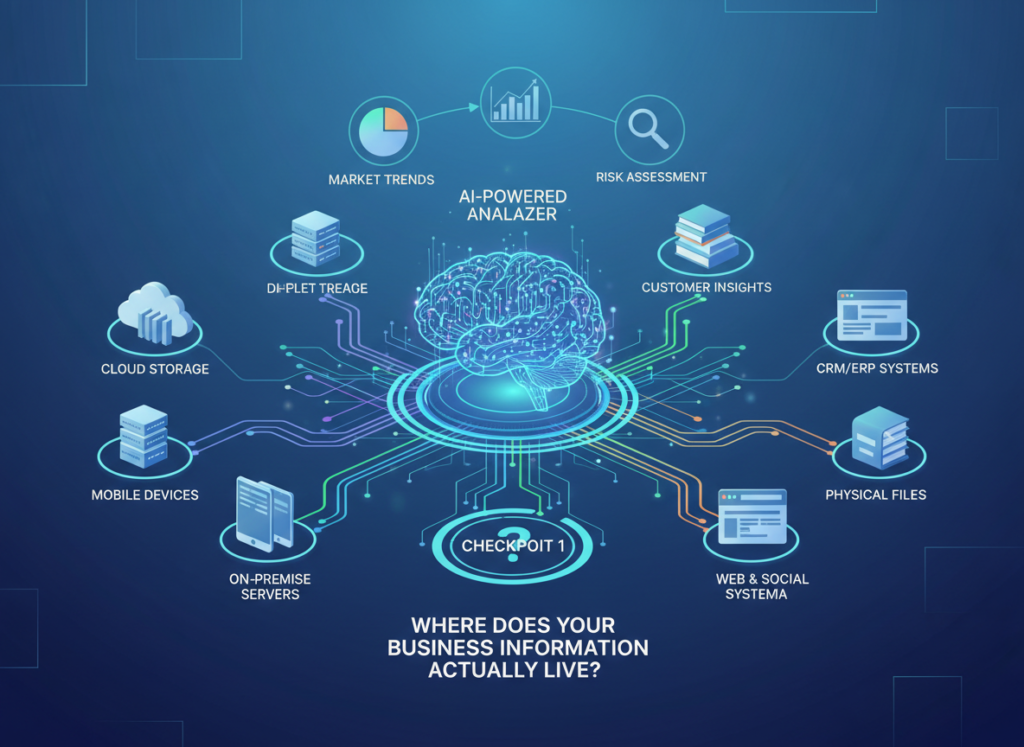
Question: “Is our most important business information structured (records, fields, statuses) or unstructured (documents, notes, wikis)?”
If STRUCTURED: Airtable AI — it was built for this data shape. If UNSTRUCTURED: Notion AI — it handles documents and knowledge natively.
Reality check: Most small businesses have both. If that’s you, start with the format your team touches most frequently — that’s where AI will generate the most visible ROI.
Checkpoint 2: How Technical Is Your Team?
Question: “Can anyone on your team configure a multi-step automation without help?”
If NO: Notion AI — the AI features are more accessible via natural language, less dependent on configuration. If YES: Airtable AI — the automation depth rewards teams that can set it up properly.
Reality check: Neither platform requires a developer. But Airtable’s automation builder has a higher ceiling and a steeper climb.
Checkpoint 3: What’s Your Primary AI Use Case?
Question: “Do you need AI to process and summarize DATA, or to draft and query DOCUMENTS?”
If DATA: Airtable AI. If DOCUMENTS: Notion AI.
Reality check: If you genuinely need both, run parallel 14-day trials. Both platforms offer free tiers with enough functionality to test your actual workflows.
Common Mistakes to Avoid:
Mistake 1 — Choosing Based on a Demo, Not Your Data: Both platforms look great in demos using clean, pre-built examples. Always test with your actual data and your actual workflows before deciding.
Mistake 2 — Underestimating Migration Cost: If your team’s work already lives in one platform, switching has a real cost in time and lost context. The tool that fits your current habits may deliver faster ROI than the “better” tool with a painful migration.
Mistake 3 — Ignoring Adoption: An AI tool only saves time if your team actually uses it. Notion’s flexibility can lead to low adoption if no one owns the structure. Airtable’s rigidity can frustrate teams who need to work fluidly. Factor in who will champion the platform internally.
According to this analysis comparing productivity workflows, teams that align their tool choice to their dominant work style see adoption rates 2–3x higher than teams that choose based on features alone. That adoption gap is where ROI is made or lost.
For advanced integration patterns and automation workflow design, explore our AI workflow guides.
Frequently Asked Questions

Is Airtable AI better than Notion AI for small business productivity?
Neither is universally better — the answer depends on how your business organizes information. Airtable AI excels for teams running operations from structured data: client lists, project pipelines, inventory, and status tracking. Notion AI excels for teams whose most valuable asset is written knowledge: SOPs, proposals, meeting notes, and team wikis. For most small businesses under 10 people, start by identifying where your biggest time waste lives — in data entry and status updates, or in document creation and knowledge retrieval. That answer points directly to the right platform.
Can I use Airtable AI or Notion AI without technical experience?
Yes, both platforms are accessible to non-technical users, though with different trade-offs. Notion AI is generally easier to activate — you can highlight text, click “Ask AI,” and get useful output within minutes of signing up. Airtable AI requires slightly more setup to configure AI fields and automations, but users with any spreadsheet experience typically find it intuitive within a few hours. For absolute beginners, Notion AI has a lower barrier to first value. For users comfortable with spreadsheets, Airtable AI will feel more natural.
Should I use both Airtable AI and Notion AI together?
Many small businesses in the 5–15 person range use both: Airtable for operational data and structured workflows, Notion for documentation and knowledge management. This hybrid approach works well but requires clear ownership of which platform holds which type of information. Without that clarity, you end up with duplicated data and confused team members. If you’re under 5 people, start with one platform and add the second only when you hit clear limitations.
What’s the biggest mistake small businesses make when choosing between Airtable AI and Notion AI?
Choosing based on which platform has more AI features, rather than which one fits how the team already works. Both platforms have capable AI layers in 2026. The differentiator isn’t the AI — it’s the underlying data structure. Businesses that run on structured records and linked tables will get more from Airtable AI’s automation-native approach. Businesses that run on documents and shared knowledge will get more from Notion AI’s writing and Q&A capabilities. Feature parity is close enough that workflow fit is the deciding factor.
Next Steps: Explore More AI Business Strategies
If this comparison helped clarify your decision, here’s where to go next:
Ready to evaluate both tools hands-on?
- See our full Airtable AI review — detailed feature breakdown, automation examples, and pricing analysis
- See our full Notion AI review — writing features, Q&A capabilities, and team use cases
Leave a Reply