
The best ai research tool for small businesses doesn’t just search faster — it eliminates the hours you lose second-guessing, tab-switching, and synthesizing scattered sources.
In 2026, American freelancers and solo entrepreneurs face a paradox: more information is available than ever, yet making a confident business decision still takes forever.
Inbox at 200 unread. Twelve browser tabs open. A half-finished competitive analysis sitting in a Google Doc. The answer is somewhere in the noise — you just can’t afford three hours hunting for it when you’re billing $75 an hour.
That’s the trap. For US freelancers and founders billing anywhere from $50 to $150 per hour, every hour lost to research spirals is $50 to $150 not earned, not invoiced, not compounding. The cognitive cost of research isn’t just time — it’s the mental fatigue that bleeds into every creative or strategic task you tackle afterward.
Perplexity AI is positioned as a direct answer to that problem. Unlike a traditional search engine that hands you ten blue links and wishes you luck, Perplexity synthesizes live web sources into a single, cited, conversational answer — and then lets you keep drilling deeper with follow-up questions. It’s not just search. It’s a thinking partner that collapses research loops.
This review cuts through the feature-list noise and focuses on one question: does Perplexity AI actually make you more efficient as a small business owner or freelancer in 2026?
The short answer is yes — with specific caveats. Over the course of this article, you’ll get four concrete workflows you can implement this week, each with the potential to save two to five hours. You’ll see exactly how four different US-based business types use Perplexity to flatten their research overhead. And you’ll get an honest look at where this tool falls short so you don’t over-rely on it in areas that can hurt your business.
Let’s get into it.
Key Concepts of AI Efficiency
Concept 1: Cognitive Offloading

Cognitive offloading is the practice of delegating mental work — storage, retrieval, synthesis — to an external system. For decades, that meant spreadsheets, calendars, and notebooks. In 2026, it means AI tools that can handle entire research loops without asking you to stay in the loop.
Consider Sarah, a freelance brand designer in Portland with eight active clients. Before AI research tools, she spent roughly two and a half hours daily gathering client industry context, scanning competitor brands, and compiling visual trend references — none of it billable. After integrating Perplexity, she runs one structured query before each client session, gets a synthesized competitive landscape in under two minutes, and redirects the rest to actual design work. Two and a half hours saved per day, every day.
Cognitive offloading works because it separates the cost of retrieval from the cost of analysis. You stop spending energy finding information and start spending it on what to do with it.
Concept 2: Context Switching Cost
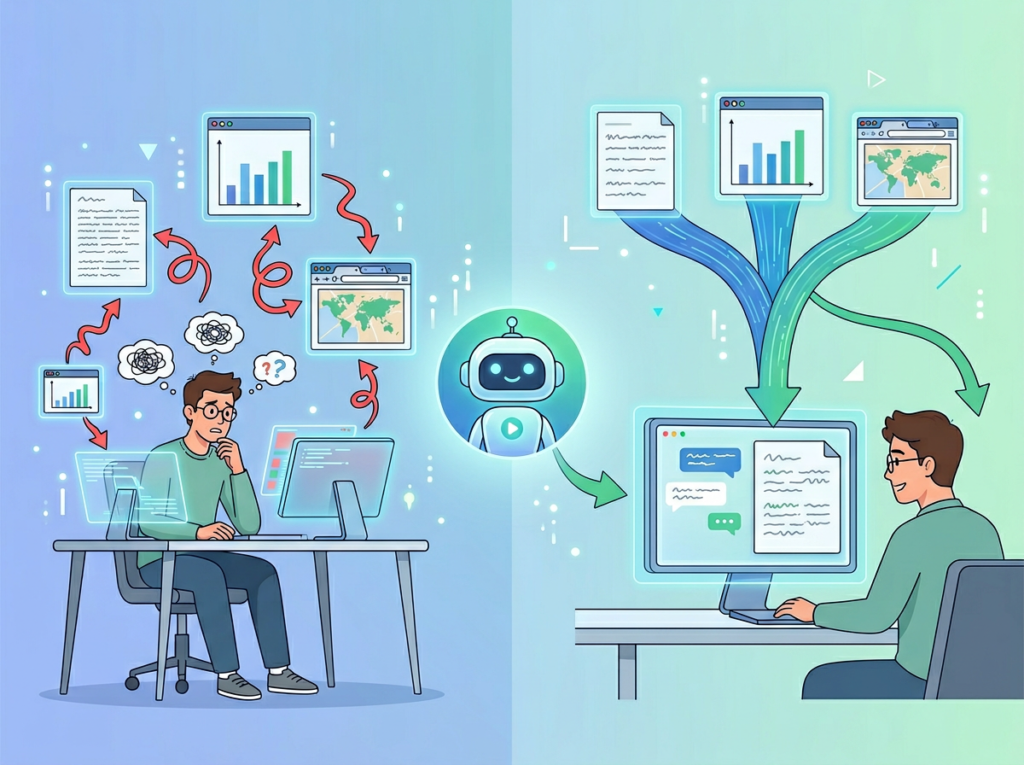
Research on workplace productivity consistently shows that it takes an average of 23 minutes to fully refocus after an interruption. For freelancers who pivot between client work, admin, business development, and research multiple times a day, this adds up fast.
Marcus is a solo management consultant in Chicago who used to break his deep work blocks to look up market data, verify statistics, and cross-reference industry reports mid-proposal. Each lookup pulled him out of flow. By the time he returned to writing, he’d lost the thread. With Perplexity as a single research interface, Marcus now batches all research queries into one dedicated 20-minute window per morning. He gets cited answers, copies the relevant data points, and doesn’t touch a search engine again until the next day. The result: five hours reclaimed weekly from eliminated context-switching overhead alone.
The lesson is that the problem isn’t the research itself — it’s the interruption pattern. An AI research tool that answers in one pass changes the entire rhythm of your workday.
Concept 3: Workflow Orchestration

The most advanced form of AI efficiency isn’t using one tool to do one task better. It’s using AI as a conductor across your existing workflow — pulling information, structuring it, and handing it off to the next step without friction.
Elena runs a bootstrapped e-commerce business in Austin selling specialty kitchen equipment. Each month she’d spend four hours manually pulling together a content calendar: researching trending search terms, analyzing competitor positioning, and drafting topic clusters. By using Perplexity to handle the research and synthesis layer — running structured queries on trends, pulling cited sources for each angle, and generating a structured brief — Elena compressed that monthly workflow from four hours to under 45 minutes. Over a year, that’s more than 40 hours reclaimed for customer experience work and product sourcing.
The orchestration principle matters because it means AI efficiency compounds. Each workflow you streamline reduces the overhead tax on every other workflow downstream.
For deeper strategies on cognitive offloading and workflow design specific to AI tools, explore Perplexity AI in detail.
How Perplexity AI Helps Efficiency
Feature 1: Real-Time Cited Search
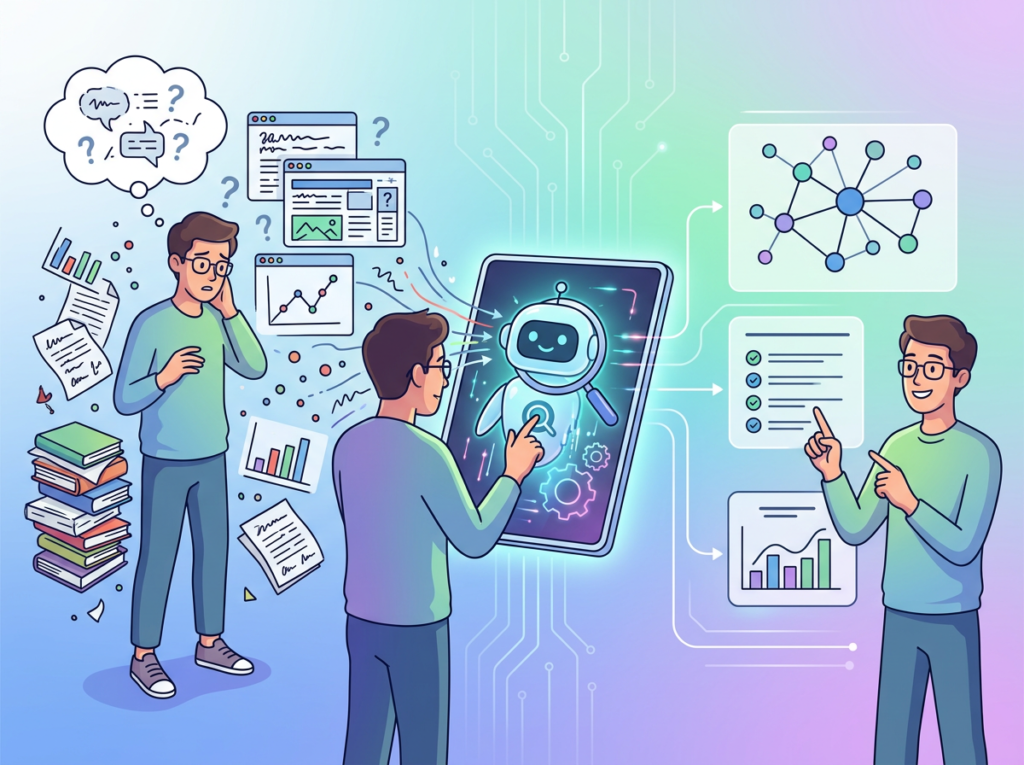
Every Perplexity answer comes with numbered source citations that you can click to verify. This is the feature that separates it most sharply from general-purpose AI chatbots that generate plausible-sounding answers with no paper trail.
For small business owners making decisions — pricing strategy, vendor selection, market sizing — the ability to instantly see where an answer came from transforms research from guesswork into defensible intelligence. The average freelancer who previously spent 30 to 45 minutes per research task verifying and cross-referencing sources can reduce that to under ten minutes with Perplexity’s cited synthesis.
Estimated annual time saved: 43 hours. At US freelance rates of $50–$150/hour, that’s $2,150 to $6,450 in recovered earning potential per year.
Feature 2: Conversational Follow-Up (Pro Search)
Perplexity’s threaded conversation feature lets you drill into any answer with follow-up questions that maintain full context. You’re not starting over with each query — you’re building a research thread that gets progressively more specific.
This changes how research actually feels. Instead of opening five new tabs when an answer raises a new question, you stay in a single window and go deeper. For client proposals, due diligence, and competitive analysis, this reduces the cognitive overhead of holding multiple information threads simultaneously.
As noted in this walkthrough of Perplexity’s core features, the conversational interface is where most users report the biggest productivity unlock after they move past simple one-shot searches.
Estimated annual time saved: 35 hours = $1,750 to $5,250.
Feature 3: Structured Output and Page Generation
Perplexity can generate structured summaries, comparison tables, and even shareable “Pages” — formatted documents built from web research that you can export or share with clients. For freelancers who regularly deliver research briefs, competitive snapshots, or trend reports, this removes an entire formatting and compilation step from the workflow.
What used to require a research phase, a synthesis phase, and a formatting phase can now compress into a single Perplexity session with a structured output prompt.
Estimated annual time saved: 75 hours = $3,750 to $11,250.
Combined ROI Estimate: At Perplexity Pro’s price point of approximately $20/month ($240/year), the combined annual time savings of 278 hours at even the conservative $50/hour rate represents a return of more than 57x on the subscription cost.
To see these capabilities in action alongside workflow examples built for freelancers and founders, see our full Perplexity AI review.
Ready to cut research time in half? Try Perplexity AI free and experience what faster, cited research actually feels like. Start Free at Perplexity AI | No credit card required
Use Cases: Small Business & Freelancer Efficiency
Persona 1: Jessica — Freelance Brand Designer, Portland, OR

Business context: Jessica runs a solo branding studio with 7 to 10 active clients at any time. Her services include brand strategy, visual identity, and copywriting for positioning. Research is central to her work — she needs competitive landscape data, brand voice benchmarks, and industry context for every engagement.
Old workflow: Jessica spent about 10 hours per week on research overhead: scanning competitor brand websites, pulling industry trend reports, and compiling notes into briefs. Important work, but almost entirely non-billable.
AI-enhanced workflow: Jessica now opens a Perplexity Space for each client engagement. Three structured queries — competitive landscape, positioning benchmarks, recent industry news — replace the manual tab spiral. Research time dropped to roughly 5 hours per week, with better source quality throughout.
Quantified results: 5 hours/week reclaimed × 50 billable weeks = 250 hours/year. At Jessica’s rate of $78/hour, that’s $19,500 in additional revenue potential that was previously buried under non-billable overhead.
In her words: “I used to build client briefs by brute force. Now I run three Perplexity queries and I have a research foundation that would have taken me half a day to compile on my own. The citations mean I can actually reference sources in client presentations — that’s been a credibility upgrade too.”
Persona 2: David — Independent Management Consultant, Chicago, IL

Business context: David works with mid-market manufacturing and logistics companies on operational efficiency engagements. Every proposal requires current market research, regulatory context, and competitive benchmarking — and David does it all solo.
Old workflow: David spent approximately 22 hours per month on research: pulling industry reports, verifying statistics, scanning regulatory updates, and cross-referencing competitor positioning. Much of this happened in fragmented 20-minute windows between client calls — exactly the context-switching pattern that drains cognitive capacity.
AI-enhanced workflow: David now uses Perplexity’s Pro Search for deep research queries, batching all research into a single 90-minute session each Monday. He uses follow-up chains to move from market overview to regulatory specifics to competitor case studies in one sitting. Cited sources feed directly into proposal footnotes, eliminating the secondary verification pass he used to run before finalizing documents.
Quantified results: 22 hours/month ? 11 hours/month = 11 hours saved/month × 12 = 132 hours/year. At David’s blended rate of $200/hour, that’s $26,400 in additional consulting capacity per year — enough to take on one additional mid-size engagement annually.
In his words: “The proposal research that used to take me three days now takes a day and a half. More importantly, I’m not losing mornings to tab spirals. Perplexity handles the retrieval; I handle the analysis and recommendations. That’s the right division of labor.”
Persona 3: Alex — Solo SaaS Developer, San Francisco, CA

Business context: Alex is building a B2B SaaS tool for operations teams. He handles product, marketing, and business development alone while contracting out design work. Market validation and competitive intelligence are constant needs.
Old workflow: Alex spent about 9 hours per week on business-side research: tracking competitor product updates, reading market commentary, pulling data for investor conversations, and researching potential integration partners. As a developer by background, he found this context-switching particularly draining.
AI-enhanced workflow: Alex uses Perplexity to maintain standing research threads on his three main competitors, the broader ops-tech market landscape, and integration partner ecosystems. Because Perplexity pulls from live web sources, his competitive intelligence stays current without manual monitoring. He runs a Monday research session, exports key findings, and uses them to inform his weekly priorities — replacing the fragmented daily Google checking habit entirely.
For advanced research methodology, this guide on effective Perplexity usage patterns covers how to structure queries for business intelligence use cases.
Quantified results: 9 hours/week ? 2.5 hours/week = 6.5 hours/week reclaimed × 52 weeks = 338 hours/year returned to product development — roughly the equivalent of 8 full work weeks.
In his words: “I was spending developer-rate hours on work that didn’t require developer-level thinking. Perplexity compressed my research workflow enough that I’ve actually shipped two features this quarter that were backlogged for six months.”
For persona-specific workflow templates and detailed implementation steps, learn more about Perplexity AI at AI Plaza.
Streamline your research workflow starting today. Join 100,000+ freelancers and entrepreneurs using AI to reclaim their week. Start Free at Perplexity AI
Best Practices for Implementing AI Efficiency
1. Start with One or Two High-Frequency Research Tasks

Identify the two research tasks you perform most often — the ones where you think “I need to look this up” at least three times per week. These are your entry points. Don’t try to rebuild your entire workflow at once. Get fast at one use case, confirm the time savings are real, then expand.
For most freelancers, the fastest wins are: pre-client-call industry briefings, competitive pricing checks, and content topic research. Perplexity’s own practical usage guidance recommends starting with searches that have a clear, verifiable answer — building trust in the tool before using it for higher-stakes business decisions.
2. Keep Humans in the Loop on Consequential Decisions

Perplexity synthesizes web sources with high accuracy, but it’s not infallible. For any research output that feeds a proposal, contract, or significant business decision, run a spot-check on the cited sources directly. This takes five minutes and catches the occasional hallucinated statistic before it reaches a client.
The goal is speed and efficiency, not blind delegation. AI handles the retrieval; you own the interpretation and the decision.
3. Consolidate Your Tool Stack Before Adding More
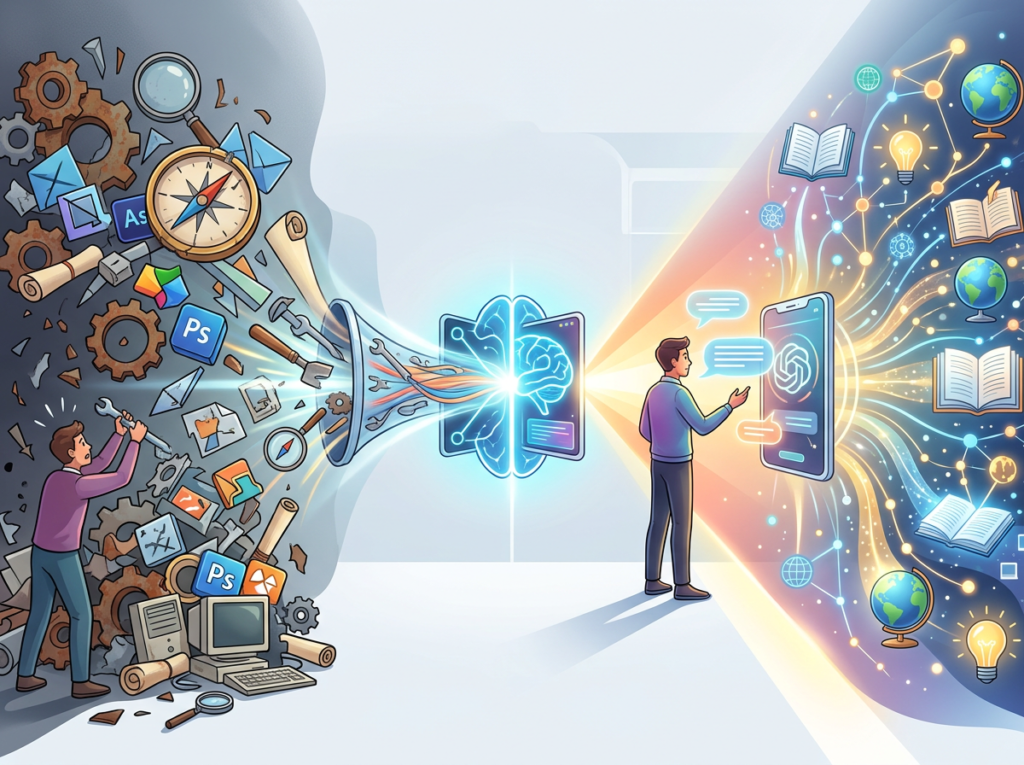
A common efficiency mistake is adding new AI tools without retiring old ones. If you’re currently paying for three separate productivity subscriptions and adding Perplexity Pro, audit whether any existing tool becomes redundant. Generic AI search behavior that Perplexity handles can often replace scattered use of general-purpose chatbots for research tasks.
Tool bloat is real: the average solo operator running four or five productivity SaaS tools at $25–$40 each hits $100–$200/month in fragmented subscriptions. Perplexity Pro at $20/month, replacing three fragmented research habits, is the kind of consolidation that pays for itself in the first week.
Join 100,000+ freelancers and entrepreneurs using AI to reclaim their week. Start Free at Perplexity AI
Limitations and Considerations
Where Perplexity AI Is NOT Ideal
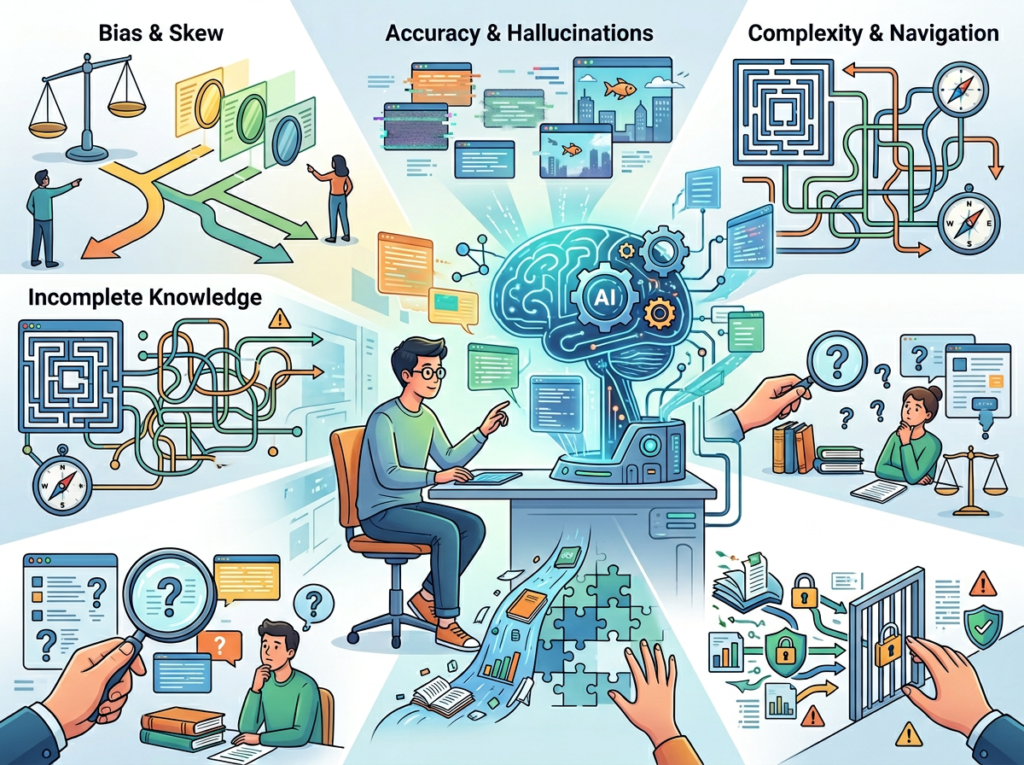
High-Stakes Brand Voice and Creative Positioning Perplexity can pull market data and summarize competitive positioning, but it cannot replicate your brand’s earned voice, your instinct for what resonates with your specific audience, or the creative judgment that separates forgettable copy from compelling storytelling. Use it for research inputs; keep the creative synthesis in your hands.
Legal, Contractual, and Compliance Work Perplexity should never be the final word on contract language, regulatory compliance, tax implications, or IP questions. The tool may surface relevant legal context accurately — but “accurate context” and “legal advice” are different things. Any high-stakes legal question should route to a licensed professional.
Sensitive Client or Customer Interactions Competitor research, market analysis, and content briefs are all appropriate Perplexity territory. Drafting a sensitive client communication about a missed deadline, a price increase conversation, or a conflict resolution message is not. Relationship management requires human judgment and emotional intelligence that current AI tools, including Perplexity, don’t reliably deliver.
Key Risks to Manage
Hallucination on Niche or Rapidly Changing Topics Perplexity’s cited sourcing reduces hallucination risk significantly compared to non-search-grounded AI, but it doesn’t eliminate it. On niche industry topics where web sources are thin, verify outputs directly.
Privacy and Confidentiality Don’t paste confidential client data, unreleased product information, or sensitive business details into Perplexity queries. Standard data hygiene applies: treat any AI interface as a non-confidential environment unless you have specific enterprise data protections in place.
Skill Atrophy Risk The most underrated risk of AI efficiency tools: if you stop performing a skill entirely because AI does it, you lose the judgment to evaluate AI outputs. Maintain enough manual research fluency to catch when Perplexity gets something wrong. Don’t fully outsource your domain expertise — augment it.
Join 100,000+ freelancers and entrepreneurs using AI to reclaim their week. Start Free at Perplexity AI
Frequently Asked Questions

What is AI efficiency for small business?
AI efficiency for small business means using AI tools to handle repetitive, time-consuming tasks — especially research, summarization, drafting, and data synthesis — so that founders and freelancers can focus cognitive energy on higher-value work. It’s not about replacing human judgment; it’s about reducing the overhead tax that prevents skilled operators from spending time where they’re most effective.
What’s the best AI research tool for small business in 2026?
Perplexity AI is the leading option for real-time, cited research synthesis — particularly for business intelligence, competitive analysis, and market research tasks. Its differentiation from general AI chatbots is the live web sourcing with citations, which makes outputs verifiable and reliable enough for business decision-making. For tasks requiring longer-form content generation or document creation, complementary tools may be warranted.
Do I need technical skills to use Perplexity AI for business?
No. Perplexity is designed around natural language queries — you ask questions the same way you’d ask a knowledgeable colleague. The learning curve is primarily about query framing: being specific about the scope, asking for comparisons or summaries explicitly, and using follow-up questions to go deeper. Most users reach productive workflows within a few days of regular use.
Conclusion

If there’s one thing this review makes clear, it’s that Perplexity AI isn’t a productivity gimmick — it’s a direct intervention in the research overhead that quietly consumes a freelancer or founder’s most valuable hours.
The ai research tool for small business category is crowded with tools that promise efficiency and deliver complexity. Perplexity’s differentiation is its simplicity of core value: you ask a business question, you get a cited, synthesized answer, and you keep working. No prompt engineering required. No hallucinated statistics you can’t trace. No ten-tab research spiral.
For US-based freelancers and founders billing $50 to $150 per hour, the ROI math is straightforward. The combined annual time savings across Perplexity’s core features — cited search, conversational follow-up, Spaces, and structured output — adds up to 200-plus hours for consistent users. At the conservative end of US freelance rates, that’s a return of 40x to 100x on a $240/year Pro subscription.
The adoption approach that works is incremental: pick your highest-frequency research task this week, run it through Perplexity for five days, and measure the actual time difference. The gains will show you where to expand next.
AI efficiency isn’t about working less. It’s about ensuring the hours you work are actually the ones where your specific judgment, creativity, and relationships create value. Research retrieval isn’t that. Hand it off.
The question isn’t “Should I use AI for business research?” — it’s “Can I afford NOT to?”
Join 100,000+ freelancers and entrepreneurs using AI to reclaim their week. Start Free at Perplexity AI
Leave a Reply