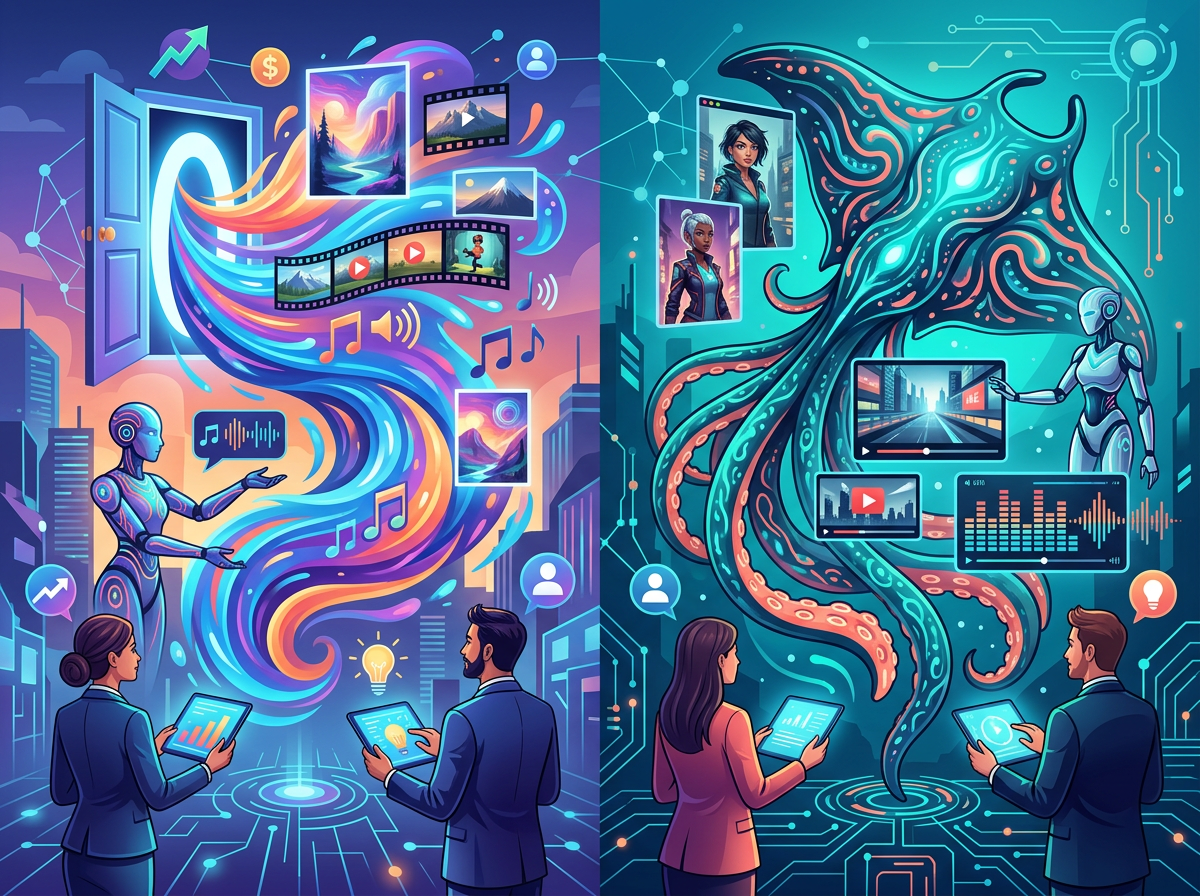
OpenArt and SeaArt.ai are both capable AI art platforms — but choosing the wrong one wastes credits, time, and creative momentum on features you’ll never use.
OpenArt is the stronger choice if you’re a small business owner, marketer, or content creator who needs a structured, workflow-friendly platform with consistent character generation, a guided studio experience, and clean integration into a professional content pipeline. It rewards users who want predictable outputs for brand visuals, marketing assets, and product mockups.
SeaArt.ai pulls ahead when you’re a hobbyist, indie creator, or someone who wants maximum stylistic range, community-driven model variety, and advanced customization tools like ComfyUI workflows or custom LoRA training — especially if you’re comfortable with a more complex, exploratory interface.
Neither is ideal if: you need strictly commercial-safe, copyright-cleared output at scale; you require dedicated enterprise support with SLAs; or your use case involves highly regulated visual content (medical, legal, or compliance-sensitive imagery).
Your real decision comes down to this: Are you building a repeatable business content workflow, or exploring creative range? OpenArt is built for the former. SeaArt.ai is built for the latter. Both tools require human creative judgment — neither replaces it.
Why This Comparison Matters in 2026
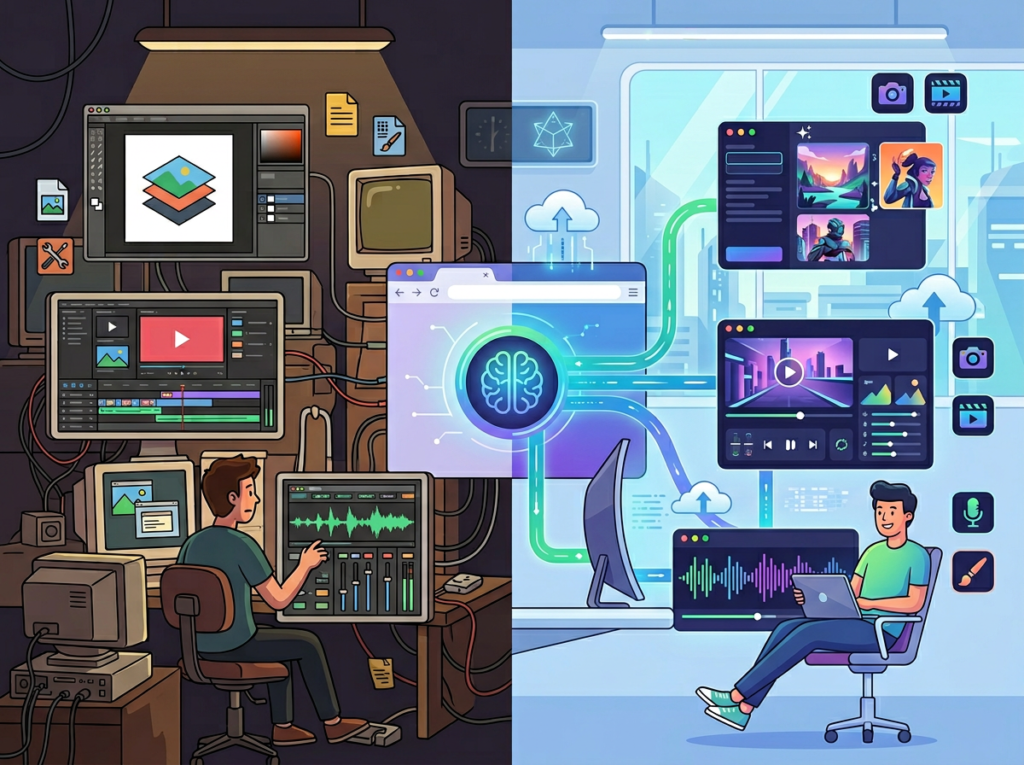
In 2026, there are over 80 AI image generation platforms competing for your subscription budget. Most “OpenArt vs SeaArt.ai” comparisons online stop at feature checklists — they tell you both support text-to-image and both have free tiers, and then leave you no closer to a decision.
The openart vs seaart ai question isn’t really about which tool generates prettier images. It’s about which one fits your actual workflow, your technical comfort level, and what you’re trying to accomplish for your business or creative practice.
Most comparison articles miss the three factors that actually determine whether a tool works for you: credit cost predictability, workflow integration, and output consistency over time. You don’t just need one good image — you need a repeatable process for generating assets that serve a business purpose.
For US small businesses, freelancers, and solo creators, this matters even more. You’re not a design studio with a dedicated team. You’re one person (or a small team of two or three) trying to produce professional-quality visuals without spending $80–$150/hour on a graphic designer. The right AI art tool can reduce that cost dramatically — but only if you pick the one that matches how you actually work.
The best ai art generator 2026 debate is really about context: a Shopify store owner building product visuals has completely different needs than an indie author creating book cover concepts. This comparison uses real business scenarios to help you figure out which side of that divide you’re on — and which tool gets you there faster.
For advanced automation strategies that integrate AI visual tools into end-to-end content systems, explore our AI workflow guides built for small business operators.
Who This Comparison Is Best For
This guide is built around real business situations, not job titles. Here are four scenarios that represent the typical reader trying to decide between these two platforms.
Situation 1: The Solo E-Commerce Operator
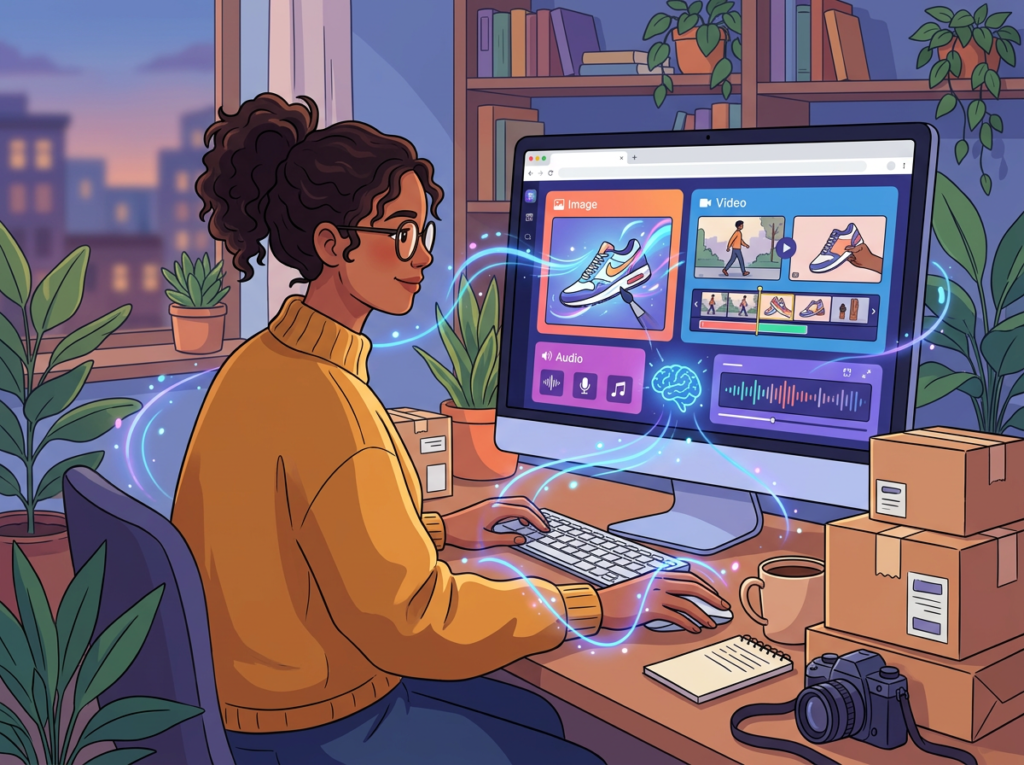
You run a small Shopify or Etsy store — maybe handmade goods, print-on-demand, or digital products. You need product lifestyle images, social media graphics, and campaign visuals without paying a freelance photographer or designer every time you launch something new.
Your pain: producing 10–15 polished visuals per product launch is consuming 6–8 hours you don’t have, or costing $300–600 per project to outsource. An AI art platform could compress that to under two hours — if you pick one that handles brand consistency reliably.
Common mistake: choosing a tool based on output samples in ads, then discovering it can’t maintain consistent product appearance across variations.
Situation 2: The Freelance Content Creator or Social Media Manager
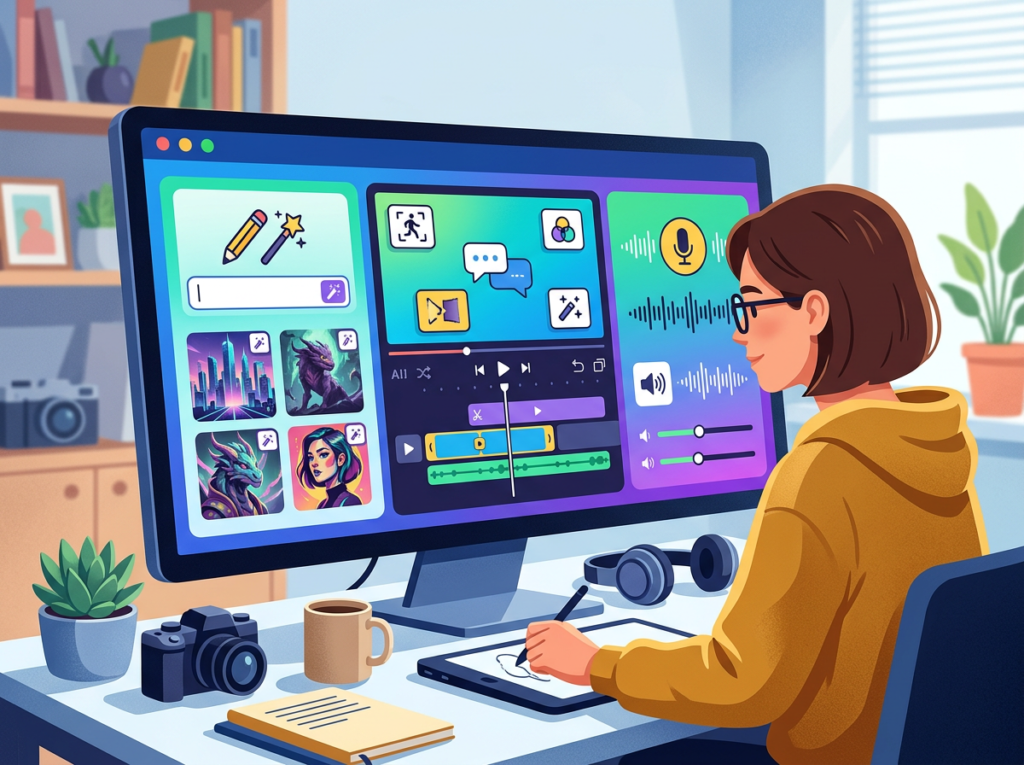
You manage visual content for two to five clients. You need fast turnaround on social graphics, thumbnails, ad creatives, and occasional hero images — across different brand identities.
Your pain: switching between clients means switching brand styles constantly. You need a tool that’s fast, not one that requires re-learning workflows every session. Budget is tight; you’re paying out of pocket until client retainers justify it.
Common mistake: underestimating how much time “free” tools cost in re-generation loops and low-quality outputs.
Situation 3: The Indie Author or Digital Storyteller
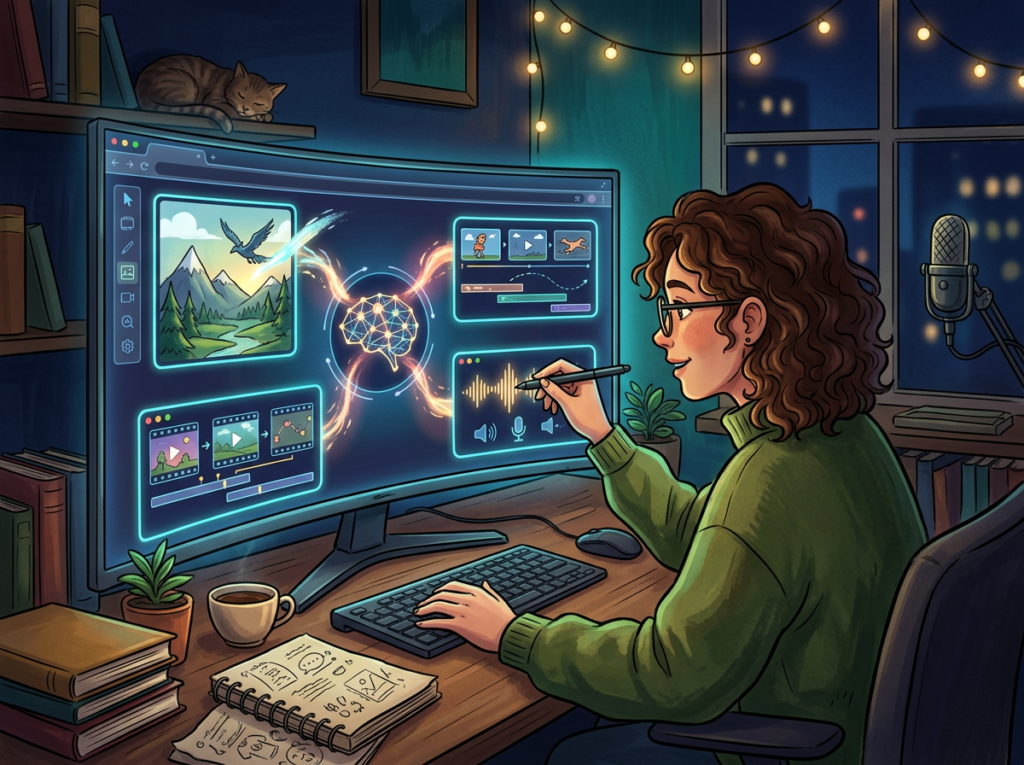
You’re writing a novel series, building a webcomic, or developing a character-driven creative project. You need consistent visual representations of characters, settings, and scenes across dozens of images — sometimes hundreds over the life of a project.
Your pain: AI tools that generate beautiful one-off images but can’t reproduce “your” character’s face or style reliably two weeks later. Inconsistency breaks immersion and costs re-generation time you’re not billing anywhere.
Common mistake: treating AI art platforms as interchangeable when character consistency varies dramatically between them.
Why Each AI Fits Different Needs
OpenArt: Strengths and Best-Fit Scenarios
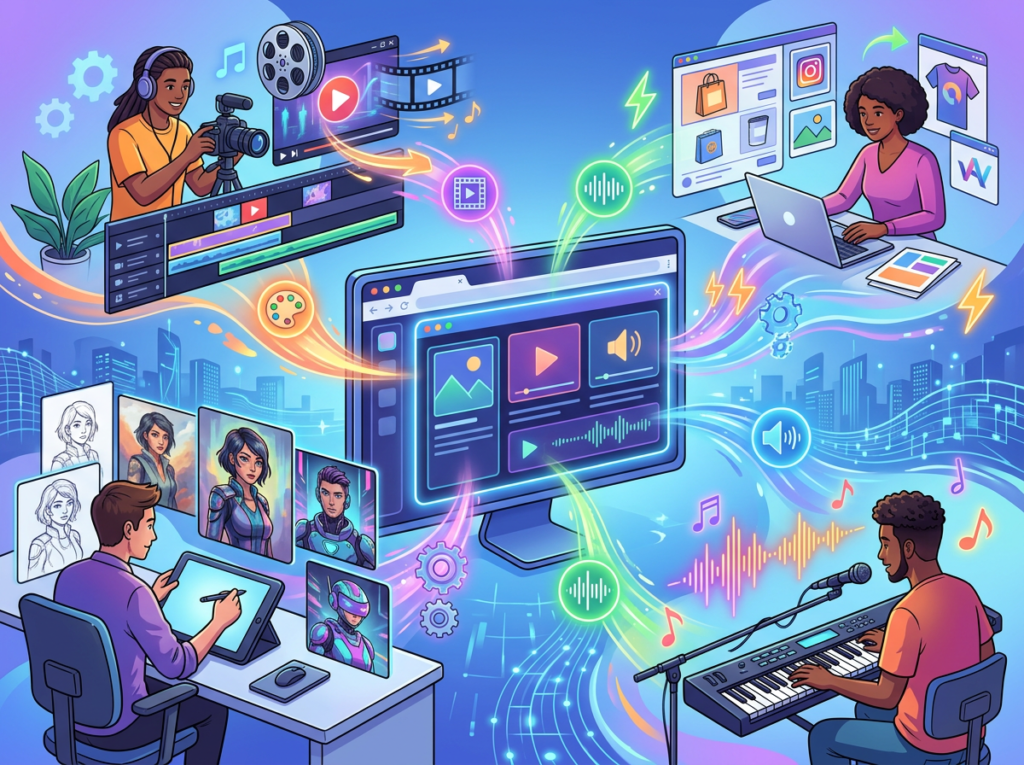
OpenArt’s core strength is its studio-like experience built for workflow efficiency. You can explore OpenArt in detail to see the full range of tools, but the standout for business users is the platform’s structured approach to image creation — guided workflows, model selection menus, and a consistent interface that doesn’t require technical knowledge to navigate.
Workflow and Speed
OpenArt averages 2–3 seconds per image generation, which is competitive with the fastest tools in the market. For a content creator or marketer generating 30–50 assets per session, that speed compounds into real hourly time savings. The platform’s batch generation feature lets you produce multiple variations from a single prompt — useful for A/B testing ad creatives or exploring product mockup directions before committing.
Consistent Character Generation
This is where OpenArt earns its advantage over many competitors for business use. The platform’s character training system lets you upload reference images and build a consistent visual identity that persists across multiple generations. For e-commerce sellers who need a product to look the same across 12 different lifestyle shots, or for storytellers who need a protagonist to remain visually coherent across a chapter’s worth of scenes, this feature is not optional — it’s essential.
Model Range and Editing Tools
OpenArt aggregates 100+ models including Stable Diffusion variants, DALL-E 3, Flux, Imagen, and proprietary fine-tuned options. Editing tools — inpainting, background removal, object removal, upscaling to 2K/4K — are available in-browser without switching platforms. This “one tab” workflow reduces friction significantly for solo operators. If you want a deep dive into how these features compare to the broader market, see our full OpenArt review.
For advanced automation strategies that integrate AI visual tools into end-to-end content systems, explore our AI workflow guides built for small business operators.
SeaArt.ai: Strengths and Best-Fit Scenarios
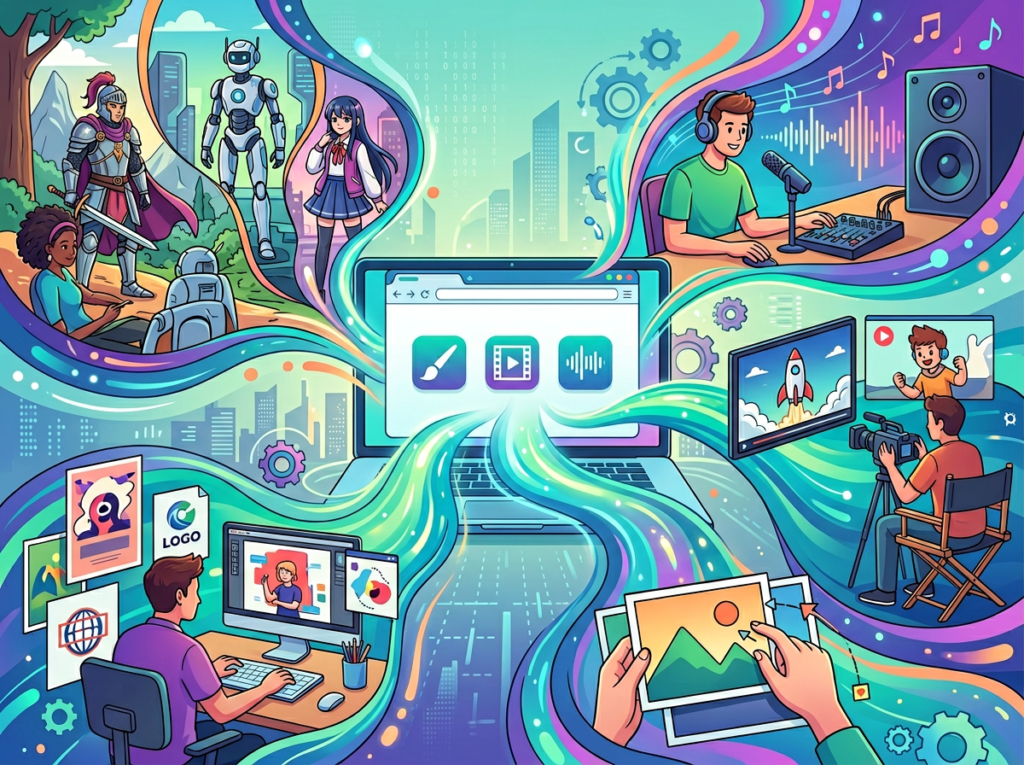
SeaArt.ai positions itself differently — it’s a feature-dense, community-driven platform built for creative exploration and technical depth. You can see our full SeaArt.ai review for a complete breakdown, but the key distinction is that SeaArt rewards users who are willing to invest time learning its capabilities.
Model and Style Variety
SeaArt.ai’s library draws heavily from the Stable Diffusion community, with thousands of community-contributed LoRA models, styles, and checkpoints. If you’re after a very specific aesthetic — cyberpunk anime, baroque oil painting, hyper-realistic portrait, retro pixel art — the probability that SeaArt’s community library has a model tuned exactly to that style is high. This makes it especially powerful for projects that demand stylistic precision.
Community and Stamina System
SeaArt uses a “Stamina” currency system with daily free regeneration and paid top-ups starting at $7/month. The community’s open gallery — where users share and remix creations — is both a strength and a consideration: it’s a rich source of inspiration and model discovery, but the open nature of the platform (including some documented NSFW content issues) means it’s not appropriate for all workplace contexts.
As noted in this SeaArt analysis from Cybernews, the platform’s ethical considerations and NSFW policies deserve attention before deploying it in professional or team settings.
Real-World Business Result: Advanced creators using SeaArt’s ComfyUI workflows and community LoRA models can achieve highly specific stylistic outputs that would require expensive custom commissions elsewhere. For indie authors or game developers who need 40–60 character illustrations in a defined style, SeaArt’s depth can dramatically reduce per-asset cost.
Who Should Choose Another AI Entirely
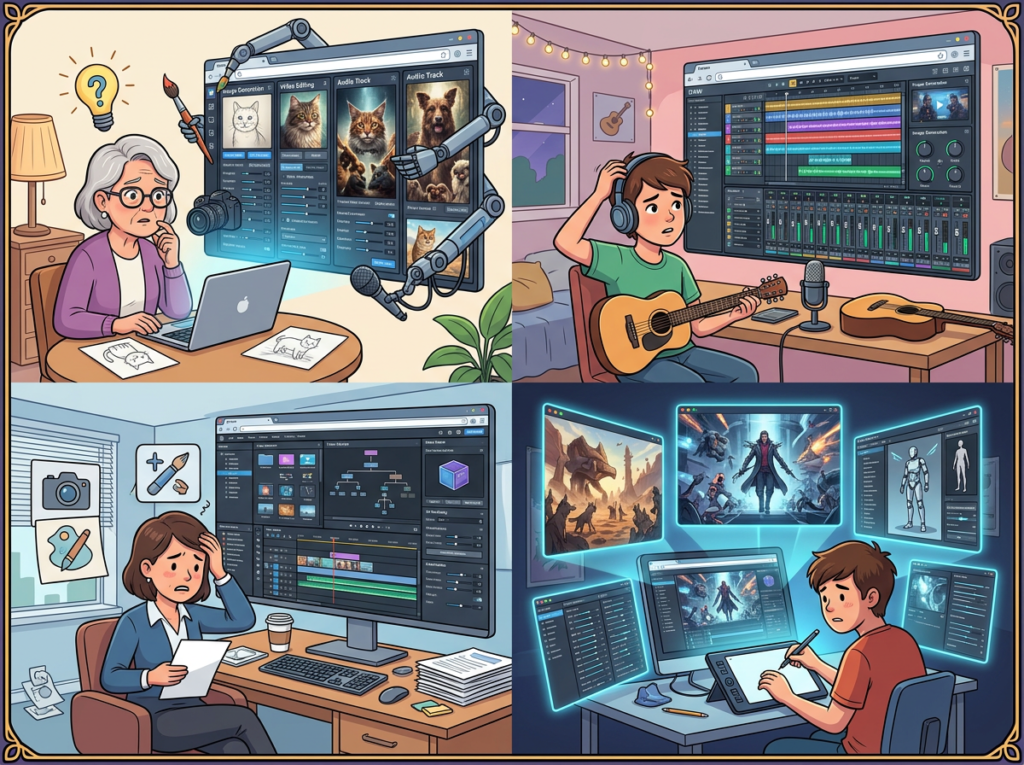
Be clear-eyed: there are situations where neither OpenArt nor SeaArt.ai is the right tool. A broader side-by-side capability comparison is available in this platform overview, but the scenarios below focus specifically on business fit.
Need 1: Fully Licensed, Commercially Indemnified Stock Images
Both platforms generate AI art that exists in a legal gray zone regarding commercial use rights. Neither offers the kind of formal indemnification against copyright claims that services like Getty Images provide.
If your business operates in a regulated industry where image licensing documentation matters for compliance — legal, pharmaceutical, finance — use a traditional licensed stock service or work with a professional designer who can certify asset ownership.
Need 2: Precise Product Photography Replacement
AI art generators can create impressive lifestyle scenes, but they consistently struggle with exact product fidelity. If you need an image where a specific physical product — your actual SKU with your real label, exact colorway, precise dimensions — appears accurately in a lifestyle shot, neither tool delivers this reliably.
Better alternative: dedicated AI product photography tools (like dedicated e-commerce photography AI platforms), or traditional product photography with light AI enhancement.
Need 3: High-Volume, Automated Visual Pipelines
If your workflow requires generating 500+ images per day through an automated API pipeline — for a media business, large-scale ad creative testing, or bulk catalog generation — both platforms’ credit systems become cost-prohibitive and latency-heavy compared to direct API access to underlying models.
Better alternative: Direct API access to Stability AI, Replicate, or AWS Bedrock for high-volume programmatic generation.
For advanced automation strategies that integrate AI visual tools into end-to-end content systems, explore our AI workflow guides built for small business operators.
Use Cases by Business Goal
Productivity: Reducing Visual Production Time for Content Operations
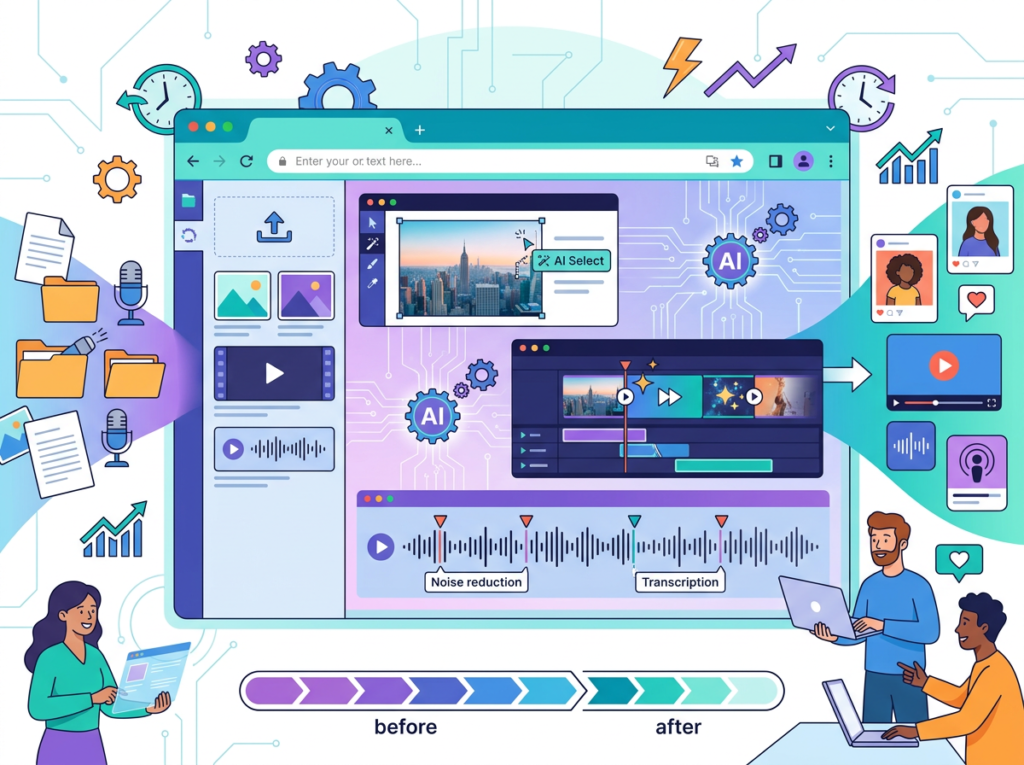
Use Case: A freelance social media manager needs 25–30 unique graphics per client per month across three clients — 75–90 images monthly — without a design team.
The Manual Process: Sourcing stock images ($40–60/month per subscription), editing in Canva (8–12 hours/month), and still producing visuals that look generic and on-trend only by accident.
OpenArt Approach:
- Use batch generation to produce 8–10 variations from one prompt per session
- Save brand-specific style preferences per client using character/style training
- Edit directly in-browser (background swap, object removal) without switching tools
- Time to value: 3–4 hours initial setup per client, then 2–3 hours/month ongoing
- Limitation: Credit usage for advanced editing tools adds up faster than basic generation
SeaArt.ai Approach:
- Access community LoRA models to match specific brand aesthetics precisely
- Use ComfyUI workflows for complex multi-step creative treatments
- Time to value: Longer — expect 8–12 hours initial learning investment
- Limitation: Interface complexity makes quick turnarounds harder for non-technical users
Decision Criteria:
- Choose OpenArt if your priority is fast, repeatable output with minimal setup
- Choose SeaArt.ai if you have time to invest in customization that pays off over a long engagement
For more strategies on eliminating repetitive production work, discover AI efficiency strategies that apply across your full content workflow.
Systemization & Workflows: Building a Scalable Visual Content System
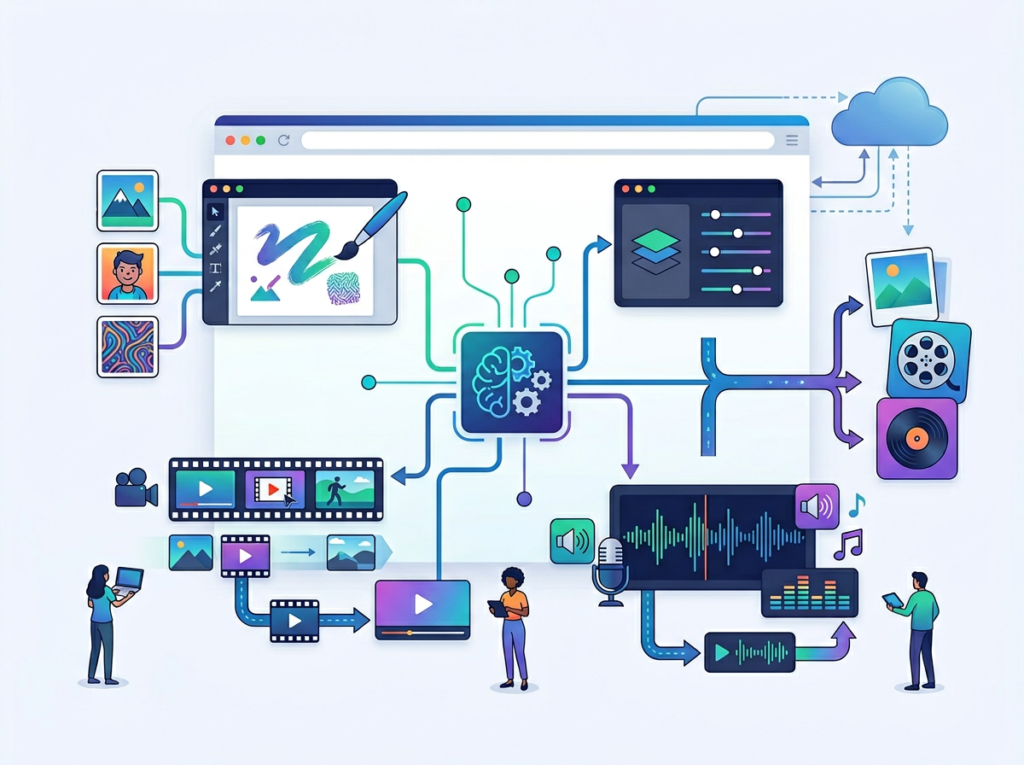
Use Case: A small marketing agency (3–5 people) wants to build a repeatable AI visual workflow that any team member can operate — not just the one person who understands the tools.
The Manual Process: Each designer uses different tools, settings, and workflows. Output quality varies by person. Training new team members takes weeks. No standardized process exists.
OpenArt Approach:
- Standardize on OpenArt’s guided workflow interface — lower learning curve for new team members
- Build shared style presets and saved model configurations
- Use consistent character models for recurring client brand elements
- Long-term stability: High — the platform’s workflow structure reduces person-dependency
- Limitation: Less flexibility for edge-case creative requests that fall outside standard workflows
SeaArt.ai Approach:
- ComfyUI workflows can be shared and replicated across team members — powerful for technically skilled teams
- Custom LoRA training produces highly specific, repeatable style outputs
- Long-term stability: High for teams who invest in workflow development; rocky during ramp-up
- Limitation: Significant upfront investment to build and document workflows; not suitable for teams without technical depth
Decision Criteria:
- Choose OpenArt if you need a system any team member can operate within a week
- Choose SeaArt.ai if your team has technical capacity and needs maximum stylistic precision — you can learn more about SeaArt.ai including its ComfyUI workflow documentation
As noted in this practical OpenArt review, the platform’s “studio feel” is particularly well-suited to teams building standardized creative pipelines. For comprehensive workflow systemization guidance, explore Solo DX workflows designed for small teams building scalable operations.
Side-by-Side Comparison Table
| Comparison Axis | OpenArt | SeaArt.ai |
|---|---|---|
| Ease of Use | Guided, studio-style UI; accessible to non-technical users | Feature-dense; steeper learning curve; rewards technical familiarity |
| Best For | Business content workflows, brand consistency, marketing assets | Creative exploration, stylistic depth, advanced customization |
| Speed to First Output | 2–3 seconds average; fast parallel generation | Competitive speed; varies by model and ComfyUI workflow complexity |
| Output Consistency | Strong; character/style training produces reliable repeatability | Variable; depends heavily on model selection and user expertise |
| Model Selection | 100+ curated models (Stable Diffusion, DALL-E 3, Flux, Imagen) | Thousands of community LoRA models and checkpoints |
| Custom Model Training | Yes; character training via reference image upload | Yes; full LoRA training with deeper SD-ecosystem integration |
| Editing Tools | Inpainting, background removal, upscaling (2K/4K) in-browser | Inpainting, upscaling, face swap, ComfyUI workflow editing |
| Video Generation | Yes; one-click story/social video workflows | Yes; text-to-video and image-to-video generation |
| Community Features | Discord community; shared gallery | Open gallery; Cyberpub AI character chatbot; active community |
| NSFW Content | More controlled; professional-oriented filters | Open NSFW ecosystem with documented moderation concerns |
| Pricing Start | Free tier (40 trial credits); Essential at $14/month | Free daily Stamina; paid plans from $7/month |
| API Access | Yes; developer API available | Limited by comparison |
| Best Use Cases | E-commerce visuals, ad creatives, branded social content, consistent character | Indie creative projects, stylized art, game concept art, technical workflows |
| Main Limitation | Less stylistic depth than community-model platforms | Workplace appropriateness concerns; complexity barrier for beginners |
After-Table: Why Your Business Stage Determines the Right Choice
Early-Stage / Testing (0–6 months building a content workflow): OpenArt is typically the better starting point. The guided interface means you’re producing usable assets in the first session, not spending the first week learning settings. At this stage, your goal is finding out whether AI visual generation works for your specific business — not optimizing the perfect custom workflow.
Growth / Scaling (6–18 months, established content needs): If your visual content needs are well-defined and you need stylistic precision — a very specific look for your brand that off-the-shelf OpenArt models don’t quite capture — SeaArt.ai’s community model depth starts paying off. The learning investment now makes sense because you’re applying it to a stable, recurring workflow.
Established / Optimizing (18+ months): Consider using both strategically. OpenArt for fast-turnaround, brand-consistent assets. SeaArt.ai for campaign concepting and stylistically ambitious projects. This adds $15–21/month in combined costs — justified only if both platforms are actively generating business value.
Cost Reality Check (US Market): Both platforms start at $7–14/month. For a small business generating 50 assets per month, the per-asset cost is $0.14–0.28 — compared to $2–5 per licensed stock image, or $15–30 per custom freelance illustration. The ROI math is straightforward if you’re using the tool consistently.
How to Choose the Right AI for Your Business

Checkpoint 1: What’s Your Primary Output?
Ask yourself: “Am I primarily producing brand-consistent marketing assets, or am I exploring creative range?”
- If consistent, repeatable business visuals: OpenArt’s character training and guided workflows are purpose-built for this. Learn more about OpenArt to evaluate its workflow fit for your specific use case.
- If stylistically varied creative content: SeaArt.ai’s community model library gives you more range. Learn more about SeaArt.ai to assess whether its technical depth matches your capabilities.
Checkpoint 2: What’s Your Technical Comfort Level?
Both tools work without coding knowledge, but the ceiling looks very different.
- Non-technical user: OpenArt’s interface is more intuitive. You’ll be generating usable assets without reading documentation.
- Technically comfortable creator: SeaArt.ai’s ComfyUI workflows and LoRA training offer significantly more control — but require time investment to learn.
Reality check: “The most powerful tool is worthless if your team won’t use it.”
Checkpoint 3: Does Workplace Appropriateness Matter?
SeaArt.ai’s open community model and documented NSFW content issues mean it’s not universally appropriate for workplace environments, shared team accounts, or client-facing workflows. OpenArt’s more controlled content environment is the safer default for professional use.
Checkpoint 4: Budget and Volume
Both platforms offer free tiers useful for evaluation. For consistent business use, budget $14–20/month. At 2 hours/week recovered production time at $50/hour, either tool pays for itself in the first week of consistent use.
Common Mistakes to Avoid:
Mistake 1: Choosing based on sample outputs, not workflow fit. Beautiful sample images in an ad mean nothing if the tool doesn’t handle your specific use case reliably. Test both with YOUR actual use case for one week before committing.
Mistake 2: Treating AI art as “fire and forget.” Every AI-generated asset should have human review before going live — for brand consistency, quality, and appropriate content. Neither platform eliminates creative judgment.
Mistake 3: Ignoring the learning curve ROI. If SeaArt.ai’s advanced features require 15 hours to learn, but your use case only saves 3 hours/month, the math never works out. Match tool complexity to actual output volume.
For advanced automation strategies that integrate AI visual tools into end-to-end content systems, explore our AI workflow guides built for small business operators.
Frequently Asked Questions

Q1: Is OpenArt better than SeaArt.ai for small business marketing?
For most small business marketing workflows, OpenArt is the stronger starting point. Its guided interface, consistent character training, and 100+ curated models are designed for professional output without requiring technical depth. SeaArt.ai has a higher ceiling for stylistically specific outputs, but the learning investment is harder to justify unless your content needs are complex and ongoing. For standard marketing assets — social graphics, ad creatives, email visuals — OpenArt delivers usable results faster.
Q2: Can I use AI-generated images commercially?
Both platforms permit commercial use under their paid plans, but neither provides the legal indemnification that traditional licensed stock services offer. Review each platform’s Terms of Service carefully, particularly regarding model-generated content and training data provenance. For high-stakes commercial applications (national ad campaigns, major brand work), consult legal counsel before deploying AI-generated visuals.
Q3: How much time can AI art generation actually save?
For small business owners and freelancers producing regular visual content, expect 50–70% reduction in asset production time compared to traditional stock sourcing and Canva editing workflows. A task that previously required 6 hours (sourcing, editing, resizing) might take 1.5–2 hours with AI generation and light editing. The caveat: this assumes you’re generating content that genuinely fits AI art’s strengths. Exact product photography and precise typography-heavy design still require traditional tools.
For advanced automation strategies that integrate AI visual tools into end-to-end content systems, explore our AI workflow guides built for small business operators.
Leave a Reply