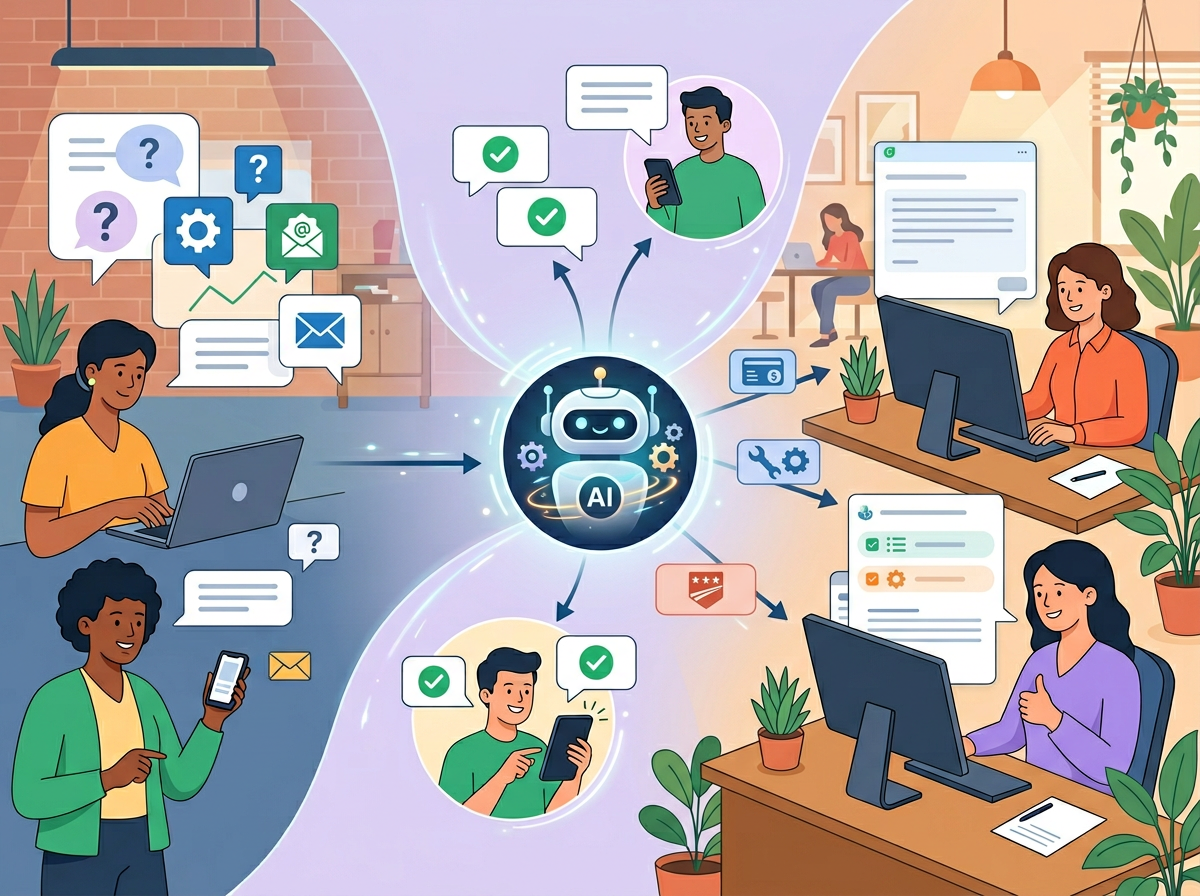
The best ai customer support tools don’t just answer tickets faster — they give small business owners their time back so they can actually run their business.
In 2026, American small business owners face an impossible math problem. Customers expect responses in under an hour. Tickets pile up faster than any one person can clear them. And every minute spent triaging a support queue is a minute not spent on the work that actually grows your business.
Picture this: It’s 9 AM on a Tuesday. You open your helpdesk to find 47 new tickets from overnight. Twelve are asking about shipping timelines. Eight want to know your return policy. Eleven are password resets. You could answer every single one manually — or you could have already answered most of them before finishing your first cup of coffee.
That’s the promise of ai customer support tools in 2026, and Freshdesk AI makes it concrete.
For US-based small business owners handling support solo or with a team of two or three, the stakes are real. If you’re billing $75 per hour for your actual expertise, every hour copying and pasting policy replies is $75 lost. This article gives you four specific workflows to implement with Freshdesk AI this week — each designed to reclaim 2 to 6 hours without sacrificing quality. We’ll also be honest about where automation falls short, because knowing what NOT to hand off to AI is just as important as knowing what to automate.
Freshdesk AI, powered by Freddy AI, offers tiered automation built directly into your helpdesk — no separate integration required. For a solo operator or small support team, that zero-friction setup is often the difference between actually adopting AI and abandoning it after day three.
Try Freshdesk AI free and experience the difference intelligent automation makes in your daily workflow. Start Free at Freshworks | No credit card required
Key Concepts of AI Efficiency in Customer Support
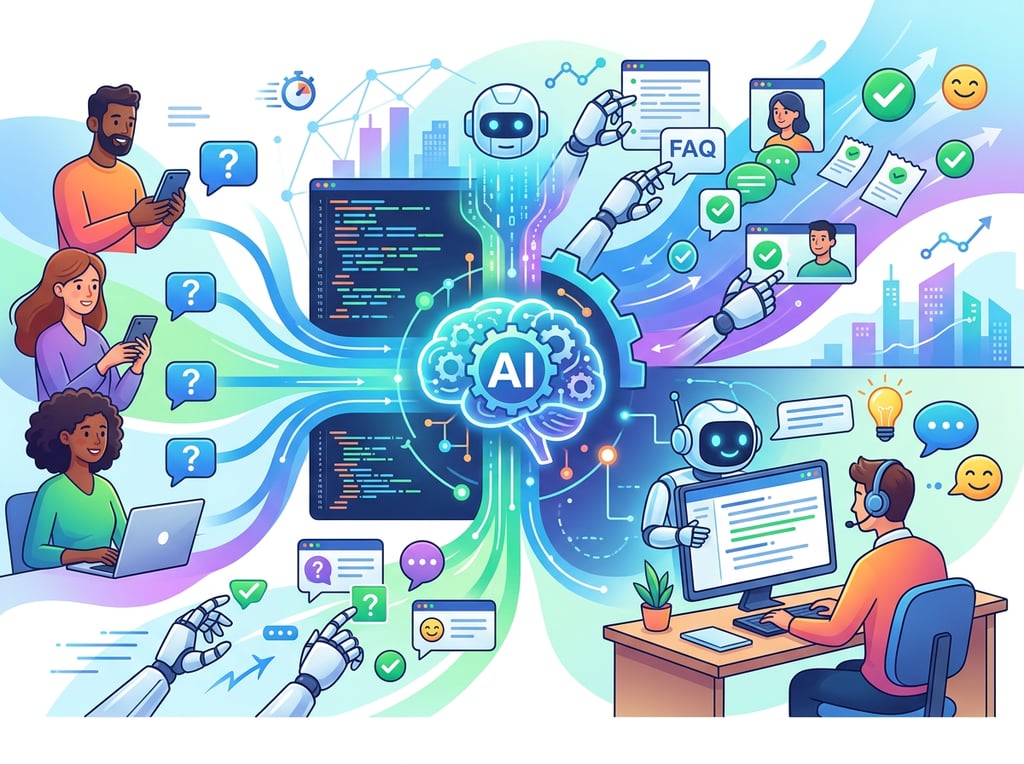
Concept 1: Cognitive Offloading — Stop Holding Everything in Your Head
Cognitive offloading is the practice of transferring mental work to a system outside your brain so you can operate faster and with less fatigue. In a support context, this means not having to remember your return policy, locate the right canned response, or recall what a customer said in a ticket three weeks ago every time a similar issue surfaces.
Consider Sarah, a freelance e-commerce consultant in Seattle who manages support for three clients. Before adopting AI customer support tools, she was mentally tracking the status of 30 to 40 open tickets at once — which customers were waiting on refunds, which had shipping exceptions, which needed escalation. The mental overhead alone cost her an estimated 2.5 hours daily in context-switching, re-reading old threads, and re-locating answers she’d already given before.
After setting up AI-powered auto-triage and knowledge base suggestions, Sarah offloaded that tracking entirely. Tickets are categorized automatically. Common answers surface instantly. Her brain is no longer the database — it’s the decision-maker.
For a deeper look at how cognitive offloading works in practice, explore Freshdesk AI in detail.
Concept 2: Context Switching Cost — The Hidden Tax on Your Day
Research consistently shows it takes an average of 23 minutes to fully regain focus after an interruption. For support teams juggling multiple channels — email, chat, social, phone — context switching is constant and devastating.
Marcus, an independent IT consultant in Chicago, was managing client support across email and a shared inbox. Every time he toggled between a support ticket and billable project work, he paid the 23-minute tax. Over a 5-day week, he estimated he was losing 5 hours of deep work to context switching alone.
The fix wasn’t working faster — it was reducing interruptions. By using Freshdesk AI’s auto-triage to route and categorize tickets without human intervention, Marcus cut the number of times he touched the helpdesk from 40+ daily check-ins to 8 scheduled review sessions. Same ticket volume. A fraction of the cognitive cost.
This is why ai helpdesk software that consolidates and intelligently routes inquiries isn’t a luxury for small teams — it’s a productivity multiplier.
Concept 3: Workflow Orchestration — AI as Conductor, Not Just Performer
Most small businesses think about AI as a tool that performs individual tasks: write a reply, answer a question, summarize a thread. That’s valuable. But the real efficiency gain comes when AI orchestrates your entire support workflow.
Think of it this way: A single musician can play beautifully. But an orchestra conductor ensures that every instrument enters at the right moment, plays at the right tempo, and contributes to the whole. AI workflow orchestration works the same way — it connects auto-triage, bot deflection, agent assist, and analytics into a single coherent system.
Elena, an e-commerce store owner in Austin, had a support workflow with five manual handoffs: ticket arrives, someone reads and categorizes it, assigns it, agent writes a draft, manager reviews, agent sends. By using Freshdesk AI to automate the first three steps and draft routine responses, Elena’s team cut those five handoffs to two. The result: 4 fewer hours of management overhead per month, and a support queue her two-person team could actually stay on top of.
How Freshdesk AI Helps Efficiency
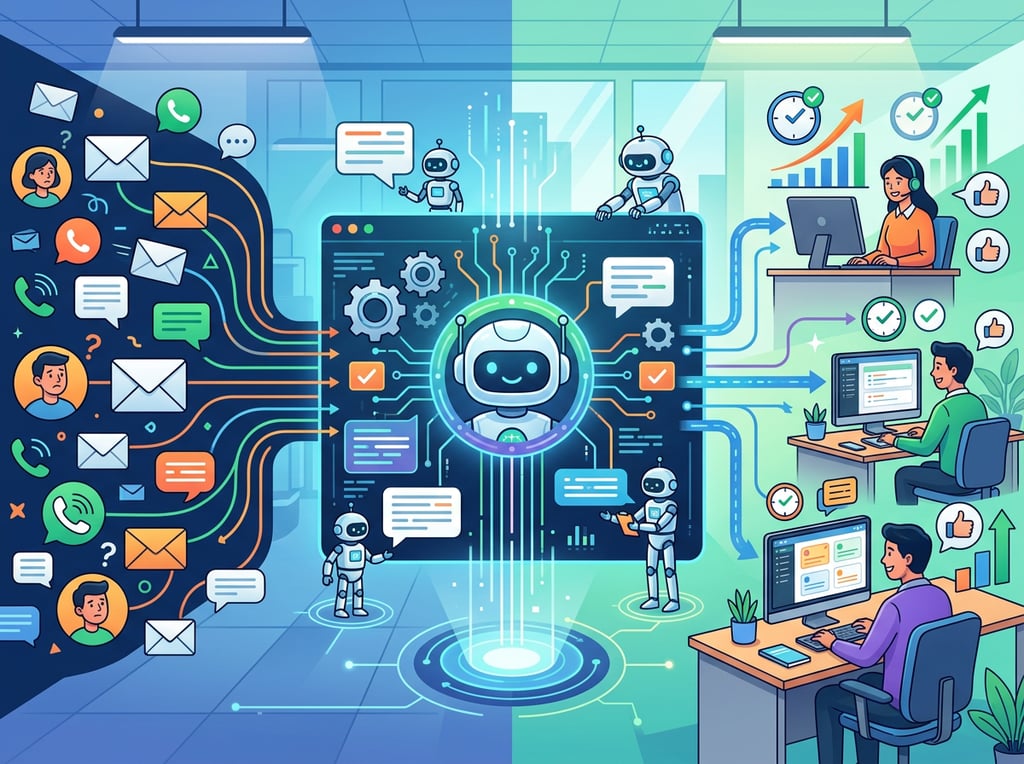
Feature 1: Freddy Self Service — AI Chatbot and Email Bot Deflection
Freddy Self Service encompasses the AI chatbot for live channels and an email AI agent that reads and responds to incoming messages. For small businesses where 40 to 60% of incoming tickets are routine questions (order status, password resets, return windows, business hours), this single feature can deflect a majority of your daily ticket volume before a human agent ever sees it.
Annual time saved estimate: For a small business handling 40 support tickets per day, a 50% deflection rate eliminates 20 tickets daily. At 3 minutes per ticket, that’s 60 minutes saved per day, or approximately 250 hours per year.
ROI in USD: At $25/hour for a support team member, that’s $6,250 in recovered capacity annually — just from bot deflection.
Feature 2: Auto-Triage — Intelligent Ticket Routing Without Manual Sorting
Auto-triage uses Freddy AI to read incoming tickets, identify intent, assign priority, and route to the appropriate agent or team — all without a human touching the ticket. For teams that previously started every morning manually sorting the inbox, this is often the most immediately impactful feature.
Annual time saved estimate: For a solo operator spending 45 minutes per day on manual triage, automating this step saves approximately 180 hours per year.
ROI in USD: At a $50/hour operator rate, that’s $9,000 in recovered time annually.
Feature 3: Freddy AI Copilot — Real-Time Agent Assistance
Freddy AI Copilot acts as a sidekick for your human agents. It can summarize long customer threads in seconds, suggest responses based on similar past tickets, and help agents rewrite replies to match your brand voice. For small support teams who handle complex or escalated tickets, Copilot dramatically reduces the time it takes to craft high-quality responses.
To see these features in action with detailed workflow examples, see our full Freshdesk AI review.
Annual time saved estimate: If agents spend an average of 8 minutes per complex ticket and Copilot cuts that to 4 minutes, across 15 complex tickets per day you save 30 minutes daily — roughly 120 hours per year.
ROI in USD: At $35/hour for a skilled support agent, that’s $4,200 in recovered capacity annually.
Ready to cut your support response time in half? Try Freshdesk AI free and experience the difference intelligent automation makes in your daily workflow. Start Free at Freshworks | No credit card required
Best Practices for Implementing AI Efficiency
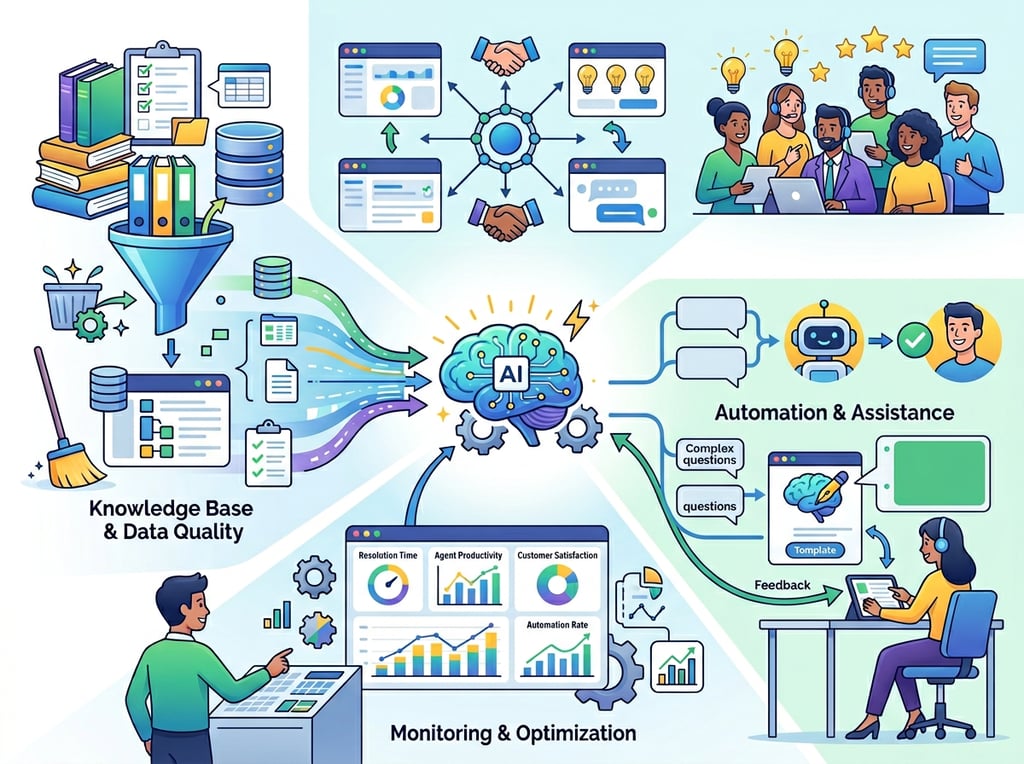
1. Start with One Ticket Type, Not the Entire Queue
The biggest mistake small business owners make when adopting automate customer support with AI solutions is trying to configure everything simultaneously. Start by identifying your single most common ticket type — the question you’ve answered more than any other. Configure Freshdesk AI to handle that one category perfectly before touching anything else.
For most e-commerce businesses, this is shipping status. For SaaS products, it’s password reset. For service businesses, it’s appointment scheduling. Pick one, build confidence in the automation, then expand.
2. Keep a Human-in-the-Loop for Anything That Touches Relationships
Freddy AI is excellent at answering factual questions, but customer relationships are not purely factual. Set escalation thresholds so that any ticket involving a complaint, a refund request over a certain dollar amount, or a customer who has contacted you more than three times in 30 days automatically routes to a human agent.
The goal of AI ticketing systems for small businesses is not to remove human judgment — it’s to apply human judgment only where it actually matters.
3. Audit Your Knowledge Base Before You Launch the Bot
A Freshdesk AI chatbot is only as good as the knowledge base it draws from. Before you go live, spend two hours auditing your FAQ and help center content. Remove outdated answers, add the 10 most common questions you’ve been answering manually, and ensure your return/refund policy is written in plain language that a bot can reference clearly.
This single step determines whether your AI deflects accurately or sends customers in circles — which has the opposite of the desired effect on response time.
Limitations and Considerations
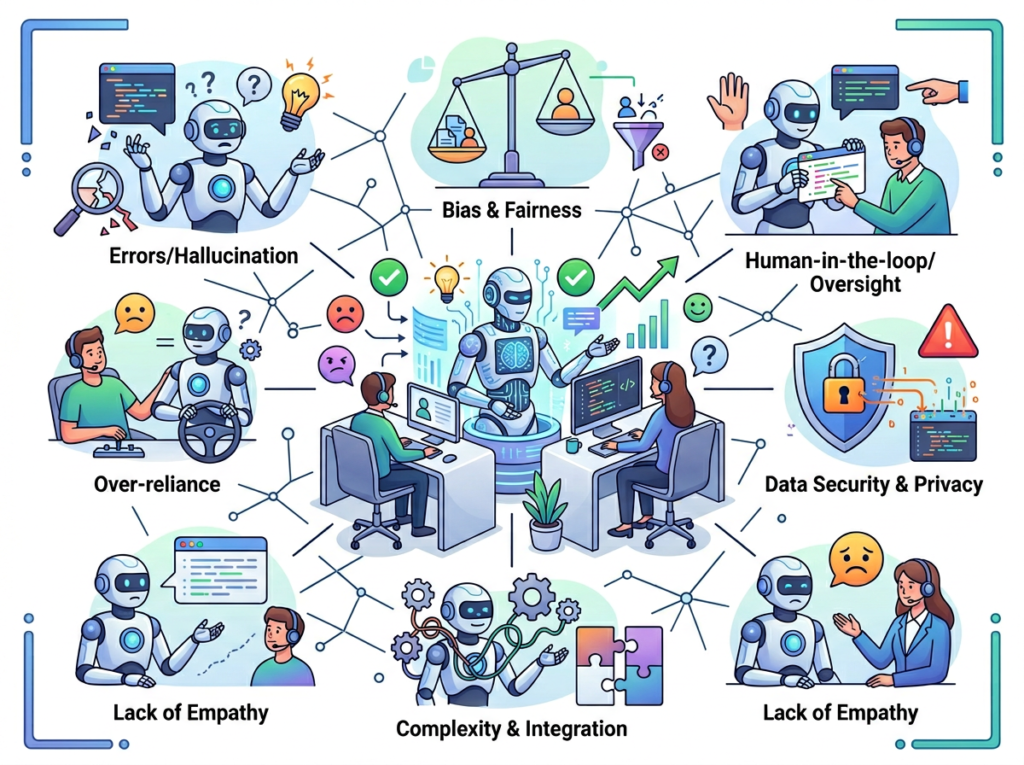
Where Freshdesk AI Is NOT the Right Tool
High-Stakes Customer Escalations When a customer is genuinely upset about a significant problem — a damaged product, a billing error affecting their business, a service failure that cost them real money — an AI response will almost always make things worse. These situations require human empathy, decision-making authority, and the ability to improvise. Configure your escalation rules so that sentiment detection flags angry or high-urgency tickets for immediate human review.
Legal, Contractual, or Compliance Questions If a customer asks about the legal terms of your service agreement, your liability in a dispute, or a question with regulatory implications (common in health, finance, and legal services adjacent businesses), do not route this through an AI bot. The risk of a hallucinated or inaccurate response in a legal context is not worth the time savings.
Nuanced Brand Voice for Strategic Communications Freddy Copilot is excellent for drafting standard replies. It is not the right tool for customer communications that carry significant brand weight — apology letters for major service failures, responses to public complaints that may be shared, or outreach to high-value enterprise clients where tone is everything.
Key Risks to Manage
Hallucination: AI occasionally generates plausible-but-incorrect answers. Always configure your Freshdesk knowledge base as the AI’s primary source, and set confidence thresholds so that low-confidence responses escalate rather than auto-send.
Privacy Concerns: Ensure your Freshdesk configuration complies with your customers’ data expectations. Review what customer data Freddy AI processes and confirm it aligns with your privacy policy, particularly if you serve customers in California (CCPA) or internationally.
Over-Reliance and Skill Atrophy: Support teams that let AI handle all standard tickets for extended periods sometimes lose the intuition for what makes a great customer response. Keep human agents engaged with a percentage of routine tickets to maintain their skills and contextual awareness. Understanding AI session consumption and usage boundaries is also critical — this analysis of Freshdesk AI agent session consumption explains how session limits work and how to plan your usage to avoid unexpected costs.
Frequently Asked Questions

What is AI efficiency for small business customer support?
AI efficiency in customer support means using tools like Freshdesk AI to automatically handle repetitive inquiries, route tickets intelligently, and assist agents with response drafting — so your team spends less time on routine tasks and more time on work that requires human expertise. The practical result is faster response times, lower per-ticket cost, and reduced cognitive load on small support teams.
Can AI replace admin work in customer support entirely?
Not entirely, and it shouldn’t. AI customer support tools like Freshdesk’s Freddy AI can automate 40 to 70% of routine ticket volume depending on your industry and knowledge base quality. The remaining tickets — complex escalations, sensitive complaints, relationship-heavy interactions — require human judgment. The goal is not full replacement but intelligent triage so humans only handle what humans do best.
Conclusion
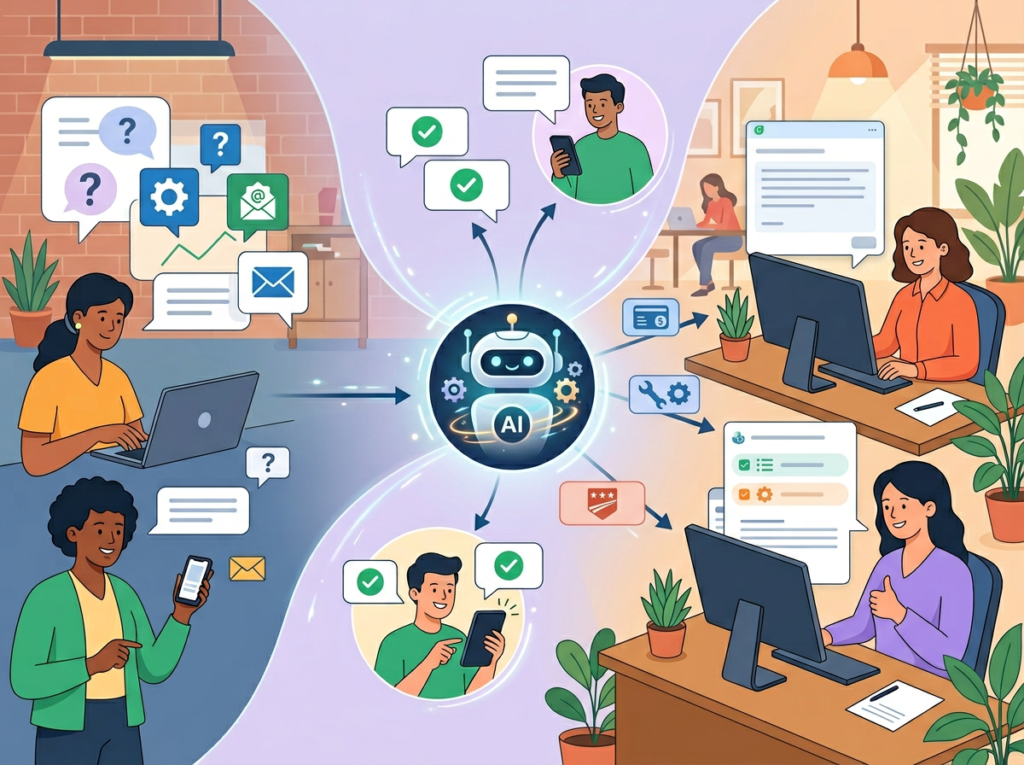
The productivity gap between small businesses that use ai customer support tools strategically and those that don’t is widening fast. In 2026, customers expect sub-hour response times that used to require a full support team. Freshdesk AI — through Freddy Self Service, auto-triage, Copilot, and Insights — makes those response times achievable for a business of one.
But the real value isn’t just speed. It’s the cognitive space you reclaim when you’re no longer mentally tracking 40 open tickets or spending your best thinking hours on questions you’ve answered 200 times before. AI is not replacing the human element of your support operation — it’s protecting it by ensuring your judgment is deployed only where it creates actual value.
The phased approach works best. This week, identify your most common ticket type and configure Freshdesk AI to handle it. Next month, add auto-triage. By Q3, you’ll have data showing exactly how much time you’ve reclaimed — and a support operation that scales without adding headcount.
For US small business owners, the ROI calculation is direct: recovering 10 hours per week at a $50 blended hourly rate is $26,000 in recovered capacity annually. Freshdesk’s subscription cost is a fraction of that.
The question isn’t “Should I use AI for customer support efficiency?” It’s “Can I afford NOT to?”
Try Freshdesk AI free and experience the difference intelligent automation makes in your daily workflow. Start Free at Freshworks | No credit card required
Leave a Reply