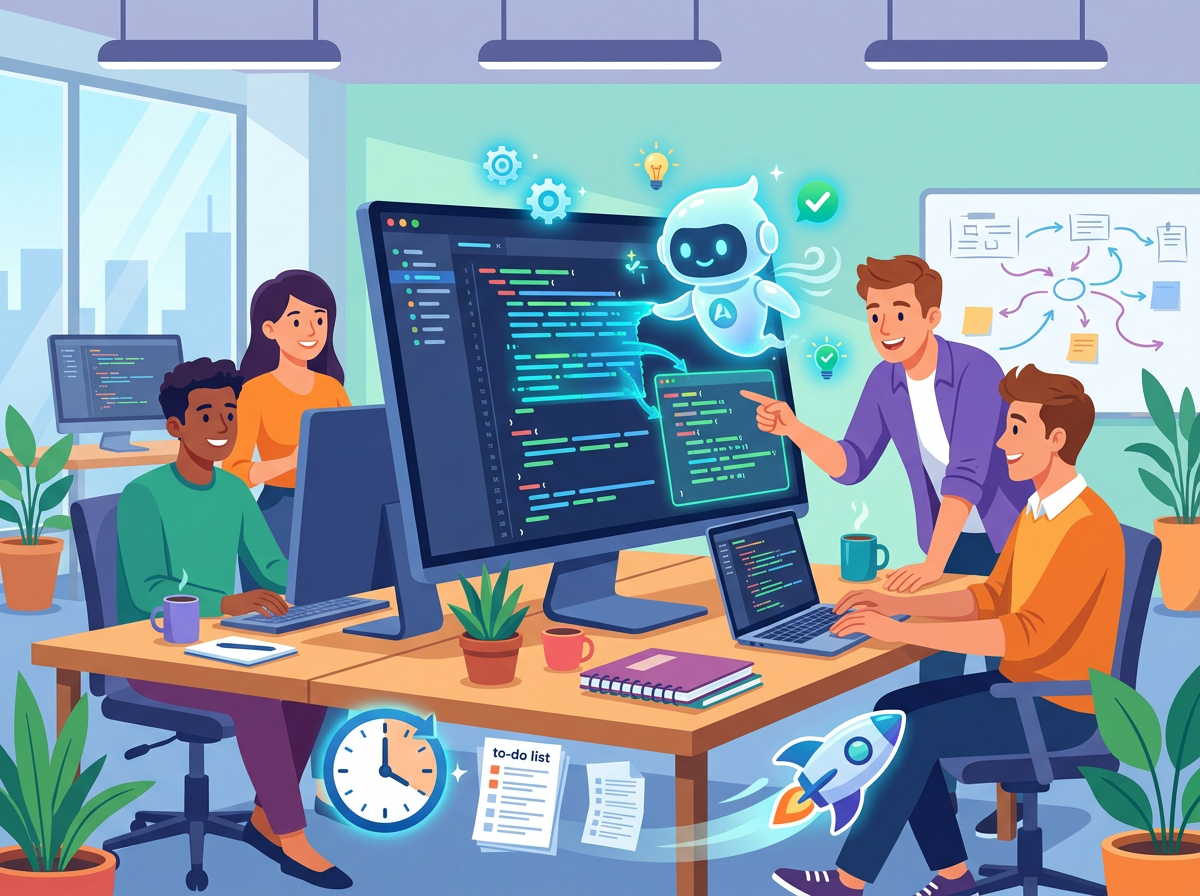
In 2026, US-based indie hackers, solo founders, and small development teams face a brutal paradox: the market demands faster software than ever before, but engineering headcount remains flat or shrinking. Venture dollars are tighter. Customer patience is shorter. And the gap between “we’re building it” and “we shipped it” can make or break a startup.
The inbox is full of feature requests. The sprint board is a wall of red. The backlog stretches three months out. And somewhere in the middle of all this, a two-person team is expected to ship, test, document, review, and iterate on a product that a well-funded competitor built with a team of fifteen.
This is the reality Windsurf Editor was built for.
For US developers billing at $100–$175 per hour — or building products where every delayed sprint is a delayed revenue milestone — every hour spent on repetitive scaffolding, boilerplate, and context-switching isn’t just frustrating. It’s expensive. A solo developer burning eight hours a week on tasks that could be automated is leaving $40,000–$70,000 in annual productivity on the table.
Windsurf Editor, developed by Codeium, is not just another autocomplete tool bolted onto a text editor. It’s an agentic AI coding environment that understands your codebase at depth, chains tasks together autonomously, and keeps you in a flow state longer — so the hours you do spend coding yield dramatically more output.
This article won’t give you vague “save time with AI” advice. Instead, you’ll get four concrete workflows that small teams can implement this week, each engineered to reclaim two to six hours of engineering time. You’ll see before-and-after comparisons from real developer personas, ROI calculations in USD, and an honest look at where Windsurf Editor falls short.
If you’re a founder, indie hacker, or a small team lead who wants to build more without hiring more, this is your guide.
Key Concepts of AI Coding Efficiency
Concept 1: Cognitive Offloading in Engineering Contexts
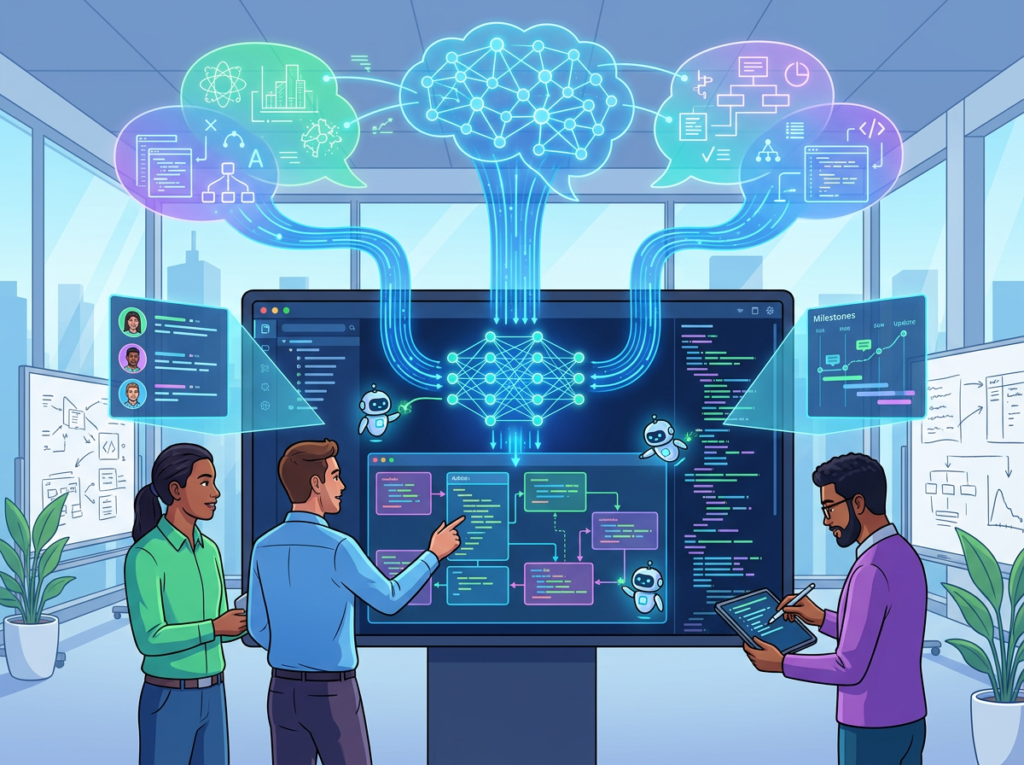
Every developer carries a mental model of the codebase in their head. File structure, function dependencies, API contracts, edge cases — this model takes hours to load and seconds to shatter. When a team member asks a question mid-sprint, when a bug surfaces in an unexpected module, or when you have to context-switch between frontend and backend tasks, that mental model partially collapses. Rebuilding it is invisible work that never appears on a sprint board but silently consumes hours every week.
Cognitive offloading means delegating this model-maintenance work to an AI that holds the full codebase in context. Rather than re-reading three files to remember how a function chains together, a developer can ask Windsurf Editor directly — and receive an accurate, context-aware answer in seconds.
Consider a developer like Ryan, a solo SaaS builder in Denver working on a B2B project management tool. Before using an AI coding editor, Ryan spent an estimated 2.5 hours daily on “re-orientation tasks”: re-reading old code before making changes, writing boilerplate he’d written dozens of times before, and manually tracing function calls through five interconnected files. With Windsurf Editor maintaining that context, Ryan reclaimed nearly 12 hours per week — time he redirected to building the billing system he’d been postponing for two months. This walkthrough of building a real app with Windsurf illustrates how the tool’s codebase awareness directly reduces this re-orientation tax in practice.
Concept 2: Context-Switching Cost and Flow State Preservation
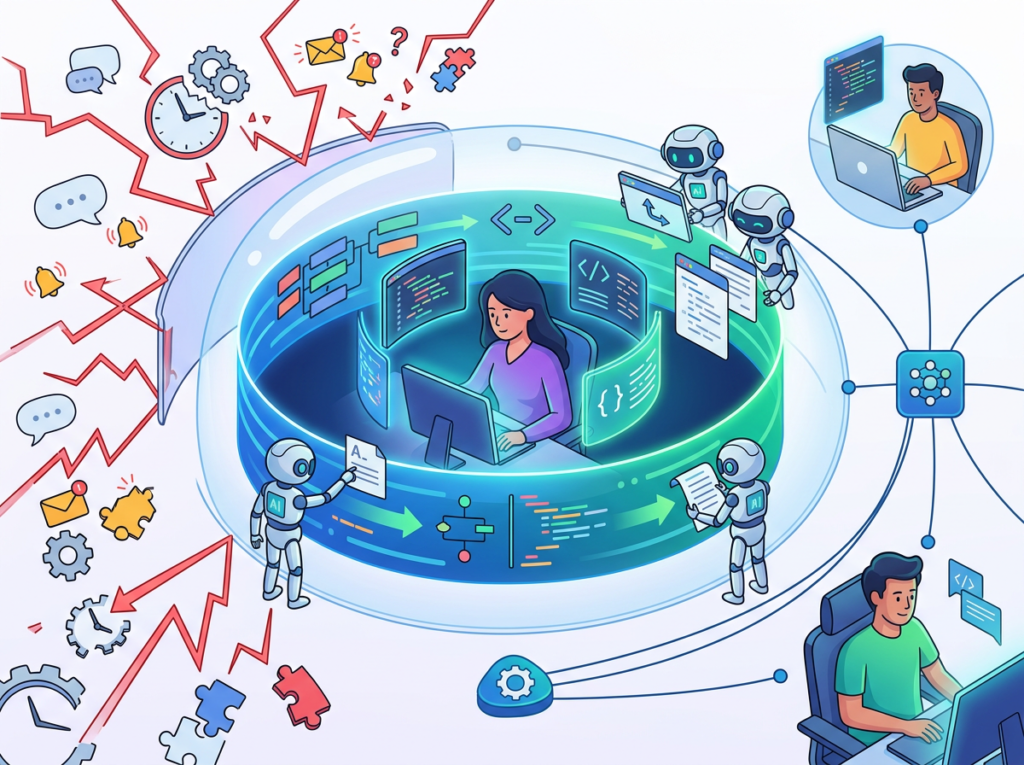
Research consistently shows that it takes an average of 23 minutes for knowledge workers to fully re-engage after an interruption. For developers, the cost is even steeper, because deep work — debugging a race condition, architecting a new feature, refactoring a complex service — requires sustained concentration that context-switching systematically destroys.
A small team of two to four developers might experience ten to fifteen context-switching events per day: Slack messages, code reviews, deployment issues, customer escalations. Each one chips away at the focused work that actually ships product.
AI coding editors reduce context-switching friction by keeping the cognitive thread intact. When Windsurf Editor can handle boilerplate generation, test scaffolding, and documentation drafting autonomously — without requiring the developer to shift attention — the interruptions that do occur are smaller and recovery is faster.
Marcus, an independent consultant in Seattle who builds custom internal tools for mid-market companies, estimates he saves five hours per week simply by not having to mentally reload the project context each time he returns to a task. Over a year, that’s 260 hours — equivalent to six and a half standard work weeks.
Concept 3: Agentic Workflow Orchestration
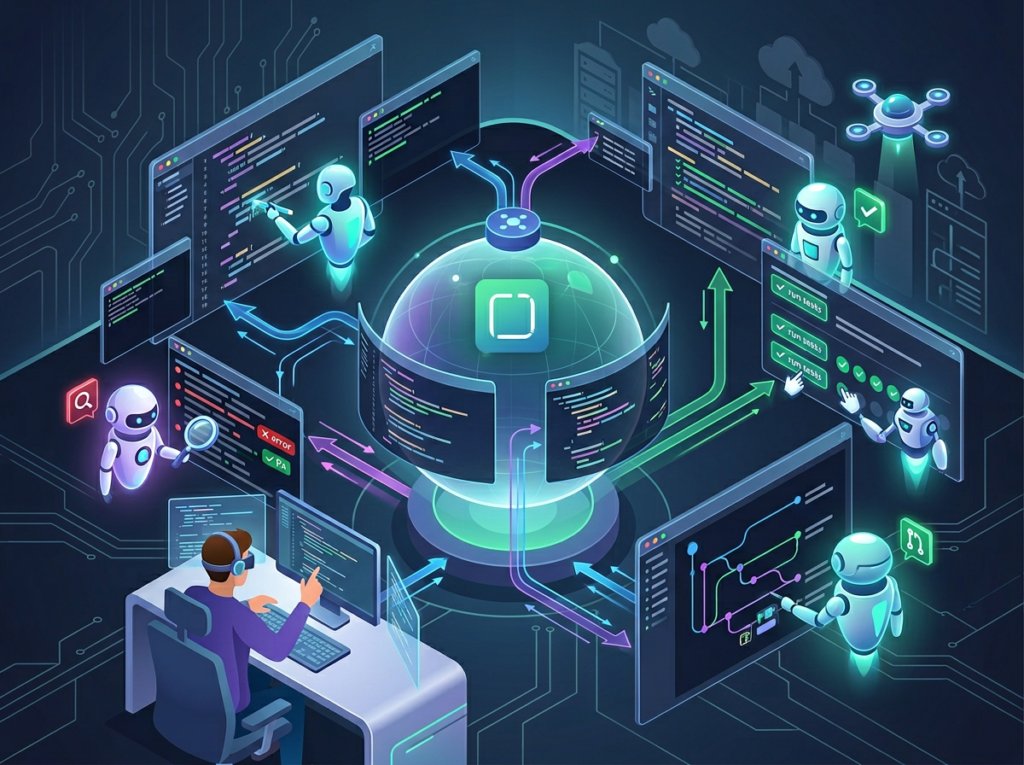
The third concept is what separates 2026-generation AI coding tools from the basic autocomplete assistants that emerged in 2023. Agentic orchestration means the AI doesn’t just respond to prompts — it chains sequences of actions autonomously, executing multi-step workflows without requiring a prompt for each individual step.
In practice, this looks like: a developer describes a feature in natural language, and Windsurf Editor scaffolds the files, writes the initial implementation, runs relevant tests, identifies failures, and proposes targeted fixes — without the developer touching the keyboard between steps. The developer reviews the output, approves or redirects, and the agent continues.
This shifts the developer from executor to reviewer — a fundamentally higher-leverage role.
For Elena, a two-person startup co-founder in Austin building a marketplace SaaS, agentic workflows reclaimed four hours per month that previously went to routine CRUD endpoint scaffolding. That’s four hours per month back into product decisions that actually differentiate her company.
To understand how Windsurf Editor specifically implements these concepts with production-ready features, explore Windsurf Editor in detail.
How Windsurf Editor Helps Efficiency
Feature 1: Cascade — Deep Codebase Context
Cascade is Windsurf Editor’s core intelligence engine. Unlike standard AI assistants that respond only to what’s in the current file or the current prompt, Cascade maintains awareness across the entire codebase, tracking file relationships, function dependencies, and the developer’s recent actions in real time.
This means when you ask Cascade to “add pagination to the users endpoint,” it doesn’t generate a generic implementation. It understands your existing API structure, follows your naming conventions, and integrates pagination in a way that’s consistent with how the rest of your codebase is written.
For a solo developer, this eliminates the “AI cleanup tax” — the extra time spent correcting AI-generated code that doesn’t fit the project’s architecture. Teams using contextually-aware AI assistance report spending 40–60% less time editing AI-generated code compared to context-blind autocomplete tools.
Annual time saved: 38–52 hours per developer Annual value at $125/hour: $4,750–$6,500
Feature 2: Agentic Task Chaining (Write Mode)
Windsurf Editor’s Write Mode allows Cascade to autonomously execute multi-step coding tasks: creating files, writing implementations, running terminal commands, reading test output, and iterating — all in a single agentic loop.
For small teams, this is transformative for high-repetition, low-judgment tasks: setting up new service modules, writing CRUD endpoints, scaffolding test suites, generating migration files. These tasks aren’t intellectually demanding, but they’re time-consuming and interruption-prone when done manually.
As noted in this step-by-step breakdown of Windsurf’s core workflows, the tool’s ability to chain terminal actions and code generation in sequence is one of its most practical differentiators for developers building full-stack features independently.
Annual time saved: 44–60 hours per developer Annual value at $125/hour: $5,500–$7,500
Feature 3: Supercomplete and Intent-Aware Prediction
Standard code autocomplete predicts the next line. Windsurf Editor’s Supercomplete predicts the next logical block — entire functions, complete class methods, multi-line conditional logic — based on the surrounding context and the developer’s evident intent.
For a developer building a feature, this means typing a function signature and watching Windsurf Editor draft the complete implementation, including error handling, type annotations, and docstrings. The developer reviews, accepts, and moves on. What previously took 15–20 minutes of focused writing takes 2–3 minutes of review.
Annual time saved: 80–100 hours per developer Annual value at $125/hour: $10,000–$12,500
To see these features in action with workflow-specific examples for small teams, see our full Windsurf Editor review.
Ready to ship faster without growing your team? Try Windsurf Editor free and start reclaiming engineering hours this week. Start Free | No credit card required
Use Cases: Small Teams and Indie Hackers
Persona 1: Jake, Solo SaaS Developer

Background: Jake is building a B2B invoicing SaaS for freelance agencies. He’s pre-revenue, working alone, and has six months of runway left. Every sprint matters.
Old Workflow: Jake spent approximately nine hours per week on repetitive development tasks: writing CRUD endpoints from scratch, manually updating type definitions across files, debugging test failures without AI assistance, and writing documentation he kept postponing. His actual product-building time was closer to 26 hours per week.
AI-Enhanced Workflow with Windsurf Editor: Jake now describes a new feature to Cascade in natural language. Cascade scaffolds the endpoint, writes the database migration, updates the TypeScript interfaces across three files, and generates an initial test suite — all in a single agentic pass. Jake reviews, adjusts edge cases, and approves. What used to take three hours takes 45 minutes.
Results:
- Time on repetitive tasks: 9 hours/week ? 2.5 hours/week
- Engineering time reclaimed: 338 hours/year
- Product velocity: Jake shipped his payment integration four weeks ahead of the original estimate
“I was starting to think I’d need a co-founder just to keep up with the backlog. Windsurf changed the math entirely. I’m shipping like a two-person team.”
Persona 2: Priya and Daniel, Two-Person Product Studio
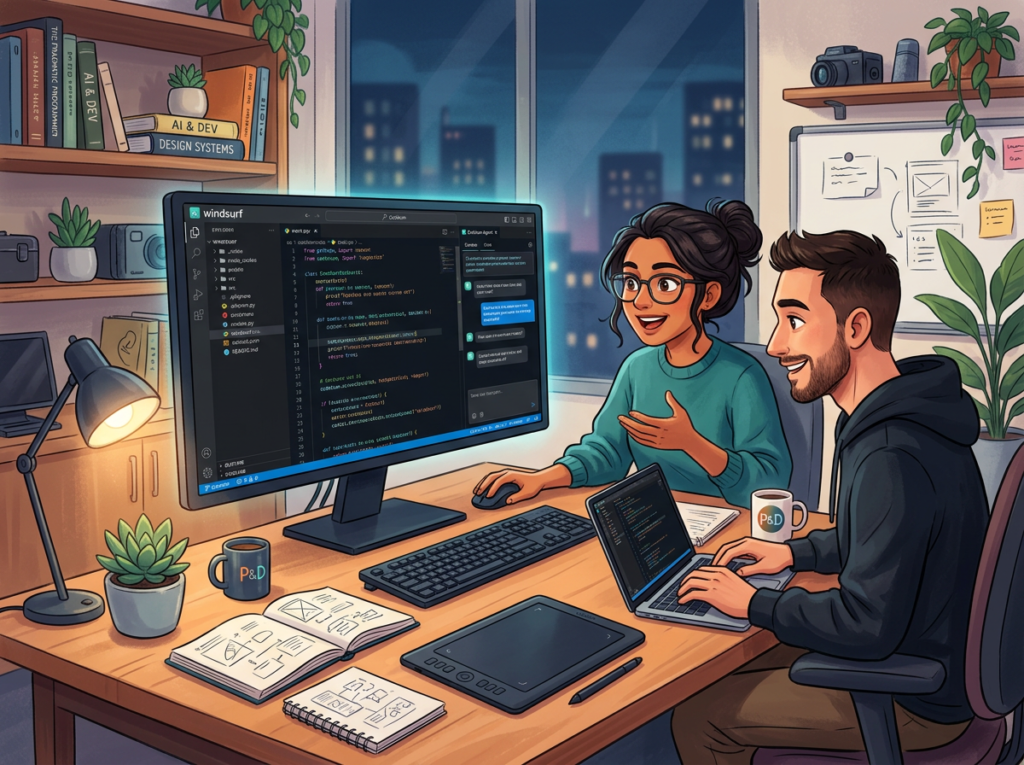
Background: Priya (frontend) and Daniel (backend) run a boutique product studio in Brooklyn building custom SaaS tools for SMBs. They have three client projects running simultaneously.
Old Workflow: The team lost significant time to inter-developer coordination: Daniel would scaffold an API, Priya would need to understand its structure before building the frontend, and they’d burn an hour per feature on “API translation.” Daniel also spent 12 hours per month writing boilerplate following the same patterns across every project.
AI-Enhanced Workflow: Daniel uses Windsurf Editor’s agentic mode to scaffold full-stack feature modules — API endpoint, data model, and basic frontend component — in a single chained workflow. Priya reviews the generated frontend scaffold and focuses her time on the UI polish and UX decisions that actually require her expertise. The “API translation” overhead dropped by 80%.
As this guide to Windsurf AI rules and prompt engineering describes, developers who invest time in learning how to structure their prompts and workspace rules see compounding efficiency returns as the AI learns to match their project conventions.
Results:
- Boilerplate time: 12 hours/month 2 hours/month (Daniel)
- Inter-developer coordination overhead: reduced by 80%
- Client delivery speed: 35% faster across all three active projects
- Additional project capacity: the team took on a fourth client
“We used to cap out at three clients because coordination overhead ate our bandwidth. Now we’re running four and it actually feels sustainable.”
Persona 3: Sofia, Indie Hacker Building a Chrome Extension

Background: Sofia is a non-traditional developer — a product manager by training who learned to code. She’s building a Chrome extension for job seekers, working evenings and weekends around a full-time job.
Old Workflow: Sofia’s part-time schedule meant significant re-orientation time every time she returned to the codebase. She’d spend 30–45 minutes re-reading code before she could write a single line. With only 10–12 hours of coding time per week, this was a brutal tax. Her velocity: roughly one small feature per week.
AI-Enhanced Workflow: Windsurf Editor’s Cascade holds the codebase context between sessions. Sofia opens the editor, asks Cascade to summarize where she left off and what’s in progress, and is writing meaningful code within five minutes instead of 45. Cascade also handles the JavaScript edge cases and browser API quirks that used to send her to Stack Overflow for 30-minute detours.
Results:
- Re-orientation time: 45 minutes ? 5 minutes per session
- Hours saved per week: 4–5 hours (on a 10-hour schedule — nearly 50% efficiency gain)
- Feature velocity: one small feature/week two to three features/week
- Launch timeline moved up by eight weeks
“I can actually see this launching now. Before, I was starting to doubt whether I’d ever finish it on a part-time schedule.”
For persona-specific workflow templates and implementation guides tailored to consulting and indie development, discover how Windsurf Editor works.
Build more. Hire less. Ship faster. Join the growing community of developers using Windsurf Editor to work like a team of one — with the output of four. Start Free Today
Best Practices for Implementing Windsurf Editor
1. Start with One Workflow, Not Ten
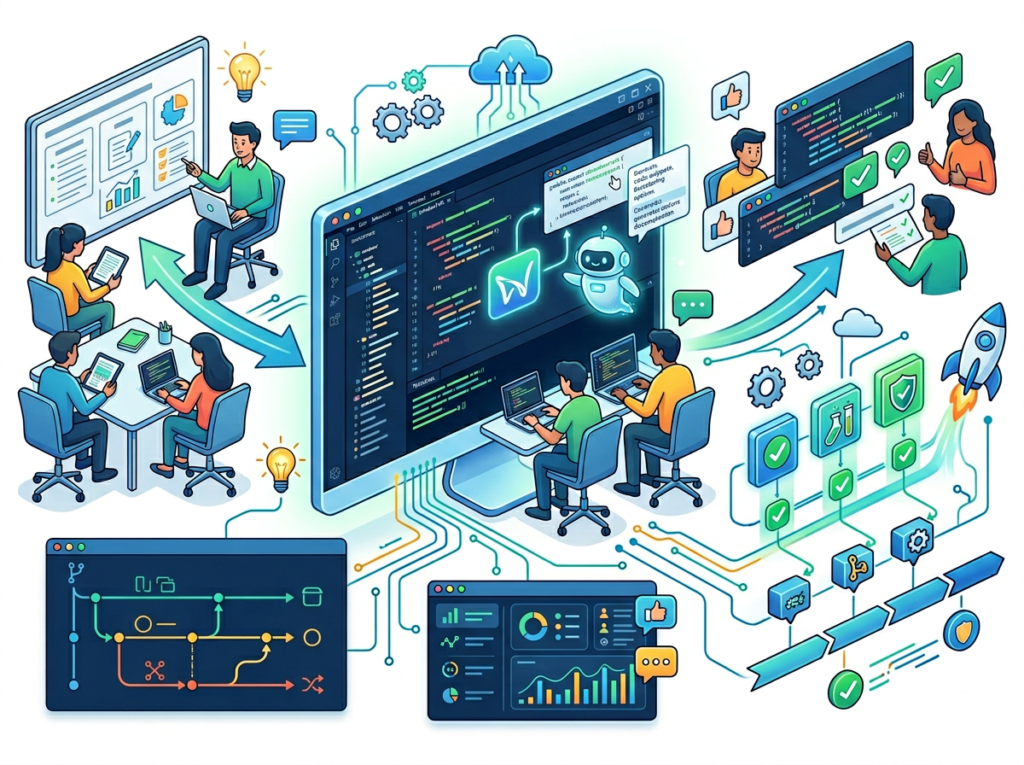
The instinct when adopting a powerful tool is to apply it everywhere immediately. Resist this. Choose one high-repetition task to automate first — endpoint scaffolding, test generation, or documentation drafting. Master it for two weeks, measure the time savings concretely, then expand. Teams that try to transform their entire workflow at once frequently end up in a “chaos period” where debugging AI output takes longer than manual work would have.
2. Maintain Human Oversight on Architecture Decisions
Windsurf Editor excels at implementing well-defined tasks. It is not a substitute for architectural judgment. Questions like “should this be a microservice or a module” or “is this the right data model for our growth trajectory” require human expertise and business context that no AI coding editor currently provides. Use Windsurf Editor to execute on decisions you’ve already made — not to make those decisions for you.
Limitations and Considerations
Where Windsurf Editor is NOT the Right Tool

Greenfield architecture design. When making foundational decisions about system design, data models, and technology choices, AI-generated suggestions can bias you toward conventional patterns that may not fit your specific constraints. Architectural planning still benefits from human reasoning and domain expertise.
Security-sensitive code. Authentication flows, authorization logic, cryptographic implementations, and payment processing code require review by someone with security expertise. AI-generated code in these domains can contain subtle vulnerabilities that pass automated testing but fail under adversarial conditions.
Novel algorithms. Windsurf Editor excels at well-understood patterns. If you’re implementing an algorithm without established precedents in public code, AI suggestions will be less reliable and require deeper verification.
Client-facing copy. Error messages and onboarding strings generated by AI tend toward generic phrasing. These surfaces directly affect user experience and deserve human craft.
Key Risks to Manage
Hallucination in API references. AI coding assistants can confidently suggest API calls or library methods that don’t exist. Always verify generated code against official documentation for any library you haven’t personally used.
Over-reliance and skill atrophy. Junior developers who lean on AI tools without understanding the underlying code risk missing the learning experiences that build engineering judgment.
Data privacy. Review Codeium’s data handling policies before using Windsurf Editor with proprietary codebases, especially for enterprise clients with strict data governance requirements.
Join the growing community of developers using Windsurf Editor to work like a team of one — with the output of four. Start Free Today
Frequently Asked Questions
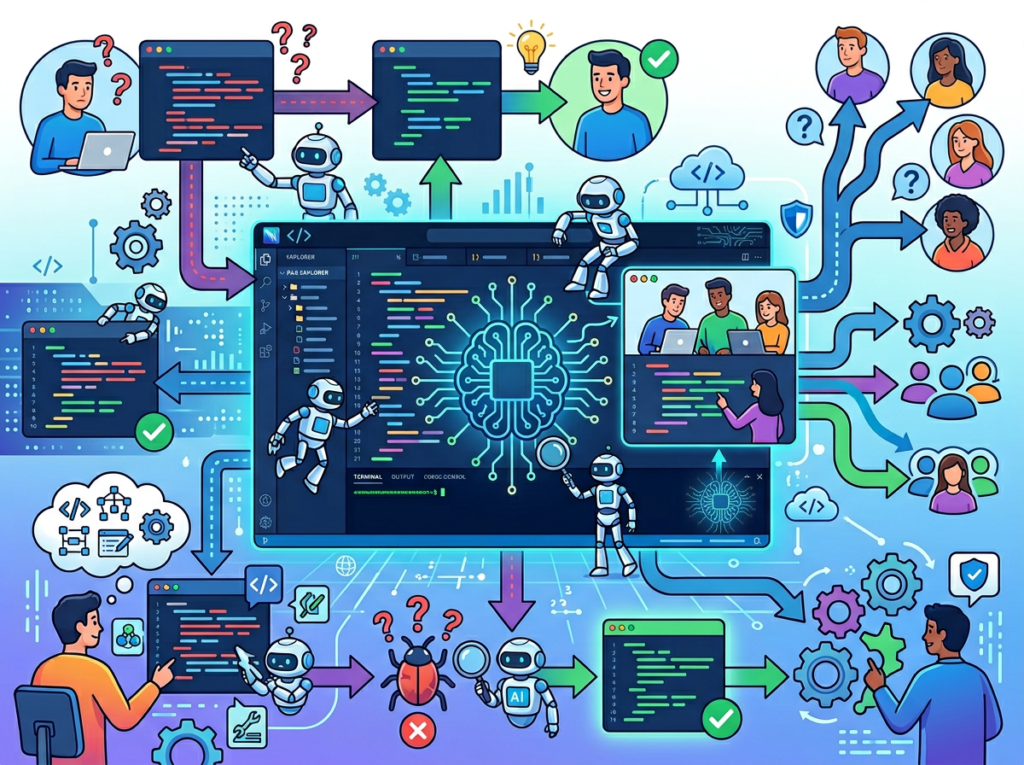
What is an AI coding editor for small teams? An AI coding editor for small teams is a development environment that integrates AI into the coding workflow — handling boilerplate generation, test scaffolding, multi-file edits, and repetitive implementation tasks autonomously. Unlike basic autocomplete tools, AI coding editors like Windsurf Editor maintain awareness of the full codebase and can chain multi-step tasks without requiring a manual prompt for each action. For small teams, this effectively multiplies engineering capacity without requiring additional headcount.
Can Windsurf Editor replace a developer on a small team? No — and framing it that way misses the actual value. Windsurf Editor replaces the repetitive, low-judgment portion of a developer’s work: scaffolding, boilerplate, routine test generation, documentation. It does not replace the architectural thinking, product judgment, user empathy, and creative problem-solving that define valuable engineering. The practical outcome is that existing developers become dramatically more productive, not that developer roles become unnecessary.
How do indie hackers and solo developers use AI coding editors to ship faster? The highest-leverage use cases are: (1) codebase re-orientation — asking the AI to summarize where you left off, (2) agentic feature scaffolding — describing a feature and letting the AI generate the file structure, endpoints, and initial implementation, and (3) test generation — writing test suites for code you’ve already written. Together, these typically reclaim 30–50% of a solo developer’s weekly coding time.
Join the growing community of developers using Windsurf Editor to work like a team of one — with the output of four. Start Free Today
Conclusion
The math for small development teams in 2026 is straightforward. The ai coding editor for small teams that wins isn’t the one with the longest feature list — it’s the one that eliminates the most invisible work while keeping the developer in the position of creative and architectural authority.
Windsurf Editor earns its place on that shortlist by doing what most AI tools only promise: it maintains real codebase context, chains tasks autonomously, and adapts to how your specific team actually writes code. For a solo developer or a two-to-four person team, the recoverable hours run into the hundreds annually — at US developer rates, that’s $25,000 to $35,000 in reclaimed capacity per engineer.
That’s the return profile of a new hire, not a $240/year subscription.
The caveat matters equally: Windsurf Editor works best when you use it as an execution engine for decisions you’ve already made. It does not replace architectural thinking, security expertise, or engineering judgment. Use it for what it does exceptionally well — and keep humans in the loop on everything that actually requires them.
The question for small teams in 2026 isn’t “Should we use an AI coding editor?” It’s “Can we afford to be the team that isn’t?”
Join the growing community of developers using Windsurf Editor to work like a team of one — with the output of four. Start Free Today
Leave a Reply