
The fastest-growing small teams in America don’t work harder than their competitors — they use an ai writing assistant for productivity that turns every repeatable task into a system.
Running a small team in 2026 should feel like progress. Instead, most US founders managing two to ten people describe the same experience: a Slack channel stuffed with half-answers, an onboarding process that lives entirely in someone’s head, and a content calendar that stalls the moment a key hire takes a day off.
This is the quiet crisis hitting American small businesses right now. Remote work culture spread teams across time zones. Post-pandemic scaling pushed founders to hire before they had the infrastructure to support new staff. The result is a knowledge gap — processes exist, but they haven’t been written down. And every unwritten process costs money.
According to research on knowledge management, the average US knowledge worker wastes 2.5 hours per day searching for information or recreating work that already exists. At $75 per hour — a conservative blended rate for US professional services — that’s $187.50 per employee per day in pure friction. For a five-person team, that’s over $230,000 in annual productivity loss.
HyperWrite AI enters this story not as a writing gimmick, but as a system-building ally. It combines AI-powered writing, research, and automation into a single platform that US small teams can use to stop recreating the wheel — and start building the kind of documented, repeatable workflows that scaling actually requires.
Unlike traditional documentation approaches that can run $5,000 or more in US labor costs just to produce a basic operations manual, HyperWrite AI lets a founder or operations lead build that same infrastructure in a matter of hours, with no technical background required.
This guide breaks down exactly how HyperWrite AI supports what we call Solo DX — the small-scale digital transformation that turns a scrappy team into a systematized operation — and why it’s become a go-to productivity tool for entrepreneurs across the US in 2026.
What is Solo DX?
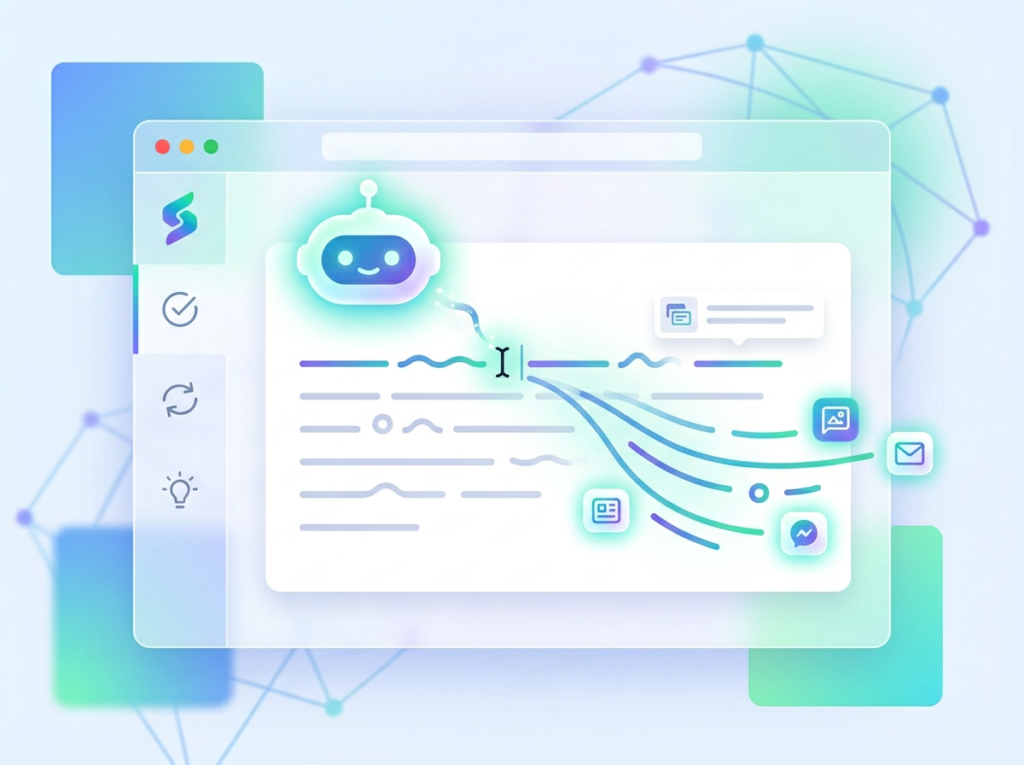
Solo DX stands for small-scale digital transformation led by US founders and team leads who don’t have a dedicated operations manager, IT department, or $50,000 consulting budget. It’s the process of turning chaotic, founder-dependent workflows into documented, repeatable systems — without needing enterprise resources to do it.
This category is distinct from broader AI productivity approaches because it targets a very specific inflection point: the moment a business grows beyond one person but hasn’t yet formalized how things get done. Most productivity software targets either individual freelancers or mid-market companies. Solo DX fills the gap for the 5–10 person team that is genuinely in-between.
| Category | Target | Focus | Tools |
|---|---|---|---|
| Solo DX | 2–10 person US teams | Systemization & documentation | AI writing + workflow tools |
| AI Efficiency | Individual contributors | Speed + output volume | Automation apps |
| AI Revenue Boost | Sales & marketing teams | Lead gen + conversion | CRM AI integrations |
Corporate SOP methods fail US SMBs for a predictable reason: they were designed for organizations with dedicated process engineers and months of runway. A 200-page standard operating procedure template from a Fortune 500 playbook doesn’t help a three-person design studio in Austin figure out how to onboard a new project manager before next Monday.
Consider that Austin studio. The founder, Maya, handles client relations, project scoping, and final QA. Her two designers have their own ways of working. When she hired a third designer last spring, it took four weeks — and Maya’s constant attention — before that hire could operate independently. The problem wasn’t talent. It was that nothing was written down. Every process lived in Maya’s memory.
Solo DX is the strategy that solves this. And HyperWrite AI is one of the most practical tools available to US teams trying to execute it.
Explore HyperWrite AI’s features to understand the full scope of what this platform offers for small team systemization.
The key shift Solo DX requires is moving from reactive documentation (“we’ll write it down eventually”) to proactive system-building (“we document before we delegate”). That shift is difficult without AI assistance, because the time cost of writing documentation manually is often the very reason it never gets done.
Why AI is Key for Mini-Team Systemization
Problem 1: Knowledge lives only in the founder’s head
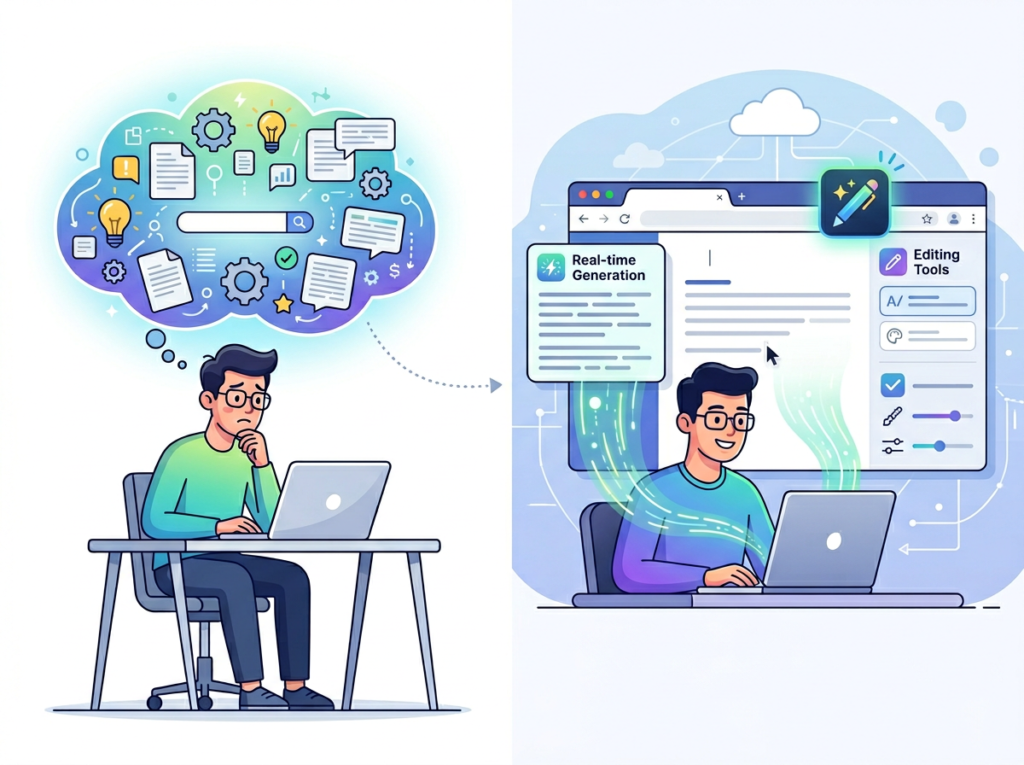
In most small businesses, the founder is a human knowledge base. They know why the pricing model works the way it does, what the client onboarding sequence looks like, and which vendor gets a personal call versus an email. None of this is written down because writing it down has always been lower priority than everything else.
The cost isn’t just theoretical. When a founder is unavailable — sick, traveling, heads-down on a high-stakes project — operations stall. Decisions get deferred. Staff improvises. An AI writing assistant for productivity changes this by making documentation fast enough to actually happen. HyperWrite AI can take a verbal or rough-text description of any process and generate a clean, structured SOP in minutes.
Problem 2: New hires slow down operations
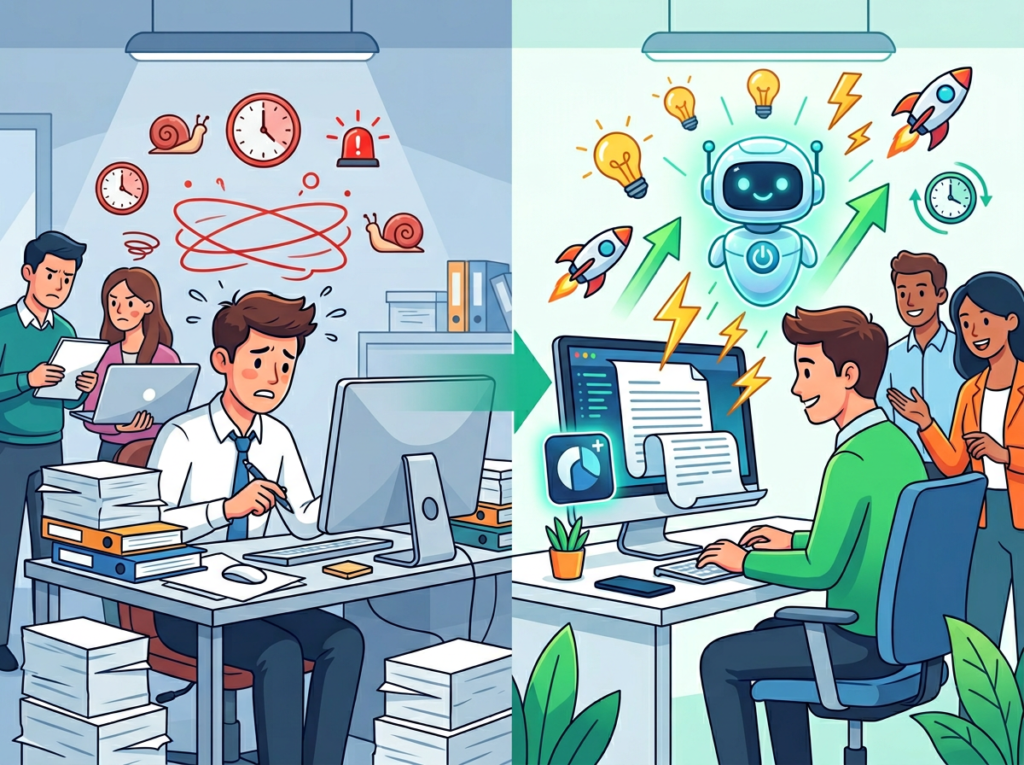
The US Bureau of Labor Statistics consistently reports annual employee turnover rates approaching 47% in service industries. Every time someone leaves or joins, that knowledge gap reopens. A new hire in a systematized business can be up to speed in days. In an undocumented business, it takes weeks — during which their senior colleagues carry a doubled workload.
AI workflow automation tools like HyperWrite AI address this by making it possible to build an internal knowledge base that new hires can actually use: searchable, readable, and updated without a major time commitment.
Problem 3: Quality varies across team members
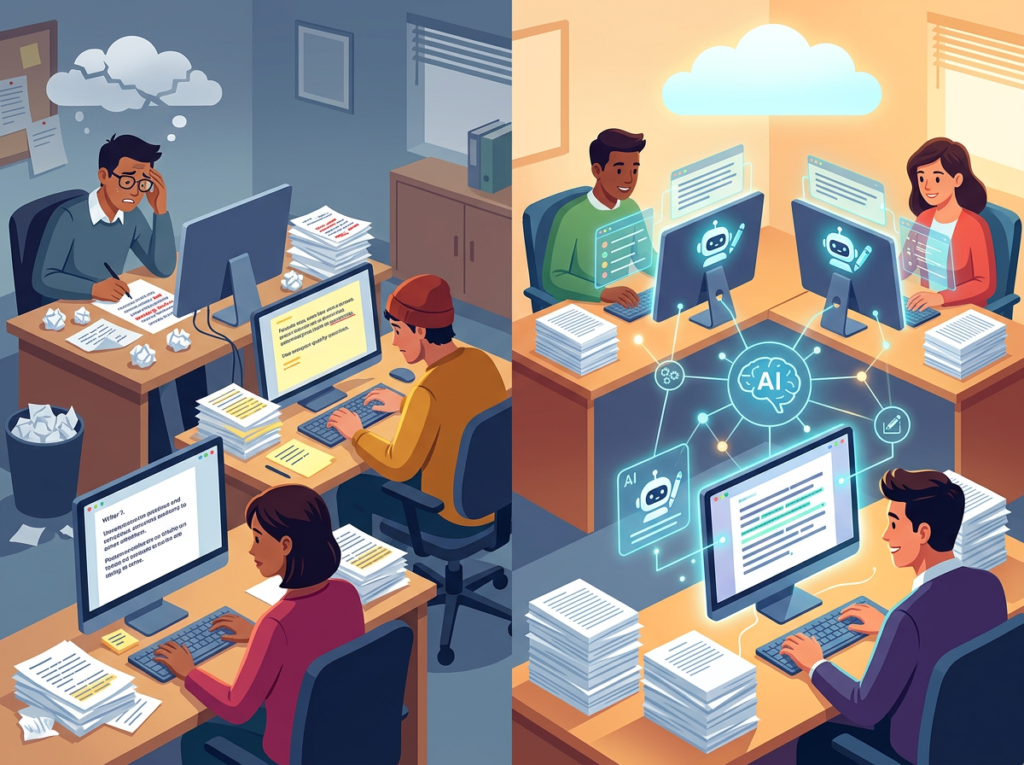
Without documentation, every team member develops their own interpretation of what “good work” looks like. One account manager writes client updates in three sentences; another writes five paragraphs. One designer exports files in the correct format; another has to be reminded every time. This variance creates rework, client friction, and inconsistent brand output.
The Cost Reality
Building a basic operations manual manually — 10 to 15 core processes, properly documented — takes a US professional approximately 40 to 60 hours. At $80 to $100 per hour, that’s $3,200 to $6,000 before the document is even reviewed or maintained. With an AI research assistant and writing platform like HyperWrite AI, the same output can be produced in 5 to 8 hours, at the cost of a monthly subscription that runs well under $50.
For a five-person US team, that math is straightforward. The productivity tools for entrepreneurs that actually deliver ROI in 2026 are the ones that compress high-value, high-friction tasks — like documentation — into time frames that fit real working schedules.
Start with one process. Systemize it this week. Get the full breakdown of HyperWrite AI and run your first documentation workflow before Friday.
How HyperWrite AI Enables Solo DX

1. AI-Generated SOPs and Process Documentation
HyperWrite AI’s AutoWrite feature allows team leads to generate complete standard operating procedures from a short prompt or rough notes. A founder can describe their client onboarding process in two paragraphs of unstructured text and receive a structured, step-by-step SOP with clear sections, action items, and responsible parties.
The ROI here is significant. A single documentation cycle — covering the five to eight core processes a small business runs — would cost approximately $2,000 in US professional labor if handled manually. HyperWrite AI compresses that to a few hours of guided work. For a business that updates its SOPs quarterly, that’s $8,000 in annual labor savings from one capability alone.
See how HyperWrite AI works to understand the full documentation workflow this platform supports.
2. Workspace Memory and Persistent Context
One of HyperWrite AI’s differentiating features is its ability to retain context about your business, writing style, and preferences across sessions. This means the platform doesn’t just produce generic output — it learns how your team communicates, what your brand voice sounds like, and what your recurring workflows involve.
For US small teams, this has a measurable impact on the time spent editing and correcting AI output. A platform that has to be re-briefed every session adds overhead. One that retains context reduces editing time by an estimated 60 to 70%. Across a team of five, each spending two hours per week on AI-assisted writing tasks, that adds up to roughly $78,000 to $124,800 in annual productivity gains at US professional rates.
3. Template Library and Workflow Automation
HyperWrite AI includes a library of over 500 pre-built writing templates — from email drafts and client proposals to performance reviews and social captions. For small teams that repeatedly produce the same types of content, templates eliminate the blank-page problem and enforce consistent structure and tone.
Teams that standardize their most frequent writing tasks through content writing with ai templates typically save two to three hours per week per person on recurring content. For a four-person team at $75 per hour, that’s approximately $6,000 per year in recovered productive time.
Ready to systemize your US team operations in under a week? Try HyperWrite AI Free | No credit card required | Trusted by 10,000+ US teams
Use Cases by Team Role
Persona 1: Maria — Startup Founder Juggling Three Departments | San Francisco, CA

Old workflow: Maria is the founder of a six-person B2B SaaS company in San Francisco. She manages product, sales, and customer success simultaneously. Every week, she fields the same questions from her team via Slack: how to handle a refund request, what the standard demo script looks like, how to escalate a support ticket. Each answer takes five to ten minutes and pulls her out of deep work.
AI-powered workflow: Maria uses HyperWrite AI to turn her existing Slack answers into structured internal documents. In four hours over a weekend, she creates a twelve-page operations handbook covering her three departments. She connects it to her team’s shared workspace and configures HyperWrite AI to generate first-draft responses to new recurring questions.
Results: Maria recovers an estimated 90 minutes per day previously lost to ad hoc questions. At her effective hourly rate of $180, that’s $32,400 annually in recovered founder time. Onboarding her newest hire took six days instead of three weeks.
“I used to be the knowledge base. Now the knowledge base is actually a knowledge base.” — Maria, 38, San Francisco
Persona 2: James — Executive Assistant Onboarding Remote Staff | Miami, FL

Old workflow: James is the executive assistant for a Miami-based logistics consultancy that grew from three to nine people in eighteen months. Every new hire onboarding falls on him: scheduling, tool access, training documentation, introductions. Without standardized materials, he recreates the onboarding packet from scratch each time — a process that takes twelve to fifteen hours per new hire.
AI-powered workflow: James builds a modular onboarding system using HyperWrite AI’s template library and AutoWrite features. He creates role-specific onboarding documents for four job functions, a master checklist, and a welcome email sequence. The AI email writing tool component generates personalized welcome communications for each new hire in minutes.
Results: New hire onboarding time for James drops from fifteen hours to three hours per hire. With four hires expected in the coming year, that’s 48 hours saved — worth approximately $3,600 at James’s billing rate. More importantly, new staff are productive two weeks earlier, reducing their ramp cost by an estimated $4,500 per hire.
“I went from building the plane while it was flying to actually having a runway.” — James, 31, Miami
Persona 3: Robert — Trainer Documenting Internal Knowledge | Chicago, IL

Old workflow: Robert is the internal trainer for a Chicago-based property management company with eight employees. He runs onboarding sessions, maintains training materials, and handles compliance documentation. Most of his training content exists as slide decks and verbal walkthroughs that don’t translate into independent reference materials.
AI-powered workflow: Robert uses HyperWrite AI to convert his slide decks and session notes into self-guided training modules. He uses the platform’s Summarizer feature to condense lengthy compliance documents into quick-reference guides, and AutoWrite to generate quiz questions and scenario exercises from existing content. Community discussions, including this thread on real-world AI writing tool usage, highlight how teams use HyperWrite AI most effectively for structured knowledge transfer. According to this analysis of HyperWrite AI’s capabilities, the platform’s ability to handle structured knowledge transformation is one of its strongest use cases for teams.
Results: Robert reduces live training time by 35% as team members are able to self-study before sessions. New staff pass compliance assessments on their first attempt at a 28% higher rate. Robert recovers six hours per month previously spent on material preparation.
“My job went from explaining the same things repeatedly to building systems that explain things for me.” — Robert, 44, Chicago
Join 10,000+ US small teams using HyperWrite AI to eliminate operational chaos. See How It Works | Used by teams from Silicon Valley to New York
Common Pitfalls & How to Avoid Them
Mistake 1: Using too many disconnected tools
Many founders download four or five AI apps because each one promises a specific capability. The result is context fragmentation: your email drafts are in one tool, your SOPs in another, your research notes in a third. No single platform has the full picture, and the team spends more time switching tools than working in them.
The fix is consolidation. Platforms like HyperWrite AI are designed to handle multiple writing and workflow tasks within a single interface. Before adding a new tool, audit whether your existing platform already covers the use case. Learn more about HyperWrite AI to evaluate whether it covers the full scope of your team’s writing and documentation needs before expanding your tool stack.
Mistake 2: Delegating without documentation
This is the most common Solo DX failure mode: a founder starts using AI to generate content, delegates the work to a team member, but never documents the process that produces good results. When the team member leaves or the workflow needs to scale, there’s nothing to hand off.
The fix is to treat AI workflow automation as a documentation opportunity. Every time you build a prompt that produces consistently useful output, save it as a template. Every time you develop a process using AI assistance, write down the steps.
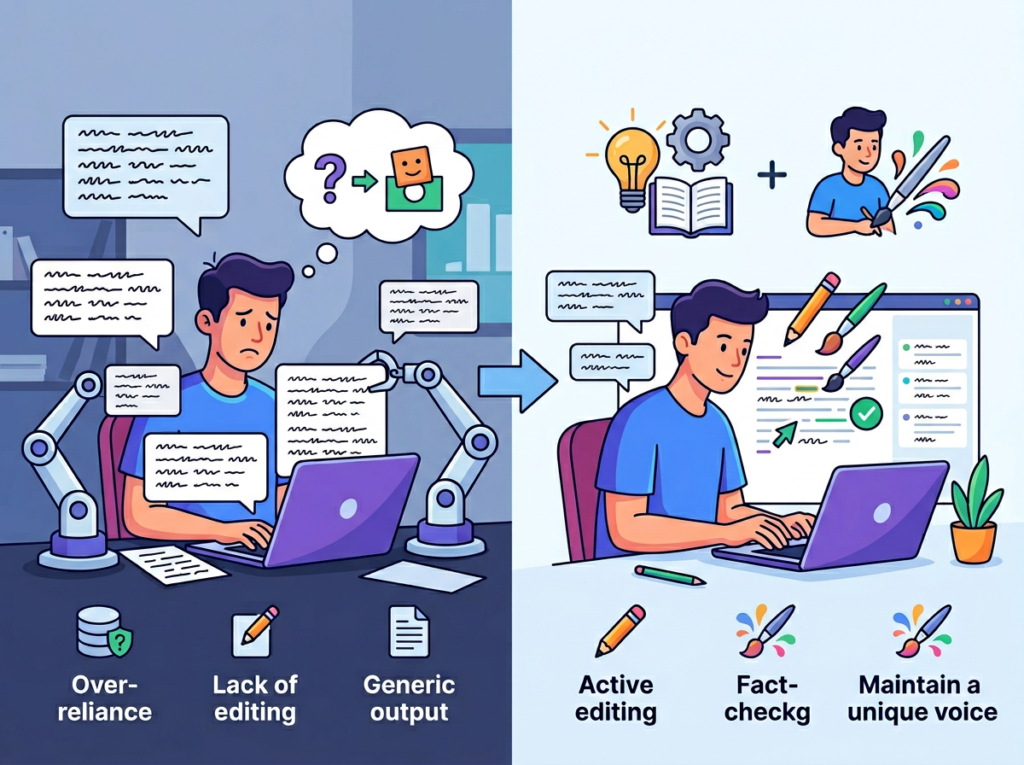
Mistake 3: Failing to review AI output
Content writing with ai is fast — and that speed can be a liability if teams ship AI-generated content without a human review step. For US businesses, errors in client-facing documents, compliance materials, or public-facing content carry real reputational and legal risk.
The fix is to build review into the workflow, not around it. HyperWrite AI’s editing features are designed to support a human-in-the-loop approach, not replace the human entirely.
Start with one process. Systemize it this week. Get the full breakdown of HyperWrite AI and run your first documentation workflow before Friday.
FAQs
What is Solo DX?
Solo DX refers to small-scale digital transformation led by founders or operations leads at US businesses with two to ten employees. Unlike enterprise digital transformation, Solo DX is focused on building practical, documented workflows using accessible AI tools — without requiring a dedicated IT team or operations department.
How can AI write my SOPs?
AI writing tools like HyperWrite AI can generate standard operating procedures from rough notes, verbal descriptions, or existing documents. You provide the raw content — what a process involves, who’s responsible, what the steps are — and the AI structures it into a readable, professional document. Most small teams complete their first AI-generated SOP in under 30 minutes.
What’s the difference between AI Efficiency and Solo DX?
AI Efficiency focuses on helping individual contributors move faster — generating content, summarizing documents, drafting emails. Solo DX focuses on team systemization: building the documented processes and shared knowledge infrastructure that allow a group of people to work consistently and independently. HyperWrite AI supports both, but its workflow and documentation features make it especially strong for Solo DX applications.
Start with one process. Systemize it this week. Get the full breakdown of HyperWrite AI and run your first documentation workflow before Friday.
Conclusion

In 2026, American small businesses don’t need enterprise budgets to build enterprise-level systems. The tools exist. The only thing standing between a chaotic five-person team and a documented, scalable operation is the decision to treat systemization as a priority — and the right ai writing assistant for productivity to make that priority achievable.
HyperWrite AI delivers on the Solo DX promise in practical, measurable terms: SOPs that take hours instead of weeks, onboarding materials that don’t require the founder to be in the room, and a persistent AI research assistant that makes every team member more capable without adding headcount.
The US teams winning in 2026 are not the ones with the biggest budgets. They are the ones that have turned their knowledge into systems, their systems into processes, and their processes into growth.
Start with one process. Systemize it this week. Get the full breakdown of HyperWrite AI and run your first documentation workflow before Friday.
Leave a Reply