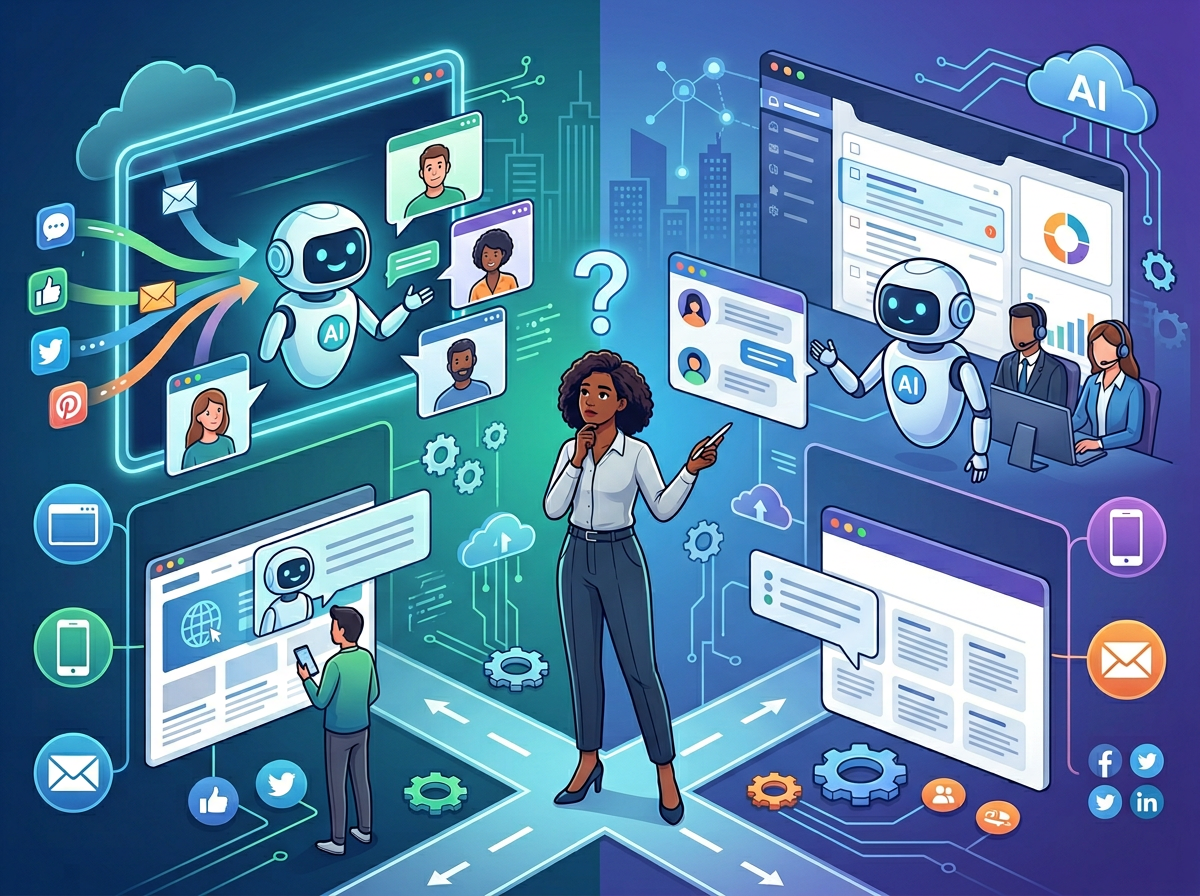
Choosing between Intercom AI and Zendesk AI isn’t about features — it’s about which platform matches how your support team actually works.
If you’re running a fast-growing SaaS or e-commerce business with a lean support team and want AI to handle conversations proactively — not just queue tickets — Intercom AI is the stronger choice right now. Its Fin AI agent resolves complex multi-source questions at a higher rate than Zendesk’s AI agent, and its messenger-first architecture is built for modern, chat-led support.
Zendesk AI pulls ahead when: your business already runs on Zendesk’s ticketing infrastructure, you support customers primarily through email and structured queues, or you need enterprise-grade compliance and reporting. Its AI is deeply embedded in a mature, proven helpdesk ecosystem.
Neither is ideal if: you’re a very small team (under 3 people) who primarily handles support manually via email — the pricing structures of both platforms carry overhead that won’t pay off at low ticket volumes. You’re also not well-served by either if you need industry-specific AI trained on medical, legal, or regulatory content.
Here’s the honest reality: both platforms require genuine setup effort, ongoing content maintenance, and human oversight. AI resolution rates improve when your knowledge base is clean and comprehensive. Neither tool will deliver ROI if the underlying support content is outdated or incomplete.
Your choice depends less on which AI agent is technically “smarter” and more on how your team processes support, what your ticket volume looks like, and how much flexibility you need to customize workflows.
Why This Comparison Matters in 2026
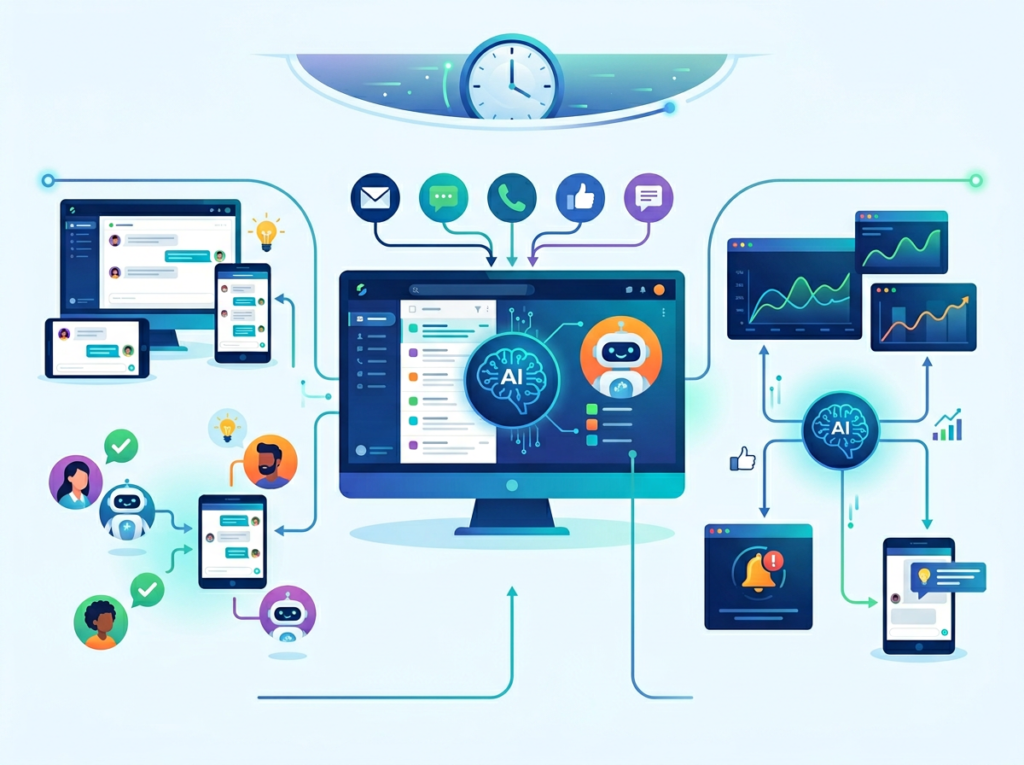
In 2026, AI has moved from a support team “nice-to-have” to a core operational decision. There are now dozens of AI-powered helpdesk platforms claiming to resolve 80%+ of tickets automatically. Most comparisons of Intercom AI vs Zendesk AI focus on feature matrices — chatbot capabilities, integration counts, UI screenshots. Those comparisons miss the question that actually matters for your business: which platform fits your support workflow, team structure, and growth stage?
The intercom ai vs zendesk ai customer support question isn’t answered by resolution rate benchmarks alone. It’s answered by understanding how each platform is architected, who it’s designed for, and what trade-offs come with each approach.
Here’s what’s changed in 2026 that makes this comparison more consequential than before. Both platforms have made major AI investments. Intercom’s Fin AI agent has expanded its action capabilities significantly — it no longer just answers questions, it can now take actions on behalf of customers within connected systems. Zendesk has deeply embedded its AI across the entire ticket lifecycle, from triage and routing to agent assist and summarization. These aren’t cosmetic updates. They represent fundamentally different philosophies about where AI belongs in the support stack.
US small businesses face a specific pressure here: labor costs for support agents range from $35,000 to $65,000 per year fully loaded. If AI can handle 40–60% of ticket volume, the math on $600–$1,200/month in software costs becomes straightforward. But only if you choose the platform that actually fits how your customers contact you and how your team is structured.
This comparison won’t tell you which AI is objectively better. It will tell you which one fits your specific situation — and when neither does.
Who This Comparison Is Best For
Real businesses choose between Intercom AI and Zendesk AI from very different starting points. Understanding which situation maps to yours will make this comparison far more actionable.
Situation 1: SaaS Founder with a Growing Support Queue
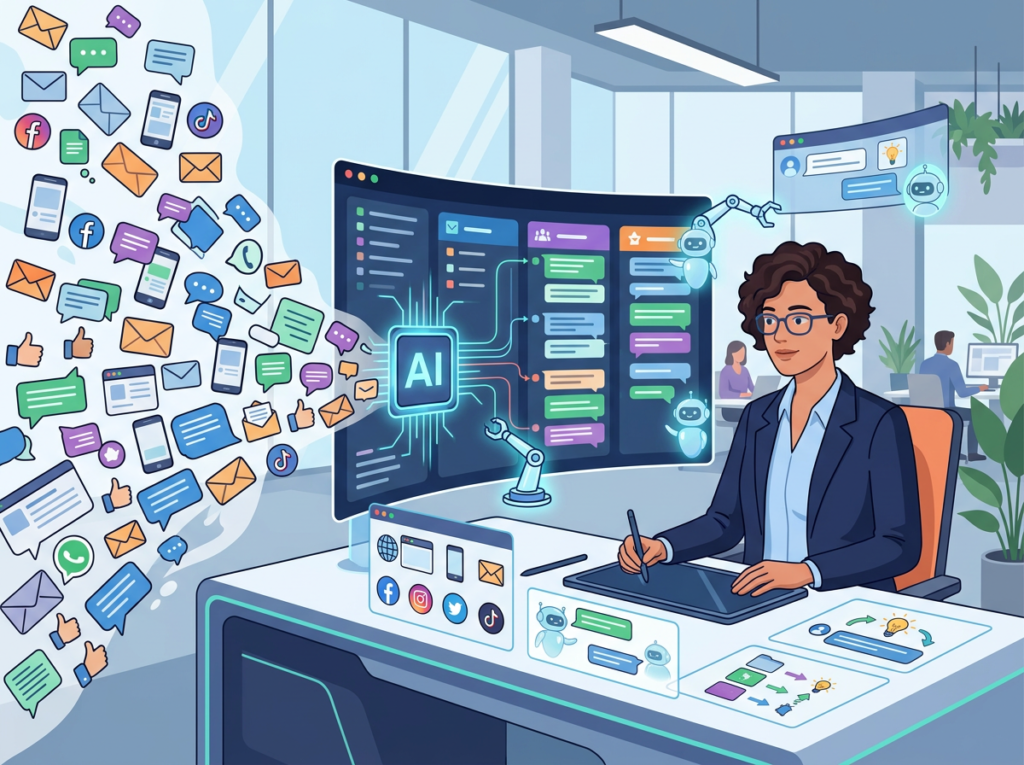
You’ve hit 500+ monthly tickets and your two-person team is drowning. Customers expect fast responses, but you can’t justify a third hire yet. Your support mostly comes through chat and in-app messaging, and customers want answers immediately — not a ticket confirmation email.
Common mistake: assuming both platforms are interchangeable at this stage. Intercom AI was designed for exactly this scenario. The messenger-first architecture means AI deflects conversations before they become tickets, rather than automating after the fact.
Situation 2: E-commerce Business with High Repeat Query Volume
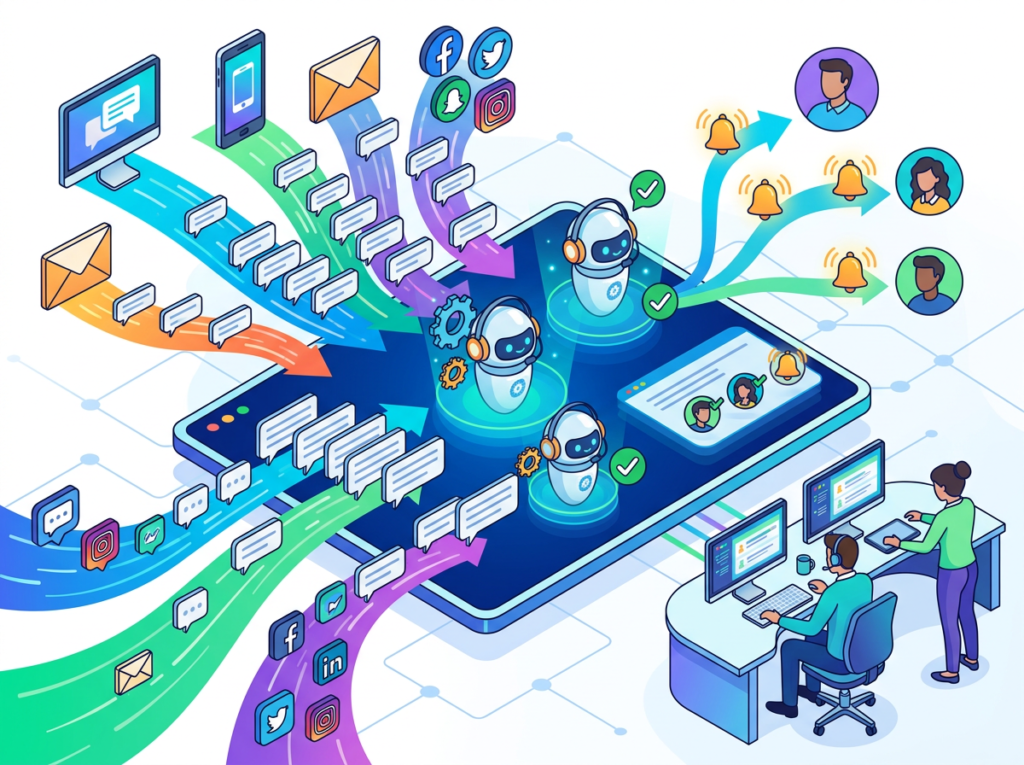
You’re handling hundreds of “where’s my order,” return request, and product question tickets every week. Most of these are answerable from a knowledge base, but your team is buried in repetitive work that kills morale and response times.
Common mistake: focusing on chatbot features without evaluating knowledge base management quality. Both platforms can handle FAQ deflection — but Intercom’s Fin AI handles multi-source queries with notably higher answer rates, according to independent resolution testing.
Situation 3: Operations Manager Evaluating for Scale

You’re planning for 10x ticket growth and need a platform that can scale AI resolution without linear cost increases. You have a dedicated IT resource and can handle complex onboarding.
Common mistake: choosing based on current needs rather than architecture. Zendesk’s enterprise-grade compliance, HIPAA options, and reporting depth matter at scale. Intercom’s flexibility matters for product-led growth companies.
Who this comparison is NOT for: Enterprise teams with 50+ agent support organizations (both platforms have enterprise tiers, but the comparison dynamics shift significantly). Businesses in highly regulated industries needing vertical-specific AI (healthcare, financial services). Teams with under 50 tickets/month — the ROI math won’t work for either platform at that volume.
Real-world example: James runs a 7-person team at a US-based SaaS company in Denver. They handle 1,200 tickets per month, 70% via live chat, and 30% via email. His team spends roughly 60% of their time answering questions already covered in their help center. The right AI platform could free 3–4 hours per agent per day — without a new hire. His choice between Intercom AI and Zendesk AI will be shaped by whether he wants to rebuild his support experience around conversations or enhance an existing ticket-based workflow.
Why Each AI Fits Different Needs
Intercom AI: Strengths and Best-Fit Scenarios
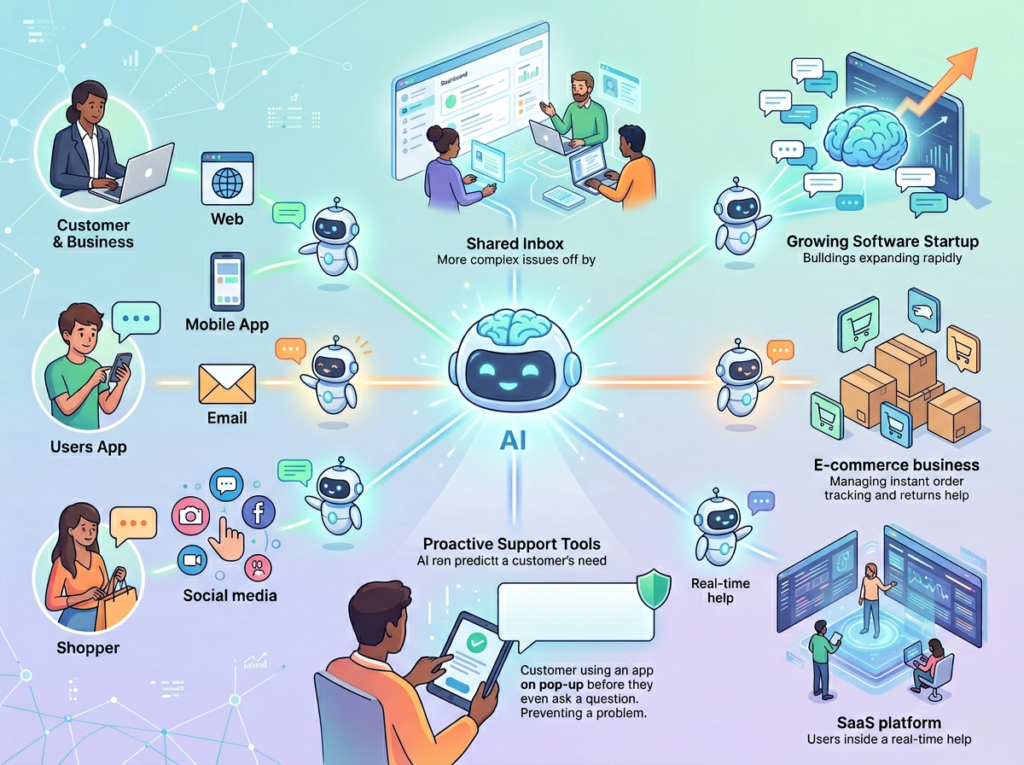
Explore Intercom AI in detail to understand its full capability set, but the core strengths break down into three areas that matter for support operations.
Conversation-First Architecture: Intercom AI is built around messenger and in-app chat as the primary channel. The Fin AI agent operates within real conversations — not as a bolt-on deflection layer before a ticket is created. This means customers get resolutions within the same interface they initiated contact in, with seamless handoff to a human agent when needed. For SaaS and e-commerce businesses where customers expect real-time responses, this is a structural advantage.
AI Agent Quality at Complex Queries: Testing conducted across 200 customer questions showed Fin answering multi-source queries (those requiring synthesis of information from multiple help articles) at a 96% rate — significantly higher than comparable AI agents on the market, according to Intercom’s published head-to-head testing methodology. For businesses with rich knowledge bases, this directly translates to higher AI resolution rates and fewer escalations.
Learning Curve and Setup: Intercom AI requires training through content sources — help articles, external URLs, PDFs, and custom answers. Most teams see their first meaningful AI resolution data within 1–2 weeks of a knowledge base integration. The setup process is guided but does require an investment in content quality upfront. Teams with thin or outdated knowledge bases should plan 2–4 weeks of content preparation before expecting strong resolution performance.
Integration Ecosystem: Intercom connects with Salesforce, HubSpot, Stripe, Shopify, and hundreds of other tools via native integrations and Zapier. The Fin AI agent can take actions — not just answer questions — within connected systems, which significantly expands its utility for order management and account-related queries.
Real-World Business Result: Small SaaS teams using Intercom AI report 40–50% reduction in first-response time and meaningful deflection of tier-1 tickets, typically reaching positive ROI within 60–90 days when the knowledge base is well-maintained.
Learn more about Intercom AI and how these outcomes are structured for different business types.
Zendesk AI: Strengths and Best-Fit Scenarios
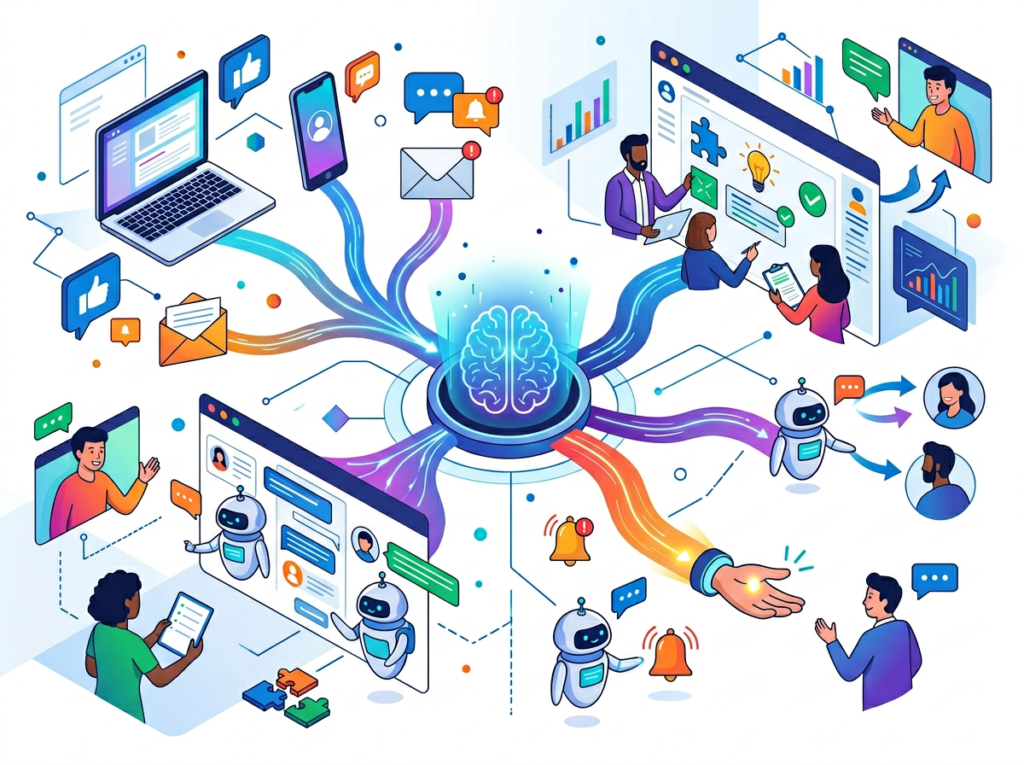
See our full Zendesk AI review for a comprehensive breakdown, but the platform’s AI strengths are most visible when understood in context of its broader ecosystem.
Ecosystem Depth and Ticket-Centric AI: Zendesk AI isn’t just an AI agent — it’s AI embedded across the entire ticket lifecycle. Intelligent triage routes tickets to the right agent or queue based on intent and sentiment. AI-assisted responses suggest replies to agents mid-conversation. Ticket summarization saves agents from reading entire threads before responding. For businesses with structured, multi-channel support operations, this depth of AI integration across workflows — not just the customer-facing chatbot — is a significant operational advantage.
Enterprise Compliance and Reporting: Zendesk’s compliance certifications (SOC 2, ISO 27001, HIPAA-eligible for certain tiers) and granular reporting capabilities make it the default choice for businesses in regulated industries or those with board-level reporting requirements. The analytics suite is mature and highly customizable, which matters when you need to demonstrate support performance to stakeholders.
Agent Assist and Human+AI Workflows: Where Intercom AI focuses on maximizing AI resolution rates, Zendesk’s approach balances AI resolution with AI-assisted human response. For teams that handle complex, nuanced, or emotionally sensitive queries — where full AI resolution isn’t appropriate — the copilot capabilities for agents are a genuine productivity multiplier. Agents report spending significantly less time on response drafting and ticket summarization.
Migration Stability: Businesses already on Zendesk benefit from AI that’s native to the platform — no data migration, no new user training on a new interface, no risk of losing years of ticket history and reporting baselines. Learn more about Zendesk AI and how it integrates with existing Zendesk Suite subscriptions.
Real-World Business Result: Teams on Zendesk Suite with Advanced AI add-on report significant reductions in average handle time and measurable decreases in escalations to senior agents, particularly for email-heavy support operations where async response workflows are the norm.
Who Should Choose Another AI Entirely
Need 1: Highly Regulated, Vertical-Specific Support
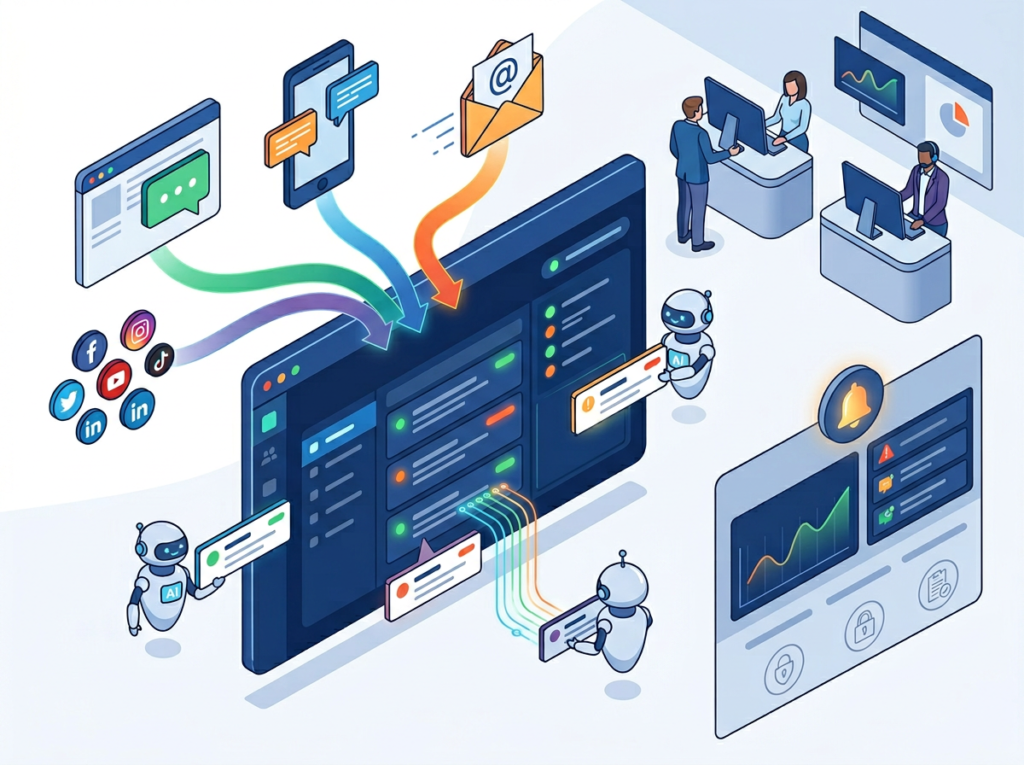
Why these AI platforms don’t fit: Both are general-purpose customer support AI. They’re not trained on medical terminology, legal frameworks, or financial compliance requirements. If your support conversations involve diagnosing product issues that carry regulatory liability — medical devices, clinical software, financial advisory tools — you need platforms with vertical-specific training and certified compliance layers.
Better alternative: Industry-specific support platforms built for your vertical, or custom AI implementations with carefully controlled knowledge scopes and legal review of AI-generated responses.
Need 2: Pure Ticket Volume at Very Low Cost
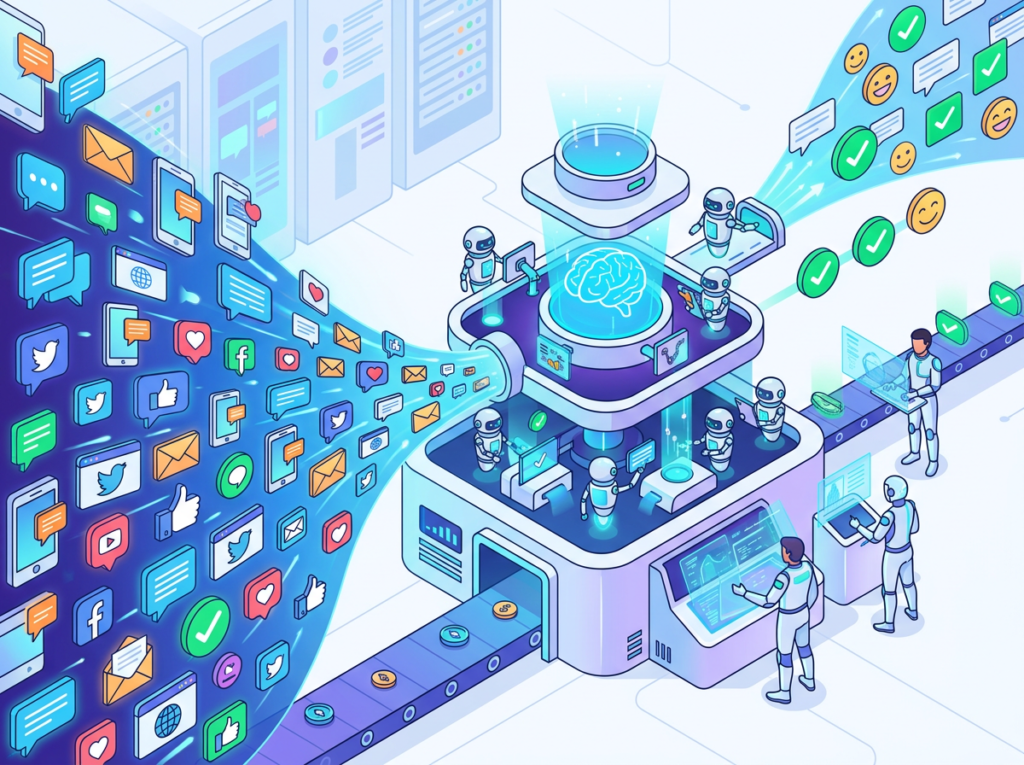
Why these AI platforms don’t fit: Both platforms carry pricing structures that assume significant ticket volume and feature utilization. For businesses handling under 100 tickets/month with simple, repetitive queries, the cost-per-ticket math doesn’t justify either platform’s overhead. As noted in this comparison from MyAskAI’s 2026 analysis, the overall cost of Intercom and Zendesk — especially when AI features are added — can be substantial relative to value for small operations.
Better alternative: Lightweight helpdesk tools with basic AI features (Freshdesk, Help Scout, or even dedicated AI chatbot tools as a standalone layer) at a fraction of the cost. As outlined in this 2026 Zendesk AI vs Intercom analysis, overall platform costs can be substantial relative to value at low ticket volumes.
Need 3: Deterministic, Rule-Based Automation Only
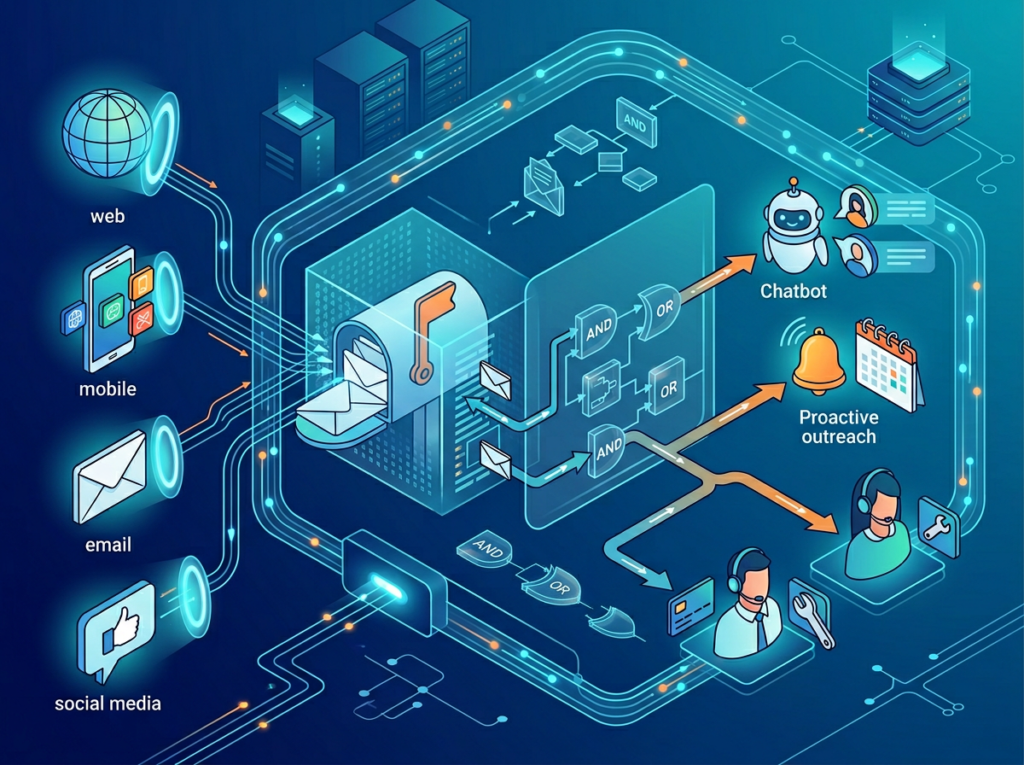
Why these AI platforms don’t fit: Both use generative AI — outputs vary, hallucinations are possible, and responses require monitoring. If your compliance environment requires 100% deterministic, auditable responses with no generative component, neither platform is appropriate for front-line support.
Better alternative: Rule-based chatbot builders (such as ManyChat or Botpress) or traditional workflow automation tools where every response path is explicitly defined and audited.
Use Cases by Business Goal
Productivity: Reducing Agent Workload on Tier-1 Tickets
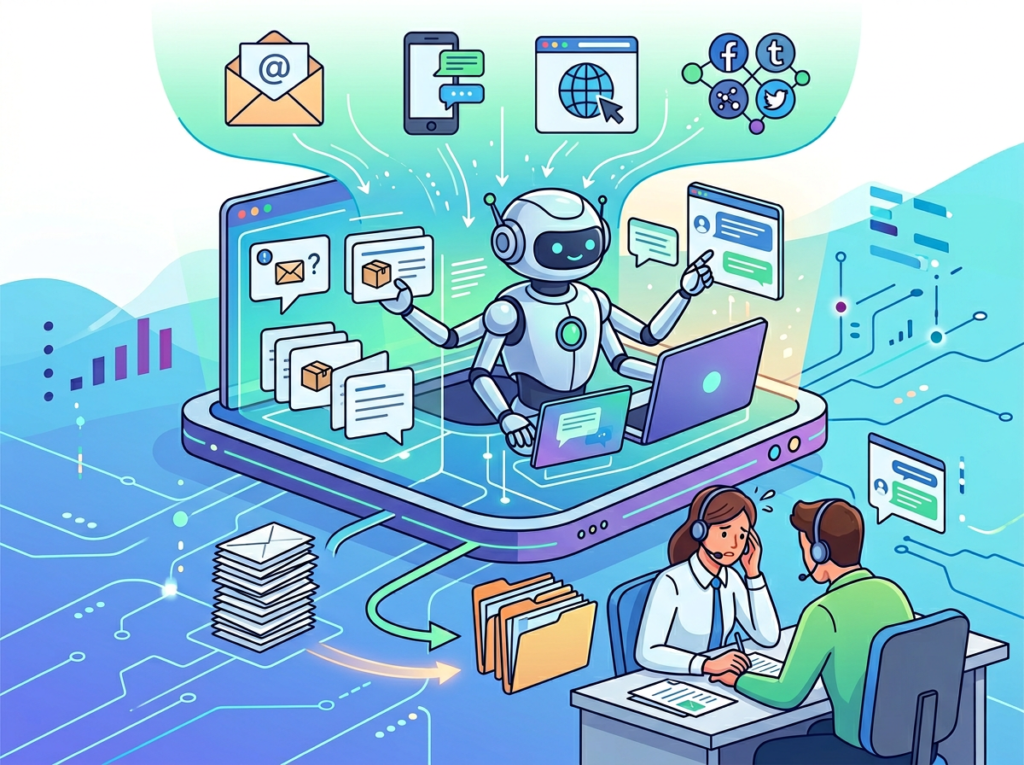
Use Case: SaaS team needs to deflect repetitive product and account questions before they reach agents.
Scenario: Your 4-person support team handles 800 tickets/month. 55% are password resets, billing questions, and feature how-tos — all answerable from your help center. Goal: let AI resolve these without agent involvement.
Intercom AI Approach:
- Fin AI agent deploys in the messenger and intercepts conversations before ticket creation
- Trained on help center articles, synced URLs, and custom answers
- Resolves multi-part questions with natural language, including follow-up clarifications
- Limitation: requires high-quality, comprehensive help center content to perform well
- Time to value: 2–3 weeks with good content, then ongoing improvement as Fin learns from unresolved queries
Zendesk AI Approach:
- AI agent (on Advanced AI add-on) handles deflection via chat widget or email auto-reply
- Intelligent triage routes remaining tickets to correct queues automatically
- Agent Copilot suggests responses to agents for complex tickets that do reach them
- Limitation: full AI functionality requires Advanced AI add-on on top of Suite subscription, adding cost
- Time to value: 3–4 weeks for full configuration, but agents start seeing copilot benefits immediately
Decision Criteria:
- Choose Intercom AI if: your support is primarily chat-led and you want maximum AI deflection before ticket creation
- Choose Zendesk AI if: you have a mixed-channel operation and need AI to help agents as much as customers
For more ways to reduce team workload through intelligent automation, discover AI efficiency strategies.
Revenue & Customer Retention: Proactive Support and Upsell Triggers

Use Case: E-commerce business wants AI to support customers at critical moments — order issues, returns, and post-purchase questions — while identifying retention and upsell opportunities.
Scenario: You run a $2M/year DTC brand and your support team spends 70% of time on WISMO (where is my order) and return requests. Goal: resolve these automatically while flagging high-value customers for proactive retention outreach.
Intercom AI Approach:
- Fin connects to Shopify and order management systems to answer order status queries with live data
- Proactive messaging can trigger based on order events or browsing behavior
- Customer data in Intercom’s CRM layer enables segmented, personalized automated messages
- Business impact: 30–50% reduction in WISMO tickets when order data integration is configured correctly
- Limitation: proactive messaging requires careful setup to avoid feeling intrusive
Zendesk AI Approach:
- AI handles WISMO via knowledge base + order API integration
- Sentiment analysis flags at-risk customers for priority human follow-up
- Reporting suite identifies top ticket drivers for product and ops teams
- Business impact: measurable reduction in repeat contacts when root cause ticket drivers are surfaced
- Limitation: proactive outreach capabilities are less native than Intercom’s messenger architecture
Decision Criteria:
- Choose Intercom AI if: customer engagement and proactive touchpoints are central to your retention strategy
- Choose Zendesk AI if: your priority is operational visibility and reducing escalations, not proactive outreach
To explore more revenue-focused AI strategies, check out AI revenue growth tactics.
Systemization: Building a Scalable Support Operation
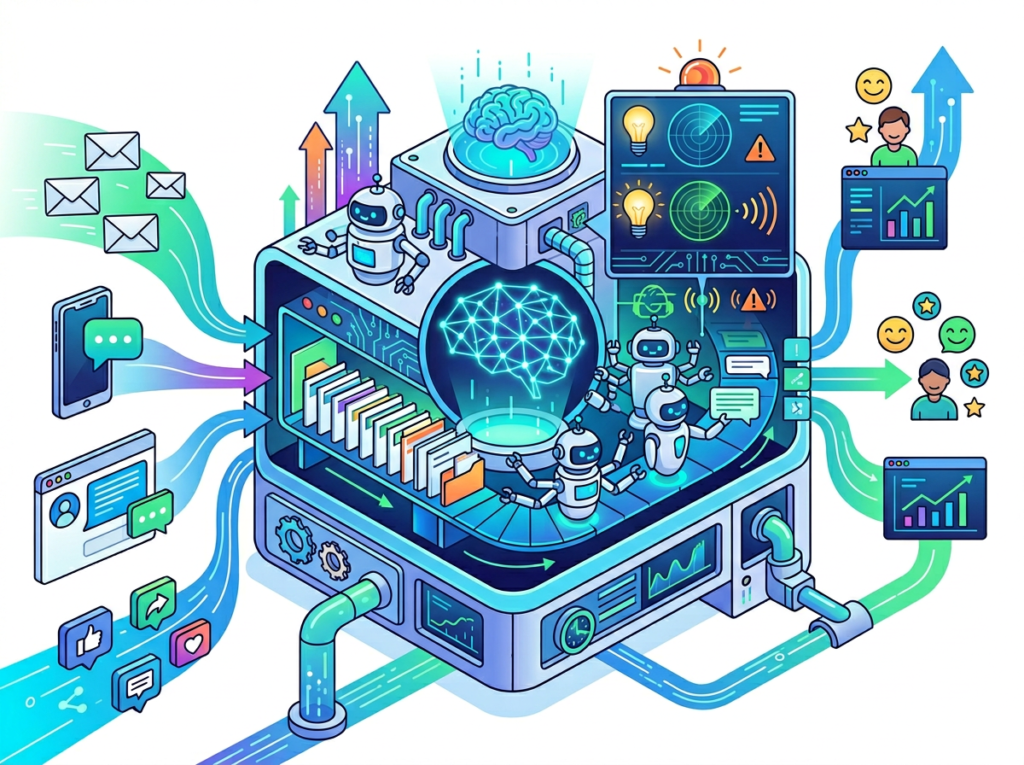
Use Case: Growing team (8–20 people) needs AI to create a consistent, scalable support system as ticket volume increases faster than headcount.
Scenario: Your support team of 10 agents handles 3,000 tickets/month across chat, email, and social. Manual routing and inconsistent response quality are creating SLA violations. Goal: use AI to standardize routing, response quality, and escalation logic so you can handle 6,000 tickets/month without doubling the team.
Intercom AI Approach:
- Fin handles tier-1 deflection; custom workflows route complex tickets to specialist teams
- Conversation tags and AI-powered categorization create operational visibility
- Works well for companies where support is tightly integrated with product feedback loops
- Long-term consideration: Intercom’s per-seat pricing and resolution-based AI costs can grow quickly at scale — model your cost at 3x current volume before committing
Zendesk AI Approach:
- Intelligent triage, SLA management, and skill-based routing create a scalable operational backbone
- Advanced reporting and CSAT analytics enable data-driven team management
- AI quality assurance features flag low-quality agent responses before they reach customers
- Long-term consideration: Zendesk’s enterprise architecture is genuinely built for scale — many enterprise support operations run entirely on Zendesk, which is a meaningful reliability signal
As noted in this Zapier analysis of both platforms, Zendesk’s maturity in ticketing infrastructure gives it a structural advantage for businesses that plan to grow beyond 20 agents.
Decision Criteria:
- Choose Intercom AI if: your growth is driven by product-led expansion and support is closely tied to in-product experiences
- Choose Zendesk AI if: you’re building a structured, scalable support operation that will grow to enterprise scale
For building efficient team-wide support systems, explore AI workflow guides.
Side-by-Side Comparison Table
| Comparison Axis | Intercom AI | Zendesk AI |
|---|---|---|
| Primary Architecture | Messenger and conversation-first | Ticket and workflow-first |
| AI Agent Capability | Fin AI agent — high multi-source resolution | AI agent with deflection + agent assist |
| Best For | SaaS, e-commerce, chat-led support | Multi-channel, structured ticketing, enterprise |
| Setup Complexity | Moderate — requires knowledge base investment | Moderate-High — more complex configuration |
| Agent Assist Features | Good (Copilot for agents in beta) | Excellent — AI throughout agent workflow |
| Reporting & Analytics | Solid for support ops | Highly advanced, board-level reporting |
| Compliance | SOC 2; limited HIPAA | SOC 2, ISO 27001, HIPAA-eligible options |
| Proactive Messaging | Native, strong | Limited, not a core strength |
| Pricing Model | Per resolution + seat costs | Per agent seat + Advanced AI add-on |
| US Market Pricing | Starts ~$74/month; Fin AI charged per resolution | Starts ~$55/agent/month; Advanced AI add-on ~$50/agent/month |
| Scalability | Strong for 5–50 agent teams | Strong for 5–500+ agent teams |
| Best Use Case | Fast-growth teams, chat-led, product-led companies | Established teams, email-heavy, compliance needs |
| Main Limitation | Resolution-based pricing can escalate quickly | AI features require additional paid add-on |
After-Table Analysis: Matching Platform to Business Stage
The table above captures features, but business stage often matters more than individual feature comparisons.
Early-Stage / High Growth (0–18 months of formal support operations): Intercom AI typically delivers faster time-to-value because its AI is tightly integrated with the customer-facing messenger. You get deflection, resolution data, and CRM context in one place. The setup is genuinely faster for chat-first support operations. At this stage, see our full Intercom AI review to understand what onboarding actually looks like.
Established Operations Scaling Up (18+ months, existing Zendesk investment): Zendesk AI layers onto infrastructure you’ve already built. The cost of migration away from Zendesk — in ticket history, agent training, workflow recreation, and reporting baseline disruption — is significant and rarely included in comparison articles. If you’re already on Zendesk, the question isn’t Zendesk vs. Intercom; it’s whether the Advanced AI add-on delivers ROI, which for teams with 500+ tickets/month, it typically does.
Cost Consideration (US Market): Intercom’s pricing transparency has improved, but the per-resolution model for Fin AI means costs can scale unpredictably with volume. At 1,000 AI-handled resolutions/month, model your true all-in cost before signing. Zendesk’s seat-based model is more predictable. Both platforms have ROI potential for US businesses paying support agents $18–25/hour — the math on AI-handled tier-1 tickets pays back quickly at meaningful volume.
How to Choose the Right AI for Your Business
Checkpoint 1: What is your primary support channel?
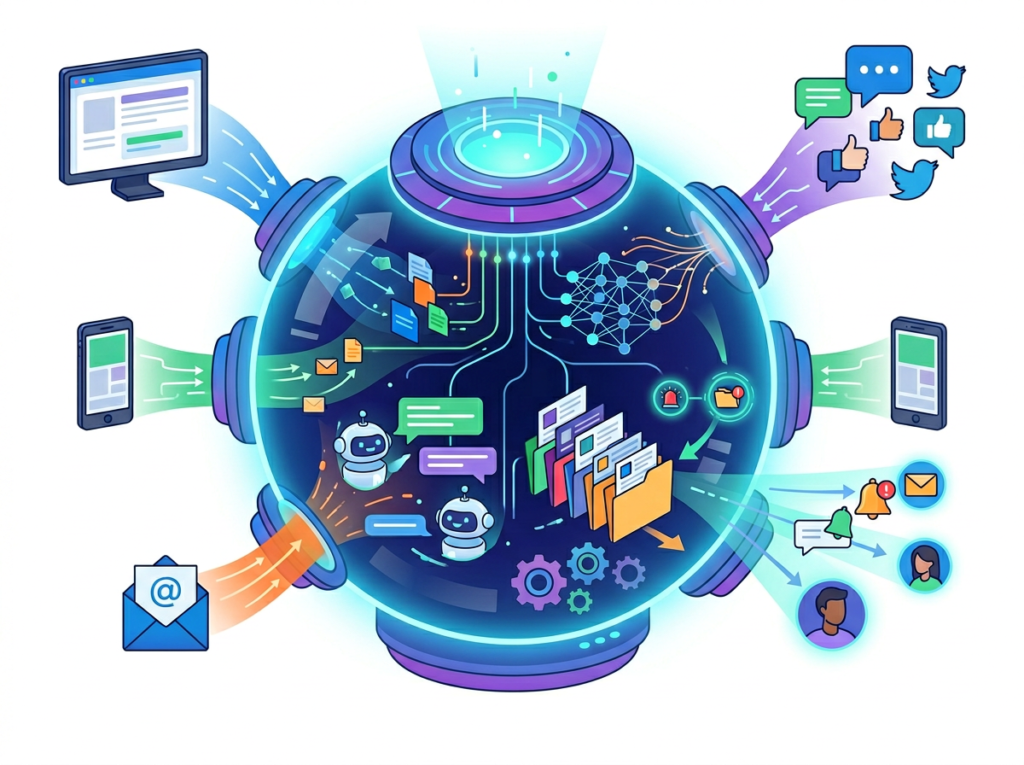
If your customers contact you primarily via live chat, in-app messaging, or website chat: Intercom AI’s architecture is purpose-built for this. If your customers primarily use email, or you support multiple channels with email as the dominant volume: Zendesk AI’s ticket-based approach matches how your support actually flows.
Checkpoint 2: Are you already on a platform?
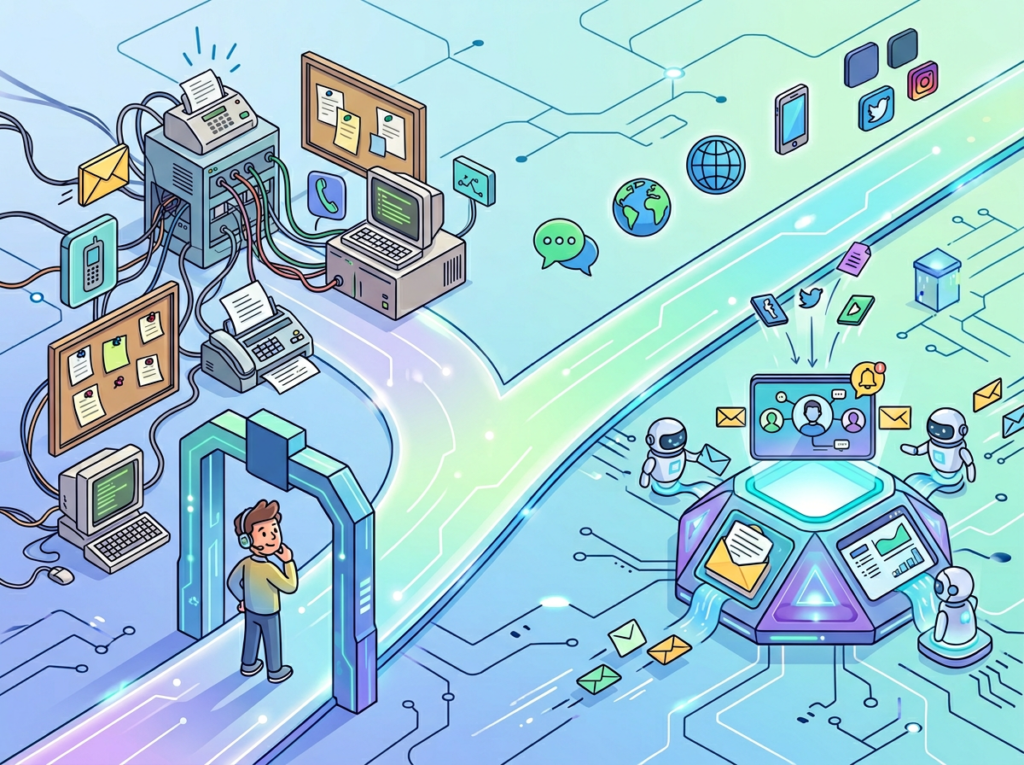
If you’re already on Zendesk: seriously evaluate the Advanced AI add-on before considering a migration. If you’re on Intercom: the same logic applies. Platform switches carry real costs. Only switch if a specific capability gap is creating measurable revenue or retention impact.
Checkpoint 3: What’s your ticket volume and growth trajectory?
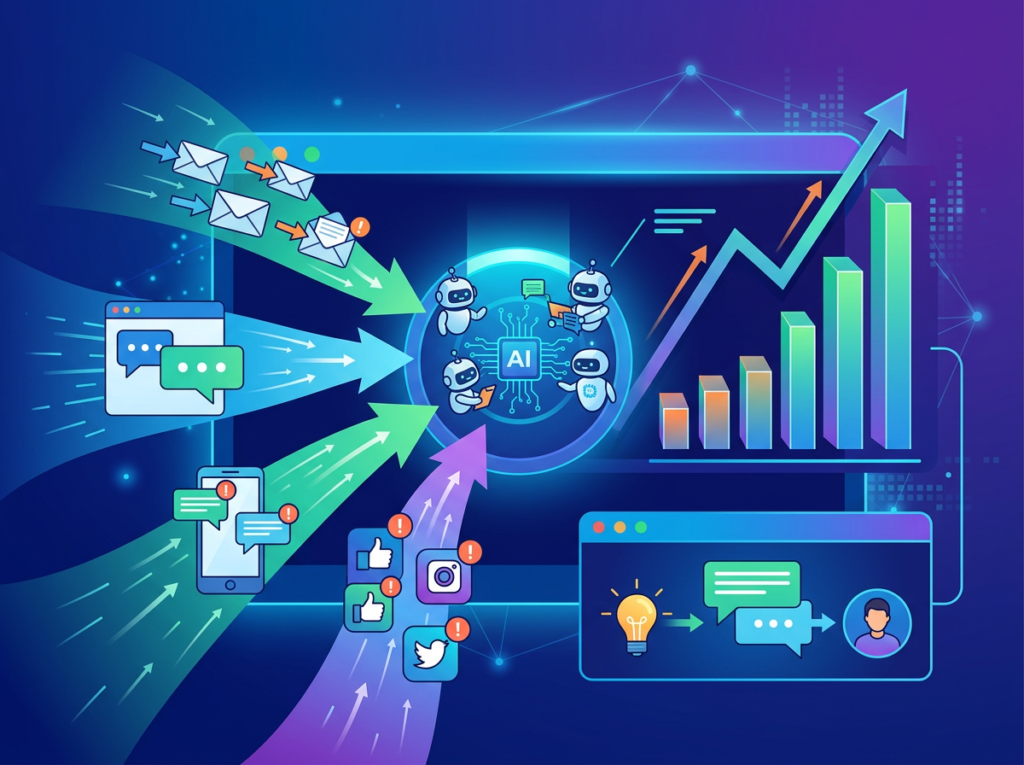
Under 200 tickets/month: neither platform’s AI investment will pay back quickly. Consider lightweight alternatives. 200–1,000 tickets/month: both platforms are viable; channel mix and team structure are the deciding factors. Over 1,000 tickets/month: the ROI math on both platforms is compelling; compliance needs and team size become the deciding factors.
Checkpoint 4: Do you need compliance or reporting at scale?
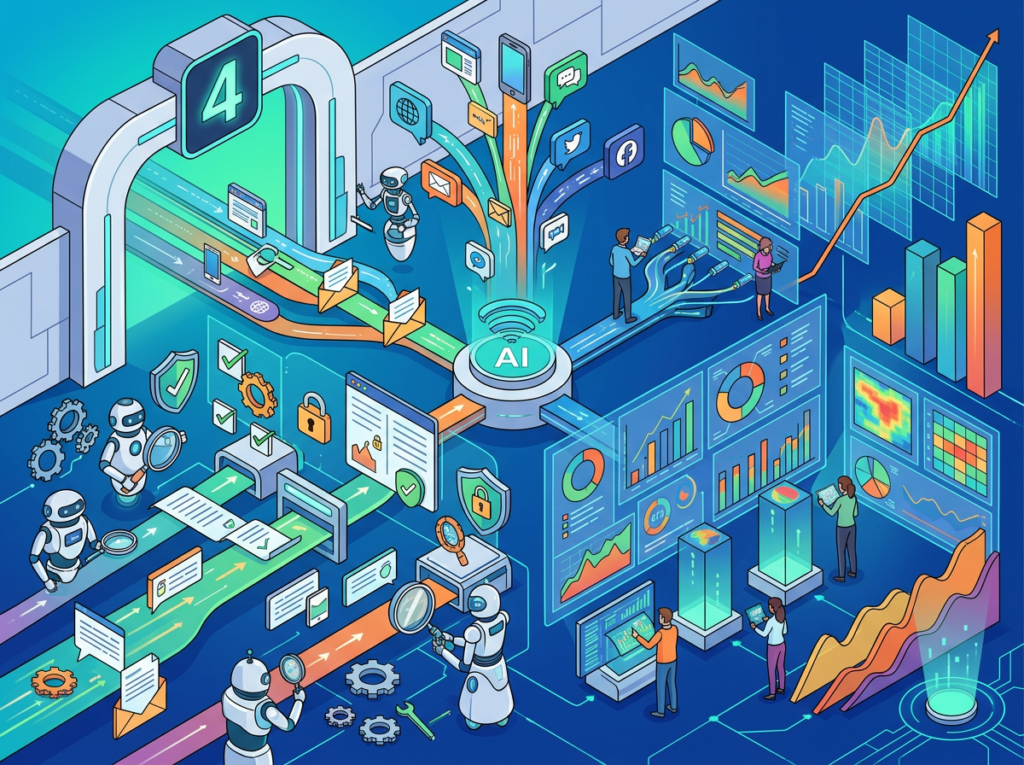
If you’re in a regulated industry, have enterprise customers with security questionnaire requirements, or report support metrics at board level: Zendesk AI’s compliance certifications and reporting depth are difficult to replicate in Intercom. Explore Zendesk AI in detail to review its enterprise compliance documentation before making a final call.
Common Mistakes to Avoid:
Mistake 1 — Choosing based on AI benchmark claims: Vendor-published resolution rate benchmarks are tested on simulated or curated datasets. Your actual resolution rate will depend on your knowledge base quality, not on published benchmarks. Run a pilot with your real content before committing.
Mistake 2 — Underestimating migration cost: Switching from Zendesk to Intercom (or vice versa) involves migrating ticket history, rebuilding macros and workflows, retraining agents, and resetting reporting baselines. This typically takes 4–8 weeks of internal resource time. Factor this into your comparison.
Mistake 3 — Ignoring the knowledge base requirement: Both platforms’ AI agents are only as good as the content they’re trained on. If your help center is thin or outdated, AI performance will be poor regardless of which platform you choose. Content investment is a prerequisite, not an afterthought.
Frequently Asked Questions
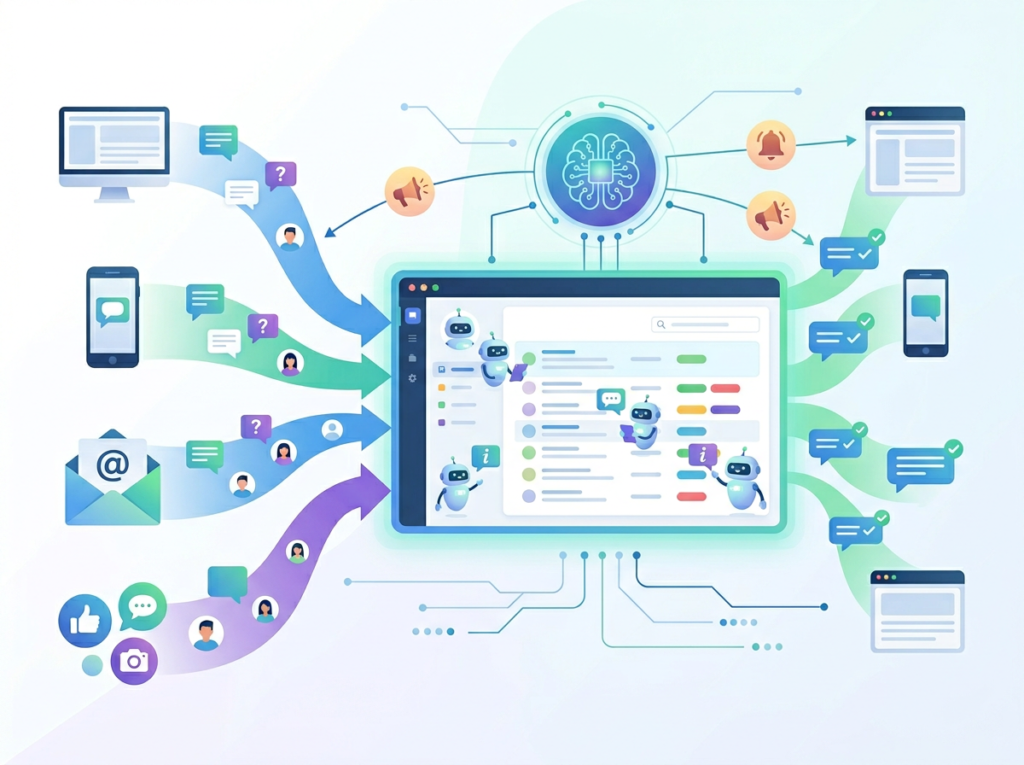
Q1: Is Intercom AI better than Zendesk AI for small business customer support?
Neither is universally better — it depends on your support channel and team structure. Intercom AI is typically the stronger choice for small SaaS or e-commerce businesses with chat-led support and under 15 agents, where its Fin AI agent delivers high conversation resolution rates. Zendesk AI performs better for small businesses with email-heavy support or those that have already built workflows on the Zendesk platform. For most small businesses: evaluate based on your primary channel and existing tech stack, not AI benchmarks alone.
Q2: How much does Intercom AI vs Zendesk AI cost for a US small business?
Intercom’s pricing starts around $74/month for the base plan, with Fin AI charged on a per-resolution basis (typically $0.99 per resolution, though pricing tiers vary). At 500 AI resolutions/month, your Intercom cost could be $500–$600/month all-in. Zendesk Suite starts at approximately $55 per agent per month, with the Advanced AI add-on adding roughly $50 per agent per month. For a 5-agent team using Advanced AI, that’s approximately $525/month. At meaningful support volumes, both platforms generate positive ROI versus hiring additional agents — but model your specific volume carefully.
Q3: Which platform is easier to set up for a non-technical team?
Intercom AI has a slight edge for teams without dedicated IT resources for the initial chat-widget and knowledge base setup. The Fin configuration interface is straightforward, and knowledge base syncing is largely automated. Zendesk AI requires more workflow configuration to unlock the full AI feature set — the Advanced AI add-on’s intelligent triage and routing capabilities need rule-building that benefits from someone comfortable with conditional logic. Both platforms offer strong onboarding support and documentation.
For building efficient team-wide support systems, explore AI workflow guides.