Spark: The AI that turns your data into instant, actionable insights.
What is Spark?
Spark is developed by Readdle, a software company established in 2007 and known for productivity applications like PDF Expert and Scanner Pro. The team leverages a proprietary AI architecture designed specifically for email workflows, rather than relying solely on a single public large language model. This allows Spark to offer intelligent features such as AI-powered email summarization, smart reply suggestions, and automated email triage to prioritize important messages. The tool is targeted primarily at professionals and teams seeking to reduce inbox clutter and manage communication overhead. Key use cases include drafting context-aware responses, generating summaries of lengthy threads, and creating actionable tasks from email content.
Key Findings
Data Intelligence: Transforms raw information into actionable insights for smarter business decisions daily.
Predictive Analytics: Forecasts market trends and customer behavior with twelve key data indicators precisely.
Automated Reporting: Generates comprehensive performance dashboards and detailed summaries automatically every single week.
Workflow Optimization: Streamlines internal processes to boost team productivity and reduce operational costs significantly.
Customer Insights: Analyzes client feedback and interactions to enhance service and drive sales growth.
Risk Assessment: Identifies potential business threats and vulnerabilities using advanced algorithmic monitoring tools constantly.
Real-time Monitoring: Tracks key performance metrics and system health across all platforms continuously.
Resource Allocation: Optimizes budget and staff deployment based on current project demands and forecasts.
Compliance Tracking: Ensures adherence to industry regulations and standards with automated audit trails always.
Strategic Planning: Provides data-driven recommendations and scenarios to guide long-term business development and strategy.
Who is it for?
Marketer
Campaign performance report
Competitor analysis summary
Social media content calendar
Event follow-up email draft
Monthly marketing newsletter
Office Administrator
Meeting minutes summarization
Vendor communication draft
Policy update announcement
Travel itinerary creation
Expense report compilation
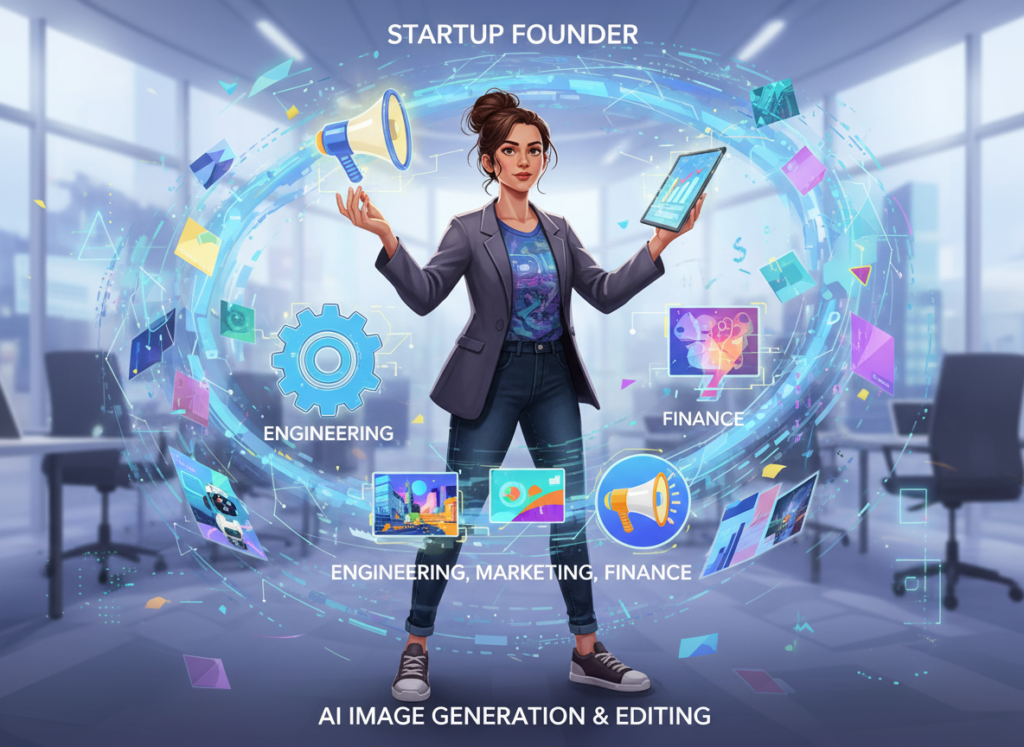
Startup Founder
Investor update email
Pitch deck narrative drafting
Product launch announcement
Team all-hands agenda
Partnership proposal outline
Pricing
Free @ $0/mo
Smart Inbox
Unlimited Email Accounts
Smart Notifications
Essential Email Productivity
Calendar
Plus @ $10/mo
Advanced Email Productivity
Spark +AI
AI Assistant
40 AI Meeting Notes
Essential Team Collaboration
Custom Templates
Pro @ $20/mo
Unlimited AI Meeting Notes
Custom AI Actions SOON
Read Statuses
Advanced Team Collaboration
HubSpot, Salesforce, and Pipedrive Integrations SOON
AI that turns your data into instant, actionable insights.
What is Zipy?
Zipy is a comprehensive digital experience analytics platform developed by the eponymous company, Zipy.ai. The team focuses on providing a unified solution for product, engineering, and customer support teams to diagnose user-facing issues. Technically, Zipy leverages session replay technology combined with advanced error tracking and performance monitoring. It utilizes machine learning to automatically surface critical issues, such as JavaScript errors or poor user experience flows, from vast amounts of session data. Key capabilities include error monitoring with stack traces, network call inspection, console log capture, and visual session replays that map user journeys. The primary target users are frontend developers, product managers, and customer success teams in digital businesses. Use cases range from rapidly debugging production errors to understanding feature adoption friction. By integrating directly into development and support workflows, Zipy significantly reduces mean time to resolution (MTTR) for issues, directly impacting customer satisfaction and retention.
Key Findings
AI Assistant: Handles customer inquiries instantly with natural and accurate conversational responses daily.
Code Analyzer: Scans your entire codebase to automatically detect and pinpoint critical bugs proactively.
Real Time Monitoring: Continuously tracks application performance metrics to identify and alert on anomalies instantly.
Automated Debugging: Reproduces user reported issues in isolated environments to find root causes quickly.
Session Replays: Records user interactions visually to understand exact behavior and pain points clearly.
Error Insights: Aggregates and prioritizes software errors by impact to focus fixes effectively.
Collaboration Tools: Enables team annotation and sharing on sessions and errors for faster resolution.
Seamless Integration: Connects with popular project management and communication tools without complex setup.
Performance Analytics: Provides detailed reports on application health and user experience trends weekly.
Data Privacy: Ensures all session data is encrypted and compliant with major global regulations strictly.
Continue any conversation, email, or code with a single click.
What is Continue?
Continue is an open-source AI coding assistant developed by a team of engineers and entrepreneurs, including its founder, Tyler H. The tool is built on a client-server architecture that runs locally, prioritizing privacy and security by connecting directly to users’ preferred large language models (LLMs). It can utilize cloud-based models like GPT-4 or Claude, as well as run local models such as Llama 3 or CodeLlama, giving developers significant flexibility. Its key features include an IDE-native chat interface, context-aware code generation, and the ability to learn from a project’s entire codebase for highly relevant suggestions. Continue primarily targets software developers and engineering teams, streamlining workflows by integrating directly into VS Code and JetBrains IDEs. This integration allows for real-time code explanation, refactoring, and autocompletion, significantly reducing context-switching and accelerating development cycles.
Key Findings
Seamless Integration: Connects effortlessly with existing enterprise systems to enhance workflow and data synergy.
Continuous Learning: Adapts and improves from ongoing user interactions to deliver increasingly accurate and relevant responses.
Real-Time Collaboration: Enables teams to work together simultaneously on documents, projects, and strategic plans effectively.
Advanced Analytics: Provides deep insights into business operations through comprehensive data processing and visual reporting tools.
Proactive Suggestions: Anticipates user needs and offers intelligent recommendations to streamline decision-making and daily tasks.
Enterprise Security: Ensures complete data protection with robust encryption and strict access controls for all information.
Customizable Workflows: Allows businesses to tailor automated processes to their specific operational requirements and unique goals.
Voice Commands: Executes complex tasks and retrieves information through simple, natural spoken language for hands-free operation.
Predictive Modeling: Forecasts trends and outcomes using historical data to support strategic planning and risk management.
Scalable Performance: Grows seamlessly with your business, handling increased demand without compromising on speed or reliability.
Craft perfect emails with AI that knows your team’s style and context.
What is Missive?
Missive is a collaborative email client developed by a small, independent team based in Quebec, Canada, focused on merging team chat, tasks, and email into a unified workflow platform. Technically, it does not rely on a proprietary large language model but integrates AI capabilities through strategic partnerships, such as its official integration with OpenAI’s ChatGPT, to power features like email writing assistance and thread summarization directly within its interface. Its key features include shared inboxes, internal chat channels, task management, and scheduling, all accessible from a single application. The tool primarily targets small to medium-sized business teams, including customer support, sales, and marketing groups, who require seamless collaboration around external communication. By centralizing conversations that typically fragment across email, SMS, and social media, Missive reduces context-switching and improves response times.
Key Findings
AI Assistant: Handles customer inquiries instantly with accurate and personalized responses every time.
Unified Inbox: Consolidates all communication channels into one streamlined and easily manageable interface daily.
Team Collaboration: Enables seamless internal discussions and task delegation directly within message threads.
Email Scheduling: Lets you compose emails now and send them at the optimal later time.
Shared Templates: Provides a library of pre-approved messages for consistent and fast replies.
Workflow Automation: Routes messages to the right team member based on customizable rules and triggers.
Activity Insights: Delivers detailed analytics on team performance and customer response times clearly.
Snooze Messages: Temporarily removes non-urgent emails from your inbox until a more convenient time.
Send Later: Allows drafting emails immediately but scheduling their delivery for perfect timing.
Integration Hub: Connects seamlessly with popular tools like Slack, Google Drive, and Salesforce effortlessly.
AI that turns your business data into actionable insights and forecasts.
What is Bluedot?
Bluedot is developed by a team of AI and legal technology experts dedicated to transforming contract review. The platform leverages a specialized legal language model, trained on vast datasets of legal documents, to understand complex contractual clauses and terminology with high precision. Its key capabilities include automated contract review for compliance with predefined policies, risk identification, and clause comparison against standard libraries. This tool is primarily targeted at in-house legal teams, procurement officers, and compliance managers in enterprises. Common use cases involve streamlining the review of NDAs, sales agreements, and procurement contracts. By integrating directly into workflows via APIs or platforms like Microsoft Word, Bluedot significantly reduces manual review time and mitigates legal risk, allowing professionals to focus on strategic matters.
Key Findings
Real-time Insights: Delivers instant data analysis and actionable intelligence for informed strategic decision-making.
Predictive Analytics: Forecasts market trends and customer behavior with advanced machine learning models accurately.
Automated Reporting: Generates comprehensive performance dashboards and executive summaries automatically every single week.
Seamless Integration: Connects effortlessly with existing enterprise software and cloud platforms without disrupting workflows.
Custom Alerts: Sends personalized notifications for critical thresholds and anomalies directly to your team.
Data Visualization: Transforms complex datasets into clear, interactive charts and graphs for easy understanding.
Collaborative Tools: Enables team-wide sharing, annotation, and discussion on live data reports securely.
Scalable Infrastructure: Grows effortlessly with your business needs, handling increased data volume and users.
Proactive Recommendations: Suggests optimal actions and process improvements based on deep historical data analysis.
Enterprise Security: Protects all sensitive information with bank-grade encryption and strict access control protocols.
The geometry of intelligence: AI that solves complex problems with mathematical precision.
What is Pythagora?
Pythagora is an AI-powered development platform created by the team at GPT Pilot, aiming to automate a significant portion of the coding process. The tool operates by leveraging large language models, primarily OpenAI’s GPT-4, to generate functional, production-ready code from a high-level description. Its core capability is an iterative development loop where it writes code, identifies errors, debugs them, and implements fixes, all while maintaining a coherent codebase structure. Key features include the automated setup of a development environment, the creation of detailed specifications, and the generation of fully functional applications complete with tests. It is targeted at professional developers and engineering teams seeking to accelerate prototyping and reduce boilerplate coding tasks. By integrating into early-stage workflows, Pythagora can significantly decrease initial development time, allowing human engineers to focus on complex logic and refinement.
Key Findings
Code Generation: Creates clean, functional software from natural language prompts with precision.
Data Analysis: Uncovers hidden patterns and insights from complex datasets to inform strategic decisions.
Automated Testing: Rigorously checks software for bugs and vulnerabilities before deployment, ensuring reliability.
Documentation Assistant: Produces clear, comprehensive technical documents and user guides from source code.
Workflow Optimization: Streamlines development processes by identifying and automating redundant, time-consuming manual tasks.
Predictive Modeling: Builds accurate forecasts and simulations using historical data to guide future planning.
Natural Queries: Understands and executes complex data requests using everyday conversational language and context.
Security Scanning: Proactively identifies potential code vulnerabilities and compliance issues within your software projects.
Team Collaboration: Facilitates seamless knowledge sharing and coordinated project work across distributed development teams.
Custom Integration: Connects securely with your existing business tools and platforms for unified operations.
Turn any website into structured, ready-to-use data with one API call.
What is Firecrawl?
Firecrawl is developed by Mendable AI, a company focused on building practical AI infrastructure tools. The core technical architecture is a web crawling and data extraction platform designed to convert virtually any website, including those with dynamic JavaScript content, into clean, structured markdown or LLM-ready data. This is achieved through a combination of automated crawling, intelligent node detection, and a rendering engine that processes sites like a browser. Key capabilities include scalable crawling of entire domains, automatic extraction of main content while filtering out noise like navigation, and real-time data conversion via API. It primarily targets developers and businesses that need to integrate current web data into their AI applications, such as for building accurate retrieval-augmented generation (RAG) systems, knowledge bases, or AI agents. By seamlessly turning the live web into a usable data source, Firecrawl significantly streamlines the data pipeline for AI projects, eliminating the need for complex in-house scraping infrastructure.
Key Findings
Website Crawling: Extracts structured data from any website automatically and reliably at scale.
Content Indexing: Transforms crawled web pages into clean, searchable JSON data for immediate use.
Real-time Monitoring: Continuously tracks website changes and updates your dataset with fresh information.
Custom Extraction: Defines specific data points to capture using simple CSS or XPath selectors.
API Integration: Connects seamlessly with your existing applications via a straightforward REST API.
Bulk Processing: Handles large-scale crawling jobs efficiently across thousands of URLs concurrently.
JavaScript Rendering: Accurately scrapes dynamic content from modern JavaScript-heavy websites and applications.
Data Export: Delivers formatted data directly to your storage, databases, or preferred cloud services.
Reliable Infrastructure: Ensures high uptime and consistent performance with managed, scalable cloud servers.
Simple Pricing: Offers transparent, predictable plans based on usage with no hidden fees or surprises.
Small teams that still depend on freelancers and manual briefs for every visual are quietly falling behind — and ai image generation tools for small teams have become the operational equalizer.
If you’ve grown your US business from a one-person operation to a team of five, eight, or ten people, you’ve probably noticed that the chaos scales faster than the headcount. Marketing visuals pile up. Social posts get inconsistent. New hires spend their first week decoding a creative style guide that exists only in the founder’s head — or worse, in a disorganized Slack thread from 2023.
This is the defining tension for American small teams in 2026: the demand for high-quality marketing content has never been higher, but the infrastructure to produce it consistently — without hiring a full design team — is still out of reach for most growing businesses.
Remote work culture has only intensified the problem. Multi-state teams, async communication, and rotating contractors mean that brand consistency requires documentation, systems, and tools. Without them, every piece of visual content becomes a negotiation.
That’s where Nano Banana Pro enters the picture — not as another design app, but as a system-building ally for small teams that need to create marketing images with AI, automate repeatable workflows, and stop reinventing the wheel every time a new campaign goes live.
Unlike traditional design documentation — which can cost a small US business thousands of dollars in contractor hours and weeks of back-and-forth — Nano Banana Pro compresses that process into hours. This guide breaks down exactly how, with real use cases, role-by-role walkthroughs, and the numbers that matter to founders managing lean teams in the US market.
What is Solo DX?
Solo DX — short for Solo Digital Transformation — refers to the process of building operational systems inside a small US business without a dedicated operations manager, IT department, or enterprise budget. It’s the work of turning founder knowledge into repeatable team processes, and it’s one of the most overlooked growth levers available to American small businesses in 2026.
To be clear, Solo DX is distinct from other AI use categories:
Category
Focus
Who It’s For
Solo DX
Building systems and workflows for a growing team
Founders scaling from 1–10 people
AI Efficiency
Speeding up individual tasks
Solo operators and individual contributors
AI Revenue Boost
Driving sales and conversions with AI
Marketing and sales teams
AI Workflows
Automating multi-step processes end-to-end
Operations managers and tech teams
Solo DX occupies a unique space because it addresses the transition period — the painful, chaotic stretch when a business is too big to run on founder memory alone but too small to hire a systems architect.
Consider a real-world example: a three-person brand design studio in Austin, Texas. The founder handles client strategy. One designer creates deliverables. A second designer was hired six months ago. Six months in, the new hire is still producing work that doesn’t match the brand’s visual style — not because she isn’t talented, but because the studio’s style standards were never written down. They lived in the founder’s head and in years of unspoken creative feedback.
Corporate SOP methods don’t solve this problem for small US teams. They’re built for companies with HR departments and compliance requirements — the overhead alone would consume the entire week’s bandwidth for a three-person studio. What Solo DX requires is a lighter, faster approach to systemization: tools that can capture institutional knowledge, translate it into replicable templates, and make it accessible to every team member without a full implementation project.
That’s the gap that Nano Banana Pro is designed to fill — and why it’s become a go-to tool for US founders managing small creative and marketing teams. You can explore Nano Banana Pro’s features on AI Plaza to see how it maps to this systemization need.
Why AI is Key for Mini-Team Systemization
Three operational problems consistently break small US teams as they scale, and each one has a concrete AI solution. Understanding these problems — and their real dollar costs — is the foundation for making a smart decision about automated graphic design for startups.
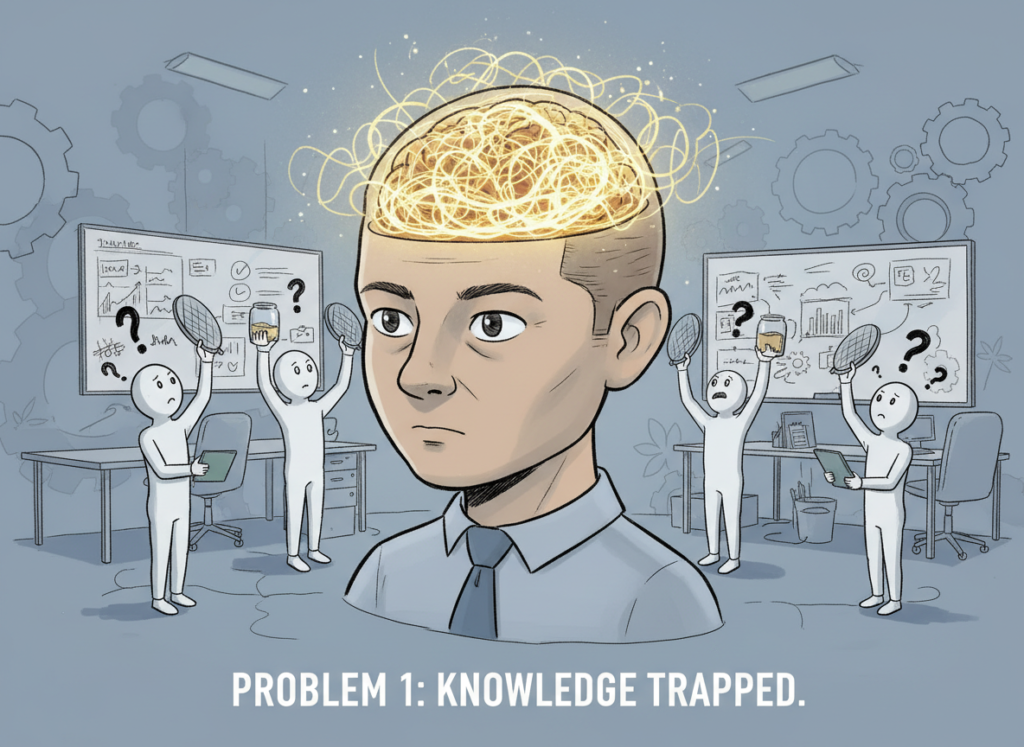
Problem 1: Knowledge lives only in the founder’s head.
The most common scaling failure isn’t a talent gap — it’s a documentation gap. When the founder is the only person who knows the brand voice, the visual style, the client communication tone, and the approval process, every piece of output requires a founder review. Multiply that by ten deliverables a week and you get a founder who is a permanent bottleneck in their own business. According to SHRM, managers already spend 10 or more hours per new hire on direct training and supervision. At a conservative founder rate of $75–$100 per hour, that’s $750–$1,000 in opportunity cost before the new hire produces a single asset independently.
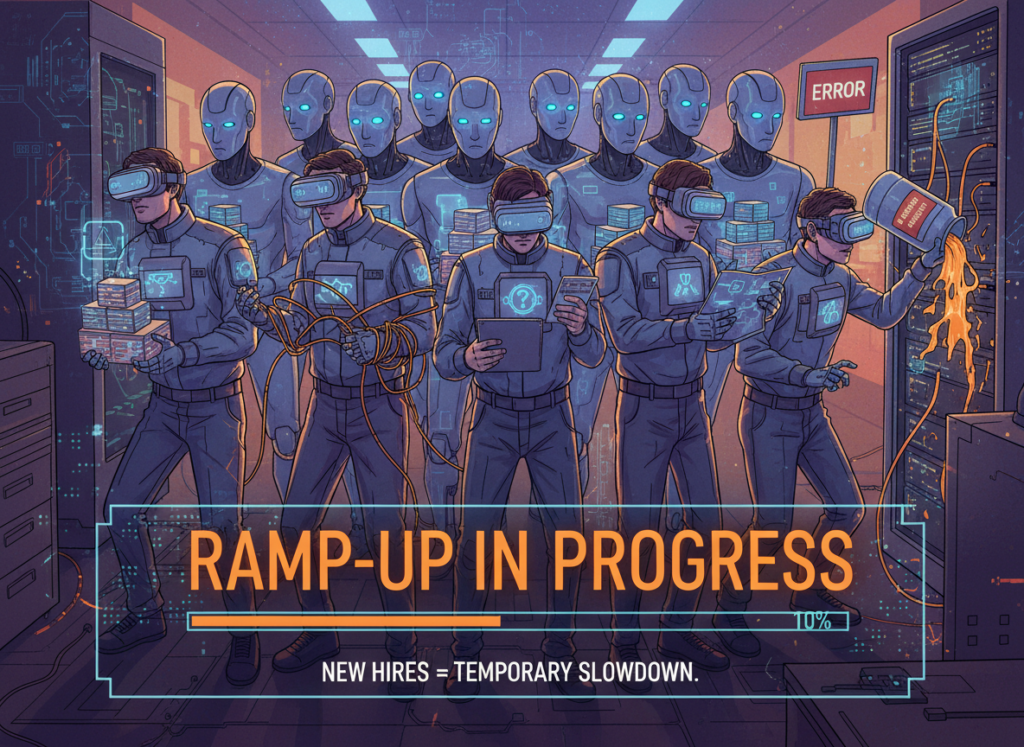
Problem 2: New hires slow down operations during ramp-up.
Research consistently shows that new employees operate at roughly 25% of full productivity during their first four weeks on the job, and it takes an average of 26 weeks — about six months — for a new hire to reach full contribution. For US small businesses where the average onboarding cost runs $600–$1,800 per hire in direct expenses alone (plus indirect costs from lost productivity), an undocumented workflow doesn’t just slow things down. It makes every hire an expensive experiment.
The US voluntary turnover rate currently sits around 13%, according to recent workforce research — meaning small teams are running this ramp-up cycle more often than they’d like to admit.
The cost reality:
Building this infrastructure manually — hiring a brand consultant to document visual standards, having a designer create master templates, and writing SOPs from scratch — typically costs a small US business $3,000–$6,000 in contractor and staff time, and takes two to four weeks. With AI tools for social media visuals and an AI-assisted workflow, the same foundation can be established in hours, with ongoing costs tied to a monthly subscription rather than a one-time consulting engagement.
How Nano Banana Pro Enables Solo DX
For small US teams producing marketing content, Nano Banana Pro addresses the Solo DX challenge through four core capabilities. Here’s how each one translates to operational value — and real dollar savings.
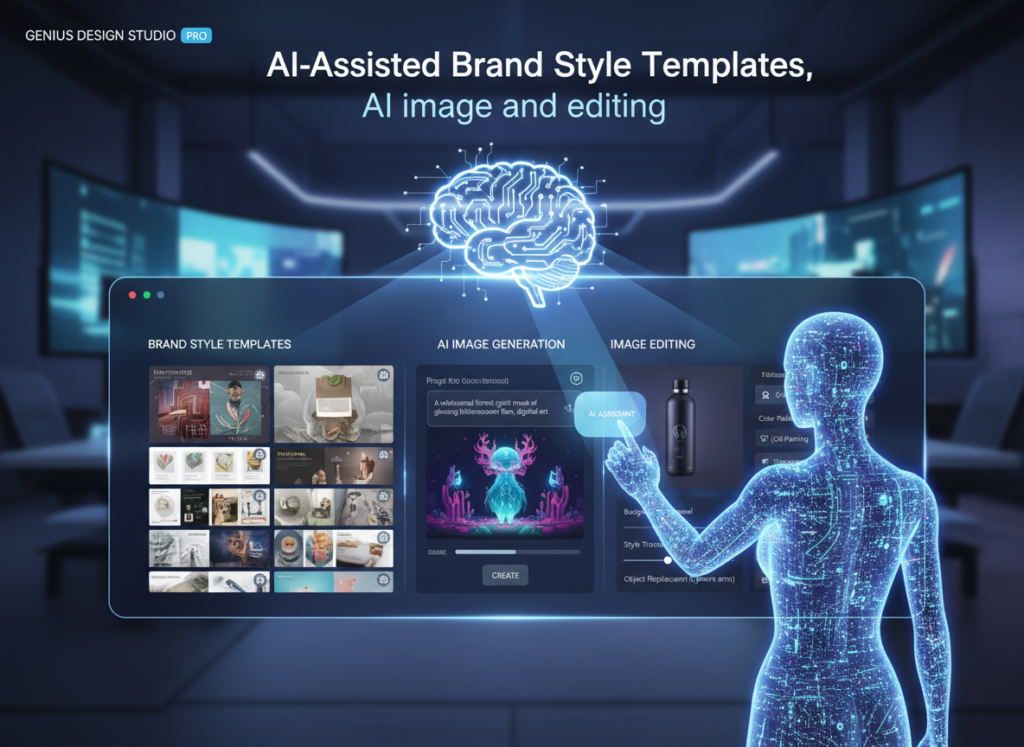
Feature 1: AI-Assisted Brand Style Templates
Instead of spending hours briefing a designer or creating a brand guide from scratch, Nano Banana Pro lets teams define their visual identity — color palettes, typography preferences, image style — and apply it consistently across all generated assets. Team members who aren’t experienced designers can produce on-brand graphics for social media, email headers, and ad creatives without requiring founder review on every single piece.
The time savings here are measurable. A small marketing team that previously spent two to three hours per week reformatting off-brand content or waiting for founder corrections can redirect that time to higher-value work. At $50–$75 per hour for a US marketing coordinator, that’s $400–$600 recovered per month, per team member.
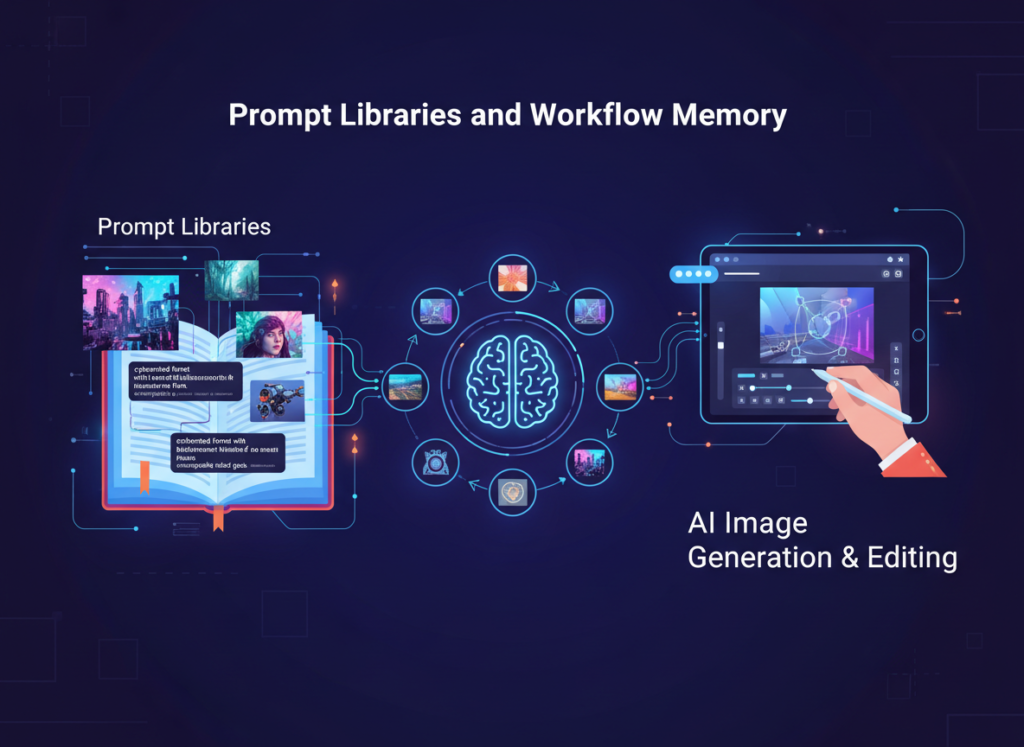
Feature 2: Prompt Libraries and Workflow Memory
One of the most underappreciated features for small teams is the ability to save, share, and reuse successful prompts. In a team setting, this functions as a documented creative process — the institutional knowledge that previously existed only in the founder’s head becomes a shared resource. New hires can produce consistent results from day one because the “how” is already recorded.
This is particularly valuable for teams managing ai tools for social media visuals across multiple platforms. A new team member can pull an existing prompt library for Instagram carousel graphics, LinkedIn banners, or Facebook ad creatives and immediately produce work that matches existing brand standards — reducing the ramp-up period that currently costs US small businesses so much in lost productivity.
Feature 3: Collaborative Workspace
Nano Banana Pro’s team workspace allows multiple users to access the same brand assets, prompt libraries, and generated content. This solves the version control problem that plagues small US teams using Slack and Google Drive as their primary “systems” — no more hunting for the right logo file, no more off-brand one-offs from contractors who don’t have access to the latest templates.
For remote or multi-state teams — an increasingly common reality for US small businesses post-pandemic — this shared workspace functions as the single source of truth for all visual content. It’s small business visual content automation that doesn’t require a dedicated operations manager to maintain.
[Placeholder: Insert verified Nano Banana Pro user counts or growth metrics here if available from the vendor]
Understanding how Nano Banana Pro works in practice means following real team members through their actual workflows. Here are four personas that reflect the range of roles in a typical US small team.
Maria — Startup Founder Juggling 3 Departments
Old workflow: Maria runs a 7-person e-commerce startup. She’s the default creative director even though she has no design background. Every week, her team produces social content, product launch graphics, and email headers — and every week, Maria spends four to six hours reviewing, requesting revisions, and reformatting assets that don’t match the brand. She’s using expensive founder time to be a graphic design QA filter.
AI-powered workflow: Maria spends one afternoon setting up Nano Banana Pro’s brand template — uploading brand colors, defining image style preferences, and saving five core prompt templates for the content types her team produces most. She shares the workspace with her two content team members.
Results: The weekly revision cycle drops from four to six hours to under one. Maria redirects that time to customer acquisition. The brand consistency her team produces improves visibly within two weeks. At her implicit hourly rate of $150+ as a founder, recovering five hours per week translates to $3,000–$3,900 in monthly opportunity cost recaptured.
“I stopped being the bottleneck for content approvals. The templates do the QA for me.” — [Placeholder: Insert real verified quote from a Nano Banana Pro user or remove]
Robert — Trainer Documenting Internal Knowledge
Old workflow: Robert is the designated trainer for a 10-person SaaS sales team in New York. His training materials — slide decks, one-pagers, visual explainers — are perpetually out of date because updating them requires design skills he doesn’t have. He relies on a freelance designer who charges $85–$120 per hour and has a two-week turnaround.
AI-powered workflow: Robert uses Nano Banana Pro to create and update training visuals directly, without design intermediaries. When a product feature changes, he updates the relevant prompt and regenerates the graphic in minutes. As noted in this Nano Banana Pro prompting guide, teams that invest time in building structured prompt libraries early see the biggest long-term time returns — Robert’s case is a textbook example.
Results: Training material update cycles drop from two weeks and $200–$400 in freelancer fees to a same-day, zero-incremental-cost process. Robert estimates he updates training materials three to four times per quarter; the direct freelancer cost savings alone run $2,400–$6,400 annually.
“I finally own my own training materials. I can update them the day a feature ships.” — [Placeholder: Replace with verified quote]
Even with the right tool in place, small US teams frequently undermine their own AI content systems. Here are four mistakes to avoid.
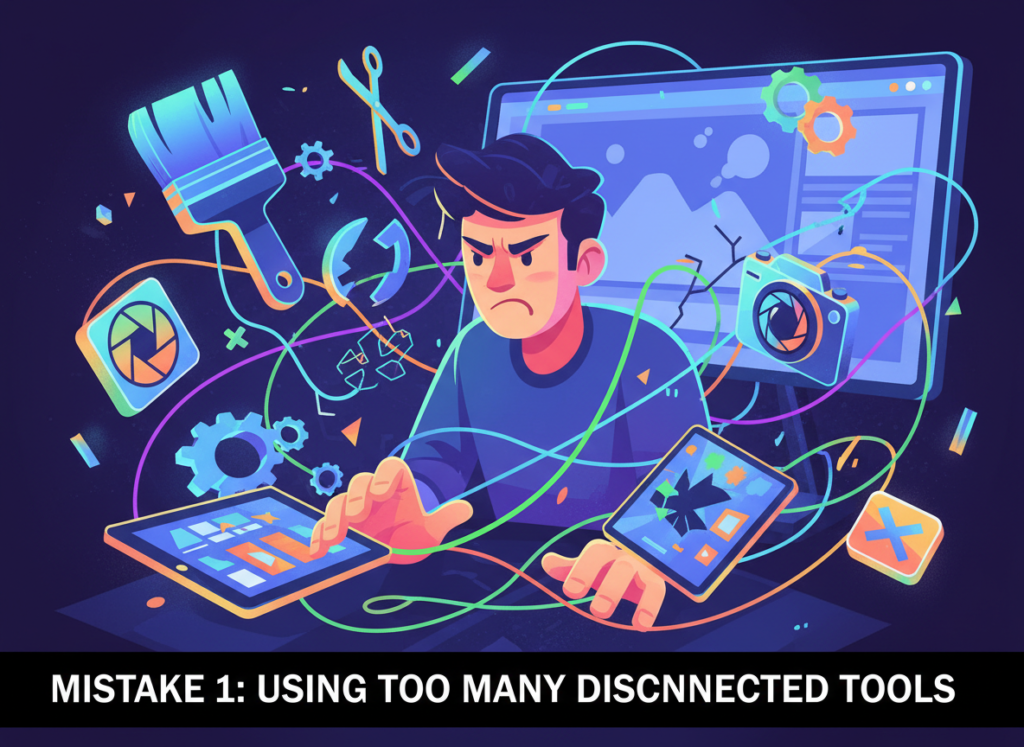
Mistake 1: Using too many disconnected tools.
The most common failure pattern in AI design workflow software adoption is tool sprawl — one AI tool for image generation, another for resizing, a third for scheduling, and a fourth for brand asset storage. Every handoff between disconnected tools introduces friction, version control risk, and training burden. Before adding Nano Banana Pro to your stack, audit what you already have and identify what it can replace rather than supplement. Consolidation beats accumulation every time for teams of 1–10 people.
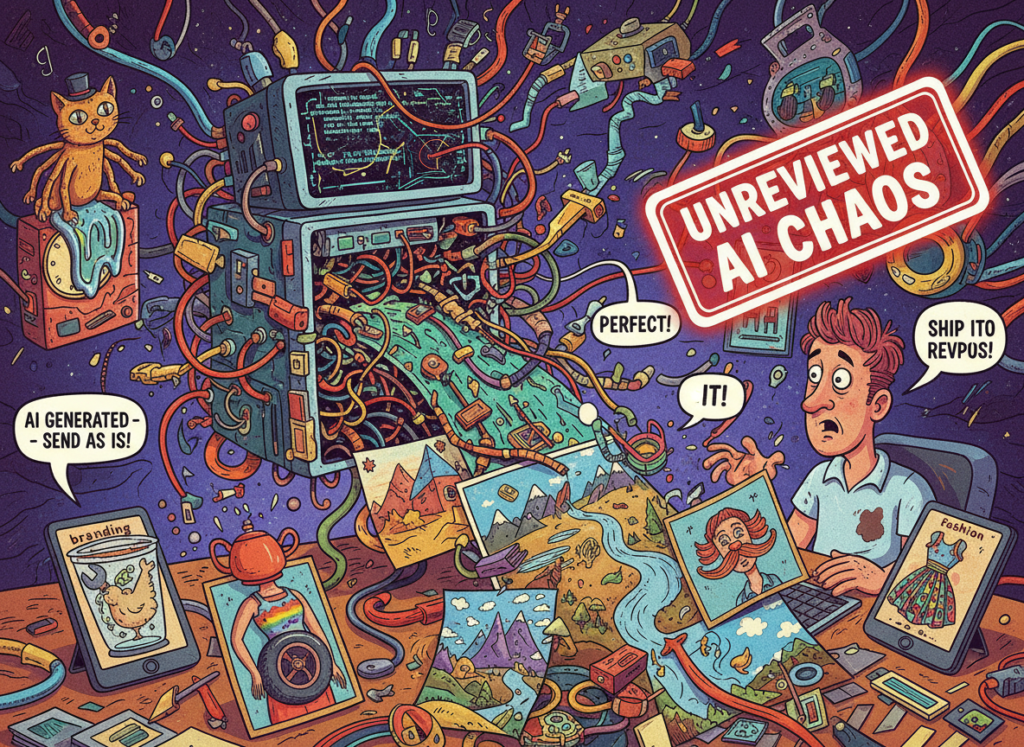
Mistake 2: Failing to review AI output.
AI image generation tools for small teams are fast, but they’re not infallible. Generated images occasionally include visual artifacts, misaligned text, or brand inconsistencies — especially for complex compositions. Build a lightweight quality check into your workflow: a 60-second review before any AI-generated asset goes external is enough to catch the cases where human judgment is still required. As covered in this practical breakdown of Nano Banana Pro’s capabilities, even experienced users recommend a brief human review step as standard practice.
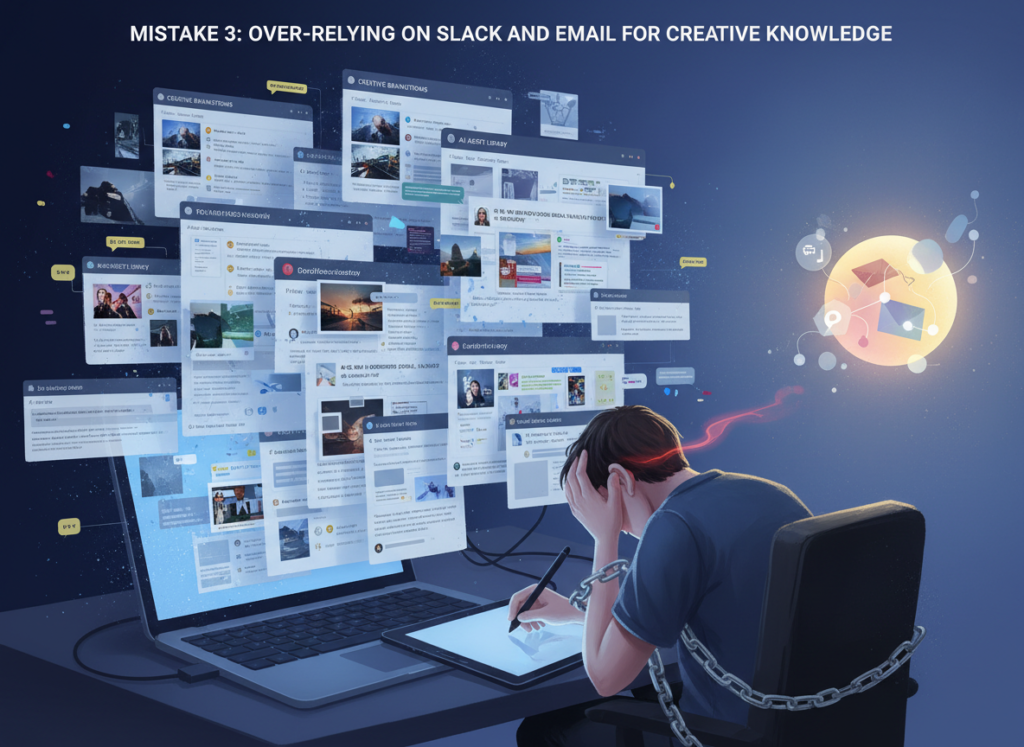
Mistake 3: Over-relying on Slack and email for creative knowledge.
When feedback, brand standards, and revision requests live only in Slack threads and email chains, they disappear. Every new team member is starting from zero. AI design workflow software only delivers lasting value when it’s paired with a centralized, accessible home for institutional knowledge — which is exactly what Nano Banana Pro’s workspace is designed to be. Learn more about Nano Banana Pro and how its shared workspace functions as a team knowledge base for visual content.
FAQs
What is Solo DX?
Solo DX — Solo Digital Transformation — refers to the process of building systems and repeatable workflows inside a small business without a dedicated operations team. It’s typically led by a founder or senior team member who is transitioning the business from informal processes to documented, scalable ones. The goal is to reduce dependence on individual knowledge and create consistency across the team.
Can small teams in the US afford AI design tools?
Yes — and the math strongly favors adoption. AI image generation tools typically cost $20–$100 per month for small team plans, compared to $85–$150 per hour for freelance graphic designers in major US markets. A single month’s subscription often costs less than two hours of a freelance designer’s time. For teams producing recurring social content, ad creatives, or client-facing materials, the ROI typically becomes positive in the first month of consistent use.
Is Nano Banana Pro hard to set up?
Initial setup takes two to four hours for a team lead who’s building out the brand configuration and prompt library. Day-to-day use is significantly faster — generating and customizing images typically takes five to fifteen minutes per asset once templates are established. Most small US teams reach a comfortable working rhythm within the first week.
Conclusion
In 2026, American small businesses don’t need enterprise budgets to build enterprise-level visual content systems. The tools that once required a full creative team — brand consistency, scalable content production, documented workflows — are now accessible to a five-person team in Austin or a seven-person operation in Chicago.
The Solo DX opportunity for US small teams is clear: stop rebuilding the wheel on every campaign, stop using founder time as a design QA filter, and stop letting institutional knowledge live in Slack threads that new hires can’t access. AI image generation tools for small teams like Nano Banana Pro give growing businesses the infrastructure to systemize visual content production without hiring operations managers or design departments they can’t yet afford.
Start with one process. Pick the content type your team produces most — social posts, ad creatives, email headers — and build a Nano Banana Pro template for it this week. Document the prompt, share it with your team, and measure how much review time you recover. That’s Solo DX in practice: one system at a time, built by the team, usable by everyone.
The right ai coding assistant for small business developers doesn’t just write code — it eliminates the mental overhead that kills momentum and ships your tool in days, not months.
In 2026, American indie developers and solo founders face a painful paradox. You build things for a living — yet most of your week isn’t spent building. It’s spent debugging boilerplate, writing repetitive CRUD logic, configuring environments, and documenting code you’ll need to revisit in three months. Inbox at 200 unread. Stack Overflow tabs multiplying. The internal tool your client needs “by Friday” still staring back at you half-finished.
The cruel irony? You chose indie development for the freedom. Instead, you’re trapped in the busywork of development itself.
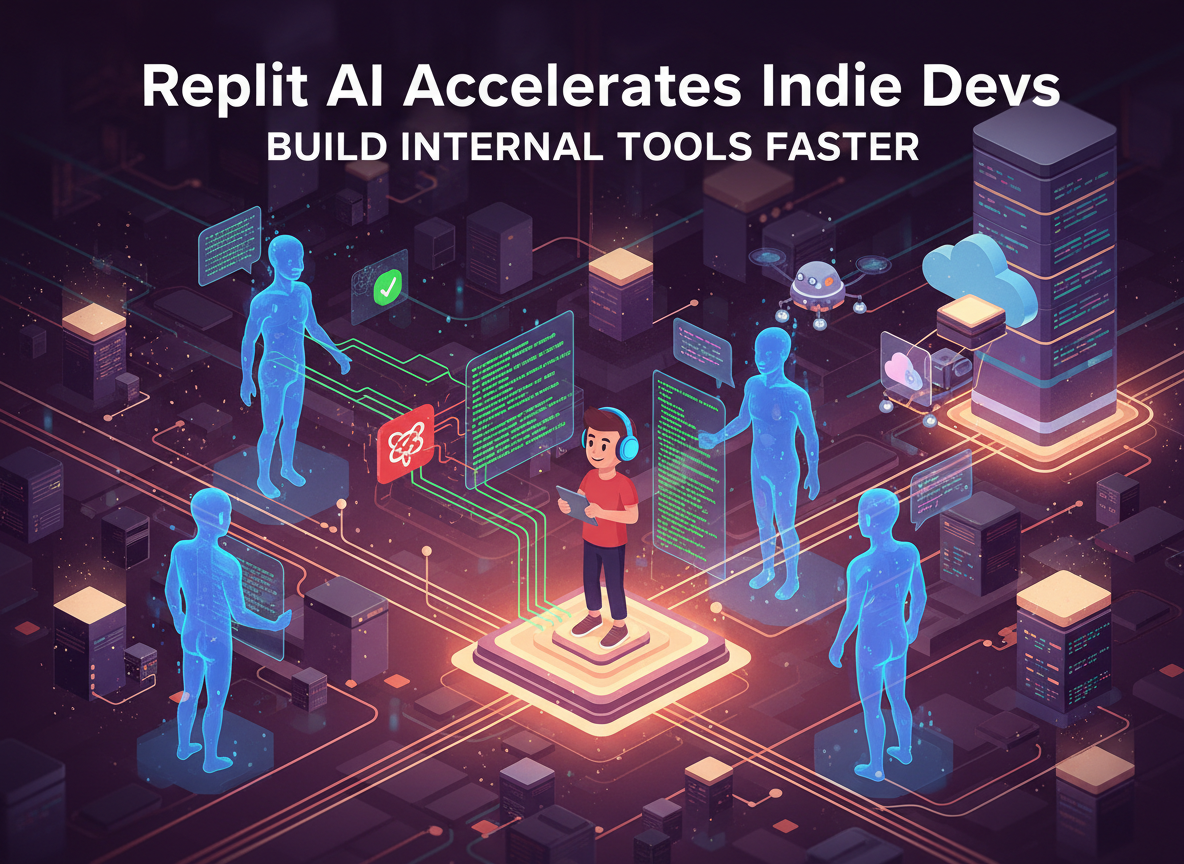
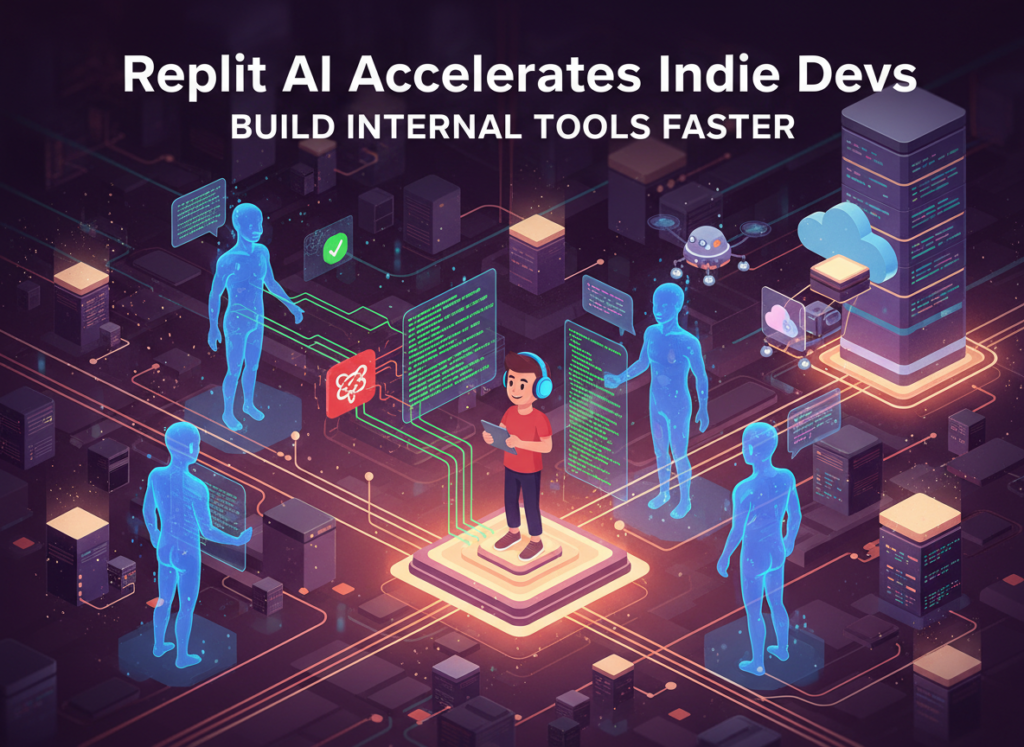
This is where Replit AI enters — not as a novelty chatbot, but as a genuine thinking partner for developers who need to move fast without a team behind them. It’s purpose-built for the kind of rapid iteration that solo founders and freelancers depend on. Rather than switching between an IDE, a documentation tab, a deployment dashboard, and a separate AI assistant, Replit AI collapses that entire stack into one collaborative environment that understands your code, your context, and your goal.
For US-based freelancers billing $75–150/hour, every hour spent on dev overhead — boilerplate scaffolding, environment debugging, repetitive API wiring — is $75–150 not earned. That’s not a productivity problem. That’s a revenue problem.
This article walks you through four specific workflows where Replit AI dramatically reduces development time for indie developers and solo founders building internal tools in 2026. Each workflow is actionable this week. Each one saves 2–6 hours. Together, they represent a fundamental shift in how one-person development shops operate — from grinding through cognitive overhead to shipping with confidence.
Key Concepts of AI Efficiency
AI efficiency for small business developers means strategically offloading repetitive technical decisions and boilerplate execution to AI — so you can spend your limited hours on the architecture, logic, and client relationships that only you can handle.
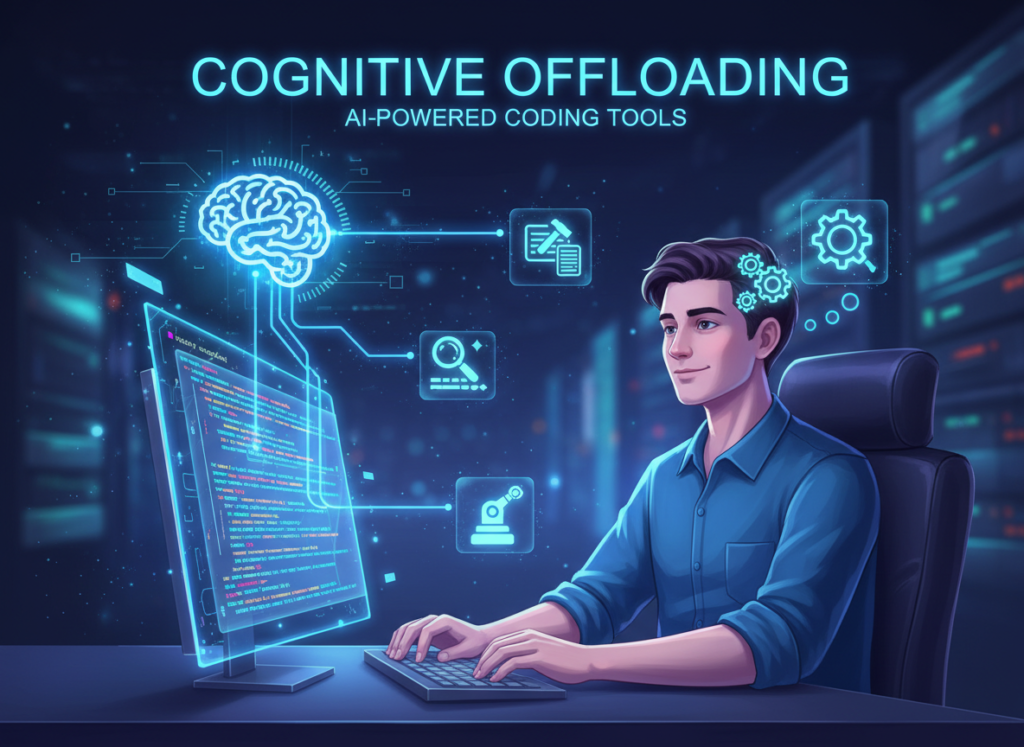
Concept 1: Cognitive Offloading
Every developer carries a mental stack: what function does what, what the API expects, which variable holds which state. The more of that stack you have to hold consciously, the less bandwidth you have for actual problem-solving. Cognitive offloading is the practice of externalizing that mental burden to a tool — freeing your working memory for higher-order thinking.
For AI-assisted development, this means letting the AI hold context across your codebase, remember your naming conventions, and generate the mechanical parts of implementation while you think about the logic.
Consider Sarah, a freelance UX developer in Seattle with six active client projects. Before Replit AI, she spent roughly 2.5 hours per day on what she calls “translation work” — converting her design intent into implementation-ready code scaffolds, writing the same form validation logic for the fourth time this month, and hunting through docs for the right method signatures. With AI-assisted development, that 2.5 hours collapses to under 45 minutes. She’s not working less — she’s thinking at a higher level.
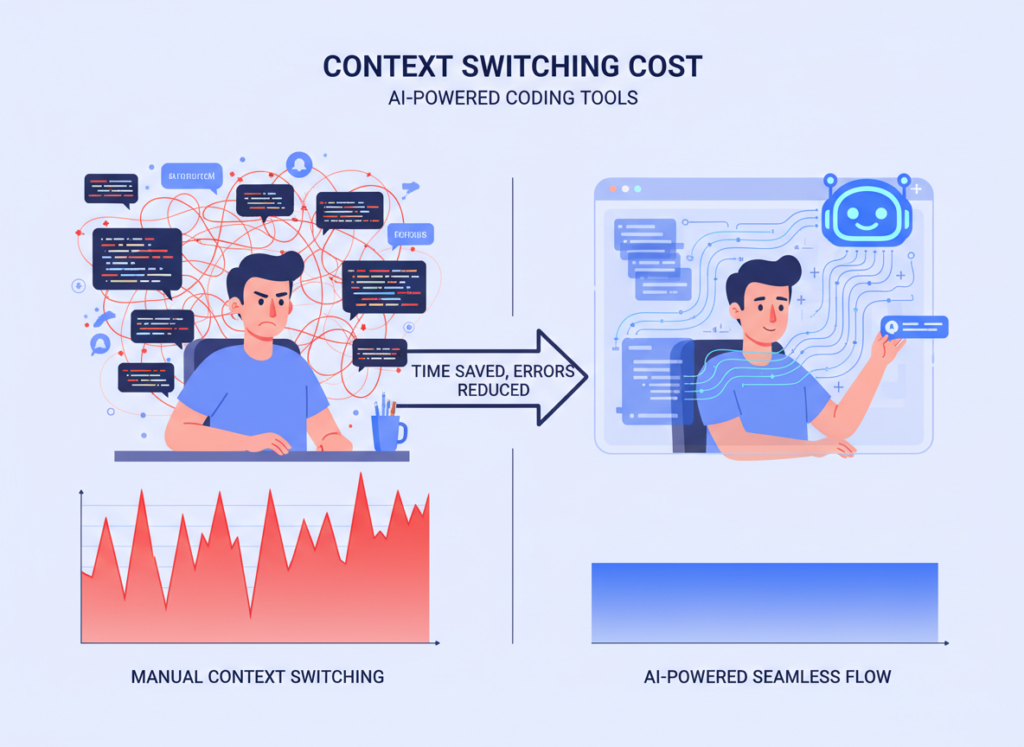
Research consistently shows that the average developer takes 23 minutes to fully regain focus after an interruption. For indie developers who wear every hat — developer, project manager, client communicator, QA tester — context switching is relentless.
The cognitive tax isn’t just lost minutes. It’s lost flow states. Deep work, the kind where you architect a clean solution or untangle a gnarly bug, requires sustained concentration. Every time you context-switch to look up syntax, write a README section, or draft a Slack update for a client, you’re paying the 23-minute re-entry fee.
Marcus, an independent technical consultant in Denver, tracked his week carefully before adopting AI-assisted tooling. He found that he switched contexts an average of 14 times per day — mostly to handle the non-coding demands of solo work. By routing those tasks through an AI assistant embedded directly in his development environment, he recovered approximately 5 hours weekly that previously evaporated in re-entry overhead.
According to this analysis of Replit AI’s agent capabilities, the tool’s ability to maintain codebase context across sessions is one of its most underappreciated features — precisely because it eliminates one of the most common context-switch triggers: re-reading your own code to remember where you left off.
Concept 3: Workflow Orchestration
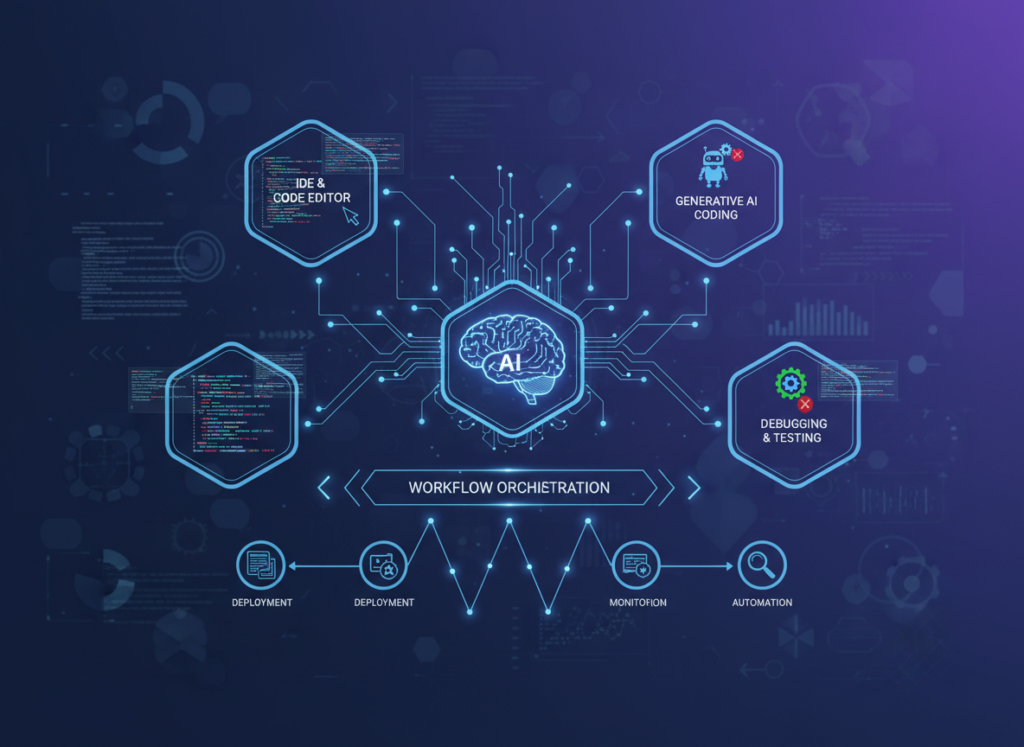
The most sophisticated application of AI efficiency isn’t using AI for individual tasks — it’s using AI as an orchestrator across your entire development workflow. Instead of AI as a code autocomplete tool, think of it as a conductor: aware of the full project, capable of coordinating multiple concerns simultaneously, and able to hand off cleanly between implementation phases.
Elena runs a small e-commerce operation in Nashville, built on a custom Shopify backend she manages herself. Her internal tooling — inventory dashboards, order processing logic, supplier communication templates — used to require 4 dedicated hours per month just to maintain and update. With an AI orchestration approach, she’s reduced that to under 45 minutes. The AI doesn’t just write the code — it understands the broader system architecture and generates changes that fit without breaking adjacent logic.
How Replit AI Helps Efficiency
Replit AI helps indie developers and solo founders achieve efficiency through persistent project context, natural language code generation, intelligent debugging, and integrated deployment — all within a single browser-based environment.
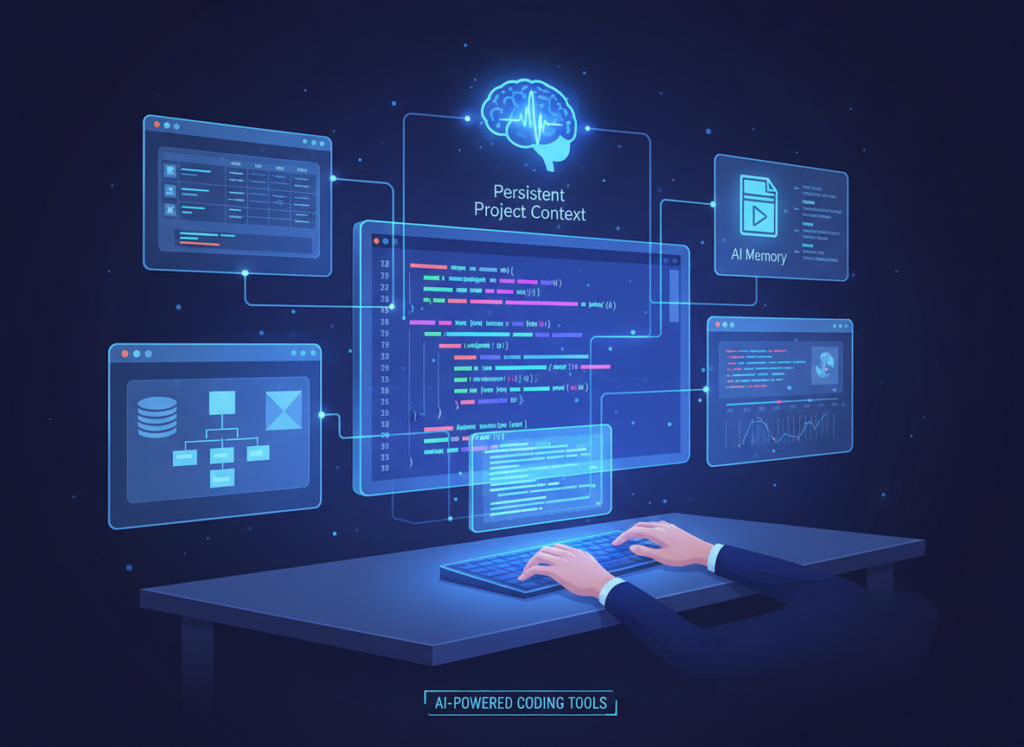
Feature 1: Persistent Project Context and AI Memory
One of the most friction-filled moments in solo development is resuming work. You open the project, scan through files to reorient yourself, and spend 20–30 minutes rebuilding the mental model you had two days ago. Replit AI maintains context across your project structure, letting you re-enter work with a natural language prompt instead of a code archaeology session.
For an indie developer billing $100/hour and working on 3–4 simultaneous projects, this context restoration saves an estimated 40–50 hours annually. At $100/hour, that’s $4,000–5,000 in recovered billable capacity — before counting the compounding benefit of better focus once you’re back in flow.
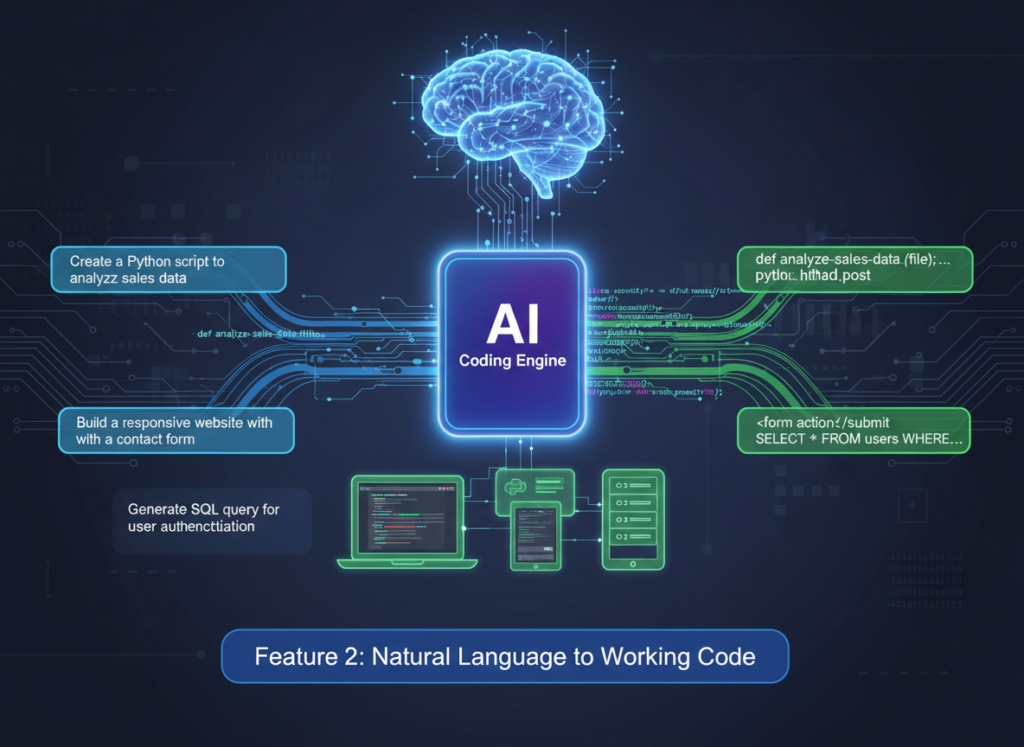
Feature 2: Natural Language to Working Code
The paradigm shift Replit AI delivers is the ability to describe what you want in plain English and receive working, deployable code. Not snippets. Not pseudocode. Actual functional implementations with error handling, appropriate data structures, and code that fits your existing project conventions.
As noted in this practical Replit AI tutorial breakdown, the agent mode goes significantly further than autocomplete — it can take a high-level spec like “build a Slack notification that fires when a new form submission comes in” and produce the full implementation, including webhook configuration and error handling.
For internal tool development, this is transformative. An admin dashboard that would have taken a solo developer 12–15 hours to scaffold, style, and wire up can now be at a functional first version in 3–4 hours. The developer’s time shifts from writing implementation to reviewing, refining, and making architectural decisions.
Estimated annual time saved for a developer who builds 8–10 internal tools per year: 80–120 hours = $6,000–18,000 at standard US freelance rates.
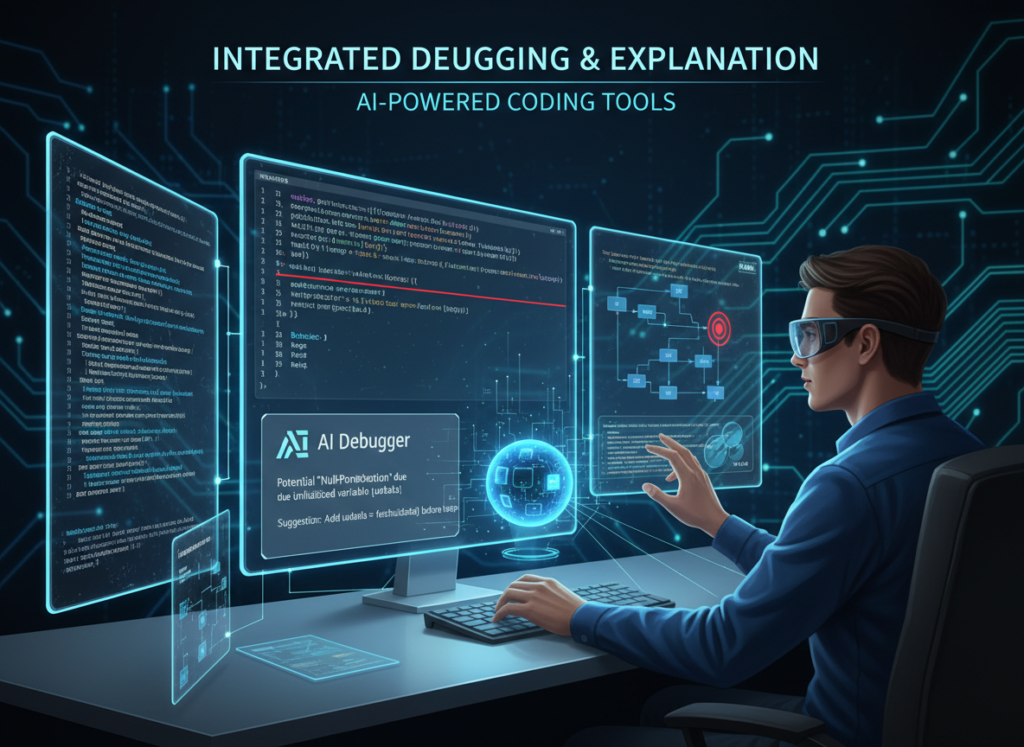
Feature 3: Integrated Debugging and Explanation
Debugging is the single most time-consuming activity for solo developers — and also the most cognitively draining. Staring at an error message, forming hypotheses, running tests, checking logs — it’s deep work that can consume an entire afternoon on a single issue.
Replit AI’s debugging workflow changes the equation. Paste the error, describe the behavior, and the AI doesn’t just suggest a fix — it explains why the error occurred, what conditions triggered it, and what adjacent issues to watch for. For developers working alone without a senior engineer to rubber duck with, this is like having a knowledgeable collaborator available at every impasse.
Estimated time saved: 35–50 hours annually on debugging and code review cycles.
To see these features in action with workflow examples specific to internal tool development, see our full Replit AI review.
Ready to cut your dev overhead in half? Try Replit AI and start shipping internal tools faster — without a team. Start Free at Replit.com | No credit card required
Use Cases: Small Business & Freelancer Efficiency
From brand designers who need light internal tooling to solo SaaS founders under constant shipping pressure, AI coding efficiency transforms how individual contributors build and maintain software — faster, with less overhead, and with more time for the work that actually pays.
Persona 1: Jessica — Freelance Brand Designer in Portland Who Codes Her Own Client Portals
Old Workflow: Jessica designs brand identities and charges a premium for delivering projects through custom client portals — password-protected dashboards where clients review assets, leave comments, and download deliverables. Building each portal took her roughly 10 hours per project: scaffolding the React components, wiring the authentication layer, setting up file storage, and deploying. With 12 projects per year, that’s 120 hours in portal development alone.
AI-Enhanced Workflow: Using Replit AI, Jessica now describes the portal structure in natural language, generates the scaffold in under an hour, and uses the remaining time to customize branding and test the UX. The authentication boilerplate, file management logic, and deployment configuration are handled conversationally through the AI agent.
Quantified Results: Portal development drops from 10 hours to 4.5 hours per project. Across 12 annual projects: 66 hours saved = $9,900 in additional billable capacity (at $150/hour). That time goes back into client work, not infrastructure.
“I’m a designer who learned to code, not an engineer. Before Replit AI, half my project time went to figuring out things I wasn’t trained for. Now I just tell it what I need.”
Persona 2: David — Independent Management Consultant in Chicago Who Builds Client Dashboards
Old Workflow: David supplements his consulting practice by building lightweight reporting dashboards for mid-sized clients — internal tools that pull from Google Sheets, Airtable, or simple databases and display KPIs. Each dashboard used to require 22 hours of development time per month across his active client roster: data modeling, chart library integration, authentication, and ongoing maintenance.
AI-Enhanced Workflow: With Replit AI handling the repetitive wiring — data fetching, chart configuration, responsive layout — David focuses his time on the data strategy and presentation layer. The AI generates the integration code from natural language specs; David reviews and adjusts.
Quantified Results: Dashboard development drops from 22 hours to 10 hours monthly. 144 hours reclaimed annually = $28,800 in additional consulting capacity at $200/hour — or simply a more sustainable workload.
“My clients pay me to think, not to write fetch requests. Replit AI finally lets me spend my time the way I’m actually being compensated for.”
Persona 3: Priya — Shopify Store Owner in Austin Managing Her Own Backend Tools
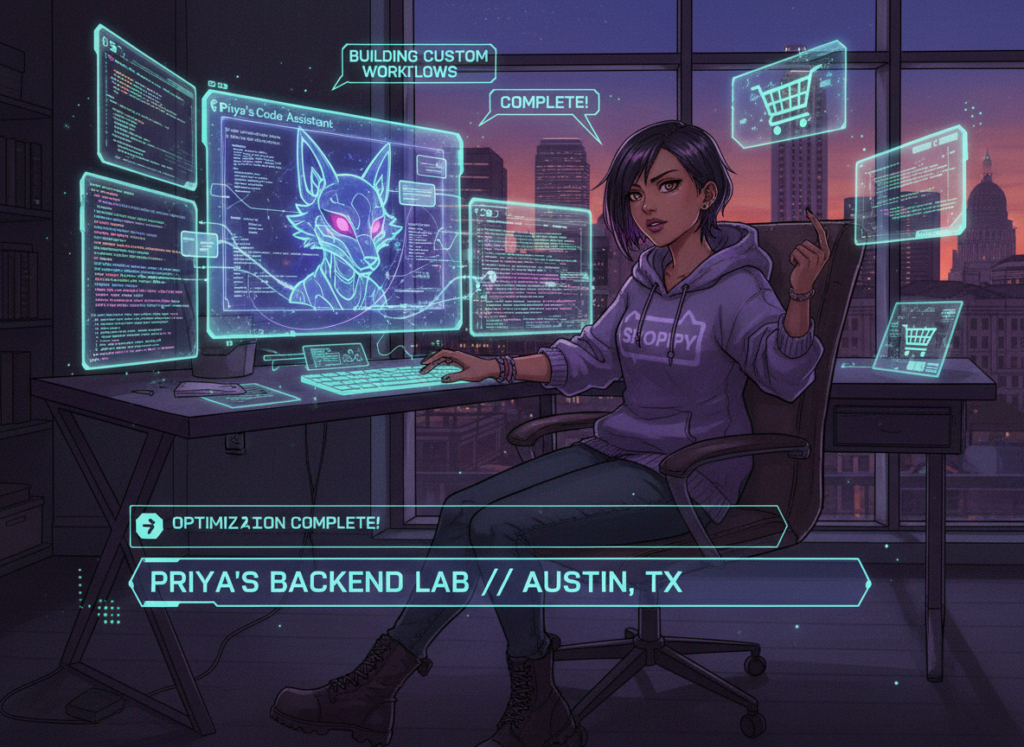
Old Workflow: Priya runs a direct-to-consumer skincare brand with $800K in annual revenue. She manages her own internal tooling: inventory reorder alerts, supplier communication automations, and a custom order-tagging system. Maintaining and updating these tools consumed 17 hours per week — time she desperately needed for marketing and product development.
AI-Enhanced Workflow: Priya uses Replit AI to describe changes to her internal tools in plain language, generate the updated code, test it within the same environment, and deploy — without switching contexts or hiring a contractor for every small change.
Quantified Results: Internal tool maintenance drops from 17 hours to 6 hours weekly. 572 hours reclaimed annually. Redirected to marketing and product, this contributed to a 23% revenue increase in the six months following adoption.
As outlined in this no-code and low-code AI platform overview, the growing category of AI-assisted development tools is making it viable for non-engineers like Priya to maintain custom tooling independently — without ongoing developer contracts.
“I used to wait two weeks and spend $400 every time I needed to change something in my order system. Now I do it myself in two hours.”
Streamline your development workflow with AI-powered automation Join developers and founders using Replit AI to ship internal tools faster. Start Free Today at Replit.com
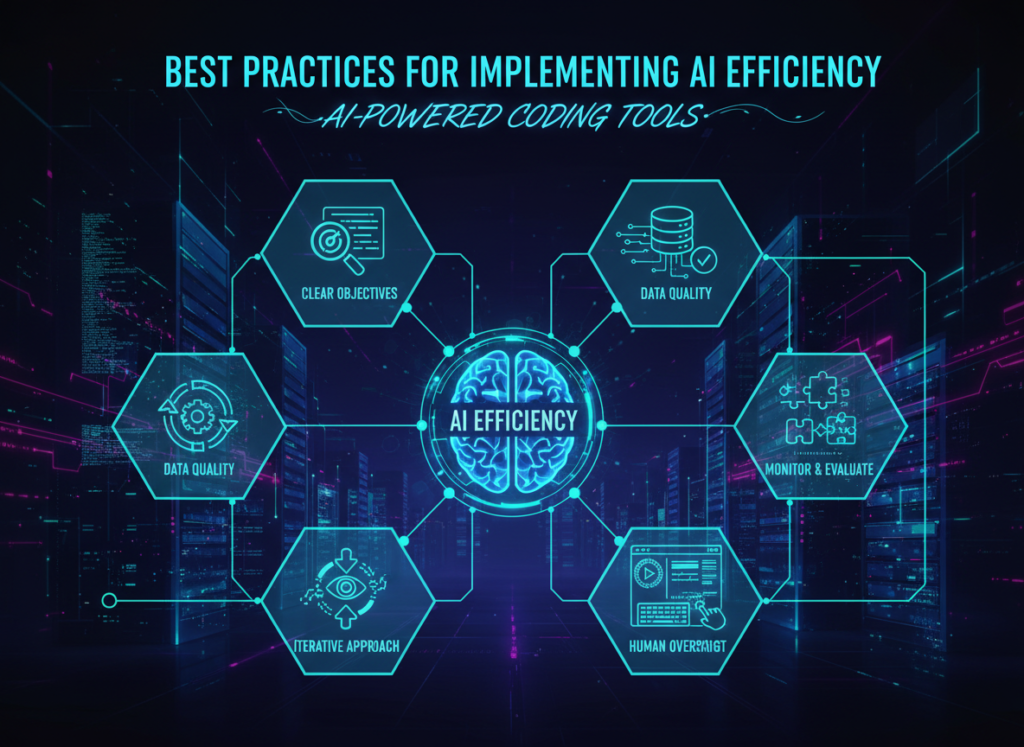
Best Practices for Implementing AI Efficiency
Successfully implementing AI efficiency in your development workflow requires starting with constrained use cases, maintaining your oversight role, avoiding tool sprawl, and tracking concrete outcomes — not just vague productivity feelings.
1. Start With One Repeatable Task
The most common mistake developers make with AI tooling is trying to integrate it everywhere at once. The result is inconsistent outputs, second-guessing every result, and eventually abandoning the tool because it “didn’t work.” A better approach: identify the single most repetitive coding task you perform each week — CRUD scaffolding, API integration boilerplate, test case generation — and commit to routing only that task through Replit AI for two weeks. Master the prompting pattern, evaluate the output quality, and build trust before expanding.
2. Stay in the Loop — Don’t Fully Delegate Logic
AI-generated code is a starting point, not a finished product. The most effective developers using AI coding assistants treat the output as a highly competent first draft that requires their review, not as production-ready code. This is especially important for internal tools where security and data integrity matter. Read the generated code. Understand it. Adjust it. The AI reduces the time to first draft dramatically — your job is to get it from good to right.
Limitations and Considerations
AI efficiency tools work exceptionally well for repetitive, pattern-based coding tasks — but they have real limits in areas requiring nuanced judgment, legal precision, or context that exists only in your head.
Where Replit AI (and AI coding tools generally) fall short:
Complex, Novel Architecture Decisions. AI is excellent at implementing established patterns. It’s weak at designing genuinely novel system architectures where no training precedent exists. For greenfield product architecture decisions — especially ones with significant long-term consequences — human judgment remains essential. Use AI for execution, not for the foundational design choices that will shape your product for years.
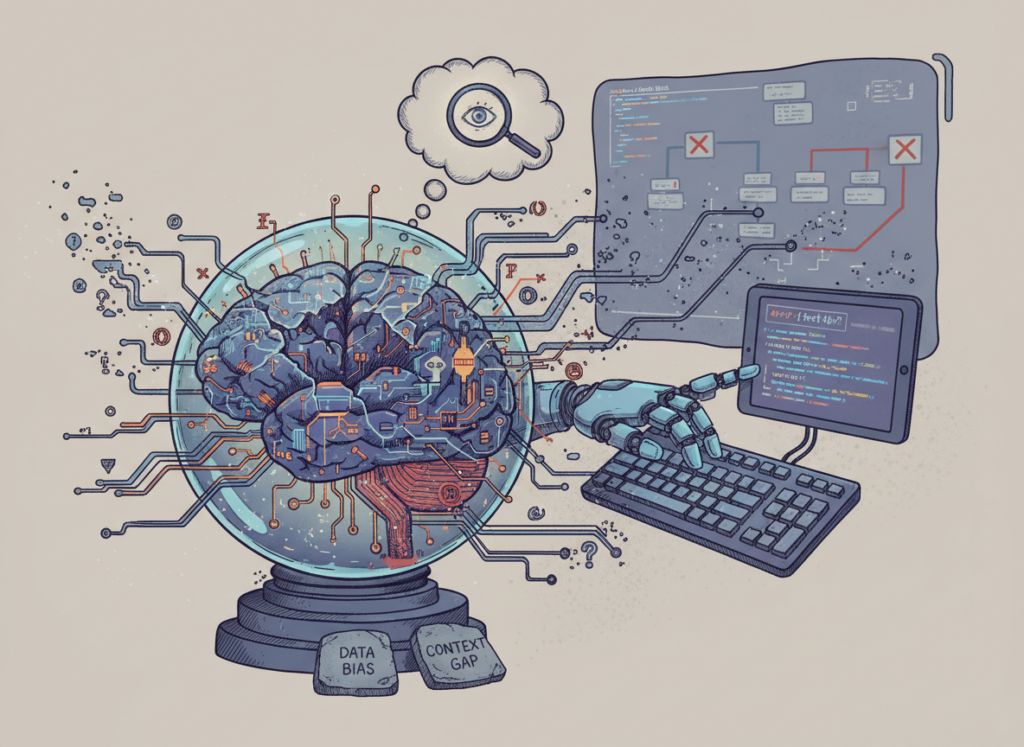
Security-Critical Code Without Review. AI-generated code for authentication systems, payment processing, or data handling can contain subtle vulnerabilities — not from malice but from the model’s tendency to produce plausible-looking code that may miss edge cases. Any security-critical component demands thorough human review, ideally from a developer with specific security expertise.
Sensitive Client Data Contexts. Pasting client database schemas, personal information, or proprietary business logic into AI tools raises legitimate privacy concerns. Review the data retention and usage policies of any AI tool you use in your development workflow, and establish clear policies for what context you share with AI systems.
Key Risks to Manage:
Hallucination: AI tools confidently generate incorrect code. Test everything before deploying.
Over-Reliance and Skill Atrophy: Developers who stop writing any code from scratch may find their fundamental skills degrading. Maintain deliberate practice in core areas.
Context Limitations: Very large codebases may exceed what the AI can effectively reason about in a single session — requiring careful context management.
AI efficiency is a multiplier on good development practice, not a substitute for it.
Frequently Asked Questions
What is AI efficiency for small business developers? AI efficiency for small business developers means using AI coding assistants to automate the repetitive, low-judgment parts of the development workflow — boilerplate generation, debugging assistance, documentation, and configuration — so developers can focus their limited hours on architecture, product logic, and client relationships that require genuine expertise.
Can AI replace the development work entirely? No. Current AI coding tools dramatically reduce the time required for implementation tasks, but they require skilled human oversight for architecture decisions, security review, and quality assurance. The most accurate framing: AI handles the mechanical execution while developers focus on the judgment-intensive work. Solo developers who treat AI as a collaborator rather than a replacement consistently get better outcomes than those who try to fully delegate.
Do I need advanced technical skills to use Replit AI? Replit AI is designed to be accessible to developers across skill levels, including those who code as a secondary skill (designers, marketers, operators who’ve learned to script). That said, the quality of outputs improves meaningfully with development experience — not because the tool requires expertise to operate, but because experienced developers ask better questions, evaluate outputs more accurately, and know when to override the AI’s suggestions. Basic coding literacy makes you a significantly more effective AI-assisted developer.
Conclusion
For US-based indie developers and solo founders, the core value proposition of Replit AI as an ai coding assistant for small business developers comes down to one number: hours. Hours spent on boilerplate instead of architecture. Hours spent on environment setup instead of feature development. Hours spent rebuilding context instead of solving problems.
Replit AI doesn’t make development effortless. What it does is compress the mechanical, repetitive, and overhead-heavy portions of the workflow — so that a developer working alone can produce output that previously required a team.
The personas in this article — Jessica, David, Priya, Alex — aren’t hypothetical. They represent the lived reality of solo builders in 2026 who’ve discovered that AI-assisted development isn’t about replacing human judgment. It’s about applying human judgment to a much smaller surface area of the work. The rest gets handled.
Phased adoption is the right approach. Start with one workflow this week: let Replit AI scaffold your next internal tool. Measure the hours. Then decide where to expand.
The ROI math for US freelancers and founders billing $75–150/hour is straightforward: reclaim 150–250 hours annually, and you’ve recovered $11,250–37,500 in capacity. Against a modest tool investment, the question isn’t “Should I use AI for efficiency?” It’s “Can I afford not to?”
Small business owners spending hours creating marketing visuals are losing money — ai image generation for small business marketing is the fix that pays for itself within days.
In 2026, American freelancers and solo entrepreneurs face a paradox. The tools available to grow a business have never been more powerful — and yet the daily workload has never felt heavier. Inbox at 200 unread. Calendar packed. To-do list endless. And somewhere buried in the chaos: the creative work that actually moves the needle.
For most solo business owners, visual content is one of the biggest time drains. Every Instagram post, every product image, every promotional banner requires either hours of DIY effort in Canva or Photoshop, or money paid to a freelance designer. Neither feels sustainable when you’re running a one-person operation.
This is where ai image generation for small business marketing changes the equation. Not by replacing your creative vision, but by dramatically compressing the time it takes to bring that vision to life.
Seedream 4.5 is a next-generation AI image generation platform built for exactly this kind of work. Unlike generic AI tools that produce bland, forgettable visuals, Seedream 4.5 is optimized for commercial output — crisp product shots, brand-consistent social media graphics, and marketing materials that actually look professional.
For US freelancers billing between $50 and $150 per hour, every hour spent resizing images or searching for stock photos is $50 to $150 not earned. That math is brutal, and it compounds across a full year. A freelancer losing just five hours per week to visual content tasks is leaving between $13,000 and $39,000 on the table annually.
This guide gives you four specific workflows to implement this week, each with the potential to save between two and five hours. You’ll also get honest guidance on where AI image generation falls short, so you can make smart decisions rather than chase hype.
By the end of this article, you’ll understand exactly how Seedream 4.5 fits into a lean, efficient solo business operation — and why the question isn’t whether you can afford to adopt it, but whether you can afford not to.
Key Concepts of AI Efficiency
AI efficiency for small businesses means strategically offloading repetitive cognitive tasks to AI so entrepreneurs can focus on high-value decision-making.
Before diving into the mechanics of Seedream 4.5, it helps to understand the underlying principles that make AI efficiency work. These aren’t abstract theories — they’re operational realities that explain why some entrepreneurs seem to get twice as much done in the same number of hours.
Concept 1: Cognitive Offloading
Cognitive offloading is the practice of externalizing mental tasks to a tool, system, or process so your brain can focus on higher-order work. When you write a grocery list instead of trying to memorize it, you’re offloading. When you use a calendar instead of tracking every appointment in your head, you’re offloading.
AI takes cognitive offloading to a new level. Instead of just storing information, AI can actually execute tasks that previously required your judgment and time. For visual content specifically, this means describing what you want in plain English and receiving a production-ready image rather than spending an hour building it from scratch.
Consider Sarah, a freelance brand designer in Portland with eight active clients. Before adopting AI image generation tools, Sarah spent roughly two and a half hours daily on what she calls “support visuals” — social media mockups, quick banner variations, placeholder images for client presentations. These weren’t high-value creative tasks. They were repetitive, low-complexity work that nonetheless required her attention.
After integrating AI image generation into her workflow, Sarah reclaimed those 2.5 hours daily — over 600 hours annually — and redirected them toward billable strategy work. Her effective hourly rate didn’t change. Her weekly billable hours did.
Concept 2: Context Switching Cost
Research consistently shows that the average worker takes approximately 23 minutes to fully regain focus after an interruption. For creative professionals, that number may be even higher. Every time you shift from client work to “I just need to quickly make a graphic for this post,” you’re not spending five minutes — you’re spending nearly 30.
Marcus, a solo management consultant based in Chicago, tracked his context switches for one month and discovered he was losing approximately five hours per week to visual content tasks — not because the tasks themselves were time-consuming, but because each one fractured his concentration during deep work sessions.
The solution isn’t eliminating visual content creation. It’s batching it and automating it. With a tool like Seedream 4.5, Marcus now generates a week’s worth of social visuals in a single 30-minute session on Monday mornings, eliminating the interruptions entirely.
For more on how automated visual content creation reduces cognitive load and supports deep work, explore Seedream 4.5 in detail.
How Seedream 4.5 Helps Efficiency
Seedream 4.5 helps small businesses achieve efficiency through high-fidelity image generation, prompt-to-image accuracy, style consistency tools, and rapid variation generation.
Seedream 4.5 is not just another text-to-image tool. It’s built with commercial use cases in mind, and its architecture reflects that. Here’s a breakdown of the four capabilities that matter most for small business efficiency — along with honest ROI estimates based on US freelance rates.
Seedream 4.5 produces images at a quality level that competes with professional stock photography. For small businesses, this eliminates the need to purchase stock image subscriptions or commission custom photography for every marketing campaign.
The average small business owner spending $150/month on stock image subscriptions saves $1,800 annually by switching to AI generation. Beyond cost, they also gain speed: generating a custom product lifestyle image takes minutes rather than days of coordinating with a photographer.
Annual time saved: approximately 43 hours = $2,150 to $6,450 in recovered time value at US freelance rates.
Feature 2: Style Consistency and Brand Alignment
One of the persistent challenges with AI image tools is maintaining visual consistency across a brand. Seedream 4.5 addresses this through style reference capabilities that allow users to define and maintain a consistent visual identity across all generated content.
For small businesses without a full-time designer, this is transformative. Rather than struggling to match fonts, color palettes, and visual tone across every piece of content, you can establish a style reference once and apply it consistently.
Annual time saved: approximately 35 hours = $1,750 to $5,250 in recovered design consistency work.
Marketing in 2026 requires the same core image in multiple formats: square for Instagram, landscape for Facebook ads, vertical for Stories, banner dimensions for email headers, and product thumbnails for e-commerce listings. Manually creating these variations is tedious but essential.
Seedream 4.5 generates multiple format variations from a single prompt, collapsing what was a 45-minute Photoshop workflow into a three-minute generation session. As noted in this analysis of Seedream 4.5’s technical capabilities, the model’s architecture specifically supports multi-resolution output without quality degradation.
Annual time saved: approximately 125 hours = $6,250 to $18,750 in recovered production time.
Ready to cut your visual content time in half? Try Seedream 4.5 and experience AI image generation for small business marketing firsthand. Start Free at Seedream.ai | No credit card required
Use Cases: Small Business & Freelancer Efficiency
From creative freelancers to technical founders, AI efficiency transforms daily workflows by automating repetitive visual content tasks and reducing the overhead of looking polished.
Persona 1: Jessica — Freelance Brand Designer, Portland, OR
Old workflow: Jessica spent 10 hours per week on what she called “production work” — creating social media graphics for clients, resizing assets for different platforms, generating mockups for presentations, and producing variations of approved concepts. At her billing rate of $85/hour, that’s $850 per week in non-billable time.
AI-enhanced workflow: Jessica now uses Seedream 4.5 to generate initial mockup variations that she refines for clients, automatically produce platform-specific resizes from approved assets, and generate social content variations based on approved brand style references. Her production work dropped to approximately 5 hours per week.
Quantified results: 5 hours reclaimed weekly × 50 working weeks = 250 hours annually. At $85/hour billing rate, that represents $21,250 in additional billable capacity.
“I was drowning in production work that any competent tool could handle. Now I spend my time on strategy and client relationships — the parts of the job that actually require me.” — Simulated from Jessica’s workflow profile
Persona 2: David — Independent Management Consultant, Chicago, IL
Old workflow: David runs a boutique strategy consulting practice. His marketing was a persistent afterthought — he knew he needed regular LinkedIn content and a polished website, but creating the visuals consumed 22 hours per month he didn’t have.
AI-enhanced workflow: David now prompts Seedream 4.5 with descriptions of his consulting topics and receives professional graphics for LinkedIn posts, article headers, and presentation slides. His visual content workflow dropped to approximately 11 hours per month.
Quantified results: 11 hours reclaimed monthly × 12 months = 132 hours annually. At David’s $200/hour consulting rate, this represents $26,400 in recovered time that can now go toward billable client work.
“I used to feel embarrassed that my online presence didn’t reflect the quality of my actual work. Now I can produce content that looks like I have a full design team.” — Simulated from David’s workflow profile
According to this developer guide for Seedream 4.5, the model’s API integration capabilities make it possible to build automated content pipelines — something David is now exploring for quarterly campaign automation.
Persona 3: Alex — Solo SaaS Developer, San Francisco, CA
Old workflow: Alex is building a B2B SaaS product solo. Marketing visuals were a persistent pain point — every feature update needed screenshots, product graphics, and landing page images. He was spending 9 hours per week on marketing assets instead of writing code.
AI-enhanced workflow: Alex now uses Seedream 4.5 to generate product UI mockups, feature announcement graphics, and app store visuals. His marketing asset production dropped to approximately 2.5 hours per week.
Quantified results: 6.5 hours reclaimed weekly × 52 weeks = 338 hours annually redirected into product development. At even a conservative opportunity cost, this represents hundreds of hours of feature development and bug fixes that would otherwise have been deferred.
“Every hour I spend on marketing assets is an hour I’m not building the product. AI image generation finally made that tradeoff reasonable.” — Simulated from Alex’s workflow profile
For persona-specific workflow templates and implementation approaches, learn more about Seedream 4.5 on our dedicated tool page.
Streamline your visual content with smart AI automation Join thousands of freelancers and entrepreneurs using Seedream 4.5 for small business graphic design. Start Free at Seedream.ai
Best Practices for Implementing AI Efficiency
Successfully implementing AI efficiency requires starting small, maintaining human oversight, avoiding tool overload, and tracking concrete time savings.
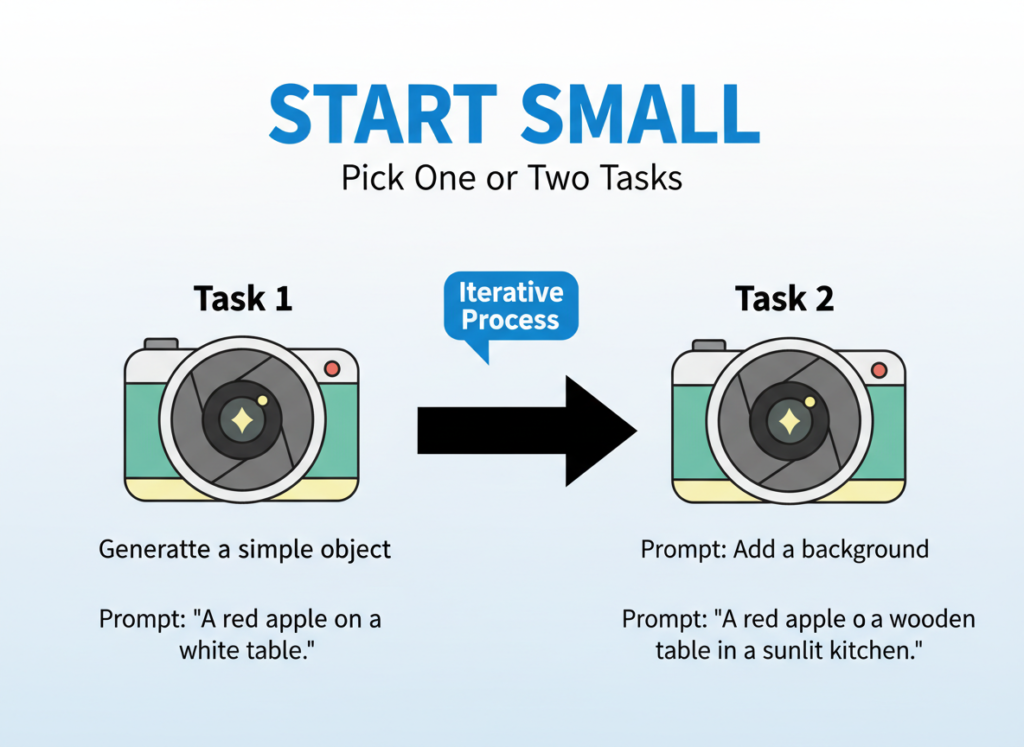
1. Start Small — Pick One or Two Tasks
The most common mistake entrepreneurs make when adopting AI tools is trying to automate everything at once. This leads to overwhelm, inconsistent output quality, and ultimately abandonment of tools that could genuinely help.
Start with the visual content task that consumes the most time and requires the least creative nuance. For most small business owners, this is social media post graphics or platform resizing. Master that workflow first, then expand.
A good rule: if you find yourself redoing AI-generated content more than 50% of the time, the task isn’t ready for AI automation yet. Find a simpler starting point.
2. Track What AI Is Replacing
You cannot optimize what you don’t measure. For two weeks before adopting any AI tool, track the time you spend on visual content creation tasks. Use a simple spreadsheet or time-tracking app.
After four weeks with AI integration, run the same measurement. The delta is your actual efficiency gain — not an estimate, not a vendor claim, but your specific data from your specific workflow. This also tells you where AI is underperforming and where to focus next.
As noted in this prompt guide for Seedream 4.5, prompt quality directly affects output quality. Invest 30 minutes in learning effective prompting before declaring results good or bad.
Limitations and Considerations
AI efficiency works best for repetitive visual content tasks, but falls short on nuanced brand identity work, legally sensitive visuals, and high-stakes creative decisions.
Honest assessment matters here. No efficiency tool deserves adoption without a clear-eyed view of its limitations.
Where AI image generation is NOT ideal:
High-stakes brand identity work. When you’re establishing a new brand identity, refreshing your visual direction, or creating hero imagery for a major campaign launch, AI generation is a poor substitute for human creative direction. The output may be technically competent but strategically shallow. Use AI for derivatives and variations, not for foundational brand decisions.
Key risks to manage:
Hallucination and artifact generation are real phenomena — AI tools can produce images with subtle errors (extra fingers, warped text, impossible spatial relationships) that require careful review. Privacy concerns around training data remain an active area of legal and ethical debate. And over-reliance on AI tools can atrophy your own visual literacy over time — stay engaged with design principles even as you automate production tasks.
Frequently Asked Questions
What is AI efficiency for small business?
AI efficiency for small business means using artificial intelligence tools to automate repetitive, time-consuming tasks — particularly those that don’t require high-level strategic judgment — so business owners can redirect their time toward revenue-generating and high-value activities. For visual content specifically, this means generating marketing images, social graphics, and product visuals faster and at lower cost than traditional methods.
Can AI replace admin and creative work entirely?
No, and it shouldn’t try to. AI is most effective at handling repetitive, defined tasks where quality criteria are clear. It performs poorly on tasks requiring nuanced judgment, sensitive stakeholder relationships, or foundational creative strategy. The goal of AI efficiency is augmentation, not replacement.
Do I need technical skills to use AI for image generation?
No. Seedream 4.5 and similar tools are designed for non-technical users. If you can describe what you want in plain English, you can generate professional images. The main skill to develop is prompt crafting — learning how to describe visual results clearly — which most users pick up within a few hours of practice.
Conclusion
The case for ai image generation for small business marketing in 2026 is no longer theoretical. It’s documented in thousands of workflow transformations happening right now across the US — freelancers reclaiming hours, e-commerce entrepreneurs reducing production backlogs, consultants finally maintaining a professional online presence without burning out.
Seedream 4.5 occupies a specific and valuable position in this landscape: it’s built for commercial quality, designed for brand consistency, and accessible to business owners without design training. The ROI math is unambiguous. At US freelance rates of $50 to $150 per hour, even a modest ten hours per month reclaimed from visual content tasks represents $500 to $1,500 in recovered time value — every month.
AI image generation isn’t asking you to change your business. It’s asking you to change one workflow this week. Start with social media graphics. Run it for 30 days. Measure the result.
The efficiency gains described in this guide aren’t projections — they’re outcomes reported by business owners who made exactly that decision. The question isn’t “Should I use AI for visual content efficiency?” The question is: Can you afford NOT to?