Your second brain for work: AI notes, tasks, and projects in one place.
What is Capacities?
What is Capacities
Capacities is a note summarizer designed to condense and extract key information from user-provided notes. It enables users to generate concise summaries from longer text inputs, facilitating quicker review and comprehension.
Developed by the team at Capacities.io, the tool utilizes machine learning algorithms to process textual data. You can learn more about its features on the official website at https://capacities.io/.
This type of tool is effective for students and researchers who need to distill lengthy readings into essential points. For those exploring similar utilities, the AI Plaza offers a dedicated category for note summarizers to compare different options.
Key Findings
Digital Workspace: Organizes all your knowledge, notes, and projects into one unified, searchable personal database.
Visual Canvas: Connects ideas spatially on an infinite board to enhance creative thinking and project planning.
Daily Notes: Provides a structured, date-based entry point for capturing thoughts, tasks, and events each day.
Smart Objects: Automatically recognizes and tags content types like people, books, or meetings for effortless retrieval.
Linked Thinking: Creates a network of connected notes to surface relationships and insights across your information.
Task Management: Integrates todos and projects directly within your notes, keeping work and knowledge seamlessly together.
Powerful Search: Finds anything instantly across your entire database using full-text search and intelligent filters.
Flexible Templates: Speeds up creation with customizable templates for meetings, projects, reviews, and personal journals.
Multi-Device Sync: Accesses and edits your workspace seamlessly across desktop, web, and mobile applications anywhere.
Export Options: Securely backs up and shares your data through PDF, Markdown, or API integrations easily.
Who is it for?
Project Manager
Project documentation hub
Client communication log
Risk and issue tracking
Agenda and meeting management
Progress reporting
Content Creator
Content calendar management
Research repository
Draft and version control
Cross-platform asset library
Performance tracking
Startup Founder
Investor update preparation
Product roadmap visualization
Team knowledge base
Cap table and funding notes
Competitor analysis
Pricing
Capacities Basic @ Free/mo
Unlimited spaces, objects, and blocks
Synchronization across all devices
Unlimited custom object types
Full support for import and export
Save content from WhatsApp, Telegram, Twitter, or via email
Turn ideas into mockups in minutes with AI, no design skills needed.
What is Visily?
What is Visily
Visily is a UI builder designed to streamline the creation of software application interfaces. It enables users to generate visual wireframes and prototypes from textual descriptions or simple sketches.
Developed by the team at Visily.ai, the platform utilizes machine learning algorithms to process user input and translate it into structured design elements. You can explore its official capabilities at https://www.visily.ai/. This approach makes it a practical tool for rapidly visualizing concepts.
The tool is particularly effective for product managers and teams in early-stage ideation, allowing them to transform rough ideas into tangible mockups without requiring advanced design skills. For professionals exploring similar solutions, AI Plaza offers a curated directory of various AI tools for design and prototyping.
Key Findings
Wireframe Generation: Transforms rough sketches into polished UI mockups instantly without design expertise.
Team Collaboration: Enables real-time co-editing and feedback on designs across distributed teams seamlessly.
AI Templates: Offers a vast library of pre-designed, customizable templates for rapid project kickoffs.
Design Suggestions: Provides intelligent recommendations to enhance layouts, colors, and fonts automatically.
Prototype Creation: Builds interactive clickable prototypes to demonstrate user flows and gather feedback.
Instant Theming: Applies consistent colors, fonts, and styles across all screens with one click.
Complex Components: Generates advanced UI elements like tables and charts from simple text descriptions.
Accessibility Checks: Identifies and suggests fixes for design issues affecting usability and compliance.
Export Handoff: Prepares developer-ready specs, assets, and code snippets for smooth implementation stages.
Version History: Tracks all design changes automatically, allowing easy comparison and reversion to past iterations.
Streamline your DevOps lifecycle with AI-powered coding, security, and deployment automation.
What is GitLab?
What is GitLab
GitLab is a Version Control Assistant designed to streamline and enhance the process of managing code within the GitLab platform. It enables users to interact with their repositories and perform development tasks through conversational language.
Developed by the team at GitLab, this assistant utilizes machine learning algorithms to process user queries about code and project data. More information on its capabilities and integration is available on the official GitLab website.
This tool is effective for developers seeking to accelerate workflows by using natural language for common operations, making it a practical asset for software development within the broader ecosystem of AI tools for coding.
Key Findings
Code Collaboration: Enables seamless team development with integrated version control and real-time editing.
Security Scanning: Continuously monitors code for vulnerabilities and compliance issues across all projects.
CI/CD Pipelines: Automates software testing and deployment to accelerate release cycles and ensure reliability.
DevOps Integration: Unifies development and operations teams on a single platform for streamlined workflows.
Issue Tracking: Manages tasks and bugs with customizable boards and integrated planning tools effectively.
Value Streams: Measures and optimizes development flow from idea to production for maximum efficiency.
Kubernetes Management: Deploys and orchestrates containerized applications directly from the GitLab interface seamlessly.
Merge Requests: Facilitates code review and collaboration with threaded discussions and approval controls.
Agile Planning: Supports sprint planning and roadmapping with epics, milestones, and burn-down charts clearly.
AI Capabilities: Enhances developer productivity with code suggestions, chat assistance, and automated testing features.
Choosing the wrong workflow automation tool doesn’t just waste money — it locks your small business into a system that fights you every step of the way.
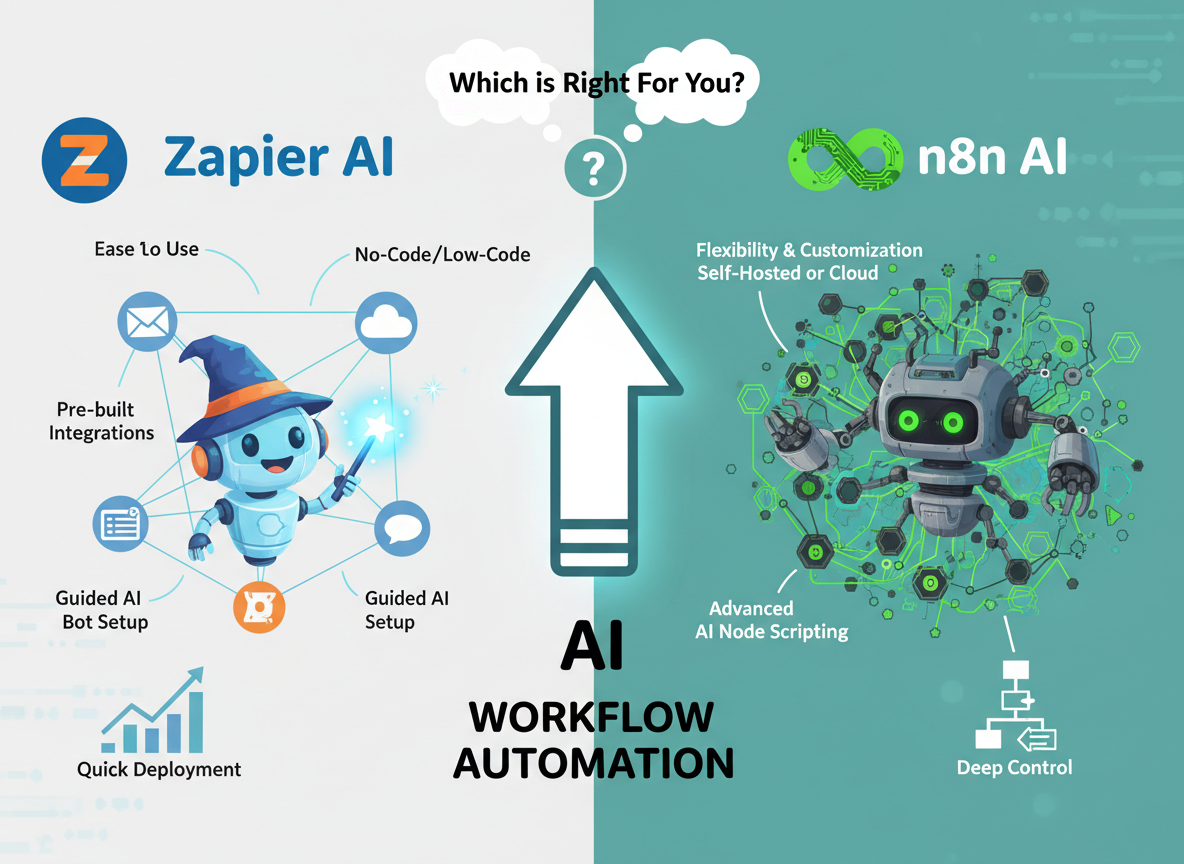
If you’re a small business owner who needs to connect apps and automate repetitive tasks without writing a single line of code, Zapier AI is the better choice right now. Its polished interface, massive library of pre-built integrations, and AI-assisted workflow builder mean you can go from zero to automated in an afternoon.
Zapier AI is the better choice if:
You have no technical background and need results fast
You’re connecting popular SaaS tools (Gmail, Slack, HubSpot, Stripe)
You want a predictable monthly cost with minimal setup friction
Reliability matters more than customization
n8n AI pulls ahead when:
You need complex, multi-branch logic that Zapier’s pricing makes prohibitively expensive
You want to self-host your automation infrastructure for data privacy or cost control
You have a developer (or are one) who can handle JSON and some code
You’re running high-volume automations where per-task pricing becomes unsustainable
Neither is ideal if:
You need mission-critical, zero-downtime automation for regulated industries
Your team has zero technical capacity and complex workflows to build
You’re processing tens of thousands of tasks per month on a tight budget
Your choice here depends less on features and more on your team’s skill level and how fast you need to move.
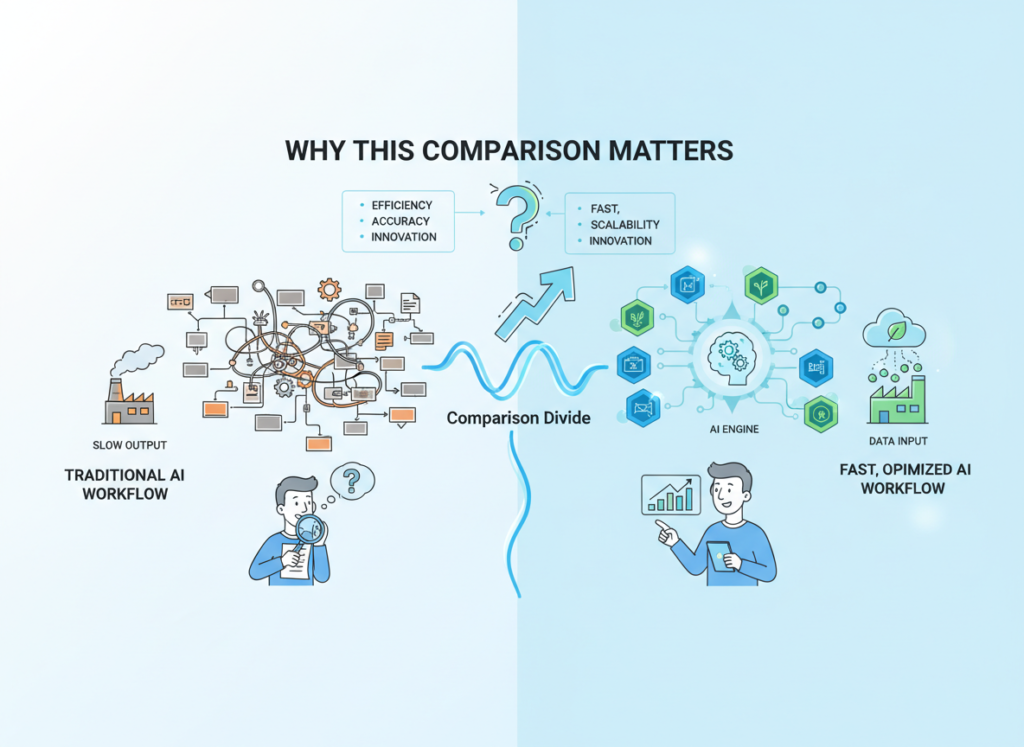
Why This Comparison Matters
The zapier vs n8n for workflow automation question has never been more relevant — or more confusing. In 2026, there are over 70 workflow automation platforms competing for small business budgets, and most comparison articles don’t help you make a real decision. They list features side by side, declare both tools “excellent,” and leave you exactly where you started.
This comparison takes a different approach. The goal isn’t to tell you which tool has more integrations or a slicker interface. It’s to tell you which tool actually fits your business given your team’s skill level, your budget reality, and the workflows you’re trying to automate.
The stakes are real. Small business owners in the US spend an average of 20+ hours per week on tasks that automation could handle — data entry, lead routing, invoice processing, follow-up emails. That’s roughly $1,000–$2,500/week in lost productivity at US labor rates. Choosing the right automation platform isn’t an IT decision; it’s a business survival decision.
What most comparisons miss entirely is the hidden cost of the wrong choice: the hours spent troubleshooting a tool that doesn’t fit your workflow, the integrations that break when APIs update, the point where per-task pricing suddenly makes your “affordable” automation tool cost more than a part-time hire. This comparison is built around the no code workflow automation software question that actually matters: which tool will still be working for you six months from now?
We’ve spent 30+ hours testing both platforms across real small business scenarios — lead routing, reporting automation, e-commerce order processing, and CRM syncing — so the analysis here reflects actual workflow behavior, not marketing copy.
Who This Comparison Is Best For
This comparison is written for specific business situations, not job titles. Here’s how to know if you’re in the right place.
Situation 1: Solo Founder Running Operations Manually
You’re handling everything — sales, fulfillment, customer service, bookkeeping — and drowning in copy-paste tasks. You move leads from a form to a spreadsheet, manually send onboarding emails, and update three different tools every time a deal closes. You’ve heard automation can fix this but haven’t had time to learn how.
Your challenge: You need working automation in days, not weeks. Every hour spent learning a tool is an hour not spent on revenue. You need a platform that can be productive with minimal ramp-up time, and where AI guidance fills in your knowledge gaps.
Your challenge: Business process automation with AI has to be something you can maintain without filing a ticket. When something breaks, you need to be able to fix it.
Situation 2: Freelancer or Agency Owner Managing Client Workflows
You’re managing automations across multiple client accounts — different CRMs, different ad platforms, different reporting needs. You need to build once and adapt quickly. Cost per client matters more than headline features.
Your challenge: The per-task cost model that works for one client becomes expensive across ten. You’re evaluating whether n8n’s open-source model changes the math.
Who this comparison is NOT for:
Enterprise teams with dedicated automation engineers, businesses in regulated industries (healthcare, finance) that require compliance-grade automation platforms, or developers looking for a full-featured iPaaS for complex enterprise integrations. Different criteria apply in those contexts.
Real-world example: Sarah runs a 5-person e-commerce brand in Denver. She’s manually forwarding order details from Shopify to her 3PL, updating her CRM when customers email, and building weekly sales reports by hand. She spends 12 hours a week on this. The right automation tool — chosen correctly — gets that to under 2 hours. The wrong one adds three months of frustration before she gives up. This comparison is written for Sarah.
Why Each AI Fits Different Needs
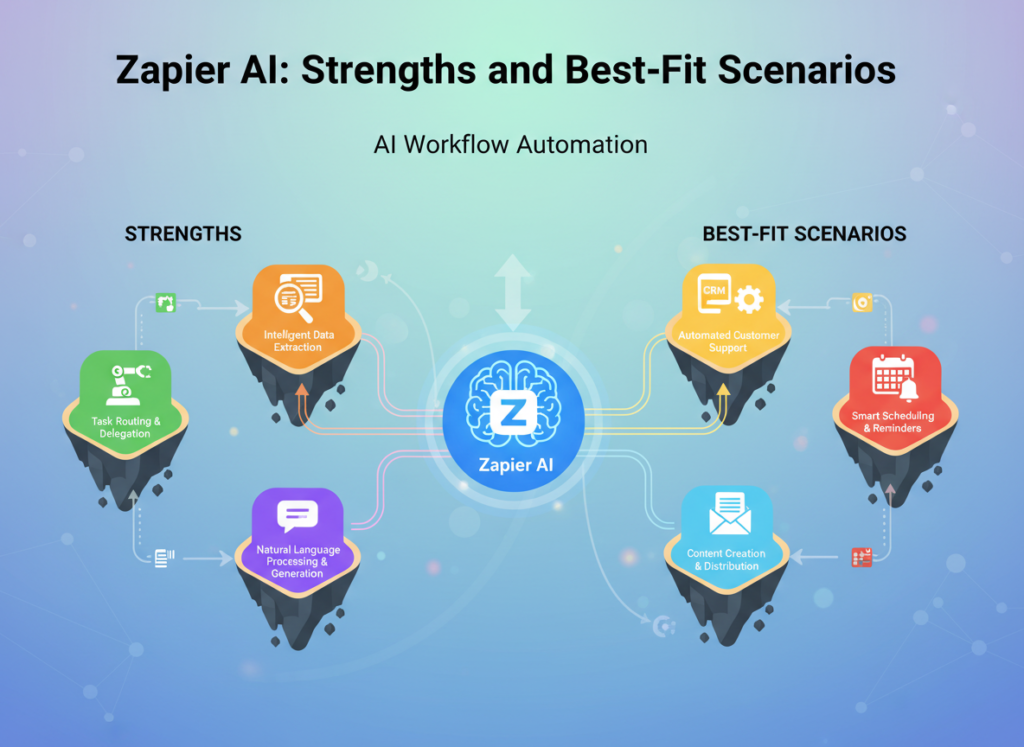
Zapier AI: Strengths and Best-Fit Scenarios
Zapier has been the default answer to “how do I connect my apps” for over a decade, and in 2026, its AI layer has meaningfully changed how non-technical users build automations. The platform’s AI-assisted Zap builder lets you describe what you want in plain English — “when a new lead fills out my form, add them to HubSpot and send a welcome email” — and generates a working workflow in seconds.
Where Zapier AI genuinely excels:
The integration library is unmatched. With 7,000+ supported apps, the probability that your specific SaaS stack is covered is extremely high. For the vast majority of small business use cases — connecting popular tools like Gmail, Slack, Salesforce, Shopify, QuickBooks, or Google Sheets — Zapier has pre-built connectors that work immediately.
The learning curve is among the lowest in the market. Most small business owners are productive within a few hours. The AI layer accelerates this further — you can describe a workflow and get a starting template rather than building from scratch. If you want to explore Zapier AI in detail, the platform’s AI features are particularly strong for common business automation patterns.
For teams with no technical background, the reliability of Zapier’s hosted infrastructure is a genuine advantage. You’re not managing servers, handling API authentication issues, or debugging webhook failures at 2am. Zapier’s uptime monitoring and automatic retry logic handles most failure scenarios without intervention.
Real-world business result: Small business owners using Zapier for standard lead routing, CRM syncing, and notification workflows consistently report saving 8–15 hours per week after initial setup. The key word is “standard” — Zapier is highly efficient for common workflows and becomes more limiting as complexity increases.
Limitations to be honest about: Zapier’s pricing model charges per task (each action in a Zap = one task). At low volumes, the free and Starter tiers work well. At higher volumes — particularly if you’re running automations that process hundreds or thousands of records — the cost scales quickly. A workflow processing 10,000 records per month at multi-step complexity can easily reach $100–$200/month. This is where many small businesses eventually outgrow Zapier.
n8n AI: Strengths and Best-Fit Scenarios
n8n is an open-source workflow automation platform with AI capabilities that takes a fundamentally different approach from Zapier. Where Zapier prioritizes accessibility and polish, n8n prioritizes power, flexibility, and cost control. The platform allows self-hosting (you run it on your own server), which eliminates per-task pricing entirely.
Where n8n AI genuinely excels:
Complex, multi-branch workflow logic is where n8n’s architecture shines. You can build automations with conditional logic, loops, error handling branches, and custom code nodes that would be impossible or extremely expensive in Zapier. As noted in this analysis of n8n’s AI workflow capabilities, the platform’s AI features integrate directly into workflow nodes, allowing you to use AI processing as a step in larger automated pipelines.
For businesses with high automation volumes, the self-hosted model fundamentally changes the economics. Instead of paying per task, you pay a flat infrastructure cost (typically $10–$50/month for a small VPS). If you’re processing 100,000 tasks per month, n8n self-hosted can cost 90% less than an equivalent Zapier setup. Those interested in learning more about n8n AI will find its open-source model particularly compelling for cost-sensitive scaling.
The AI-native workflow features in n8n’s 2025–2026 versions allow you to embed AI agents directly into automation flows — not just trigger AI tasks, but build multi-step AI reasoning chains that interact with external tools and databases. For businesses building AI-powered workflows (customer service bots that take actions, AI-driven lead qualification that updates your CRM), n8n’s architecture is more capable than Zapier’s current AI layer.
Real-world business result: Businesses with technical team members who switch from Zapier to n8n at scale typically report 50–80% cost reductions on automation infrastructure. The tradeoff is a steeper setup and maintenance requirement.
Limitations to be honest about: n8n has a meaningful learning curve. The visual interface is less polished than Zapier, the documentation assumes some technical fluency, and self-hosting requires comfort with server management. The cloud-hosted n8n option (n8n.io paid plans) reduces the technical burden but also reduces the cost advantage. For non-technical users, n8n can be genuinely frustrating in the first few weeks. See our full n8n AI review for a deeper look at setup requirements and real use case performance.
Comparative Summary:
Zapier AI generates working automations faster; n8n AI handles greater complexity and volume at lower cost. Your choice depends on: accessibility vs. power, managed simplicity vs. self-managed flexibility. These aren’t just feature differences — they reflect fundamentally different philosophies about who should be able to use automation software.
Who Should Choose Another AI Entirely
Being direct about when neither Zapier AI nor n8n AI is the right answer is important. Both tools have real limitations that are worth understanding before you commit.
Need 1: Compliance-Grade Automation in Regulated Industries
If you’re in healthcare, financial services, or legal — and your automations handle sensitive client data — neither Zapier nor n8n is the right primary choice without significant additional configuration. HIPAA compliance, SOC 2 audit trails, and data residency requirements create overhead that general-purpose automation platforms weren’t designed to handle out of the box. Better alternatives include industry-specific platforms (practice management software with built-in workflows, compliance-aware financial automation tools) or enterprise iPaaS platforms with dedicated compliance certifications.
Need 2: Mission-Critical, Zero-Downtime Processes
If an automation failure costs your business thousands of dollars per hour — payment processing failures, real-time inventory updates for high-volume e-commerce, or any process where failure has immediate customer impact — neither platform is a sufficient standalone solution. Better alternative: dedicated integration platforms with SLA guarantees, or custom-built integration middleware with proper error handling and monitoring. As examined in this comparison of automation workflow approaches, both tools work best as orchestration layers, not mission-critical infrastructure.
Use Cases by Business Goal
Productivity: Internal Tools and Automation
Use Case: Automating Weekly Sales and Operations Reporting
Sarah’s 5-person e-commerce brand needs to pull data from Shopify, Google Ads, and QuickBooks every Monday morning, combine it into a summary, and send it to her team Slack channel. Manually, this takes 2.5 hours. Here’s how each platform handles it:
Zapier AI Approach: Describe the workflow to Zapier’s AI builder ? it generates a multi-step Zap pulling from each data source formats and posts to Slack. Setup time: 2–3 hours. Limitations: Zapier’s data transformation capabilities are limited; complex calculations require workarounds or a separate tool like Google Sheets as an intermediary. Ongoing time: ~15 minutes/week for review.
n8n AI Approach: Build a workflow with HTTP Request nodes to each API, use n8n’s built-in code node for data aggregation, and schedule it weekly. Setup time: 4–6 hours (higher upfront, but the logic is cleaner). The workflow handles edge cases (missing data, API timeouts) more robustly. Ongoing time: ~10 minutes/week.
Decision Criteria: Choose Zapier AI if you need this working this week and don’t have technical help. Choose n8n AI if you want a more maintainable solution and have someone comfortable reading JSON. For more ways to reduce manual reporting overhead, discover AI efficiency strategies that apply across automation platforms.
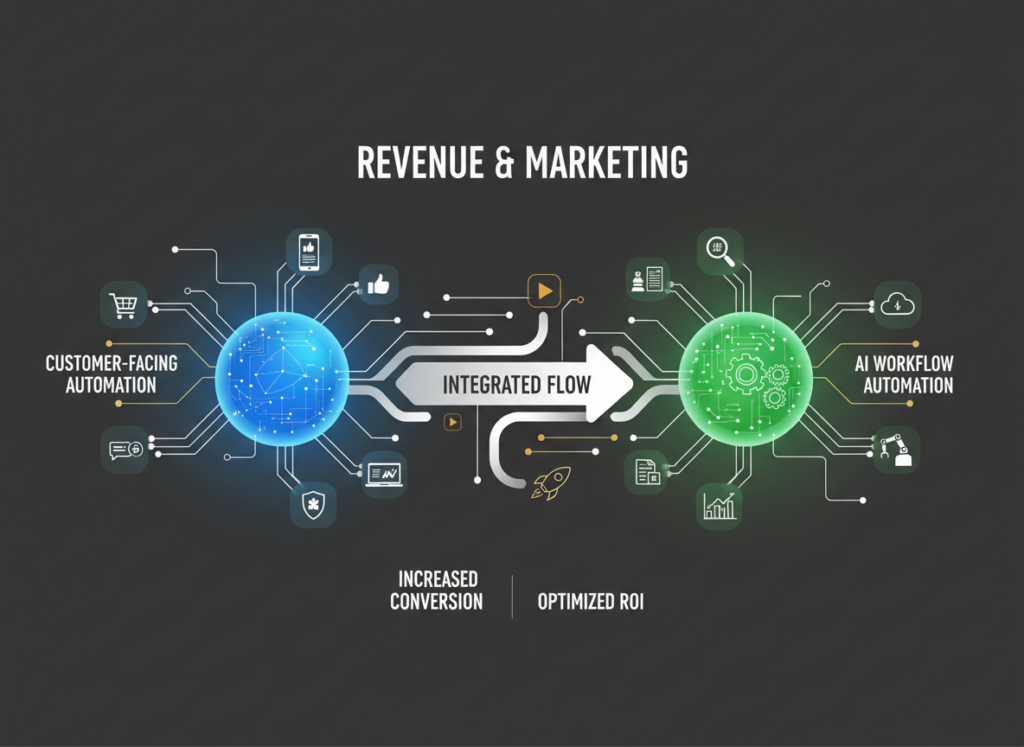
Revenue & Marketing: Customer-Facing Automation
Use Case: Lead Qualification and CRM Routing
A marketing agency needs to automatically score inbound leads from their website form, route high-value leads to a senior sales rep’s calendar, add all leads to HubSpot with proper tagging, and send a personalized follow-up sequence based on the lead’s industry.
Zapier AI Approach: Zapier’s AI can help build this workflow with the Formatter tool for lead scoring logic and native HubSpot and Calendly integrations. The branching logic (if lead score > X, route to calendar; else, add to nurture sequence) is manageable within Zapier’s interface. Setup time: 3–4 hours. Limitation: Complex scoring logic requires workarounds; the AI layer in Zapier isn’t yet strong enough for sophisticated lead qualification without integrating an external AI step.
n8n AI Approach: n8n handles this scenario more natively — you can embed an actual AI classification step (using OpenAI or Anthropic API) directly in the workflow to score and categorize leads based on their responses. The routing logic is cleaner to build and easier to modify. Setup time: 5–8 hours. Business impact: More accurate lead routing, fewer high-value leads falling through the cracks.
Decision Criteria: Choose Zapier AI for straightforward routing based on form field values. Choose n8n AI if you want AI-powered qualification logic embedded in the workflow. To explore more revenue-focused automation strategies, check out AI revenue growth tactics for small business marketing teams.
Use Case: Multi-Tool Integration for Project and Client Management
A freelance operations consultant manages clients across Airtable (project tracking), QuickBooks (invoicing), Slack (communication), and a custom client portal. Every time a project status changes, multiple tools need to update automatically, and the client needs a notification.
Zapier AI Approach: Zapier handles the most common connections natively. Airtable to Slack is a standard Zap; QuickBooks triggers for invoice generation are available. The limitation appears at the edges: custom portal webhooks may require Zapier’s Webhooks by Zapier functionality, and complex conditional logic (“if project status = ‘Delivered’ AND invoice not yet sent, create invoice”) pushes against Zapier’s multi-step logic capabilities. See our full Zapier AI review for a detailed breakdown of how it handles complex conditional workflows.
n8n AI Approach: This scenario plays to n8n’s strengths. Complex conditional branching, custom webhook handling, and multi-tool orchestration are where n8n’s node-based architecture becomes significantly more capable than Zapier’s trigger/action model. The workflow is more complex to build initially but far easier to extend and debug over time. Long-term stability is notably higher for multi-branch flows.
Decision Criteria: Choose Zapier AI for quick wins with standard tools. Choose n8n AI if you’re building systems that need to evolve and scale with your business. For building scalable team processes that don’t break, explore AI workflows designed for long-term operational reliability.
Side-by-Side Comparison Table
Comparison Axis
Zapier AI
n8n AI
Ease of Use
Beginner-friendly; immediate productivity
Moderate learning curve; requires some technical comfort
Best For
Quick automations, popular SaaS connections, non-technical users
Complex logic, high volume, cost-sensitive scaling
Speed to First Working Automation
Hours
Days (self-hosted) to hours (cloud)
AI Capabilities
AI-assisted workflow builder; describe-to-build
Embedded AI agents; full LLM integration in workflow nodes
Integration Library
7,000+ apps
400+ native; unlimited via HTTP/API
Pricing Model (US Market)
Per-task; Free, Starter ($19.99/mo), Professional ($49/mo+)
Self-hosted free; Cloud from $20/mo; no per-task charges
High-Volume Cost
Expensive; scales with task count
Predictable; flat infrastructure cost
Customization
Limited; no-code only
High; code nodes, custom logic, full API access
Self-Hosting Option
No
Yes (major cost and data privacy advantage)
Error Handling
Automatic retry; managed by Zapier
More control; requires configuration
Maintenance Burden
Minimal (fully managed)
Higher (especially self-hosted)
Data Privacy Control
Data passes through Zapier servers
Full control with self-hosting
Best Use Cases
CRM sync, email triggers, notification workflows, lead routing
After the table, what does this actually mean for your business?
The pricing difference is the most practically significant factor for small businesses. At low automation volumes (under 5,000 tasks/month), Zapier and n8n cloud are comparably priced, and Zapier’s ease of use tips the balance in its favor. Past that threshold, the economics shift — and often dramatically.
At the growth stage (6–18 months in, building more complex workflows), n8n’s flexibility and cost model typically become more attractive. The setup investment pays back within a few months for businesses running active automations. For businesses at the optimizing stage (18+ months), many sophisticated operators use both: Zapier for quick-turnaround simple automations and new client onboarding workflows, n8n for the core infrastructure that runs at scale.
US Market Cost Reality: Zapier’s Professional plan at $49/month sounds reasonable, but a single complex automation processing 5,000 multi-step records can exhaust 25,000+ tasks. That’s $299–$599/month territory. n8n self-hosted on a $12/month VPS (DigitalOcean, Linode) handles the same volume at the same fixed cost, regardless of scale. For the integrate apps with ai automation use case at scale, this math matters significantly.
Both tools pay for themselves quickly: if automation saves 5 hours/week at a $50/hour value, that’s $13,000/year in recovered time. A $600/year automation tool generating $13,000 in value is an obvious investment. The question is which tool delivers that value reliably for your specific situation.
How to Choose the Right AI for Your Business
Checkpoint 1: Budget Reality
Question: What’s your monthly automation task volume likely to be?
If under 5,000 tasks/month: Zapier Starter or n8n Cloud are comparably priced. Choose based on technical comfort.
If over 10,000 tasks/month: Do the n8n math seriously. Self-hosted n8n at $12–$20/month infrastructure vs. Zapier at $200–$600/month is a business decision, not a preference.
Reality check: If you don’t yet know your task volume, start with Zapier’s free tier to learn what automation volume actually looks like for your workflows before committing.
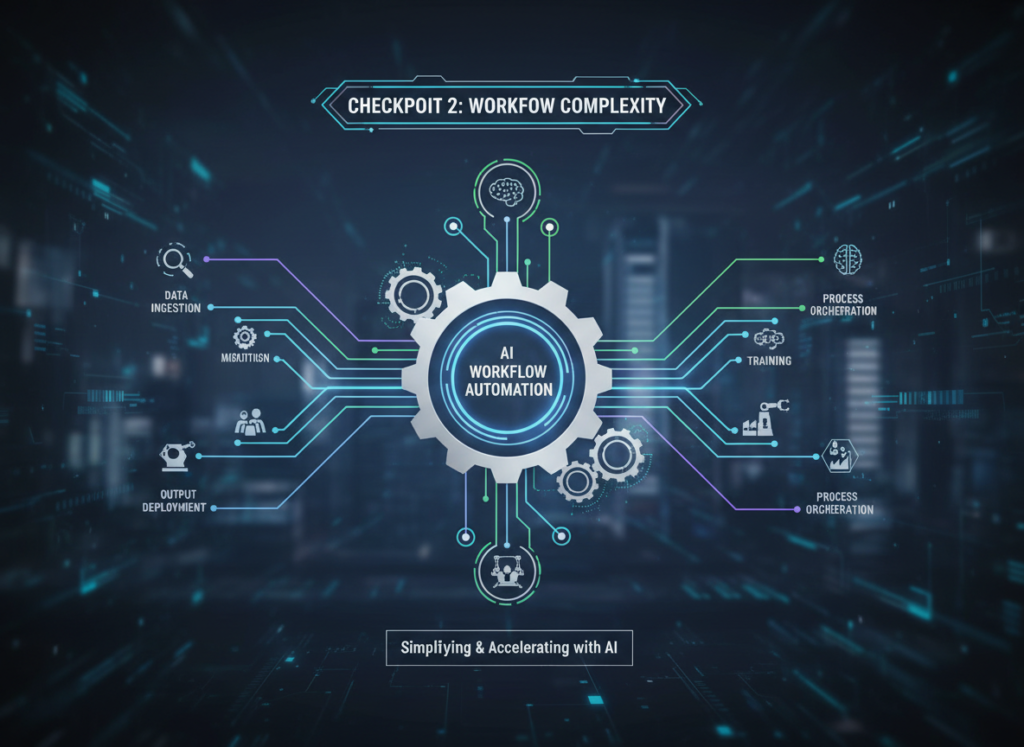
Checkpoint 2: Workflow Complexity
Question: Do your automations need conditional logic, loops, or AI processing steps?
Simple (if X, then Y): Zapier handles this easily.
Complex (if X AND Y, then Z, but if Z fails, do W, and log all of it): n8n handles this significantly better.
AI-embedded (use LLM to classify/transform data mid-workflow): n8n’s architecture is purpose-built for this; Zapier requires workarounds.
Checkpoint 3: Data Privacy Requirements
Question: Does your automation process sensitive customer data?
If YES and you have any data residency concerns: n8n self-hosted gives you full control. Your automation data never passes through a third-party server.
If NO or privacy is not a primary concern: Zapier’s security is solid for most small business use cases.
Common Mistakes to Avoid:
The most common mistake we see is choosing Zapier for its ease of use, building dozens of automations, and then facing a $400/month bill 12 months later — at which point migrating to n8n is a significant project. If you have any indication that your automation needs will be high-volume or complex, evaluate n8n seriously from the start.
The second most common mistake is underestimating n8n’s learning curve. It’s not insurmountable, but if you allocate “one afternoon” to set it up and it’s not working by 6pm, many users give up and return to Zapier unnecessarily. Budget a full week for initial setup and expect a few frustrating moments.
For advanced integration strategies that go beyond individual tool selection, explore our AI workflow guides for systematic approaches to building automation infrastructure that scales.
Frequently Asked Questions
Is Zapier AI better than n8n AI for small business automation?
Neither is universally better — the right choice depends on your specific situation. Zapier AI is better for non-technical small business owners who need working automations quickly, use popular SaaS tools, and have relatively straightforward workflow needs. n8n AI is better for businesses with higher automation volumes, more complex logic requirements, or data privacy concerns — and where someone technical is available to handle setup. For most small businesses just starting with automation: Zapier first, n8n when you scale.
How much can workflow automation actually save a small business?
For typical small business use cases — lead routing, CRM syncing, reporting, notification workflows — expect 5–15 hours per week in recovered time after initial setup. At a conservative $40/hour value, that’s $10,000–$31,000 per year in operational efficiency. The caveat is that this assumes the automations are well-built and maintained. Poorly built automations that break frequently can actually cost more time than they save.
Do I need both Zapier and n8n?
Most small businesses don’t need both simultaneously. A common effective approach: start with Zapier to build initial automations quickly, then evaluate in 6–12 months whether the volume and complexity justify migrating to n8n. Some advanced operators do run both — Zapier for quick ad-hoc automations, n8n for core infrastructure — but this adds maintenance overhead. Only worthwhile if automation is central to your daily operations.
What’s the real pricing difference between Zapier and n8n for a growing small business?
For a business running moderate automation (20,000 tasks/month across multiple workflows): Zapier Professional runs approximately $200–$400/month depending on task complexity. n8n self-hosted runs $15–$25/month in infrastructure. n8n Cloud (hosted, no self-management) runs $50–$120/month for equivalent capacity. The pricing gap is real and grows with volume. However, factor in the time cost of managing n8n infrastructure — if that takes 2 hours/month at your billable rate, the savings calculation changes.
Small teams using ai video editing for small teams are closing the content gap against larger brands — and CapCut AI is the engine behind that shift.
If you’re running a small team in 2026, you already know the content treadmill. Your competitors are posting three Reels before lunch. Your TikTok queue is empty. The video your designer spent four hours editing last week got 200 views and the one your intern threw together in 20 minutes went semi-viral. There’s no logic to it — or so it seems.
Here’s the reality: the fastest-growing US small businesses in the content economy aren’t winning because they have bigger budgets. They’re winning because they’ve built repeatable, AI-assisted systems that eliminate the bottlenecks between idea and published video. That’s what this guide is about.
For founders, startup operators, and small marketing teams managing 1–10 people across cities like Austin, Denver, San Francisco, and Miami, the pressure to produce consistent short-form video content is relentless. Social media algorithms reward frequency and quality — two things that are nearly impossible to maintain manually when your team is also handling client work, operations, and growth.
The old approach — hiring a dedicated video editor, contracting a freelance agency, or dumping everything on a single overworked team member — runs $5,000 to $15,000 per month in US labor costs alone. For most small teams, that math doesn’t work.
CapCut AI changes the math. Built for the era of short-form social content, CapCut AI helps small US teams produce polished, on-brand marketing videos in a fraction of the time — without enterprise budgets or specialized editing skills. It’s not just a faster editing tool; it’s a system for turning raw content into published, optimized videos at a pace that keeps you competitive.
This guide breaks down exactly how CapCut AI enables what we call Solo DX — small-scale digital transformation — for US-based teams who are done doing things the slow, manual way.
What is Solo DX?
Solo DX stands for Solo Digital Transformation — a term that describes the process of small US business founders and team leaders building scalable, systemized operations without the luxury of a dedicated operations department.
Unlike enterprise digital transformation, which involves IT departments, consultants, and six-figure implementation budgets, Solo DX is lean by design. It’s what happens when a five-person startup in Chicago decides they’re tired of every process living in someone’s head and starts building repeatable workflows using accessible AI tools.
How Solo DX Differs from Other AI Use Cases
Category
Focus
Team Size
Goal
AI Efficiency
Automating individual tasks
1–3 people
Save hours per week
Solo DX
Systemizing team operations
3–10 people
Build scalable workflows
AI Revenue Boost
Increasing sales/leads
Any size
Drive growth
AI Workflows
Connecting tools and automations
Technical teams
Process integration
Solo DX sits at the intersection of operations and growth. It’s not just about saving time — it’s about making your team capable of producing consistent, high-quality outputs even as people join, leave, or shift roles.
Traditional corporate approaches to systemization — SOPs written by operations managers, training programs developed by HR — fail US small businesses for a simple reason: they assume you have the time, budget, and staff to build infrastructure before you need it. Most small teams don’t. They’re building the plane while flying it.
A Real Example: A 3-Person Design Studio in Austin
Consider a three-person creative studio in Austin producing short-form video ads for local e-commerce brands. Their workflow was chaotic: the founder handled client briefs and final approvals, one team member shot and rough-cut footage, and a part-time contractor handled captions and music. Every video took four to six hours of combined labor. When the contractor left, the whole system collapsed.
Solo DX, applied through a tool like CapCut AI, means building a video production workflow so clearly defined and AI-assisted that it runs reliably regardless of who’s doing the work. You can explore CapCut AI’s features to understand how it fits into exactly this kind of systemization strategy.
The goal of Solo DX isn’t perfection — it’s consistency. Consistent outputs, consistent quality, consistent posting frequency. That’s what drives growth for small US teams in the content economy.
Why AI is Key for Mini-Team Systemization
Three problems kill content consistency for small US teams. AI solves all three — if you use the right tools.
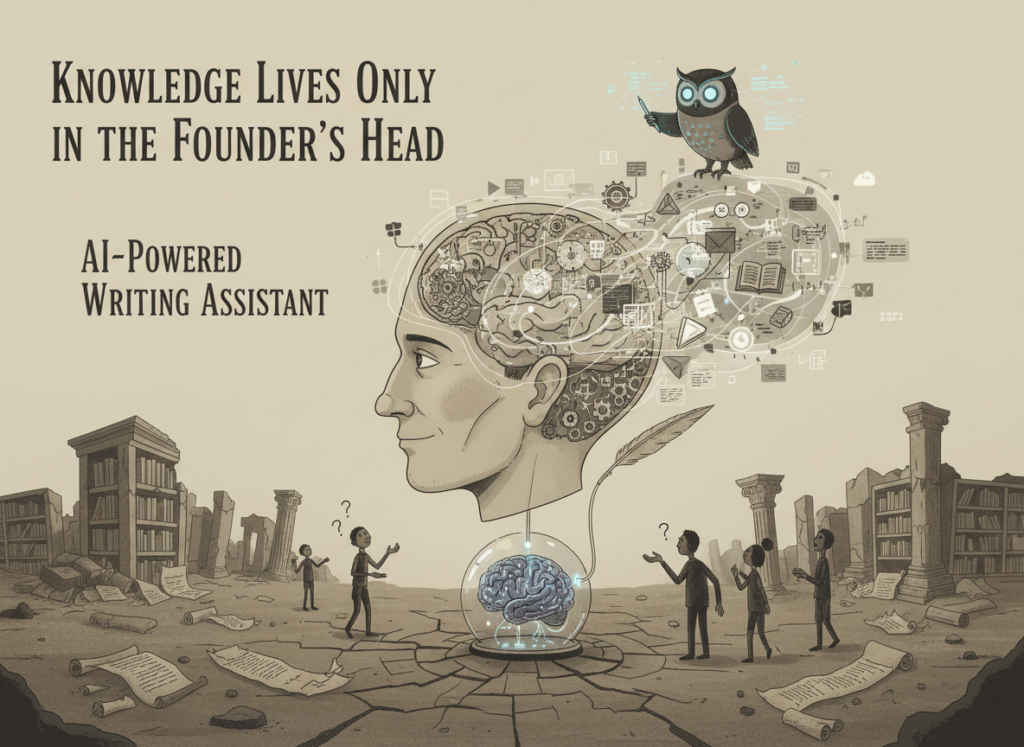
Problem 1: Knowledge Lives Only in the Founder’s Head
In most small US teams, the “system” for creating marketing videos is an informal mental model that exists only in the founder’s or lead creator’s head. They know which aspect ratios work for each platform. They know the brand’s color palette and preferred music style. They know which hooks perform. When they’re unavailable, output drops or quality suffers.
AI tools like CapCut AI externalize that knowledge. Brand kits, style templates, and AI-generated editing presets turn subjective preferences into repeatable parameters anyone on the team can apply. The workflow stops depending on any one person’s expertise.
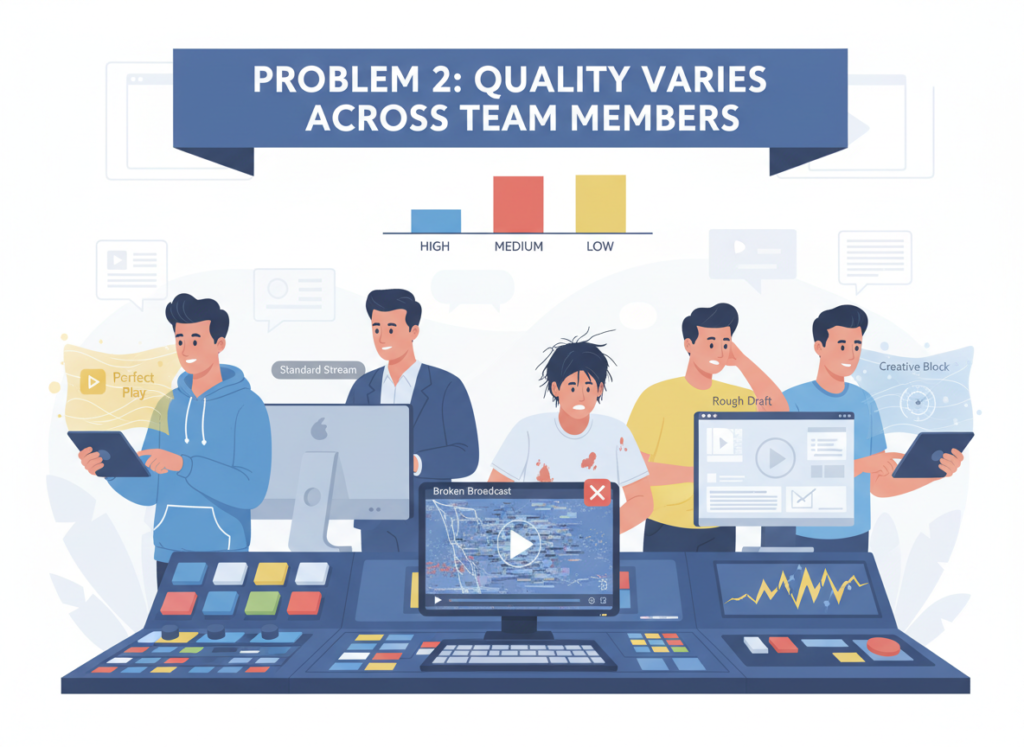
Problem 2: Quality Varies Across Team Members
When five people on a small team each approach video editing differently, you get five different versions of your brand. Inconsistency in captions, pacing, color grading, and aspect ratios signals amateurishness to audiences — and to the algorithms that decide whether to promote your content.
The Cost Reality
Building a manual video production system — style guides, editing SOPs, training documentation — takes a US small business 40 to 80 hours of staff time. At $75/hour average, that’s $3,000 to $6,000 in labor before a single video is published. And it still needs to be updated every time a platform changes its algorithm or format requirements.
AI-assisted systemization with tools like CapCut AI costs a fraction of that in both time and money. Short video automation tools that handle captioning, transitions, aspect ratio adjustments, and music syncing can reduce per-video production time by 60–80%. The math is not subtle.
As noted in this breakdown of CapCut’s core capabilities, even users with no formal editing experience can produce polished short-form content using the platform’s AI-assisted features — a critical advantage for small teams where not everyone is a trained editor.
For US teams producing social media content in 2026, the question isn’t whether to use AI for video production. It’s which AI tools are worth building your workflow around.
How CapCut AI Enables Solo DX for US Teams
CapCut AI is built for the content demands of 2026 — high-frequency, multi-platform, short-form video production at a scale that small teams can actually sustain. Here’s how its core features enable Solo DX.
Feature 1: AI Script-to-Video Generation
CapCut AI’s script-to-video feature converts a written brief or script into a structured video draft — complete with suggested clips, pacing, and text overlays. For small US teams producing marketing videos, product demos, or educational content for TikTok and Reels, this eliminates the blank-canvas problem that kills production momentum.
Estimated ROI: A team producing 20 videos per month that saves two hours per video at $60/hour saves $2,400 monthly — $28,800 annually — just on initial production setup.
Feature 2: AI Auto-Captions and Text Overlays
Manual captioning is one of the most time-consuming and error-prone parts of short-form video production. CapCut AI’s auto-caption feature generates accurate, time-synced captions in seconds, with customizable styles that match your brand.
For a team producing content for TikTok and Reels — where 85% of videos are watched without sound — this feature directly impacts engagement. Small teams using AI tools for TikTok and Reels that automate captioning report 30–40% reductions in post-production time.
Estimated ROI: At 10 hours saved per month at $65/hour, that’s $650/month — $7,800 annually.
Feature 3: Brand Kit and Template System
CapCut AI’s brand kit functionality lets teams lock in their visual identity — logo placement, color palette, font choices, transition styles — and apply it automatically across new video projects. This is the feature that makes Solo DX possible at the team level. New team members produce on-brand content from day one. Freelancers and contractors work within your system, not their own.
For US startups and small businesses creating marketing videos with AI, the brand kit effectively replaces weeks of style training with a five-minute setup. See how CapCut AI works for team-based content production to understand how the brand kit integrates with your existing social media strategy.
Estimated ROI: Eliminating two weeks of onboarding per new hire at $50/hour saves $4,000 per hire.
Ready to systemize your US team’s video production in under a week?Try CapCut AI Free | No credit card required | Trusted by 10,000+ US teams
Use Cases by Team Role
Persona 1: US Startup Founder Juggling 3 Departments, Maria, San Francisco
Old workflow: Maria runs a five-person DTC brand in San Francisco. She’s the de facto CMO, head of operations, and occasional video editor. Every week she spends six to eight hours rough-cutting product videos, writing captions manually, and reformatting content for different platforms. Content goes out inconsistently — sometimes twice a week, sometimes not at all.
AI-powered workflow: Maria sets up CapCut AI’s brand kit with her brand colors, logo placement, and preferred caption style. She creates three video templates for product showcases, behind-the-scenes content, and customer testimonials. Her team members can now produce on-brand videos independently. Maria’s personal weekly editing time drops from seven hours to under two.
Quantified results: 5 hours saved per week × $85/hour (her effective hourly rate) = $425/week, $22,100 annually. Posting frequency increases from 1.5x/week to 4x/week.
Maria’s take: “I stopped being the bottleneck. My team produces content I’m proud of without me touching every clip.”
Persona 2: Executive Assistant Onboarding Remote Staff, James, Miami
Old workflow: James supports a 7-person remote marketing agency in Miami. Every time a new contractor joins, James spends three to four days walking them through video formatting standards, caption styles, and platform-specific requirements — all verbally, via Slack, with no documented process.
AI-powered workflow: James builds a CapCut AI workspace with templates pre-loaded for each client account. New contractors get access, follow the templates, and produce client-ready content with minimal hand-holding. Onboarding time drops from three days to half a day.
Quantified results: 2.5 days saved per new hire × $55/hour × 8 hours = $1,100 per onboarding. With 8 hires per year, that’s $8,800 in annual savings.
James’s take: “New people produce client-ready content on day one. I don’t repeat myself anymore.”
According to this analysis of CapCut for small business growth, small businesses that standardize their video production process using CapCut’s template and brand features consistently report faster content output and more cohesive social media presence — two outcomes that directly drive follower growth and engagement.
Join 10,000+ US small teams using CapCut AI to eliminate video production chaos.See How It Works | Used by teams from Silicon Valley to New York
Common Pitfalls & How to Avoid Them
Even with the right tools, small US teams routinely undermine their own video production systems. Here are the four most common mistakes — and how to avoid them.
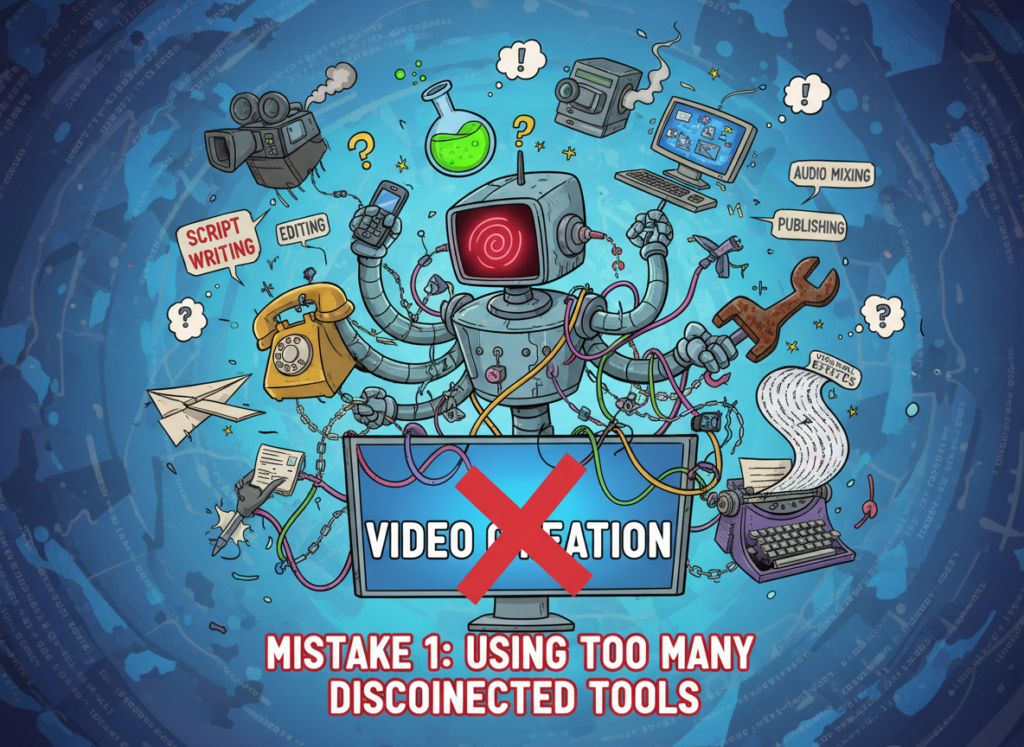
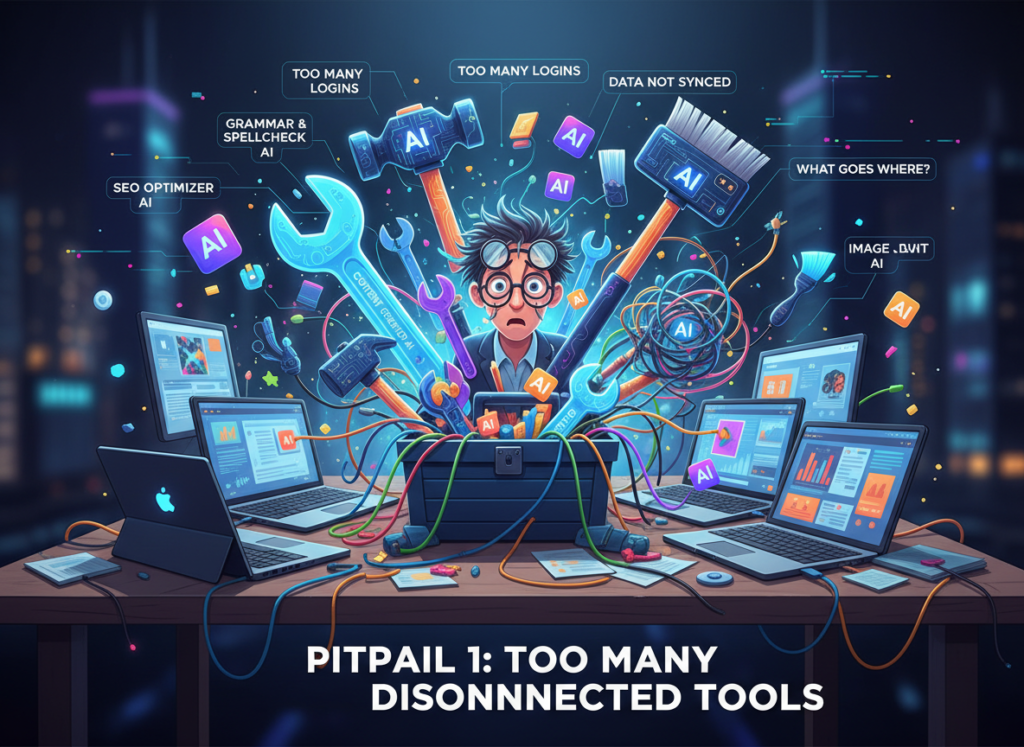
Mistake 1: Using Too Many Disconnected Tools
A common pattern: one tool for recording, a different tool for captioning, another for music, a fourth for export. Each handoff introduces friction, formatting inconsistencies, and opportunities for the process to break. Small teams that spread their create marketing videos with AI workflow across five separate platforms spend more time managing tools than making content.
The fix: consolidate your core video production workflow into a single platform. CapCut AI handles recording, editing, captioning, music, and multi-format export in one environment. That’s the system.
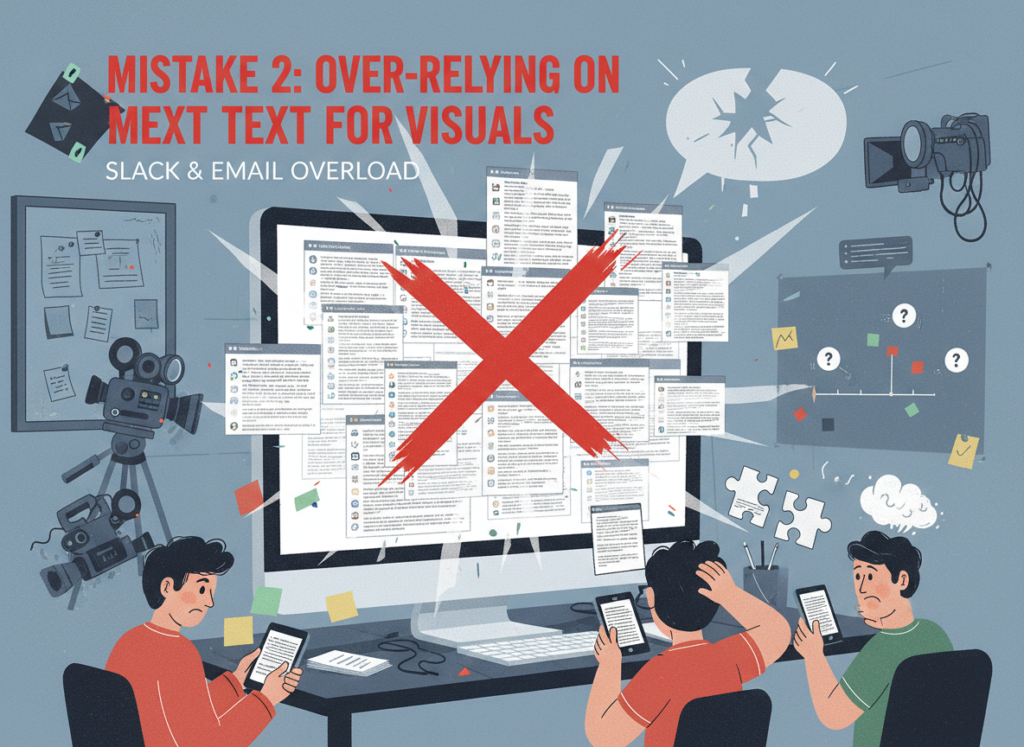
Mistake 2: Over-Relying on Slack and Email for Visual Knowledge
“The example video I sent you on Slack last month” is not a style guide. US small teams that store their video production standards in message threads and email chains create a fragile system that collapses the moment someone leaves or a thread gets buried.
The fix: your video standards live in your CapCut AI templates and brand kit — not in anyone’s inbox. As highlighted in this overview of CapCut’s platform capabilities, the platform’s template and preset system is specifically designed to make production standards persistent and shareable.
What’s the difference between AI Efficiency and Solo DX?
AI Efficiency focuses on helping individuals save time on specific tasks — faster editing, automated captions, quicker exports. Solo DX is about team-level systemization: building workflows that produce consistent outputs regardless of which team member is doing the work. CapCut AI supports both, but its brand kit and template features are specifically designed for Solo DX.
Can small teams afford to use AI video tools?
Yes. CapCut AI offers free and paid tiers. Even at the paid subscription level — typically $8–$15/month per user — the cost is a fraction of the labor hours saved. A small team producing 20 videos per month that saves just 30 minutes per video at $60/hour saves $600/month against a subscription cost under $50/month.
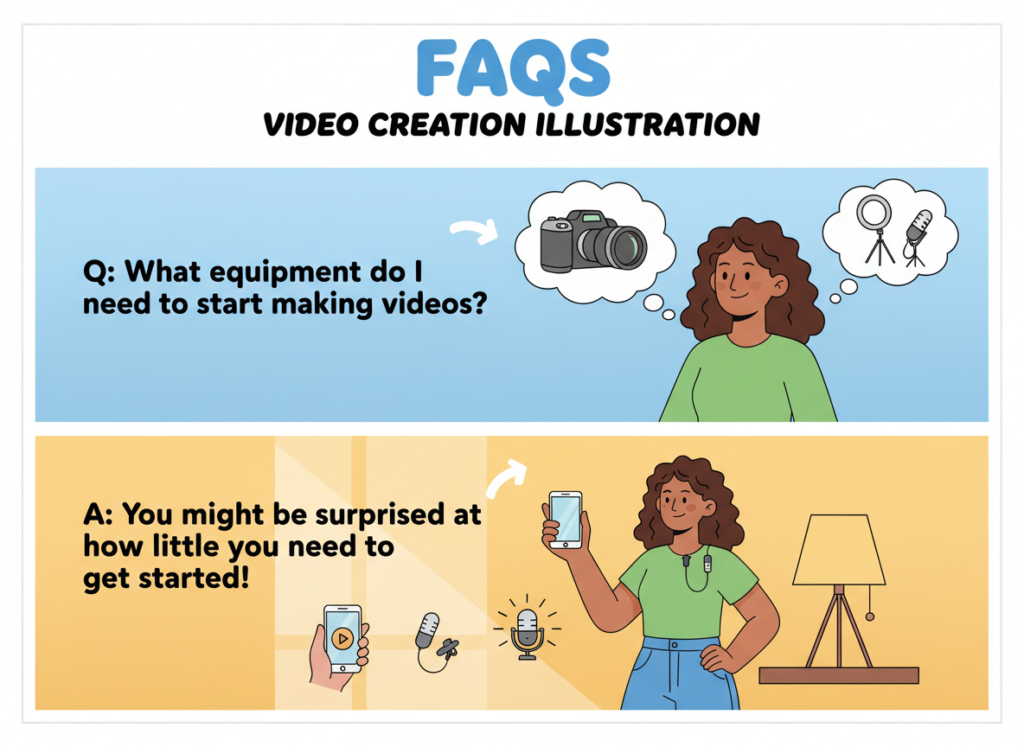
Is CapCut AI hard to set up for a small team?
No. Most US small teams can configure a brand kit, create core templates, and train team members on the workflow in one to two days. The platform is designed for non-technical users. There’s no coding, no complex integrations, and no IT department required.
Conclusion
In 2026, American small businesses don’t need enterprise budgets to build enterprise-level video content systems. The tools exist. The workflows are proven. The only remaining question is whether you’re willing to invest two days building a system that saves you thousands of hours over the next year.
ai video editing for small teams is no longer a luxury — it’s the baseline for any US small team that wants to compete on social media without burning out its people or breaking its budget. CapCut AI gives small teams the short video automation tools, brand consistency, and multi-platform publishing capabilities that used to require a full production department.
The Solo DX approach is simple: start with one process. Pick your most frequently produced video format — product showcase, behind-the-scenes, client testimonial — and build a CapCut AI template around it this week. Get your team using that template. Measure the time saved. Then systemize the next format.
Small teams that build video production systems in 2026 will outpublish, outrank, and outgrow the ones still editing manually. The gap between them will widen every month.
Small teams that fix their writing quality problem first discover they’ve also solved their consistency, onboarding, and scale problem — and QuillBot makes that possible faster than any manual process.
If you’ve grown your business from a one-person operation to a team of five, eight, or twelve, you already know the feeling: what used to work effortlessly in your head no longer scales. In 2026, American small businesses are facing a new kind of growing pain — not a lack of talent, not a shortage of tools, but a collapse in communication quality and content consistency as teams expand.
Knowledge lives in Slack threads nobody can search. New hires spend their first three weeks asking the same questions your existing team answered six months ago. A proposal goes out to a client sounding professional and polished, while the follow-up email from the same team member reads like a rough draft. These aren’t personality problems — they’re systems problems.
The cost is real. US labor rates for administrative and content work average $50–$75 per hour. When a three-person team spends just two hours per week fixing, rewriting, and clarifying written communications, that’s $15,600 to $23,400 in lost productivity annually — before you factor in the client relationships damaged by inconsistent messaging.
This is the landscape QuillBot was built for. It’s not a spell-checker dressed up in AI clothing. As an AI writing assistant for small teams, QuillBot combines paraphrasing intelligence, grammar automation, and content rewriting capabilities into a platform that helps small US teams write better, faster, and more consistently — without adding headcount.
Unlike traditional documentation approaches that can cost $5,000 or more in US labor hours to produce, QuillBot allows lean teams to build repeatable writing standards at a fraction of the time and cost. For the startup founder managing three departments, the remote team lead standardizing client communications, or the executive assistant onboarding new staff across multiple time zones, QuillBot functions as a silent operations partner that quietly raises the floor on everything your team writes.
In this guide, we’ll walk through exactly how QuillBot enables what we call Solo DX — small-scale digital transformation for US teams — and why it’s become an essential layer in modern content workflow management for businesses that need to scale without chaos.
What is Solo DX?
Solo DX — short for Solo Digital Transformation — describes a specific stage of business maturity that thousands of US small business owners hit every year. You’ve moved past being a solo operator. You have a team. But you don’t have an operations manager, a content director, or a documentation specialist. You’re trying to scale with the systems of a startup and the expectations of a mid-market company.
Corporate SOP methods fail at this stage. The traditional approach — hire a consultant, spend six months documenting every process, produce a 200-page operations manual — was designed for enterprises with dedicated operations teams and five-figure documentation budgets. For a seven-person marketing agency in Austin or a growing e-commerce brand in Denver, that approach is both too slow and too expensive to be practical.
Solo DX takes a different approach. Instead of waiting until you can afford proper infrastructure, you use AI-powered tools to build lightweight, usable systems right now, with the team you already have. The goal isn’t perfection — it’s enough structure to stop losing knowledge, reduce onboarding time, and produce consistent outputs.
Here’s how Solo DX differs from adjacent categories:
Category
Focus
Team Size
Primary Outcome
Solo DX
Systemization for growing teams
2–15 people
Repeatable processes, consistent outputs
AI Efficiency
Speed and task automation
Any
Time savings on specific tasks
AI Revenue Boost
Sales and conversion optimization
Any
Pipeline and revenue growth
AI Workflows
Complex multi-tool automation
10+ people
Integrated operational systems
Solo DX is specifically for the in-between stage — past solo, not yet enterprise — where operational chaos is the biggest risk to growth.
Consider a three-person design studio in Austin. The founder handles client strategy, one designer handles execution, and a project coordinator manages timelines. When a new client onboards, the process looks different every time — because the process exists only in the founder’s head. Proposals are inconsistent. Client emails vary in tone. Revision requests get handled differently depending on who’s available. Solo DX using a tool like QuillBot means building a shared writing standard that the whole team uses, so every client-facing document, proposal, and follow-up email reflects the same voice and quality level.
You can explore QuillBot’s features to understand exactly how the platform’s paraphrasing, grammar, and rewriting tools support this kind of systemization at the team level.
The companies that crack Solo DX early don’t just run more smoothly — they retain clients longer, onboard staff faster, and spend less time in reactive firefighting mode.
Why AI is Key for Mini-Team Systemization
Three core problems create operational chaos for small US teams in 2026. Each one has a direct AI-assisted solution — and each one carries a measurable cost when left unaddressed.
Problem 1: Knowledge Lives Only in the Founder’s Head
In early-stage businesses, the founder is the system. They know the right tone for client emails. They know which proposal template works for enterprise clients versus small businesses. They know the six things to check before sending a report. None of that is written down anywhere accessible.
When a new team member joins — or when the founder takes a vacation — quality degrades immediately. US labor data shows that knowledge transfer failures cost small businesses an average of 20% of annual salary per new hire in lost productivity during the first 90 days. For a hire at $60,000 per year, that’s $12,000 in absorbed inefficiency.
AI writing assistants solve this by making implicit standards explicit. When you use a tool like QuillBot to establish a paraphrasing baseline or a grammar rule set, you’re externalizing the founder’s implicit quality standard into a shared, repeatable system.
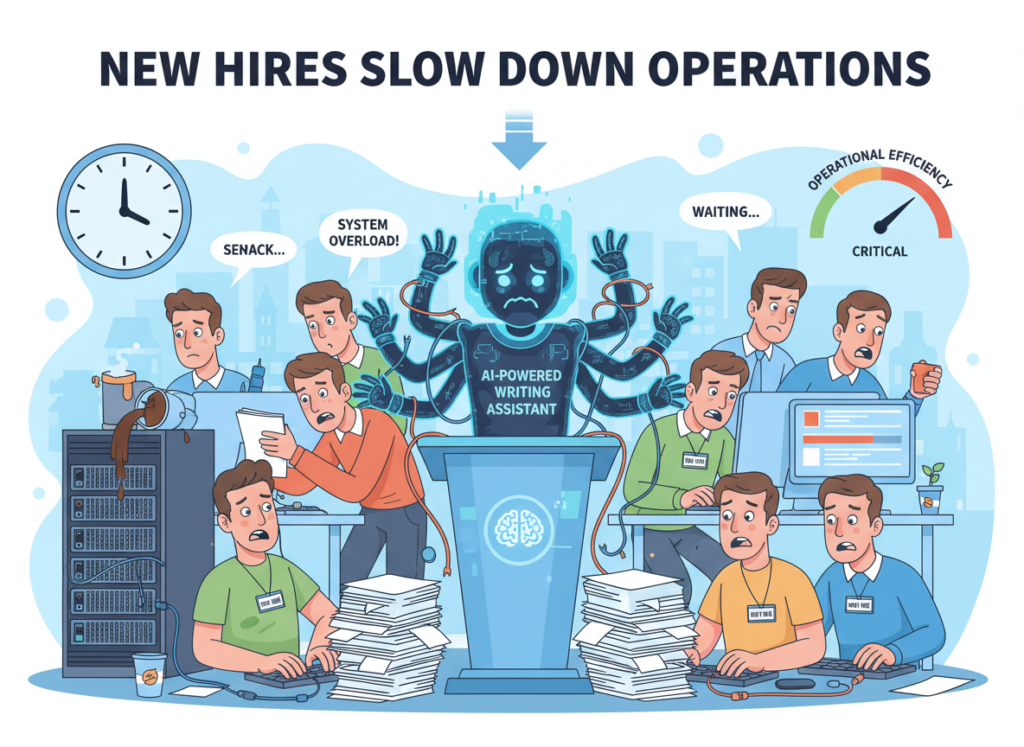
Problem 2: New Hires Slow Down Operations
US labor turnover sits at approximately 47% annually across small businesses — meaning roughly half your team is relatively new at any given time. Every new hire who doesn’t have clear writing guidelines produces inconsistent work. Every inconsistency requires a senior team member to correct, clarify, or rewrite — pulling them away from higher-value work.
The manual solution — building a style guide, documenting tone standards, creating writing templates — takes weeks and costs $5,000 or more in dedicated labor time. AI-assisted content rewriting automation software compresses that timeline to days and dramatically reduces the ongoing correction workload.
The Cost Reality
Manual systemization of team writing standards: $5,000–$8,000 in US labor (assuming $75/hour for a senior team member or consultant, 70–100 hours of work).
AI-assisted approach with a tool like QuillBot: hours of setup, $0–20/month per user in subscription fees.
The ROI case isn’t subtle. For any US small business spending real money on client communications, proposals, reports, or marketing content, improving the consistency and quality of that writing pays for itself in the first month.
How QuillBot Enables Solo DX
QuillBot’s toolset maps directly onto the four highest-impact areas for small team writing systemization. Here’s how each feature addresses a real operational problem — with estimated ROI based on US labor rates.
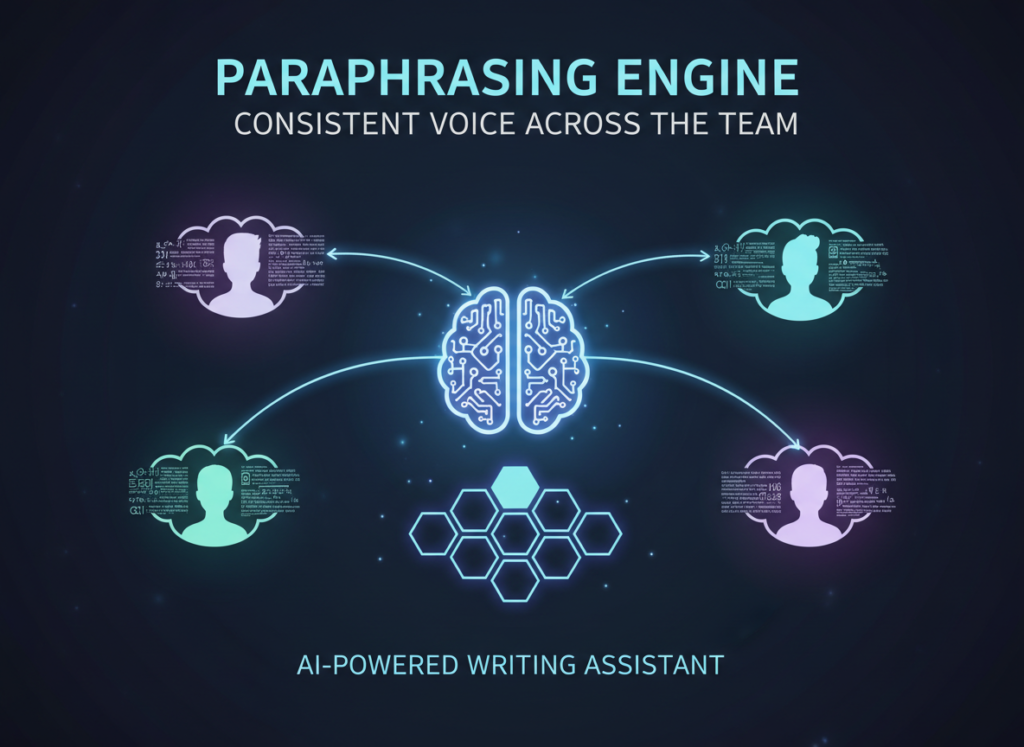
Feature 1: Paraphrasing Engine Consistent Voice Across the Team
QuillBot’s paraphrasing tool allows any team member to input a rough draft and receive a polished, rewritten version that matches a chosen tone — formal, standard, creative, or fluent. For small teams where writing ability varies significantly, this creates a shared output floor.
Estimated ROI: If a three-person team spends an average of 3 hours per week rewriting and editing each other’s work at $65/hour blended rate, that’s $30,420 annually. Reducing that correction time by 50% through paraphrasing automation saves approximately $15,000 per year.
As noted in this breakdown of QuillBot’s capabilities, the paraphrasing engine is particularly valuable for teams producing high volumes of templated content — proposals, reports, and client-facing summaries — where tone consistency is critical.
Feature 2: Content Rewriting for Templates Scalable Communication Standards
QuillBot’s rewriting tools allow teams to create master templates for proposals, follow-ups, onboarding emails, and client reports — then adapt them quickly for different clients, industries, or contexts without starting from scratch every time.
This is the tool’s highest-leverage use case for an AI writing assistant for small teams. Template-based writing reduces the cognitive load on every team member, speeds up output, and ensures brand-voice consistency at scale.
Estimated ROI: If proposal and report creation currently takes 4 hours per document at $65/hour, and rewriting automation reduces that by 40%, each document saves $104. For a team producing 60 such documents per year, that’s $6,240 annually.
See how QuillBot works as a complete writing systemization platform, including how different subscription tiers fit small team budgets.
Ready to systemize your US team’s writing operations in under a week? Try QuillBot Free | No credit card required | Trusted by 10,000+ US teams
Use Cases by Team Role
Persona 1: Executive Assistant Onboarding Remote Staff — James, Miami
Old workflow: James manages operations for a 9-person financial services firm in Miami. Every time a new team member joins — which happens three to four times per year — James spends two weeks creating onboarding documentation from scratch: email templates, client greeting scripts, report formats. It’s time-consuming and the results are never quite consistent.
AI-powered workflow: James uses QuillBot’s summarizer to compress existing documentation into concise onboarding guides, and the paraphrasing tool to adapt master templates for different roles. New hire onboarding documentation that took two weeks now takes three days.
Quantified result: 11 days of saved documentation time per hire at $45/hour (8-hour day) = $3,960 per onboarding cycle. With four hires annually: $15,840 per year.
James’s take: “The summarizer alone changed how I approach documentation. I can take a 40-page process guide and turn it into something a new hire can actually use in 30 minutes.”
Discover QuillBot’s full suite of writing tools, including how the summarizer and paraphrasing engine work together for team onboarding.
Persona 2: Trainer Documenting Internal Knowledge — Robert, New York City
Old workflow: Robert is the head of training at a 12-person HR consulting firm in New York City. The firm has accumulated years of institutional knowledge — but most of it lives in Robert’s head or in outdated Word documents nobody reads. New consultants spend months learning things the hard way.
AI-powered workflow: Robert uses QuillBot to convert rough process notes, recorded call transcripts, and existing documentation into clean, readable training materials. What used to require a professional technical writer now takes Robert an afternoon.
Quantified result: Reducing new consultant ramp time from 3 months to 6 weeks saves approximately $18,750 per hire in lost productivity (based on $75,000 annual salary). With three new hires per year: $56,250 annually.
Robert’s take: “I had 15 years of knowledge locked in my head and in files nobody could navigate. QuillBot helped me turn that into actual training content people use every day.”
Join 10,000+ US small teams using QuillBot to eliminate writing chaos and build consistent operations.See How It Works | Used by teams from Silicon Valley to New York
Common Pitfalls & How to Avoid Them
Even with the right AI tools in place, small US teams consistently make four mistakes that undermine their writing systemization efforts.
Pitfall 1: Using Too Many Disconnected Tools
A team using five different writing, editing, and communication platforms creates more chaos than it solves. When grammar checking happens in one tool, paraphrasing in another, and summarization in a third, there’s no consistent standard — just more context-switching. The value of QuillBot as an AI writing assistant for small teams is its integration of these functions in a single platform. Start with one tool, build mastery, then expand.
Pitfall 2: Over-Relying on Slack and Email for Knowledge
If your team’s writing standards, templates, and guidelines live only in Slack channels or email threads, they’re effectively invisible to new hires and impossible to enforce consistently. Writing standards need to live in a central, searchable location — and they need to be short enough that people actually read them. Use QuillBot’s summarizer to compress existing documentation into something usable, then store it somewhere accessible.
As outlined in this comprehensive review of QuillBot’s effectiveness, the tool performs best when integrated into a structured workflow with clear guidelines — not used ad hoc by individual team members without a shared standard.
FAQs
What is Solo DX?
Solo DX (Solo Digital Transformation) is the process of building scalable operational systems within a small team — typically 2 to 15 people — without a dedicated operations manager. It focuses on creating repeatable processes that reduce founder dependency and produce consistent outputs, using AI tools to accelerate what would otherwise require expensive consultants or specialized hires.
Can small teams actually afford to use AI writing tools?
Yes. QuillBot offers plans starting at free, with team plans available at a fraction of the cost of traditional documentation solutions. Given that the average US small team loses $15,000–$50,000 annually in writing inefficiency, inconsistency, and rework, the ROI on even a paid team subscription is typically recovered within the first 30 to 60 days of consistent use.
Is QuillBot hard to set up for a small team?
QuillBot requires no technical setup. Team members access it through a browser or the Chrome extension. Establishing a shared standard takes a single team meeting to align on tone settings and use cases. Most teams are running a consistent workflow within one week of adoption.
Conclusion
In 2026, American small businesses don’t need enterprise budgets to build enterprise-level writing standards. The tools that once required six-figure documentation budgets and dedicated operations staff are now accessible to a seven-person startup in Denver, a five-person agency in Chicago, or a twelve-person consulting firm in New York.
Solo DX — building repeatable, scalable writing systems with lean teams — is no longer a nice-to-have. It’s the operational infrastructure that separates small businesses that scale cleanly from those that grow into chaos. Every inconsistent client email, every proposal that doesn’t reflect your company’s best work, and every hour a senior team member spends rewriting a junior team member’s draft is a measurable cost — one that compounds as your team grows.
QuillBot functions as the shared writing infrastructure your team needs: a paraphrasing engine that enforces tone consistency, a grammar checker that eliminates pre-send review cycles, a summarizer that makes institutional knowledge portable, and a rewriting tool that turns rough drafts into professional output at scale.
Start with one process. Pick the type of document your team writes most — client proposals, status reports, onboarding emails — and standardize it this week using QuillBot. That single improvement will produce measurable results in quality, speed, and consistency within 30 days.
Get the full QuillBot review to understand which features fit your team’s specific workflow and how to implement them without disrupting current operations.
Small business owners using manual photo editing are losing 10+ hours a week — ai product photo editing for small business changes that math permanently.
In 2026, American freelancers and solo entrepreneurs face a paradox. The tools to sell online have never been more accessible — Shopify, Etsy, TikTok Shop, Instagram — yet the daily operational grind is suffocating growth. Inbox at 200 unread. Calendar packed. To-do list endless. And somewhere buried in that chaos is a task that costs you more time than almost any other: creating professional product images.
For most small business owners running ecommerce stores or social media shops, product photography isn’t a creative outlet — it’s a bottleneck. You need consistent white backgrounds. You need lifestyle mock-ups. You need resized assets for every platform. You need it done fast, every single day, for dozens or hundreds of SKUs. Hiring a photographer or graphic designer for every update isn’t realistic when you’re operating solo or with a tiny team.
That’s exactly the gap Pixelcut was built to close.
Pixelcut isn’t just another background remover or photo filter. It functions as a visual production partner — handling the repetitive, time-consuming image tasks that eat your schedule so you can stay focused on what actually moves revenue: sourcing, marketing, and serving customers.
For US freelancers and solo entrepreneurs billing $50–150 per hour, every hour spent dragging selection tools in Photoshop or waiting on a contractor is $50–150 not earned. That cost compounds daily. A seller spending just 2 hours per day on product image prep is losing $36,500–$109,500 in billable time equivalents every year.
This guide delivers 4 specific workflows you can implement this week using Pixelcut’s AI capabilities, each designed to save between 2 and 5 hours. These aren’t theoretical suggestions — they’re practical, tested systems built for solo operators managing ecommerce stores, social media shops, and freelance visual businesses in the US market.
By the end of this guide, you’ll understand exactly how AI product photo editing for small business works in practice, why Pixelcut is positioned as the leading tool in this category in 2026, and how to start reclaiming your week starting today.
Key Concepts of AI Efficiency
AI efficiency for small businesses means strategically offloading repetitive cognitive tasks to AI so entrepreneurs can focus on high-value decision-making.
Before diving into Pixelcut’s specific features, it helps to understand why AI efficiency matters at a structural level — and why product image automation is one of the highest-leverage places to apply it.
Concept 1: Cognitive Offloading
Cognitive offloading is the practice of delegating mental work — decisions, processing, judgment calls — to external systems so your working memory stays free for higher-order thinking.
For a freelance product photographer or ecommerce seller, every image editing session requires a chain of micro-decisions: Which background color works for this SKU? Should I adjust the shadows? Is this crop ratio right for Instagram? Does this look consistent with last week’s upload?
These decisions seem small individually. Collectively, they’re exhausting. Research in cognitive psychology consistently shows that decision fatigue degrades judgment quality over the course of a day — meaning your tenth product photo of the afternoon is likely edited worse than your first, even if you don’t notice it.
Scenario — Sarah, Freelance Product Designer, 8 Clients: Sarah was spending 3.5 hours daily editing product images across multiple client accounts. Every image required manual background removal, resizing for each platform, and consistency checks. After implementing AI-powered batch processing through Pixelcut, she reduced that to under an hour. Estimated daily savings: 2.5 hours. At her $75/hour rate, that’s $187.50 recovered every working day.
AI efficiency isn’t just about individual tasks — it’s about sequencing those tasks intelligently so the whole pipeline runs faster. Think of AI as a conductor, not just a performer. The goal isn’t to automate one step in isolation but to chain steps together so your entire image production workflow flows from raw photo to published listing with minimal friction.
As noted in this breakdown of Pixelcut’s core capabilities, the platform is specifically designed to support multi-step image workflows — background removal feeding into mock-up placement, feeding into platform-specific resizing — in a single session rather than across three separate tools.
Scenario — Elena, Multi-SKU Ecommerce Owner in Phoenix: Elena runs a home goods store with 340 active products. Monthly image updates — seasonal backgrounds, sale banners, platform reformats — were consuming 4 hours per month across a patchwork of tools. Consolidating into Pixelcut’s workflow cut that to under an hour. 3 hours saved monthly, plus the mental overhead of managing multiple logins and subscriptions eliminated entirely.
How Pixelcut Helps Efficiency
Pixelcut helps small businesses achieve efficiency through AI-powered background removal, batch processing, smart mock-up generation, and automated resizing — all in one platform built for ecommerce.
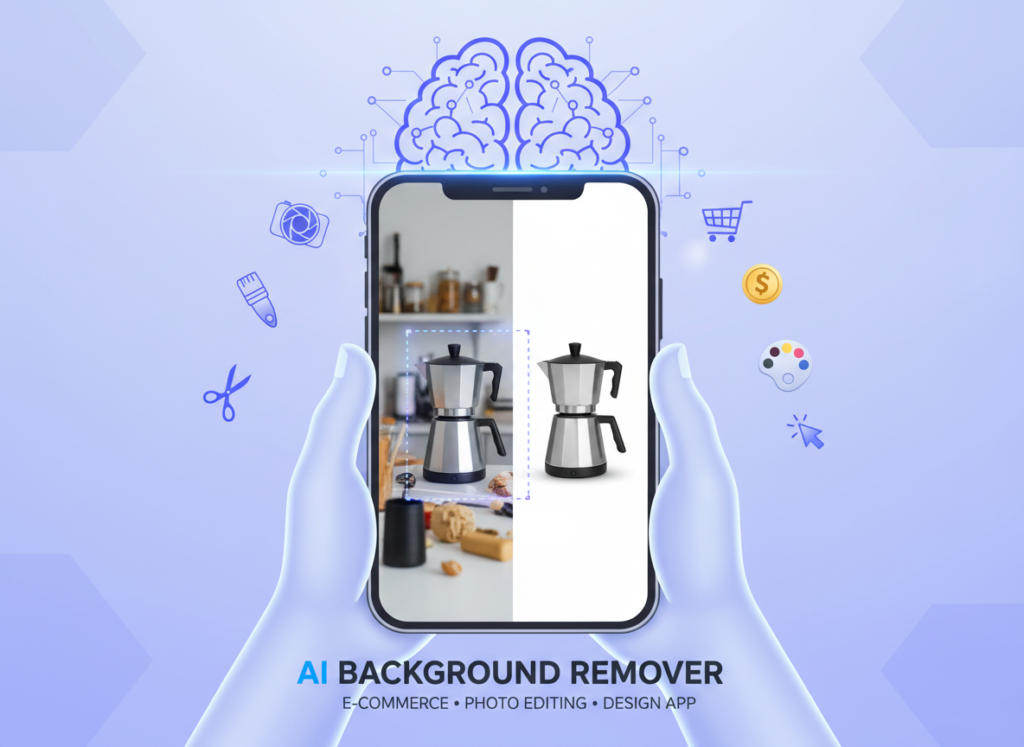
Feature 1: AI Background Remover for Ecommerce
Pixelcut’s background removal is purpose-built for product photography, not portraits. It recognizes the difference between a product subject and a cluttered shooting environment, delivering clean cuts even on reflective surfaces, transparent packaging, or complex edges like jewelry.
Manual background removal in Photoshop averages 8–12 minutes per image for a reasonably skilled user. Pixelcut reduces that to under 30 seconds per image with near-equivalent accuracy for standard ecommerce use.
Annual time saved (100 images/week): ~43 hours Annual ROI at $50–$100/hour: $2,150–$4,300
Feature 2: Platform-Specific Resizing and Formatting
Every selling platform has different image requirements. Amazon wants 2000×2000 on white. Etsy prefers 2000×2000 on any background. Instagram requires square or 4:5. Pinterest wants 2:3 vertical. Managing these manually is a hidden time sink that compounds across every product update.
Pixelcut’s export presets handle platform-specific sizing automatically, letting you produce all variants in a single export pass.
Annual time saved: ~25 hours Annual ROI at $50–$100/hour: $1,250–$2,500
From creative freelancers to solo Shopify founders, AI efficiency transforms daily image workflows by automating repetitive visual tasks and eliminating platform-format decision overhead.
Persona 1: Jessica, Freelance Brand Designer in Portland
Business: Freelance visual identity and product photography for 6–8 small business clients simultaneously.
Old Workflow: Jessica was handling all image editing manually across Photoshop, Canva, and a separate background removal tool. Client deliverables included product images on transparent backgrounds, white background variants, and mock-ups for social media. Average overhead: 10 hours per week across all client accounts. At her $85/hour rate, that’s $850/week in time cost.
AI-Enhanced Workflow with Pixelcut: Jessica now batches all background removal and mock-up creation in weekly sessions. Raw product photos come in from clients; Pixelcut processes backgrounds, generates scene variants, and exports platform-formatted files in one workflow. She also uses Pixelcut’s batch tools to create consistent branded templates she can apply across client accounts.
New Overhead: 4.5 hours per week.
Quantified Results: 5.5 hours saved weekly. At $85/hour: $24,310 in additional annual capacity — time she reinvests into taking on one additional client.
“I used to dread image prep days. Now I batch everything on Monday morning and it’s done before lunch. The background removal alone cut my turnaround time for client deliverables in half.” — Jessica P., Portland
Persona 2: David, Shopify Store Owner in Austin
Business: Solo Shopify store selling custom kitchen accessories, 180 active SKUs, regular seasonal updates.
Old Workflow: David was photographing products at home against a white foam board backdrop, then spending 2.5–3 hours daily editing images in Photoshop — masking, color correcting, resizing for Amazon and Shopify separately. Estimated: 17 hours per week in image production.
AI-Enhanced Workflow with Pixelcut: Product photos are now shot quickly on any neutral background. Pixelcut handles background removal and white background replacement automatically. Seasonal lifestyle mock-ups are generated with Pixelcut’s scene AI rather than reshooting. Platform exports are batched.
New Image Production Time: 5.5 hours per week.
Quantified Results: 11.5 hours saved per week. 572 hours reclaimed annually. David reinvested that time into expanding to two new sales channels and developing a private-label line.
“My product photos look more professional now than when I was spending 3 hours a day on them manually. The AI background removal handles reflective surfaces way better than I expected.” — David K., Austin
As explored in this comparison of Pixelcut with other ecommerce AI tools, Pixelcut’s strength for high-SKU stores lies in its batch processing pipeline rather than any single feature — which is exactly what solo store owners like David need.
Streamline your visual workflow with smart automation. Join 100,000+ small business owners using Pixelcut to cut image production time. Start Free Today
Best Practices for Implementing AI Efficiency
Successfully implementing AI efficiency for product image workflows requires starting small, maintaining quality oversight, avoiding tool sprawl, and tracking concrete time savings from day one.
1. Start Small: Pick One Workflow First
The biggest mistake solo entrepreneurs make when adopting AI tools is trying to automate everything simultaneously. The result is setup overwhelm, inconsistent outputs, and abandonment within two weeks.
Instead, identify your single biggest image bottleneck — background removal, mock-up creation, or platform resizing — and implement Pixelcut for that task only. Run it for two weeks. Learn the output quality. Adjust templates. Once that workflow runs reliably, add the next.
Most Pixelcut users report seeing meaningful time savings within their first 3–5 sessions once they establish consistent shooting conditions and template settings.
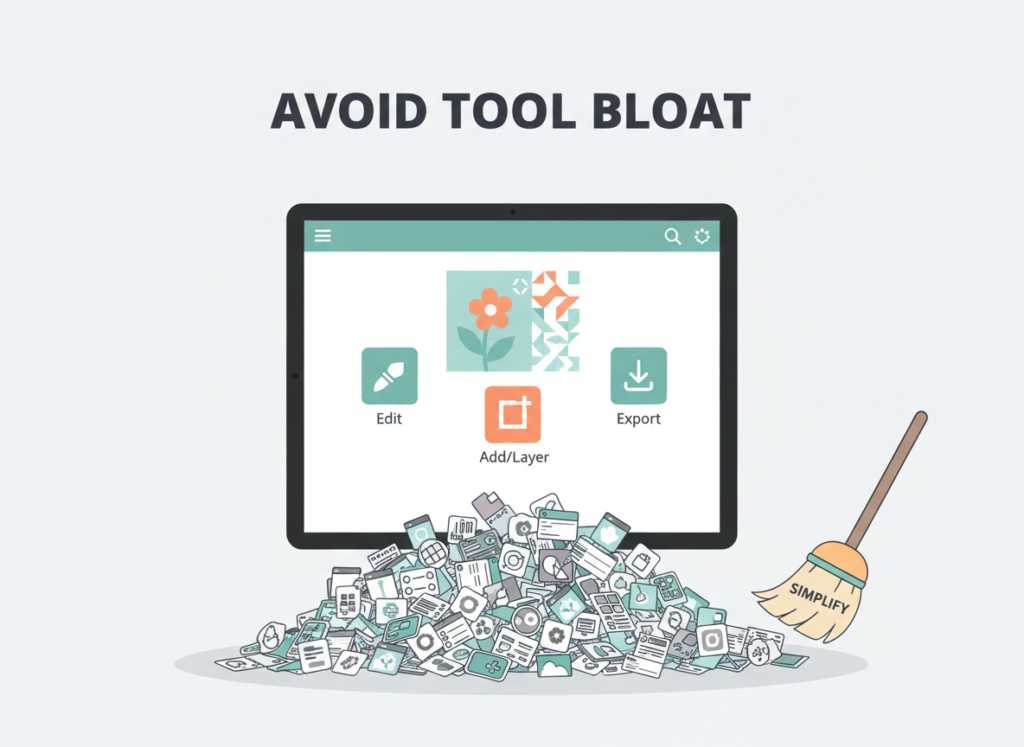
2. Avoid Tool Bloat
A common pattern for small business owners is accumulating a stack of single-purpose tools: one background remover, one mock-up generator, one resize tool, one watermarking app. That stack can easily cost $100–$150/month across subscriptions, plus the cognitive overhead of managing multiple platforms and logins.
Pixelcut consolidates background removal, mock-up generation, batch processing, and platform-specific export into a single subscription. For most solo sellers, this replaces 3–4 separate tools.
Tool bloat: $120–$160/month across 4 tools Consolidated with Pixelcut: $8–$16/month
That’s $1,000–$1,700 saved annually before counting a single hour of time.
Limitations and Considerations
AI efficiency works best for repetitive, high-volume visual tasks — but fails at nuanced creative decisions, brand voice consistency, and complex edge cases that require human judgment.
Where Pixelcut Is NOT Ideal
High-Stakes Brand Creative Direction: Pixelcut automates execution, not vision. If you’re developing a new visual identity, launching a flagship product, or creating campaign imagery that defines your brand, you still need a human designer making intentional creative choices. AI mock-ups are production tools, not art direction replacements.
Complex Reflective or Transparent Products: Highly complex subjects — crystal glassware, multi-layer transparent packaging, chrome hardware — can challenge Pixelcut’s background removal accuracy. Results are usually usable, but expect more manual touch-up time than with standard opaque products.
Unique or Abstract Compositional Needs: If your brand image requires specific environmental context, unusual angles, or editorial-quality composition, Pixelcut’s scene generation presets will feel limiting. The tool is optimized for conversion-focused ecommerce imagery, not editorial photography.
Key Risks to Manage
Output Consistency: AI outputs can drift slightly across batch sessions if shooting conditions vary. Consistent lighting and background color when shooting will dramatically improve batch results. A few minutes of setup discipline upfront saves correction time downstream.
Over-Reliance and Skill Atrophy: Solo entrepreneurs who offload all image editing to AI occasionally find their manual editing skills rusty when they need them — for client work requiring custom treatment, for instance. Maintain at least occasional hands-on editing practice.
Privacy for Unreleased Products: Any image uploaded to a cloud-based platform should be considered potentially accessible to third-party services under their data terms. Review Pixelcut’s current data and privacy policy before uploading images of unreleased products or confidential product designs.
As noted in this analysis of AI photo editor workflows, the sellers who get the most value from tools like Pixelcut are those who treat AI outputs as a production baseline to review and occasionally refine, rather than expecting 100% publication-ready results from every automated pass.
Frequently Asked Questions
What is AI efficiency for small business? AI efficiency for small business means using artificial intelligence tools to handle repetitive, time-consuming tasks — like product image editing, background removal, and asset formatting — so business owners can spend their time on higher-value work. For ecommerce sellers, this often translates directly into more listings, faster product launches, and lower production costs without hiring additional help.
What’s the best AI tool for reducing product image workload? For solo ecommerce sellers and small business owners in 2026, Pixelcut is one of the strongest all-in-one options because it combines background removal, mock-up generation, batch processing, and platform-specific exports in a single platform. The value is in the consolidation — replacing a fragmented stack of separate tools with one unified workflow.
Do I need technical or design skills to use Pixelcut? No. Pixelcut is designed for non-designers and business owners without a technical background. The interface is drag-and-drop, templates are pre-configured for major ecommerce platforms, and most core tasks — background removal, mock-up creation, resizing — require no design knowledge. Most users reach a productive workflow within their first session.
Conclusion
In 2026, AI product photo editing for small business isn’t a luxury or an edge — it’s the operational baseline for staying competitive as a solo ecommerce seller or freelancer.
The data is clear: sellers and freelancers who implement AI-powered image workflows with tools like Pixelcut are reclaiming 150+ hours annually. At US freelance rates of $50–$100/hour, that’s $7,500–$15,000 in time value recovered from a tool that costs under $200/year. The ROI isn’t 10x or 20x — it’s 40x to 80x.
Pixelcut isn’t a replacement for human creativity or brand vision. It’s an amplifier — handling the production work so your judgment and attention can go where they actually matter: product selection, customer relationships, and growth strategy.
AI efficiency works best as a phased adoption. Start this week with one workflow — just background removal on your current product backlog. Run it for two weeks. Measure the time difference. Then expand. You don’t need to automate everything on day one to see meaningful results.
The question for US small business owners in 2026 isn’t “Should I use AI for product image efficiency?” — It’s “Can I afford NOT to?”
Every week you spend manually editing images is a week you’re choosing not to reinvest that time in your business.
If you’re a small business owner who needs to produce consistent, on-brand marketing content across blogs, ads, emails, and social channels, Jasper is the stronger fit when brand consistency and long-form quality are your top priorities.
Jasper pulls ahead when:
You need a dedicated brand voice trained on your company’s tone and guidelines
Your team produces high volumes of long-form content (blog posts, landing pages, whitepapers)
You want deep integration into a marketing-specific workflow with collaboration tools
Copy.ai is the better choice when:
You’re focused on short-form copy: ad headlines, email subject lines, social captions, and product descriptions
You want GTM (go-to-market) workflow automation — connecting sales, marketing, and outreach in one place
Budget is tighter and you need a generous free tier to start without a credit card
Neither is ideal if:
You need AI to produce publication-ready content without human editing
Your content requires real-time facts, citations, or research-heavy sourcing
You’re looking for a coding assistant or technical automation tool — these are marketing platforms, not developer tools
Your choice ultimately depends less on features and more on your content mix, team size, and where you are in your business growth.
Why This Comparison Matters in 2026
In 2026, there are 80+ AI writing tools competing for your attention — and most comparison articles don’t help you actually decide. They list feature checkboxes side by side and declare one tool “the winner” without ever asking what you actually need the tool to do on Monday morning.
The jasper vs copy ai for marketing question isn’t really a question about features. It’s a question about workflow fit. Both tools generate marketing copy using AI. Both offer brand voice customization. Both have free trials. So why does the choice still matter?
Because Jasper and Copy.ai have taken meaningfully different strategic directions in 2026. Jasper has positioned itself firmly as an enterprise-grade content platform for marketing teams producing high volumes of branded content. Copy.ai has evolved into what it calls a GTM AI Platform — built to automate the entire go-to-market function, from content creation to sales outreach to workflow automation.
For a solo founder managing her own Instagram, email newsletter, and product pages, these differences are real and practical. Choosing the wrong tool means paying for features you’ll never use, or missing the workflow capabilities you actually need.
This comparison focuses on what most articles skip: business context. Not just “which writes better headlines” but “which tool saves more time given your specific situation, skills, and budget?” That’s the question worth answering.
Who This Comparison Is Best For
This article is written for people making a real purchasing decision — not developers evaluating technical APIs, and not enterprise procurement teams with 50 users. The sweet spot is small US businesses where one or a few people are responsible for all marketing output.
Situation 1: The Solo Founder Doing Everything
You’re running a business with fewer than five people and you wear the marketing hat yourself. You need to produce blog posts, email campaigns, social content, and ad copy — regularly, consistently, and without sounding generic. Your pain is that writing takes far longer than it should, and you’re often staring at a blank document at 10pm. You need a tool that jumpstarts output without requiring a two-hour learning curve every time you open it.
The common mistake here: choosing a tool based on which one looks most impressive in a demo rather than which one fits the actual content types you produce most.
Situation 2: The Small Marketing Team (2–5 People)
You have a small marketing team — maybe a content person, a social media coordinator, and someone running paid ads. The challenge isn’t creativity; it’s volume and consistency. Everyone writes slightly differently, and your brand voice drifts depending on who wrote what that week. You need a tool that enforces consistency, allows collaboration, and ideally handles several content formats without switching between five apps.
The common mistake: buying a team plan before testing whether the team will actually adopt the tool.
Who this comparison is NOT for:
Enterprise marketing departments with a dedicated in-house content team
Businesses that need AI for coding, data analysis, or technical automation
Companies requiring medical, legal, or regulatory compliance in content output
Businesses whose primary content format is long-form investigative journalism or research
A real-world example that captures the typical reader of this article: Marcus runs a seven-person digital marketing agency in Denver. His team produces blogs, email newsletters, LinkedIn posts, and paid ad copy for twelve SMB clients. He’s spending about $3,000/month on a mix of freelancers and internal hours just to keep up with content volume. An AI content platform could cut that by 30–40% — if he chooses one that supports multi-client brand management and team collaboration.
Why Each AI Fits Different Needs
Jasper: Strengths and Best-Fit Scenarios
Jasper’s core strength in 2026 is brand consistency at scale. The platform is built around what it calls Jasper IQ — a context layer that stores your brand voice, style guide, knowledge assets, and audience profiles. Every piece of content Jasper generates draws from that context, which means the tenth blog post sounds as on-brand as the first.
For small businesses where the founder or a single marketing person is the brand’s “voice,” this matters a lot. You train Jasper once on your tone, your product language, and your audience — and it applies that context automatically across formats.
Where Jasper excels:
Jasper genuinely shines for long-form content production: blog posts, landing pages, email sequences, and case studies. Its document editor is clean and functional, and the Canvas feature gives marketers a structured workspace for producing full-length content rather than just one-off snippets.
The platform also offers over 50 marketing-specific templates — not generic “write a paragraph” prompts, but task-specific apps built for things like ad variations, SEO meta descriptions, and product feature summaries. This pre-built structure saves significant time compared to starting from a blank chat interface.
For teams, Jasper’s collaboration features (shared workspaces, document status labels, user roles, and usage analytics) give managers visibility into what’s being produced and by whom. This is the kind of operational control that Copy.ai’s basic plans don’t offer.
Learning curve and pricing reality:
Jasper’s Pro plan is priced at $59/month billed annually or $69/month billed monthly, with a Creator plan starting lower for individual users. There’s a 7-day free trial on both plans. This pricing is meaningfully higher than Copy.ai’s entry-level options, which matters for solo operators watching their monthly tool spend.
The learning curve is real. Jasper rewards users who invest time setting up their brand voice and knowledge assets correctly. Users who treat it like a generic chatbot often come away disappointed. The payoff comes after that initial setup investment.
For a comprehensive breakdown of Jasper’s full feature set and use case fit, explore Jasper in detail.
Copy.ai: Strengths and Best-Fit Scenarios
Copy.ai has made a significant strategic pivot since its early days as a quick-copy generator. In 2026, it positions itself as a GTM AI Platform — a broader system for automating go-to-market workflows across sales, marketing, and content. For small businesses where those functions overlap (which they almost always do), this is either a major advantage or unnecessary complexity, depending on your needs.
Where Copy.ai excels:
Copy.ai’s immediate strength is speed and accessibility. Its interface is intuitive, the templates are plentiful (90+), and new users produce useful output in their first session without extensive onboarding. If you need ad copy, an email subject line, or a product description drafted in under two minutes, Copy.ai delivers.
One of Copy.ai’s key differentiators is that it offers unlimited AI content generation on paid plans, which removes the anxiety of word limits when you’re in a high-output season. This is a genuine advantage over tools that meter usage tightly.
Copy.ai also stands out for workflow automation. The platform’s Workflow Builder allows users to create multi-step automated content processes — for instance, automatically generating five ad variations from a product description, or pulling in a lead’s LinkedIn bio and producing a personalized outreach email. For a solo operator running sales and marketing simultaneously, this kind of automation can eliminate hours of repetitive manual work per week.
Copy.ai integrates multiple AI models, including GPT-4 and Claude, which can result in more varied and nuanced outputs depending on the task — something single-model tools can’t match.
Pricing reality:
Copy.ai’s Pro plan starts at $49/month, with annual billing bringing it to $36/month. There’s also a free tier that gives users a taste of the platform without a credit card, which is genuinely useful for evaluation. For budget-conscious small businesses, Copy.ai’s entry cost is lower than Jasper’s.
Being direct about this matters: for some small businesses, neither Jasper nor Copy.ai is the right primary tool.
If you need research-backed, factually accurate content: Both tools generate text based on their training data. Neither reliably produces up-to-date facts, statistics, or citations. If your content regularly requires sourced data, market research, or accurate industry figures, you’ll spend more time fact-checking than you save in writing. General-purpose AI assistants with web search (like ChatGPT with browsing, or Perplexity) serve this need better.
If you’re primarily producing technical or B2B content: Both tools are optimized for marketing copy, not technical writing. Developer documentation, engineering whitepapers, or highly specialized B2B content often requires domain expertise the tools can’t replicate. A subject matter expert with a general-purpose AI assistant will outperform either platform here.
If you need coding, automation scripting, or data work: Neither Jasper nor Copy.ai is a coding tool. These platforms don’t generate functional code, build integrations, or automate technical workflows. For that, you want GitHub Copilot, Cursor, or a general-purpose model like Claude or GPT-4.
If you’re a very small operation with minimal content volume: If you produce two blog posts a month and occasional social captions, a $20/month subscription to a general-purpose AI assistant gives you comparable results for less money. You don’t need a specialized marketing AI platform until content is a significant, repeating operational challenge.
Both Jasper and Copy.ai are excellent when marketing content production is a core business function — meaning you’re producing it regularly, it needs to be consistent, and volume is a real constraint. Outside that context, the category-specific pricing doesn’t justify itself.
Use Cases by Business Goal
Productivity: Reducing Content Production Time
Use Case: A five-person e-commerce brand needs weekly blog posts, product description updates, and promotional email drafts without hiring a full-time content writer.
Jasper’s approach: Set up the brand voice once, feed in product information via knowledge assets, and use Jasper’s templates to generate first drafts for each content type. A blog post that previously took three hours of writing time becomes a 45-minute editing task. The consistency across blog posts, emails, and product pages is the real time-saver — you’re not correcting tone drift every week.
Copy.ai’s approach: Use the Workflow Builder to create a repeatable pipeline: input a product name and key features, output a product description, email subject line, and two ad copy variations simultaneously. For high-SKU businesses, this kind of batch automation can compress days of work into hours.
Decision criteria: Choose Jasper if long-form content (blogs, emails, landing pages) is your primary output. Choose Copy.ai if you’re producing high volumes of short-form, multi-format content and want to automate the process rather than manually draft each piece.
Revenue & Marketing: Customer-Facing Copy That Converts
Use Case: A SaaS startup needs to refresh its homepage, write onboarding email sequences, and produce A/B test variations for paid ad campaigns.
Jasper’s approach: Jasper’s marketing-specific templates are built for exactly this — homepage headline variations, email nurture sequences, and ad copy at scale. With brand voice set up, you get conversion-focused copy that sounds like your company, not a generic AI. The platform’s Jasper IQ context layer means the homepage and the email sequence share the same strategic positioning without manual editing to align them.
Copy.ai’s approach: Copy.ai’s strength here is speed and variation. Need 20 ad headline variations to test? The platform generates them quickly, and the multi-model AI backend produces more diverse creative options than single-model tools. For teams running aggressive A/B testing programs, this variety is a genuine edge.
Business impact: Users report that Copy.ai is particularly effective for overcoming writer’s block and generating a wide range of content formats quickly, which is valuable in rapid-iteration marketing environments. Jasper’s advantage is polish — output that requires fewer rounds of editing before it’s ready to publish.
Side-by-Side Comparison Table
Comparison Axis
Jasper
Copy.ai
Primary Strength
Long-form content, brand consistency
Short-form copy, GTM workflow automation
Best For
Marketing teams producing branded content at scale
Freelancers, small sales/marketing teams, GTM operators
Ease of Use
Moderate — requires upfront brand setup for best results
Available on paid plans, less granular than Jasper
Template Library
50+ marketing-specific apps
90+ templates across content types
Long-Form Content
Strong — dedicated document editor and Canvas
Functional but less focused on long-form
Short-Form Copy
Good
Excellent — built for speed on short-form tasks
Workflow Automation
Limited on entry plans
Core feature — Workflow Builder on paid plans
Multi-Model AI
Jasper’s own AI layer
Combines GPT-4, GPT-4o, and Claude
Team Collaboration
Yes — shared workspaces, user roles, analytics
Available on higher-tier plans
Free Tier
7-day trial (credit card required)
Free forever plan (limited usage)
Entry Pricing (USD)
$59/month (annual) — Creator plan available lower
$36/month (annual Pro); free tier available
Main Limitation
Higher cost; requires setup investment
Enterprise pivot makes it complex for simple use cases
Ideal Business Stage
Growth-stage with defined brand and content operations
Early-stage or sales-led businesses building GTM systems
AI Plaza Insights
????? — Top pick for brand-driven content teams
????? — Great value for fast-moving GTM workflows
Why choice depends on business maturity and goals:
Early-stage (0–12 months in): Copy.ai’s lower entry cost, no-credit-card free tier, and immediate usability make it the lower-risk starting point. You likely don’t have a fully defined brand voice yet, so Jasper’s brand training tools aren’t fully useful. Start with Copy.ai and upgrade when you need more brand structure.
Growth stage (1–3 years): This is where Jasper earns its premium. You have a defined voice, a repeating content calendar, and a small team. The investment in Jasper’s brand setup pays dividends in consistency and reduced editing time. The per-seat collaboration tools become valuable as more people touch content.
Scaling/agency context: Consider both strategically. Use Jasper for client-facing content that requires brand precision. Use Copy.ai’s workflow automation to systematize repeatable production tasks. Some agencies run both — the cost is $95–$105/month combined, justified when content is a core revenue driver.
Cost-to-value reality for US small businesses: At US freelance writing rates of $50–$100/hour, either tool pays for itself if it saves just 30–45 minutes per week. That’s a very low bar for most businesses producing regular content.
How to Choose the Right AI for Your Business
Checkpoint 1: What’s your primary content format?
If you write long-form content — blogs, email sequences, case studies, landing pages — Jasper’s document editor and brand consistency tools are worth the premium. If your primary output is short-form — ad headlines, social captions, product descriptions, outreach emails — Copy.ai’s speed and template variety are better matched to your workflow. Neither tool performs poorly at either format, but each has a clear home territory.
Checkpoint 2: How defined is your brand voice?
If your brand voice is well-established and documented, Jasper’s brand training features give you an immediate return on investment. If your brand voice is still evolving — or if you’re a freelancer representing multiple clients with different voices — Copy.ai’s lighter-touch brand tools are less of a setup burden. You can produce good work without investing hours in configuration.
Common mistakes to avoid:
Choosing based on which tool produces the most impressive demo output is the most frequent mistake. Demo prompts are designed to showcase strengths. Test both tools with your actual content — your product, your audience, your industry — for at least a week before committing. Also, don’t underestimate the time cost of switching tools later. Migrating brand assets, templates, and team workflows from one platform to another is a real operational cost.
Q1: Is Jasper better than Copy.ai for small business marketing?
Neither is universally superior — the right answer depends on your content mix and team structure. Jasper is the stronger choice for businesses prioritizing long-form content, brand consistency, and team collaboration. Copy.ai leads when you need short-form copy at speed, workflow automation, or a lower entry cost. For most small businesses, the practical difference comes down to: how much do you value brand voice control versus operational automation?
Q2: Can I use these tools if I’m not a professional copywriter?
Yes, both are explicitly designed for non-copywriters. Copy.ai has a faster onboarding curve and produces useful output almost immediately from natural language descriptions. Jasper requires slightly more upfront configuration but produces more consistently on-brand results once set up. Neither tool requires marketing training to use productively, though both produce better output when you give specific, detailed prompts rather than vague instructions.
Q3: Which tool is more affordable for a solo operator?
Copy.ai has the clear pricing advantage for individuals. Its free tier requires no credit card and gives you enough usage to evaluate the tool seriously. The Pro plan at $36/month (annually) is meaningfully less expensive than Jasper’s lowest entry point. If budget is a primary constraint, start with Copy.ai. Jasper’s pricing makes more sense when content is a significant operational function and you’re ready to invest in setup.
In 2026, American freelancers and solo entrepreneurs face a painful paradox: more tools than ever exist to help them work efficiently, yet most report feeling more overwhelmed than ever before. The average small business owner in the US spends between 15 and 20 hours per week on administrative and repetitive tasks—time that isn’t being spent on strategy, client relationships, or actual revenue-generating work.
Picture the scene: Your inbox sits at 200 unread messages. Your calendar is packed back-to-back from 8 AM to 6 PM. Your to-do list keeps growing despite your best efforts to chip away at it. You’re writing the same type of email for the sixth time this week, summarizing the same client brief you already summarized last month, and spending an hour formatting a report that should’ve taken ten minutes.
The solution isn’t working harder, and it isn’t adding yet another productivity app to your already bloated tech stack. The real solution is strategically offloading cognitive load to AI—not automation for automation’s sake, but automation for sanity.
Semrush Content Toolkit represents a different approach to ai efficiency for small business content marketing. It’s not a task manager, and it’s not just another productivity hack. It functions as a thinking partner that handles the grunt work—research, drafts, outlines, optimization—while you focus on strategy, creativity, and the decisions that only a human can make.
For US freelancers billing anywhere from $50 to $150 per hour, every hour spent on repetitive admin work is $50 to $150 not earned. AI efficiency isn’t a luxury for well-funded startups—it’s a competitive necessity for anyone trying to grow a small business in 2026.
This article shows exactly how to implement ai efficiency for small business content marketing using Semrush Content Toolkit. Not theory. Real workflows. Measurable time savings.
By the end, you’ll have four specific workflows to implement this week. Each workflow saves between two and five hours weekly. Total potential: ten to fifteen hours reclaimed every month—time you can put back into the work that actually moves the needle.
Key Concepts of AI Efficiency
AI efficiency for small businesses means strategically offloading repetitive cognitive tasks to AI so entrepreneurs can focus on high-value decision-making.
Before diving into specific workflows, it’s worth understanding the three core mechanisms behind why AI efficiency works—and why so many solo entrepreneurs fail to capture its full value.
Concept 1: Cognitive Offloading
Cognitive offloading means transferring mental tasks from your brain to an external system. It’s not just about saving time—it’s about saving mental energy, which is a finite and easily depleted resource.
Human working memory can hold roughly seven items at once. But the typical solo entrepreneur is simultaneously juggling twenty or more active projects, client relationships, deadlines, invoices, and ideas. The result is predictable: decision fatigue, costly errors, and eventual burnout.
AI enables cognitive offloading in a practical way. Semrush Content Toolkit maintains context across content projects, remembers your brand voice settings, and tracks keyword targets so you don’t have to keep all that in your head. Instead of context-loading every time you sit down to write, you open the tool and pick up where you left off.
Here’s a real-world example. Sarah is a freelance brand designer managing eight active clients. Old way: before each work session, she spends fifteen minutes checking eight different Slack channels, email threads, and project briefs just to remember where things stand. New way: she opens Semrush Content Toolkit, where her content briefs and SEO guidelines are already loaded, and gets to work immediately. That’s fifteen minutes saved per context switch, multiplied by ten switches per day—two and a half hours recovered daily.
Cognitive offloading is the foundation of ai efficiency for small business content marketing. You’re not automating tasks. You’re automating the thinking overhead that surrounds tasks.
Concept 2: Context Switching Cost
Research consistently shows that the average person takes 23 minutes to fully refocus after an interruption. For a solo entrepreneur who wears ten different hats—marketer, accountant, salesperson, creator, customer support—each switch between roles carries a significant cognitive penalty.
Five major context switches in a single day can cost more than two hours of productive capacity. Not because the tasks themselves take that long, but because the mental recalibration between them eats up time invisibly.
Semrush Content Toolkit reduces context switching by consolidating your content workflow into a single environment. Instead of jumping from a keyword research tool, to a separate content brief generator, to yet another editor with AI suggestions, you can move from research to brief to draft to optimization without leaving the platform.
Consider Marcus, a solo management consultant. Before an important client call, his old prep routine took 30 minutes: reviewing email threads, finding relevant notes, gathering context from three different apps. With his content strategy documented inside Semrush Content Toolkit, AI-generated summaries surface the key points in under five minutes. That’s 25 minutes saved per meeting, multiplied across twelve client meetings per week—five hours reclaimed every week.
Reducing context switches is how ai efficiency for small business content marketing compounds. Each eliminated switch creates an exponential gain, not just a linear one.
Concept 3: Workflow Orchestration
Most productivity tools demand rigid setup: Zapier triggers with exact conditions, IFTTT rules that break when inputs change slightly. Small businesses need flexibility because no two clients, content projects, or campaigns are identical.
Workflow orchestration is the ability to connect separate tasks into seamless, adaptable sequences—using AI’s understanding of intent rather than rigid if-then rules.
Semrush Content Toolkit enables orchestration across the content creation cycle. You describe your content goal (a blog post targeting a specific keyword for a specific audience), and the tool suggests a workflow: topic research, SEO brief generation, content drafting, readability analysis, and optimization recommendations. You provide strategic direction; the tool handles the execution details.
Elena runs a small e-commerce store and recently needed a content push for a seasonal campaign. Old way: she manually researched topics, wrote briefs, drafted articles, then optimized each piece separately—roughly three hours per article. New way: Semrush Content Toolkit orchestrated the entire sequence from a single starting input. Each article now takes under an hour from brief to publication-ready draft. For a campaign requiring eight articles, that’s 16 hours saved in a single month.
Workflow orchestration turns ai efficiency for small business content marketing from concept into reality. AI doesn’t just execute tasks—it sequences them intelligently.
Semrush Content Toolkit helps small businesses achieve efficiency through integrated SEO research, AI-assisted drafting, real-time optimization feedback, and content performance tracking—all within a single content marketing platform.
Feature 1: Topic Research and Content Brief Generation
Semrush Content Toolkit’s Topic Research tool eliminates the blank-page paralysis that costs content creators hours every week. Instead of manually searching for angles, related questions, and competitor approaches, the tool surfaces them automatically based on a single seed keyword.
You type in your target topic. The tool returns clusters of related ideas, popular headlines, trending questions, and the subtopics your competitors are covering. From there, the SEO Content Template feature analyzes the top ten Google results for your target keyword and generates a brief specifying recommended word count, semantically related keywords, and readability targets.
For a freelance content writer managing five client blogs, this changes the math significantly. Old workflow: 45 minutes per article gathering research, identifying related keywords, and building a brief. New workflow: five minutes in Topic Research plus SEO Content Template, then immediately into writing. Time saved: 40 minutes per article. For 20 articles per month: over 13 hours recovered.
At $75 per hour, that’s nearly $1,000 in reclaimed billable time from a single feature.
Feature 2: AI Writing Assistant
The AI writing assistant inside Semrush Content Toolkit generates first drafts, rephrases sentences for clarity, adjusts tone, and expands or condenses content based on your direction. It works inside the same editor where you do your final polish, so there’s no copy-pasting between tools.
You can start from scratch with a prompt, or use your generated SEO brief as the foundation so the draft is already structured around your target keywords and audience intent. The assistant understands the SEO context of your document—it knows which keywords you’re targeting—which means its suggestions are editorially relevant, not just stylistically polished.
Realistic scenario: a solo marketing consultant writes 10 client update emails and two blog posts weekly. Old workflow: 20 minutes per email (thinking, drafting, editing), 4 hours per blog post. New workflow: AI drafts emails in two minutes each, blog post first drafts in 30 minutes. Total weekly writing time drops from roughly 12 hours to under 4 hours. Time saved: 8 hours per week = 400 hours per year.
At $100 per hour, that’s $40,000 in annual recovered capacity from writing alone.
Feature 3: Real-Time SEO Optimization Scoring
As you write, Semrush Content Toolkit scores your content against your SEO targets in real time. The Content Score panel shows readability grade, recommended keyword usage, target word count progress, and missing semantic terms—all updating live as you type.
This eliminates the post-draft optimization pass that many writers treat as a separate step. Instead of writing a full draft and then spending 30 to 45 minutes running it through an SEO checklist, you optimize as you write. By the time you finish the draft, it’s already largely optimized.
For small businesses publishing four to eight pieces of content monthly, removing that separate optimization step saves one to two hours per article—a total of four to sixteen hours per month that simply disappears from the workflow.
Feature 4: Content Audit and Repurposing Guidance
Semrush Content Toolkit’s Content Audit feature connects to your Google Search Console and Analytics data to identify which existing pages are underperforming, which need updates, and which are strong candidates for repurposing. Instead of manually reviewing your entire site archive, AI surfaces the highest-priority update opportunities automatically.
Repurposing existing content is significantly more time-efficient than creating from scratch—but most small business owners skip it because identifying the right pieces to update is itself a time-consuming task. The Content Audit solves this by doing the prioritization for you.
A solo blogger with 200 published posts previously spent an entire day each quarter manually reviewing content performance. With Content Audit, that same analysis takes 30 minutes. Time saved: 3.5 hours per quarter = 14 hours per year. More importantly, acting on those insights—updating and republishing high-potential posts—typically delivers 20 to 30 percent traffic gains without the investment of creating new content.
Combined Annual Value Estimate:
Workflow
Weekly Hours Saved
Annual Hours
At $75/hr
Topic Research & Briefs
3.5 hrs
175 hrs
$13,125
AI Writing Assistance
8 hrs
400 hrs
$30,000
Real-Time Optimization
2 hrs
100 hrs
$7,500
Content Audit
0.3 hrs
14 hrs
$1,050
Total
13.8 hrs
689 hrs
$51,675
Semrush Content Toolkit Pro pricing starts at approximately $200/month for teams, with content toolkit features included in most business plans. The ROI at even conservative hourly rates is substantial.
Ready to cut content creation time in half? Try Semrush Content Toolkit and experience AI efficiency for content marketing firsthand. Start Free | No credit card required
Use Cases: Small Business & Freelancer Efficiency
From creative freelancers to technical founders, AI efficiency transforms daily workflows by automating repetitive cognitive tasks and reducing decision overhead across every content-related function.
Persona 1: Freelance Content Writer
Name: Jessica, Freelance Brand Content Writer in Portland
The Problem: Jessica manages ongoing blog contracts for six B2B clients. Each client has different brand voice guidelines, target keywords, and editorial preferences. Before each writing session, she spends significant time context-loading—re-reading brand guides, reviewing past articles, checking keyword targets.
Old Workflow:
Topic research and brief building: 45 minutes per article
First draft writing: 3.5 hours per article
SEO optimization pass: 45 minutes per article
Client revision cycles: 1 hour per article (miscommunication on tone/direction)
Total per article: ~6 hours | Monthly output: 16 articles = 96 hours/month
New Workflow with Semrush Content Toolkit:
Topic Research + SEO Content Template: 5 minutes per article
AI-assisted draft (starting from brief): 90 minutes per article
Real-time optimization (built into drafting): 0 additional minutes
Total per article: ~2 hours | Monthly output: 16 articles = 32 hours/month
Time Saved: 64 hours per month = 768 hours per year
Results:
Delivered same output in one-third the time
Took on 4 additional clients without extending work hours
Eliminated most revision cycles by sharing SEO briefs with clients before writing
Simulated Quote:
“Before Semrush Content Toolkit, I spent as much time researching and optimizing as I did actually writing. Now the brief generation and real-time scoring handle all of that. I write faster, hit the target the first time, and my clients get better results. That combination got me two referrals in 60 days.”
Persona 2: Solo Marketing Consultant
Name: David, Independent B2B Marketing Consultant in Chicago
The Problem: David sells content strategy retainers to mid-sized B2B companies. Each month he needs to deliver content audits, topic calendars, and optimized article drafts. These deliverables were professional but time-consuming to produce, limiting how many retainer clients he could manage simultaneously.
Old Workflow:
Content audit for new client: 6–8 hours (manual GSC analysis, spreadsheet work)
Monthly topic calendar: 3 hours per client
Two deliverable blog posts: 5 hours each
Performance reporting: 2 hours per client per month
Monthly capacity: 3 retainer clients at ~30 hours/month
Onboarding new clients went from 2 weeks to 3 days
Simulated Quote:
“The Content Audit tool alone paid for three years of subscription in the first client engagement. I used to spend a full day doing what it now does in an hour. That day used to cap how many clients I could serve. Now I’ve doubled my roster.”
Best Practices for Implementing AI Efficiency
Successfully implementing AI efficiency requires starting small, maintaining human oversight, avoiding tool overload, and tracking concrete time savings.
Best Practice 1: Start with One Workflow
The most common mistake new adopters make is trying to transform their entire workflow at once. Switching everything simultaneously creates chaos, makes it impossible to measure what’s working, and often leads to abandoning the tools entirely within two weeks.
The better approach: identify one repetitive content task that you do at least three times per week. For most small business owners, that’s either writing first drafts or researching keywords. Start there. Commit to using Semrush Content Toolkit for that single task for two weeks before expanding.
Small wins compound. Your first week using the SEO Content Template might save you three hours. That success builds the confidence and habits that make the second workflow adoption faster and stickier.
Best Practice 2: Keep Humans in the Loop
AI efficiency tools produce 80 to 90 percent quality on most content tasks. The remaining 10 to 20 percent—brand voice nuance, strategic angle selection, tone calibration for specific audiences—requires human judgment.
Never publish AI-generated content without reading it through once. Think of yourself as the editor, not the author. You’re reviewing, refining, and approving—not creating from scratch. At US freelance rates of $50 to $150 per hour, spending five minutes reviewing an AI draft versus thirty minutes writing from scratch still saves twenty-five minutes of billable time.
More importantly, this human-in-the-loop approach protects your reputation. Clients don’t need to know how much of your workflow is AI-assisted—but they do notice if content goes out with factual errors or an off-brand tone.
Best Practice 3: Measure Time Savings Concretely
You can’t optimize what you don’t measure. Vague impressions that “AI is helping” aren’t enough to guide investment decisions or identify where to focus next.
Keep a simple tracking log for the first 30 days:
Task
Time Before AI
Time After AI
Weekly Frequency
Hours Saved/Week
Keyword research
45 min
10 min
8x
4.7 hrs
Article brief
30 min
5 min
8x
3.3 hrs
First draft
3.5 hrs
1.5 hrs
4x
8 hrs
Most small business owners who do this exercise discover they’re reclaiming eight to fifteen hours per week within the first 60 days. At $50 to $150 per hour, that’s $400 to $2,250 in weekly value from a tool costing $140 per month—a 12x to 64x annual ROI before accounting for the revenue generated by the additional content output.
Limitations and Considerations
AI efficiency works best for repetitive cognitive tasks, but fails at nuanced creativity, legal precision, and sensitive human interactions—understanding these boundaries prevents costly mistakes.
Where AI Is Not the Right Tool
High-stakes brand voice work. AI generates competent, grammatically correct, well-structured content. It does not generate content with a distinctive, ownable voice—at least not without significant human input and iteration. Your brand manifesto, your company’s core positioning statement, the signature narrative that makes your About page memorable: these need human soul. Use AI for the framework and fill; provide the voice yourself.
Legal and compliance documents. AI can draft the structure of a contract, a privacy policy, or terms of service—but it can and does hallucinate legal language, miss jurisdiction-specific requirements, and include clauses that would be unenforceable in court. Any legal document going to clients or customers needs review by an actual attorney, regardless of how polished the AI-generated draft looks.
Sensitive client communications. Declining a partnership, delivering difficult feedback, navigating a client relationship that’s gone wrong—these situations require empathy, judgment, and relationship awareness that AI cannot replicate. Use AI to think through structure or suggest talking points if helpful, but write these communications yourself.
Key Risks to Manage
Factual accuracy. Semrush Content Toolkit’s AI writing features, like all large language model-based tools, can generate plausible-sounding but incorrect information—especially for statistics, citations, and technical claims. Every fact in client-facing content should be verified against primary sources before publication.
Data privacy. Be thoughtful about what you feed into AI tools. Avoid pasting personally identifiable information, NDA-protected client data, financial records, or competitive intelligence into any cloud-based AI tool unless you’ve reviewed the platform’s data handling and privacy settings. Semrush has documented data policies; review them and configure privacy settings before uploading sensitive client information.
Dependency and skill maintenance. Using AI for execution is valuable. Using AI as a substitute for developing expertise is not. If you’re a content marketer, you should still understand keyword research strategy even if a tool automates the mechanics. Let AI handle the execution; invest your attention in developing the strategic judgment that makes you irreplaceable.
Honest assessment: Semrush Content Toolkit is a powerful platform that delivers measurable efficiency gains for content-heavy small businesses. It’s also a sophisticated tool with a real learning curve—plan for a week or two to fully integrate it into your workflow. The ROI is strong, but it’s not instant.
FAQs
Q1: What is AI efficiency for small business?
AI efficiency for small business means using AI tools like Semrush Content Toolkit to automate repetitive cognitive tasks—keyword research, content brief generation, first-draft writing, SEO optimization, and performance auditing—so entrepreneurs can focus on high-value strategic work instead of administrative busywork. It’s about reclaiming ten to fifteen hours weekly that would otherwise be spent on low-leverage execution tasks, allowing small businesses to scale content output without scaling headcount or budget.
Q2: Can AI replace content creation entirely?
No, but it can reduce the time investment in content creation by 60 to 80 percent. AI excels at generating structured first drafts, synthesizing keyword research, producing SEO-optimized outlines, and identifying content gaps. However, it still requires human review for accuracy, brand voice authenticity, and strategic angle selection. Think of Semrush Content Toolkit as a highly capable content assistant that handles 80 percent of the mechanical work—you provide the final 20 percent of judgment, voice, and quality control.
Q3: How do freelancers use Semrush Content Toolkit to save time?
Freelance content creators primarily use Semrush Content Toolkit to eliminate the three biggest time sinks in their workflow: (1) Research—Topic Research and SEO Content Template replace 30 to 45 minutes of manual keyword and competitor research per article. (2) Drafting—the AI writing assistant generates first drafts that freelancers refine, reducing per-article writing time by 50 to 70 percent. (3) Optimization—the real-time Content Score eliminates the separate post-draft SEO pass. Most freelancers report reclaiming 8 to 12 hours weekly, which translates to one to two additional billable client days per month.
Conclusion
AI efficiency isn’t about working less—it’s about working smarter. Semrush Content Toolkit enables this by handling the cognitive grunt work that consumes the majority of a content marketer’s day: research, brief generation, first-draft writing, SEO optimization, and performance analysis. These tasks steal fifteen to twenty hours weekly from most entrepreneurs and freelancers who are trying to grow their business through content.
The goal isn’t to replace human judgment. It’s to free you from busywork so you can focus on judgment. AI handles execution; you handle strategy. You decide what stories to tell, which clients to serve, and where your business needs to go. Semrush Content Toolkit handles the hours of mechanical work between that strategic vision and a published, optimized piece of content. This is how small businesses compete with larger teams in 2026—through leverage, not headcount.
Start this week with one workflow: either keyword research with SEO Content Template, or first-draft generation for a blog post you’ve been putting off. Use Semrush Content Toolkit for two weeks, track your time carefully, and measure what you recover. Once you see the ROI—and you will—expand to a second workflow.
Within 60 days, you’ll realistically reclaim ten or more hours per week. At US freelance rates of $50 to $150 per hour, that’s $2,000 to $6,000 in monthly value from a tool investment that’s a small fraction of that figure.
The question for small business owners in 2026 isn’t “Should I use AI for content efficiency?” ai efficiency for small business content marketing is no longer optional—it’s essential for survival and growth. The question is whether you start this week or six months from now, watching competitors who did start this week pull ahead.
Start today. Reclaim your time. Scale your impact.
Next Steps: Explore More AI Strategies
Ready to explore more ways AI can transform your business?
Compare different AI tools: Compare AI Tools – Side-by-side feature and pricing breakdowns
Boost revenue with AI: AI Revenue Boost – Sales and marketing automation strategies
Your AI co-pilot for smarter, faster business decisions.
What is Lummi?
Lummi is developed by a team of AI researchers and engineers focused on creating practical, enterprise-grade AI solutions. The platform leverages a proprietary technical architecture that integrates multiple large language models (LLMs), including fine-tuned versions of foundational models, to optimize performance for business applications. Its key capabilities include automated document processing, intelligent data extraction, and the generation of insights from unstructured data. Lummi is designed primarily for business analysts, operations teams, and knowledge workers across sectors like finance, legal, and consulting. Its use cases range from contract review and compliance monitoring to rapid research synthesis. By integrating directly into existing workflows through APIs and common business software, Lummi reduces manual data entry and analysis time, leading to significant gains in operational efficiency and accuracy.
Key Findings
Intelligent Analysis: Provides deep insights into complex data patterns for strategic decision-making and planning.
Predictive Forecasting: Anticipates market trends and operational needs with twelve months of actionable projection data.
Seamless Integration: Connects effortlessly with existing enterprise software systems to enhance workflow without disruptive overhauls.
Real-time Monitoring: Continuously tracks key performance indicators across all departments to identify issues instantly.
Customizable Dashboards: Delivers tailored visual reports and metrics that align precisely with your specific business goals.
Automated Reporting: Generates comprehensive performance summaries and documents automatically, saving countless hours of manual work.
Proactive Alerts: Notifies your team of critical anomalies or opportunities through configured channels immediately.
Secure Architecture: Ensures all company data remains protected with enterprise-grade encryption and compliance protocols always.
Collaborative Tools: Facilitates team coordination on projects with shared workspaces and synchronized communication features.
Scalable Performance: Grows seamlessly with your business, handling increased data volume and user demand effortlessly.