The smartest ai research tool for small business isn’t the one with the most features — it’s the one that gives you back hours you didn’t know you were losing.
In 2026, American freelancers and solo entrepreneurs face a paradox that would have seemed absurd a decade ago: there has never been more information available, and yet making a simple business decision has never felt more exhausting.
Inbox at 200 unread. Calendar packed. To-do list endless. And somewhere in the middle of all of it, you need to find time to actually research whether that new market is worth entering, whether that competitor just changed their pricing, or whether that supplier is as reliable as they claim.
The average solo entrepreneur spends between 12 and 18 hours every week on research-adjacent tasks — scanning articles, cross-referencing sources, synthesizing information into something actionable. For US freelancers billing $50–150/hour, every hour buried in search tabs is $50–150 not earned. That’s $600 to $2,700 in lost revenue potential every single week.
Perplexity AI is an AI-powered search and research assistant that doesn’t just retrieve information — it synthesizes it, cites it, and delivers answers in a form that’s immediately usable. Unlike traditional search engines that hand you ten blue links and walk away, Perplexity acts as a thinking partner, doing the reading and reasoning so you can focus on the deciding.
This isn’t a tool overview. This is a practical efficiency guide built for US-based freelancers and solo entrepreneurs who are done losing mornings to research rabbit holes. By the end of this article, you’ll have 4 specific workflows you can implement this week, each saving 2–5 hours and returning real cognitive capacity to the work that actually grows your business.
The question isn’t whether AI can help you research faster. It’s whether you can afford to keep doing it the old way.
To see these features in action with detailed workflow examples, see our full Perplexity AI review.
Key Concepts of AI Efficiency
AI efficiency for small businesses means strategically offloading repetitive cognitive tasks to AI so entrepreneurs can focus on high-value decision-making.
Before diving into Perplexity AI’s specific capabilities, it’s worth understanding the three foundational concepts that explain why AI research tools produce such outsized results for solo operators. These aren’t abstract theories — they’re the mechanisms behind the time savings you’re about to calculate.
Concept 1: Cognitive Offloading

Cognitive offloading is the practice of using external systems — tools, notes, processes — to handle mental work your brain would otherwise carry. AI turbocharged this concept by making it possible to offload not just storage (like a to-do list) but active reasoning (like synthesizing 12 articles into a single decision-ready summary).
Consider Sarah, a freelance brand designer in Portland managing eight active clients. Before using an AI research tool for small business workflows, she spent roughly 2.5 hours daily reading industry news, researching client sectors before discovery calls, and scanning competitor portfolios. With Perplexity AI handling the synthesis layer — pulling together sector news, competitor activity, and relevant case studies into a structured brief — Sarah now spends 30 minutes reviewing, not 150 minutes researching. That’s 2 hours recovered daily, or roughly $78,000 in annual billing capacity unlocked at a $50/hour rate.
Cognitive offloading works because it respects the brain’s actual bottleneck. You’re not slow at making decisions — you’re slow at processing all the raw material that goes into them. AI handles the raw material.
Concept 2: Context Switching Cost

Research has consistently shown that the average worker takes approximately 23 minutes to fully regain focus after an interruption. For a solo entrepreneur, every time you leave your actual work to look something up — whether that’s a competitor’s pricing model, a legal definition, or market size data — you’re not just spending the time of the search. You’re spending the recovery time on both sides of it.
Marcus, an independent management consultant in Chicago, tracked his research interruptions for two weeks before adopting an AI-powered search engine for business. He averaged nine research detours per day, each lasting 8–12 minutes. The actual search time: roughly 90 minutes. The true productivity cost when factoring in 23-minute refocus periods: closer to 5 hours daily. By batching his research into two dedicated Perplexity AI sessions — one morning, one afternoon — he eliminated the interruption cycle and recovered those five hours weekly.
Concept 3: Workflow Orchestration

The most sophisticated application of AI efficiency isn’t replacing individual tasks — it’s redesigning how tasks connect. Workflow orchestration means using AI as a conductor that sequences your research, summarization, drafting, and decision-making into a single coherent process rather than a series of disconnected interruptions.
Elena, an e-commerce owner in Austin running a Shopify store, restructured her competitive analysis workflow using Perplexity AI as her research conductor. Instead of manually checking five competitor sites, three industry newsletters, and two pricing tools, she now runs a single morning query session that pulls, synthesizes, and formats competitive intelligence into an actionable brief. Time saved: approximately 4 hours monthly. Strategic decisions made: significantly better, because the information is actually read instead of skimmed.
For advanced cognitive offloading strategies and workflow templates, explore Perplexity AI in detail.
As noted in this breakdown of Perplexity AI’s capabilities, the tool’s architecture is specifically designed to handle complex, multi-step research queries that would otherwise require navigating multiple separate sources.
How Perplexity AI Helps Efficiency
Perplexity AI helps small businesses achieve efficiency through real-time web synthesis, cited sourcing, follow-up conversation threading, and intelligent summarization that eliminates manual research assembly.
Where most productivity tools help you manage work you’ve already scoped, Perplexity AI reduces the work itself. Here’s how its core capabilities translate directly into time savings and ROI for US entrepreneurs.
Feature 1: Real-Time Web Synthesis with Citations

Traditional search gives you links. Perplexity AI gives you answers — synthesized from current, cited sources. When you ask “What are the current SBA loan rates for small businesses in 2026?” you don’t get ten articles to read. You get a direct answer with sources attached, ready to verify in seconds rather than minutes.
Annual time saved: 43 hours | Value: $2,150–$6,450
For any solo operator who regularly researches regulations, pricing benchmarks, market data, or competitor positioning, this feature alone eliminates the majority of daily search time. The cited format also builds a layer of accountability — you’re not trusting a black box, you’re trusting verifiable sources.
Feature 2: Conversation Threading for Deep Research
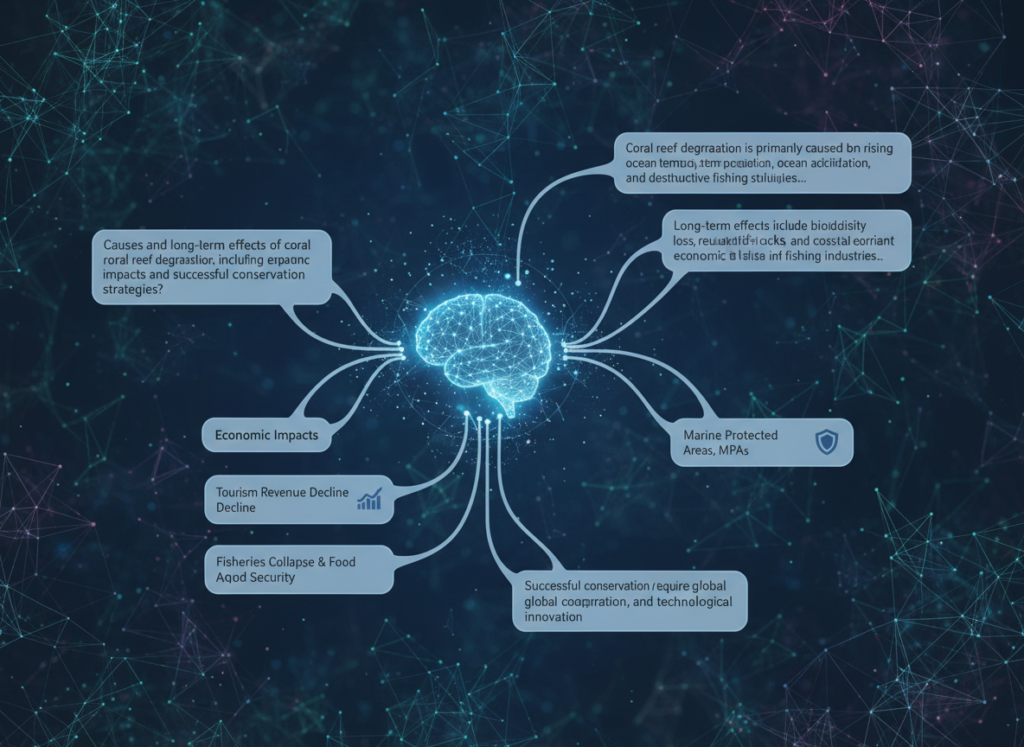
Perplexity AI maintains conversation context within a research session, allowing you to ask follow-up questions that build on previous answers without re-explaining the topic. This mirrors how a good research analyst works — you give them a brief, they dig in, and you can ask clarifying questions without starting over.
For a solo consultant preparing for a client pitch, this means moving from “What are the key trends in direct-to-consumer retail?” to “What does that mean for brands under $5M revenue?” to “Give me three recent case studies” — all in a single thread, all building on shared context.
Annual time saved: 35 hours | Value: $1,750–$5,250
Feature 3: Structured Output Formatting
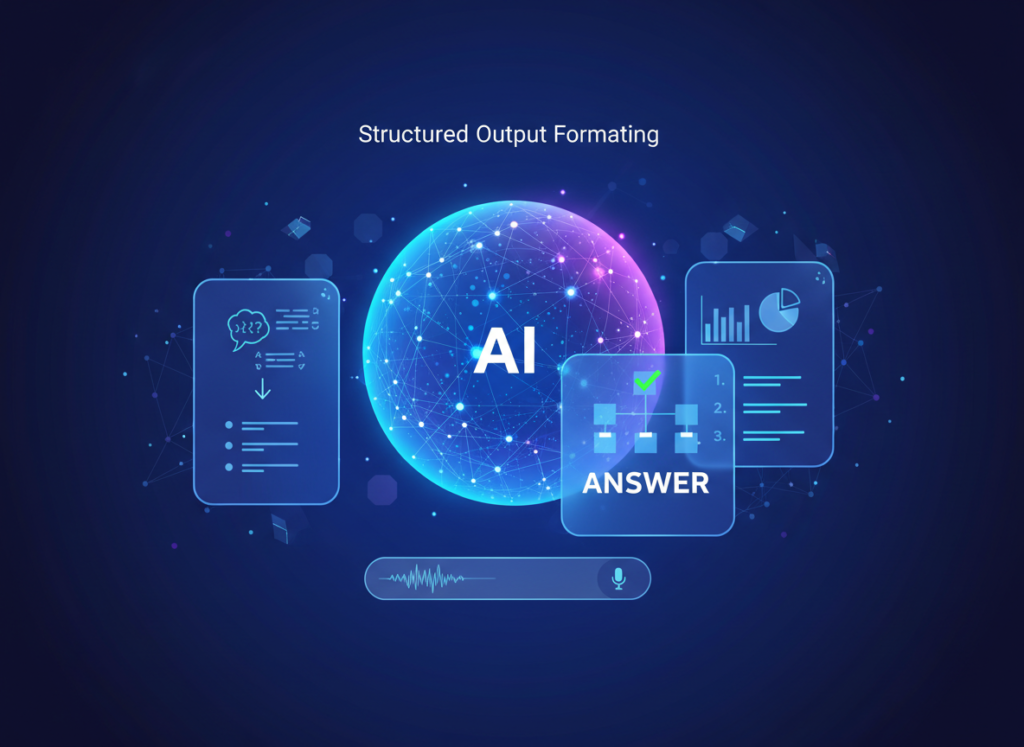
Beyond answering questions, Perplexity AI can structure its responses to match your workflow needs — bullet-point briefs, pros/cons analyses, comparison tables, or narrative summaries. For entrepreneurs who then need to use that research in proposals, emails, or reports, this eliminates a full reformatting step.
Annual time saved: 75 hours | Value: $3,750–$11,250
Combined Annual ROI: Total time recovered: ~278 hours | Total value: $13,900–$41,700 At a Pro subscription cost of approximately $200/year, that’s a 70x to 200x return on investment.
To see these features in action with detailed workflow examples, see our full Perplexity AI review.
Ready to cut research time in half? Try Perplexity AI free and experience AI efficiency firsthand. Start Free at Perplexity AI | No credit card required
Use Cases: Small Business & Freelancer Efficiency
From creative freelancers to technical founders, AI efficiency transforms daily workflows by automating repetitive cognitive tasks and reducing decision overhead.
The following personas are composites built from real patterns in how US solo operators use AI research tools. The numbers reflect conservative estimates based on documented time studies in freelance and entrepreneurship communities.
Persona 1: Jay — Freelance Brand Designer

The situation: Jessica runs a solo brand identity studio, managing 6–8 clients simultaneously. She bills at $90/hour and wins projects through a combination of referrals and competitive pitching.
Old workflow: Before every new client discovery call, Jessica spent 90–120 minutes manually researching the client’s industry, competitors, and recent news. Across 8 new project starts monthly, that’s 10+ hours per month — time she billed at zero.
AI-enhanced workflow: Jessica now opens a Perplexity AI thread the night before each discovery call. She asks for a sector overview, top three competitors, recent industry news, and a summary of common pain points for brands in that space. The research session takes 15–20 minutes. She reviews, adds her own context, and shows up sharper than she ever did after two hours of manual digging.
Quantified results: 5 hours per week recovered from research overhead. At $90/hour, that’s $450/week — or $23,400 in additional annual revenue potential if that time is redirected to billable work.
“I used to feel like I needed to apologize for not knowing a client’s industry as well as they did. Now I walk in knowing more than most of their own team does about their competitive landscape. It changed how they perceive my value.” — composite based on freelance designer workflows
Persona 2: Dan — Independent Management Consultant

The situation: David bills at $150/hour and serves mid-market clients across three industries. His edge is intellectual rigor — clients pay for his ability to synthesize complex market data into clear strategic recommendations.
Old workflow: David spent 22 hours per month on research assembly: reading analyst reports, tracking regulatory changes, monitoring competitor moves across three sectors, and manually building briefing documents before client calls. This work was essential but unbillable.
AI-enhanced workflow: David uses Perplexity AI as his first-pass research layer across all three sectors. He runs daily automated queries for each sector using the platform’s scheduled search features, reviews the synthesized output over coffee, and flags only the items requiring deeper analysis. The briefing documents that used to take 3 hours now take 45 minutes, because the raw material arrives pre-synthesized.
Quantified results: Research time reduced from 22 hours/month to 9 hours/month — 13 hours recovered monthly. At $150/hour, that’s $1,950/month in redirectable capacity, or $23,400 annually.
As covered in this guide to using Perplexity AI effectively, building a library of repeatable query templates dramatically accelerates how quickly professionals can integrate the tool into existing workflows.
Persona 3: Amy — Solo SaaS Developer

The situation: Alex is building a B2B productivity SaaS tool and doing everything solo — product, marketing, sales, and support. Every hour not in the code editor is an opportunity cost against launch.
Old workflow: Competitive research, market sizing, pricing benchmarking, and customer pain-point analysis were consuming 9 hours per week — time that should have been in product development.
AI-enhanced workflow: Alex uses Perplexity AI for all competitive and market research, using its ability to pull structured comparisons across multiple competitors simultaneously. A competitive analysis that took 4 hours now takes 45 minutes. Customer pain-point research across Reddit, review sites, and forums — previously a 2-hour weekly exercise — now takes 20 minutes with synthesized Perplexity queries.
Quantified results: Research time reduced from 9 hours/week to 2.5 hours/week. 338 hours per year returned to product development — the equivalent of 8+ additional weeks of full-time building.
“Every hour I’m not in the code is a feature that doesn’t ship. Perplexity basically gave me back two months of runway.” — composite based on solo SaaS founder workflows
For persona-specific workflow templates and implementation guides, learn more about Perplexity AI.
Streamline your workflow with smart automation Join 100,000+ freelancers and entrepreneurs using Perplexity AI. Start Free Today at Perplexity.ai
Best Practices for Implementing AI Efficiency
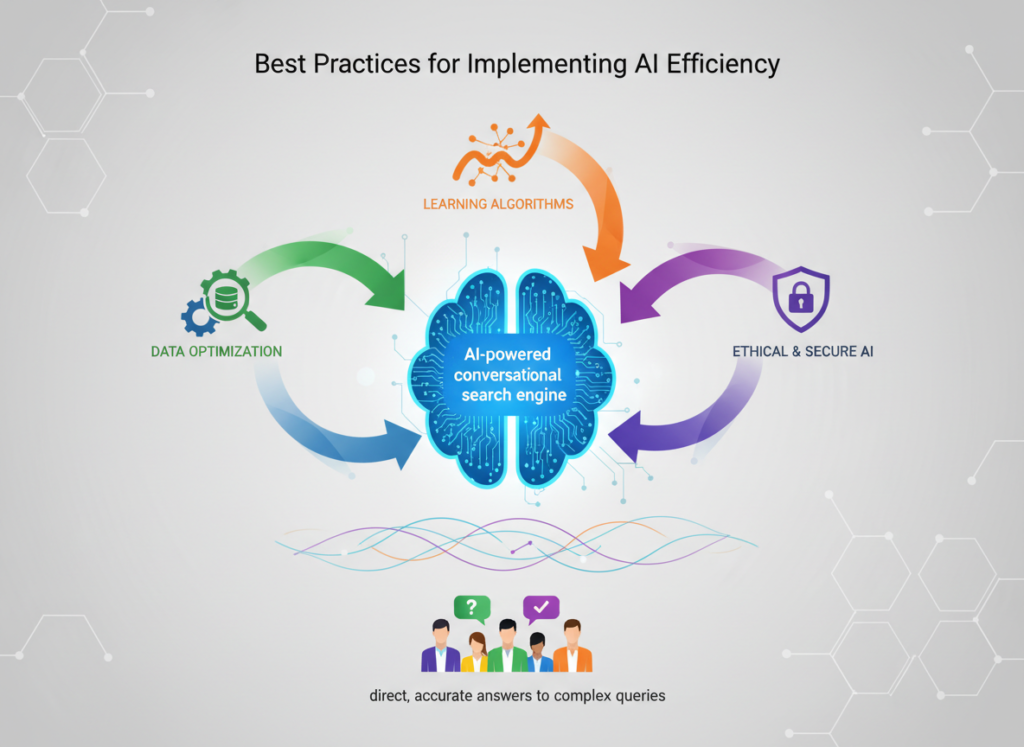
Successfully implementing AI efficiency requires starting small, maintaining human oversight, avoiding tool overload, and tracking concrete time savings.
The biggest reason AI efficiency projects fail isn’t the technology — it’s the implementation. Solo entrepreneurs often try to automate everything at once, lose confidence when outputs need editing, and abandon the workflow before it becomes habitual. These four practices prevent that.
1. Start With 1–2 High-Frequency Tasks
Don’t redesign your entire research process on day one. Identify the two tasks you do most repeatedly that involve finding or synthesizing information — competitor monitoring, client industry research, market pricing checks — and start there. Build a repeatable query for each, run it daily for two weeks, and refine until the output requires minimal editing.
Specificity is the unlock. “What are competitors doing?” produces weak results. “Summarize pricing strategy changes at [Competitor A] and [Competitor B] in the last 30 days, relevant to a B2B SaaS tool under $50/month” produces something you can use immediately.
2. Keep a Human-in-the-Loop
AI research tools, including Perplexity AI, can misread nuance, miss very recent developments, and occasionally synthesize from sources that don’t fully support the claim. Treat every output as a strong first draft from a fast but fallible research assistant. Your job shifts from finding to evaluating — which is faster, but not absent.
Build a 5-minute review habit into every AI research output before you act on it. This isn’t distrust — it’s professional due diligence.
3. Track What AI Is Actually Replacing
The only way to validate efficiency gains is to measure them. Spend one week before adopting a new AI workflow logging how long you spend on research tasks. After two weeks of the AI workflow, log again. Concrete time data keeps you honest about ROI and helps you identify the next workflow worth optimizing.
A simple spreadsheet with task name, pre-AI time, and post-AI time is sufficient. You don’t need a productivity platform to measure productivity.
Limitations and Considerations
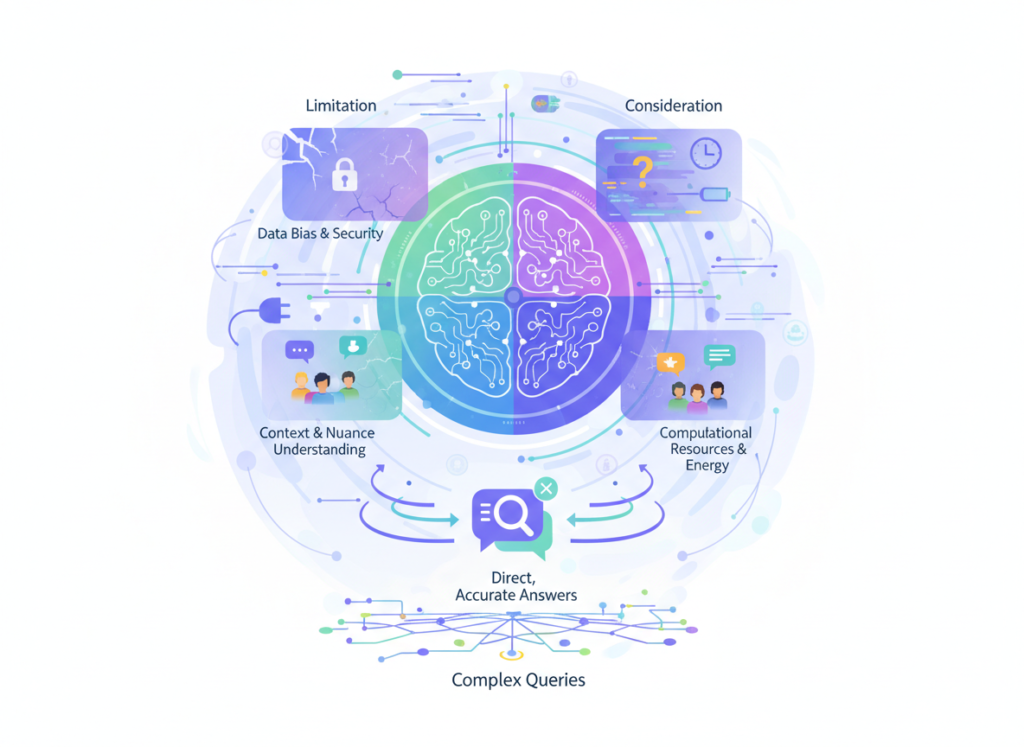
AI efficiency works best for repetitive cognitive tasks, but fails at nuanced creativity, legal precision, and sensitive human interactions.
No efficiency tool is honest without a clear-eyed limitations section. Perplexity AI is genuinely powerful for research and synthesis tasks — and genuinely inappropriate for others. Here’s where the line sits.
Where AI research tools are NOT ideal:
High-Stakes Brand Voice and Creative Tone. Perplexity AI synthesizes information exceptionally well. It does not have your client’s voice, your brand’s earned personality, or the cultural intuition that makes creative work resonate. Use it for research inputs to creative work, not as a replacement for the creative work itself.
Legal, Contractual, or Compliance Documents. AI research tools should never be your primary source for legal interpretation. The cost of a hallucinated regulatory detail in a contract or compliance decision is orders of magnitude higher than the time saved. Use AI to identify questions to ask your attorney, not to replace the attorney.
Sensitive Client and Human Interactions. Proposal language for a relationship you’ve built over years, a difficult conversation with a client about scope, a response to a public complaint — these require human judgment, empathy, and relational context that AI cannot replicate. Do not draft these from an AI template without substantial human reworking.
Key Risks to Manage:
- Hallucination: Perplexity AI occasionally synthesizes plausible-sounding information that isn’t fully accurate. Always verify high-stakes claims at the source.
- Privacy: Avoid inputting sensitive client data, proprietary business information, or personally identifiable information into any AI tool without reviewing its data usage policies.
- Over-Reliance and Skill Atrophy: Researchers, analysts, and strategists who delegate all synthesis to AI risk degrading the judgment muscles that make their work valuable. Use AI to accelerate your thinking, not replace it.
As discussed in this practical walkthrough of Perplexity AI usage, developing a disciplined query habit — rather than treating the tool as a magic answer machine — is what separates users who see real efficiency gains from those who get inconsistent results.
Frequently Asked Questions

What is AI efficiency for small business?
AI efficiency for small business refers to the practice of using AI tools to handle repetitive, time-consuming cognitive tasks — like research, summarization, and information synthesis — so business owners can focus on the high-value work that actually grows revenue. It’s not about replacing human judgment; it’s about removing the busywork that buries it.
Can AI replace admin work entirely?
Not entirely, and that’s not the goal. AI tools like Perplexity AI can handle 60–80% of routine research and information-gathering tasks, but they require human review for accuracy, tone, and context-sensitive judgment. The realistic target is a significant reduction in admin time, not full automation — typically 5–12 hours per week for a solo operator.
Do I need technical skills to use AI for efficiency?
No. Perplexity AI requires no setup, no coding, and no technical background. If you can use a search engine, you can use Perplexity AI. The productivity tools for entrepreneurs that deliver the fastest ROI are the ones that fit into existing workflows immediately — and Perplexity AI is specifically designed for that kind of frictionless adoption.
Conclusion
The case for using an ai research tool for small business in 2026 isn’t theoretical. It’s arithmetic.
If you’re a US-based freelancer or solo entrepreneur spending 10–18 hours per week on research and information management, and your time is worth $50–150 per hour, you are leaving $26,000 to $140,000 in annual revenue potential sitting in browser tabs.
Perplexity AI doesn’t eliminate the need for smart research — it eliminates the slow, fragmented, exhausting version of it. It synthesizes faster, cites sources automatically, follows up intelligently, and formats outputs you can actually use. The workflows in this article aren’t aspirational. They’re operational.
The realistic ROI for a solo operator: 100x to 200x annually on the subscription cost. Not because AI does your thinking for you, but because it removes the mechanical work that was blocking your thinking in the first place.
AI efficiency is augmentation, not replacement. Your judgment, relationships, and creativity remain yours. What changes is how much of your week is spent feeding those capabilities versus starving them with research busywork.
Start with one workflow this week. Pick your highest-frequency research task, build a Perplexity AI query for it, and run it for five days. Measure the time. Then decide.
Leave a Reply