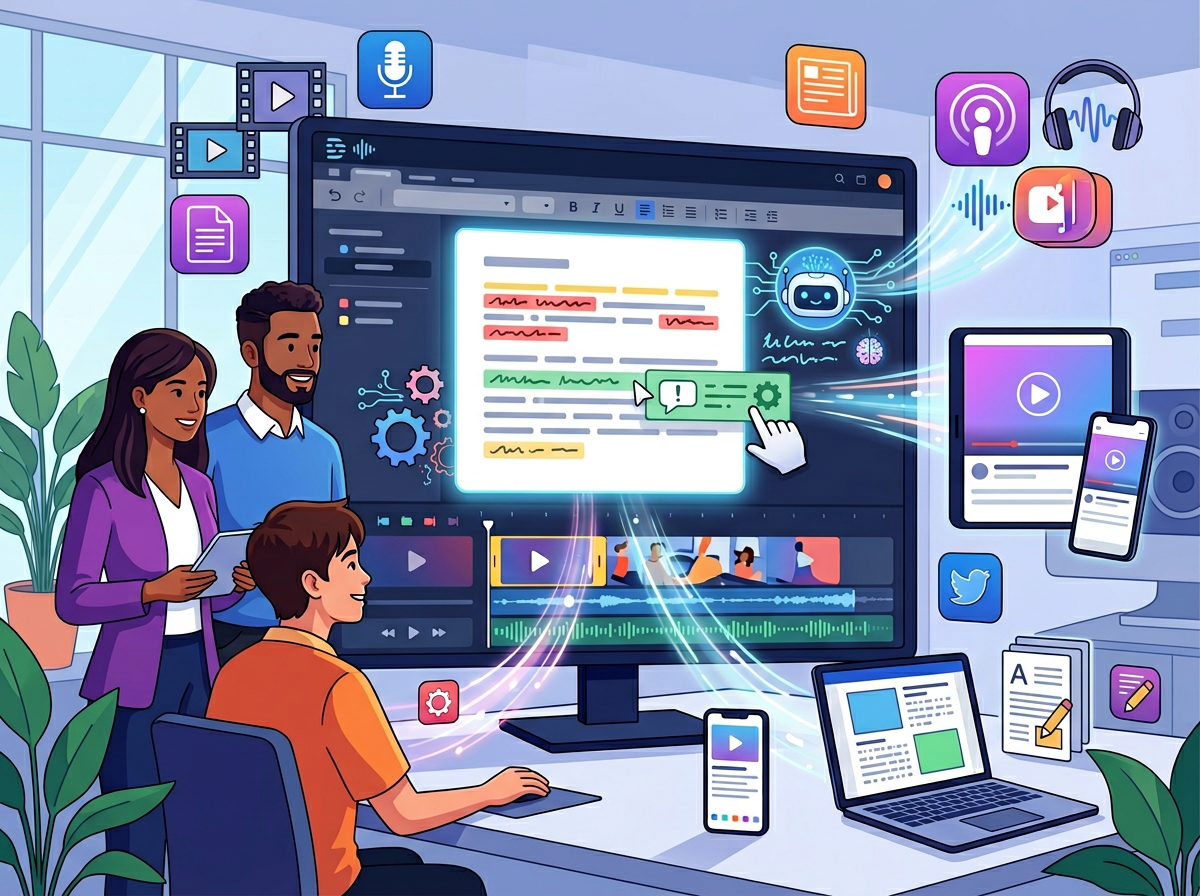
• 2026: How Descript Helps Small Teams Automate Video, Podcast, and Content Editing with AI

    The fastest-growing small teams in 2026 aren’t hiring more editors — they’re using ai video editing software for creators to turn one recorded session into a week’s worth of content.

    Here’s a scenario playing out in creative teams across Austin, Denver, Chicago, and Miami right now: A founder records a 45-minute podcast interview. The raw file sits in a shared Google Drive folder for two weeks because nobody has time to edit it. The marketing lead manually clips three snippets and sends them to a freelance editor. Three rounds of feedback later, the episode drops — 19 days after it was recorded, long after the moment was relevant.

    This isn’t a talent problem. It’s a workflow problem.

    American small teams producing video and podcast content in 2026 face a brutal production math. The US Bureau of Labor Statistics puts the average cost of a skilled video editor at $65–$95 per hour. Hiring a freelancer for a single podcast episode — rough cut, show notes, captions, and social clips — can run $400–$800 per project. For a team publishing weekly, that’s $20,000–$40,000 annually in editing costs alone, before you factor in the coordination overhead of managing external vendors.

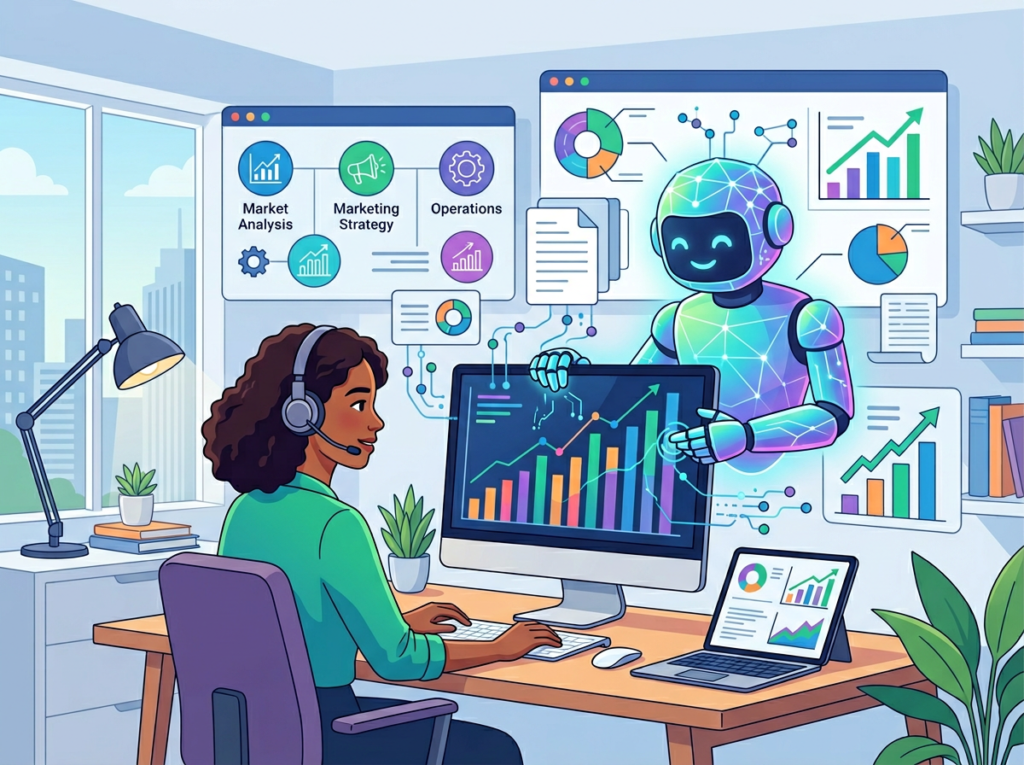
    Descript changes that equation. Built around the idea that editing video should be as simple as editing a Google Doc, it combines automatic transcription software with an AI co-editor called Underlord, giving small US teams the ability to produce professional-grade podcast and video content without a dedicated production staff.

    The difference between Descript and most ai content production tools is that it doesn’t just speed up one step — it eliminates entire categories of work. Transcription, filler word removal, audio cleanup, caption generation, social clip creation, and YouTube metadata writing all happen inside a single platform. For a 3–10 person team, that consolidation is worth far more than any individual feature.

    Unlike traditional video production workflows that can cost $5,000+ per month in US labor, Descript’s Business plan runs $50/month per user. The ROI math for a lean team practically writes itself.

    This guide breaks down exactly how US content teams can use Descript to build a repeatable, scalable production workflow — with specific use cases, honest limitations, and the quantified outcomes that matter to small business budgets.


    What is Solo DX? Understanding Small-Team Digital Transformation
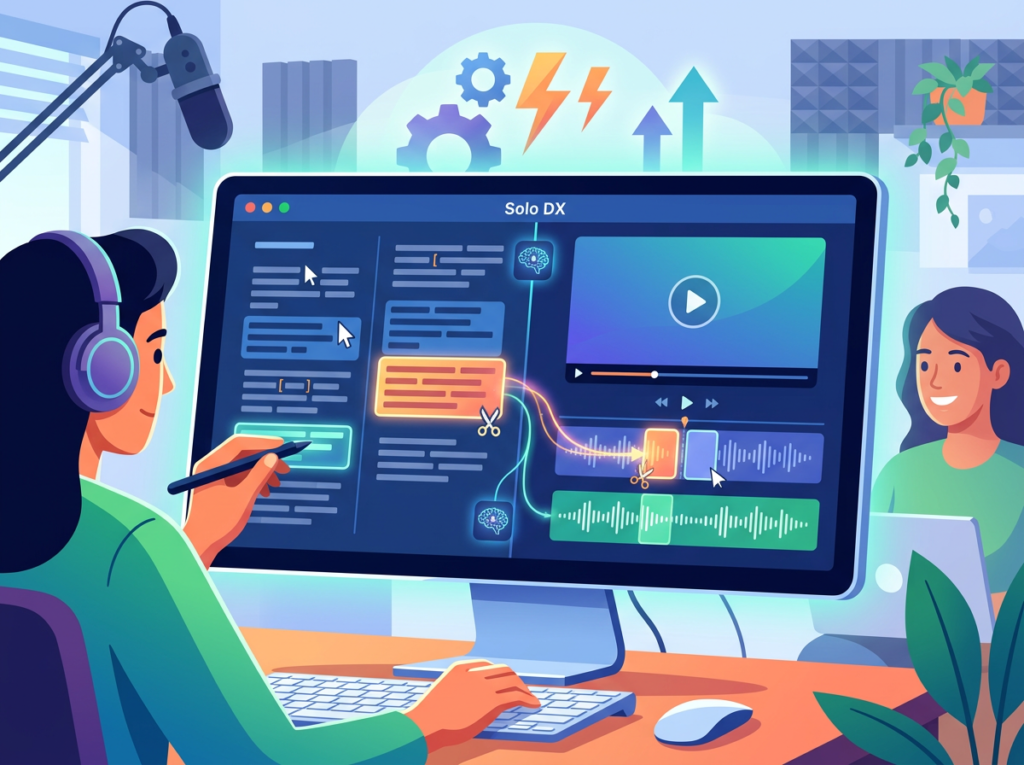
    Solo DX — small-scale digital transformation — describes what happens when a US founder or team lead decides to replace manual, person-dependent processes with AI-powered systems. It’s not enterprise IT transformation. It’s not hiring a consultant to map your workflows. It’s a founder in San Francisco or Austin sitting down on a Tuesday afternoon and deciding that the way things get done around here is going to be systematized, repeatable, and no longer dependent on whoever happens to remember how it works.

    For content teams, Solo DX looks like this: instead of every podcast episode following a slightly different process depending on who’s editing that week, the team has a documented, tool-assisted workflow that produces a consistent output regardless of who executes it. Descript is one of the clearest examples of a tool designed to enable exactly this kind of systematization.

    A real-world example: a 3-person content team in Austin

    Consider a small Austin-based B2B SaaS company with three people handling marketing: a content lead, a part-time video editor (contractor, $70/hour), and a founder who records a weekly podcast. Before Descript, the workflow involved the founder recording, the contractor editing (4–6 hours per episode at $70/hour = $280–$420 per episode), the content lead writing show notes manually, and social clips being extracted as a separate, often skipped step.

    After implementing Descript, the contractor’s involvement dropped to 90 minutes of polish work per episode. The content lead uses the AI-generated transcript for show notes. Social clips are generated automatically by Underlord. The per-episode cost dropped from $420 to under $110 — a 74% reduction.

    Explore Descript’s features on AI Plaza to see how the platform maps to your current production workflow before committing to a plan.

    ApproachCost Per EpisodeTime to Publish
    Traditional freelance editing$400–$8007–19 days
    In-house editor ($75k salary)$190/episode (52 eps/year)3–5 days
    Descript + light polish$50–$1101–3 days
    Descript self-serve$24–$50/month flatSame day

    Why AI is Key for Mini-Team Content Systemization

    Problem 1: The production process lives in one person’s head

    In most small teams, the person who knows how to edit video is also the person doing the editing. When that person is sick, overloaded, or leaves, the entire content pipeline stops. There’s no documented workflow — just institutional knowledge held by one individual.

    At the US labor turnover rate of 47% annually (Bureau of Labor Statistics, 2024), betting your content operation on a single person’s expertise is a financial risk. When a video editor leaves and you have to onboard a new one, the ramp time to rebuild that tacit knowledge typically runs 3–6 weeks at $65–$95/hour for training and catch-up work.

    AI video editing tools like Descript reduce this exposure because the workflow is embedded in the platform itself. A new team member who’s never edited a video before can produce a publish-ready podcast episode in Descript within their first week.

    Problem 2: Production quality is inconsistent

    When different team members touch different episodes, the output varies. One episode has polished audio; the next has background noise. One has captions; the next doesn’t. One has social clips; the next doesn’t. Inconsistency erodes audience trust and makes the team look less professional than they are.

    Descript’s automated quality features — Studio Sound for audio enhancement, Underlord for filler word removal, and automatic caption generation — create a consistent quality floor. Every episode benefits from the same AI treatment regardless of who runs it.

    Problem 3: The post-production tail is unpredictably long

    Record a 40-minute podcast. Now produce: an edited episode, an audiogram, three social clips in different aspect ratios, a transcript for SEO, show notes, and YouTube metadata. Manually, that’s 8–14 hours of work per episode. For a small team publishing twice a week, that’s a part-time role’s worth of labor just in post-production. As this detailed breakdown of Descript’s capabilities notes, even experienced producers find that the editing-to-publishing gap is where budgets disappear fastest.

    The cost reality in 2026 US labor terms:

    Manual post-production workflow at $75/hour blended rate:

    • Audio editing: 2 hours = $150
    • Caption creation: 1.5 hours = $112
    • Social clip extraction: 2 hours = $150
    • Show notes writing: 1 hour = $75
    • YouTube metadata: 30 min = $37.50
    • Total per episode: ~$525

    Descript-assisted workflow at $50/month Business plan:

    • Same outputs, 90 minutes of human review time = ~$112 in staff time
    • Total per episode: ~$113

    For a team publishing 40 episodes per year, that’s $16,480 in annual savings on post-production labor alone — enough to fund a significant marketing initiative or justify a full-time content hire.


    Discover Descript | Used by teams from Silicon Valley to New York


    How Descript Enables Content Automation

    1. Text-Based Video Editing (Underlord) Reduces editing time by 60–70%
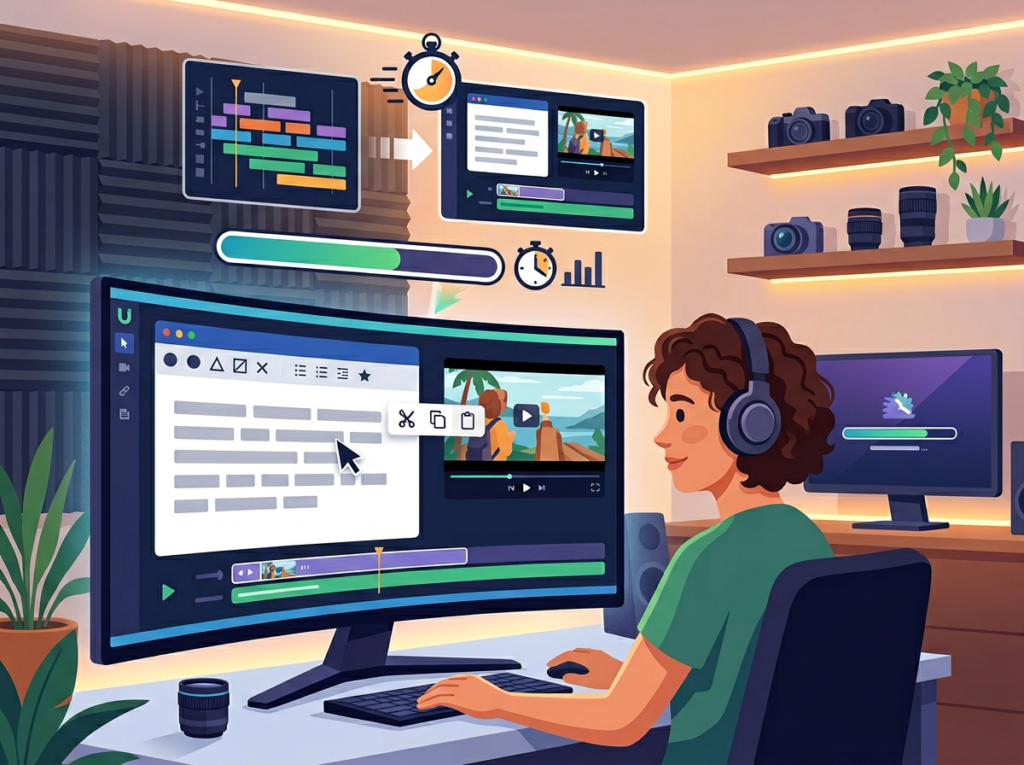
    Descript transcribes your video or podcast automatically using its automatic transcription software engine. From that point, editing works exactly like editing a Google Doc: highlight the text you want to cut, delete it, and the corresponding video frames disappear. Filler words, tangents, repeated sentences — all removable in seconds.

    For a team where editing previously took a contractor 4–6 hours per episode at $70/hour, Descript’s transcript-first editing brings that to 60–90 minutes of review and polish. Annual savings for a weekly podcast: $280–$420 saved per episode × 48 episodes = $13,440–$20,160.

    As noted in this in-depth breakdown of Descript’s workflow, the platform’s text-native approach means that even team members with zero video editing experience can produce clean edits within their first session.

    2. Studio Sound, Eliminates $3,000–$6,000 in annual audio setup costs
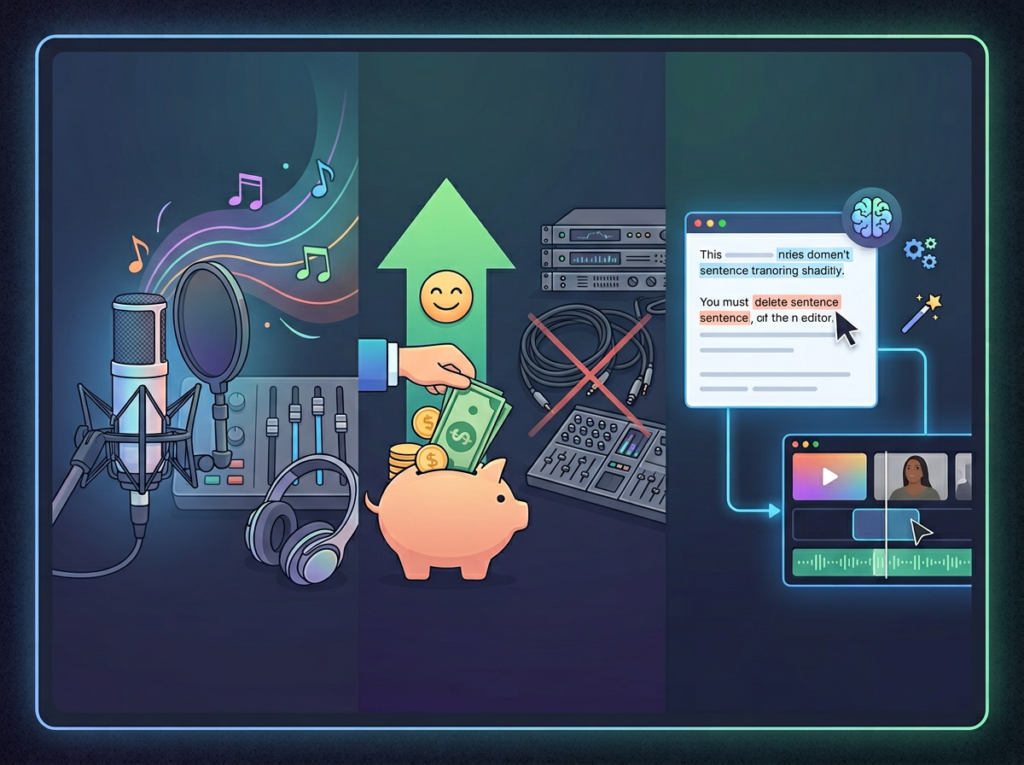
    Not every team member has a professional recording environment. Studio Sound uses AI to reconstruct and clean up audio — removing background noise, correcting room reverb, and bringing budget microphone recordings up to near-studio quality.

    For a team with three hosts recording from home offices, avoiding professional studio time (which runs $150–$300/hour in major US markets) or avoiding the purchase of high-end microphone setups ($500–$1,500 per person) saves $3,000–$6,000 annually in equipment and studio costs.

    3. Clips (AI Social Content Generator), Saves 2–3 hours per episode in repurposing
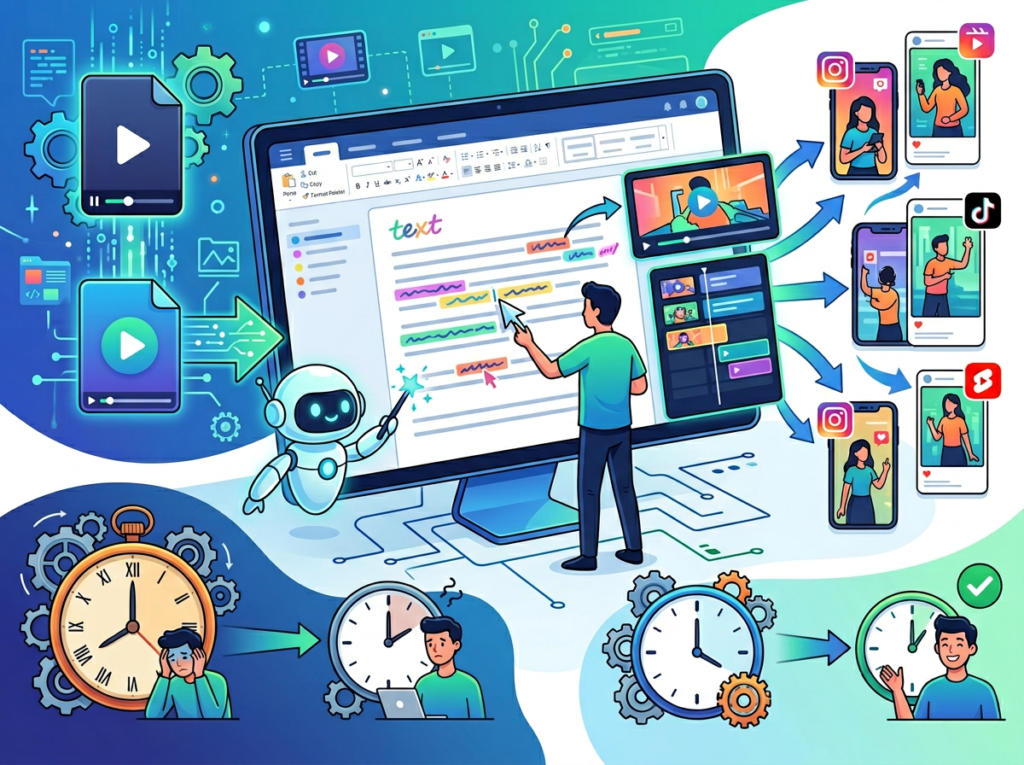
    Underlord’s Clips feature scans your full episode and identifies the most engaging moments, then automatically reformats them for different aspect ratios (9:16 for TikTok/Reels, 1:1 for LinkedIn, 16:9 for YouTube). Each clip comes with captions pre-applied.

    For a team that previously spent 2 hours per episode manually scrubbing through footage to find clip-worthy moments: at $75/hour, that’s $150 per episode. Over 48 episodes, the savings reach $7,200 annually.


    Ready to systemize your US team’s content production in under a week? Try Descript Free | No credit card required | Trusted by 10,000+ US teams

    See how Descript works end-to-end on AI Plaza before you commit — the platform detail page breaks down pricing tiers against typical US team sizes.


    Use Cases by Team Role:


    Persona 1: The Podcast-Producing Startup Founder Maria, 34 — B2B SaaS Founder, Austin, TX

    Maria runs a 6-person SaaS startup and hosts a weekly industry podcast as a lead generation tool. Recording is easy; production was the problem. She was spending $650/episode with a freelance producer who handled everything, plus waiting 8–12 days per episode.

    Old workflow: Record ? send file to freelancer ? 2–3 rounds of Slack back-and-forth ? receive edited episode ? post ? skip social clips because they take too long.

    Descript workflow: Record ? import to Descript ? Underlord removes fillers and cleans audio automatically ? Maria reviews transcript for 25 minutes ? export episode, captions, three social clips, and show notes in one session.

    Quantified results: Episode cost dropped from $650 to $90 (platform fee amortized + her 25-minute review). Time to publish dropped from 10 days to 6 hours. Social clip production went from 0% of episodes to 100%.

    “I thought I needed a production team. Turns out I needed one good platform and 30 minutes.”


    Persona 2: The Marketing Lead Building a Video Content Engine James, 29 — Content Marketing Lead, Denver, CO

    James manages content for a 12-person professional services firm. His mandate: produce 8 pieces of video content per month from webinars, client interviews, and founder talks. He had a video editing freelancer but needed to reduce the revision cycles that were eating his calendar.

    Old workflow: Record webinar ? export ? share with freelancer via WeTransfer ? freelancer edits ? James reviews ? 2.3 rounds of revision on average ? publish ? manually write show notes.

    Descript workflow: James imports the webinar directly. He edits the transcript himself during lunch (40 minutes). He uses Clips to generate 4 social videos automatically. He exports the transcript for the content writer to use as a show notes draft. The freelancer now only handles complex multi-camera productions.

    Quantified results: Freelancer hours reduced by 60% (from 24 hours/month to 9.6 hours). At $75/hour, that’s $1,080 saved monthly. Video output increased from 8 to 14 pieces per month. Audio editing with AI now means every piece has consistent, professional sound.

    “We were bottlenecked by revision cycles. Descript cut that loop almost completely for single-camera content.”


    Persona 3: The Independent Podcaster Scaling to a Network Robert, 42 — Independent Podcast Producer, Brooklyn, NY

    Robert produces three podcasts simultaneously for two clients. He was using Adobe Audition for audio and a separate tool for captions, losing hours to tool-switching and format conversions. He needed ai podcast editing tool capabilities consolidated into one platform.

    Old workflow: Record, Audition for noise removal ? export audio ? Descript (old version) for captions only, Canva for audiograms ? 6.5 hours average per episode across three shows.

    Quantified results: Production time reduced by 62%. At Robert’s client billing rate of $85/hour, reclaiming 4 hours per episode across 12 monthly episodes means $4,080/month in recovered capacity — capacity he used to take on a fourth client.

    “The ROI wasn’t about saving money on software. It was about buying back time I could bill.”


    Join 10,000+ US small teams using Descript to produce more with less. Discover Descript | Used by teams from Silicon Valley to New York


    Common Pitfalls & How to Avoid Them
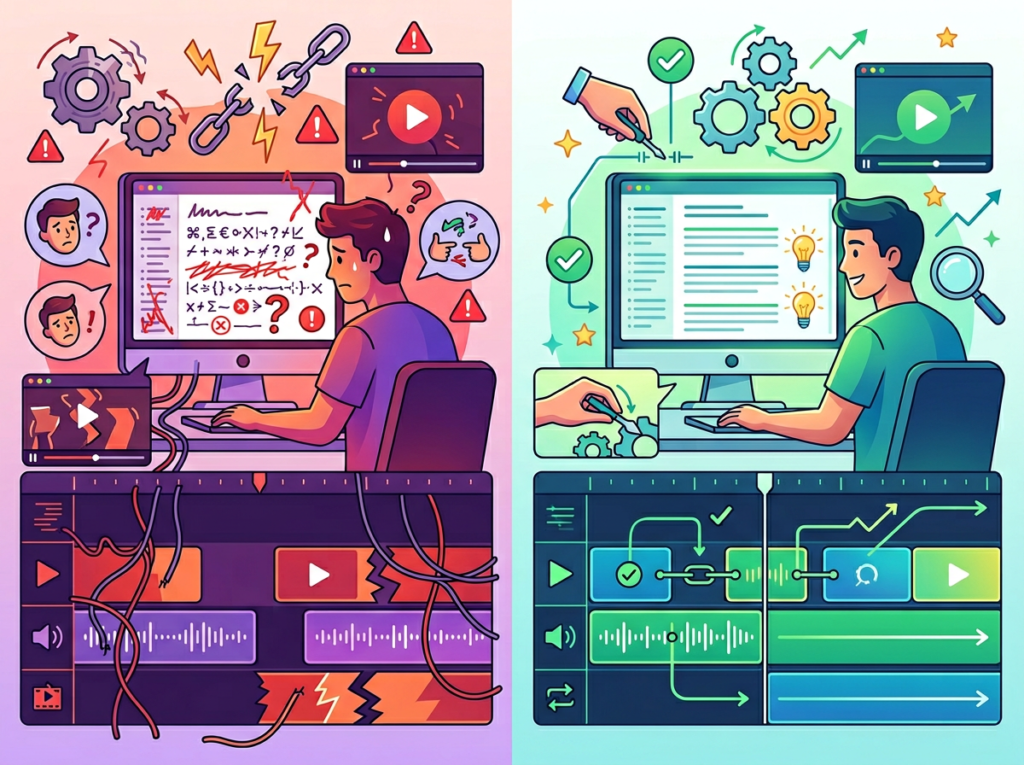
    Descript is one of the most intuitive platforms in the ai content production tool space, but teams that adopt it without a plan often underuse it or create new friction points. Here are the four most common mistakes US small teams make.

    Mistake 1: Importing full raw recordings instead of segmenting first

    Descript is cloud-integrated, and dumping a 90-minute raw recording into a single project can create performance issues, especially on slower connections. US teams working remotely across multiple states often have inconsistent bandwidth.

    Fix: Break recordings into 15–20 minute segments before importing. For podcast interviews, import guest segments separately if possible. This keeps projects responsive and makes transcript navigation faster.

    Mistake 2: Using Descript as a final step rather than the primary editing environment

    Some teams use Descript only for captions, continuing to do their actual editing in Premiere or Final Cut. This defeats the workflow consolidation advantage that makes the platform worth the subscription cost.

    Fix: Commit to Descript as your primary editing environment for interview content, podcasts, and talking-head videos. Reserve Premiere for complex multi-camera or motion-graphics-heavy productions. As this analysis of Descript’s workflow positioning notes, the platform’s strength is specifically in word-first content, not motion-heavy productions.

    Mistake 3: Treating Descript as a solo tool rather than a team collaboration platform

    Small teams often have one person “own” Descript while others are excluded from the workflow. This recreates the single-person bottleneck that the platform is supposed to solve.

    Fix: Use Descript’s collaboration features (available on the Business plan) to let multiple team members comment on, review, and publish from shared projects. Assign specific production stages to specific roles. This is where the video editing automation value compounds across the team.


    Learn more about Descript’s team collaboration features on AI Plaza — the Business plan’s shared workspace features are specifically designed for the 3–15 person team context.


    FAQs
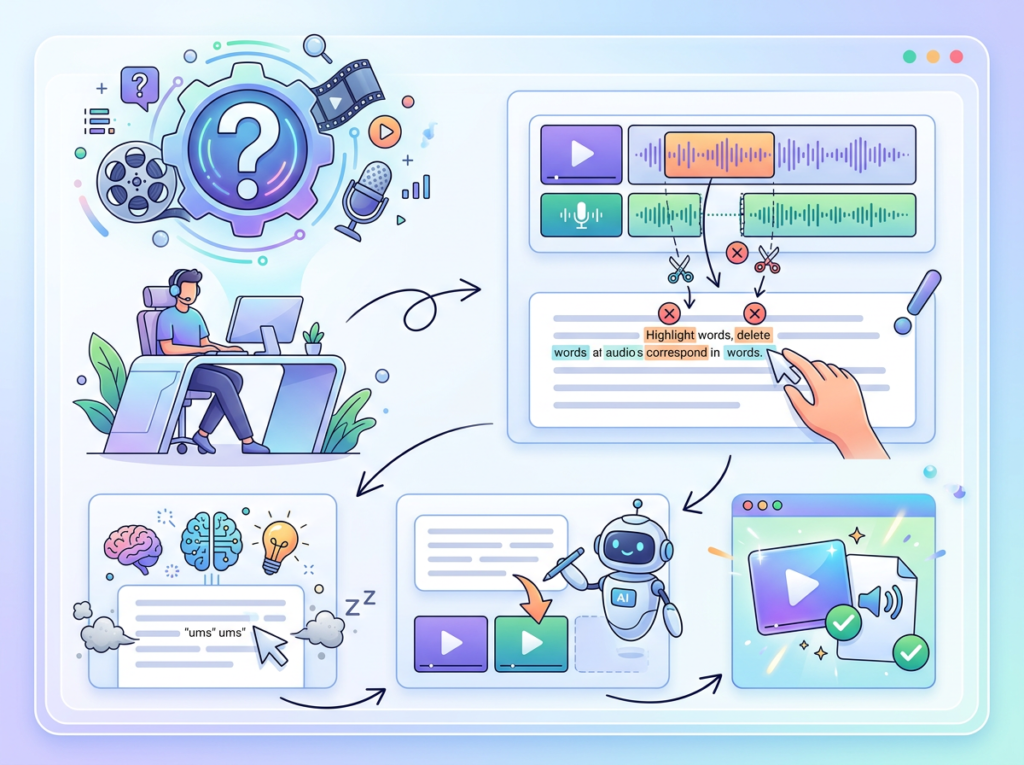
    What is Solo DX and how does it apply to content production?

    Solo DX refers to small-scale digital transformation led by founders or team leads — replacing manual, people-dependent workflows with AI-assisted systems. For content teams, it means building a repeatable production pipeline that doesn’t require a dedicated production staff. Descript enables this by consolidating transcription, editing, captioning, and repurposing into a single platform.

    How can AI write my show notes and podcast descriptions?

    Descript’s Underlord AI generates show notes, YouTube descriptions, chapter markers, and social captions directly from your episode transcript. After your episode is edited, you can prompt Underlord to produce these assets in seconds. The output requires a 10–15 minute human review to match your brand voice, but eliminates 80–90% of the manual writing time.

    Is Descript hard to set up for a non-technical team?

    No — it’s specifically designed for non-editors. The interface prioritizes the transcript view over a traditional timeline, which means team members who’ve never used video editing software can be productive within their first session. Most US teams are up and running with a working production workflow within 2–3 hours of initial setup.


    Conclusion
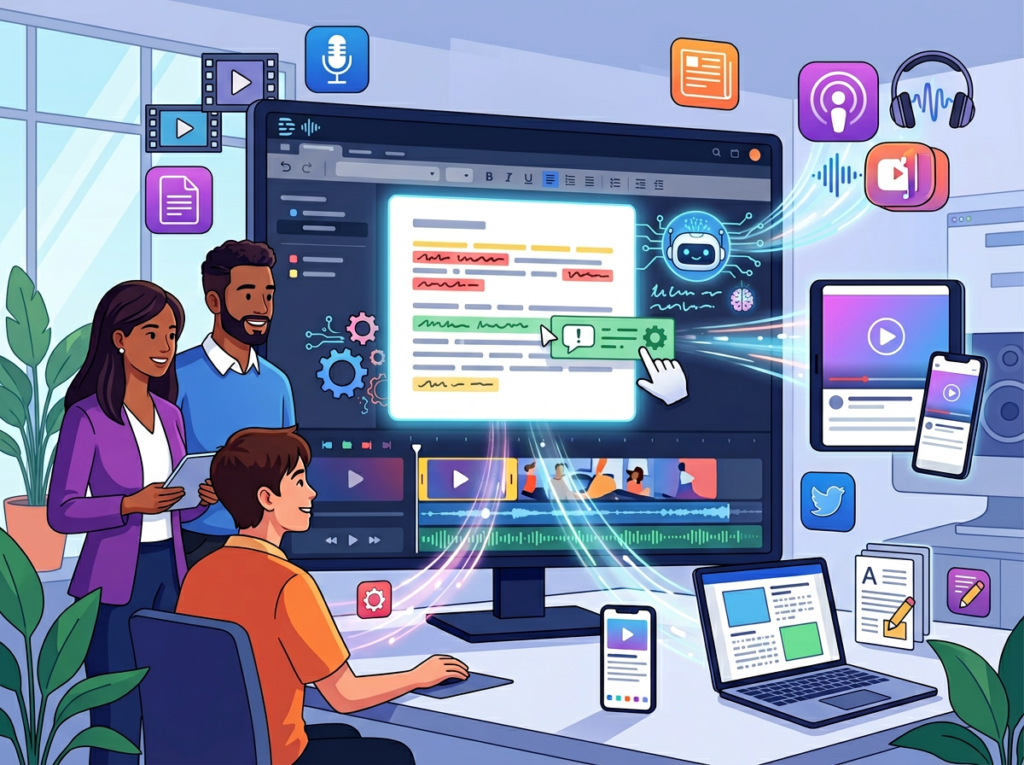
    In 2026, American small businesses don’t need enterprise budgets to build enterprise-level content production systems. The tools exist. The cost barrier is gone. The only remaining barrier is workflow design — and that’s a problem that a focused Solo DX approach solves in days, not months.

    Descript is the clearest example of an ai video editing software for creators that’s actually built for the way small teams work: without production coordinators, without dedicated studios, without six-figure post-production budgets. It compresses the entire content production pipeline — from raw recording to published episode, social clips, captions, and show notes — into a single platform that a non-technical team member can operate confidently.

    The teams winning at content in 2026 aren’t the ones with the best equipment or the biggest budgets. They’re the ones who’ve stopped treating every episode as a custom project and started treating production as a system. Descript makes that system accessible at $24–$50/month.

    Start with one process. Take your next podcast episode or video recording and run it entirely through Descript. Generate the transcript. Remove the fillers. Export the social clips. Publish the same day. Then document that workflow and hand it to the next person on your team.


    See the full Descript feature breakdown on AI Plaza and compare plans against your current production costs.
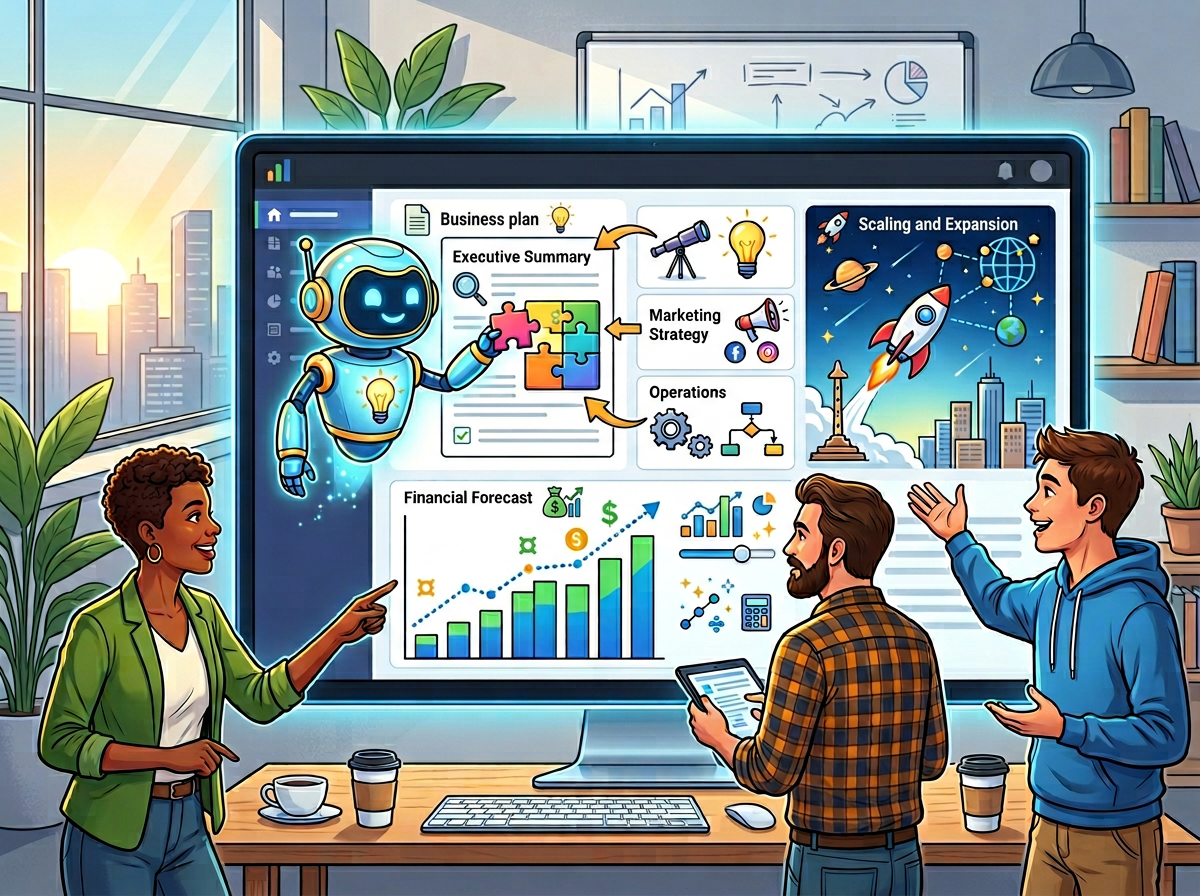


  • 2026: How LivePlan AI Helps Small Teams Plan, Forecast, and Scale Their Business Faster

    The best ai business plan generator for startups doesn’t replace your thinking — it structures it so your team moves faster and funders take you seriously.

    In 2026, American startup founders face a planning paradox. They know they need a solid business plan and financial forecast to attract investors, secure SBA loans, or simply make smarter decisions. But between managing a growing team, serving customers, and putting out daily fires, there’s never a clean moment to sit down and build one properly.

    The result is predictable: financial projections live in disconnected spreadsheets, business narratives are buried in old pitch decks, and cash flow surprises derail growth plans every quarter. For US founders managing teams of two to ten people, this operational gap costs more than just time — it costs opportunities.

    Traditional business planning hasn’t helped. Hiring a consultant to produce a bank-ready plan runs $5,000–$15,000 in US labor costs. Working with a CPA to build three-year forecasts can add another $3,000–$8,000 before you’ve pitched a single investor. And generic templates downloaded from the internet deliver polished formatting without the financial rigor lenders actually need.

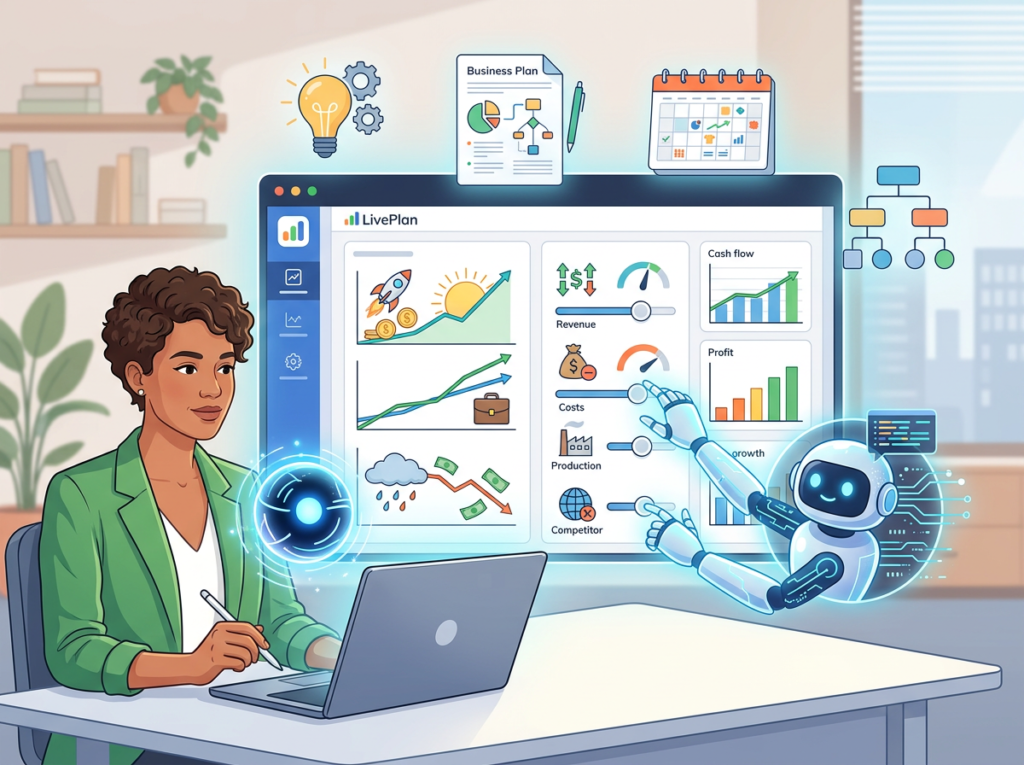
    LivePlan AI takes a different approach. Built by Palo Alto Software — with over 30 years of small business planning expertise — it combines an AI-powered writing assistant with automated financial modeling, performance dashboards, and 550+ industry-specific sample plans. The result is startup business planning software that bridges the gap between founder ambition and investor-ready execution.

    This guide is written for US-based founders and small startup teams who want to create professional business plans and financial forecasts without hiring consultants or becoming spreadsheet experts. You’ll see exactly how LivePlan AI works, which team roles benefit most, and what outcomes real American small businesses can expect in 2026.

    Unlike general productivity tools, LivePlan AI is purpose-built for planning and performance tracking — which means it fits directly into the Solo DX model: small-scale digital transformation led by founders who need enterprise-quality outputs without enterprise overhead.


    What is Solo DX?

    Solo DX stands for small-scale digital transformation — the process by which US founders and lean startup teams build the systems, workflows, and strategic infrastructure that larger companies have entire departments for.

    This isn’t about buying a stack of apps. Solo DX is about systematically replacing founder-dependent chaos with documented, repeatable processes that your team can follow, your investors can evaluate, and your business can scale on.

    CategoryWhat It MeansBest For
    Solo DXBuilding systems for planning, forecasting, and operationsFounders scaling from idea to team
    AI EfficiencyAutomating repetitive tasks to save timeTeams optimizing existing workflows
    AI Revenue BoostUsing AI to increase sales and marketing outputTeams focused on growth and acquisition
    AI WorkflowsConnecting tools and automating multi-step processesOperations-heavy teams with complex pipelines

    Most corporate planning methods fail for US small businesses because they were designed for organizations with dedicated finance teams, planning departments, and six-month runway for strategic reviews. A three-person startup in Austin doesn’t have that luxury. They need a plan that’s fundable this month and a forecast that updates as the business evolves — not a static document that goes stale before the ink dries.

    Consider a real example: a three-person design studio in Austin recently needed to pitch a regional bank for a $75,000 expansion loan. Their founder had the vision. She knew her market, her pricing, and her growth trajectory. But she lacked the financial statements the bank required — a formatted P&L, a three-year cash flow projection, a balance sheet that matched lending expectations.

    Building those from scratch would have taken weeks and $4,000–$6,000 in CPA fees. Instead, she used AI-powered planning software to go from raw business inputs to lender-ready documents in under a week — and walked into the bank with professional projections her banker recognized immediately.

    That’s Solo DX in practice: using accessible AI tools to produce professional-grade planning outputs that were previously gated behind expensive consultants or specialized finance expertise.

    You can explore LivePlan AI’s features to see how the platform supports each stage of this transformation — from first draft to investor meeting.

    The Solo DX approach works because it treats planning as a system, not an event. Instead of building a business plan once and filing it away, founders who adopt Solo DX use planning tools to run monthly reviews, track actuals against forecast, and make real-time adjustments before small variances become expensive problems.


    Why AI is Key for Mini-Team Systemization

    Challenge 1: Financial complexity exceeds founder expertise

    Most US startup founders are domain experts, not financial modelers. They understand their product, their customer, and their market. But producing a three-year P&L that accounts for staffing costs, seasonal cash flow, COGS, operating leverage, and SBA lending requirements requires specialized knowledge most founders don’t have — and can’t justify paying $150/hour to acquire.

    AI-powered financial forecasting tools solve this by asking founders plain-language questions about their business model, then auto-generating the formatted financial statements lenders and investors require. What previously cost $3,000–$8,000 in CPA time now takes hours.

    Challenge 2: Planning is treated as an event, not a system

    US labor turnover averaged 47% in recent years across small business sectors, according to Bureau of Labor Statistics data. Every time a key team member leaves, strategic context walks out the door with them. Business plans that exist only in a founder’s head — or in a PDF drafted two years ago — cannot protect against this kind of knowledge loss.

    Real systemization means building living plans: documents connected to actual financial data, updated monthly, and accessible to the entire team. This is the difference between a plan you wrote to get a loan and a plan that actively guides your business decisions. As noted in this breakdown of LivePlan’s planning approach, companies that conduct regular plan reviews make faster, better-informed decisions than those treating planning as a one-time task.

    Challenge 3: Scaling requires credibility your current documents can’t provide

    Whether you’re applying for an SBA loan, pitching an angel investor, or bringing on a strategic partner, the quality of your business plan and financial forecast signals the quality of your leadership. Formatted in Word and projected in Excel, most small-team plans immediately communicate “early stage with limited infrastructure.” Professionally formatted, benchmark-verified documents communicate something different entirely.

    The Cost Reality for US Teams

    ApproachTime RequiredCost Estimate
    Hiring a business plan consultant3–6 weeks$5,000–$15,000
    Working with a CPA on forecasts2–4 weeks$3,000–$8,000
    AI-assisted planning software1–2 weeks$144–$288/year

    For small US teams operating on lean budgets, the math is straightforward. AI tools for entrepreneurs don’t just save money — they compress the timeline from idea to fundable plan from months to weeks. In a competitive market where timing matters, that speed advantage is a genuine strategic asset. This comprehensive overview of LivePlan’s capabilities covers how the login and onboarding experience is designed to get new users into productive planning workflows quickly.


    How LivePlan AI Enables Solo DX

    1. AI-Powered Business Plan Builder

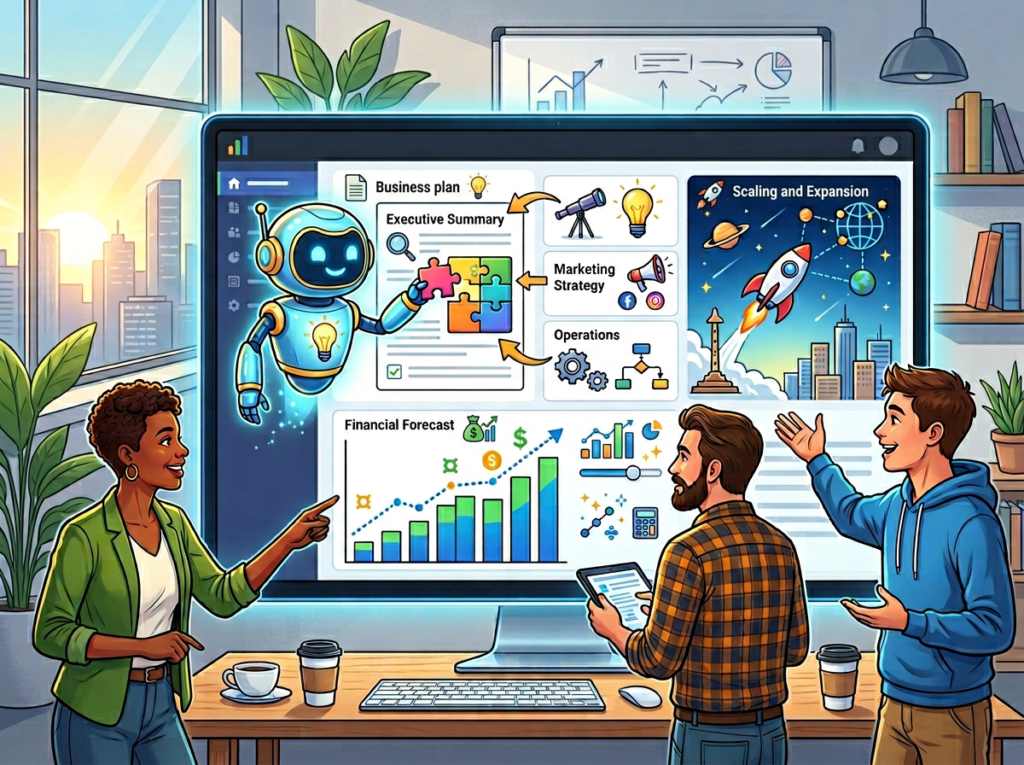
    LivePlan’s AI assistant — trained on thousands of successful business plans and 30+ years of planning expertise — guides founders through each section of their business plan by asking targeted questions and drafting professional content from the answers.

    This is not generic AI output. The system understands what lenders want in an executive summary, what investors look for in a market analysis, and what level of detail a competitive analysis needs to be credible. It flags gaps, suggests improvements, and helps founders articulate their business model in language that communicates clearly to external audiences.

    ROI impact: US founders who previously spent $2,000–$5,000 on business plan consultants report completing comparable quality plans internally in 8–15 hours. For a solo founder billing $100/hour elsewhere, that’s a $800–$1,500 savings on time alone — plus the $2,000–$5,000 in consulting fees avoided.

    2. Automated Financial Forecasting

    Enter your pricing, projected volume, and cost structure. LivePlan auto-builds a complete three-year P&L, balance sheet, and cash flow statement in the exact formats banks and SBA lenders require. No financial modeling background needed. No complex formulas to maintain.

    The financial forecasting with AI capability is particularly valuable for multi-revenue-stream businesses — a common structure for US founders combining services, products, and recurring subscriptions. Set up separate revenue lines, apply different growth assumptions, and compare scenarios before committing to a strategy.

    ROI impact: Replacing CPA-built financial projections with AI-automated models saves US teams $3,000–$8,000 per funding cycle. For teams that revise forecasts quarterly, the annual savings compound to $12,000–$24,000 in avoided professional services costs.

    3. Scenario Planning and What-If Modeling

    What happens to your cash position if your top client pauses for 60 days? What does a 20% pricing increase do to your customer acquisition curve? LivePlan’s scenario planning lets you model these questions before they become crises.

    For US startup teams making hiring decisions, pricing adjustments, or market expansion moves, this small business planning automation capability removes the guesswork. You make decisions informed by modeled outcomes rather than gut instinct and spreadsheet math.

    ROI impact: A single avoided bad hire ($15,000–$50,000 in US labor costs for recruiting, onboarding, and severance) covers years of LivePlan subscription fees. One pricing optimization informed by scenario modeling can increase annual revenue by $20,000–$100,000 for a growing service business.


    Ready to build a fundable business plan without hiring a consultant? Try LivePlan AI Free | 35-day money-back guarantee | Trusted by 1 million+ entrepreneurs

    See how LivePlan AI works with a full feature walkthrough before you commit.


    Use Cases by Team Role

    Maria Chen — Startup Founder

    Background: Maria runs a 6-person SaaS startup in San Francisco. She’s preparing for a seed round and needs a polished business plan and three-year financial model to present to angel investors.

    Old workflow: Maria spent three weekends trying to build financial projections in Excel, using a template she found online. The model kept breaking when she changed assumptions. She eventually hired a consultant for $7,500 to produce investor-ready financials — but the consultant didn’t understand her unit economics well enough to capture her business model accurately.

    AI-powered workflow with LivePlan: Maria entered her pricing tiers, customer acquisition assumptions, and cost structure directly into LivePlan. The AI assistant helped her draft her market analysis and competitive positioning. Within ten days, she had a complete business plan, three-year P&L, and a pitch deck formatted for investor presentation.

    Quantified results: $7,500 in consulting fees eliminated. 60+ hours of internal time saved. Investor meeting scheduled within two weeks of completing the plan.

    “I went into my first investor meeting with a level of financial detail I couldn’t have built myself. LivePlan basically gave me a CFO-quality document at a subscription price.” — Maria, SaaS Founder, San Francisco


    James Thompson — Operations Director

    Background: James manages operations for an 8-person professional services firm in Miami. The company is growing fast and needs to hire three more people in the next six months — but the owner wants to see a workforce plan tied to financial projections before approving headcount.

    Old workflow: James built hiring scenarios manually in Excel, disconnected from the company’s actual P&L. Every time revenue assumptions changed, he had to manually update four different spreadsheets. The process took two weeks and was immediately out of date.

    AI-powered workflow with LivePlan: James connected LivePlan to the company’s QuickBooks account and built a hiring scenario model tied to actual revenue data. He created three growth scenarios — conservative, base, and optimistic — with corresponding headcount and cash flow implications for each.

    Quantified results: Workforce planning cycle reduced from two weeks to three days. Owner approved hiring plan in the first review meeting. $4,200 in CPA time saved by producing financial models internally.

    “The QuickBooks integration meant I wasn’t starting from scratch every time. Actuals flowed in automatically and my scenarios updated in real time.” — James, Operations Director, Miami


    Aisha Robinson — Marketing Lead

    Background: Aisha runs marketing for a 5-person e-commerce startup in Denver. She’s been asked to build a marketing budget tied to revenue projections — and present it to the CEO alongside ROI benchmarks for each channel.

    Old workflow: Aisha pulled industry benchmarks from scattered blog posts, built a budget in Google Sheets, and manually formatted a presentation. The process took a full week and the CEO still asked follow-up questions about how the numbers were validated.

    AI-powered workflow with LivePlan: Aisha used LivePlan’s industry data feature — which includes benchmarks from 550+ business categories — to validate her channel ROI assumptions against real industry averages. She built her marketing budget as a scenario within the company’s broader financial model, so the CEO could see exactly how each dollar of marketing spend connected to projected revenue.

    Quantified results: Budget presentation time cut from one week to two days. CEO approved marketing budget in the same meeting with no follow-up questions. Industry benchmark data added credibility that internal projections alone couldn’t provide.

    “Having real industry benchmarks baked into my presentation changed the whole conversation. It wasn’t my opinion anymore — it was our numbers against what the industry actually does.” — Aisha, Marketing Lead, Denver


    Robert Kim — Finance Manager

    Background: Robert manages financial reporting for a 10-person consulting firm in Chicago. The firm’s partners want monthly performance reports comparing actuals to the annual plan — but Robert has been building these manually from QuickBooks exports, a process that takes two full days each month.

    Old workflow: Robert exported QuickBooks data to Excel, manually matched actuals to budget line items, built charts in PowerPoint, and emailed a static PDF to partners. Two days of work. Immediately out of date.

    AI-powered workflow with LivePlan: Robert connected LivePlan directly to QuickBooks. Now actuals update automatically, the performance dashboard shows real-time variances, and monthly reports are generated in under an hour. Partners can log in and check performance themselves without waiting for Robert’s manual export.

    Quantified results: Monthly reporting cycle cut from two days to under an hour — saving $3,200/month at Robert’s billing rate. Partners now access live dashboards instead of waiting for static PDFs. Year-over-year reporting consistency improved with no manual data entry errors.

    “I used to dread the first week of every month. Now the report basically builds itself. I just review it and add commentary.” — Robert, Finance Manager, Chicago

    See a detailed breakdown of LivePlan AI including the dashboard features Robert’s team uses for monthly reporting.


    Join 1 million+ entrepreneurs using LivePlan AI to build better business plans and forecasts. Get Started Today | Used by teams from Silicon Valley to Chicago


    Common Pitfalls & How to Avoid Them

    Pitfall 1: Treating the business plan as a one-time document

    The most expensive planning mistake US founders make is building a business plan to get funding and then never updating it. Your plan should function as a living management tool — reviewed monthly, updated quarterly, and connected to actual financial performance. LivePlan’s dashboard and performance tracking features exist specifically to prevent this. If you’re not running monthly plan-vs-actual reviews, you’re using 20% of the tool’s value.

    Pitfall 2: Entering optimistic assumptions without benchmark validation

    AI tools for entrepreneurs can generate compelling financial models — but they’re only as accurate as your inputs. US founders consistently overestimate revenue growth and underestimate operating costs, particularly in the first two years. LivePlan’s industry benchmark data exists to pressure-test your assumptions against what comparable businesses actually achieve. Use it before you present projections to any external audience.

    Pitfall 3: Skipping the scenario planning features

    According to this analysis of LivePlan’s planning methodology, businesses that test multiple growth scenarios before committing to a plan make better decisions about hiring, pricing, and market expansion. US founders who skip scenario modeling are essentially betting their cash flow on a single set of assumptions. Build at least three scenarios — conservative, base, and optimistic — before presenting any forecast to investors or lenders.


    Discover LivePlan AI’s full scenario and forecasting toolkit to see how US teams avoid these pitfalls in practice.


    FAQs

    What is Solo DX, and does my startup need it?

    Solo DX is small-scale digital transformation — the process of building planning systems, financial workflows, and strategic infrastructure without a dedicated operations team. If you’re a US founder managing a team of two to ten people and making strategic decisions without documented financial models or a current business plan, you’re already practicing informal Solo DX. Formalizing it with a tool like LivePlan AI makes your planning process faster, more credible, and less dependent on institutional knowledge that walks out the door when team members leave.

    Can small startup teams actually afford business planning software in 2026?

    LivePlan’s Standard plan runs approximately $144/year — less than one hour of CPA time at US rates. For any startup team pursuing external funding, planning for a hire, or managing quarterly cash flow, the ROI is straightforward. The 35-day money-back guarantee means you can fully test the platform before committing.

    Is LivePlan AI hard to set up for a non-technical founding team?

    LivePlan is designed for founders, not finance specialists. The interface walks you through each section of your business plan with plain-language questions and guided prompts. Financial models build automatically from the assumptions you enter — no formula maintenance required. Most US founding teams complete a first draft of their business plan within their first two weeks of use. The QuickBooks/Xero integration for Premium users is a one-time connection that takes under 30 minutes to configure.


    Conclusion

    In 2026, American startup teams don’t need enterprise budgets to produce enterprise-quality business plans and financial forecasts. The gap between “founder with a vision” and “founder with an investor-ready plan” has narrowed dramatically — and ai business plan generator for startups tools like LivePlan AI are the primary reason why.

    The data is straightforward: companies that plan regularly and track actuals against forecast grow 30% faster than those that don’t. US founders who use LivePlan AI reduce business planning costs by $5,000–$15,000 per funding cycle, compress their planning timeline from weeks to days, and walk into lender and investor meetings with documents that communicate professional credibility.

    The Solo DX approach isn’t about replacing strategic thinking — it’s about eliminating the operational friction that prevents founders from doing it. When your financial models build themselves, your dashboards update automatically, and your business plan stays connected to live performance data, strategic planning stops being an overwhelming project and becomes a regular business practice.

    Start with one process: build your three-year financial forecast this week. Connect it to your actuals. Run your first plan-vs-actual review next month. The founders who treat planning as a system — not an event — are the ones who scale without surprises.


    Get the full LivePlan AI review and see exactly how US startup teams use it to move from vision to fundable plan in under two weeks.


  • Astria: Your AI co-pilot for smarter, faster business decisions.

    What is Astria?

    Astria is a generative AI platform designed to create custom visual content from user descriptions. It enables users to produce unique images and artwork by processing text-based prompts.
    Developed by the team at Astria, the system utilizes machine learning algorithms to interpret textual input and generate corresponding visual outputs. You can explore its official features and capabilities on their website. This technology is particularly effective for artists, marketers, and designers seeking to rapidly prototype visual concepts or generate bespoke illustrations. For those interested in similar creative tools, the AI image generators category on AI Plaza offers a broader perspective on this field.

    Key Findings

    • AI Assistant: Provides intelligent conversational support for customer inquiries and service requests daily.
    • Data Analysis: Processes complex datasets to uncover actionable insights and predictive trends for strategic planning.
    • Workflow Automation: Streamlines repetitive business processes to enhance operational efficiency and reduce manual errors significantly.
    • Real-time Insights: Delivers immediate analytics and performance metrics to support quick and informed decision-making processes.
    • Custom Integrations: Connects seamlessly with existing enterprise software systems to ensure smooth data flow and functionality.
    • Predictive Analytics: Forecasts future trends and outcomes using advanced machine learning models and historical data.
    • Natural Language: Understands and generates human-like text for emails, reports, and customer communications automatically.
    • Security Compliance: Adheres to industry-leading security protocols to protect sensitive business data and ensure privacy.
    • Scalable Infrastructure: Grows effortlessly with your business demands, maintaining high performance during increased workload periods.
    • User Training: Offers comprehensive onboarding and continuous learning resources to maximize platform adoption and utility.

    Who is it for?

    Marketer

    • Campaign asset creation
    • Competitor analysis report
    • Email newsletter drafting
    • Social media content calendar
    • Product description generation

    Content Creator

    • Blog post ideation
    • Video script writing
    • Social media captions
    • E-book outline development
    • Content repurposing

    Startup Founder

    • Investor pitch deck
    • Business plan summarization
    • Product concept explanation
    • Market research synthesis
    • Outreach email personalization

    Pricing

    Gemini 2.5 (Nano-Banana) @ $0.041/image

    • Price per image

    Gemini 3 (Nano-Banana Pro 2) @ $0.165/image

    • Price per image 1K
    • Price per image 2K
    • Price per image 4K $0.33

    Gemini 3.1 (Nano-Banana 2) @ $0.0737/image

    • Price per image 1K
    • Price per image 2K $0.1111
    • Price per image 4K $0.1661

    Flux 2 Pro @ $0.033/image

    • Price per image 1MP
    • Extra MP input or output cost
  • Your AI co-pilot for confident, high-stakes business decisions.

    What is Confident AI?

    Confident AI is a machine learning monitoring platform designed to evaluate and improve the performance of AI applications. It enables developers to track model predictions, identify errors, and ensure reliability across different versions.
    Developed by the team at Confident AI, the platform utilizes machine learning algorithms to process model inputs and outputs, providing a systematic framework for quality assurance. You can learn more about its specific features on the official Confident AI website. This tool is particularly effective for engineering teams who need to maintain robust production systems, a common requirement highlighted in discussions about AI development and operations platforms.

    Key Findings

    • Instant Insights: Delivers real-time data analysis and actionable recommendations for swift strategic decisions.
    • Confidence Scoring: Assigns a reliability percentage to every AI-generated suggestion to ensure informed trust.
    • Bias Detection: Proactively identifies and flags potential biases within data sets and model outputs.
    • Executive Summaries: Condenses complex reports into clear, concise briefs tailored for busy leadership teams.
    • Risk Assessment: Evaluates potential project pitfalls and market fluctuations with calculated probability and impact.
    • Competitive Analysis: Continuously monitors competitor activity and industry trends to highlight strategic opportunities.
    • Presentation Builder: Transforms raw data and bullet points into visually compelling, stakeholder-ready slides automatically.
    • Meeting Preparation: Aggregates relevant documents and prior notes to create focused agendas and talking points.
    • Decision Support: Provides side-by-side scenario comparisons with projected outcomes to clarify optimal choices.
    • Brand Alignment: Ensures all generated content consistently reflects your company’s voice and core messaging.

    Who is it for?

    Marketer

    • Campaign performance analysis
    • Customer sentiment tracking
    • Competitor content audit
    • Ad copy A/B testing
    • SEO keyword report generation

    Project Manager

    • Meeting minute summarization
    • Project risk log updating
    • Status report creation
    • Stakeholder communication drafting
    • Resource allocation review

    HR Manager

    • Employee feedback analysis
    • Policy document simplification
    • Recruitment campaign ideation
    • Training material creation
    • Exit interview synthesis

    Pricing

    Free @ $0/mo

    • DeepEval testing reports
    • Evals in development and CI/CD
    • LLM tracing
    • Prompt versioning
    • Community support
    • 2 user seats

    Starter @ $19.99/mo

    • Full LLM unit and regression testing
    • Model and prompt scorecards
    • Annotate evaluation datasets
    • Custom metrics
    • Online evaluations
    • Human-in-the-loop feedback

    Premium @ $79.99/mo

    • No-code AI evaluation workflows
    • Real-time performance alerting
    • Dataset backup and revision history
    • Full API Access
    • Priority email support
    • 15 GB-months of trace spans

    Team @ Custom pricing

    • Custom roles and permissions
    • HIPAA and SOC2 compliance
    • SSO
    • Dedicated support channel
    • Feature prioritization
    • Unlimited projects
  • Bridge the physical and digital worlds with AI for immersive customer experiences.

    What is Phygital+?

    Phygital+ is an AI tool designed to merge physical and digital experiences. It enables users to create interactive digital content that connects to real-world objects or locations.
    Developed by the team at Phygital.plus, the platform utilizes machine learning algorithms to process user inputs and environmental data. You can explore its official capabilities and documentation at phygital.plus. This makes it particularly effective for marketers and educators seeking to build immersive campaigns or learning modules. For a broader selection of similar interactive AI tools, you can browse the AI video generators category on AI Plaza.

    Key Findings

    • Phygital Integration: Seamlessly merges physical operations with digital data streams for unified management.
    • Real-Time Analytics: Delivers instant insights across all connected channels to inform swift, actionable decisions.
    • Dynamic Personalization: Tailors customer interactions uniquely using live behavior data from both realms.
    • Automated Workflows: Orchestrates complex tasks between physical sensors and digital platforms without manual intervention.
    • Unified Dashboard: Provides a single pane view for monitoring all assets and digital processes.
    • Predictive Maintenance: Anticipates equipment failures by analyzing sensor data and historical digital logs.
    • Enhanced Engagement: Creates immersive customer experiences through interactive digital overlays in physical spaces.
    • Inventory Intelligence: Syncs stock levels across warehouses and online stores in real-time accurately.
    • Seamless Transactions: Enables smooth purchases that bridge online browsing with in-store pickup effortlessly.
    • Operational Agility: Adapts quickly to market changes by linking physical events to digital responses.

    Who is it for?

    Event Planner

    • Event concept visualization
    • Vendor communication management
    • Real-time schedule adjustment
    • Client proposal creation
    • Post-event report compilation

    Retail Store Manager

    • Staff training material creation
    • Inventory report analysis
    • Promotional campaign planning
    • Customer feedback aggregation
    • Operational checklist management

    Startup Founder

    • Investor deck development
    • Market research synthesis
    • Product requirement documentation
    • Grant application drafting
    • Team progress reporting

    Pricing

    Free @ $0/mo

    • 500 weekly credits
    • Access to 30+ models
    • 0 projects

    Starter @ $14.99/mo

    • 10000 monthly credits
    • 3 projects
    • Commercial use
    • Image download
    • AI training 2
    • Nano Banana unlimited

    Pro @ $58.99/mo

    • 45000 monthly credits
    • 7 projects
    • Commercial use
    • Cheaper credits -15%
    • AI training 8
    • Frames sharing

    Teams @ $119.99/mo

    • 90000 monthly credits
    • 30 projects
    • Up to 10 seats
    • Admin controls
    • Priority support
    • Centralized billing
  • Organize all your AI tools in one secure, collaborative workspace.

    What is Bika.ai?

    Bika.ai is an AI organizer designed to help users manage and structure their digital information. It enables users to create a unified, searchable knowledge base from various sources of personal data and content. Developed by the team at Bika.ai, the platform utilizes machine learning algorithms to process user-provided text, documents, and notes, intelligently categorizing them for later retrieval. You can explore its features directly on the official Bika.ai website. This tool is particularly effective for researchers and professionals who need to consolidate information from disparate sources into a coherent personal database, making it a practical example of an AI-powered productivity assistant.

    Key Findings

    • AI Organizer: Introduces the first intelligent system designed to manage all your digital assets seamlessly.
    • Centralized Hub: Consolidates documents, data, and applications into one secure, easily accessible location for teams.
    • Intelligent Categorization: Automatically tags and sorts information using advanced machine learning algorithms for instant retrieval.
    • Workflow Automation: Streamlines complex processes by connecting tools and triggering actions based on preset conditions.
    • Cross-Platform Sync: Ensures all your data remains updated and consistent across every device and service.
    • Predictive Search: Anticipates your needs and surfaces relevant files and information before you ask.
    • Team Collaboration: Enables seamless sharing, editing, and communication within projects directly on the platform.
    • Customizable Dashboards: Allows users to build personalized views with the widgets and metrics they need.
    • Advanced Security: Protects sensitive business information with enterprise-grade encryption and granular access controls.
    • Insightful Analytics: Provides actionable reports on usage patterns and productivity to help optimize operations.

    Who is it for?

    Marketer

    • Campaign report analysis
    • Social media copy generation
    • Email newsletter drafting
    • Ad headline ideation
    • Customer persona development

    Project Manager

    • Meeting minute summarization
    • Project status report creation
    • Risk log documentation
    • Stakeholder communication drafting
    • Process flowchart creation

    HR Manager

    • Job description writing
    • Policy document simplification
    • Training material development
    • Employee survey analysis
    • Recruitment email templating

    Pricing

    Free @ $0/mo

    • 5 seats
    • 3000 daily AI credits
    • 5GB storage
    • 10000 records per database
    • 200 automation runs
    • 50 SMS and 5 Email sends

    Plus @ $16/mo

    • 50000 AI credits per seat
    • 20GB storage
    • 50000 records per database
    • 30000 automation runs
    • Public and share features
    • More database fields and automation

    Team @ $33/mo

    • 100000 AI credits per seat
    • 200GB storage
    • 500000 records per database
    • 60000 automation runs
    • IM and Email support
    • Team organization and permissions
    • Advanced OpenAPI and AI models

    Business @ $166/mo

    • 500000 AI credits per seat
    • 800GB storage
    • 1500000 records per database
    • 100000 automation runs
    • Audit logs
    • Full integrations and automations
    • Advanced permissions
  • Ship high-quality software faster with AI-powered test orchestration and execution.

    What is LambdaTest?

    LambdaTest is a cloud-based testing platform designed to facilitate comprehensive quality assurance for web and mobile applications. It enables users to execute automated and manual tests across a vast array of real browsers, operating systems, and device combinations.
    Developed by the team at LambdaTest, the platform utilizes machine learning algorithms to process test commands and orchestrate parallel execution in its secure cloud infrastructure. You can explore its full capabilities on the official LambdaTest website. This service is particularly effective for development teams seeking to ensure cross-browser compatibility and responsive design, a common requirement highlighted in discussions about AI-powered testing tools.

    Key Findings

    • Cross Browser: Test your website seamlessly across thousands of real desktop and mobile browsers instantly.
    • Real Devices: Access a vast cloud of genuine iOS and Android devices for accurate performance testing.
    • Parallel Testing: Execute multiple tests simultaneously to drastically cut down your total development cycle time.
    • HyperExecute Testing: Accelerate test execution with a next-gen intelligent platform for remarkably faster results.
    • Smart UI: Visually compare screenshots to automatically detect visual regressions and UI inconsistencies effortlessly.
    • Integrated Debugging: Identify issues quickly with built-in tools, logs, and videos from every test session.
    • Geolocation Testing: Check your application’s performance and behavior from different geographic locations worldwide securely.
    • Cypress Testing: Run Cypress tests at scale on a reliable, cloud-based infrastructure without setup hassles.
    • Selenium Grid: Utilize a scalable, secure, and reliable Selenium Grid in the cloud for all tests.
    • Team Collaboration: Share builds, reports, and sessions with your team to streamline feedback and debugging.

    Who is it for?

    Project Manager

    • Project status reporting
    • Cross-browser testing coordination
    • Bug tracking and prioritization
    • Resource allocation planning
    • Stakeholder demo preparation

    IT or DX Manager

    • Legacy system modernization
    • CI/CD pipeline integration
    • Team tool standardization
    • Security and compliance testing
    • Vendor tool evaluation

    Startup Founder

    • MVP quality assurance
    • Investor demo reliability
    • Scalability testing
    • Competitive feature parity
    • Pre-launch bug crunch

    Pricing

    Free @ $0/mo

    • 1 parallel test
    • Live real time testing
    • 200+ desktop browsers
    • 2 native app testing sessions
    • 100 accessibility tests per organization
    • Free forever

    Virtual Live @ $15/mo

    • Unlimited live real time testing
    • 3000+ desktop browsers
    • Emulators and simulators
    • Geolocation testing
    • Web and mobile debugging tools
    • Unlimited manual accessibility tests

    Real Device Plus Live @ $39/mo

    • Real mobile devices
    • Test native hybrid and web apps
    • App uploads
    • Network throttling
    • Detailed device and app crash logs
    • GPS based geolocation testing

    Enterprise @ Contact Sales

    • Premium support options
    • Advanced access controls
    • Single sign-on
    • IP whitelisting
    • Advanced data retention rules
    • Unlimited users
  • The complete UI library for modern React apps, built with speed and beauty in mind.

    What is NextUI Pro?

    NextUI Pro is a user interface component library designed to streamline the development of modern web applications. It enables developers to implement accessible and visually cohesive interfaces from a collection of pre-built React components.
    Developed by the team at NextUI, this library utilizes machine learning algorithms to process design tokens and user preferences, allowing for dynamic theme customization. You can explore its full suite of components and documentation on the official NextUI website.
    This tool is particularly effective for development teams seeking to accelerate front-end workflow while maintaining a high standard of design consistency, making it a valuable asset within the broader ecosystem of developer tools for web application projects.

    Key Findings

    • Modern Components: Delivers a vast library of beautifully designed, production-ready React UI components instantly.
    • Developer Experience: Streamlines building with intuitive tools, clear documentation, and TypeScript support for rapid development.
    • Customizable Themes: Offers deep theming capabilities to perfectly match your brand identity and design system effortlessly.
    • Accessible Design: Ensures all components meet WCAG standards, creating inclusive applications for every user automatically.
    • Performance Optimized: Builds fast, efficient applications with optimized bundle sizes and minimal re-renders for superior speed.
    • Responsive Layouts: Adapts flawlessly across all devices and screen sizes with built-in responsive utilities and hooks.
    • Regular Updates: Continuously improves with new features, components, and fixes based on the latest React practices.
    • Community Support: Connects you to a large, active community for shared solutions, examples, and collaborative problem-solving.
    • Seamless Integration: Works perfectly with popular frameworks like Next.js, Vite, and Remix for a smooth setup process.
    • Professional Grade: Provides enterprise-level reliability and scalability for building robust, mission-critical business applications confidently.

    Who is it for?

    Marketer

    • Campaign copy generation
    • Social media post ideation
    • SEO keyword research
    • Email newsletter drafting
    • Brand voice guidelines

    Project Manager

    • Meeting minute summarization
    • Project status reporting
    • Risk assessment documentation
    • Stakeholder communication drafting
    • Resource planning outlines

    Startup Founder

    • Investor pitch refining
    • Business plan section drafting
    • Product vision articulation
    • Competitive analysis summary
    • User feedback synthesis

    Pricing

    Solo Plan @ $249/one-time

    • Full access to all UI components
    • Documentation
    • Future updates

    Startup Plan @ $399/one-time

    • Full access to all UI components
    • Documentation
    • Future updates

    Organization Plan @ $799/one-time

    • Full access to all UI components
    • Documentation
    • Future updates
  • Turn images into actionable insights with one line of code.

    What is Roboflow?

    Roboflow is a computer vision platform designed to streamline the process of building and deploying custom vision models. It enables users to create functional machine learning models from their own image and video datasets.
    Developed by the team at Roboflow, the platform utilizes machine learning algorithms to process visual data, providing tools for annotation, preprocessing, and model training. You can explore its full suite of capabilities on its official website. This makes it particularly effective for developers and engineers who need to implement tailored object detection or image classification without managing the entire underlying infrastructure. For those seeking similar specialized development tools, the AI Plaza directory offers a curated selection of platforms for various technical applications.

    Key Findings

    • Computer Vision: Provides tools to build and deploy custom vision models for diverse industry applications.
    • Model Training: Simplifies creating accurate machine learning models with automated annotation and preprocessing pipelines.
    • Easy Deployment: Exports trained models to various platforms including mobile, edge, and cloud environments.
    • Dataset Management: Organizes and versions image datasets collaboratively to streamline team-based machine learning projects.
    • Prebuilt Models: Offers ready-to-use models for common tasks like object detection and image classification.
    • Batch Processing: Analyzes large volumes of images or videos efficiently through automated inference pipelines.
    • Real-time Inference: Processes live video streams instantly for applications requiring immediate visual analysis.
    • Developer Tools: Integrates seamlessly with popular frameworks through a well-documented API and SDKs.
    • Workflow Automation: Connects vision models to business logic with no-code workflow builders and webhooks.
    • Team Collaboration: Enables shared workspaces with role-based permissions for managing projects and datasets.

    Who is it for?

    Manufacturing Supervisor

    • Product defect detection
    • Inventory counting automation
    • Safety compliance monitoring
    • Equipment predictive maintenance
    • Packaging verification

    Retail Store Manager

    • Shelf stock monitoring
    • Customer traffic analysis
    • Checkout queue management
    • Loss prevention enhancement
    • Promotional display compliance

    Healthcare Administrator

    • Patient flow optimization
    • Hand hygiene compliance
    • Medical inventory tracking
    • Facility safety monitoring
    • Equipment utilization analysis

    Pricing

    Public @ $0/mo

    • $60 monthly free credits
    • 2 users
    • Community support
    • Data labeling suite
    • Model training
    • Workflow builder

    Core @ $79/mo

    • $60 monthly free credits
    • 3 users
    • Community support
    • Private data and models
    • Training analytics
    • Model evaluation

    Enterprise @ Contact Us

    • Custom credits
    • Custom users
    • Enterprise support
    • Edge deployment license
    • Priority GPU access
    • RBAC with annotation review
  • Predict tomorrow’s business risks, today.

    What is DayZero?

    DayZero is a video generator designed to create dynamic video content from user inputs. It enables users to produce video sequences based on textual descriptions or other provided prompts.
    Developed by the team at DayZero.ai, the platform utilizes machine learning algorithms to process user instructions and generate corresponding visual media. You can explore its official features and capabilities at dayzero.ai. For creators seeking efficient video production, this tool is effective for generating promotional clips, social media content, and conceptual visuals. To discover a wider selection of similar creative tools, you can browse the video generators category on AI Plaza.

    Key Findings

    • Predictive Analytics: Forecasts market trends with high accuracy to guide strategic business decisions confidently.
    • Risk Assessment: Identifies potential threats early using advanced algorithms to protect company assets proactively.
    • Resource Optimization: Allocates personnel and budget efficiently by analyzing historical data and current demands.
    • Customer Insights: Reveals hidden preferences and behaviors to personalize marketing campaigns and boost engagement.
    • Operational Efficiency: Streamlines internal processes by identifying bottlenecks and recommending actionable improvements automatically.
    • Competitive Intelligence: Monitors rival activities and industry shifts to provide a clear strategic advantage.
    • Demand Forecasting: Predicts product needs and sales volumes to optimize inventory levels and reduce waste.
    • Fraud Detection: Scans transactions in real time to flag anomalies and prevent financial losses swiftly.
    • Compliance Monitoring: Tracks regulatory changes and audits internal processes to ensure full legal adherence.
    • Crisis Management: Simulates emergency scenarios and generates response plans to maintain business continuity under pressure.

    Who is it for?

    Marketer

    • Campaign idea generation
    • Social media post creation
    • SEO keyword research
    • Ad copy variations
    • Content calendar planning

    Project Manager

    • Meeting minute summarization
    • Project status report drafting
    • Risk assessment documentation
    • Stakeholder email composition
    • Task breakdown creation

    Startup Founder

    • Investor pitch refinement
    • Business model explanation
    • User feedback analysis
    • Competitive analysis
    • Grant proposal drafting

    Pricing

    Free @ $0/mo

    • Basic dashboard
    • 1 user account
    • 5 monthly reports

    Pro @ $29/mo

    • Unlimited reports
    • Advanced analytics
    • Team collaboration

    Lifetime Deal @ $149/one-time

    • Forever access
    • All future updates
    • No monthly fees
    • Priority support