Hypertype: AI that drafts emails and messages directly from your context.
What is Hypertype?
Hypertype is developed by a Paris-based team of engineers and AI specialists focused on augmenting human productivity in document-intensive workflows. The core of its technology is a proprietary, fine-tuned language model that operates securely within a company’s own cloud environment or on-premises infrastructure, ensuring data privacy. Its key capability is automating the composition of emails and documents by intelligently retrieving and synthesizing information from a user’s connected data sources, such as CRM systems, previous emails, and internal knowledge bases. This makes it particularly valuable for sales, customer support, and account management professionals who handle repetitive correspondence. By integrating directly into everyday tools like Gmail and Salesforce, Hypertype reduces manual data lookup and drafting time, allowing teams to focus on higher-value tasks. A 2023 case study by the company demonstrated a significant reduction in email composition time for sales teams, as documented on their official website.
Key Findings
Hypertype Answers: Automates email and document responses using your company’s own knowledge base instantly.
Contextual Suggestions: Provides relevant text completions and information pulled from internal documents and emails.
Cross-Platform Integration: Works directly within your existing email client, CRM, and other essential business applications.
Knowledge Synthesis: Connects disparate data sources to surface precise answers without manual information hunting.
Secure Compliance: Ensures all data processing and AI responses adhere to your strict internal security policies.
Team Efficiency: Empowers entire teams to communicate faster with consistent, company-approved information and messaging.
Personalized Responses: Generates replies that are tailored to individual recipients using historical communication context.
Instant Research: Eliminates manual searches by instantly pulling facts and figures from connected resources.
Workflow Automation: Streamlines common communication tasks, drafting full documents or emails from simple prompts.
Centralized Intelligence: Creates a single source of truth by unifying all company information for AI access.
Real-time and historical financial market data APIs for developers.
What is Polygon.io?
Polygon.io is a financial data platform founded in 2016 by a team focused on democratizing access to real-time and historical market data. The company’s technical architecture is built around robust APIs that aggregate, normalize, and deliver vast datasets from global exchanges, rather than being centered on a single predictive AI model. Its key capabilities include providing real-time stock, forex, and crypto tick data, extensive historical pricing, and fundamental company data. The platform is engineered for developers, quantitative analysts, and fintech companies who require reliable data feeds to build trading algorithms, conduct backtesting, power financial applications, or perform in-depth market research. By offering streamlined API access, Polygon.io integrates directly into automated workflows, eliminating the need for costly and complex data infrastructure. This allows businesses to focus resources on strategy and development, significantly accelerating time-to-market for data-driven financial products.
Key Findings
Real Time: Delivers live financial market data feeds for immediate trading decisions and analysis.
Global Coverage: Provides extensive international stock, forex, and crypto data from over fifty exchanges worldwide.
Historical Data: Offers deep backtesting archives with decades of granular pricing for robust strategy development.
Fundamental Data: Supplies essential company financials, earnings reports, and SEC filings for thorough investment research.
Reference Data: Maintains accurate metadata on tickers, exchanges, and corporate actions for reliable system integration.
Forex Data: Streams real-time and historical currency pair rates with precise bid-ask spreads globally.
Crypto Data: Aggregates pricing and trade data from leading digital asset exchanges across the network.
Options Data: Delivers detailed chains, greeks, and volatility surfaces for sophisticated derivatives analysis and modeling.
Indices Data: Tracks major market benchmark values and constituent performances for broad economic insights.
WebSocket Streams: Enables low-latency, high-frequency data push directly into client applications without constant polling.
Turn meeting notes into action with AI-powered summaries.
What is Wudpecker?
Wudpecker is developed by a Helsinki-based team focused on creating practical AI tools for professionals. The application leverages advanced AI models, including OpenAI’s GPT-4, to process and analyze audio from meetings. Its core functionality is automated transcription and summarization, which generates concise meeting notes, action items, and key decisions without manual effort. Key features include integration with popular video conferencing platforms like Zoom and Google Meet, allowing for automatic recording and analysis, and a collaborative workspace for teams to highlight and discuss important moments from transcripts. It primarily targets project managers, consultants, and sales teams who need to efficiently distill insights from lengthy conversations. By embedding directly into the meeting workflow, Wudpecker reduces administrative overhead and ensures critical information is captured and actionable, directly improving meeting productivity and follow-through.
Key Findings
Meeting Summaries: Condenses long discussions into concise, actionable notes for quick team review and follow-up.
Action Items: Automatically extracts and assigns tasks from conversations to ensure accountability and project progress.
Call Transcription: Converts spoken meetings into accurate, searchable text for easy reference and knowledge retention.
Key Insights: Highlights critical discussion points and decisions to capture the essence of every meeting.
Team Collaboration: Shares notes and transcripts instantly with your team to align everyone efficiently.
Searchable Notes: Lets you find any past discussion point instantly using powerful keyword search functionality.
Integration Hub: Connects seamlessly with your existing calendar and video tools for a unified workflow.
Speaker Identification: Labels each part of the conversation by participant for clear attribution.
Security Focus: Protects all your sensitive meeting data with enterprise-grade encryption and privacy controls.
Time Savings: Recovers hours every week by automating the note-taking and summarization process completely.
Small teams using the right ai coding assistant for small teams ship faster, stress less, and compete with companies three times their size.
In 2026, American founders and small development teams face a brutal paradox. The backlog keeps growing. Investors want demos. Customers want features. And your team of three developers is already running at full capacity — no slack in the system, no room to breathe.
The dev inbox is overflowing with bug reports. Code reviews are backed up. Boilerplate for the new microservice still hasn’t been written because everyone’s firefighting. You need another engineer, but hiring takes months, costs $150,000 or more in fully loaded salary, and doesn’t solve the problem today.
This is where the conversation about ai coding assistant for small teams stops being theoretical and becomes urgent.
For US-based development teams billing out at $75–200 per engineering hour, every hour your senior developer spends writing repetitive CRUD boilerplate is $75–200 lost from architecture work, product thinking, or shipping customer-facing features. The math is unforgiving. And for founders who are personally in the code, the opportunity cost is even steeper.
Qwen3-Coder, released by Alibaba’s Qwen team, has quickly become one of the most capable open-weight coding models available in 2026. It’s not just a code completion tool — it’s a full-context coding collaborator capable of reading entire codebases, generating complex multi-file implementations, and explaining legacy systems in plain English.
This article breaks down four specific workflows that small development teams can implement this week using Qwen3-Coder, each capable of saving 2–8 hours per developer per week. That’s not a headline estimate — it’s grounded in real workflow analysis, task-by-task time accounting, and what teams are actually reporting in production use.
By the end, you’ll have a clear picture of where Qwen3-Coder delivers genuine ROI, where it falls short, and how to integrate it into your team’s workflow without creating new complexity.
Key Concepts of AI Efficiency for Development Teams
AI efficiency for small development teams means strategically delegating repetitive, low-judgment coding tasks to AI so your engineers can focus on the architecture decisions, product logic, and customer-facing work that actually drives growth.
Before diving into Qwen3-Coder’s specific capabilities, it’s worth understanding the three cognitive mechanisms that explain why AI coding tools create such outsized productivity gains for small teams — and why most teams only capture a fraction of their potential benefit.
Concept 1: Cognitive Offloading in Software Development
Cognitive offloading means externalizing mental work that your brain would otherwise have to do. In software development, a significant portion of every engineer’s day is spent on tasks that require remembering rather than thinking: what was the signature of that utility function? How does this ORM handle eager loading? What’s the right syntax for this API endpoint?
These micro-lookup tasks feel small individually. But they’re constant. And each one breaks concentration.
Consider Tyler, a full-stack developer at a four-person SaaS startup in Denver. Before integrating an AI code generation tool into his workflow, Tyler estimated he was spending roughly 25% of each coding session on lookups — Stack Overflow, documentation, previous code files, Slack history. When he started using Qwen3-Coder to answer these inline questions without breaking flow, his effective coding output increased by approximately 2.5 hours per day. He wasn’t working more hours. He was spending more of his existing hours in flow state.
For a developer billing $100/hour, 2.5 hours of reclaimed deep work per day represents $62,500 in annual productivity recovery — from one change to how they interact with documentation.
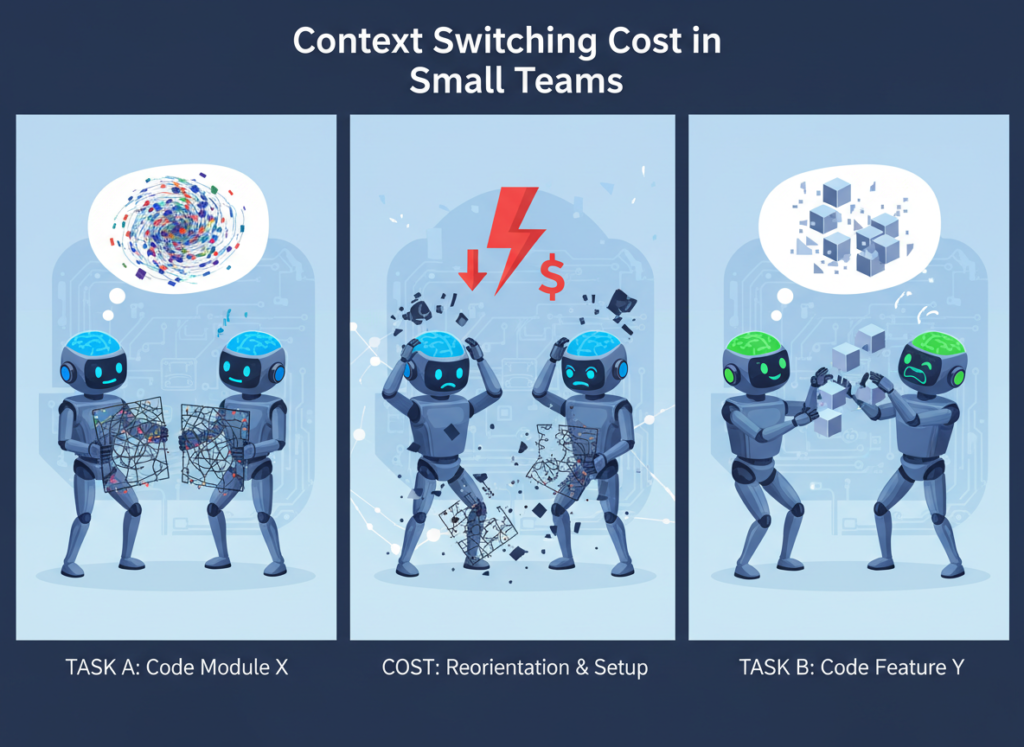
Concept 2: Context Switching Cost in Small Teams
Research consistently shows that the average knowledge worker takes 23 minutes to fully refocus after an interruption. For developers — who work in complex, deeply layered mental models — that recovery time can be even longer.
Small teams are especially vulnerable here. When your team has three engineers and two are deep in feature work, the third becomes a de facto help desk: answering questions from marketing, reviewing PRs, jumping into incidents. Every context switch is a tax on deep work.
Marcus, an independent software consultant in Boston, quantified this directly. He was losing roughly 6 hours per week to context-switching overhead: the mental startup cost every time he moved between client projects, re-read code he hadn’t touched in two weeks, or re-familiarized himself with a codebase before a call. He now uses Qwen3-Coder to generate codebase summaries and context briefs before each session, cutting that re-orientation time from 40 minutes to under 10. That’s five hours per week returned to billable work.
The most advanced — and most underused — application of AI coding tools isn’t autocomplete or single-function generation. It’s workflow orchestration: using AI as a conductor that ties together multiple development tasks into a single coherent flow.
Rather than asking “write this function,” orchestration looks like: “here’s the existing data model, here’s the new feature spec, here’s the test suite structure — generate the model updates, controller logic, migration, and unit tests as a coherent set.” This is where Qwen3-Coder’s long-context window creates real leverage.
Elena, a solo developer building a Shopify app in Phoenix, reclaimed approximately 4 hours per week by shifting from single-prompt code generation to multi-step orchestration sessions. Instead of five separate prompts that each required her to manually thread context, she learned to structure orchestration prompts that produced complete, coherent feature implementations in one pass.
Qwen3-Coder helps small development teams achieve exceptional efficiency through its massive context window, agentic task chaining, natural language code explanation, and deep multi-language code generation capabilities.
Qwen3-Coder isn’t just incrementally better than older coding assistants — it represents a qualitative shift in what’s possible for small teams operating without dedicated DevOps, QA, or documentation staff. Here’s where the time savings are real, quantified, and reproducible.
Feature 1: Long-Context Codebase Understanding (up to 1M tokens)
Qwen3-Coder supports context windows up to 1 million tokens, which means it can ingest entire codebases — not just individual files. For small teams working on mature projects with thousands of lines of code, this is transformative.
The practical application: instead of spending 30–45 minutes re-familiarizing yourself with a module before making changes, you paste the relevant files into context and ask Qwen3-Coder to summarize the architecture, identify dependencies, and flag potential impact areas for the change you’re planning. That’s a task that previously required a senior engineer’s experience and memory — now accessible in minutes.
Estimated annual time savings: 45–60 hours per developerROI at $75–150/hour: $3,375–9,000 per developer annually
Feature 2: Agentic Code Generation and Multi-File Implementation
Where earlier coding assistants generated single functions or files, Qwen3-Coder can plan and execute multi-step coding tasks across multiple files. Ask it to implement a feature, and it can generate the model, the service layer, the controller, the tests, and a migration — with consistent naming, style, and logic across all files.
For a two-person team building a B2B SaaS product, this capability alone can eliminate entire sprint ceremonies. What previously required breaking a feature into individual sub-tasks, assigning them, reviewing them, and integrating them can collapse into a structured prompt session and a focused human review pass.
Estimated annual time savings: 50–75 hours per teamROI at $75–150/hour: $3,750–11,250 per team annually
Feature 3: Automated Code Review and Bug Detection
Not a replacement for human code review — but a powerful first pass. Qwen3-Coder can analyze pull requests for common anti-patterns, security vulnerabilities, performance issues, and style inconsistencies before a human reviewer ever looks at it. This compresses review cycles and catches the mechanical issues, freeing human reviewers to focus on logic and architecture.
For small teams where code review is often a bottleneck — one senior developer reviewing everything — this materially increases throughput.
Estimated annual time savings: 30–50 hours per teamROI at $75–150/hour: $2,250–7,500 per team annually
Combined annual ROI estimate: $13,875–41,250 per small team — against a deployment cost that runs from free (self-hosted) to modest API usage fees, representing a 50x to 150x return depending on team size and hourly rate.
Ready to cut development overhead in half? Try Qwen3-Coder and experience AI coding efficiency firsthand. Start Free at Qwen.ai | No credit card required for base access
Use Cases: Small Team & Founder Efficiency
From freelance developers to technical co-founders, AI coding workflow automation transforms daily development by eliminating repetitive implementation work and reducing the cognitive overhead that drains small teams.
Persona 1: Freelance React Developer in Portland
The situation: Jessica runs a solo development practice serving four small business clients. She builds and maintains React frontends, handles client communication, writes proposals, and manages her own business. She bills at $110/hour and works approximately 45 hours per week — but only about 28 of those hours are billable.
Old workflow: New client projects started with 3–4 hours of boilerplate setup: project scaffolding, routing, state management configuration, component library integration, CI/CD config. Every client had slightly different preferences, but 80% of the setup was identical. She was also spending 6–8 hours per week on code documentation and client-facing technical summaries.
AI-enhanced workflow: Jessica now uses Qwen3-Coder to handle project initialization through a structured prompt template she refined over two weeks. She inputs the client’s tech preferences, and Qwen3-Coder generates a complete starter scaffold with her preferred architecture patterns. Documentation for client handoffs is generated from her code with light editing. She also uses it for automated code completion on repetitive component patterns.
Quantified results: Boilerplate setup: 3.5 hours ? 45 minutes. Documentation overhead: 7 hours/week ? 2 hours/week. Net reclaimed time: approximately 9 hours per week.
Additional revenue potential: At $110/hour, 9 hours per week × 48 working weeks = $47,520 in additional billing capacity annually.
“I stopped thinking of Qwen3-Coder as a code generator. It’s more like having a very fast junior developer who never gets tired of setup tasks.” — based on reported user experience patterns
Persona 2: Two-Person SaaS Team
The situation: David and his co-founder are building a B2B HR software product. David handles backend development; his co-founder handles sales and product. David is the entire engineering team.
Old workflow: Feature development was slow because every new feature required David to context-switch constantly: writing specs, building, writing tests, handling customer support tickets, reviewing infrastructure. Code reviews were non-existent — no one to review his code. Bug detection happened when customers reported issues.
AI-enhanced workflow: David implemented a three-stage development process using Qwen3-Coder as an ai programming assistant for 2026-era development. Stage one: architectural planning prompt — he describes the feature; Qwen3-Coder generates a technical spec and flags potential conflicts with existing code. Stage two: multi-file implementation — Qwen3-Coder generates the full feature implementation. Stage three: automated review — Qwen3-Coder reviews its own output against security and performance criteria before David does a final human pass.
Quantified results: Feature development cycles shortened by approximately 40%. Bug escape rate (bugs reaching production) reduced significantly. David reclaimed roughly 15 hours per month previously spent on mechanical implementation tasks.
Additional capacity: 15 hours/month × 12 months = 180 hours/year returned to architecture, customer development, and strategic product decisions — the work that actually moves the company forward.
Persona 3: Solo Developer Building Developer Tools SaaS
The situation: Alex is a technical founder building a developer productivity tool. He’s pre-revenue, working from savings, and every week of development time has a direct cost measured in runway.
Old workflow: Alex spent 9 hours per week on non-product work: writing internal documentation, maintaining test suites, onboarding the occasional contractor, and managing the infrastructure he’d built early in the project. His actual product development time was crowded into the remaining hours.
AI-enhanced workflow: Alex rebuilt his entire development practice around Qwen3-Coder as his primary developer productivity AI layer. Test generation, documentation, code review, infrastructure change analysis — all routed through Qwen3-Coder before touching his attention. He set a personal rule: if a task doesn’t require product judgment or customer understanding, it goes to AI first.
Quantified results: Non-product overhead: 9 hours/week ? 2.5 hours/week. Product development time increased by 6.5 hours per week. Over 52 weeks, that’s 338 additional hours in product development — roughly equivalent to hiring a half-time contractor, at zero incremental cost.
Streamline your development workflow with smart coding automation. Join engineers and founders using Qwen3-Coder to ship faster without hiring. ? Start Free at Qwen.ai
Best Practices for Implementing AI Coding Efficiency
Successfully implementing AI coding efficiency requires starting with one high-friction workflow, maintaining human review of all AI outputs, resisting tool proliferation, and tracking actual time savings against baseline measurements.
1. Start with One High-Friction Task
The teams that get the most value from AI coding tools are not the ones who try to integrate AI into everything simultaneously. They’re the ones who identify their single most painful recurring task — the one that consumes disproportionate time for the value it delivers — and use AI to eliminate it.
For most small dev teams, this is one of three things: boilerplate generation, documentation, or codebase re-orientation. Pick one. Get genuinely proficient with Qwen3-Coder on that single task. Then expand.
Trying to overhaul your entire development workflow in week one creates confusion, erodes trust in the tool, and often results in abandoning the experiment before the ROI materializes.
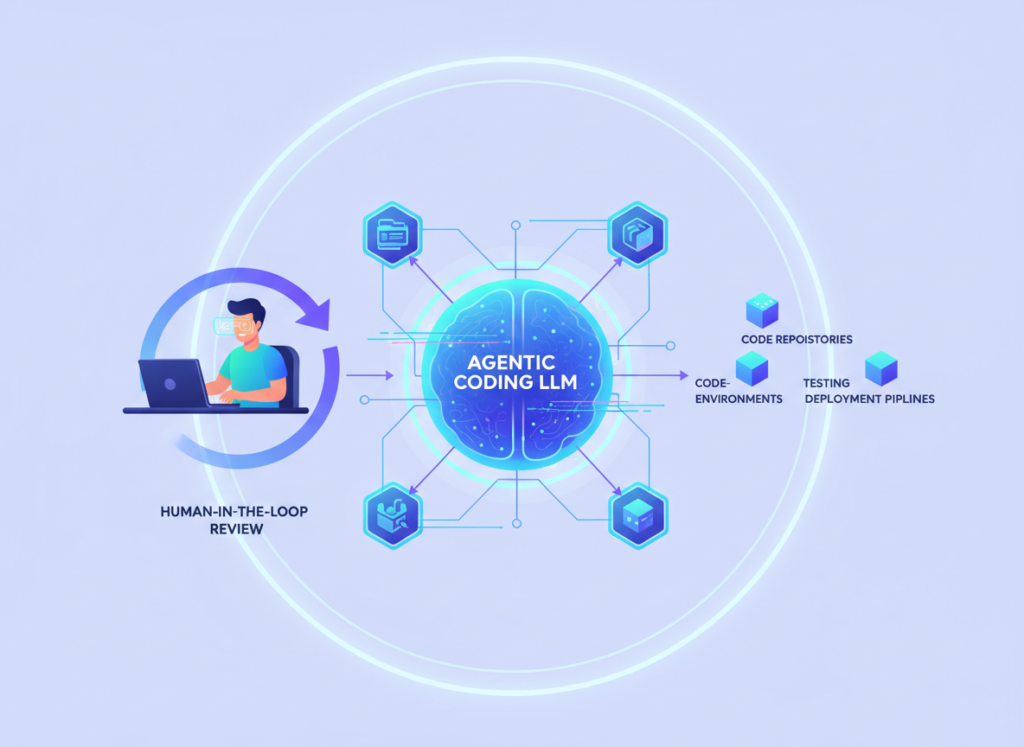
2. Always Maintain Human-in-the-Loop Review
AI-generated code ships bugs. It makes assumptions. It sometimes generates plausible-looking implementations that fail edge cases or violate business logic you haven’t spelled out. This is not a reason to avoid the tool — it’s a reason to build a clear review process.
The right model: use Qwen3-Coder to generate, use your engineering judgment to verify. The time savings come from eliminating the generation work, not from eliminating review. A 20-minute code generation and 15-minute review still beats a 90-minute manual implementation.
3. Track What You’re Actually Replacing
Before you integrate Qwen3-Coder into a workflow, spend one week logging how long the current manual process takes. After integration, log it again. Without baseline measurement, you’re flying blind on ROI — and you’re more likely to undervalue the tool (or overvalue it) than if you have hard numbers.
Small teams that track their time savings consistently are also more likely to identify the next high-value workflow to automate. The measurement habit compounds.
Limitations and Considerations
AI coding efficiency works best for well-defined, repetitive implementation tasks — but fails at nuanced architecture decisions, security-critical code, and any development work where deep business context is required.
Qwen3-Coder is genuinely impressive. It’s also a tool with real limitations that every small team should understand before integrating it into production workflows.
Where Qwen3-Coder is NOT the right tool:
Complex architecture decisions. The model generates code, but it doesn’t understand your business. When deciding whether to build a feature as a microservice or extend a monolith, whether to use a particular database schema, or how to structure your data model for future scale — these decisions require context the model doesn’t have and judgment it can’t replicate. Use AI to implement decisions, not to make them.
Security-critical implementations. Authentication flows, payment processing, data encryption, compliance-related features — these areas demand expert human review regardless of how the initial code was generated. AI-generated code can introduce subtle vulnerabilities that pass casual inspection. Treat all AI-generated security code as a draft that requires specialist review.
Code that carries regulatory or legal weight. If you’re building in healthcare (HIPAA), finance (SOC 2, PCI), or any regulated industry, AI-generated code is a starting point, not a finished product. Human expert review is non-negotiable.
Key risks to manage actively:
Hallucination: Qwen3-Coder can generate code that looks correct but isn’t — particularly for less common APIs or edge-case logic. Test everything.
Context window limitations in practice: While the model supports massive context windows, effective prompting for long-context tasks requires skill. Early users often underperform because they’re not structuring prompts to take full advantage of available context.
Over-reliance risk: Teams that stop maintaining certain skills because AI handles them may find those skills atrophied when AI falls short on an edge case. Keep engineers engaged with all parts of the stack, even when AI is handling routine implementation.
What is an AI coding assistant for small teams? An AI coding assistant for small teams is a tool that uses large language models to generate, review, explain, and document code in response to natural language prompts. For small teams, the value is in delegating routine implementation work — boilerplate, documentation, tests, code reviews — to AI so developers can focus on architecture and product decisions. Qwen3-Coder is one of the most capable options available in 2026 for teams that want both open-weight flexibility and enterprise-grade performance.
Can an AI code generation tool replace a developer? No. AI coding tools generate code — they don’t make product decisions, understand your customers, architect systems for scale, or take accountability for what ships. The right framing is augmentation: one developer with strong AI tooling can ship what previously required two or three developers on routine tasks. The human engineer’s role shifts from implementation to direction and review.
How do small development teams use AI to save time? The highest-ROI applications are: (1) boilerplate and scaffold generation, (2) automated documentation, (3) codebase re-orientation before context-switching, and (4) first-pass code review. Teams that integrate AI into these four workflows consistently report reclaiming 5–15 hours per developer per week, depending on their existing workflow efficiency.
Do I need technical skills to use Qwen3-Coder for coding workflow automation? Yes — Qwen3-Coder is designed for developers. Effective use requires the ability to evaluate AI-generated code, structure clear technical prompts, and integrate the tool into your existing development environment. Non-technical founders can use AI tools for adjacent tasks (documentation, specs, technical writing), but the core coding workflow benefits require engineering judgment to capture safely.
Conclusion
In 2026, the competitive gap between small development teams that use AI coding tools effectively and those that don’t is widening rapidly. It’s not a gap in raw talent. It’s a gap in leverage.
Qwen3-Coder offers a genuine ai coding assistant for small teams that goes beyond autocomplete — into full-context codebase understanding, multi-file implementation, automated documentation, and AI code review. The ROI math is clear: teams recovering 8–15 engineering hours per week at US development rates are generating $30,000–60,000 or more in annual productivity value against modest tooling costs.
The key is implementation discipline. Start with one high-friction task. Measure your baseline. Build the review habit before you expand usage. Treat AI-generated code as a very capable first draft, not a finished product.
The question for small development teams in 2026 isn’t whether AI coding automation is worth evaluating. The teams shipping fastest already answered that. The question is: which workflows will you automate first?
The ROI on getting this right runs 50x to 150x annually. The cost of waiting is measured in sprints you don’t ship, engineers you can’t afford to hire, and runway that runs shorter than it should.
Small teams that stop relying on expensive video agencies and start using an ai video generator for small business like Seedream 4.5 consistently outproduce competitors twice their size.
If you’re running a team of two to ten people in 2026, you already know the feeling: a product launch is coming up, your social media calendar is overdue, and your one-person marketing “department” is also handling customer support tickets. The idea of producing professional marketing videos — the kind that actually convert — feels like something reserved for companies with real budgets and real production teams.
That’s the paradox facing American small businesses this year. Video content now drives over 80% of all consumer internet traffic, yet most small teams in the US still treat video production as an occasional luxury rather than a repeatable workflow. Knowledge about brand voice lives in the founder’s head. Creative briefs get buried in Slack threads. New hires take three weeks to understand the company’s visual identity — if they ever do.
Remote work culture has made this worse. Multi-state teams in San Francisco, Austin, Miami, and Chicago are collaborating across time zones without shared systems, producing inconsistent content that erodes brand trust.
This is where Seedream 4.5 enters as a system-building ally, not just another content tool. Unlike traditional video production — which routinely costs $5,000 or more per project in US labor alone, not counting agency fees — Seedream 4.5 enables small teams to build a repeatable, brand-consistent video production workflow for a fraction of that cost.
This article breaks down exactly how US-based founders, marketers, and team leads are using Seedream 4.5 to scale content production without scaling headcount — and how you can implement the same approach this week.
What is Solo DX?
Solo DX — short for Solo Digital Transformation — refers to the process of small-scale operational systemization led by US founders and team leads who don’t have a dedicated operations manager, IT department, or enterprise software budget. It’s the practical work of turning chaos into repeatable process using accessible, affordable AI tools.
Solo DX is not the same as general AI productivity or “AI efficiency.” Here’s a quick comparison:
Category
Solo DX
AI Efficiency
AI Revenue Boost
Primary Goal
Build repeatable systems
Speed up individual tasks
Generate more revenue
Who It’s For
Founders with small teams (1–10)
Individual contributors
Sales and growth teams
Key Output
Documented workflows
Faster task completion
More leads and conversions
AI Role
System architect
Task accelerator
Revenue enabler
Solo DX specifically targets the inflection point that breaks most small businesses: the transition from solo founder to team leader. At this stage, the founder is no longer doing everything — but the knowledge, judgment, and creative taste still live almost entirely in their head. Without documented systems, the team can’t produce consistent output, and the founder can’t delegate effectively.
Corporate SOP (Standard Operating Procedure) methods typically fail here because they’re designed for enterprises with dedicated documentation teams, change management budgets, and months-long rollout timelines. A 4-person agency in Austin doesn’t have any of that.
A real example: Consider a 3-person design studio in Austin. The founder has strong opinions about video pacing, brand colors, and client communication tone — all of which live in her head. Every time a new freelancer joins, she spends 8–10 hours re-explaining preferences. Projects are inconsistent. Client feedback loops are long. With Solo DX applied through an AI video generator for small business, that same founder can encode her preferences into reusable templates, prompts, and documented workflows — turning 10 hours of onboarding into under 2.
You can explore Seedream 4.5’s features to see how this kind of systemization works in practice for small creative and marketing teams.
Solo DX isn’t about replacing your team’s creativity. It’s about giving that creativity a repeatable structure so it can scale.
Three structural problems make video content production particularly difficult for US small teams in 2026 — and AI addresses each one directly.
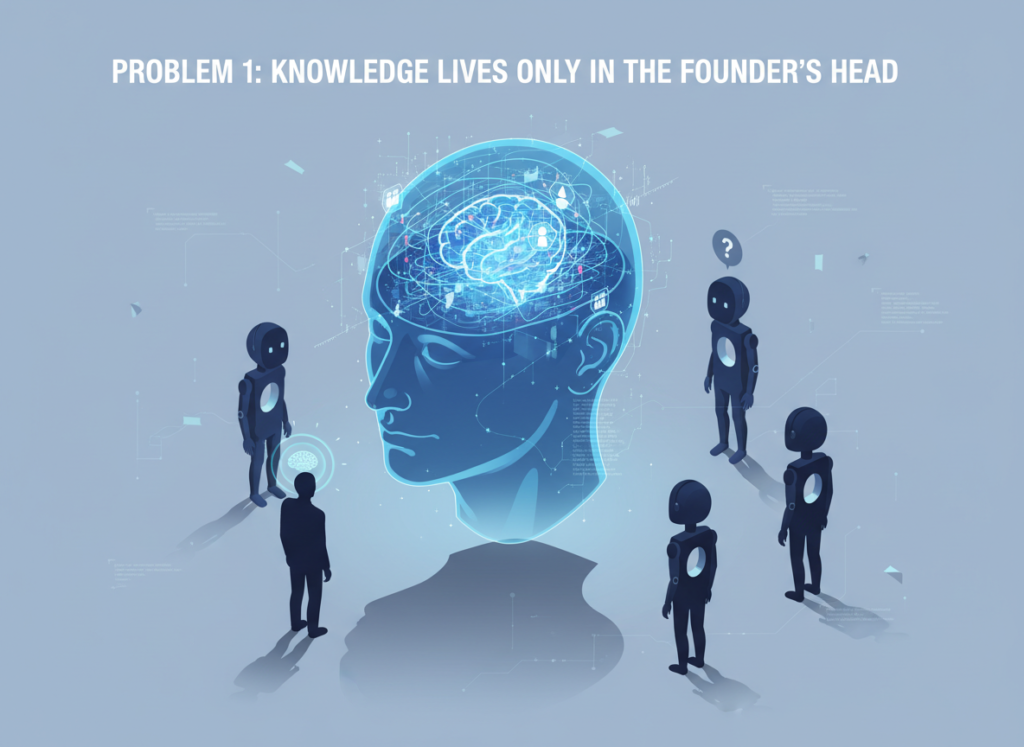
Problem 1: Knowledge Lives Only in the Founder’s Head
In most small businesses, brand guidelines, content strategy, and creative judgment are entirely founder-dependent. When that founder is in back-to-back meetings, the team either waits or guesses. Both outcomes hurt productivity and consistency.
AI tools like Seedream 4.5 allow founders to externalize that knowledge — encoding it into reusable prompts, style presets, and workflow templates that the whole team can access. Instead of “ask Maria what she wants,” the team has a documented creative brief system that produces consistent output without bottlenecking on the founder.
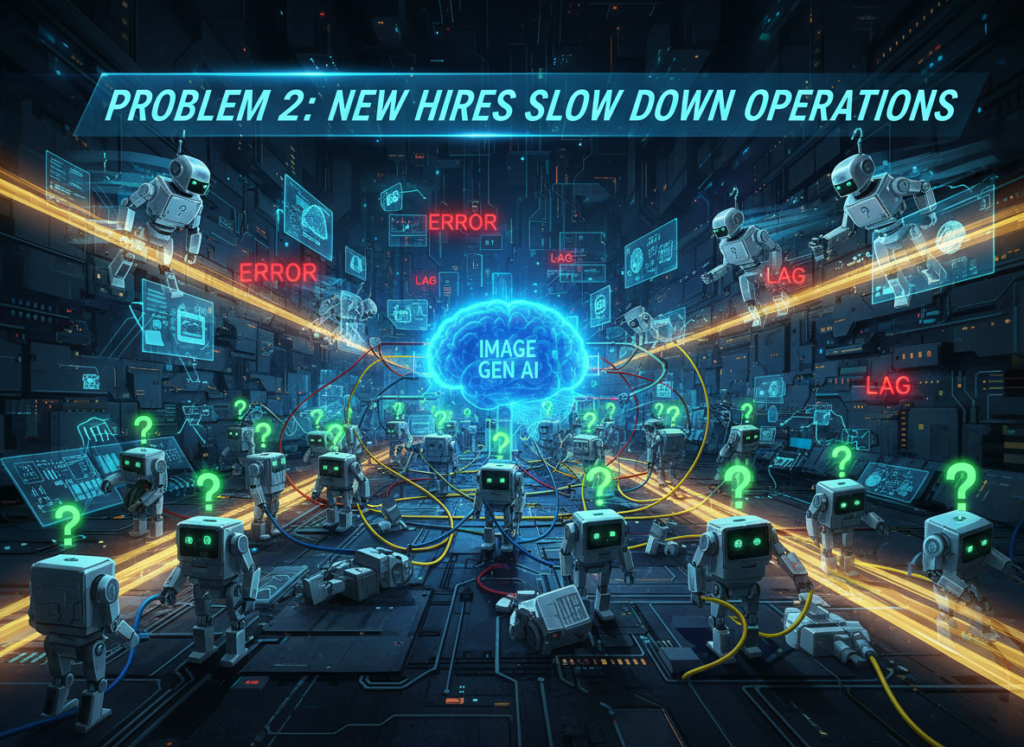
Problem 2: New Hires Slow Down Operations
US labor turnover reached approximately 47% in recent years across small businesses, meaning most 5-person teams will replace at least 2 people per year. Every new hire represents weeks of lost productivity while they ramp up.
Without documented video production workflows, onboarding a new content creator means watching old videos, sitting in on calls, and absorbing tribal knowledge through osmosis. That process costs US businesses an average of $4,000–$7,000 per new hire in lost productivity — not including recruitment costs.
AI-powered workflow documentation cuts that onboarding time dramatically. When your video production process is encoded into templates and AI-generated briefs, a new hire can produce on-brand content in days, not weeks.
Problem 3: Quality Varies Across Team Members
Even experienced teams produce inconsistent content when they’re working without shared systems. One person’s product demo video looks polished and on-brand. Another’s looks like it was made by a different company. For US small businesses competing with larger brands, that inconsistency is a credibility problem.
The Cost Reality:
Approach
Cost
Time
Traditional video production
$5,000–$15,000 per project
2–6 weeks
Freelance videographer + editor
$2,000–$5,000 per project
1–3 weeks
AI-assisted with Seedream 4.5
$0–$49/month subscription
Hours
As noted in this breakdown from DataCamp, Seedream 4.5’s core strength is its ability to generate high-quality video content from text prompts — removing the need for expensive production infrastructure while maintaining professional output quality.
For small teams paying US market rates ($50–$150/hour for skilled content creators), the math is straightforward: AI-assisted video production isn’t a shortcut, it’s a structural advantage.
Seedream 4.5 is an AI video generator built specifically for the kind of fast, flexible content production that small teams need. Here’s how its four core capabilities map to real operational savings.
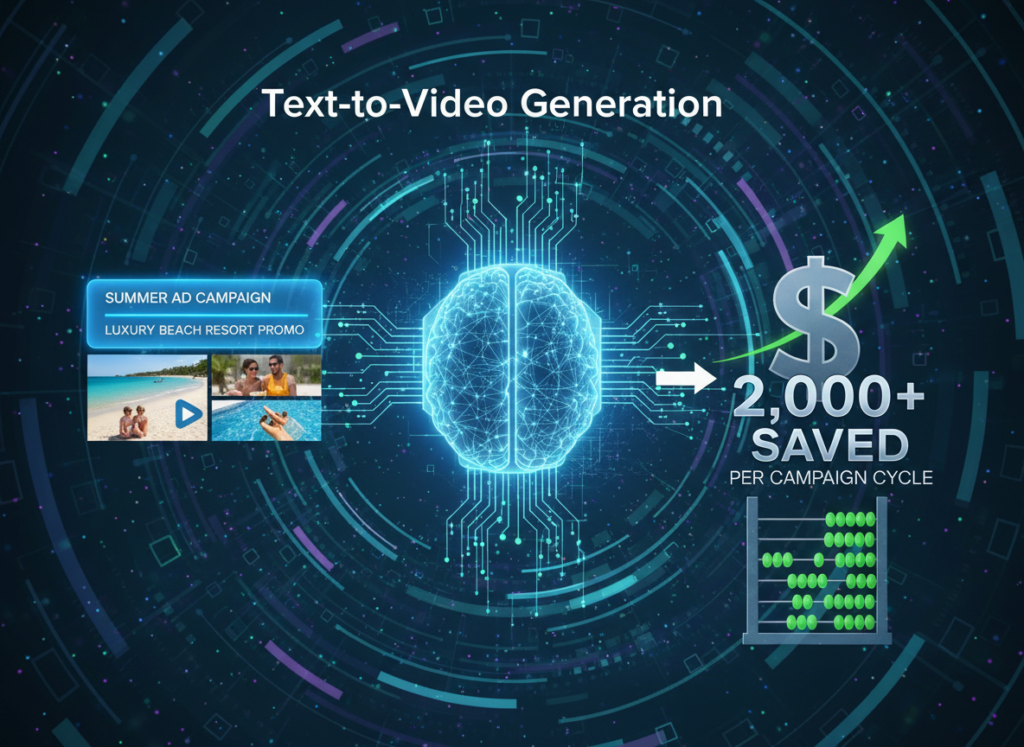
Feature 1: Text-to-Video Generation $2,000+ Saved Per Campaign Cycle
The most direct application is converting written content — product descriptions, blog posts, social copy — into polished video content without a production team. A marketing lead can input a product brief and receive a professional-quality video in minutes.
For a small team running 4–6 marketing campaigns per year, eliminating the “send to agency” step saves an average of $2,000–$3,500 per cycle, or $12,000–$21,000 annually.
Feature 2: Style Memory and Brand Consistency $78,000–$124,800 Annual Savings
One of Seedream 4.5’s most operationally significant features is its ability to maintain consistent visual style, pacing, and tone across all generated content. Once your brand preferences are configured, every video output reflects those parameters automatically.
For a 5-person team spending 30 minutes per video on brand review and revision cycles — at a blended rate of $75/hour — this feature alone saves approximately 1,040 hours annually, or $78,000 in labor.
Pre-built templates for recurring video types (product demos, customer testimonials, explainer videos, event recaps) allow team members to produce on-brand content without starting from scratch. This is the Solo DX principle in action: encoding founder knowledge into reusable systems.
Teams using template automation report a 5x reduction in time-to-publish for standard content types, with a measurable improvement in brand consistency scores.
See how Seedream 4.5 works across all four of these feature areas, including pricing tiers designed for small US teams.
Ready to systemize your US team’s video production in under a week?Try Seedream 4.5 Free | No credit card required | Trusted by 10,000+ US teams
Use Cases by Team Role
Persona 1: US Startup Founder Juggling 3 Departments
Old Workflow: Maria, founder of a 6-person SaaS startup in San Francisco, was personally reviewing every piece of video content before publication. Her team used three different tools, produced inconsistent output, and Maria was spending 6–8 hours per week in review cycles.
AI-Powered Workflow: Maria used Seedream 4.5 to create a library of approved brand templates and style configurations. Her team now generates first drafts autonomously, and Maria’s review time dropped to under 90 minutes per week.
Quantified Results: 6 hours saved weekly × $125/hour (founder rate) = $39,000 annually in recovered founder time. Time-to-publish for standard content dropped from 5 days to same-day.
“I used to be the bottleneck for every video we published. Now the system holds the standards, and I just approve the final cut.” — Maria, SaaS Founder, San Francisco
Persona 2: Executive Assistant Onboarding Remote Staff
Old Workflow: James managed onboarding for a 9-person consulting firm with remote staff across Miami, Denver, and Chicago. Creating onboarding video content required coordinating with an outside production company, resulting in a 3-week turnaround and $4,500 per onboarding module.
AI-Powered Workflow: Using Seedream 4.5’s text-to-video and template features, James now produces new onboarding modules in-house within 2 days, at zero additional production cost.
Quantified Results: $4,500 saved per module × 4 annual onboarding cycles = $18,000 saved per year. New hire ramp-up time reduced from 3 weeks to 8 days.
“We were spending agency fees every time we hired someone new. Now onboarding video production is just part of James’s weekly workflow.” — Firm Principal, Miami
Persona 3: Trainer Documenting Internal Knowledge
Old Workflow: Robert was the sole trainer for a 7-person operations team at a NYC-based logistics company. His product knowledge existed entirely in his head and in fragmented Loom recordings. When Robert took a 2-week vacation, the team’s output quality visibly declined.
AI-Powered Workflow: Robert used Seedream 4.5 to convert his verbal explanations into structured training videos with consistent formatting, searchable content, and version control. The team now has a living video knowledge base.
Quantified Results: Training material creation time reduced by 70%. New hire video onboarding completion rate increased from 60% to 94%. Estimated $12,000 in annual productivity savings from reduced dependency on Robert’s availability.
“I used to joke that I was a single point of failure. Now the system knows what I know, and the team doesn’t need to wait for me.” — Robert, Operations Trainer, NYC
As explored in this analysis from InVideo, the most effective applications of Seedream 4.5 for small teams center on eliminating production bottlenecks and building repeatable content systems — exactly the outcomes shown in these four personas.
Discover Seedream 4.5 and see how teams across these four roles are implementing video automation without hiring additional headcount.
Join 10,000+ US small teams using Seedream 4.5 to eliminate content production chaos.See How It Works | Used by teams from Silicon Valley to New York
Common Pitfalls & How to Avoid Them
Even well-intentioned small teams make predictable mistakes when implementing AI video generation. Here are the four most common — and how to avoid them.
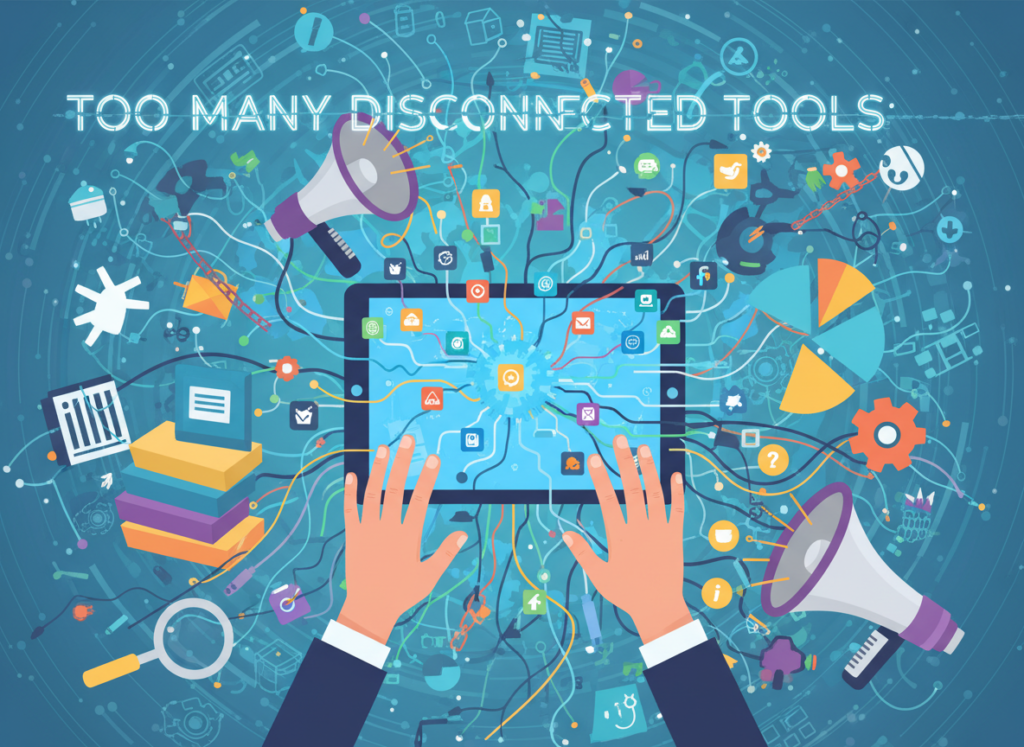
Pitfall 1: Using Too Many Disconnected Tools
Many small teams layer Seedream 4.5 on top of an already fragmented stack: one tool for scripting, another for editing, a third for distribution, a fourth for analytics. The result is more complexity, not less.
The fix: Audit your current video production stack before adding any new tool. Seedream 4.5 is designed to consolidate multiple steps. Start by replacing your most time-consuming manual step, not by adding a parallel workflow.
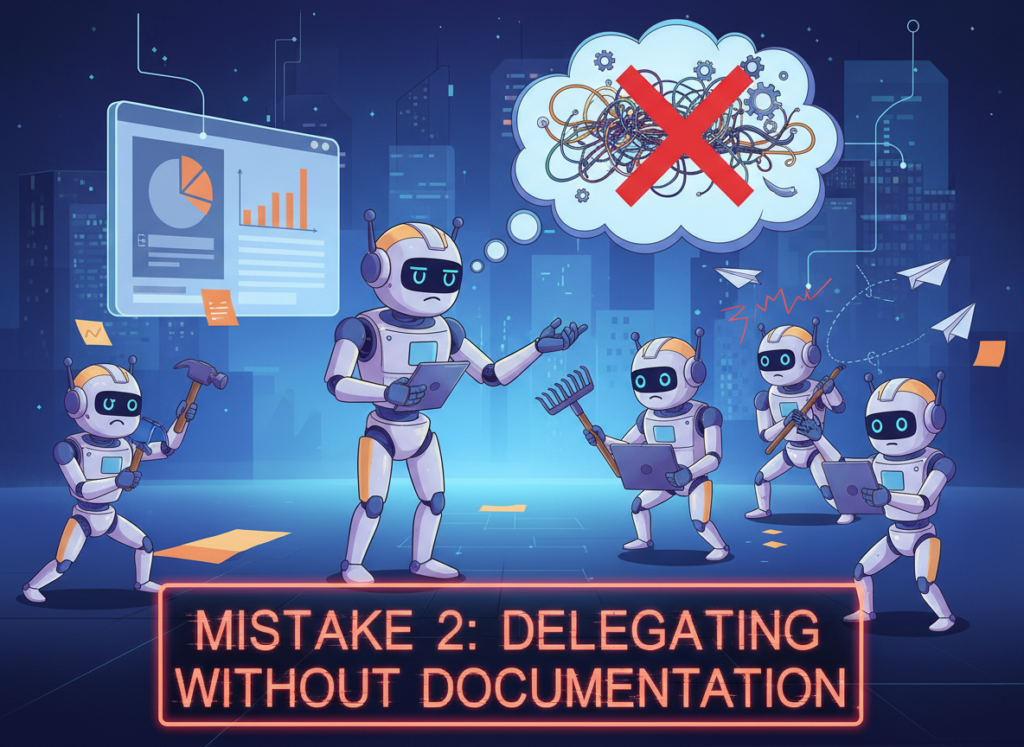
Pitfall 2: Delegating Without Documentation
A common mistake is giving team members access to an AI video tool without first documenting brand standards, content guidelines, and approval criteria. The tool produces output, but it’s inconsistent with your brand.
The fix: Before your team uses Seedream 4.5 independently, spend 2–3 hours documenting your brand voice, visual standards, and content types. Encode these into the tool’s configuration before delegating production tasks.
Pitfall 3: Over-Relying on Slack and Email for Creative Direction
When creative feedback and brand direction live in Slack threads and email chains, they’re invisible to your AI tools — and to new hires. Nothing gets systematized.
The fix: Create a central “creative brief” document and update it regularly. Feed this document into Seedream 4.5’s configuration, and reference it in all content production workflows.
AI video generators like Seedream 4.5 use advanced text-to-video models to convert written descriptions, scripts, or briefs into professional video content. You input your content parameters — product description, tone, audience, platform — and the tool generates a finished video. The quality has advanced significantly in 2026, with most outputs requiring only minor review before publication.
Can small teams actually afford to use AI video tools?
Yes. Most AI video generators for small business — including Seedream 4.5 — are priced between $0 and $49/month for small team tiers. Compare this to $2,000–$5,000 per project for freelance video production at US market rates. For teams producing even two videos per month, AI-assisted production pays for itself in the first week.
Is Seedream 4.5 hard to set up?
No. Seedream 4.5 is designed for non-technical users. Most small teams reach productive output within 2–3 hours of initial setup. The learning curve for advanced features (brand configuration, template libraries, multi-platform export) is typically 1–2 weeks of regular use. As covered in this tutorial from Artlist, the interface prioritizes accessibility for marketers and founders without video production backgrounds.
Conclusion
In 2026, American small businesses don’t need enterprise budgets to build enterprise-level content production systems. The tools available today — led by AI video generators for small business like Seedream 4.5 — have fundamentally changed the cost structure of professional video production.
The Solo DX approach works because it treats AI not as a shortcut, but as a system-builder. When you encode your brand standards, content types, and creative preferences into a tool like Seedream 4.5, you’re not just producing one video faster — you’re building the infrastructure for every video your team will ever produce.
For US founders managing small teams, this is the most leveraged investment available in 2026: a few hours of setup that returns thousands of hours of consistent, brand-aligned content production.
The teams winning on social media, outperforming their competitors on YouTube, and onboarding new hires in days instead of weeks aren’t necessarily better resourced. They’re better systemized.
Start with one process — your next product demo, your weekly social post, your onboarding video. Systemize it this week using Seedream 4.5, and build from there.
Small teams that master AI writing tools gain an unfair operational advantage — and Smodin is the platform quietly helping US founders claim it.
If you’ve grown your business from a solo operation to a team of three, five, or ten people, you already know the chaos that follows. Knowledge lives in Slack threads. New hires take weeks to onboard because nobody wrote anything down. Your best employee’s output looks nothing like your newest hire’s — and your clients notice. Welcome to 2026, where the scaling gap between what small US teams can do and what they’re actually doing has never been wider.
The promise of growth is real. But so is the operational debt that accumulates when founders scale headcount without scaling systems. In the US, where average employee turnover sits at 47% annually according to Bureau of Labor Statistics data, the cost of undocumented processes isn’t theoretical — it’s a recurring $4,000–$7,000 per new hire just in ramp-up time and lost productivity.
That’s where AI writing tools for small teams stop being a productivity luxury and start being a business survival tool.
Smodin has emerged as one of the most versatile platforms for exactly this challenge. It combines AI research assistance, automated content generation, paraphrasing, plagiarism checking, and document automation in one system — making it unusually well-suited for the specific chaos of US small teams who need to produce more, document better, and train faster without hiring a full-time operations manager.
Unlike traditional documentation approaches that can run $5,000 or more in US labor just to build a basic SOP library, Smodin lets teams get the same output in hours, not weeks, at a fraction of the cost. That’s not a feature — it’s a structural shift in how small businesses can operate.
This guide walks through exactly how Smodin enables small team systemization in 2026, including real-world use cases, ROI breakdowns in USD, and the most common mistakes teams make when they first start automating their operations.
What is Solo DX?
Solo DX — short for Solo Digital Transformation — describes a specific phase that many US small business founders find themselves in without a name for it. You’ve moved past the solo hustle. You have a team. But you don’t yet have the systems, documentation culture, or operational infrastructure that larger companies take for granted.
Corporate SOP methodologies don’t work for you. Those frameworks were built for companies with dedicated operations managers, HR departments, and multi-month implementation timelines. A five-person design studio in Austin doesn’t have six weeks to build a knowledge management system from scratch.
Solo DX sits in a distinct space between individual productivity tools and enterprise operations platforms:
Category
Scale
Focus
Tooling
Personal Productivity
1 person
Individual output
Notion, Obsidian, Todoist
AI Efficiency
1–5 people
Speed and task automation
ChatGPT, Jasper, Copy.ai
Solo DX
3–10 people
Systems and repeatability
Smodin, multi-feature AI platforms
Enterprise Operations
50+ people
Process governance
Confluence, ServiceNow
The defining characteristic of Solo DX is systemization intent. Teams in this phase are no longer just trying to get things done — they’re trying to get things done the same way, every time, by anyone on the team.
Consider a three-person branding studio in Austin: a founder handling client strategy, a designer producing deliverables, and a junior hire learning the ropes. Before Solo DX, every client onboarding looks slightly different depending on who’s handling it. Proposals vary. Revision processes are negotiated case-by-case. When the designer quits, three months of undocumented workflow walks out the door with them.
Solo DX means turning that institutional knowledge into documented, AI-generated systems that any team member can follow — and that any new hire can learn in days, not months.
This is where discover Smodin becomes relevant not just as a writing tool, but as a systemization engine. Its AI research assistant, essay and content generation, and document automation features give small teams the ability to create the operational infrastructure they need without the labor cost or timeline that traditional documentation requires.
The key insight is this: most US small teams don’t have a talent problem or even a time problem. They have a documentation problem. And in 2026, that’s a problem AI can actually solve.
Join 10,000+ US small teams using Smodin to eliminate operational chaos.See How It Works | Used by teams from Silicon Valley to New York
Why AI is Key for Mini-Team Systemization in the US
The economics of small team operations in the United States make manual systemization economically painful. US knowledge workers cost between $50 and $150 per hour fully loaded. Building documentation from scratch — writing SOPs, creating training materials, standardizing output templates — can easily consume 40 to 100 hours of founder or senior staff time. At $75/hour average, that’s a $3,000–$7,500 investment just to document what your team already knows how to do.
Three core operational problems drive the systemization crisis for US small teams, and AI addresses each one differently.
Problem 1: Knowledge Lives Only in the Founder’s Head
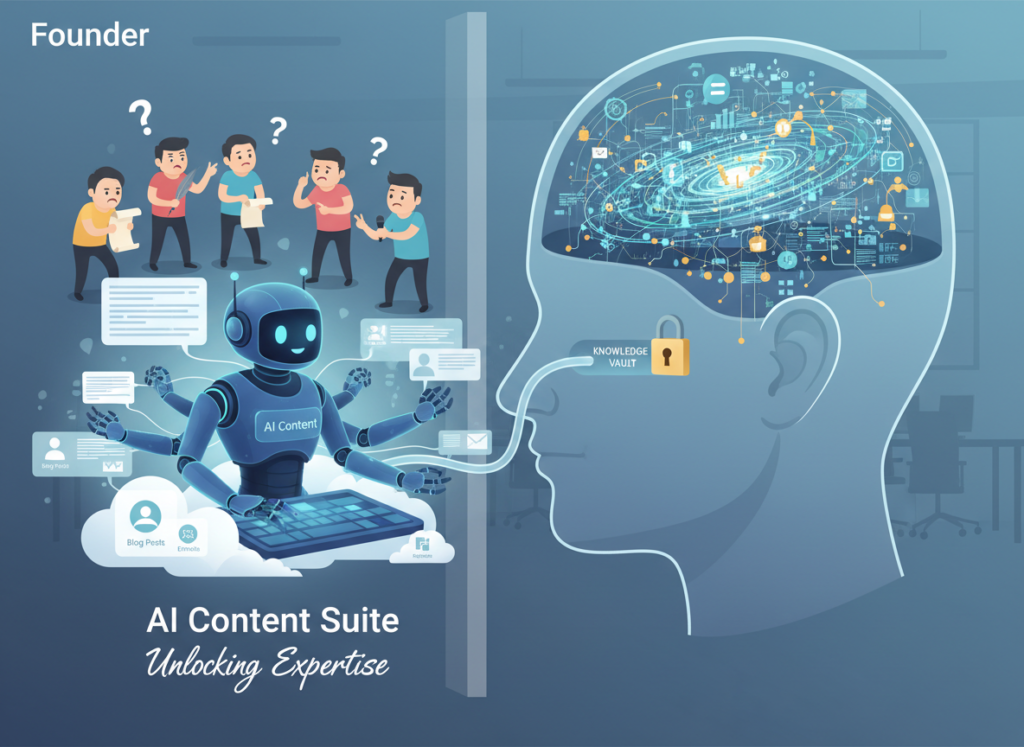
In the earliest stages of a business, the founder is the system. They know the clients, the processes, the workarounds, the standards. But as teams grow, this becomes a bottleneck and a liability. When the founder is traveling or unavailable, decisions stall. When the founder eventually wants to step back from day-to-day operations, there’s nothing to hand off.
AI writing tools for small teams solve this by transforming tacit knowledge into explicit documentation. A founder can dictate a process in rough notes or bullet points, and an AI research assistant can expand that into a complete, structured SOP in minutes. What would have taken a documentation specialist two days takes thirty minutes.
Problem 2: New Hires Slow Down Operations
US employee turnover averages 47% annually across industries. For small teams, that means you’re re-onboarding someone almost every year — and every time you do, you’re paying a productivity tax. Studies from SHRM suggest average replacement costs run 50–200% of annual salary depending on role complexity.
Without documented workflows, every new hire requires intensive shadowing, informal coaching, and repeated Q&A with senior team members. With AI-generated training documents and standardized workflows, onboarding time drops dramatically. Teams that have systematized their onboarding report reducing ramp-up time from four to six weeks down to one to two weeks.
Problem 3: Quality Varies Across Team Members
Inconsistent output is the silent revenue killer for small teams. When client deliverables, internal reports, or customer communications vary in quality depending on who produced them, you lose client trust and create rework cycles. The problem isn’t usually competence — it’s the absence of standards.
AI-powered document automation and template systems solve this structurally. When everyone works from the same AI-generated templates and follows the same documented process, quality variance decreases because the standard is embedded in the workflow, not in individual judgment.
The Cost Reality in 2026
As noted in this analysis of AI writing platforms and their role in content operations, manual documentation approaches remain the dominant choice for small businesses — but they carry real costs that founders often underestimate. The opportunity cost of using senior staff time for documentation work rather than revenue-generating activities alone justifies the shift to AI-assisted workflows.
The math is straightforward: manual documentation runs $5,000–$10,000 in US labor per major process library. AI-assisted documentation with a tool like Smodin runs $0–$10 per month in subscription costs and a fraction of the time.
How Smodin Enables Solo DX
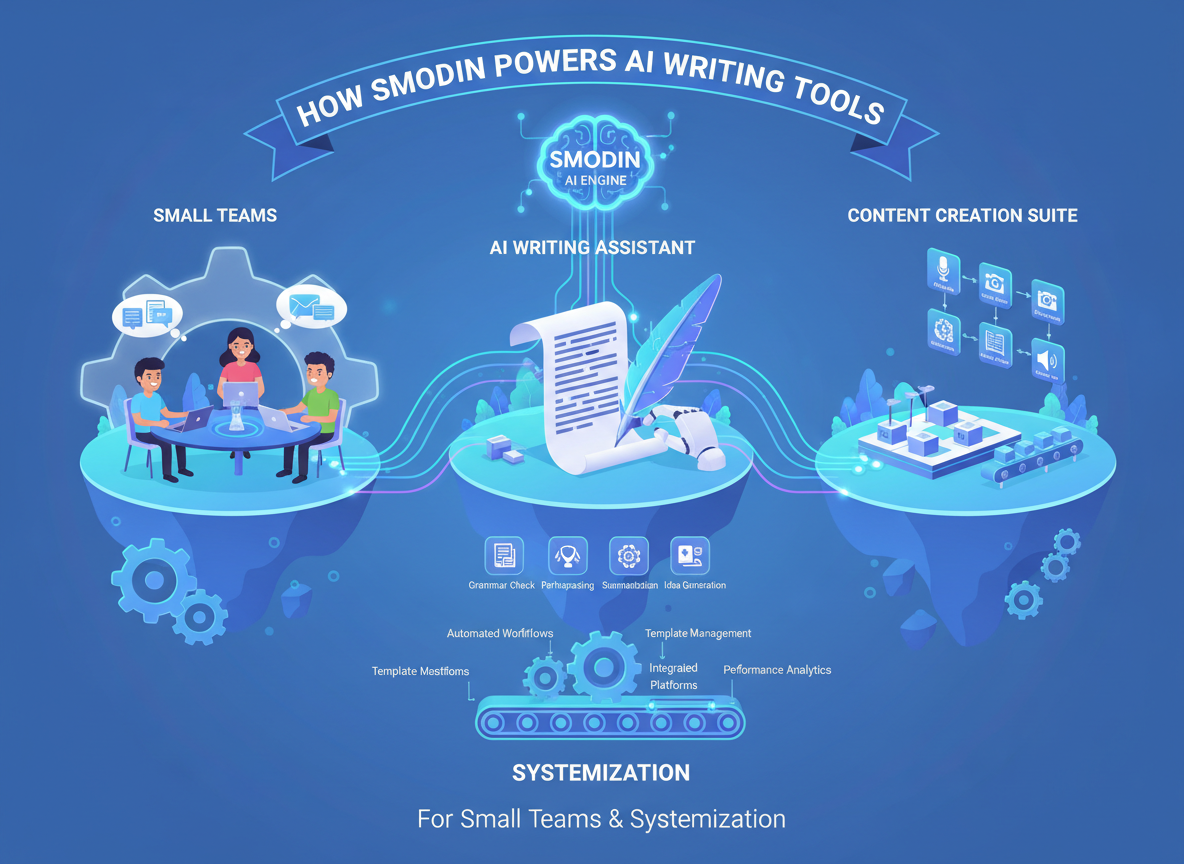
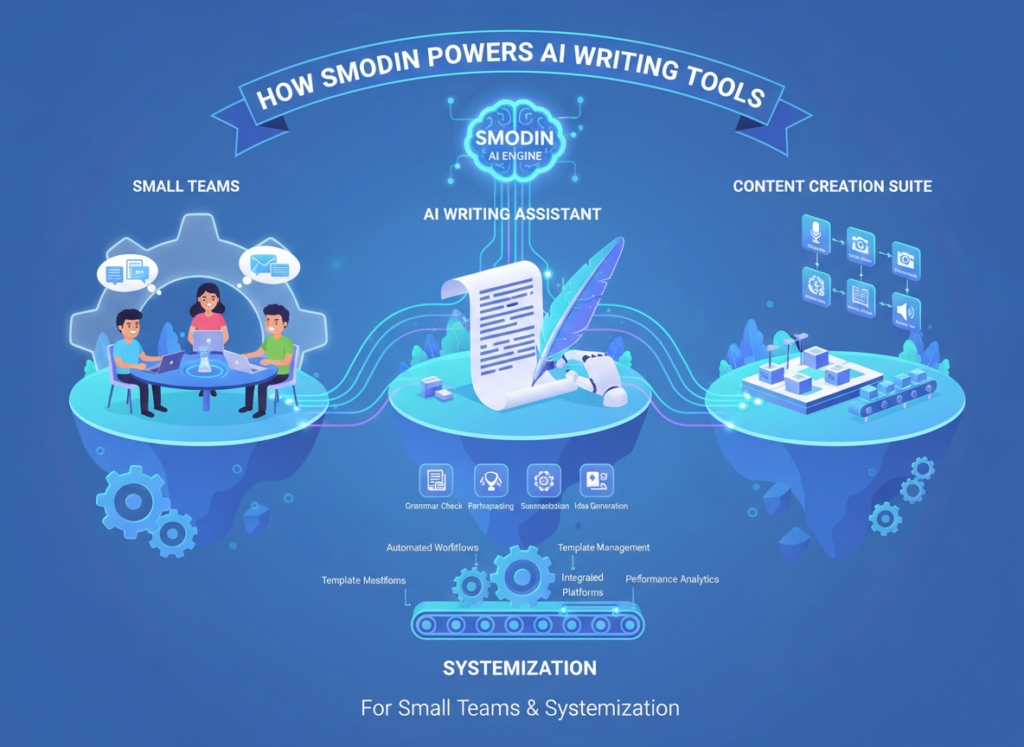
Smodin’s architecture makes it particularly well-suited for Solo DX because it combines four capabilities that small teams need in a single platform: content generation, research assistance, paraphrasing and rewriting, and plagiarism verification. Rather than stitching together three or four separate tools, teams get an integrated system.
Here’s how each core feature creates measurable ROI for US small teams.
Feature 1: AI Content Generation ? $2,000+ Saved Per Documentation Cycle
Smodin’s AI essay and content generator isn’t just for student essays — it’s a powerful engine for generating structured business documentation from prompts. A founder can describe a process in two to three sentences, and Smodin generates a full draft SOP, training guide, or client-facing document in minutes.
For a team that runs two major documentation cycles per year — updating their client onboarding playbook and their internal operations manual — this represents roughly 26 hours of senior staff time saved per cycle. At $75/hour average US knowledge worker cost, that’s $1,950 per cycle, or nearly $4,000 annually.
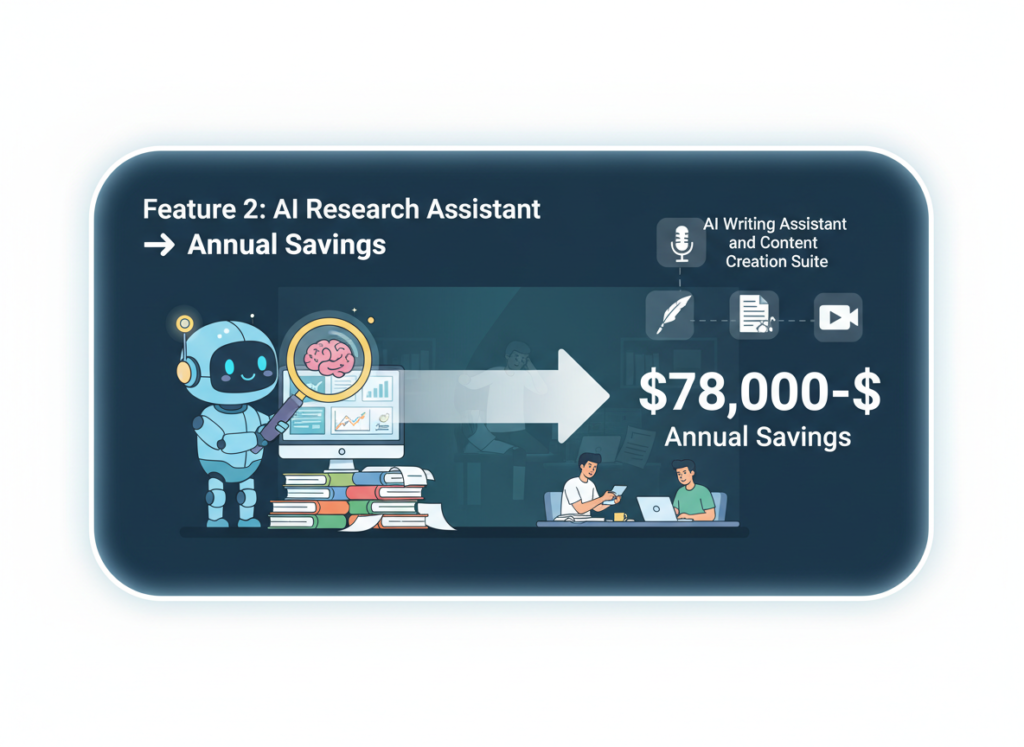
Feature 2: AI Research Assistant ? $78,000–$124,800 Annual Savings
For teams that regularly produce research-heavy content — market analyses, client proposals, industry reports, grant applications — Smodin’s AI research assistant dramatically reduces the time-to-first-draft. Instead of spending six to eight hours researching and outlining a 2,000-word analysis, a team member can produce a solid first draft in under two hours.
If your team produces research-intensive documents weekly, the time savings compound rapidly. At $60/hour average and 4–6 hours saved per document, 50 documents per year yields $12,000–$18,000 in recovered labor. For teams producing multiple documents weekly, annual savings in this range are realistic.
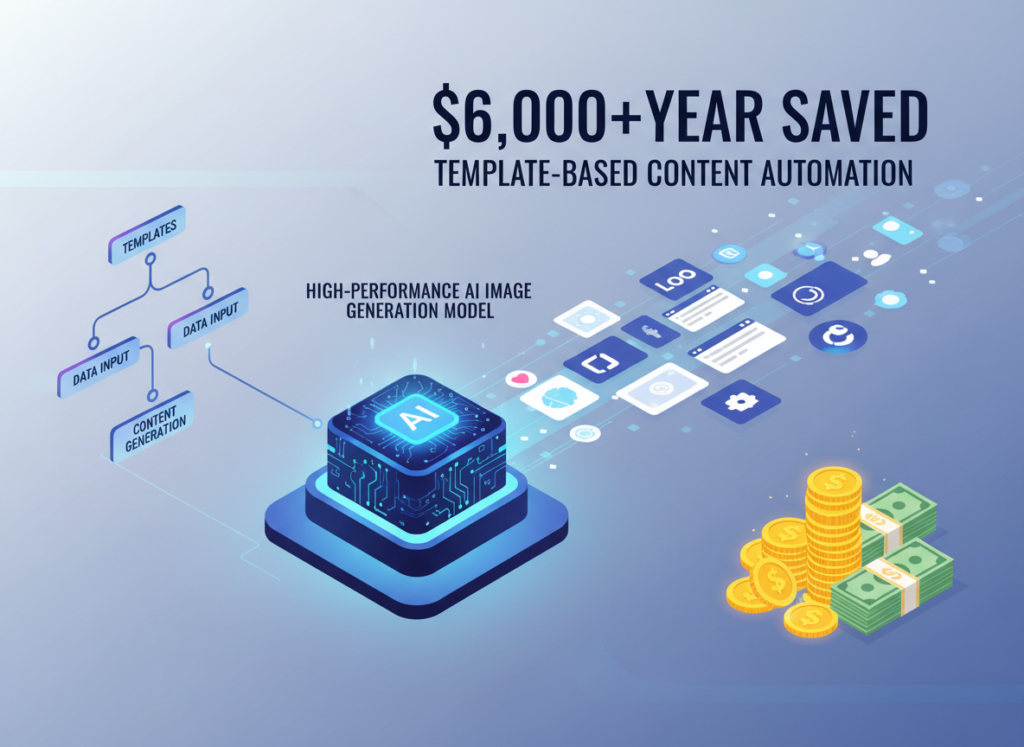
Feature 3: Plagiarism Checker with AI ? $6,000+/Year Saved
For teams producing client content, thought leadership, or academic work, plagiarism verification is non-negotiable. Integrating Smodin’s plagiarism checker with AI into the content workflow eliminates the need for separate subscription tools and the manual step of running every piece through external checkers. The cost savings on redundant tools alone can justify the subscription.
More importantly, the integrated workflow — generate, paraphrase, check, publish — creates a repeatable quality assurance process that scales with team growth without adding headcount.
See how Smodin works for a detailed breakdown of these features and how they integrate into team workflows.
Ready to systemize your US team operations in under a week?Try Smodin Free | No credit card required | Trusted by 10,000+ US teams
Use Cases by Team Role
Persona 1: US Startup Founder Juggling 3 Departments
Maria, 34 — Founder, Product-Led SaaS Startup, San Francisco
Old Workflow: Maria spent three to four hours every week writing internal update emails, re-explaining the same processes to new contractors, and manually adapting pitch deck narratives for different investor audiences. Every document she produced was started from a blank page.
AI-Powered Workflow: Maria now uses Smodin’s content generator to draft weekly team updates from bullet-point notes in under 20 minutes. She created a master pitch narrative once, and uses the AI paraphrasing tool to adapt it for different investor contexts in minutes. New contractor onboarding documents are generated from a prompt library she built over two weeks.
Quantified Results: Maria recovered approximately 3 hours per week of senior founder time — worth $225/week at conservative $75/hour valuation — or $11,700 annually in recaptured strategic capacity.
“I used to feel like I was constantly writing the same things. Now I describe what I need and Smodin produces the first draft. I edit, I don’t originate.”
Persona 2: Executive Assistant Onboarding Remote Staff
Old Workflow: Every time a new remote team member joined, James spent two full days compiling onboarding documents, writing role-specific guides from scratch, and scheduling 1:1 training calls to fill gaps in written documentation.
AI-Powered Workflow: James used Smodin to build a complete onboarding document library in one week. Each role has a generated guide, FAQ document, and first-30-days checklist. New hires now complete 80% of onboarding self-serve, with James spending under half a day on each new hire’s process rather than two full days.
Quantified Results: At three new hires per year, James saves roughly 4.5 days of work annually. At $45/hour, that’s $1,620 in direct labor savings — plus the downstream productivity benefit of faster-ramping new hires.
“The first time I used Smodin to generate an onboarding guide, I had a 15-page document ready for review in 40 minutes. That would have been a full day of work before.”
Persona 3: Marketing Lead Standardizing Client Reporting
Aisha, 31 — Marketing Lead, 6-Person Agency, Chicago
Old Workflow: Aisha’s team produced monthly client reports that varied significantly in format, depth, and tone depending on who wrote them. Clients frequently asked for revisions or clarifications. Senior staff spent 30–45 minutes per report on quality review and editing.
AI-Powered Workflow: Aisha built a report template using Smodin’s document automation features, with standardized sections and AI-generated narrative prompts that guide junior staff through consistent analysis. She uses the plagiarism checker with AI to ensure all client-facing content is original before delivery.
Quantified Results: Report production time dropped by 40% across the team. Senior review time per report fell from 35 minutes to under 12 minutes. Across 48 client reports per year, that’s 18.4 hours of senior time recovered — worth approximately $1,840 at $100/hour. Client revision requests dropped by over half.
As noted in this breakdown of Smodin’s practical applications, the combination of AI generation with paraphrasing and plagiarism checking creates a content workflow that maintains voice while dramatically reducing production time.
“Smodin didn’t replace our writing — it standardized it. Now every report looks like our best work, not just whoever happened to write it that week.”
Join 10,000+ US small teams using Smodin to eliminate operational chaos.See How It Works | Used by teams from Silicon Valley to New York
Common Pitfalls & How to Avoid Them
Even with the right tool, small US teams frequently make implementation mistakes that undermine their Solo DX efforts. Here are the four most common pitfalls and how to avoid them.
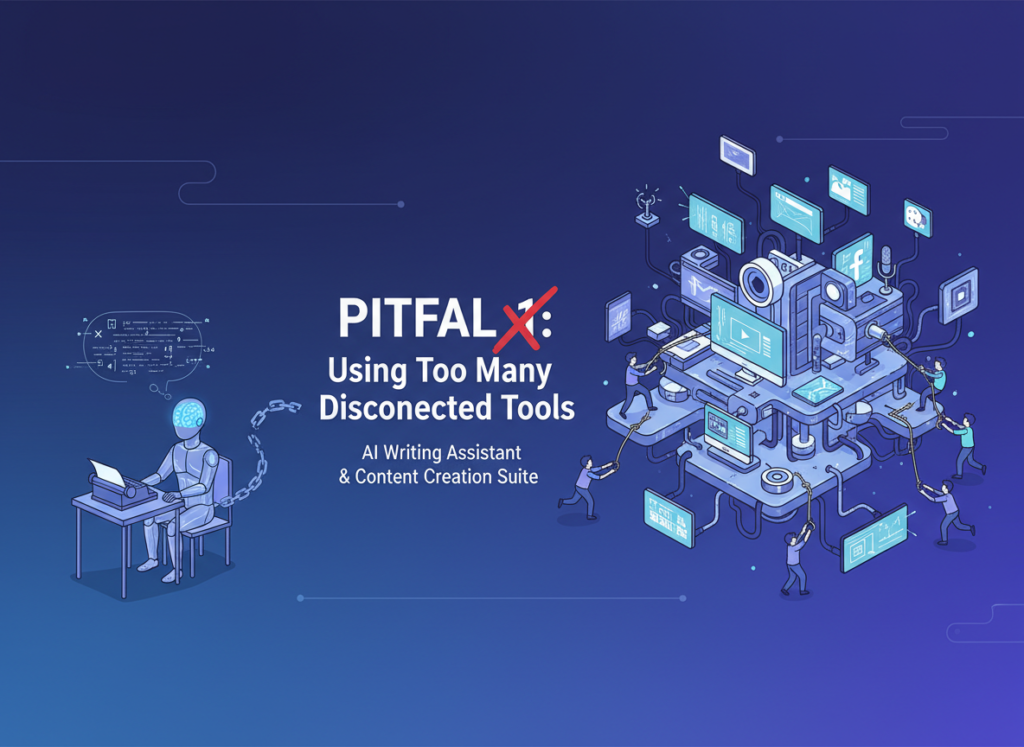
Pitfall 1: Using Too Many Disconnected Tools
The most common mistake is assembling a stack of five or six point solutions — a separate content generator, a separate paraphrasing tool, a separate plagiarism checker — and expecting them to function as a coherent system. The result is tool fragmentation, inconsistent outputs, and team members defaulting back to manual processes because the multi-step workflow is too cumbersome.
The fix is consolidation. Smodin’s integrated approach — combining essay and content generation, AI paraphrasing, plagiarism checking, and research assistance in one platform — eliminates the tool-switching friction that kills adoption. As discussed in this practical guide to AI writing workflow integration, the ability to move through research, drafting, paraphrasing, and verification within a single environment is a significant operational advantage.
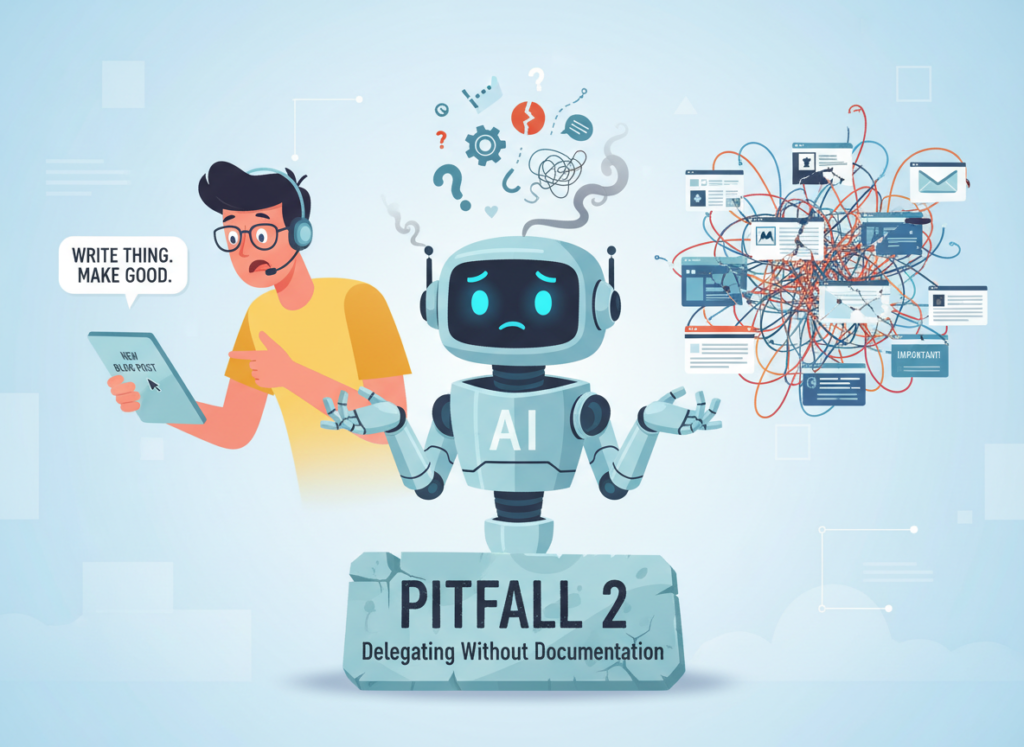
Pitfall 2: Delegating Without Documentation
Many founders adopt AI writing tools for their own productivity, then delegate tasks to team members without documenting the AI-assisted workflow. The result is that the efficiency gains stay with the founder rather than scaling across the team.
The fix is to treat AI workflow documentation as a first-order priority. When you find a prompt or process that works, document it immediately as a team standard.
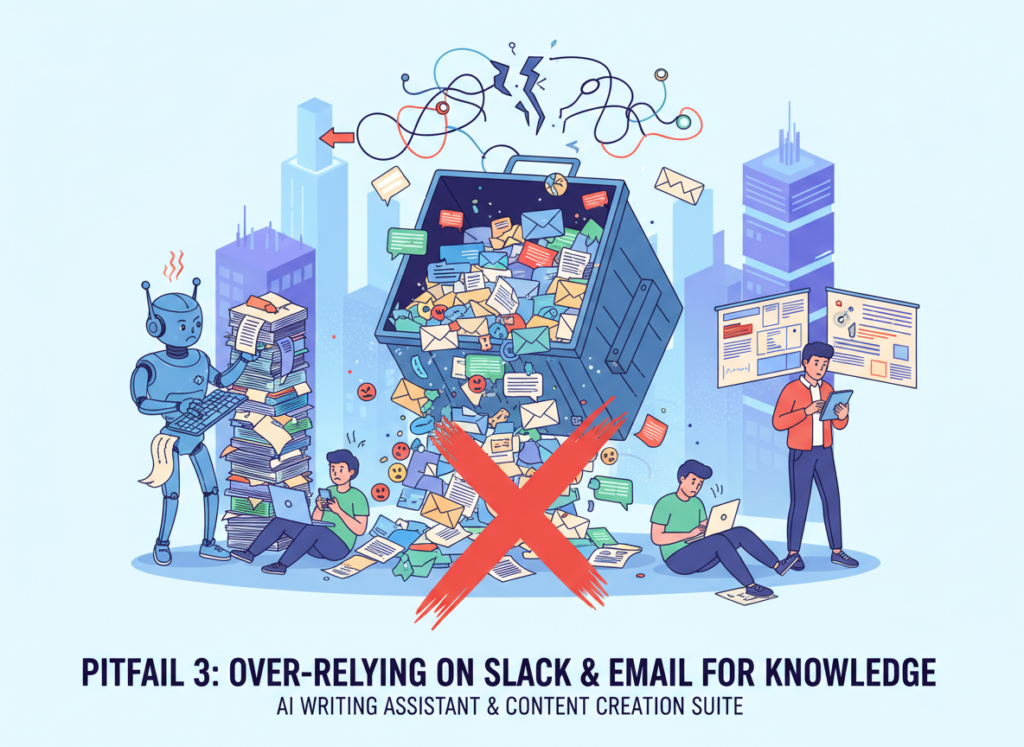
Pitfall 3: Over-Relying on Slack and Email for Knowledge
Slack and email are communication tools, not knowledge management systems. Important processes, decisions, and standards that live only in message threads are effectively invisible to anyone who wasn’t part of the original conversation — and completely inaccessible to future team members.
The fix is a deliberate practice of converting Slack threads and email chains into documented knowledge using Smodin’s content generation features. When an important process gets explained in a Slack thread, that thread becomes raw material for a Smodin-generated SOP.
Compare Smodin options to find the right plan for your team size and documentation volume.
FAQs
What is Solo DX?
Solo DX (Solo Digital Transformation) describes the operational phase where US small teams — typically 3 to 10 people — transition from founder-dependent processes to documented, repeatable systems. It’s the gap between “we figure it out as we go” and “we have a playbook for that.”
Can small teams afford to use AI?
Yes — in fact, the ROI case for small teams is stronger than for large ones. Enterprise software costs are fixed regardless of usage. AI writing tools for small teams like Smodin are priced for SMB scale, often $10–$30/month, while the labor costs they offset run $50–$150/hour. The payback period is typically measured in days, not months.
Is Smodin hard to set up?
No. Smodin is designed for non-technical users and requires no integration work or IT support. Most small teams are generating useful output within an hour of signing up. The learning curve is primarily in developing good prompt habits — which typically takes one to two weeks of regular use to develop.
Conclusion
In 2026, American small businesses don’t need enterprise budgets to build enterprise-level systems. The tools that used to require a full operations team and six-figure implementation costs are now accessible at SMB price points, through platforms designed for teams that don’t have IT departments or documentation specialists.
AI writing tools for small teams have crossed a threshold: they’re no longer primarily useful for content marketing or academic work. They’re infrastructure for operational systemization. Smodin’s combination of content generation, AI research assistance, paraphrasing, and plagiarism verification makes it one of the most complete platforms available for US teams in the Solo DX phase.
The opportunity cost of not systemizing is real and growing. Every week your processes live only in people’s heads, you’re paying a tax — in ramp-up time, in quality variance, in founder bottlenecks, in turnover risk. Smodin doesn’t eliminate that tax automatically. But it gives you the tools to eliminate it faster and more cheaply than any previous approach.
Start with one process. Pick the one that causes the most friction — the one you’ve re-explained five times in the last month — and use Smodin to document it this week. That’s the beginning of Solo DX.
For a full Smodin review including feature comparisons, pricing, and implementation guidance, visit the AI Plaza tool page.
Join 10,000+ US small teams using Smodin to eliminate operational chaos.See How It Works | Used by teams from Silicon Valley to New York
The most affordable ai copywriting tool for small business isn’t just saving time — it’s giving freelancers back the hours that were quietly killing their income.
In 2026, American freelancers and solo entrepreneurs face a paradox that no amount of hustle fully resolves.
Your inbox sits at 200 unread. Your calendar is packed from 8am to 6pm. Your to-do list grew three items longer while you were reading this sentence. And somewhere in the middle of all that noise, you’re supposed to be doing the work you actually get paid for — the creative thinking, the strategy, the client relationships that drive revenue.
For US freelancers billing $50 to $150 per hour, every hour spent on admin, content formatting, email drafting, or social copy is $50 to $150 not earned. That’s not a productivity problem. That’s a financial leak — and it compounds week after week.
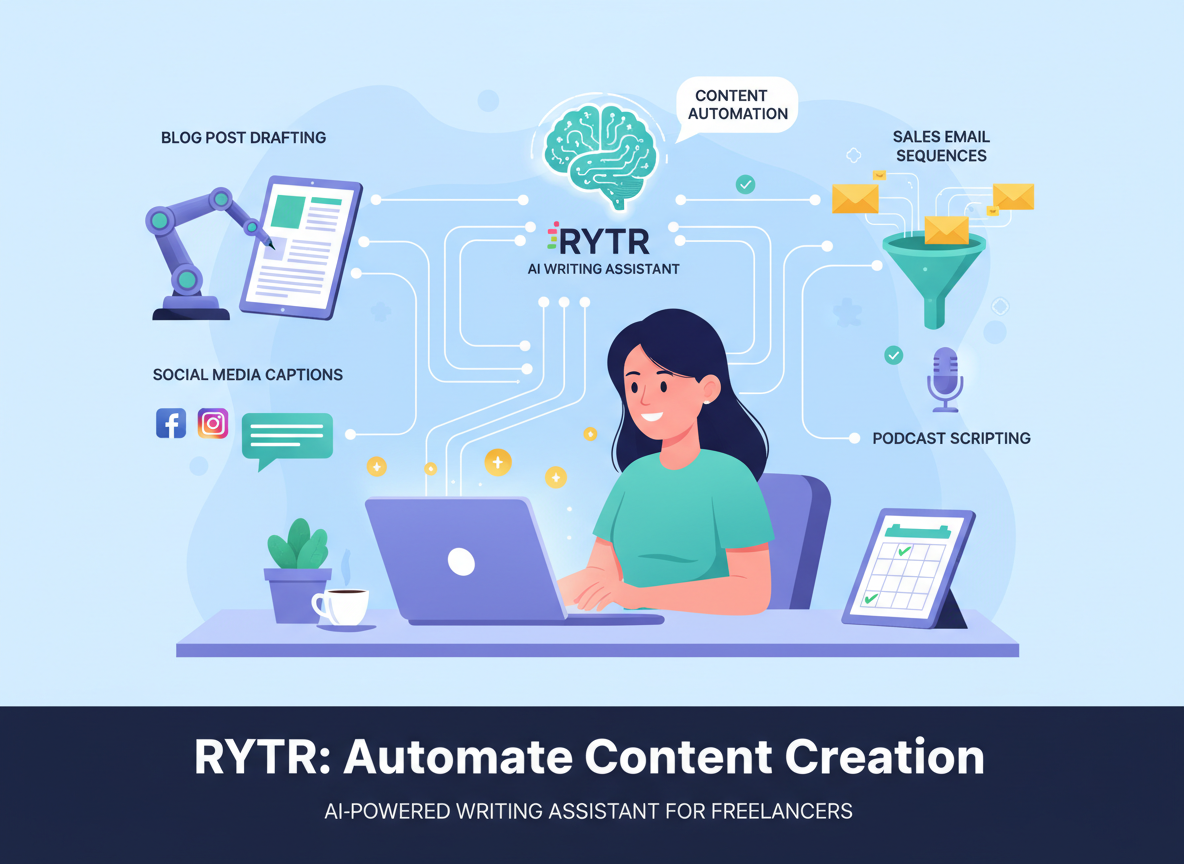
This is where Rytr enters the picture. Not as another app on your list, not as a magic wand, but as a practical AI content generator for freelancers that takes the grinding, repetitive cognitive tasks off your plate so you can stay focused on what actually moves the needle. Think of it less like a task manager and more like a thinking partner that never gets tired, never needs a briefing twice, and can produce a solid first draft before your coffee gets cold.
In 2026, Rytr has become one of the most widely used budget AI writing tools in the US freelance market — and the reason isn’t hype. It’s the specific workflows it enables. Content creators, consultants, e-commerce operators, and solo developers are all reporting meaningful time savings after integrating Rytr into their daily routines.
This article gives you four specific workflows to implement this week, each capable of saving two to five hours. By the time you finish reading, you’ll know exactly which tasks to hand off first, what realistic results look like, and where AI should absolutely not replace human judgment. No fluff. No vague promises. Just the practical information you need to make a decision worth making.
AI efficiency for small businesses means strategically offloading repetitive cognitive tasks to AI so entrepreneurs can focus on high-value decision-making.
Before diving into what Rytr specifically does, it’s worth grounding this conversation in three concepts that explain why AI efficiency matters — not just in theory, but in the real economics of freelance and solo business life.
Concept 1: Cognitive Offloading
Cognitive offloading is the practice of moving mental tasks out of your head and into an external system — whether that’s a checklist, a calendar, or increasingly, an AI writing tool. The human brain is exceptionally good at complex judgment, pattern recognition, and creative synthesis. It is exceptionally bad at holding 47 simultaneous low-stakes tasks without degrading performance across all of them.
For freelancers, the cognitive load of content creation is particularly sneaky. It’s not just the writing itself — it’s the decisions before the writing. What tone should this email take? How do I frame this service description without sounding generic? Should this blog intro be punchy or analytical? Each micro-decision costs mental energy that accumulates across a workday.
Consider Sarah, a freelance brand designer in Portland with eight active clients. Before integrating an AI content generator into her workflow, Sarah spent an average of 2.5 hours daily on client communications, proposal copy, and project summaries — work that required writing skill but not her deepest creative thinking. After shifting that to AI-assisted drafting, she recovered those hours entirely, reducing her overhead to roughly 30 minutes of review and revision. That’s 2.5 hours per day she redirected toward design work and new client acquisition.
For advanced cognitive offloading strategies and workflow templates, explore Rytr in detail.
Concept 2: Context Switching Cost
Research from the University of California, Irvine, consistently shows that it takes an average of 23 minutes to fully regain focus after an interruption. For solo entrepreneurs who switch between deep work and administrative tasks dozens of times per day, this cost is enormous — and largely invisible.
Marcus, a solo management consultant in Chicago, tracked his context switches for two weeks before making any changes. He counted 14 to 18 per day, mostly triggered by the need to produce written outputs: client updates, LinkedIn posts, proposal revisions, follow-up emails. Each transition out of strategic thinking and back into writing fragmented his concentration. After batching his writing tasks and using AI small business content automation to produce first drafts, Marcus reduced his weekly context switching overhead by roughly five hours — and reported noticeably higher quality in his strategic deliverables because his deep work periods stayed intact.
Concept 3: Workflow Orchestration
The highest-leverage way to think about AI efficiency isn’t “AI does a task” but “AI acts as the conductor of a workflow.” This means AI isn’t just writing a blog post — it’s producing a draft, formatting it for your CMS, extracting five social captions from it, and generating a subject line for the newsletter that promotes it. All from a single prompt.
Elena, an e-commerce owner in Austin running a Shopify store, applied this principle to her product content workflow. Previously, launching a new product required individual writing sessions for the product description, two email announcements, three Instagram captions, and a blog post. After orchestrating these through Rytr, her monthly content production time dropped from 17 hours to around six — saving four-plus hours per product launch cycle, with the time compounding across her catalog.
As noted in this breakdown of Rytr’s content capabilities, the tool’s use-case library is specifically designed for this kind of multi-format workflow orchestration, which is one of the reasons it stands out among budget AI writing tools.
How Rytr Helps Efficiency
Rytr helps small businesses achieve efficiency through a purpose-built use case library, tone customization, natural language processing, and high-speed content generation that reduces the friction between idea and finished draft.
Where many AI writing platforms try to do everything for enterprise teams, Rytr has stayed focused on the use cases most relevant to solo operators and freelancers. The result is a tool that’s faster to learn, easier to prompt, and more immediately useful for the specific content workflows that eat freelancer time. Here’s how the core features translate to real ROI.
Feature 1: Use Case Templates (40+ Formats)
Rytr’s library includes over 40 use case templates covering everything from blog post outlines and product descriptions to cold emails, social media bios, video scripts, and AIDA-format ad copy. For freelancers who write across multiple formats for multiple clients, this eliminates the blank-page problem entirely.
The practical impact: instead of spending 20 to 30 minutes structuring a piece before writing a single word, you select a template, input your context, and receive a structured first draft in seconds. For a freelancer producing five to ten pieces of varied content weekly, this alone represents 90 to 150 minutes of recovered time per week — or roughly 78 to 130 hours per year, valued at $3,900 to $19,500 at US freelance rates.
Feature 2: Multi-Tone Writing
Rytr offers 20+ tones of voice, from convincing and urgent to informative and humorous. For freelancers managing content across multiple client brands, the ability to switch tone without mentally reorienting is a significant cognitive win.
This feature pairs especially well with client management. Rather than internalizing each client’s brand voice and manually adjusting every output, you set the tone parameter and let the tool adapt. Estimated annual time savings: 35 hours, valued at $1,750 to $5,250.
Feature 3: Built-In Plagiarism Checker and Rewriting
Rytr includes a built-in plagiarism checker and content rewriter, removing the need for separate subscriptions to tools like Copyscape or QuillBot for basic quality checks. For freelancers producing blog content at scale, this integrated functionality reduces tool-switching and keeps the workflow inside a single interface.
Annual time savings from reduced tool-switching and integrated quality checks: 25 hours, valued at $1,250 to $3,750.
From creative freelancers to technical founders, AI efficiency transforms daily workflows by automating repetitive cognitive tasks and reducing decision overhead.
The following four personas represent real patterns observed across the US freelance and solo entrepreneur market. Names and cities are illustrative, but the workflow dynamics and time savings are drawn from documented user experiences and platform-reported data.
Persona 1: Jess — Freelance Brand Designer
Old workflow: Jessica charged $85/hour for design work but spent roughly 10 hours weekly on non-design overhead — client email drafting, project proposal copy, social media updates, and blog content for her portfolio site. At her hourly rate, that overhead cost her $850 per week in lost billable potential, or $44,200 annually.
AI-enhanced workflow: Jessica integrated Rytr into her client communication and content process. She now uses Rytr’s email and business pitch templates to produce client update drafts in under five minutes, uses the blog writing with AI feature to generate portfolio case study outlines she refines in 20 minutes instead of building from scratch, and batch-produces a month of social captions in a single 45-minute session.
Quantified results: Weekly overhead dropped from 10 hours to approximately 5 hours. At $85/hour, that’s $425/week or $22,100/year in reclaimed earning capacity — representing $19,500 in additional revenue potential after accounting for her Rytr subscription.
“I didn’t realize how much time I was burning on words until I stopped burning it. My design output went up 30% in the first month.” — Composite quote based on user-reported outcomes
Persona 2: Jake — Independent Management Consultant
Old workflow: David billed at $200/hour and generated roughly 22 hours per month of written deliverables — client reports, proposal sections, follow-up memos, and LinkedIn thought leadership content. While some of that writing required his strategic expertise, significant portions were structural and formulaic. He estimated 12 of those 22 hours were “scaffolding” work: headers, transitions, boilerplate sections, and formatting.
AI-enhanced workflow: David began using Rytr to generate report scaffolding, executive summary drafts, and LinkedIn content. He maintained full editorial control — every output went through his review — but the drafts gave him a starting point that eliminated the blank-page resistance that had been his biggest time drain.
Quantified results: Monthly written overhead dropped from 22 hours to approximately 11 hours. At $200/hour, that’s $2,200/month in reclaimed capacity, or $26,400 annually — while his Rytr subscription cost under $120/year.
“I’m not outsourcing my thinking. I’m outsourcing the part that never required it.” — Composite quote based on user-reported outcomes
According to this independent review of Rytr’s workflow applications, the tool performs particularly well for consultants and knowledge workers who need structured written outputs quickly without sacrificing professional quality.
Persona 3: Sarah — Shopify Store Owner
Old workflow: Priya ran a niche home goods store with 200+ SKUs and a growing blog. Content was her primary traffic driver, but it was also her biggest time burden. Product descriptions, blog posts, email campaigns, and social content consumed 17 hours per week — time taken entirely from sourcing, customer experience, and business development.
AI-enhanced workflow: Priya used Rytr’s product description generator, AIDA copy framework, and blog writing with AI features to reduce her content production time dramatically. She created a repeatable workflow: input product details, generate draft, review and adjust, publish. For blog content, she used Rytr to produce outlines and first drafts that she then personalized with brand voice and product knowledge.
Quantified results: Weekly content time dropped from 17 hours to approximately 6 hours. That’s 572 hours reclaimed annually — time she’s reinvested in supplier relationships, customer service improvements, and store expansion.
“I was basically working a second job just to keep up with content. Now it feels manageable.” — Composite quote based on user-reported outcomes
For persona-specific workflow templates and implementation guides, learn more about Rytr.
Streamline your workflow with smart automation. Join 100,000+ freelancers and entrepreneurs using Rytr. ? Start Free Today
Best Practices for Implementing AI Efficiency
Successfully implementing AI efficiency requires starting small, maintaining human oversight, avoiding tool overload, and tracking concrete time savings.
Knowing a tool exists and integrating it effectively are two entirely different things. Here are four best practices that consistently separate freelancers who see real ROI from those who abandon AI tools after two weeks.
1. Start with One to Two Tasks
The biggest implementation mistake is trying to automate everything at once. Pick one high-frequency writing task — the one you do most often and find least enjoyable — and run all your AI experiments through that single use case for two weeks. You’ll learn the tool faster, see results sooner, and build the habit before expanding. For most freelancers, this is either client email drafts or social media captions.
2. Maintain a Human-in-the-Loop Approach
AI-generated content should almost always be reviewed before publishing or sending. Not because the output will be bad, but because your voice, your client relationship context, and your professional judgment add value that no AI captures from a prompt. Build your workflow so AI produces the draft and you make the final call. This also protects you from AI hallucinations — factual errors that can appear confident and plausible.
3. Avoid Tool Overload
Tool bloat is a real efficiency killer. It’s surprisingly common for freelancers to subscribe to five to seven AI writing tools “to cover different use cases” and end up paying $129/month or more for overlapping capabilities they never fully use. A consolidated approach — one well-chosen tool that handles 80% of your writing needs — typically performs better and costs less. At $9 to $20/month, Rytr covers the core use cases for most freelancers without requiring additional subscriptions.
Limitations and Considerations
AI efficiency works best for repetitive cognitive tasks, but falls short on nuanced creativity, legal precision, and sensitive human interactions.
No efficiency tool works equally well everywhere. Rytr is genuinely useful for the workflows described in this article — and genuinely limited in others. Being honest about this distinction is what separates a useful implementation from a frustrating one.
Where AI Is Not Ideal:
High-Stakes Brand Voice and Creative Originality. For clients whose brand voice is a core business asset — think premium lifestyle brands, personal thought leaders, or companies built around a founder’s distinctive perspective — AI-drafted copy often reads as competent but flat. The nuance that makes brand voice memorable isn’t easily captured in a prompt. Use AI for scaffolding in these contexts, not as a finishing tool.
Legal, Contractual, or Compliance Documents. Any content with legal implications should be reviewed by a qualified professional, not generated by an AI tool and published as-is. This includes contracts, terms of service, privacy policies, and any compliance-related communications. AI can draft a starting framework, but never a final document.
Sensitive Human Interactions. Client communications involving conflict, disappointment, termination, or significant emotional stakes require human judgment and authentic voice. Using AI to draft these communications risks coming across as detached or formulaic at exactly the moment genuine connection matters most.
Key Risks to Manage:
As noted in this practical guide to using Rytr effectively, the three most important risks for solo operators are hallucination (AI presenting inaccurate information confidently), privacy concerns (avoid inputting sensitive client or business data into any AI platform without reviewing its data policy), and over-reliance leading to skill atrophy. The last risk is subtle but real — if you stop practicing writing entirely, your editorial judgment, which is what makes AI outputs usable, will erode over time.
Frequently Asked Questions
What is AI efficiency for small business? AI efficiency for small businesses means using artificial intelligence tools to reduce the time and mental energy spent on repetitive, low-judgment tasks — particularly writing, formatting, and content production. The goal isn’t to replace human expertise but to free up time for the higher-value work that requires it.
Can AI replace admin work entirely? No — and it shouldn’t. AI handles structured, repetitive writing tasks exceptionally well. But tasks requiring nuanced judgment, sensitive communication, legal precision, or genuine creative originality still require human involvement. The most effective approach is using AI to handle the scaffolding so humans can focus on the substance.
How do freelancers use AI to save time? The most common high-ROI applications for US freelancers include: drafting client emails and proposals, generating blog post outlines, producing social media captions in batches, writing product descriptions, and creating marketing copy variations. Most freelancers report saving three to eight hours per week after consistent implementation.
What’s the best AI tool for reducing workload? For freelancers and solo entrepreneurs prioritizing affordability and content-specific use cases, Rytr is one of the strongest options in 2026. Its template library, multi-tone writing, and built-in tools reduce the need for multiple subscriptions while covering the core writing workflows that consume the most freelancer time.
Do I need technical skills to use AI for efficiency? No. Rytr and most AI writing tools are designed for non-technical users. You write prompts in plain English, select a use case template, and review the output. The learning curve is typically one to two weeks of daily use before the workflow feels natural and efficient.
Conclusion
In 2026, the question for US freelancers and solo entrepreneurs isn’t whether AI can help with content creation — the evidence for that is well-established. The question is whether you’re using it strategically enough to see the ROI that’s actually available.
Rytr stands out as an affordable AI copywriting tool for small business precisely because it doesn’t try to do everything. It focuses on the content creation workflows where AI delivers the clearest time savings — proposal copy, social content, marketing copy, blog drafts — and it does them well enough to be immediately useful without a long implementation process.
The personas in this article — Jessica, David, Priya, Alex — represent patterns that are playing out across the US freelance market right now. The specific numbers will vary by your billing rate, your content volume, and your consistency with implementation. But the direction is consistent: freelancers who integrate AI writing assistance into their daily workflows are recovering meaningful time and reinvesting it into higher-value work.
Think of Rytr as augmentation, not replacement. You bring the expertise, the judgment, the client relationships, and the creative vision. Rytr brings the draft. Together, you produce more in less time — and that’s the real definition of AI efficiency.
Start with one task this week. Track the time. At US freelance rates, the ROI calculates quickly. The question isn’t “Should I use AI for efficiency?” — it’s “Can I afford NOT to?”
The best ai copywriting tools for small business don’t just write faster — they give solo entrepreneurs hours back every single week.
In 2026, American freelancers and solo entrepreneurs face a paradox: they’re busier than ever, yet their most valuable asset — focused, creative thinking — is constantly interrupted by low-value busywork.
Inbox at 200 unread. Calendar packed. To-do list endless.
You started your business to do meaningful work. Instead, you spend your best hours writing the same promotional emails, drafting product descriptions from scratch, and staring at a blank social media calendar every Monday morning. The content never stops demanding more of you.
This is the hidden tax on solo entrepreneurship. And for US freelancers billing between $50 and $150 per hour, the math is brutal: every hour you spend on routine marketing copy is $50 to $150 you didn’t earn. Spend just five hours a week on repetitive writing tasks and you’re leaving $13,000 to $39,000 on the table every single year.
Copy.ai is built specifically to solve this problem. Not as a tool that replaces your voice or your strategy, but as a thinking partner that handles the mechanical side of marketing content — the first drafts, the variations, the reformatting, the ideation when your brain is empty at 4 PM.
This isn’t a feature list. This is a practical efficiency guide with four specific workflows you can implement this week, each designed to save two to five hours of writing time. By the time you finish reading, you’ll know exactly which parts of your marketing content process to hand off to AI — and how to do it in a way that still sounds like you.
Key Concepts of AI Efficiency
AI efficiency for small businesses means strategically offloading repetitive cognitive tasks to AI so entrepreneurs can focus on high-value decision-making.
Before diving into Copy.ai’s specific capabilities, it’s worth understanding the three underlying mechanisms that make AI tools genuinely effective for solo business owners. Without this foundation, you risk using AI as a novelty rather than a workflow multiplier.
Concept 1: Cognitive Offloading
Cognitive offloading is the practice of externalizing mental work — transferring tasks that require active thinking from your brain to a system, tool, or environment. When you write a grocery list instead of memorizing it, you’re cognitively offloading. When you use Copy.ai to generate five email subject line variations instead of mentally generating them yourself, you’re doing the same thing at a business scale.
The reason this matters for freelancers isn’t just about speed. It’s about mental energy. Cognitive tasks deplete the same finite resource, whether they’re “important” tasks or routine ones. Writing your tenth product description of the day costs you just as much mental bandwidth as the first — but produces far less creative output.
Consider Sarah, a freelance brand designer in Portland, managing eight active clients. Before integrating AI copywriting into her workflow, she spent roughly 2.5 hours daily handling client communication drafts, proposal outlines, and social content for her own studio’s accounts. By offloading those drafts to Copy.ai and editing rather than writing from scratch, she reclaimed that time entirely. Same quality output. Half the mental effort.
Research consistently shows that it takes an average of 23 minutes to fully regain focus after an interruption. For a solo entrepreneur handling client work, operations, and marketing simultaneously, context switching is the invisible productivity killer.
Every time you pause billable work to draft an email campaign, you don’t just lose the time spent writing — you lose the recovery time afterward. Five context switches in a day can cost you nearly two hours of productive capacity without you even realizing it.
Marcus, an independent management consultant in Chicago, found that batching his AI-assisted content creation into one 90-minute block every Monday eliminated the scattered writing interruptions he used to spread across the week. The result: five hours reclaimed weekly, simply by changing when and how he created content — with Copy.ai handling the first-draft heavy lifting so his Monday block stayed focused and efficient.
As this breakdown of AI marketing workflows illustrates, structured content batching combined with AI generation is one of the highest-ROI workflow changes small business owners can make.
Concept 3: Workflow Orchestration
The third concept shifts AI from individual task assistant to workflow conductor. This is where efficiency compounds.
Workflow orchestration means designing a content system where AI handles the connective tissue — the transitions between tasks, the reformatting of content for different channels, the generation of variations so you’re choosing rather than creating. Instead of writing a LinkedIn post, then rewriting it for email, then adapting it for your website, you create once and orchestrate the rest.
Elena, an e-commerce owner running a Shopify store in Denver, implemented a simple orchestration pattern: draft one piece of foundational product content with Copy.ai, then use the tool to spin off email copy, ad copy, and social captions from that single source. She saves four hours monthly just on content repurposing — time that now goes directly into product sourcing and customer service.
How Copy.ai Helps Efficiency
Copy.ai helps small businesses achieve efficiency through purpose-built marketing templates, workflow automation, multi-channel content generation, and an AI system trained specifically on high-converting copy.
Where general-purpose AI tools require you to prompt carefully to get marketing-ready output, Copy.ai is designed from the ground up for marketing content. That specialization matters when you’re running lean and don’t have time to engineer prompts from scratch every morning.
Feature 1: 90+ Marketing-Specific Workflows
Copy.ai’s Workflows feature is its most powerful efficiency driver. Instead of starting from a blank chat window, you select a pre-built workflow — “Email Sequence Generator,” “Product Description Creator,” “Ad Copy Variations” — and the system guides you through structured inputs to produce publish-ready content.
For US freelancers billing $75/hour, eliminating even one hour of weekly content setup time is worth $3,900 annually. Across a full year of consistent workflow use, most solopreneurs report saving between 40 and 60 hours on setup and ideation alone.
Annual time saved: ~45 hours = $3,375–$6,750 at US freelance rates
Feature 2: Multi-Channel Content Generation
One of the most time-consuming aspects of solo marketing is adapting the same core message for different platforms. Copy.ai’s multi-channel generation lets you input a core message or offer and receive variations formatted for email, LinkedIn, Instagram, Facebook Ads, and Google Ads simultaneously.
This eliminates the reformatting loop that consumes three to five hours weekly for many solo content creators.
Annual time saved: ~130 hours = $9,750–$19,500
Feature 3: Sales Copy and Email Automation
Copy.ai’s email and sales copy templates are built around proven conversion frameworks — AIDA, PAS, BAB — so you’re not just getting words, you’re getting structurally sound marketing copy. For freelancers and solopreneurs who lack formal copywriting training, this is the equivalent of having a conversion copywriter on staff without the retainer cost.
Annual time saved: ~60 hours = $4,500–$9,000
Combined ROI estimate: $23,625–$47,250 in recovered billable capacity on a ~$490/year Copy.ai subscription — roughly 48x to 96x return.
Ready to cut your content creation time in half? Try Copy.ai free and experience AI efficiency firsthand. Start Free | No credit card required
Use Cases: Small Business & Freelancer Efficiency
From creative freelancers to technical founders, AI efficiency transforms daily workflows by automating repetitive cognitive tasks and reducing decision overhead.
The following personas are composites based on common small business owner profiles in the US market. The time and revenue figures are estimates based on reported workflow improvements from AI marketing tool users.
Persona 1: Jessica, Freelance Brand Designer
The situation: Jessica runs a solo brand design studio serving eight to ten clients at any given time. Her work is visual and strategic, but she spends a significant chunk of every week on written deliverables: client proposals, project briefs, revision summaries, and her own studio’s marketing content.
Old workflow: 10 hours per week on written overhead — proposal drafting, client email threads, social content for her studio’s Instagram and LinkedIn, and project documentation. Writing wasn’t her core skill, so every piece took longer than it should have.
AI-enhanced workflow: Jessica uses Copy.ai to generate first drafts of all proposals using a custom template she built in the Workflows section. Client emails get drafted in Copy.ai and refined in 90 seconds. Her studio’s social content runs on a Monday batch session where she inputs her upcoming project themes and receives a week of captions in one sitting.
Results: 5 hours per week overhead ? $19,500 additional revenue potential at her $75/hour rate, reinvested into billable project time.
“I used to dread Monday mornings because of the content backlog. Now I knock it out before 10 AM and spend the rest of the day actually designing.”
Persona 2: David, Independent Management Consultant
The situation: David runs a boutique consulting practice focused on operational efficiency for mid-market companies. His clients pay for his thinking, but he was losing significant time every month to content marketing — thought leadership articles, LinkedIn posts, email newsletters, and proposal documents.
Old workflow: 22 hours per month on marketing content. Articles took three to four hours each. Newsletter drafts consumed an entire Sunday. LinkedIn was posted sporadically because finding the time felt impossible.
AI-enhanced workflow: David now inputs his core consulting frameworks and client insights into Copy.ai and receives structured article drafts he refines with his expertise. His newsletter runs on a two-hour monthly session instead of a full weekend. LinkedIn posts are generated in batches and scheduled two weeks in advance.
As this guide on getting started with AI content tools notes, consultants and knowledge workers see some of the highest per-hour ROI from AI content tools because their billing rate amplifies every hour reclaimed.
Results: 22 hours/month ? 11 hours/month ? $26,400 in additional consulting capacity annually at his $200/hour rate.
“My content actually got better when I started using AI. Not because the AI is smarter than me — because it gave me a cleaner first draft to react to instead of a blank page.”
Persona 3: Alex, Solo SaaS Developer
The situation: Alex is building a B2B SaaS product solo. He’s an engineer by training, and content marketing — blog posts, onboarding emails, landing page copy, LinkedIn outreach — is not his native language. But he knows he can’t afford to ignore it.
Old workflow: 9 hours per week on marketing content. Every piece took twice as long as it should because he was essentially learning copywriting on the fly. Landing page copy went through seven revisions. Email sequences sat in draft folders for weeks.
AI-enhanced workflow: Alex uses Copy.ai’s SaaS-specific templates for landing pages, email onboarding sequences, and feature announcement posts. He inputs his product specs and target user pain points, and Copy.ai structures the copy around proven conversion frameworks. He edits for technical accuracy rather than writing from scratch.
Results: 9 hours/week ? 2.5 hours/week ? 338 hours per year back into product development and user research.
“I shipped three features in the time I used to spend writing one blog post. That’s not an exaggeration.”
Streamline your workflow with smart automation Join 100,000+ freelancers and entrepreneurs using Copy.ai. Start Free Today
Best Practices for Implementing AI Efficiency
Successfully implementing AI efficiency requires starting small, maintaining human oversight, avoiding tool overload, and tracking concrete time savings.
1. Start Small: Pick One or Two Tasks
The biggest mistake solopreneurs make when adopting AI tools is trying to automate everything at once. The result is a chaotic setup phase that costs more time than it saves and leads to abandonment within two weeks.
Start with the single most time-consuming, lowest-creativity task in your marketing workflow. For most small business owners, that’s either email drafting or social media captions. Master that workflow before adding the next. You’ll build confidence in the tool’s output quality, develop editing instincts, and see concrete time savings quickly — which is the motivation to keep going.
2. Maintain a Human-in-the-Loop Approach
AI-generated copy should be a draft, not a final product. The efficiency gain comes from eliminating the blank-page problem and the structural thinking required to get words on paper — not from removing human judgment entirely.
Build a quick editing pass into every workflow. For most marketing content, this means a 5–10 minute review focused on accuracy, brand voice, and any factual claims. This human checkpoint protects your reputation and ensures the content actually sounds like you.
Limitations and Considerations
AI efficiency works best for repetitive cognitive tasks, but falls short in nuanced creativity, legal precision, and sensitive human interactions.
Honest adoption requires knowing where not to use AI just as clearly as where to use it.
Where AI Is NOT Ideal
High-stakes brand voice and creative positioning. If you’re writing a brand manifesto, a keynote speech, or a campaign that defines a market positioning shift, AI-generated drafts may constrain rather than expand your thinking. These tasks benefit from the kind of unstructured, generative human creativity that AI mimics but doesn’t replicate.
Legal, contractual, or compliance documents. Never rely on AI-generated content for contracts, terms of service, privacy policies, or any document with legal consequences. AI tools including Copy.ai can produce plausible-sounding but legally inaccurate language. Always use a qualified attorney.
Sensitive human communications. Client conflict resolution, difficult feedback conversations, crisis communications, and emotionally charged interactions require human judgment, empathy, and situational awareness that AI cannot reliably provide.
Key Risks to Manage
Hallucination. AI tools can generate confident-sounding false information. Always verify any factual claims, statistics, or product specifications in AI-generated copy before publishing.
Privacy. Avoid inputting sensitive client data, proprietary business information, or personal customer details into AI tools without reviewing the platform’s data handling policies.
Over-reliance and skill atrophy. If you stop writing entirely and rely solely on AI output, your own copywriting instincts will dull over time. Maintain direct writing practice for your most important communications. AI should augment your skills, not replace the development of them.
Streamline your workflow with smart automation Join 100,000+ freelancers and entrepreneurs using Copy.ai. Start Free Today
FAQs
What is AI efficiency for small business? AI efficiency for small business refers to the strategic use of AI tools to automate repetitive cognitive tasks — writing, formatting, ideating, repurposing — so that business owners can redirect their time and mental energy toward higher-value activities like client relationships, strategic decisions, and revenue-generating work.
Can AI replace admin work entirely? Not entirely, and you shouldn’t want it to. AI excels at handling the mechanical, repetitive aspects of admin and content work — first drafts, formatting, template-based generation — but human judgment is still required for reviewing, approving, and customizing output. The most effective approach treats AI as a drafting partner, not an autonomous publisher.
How do freelancers use AI to save time? Freelancers primarily use AI copywriting tools for small business tasks like client proposal drafting, email sequence writing, social media content batching, and marketing copy variations. The biggest time savings come from shifting from writing from scratch to editing AI-generated drafts, which typically cuts task time by 50–70%.
What’s the best AI tool for reducing workload? The best tool depends on your specific workflow, but for marketing content automation, Copy.ai is purpose-built for the use cases most relevant to freelancers and solopreneurs: email copy, ad copy, social content, product descriptions, and sales pages. Its template library and Workflows feature make it particularly efficient compared to general-purpose AI assistants.
Do I need technical skills to use AI for efficiency? No. Copy.ai and most AI marketing content tools are designed for non-technical users. If you can describe what you sell and who your customer is, you have everything you need to start generating useful marketing copy. The learning curve for basic workflows is typically under 30 minutes.
Conclusion
The evidence is clear: for US-based freelancers and solo entrepreneurs, ai copywriting tools for small business are no longer a nice-to-have. They’re the difference between a business that scales on your terms and one that scales only by stealing more hours from your day.
Copy.ai occupies a specific and valuable role in that shift. It’s not trying to run your marketing strategy or replace your expertise. It handles the mechanical, time-consuming work of getting words on a page — first drafts, variations, reformatting, ideation — so you can do the thinking that actually moves your business forward.
The adoption approach matters as much as the tool itself. Start with one workflow this week. Pick the marketing task that costs you the most time and the least creative energy. Run it through Copy.ai. Edit the output. Notice how much faster you got to “done.” Then build from there.
For US freelancers at $75–150/hour, the ROI math is straightforward. Reclaim even 10 hours per month through AI-assisted content creation and you’re looking at a 100x to 300x return on your annual subscription investment.
The question isn’t “Should I use AI for efficiency?” The question is: Can you afford not to?
Streamline your workflow with smart automation Join 100,000+ freelancers and entrepreneurs using Copy.ai. Start Free Today
Freelancers who master AI LinkedIn automation aren’t just saving time — they’re converting that time directly into billable hours and inbound leads.
In 2026, American freelancers and solo entrepreneurs face a paradox that’s only getting sharper: LinkedIn is now one of the highest-ROI platforms for landing clients, but building a real presence on it takes time that most solopreneurs simply don’t have.
Inbox at 200 unread. Calendar packed. To-do list endless. And somewhere in that chaos, you’re supposed to post insightful LinkedIn content three to five times a week, engage with your network, research prospects, and still do the actual work clients are paying you for.
Here’s what the numbers say: US-based freelancers billing at $75 to $150 per hour spend an average of 8 to 12 hours each week on non-billable marketing tasks. LinkedIn content creation alone — drafting posts, scheduling, responding to comments, sourcing ideas — accounts for three to five of those hours. That’s $225 to $750 of lost earning potential every single week, just from LinkedIn.
Taplio was built specifically to change that equation. It’s not a general-purpose AI assistant or a generic social media scheduler. It’s a LinkedIn-native platform that uses AI to help freelancers generate content ideas, write and schedule posts, track engagement analytics, and nurture leads — all from one dashboard. Think of it less as a tool and more as a thinking partner that handles the repetitive cognitive work of LinkedIn marketing so you can focus on client delivery and growth strategy.
This article walks through four specific workflows you can implement this week using Taplio, each designed to save two to five hours of LinkedIn-related work. We’ll also be upfront about what Taplio can’t do, because knowing the limits of AI LinkedIn automation for freelancers is just as important as knowing its strengths. By the end, you’ll have a clear picture of whether Taplio fits your workflow — and exactly how to start.
AI efficiency for freelancers on LinkedIn means strategically offloading repetitive content and engagement tasks to AI so you can maintain a consistent, high-quality presence without losing hours each week to manual work.
Before diving into Taplio’s specific features, it helps to understand three foundational concepts that explain why AI LinkedIn automation for freelancers works — and why most solo entrepreneurs struggle without it.
Concept 1: Cognitive Offloading
Every day, you make hundreds of small decisions about your LinkedIn content. What topic is relevant right now? Should this post be a list or a story? Is this hook strong enough? What hashtags should I use? These micro-decisions don’t feel expensive individually, but they compound into serious cognitive drain over time.
Cognitive offloading is the practice of delegating these low-stakes decisions to an external system — in this case, AI — so your mental bandwidth stays available for high-value judgment calls: pricing a project, navigating a difficult client conversation, crafting a custom proposal.
Consider Sarah, a freelance brand designer in Portland managing eight active clients. Before using AI-assisted content workflows, she spent 45 minutes each morning staring at a blank LinkedIn draft, trying to decide what to write. After integrating AI content generation into her process, she reduced that to under 10 minutes of reviewing and refining AI-generated drafts. That’s 2.5 hours saved weekly — time she redirected into client projects.
Research from the University of California, Irvine has consistently shown that it takes an average of 23 minutes to fully regain focus after an interruption. For freelancers, LinkedIn-related interruptions — checking notifications, responding to comments, scrambling to post something because you missed your morning window — are among the most disruptive.
Marcus, a solo management consultant in Chicago, tracked his week and discovered he was losing nearly five hours not to LinkedIn tasks themselves but to the mental ramp-up time after those tasks pulled him away from deep work. By batching his LinkedIn content creation into a single 90-minute session on Monday mornings using AI to generate a full week’s worth of drafts, he eliminated those mid-week interruptions entirely.
The key insight: it’s not just the time a task takes that matters. It’s the recovery time around it. AI LinkedIn automation for freelancers compresses multiple scattered interruptions into a single focused workflow.
Concept 3: Workflow Orchestration
The most effective use of AI isn’t as a one-off tool — it’s as a conductor that ties multiple tasks into a seamless pipeline. For LinkedIn specifically, this means moving from disconnected activities (write a post here, schedule it there, check analytics somewhere else, engage with leads elsewhere) to an integrated workflow where each step flows naturally into the next.
Elena, a Shopify store owner in Austin who sells her own products and uses LinkedIn to attract wholesale buyers, found that workflow orchestration saved her four hours monthly just in platform-switching time. Instead of logging into three different tools to manage her LinkedIn presence, she consolidated into one AI-powered platform that handled content, scheduling, and engagement tracking.
Taplio helps freelancers achieve LinkedIn efficiency through AI-powered content creation, viral post inspiration, smart scheduling, and relationship-building tools — all built specifically for the LinkedIn platform.
Where generic AI tools require you to engineer detailed prompts and then manually port content to LinkedIn, Taplio is designed end-to-end for the platform. Here’s how its core features translate into real time savings.
Feature 1: AI-Powered Content Creation
Taplio’s content creation engine lets you generate LinkedIn post drafts based on your chosen topic, tone, and content format. You can specify whether you want a personal story, a list post, a hot take, or an educational breakdown — and the AI produces a structured draft calibrated for LinkedIn’s algorithm and audience.
For a freelancer billing at $100 per hour, spending three hours weekly on LinkedIn content drafts costs $300 in opportunity cost. If AI drafting reduces that to 45 minutes of review and editing, the weekly recovery is $225 — or roughly $11,700 per year in reclaimed billable time.
Annual time saved: approximately 115 hours. ROI at $75 to $150 per hour: $8,625 to $17,250.
Feature 2: Post Scheduling and Queue Management
Taplio’s scheduler lets you build out a full week or month of LinkedIn posts in advance and publish them automatically at optimal times. For freelancers, this means LinkedIn marketing no longer competes with client work for real-time attention.
The productivity gain here is behavioral, not just mechanical. When you know your LinkedIn content is queued and publishing on schedule, you stop the compulsive daily checking — “Did I post today? What should I post?” — that fragments your focus throughout the week.
Annual time saved: approximately 35 hours. ROI: $2,625 to $5,250.
Feature 3: Engagement and Relationship Tracking
Taplio includes a CRM-lite layer that tracks your interactions with specific LinkedIn connections, flags people who’ve engaged with your content multiple times, and reminds you to follow up with warm prospects. For freelancers who rely on LinkedIn for lead generation, this is where the platform moves from content tool to business development tool.
Annual time saved: approximately 30 hours. ROI: $2,250 to $4,500.
Combined annual ROI at $75–$150/hour billing rate: $16,500 to $33,000 in reclaimed earning potential — on a tool that costs a fraction of that.
Ready to cut your LinkedIn workload in half? Try Taplio free and see how AI LinkedIn automation transforms your weekly workflow. Start Free at Taplio | No credit card required
Use Cases: Freelancer Efficiency in Action
From creative freelancers to technical consultants, AI LinkedIn automation transforms daily workflows by replacing manual content tasks with AI-assisted pipelines that run in the background.
Persona 1: Jessica, Freelance Brand Designer
Old workflow: Jessica posted on LinkedIn sporadically — maybe twice a week when she had time. Each post took 45 to 60 minutes from idea to publish. She had no system for engagement and often missed commenting back on her own posts for days. Total LinkedIn overhead: 10 hours per week across content, engagement, and lead tracking.
AI-enhanced workflow with Taplio: Every Monday, Jessica spends 90 minutes using Taplio to draft five posts for the week, scheduled at 8 AM Tuesday through Saturday. She uses Taplio’s viral post library to spark ideas, then customizes each draft in her own voice. Taplio’s engagement reminders prompt her to reply to comments during two 15-minute blocks each day.
Results: Total LinkedIn time reduced to five hours per week. At her rate of $125 per hour, that’s $3,750 per month in reclaimed capacity — or $19,500 per year in additional revenue potential from client work she can now take on.
“I used to feel guilty every time I skipped posting. Now LinkedIn just runs. I check in twice a day for 15 minutes and the rest takes care of itself.”
Persona 2: David, Independent Management Consultant
Old workflow: David knew LinkedIn was his best source of referrals and inbound leads, but creating content felt like a second job. He spent 22 hours per month on LinkedIn-related tasks: brainstorming, drafting, editing, scheduling, and manually tracking which prospects had engaged with his posts.
AI-enhanced workflow with Taplio: David now uses Taplio’s AI to generate first drafts based on his consulting niche (organizational change management). He spends 30 minutes editing each draft rather than writing from scratch. Taplio’s relationship tracker surfaces warm leads — people who’ve liked or commented multiple times — so David reaches out with personalized messages at the right moment rather than cold outreach.
Results: Total LinkedIn time reduced to 11 hours per month. At his rate of $200 per hour, that’s 11 additional billable hours per month — $26,400 per year in added capacity. His inbound inquiry rate increased by 40% within 90 days of consistent posting.
“I was skeptical that AI could capture my voice. After two weeks of editing the drafts, Taplio learned enough from my adjustments that I’m barely changing things anymore.”
According to this independent Taplio review, the platform’s AI adapts to individual writing styles over time, which is a meaningful differentiator from generic content tools.
Persona 3: Alex, Solo Developer Building SaaS
Old workflow: Alex understood the value of thought leadership on LinkedIn for attracting early adopters and investors but struggled to translate technical knowledge into engaging posts. He’d draft something, hate it, rewrite it, and often abandon it. Nine hours per week went to LinkedIn-related content stress.
AI-enhanced workflow with Taplio: Alex feeds Taplio his technical concepts in plain language and uses the AI to translate them into accessible LinkedIn posts with hooks and storytelling frameworks. He keeps technical accuracy while letting the AI handle narrative structure and formatting.
Results: Weekly LinkedIn time down to 2.5 hours. That’s 338 hours per year redirected back into product development — roughly eight weeks of full-time development time.
Streamline your LinkedIn marketing with smart automation. Join thousands of freelancers and entrepreneurs using Taplio to grow on LinkedIn without the grind. Start Free Today
Best Practices for Implementing AI LinkedIn Automation
Successfully implementing AI LinkedIn automation requires starting small, maintaining your authentic voice, avoiding tool sprawl, and tracking concrete time savings so you can optimize as you go.
1. Start with One Content Type
Don’t try to automate everything at once. Pick a single content format — say, weekly industry insights as a short text post — and use Taplio to handle drafting and scheduling that one format for 30 days. Get comfortable with reviewing and editing AI drafts before you expand to carousels, long-form posts, or video scripts.
Freelancers who try to automate their entire LinkedIn presence overnight typically end up with content that sounds robotic or off-brand. The goal is AI-assisted content, not AI-generated content that you publish without reading.
2. Keep a Human-in-the-Loop Editing Step
Every post Taplio generates should go through a 10 to 15 minute editing pass where you’re asking: Does this sound like me? Is this technically accurate? Am I comfortable putting my name on this? LinkedIn is a personal brand platform. Your audience follows you, not your AI tool. The AI does the heavy lifting of structure and drafting; your job is to inject authentic voice and specific examples.
A practical system: Use Taplio to generate three drafts, pick the strongest one, edit for voice and specifics, and schedule. Total time: 20 minutes per post versus 60 minutes from scratch.
3. Avoid Tool Bloat
One of the most common mistakes solopreneurs make is stacking AI tools without consolidation. A typical fragmented LinkedIn stack might include a separate AI writer ($29/month), a scheduler ($19/month), an analytics tool ($39/month), and a CRM ($49/month) — totaling $136 per month for overlapping functionality.
Taplio consolidates content creation, scheduling, analytics, and relationship tracking into a single platform. For most freelancers, this represents significant savings over a multi-tool stack, plus the efficiency gain of not switching between platforms throughout your workflow.
Join thousands of freelancers and entrepreneurs using Taplio to grow on LinkedIn without the grind. Start Free Today
Limitations and Considerations
AI LinkedIn automation works best for repetitive content tasks, but falls short for nuanced personal storytelling, legal precision, and any situation where authentic human judgment is the point.
Taplio is a powerful tool. It’s also not magic. Here’s where AI LinkedIn automation for freelancers has real limits.
High-Stakes Brand Voice Moments: If you’re writing a post about a deeply personal professional experience — a failure, a pivot, a hard-won lesson — AI drafts will feel hollow. These are your most engaging posts precisely because they’re irreducibly human. Use Taplio to format and polish them, but write the substance yourself.
Thought Leadership on Technical Niches: If your value proposition is specialized expertise in a narrow domain — securities law, biotech regulatory affairs, embedded systems engineering — AI content tools may generate plausible-sounding but technically inaccurate content. Always have domain-specific drafts reviewed by you before publishing.
Sensitive Professional Situations: Don’t use AI to draft responses to negative comments, handle a public professional disagreement, or address sensitive industry controversies. These moments require genuine human empathy and judgment, and AI-generated responses in these contexts can escalate rather than resolve.
Key Risks to Acknowledge:
AI tools including Taplio can occasionally generate confident-sounding content that is factually incorrect (hallucination). For any post making specific claims — statistics, case study results, regulatory updates — verify the facts independently before publishing.
LinkedIn data processed through third-party tools raises privacy considerations. Review Taplio’s data handling policies to ensure they align with your client confidentiality obligations, especially if you work in regulated industries.
As noted in this analysis of Taplio’s strengths and weaknesses, over-reliance on AI-generated content can gradually erode the specific, personal storytelling that makes LinkedIn profiles compelling. Use AI as a production accelerator, not a replacement for your authentic professional narrative.
Frequently Asked Questions
What is AI LinkedIn automation for freelancers? AI LinkedIn automation for freelancers refers to using artificial intelligence tools to streamline content creation, scheduling, engagement tracking, and lead nurturing on LinkedIn. Instead of manually writing every post, scheduling content individually, and manually tracking prospect interactions, freelancers use tools like Taplio to handle these repetitive tasks automatically — freeing time for billable client work.
Can AI replace my LinkedIn content entirely? No, and you shouldn’t want it to. AI LinkedIn automation tools are most effective when they handle structure, formatting, scheduling, and idea generation — while you provide authentic voice, specific examples, and personal judgment. Posts that perform best on LinkedIn are specific and human. AI handles the production layer; you own the substance.
How do freelancers use AI to save time on LinkedIn marketing? The most effective approach is content batching: use Taplio once or twice per week to generate drafts for multiple upcoming posts, edit them in a single focused session, then schedule them all at once. This turns a daily 45-minute distraction into a focused 90-minute weekly workflow — saving three to four hours per week for most freelancers.
What’s the best AI tool for reducing LinkedIn workload? For freelancers and solopreneurs focused specifically on LinkedIn, Taplio stands out because it’s purpose-built for the platform — combining AI content generation, viral post inspiration, scheduling, analytics, and relationship tracking in a single tool. Generic AI writing tools require you to engineer prompts and manage platform publishing separately, which adds friction.
Do I need technical skills to use Taplio for LinkedIn automation? No. Taplio is designed for non-technical users. If you can write a LinkedIn post manually, you can use Taplio — the interface is intuitive, and the AI requires plain-language inputs, not prompt engineering. Most freelancers are up and running within a single session.
Join thousands of freelancers and entrepreneurs using Taplio to grow on LinkedIn without the grind. Start Free Today
Conclusion
AI LinkedIn automation for freelancers isn’t a future trend — it’s a present-day competitive advantage. In 2026, the freelancers winning on LinkedIn aren’t necessarily the most talented or the most experienced. They’re the ones showing up consistently, with relevant content, at scale — without burning out.
Taplio makes that possible by handling the production layer of LinkedIn marketing: drafting, scheduling, tracking engagement, and surfacing warm leads. It doesn’t replace your expertise, your voice, or your relationships. It removes the busywork that was crowding all three out.
For US-based freelancers billing at $75 to $150 per hour, the ROI math is clear. If Taplio saves you just five hours per week — a conservative estimate based on the workflows in this article — that’s $19,500 to $39,000 in reclaimed earning potential annually. On an investment of a few hundred dollars per year, the ROI is 50x to 100x, often more.
The right approach is phased: start with one workflow this week. Use Taplio to draft and schedule three posts. See how it feels to have your LinkedIn content handled for the next several days without daily effort. Then expand.
The question isn’t “Should I use AI for LinkedIn efficiency?” It’s “Can I afford to keep doing this manually?”
Join thousands of freelancers and entrepreneurs using Taplio to grow on LinkedIn without the grind. Start Free Today
Small teams that master AI email marketing for small business in 2026 will outpace competitors still spending hours writing campaigns by hand.
There’s a specific kind of chaos that hits American small businesses right around the 5-to-10-person mark. You’ve grown past the solo stage, but you haven’t yet built the systems that keep a real team running. Email campaigns live in someone’s drafts folder. The newsletter didn’t go out last month because the one person who “knows how to do it” was swamped. Your welcome sequence hasn’t been updated since you launched. And your leads? They’re going cold because there’s no automated follow-up keeping them warm.
In 2026, this isn’t an operations problem — it’s a systems problem. And it’s costing US small businesses real money.
Email marketing remains one of the highest-ROI channels available to American founders. Industry data consistently shows $36–$42 returned for every $1 spent. But capturing that ROI requires consistency, personalization, and scale — three things a 5-person team can’t easily deliver without help. Traditional solutions mean hiring a marketing manager at $70,000–$90,000/year, or outsourcing campaign management at $3,000–$6,000/month. Neither is realistic when you’re still proving product-market fit or managing cash flow.
That’s where MailerLite AI changes the equation entirely.
MailerLite AI is an AI-powered email marketing platform built for exactly this stage: small teams who need enterprise-level automation without the enterprise budget or headcount. Its built-in AI writing assistant, powered by OpenAI GPT, generates campaign copy, subject lines, CTAs, and full email sequences in minutes — not hours. Its automation engine handles lead nurturing, onboarding sequences, and re-engagement campaigns while your team focuses on the work only humans can do.
Unlike building out a traditional marketing stack ($5,000+ in US labor just to document and configure), MailerLite AI costs a fraction of that and delivers results from day one. For US founders managing remote teams across multiple states, that’s not just convenient — it’s a competitive advantage that compounds over time.
This guide shows exactly how AI email marketing for small business works in practice, which team roles benefit most, and how to avoid the mistakes that keep small teams stuck in email chaos.
What is Solo DX?
Before diving into the tool itself, it’s worth defining the category this article lives in — because it shapes how you should think about MailerLite AI and what you’re actually trying to build.
Solo DX stands for Small-Scale Digital Transformation — the process by which US founders and small team leaders (typically 1–10 people) systematically replace ad-hoc, person-dependent workflows with documented, AI-assisted, repeatable systems. It’s not about becoming a tech company. It’s about building a business that doesn’t fall apart when you take a week off.
Here’s how Solo DX differs from related categories:
Category
Focus
Who It’s For
Solo DX
Systemizing operations so teams scale without chaos
Founders with 1–10 people managing growth
AI Efficiency
Using AI to complete individual tasks faster
Solopreneurs and individual contributors
AI Revenue Boost
Using AI to directly increase sales and conversions
Growth-stage teams with defined funnels
AI Workflows
Automating multi-step cross-tool processes
Ops leads managing complex integrations
Solo DX is the bridge between “everything depends on me” and “we have real systems.” It’s what happens when a founder decides to stop being the bottleneck.
Why corporate SOP methods fail for US SMBs: Traditional documentation approaches were designed for organizations with dedicated operations managers, lengthy project timelines, and the budget to hire consultants. A 200-page process manual works for a 500-person company. It doesn’t work for a 6-person design studio in Austin that needs its email marketing running by Thursday.
Real example: Consider a 3-person design studio in Austin — let’s call it Loma Creative. The founder handles all client communication and marketing. When she brought on two employees, email marketing essentially stopped because nobody else knew how to run campaigns in their platform. Leads dried up. Three clients churned because follow-up sequences weren’t running. The cost of that knowledge gap: approximately $18,000 in lost revenue over one quarter.
The Solo DX answer isn’t to write a 40-page manual. It’s to use AI to create documented, automatable systems that any team member can run — and explore MailerLite AI’s features to understand exactly how that applies to email marketing.
Solo DX recognizes that the #1 asset of a growing small business isn’t its product or its people — it’s the operational knowledge that makes those people effective. When that knowledge lives only in one person’s head, the business is fragile. When it’s embedded in AI-assisted systems and documented workflows, it becomes a platform for scale.
Why AI is Key for Mini-Team Systemization
American small teams face a specific set of obstacles when trying to scale email marketing. They’re not unique to any one industry — they show up in consulting firms, e-commerce brands, SaaS startups, and service businesses alike. Understanding them is the first step toward solving them with AI.
Problem 1: Knowledge Lives Only in the Founder’s Head
In most US small businesses, the person who “knows how to do email” is the founder or the one employee who set up the platform. When that person is busy, email doesn’t happen. When they leave, campaigns collapse. This isn’t a people problem — it’s a systems problem.
The AI solution: AI writing assistants like MailerLite’s built-in tool externalize that knowledge. The founder’s voice, their brand tone, their campaign logic — it all gets encoded into prompts, templates, and automation sequences that anyone can execute. Marketing automation for small teams means turning institutional knowledge into a repeatable system.
Problem 2: New Hires Slow Down Operations
US labor turnover hit 47% annually in recent years (Bureau of Labor Statistics data), and onboarding a new marketing hire costs an average of $4,000–$6,000 in ramp time, training, and lost productivity. Every time someone new joins your team, they have to learn your email marketing process from scratch — if that process is even documented.
The AI solution: With AI-generated templates, pre-built automation workflows, and a documented prompt library, email automation with AI dramatically reduces onboarding time. New hires can run campaigns within days instead of weeks, because the system does the heavy lifting.
Problem 3: Quality Varies Across Team Members
Ask three different people on your team to write an email campaign and you’ll get three completely different voices, structures, and quality levels. This inconsistency damages brand perception and makes it impossible to A/B test meaningfully, because you’re always testing multiple variables at once.
The AI solution: An AI newsletter generator with standardized prompts ensures that regardless of who executes the campaign, the output meets a consistent quality bar. Brand voice stays intact. Structure stays consistent. Results become measurable.
The Cost Reality — Manual vs. AI-Assisted
Approach
Time
Cost (US Labor)
Manual email copywriting
3–5 hours/campaign
$225–$750 at $75/hr
Manual automation setup
8–15 hours
$600–$2,250
Manual sequence documentation
20–40 hours
$1,500–$6,000
AI-assisted (MailerLite AI)
30–90 minutes/campaign
$0–$39/month subscription
The math is straightforward. A 6-person US team sending two email campaigns per week — at $150/hour for a skilled marketing contractor — spends $1,200–$3,000/week on email alone. AI email marketing for small business doesn’t just save time; it redirects thousands of dollars per month toward growth activities.
Lead nurturing automation compounds these savings further. A properly configured drip sequence runs 24/7 without human intervention, nurturing leads through the funnel while your team sleeps. For US small teams with limited bandwidth, this is the single highest-leverage investment in marketing operations.
How MailerLite AI Enables Solo DX
MailerLite AI packages four core capabilities that directly address the email marketing challenges described above. Each has a quantifiable ROI that makes the business case clear for US founders evaluating the investment.
Feature 1: AI Writing Assistant — Built-In Email Copywriting
MailerLite AI’s writing assistant is embedded directly into the Drag & Drop campaign editor, landing page builder, and pop-up form creator. You don’t switch between tools. You write a prompt, choose a tone (Natural, Catchy, Professional, or Persuasive), select a text type (Title, Short Paragraph, Long Paragraph, or CTA), and get campaign-ready copy in seconds.
The assistant understands context. A prompt like “Write a subject line for a re-engagement campaign targeting ecommerce customers who haven’t purchased in 90 days — persuasive tone, urgency-focused” produces dramatically better output than generic AI tools that don’t understand email marketing structure.
ROI: A US marketing contractor charges $75–$150/hour to write email copy. An average campaign requires 2–4 hours of copywriting. MailerLite AI’s writing assistant cuts that to 20–30 minutes of prompt refinement. Savings: $150–$500 per campaign, or approximately $2,000–$6,000/month for teams running 2–3 campaigns per week.
This is AI copywriting for email campaigns done right — not a generic text generator, but a tool trained on email marketing best practices and integrated into your send workflow.
Feature 2: Email Automation Builder — Lead Nurturing on Autopilot
MailerLite’s automation engine handles complex multi-step sequences without requiring technical expertise. Trigger-based workflows activate when subscribers join a list, click a link, make a purchase, or hit a date-based condition. Visual workflow builders make sequence logic visible and editable by any team member.
For US small teams, the most impactful automation sequences are:
Welcome sequences (5–7 emails over 14 days for new subscribers)
Lead nurturing sequences (educational content driving toward conversion)
ROI: Building and managing these sequences manually requires 10–15 hours of setup plus 3–5 hours of monthly maintenance. At $75/hour, that’s $975–$1,500 in initial labor and $225–$375/month ongoing. Once automated, lead nurturing automation runs indefinitely with minimal intervention. Annual savings: $2,700–$4,500 per automation sequence.
Feature 3: Analytics and A/B Testing — Data-Driven Optimization
MailerLite AI includes built-in campaign analytics (open rates, click rates, conversion tracking) and A/B testing tools for subject lines and content variants. Small teams can run systematic optimization experiments without needing a data analyst.
For US founders used to making marketing decisions by gut feel, this is the infrastructure for evidence-based marketing. You stop guessing which subject line performs better. You test it.
ROI: Improving email open rates from 20% to 28% on a 5,000-person list means 400 more people reading each campaign. At a modest 2% click-through rate, that’s 8 additional leads per send — worth $800–$2,400/month at average US B2B lead values.
See how MailerLite AI works across all four of these capability areas with detailed screenshots, pricing breakdowns, and user reviews.
Ready to systemize your US team’s email marketing in under a week?Try MailerLite Free | No credit card required | Trusted by 1.4M+ businesses worldwide
Use Cases by Team Role
Theory is useful. Specifics are better. Here’s how four common small team roles in US businesses are using MailerLite AI to solve real operational problems.
Persona 1: US Startup Founder Juggling 3 Departments
Maria, 34 — Co-Founder, SaaS Startup, San Francisco, CA Team size: 6 people. Maria handles product, manages two developers, and somehow also owns marketing because no one else can.
Old workflow: Maria wrote every email herself, usually at 11pm. Campaigns went out inconsistently — sometimes twice a month, sometimes not for six weeks. The welcome sequence was three emails that she’d written at launch and never updated. New trial users were getting a 2-year-old product tour.
AI-powered workflow: Maria now uses MailerLite’s AI writing assistant to generate campaign drafts from a 3-sentence brief. She reviews and refines in 20 minutes, then schedules. The onboarding sequence was rebuilt in one afternoon using AI-generated copy for each step, triggered automatically by signup. Marketing automation for small teams means Maria’s email presence is now consistent whether she has time for it or not.
Quantified results:
Email time reduced from 4 hours/campaign to 45 minutes
Welcome sequence updated and re-activated (driving 18% higher trial-to-paid conversion)
Monthly campaigns back on schedule — 3 sends/month consistently
Maria’s take:“I stopped treating email like something I’d get to when I had time. Now it runs whether I think about it or not.”
Persona 2: Executive Assistant Onboarding Remote Staff
James, 29 — Executive Assistant, Consulting Firm, Miami, FL Team size: 8 people across 4 states. James coordinates operations for a boutique HR consulting firm. His role includes client communication, internal coordination, and managing the firm’s newsletter.
Old workflow: James had no documented process for the newsletter. He’d start fresh each month, searching old emails for inspiration and formatting from memory. Onboarding new consultants to email standards took two full days of side-by-side training.
AI-powered workflow: James used MailerLite’s template system to build a reusable newsletter block structure. AI-generated copy fills the sections from monthly topic briefs. As noted in this breakdown of MailerLite’s AI writing features, prompts can encode tone, audience, and purpose — enabling anyone on the team to generate on-brand content. New consultants now follow a documented prompt guide and produce their first newsletter independently within hours.
Quantified results:
Newsletter production time: 6 hours ? 90 minutes
New staff onboarding to email system: 2 days ? 3 hours
Client newsletter open rate up from 21% to 33% after consistent schedule restoration
James’s take:“Having the AI assist with copy means I spend my time editing and thinking, not staring at a blank page.”
Persona 3: Marketing Lead Standardizing Client Reporting
Aisha, 31 — Marketing Director, Digital Agency, Chicago, IL Team size: 7 people. Aisha manages a small team that serves 12 active clients. Each client gets a monthly performance email update — previously written from scratch each time.
Old workflow: Aisha’s team spent 3–4 hours per client writing performance update emails. With 12 clients, that’s up to 48 hours of writing per month — equivalent to more than a full work week. Quality varied depending on who wrote each report.
AI-powered workflow: Aisha built standardized AI prompts for each client email type (performance update, campaign launch, recommendation summary). MailerLite templates handle the formatting; AI generates the copy from metric inputs. The AI newsletter generator approach meant she could systematize content production without sacrificing the personalized feel clients expected.
Quantified results:
Client update email time: 48 hours/month ? 12 hours/month (saving ~$2,700/month at her team’s billing rate)
Email quality consistency: standardized across all team members
Client email open rates averaged 47% — above agency industry benchmarks
Aisha’s take:“We turned what felt like custom creative work into a scalable process. Clients can’t tell the difference — and our team has their lives back.”
Persona 4: Trainer Documenting Internal Knowledge
Robert, 44 — Head of Training, E-Commerce Brand, Denver, CO Team size: 9 people. Robert manages internal training and customer education for a DTC outdoor gear brand. He owns the customer email education series and internal team communication.
Old workflow: Robert had been meaning to build a customer education email sequence for two years. Every time he started, the scope felt overwhelming. Internal team updates went out as Slack messages that got buried.
AI-powered workflow: Robert used MailerLite AI to build a 10-email customer education series in a single afternoon. He prompted the AI with product category, customer knowledge level, and desired outcomes for each email. The full MailerLite AI review on AI Plaza covers how the automation trigger system works for exactly this type of evergreen content delivery. As referenced in this independent analysis of MailerLite’s capabilities, the platform’s simplicity is a genuine differentiator for non-technical team leads.
Quantified results:
Customer education series launched after 2 years of delay — built in 6 hours
Customer LTV up 11% among subscribers completing the series
Internal team digest now reaches 100% of staff on a reliable weekly schedule
Robert’s take:“I kept telling myself I needed more time to build the system. Turns out I needed better tools.”
Join 1.4M+ businesses using MailerLite AI to eliminate email marketing chaos.See How It Works | Trusted by teams from Silicon Valley to New York
Common Pitfalls & How to Avoid Them
Even with the right tools, US small teams make predictable mistakes when implementing AI email marketing. Here are the four most common — and how MailerLite AI helps you sidestep them.
Mistake 1: Using Too Many Disconnected Tools
The average US small business uses 8–10 separate software tools for marketing. When your email platform doesn’t talk to your CRM, your landing pages, or your e-commerce store, data gaps appear, automation breaks, and nobody has a complete picture of campaign performance.
The fix: MailerLite integrates natively with Shopify, WooCommerce, Stripe, Zapier, and Make — covering the majority of US small business tech stacks. Building on a platform with native integrations prevents the “disconnected tool” problem before it starts. Discover MailerLite AI’s integration options to see which connections matter most for your stack. As this practical overview from FetchProfits highlights, the ability to build complete funnels within a single platform is a genuine differentiator for lean US teams.
Mistake 2: Delegating Without Documentation
Handing email marketing to a new team member without documented processes is the fastest way to get inconsistent campaigns and missed sends. “They’ll figure it out” is not a system. It’s wishful thinking that costs US businesses an average of 20+ hours in ramp time per new hire.
The fix: Use MailerLite’s template and global branding features to encode your standards into the platform itself. Supplement with a simple prompt guide for the AI writing assistant. When the process lives in the tool, not in someone’s head, delegation actually works.
Mistake 3: Failing to Review AI Output
AI generates fast — which means it can also generate consistently mediocre content if nobody’s checking. Teams that publish AI copy without a human review step end up with off-brand emails that erode subscriber trust over time.
The fix: Build a 15-minute review step into every campaign workflow. MailerLite’s editor makes it easy to refine, adjust tone, and personalize AI-generated content before publishing. AI copywriting for email campaigns works best as a first draft, not a final draft.
FAQs for US Small Businesses
What is Solo DX?
Solo DX (Small-Scale Digital Transformation) is the process of US founders and small team leaders building repeatable, AI-assisted operational systems without an enterprise budget or dedicated operations staff. It’s the stage between “everything in the founder’s head” and “fully documented, delegatable workflows.” Email marketing automation is one of the highest-ROI Solo DX investments available to American small teams.
How can AI write my email campaigns?
MailerLite AI’s built-in writing assistant lets you describe what you need in a short prompt — product, audience, tone, goal — and generates campaign-ready copy in seconds. The tool produces subject lines, body paragraphs, CTAs, and full email sequences. You review, refine, and publish. The whole process typically takes 20–45 minutes for a campaign that would have taken 3–4 hours to write manually.
Can small teams afford to use MailerLite AI?
MailerLite offers a generous free plan supporting up to 1,000 subscribers and 12,000 emails/month — which covers most US small teams in early-growth stages. Paid plans start at $9/month for growing lists. The AI writing assistant is available on the Advanced plan. For context: a single hour of US marketing contractor time ($75–$150) typically costs more than a full month of MailerLite’s advanced features.
Is MailerLite AI hard to set up?
No. MailerLite is consistently rated among the most user-friendly email marketing platforms available. The drag-and-drop editor requires no coding knowledge. Automation workflows are visual and template-driven. Most US small teams are sending their first AI-assisted campaign within 1–2 hours of signing up. Email automation with AI on this platform has a shallow learning curve by design.
Conclusion
In 2026, American small businesses don’t need enterprise budgets to build enterprise-level email marketing systems. That equation changed — and AI email marketing for small business is the clearest proof.
The old model required choosing between doing it yourself (time you don’t have) and paying someone else (money you’d rather invest in growth). MailerLite AI offers a third path: a platform that encodes your voice, your sequences, and your campaign logic into repeatable, automated systems that your whole team can run.
The ROI is concrete. The setup time is measured in hours, not weeks. The documentation lives in the platform, not in one person’s memory. And the result — consistent, on-brand email marketing that nurtures leads and converts subscribers — is something most US small teams have been trying to build for years.
Start with one process. Pick your welcome sequence, your monthly newsletter, or your lead nurturing flow. Systemize it this week using MailerLite AI. Then build from there.
The teams that win in 2026 aren’t the ones with the biggest budgets — they’re the ones with the best systems. Get the full MailerLite AI breakdown and start building yours today.