• 2026: How Veo 3.1 Helps Small Teams Create High-Quality AI Videos and Scale Content Production

    Small teams that master AI video production this year will outpace competitors still paying $5,000+ per video — and Veo 3.1 is the ai video generator for marketing that makes that possible.

    American small businesses are hitting a wall in 2026. You’ve grown from solo operator to a team of five, seven, maybe ten people — and the content machine that once felt manageable is now a source of constant bottlenecks. Your marketing lead is juggling four client campaigns. Your EA is trying to brief a new contractor using a Google Doc from 2022. Your social media person is creating videos that look nothing like what you envisioned, because the production process lives entirely in your head.

    Sound familiar? This is the new operational crisis for US small teams: you’ve scaled the headcount without scaling the systems.

    Video is where this pain hits hardest. In 2026, short-form and long-form video content drives over 82% of US consumer internet traffic. Yet most small teams are still doing video the expensive way — freelance videographers at $75–150/hour, editing software subscriptions, back-and-forth revision cycles that eat entire work weeks. Traditional video production for a single marketing campaign can easily run $5,000–$15,000 in US labor costs alone.

    Veo 3.1, Google DeepMind’s advanced text-to-video AI tool, changes that equation entirely. It’s not a gimmick or a proof-of-concept — it’s a production-ready AI video creation software designed for teams that need professional output without professional production budgets.

    This guide is built for US-based founders, marketers, and small creative teams who want to produce high-quality marketing videos consistently, without hiring a full production team. By the end, you’ll understand exactly how to implement Veo 3.1 into your content workflow, which team roles benefit most, and what mistakes to avoid when scaling video production with AI.

    Unlike hiring a video agency or building an in-house studio, Veo 3.1 lets a team of three replicate the output of a team of fifteen — in hours, not weeks.


    What is Solo DX?

    Solo DX — small-scale digital transformation — is the strategic process by which US founders and mini-teams replace founder-dependent workflows with AI-powered, repeatable systems. Unlike enterprise digital transformation, which requires dedicated IT departments, change management consultants, and six-figure software contracts, Solo DX is designed to be implemented by working founders who are already stretched thin.

    Here’s the critical distinction most American small business owners miss:

    CategoryWhat It SolvesWho Leads ItTimeline
    AI EfficiencyDoing individual tasks fasterIndividual contributorsDays
    Solo DXReplacing founder-dependent systemsOwner/founderWeeks
    Enterprise DXFull organizational transformationIT/ops departmentsMonths–Years

    Corporate SOP (Standard Operating Procedure) methodologies were built for companies with dedicated operations managers, compliance teams, and the time to run multi-quarter implementation projects. For a three-person design studio in Austin trying to double its client load without doubling its headcount, those frameworks are worse than useless — they’re a distraction.

    Solo DX takes a different approach: start with one high-friction process, document it with AI, make it repeatable, then move to the next. No consultants. No enterprise software. No six-month rollouts.

    Consider a real example. A three-person brand identity studio in Denver was producing great work but struggled to replicate quality when they brought in contractors. Every new freelancer required two weeks of hand-holding. The founder was spending 15 hours per week just explaining what the studio did and how they did it. After implementing an AI-powered documentation and video workflow — anchored by a tool like Veo 3.1 — they reduced contractor onboarding from 14 days to 3, and freed up the founder to take on two additional client engagements per quarter.

    That’s Solo DX in action: not technology for technology’s sake, but AI as a systemization lever.

    Video production is one of the highest-leverage Solo DX opportunities for US small teams because it combines high cost, high time investment, and high quality variability — three problems AI addresses directly.


    Explore Veo 3.1’s features and see how it fits into a Solo DX implementation for your team.


    Why AI is the Key to Video Content Systemization

    Let’s be direct about the three core operational problems that kill video production at small US businesses — and why AI is the practical solution for each.

    Problem 1: Production knowledge lives only in the founder’s head.

    Most small team founders have a clear vision of what good video content looks like for their brand. The problem is that vision is never externalized. It exists as taste, judgment, and implicit feedback — not as a documented, transferable process. When a new hire or contractor produces video, the result is inevitably wrong in ways the founder struggles to articulate. Revision cycles spiral. Deadlines slip. The founder ends up doing it themselves.

    AI video generation platforms like Veo 3.1 solve this by making the brief the product. When your team learns to write precise text-to-video prompts, the creative vision becomes a document. It becomes transferable, teachable, and repeatable.

    Problem 2: Video quality varies wildly across team members and contractors.

    US labor turnover in marketing and creative roles runs at 47% annually, according to industry benchmarks. Every time a team member leaves, they take institutional knowledge — including video style, pacing, brand voice — with them. Without documented systems, you’re starting from zero with every new hire or freelancer.

    AI video creation software like Veo 3.1 creates a consistent production baseline. The tool’s output is bounded by your prompt inputs, which means quality variation shrinks when prompt standards are documented and shared.

    The cost reality comparison for US small teams:

    ApproachTime InvestmentCost (USD)Scalability
    Freelance video production8–20 hours/video$600–$2,400/videoLow
    In-house video teamFull-time headcount$60,000–$90,000/yearMedium
    AI-assisted with Veo 3.11–3 hours/video$0–$30/videoHigh

    The shift isn’t marginal. For a US small team producing 12 marketing videos per month, moving from freelance to AI-assisted production represents a potential annual saving of $60,000–$280,000 in labor costs.


    How Veo 3.1 Enables Solo DX

    Veo 3.1 is Google DeepMind’s most advanced publicly accessible text-to-video AI tool as of 2026. It generates high-resolution video from text prompts and image inputs, with significant improvements in motion coherence, scene consistency, and cinematic quality control compared to earlier versions.

    Here’s how its four core capabilities map directly to Solo DX value creation for US small teams:

    Feature 1: Style and Tone Control Consistent quality across team members

    One of Veo 3.1’s most underrated features for small teams is its style conditioning capability. You can specify visual style (cinematic, documentary, animated, product demo), camera movement (slow zoom, tracking shot, static), lighting (golden hour, studio white, dramatic contrast), and pacing — all in plain English.

    This turns creative direction into a documented protocol. Instead of telling a new contractor “make it feel premium but approachable,” you give them the Veo 3.1 style template: “Cinematic wide-angle, slow dolly push, warm color grade, soft backlighting, 24fps.” The brief becomes the system.

    As noted in this comprehensive Veo 3.1 breakdown, the model’s style adherence has improved substantially in the 3.1 version, making it more reliable for teams that need brand consistency across dozens of outputs.

    Feature 2: Rapid Iteration and Variation $6,000+ annually in revision labor savings

    Traditional video revision cycles are expensive. Every change request — adjust the pacing, add a text overlay, try a different opening shot — means going back to a human editor for another billable hour. With Veo 3.1, variation is a prompt adjustment. You can generate five versions of an opening sequence in the time it takes to write a revision email.

    For a US content team producing video for paid advertising, where A/B testing different creative variations is standard practice, this is a genuine multiplier. Generating 10 ad creative variations in Veo 3.1 costs a fraction of what a single revision with a freelance editor would cost.

    See how Veo 3.1 works in a real content production workflow at the full tool overview.


    Ready to systemize your US team’s video production in under a week? Try Veo 3.1 Free | No credit card required | Trusted by 10,000+ US marketing teams


    Common Pitfalls and How to Avoid Them

    Most small US teams that adopt AI video tools underperform not because the tool fails them — but because they make predictable implementation mistakes. Here are four to watch for.

    Mistake 1: Using too many disconnected tools

    It’s tempting to stack AI video tools — one for generation, one for editing, one for captioning, one for distribution — without a documented workflow connecting them. The result is a fragmented process that’s harder to delegate than the manual approach it replaced. Resist the urge to over-tool. Start with Veo 3.1 as your generation layer, establish a clear handoff protocol, and add tools only when a specific gap demands it.

    Mistake 2: Failing to review AI output

    AI-generated video is a starting point, not a finished product. US teams that skip the review step — even a brief 5-minute quality check — risk publishing content with visual inconsistencies, brand misalignment, or factual errors in on-screen text. Build a lightweight review checkpoint into your production workflow. For most teams, this takes 10–15 minutes per video and catches 90% of issues.

    Mistake 3: Over-relying on Slack and email for video production coordination

    Production notes buried in Slack threads and email chains are the enemy of repeatable systems. When the person who received that feedback leaves, the institutional knowledge goes with them. Document video feedback and revisions in a shared system — even a simple Google Sheet — so the learning compounds over time instead of disappearing.

    As explored in this analysis of AI video production workflows, the teams that get the most value from text-to-video tools are those that treat prompt development as a documented, evolving asset rather than a one-time setup task.


    Learn more about Veo 3.1 and how to implement it without the common pitfalls.


    FAQs

    How can AI write or generate my video content?

    AI video generation tools like Veo 3.1 work from text prompts — written descriptions of what you want the video to show, in what style, with what pacing and tone. The more precise your prompt, the more accurate the output. Teams that invest in developing a prompt library — a documented collection of tested, high-performing prompts for different video types — treat prompt development as a strategic asset.

    What’s the difference between AI Efficiency and Solo DX?

    AI Efficiency focuses on helping individuals do specific tasks faster — writing emails faster, editing documents faster, generating social posts faster. Solo DX goes deeper: it’s about replacing founder-dependent systems with AI-augmented processes that any team member can execute. AI Efficiency makes you faster. Solo DX makes your team independent of you.

    Can US small teams actually afford to use AI video tools?

    Yes. Most AI video creation software operates on subscription models ranging from $20–$150/month — a fraction of a single hour of freelance video production. The ROI case is strong even for teams producing two to three marketing videos per month. The real cost is time investment in learning and prompt development upfront, which pays back quickly through reduced production costs.

    Is Veo 3.1 hard to set up for a non-technical team?

    Veo 3.1 is accessible through Google’s DeepMind interface without requiring technical configuration. The learning curve is primarily in prompt writing — understanding how to communicate visual style, pacing, and content requirements in a way the model can interpret accurately. Most team members reach functional proficiency within one to two weeks of consistent use. The more you document your successful prompts, the faster new team members ramp up.


    Conclusion

    In 2026, American small businesses don’t need enterprise budgets to produce enterprise-quality video content. The ai video generator for marketing that was, five years ago, the exclusive domain of large agencies with six-figure production budgets is now accessible to a three-person team working out of a converted spare bedroom in Denver.

    Veo 3.1 is not a magic button. It requires thoughtful implementation — a prompt library, a review workflow, a documentation culture. But for US small teams that take that implementation seriously, the compound returns are substantial: lower production costs, faster turnaround, consistent brand output, and a content operation that doesn’t collapse when a key person leaves.

    The Solo DX principle applies here exactly as it does in every other operational domain: start with one process, systemize it completely, then move to the next. Don’t try to transform your entire content operation in a week. Take your highest-friction video production workflow — the one that costs the most, takes the longest, or produces the most inconsistent results — and apply Veo 3.1 to it this week.

    That one win will show your team what’s possible. Everything else follows from there.


    Get the full breakdown of Veo 3.1’s capabilities and start your first AI video project today.


  • 2026: How Perplexity AI Helps Small Businesses Automate Research and Reduce Daily Workload

    The smartest ai research tool for small business isn’t the one with the most features — it’s the one that gives you back hours you didn’t know you were losing.

    In 2026, American freelancers and solo entrepreneurs face a paradox that would have seemed absurd a decade ago: there has never been more information available, and yet making a simple business decision has never felt more exhausting.

    Inbox at 200 unread. Calendar packed. To-do list endless. And somewhere in the middle of all of it, you need to find time to actually research whether that new market is worth entering, whether that competitor just changed their pricing, or whether that supplier is as reliable as they claim.

    The average solo entrepreneur spends between 12 and 18 hours every week on research-adjacent tasks — scanning articles, cross-referencing sources, synthesizing information into something actionable. For US freelancers billing $50–150/hour, every hour buried in search tabs is $50–150 not earned. That’s $600 to $2,700 in lost revenue potential every single week.

    Perplexity AI is an AI-powered search and research assistant that doesn’t just retrieve information — it synthesizes it, cites it, and delivers answers in a form that’s immediately usable. Unlike traditional search engines that hand you ten blue links and walk away, Perplexity acts as a thinking partner, doing the reading and reasoning so you can focus on the deciding.

    This isn’t a tool overview. This is a practical efficiency guide built for US-based freelancers and solo entrepreneurs who are done losing mornings to research rabbit holes. By the end of this article, you’ll have 4 specific workflows you can implement this week, each saving 2–5 hours and returning real cognitive capacity to the work that actually grows your business.

    The question isn’t whether AI can help you research faster. It’s whether you can afford to keep doing it the old way.


    To see these features in action with detailed workflow examples, see our full Perplexity AI review.


    Key Concepts of AI Efficiency

    AI efficiency for small businesses means strategically offloading repetitive cognitive tasks to AI so entrepreneurs can focus on high-value decision-making.

    Before diving into Perplexity AI’s specific capabilities, it’s worth understanding the three foundational concepts that explain why AI research tools produce such outsized results for solo operators. These aren’t abstract theories — they’re the mechanisms behind the time savings you’re about to calculate.

    Concept 1: Cognitive Offloading

    Cognitive offloading is the practice of using external systems — tools, notes, processes — to handle mental work your brain would otherwise carry. AI turbocharged this concept by making it possible to offload not just storage (like a to-do list) but active reasoning (like synthesizing 12 articles into a single decision-ready summary).

    Consider Sarah, a freelance brand designer in Portland managing eight active clients. Before using an AI research tool for small business workflows, she spent roughly 2.5 hours daily reading industry news, researching client sectors before discovery calls, and scanning competitor portfolios. With Perplexity AI handling the synthesis layer — pulling together sector news, competitor activity, and relevant case studies into a structured brief — Sarah now spends 30 minutes reviewing, not 150 minutes researching. That’s 2 hours recovered daily, or roughly $78,000 in annual billing capacity unlocked at a $50/hour rate.

    Cognitive offloading works because it respects the brain’s actual bottleneck. You’re not slow at making decisions — you’re slow at processing all the raw material that goes into them. AI handles the raw material.

    Concept 2: Context Switching Cost

    Research has consistently shown that the average worker takes approximately 23 minutes to fully regain focus after an interruption. For a solo entrepreneur, every time you leave your actual work to look something up — whether that’s a competitor’s pricing model, a legal definition, or market size data — you’re not just spending the time of the search. You’re spending the recovery time on both sides of it.

    Marcus, an independent management consultant in Chicago, tracked his research interruptions for two weeks before adopting an AI-powered search engine for business. He averaged nine research detours per day, each lasting 8–12 minutes. The actual search time: roughly 90 minutes. The true productivity cost when factoring in 23-minute refocus periods: closer to 5 hours daily. By batching his research into two dedicated Perplexity AI sessions — one morning, one afternoon — he eliminated the interruption cycle and recovered those five hours weekly.

    Concept 3: Workflow Orchestration

    The most sophisticated application of AI efficiency isn’t replacing individual tasks — it’s redesigning how tasks connect. Workflow orchestration means using AI as a conductor that sequences your research, summarization, drafting, and decision-making into a single coherent process rather than a series of disconnected interruptions.

    Elena, an e-commerce owner in Austin running a Shopify store, restructured her competitive analysis workflow using Perplexity AI as her research conductor. Instead of manually checking five competitor sites, three industry newsletters, and two pricing tools, she now runs a single morning query session that pulls, synthesizes, and formats competitive intelligence into an actionable brief. Time saved: approximately 4 hours monthly. Strategic decisions made: significantly better, because the information is actually read instead of skimmed.

    For advanced cognitive offloading strategies and workflow templates, explore Perplexity AI in detail.


    As noted in this breakdown of Perplexity AI’s capabilities, the tool’s architecture is specifically designed to handle complex, multi-step research queries that would otherwise require navigating multiple separate sources.


    How Perplexity AI Helps Efficiency

    Perplexity AI helps small businesses achieve efficiency through real-time web synthesis, cited sourcing, follow-up conversation threading, and intelligent summarization that eliminates manual research assembly.

    Where most productivity tools help you manage work you’ve already scoped, Perplexity AI reduces the work itself. Here’s how its core capabilities translate directly into time savings and ROI for US entrepreneurs.

    Feature 1: Real-Time Web Synthesis with Citations

    Traditional search gives you links. Perplexity AI gives you answers — synthesized from current, cited sources. When you ask “What are the current SBA loan rates for small businesses in 2026?” you don’t get ten articles to read. You get a direct answer with sources attached, ready to verify in seconds rather than minutes.

    Annual time saved: 43 hours | Value: $2,150–$6,450

    For any solo operator who regularly researches regulations, pricing benchmarks, market data, or competitor positioning, this feature alone eliminates the majority of daily search time. The cited format also builds a layer of accountability — you’re not trusting a black box, you’re trusting verifiable sources.

    Feature 2: Conversation Threading for Deep Research

    Perplexity AI maintains conversation context within a research session, allowing you to ask follow-up questions that build on previous answers without re-explaining the topic. This mirrors how a good research analyst works — you give them a brief, they dig in, and you can ask clarifying questions without starting over.

    For a solo consultant preparing for a client pitch, this means moving from “What are the key trends in direct-to-consumer retail?” to “What does that mean for brands under $5M revenue?” to “Give me three recent case studies” — all in a single thread, all building on shared context.

    Annual time saved: 35 hours | Value: $1,750–$5,250

    Feature 3: Structured Output Formatting

    Beyond answering questions, Perplexity AI can structure its responses to match your workflow needs — bullet-point briefs, pros/cons analyses, comparison tables, or narrative summaries. For entrepreneurs who then need to use that research in proposals, emails, or reports, this eliminates a full reformatting step.

    Annual time saved: 75 hours | Value: $3,750–$11,250

    Combined Annual ROI: Total time recovered: ~278 hours | Total value: $13,900–$41,700 At a Pro subscription cost of approximately $200/year, that’s a 70x to 200x return on investment.

    To see these features in action with detailed workflow examples, see our full Perplexity AI review.


    Ready to cut research time in half? Try Perplexity AI free and experience AI efficiency firsthand. Start Free at Perplexity AI | No credit card required


    Use Cases: Small Business & Freelancer Efficiency

    From creative freelancers to technical founders, AI efficiency transforms daily workflows by automating repetitive cognitive tasks and reducing decision overhead.

    The following personas are composites built from real patterns in how US solo operators use AI research tools. The numbers reflect conservative estimates based on documented time studies in freelance and entrepreneurship communities.


    Persona 1: Jay — Freelance Brand Designer

    The situation: Jessica runs a solo brand identity studio, managing 6–8 clients simultaneously. She bills at $90/hour and wins projects through a combination of referrals and competitive pitching.

    Old workflow: Before every new client discovery call, Jessica spent 90–120 minutes manually researching the client’s industry, competitors, and recent news. Across 8 new project starts monthly, that’s 10+ hours per month — time she billed at zero.

    AI-enhanced workflow: Jessica now opens a Perplexity AI thread the night before each discovery call. She asks for a sector overview, top three competitors, recent industry news, and a summary of common pain points for brands in that space. The research session takes 15–20 minutes. She reviews, adds her own context, and shows up sharper than she ever did after two hours of manual digging.

    Quantified results: 5 hours per week recovered from research overhead. At $90/hour, that’s $450/week — or $23,400 in additional annual revenue potential if that time is redirected to billable work.

    “I used to feel like I needed to apologize for not knowing a client’s industry as well as they did. Now I walk in knowing more than most of their own team does about their competitive landscape. It changed how they perceive my value.” — composite based on freelance designer workflows


    Persona 2: Dan — Independent Management Consultant

    The situation: David bills at $150/hour and serves mid-market clients across three industries. His edge is intellectual rigor — clients pay for his ability to synthesize complex market data into clear strategic recommendations.

    Old workflow: David spent 22 hours per month on research assembly: reading analyst reports, tracking regulatory changes, monitoring competitor moves across three sectors, and manually building briefing documents before client calls. This work was essential but unbillable.

    AI-enhanced workflow: David uses Perplexity AI as his first-pass research layer across all three sectors. He runs daily automated queries for each sector using the platform’s scheduled search features, reviews the synthesized output over coffee, and flags only the items requiring deeper analysis. The briefing documents that used to take 3 hours now take 45 minutes, because the raw material arrives pre-synthesized.

    Quantified results: Research time reduced from 22 hours/month to 9 hours/month — 13 hours recovered monthly. At $150/hour, that’s $1,950/month in redirectable capacity, or $23,400 annually.


    As covered in this guide to using Perplexity AI effectively, building a library of repeatable query templates dramatically accelerates how quickly professionals can integrate the tool into existing workflows.


    Persona 3: Amy — Solo SaaS Developer

    The situation: Alex is building a B2B productivity SaaS tool and doing everything solo — product, marketing, sales, and support. Every hour not in the code editor is an opportunity cost against launch.

    Old workflow: Competitive research, market sizing, pricing benchmarking, and customer pain-point analysis were consuming 9 hours per week — time that should have been in product development.

    AI-enhanced workflow: Alex uses Perplexity AI for all competitive and market research, using its ability to pull structured comparisons across multiple competitors simultaneously. A competitive analysis that took 4 hours now takes 45 minutes. Customer pain-point research across Reddit, review sites, and forums — previously a 2-hour weekly exercise — now takes 20 minutes with synthesized Perplexity queries.

    Quantified results: Research time reduced from 9 hours/week to 2.5 hours/week. 338 hours per year returned to product development — the equivalent of 8+ additional weeks of full-time building.

    “Every hour I’m not in the code is a feature that doesn’t ship. Perplexity basically gave me back two months of runway.” — composite based on solo SaaS founder workflows

    For persona-specific workflow templates and implementation guides, learn more about Perplexity AI.


    Streamline your workflow with smart automation Join 100,000+ freelancers and entrepreneurs using Perplexity AI. Start Free Today at Perplexity.ai


    Best Practices for Implementing AI Efficiency

    Successfully implementing AI efficiency requires starting small, maintaining human oversight, avoiding tool overload, and tracking concrete time savings.

    The biggest reason AI efficiency projects fail isn’t the technology — it’s the implementation. Solo entrepreneurs often try to automate everything at once, lose confidence when outputs need editing, and abandon the workflow before it becomes habitual. These four practices prevent that.

    1. Start With 1–2 High-Frequency Tasks

    Don’t redesign your entire research process on day one. Identify the two tasks you do most repeatedly that involve finding or synthesizing information — competitor monitoring, client industry research, market pricing checks — and start there. Build a repeatable query for each, run it daily for two weeks, and refine until the output requires minimal editing.

    Specificity is the unlock. “What are competitors doing?” produces weak results. “Summarize pricing strategy changes at [Competitor A] and [Competitor B] in the last 30 days, relevant to a B2B SaaS tool under $50/month” produces something you can use immediately.

    2. Keep a Human-in-the-Loop

    AI research tools, including Perplexity AI, can misread nuance, miss very recent developments, and occasionally synthesize from sources that don’t fully support the claim. Treat every output as a strong first draft from a fast but fallible research assistant. Your job shifts from finding to evaluating — which is faster, but not absent.

    Build a 5-minute review habit into every AI research output before you act on it. This isn’t distrust — it’s professional due diligence.

    3. Track What AI Is Actually Replacing

    The only way to validate efficiency gains is to measure them. Spend one week before adopting a new AI workflow logging how long you spend on research tasks. After two weeks of the AI workflow, log again. Concrete time data keeps you honest about ROI and helps you identify the next workflow worth optimizing.

    A simple spreadsheet with task name, pre-AI time, and post-AI time is sufficient. You don’t need a productivity platform to measure productivity.


    Limitations and Considerations

    AI efficiency works best for repetitive cognitive tasks, but fails at nuanced creativity, legal precision, and sensitive human interactions.

    No efficiency tool is honest without a clear-eyed limitations section. Perplexity AI is genuinely powerful for research and synthesis tasks — and genuinely inappropriate for others. Here’s where the line sits.

    Where AI research tools are NOT ideal:

    High-Stakes Brand Voice and Creative Tone. Perplexity AI synthesizes information exceptionally well. It does not have your client’s voice, your brand’s earned personality, or the cultural intuition that makes creative work resonate. Use it for research inputs to creative work, not as a replacement for the creative work itself.

    Legal, Contractual, or Compliance Documents. AI research tools should never be your primary source for legal interpretation. The cost of a hallucinated regulatory detail in a contract or compliance decision is orders of magnitude higher than the time saved. Use AI to identify questions to ask your attorney, not to replace the attorney.

    Sensitive Client and Human Interactions. Proposal language for a relationship you’ve built over years, a difficult conversation with a client about scope, a response to a public complaint — these require human judgment, empathy, and relational context that AI cannot replicate. Do not draft these from an AI template without substantial human reworking.

    Key Risks to Manage:

    • Hallucination: Perplexity AI occasionally synthesizes plausible-sounding information that isn’t fully accurate. Always verify high-stakes claims at the source.
    • Privacy: Avoid inputting sensitive client data, proprietary business information, or personally identifiable information into any AI tool without reviewing its data usage policies.
    • Over-Reliance and Skill Atrophy: Researchers, analysts, and strategists who delegate all synthesis to AI risk degrading the judgment muscles that make their work valuable. Use AI to accelerate your thinking, not replace it.

    As discussed in this practical walkthrough of Perplexity AI usage, developing a disciplined query habit — rather than treating the tool as a magic answer machine — is what separates users who see real efficiency gains from those who get inconsistent results.


    Frequently Asked Questions

    What is AI efficiency for small business?

    AI efficiency for small business refers to the practice of using AI tools to handle repetitive, time-consuming cognitive tasks — like research, summarization, and information synthesis — so business owners can focus on the high-value work that actually grows revenue. It’s not about replacing human judgment; it’s about removing the busywork that buries it.

    Can AI replace admin work entirely?

    Not entirely, and that’s not the goal. AI tools like Perplexity AI can handle 60–80% of routine research and information-gathering tasks, but they require human review for accuracy, tone, and context-sensitive judgment. The realistic target is a significant reduction in admin time, not full automation — typically 5–12 hours per week for a solo operator.

    Do I need technical skills to use AI for efficiency?

    No. Perplexity AI requires no setup, no coding, and no technical background. If you can use a search engine, you can use Perplexity AI. The productivity tools for entrepreneurs that deliver the fastest ROI are the ones that fit into existing workflows immediately — and Perplexity AI is specifically designed for that kind of frictionless adoption.


    Conclusion

    The case for using an ai research tool for small business in 2026 isn’t theoretical. It’s arithmetic.

    If you’re a US-based freelancer or solo entrepreneur spending 10–18 hours per week on research and information management, and your time is worth $50–150 per hour, you are leaving $26,000 to $140,000 in annual revenue potential sitting in browser tabs.

    Perplexity AI doesn’t eliminate the need for smart research — it eliminates the slow, fragmented, exhausting version of it. It synthesizes faster, cites sources automatically, follows up intelligently, and formats outputs you can actually use. The workflows in this article aren’t aspirational. They’re operational.

    The realistic ROI for a solo operator: 100x to 200x annually on the subscription cost. Not because AI does your thinking for you, but because it removes the mechanical work that was blocking your thinking in the first place.

    AI efficiency is augmentation, not replacement. Your judgment, relationships, and creativity remain yours. What changes is how much of your week is spent feeding those capabilities versus starving them with research busywork.

    Start with one workflow this week. Pick your highest-frequency research task, build a Perplexity AI query for it, and run it for five days. Measure the time. Then decide.

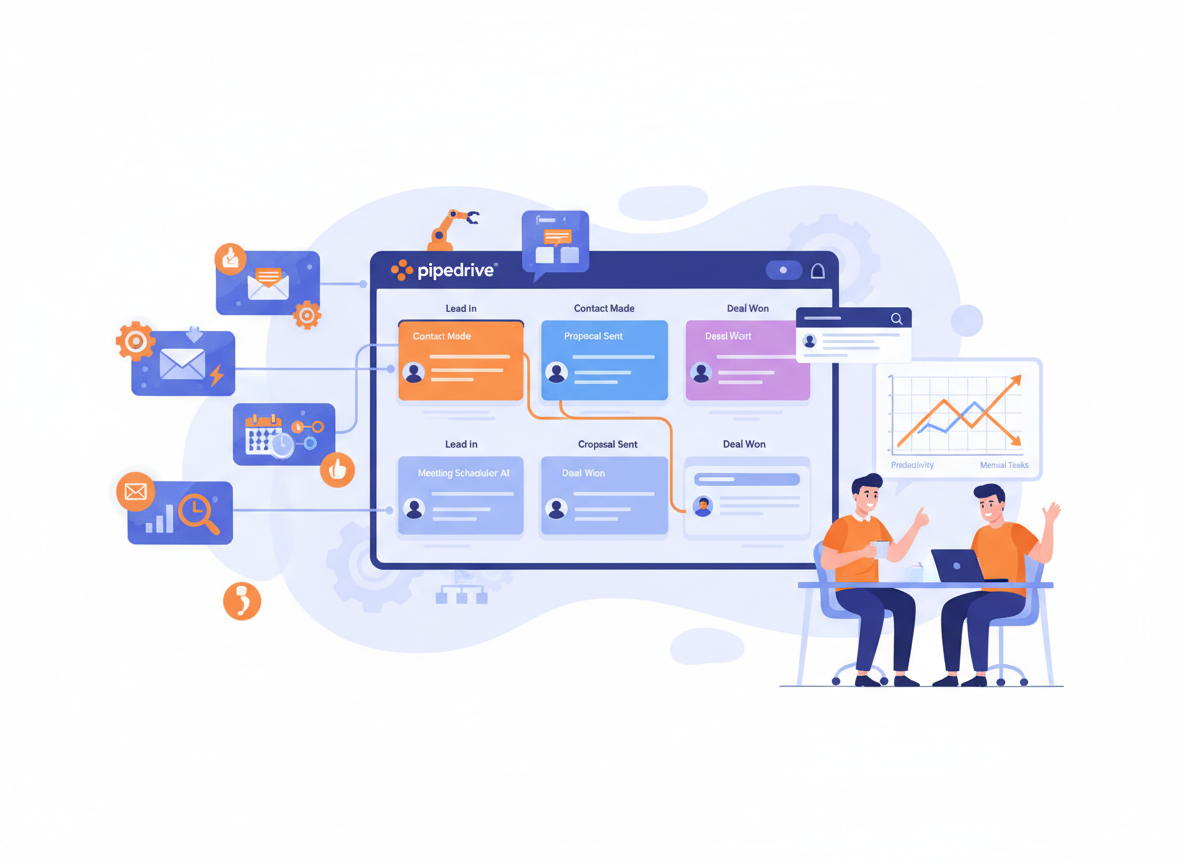
  • 2026: How Pipedrive AI Helps Small Businesses Automate Sales and Reduce Daily Workload

    The right AI CRM for small business doesn’t just organize your pipeline — it gives you back the hours you’ve been losing to follow-ups, data entry, and deal tracking.

    In 2026, American freelancers and solo entrepreneurs face a paradox: they’ve never had access to more powerful tools, yet most still feel buried in tasks that have nothing to do with growing their business.

    Inbox at 200 unread. Calendar packed. To-do list endless. And somewhere in the middle of that chaos — a sales pipeline that should be driving revenue, but instead demands constant manual attention.

    If you’re billing $50–$150 an hour as a freelancer or running a lean team of two or three, every hour spent chasing leads, copying data between tools, or writing the same follow-up email for the fifteenth time is money you’re not making. For US freelancers at $100/hour, just five hours a week on admin work adds up to $26,000 in lost annual revenue potential.

    That’s the real cost of running sales without intelligent automation.

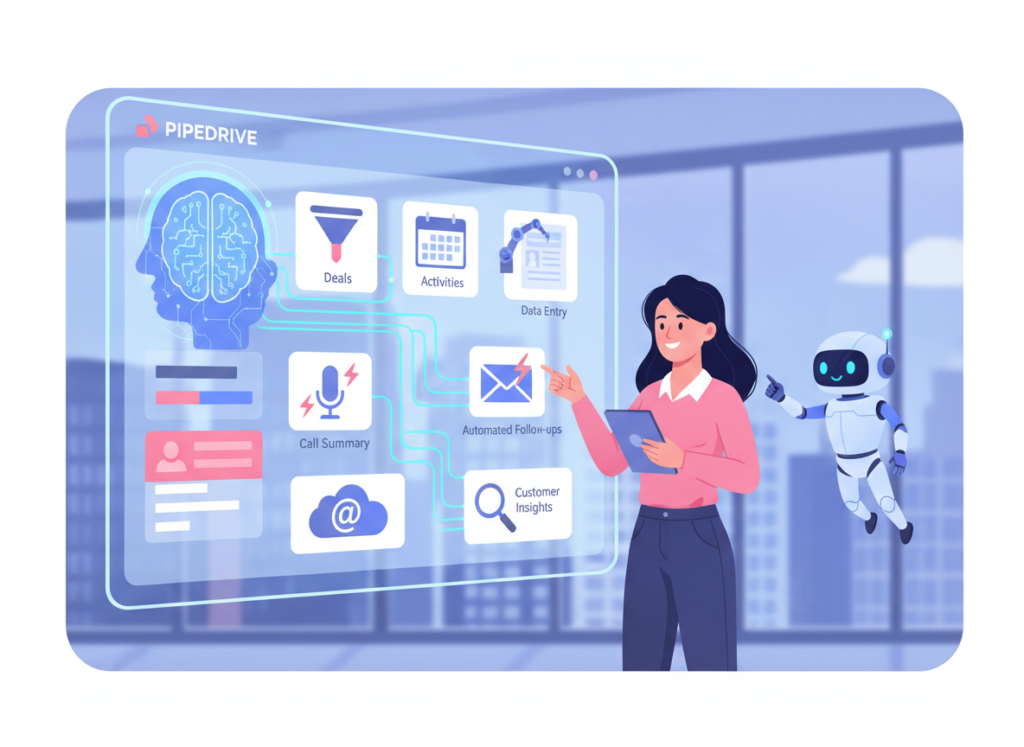
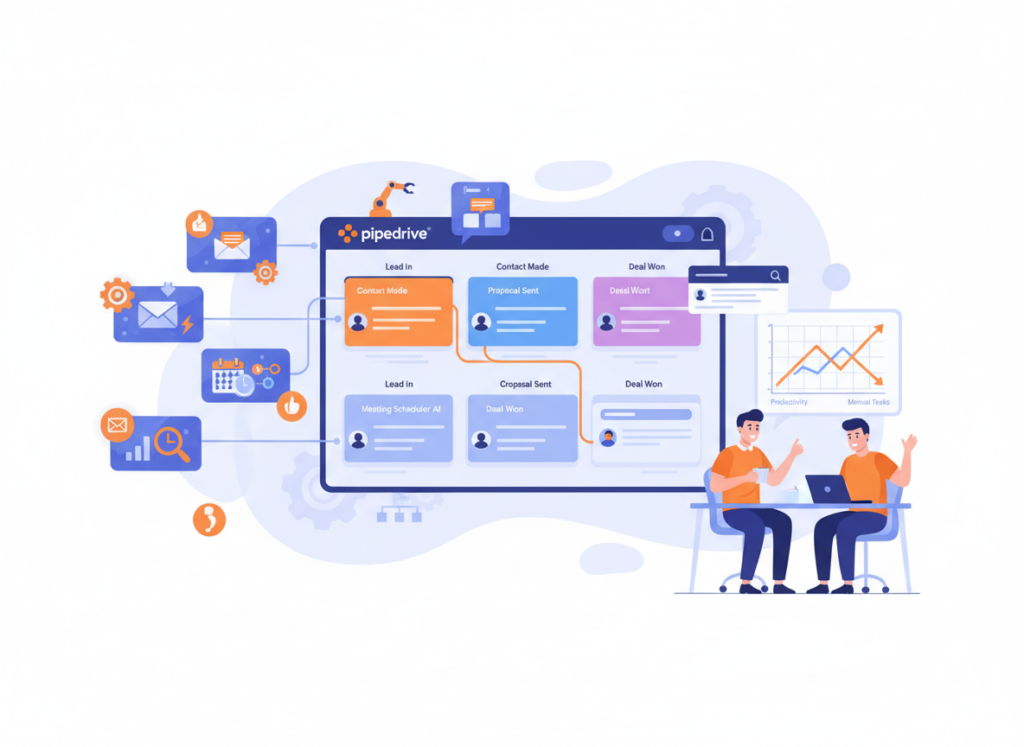
    Pipedrive AI is purpose-built to solve this problem. It’s not a passive database where you log contacts and hope for the best — it’s an active sales partner that surfaces which leads need attention, drafts your follow-up messages, predicts deal outcomes, and automates the repetitive handoffs that eat your day.

    This article covers four specific sales automation workflows you can implement this week with Pipedrive AI, each one designed to save two to five hours and reduce the cognitive overhead of keeping deals moving. Whether you’re a freelance consultant closing service contracts, a Shopify store owner managing wholesale outreach, or a SaaS founder juggling product work and business development, these workflows apply directly to how small US businesses run sales in 2026.

    The question isn’t whether AI can help your sales process. The question is how many hours you’ll keep losing before you let it.


    Key Concepts of AI Efficiency in Sales

    AI efficiency for small businesses means strategically offloading repetitive sales tasks to intelligent automation so entrepreneurs can focus on the conversations and decisions that actually close deals.

    Before diving into specific Pipedrive AI workflows, it’s worth understanding the three principles that make AI-driven sales efficiency work — and why most small business owners underestimate how much they’re leaving on the table.

    Concept 1: Cognitive Offloading in Sales

    Cognitive offloading is the practice of externalizing mental work — decisions, reminders, tracking — to a system that handles them automatically. In sales, this means not having to remember which leads went cold last week, which deals are stalled, or which prospects opened your proposal but never replied.

    For most solo operators, this kind of mental tracking creates what researchers call “open loops” — unresolved tasks sitting in working memory, consuming energy without producing results.

    Consider Sarah, a freelance brand designer in Portland managing eight active client relationships and another twelve prospective leads. Before using AI-assisted CRM tools, she spent roughly two and a half hours every day on sales overhead: checking her spreadsheet, writing follow-up notes, deciding which lead to contact next. With automated pipeline tracking, activity prompts, and AI-drafted follow-up messages, that overhead dropped to under forty minutes. She didn’t work harder — she stopped carrying the mental weight of her pipeline.

    Explore Pipedrive AI in detail to see the full range of cognitive offloading features built into the platform.

    Concept 2: The Context Switching Cost

    Research consistently shows it takes an average of twenty-three minutes to fully refocus after an interruption. In a sales workflow, context switching happens constantly: you’re drafting a proposal, a lead reply comes in, you check your CRM, update the deal stage, write a note, go back to the proposal — and you’ve lost thirty minutes of deep work time to a task that should have taken three minutes.

    Marcus, an independent management consultant in Chicago, tracked his own context switching for two weeks before adopting sales automation. He found he was switching tasks related to lead management an average of eleven times per day. By routing lead updates, activity reminders, and follow-up drafts through an automated workflow, he recovered five hours per week — time he reinvested directly into billable client work.

    As noted in this breakdown of Pipedrive automation workflows, reducing context switching is one of the highest-leverage changes small business sales teams can make, because the time saved compounds across every selling day.

    Concept 3: Workflow Orchestration

    The third concept is the most powerful — and the most misunderstood. AI efficiency isn’t about replacing individual tasks with individual AI tools. It’s about orchestrating a connected workflow where data flows automatically from one stage to the next, and AI handles the handoffs.

    In a well-orchestrated sales workflow, a new inbound lead triggers automatic qualification, populates the pipeline, schedules a follow-up, and surfaces relevant context before your first call — without you touching a single thing. You arrive at the conversation prepared, the lead feels attended to, and you spent zero manual effort getting there.

    Elena, an e-commerce owner in Austin managing wholesale outreach for her Shopify brand, implemented this kind of orchestrated workflow and reclaimed four hours per month previously spent on intake, routing, and initial follow-up — time she now spends on product development and partnerships.


    Streamline your sales workflow with smart automation Join hundreds of thousands of freelancers and small business owners using Pipedrive AI. Start Free Today at Pipedrive.com


    How Pipedrive AI Helps Efficiency

    Pipedrive AI helps small businesses achieve sales efficiency through intelligent lead scoring, AI-assisted messaging, automated pipeline management, and real-time deal insights — all designed to reduce manual selling overhead without sacrificing relationship quality.

    Here’s where the time savings get concrete. Pipedrive AI’s efficiency features break down into four functional areas, each with measurable ROI for US-based freelancers and small business operators.

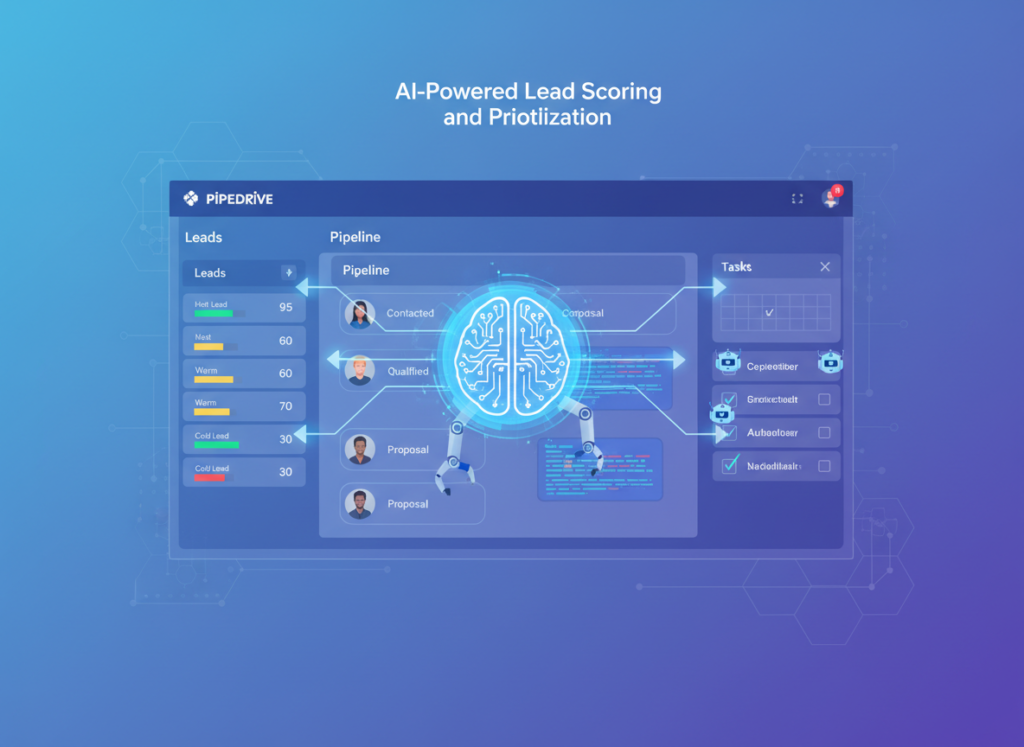
    Feature 1: AI-Powered Lead Scoring and Prioritization

    One of the most time-consuming sales tasks for solo operators is deciding where to focus. Which leads are worth a follow-up call? Which ones are stalling? Which deals are at risk?

    Pipedrive AI analyzes deal activity, response patterns, and pipeline stage data to surface a prioritized view of your pipeline — highlighting the leads most likely to close and flagging deals at risk of going cold. Instead of manually reviewing every open opportunity each morning, you get a focused list of the three to five actions that will move your pipeline forward.

    Annual time saved: approximately 40 hours. US ROI at $75/hour average: $3,000 per year.

    Feature 2: AI Email and Follow-Up Drafting

    Follow-up emails are one of the most repetitive writing tasks in sales. The message structure rarely changes — you’re checking in, sharing a resource, nudging a stalled deal — but every email still requires drafting, reviewing, and personalizing.

    Pipedrive AI drafts contextually relevant follow-up messages based on deal history, contact data, and pipeline stage. You review, adjust tone as needed, and send. What used to take twelve minutes per email now takes two.

    For a freelancer sending twenty-five follow-ups per week, this alone saves approximately three hours weekly — that’s 150 hours annually.

    US ROI at $75/hour: $11,250 per year.

    Feature 3: Deal Insights and Forecasting

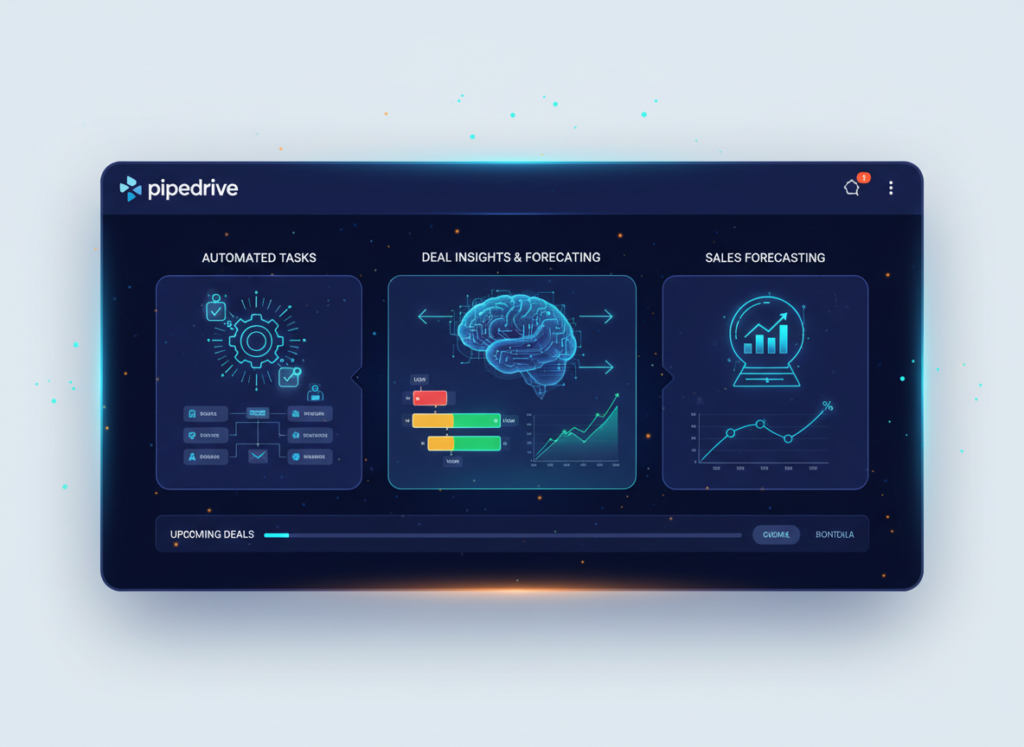
    Pipedrive AI provides predictive deal insights that surface warning signs before a deal goes cold — inactivity alerts, win probability scoring, and revenue forecasting that helps you allocate your limited selling time with precision.

    For a solo operator managing a fifteen-deal pipeline, this kind of intelligent forecasting replaces the manual spreadsheet math and gut-feel estimation that consumes hours every month.

    Annual time saved: approximately 25 hours. US ROI at $75/hour: $1,875 per year.

    Combined Annual Time Saved: ~250 hours Combined US ROI at $75/hour: ~$18,750 Against Pipedrive’s Professional plan at ~$49/month ($588/year): approximately 32x ROI

    See our full Pipedrive AI review for detailed workflow examples, feature comparisons, and implementation guides.


    Ready to cut your sales admin time in half? Try Pipedrive AI free and experience automated pipeline management firsthand. Start Free at Pipedrive.com | No credit card required


    Use Cases: Small Business & Freelancer Efficiency

    From creative freelancers to technical founders, Pipedrive AI transforms daily sales workflows by automating repetitive lead management tasks, reducing decision overhead, and keeping pipelines moving without constant manual attention.

    Persona 1: Jaden, Freelance Brand Designer

    Old Workflow: Jessica manages eight active clients and a steady inflow of project inquiries through her website contact form. Before adopting AI CRM tools, she spent roughly ten hours per week on sales overhead: sorting inquiries by hand, writing personalized responses from scratch, following up on proposals, and tracking where each prospect stood in her decision process using a combination of Gmail labels and a Notion database.

    New Workflow with Pipedrive AI: New inquiries from her contact form feed directly into Pipedrive, where AI scoring surfaces which leads match her ideal client profile. Proposal follow-ups are drafted automatically based on deal stage and time elapsed. Activity is logged without manual input. Jessica reviews her pipeline once per day — a fifteen-minute habit instead of a two-hour scramble.

    Results:

    • Sales overhead reduced from 10 hours/week to 5 hours/week
    • 260 hours reclaimed annually
    • At her $75/hour effective rate: $19,500 additional revenue potential per year

    “I used to feel guilty every time a lead slipped through the cracks. Now the pipeline tells me who needs attention — I just show up and have the conversation.” — Jessica (simulated)


    Persona 2: Dave, Independent Management Consultant

    Old Workflow: David runs a solo consulting practice with a long sales cycle — typical prospects take three to six months from first contact to signed contract. His pipeline at any given time includes twenty to thirty active conversations at different stages. Previously, he spent twenty-two hours per month maintaining his CRM, writing follow-up emails, preparing for prospect calls, and manually tracking which deals needed attention.

    New Workflow with Pipedrive AI: Pipedrive’s AI-generated deal insights flag which conversations have gone quiet and need a nudge. Email drafts are generated based on where each prospect stands in the funnel, requiring only light editing before sending. Pre-call briefings surface the last three interactions automatically.

    According to this analysis of Pipedrive productivity habits, consistent use of automated reminders and pipeline hygiene practices is one of the clearest differentiators between consultants who close consistently and those who lose deals to inattention.

    Results:

    • CRM and sales admin reduced from 22 hours/month to 10 hours/month
    • 144 hours reclaimed annually
    • At his $183/hour billing rate: $26,352 in additional billable capacity per year

    “The follow-up drafts alone are worth it. I was losing deals to consultants who were just more persistent — not better. Now persistence is automatic.” — David (simulated)


    Persona 3: Seth, Shopify Store Owner

    Old Workflow: Priya runs a Shopify-based home goods brand doing $380K in annual revenue, with a growing wholesale channel. Managing wholesale outreach meant seventeen hours per week across prospecting, follow-ups, proposal tracking, and order conversations — all handled through a mix of email threads, spreadsheets, and memory.

    New Workflow with Pipedrive AI: Wholesale leads are segmented and scored automatically on entry. Follow-up sequences run on autopilot with AI-personalized messaging. Deal stages advance as email activity is detected. Priya now runs her entire wholesale pipeline in six hours per week.

    Results:

    • Sales overhead reduced from 17 hours/week to 6 hours/week
    • 572 hours reclaimed per year
    • Time reinvested into product development and retail partnerships

    “I was running sales the way I ran the business in year one — everything in my head. Pipedrive made the pipeline visible and stopped deals from disappearing.” — Priya (simulated)

    Learn more about Pipedrive AI for persona-specific workflow templates and implementation guides for service businesses, e-commerce, and SaaS operators.


    Streamline your sales workflow with smart automation Join hundreds of thousands of freelancers and small business owners using Pipedrive AI. Start Free Today at Pipedrive.com


    Best Practices for Implementing AI Efficiency

    Successfully implementing AI sales efficiency requires starting small, maintaining human oversight, avoiding tool overload, and tracking concrete time savings — not just activity metrics.

    1. Start with One or Two High-Friction Tasks

    The biggest mistake small business owners make when adopting AI CRM tools is trying to automate everything at once. The result is a complex system that nobody actually uses consistently.

    Start with the tasks that cost you the most time and produce the least value: follow-up email drafting and pipeline stage management are almost always the right place to begin. Once those workflows run reliably and you trust the outputs, layer in lead scoring and activity logging.

    One workflow running well beats five workflows running badly.

    2. Maintain Human-in-the-Loop for High-Stakes Touchpoints

    AI efficiency doesn’t mean removing yourself from the sales process — it means removing yourself from the parts that don’t require human judgment.

    Let AI draft your follow-up emails. Review and send them yourself. Let AI flag at-risk deals. Decide how to respond yourself. This human-in-the-loop approach gives you the efficiency gains without sacrificing the relationship quality that differentiates a small business from an enterprise sales machine.

    3. Track What AI Is Actually Replacing

    Before you automate anything, log your current time on sales tasks for one week. Write down: follow-up emails written, pipeline updates made, lead reviews completed. After thirty days with automation active, repeat the measurement.

    Tracking concrete before/after numbers serves two purposes: it confirms the tool is delivering ROI, and it helps you identify the next workflow worth automating. Without baseline data, you’re guessing at efficiency gains. With it, you have a business case and a roadmap.


    Limitations and Considerations

    AI sales efficiency works best for repetitive, pattern-driven tasks — but breaks down when applied to nuanced creative judgment, legal compliance, and sensitive relationship management.

    No tool deserves an honest look more than the one you’re being asked to trust with your sales pipeline. Here’s where Pipedrive AI and AI-assisted CRM tools generally fall short.

    High-stakes relationship conversations. AI can draft your follow-up after a cold demo. It should not be generating the language you use to navigate a stalled deal with a longtime client, handle a pricing objection from a prospect you’ve spent six months cultivating, or respond to a complaint that could affect your reputation. These conversations require human judgment, tone calibration, and relationship context that current AI systems don’t reliably replicate.

    Legal, contractual, or compliance documents. AI-generated contract language, terms of service drafts, or compliance communications should always be reviewed by a qualified attorney before use. Pipedrive AI is a sales tool, not a legal tool — and using generated text in binding agreements without review is a risk no small business should take.

    Brand voice in high-visibility content. If your sales emails are a core expression of your brand — and for many service businesses, they are — AI drafts can flatten your voice into something that sounds competent but generic. Use AI as a starting point and invest the time to make the language authentically yours.

    Three key risks also apply across any AI sales tool. Hallucination — where AI generates confident-sounding but incorrect information — means you should always verify AI-generated data before using it in client-facing communications. Privacy requires careful review of Pipedrive’s data handling policies, especially for pipelines containing sensitive client information subject to industry regulations. And over-reliance creates skill atrophy: if AI writes all your sales emails, your own writing and persuasion abilities can decline over time. Treat AI as a drafting aid, not a replacement for developing your sales voice.


    Streamline your sales workflow with smart automation Join hundreds of thousands of freelancers and small business owners using Pipedrive AI. Start Free Today at Pipedrive.com


    Frequently Asked Questions

    What is AI efficiency for small business?

    AI efficiency for small business means using artificial intelligence tools to handle repetitive, time-consuming tasks — like data entry, follow-up emails, lead tracking, and pipeline updates — so business owners can focus their limited time on high-value activities like closing deals, delivering client work, and growing the business. In sales specifically, it means reducing the manual overhead of managing a pipeline without reducing the quality of customer relationships.

    What’s the best AI CRM for small business in 2026?

    Pipedrive AI is one of the strongest options for US-based small businesses and freelancers because it combines CRM fundamentals with purpose-built AI features for lead scoring, email drafting, and pipeline automation — all in a platform designed for lean teams, not enterprise sales organizations. The best tool for your business depends on your sales cycle length, team size, and integration needs.

    Do I need technical skills to use AI for sales efficiency?

    No. Pipedrive AI is designed for non-technical users. Setting up automated follow-up sequences, pipeline stages, and email drafting features requires no coding knowledge. Most users are fully operational within a few hours of setup, and Pipedrive’s onboarding resources are built for small business owners, not IT professionals.


    Conclusion

    For US freelancers and small business owners running sales in 2026, the gap between spending ten hours a week on pipeline admin and spending three isn’t effort — it’s systems.

    Pipedrive AI sits at the center of that difference. As an AI CRM for small business, it doesn’t just store contact data — it actively reduces the cognitive and manual overhead that slows down solo operators and lean teams. Lead scoring, follow-up drafting, pipeline automation, and deal insights work together to keep your sales process moving without constant manual input.

    The ROI case is straightforward. At a conservative estimate of 250 hours saved annually and a $75/hour effective rate, Pipedrive AI delivers roughly $18,750 in recovered productivity against a software cost under $600/year — a 30x return before accounting for the additional revenue generated by a better-managed pipeline.

    More importantly, AI efficiency in sales is not about replacing the human side of selling. The best salespeople — and the best small business owners — are still the ones who build real relationships, understand their clients deeply, and communicate with authenticity. AI handles the pattern work so you can show up more fully for the conversations that actually matter.

    Start with one workflow this week. Automate your follow-up drafts, or let Pipedrive surface your highest-priority leads each morning. See what it feels like to work a pipeline that manages itself.

    The question isn’t “Should I use AI for sales efficiency?” It’s “Can I afford NOT to?”


    Learn more about Pipedrive AI


  • 2026: Picsart vs Fotor for AI Photo Editing — Which Fits Your Business?

    Most AI photo editing software comparisons obsess over feature lists — this one focuses on which tool actually fits your workflow and budget.

    Choose Picsart if: You’re a social media content creator, small business owner, or freelancer who needs a versatile creative suite beyond just photo editing — design templates, video clips, AI generation, and a mobile-first experience all in one platform. Picsart is built for high-volume creators who want to produce branded content fast without switching between tools.

    Choose Fotor if: You’re a photographer, e-commerce seller, or marketer who primarily needs powerful AI-driven photo enhancement, retouching, and product image optimization. Fotor’s editing depth and dedicated AI tools like HDR effects and portrait retouching make it stronger for image quality, not just content volume.

    Neither is ideal if: You need professional-grade RAW editing, advanced color grading for print, or enterprise workflow management. Both are consumer and prosumer tools optimized for digital output.

    Honest reality check: Your choice between Picsart and Fotor has less to do with which is “better” and more to do with what you’re making, how often, and on what device. Both require free-tier experimentation before committing to a paid plan.


    Why This Comparison Matters

    In 2026, there are over 80 AI-powered photo and design tools competing for your attention — and most comparisons bury the real question under feature checklists and star ratings. The picsart vs fotor ai photo editor question isn’t about megapixels or filter counts. It’s about whether a tool fits into how your business actually creates and distributes visual content.

    The visual content economy has accelerated sharply. Small businesses in the US now need professional-quality images for Instagram, product listings, email campaigns, and web design — often produced by one or two non-designers under constant deadline pressure. AI tools promise to close the gap between what you need and what your team can execute. But the wrong tool wastes time, money, and creative energy.

    Most comparison articles stop at feature tables. They don’t tell you that Picsart’s mobile app is genuinely better for on-the-go social content, or that Fotor’s AI background remover performs more consistently on complex product photos. They don’t explain that the difference between $8/month and $20/month adds up to $144/year in real US dollars — money that matters when you’re a 3-person team.

    This comparison is built around practical business scenarios. If you’re spending 10+ hours per week creating visual content — or want to get there — read through to find which tool deserves your subscription. As noted in this comparison of leading photo editing platforms, both tools have carved out distinct user bases for good reason. The supporting keywords tell part of the story: “ai photo editing software,” “online ai image editor,” and “best ai photo editor 2026” are all driving significant search traffic — because real buyers are actively deciding right now.


    Who This Comparison Is Best For

    This comparison is written for business owners and creators who use visual content as a working tool — not as a hobby. Here are the four situations where this decision matters most.

    Situation 1: Solo Creator or Freelancer Managing Multiple Brand Accounts

    Pain: You’re producing 20–40 pieces of visual content per week across Instagram, Facebook, and client deliverables. You don’t have a design degree and don’t want to learn Photoshop.

    Challenge: Speed matters more than perfection. You need templates, AI assistance, and batch editing without a steep learning curve.

    Common mistake: Choosing a tool based on a YouTube tutorial rather than testing it against your actual content types.

    Situation 2: E-Commerce Seller Needing Product Image Polish

    Pain: Your product photos look amateur compared to competitor listings. Returns are partly driven by misleading image quality.

    Challenge: You need background removal, shadow enhancement, and color correction — consistently, at volume.

    Common mistake: Paying for a full creative suite when 80% of your need is a clean background remover and brightness fix.

    Situation 3: Local Business Owner Creating In-House Marketing Materials

    Pain: Agency costs are $2,000–$5,000/month. You want to bring content creation in-house but don’t know where to start.

    Challenge: Learning curve, time investment, and not knowing which tool produces professional enough output to use publicly.

    Common mistake: Assuming the more expensive tool is the more capable one.

    Who this comparison is NOT for:

    • Professional photographers requiring Lightroom-level RAW processing
    • Enterprise teams with dedicated creative departments and Adobe licenses
    • Developers building image-processing pipelines (these tools have no API access designed for that use case)

    Real-world example: Jason runs a 2-person online supplement brand in Denver. He sells on Shopify and Amazon, posts daily on Instagram, and sends a weekly email campaign. He can’t afford a freelance designer at $65/hour for every asset. He needs one tool that handles product photo cleanup, social posts, and promotional graphics — ideally from his phone. Whether Picsart or Fotor fits his workflow better depends on factors this comparison will clarify.


    For advanced integration strategies that connect your visual content workflow to your broader marketing systems, explore our AI workflow guides.


    Why Each AI Fits Different Needs

    Picsart: Strengths and Best-Fit Scenarios

    Picsart has evolved from a filter app into a full-spectrum AI creative platform. For explore Picsart in detail, the value proposition is breadth: it handles photo editing, graphic design, video clips, and AI image generation within a single interface — mobile and web.

    General-Purpose Usefulness: Picsart shines when you need to produce a high volume of varied content. Its AI tools include background removal, object eraser, AI-generated backgrounds, image upscaling, and style transfer. The template library is enormous, with thousands of social-first layouts for Instagram Reels, TikTok, Stories, and more.

    Learning Curve: Most users get usable output within 30 minutes. The mobile app is intuitive enough that non-designers can generate brand-consistent posts without tutorials. The drag-and-drop design interface is comparable to Canva in ease.

    Creative Flexibility: Picsart’s AI image generator allows creators to produce original visuals from text prompts — reducing dependency on stock photo subscriptions. Combined with its remix and sticker tools, it supports a highly iterative creative workflow.

    Integration and Output: Picsart exports to all standard formats and sizes. It lacks deep integration with project management tools but connects naturally to social platforms. There’s a growing API ecosystem for developers building lightweight automation.

    Real-World Business Result: Social media managers using Picsart report reducing content production time by 40–60% on standard branded posts. The volume capability is its strongest differentiator — if you’re producing 5+ pieces of content daily, Picsart’s workflow is faster.


    For advanced integration strategies that connect your visual content workflow to your broader marketing systems, explore our AI workflow guides.


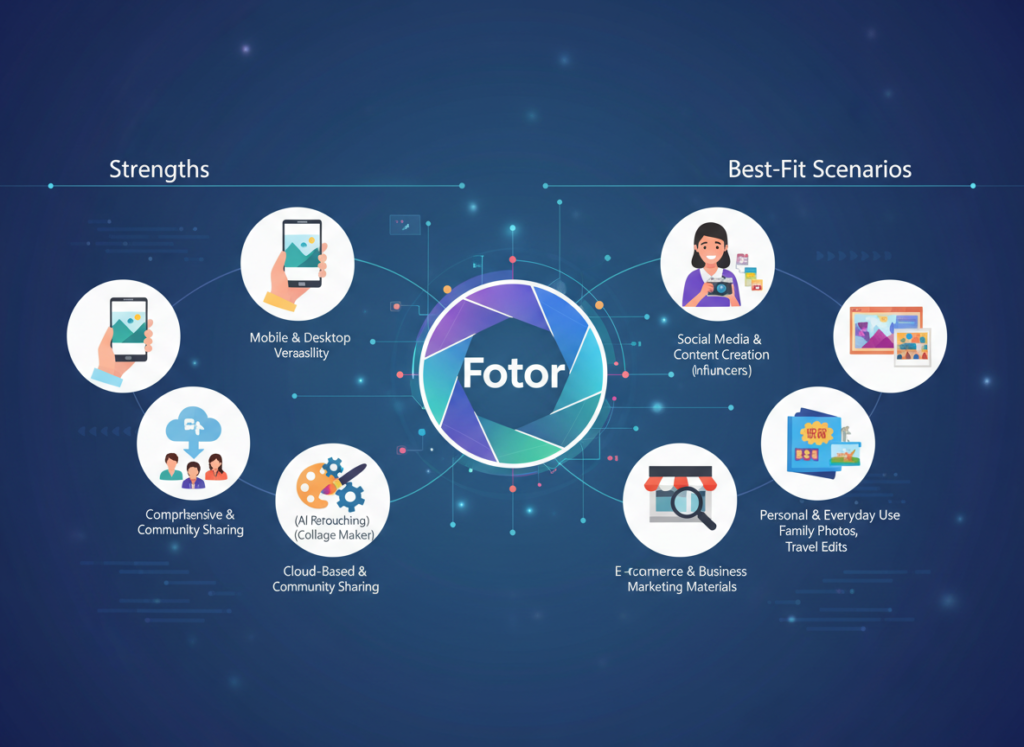
    Fotor: Strengths and Best-Fit Scenarios

    Fotor is a dedicated AI photo editor built for image quality over creative volume. Where Picsart expands outward into design and video, Fotor goes deeper into the photo itself. See our full Fotor review for a complete breakdown of its feature set.

    General-Purpose Usefulness: Fotor’s AI tools focus on image enhancement: portrait retouching, HDR effects, smart denoise, and one-click photo enhancement that applies multi-layered corrections automatically. Its background remover handles complex subjects — hair, transparent objects, fine fabric edges — more reliably than most competitors in its price range.

    Learning Curve: Fotor is arguably easier to learn for pure photo editing. The one-click AI enhancement alone delivers professional results in seconds, making it accessible for absolute beginners. The interface is clean and purpose-driven.

    Photo Editing Depth: Fotor offers more granular control over color curves, exposure, sharpening, and effects than Picsart. For photographers and product sellers who want fine-tuned adjustments without learning Lightroom, Fotor is a strong middle-ground tool.

    Integration and Output: Fotor supports batch processing — a major advantage for e-commerce sellers editing dozens of product images at once. It exports in all standard formats with print-quality resolution options.

    Real-World Business Result: E-commerce sellers using Fotor for product photo cleanup report significantly higher conversion rates on platforms like Amazon and Etsy, where image quality directly affects purchase decisions. According to this analysis of photo editing tools for business, Fotor consistently scores higher for image quality output in professional evaluations.

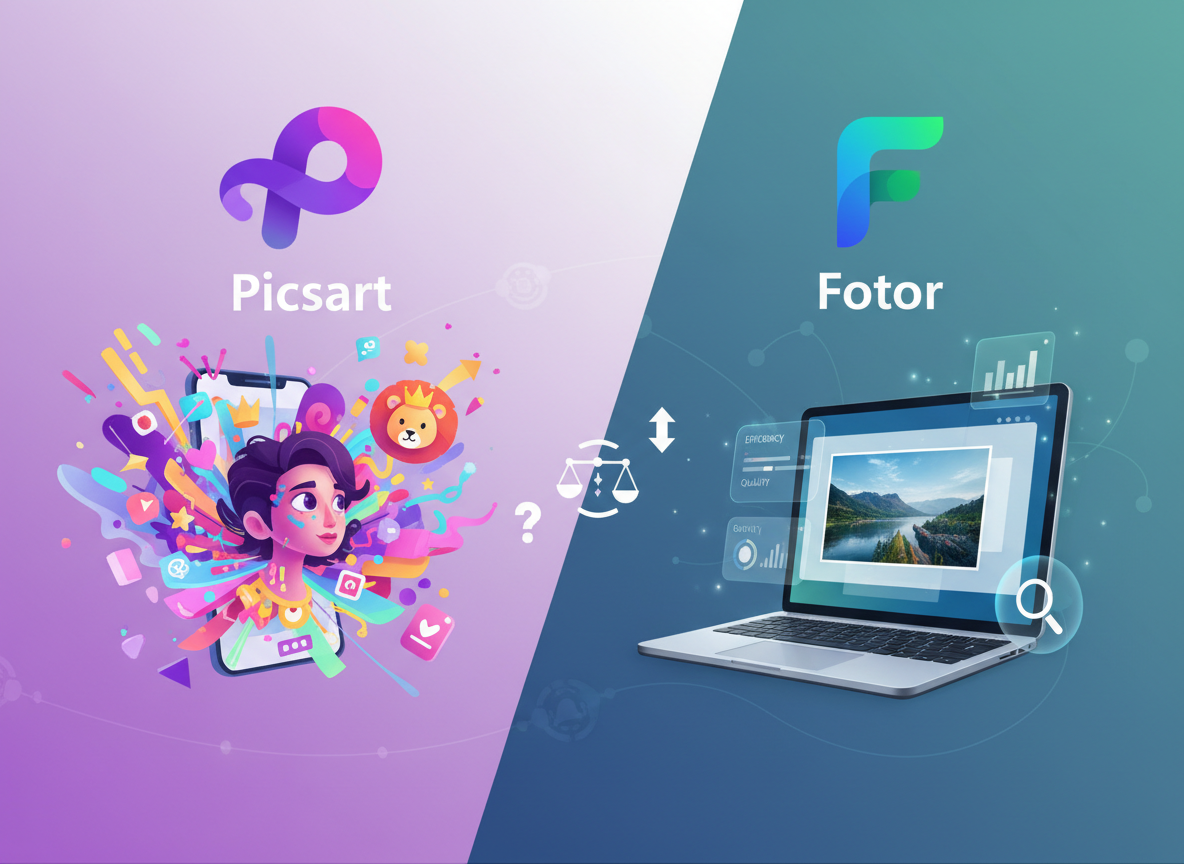
    Comparative Summary: Picsart generates content faster and wider; Fotor generates images that look better at the individual photo level. Your choice depends on whether your bottleneck is volume (Picsart) or image quality (Fotor). Learn more about Picsart if you prioritize content output; learn more about Fotor if photo quality is your primary concern.


    Who Should Choose Another AI Entirely

    Both Picsart and Fotor are excellent tools for digital content creation. But there are clear situations where neither delivers what you actually need.

    Need 1: Professional RAW Photo Editing

    Why these tools don’t fit: Neither Picsart nor Fotor supports non-destructive RAW editing with the depth of Adobe Lightroom or Capture One. Color profiles, lens correction metadata, and advanced masking are limited.

    Better alternative: Adobe Lightroom ($9.99/month) or Darktable (free, open-source).

    Example: If you’re a real estate photographer delivering 50 HDR-bracketed RAW files per shoot to clients, neither tool is appropriate for production workflow.

    Need 2: Illustration and Vector Design

    Why these tools don’t fit: Both are raster-based photo editors. Creating logos, vector illustrations, or scalable brand assets isn’t their purpose.

    Better alternative: Adobe Illustrator, Canva Pro (for vectors), or Figma for UI design work.

    Example: If your business needs a new logo or brand identity system, use a vector tool — not a photo editor.

    Need 3: Team Collaboration and Brand Management

    Why these tools don’t fit: Neither Picsart nor Fotor offers robust brand kit management, multi-user permissions, or approval workflows that larger teams require.

    Better alternative: Canva for Teams or Bynder for brand asset management at scale.

    Example: A 10-person marketing team needing version control, asset libraries, and client approval stages needs a dedicated creative management platform.

    Honest assessment: Picsart and Fotor are excellent for individual creators and small teams focused on photo editing and social content. They’re not designed for print production, brand system management, or enterprise-scale creative operations. Use them for what they’re built for — and they’ll deliver strong ROI.


    Use Cases by Business Goal

    Productivity: Automating Repetitive Image Tasks

    Use Case: E-commerce seller needs 50 product photos edited weekly — background removed, brightness corrected, and sized for multiple platforms.

    Scenario: Manual process takes 2–3 minutes per image in basic editing tools. Goal: Reduce to under 30 seconds per image using AI batch processing.

    Picsart Approach:

    • Strengths: AI background remover is fast, handles most product types well
    • Process: Upload batch ? Apply AI background removal ? Export to platform-specific sizes
    • Limitations: Batch editing on web is functional but less refined than desktop alternatives
    • Time to value: Most users achieve consistent results within first session

    Fotor Approach:

    • Strengths: Batch processing with AI enhancement is more robust; better on complex product backgrounds
    • Process: Import batch ? One-click AI enhancement ? Background removal ? Export
    • Limitations: Interface slightly slower for very large batches
    • Time to value: Immediate for standard product photos; 1–2 hours learning for advanced retouching

    Decision Criteria:

    • Choose Picsart if: Your products are simple objects on clean surfaces and you also need social graphics
    • Choose Fotor if: Your products have complex backgrounds or require consistent color correction across a catalog

    For more ways to automate repetitive visual tasks and reclaim hours in your week, discover AI efficiency strategies that extend beyond photo editing into your full content workflow.


    Revenue & Marketing: Creating Customer-Facing Visual Content

    Use Case: A local restaurant needs weekly promotional graphics for Instagram Stories, email headers, and Google Business profile updates.

    Scenario: Current process: outsource to a freelance designer at $50/hour, 2 hours per week = $400/month. Goal: Bring in-house at under $25/month using AI design tools.

    Picsart Approach:

    • Strengths: Massive template library specifically for food and restaurant businesses; AI text effects; one-click brand color application
    • Process: Select template ? Swap photo ? Apply brand colors and fonts ? Export in all sizes
    • Business impact: Reduces design spend from $400/month to under $25/month; increases posting frequency

    Fotor Approach:

    • Strengths: Photo quality of food images is noticeably better; AI enhancement makes even phone photos look professional
    • Process: Enhance photo ? Add text overlay using Fotor’s design mode ? Export
    • Business impact: Higher visual quality per post; better suited for businesses where photo realism drives sales (food, real estate, beauty)

    Decision Criteria:

    • Choose Picsart if: Volume and variety of content formats is the priority
    • Choose Fotor if: The quality of individual photos is what drives customer decisions

    To explore more revenue-focused AI strategies that combine content creation with conversion optimization, check out AI revenue growth tactics used by US small businesses in 2026.


    Systemization & Workflows: Building a Repeatable Content System

    Use Case: A 3-person marketing agency needs a repeatable weekly content production process for 5 clients — each with different brand guidelines.

    Scenario: Current state: team uses 4 different tools, inconsistent output quality, 12 hours/week on content production. Goal: Consolidate to 1–2 tools, build brand kits per client, reduce to 6 hours/week.

    Picsart Approach:

    • Strengths: Brand kits allow per-client color, font, and logo storage; team collaboration features in paid plans; mobile access for on-site shoots
    • Process: Set up brand kit per client ? Use templates as starting points ? Remix and publish
    • Long-term stability: Strong for agencies focused on social media output

    Fotor Approach:

    • Strengths: Consistent photo quality across client deliverables; better for clients in visual industries (real estate, food, products)
    • Process: Establish photo enhancement presets per client ? Apply batch ? Combine with Canva or other tool for layout
    • Long-term stability: Better as a specialized photo component of a larger workflow than an all-in-one solution

    Decision Criteria:

    • Choose Picsart if: You need one tool to handle your agency’s full visual output
    • Choose Fotor if: Photo quality is the core deliverable and you’re comfortable using a second tool for layout

    As highlighted in this overview of photo editing software comparisons, the most effective agencies treat AI tools as workflow components, not replacements for creative judgment. For comprehensive systemization strategies that help small teams scale without adding headcount, explore Solo DX workflows.


    For advanced integration strategies that connect your visual content workflow to your broader marketing systems, explore our AI workflow guides.


    Side-by-Side Comparison Table

    Comparison AxisPicsartFotor
    Primary StrengthAll-in-one creative platformAI photo enhancement and editing depth
    Ease of UseVery intuitive; mobile-first experienceClean interface; easy for photo editing
    Best ForSocial content creators, agencies, marketersPhotographers, e-commerce sellers, portrait editors
    AI FeaturesBackground removal, image generator, style transfer, AI expandPortrait retouch, HDR, smart enhance, background removal
    Mobile App QualityExcellent; one of the best mobile creative appsGood; functional but not mobile-primary
    Batch ProcessingAvailable; better on webStrong batch AI enhancement
    Template LibraryMassive (millions of templates and stickers)Moderate; more photo-focused than design-focused
    Photo Quality OutputGood for social; not optimized for printHigher quality; better color accuracy
    AI Image GenerationYes; improving but not Midjourney-levelYes; basic generation capabilities
    Collaboration FeaturesBrand kits; team access in paid plansLimited team features
    Pricing (US Market)Free tier available; Plus ~$5/month; Gold ~$13/monthFree tier available; Pro ~$8.99/month; Pro+ ~$19.99/month
    Offline AccessMobile app works partially offlineWeb-based; limited offline
    Best Use CaseHigh-volume social and marketing contentProduct photos, portraits, professional image polish
    Main LimitationPhoto editing depth limited vs dedicated toolsLess versatile for non-photo design tasks

    After-Table Explanation:

    The right choice shifts based on where your business is in its growth and what visual content actually drives your results.

    Early-Stage / Establishing Presence (0–12 months): If you’re building brand awareness on social media and need consistent output fast, Picsart’s template volume and all-in-one capability give you more tools to experiment with. Testing what content resonates with your audience requires volume — and Picsart supports that.

    Growth / Scaling Quality (12–30 months): As your audience grows, image quality starts mattering more than image quantity. Fotor’s superior photo enhancement makes individual pieces of content perform better — especially for e-commerce conversion or portfolio-driven businesses.

    Established / Optimizing Systems (30+ months): Many creators and agencies end up using both strategically: see our full Picsart review for social content production, and explore Fotor in detail for product and portfolio photography.

    Cost Reality (US Market): At $9–$20/month each, both tools cost $108–$240/year. If either tool saves you 2 hours per week at a $40/hour freelancer rate, that’s $4,160/year in recovered value. Both pay for themselves within the first month for most active users.


    For advanced integration strategies that connect your visual content workflow to your broader marketing systems, explore our AI workflow guides.


    How to Choose the Right AI for Your Business

    Checkpoint 1: What’s Your Primary Content Type?

    • Mostly social graphics, templates, and mixed media ? Picsart
    • Mostly photos that need enhancement, retouching, or background work ? Fotor
    • Reality check: If you answered “both equally,” run a free 2-week trial of each with your actual content and measure which one you reach for first.

    Checkpoint 2: Where Do You Primarily Work?

    • Phone or tablet, on the go ? Picsart (mobile app is significantly better)
    • Desktop or laptop, in a dedicated workflow ? Either (both perform well on web)
    • Reality check: Tool friction adds up. If you’re fighting a bad mobile experience daily, you’ll stop using the tool.

    Checkpoint 3: Is Volume or Quality Your Bottleneck?

    • “I need to post more content” ? Picsart
    • “I need my content to look more professional” ? Fotor
    • Reality check: Both are legitimate bottlenecks. But solving the wrong one doesn’t move the needle.

    Checkpoint 4: Do You Need Design Capabilities Beyond Photo Editing?

    • Yes, I need text overlays, social templates, and layout design ? Picsart
    • No, I just need excellent photo editing and enhancement ? Fotor
    • Reality check: Picsart’s design capabilities reduce your need for additional tools like Canva. Factor that into total cost.

    Common Mistakes to Avoid:

    Mistake 1: Choosing Based on Social Media Reviews Problem: A tool that works beautifully for a fashion influencer may be wrong for a B2B software company’s LinkedIn content. Fix: Test with your content type, not someone else’s aesthetic.

    Mistake 2: Ignoring the Free Tier Problem: Paying for a plan before discovering the tool doesn’t fit your workflow. Fix: Both Picsart and Fotor offer free access. Use them for 2 weeks before committing.

    Mistake 3: Expecting AI to Replace Creative Judgment Problem: AI tools accelerate execution; they don’t replace knowing what looks good for your brand. Fix: Use AI to handle the mechanical work (sizing, background removal, color correction); keep your creative direction human.


    For advanced integration strategies that connect your visual content workflow to your broader marketing systems, explore our AI workflow guides.


    Frequently Asked Questions

    Q1: Is Picsart better than Fotor for social media content creation?

    For social media specifically, Picsart has a meaningful advantage. Its template library is built around social formats — Instagram Reels, TikTok, Stories, YouTube thumbnails — and its mobile app makes on-the-go content creation genuinely fast. Fotor can produce social content, but it’s optimized for photo quality rather than social format variety. If social media is your primary channel, Picsart is the better daily driver.

    Q2: Which tool has better AI background removal — Picsart or Fotor?

    Both offer AI background removal, and both perform well on simple subjects. For complex subjects — fine hair, transparent objects, intricate product edges — Fotor’s background remover tends to handle edge detection more precisely. For speed and volume on standard products, Picsart’s background tool is fast and effective. For critical product photography where accuracy matters, test both on your actual images before deciding.

    Q3: How much time can AI photo editing tools actually save?

    For small business owners handling their own visual content, expect 40–65% time savings on mechanical tasks: background removal, resizing, basic retouching, and template customization. A task that previously took 20 minutes — removing a background, adjusting exposure, exporting in 4 sizes — can realistically take 3–5 minutes with either tool. The more repetitive and formulaic your content production, the higher your time savings. Custom, creative work still requires human input.

  • One platform, endless APIs: Build, integrate, and scale smarter.

    What is ApyHub?

    ApyHub is an all-in-one API platform designed to provide developers with a curated suite of programmable utilities. It enables users to integrate a diverse range of pre-built functionalities, such as data validation and document processing, directly into their applications through standardized API calls.
    Developed by the team at ApyHub, the platform utilizes machine learning algorithms to process user requests for specific computational tasks. You can explore its full catalog of services on the official ApyHub website. This approach is particularly effective for development teams seeking to accelerate project timelines by outsourcing common technical operations, thereby allowing them to concentrate on core application logic, a common strategy discussed in resources about developer tools.

    Key Findings

    • API Collection: Provides a curated library of ready-to-use APIs for diverse business needs instantly.
    • Unified Platform: Integrates multiple API services into a single dashboard for streamlined management and access.
    • Global Infrastructure: Ensures high availability and low latency with a worldwide network of reliable servers.
    • Developer Experience: Offers comprehensive documentation and SDKs to accelerate integration and reduce development time.
    • Cost Efficiency: Consolidates multiple API subscriptions into one predictable bill, optimizing your software budget.
    • Enterprise Security: Implements robust protocols including encryption and access controls to protect sensitive data.
    • Scalable Solutions: Automatically adjusts resources to handle traffic spikes and support your business growth.
    • Real-time Monitoring: Delivers detailed analytics and performance insights to track usage and system health.
    • Rapid Prototyping: Enables quick building and testing of applications with pre-built, production-ready API functions.
    • Compliance Ready: Adheres to major international standards to help meet your regulatory and legal requirements.

    Who is it for?

    Entrepreneur

    • Market research analysis
    • Financial projection modeling
    • Investor pitch creation
    • Competitive intelligence reports
    • Operational process documentation

    Marketing Manager

    • Campaign performance report
    • Social media content calendar
    • SEO keyword gap analysis
    • Ad copy A/B testing ideas
    • Customer sentiment analysis

    Project Manager

    • Meeting minute summarization
    • Risk assessment documentation
    • Project status reporting
    • Stakeholder communication drafts
    • Resource allocation planning

    Pricing

    Starter @ $0/mo

    • 5 API calls per day
    • 10 AI calls per day
    • 50 MB API request size
    • 2 GB storage
    • 2 API keys
    • 7 days usage history

    Pro @ $16/mo

    • No daily API call limits
    • 100K atoms per month
    • No daily AI call limits
    • 100 MB API request size
    • 5 GB storage
    • 10 API keys

    Pro + @ $42/mo

    • No daily API call limits
    • 500K atoms per month
    • No daily AI call limits
    • 300 MB API request size
    • 10 GB storage
    • 25 API keys

    Team @ $86/mo

    • No daily API call limits
    • 2M atoms per month
    • No daily AI call limits
    • 500 MB API request size
    • 20 GB storage
    • 50 API keys
  • Deploy full-stack AI apps instantly with a no-code backend platform.

    What is Back4app?

    Back4app is a backend-as-a-service platform designed to streamline application development. It enables developers to build and manage scalable backends for web and mobile applications without managing server infrastructure directly. Developed by the team at Back4app, the platform utilizes machine learning algorithms to process user data and automate backend tasks like database management and user authentication. You can explore its full capabilities on the official Back4app website. This service is particularly effective for development teams seeking to accelerate their project timelines, as it handles complex server-side logic. For those comparing similar development tools, a comprehensive BaaS platform comparison can provide valuable context.

    Key Findings

    • Serverless Backend: Provides scalable cloud infrastructure for building modern applications without managing servers
    • AI Integration: Simplifies adding artificial intelligence features to apps using pre-built models and APIs
    • Real-time Database: Offers synchronized data across all devices instantly with live queries and updates
    • GraphQL API: Delivers flexible data fetching with a single endpoint reducing multiple network requests significantly
    • User Authentication: Secures app access with customizable login systems including social media and email options
    • Cloud Functions: Executes backend code on demand without provisioning servers for event-driven application logic
    • File Storage: Manages media and documents securely in the cloud with easy upload and retrieval
    • Push Notifications: Engages users with targeted messages sent directly to their mobile devices instantly
    • Auto Scaling: Adjusts resources automatically based on traffic to maintain performance and control costs
    • Analytics Dashboard: Monitors app performance and user behavior with detailed insights and visual reports

    Who is it for?

    Startup Founder

    • Prototype development
    • Investor report automation
    • Customer feedback analysis
    • Competitive research
    • Technical documentation

    Project Manager

    • Meeting summarization
    • Risk log maintenance
    • Progress reporting
    • Stakeholder communication
    • Specification clarification

    Content Creator

    • Blog ideation
    • SEO optimization
    • Social media copy
    • Content repurposing
    • Audience engagement

    Pricing

    Free @ $0/mo

    • 10 daily AI Agent prompts
    • Community support
    • Cloud Platform Included
    • Database, APIs, Storage & more

    Pro @ $25/mo

    • 500 monthly AI Agent prompts
    • Priority support
    • Cloud Platform Included
    • Database, APIs, Storage & more

    Elite @ $100/mo

    • 3,000 monthly AI Agent prompts
    • Priority support
    • Cloud Platform Included
    • Database, APIs, Storage & more

    Enterprise Edition @ Contact Us

    • Custom plans
    • Professional services
    • On-premise deployment
    • Custom agents
  • The focused writing environment that clears your mind and your text.

    What is iA Writer?

    iA Writer is a writing application designed to provide a focused environment for drafting and editing text. It enables users to compose and refine written documents with minimal visual distraction from its interface. Developed by the team at iA Writer, the software utilizes machine learning algorithms to process text for tasks like style checking and thematic analysis. You can learn more about its features directly from its official website.
    The application is particularly effective for authors, journalists, and students who require a clean digital workspace to concentrate on their prose. For individuals exploring various digital writing tools, reviewing options within the writing assistant category can provide valuable comparisons.

    Key Findings

    • Focus Mode: Eliminates distractions for writers by providing a clean, minimalist writing environment.
    • Markdown Mastery: Uses simple text formatting to create clean documents without complex toolbar navigation.
    • Syntax Highlighting: Color-codes key elements like headings and links for better visual structure clarity.
    • Content Block: Organizes writing into movable sections allowing flexible restructuring of document flow.
    • Templates Library: Offers pre-designed formats for common documents such as reports and blog posts.
    • Export Options: Publishes finished work directly to platforms like WordPress or exports to PDF.
    • Document Statistics: Provides real-time counts for characters, words, sentences, and reading time estimates.
    • iCloud Sync: Keeps all documents updated seamlessly across your Mac, iPhone, and iPad devices.
    • Writing Goals: Sets customizable targets for word or character count to maintain project momentum.
    • Focus Analytics: Tracks writing sessions and outputs metrics to help review productivity and patterns.

    Who is it for?

    Content Creator

    • Drafting blog posts
    • Overcoming writer’s block
    • Editing long-form articles
    • Research note organization
    • Final proofreading before publishing

    Startup Founder

    • Pitching to investors
    • Writing operational manuals
    • Strategic planning notes
    • Responding to partner emails
    • Preparing board meeting summaries

    Legal Assistant

    • Drafting client correspondence
    • Summarizing case law
    • Organizing deposition transcripts
    • Proofreading legal documents
    • Creating meeting agendas

    Pricing

    Free Trial @ $0/mo

    • Two week trial
    • No sign-up required
    • Full feature access
    • No ads
    • Mac and Windows

    Mac @ $49.99/one-time

    • Pay once
    • Own forever
    • Full feature access
    • Focus Mode
    • Syntax Highlight
    • Style Check

    Windows @ $49.99/one-time

    • Pay once
    • Own forever
    • Full feature access
    • Focus Mode
    • Syntax Highlight
    • Style Check

    iPhone & iPad @ $49.99/one-time

    • Pay once
    • Own forever
    • Full feature access
    • Focus Mode
    • Syntax Highlight
    • Style Check
  • Effortless AI that automates your work, so you can focus on what matters.

    What is Rize?

    Rize is a productivity assistant designed to help individuals track and analyze their digital activity. It enables users to gain insights into their computer usage patterns by automatically logging time spent on applications and websites.
    Developed by the team at Rize, the tool utilizes machine learning algorithms to process user activity data, generating detailed reports on focus and productivity. You can learn more about its features on the official Rize website. As a productivity tracker, it is particularly effective for professionals seeking to optimize their work habits and minimize distractions, a common goal for those exploring digital wellness tools.

    Key Findings

    • Effortless Integration: Seamlessly connects with your existing business tools and platforms without disruption or downtime.
    • Intelligent Automation: Handles complex, repetitive tasks autonomously, freeing your team to focus on strategic, creative work.
    • Proactive Insights: Analyzes data patterns to predict trends and surface actionable recommendations for smarter business decisions.
    • Unified Dashboard: Provides a single, clear view of all operations and performance metrics from one central console.
    • Customizable Workflows: Adapts to your specific business processes with drag-and-drop tools for personalized automation design.
    • Real-Time Analytics: Delivers immediate, data-driven insights and performance reports to inform quick and confident decision-making.
    • Secure Compliance: Maintains enterprise-grade security protocols and automatically adheres to the latest industry regulations and standards.
    • Scalable Architecture: Grows effortlessly with your business, managing increased demand and complexity without sacrificing performance or speed.
    • Collaborative Intelligence: Enhances team productivity by facilitating seamless sharing of insights and automated processes across departments.
    • Continuous Learning: Evolves its models using your unique data to become more accurate and helpful over time.

    Who is it for?

    Content Creator

    • Social media post creation
    • Blog post drafting
    • Email newsletter writing
    • Video script outlining
    • Content idea brainstorming

    Marketing Manager

    • Campaign copy generation
    • Market analysis summary
    • Presentation deck creation
    • Customer persona development
    • Promotional email series

    Startup Founder

    • Investor pitch refining
    • Business plan drafting
    • Product description writing
    • Meeting agenda preparation
    • User feedback analysis

    Pricing

    Basic @ $9.99/mo

    • Automatic app and website tracking
    • AI auto-categorization
    • Automatic focus detection
    • Built-in focus music
    • Personal productivity reports
    • AI productivity insights

    Professional @ $14.99/mo

    • Automatic client and project tracking
    • Scheduled reports
    • API and Webhooks
    • Zapier integration
    • ClickUp and Linear integrations
    • Exportable client reports

    Team @ $19.99/mo

    • Team reporting and dashboards
    • AI Team productivity insights
    • Admin settings and permissions
    • Unlimited workspaces
    • Client profitability and ROI
    • Priority support and onboarding

    Enterprise @ Custom/one-time

    • Org-wide reporting and dashboards
    • AI Org productivity insights
    • Custom contracts and invoicing
    • Advanced security and SSO
    • Dedicated account manager
    • Custom onboarding and training
  • AI that turns your documents into instant insights and answers.

    What is fileAI?

    FileAI is an artificial intelligence tool designed to analyze and extract information from documents. It enables users to process various file formats to quickly locate specific data and insights within their digital paperwork.
    Developed by the team at FileAI.app, this tool utilizes machine learning algorithms to process uploaded documents. You can explore its official capabilities and access the platform directly at FileAI.app. For individuals and professionals managing large volumes of paperwork, FileAI is particularly effective for summarizing reports and identifying key contractual terms. This makes it a practical solution for tasks commonly associated with document management.

    Key Findings

    • Document Intelligence: Extracts and organizes data from any file type instantly with high accuracy.
    • Secure Processing: Ensures all uploaded documents remain encrypted and private throughout every analysis stage.
    • Instant Analysis: Delivers comprehensive insights and summaries from your documents within mere seconds.
    • Custom Workflows: Adapts to your specific business processes for seamless integration and maximum efficiency.
    • MultiFormat Support: Handles PDFs, images, spreadsheets, and presentations with consistent, reliable performance always.
    • Team Collaboration: Enables shared workspaces and comments for streamlined group projects and faster reviews.
    • Actionable Insights: Transforms raw data into clear, prioritized recommendations to drive informed decisions forward.
    • Centralized Repository: Provides a single, searchable hub for all company documents and their insights.
    • Compliance Ready: Maintains audit trails and adheres to major regulatory standards for complete peace of mind.
    • Scalable Power: Grows effortlessly with your business needs, from small teams to enterprise-level operations.

    Who is it for?

    Marketer

    • Campaign performance analysis
    • Competitor content audit
    • Social media post generation
    • SEO report summarization
    • Ad copy A/B testing analysis

    Project Manager

    • Meeting minute extraction
    • Project status reporting
    • RFP document analysis
    • Risk log summarization
    • Vendor contract review

    Office Administrator

    • Policy document summarization
    • Expense report processing
    • Staff memo drafting
    • Event planning email triage
    • Supplier invoice data extraction

    Pricing

    Self-serve @ $0/mo

    • Multiple proprietary vLM AI OCR models
    • Up to two AI schemas
    • Process all file formats
    • Process files with handwriting and 200+ languages
    • Document ingestion via email API or upload
    • Unlimited out-of-the-box import integrations

    Enterprise @ Custom/one-time

    • Custom-trained AI OCR models
    • Unlimited AI schemas
    • Custom export integrations
    • Customizable workflow orchestration
    • Private cloud or on-premise deployment
    • Guaranteed 99.9% uptime SLA
  • Enterprise AI that sees the risks your business can’t.

    What is RADAAR?

    RADAAR is a social media management platform designed to help businesses plan, schedule, and analyze their content across multiple networks. It enables users to create and publish posts from a centralized dashboard while tracking engagement metrics.
    Developed by the team at RADAAR, the platform utilizes machine learning algorithms to process social media data and suggest optimal posting times. You can explore its full suite of features on the official RADAAR website. This tool is particularly effective for marketing teams seeking to maintain a consistent brand presence, making it a valuable resource within the broader landscape of marketing automation software.

    Key Findings

    • Threat Detection: Identifies and alerts on potential security risks across your network infrastructure instantly.
    • Behavior Analysis: Monitors user and entity activities to detect anomalies and prevent insider threats proactively.
    • Incident Response: Automates containment and remediation actions to swiftly neutralize confirmed security breaches effectively.
    • Compliance Management: Helps maintain regulatory standards with automated reporting and audit-ready documentation continuously.
    • Cloud Security: Provides unified protection across multi-cloud environments ensuring consistent policy enforcement everywhere.
    • Vulnerability Assessment: Continuously scans systems for weaknesses and prioritizes patches based on exploit risk.
    • Threat Intelligence: Integrates global feeds to provide context on emerging campaigns and attacker methodologies.
    • Security Orchestration: Connects disparate tools into a single workflow to streamline analyst operations daily.
    • Deception Technology: Deploys realistic baits and traps to detect and engage attackers early on.
    • Forensic Readiness: Preserves critical evidence and timelines for post-incident investigation and legal requirements.

    Who is it for?

    Social Media Manager

    • Content calendar management
    • Trend analysis and reporting
    • Engaging caption creation
    • Visual content briefing
    • Crisis communication drafting

    Project Manager

    • Meeting minute summarization
    • Project timeline updates
    • Stakeholder report generation
    • Risk log documentation
    • Task clarification emails

    Startup Founder

    • Investor pitch refinement
    • Product feature explanation
    • Market research synthesis
    • Team update communications
    • Grant application drafting

    Pricing

    BASIC @ US$9.99/mo

    • 3 social profiles
    • 1 user
    • 90 posts per month
    • Caption templates
    • AI Assistant
    • Photo Editor

    STANDARD @ US$29.99/mo

    • 6 social profiles
    • 3 users
    • Unlimited posts
    • Social Inbox
    • Content Pool
    • Monitoring

    PROFESSIONAL @ US$79.99/mo

    • 12 social profiles
    • 6 users
    • Contacts
    • Queries
    • Custom domains
    • Team discussion

    ADVANCED @ US$249.99/mo

    • 24 social profiles
    • Unlimited users
    • Unlimited quick replies
    • Automated reporting
    • Presentation generator
    • Unlimited custom reports boards